


k8s-operator
Kubernetes operator for deploying and managing OpenClaw AI agent instances with production-grade security, observability, and lifecycle management.
Stars: 62
OpenClaw Kubernetes Operator is a platform for self-hosting AI agents on Kubernetes with production-grade security, observability, and lifecycle management. It allows users to run OpenClaw AI agents on their own infrastructure, managing inboxes, calendars, smart homes, and more through various integrations. The operator encodes network isolation, secret management, persistent storage, health monitoring, optional browser automation, and config rollouts into a single custom resource 'OpenClawInstance'. It manages a stack of Kubernetes resources ensuring security, monitoring, and self-healing. Features include declarative configuration, security hardening, built-in metrics, provider-agnostic config, config modes, skill installation, auto-update, backup/restore, workspace seeding, gateway auth, Tailscale integration, self-configuration, extensibility, cloud-native features, and more.
README:





Self-host OpenClaw AI agents on Kubernetes with production-grade security, observability, and lifecycle management.
OpenClaw is an AI agent platform that acts on your behalf across Telegram, Discord, WhatsApp, and Signal. It manages your inbox, calendar, smart home, and more through 50+ integrations. While OpenClaw.rocks offers fully managed hosting, this operator lets you run OpenClaw on your own infrastructure with the same operational rigor.
Deploying AI agents to Kubernetes involves more than a Deployment and a Service. You need network isolation, secret management, persistent storage, health monitoring, optional browser automation, and config rollouts, all wired correctly. This operator encodes those concerns into a single OpenClawInstance custom resource so you can go from zero to production in minutes:
apiVersion: openclaw.rocks/v1alpha1
kind: OpenClawInstance
metadata:
  name: my-agent
spec:
  envFrom:
    - secretRef:
        name: openclaw-api-keys
  storage:
    persistence:
      enabled: true
      size: 10Gi
The operator reconciles this into a fully managed stack of 9+ Kubernetes resources: secured, monitored, and self-healing.
| Feature | Details | |
|---|---|---|
| Declarative | Single CRD | One resource defines the entire stack: StatefulSet, Service, RBAC, NetworkPolicy, PVC, PDB, Ingress, and more |
| Secure | Hardened by default | Non-root (UID 1000), read-only root filesystem, all capabilities dropped, seccomp RuntimeDefault, default-deny NetworkPolicy, validating webhook |
| Observable | Built-in metrics | Prometheus metrics, ServiceMonitor integration, structured JSON logging, Kubernetes events |
| Flexible | Provider-agnostic config | Use any AI provider (Anthropic, OpenAI, or others) via environment variables and inline or external config |
| Config Modes | Merge or overwrite |
overwrite replaces config on restart; merge deep-merges with PVC config, preserving runtime changes. Config is restored on every container restart via init container. |
| Skills | Declarative install | Install ClawHub skills or npm packages via spec.skills - supports npm: prefix for npmjs.com packages |
| Runtime Deps | pnpm & Python/uv | Built-in init containers install pnpm (via corepack) or Python 3.12 + uv for MCP servers and skills |
| Auto-Update | OCI registry polling | Opt-in version tracking: checks the registry for new semver releases, backs up first, rolls out, and auto-rolls back if the new version fails health checks |
| Resilient | Self-healing lifecycle | PodDisruptionBudgets, health probes, automatic config rollouts via content hashing, 5-minute drift detection |
| Backup/Restore | B2-backed snapshots | Automatic backup to Backblaze B2 on instance deletion; restore into a new instance from any snapshot |
| Workspace Seeding | Initial files & dirs | Pre-populate the workspace with files and directories before the agent starts |
| Gateway Auth | Auto-generated tokens | Automatic gateway token Secret per instance, bypassing mDNS pairing (unusable in k8s) |
| Tailscale | Tailnet access | Expose via Tailscale Serve or Funnel with SSO auth - no Ingress needed |
| Self-Configure | Agent self-modification | Agents can modify their own skills, config, env vars, and workspace files via the K8s API - controlled by an allowlist of permitted actions |
| Extensible | Sidecars & init containers | Chromium for browser automation, Ollama for local LLMs, Tailscale for tailnet access, plus custom init containers and sidecars |
| Cloud Native | SA annotations & CA bundles | AWS IRSA / GCP Workload Identity via ServiceAccount annotations; CA bundle injection for corporate proxies |
+-----------------------------------------------------------------+
|  OpenClawInstance CR          OpenClawSelfConfig CR              |
|  (your declarative config)   (agent self-modification requests) |
+---------------+-------------------------------------------------+
                | watch
                v
+-----------------------------------------------------------------+
|  OpenClaw Operator                                              |
|  +-----------+  +-------------+  +----------------------------+ |
|  | Reconciler|  |   Webhooks  |  |   Prometheus Metrics       | |
|  |           |  |  (validate  |  |  (reconcile count,         | |
|  |  creates ->  |   & default)|  |   duration, phases)        | |
|  +-----------+  +-------------+  +----------------------------+ |
+---------------+-------------------------------------------------+
                | manages
                v
+-----------------------------------------------------------------+
|  Managed Resources (per instance)                               |
|                                                                 |
|  ServiceAccount -> Role -> RoleBinding    NetworkPolicy         |
|  ConfigMap        PVC      PDB            ServiceMonitor        |
|  GatewayToken Secret                                            |
|                                                                 |
|  StatefulSet                                                    |
|  +-----------------------------------------------------------+ |
|  | Init: config -> pnpm* -> python* -> skills* -> custom      | |
|  |                                        (* = opt-in)        | |
|  +------------------------------------------------------------+ |
|  | OpenClaw Container  Chromium (opt) / Ollama (opt)          | |
|  |                     Tailscale (opt) + custom sidecars      | |
|  +------------------------------------------------------------+ |
|                                                                 |
|  Service (default: 18789, 18793 or custom) -> Ingress (opt)     |
+-----------------------------------------------------------------+
- Kubernetes 1.28+
- Helm 3
helm install openclaw-operator \
  oci://ghcr.io/openclaw-rocks/charts/openclaw-operator \
  --namespace openclaw-operator-system \
  --create-namespace
Alternative: install with Kustomize
# Install CRDs
make install

# Deploy the operator
make deploy IMG=ghcr.io/openclaw-rocks/openclaw-operator:latestapiVersion: v1
kind: Secret
metadata:
name: openclaw-api-keys
type: Opaque
stringData:
ANTHROPIC_API_KEY: "sk-ant-..."apiVersion: openclaw.rocks/v1alpha1
kind: OpenClawInstance
metadata:
name: my-agent
spec:
envFrom:
- secretRef:
name: openclaw-api-keys
storage:
persistence:
enabled: true
size: 10Gikubectl apply -f secret.yaml -f openclawinstance.yamlkubectl get openclawinstances
# NAME PHASE AGE
# my-agent Running 2m
kubectl get pods
# NAME READY STATUS AGE
# my-agent-0 1/1 Running 2mspec:
config:
raw:
agents:
defaults:
model:
primary: "anthropic/claude-sonnet-4-20250514"
sandbox: true
session:
scope: "per-sender"spec:
config:
configMapRef:
name: my-openclaw-config
key: openclaw.jsonConfig changes are detected via SHA-256 hashing and automatically trigger a rolling update. No manual restart needed.
The operator automatically generates a gateway token Secret for each instance and injects it into both the config JSON (gateway.auth.mode: token) and the OPENCLAW_GATEWAY_TOKEN env var. This bypasses Bonjour/mDNS pairing, which is unusable in Kubernetes.
- The token is generated once and never overwritten - rotate it by editing the Secret directly
- If you set
gateway.auth.tokenin your config orOPENCLAW_GATEWAY_TOKENinspec.env, your value takes precedence - To bring your own token Secret, set
spec.gateway.existingSecret- the operator will use it instead of auto-generating one (the Secret must have a key namedtoken)
Enable headless browser automation for web scraping, screenshots, and browser-based integrations:
spec:
  chromium:
    enabled: true
    image:
      repository: ghcr.io/browserless/chromium
      tag: "v2.0.0"
    resources:
      requests:
        cpu: "250m"
        memory: "512Mi"
      limits:
        cpu: "1000m"
        memory: "2Gi"
When enabled, the operator automatically:
- Injects a
CHROMIUM_URLenvironment variable into the main container - Configures browser profiles in the OpenClaw config - both
"default"and"chrome"profiles are set to point at the sidecar's CDP endpoint, so browser tool calls work regardless of which profile name the LLM passes - Sets up shared memory, security contexts, and health probes for the sidecar
Run local LLMs alongside your agent for private, low-latency inference without external API calls:
spec:
  ollama:
    enabled: true
    models:
      - llama3.2
      - nomic-embed-text
    gpu: 1
    storage:
      sizeLimit: 30Gi
    resources:
      requests:
        cpu: "1"
        memory: "4Gi"
      limits:
        cpu: "4"
        memory: "16Gi"
When enabled, the operator:
- Injects an
OLLAMA_HOSTenvironment variable into the main container - Pre-pulls specified models via an init container before the agent starts
- Configures GPU resource limits when
gpuis set (nvidia.com/gpu) - Mounts a model cache volume (emptyDir by default, or an existing PVC via
storage.existingClaim)
See Custom AI Providers for configuring OpenClaw to use Ollama models via llmConfig.
Expose your instance via Tailscale Serve (tailnet-only) or Funnel (public internet) - no Ingress or LoadBalancer needed:
spec:
  tailscale:
    enabled: true
    mode: serve          # "serve" (tailnet only) or "funnel" (public internet)
    authKeySecretRef:
      name: tailscale-auth
    authSSO: true        # allow passwordless login for tailnet members
    hostname: my-agent   # defaults to instance name
The operator merges Tailscale gateway settings into the OpenClaw config and injects the auth key from the referenced Secret. Use ephemeral+reusable auth keys from the Tailscale admin console. When authSSO is enabled, tailnet members can authenticate without a gateway token.
By default, the operator overwrites the config file on every pod restart. Set mergeMode: merge to deep-merge operator config with existing PVC config, preserving runtime changes made by the agent:
spec:
  config:
    mergeMode: merge
    raw:
      agents:
        defaults:
          model:
primary: "anthropic/claude-sonnet-4-20250514"Install skills declaratively. The operator runs an init container that fetches each skill before the agent starts. Entries use ClawHub by default, or prefix with npm: to install from npmjs.com:
spec:
  skills:
    - "@anthropic/mcp-server-fetch"       # ClawHub (default)
    - "npm:@openclaw/matrix"              # npm package from npmjs.com
npm lifecycle scripts are disabled globally on the init container (NPM_CONFIG_IGNORE_SCRIPTS=true) to mitigate supply chain attacks.
Allow agents to modify their own configuration by creating OpenClawSelfConfig resources via the K8s API. The operator validates each request against the instance's allowedActions policy before applying changes:
spec:
  selfConfigure:
    enabled: true
    allowedActions:
      - skills        # add/remove skills
      - config        # patch openclaw.json
      - workspaceFiles # add/remove workspace files
      - envVars       # add/remove environment variables
When enabled, the operator:
- Grants the instance's ServiceAccount RBAC permissions to read its own CRD and create
OpenClawSelfConfigresources - Enables SA token automounting so the agent can authenticate with the K8s API
- Injects a
SELFCONFIG.mdskill file andselfconfig.shhelper script into the workspace - Opens port 6443 egress in the NetworkPolicy for K8s API access
The agent creates a request like:
apiVersion: openclaw.rocks/v1alpha1
kind: OpenClawSelfConfig
metadata:
  name: add-fetch-skill
spec:
  instanceRef: my-agent
  addSkills:
    - "@anthropic/mcp-server-fetch"
The operator validates the request, applies it to the parent OpenClawInstance, and sets the request's status to Applied, Denied, or Failed. Terminal requests are auto-deleted after 1 hour.
See the API reference for the full OpenClawSelfConfig CRD spec and spec.selfConfigure fields.
Enable built-in init containers that install pnpm or Python/uv to the data PVC for MCP servers and skills:
spec:
  runtimeDeps:
    pnpm: true    # Installs pnpm via corepack
python: true # Installs Python 3.12 + uvAdd custom init containers (run after operator-managed ones) and sidecar containers:
spec:
  initContainers:
    - name: fetch-models
      image: curlimages/curl:8.5.0
      command: ["sh", "-c", "curl -o /data/model.bin https://..."]
      volumeMounts:
        - name: data
          mountPath: /data
  sidecars:
    - name: cloud-sql-proxy
      image: gcr.io/cloud-sql-connectors/cloud-sql-proxy:2.14.3
      args: ["--structured-logs", "my-project:us-central1:my-db"]
      ports:
        - containerPort: 5432
  sidecarVolumes:
    - name: proxy-creds
      secret:
        secretName: cloud-sql-proxy-sa
Reserved init container names (init-config, init-pnpm, init-python, init-skills, init-ollama) are rejected by the webhook.
Mount additional ConfigMaps, Secrets, or CSI volumes into the main container:
spec:
  extraVolumes:
    - name: shared-data
      persistentVolumeClaim:
        claimName: shared-pvc
  extraVolumeMounts:
    - name: shared-data
mountPath: /sharedBy default the operator creates a Service with the gateway (18789) and canvas (18793) ports. To expose custom ports instead (e.g., for a non-default application), set spec.networking.service.ports:
spec:
  networking:
    service:
      type: ClusterIP
      ports:
        - name: http
          port: 3978
          targetPort: 3978
When ports is set, it fully replaces the default ports -- including the Chromium port if the sidecar is enabled. To keep the defaults alongside custom ports, include them explicitly. If targetPort is omitted it defaults to port. See the API reference for all fields.
Inject a custom CA certificate bundle for environments with TLS-intercepting proxies or private CAs:
spec:
  security:
    caBundle:
      configMapName: corporate-ca-bundle  # or secretName
      key: ca-bundle.crt                  # default key name
The bundle is mounted into all containers and the SSL_CERT_FILE / NODE_EXTRA_CA_CERTS environment variables are set automatically.
Add annotations to the managed ServiceAccount for cloud provider integrations:
spec:
  security:
    rbac:
      serviceAccountAnnotations:
        # AWS IRSA
        eks.amazonaws.com/role-arn: "arn:aws:iam::123456789:role/openclaw"
        # GCP Workload Identity
# iam.gke.io/gcp-service-account: "[email protected]"Opt into automatic version tracking so the operator detects new releases and rolls them out without manual intervention:
spec:
  autoUpdate:
    enabled: true
    checkInterval: "24h"         # how often to poll the registry (1h-168h)
    backupBeforeUpdate: true     # back up the PVC before applying an update
    rollbackOnFailure: true      # auto-rollback if the new version fails health checks
    healthCheckTimeout: "10m"    # how long to wait for the pod to become ready (2m-30m)
When enabled, the operator resolves latest to the highest stable semver tag on creation, then polls for newer versions on each checkInterval. Before updating, it optionally runs a B2 backup, then patches the image tag and monitors the rollout. If the pod fails to become ready within healthCheckTimeout, it reverts the image tag and (optionally) restores the PVC from the pre-update snapshot.
Safety mechanisms include failed-version tracking (skips versions that failed health checks), a circuit breaker (pauses after 3 consecutive rollbacks), and full data restore when backupBeforeUpdate is enabled. Auto-update is a no-op for digest-pinned images (spec.image.digest).
See status.autoUpdate for update progress: kubectl get openclawinstance my-agent -o jsonpath='{.status.autoUpdate}'
These behaviors are always applied - no configuration needed:
| Behavior | Details |
|---|---|
gateway.bind=lan |
Always injected into config so health probes can reach the gateway |
| Gateway auth token | Auto-generated Secret per instance; injected into config and env |
OPENCLAW_DISABLE_BONJOUR=1 |
Always set (mDNS does not work in Kubernetes) |
| Browser profiles | When Chromium is enabled, "default" and "chrome" profiles are auto-configured with the sidecar's CDP endpoint |
| Tailscale config | When Tailscale is enabled, gateway.tailscale settings are merged into config |
| Config hash rollouts | Config changes trigger rolling updates via SHA-256 hash annotation |
| Config restoration | The init container restores config on every pod restart (overwrite or merge mode) |
For the full list of configuration options, see the API reference and the full sample YAML.
The operator follows a secure-by-default philosophy. Every instance ships with hardened settings out of the box, with no extra configuration needed.
- Non-root execution: containers run as UID 1000; root (UID 0) is blocked by the validating webhook (exception: Ollama sidecar requires root per the official image)
-
Read-only root filesystem: enabled by default for the main container and the Chromium sidecar; the PVC at
~/.openclaw/provides writable home, and a/tmpemptyDir handles temp files - All capabilities dropped: no ambient Linux capabilities
- Seccomp RuntimeDefault: syscall filtering enabled
- Default-deny NetworkPolicy: only DNS (53) and HTTPS (443) egress allowed; ingress limited to same namespace
- Minimal RBAC: each instance gets its own ServiceAccount with read-only access to its own ConfigMap; operator can create/update Secrets only for operator-managed gateway tokens
-
No automatic token mounting:
automountServiceAccountToken: falseon both ServiceAccounts and pod specs (enabled only whenselfConfigureis active) -
Secret validation: the operator checks that all referenced Secrets exist and sets a
SecretsReadycondition
| Check | Severity | Behavior |
|---|---|---|
runAsUser: 0 |
Error | Blocked: root execution not allowed |
| Reserved init container name | Error |
init-config, init-pnpm, init-python, init-skills, init-ollama are reserved |
| Invalid skill name | Error | Only alphanumeric, -, _, /, ., @ allowed (max 128 chars). npm: prefix is allowed for npm packages; bare npm: is rejected |
| Invalid CA bundle config | Error | Exactly one of configMapName or secretName must be set |
| JSON5 with inline raw config | Error | JSON5 requires configMapRef (inline must be valid JSON) |
| JSON5 with merge mode | Error | JSON5 is not compatible with mergeMode: merge
|
Invalid checkInterval
|
Error | Must be a valid Go duration between 1h and 168h |
Invalid healthCheckTimeout
|
Error | Must be a valid Go duration between 2m and 30m |
Warning-level checks (deployment proceeds with a warning)
| Check | Behavior |
|---|---|
| NetworkPolicy disabled | Deployment proceeds with a warning |
| Ingress without TLS | Deployment proceeds with a warning |
| Chromium without digest pinning | Deployment proceeds with a warning |
| Ollama without digest pinning | Deployment proceeds with a warning |
| Ollama runs as root | Required by official image; informational |
| Auto-update with digest pin | Digest overrides auto-update; updates won't apply |
readOnlyRootFilesystem disabled |
Proceeds with a security recommendation |
| No AI provider keys detected | Scans env/envFrom for known provider env vars |
| Unknown config keys | Warns on unrecognized top-level keys in spec.config.raw
|
| Metric | Type | Description |
|---|---|---|
openclaw_reconcile_total |
Counter | Reconciliations by result (success/error) |
openclaw_reconcile_duration_seconds |
Histogram | Reconciliation latency |
openclaw_instance_phase |
Gauge | Current phase per instance |
openclaw_instance_info |
Gauge | Instance metadata for PromQL joins (always 1) |
openclaw_instance_ready |
Gauge | Whether instance pod is ready (1/0) |
openclaw_managed_instances |
Gauge | Total number of managed instances |
openclaw_resource_creation_failures_total |
Counter | Resource creation failures |
openclaw_autoupdate_checks_total |
Counter | Auto-update version checks by result |
openclaw_autoupdate_applied_total |
Counter | Successful auto-updates applied |
openclaw_autoupdate_rollbacks_total |
Counter | Auto-update rollbacks triggered |
spec:
  observability:
    metrics:
      enabled: true
      serviceMonitor:
        enabled: true
        interval: 15s
        labels:
release: prometheusAuto-provisions a PrometheusRule with 7 alerts including runbook URLs:
spec:
  observability:
    metrics:
      prometheusRule:
        enabled: true
        labels:
          release: kube-prometheus-stack  # must match Prometheus ruleSelector
        runbookBaseURL: https://openclaw.rocks/docs/runbooks  # default
Alerts: OpenClawReconcileErrors, OpenClawInstanceDegraded, OpenClawSlowReconciliation, OpenClawPodCrashLooping, OpenClawPodOOMKilled, OpenClawPVCNearlyFull, OpenClawAutoUpdateRollback
Auto-provisions two Grafana dashboard ConfigMaps (discovered via the grafana_dashboard: "1" label):
spec:
  observability:
    metrics:
      grafanaDashboard:
        enabled: true
        folder: OpenClaw  # Grafana folder (default)
        labels:
          grafana_dashboard_instance: my-grafana  # optional extra labels
Dashboards:
- OpenClaw Operator - fleet overview with reconciliation metrics, instance table, workqueue, and auto-update panels
- OpenClaw Instance - per-instance detail with CPU, memory, storage, network, and pod health panels
Phases: Pending -> Restoring -> Provisioning -> Running | Updating | BackingUp | Degraded | Failed | Terminating
Platform-specific deployment guides are available for:
# Clone and set up
git clone https://github.com/OpenClaw-rocks/k8s-operator.git
cd k8s-operator
go mod download

# Generate code and manifests
make generate manifests

# Run tests
make test

# Run linter
make lint

# Run locally against a Kind cluster
kind create cluster
make install
make run
See CONTRIBUTING.md for the full development guide.
-
v1.0.0: API graduation to
v1, conformance test suite, semver constraints for auto-update, HPA integration, cert-manager integration, multi-cluster support
See the full roadmap for details.
OpenClaw.rocks offers fully managed hosting starting at EUR 15/mo. No Kubernetes cluster required. Setup, updates, and 24/7 uptime handled for you.
Contributions are welcome. Please open an issue to discuss significant changes before submitting a PR. See CONTRIBUTING.md for guidelines.
This repository is developed and maintained collaboratively by a human and Claude Code. This includes writing code, reviewing and commenting on issues, triaging bugs, and merging pull requests. The human reads everything and acts as the final guard, but Claude does the heavy lifting - from diagnosis to implementation to CI.
In the future, this repo may be fully autonomously operated, whether we humans like that or not.
Apache License 2.0, the same license used by Kubernetes, Prometheus, and most CNCF projects. See LICENSE for details.
For Tasks:
Click tags to check more tools for each tasksFor Jobs:
Alternative AI tools for k8s-operator
Similar Open Source Tools
k8s-operator
OpenClaw Kubernetes Operator is a platform for self-hosting AI agents on Kubernetes with production-grade security, observability, and lifecycle management. It allows users to run OpenClaw AI agents on their own infrastructure, managing inboxes, calendars, smart homes, and more through various integrations. The operator encodes network isolation, secret management, persistent storage, health monitoring, optional browser automation, and config rollouts into a single custom resource 'OpenClawInstance'. It manages a stack of Kubernetes resources ensuring security, monitoring, and self-healing. Features include declarative configuration, security hardening, built-in metrics, provider-agnostic config, config modes, skill installation, auto-update, backup/restore, workspace seeding, gateway auth, Tailscale integration, self-configuration, extensibility, cloud-native features, and more.
agents
AI agent tooling for data engineering workflows. Includes an MCP server for Airflow, a CLI tool for interacting with Airflow from your terminal, and skills that extend AI coding agents with specialized capabilities for working with Airflow and data warehouses. Works with Claude Code, Cursor, and other agentic coding tools. The tool provides a comprehensive set of features for data discovery & analysis, data lineage, DAG development, dbt integration, migration, and more. It also offers user journeys for data analysis flow and DAG development flow. The Airflow CLI tool allows users to interact with Airflow directly from the terminal. The tool supports various databases like Snowflake, PostgreSQL, Google BigQuery, and more, with auto-detected SQLAlchemy databases. Skills are invoked automatically based on user queries or can be invoked directly using specific commands.
localgpt
LocalGPT is a local device focused AI assistant built in Rust, providing persistent memory and autonomous tasks. It runs entirely on your machine, ensuring your memory data stays private. The tool offers a markdown-based knowledge store with full-text and semantic search capabilities, hybrid web search, and multiple interfaces including CLI, web UI, desktop GUI, and Telegram bot. It supports multiple LLM providers, is OpenClaw compatible, and offers defense-in-depth security features such as signed policy files, kernel-enforced sandbox, and prompt injection defenses. Users can configure web search providers, use OAuth subscription plans, and access the tool from Telegram for chat, tool use, and memory support.
factorio-learning-environment
Factorio Learning Environment is an open source framework designed for developing and evaluating LLM agents in the game of Factorio. It provides two settings: Lab-play with structured tasks and Open-play for building large factories. Results show limitations in spatial reasoning and automation strategies. Agents interact with the environment through code synthesis, observation, action, and feedback. Tools are provided for game actions and state representation. Agents operate in episodes with observation, planning, and action execution. Tasks specify agent goals and are implemented in JSON files. The project structure includes directories for agents, environment, cluster, data, docs, eval, and more. A database is used for checkpointing agent steps. Benchmarks show performance metrics for different configurations.
gpt-load
GPT-Load is a high-performance, enterprise-grade AI API transparent proxy service designed for enterprises and developers needing to integrate multiple AI services. Built with Go, it features intelligent key management, load balancing, and comprehensive monitoring capabilities for high-concurrency production environments. The tool serves as a transparent proxy service, preserving native API formats of various AI service providers like OpenAI, Google Gemini, and Anthropic Claude. It supports dynamic configuration, distributed leader-follower deployment, and a Vue 3-based web management interface. GPT-Load is production-ready with features like dual authentication, graceful shutdown, and error recovery.
jido
Jido is a toolkit for building autonomous, distributed agent systems in Elixir. It provides the foundation for creating smart, composable workflows that can evolve and respond to their environment. Geared towards Agent builders, it contains core state primitives, composable actions, agent data structures, real-time sensors, signal system, skills, and testing tools. Jido is designed for multi-node Elixir clusters and offers rich helpers for unit and property-based testing.
mcp-apache-spark-history-server
The MCP Server for Apache Spark History Server is a tool that connects AI agents to Apache Spark History Server for intelligent job analysis and performance monitoring. It enables AI agents to analyze job performance, identify bottlenecks, and provide insights from Spark History Server data. The server bridges AI agents with existing Apache Spark infrastructure, allowing users to query job details, analyze performance metrics, compare multiple jobs, investigate failures, and generate insights from historical execution data.
skylos
Skylos is a privacy-first SAST tool for Python, TypeScript, and Go that bridges the gap between traditional static analysis and AI agents. It detects dead code, security vulnerabilities (SQLi, SSRF, Secrets), and code quality issues with high precision. Skylos uses a hybrid engine (AST + optional Local/Cloud LLM) to eliminate false positives, verify via runtime, find logic bugs, and provide context-aware audits. It offers automated fixes, end-to-end remediation, and 100% local privacy. The tool supports taint analysis, secrets detection, vulnerability checks, dead code detection and cleanup, agentic AI and hybrid analysis, codebase optimization, operational governance, and runtime verification.
prometheus-mcp-server
Prometheus MCP Server is a Model Context Protocol (MCP) server that provides access to Prometheus metrics and queries through standardized interfaces. It allows AI assistants to execute PromQL queries and analyze metrics data. The server supports executing queries, exploring metrics, listing available metrics, viewing query results, and authentication. It offers interactive tools for AI assistants and can be configured to choose specific tools. Installation methods include using Docker Desktop, MCP-compatible clients like Claude Desktop, VS Code, Cursor, and Windsurf, and manual Docker setup. Configuration options include setting Prometheus server URL, authentication credentials, organization ID, transport mode, and bind host/port. Contributions are welcome, and the project uses `uv` for managing dependencies and includes a comprehensive test suite for functionality testing.

mcp-devtools
MCP DevTools is a high-performance server written in Go that replaces multiple Node.js and Python-based servers. It provides access to essential developer tools through a unified, modular interface. The server is efficient, with minimal memory footprint and fast response times. It offers a comprehensive tool suite for agentic coding, including 20+ essential developer agent tools. The tool registry allows for easy addition of new tools. The server supports multiple transport modes, including STDIO, HTTP, and SSE. It includes a security framework for multi-layered protection and a plugin system for adding new tools.
skilld
Skilld is a tool that generates AI agent skills from NPM dependencies, allowing users to enhance their agent's knowledge with the latest best practices and avoid deprecated patterns. It provides version-aware, local-first, and optimized skills for your codebase by extracting information from existing docs, changelogs, issues, and discussions. Skilld aims to bridge the gap between agent training data and the latest conventions, offering a semantic search feature, LLM-enhanced sections, and prompt injection sanitization. It operates locally without the need for external servers, providing a curated set of skills tied to your actual package versions.
git-mcp-server
A secure and scalable Git MCP server providing AI agents with powerful version control capabilities for local and serverless environments. It offers 28 comprehensive Git operations organized into seven functional categories, resources for contextual information about the Git environment, and structured prompt templates for guiding AI agents through complex workflows. The server features declarative tools, robust error handling, pluggable authentication, abstracted storage, full-stack observability, dependency injection, and edge-ready architecture. It also includes specialized features for Git integration such as cross-runtime compatibility, provider-based architecture, optimized Git execution, working directory management, configurable Git identity, safety features, and commit signing.
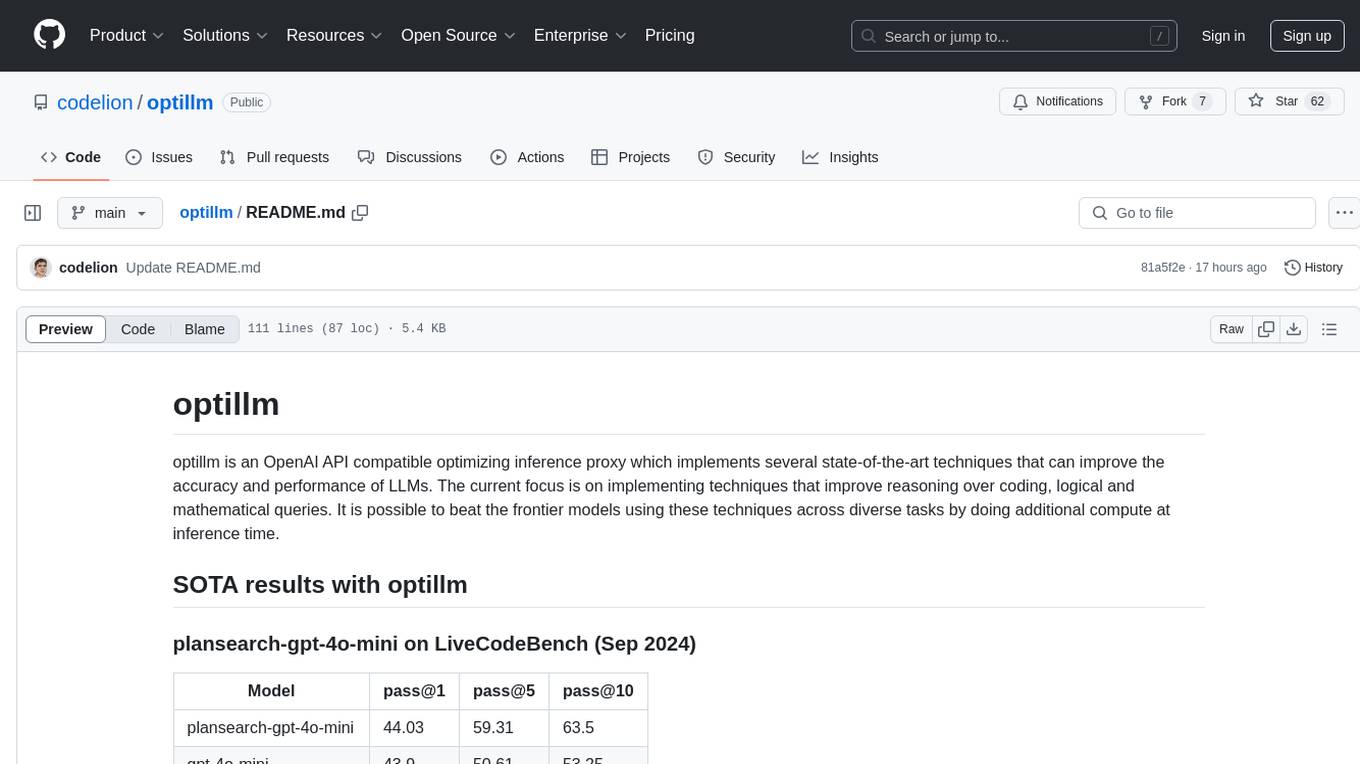
optillm
optillm is an OpenAI API compatible optimizing inference proxy implementing state-of-the-art techniques to enhance accuracy and performance of LLMs, focusing on reasoning over coding, logical, and mathematical queries. By leveraging additional compute at inference time, it surpasses frontier models across diverse tasks.
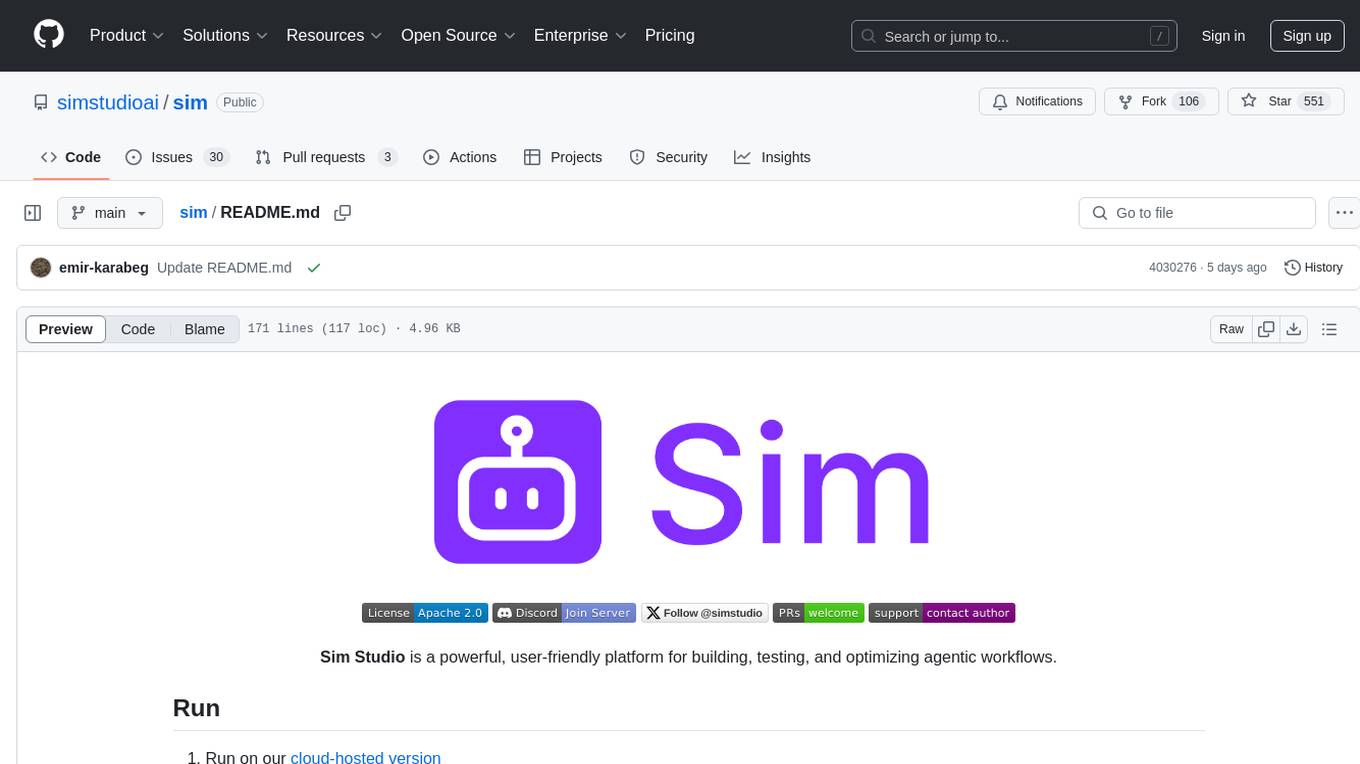
sim
Sim is a platform that allows users to build and deploy AI agent workflows quickly and easily. It provides cloud-hosted and self-hosted options, along with support for local AI models. Users can set up the application using Docker Compose, Dev Containers, or manual setup with PostgreSQL and pgvector extension. The platform utilizes technologies like Next.js, Bun, PostgreSQL with Drizzle ORM, Better Auth for authentication, Shadcn and Tailwind CSS for UI, Zustand for state management, ReactFlow for flow editor, Fumadocs for documentation, Turborepo for monorepo management, Socket.io for real-time communication, and Trigger.dev for background jobs.
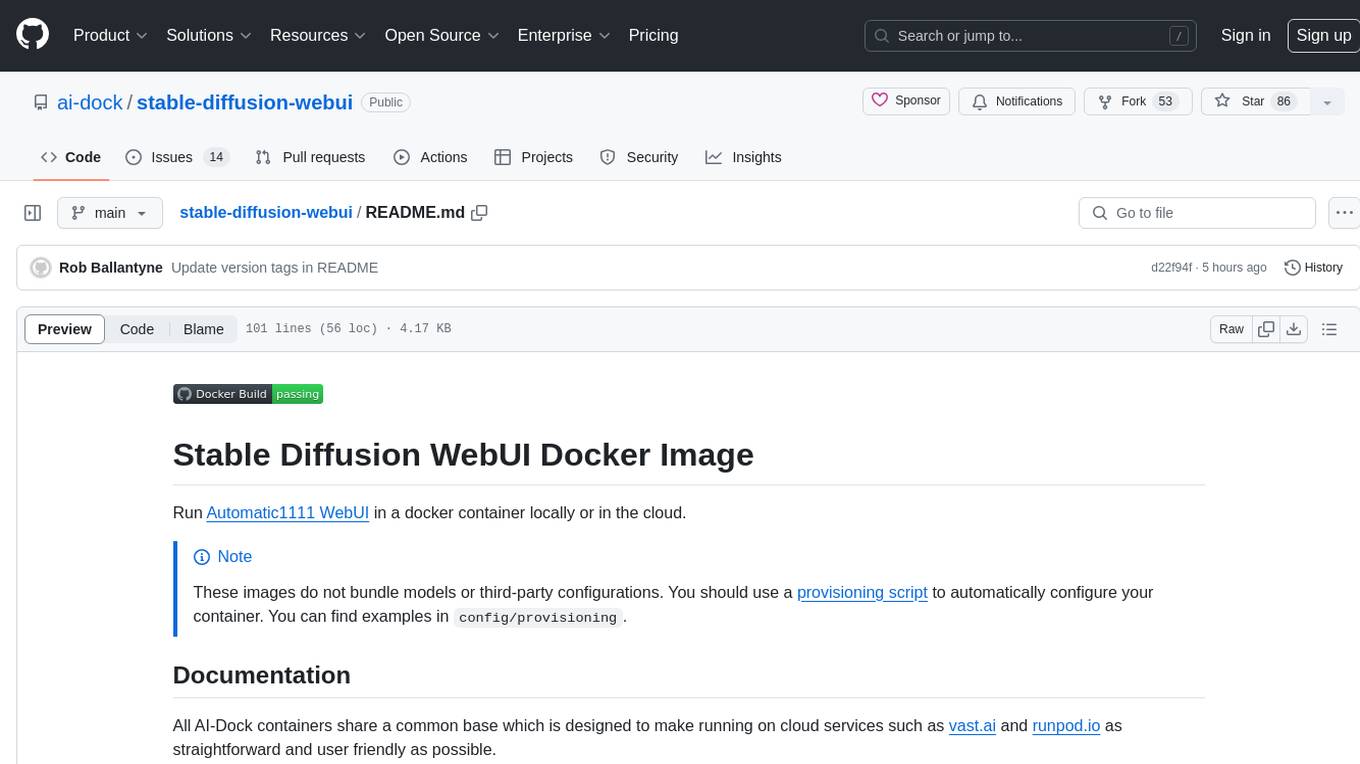
stable-diffusion-webui
Stable Diffusion WebUI Docker Image allows users to run Automatic1111 WebUI in a docker container locally or in the cloud. The images do not bundle models or third-party configurations, requiring users to use a provisioning script for container configuration. It supports NVIDIA CUDA, AMD ROCm, and CPU platforms, with additional environment variables for customization and pre-configured templates for Vast.ai and Runpod.io. The service is password protected by default, with options for version pinning, startup flags, and service management using supervisorctl.
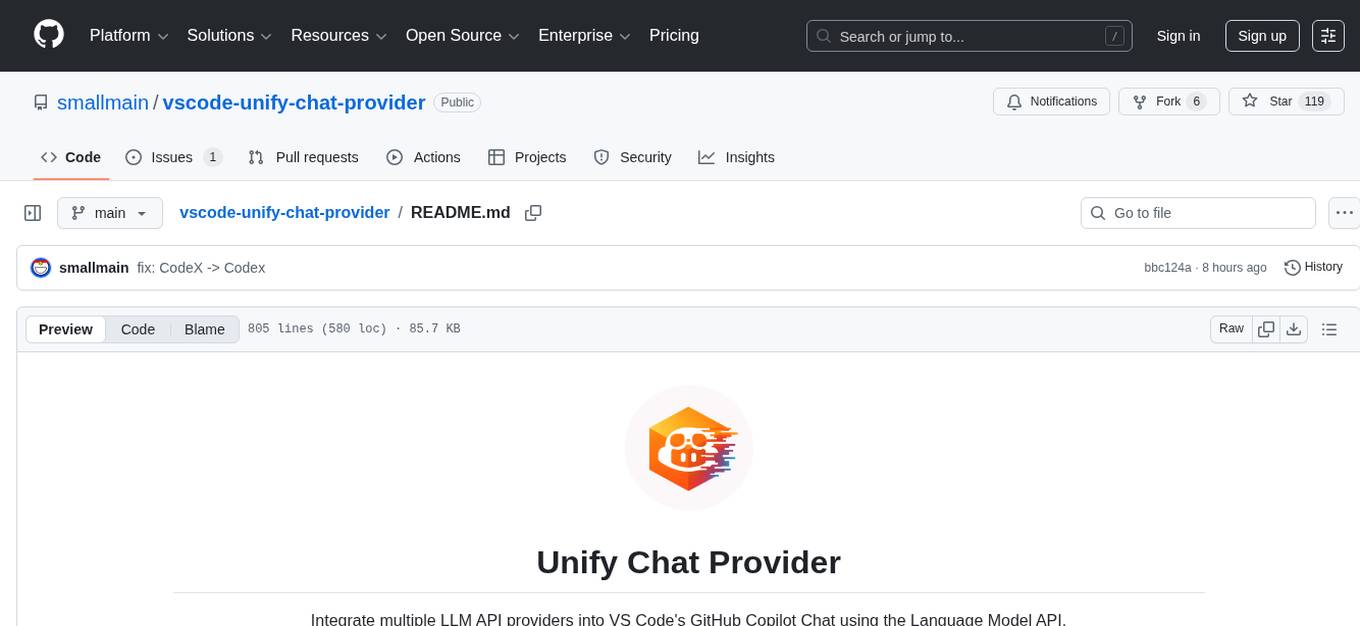
vscode-unify-chat-provider
The 'vscode-unify-chat-provider' repository is a tool that integrates multiple LLM API providers into VS Code's GitHub Copilot Chat using the Language Model API. It offers free tier access to mainstream models, perfect compatibility with major LLM API formats, deep adaptation to API features, best performance with built-in parameters, out-of-the-box configuration, import/export support, great UX, and one-click use of various models. The tool simplifies model setup, migration, and configuration for users, providing a seamless experience within VS Code for utilizing different language models.
For similar tasks
k8s-operator
OpenClaw Kubernetes Operator is a platform for self-hosting AI agents on Kubernetes with production-grade security, observability, and lifecycle management. It allows users to run OpenClaw AI agents on their own infrastructure, managing inboxes, calendars, smart homes, and more through various integrations. The operator encodes network isolation, secret management, persistent storage, health monitoring, optional browser automation, and config rollouts into a single custom resource 'OpenClawInstance'. It manages a stack of Kubernetes resources ensuring security, monitoring, and self-healing. Features include declarative configuration, security hardening, built-in metrics, provider-agnostic config, config modes, skill installation, auto-update, backup/restore, workspace seeding, gateway auth, Tailscale integration, self-configuration, extensibility, cloud-native features, and more.
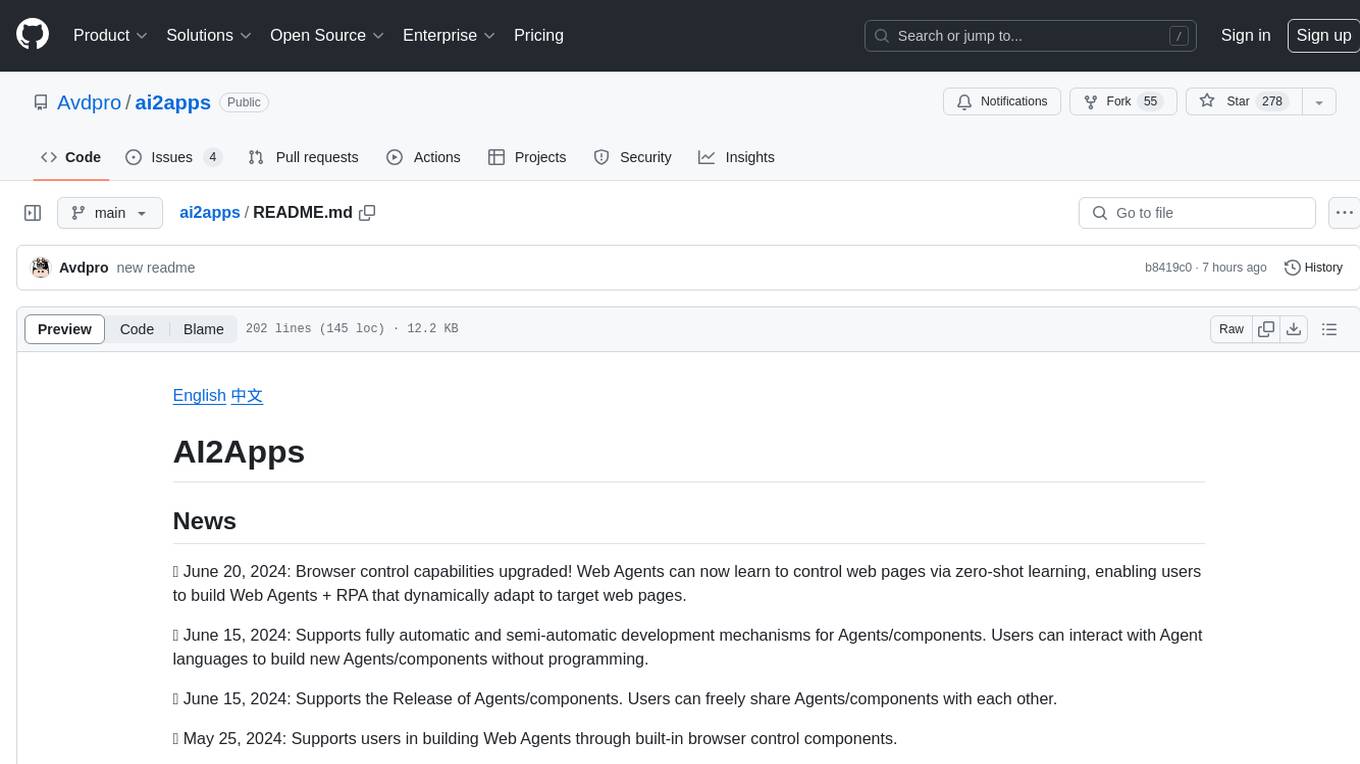
ai2apps
AI2Apps is a visual IDE for building LLM-based AI agent applications, enabling developers to efficiently create AI agents through drag-and-drop, with features like design-to-development for rapid prototyping, direct packaging of agents into apps, powerful debugging capabilities, enhanced user interaction, efficient team collaboration, flexible deployment, multilingual support, simplified product maintenance, and extensibility through plugins.
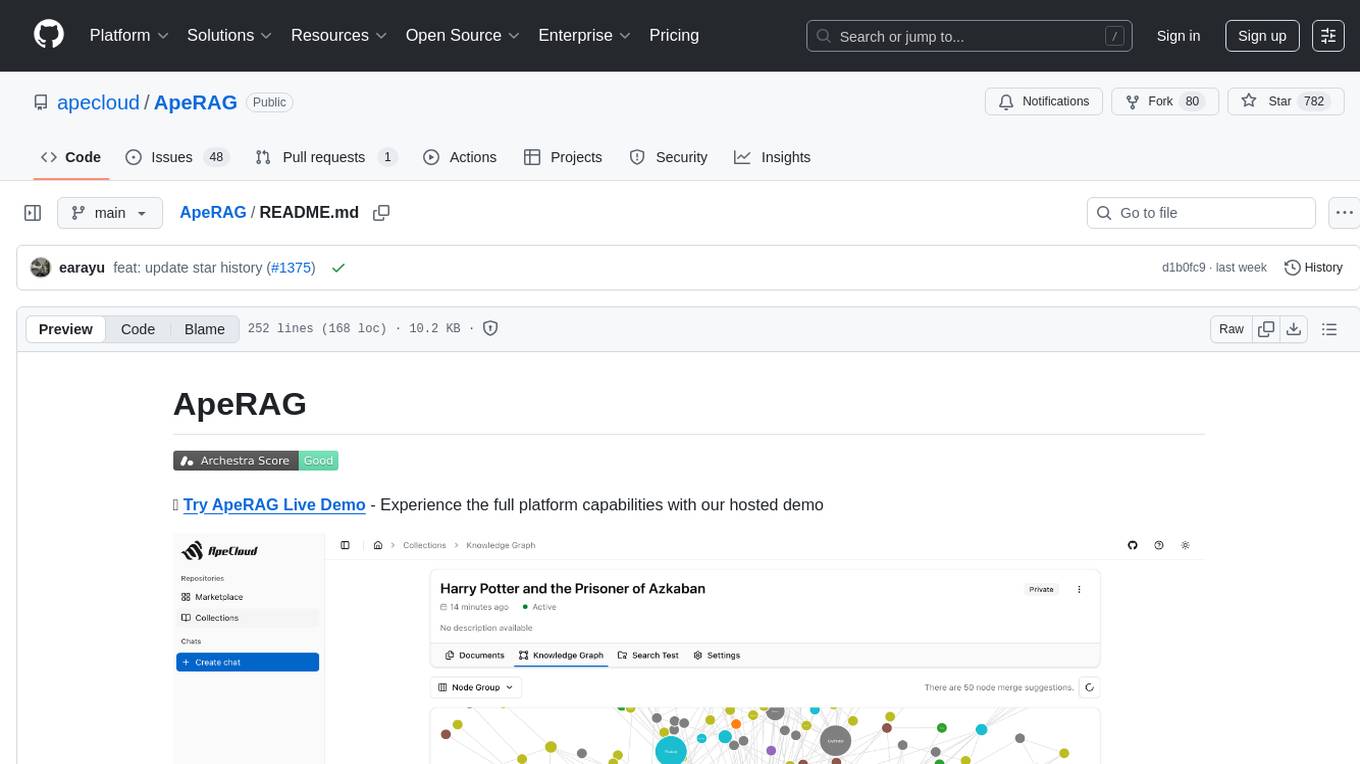
ApeRAG
ApeRAG is a production-ready platform for Retrieval-Augmented Generation (RAG) that combines Graph RAG, vector search, and full-text search with advanced AI agents. It is ideal for building Knowledge Graphs, Context Engineering, and deploying intelligent AI agents for autonomous search and reasoning across knowledge bases. The platform offers features like advanced index types, intelligent AI agents with MCP support, enhanced Graph RAG with entity normalization, multimodal processing, hybrid retrieval engine, MinerU integration for document parsing, production-grade deployment with Kubernetes, enterprise management features, MCP integration, and developer-friendly tools for customization and contribution.
topsha
LocalTopSH is an AI Agent Framework designed for companies and developers who require 100% on-premise AI agents with data privacy. It supports various OpenAI-compatible LLM backends and offers production-ready security features. The framework allows simple deployment using Docker compose and ensures that data stays within the user's network, providing full control and compliance. With cost-effective scaling options and compatibility in regions with restrictions, LocalTopSH is a versatile solution for deploying AI agents on self-hosted infrastructure.
skillshare
One source of truth for AI CLI skills. Sync everywhere with one command — from personal to organization-wide. Stop managing skills tool-by-tool. `skillshare` gives you one shared skill source and pushes it everywhere your AI agents work. Safe by default with non-destructive merge mode. True bidirectional flow with `collect`. Cross-machine ready with Git-native `push`/`pull`. Team + project friendly with global skills for personal workflows and repo-scoped collaboration. Visual control panel with `skillshare ui` for browsing, install, target management, and sync status in one place.
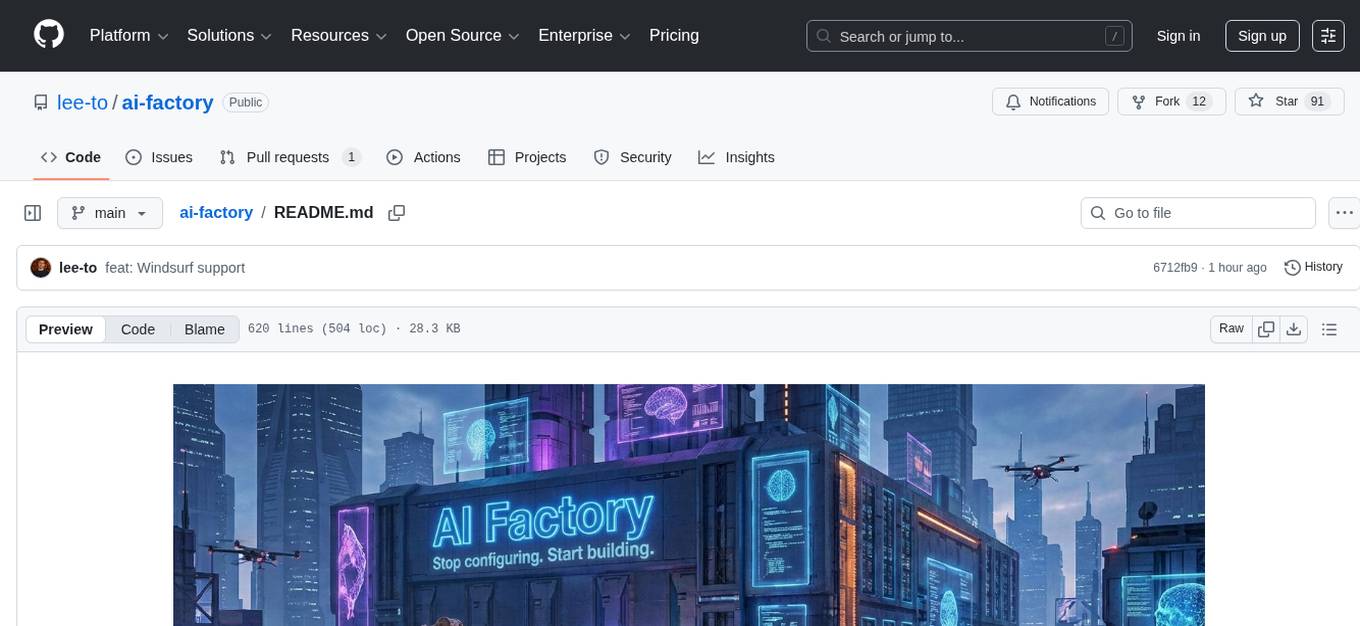
ai-factory
AI Factory is a CLI tool and skill system that streamlines AI-powered development by handling context setup, skill installation, and workflow configuration. It supports multiple AI coding agents, offers spec-driven development, and integrates with popular tech stacks like Next.js, Laravel, Django, and Express. The tool ensures zero configuration, best practices adherence, community skills utilization, and multi-agent support. Users can create plans, tasks, and commits for structured feature development, bug fixes, and self-improvement. Security is a priority with mandatory two-level scans for external skills. The tool's learning loop generates patches from bug fixes to enhance future implementations.
camp-1
AI Native Camp - 1기 is a 7-day intensive camp designed for non-developers to learn Claude Code skills. The curriculum includes hands-on learning experiences with Claude guiding, teaching, and practicing skills daily. Participants can install the entire curriculum or specific skills for each day using simple commands. The camp focuses on creating skills by learning how to make skills, and it aims to change participants' work methods permanently. Upon completion, participants become part of the Claude Code community, equipped with new skills and knowledge.
agent-skills
Agent Skills is a secure, validated skill registry for professional AI coding agents. It provides a library of verified, tested, and safe capabilities to extend various AI agents with confidence. The tool addresses security concerns in marketplace skills by offering 100% open-source code, static analysis for credential theft prevention, immutable integrity to prevent supply chain attacks, and human curation to ensure safety boundaries. Users can install skills through an interactive wizard, choose from a variety of supported AI coding agents, and benefit from a growing catalog of featured skills for development, cloud, automation, design, and security tasks.
For similar jobs

sweep
Sweep is an AI junior developer that turns bugs and feature requests into code changes. It automatically handles developer experience improvements like adding type hints and improving test coverage.

teams-ai
The Teams AI Library is a software development kit (SDK) that helps developers create bots that can interact with Teams and Microsoft 365 applications. It is built on top of the Bot Framework SDK and simplifies the process of developing bots that interact with Teams' artificial intelligence capabilities. The SDK is available for JavaScript/TypeScript, .NET, and Python.

ai-guide
This guide is dedicated to Large Language Models (LLMs) that you can run on your home computer. It assumes your PC is a lower-end, non-gaming setup.

classifai
Supercharge WordPress Content Workflows and Engagement with Artificial Intelligence. Tap into leading cloud-based services like OpenAI, Microsoft Azure AI, Google Gemini and IBM Watson to augment your WordPress-powered websites. Publish content faster while improving SEO performance and increasing audience engagement. ClassifAI integrates Artificial Intelligence and Machine Learning technologies to lighten your workload and eliminate tedious tasks, giving you more time to create original content that matters.

chatbot-ui
Chatbot UI is an open-source AI chat app that allows users to create and deploy their own AI chatbots. It is easy to use and can be customized to fit any need. Chatbot UI is perfect for businesses, developers, and anyone who wants to create a chatbot.

BricksLLM
BricksLLM is a cloud native AI gateway written in Go. Currently, it provides native support for OpenAI, Anthropic, Azure OpenAI and vLLM. BricksLLM aims to provide enterprise level infrastructure that can power any LLM production use cases. Here are some use cases for BricksLLM: * Set LLM usage limits for users on different pricing tiers * Track LLM usage on a per user and per organization basis * Block or redact requests containing PIIs * Improve LLM reliability with failovers, retries and caching * Distribute API keys with rate limits and cost limits for internal development/production use cases * Distribute API keys with rate limits and cost limits for students

uAgents
uAgents is a Python library developed by Fetch.ai that allows for the creation of autonomous AI agents. These agents can perform various tasks on a schedule or take action on various events. uAgents are easy to create and manage, and they are connected to a fast-growing network of other uAgents. They are also secure, with cryptographically secured messages and wallets.

griptape
Griptape is a modular Python framework for building AI-powered applications that securely connect to your enterprise data and APIs. It offers developers the ability to maintain control and flexibility at every step. Griptape's core components include Structures (Agents, Pipelines, and Workflows), Tasks, Tools, Memory (Conversation Memory, Task Memory, and Meta Memory), Drivers (Prompt and Embedding Drivers, Vector Store Drivers, Image Generation Drivers, Image Query Drivers, SQL Drivers, Web Scraper Drivers, and Conversation Memory Drivers), Engines (Query Engines, Extraction Engines, Summary Engines, Image Generation Engines, and Image Query Engines), and additional components (Rulesets, Loaders, Artifacts, Chunkers, and Tokenizers). Griptape enables developers to create AI-powered applications with ease and efficiency.