


localgpt
AI assistant on local device & world generations.
Stars: 980
LocalGPT is a local device focused AI assistant built in Rust, providing persistent memory and autonomous tasks. It runs entirely on your machine, ensuring your memory data stays private. The tool offers a markdown-based knowledge store with full-text and semantic search capabilities, hybrid web search, and multiple interfaces including CLI, web UI, desktop GUI, and Telegram bot. It supports multiple LLM providers, is OpenClaw compatible, and offers defense-in-depth security features such as signed policy files, kernel-enforced sandbox, and prompt injection defenses. Users can configure web search providers, use OAuth subscription plans, and access the tool from Telegram for chat, tool use, and memory support.
README:






A local device focused AI assistant built in Rust — persistent memory, autonomous tasks. Inspired by and compatible with OpenClaw.
cargo install localgpt
- Single binary — no Node.js, Docker, or Python required
- Local device focused — runs entirely on your machine, your memory data stays yours
- Persistent memory — markdown-based knowledge store with full-text and semantic search
- Hybrid web search — native provider search passthrough plus client-side fallback providers
- Autonomous heartbeat — delegate tasks and let it work in the background
- Multiple interfaces — CLI, web UI, desktop GUI, Telegram bot
- Defense-in-depth security — signed policy files, kernel-enforced sandbox, prompt injection defenses
- Multiple LLM providers — Anthropic (Claude), OpenAI, xAI (Grok), Ollama, GLM (Z.AI), OAuth subscriptions (Claude Pro/Max, Gemini)
- OpenClaw compatible — works with SOUL, MEMORY, HEARTBEAT markdown files and skills format
# From crates.io (includes desktop GUI)
cargo install localgpt

# Headless (no desktop GUI — for servers, Docker, CI)
cargo install localgpt --no-default-features

# From source checkout
cargo install --path crates/cli# Initialize configuration
localgpt config init
# Start interactive chat
localgpt chat
# Ask a single question
localgpt ask "What is the meaning of life?"
# Inspect resolved config/data/state/cache paths
localgpt paths
# Run as a daemon with heartbeat, HTTP API and web ui
localgpt daemon startLocalGPT uses XDG-compliant directories (or platform equivalents) for config/data/state/cache. Run localgpt paths to see your resolved paths.
Workspace memory layout:
<data_dir>/workspace/
├── MEMORY.md            # Long-term knowledge (auto-loaded each session)
├── HEARTBEAT.md         # Autonomous task queue
├── SOUL.md              # Personality and behavioral guidance
└── knowledge/           # Structured knowledge bank (optional)
    ├── finance/
    ├── legal/
    └── tech/
Files are indexed with SQLite FTS5 for fast keyword search, and sqlite-vec for semantic search with local embeddings.
Stored at <config_dir>/config.toml (run localgpt config path or localgpt paths):
[agent]
default_model = "claude-cli/opus"

[providers.anthropic]
api_key = "${ANTHROPIC_API_KEY}"

[heartbeat]
enabled = true
interval = "30m"
active_hours = { start = "09:00", end = "22:00" }

[memory]
workspace = "~/.local/share/localgpt/workspace" # optional override

# Optional: Telegram bot
[telegram]
enabled = true
api_token = "${TELEGRAM_BOT_TOKEN}"If you run a local server that speaks the OpenAI API (e.g., LM Studio, llamafile, vLLM), point LocalGPT at it and pick an openai/* model ID so it does not try to spawn the claude CLI:
- Start your server (LM Studio default port:
1234; llamafile default:8080) and note its model name. - Edit your config file (
localgpt config path):[agent] default_model = "openai/<your-model-name>" [providers.openai] # Many local servers accept a dummy key api_key = "not-needed" base_url = "http://127.0.0.1:8080/v1" # or http://127.0.0.1:1234/v1 for LM Studio
- Run
localgpt chat(orlocalgpt daemon start) and requests will go to your local server.
Tip: If you see Failed to spawn Claude CLI, change agent.default_model away from claude-cli/* or install the claude CLI.
Configure web search providers under [tools.web_search] and validate with:
localgpt search test "rust async runtime"
localgpt search stats
Full setup guide: docs/web-search.md
Use Claude Pro/Max or Google Gemini subscription credentials via OAuth instead of pay-per-request API keys:
# Claude Pro/Max OAuth (preferred over api_key when configured)
[providers.anthropic_oauth]
access_token = "${ANTHROPIC_OAUTH_TOKEN}"
refresh_token = "${ANTHROPIC_OAUTH_REFRESH_TOKEN}"

# Google Gemini subscription OAuth
[providers.gemini_oauth]
access_token = "${GEMINI_OAUTH_TOKEN}"
refresh_token = "${GEMINI_OAUTH_REFRESH_TOKEN}"
project_id = "${GOOGLE_CLOUD_PROJECT}"  # Optional, for enterprise
Full setup guide: docs/oauth-setup.md
Access LocalGPT from Telegram with full chat, tool use, and memory support.
- Create a bot via @BotFather and get the API token
- Set
TELEGRAM_BOT_TOKENor add the token toconfig.toml - Start the daemon:
localgpt daemon start - Message your bot — enter the 6-digit pairing code shown in the daemon logs
Once paired, use /help in Telegram to see available commands.
LocalGPT ships with layered security to keep the agent confined and your data safe — no cloud dependency required.
Every shell command the agent runs is executed inside an OS-level sandbox:
| Platform | Mechanism | Capabilities |
|---|---|---|
| Linux | Landlock LSM + seccomp-bpf | Filesystem allow-listing, network denial, syscall filtering |
| macOS | Seatbelt (SBPL) | Filesystem allow-listing, network denial |
| All | rlimits | 120s timeout, 1MB output cap, 50MB file size, 64 process limit |
The sandbox denies access to sensitive directories including ~/.ssh, ~/.aws, ~/.gnupg, ~/.docker, ~/.kube, and credential files (~/.npmrc, ~/.pypirc, ~/.netrc). It blocks all network syscalls by default. Configure extra paths as needed:
[sandbox]
enabled = true
level = "auto"    # auto | full | standard | minimal | none

[sandbox.allow_paths]
read = ["/opt/data"]
write = ["/tmp/scratch"]
:::note Claude CLI Backend
If using the Claude CLI as your LLM backend (agent.default_model = "claude-cli/*"), the sandbox does not apply to Claude CLI subprocess calls — only to tool-executed shell commands. The subprocess itself runs outside the sandbox with access to your system.
:::
localgpt sandbox status   # Show sandbox capabilities
localgpt sandbox test # Run smoke testsPlace a LocalGPT.md in your workspace to add custom rules (e.g. "never execute rm -rf"). The file is HMAC-SHA256 signed with a device-local key so tampering will be detected:
localgpt md sign     # Sign policy with device key
localgpt md verify   # Check signature integrity
localgpt md status   # Show security posture
localgpt md audit    # View security event log
Verification runs at every session start. If the file is unsigned, missing, or tampered with, LocalGPT falls back to its hardcoded security suffix — it never operates with a compromised LocalGPT.md.
-
Marker stripping — known LLM control tokens (
<|im_start|>,[INST],<<SYS>>, etc.) are stripped from tool outputs - Pattern detection — regex scanning for injection phrases ("ignore previous instructions", "you are now a", etc.) with warnings surfaced to the user
-
Content boundaries — all external content is wrapped in XML delimiters (
<tool_output>,<memory_context>,<external_content>) so the model can distinguish data from instructions -
Protected files — the agent is blocked from writing to
LocalGPT.md,.localgpt_manifest.json,IDENTITY.md,localgpt.device.key, andlocalgpt.audit.jsonl
All security events (signing, verification, tamper detection, blocked writes) are logged to an append-only, hash-chained audit file at <state_dir>/localgpt.audit.jsonl. Each entry contains the SHA-256 of the previous entry, making retroactive modification detectable.
localgpt md audit               # View audit log
localgpt md audit --json        # Machine-readable output
localgpt md audit --filter=tamper_detected# Chat
localgpt chat # Interactive chat
localgpt chat --resume # Resume most recent session
localgpt chat --session <id> # Resume session
localgpt ask "question" # Single question
localgpt ask -f json "question" # JSON output
# Desktop GUI (default build)
localgpt desktop
# Daemon
localgpt daemon start # Start background daemon
localgpt daemon start --foreground
localgpt daemon restart # Restart daemon
localgpt daemon stop # Stop daemon
localgpt daemon status # Show status
localgpt daemon heartbeat # Run one heartbeat cycle
# Memory
localgpt memory search "query" # Search memory
localgpt memory recent # List recent entries
localgpt memory reindex # Reindex files
localgpt memory stats # Show statistics
# Web search
localgpt search test "query" # Validate search provider config
localgpt search stats # Show cumulative search usage/cost
# Security
localgpt md sign # Sign LocalGPT.md policy
localgpt md verify # Verify policy signature
localgpt md status # Show security posture
localgpt md audit # View security audit log
localgpt sandbox status # Show sandbox capabilities
localgpt sandbox test # Run sandbox smoke tests
# Config
localgpt config init # Create default config
localgpt config show # Show current config
localgpt config get agent.default_model
localgpt config set logging.level debug
localgpt config path
# Paths
localgpt paths # Show resolved XDG/platform pathsWhen the daemon is running:
| Endpoint | Description |
|---|---|
GET / |
Embedded web UI |
GET /health |
Health check |
GET /api/status |
Server status |
GET /api/config |
Effective config summary |
GET /api/heartbeat/status |
Last heartbeat status/event |
POST /api/sessions |
Create session |
GET /api/sessions |
List active in-memory sessions |
GET /api/sessions/{session_id} |
Session status |
DELETE /api/sessions/{session_id} |
Delete session |
GET /api/sessions/{session_id}/messages |
Session transcript/messages |
POST /api/sessions/{session_id}/compact |
Compact session history |
POST /api/sessions/{session_id}/clear |
Clear session history |
POST /api/sessions/{session_id}/model |
Switch model for session |
POST /api/chat |
Chat with the assistant |
POST /api/chat/stream |
SSE streaming chat |
GET /api/ws |
WebSocket chat endpoint |
GET /api/memory/search?q=<query> |
Search memory |
GET /api/memory/stats |
Memory statistics |
POST /api/memory/reindex |
Trigger memory reindex |
GET /api/saved-sessions |
List persisted sessions |
GET /api/saved-sessions/{session_id} |
Get persisted session |
GET /api/logs/daemon |
Tail daemon logs |

Gen is a separate binary (localgpt-gen) in the workspace — not a localgpt gen subcommand.
# Install from crates.io
cargo install localgpt-gen

# Install from this repo
cargo install --path crates/gen

# Or run directly from the workspace
cargo run -p localgpt-gen

# Start interactive Gen mode
localgpt-gen

# Start with an initial prompt
localgpt-gen "Create a low-poly forest scene with a path and warm lighting"

# Load an existing glTF/GLB scene
localgpt-gen --scene ./scene.glb

# Verbose logging
localgpt-gen --verbose

# Combine options
localgpt-gen -v -s ./scene.glb "Add warm lighting"

# Custom agent ID (default: "gen")
localgpt-gen --agent my-gen-agent
localgpt-gen runs a Bevy window (1280x720) on the main thread and an agent loop on a background tokio runtime. The agent gets safe tools (memory, web) plus Gen-specific tools (spawn/modify entities, scene inspection, glTF export). Type /quit or /exit in the terminal to close.
Built something cool with Gen? Share your creation on Discord!
Why I Built LocalGPT in 4 Nights — the initial story with commit-by-commit breakdown.
Rust, Tokio, Axum, SQLite (FTS5 + sqlite-vec), fastembed, eframe
Unless you explicitly state otherwise, any contribution intentionally submitted for inclusion in the work by you, as defined in the Apache-2.0 license, shall be licensed under the Apache-2.0 license, without any additional terms or conditions.
For Tasks:
Click tags to check more tools for each tasksFor Jobs:
Alternative AI tools for localgpt
Similar Open Source Tools
localgpt
LocalGPT is a local device focused AI assistant built in Rust, providing persistent memory and autonomous tasks. It runs entirely on your machine, ensuring your memory data stays private. The tool offers a markdown-based knowledge store with full-text and semantic search capabilities, hybrid web search, and multiple interfaces including CLI, web UI, desktop GUI, and Telegram bot. It supports multiple LLM providers, is OpenClaw compatible, and offers defense-in-depth security features such as signed policy files, kernel-enforced sandbox, and prompt injection defenses. Users can configure web search providers, use OAuth subscription plans, and access the tool from Telegram for chat, tool use, and memory support.
zeroclaw
ZeroClaw is a fast, small, and fully autonomous AI assistant infrastructure built with Rust. It features a lean runtime, cost-efficient deployment, fast cold starts, and a portable architecture. It is secure by design, fully swappable, and supports OpenAI-compatible provider support. The tool is designed for low-cost boards and small cloud instances, with a memory footprint of less than 5MB. It is suitable for tasks like deploying AI assistants, swapping providers/channels/tools, and pluggable everything.
gwq
gwq is a CLI tool for efficiently managing Git worktrees, providing intuitive operations for creating, switching, and deleting worktrees using a fuzzy finder interface. It allows users to work on multiple features simultaneously, run parallel AI coding agents on different tasks, review code while developing new features, and test changes without disrupting the main workspace. The tool is ideal for enabling parallel AI coding workflows, independent tasks, parallel migrations, and code review workflows.
sim
Sim is a platform that allows users to build and deploy AI agent workflows quickly and easily. It provides cloud-hosted and self-hosted options, along with support for local AI models. Users can set up the application using Docker Compose, Dev Containers, or manual setup with PostgreSQL and pgvector extension. The platform utilizes technologies like Next.js, Bun, PostgreSQL with Drizzle ORM, Better Auth for authentication, Shadcn and Tailwind CSS for UI, Zustand for state management, ReactFlow for flow editor, Fumadocs for documentation, Turborepo for monorepo management, Socket.io for real-time communication, and Trigger.dev for background jobs.

tokscale
Tokscale is a high-performance CLI tool and visualization dashboard for tracking token usage and costs across multiple AI coding agents. It helps monitor and analyze token consumption from various AI coding tools, providing real-time pricing calculations using LiteLLM's pricing data. Inspired by the Kardashev scale, Tokscale measures token consumption as users scale the ranks of AI-augmented development. It offers interactive TUI mode, multi-platform support, real-time pricing, detailed breakdowns, web visualization, flexible filtering, and social platform features.

mcp-devtools
MCP DevTools is a high-performance server written in Go that replaces multiple Node.js and Python-based servers. It provides access to essential developer tools through a unified, modular interface. The server is efficient, with minimal memory footprint and fast response times. It offers a comprehensive tool suite for agentic coding, including 20+ essential developer agent tools. The tool registry allows for easy addition of new tools. The server supports multiple transport modes, including STDIO, HTTP, and SSE. It includes a security framework for multi-layered protection and a plugin system for adding new tools.
nosia
Nosia is a self-hosted AI RAG + MCP platform that allows users to run AI models on their own data with complete privacy and control. It integrates the Model Context Protocol (MCP) to connect AI models with external tools, services, and data sources. The platform is designed to be easy to install and use, providing OpenAI-compatible APIs that work seamlessly with existing AI applications. Users can augment AI responses with their documents, perform real-time streaming, support multi-format data, enable semantic search, and achieve easy deployment with Docker Compose. Nosia also offers multi-tenancy for secure data separation.
RepairAgent
RepairAgent is an autonomous LLM-based agent for automated program repair targeting the Defects4J benchmark. It uses an LLM-driven loop to localize, analyze, and fix Java bugs. The tool requires Docker, VS Code with Dev Containers extension, OpenAI API key, disk space of ~40 GB, and internet access. Users can get started with RepairAgent using either VS Code Dev Container or Docker Image. Running RepairAgent involves checking out the buggy project version, autonomous bug analysis, fix candidate generation, and testing against the project's test suite. Users can configure hyperparameters for budget control, repetition handling, commands limit, and external fix strategy. The tool provides output structure, experiment overview, individual analysis scripts, and data on fixed bugs from the Defects4J dataset.
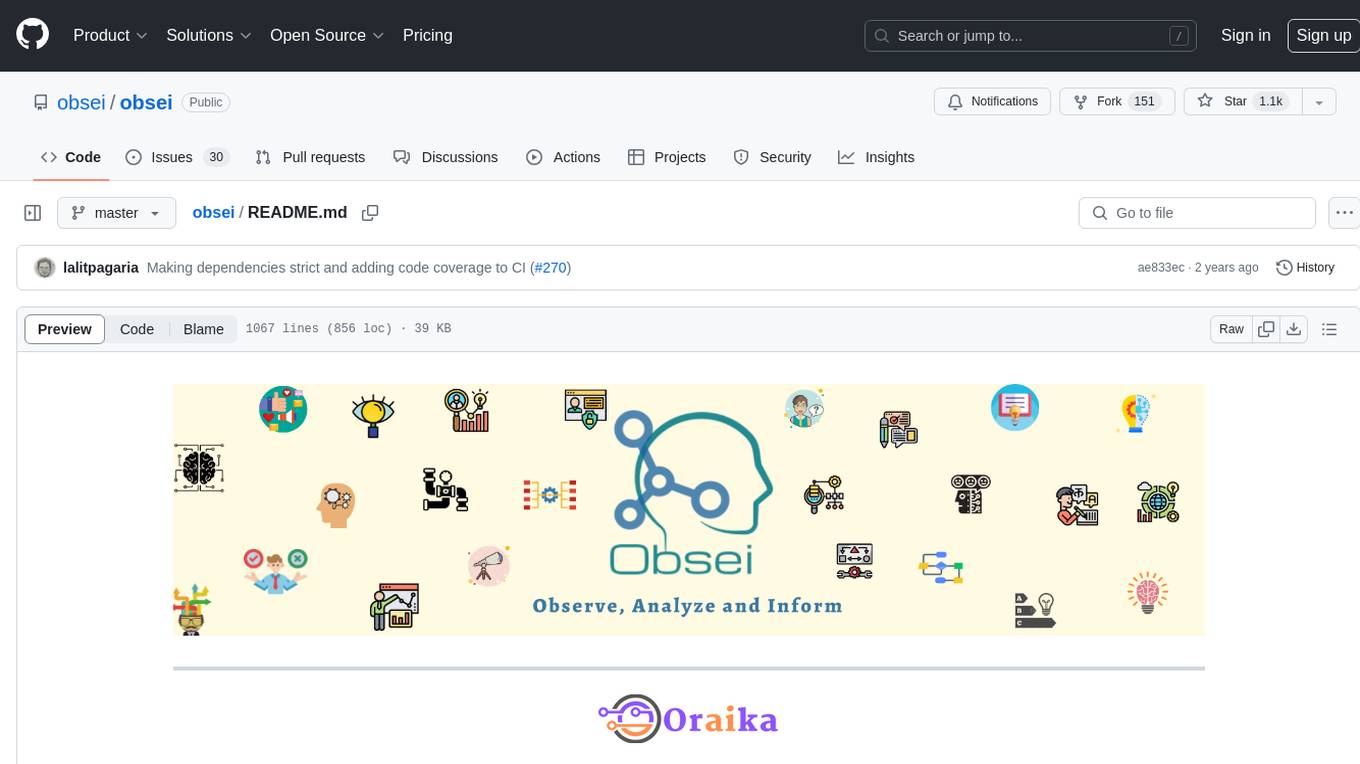
obsei
Obsei is an open-source, low-code, AI powered automation tool that consists of an Observer to collect unstructured data from various sources, an Analyzer to analyze the collected data with various AI tasks, and an Informer to send analyzed data to various destinations. The tool is suitable for scheduled jobs or serverless applications as all Observers can store their state in databases. Obsei is still in alpha stage, so caution is advised when using it in production. The tool can be used for social listening, alerting/notification, automatic customer issue creation, extraction of deeper insights from feedbacks, market research, dataset creation for various AI tasks, and more based on creativity.
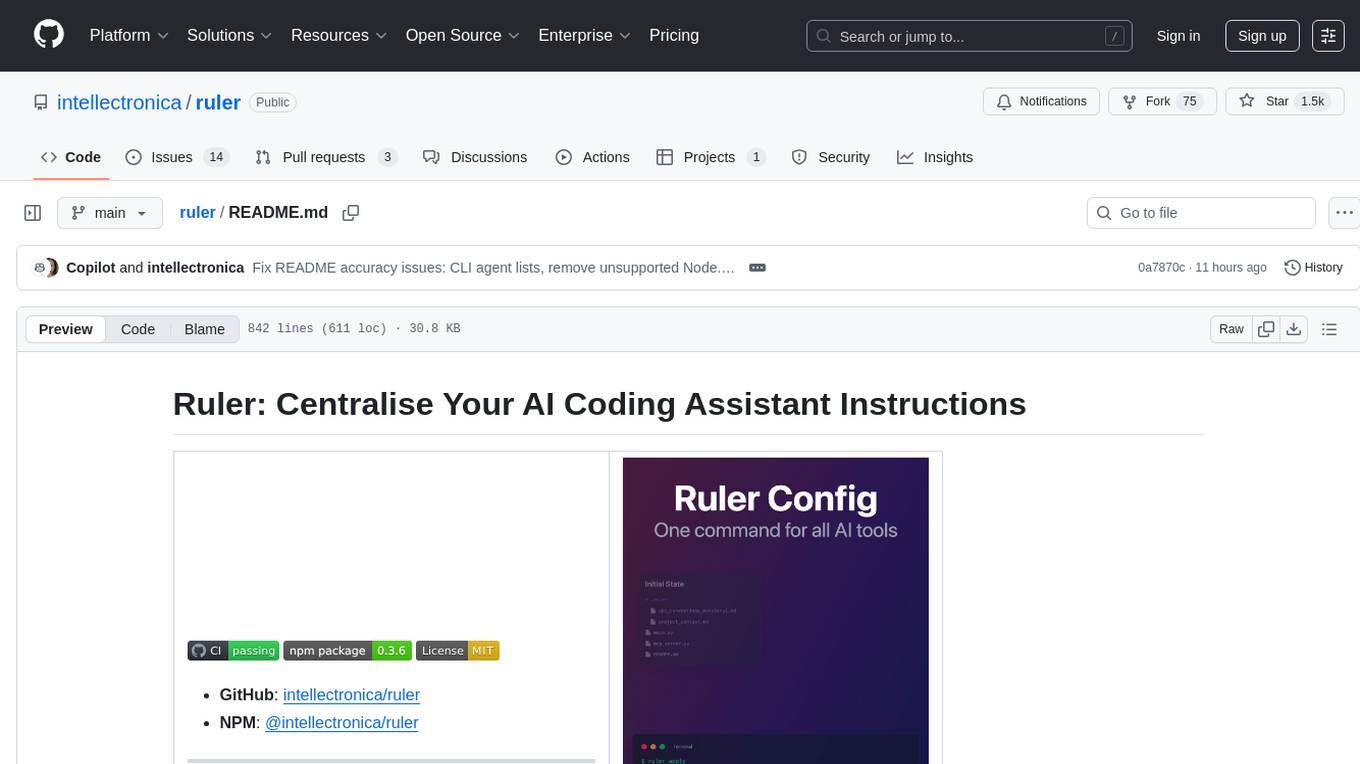
ruler
Ruler is a tool designed to centralize AI coding assistant instructions, providing a single source of truth for managing instructions across multiple AI coding tools. It helps in avoiding inconsistent guidance, duplicated effort, context drift, onboarding friction, and complex project structures by automatically distributing instructions to the right configuration files. With support for nested rule loading, Ruler can handle complex project structures with context-specific instructions for different components. It offers features like centralised rule management, nested rule loading, automatic distribution, targeted agent configuration, MCP server propagation, .gitignore automation, and a simple CLI for easy configuration management.
k8s-operator
OpenClaw Kubernetes Operator is a platform for self-hosting AI agents on Kubernetes with production-grade security, observability, and lifecycle management. It allows users to run OpenClaw AI agents on their own infrastructure, managing inboxes, calendars, smart homes, and more through various integrations. The operator encodes network isolation, secret management, persistent storage, health monitoring, optional browser automation, and config rollouts into a single custom resource 'OpenClawInstance'. It manages a stack of Kubernetes resources ensuring security, monitoring, and self-healing. Features include declarative configuration, security hardening, built-in metrics, provider-agnostic config, config modes, skill installation, auto-update, backup/restore, workspace seeding, gateway auth, Tailscale integration, self-configuration, extensibility, cloud-native features, and more.
matchlock
Matchlock is a CLI tool designed for running AI agents in isolated and disposable microVMs with network allowlisting and secret injection capabilities. It ensures that your secrets never enter the VM, providing a secure environment for AI agents to execute code without risking access to your machine. The tool offers features such as sealing the network to only allow traffic to specified hosts, injecting real credentials in-flight by the host, and providing a full Linux environment for the agent's operations while maintaining isolation from the host machine. Matchlock supports quick booting of Linux environments, sandbox lifecycle management, image building, and SDKs for Go and Python for embedding sandboxes in applications.
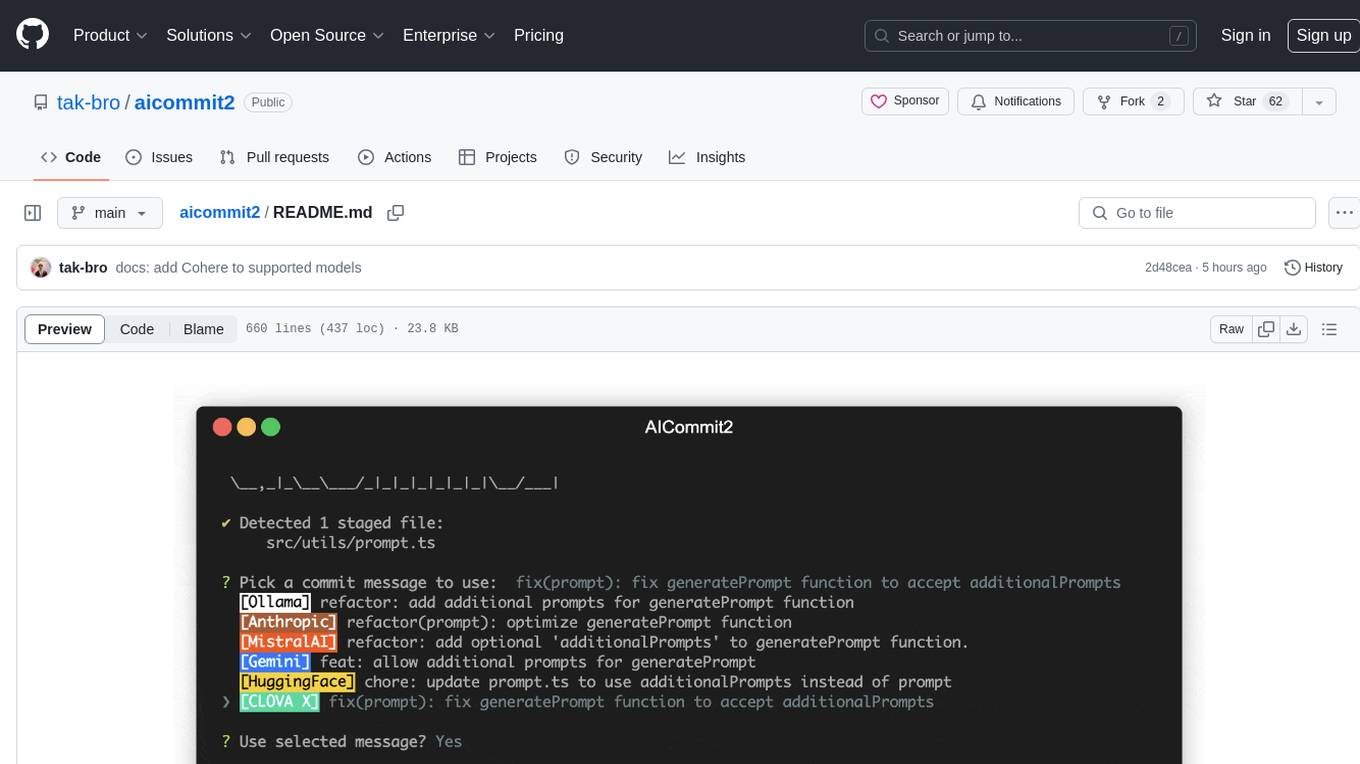
aicommit2
AICommit2 is a Reactive CLI tool that streamlines interactions with various AI providers such as OpenAI, Anthropic Claude, Gemini, Mistral AI, Cohere, and unofficial providers like Huggingface and Clova X. Users can request multiple AI simultaneously to generate git commit messages without waiting for all AI responses. The tool runs 'git diff' to grab code changes, sends them to configured AI, and returns the AI-generated commit message. Users can set API keys or Cookies for different providers and configure options like locale, generate number of messages, commit type, proxy, timeout, max-length, and more. AICommit2 can be used both locally with Ollama and remotely with supported providers, offering flexibility and efficiency in generating commit messages.
hud-python
hud-python is a Python library for creating interactive heads-up displays (HUDs) in video games. It provides a simple and flexible way to overlay information on the screen, such as player health, score, and notifications. The library is designed to be easy to use and customizable, allowing game developers to enhance the user experience by adding dynamic elements to their games. With hud-python, developers can create engaging HUDs that improve gameplay and provide important feedback to players.
probe
Probe is an AI-friendly, fully local, semantic code search tool designed to power the next generation of AI coding assistants. It combines the speed of ripgrep with the code-aware parsing of tree-sitter to deliver precise results with complete code blocks, making it perfect for large codebases and AI-driven development workflows. Probe supports various features like AI-friendly code extraction, fully local operation without external APIs, fast scanning of large codebases, accurate code structure parsing, re-rankers and NLP methods for better search results, multi-language support, interactive AI chat mode, and flexibility to run as a CLI tool, MCP server, or interactive AI chat.
agentops
AgentOps is a toolkit for evaluating and developing robust and reliable AI agents. It provides benchmarks, observability, and replay analytics to help developers build better agents. AgentOps is open beta and can be signed up for here. Key features of AgentOps include: - Session replays in 3 lines of code: Initialize the AgentOps client and automatically get analytics on every LLM call. - Time travel debugging: (coming soon!) - Agent Arena: (coming soon!) - Callback handlers: AgentOps works seamlessly with applications built using Langchain and LlamaIndex.
For similar tasks
localgpt
LocalGPT is a local device focused AI assistant built in Rust, providing persistent memory and autonomous tasks. It runs entirely on your machine, ensuring your memory data stays private. The tool offers a markdown-based knowledge store with full-text and semantic search capabilities, hybrid web search, and multiple interfaces including CLI, web UI, desktop GUI, and Telegram bot. It supports multiple LLM providers, is OpenClaw compatible, and offers defense-in-depth security features such as signed policy files, kernel-enforced sandbox, and prompt injection defenses. Users can configure web search providers, use OAuth subscription plans, and access the tool from Telegram for chat, tool use, and memory support.
ChatGLM3
ChatGLM3 is a conversational pretrained model jointly released by Zhipu AI and THU's KEG Lab. ChatGLM3-6B is the open-sourced model in the ChatGLM3 series. It inherits the advantages of its predecessors, such as fluent conversation and low deployment threshold. In addition, ChatGLM3-6B introduces the following features: 1. A stronger foundation model: ChatGLM3-6B's foundation model ChatGLM3-6B-Base employs more diverse training data, more sufficient training steps, and more reasonable training strategies. Evaluation on datasets from different perspectives, such as semantics, mathematics, reasoning, code, and knowledge, shows that ChatGLM3-6B-Base has the strongest performance among foundation models below 10B parameters. 2. More complete functional support: ChatGLM3-6B adopts a newly designed prompt format, which supports not only normal multi-turn dialogue, but also complex scenarios such as tool invocation (Function Call), code execution (Code Interpreter), and Agent tasks. 3. A more comprehensive open-source sequence: In addition to the dialogue model ChatGLM3-6B, the foundation model ChatGLM3-6B-Base, the long-text dialogue model ChatGLM3-6B-32K, and ChatGLM3-6B-128K, which further enhances the long-text comprehension ability, are also open-sourced. All the above weights are completely open to academic research and are also allowed for free commercial use after filling out a questionnaire.
rtp-llm
**rtp-llm** is a Large Language Model (LLM) inference acceleration engine developed by Alibaba's Foundation Model Inference Team. It is widely used within Alibaba Group, supporting LLM service across multiple business units including Taobao, Tmall, Idlefish, Cainiao, Amap, Ele.me, AE, and Lazada. The rtp-llm project is a sub-project of the havenask.
mistral-ai-kmp
Mistral AI SDK for Kotlin Multiplatform (KMP) allows communication with Mistral API to get AI models, start a chat with the assistant, and create embeddings. The library is based on Mistral API documentation and built with Kotlin Multiplatform and Ktor client library. Sample projects like ZeChat showcase the capabilities of Mistral AI SDK. Users can interact with different Mistral AI models through ZeChat apps on Android, Desktop, and Web platforms. The library is not yet published on Maven, but users can fork the project and use it as a module dependency in their apps.
redcache-ai
RedCache-ai is a memory framework designed for Large Language Models and Agents. It provides a dynamic memory framework for developers to build various applications, from AI-powered dating apps to healthcare diagnostics platforms. Users can store, retrieve, search, update, and delete memories using RedCache-ai. The tool also supports integration with OpenAI for enhancing memories. RedCache-ai aims to expand its functionality by integrating with more LLM providers, adding support for AI Agents, and providing a hosted version.
clawvault
ClawVault is a structured memory system designed for AI agents and operators. It utilizes typed markdown memory, graph-aware context, task/project primitives, Obsidian views, and OpenClaw hook integration. The tool is local-first and markdown-first, built to support long-running autonomous work. It requires Node.js 18+ and the 'qmd' tool to be installed and available on the PATH. Users can create and initialize a vault, set up Obsidian integration, and verify OpenClaw compatibility. The tool offers various CLI commands for memory management, context handling, resilience, execution primitives, networking, and Obsidian integration. Additionally, ClawVault supports Tailscale and WebDAV for content sync and mobile workflows. Troubleshooting steps are provided for common issues, and the tool is licensed under MIT.
For similar jobs

promptflow
**Prompt flow** is a suite of development tools designed to streamline the end-to-end development cycle of LLM-based AI applications, from ideation, prototyping, testing, evaluation to production deployment and monitoring. It makes prompt engineering much easier and enables you to build LLM apps with production quality.

deepeval
DeepEval is a simple-to-use, open-source LLM evaluation framework specialized for unit testing LLM outputs. It incorporates various metrics such as G-Eval, hallucination, answer relevancy, RAGAS, etc., and runs locally on your machine for evaluation. It provides a wide range of ready-to-use evaluation metrics, allows for creating custom metrics, integrates with any CI/CD environment, and enables benchmarking LLMs on popular benchmarks. DeepEval is designed for evaluating RAG and fine-tuning applications, helping users optimize hyperparameters, prevent prompt drifting, and transition from OpenAI to hosting their own Llama2 with confidence.

MegaDetector
MegaDetector is an AI model that identifies animals, people, and vehicles in camera trap images (which also makes it useful for eliminating blank images). This model is trained on several million images from a variety of ecosystems. MegaDetector is just one of many tools that aims to make conservation biologists more efficient with AI. If you want to learn about other ways to use AI to accelerate camera trap workflows, check out our of the field, affectionately titled "Everything I know about machine learning and camera traps".

leapfrogai
LeapfrogAI is a self-hosted AI platform designed to be deployed in air-gapped resource-constrained environments. It brings sophisticated AI solutions to these environments by hosting all the necessary components of an AI stack, including vector databases, model backends, API, and UI. LeapfrogAI's API closely matches that of OpenAI, allowing tools built for OpenAI/ChatGPT to function seamlessly with a LeapfrogAI backend. It provides several backends for various use cases, including llama-cpp-python, whisper, text-embeddings, and vllm. LeapfrogAI leverages Chainguard's apko to harden base python images, ensuring the latest supported Python versions are used by the other components of the stack. The LeapfrogAI SDK provides a standard set of protobuffs and python utilities for implementing backends and gRPC. LeapfrogAI offers UI options for common use-cases like chat, summarization, and transcription. It can be deployed and run locally via UDS and Kubernetes, built out using Zarf packages. LeapfrogAI is supported by a community of users and contributors, including Defense Unicorns, Beast Code, Chainguard, Exovera, Hypergiant, Pulze, SOSi, United States Navy, United States Air Force, and United States Space Force.

llava-docker
This Docker image for LLaVA (Large Language and Vision Assistant) provides a convenient way to run LLaVA locally or on RunPod. LLaVA is a powerful AI tool that combines natural language processing and computer vision capabilities. With this Docker image, you can easily access LLaVA's functionalities for various tasks, including image captioning, visual question answering, text summarization, and more. The image comes pre-installed with LLaVA v1.2.0, Torch 2.1.2, xformers 0.0.23.post1, and other necessary dependencies. You can customize the model used by setting the MODEL environment variable. The image also includes a Jupyter Lab environment for interactive development and exploration. Overall, this Docker image offers a comprehensive and user-friendly platform for leveraging LLaVA's capabilities.

carrot
The 'carrot' repository on GitHub provides a list of free and user-friendly ChatGPT mirror sites for easy access. The repository includes sponsored sites offering various GPT models and services. Users can find and share sites, report errors, and access stable and recommended sites for ChatGPT usage. The repository also includes a detailed list of ChatGPT sites, their features, and accessibility options, making it a valuable resource for ChatGPT users seeking free and unlimited GPT services.

TrustLLM
TrustLLM is a comprehensive study of trustworthiness in LLMs, including principles for different dimensions of trustworthiness, established benchmark, evaluation, and analysis of trustworthiness for mainstream LLMs, and discussion of open challenges and future directions. Specifically, we first propose a set of principles for trustworthy LLMs that span eight different dimensions. Based on these principles, we further establish a benchmark across six dimensions including truthfulness, safety, fairness, robustness, privacy, and machine ethics. We then present a study evaluating 16 mainstream LLMs in TrustLLM, consisting of over 30 datasets. The document explains how to use the trustllm python package to help you assess the performance of your LLM in trustworthiness more quickly. For more details about TrustLLM, please refer to project website.

AI-YinMei
AI-YinMei is an AI virtual anchor Vtuber development tool (N card version). It supports fastgpt knowledge base chat dialogue, a complete set of solutions for LLM large language models: [fastgpt] + [one-api] + [Xinference], supports docking bilibili live broadcast barrage reply and entering live broadcast welcome speech, supports Microsoft edge-tts speech synthesis, supports Bert-VITS2 speech synthesis, supports GPT-SoVITS speech synthesis, supports expression control Vtuber Studio, supports painting stable-diffusion-webui output OBS live broadcast room, supports painting picture pornography public-NSFW-y-distinguish, supports search and image search service duckduckgo (requires magic Internet access), supports image search service Baidu image search (no magic Internet access), supports AI reply chat box [html plug-in], supports AI singing Auto-Convert-Music, supports playlist [html plug-in], supports dancing function, supports expression video playback, supports head touching action, supports gift smashing action, supports singing automatic start dancing function, chat and singing automatic cycle swing action, supports multi scene switching, background music switching, day and night automatic switching scene, supports open singing and painting, let AI automatically judge the content.