


prometheus-mcp-server
A Model Context Protocol (MCP) server that enables AI agents and LLMs to query and analyze Prometheus metrics through standardized interfaces.
Stars: 222
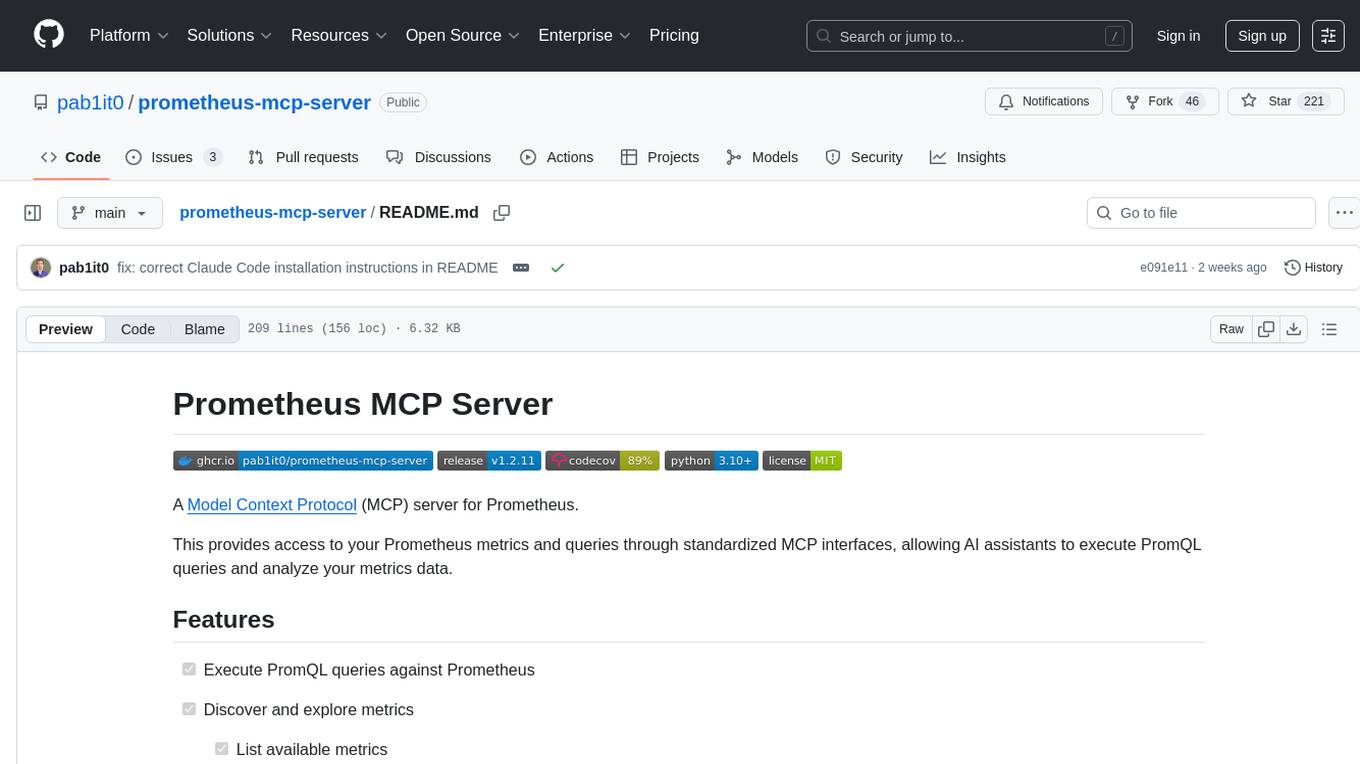
Prometheus MCP Server is a Model Context Protocol (MCP) server that provides access to Prometheus metrics and queries through standardized interfaces. It allows AI assistants to execute PromQL queries and analyze metrics data. The server supports executing queries, exploring metrics, listing available metrics, viewing query results, and authentication. It offers interactive tools for AI assistants and can be configured to choose specific tools. Installation methods include using Docker Desktop, MCP-compatible clients like Claude Desktop, VS Code, Cursor, and Windsurf, and manual Docker setup. Configuration options include setting Prometheus server URL, authentication credentials, organization ID, transport mode, and bind host/port. Contributions are welcome, and the project uses `uv` for managing dependencies and includes a comprehensive test suite for functionality testing.
README:



A Model Context Protocol (MCP) server for Prometheus.
This provides access to your Prometheus metrics and queries through standardized MCP interfaces, allowing AI assistants to execute PromQL queries and analyze your metrics data.
-
[x] Execute PromQL queries against Prometheus
-
[x] Discover and explore metrics
- [x] List available metrics
- [x] Get metadata for specific metrics
- [x] View instant query results
- [x] View range query results with different step intervals
-
[x] Authentication support
- [x] Basic auth from environment variables
- [x] Bearer token auth from environment variables
-
[x] Docker containerization support
-
[x] Provide interactive tools for AI assistants
The list of tools is configurable, so you can choose which tools you want to make available to the MCP client. This is useful if you don't use certain functionality or if you don't want to take up too much of the context window.
- Prometheus server accessible from your environment
- Docker Desktop (recommended) or Docker CLI
- MCP-compatible client (Claude Desktop, VS Code, Cursor, Windsurf, etc.)
Claude Desktop
Add to your Claude Desktop configuration:
{
  "mcpServers": {
    "prometheus": {
      "command": "docker",
      "args": [
        "run",
        "-i",
        "--rm",
        "-e",
        "PROMETHEUS_URL",
        "ghcr.io/pab1it0/prometheus-mcp-server:latest"
      ],
      "env": {
        "PROMETHEUS_URL": "<your-prometheus-url>"
      }
    }
  }
}
Claude Code
Install via the Claude Code CLI:
claude mcp add prometheus --env PROMETHEUS_URL=http://your-prometheus:9090 -- docker run -i --rm -e PROMETHEUS_URL ghcr.io/pab1it0/prometheus-mcp-server:latestVS Code / Cursor / Windsurf
Add to your MCP settings in the respective IDE:
{
  "prometheus": {
    "command": "docker",
    "args": [
      "run",
      "-i",
      "--rm",
      "-e",
      "PROMETHEUS_URL",
      "ghcr.io/pab1it0/prometheus-mcp-server:latest"
    ],
    "env": {
      "PROMETHEUS_URL": "<your-prometheus-url>"
    }
  }
}
Docker Desktop
The easiest way to run the Prometheus MCP server is through Docker Desktop:

-
Via MCP Catalog: Visit the Prometheus MCP Server on Docker Hub and click the button above
-
Via MCP Toolkit: Use Docker Desktop's MCP Toolkit extension to discover and install the server
-
Configure your connection using environment variables (see Configuration Options below)
Manual Docker Setup
Run directly with Docker:
# With environment variables
docker run -i --rm \
  -e PROMETHEUS_URL="http://your-prometheus:9090" \
  ghcr.io/pab1it0/prometheus-mcp-server:latest

# With authentication
docker run -i --rm \
  -e PROMETHEUS_URL="http://your-prometheus:9090" \
  -e PROMETHEUS_USERNAME="admin" \
  -e PROMETHEUS_PASSWORD="password" \
ghcr.io/pab1it0/prometheus-mcp-server:latest| Variable | Description | Required |
|---|---|---|
PROMETHEUS_URL |
URL of your Prometheus server | Yes |
PROMETHEUS_USERNAME |
Username for basic authentication | No |
PROMETHEUS_PASSWORD |
Password for basic authentication | No |
PROMETHEUS_TOKEN |
Bearer token for authentication | No |
ORG_ID |
Organization ID for multi-tenant setups | No |
PROMETHEUS_MCP_SERVER_TRANSPORT |
Transport mode (stdio, http, sse) | No (default: stdio) |
PROMETHEUS_MCP_BIND_HOST |
Host for HTTP transport | No (default: 127.0.0.1) |
PROMETHEUS_MCP_BIND_PORT |
Port for HTTP transport | No (default: 8080) |
Contributions are welcome! Please open an issue or submit a pull request if you have any suggestions or improvements.
This project uses uv to manage dependencies. Install uv following the instructions for your platform:
curl -LsSf https://astral.sh/uv/install.sh | shYou can then create a virtual environment and install the dependencies with:
uv venv
source .venv/bin/activate  # On Unix/macOS
.venv\Scripts\activate     # On Windows
uv pip install -e .The project includes a comprehensive test suite that ensures functionality and helps prevent regressions.
Run the tests with pytest:
# Install development dependencies
uv pip install -e ".[dev]"

# Run the tests
pytest

# Run with coverage report
pytest --cov=src --cov-report=term-missing
When adding new features, please also add corresponding tests.
| Tool | Category | Description |
|---|---|---|
execute_query |
Query | Execute a PromQL instant query against Prometheus |
execute_range_query |
Query | Execute a PromQL range query with start time, end time, and step interval |
list_metrics |
Discovery | List all available metrics in Prometheus |
get_metric_metadata |
Discovery | Get metadata for a specific metric |
get_targets |
Discovery | Get information about all scrape targets |
MIT
For Tasks:
Click tags to check more tools for each tasksFor Jobs:
Alternative AI tools for prometheus-mcp-server
Similar Open Source Tools
prometheus-mcp-server
Prometheus MCP Server is a Model Context Protocol (MCP) server that provides access to Prometheus metrics and queries through standardized interfaces. It allows AI assistants to execute PromQL queries and analyze metrics data. The server supports executing queries, exploring metrics, listing available metrics, viewing query results, and authentication. It offers interactive tools for AI assistants and can be configured to choose specific tools. Installation methods include using Docker Desktop, MCP-compatible clients like Claude Desktop, VS Code, Cursor, and Windsurf, and manual Docker setup. Configuration options include setting Prometheus server URL, authentication credentials, organization ID, transport mode, and bind host/port. Contributions are welcome, and the project uses `uv` for managing dependencies and includes a comprehensive test suite for functionality testing.

mcp-devtools
MCP DevTools is a high-performance server written in Go that replaces multiple Node.js and Python-based servers. It provides access to essential developer tools through a unified, modular interface. The server is efficient, with minimal memory footprint and fast response times. It offers a comprehensive tool suite for agentic coding, including 20+ essential developer agent tools. The tool registry allows for easy addition of new tools. The server supports multiple transport modes, including STDIO, HTTP, and SSE. It includes a security framework for multi-layered protection and a plugin system for adding new tools.
ai-coders-context
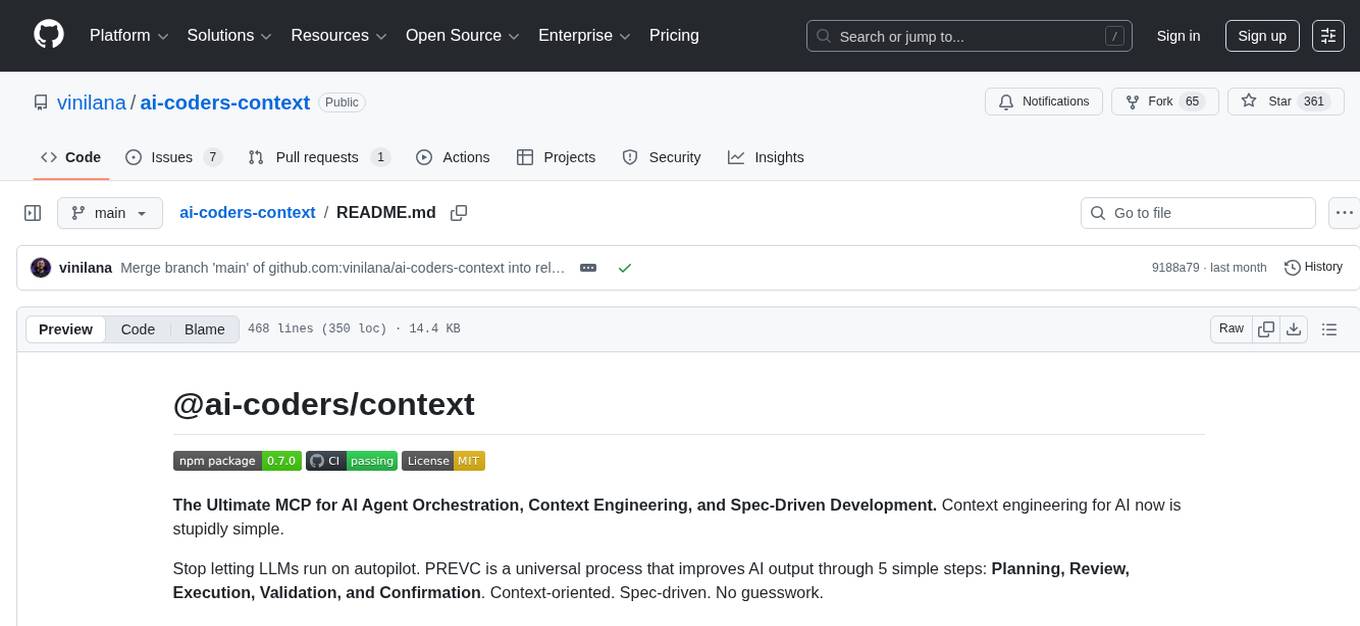
The @ai-coders/context repository provides the Ultimate MCP for AI Agent Orchestration, Context Engineering, and Spec-Driven Development. It simplifies context engineering for AI by offering a universal process called PREVC, which consists of Planning, Review, Execution, Validation, and Confirmation steps. The tool aims to address the problem of context fragmentation by introducing a single `.context/` directory that works universally across different tools. It enables users to create structured documentation, generate agent playbooks, manage workflows, provide on-demand expertise, and sync across various AI tools. The tool follows a structured, spec-driven development approach to improve AI output quality and ensure reproducible results across projects.

BricksLLM
BricksLLM is a cloud native AI gateway written in Go. Currently, it provides native support for OpenAI, Anthropic, Azure OpenAI and vLLM. BricksLLM aims to provide enterprise level infrastructure that can power any LLM production use cases. Here are some use cases for BricksLLM: * Set LLM usage limits for users on different pricing tiers * Track LLM usage on a per user and per organization basis * Block or redact requests containing PIIs * Improve LLM reliability with failovers, retries and caching * Distribute API keys with rate limits and cost limits for internal development/production use cases * Distribute API keys with rate limits and cost limits for students
mcp-apache-spark-history-server
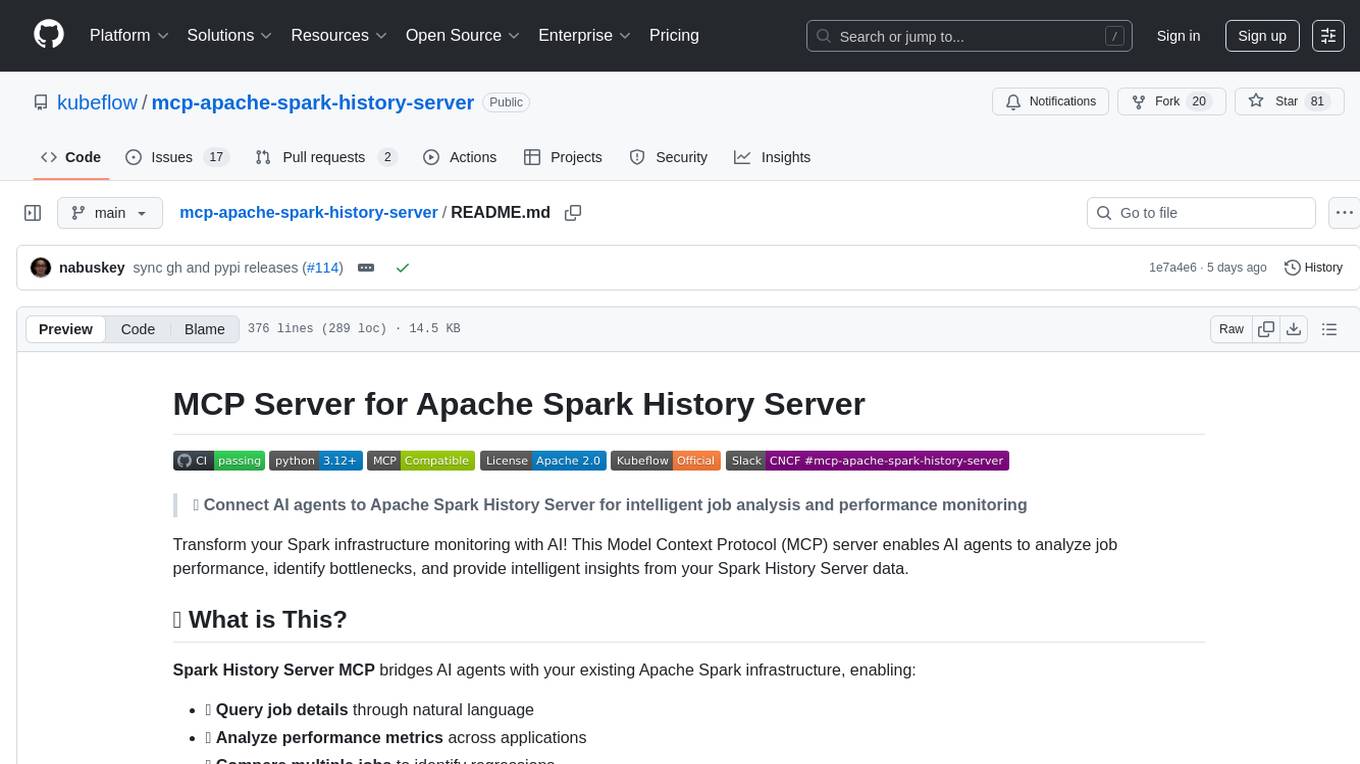
The MCP Server for Apache Spark History Server is a tool that connects AI agents to Apache Spark History Server for intelligent job analysis and performance monitoring. It enables AI agents to analyze job performance, identify bottlenecks, and provide insights from Spark History Server data. The server bridges AI agents with existing Apache Spark infrastructure, allowing users to query job details, analyze performance metrics, compare multiple jobs, investigate failures, and generate insights from historical execution data.
gpt-load
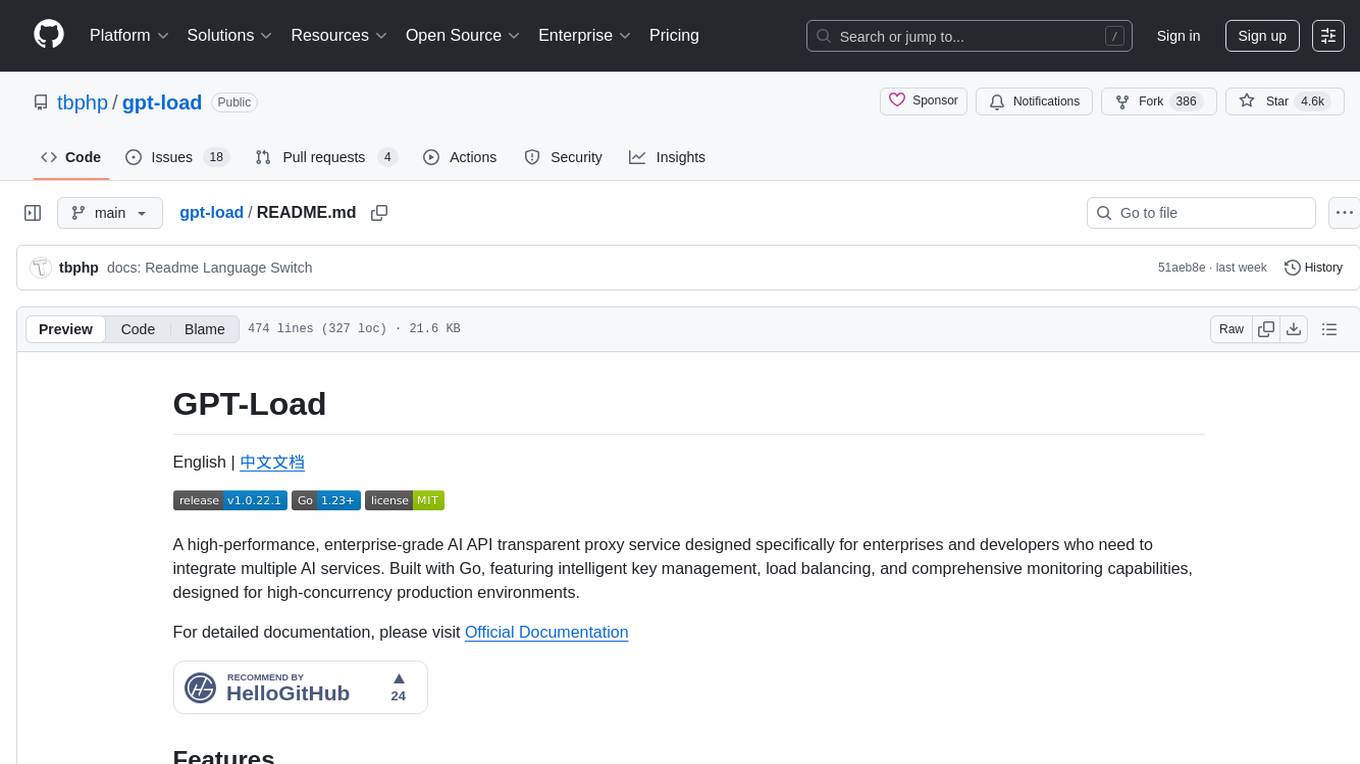
GPT-Load is a high-performance, enterprise-grade AI API transparent proxy service designed for enterprises and developers needing to integrate multiple AI services. Built with Go, it features intelligent key management, load balancing, and comprehensive monitoring capabilities for high-concurrency production environments. The tool serves as a transparent proxy service, preserving native API formats of various AI service providers like OpenAI, Google Gemini, and Anthropic Claude. It supports dynamic configuration, distributed leader-follower deployment, and a Vue 3-based web management interface. GPT-Load is production-ready with features like dual authentication, graceful shutdown, and error recovery.
oxylabs-mcp
The Oxylabs MCP Server acts as a bridge between AI models and the web, providing clean, structured data from any site. It enables scraping of URLs, rendering JavaScript-heavy pages, content extraction for AI use, bypassing anti-scraping measures, and accessing geo-restricted web data from 195+ countries. The implementation utilizes the Model Context Protocol (MCP) to facilitate secure interactions between AI assistants and web content. Key features include scraping content from any site, automatic data cleaning and conversion, bypassing blocks and geo-restrictions, flexible setup with cross-platform support, and built-in error handling and request management.
git-mcp-server
A secure and scalable Git MCP server providing AI agents with powerful version control capabilities for local and serverless environments. It offers 28 comprehensive Git operations organized into seven functional categories, resources for contextual information about the Git environment, and structured prompt templates for guiding AI agents through complex workflows. The server features declarative tools, robust error handling, pluggable authentication, abstracted storage, full-stack observability, dependency injection, and edge-ready architecture. It also includes specialized features for Git integration such as cross-runtime compatibility, provider-based architecture, optimized Git execution, working directory management, configurable Git identity, safety features, and commit signing.
openmcp-client
OpenMCP is an integrated plugin for MCP server debugging in vscode/trae/cursor, combining development and testing functionalities. It includes tools for testing MCP resources, managing large model interactions, project-level management, and supports multiple large models. The openmcp-sdk allows for deploying MCP as an agent app with easy configuration and execution of tasks. The project follows a modular design allowing implementation in different modes on various platforms.
augustus
Augustus is a Go-based LLM vulnerability scanner designed for security professionals to test large language models against a wide range of adversarial attacks. It integrates with 28 LLM providers, covers 210+ adversarial attacks including prompt injection, jailbreaks, encoding exploits, and data extraction, and produces actionable vulnerability reports. The tool is built for production security testing with features like concurrent scanning, rate limiting, retry logic, and timeout handling out of the box.
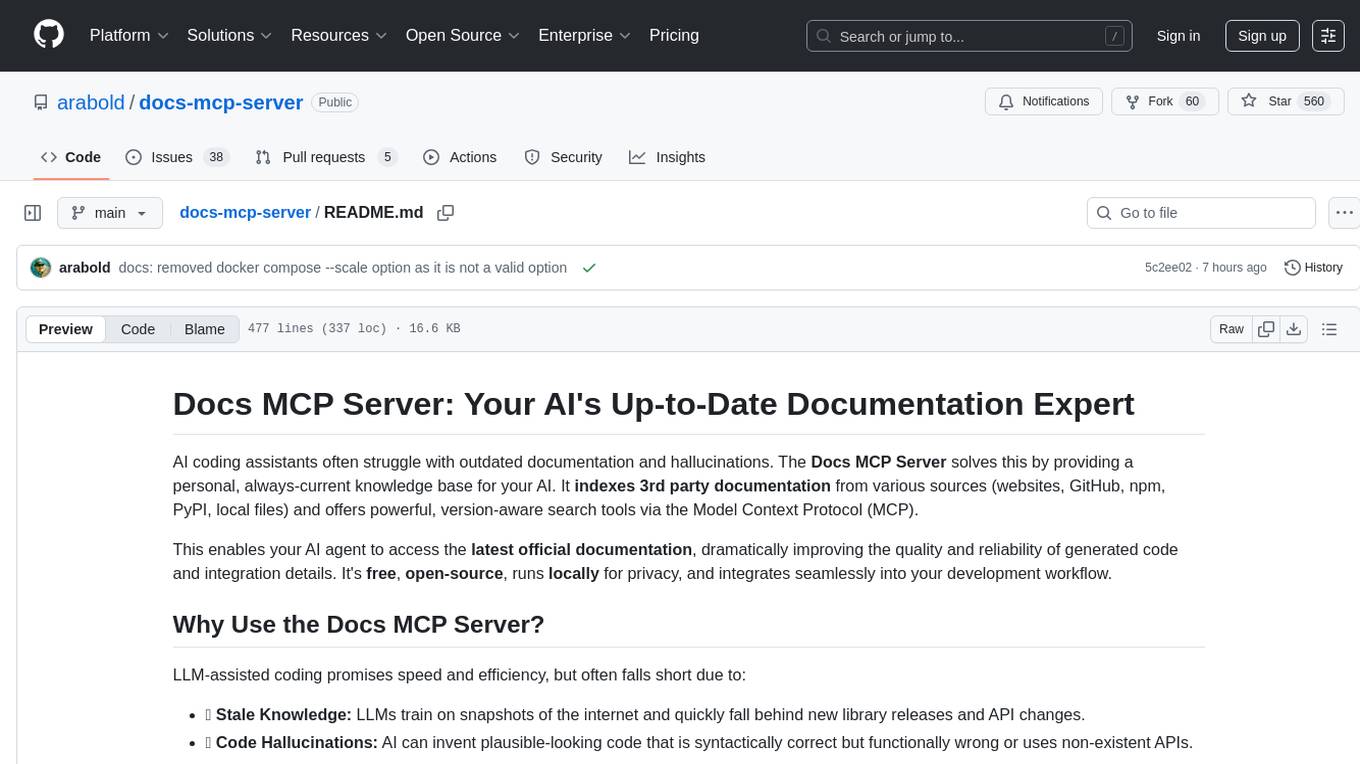
docs-mcp-server
The docs-mcp-server repository contains the server-side code for the documentation management system. It provides functionalities for managing, storing, and retrieving documentation files. Users can upload, update, and delete documents through the server. The server also supports user authentication and authorization to ensure secure access to the documentation system. Additionally, the server includes APIs for integrating with other systems and tools, making it a versatile solution for managing documentation in various projects and organizations.
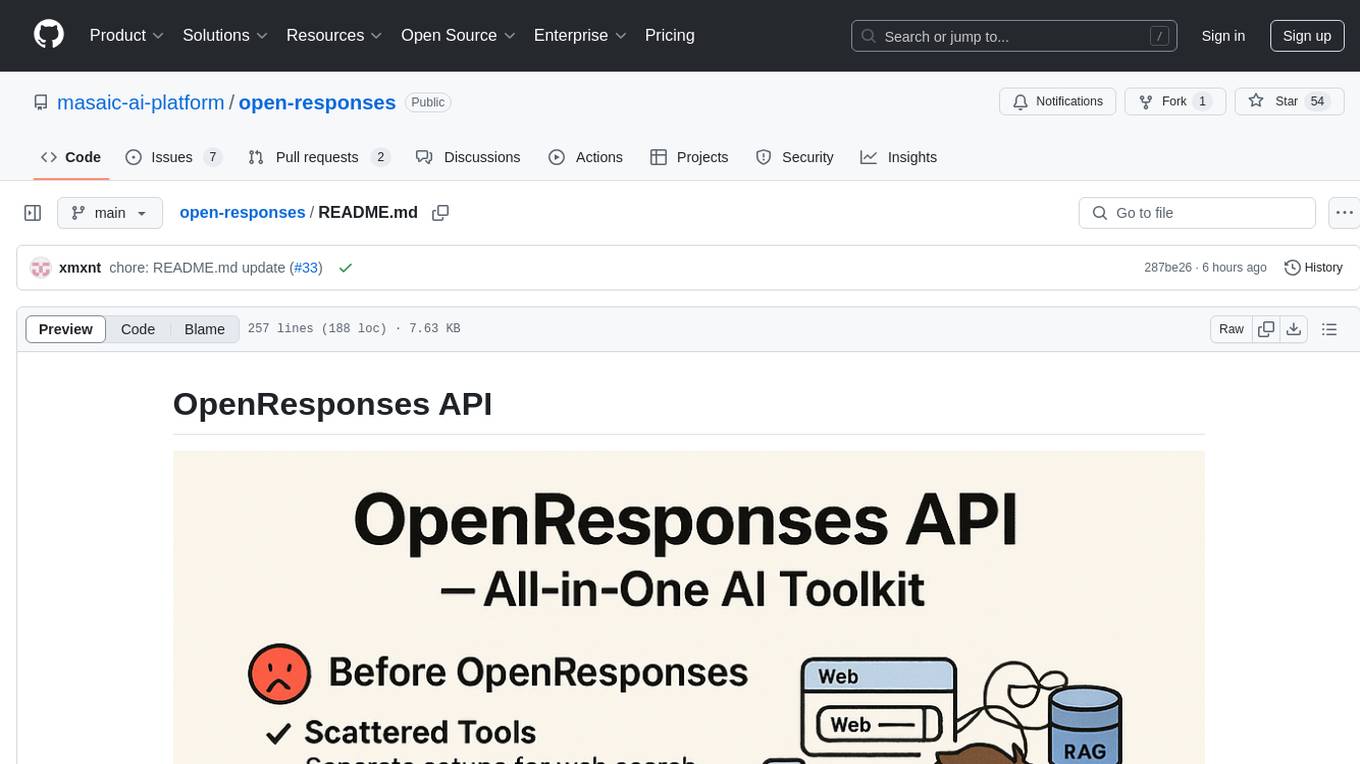
open-responses
OpenResponses API provides enterprise-grade AI capabilities through a powerful API, simplifying development and deployment while ensuring complete data control. It offers automated tracing, integrated RAG for contextual information retrieval, pre-built tool integrations, self-hosted architecture, and an OpenAI-compatible interface. The toolkit addresses development challenges like feature gaps and integration complexity, as well as operational concerns such as data privacy and operational control. Engineering teams can benefit from improved productivity, production readiness, compliance confidence, and simplified architecture by choosing OpenResponses.

dexto
Dexto is a lightweight runtime for creating and running AI agents that turn natural language into real-world actions. It serves as the missing intelligence layer for building AI applications, standalone chatbots, or as the reasoning engine inside larger products. Dexto features a powerful CLI and Web UI for running AI agents, supports multiple interfaces, allows hot-swapping of LLMs from various providers, connects to remote tool servers via the Model Context Protocol, is config-driven with version-controlled YAML, offers production-ready core features, extensibility for custom services, and enables multi-agent collaboration via MCP and A2A.
OSA
OSA (Open-Source-Advisor) is a tool designed to improve the quality of scientific open source projects by automating the generation of README files, documentation, CI/CD scripts, and providing advice and recommendations for repositories. It supports various LLMs accessible via API, local servers, or osa_bot hosted on ITMO servers. OSA is currently under development with features like README file generation, documentation generation, automatic implementation of changes, LLM integration, and GitHub Action Workflow generation. It requires Python 3.10 or higher and tokens for GitHub/GitLab/Gitverse and LLM API key. Users can install OSA using PyPi or build from source, and run it using CLI commands or Docker containers.
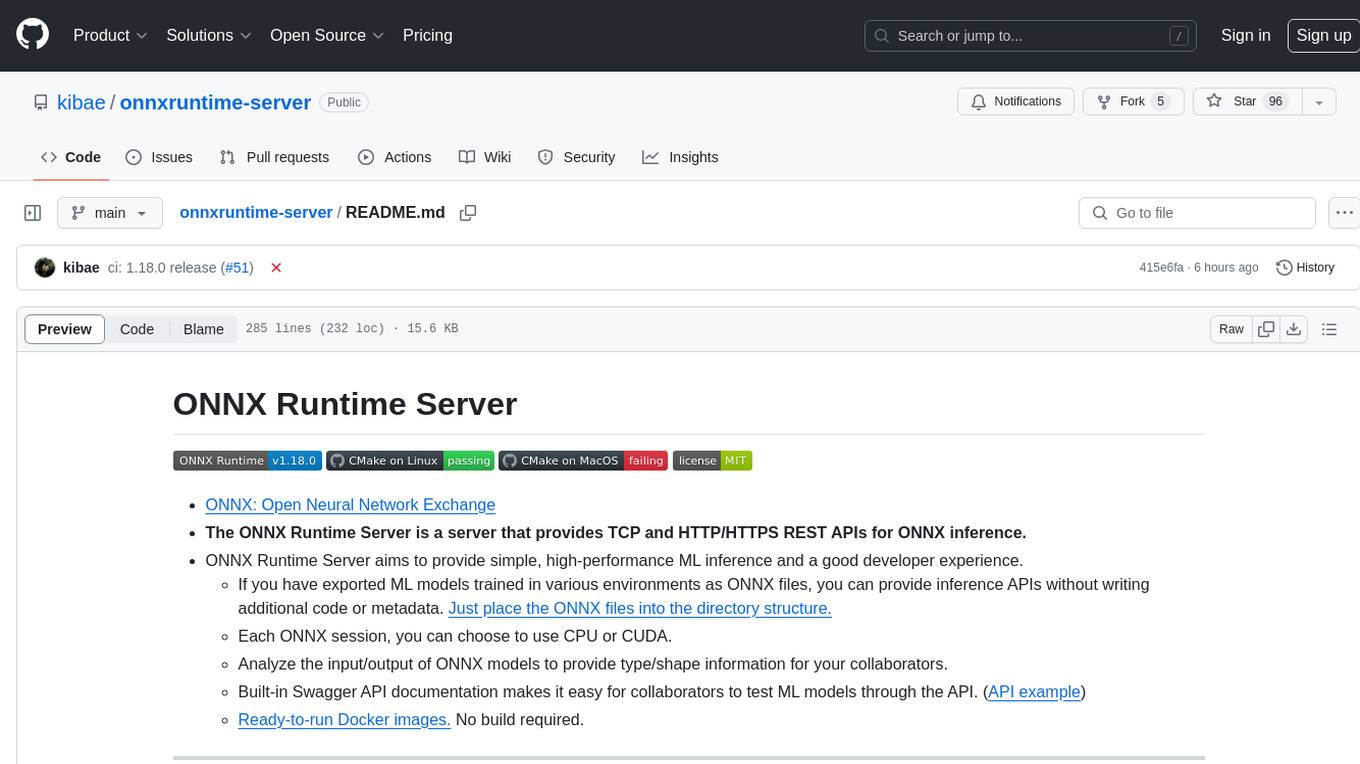
onnxruntime-server
ONNX Runtime Server is a server that provides TCP and HTTP/HTTPS REST APIs for ONNX inference. It aims to offer simple, high-performance ML inference and a good developer experience. Users can provide inference APIs for ONNX models without writing additional code by placing the models in the directory structure. Each session can choose between CPU or CUDA, analyze input/output, and provide Swagger API documentation for easy testing. Ready-to-run Docker images are available, making it convenient to deploy the server.
rpaframework
RPA Framework is an open-source collection of libraries and tools for Robotic Process Automation (RPA), designed to be used with Robot Framework and Python. It offers well-documented core libraries for Software Robot Developers, optimized for Robocorp Control Room and Developer Tools, and accepts external contributions. The project includes various libraries for tasks like archiving, browser automation, date/time manipulations, cloud services integration, encryption operations, database interactions, desktop automation, document processing, email operations, Excel manipulation, file system operations, FTP interactions, web API interactions, image manipulation, AI services, and more. The development of the repository is Python-based and requires Python version 3.8+, with tooling based on poetry and invoke for compiling, building, and running the package. The project is licensed under the Apache License 2.0.
For similar tasks
prometheus-mcp-server
Prometheus MCP Server is a Model Context Protocol (MCP) server that provides access to Prometheus metrics and queries through standardized interfaces. It allows AI assistants to execute PromQL queries and analyze metrics data. The server supports executing queries, exploring metrics, listing available metrics, viewing query results, and authentication. It offers interactive tools for AI assistants and can be configured to choose specific tools. Installation methods include using Docker Desktop, MCP-compatible clients like Claude Desktop, VS Code, Cursor, and Windsurf, and manual Docker setup. Configuration options include setting Prometheus server URL, authentication credentials, organization ID, transport mode, and bind host/port. Contributions are welcome, and the project uses `uv` for managing dependencies and includes a comprehensive test suite for functionality testing.

aiomysql
aiomysql is a driver for accessing a MySQL database from the asyncio framework. It is based on PyMySQL and aims to provide the same API and functionality. Internally, aiomysql is a modified version of PyMySQL with async IO calls. It supports SQLAlchemy integration and offers a familiar experience for aiopg users.
For similar jobs
lollms-webui
LoLLMs WebUI (Lord of Large Language Multimodal Systems: One tool to rule them all) is a user-friendly interface to access and utilize various LLM (Large Language Models) and other AI models for a wide range of tasks. With over 500 AI expert conditionings across diverse domains and more than 2500 fine tuned models over multiple domains, LoLLMs WebUI provides an immediate resource for any problem, from car repair to coding assistance, legal matters, medical diagnosis, entertainment, and more. The easy-to-use UI with light and dark mode options, integration with GitHub repository, support for different personalities, and features like thumb up/down rating, copy, edit, and remove messages, local database storage, search, export, and delete multiple discussions, make LoLLMs WebUI a powerful and versatile tool.

Azure-Analytics-and-AI-Engagement
The Azure-Analytics-and-AI-Engagement repository provides packaged Industry Scenario DREAM Demos with ARM templates (Containing a demo web application, Power BI reports, Synapse resources, AML Notebooks etc.) that can be deployed in a customer’s subscription using the CAPE tool within a matter of few hours. Partners can also deploy DREAM Demos in their own subscriptions using DPoC.
minio
MinIO is a High Performance Object Storage released under GNU Affero General Public License v3.0. It is API compatible with Amazon S3 cloud storage service. Use MinIO to build high performance infrastructure for machine learning, analytics and application data workloads.
mage-ai
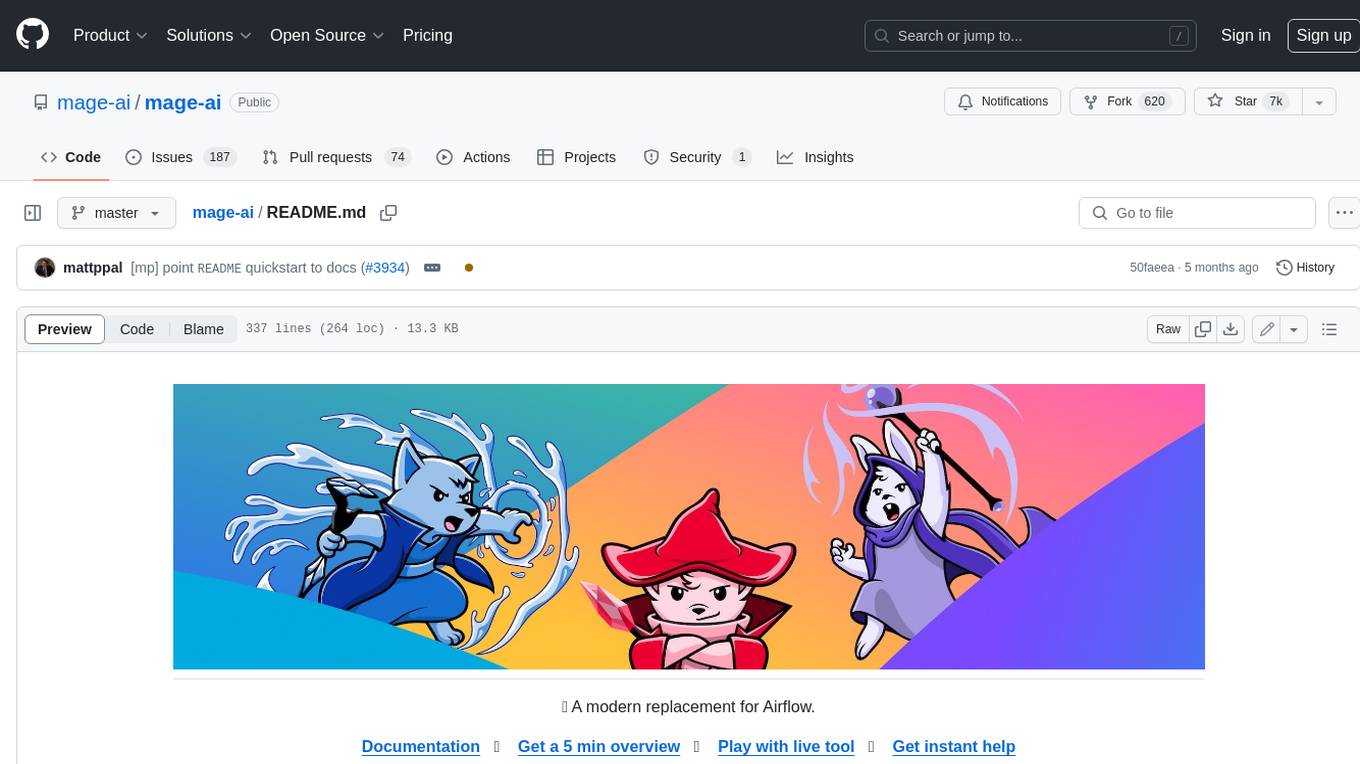
Mage is an open-source data pipeline tool for transforming and integrating data. It offers an easy developer experience, engineering best practices built-in, and data as a first-class citizen. Mage makes it easy to build, preview, and launch data pipelines, and provides observability and scaling capabilities. It supports data integrations, streaming pipelines, and dbt integration.
AiTreasureBox
AiTreasureBox is a versatile AI tool that provides a collection of pre-trained models and algorithms for various machine learning tasks. It simplifies the process of implementing AI solutions by offering ready-to-use components that can be easily integrated into projects. With AiTreasureBox, users can quickly prototype and deploy AI applications without the need for extensive knowledge in machine learning or deep learning. The tool covers a wide range of tasks such as image classification, text generation, sentiment analysis, object detection, and more. It is designed to be user-friendly and accessible to both beginners and experienced developers, making AI development more efficient and accessible to a wider audience.

tidb
TiDB is an open-source distributed SQL database that supports Hybrid Transactional and Analytical Processing (HTAP) workloads. It is MySQL compatible and features horizontal scalability, strong consistency, and high availability.
airbyte
Airbyte is an open-source data integration platform that makes it easy to move data from any source to any destination. With Airbyte, you can build and manage data pipelines without writing any code. Airbyte provides a library of pre-built connectors that make it easy to connect to popular data sources and destinations. You can also create your own connectors using Airbyte's no-code Connector Builder or low-code CDK. Airbyte is used by data engineers and analysts at companies of all sizes to build and manage their data pipelines.
labelbox-python
Labelbox is a data-centric AI platform for enterprises to develop, optimize, and use AI to solve problems and power new products and services. Enterprises use Labelbox to curate data, generate high-quality human feedback data for computer vision and LLMs, evaluate model performance, and automate tasks by combining AI and human-centric workflows. The academic & research community uses Labelbox for cutting-edge AI research.