


gollama
Gollama: Your offline conversational AI companion. An interactive tool for generating creative responses from various models, right in your terminal. Ideal for brainstorming, creative writing, or seeking inspiration.
Stars: 80
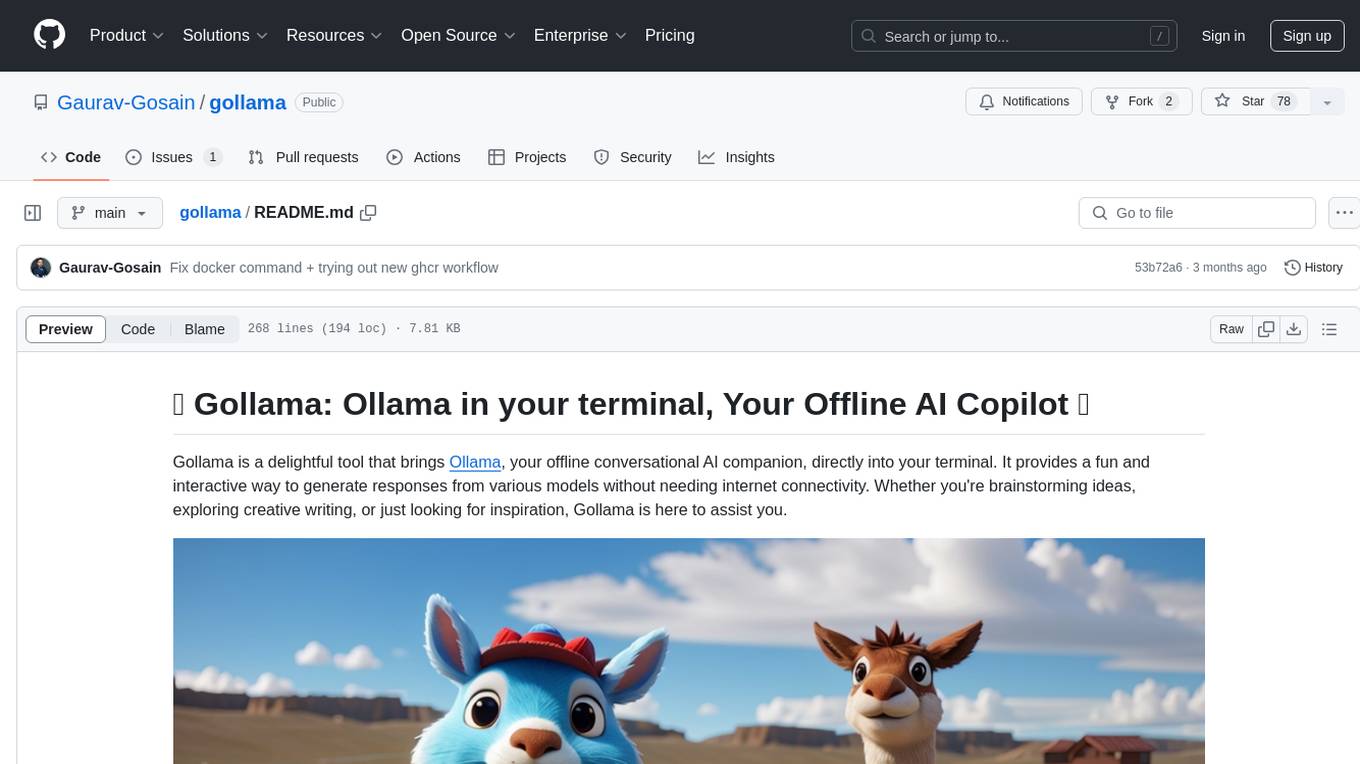
Gollama is a delightful tool that brings Ollama, your offline conversational AI companion, directly into your terminal. It provides a fun and interactive way to generate responses from various models without needing internet connectivity. Whether you're brainstorming ideas, exploring creative writing, or just looking for inspiration, Gollama is here to assist you. The tool offers an interactive interface, customizable prompts, multiple models selection, and visual feedback to enhance user experience. It can be installed via different methods like downloading the latest release, using Go, running with Docker, or building from source. Users can interact with Gollama through various options like specifying a custom base URL, prompt, model, and enabling raw output mode. The tool supports different modes like interactive, piped, CLI with image, and TUI with image. Gollama relies on third-party packages like bubbletea, glamour, huh, and lipgloss. The roadmap includes implementing piped mode, support for extracting codeblocks, copying responses/codeblocks to clipboard, GitHub Actions for automated releases, and downloading models directly from Ollama using the rest API. Contributions are welcome, and the project is licensed under the MIT License.
README:

- 🤖 Gollama: Ollama in your terminal, Your Offline AI Copilot 🦙
Gollama is a delightful tool that brings Ollama, your offline conversational AI companion, directly into your terminal. It provides a fun and interactive way to generate responses from various models without needing internet connectivity. Whether you're brainstorming ideas, exploring creative writing, or just looking for inspiration, Gollama is here to assist you.

- Chat TUI with History: Gollama now provides a chat-like TUI experience with a history of previous conversations. Saves previous conversations locally using a SQLite database to continue your conversations later.
- Interactive Interface: Enjoy a seamless user experience with intuitive interface powered by Bubble Tea.
- Customizable Prompts: Tailor your prompts to get precisely the responses you need.
- Multiple Models: Choose from a variety of models to generate responses that suit your requirements.
- Visual Feedback: Stay engaged with visual cues like spinners and formatted output.
- Multimodal Support: Gollama now supports multimodal models like Llava
- Model Installation & Management: Easily install and manage models using the Ollamanager library. Directly integrated with Gollama, refer the Ollama Model Management section for more details.
-
Ollama installed on your system or a gollama API server
accessible from your machine. (Default:
http://localhost:11434, optionally can be configured using theOLLAMA_HOSTenvironment variable. Refer the official Ollama Go SDK docs for further information - At least one model installed on your Ollama server. You can install models
using the
ollama pull <model-name>command. To find a list of all available models, check the Ollama Library. You can also use theollama listcommand to list all locally installed models.
You can install Gollama using one of the following methods:
Grab the latest release from the releases page and extract the archive to a location of your choice.
[!NOTE] Prerequisite: Go installed on your system.
You can also install Gollama using the go install command:
go install github.com/gaurav-gosain/gollama@latestYou can pull the latest docker image from the GitHub Docker Container Registry and run it using the following command:
docker run --net=host -it --rm ghcr.io/gaurav-gosain/gollama:latest-
Run the executable:
gollama
or/path/to/gollama
-
Follow the on-screen instructions to interact with Gollama.
[!NOTE] Running Gollama with the
-hflag will display the list of available flags.
  -v, --version Prints the version of Gollama
  -m, --manage  manages the installed Ollama models (update/delete installed models)
  -i, --install installs an Ollama model (download and install a model)
-r, --monitor Monitor the status of running Ollama models--model string Model to use for generation
--prompt string Prompt to use for generation
--images strings Paths to the image files to attach (png/jpg/jpeg), comma separated[!WARNING] The responses for multimodal LLMs are slower than the normal models (also depends on the size of the attached image)
| Key | Description |
|---|---|
↑/k |
Up |
↓/j |
Down |
→/l/pgdn |
Next page |
←/h/pgup |
Previous page |
g/home |
Go to start |
G/end |
Go to end |
enter |
Select chat |
q |
Quit |
d |
Delete chat |
ctrl+n |
New chat |
? |
Toggle extended help |

| Key | Description |
|---|---|
ctrl+up/k |
Move view up |
ctrl+down/j |
Move view down |
ctrl+u |
Half page up |
ctrl+d |
Half page down |
ctrl+p |
Previous message |
ctrl+n |
Next message |
ctrl+y |
Copy last response |
alt+y |
Copy highlighted message |
ctrl+o |
Toggle image picker |
ctrl+x |
Remove attachment |
ctrl+h |
Toggle help |
ctrl+c |
Exit chat |
[!NOTE] The
ctrl+okeybinding only works if the selected model is multimodal

[!NOTE] The management screens can be chained together. For example, using the flags
-imrwill run Ollamanager with tabs for installing, managing, and monitoring models.
The following keybindings are common to all modal management screens:
| Key | Description |
|---|---|
? |
Toggle help menu |
↑/k |
Move up |
↓/j |
Move down |
←/h |
Move left |
→/l |
Move right |
enter |
Pick selected item |
/ |
Filter/fuzzy find items |
esc |
Clear filter |
q/ctrl+c |
Quit |
n/tab |
Switch to the next tab |
p/shift+tab |
Switch to the previous tab |

[!NOTE] The following keybindings are specific to the
Manage Modelsscreen/tab:
| Key | Description |
|---|---|
u |
Update selected model |
d |
Delete selected model |
[!NOTE] Gollama uses the Ollamanager library to manage models. It provides a convenient way to install, update, and delete models.
https://github.com/user-attachments/assets/9e625715-5a8a-4e71-a355-89eaa298eb9b
echo "Once upon a time" | gollama --model="llama3.1" --prompt="prompt goes here"gollama --model="llama3.1" --prompt="prompt goes here" < input.txt[!IMPORTANT] Not supported for all models, check if the model is multimodal
gollama --model="llava:latest" \
 --prompt="prompt goes here" \
 --images="path/to/image.png"
[!WARNING] The
--modeland--promptflags are mandatory for CLI mode. The--imagesflag is optional.
You can also run Gollama locally using docker:
-
Clone the repository:
git clone https://github.com/Gaurav-Gosain/gollama.git
-
Navigate to the project directory:
cd gollama -
Build the docker image:
docker build -t gollama . -
Run the docker image:
docker run --net=host -it gollama
[!NOTE] The above commands build the docker image with the tag
gollama. You can replacegollamawith any tag of your choice.
If you prefer to build from source, follow these steps:
-
Clone the repository:
git clone https://github.com/Gaurav-Gosain/gollama.git
-
Navigate to the project directory:
cd gollama -
Build the executable:
go build
Gollama relies on the following third-party packages:
- ollama: The official Go SDK for ollama.
- ollamanager: A Go library for installing, managing and monitoring ollama models.
- bubbletea: A library for building terminal applications using the Model-Update-View pattern.
- glamour: A markdown rendering library for the terminal.
- huh: A library for building terminal-based forms.
- lipgloss: A library for styling text output in the terminal.
- [x] Implement piped mode for automated usage.
- [x] Add ability to copy responses to clipboard.
- [x] GitHub Actions for automated releases.
- [x] Add support for downloading models directly from Ollama using the rest API.
- [ ] Add support for extracting and copying codeblocks from the generated responses.
- [ ] Add CLI options to interact with the database and perform operations like:
- [ ] Deleting chats
- [ ] Creating a new chat
- [ ] Listing chats
- [ ] Continuing a chat from the CLI
Contributions are welcome! Whether you want to add new features, fix bugs, or improve documentation, feel free to open a pull request.










This project is licensed under the MIT License - see the LICENSE file for details.
For Tasks:
Click tags to check more tools for each tasksFor Jobs:
Alternative AI tools for gollama
Similar Open Source Tools
gollama
Gollama is a delightful tool that brings Ollama, your offline conversational AI companion, directly into your terminal. It provides a fun and interactive way to generate responses from various models without needing internet connectivity. Whether you're brainstorming ideas, exploring creative writing, or just looking for inspiration, Gollama is here to assist you. The tool offers an interactive interface, customizable prompts, multiple models selection, and visual feedback to enhance user experience. It can be installed via different methods like downloading the latest release, using Go, running with Docker, or building from source. Users can interact with Gollama through various options like specifying a custom base URL, prompt, model, and enabling raw output mode. The tool supports different modes like interactive, piped, CLI with image, and TUI with image. Gollama relies on third-party packages like bubbletea, glamour, huh, and lipgloss. The roadmap includes implementing piped mode, support for extracting codeblocks, copying responses/codeblocks to clipboard, GitHub Actions for automated releases, and downloading models directly from Ollama using the rest API. Contributions are welcome, and the project is licensed under the MIT License.
skyvern
Skyvern automates browser-based workflows using LLMs and computer vision. It provides a simple API endpoint to fully automate manual workflows, replacing brittle or unreliable automation solutions. Traditional approaches to browser automations required writing custom scripts for websites, often relying on DOM parsing and XPath-based interactions which would break whenever the website layouts changed. Instead of only relying on code-defined XPath interactions, Skyvern adds computer vision and LLMs to the mix to parse items in the viewport in real-time, create a plan for interaction and interact with them. This approach gives us a few advantages: 1. Skyvern can operate on websites it’s never seen before, as it’s able to map visual elements to actions necessary to complete a workflow, without any customized code 2. Skyvern is resistant to website layout changes, as there are no pre-determined XPaths or other selectors our system is looking for while trying to navigate 3. Skyvern leverages LLMs to reason through interactions to ensure we can cover complex situations. Examples include: 1. If you wanted to get an auto insurance quote from Geico, the answer to a common question “Were you eligible to drive at 18?” could be inferred from the driver receiving their license at age 16 2. If you were doing competitor analysis, it’s understanding that an Arnold Palmer 22 oz can at 7/11 is almost definitely the same product as a 23 oz can at Gopuff (even though the sizes are slightly different, which could be a rounding error!) Want to see examples of Skyvern in action? Jump to #real-world-examples-of- skyvern
pr-pilot
PR Pilot is an AI-powered tool designed to assist users in their daily workflow by delegating routine work to AI with confidence and predictability. It integrates seamlessly with popular development tools and allows users to interact with it through a Command-Line Interface, Python SDK, REST API, and Smart Workflows. Users can automate tasks such as generating PR titles and descriptions, summarizing and posting issues, and formatting README files. The tool aims to save time and enhance productivity by providing AI-powered solutions for common development tasks.
ros2ai
ros2ai is a next-generation ROS 2 command line interface extension with OpenAI. It allows users to ask questions about ROS 2, get answers, and execute commands using natural language. ros2ai is easy to use, especially for ROS 2 beginners and students who do not really know ros2cli. It supports multiple languages and is available as a Docker container or can be built from source.
mLoRA
mLoRA (Multi-LoRA Fine-Tune) is an open-source framework for efficient fine-tuning of multiple Large Language Models (LLMs) using LoRA and its variants. It allows concurrent fine-tuning of multiple LoRA adapters with a shared base model, efficient pipeline parallelism algorithm, support for various LoRA variant algorithms, and reinforcement learning preference alignment algorithms. mLoRA helps save computational and memory resources when training multiple adapters simultaneously, achieving high performance on consumer hardware.
skilld
Skilld is a tool that generates AI agent skills from NPM dependencies, allowing users to enhance their agent's knowledge with the latest best practices and avoid deprecated patterns. It provides version-aware, local-first, and optimized skills for your codebase by extracting information from existing docs, changelogs, issues, and discussions. Skilld aims to bridge the gap between agent training data and the latest conventions, offering a semantic search feature, LLM-enhanced sections, and prompt injection sanitization. It operates locally without the need for external servers, providing a curated set of skills tied to your actual package versions.
thinc
Thinc is a lightweight deep learning library that offers an elegant, type-checked, functional-programming API for composing models, with support for layers defined in other frameworks such as PyTorch, TensorFlow and MXNet. You can use Thinc as an interface layer, a standalone toolkit or a flexible way to develop new models.
vscode-unify-chat-provider
The 'vscode-unify-chat-provider' repository is a tool that integrates multiple LLM API providers into VS Code's GitHub Copilot Chat using the Language Model API. It offers free tier access to mainstream models, perfect compatibility with major LLM API formats, deep adaptation to API features, best performance with built-in parameters, out-of-the-box configuration, import/export support, great UX, and one-click use of various models. The tool simplifies model setup, migration, and configuration for users, providing a seamless experience within VS Code for utilizing different language models.
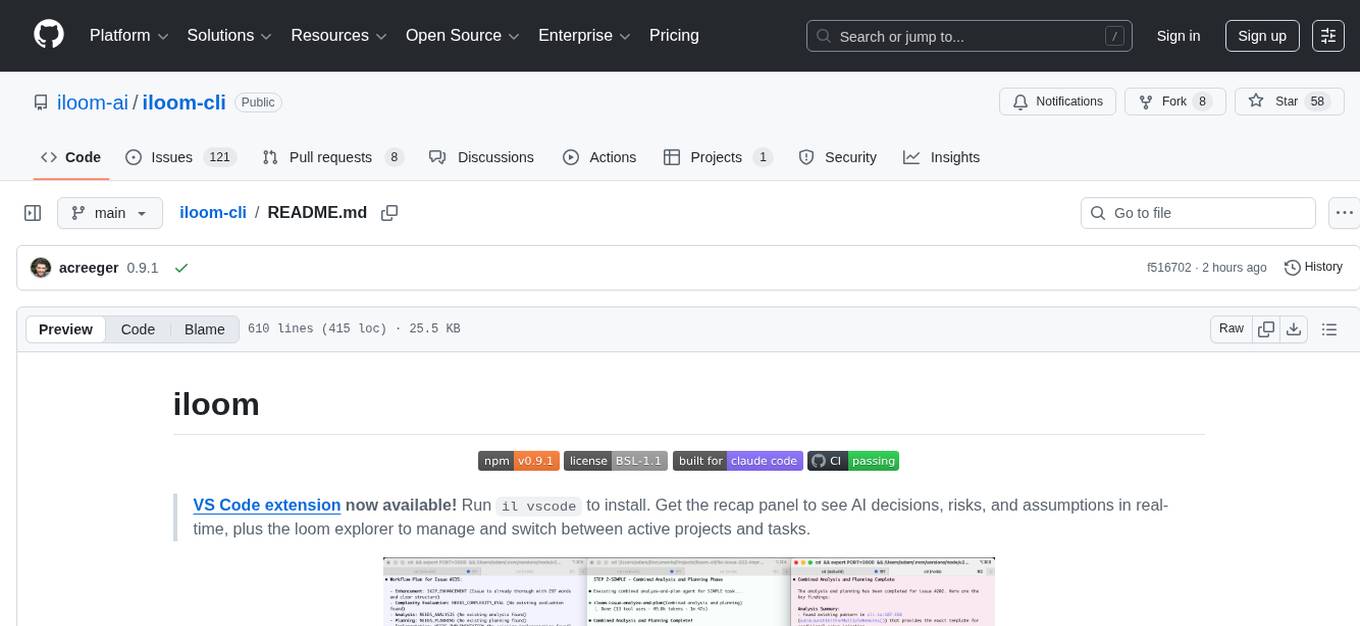
iloom-cli
iloom is a tool designed to streamline AI-assisted development by focusing on maintaining alignment between human developers and AI agents. It treats context as a first-class concern, persisting AI reasoning in issue comments rather than temporary chats. The tool allows users to collaborate with AI agents in an isolated environment, switch between complex features without losing context, document AI decisions publicly, and capture key insights and lessons learned from AI sessions. iloom is not just a tool for managing git worktrees, but a control plane for maintaining alignment between users and their AI assistants.
DaoCloud-docs
DaoCloud Enterprise 5.0 Documentation provides detailed information on using DaoCloud, a Certified Kubernetes Service Provider. The documentation covers current and legacy versions, workflow control using GitOps, and instructions for opening a PR and previewing changes locally. It also includes naming conventions, writing tips, references, and acknowledgments to contributors. Users can find guidelines on writing, contributing, and translating pages, along with using tools like MkDocs, Docker, and Poetry for managing the documentation.
comfyui
ComfyUI is a highly-configurable, cloud-first AI-Dock container that allows users to run ComfyUI without bundled models or third-party configurations. Users can configure the container using provisioning scripts. The Docker image supports NVIDIA CUDA, AMD ROCm, and CPU platforms, with version tags for different configurations. Additional environment variables and Python environments are provided for customization. ComfyUI service runs on port 8188 and can be managed using supervisorctl. The tool also includes an API wrapper service and pre-configured templates for Vast.ai. The author may receive compensation for services linked in the documentation.
ai-elements
AI Elements is a component library built on top of shadcn/ui to help build AI-native applications faster. It provides pre-built, customizable React components specifically designed for AI applications, including conversations, messages, code blocks, reasoning displays, and more. The CLI makes it easy to add these components to your Next.js project.
ragflow
RAGFlow is an open-source Retrieval-Augmented Generation (RAG) engine that combines deep document understanding with Large Language Models (LLMs) to provide accurate question-answering capabilities. It offers a streamlined RAG workflow for businesses of all sizes, enabling them to extract knowledge from unstructured data in various formats, including Word documents, slides, Excel files, images, and more. RAGFlow's key features include deep document understanding, template-based chunking, grounded citations with reduced hallucinations, compatibility with heterogeneous data sources, and an automated and effortless RAG workflow. It supports multiple recall paired with fused re-ranking, configurable LLMs and embedding models, and intuitive APIs for seamless integration with business applications.
xFasterTransformer
xFasterTransformer is an optimized solution for Large Language Models (LLMs) on the X86 platform, providing high performance and scalability for inference on mainstream LLM models. It offers C++ and Python APIs for easy integration, along with example codes and benchmark scripts. Users can prepare models in a different format, convert them, and use the APIs for tasks like encoding input prompts, generating token ids, and serving inference requests. The tool supports various data types and models, and can run in single or multi-rank modes using MPI. A web demo based on Gradio is available for popular LLM models like ChatGLM and Llama2. Benchmark scripts help evaluate model inference performance quickly, and MLServer enables serving with REST and gRPC interfaces.
MockingBird
MockingBird is a toolbox designed for Mandarin speech synthesis using PyTorch. It supports multiple datasets such as aidatatang_200zh, magicdata, aishell3, and data_aishell. The toolbox can run on Windows, Linux, and M1 MacOS, providing easy and effective speech synthesis with pretrained encoder/vocoder models. It is webserver ready for remote calling. Users can train their own models or use existing ones for the encoder, synthesizer, and vocoder. The toolbox offers a demo video and detailed setup instructions for installation and model training.
LLamaSharp
LLamaSharp is a cross-platform library to run 🦙LLaMA/LLaVA model (and others) on your local device. Based on llama.cpp, inference with LLamaSharp is efficient on both CPU and GPU. With the higher-level APIs and RAG support, it's convenient to deploy LLM (Large Language Model) in your application with LLamaSharp.
For similar tasks
ChatIDE
ChatIDE is an AI assistant that integrates with your IDE, allowing you to converse with OpenAI's ChatGPT or Anthropic's Claude within your development environment. It provides a seamless way to access AI-powered assistance while coding, enabling you to get real-time help, generate code snippets, debug errors, and brainstorm ideas without leaving your IDE.
nextlint
Nextlint is a rich text editor (WYSIWYG) written in Svelte, using MeltUI headless UI and tailwindcss CSS framework. It is built on top of tiptap editor (headless editor) and prosemirror. Nextlint is easy to use, develop, and maintain. It has a prompt engine that helps to integrate with any AI API and enhance the writing experience. Dark/Light theme is supported and customizable.
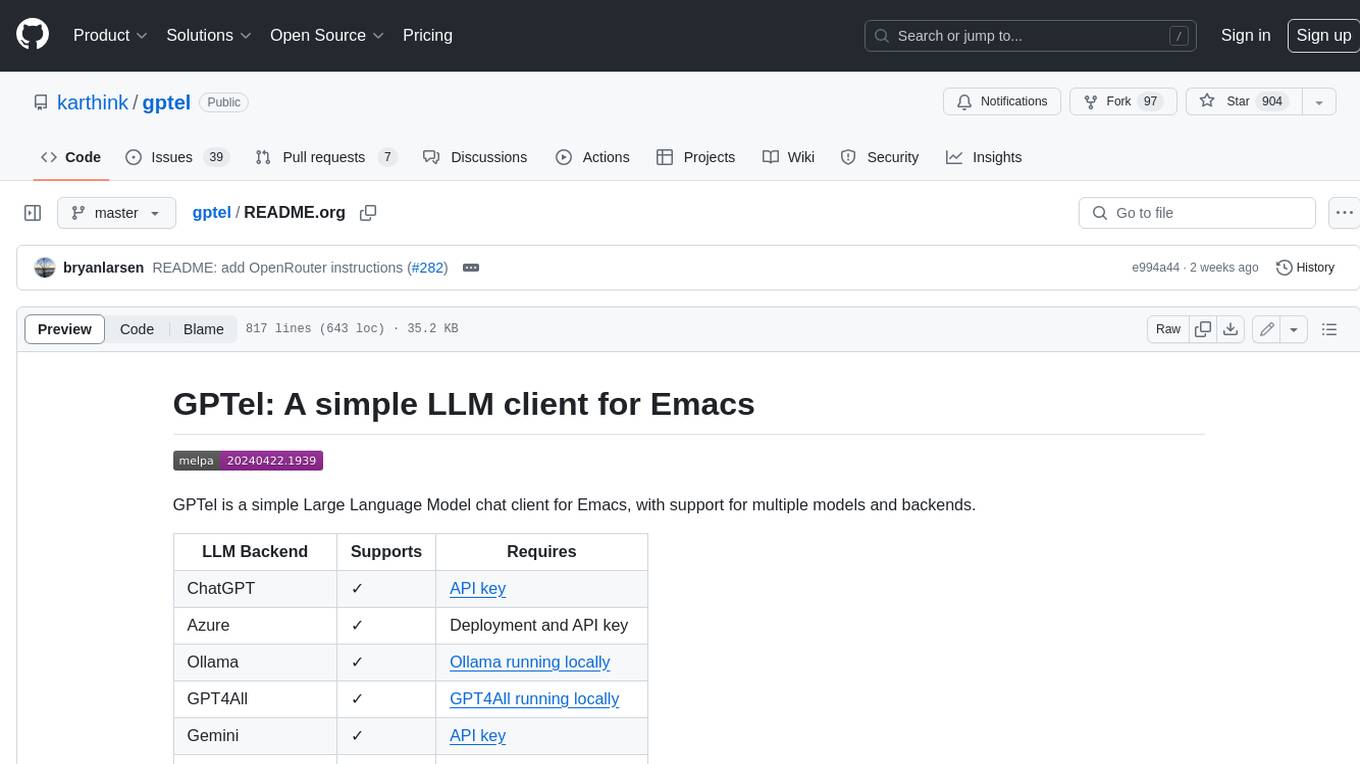
gptel
GPTel is a simple Large Language Model chat client for Emacs, with support for multiple models and backends. It's async and fast, streams responses, and interacts with LLMs from anywhere in Emacs. LLM responses are in Markdown or Org markup. Supports conversations and multiple independent sessions. Chats can be saved as regular Markdown/Org/Text files and resumed later. You can go back and edit your previous prompts or LLM responses when continuing a conversation. These will be fed back to the model. Don't like gptel's workflow? Use it to create your own for any supported model/backend with a simple API.
gollama
Gollama is a delightful tool that brings Ollama, your offline conversational AI companion, directly into your terminal. It provides a fun and interactive way to generate responses from various models without needing internet connectivity. Whether you're brainstorming ideas, exploring creative writing, or just looking for inspiration, Gollama is here to assist you. The tool offers an interactive interface, customizable prompts, multiple models selection, and visual feedback to enhance user experience. It can be installed via different methods like downloading the latest release, using Go, running with Docker, or building from source. Users can interact with Gollama through various options like specifying a custom base URL, prompt, model, and enabling raw output mode. The tool supports different modes like interactive, piped, CLI with image, and TUI with image. Gollama relies on third-party packages like bubbletea, glamour, huh, and lipgloss. The roadmap includes implementing piped mode, support for extracting codeblocks, copying responses/codeblocks to clipboard, GitHub Actions for automated releases, and downloading models directly from Ollama using the rest API. Contributions are welcome, and the project is licensed under the MIT License.
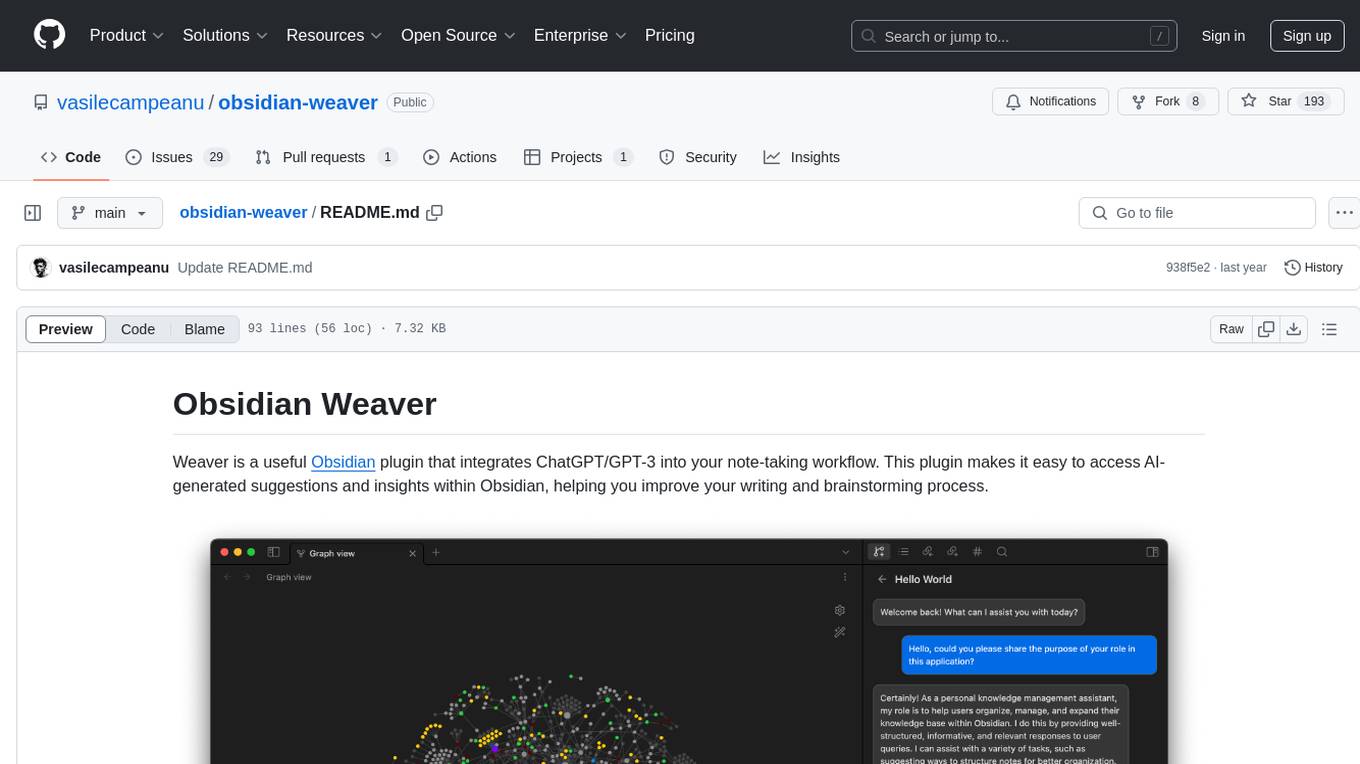
obsidian-weaver
Obsidian Weaver is a plugin that integrates ChatGPT/GPT-3 into the note-taking workflow of Obsidian. It allows users to easily access AI-generated suggestions and insights within Obsidian, enhancing the writing and brainstorming process. The plugin respects Obsidian's philosophy of storing notes locally, ensuring data security and privacy. Weaver offers features like creating new chat sessions with the AI assistant and receiving instant responses, all within the Obsidian environment. It provides a seamless integration with Obsidian's interface, making the writing process efficient and helping users stay focused. The plugin is constantly being improved with new features and updates to enhance the note-taking experience.
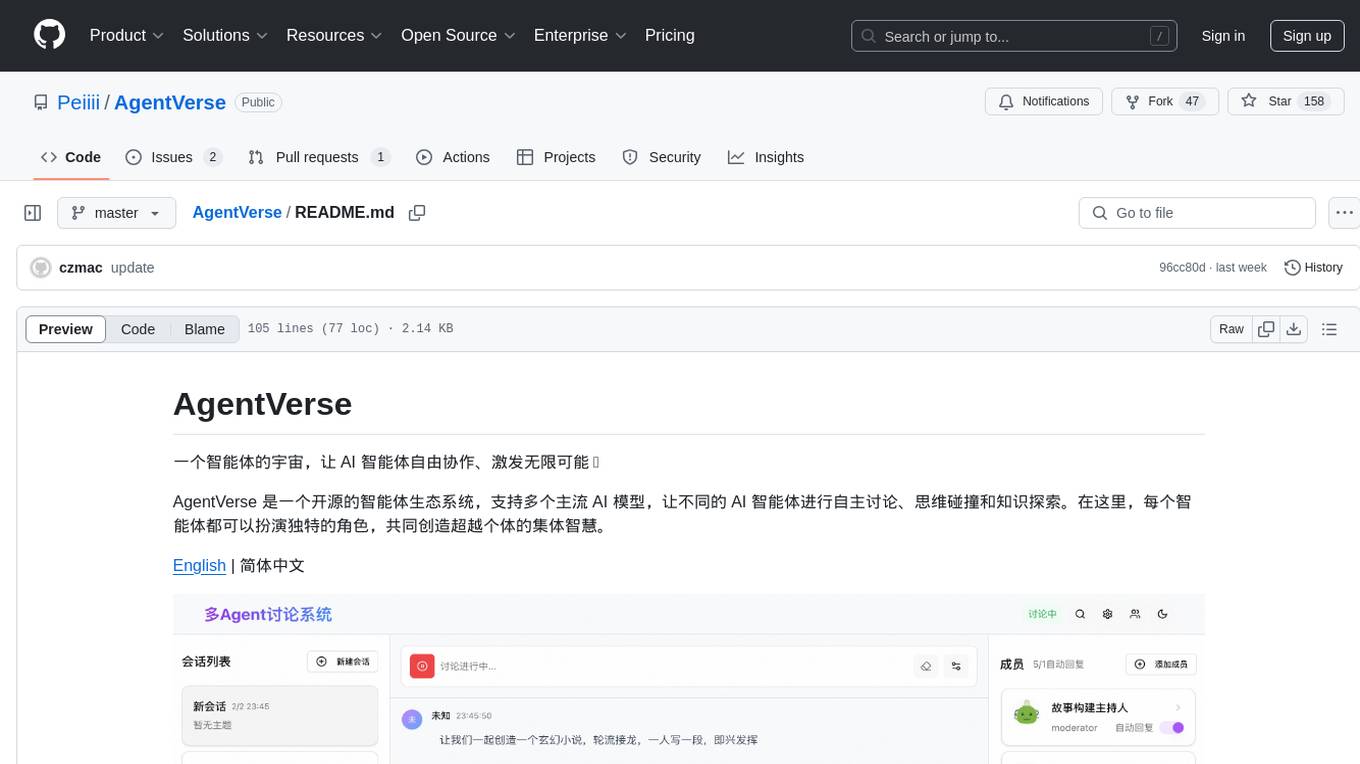
AgentVerse
AgentVerse is an open-source ecosystem for intelligent agents, supporting multiple mainstream AI models to facilitate autonomous discussions, thought collisions, and knowledge exploration. Each intelligent agent can play a unique role here, collectively creating wisdom beyond individuals.
latentbox
Latent Box is a curated collection of resources for AI, creativity, and art. It aims to bridge the information gap with high-quality content, promote diversity and interdisciplinary collaboration, and maintain updates through community co-creation. The website features a wide range of resources, including articles, tutorials, tools, and datasets, covering various topics such as machine learning, computer vision, natural language processing, generative art, and creative coding.
semantic-router
Semantic Router is a superfast decision-making layer for your LLMs and agents. Rather than waiting for slow LLM generations to make tool-use decisions, we use the magic of semantic vector space to make those decisions — _routing_ our requests using _semantic_ meaning.
For similar jobs

promptflow
**Prompt flow** is a suite of development tools designed to streamline the end-to-end development cycle of LLM-based AI applications, from ideation, prototyping, testing, evaluation to production deployment and monitoring. It makes prompt engineering much easier and enables you to build LLM apps with production quality.

deepeval
DeepEval is a simple-to-use, open-source LLM evaluation framework specialized for unit testing LLM outputs. It incorporates various metrics such as G-Eval, hallucination, answer relevancy, RAGAS, etc., and runs locally on your machine for evaluation. It provides a wide range of ready-to-use evaluation metrics, allows for creating custom metrics, integrates with any CI/CD environment, and enables benchmarking LLMs on popular benchmarks. DeepEval is designed for evaluating RAG and fine-tuning applications, helping users optimize hyperparameters, prevent prompt drifting, and transition from OpenAI to hosting their own Llama2 with confidence.

MegaDetector
MegaDetector is an AI model that identifies animals, people, and vehicles in camera trap images (which also makes it useful for eliminating blank images). This model is trained on several million images from a variety of ecosystems. MegaDetector is just one of many tools that aims to make conservation biologists more efficient with AI. If you want to learn about other ways to use AI to accelerate camera trap workflows, check out our of the field, affectionately titled "Everything I know about machine learning and camera traps".

leapfrogai
LeapfrogAI is a self-hosted AI platform designed to be deployed in air-gapped resource-constrained environments. It brings sophisticated AI solutions to these environments by hosting all the necessary components of an AI stack, including vector databases, model backends, API, and UI. LeapfrogAI's API closely matches that of OpenAI, allowing tools built for OpenAI/ChatGPT to function seamlessly with a LeapfrogAI backend. It provides several backends for various use cases, including llama-cpp-python, whisper, text-embeddings, and vllm. LeapfrogAI leverages Chainguard's apko to harden base python images, ensuring the latest supported Python versions are used by the other components of the stack. The LeapfrogAI SDK provides a standard set of protobuffs and python utilities for implementing backends and gRPC. LeapfrogAI offers UI options for common use-cases like chat, summarization, and transcription. It can be deployed and run locally via UDS and Kubernetes, built out using Zarf packages. LeapfrogAI is supported by a community of users and contributors, including Defense Unicorns, Beast Code, Chainguard, Exovera, Hypergiant, Pulze, SOSi, United States Navy, United States Air Force, and United States Space Force.

llava-docker
This Docker image for LLaVA (Large Language and Vision Assistant) provides a convenient way to run LLaVA locally or on RunPod. LLaVA is a powerful AI tool that combines natural language processing and computer vision capabilities. With this Docker image, you can easily access LLaVA's functionalities for various tasks, including image captioning, visual question answering, text summarization, and more. The image comes pre-installed with LLaVA v1.2.0, Torch 2.1.2, xformers 0.0.23.post1, and other necessary dependencies. You can customize the model used by setting the MODEL environment variable. The image also includes a Jupyter Lab environment for interactive development and exploration. Overall, this Docker image offers a comprehensive and user-friendly platform for leveraging LLaVA's capabilities.

carrot
The 'carrot' repository on GitHub provides a list of free and user-friendly ChatGPT mirror sites for easy access. The repository includes sponsored sites offering various GPT models and services. Users can find and share sites, report errors, and access stable and recommended sites for ChatGPT usage. The repository also includes a detailed list of ChatGPT sites, their features, and accessibility options, making it a valuable resource for ChatGPT users seeking free and unlimited GPT services.

TrustLLM
TrustLLM is a comprehensive study of trustworthiness in LLMs, including principles for different dimensions of trustworthiness, established benchmark, evaluation, and analysis of trustworthiness for mainstream LLMs, and discussion of open challenges and future directions. Specifically, we first propose a set of principles for trustworthy LLMs that span eight different dimensions. Based on these principles, we further establish a benchmark across six dimensions including truthfulness, safety, fairness, robustness, privacy, and machine ethics. We then present a study evaluating 16 mainstream LLMs in TrustLLM, consisting of over 30 datasets. The document explains how to use the trustllm python package to help you assess the performance of your LLM in trustworthiness more quickly. For more details about TrustLLM, please refer to project website.

AI-YinMei
AI-YinMei is an AI virtual anchor Vtuber development tool (N card version). It supports fastgpt knowledge base chat dialogue, a complete set of solutions for LLM large language models: [fastgpt] + [one-api] + [Xinference], supports docking bilibili live broadcast barrage reply and entering live broadcast welcome speech, supports Microsoft edge-tts speech synthesis, supports Bert-VITS2 speech synthesis, supports GPT-SoVITS speech synthesis, supports expression control Vtuber Studio, supports painting stable-diffusion-webui output OBS live broadcast room, supports painting picture pornography public-NSFW-y-distinguish, supports search and image search service duckduckgo (requires magic Internet access), supports image search service Baidu image search (no magic Internet access), supports AI reply chat box [html plug-in], supports AI singing Auto-Convert-Music, supports playlist [html plug-in], supports dancing function, supports expression video playback, supports head touching action, supports gift smashing action, supports singing automatic start dancing function, chat and singing automatic cycle swing action, supports multi scene switching, background music switching, day and night automatic switching scene, supports open singing and painting, let AI automatically judge the content.