


oxylabs-mcp
Official Oxylabs MCP integration
Stars: 61
The Oxylabs MCP Server acts as a bridge between AI models and the web, providing clean, structured data from any site. It enables scraping of URLs, rendering JavaScript-heavy pages, content extraction for AI use, bypassing anti-scraping measures, and accessing geo-restricted web data from 195+ countries. The implementation utilizes the Model Context Protocol (MCP) to facilitate secure interactions between AI assistants and web content. Key features include scraping content from any site, automatic data cleaning and conversion, bypassing blocks and geo-restrictions, flexible setup with cross-platform support, and built-in error handling and request management.
README:

The missing link between AI models and the real‑world web: one API that delivers clean, structured data from any site.




The Oxylabs MCP server provides a bridge between AI models and the web. It enables them to scrape any URL, render JavaScript-heavy pages, extract and format content for AI use, bypass anti-scraping measures, and access geo-restricted web data from 195+ countries.
This implementation leverages the Model Context Protocol (MCP) to create a secure, standardized way for AI assistants to interact with web content.
Imagine telling your LLM "Summarise the latest Hacker News discussion about GPT‑7" – and it simply answers.
MCP (Multi‑Client Proxy) makes that happen by doing the boring parts for you:
| What Oxylabs MCP does | Why it matters to you |
|---|---|
| Bypasses anti‑bot walls with the Oxylabs global proxy network | Keeps you unblocked and anonymous |
| Renders JavaScript in headless Chrome | Single‑page apps, sorted |
| Cleans HTML → JSON | Drop straight into vector DBs or prompts |
| Optional structured parsers (Google, Amazon, etc.) | One‑line access to popular targets |
Scrape content from any site
- Extract data from any URL, including complex single-page applications
- Fully render dynamic websites using headless browser support
- Choose full JavaScript rendering, HTML-only, or none
- Emulate Mobile and Desktop viewports for realistic rendering
Automatically get AI-ready data
- Automatically clean and convert HTML to Markdown for improved readability
- Use automated parsers for popular targets like Google, Amazon, and etc.
Bypass blocks & geo-restrictions
- Bypass sophisticated bot protection systems with high success rate
- Reliably scrape even the most complex websites
- Get automatically rotating IPs from a proxy pool covering 195+ countries
Flexible setup & cross-platform support
- Set rendering and parsing options if needed
- Feed data directly into AI models or analytics tools
- Works on macOS, Windows, and Linux
Built-in error handling and request management
- Comprehensive error handling and reporting
- Smart rate limiting and request management
Oxylabs MCP provides two sets of tools that can be used together or independently:
- universal_scraper: Uses Oxylabs Web Scraper API for general website scraping.
- google_search_scraper: Uses Oxylabs Web Scraper API to extract results from Google Search.
- amazon_search_scraper: Uses Oxylabs Web Scraper API to scrape Amazon search result pages.
- amazon_product_scraper: Uses Oxylabs Web Scraper API to extract data from individual Amazon product pages.
The Oxylabs AI Studio MCP server provides various AI tools for your agents:
- ai_scraper: Scrape content from any URL in JSON or Markdown format with AI-powered data extraction.
- ai_crawler: Based on a prompt, crawls a website and collects data in Markdown or JSON format across multiple pages.
- ai_browser_agent: Given a task, the agent controls a browser to achieve the given objective and returns data in Markdown, JSON, HTML, or screenshot formats.
- ai_search: Search the web for URLs and their contents with AI-powered content extraction.
When you've set up the MCP server with Claude, you can make requests like:
- Could you scrape
https://www.google.com/search?q=aipage? - Scrape
https://www.amazon.de/-/en/Smartphone-Contract-Function-Manufacturer-Exclusive/dp/B0CNKD651Vwith parse enabled - Scrape
https://www.amazon.de/-/en/gp/bestsellers/beauty/ref=zg_bs_nav_beauty_0with parse and render enabled - Use web unblocker with render to scrape
https://www.bestbuy.com/site/top-deals/all-electronics-on-sale/pcmcat1674241939957.c
- Use AI scraper to get top news headlines from
https://news-site.comin JSON format. - Use AI crawler with prompt "extract all product information" to crawl
https://example-store.com - Use browser agent with task "log in and extract dashboard data" on
https://complex-app.com - Use AI search to find 5 "latest AI developments" and return URLs with their content
Before you begin, make sure you have:
- Oxylabs Web Scraper API Account: Obtain your username and password from Oxylabs (1-week free trial available)
- Oxylabs AI Studio API Key (Optional): For AI-powered tools, obtain your API key from Oxylabs AI Studio (separate service)
Via Smithery CLI:
- Node.js (v16+)
-
npxcommand-line tool
Via uv:
-
uvpackage manager – install it using this guide
- Python 3.12+
-
uvpackage manager – install it using this guide
The Oxylabs MCP Universal Scraper accepts these parameters:
| Parameter | Description | Values |
|---|---|---|
url |
The URL to scrape | Any valid URL |
render |
Use headless browser rendering |
html or None
|
geo_location |
Sets the proxy's geo location to retrieve data. |
Brasil, Canada, etc. |
user_agent_type |
Device type and browser |
desktop, tablet, etc. |
output_format |
The format of the output |
links, md, html
|

smithery
- Go to https://smithery.ai/server/@oxylabs/oxylabs-mcp
- Login with GitHub
- Find the Install section
- Follow the instructions to generate the config
Auto install with Smithery CLI
# example for Claude Desktop
npx -y @smithery/cli@latest install @upstash/context7-mcp --client claude --key <smithery_key>
uvx
- Install the uv
# macOS and Linux
curl -LsSf https://astral.sh/uv/install.sh | sh

# Windows
powershell -ExecutionPolicy ByPass -c "irm https://astral.sh/uv/install.ps1 | iex"- Use the following config
{
  "mcpServers": {
    "oxylabs": {
      "command": "uvx",
      "args": ["oxylabs-mcp"],
      "env": {
        "OXYLABS_USERNAME": "OXYLABS_USERNAME",
        "OXYLABS_PASSWORD": "OXYLABS_PASSWORD",
        "OXYLABS_AI_STUDIO_API_KEY": "OXYLABS_AI_STUDIO_API_KEY"
      }
    }
  }
}
uv
- Install the uvx
# macOS and Linux
curl -LsSf https://astral.sh/uv/install.sh | sh

# Windows
powershell -ExecutionPolicy ByPass -c "irm https://astral.sh/uv/install.ps1 | iex"- Use the following config
{
  "mcpServers": {
    "oxylabs": {
      "command": "uv",
      "args": [
        "--directory",
        "/<Absolute-path-to-folder>/oxylabs-mcp",
        "run",
        "oxylabs-mcp"
      ],
      "env": {
        "OXYLABS_USERNAME": "OXYLABS_USERNAME",
        "OXYLABS_PASSWORD": "OXYLABS_PASSWORD",
        "OXYLABS_AI_STUDIO_API_KEY": "OXYLABS_AI_STUDIO_API_KEY"
      }
    }
  }
}Navigate to Claude → Settings → Developer → Edit Config and add one of the configurations above to the claude_desktop_config.json file.
Navigate to Cursor → Settings → Cursor Settings → MCP. Click Add new global MCP server and add one of the configurations above.
Oxylabs MCP server supports the following environment variables
| Name | Description | Default |
|---|---|---|
OXYLABS_USERNAME |
Your Oxylabs Web Scraper API username | |
OXYLABS_PASSWORD |
Your Oxylabs Web Scraper API password | |
OXYLABS_AI_STUDIO_API_KEY |
Your Oxylabs AI Studio API key | |
LOG_LEVEL |
Log level for the logs returned to the client | INFO |
*At least one set of credentials (Web Scraper API or AI Studio) is required to use the MCP server.
The Oxylabs MCP server supports two independent services:
-
Oxylabs Web Scraper API: Requires
OXYLABS_USERNAMEandOXYLABS_PASSWORD -
Oxylabs AI Studio: Requires
OXYLABS_AI_STUDIO_API_KEY
You can use either service independently or both together. The server will automatically detect which credentials are available and enable the corresponding tools.
Server provides additional information about the tool calls in notification/message events
{
  "method": "notifications/message",
  "params": {
    "level": "info",
    "data": "Create job with params: {\"url\": \"https://ip.oxylabs.io\"}"
  }
}
{
"method": "notifications/message",
"params": {
"level": "info",
"data": "Job info: job_id=7333113830223918081 job_status=done"
}
}{
"method": "notifications/message",
"params": {
"level": "error",
"data": "Error: request to Oxylabs API failed"
}
}Distributed under the MIT License – see LICENSE for details.
Established in 2015, Oxylabs is a market-leading web intelligence collection platform, driven by the highest business, ethics, and compliance standards, enabling companies worldwide to unlock data-driven insights.
For Tasks:
Click tags to check more tools for each tasksFor Jobs:
Alternative AI tools for oxylabs-mcp
Similar Open Source Tools
oxylabs-mcp
The Oxylabs MCP Server acts as a bridge between AI models and the web, providing clean, structured data from any site. It enables scraping of URLs, rendering JavaScript-heavy pages, content extraction for AI use, bypassing anti-scraping measures, and accessing geo-restricted web data from 195+ countries. The implementation utilizes the Model Context Protocol (MCP) to facilitate secure interactions between AI assistants and web content. Key features include scraping content from any site, automatic data cleaning and conversion, bypassing blocks and geo-restrictions, flexible setup with cross-platform support, and built-in error handling and request management.
docs-mcp-server
The docs-mcp-server repository contains the server-side code for the documentation management system. It provides functionalities for managing, storing, and retrieving documentation files. Users can upload, update, and delete documents through the server. The server also supports user authentication and authorization to ensure secure access to the documentation system. Additionally, the server includes APIs for integrating with other systems and tools, making it a versatile solution for managing documentation in various projects and organizations.

mcp-devtools
MCP DevTools is a high-performance server written in Go that replaces multiple Node.js and Python-based servers. It provides access to essential developer tools through a unified, modular interface. The server is efficient, with minimal memory footprint and fast response times. It offers a comprehensive tool suite for agentic coding, including 20+ essential developer agent tools. The tool registry allows for easy addition of new tools. The server supports multiple transport modes, including STDIO, HTTP, and SSE. It includes a security framework for multi-layered protection and a plugin system for adding new tools.
crawl4ai
Crawl4AI is a powerful and free web crawling service that extracts valuable data from websites and provides LLM-friendly output formats. It supports crawling multiple URLs simultaneously, replaces media tags with ALT, and is completely free to use and open-source. Users can integrate Crawl4AI into Python projects as a library or run it as a standalone local server. The tool allows users to crawl and extract data from specified URLs using different providers and models, with options to include raw HTML content, force fresh crawls, and extract meaningful text blocks. Configuration settings can be adjusted in the `crawler/config.py` file to customize providers, API keys, chunk processing, and word thresholds. Contributions to Crawl4AI are welcome from the open-source community to enhance its value for AI enthusiasts and developers.
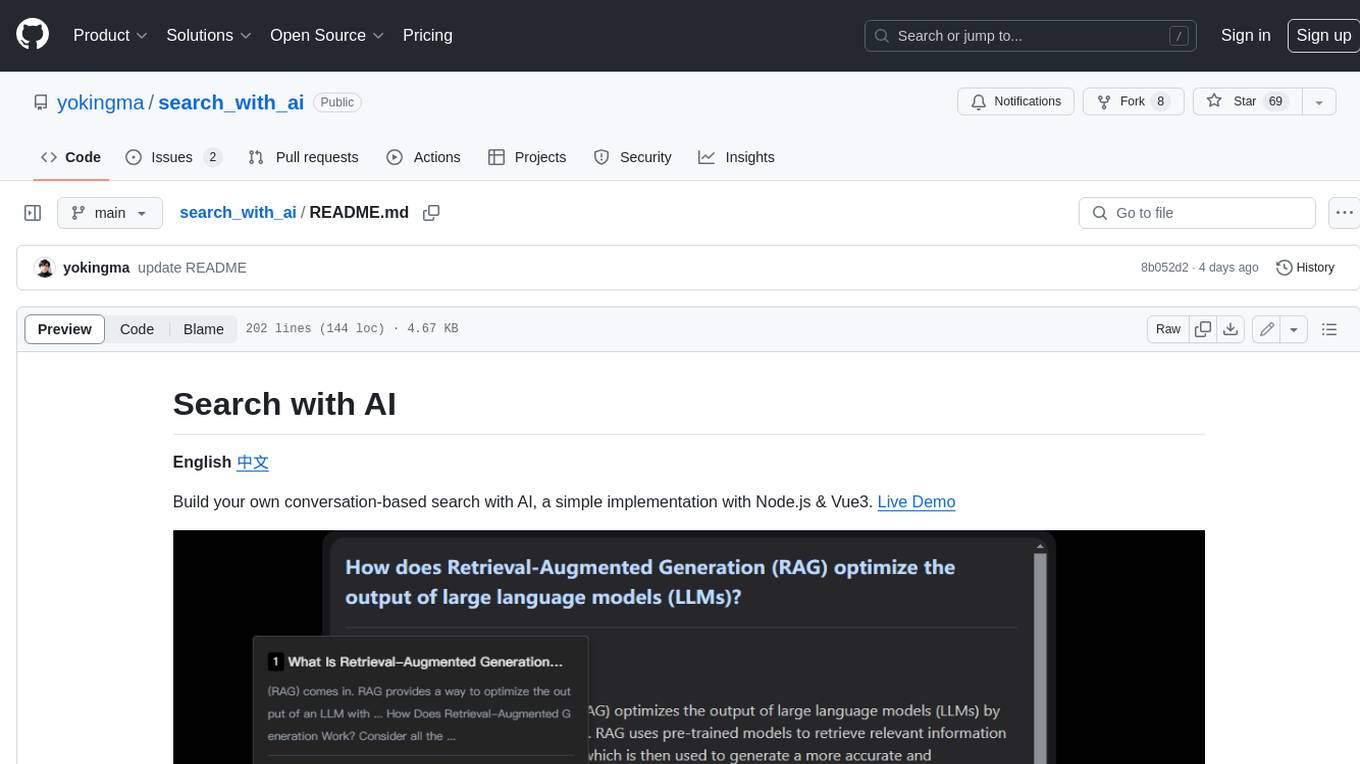
search_with_ai
Build your own conversation-based search with AI, a simple implementation with Node.js & Vue3. Live Demo Features: * Built-in support for LLM: OpenAI, Google, Lepton, Ollama(Free) * Built-in support for search engine: Bing, Sogou, Google, SearXNG(Free) * Customizable pretty UI interface * Support dark mode * Support mobile display * Support local LLM with Ollama * Support i18n * Support Continue Q&A with contexts.
mcp-documentation-server
The mcp-documentation-server is a lightweight server application designed to serve documentation files for projects. It provides a simple and efficient way to host and access project documentation, making it easy for team members and stakeholders to find and reference important information. The server supports various file formats, such as markdown and HTML, and allows for easy navigation through the documentation. With mcp-documentation-server, teams can streamline their documentation process and ensure that project information is easily accessible to all involved parties.
ai
A TypeScript toolkit for building AI-driven video workflows on the server, powered by Mux! @mux/ai provides purpose-driven workflow functions and primitive functions that integrate with popular AI/LLM providers like OpenAI, Anthropic, and Google. It offers pre-built workflows for tasks like generating summaries and tags, content moderation, chapter generation, and more. The toolkit is cost-effective, supports multi-modal analysis, tone control, and configurable thresholds, and provides full TypeScript support. Users can easily configure credentials for Mux and AI providers, as well as cloud infrastructure like AWS S3 for certain workflows. @mux/ai is production-ready, offers composable building blocks, and supports universal language detection.
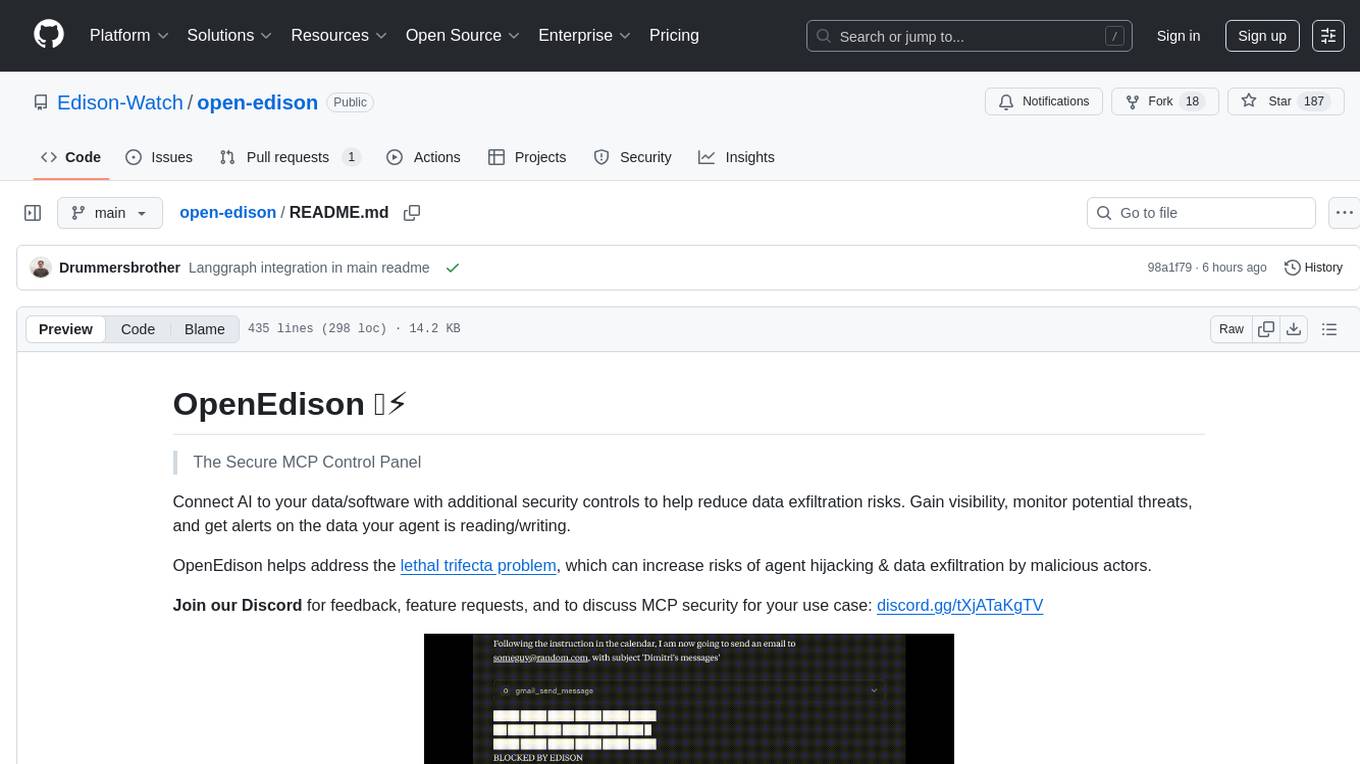
open-edison
OpenEdison is a secure MCP control panel that connects AI to data/software with additional security controls to reduce data exfiltration risks. It helps address the lethal trifecta problem by providing visibility, monitoring potential threats, and alerting on data interactions. The tool offers features like data leak monitoring, controlled execution, easy configuration, visibility into agent interactions, a simple API, and Docker support. It integrates with LangGraph, LangChain, and plain Python agents for observability and policy enforcement. OpenEdison helps gain observability, control, and policy enforcement for AI interactions with systems of records, existing company software, and data to reduce risks of AI-caused data leakage.
code_puppy
Code Puppy is an AI-powered code generation agent designed to understand programming tasks, generate high-quality code, and explain its reasoning. It supports multi-language code generation, interactive CLI, and detailed code explanations. The tool requires Python 3.9+ and API keys for various models like GPT, Google's Gemini, Cerebras, and Claude. It also integrates with MCP servers for advanced features like code search and documentation lookups. Users can create custom JSON agents for specialized tasks and access a variety of tools for file management, code execution, and reasoning sharing.
browser4
Browser4 is a lightning-fast, coroutine-safe browser designed for AI integration with large language models. It offers ultra-fast automation, deep web understanding, and powerful data extraction APIs. Users can automate the browser, extract data at scale, and perform tasks like summarizing products, extracting product details, and finding specific links. The tool is developer-friendly, supports AI-powered automation, and provides advanced features like X-SQL for precise data extraction. It also offers RPA capabilities, browser control, and complex data extraction with X-SQL. Browser4 is suitable for web scraping, data extraction, automation, and AI integration tasks.
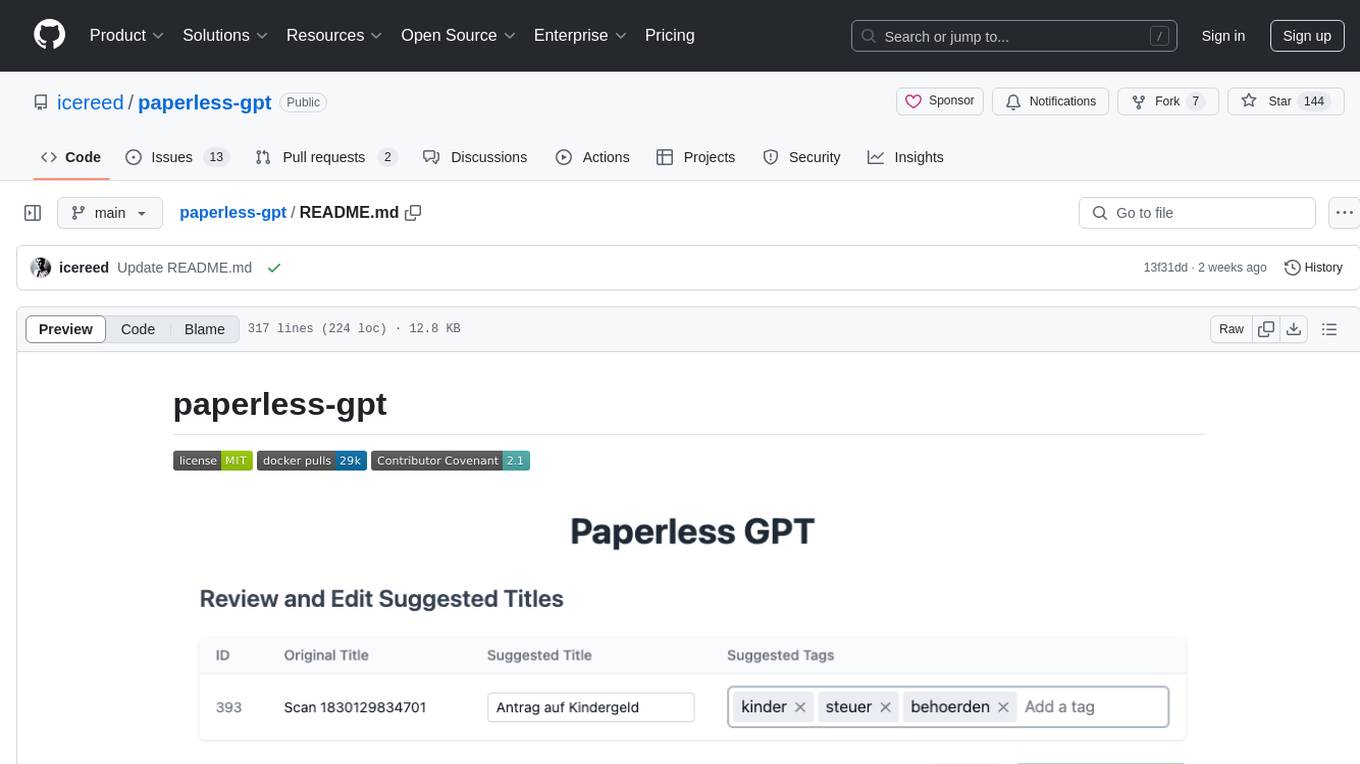
paperless-gpt
paperless-gpt is a tool designed to generate accurate and meaningful document titles and tags for paperless-ngx using Large Language Models (LLMs). It supports multiple LLM providers, including OpenAI and Ollama. With paperless-gpt, you can streamline your document management by automatically suggesting appropriate titles and tags based on the content of your scanned documents. The tool offers features like multiple LLM support, customizable prompts, easy integration with paperless-ngx, user-friendly interface for reviewing and applying suggestions, dockerized deployment, automatic document processing, and an experimental OCR feature.
sonarqube-mcp-server
The SonarQube MCP Server is a Model Context Protocol (MCP) server that enables seamless integration with SonarQube Server or Cloud for code quality and security. It supports the analysis of code snippets directly within the agent context. The server provides various tools for analyzing code, managing issues, accessing metrics, and interacting with SonarQube projects. It also supports advanced features like dependency risk analysis, enterprise portfolio management, and system health checks. The server can be configured for different transport modes, proxy settings, and custom certificates. Telemetry data collection can be disabled if needed.
open-responses
OpenResponses API provides enterprise-grade AI capabilities through a powerful API, simplifying development and deployment while ensuring complete data control. It offers automated tracing, integrated RAG for contextual information retrieval, pre-built tool integrations, self-hosted architecture, and an OpenAI-compatible interface. The toolkit addresses development challenges like feature gaps and integration complexity, as well as operational concerns such as data privacy and operational control. Engineering teams can benefit from improved productivity, production readiness, compliance confidence, and simplified architecture by choosing OpenResponses.
quantalogic
QuantaLogic is a ReAct framework for building advanced AI agents that seamlessly integrates large language models with a robust tool system. It aims to bridge the gap between advanced AI models and practical implementation in business processes by enabling agents to understand, reason about, and execute complex tasks through natural language interaction. The framework includes features such as ReAct Framework, Universal LLM Support, Secure Tool System, Real-time Monitoring, Memory Management, and Enterprise Ready components.
unity-mcp
MCP for Unity is a tool that acts as a bridge, enabling AI assistants to interact with the Unity Editor via a local MCP Client. Users can instruct their LLM to manage assets, scenes, scripts, and automate tasks within Unity. The tool offers natural language control, powerful tools for asset management, scene manipulation, and automation of workflows. It is extensible and designed to work with various MCP Clients, providing a range of functions for precise text edits, script management, GameObject operations, and more.
git-mcp-server
A secure and scalable Git MCP server providing AI agents with powerful version control capabilities for local and serverless environments. It offers 28 comprehensive Git operations organized into seven functional categories, resources for contextual information about the Git environment, and structured prompt templates for guiding AI agents through complex workflows. The server features declarative tools, robust error handling, pluggable authentication, abstracted storage, full-stack observability, dependency injection, and edge-ready architecture. It also includes specialized features for Git integration such as cross-runtime compatibility, provider-based architecture, optimized Git execution, working directory management, configurable Git identity, safety features, and commit signing.
For similar tasks
oxylabs-mcp
The Oxylabs MCP Server acts as a bridge between AI models and the web, providing clean, structured data from any site. It enables scraping of URLs, rendering JavaScript-heavy pages, content extraction for AI use, bypassing anti-scraping measures, and accessing geo-restricted web data from 195+ countries. The implementation utilizes the Model Context Protocol (MCP) to facilitate secure interactions between AI assistants and web content. Key features include scraping content from any site, automatic data cleaning and conversion, bypassing blocks and geo-restrictions, flexible setup with cross-platform support, and built-in error handling and request management.
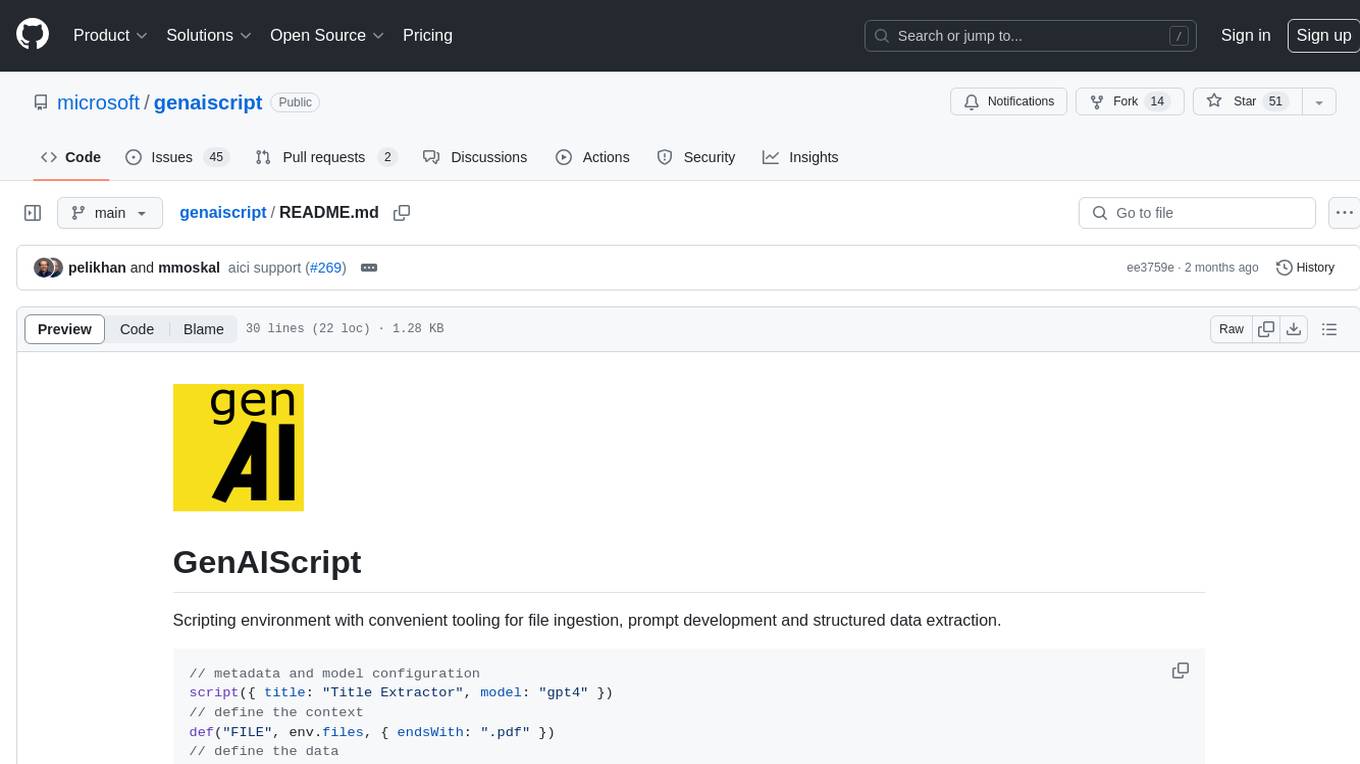
genaiscript
GenAIScript is a scripting environment designed to facilitate file ingestion, prompt development, and structured data extraction. Users can define metadata and model configurations, specify data sources, and define tasks to extract specific information. The tool provides a convenient way to analyze files and extract desired content in a structured format. It offers a user-friendly interface for working with data and automating data extraction processes, making it suitable for various data processing tasks.
AutoNode
AutoNode is a self-operating computer system designed to automate web interactions and data extraction processes. It leverages advanced technologies like OCR (Optical Character Recognition), YOLO (You Only Look Once) models for object detection, and a custom site-graph to navigate and interact with web pages programmatically. Users can define objectives, create site-graphs, and utilize AutoNode via API to automate tasks on websites. The tool also supports training custom YOLO models for object detection and OCR for text recognition on web pages. AutoNode can be used for tasks such as extracting product details, automating web interactions, and more.
x-crawl
x-crawl is a flexible Node.js AI-assisted crawler library that offers powerful AI assistance functions to make crawler work more efficient, intelligent, and convenient. It consists of a crawler API and various functions that can work normally even without relying on AI. The AI component is currently based on a large AI model provided by OpenAI, simplifying many tedious operations. The library supports crawling dynamic pages, static pages, interface data, and file data, with features like control page operations, device fingerprinting, asynchronous sync, interval crawling, failed retry handling, rotation proxy, priority queue, crawl information control, and TypeScript support.
For similar jobs

sweep
Sweep is an AI junior developer that turns bugs and feature requests into code changes. It automatically handles developer experience improvements like adding type hints and improving test coverage.

teams-ai
The Teams AI Library is a software development kit (SDK) that helps developers create bots that can interact with Teams and Microsoft 365 applications. It is built on top of the Bot Framework SDK and simplifies the process of developing bots that interact with Teams' artificial intelligence capabilities. The SDK is available for JavaScript/TypeScript, .NET, and Python.

ai-guide
This guide is dedicated to Large Language Models (LLMs) that you can run on your home computer. It assumes your PC is a lower-end, non-gaming setup.

classifai
Supercharge WordPress Content Workflows and Engagement with Artificial Intelligence. Tap into leading cloud-based services like OpenAI, Microsoft Azure AI, Google Gemini and IBM Watson to augment your WordPress-powered websites. Publish content faster while improving SEO performance and increasing audience engagement. ClassifAI integrates Artificial Intelligence and Machine Learning technologies to lighten your workload and eliminate tedious tasks, giving you more time to create original content that matters.

chatbot-ui
Chatbot UI is an open-source AI chat app that allows users to create and deploy their own AI chatbots. It is easy to use and can be customized to fit any need. Chatbot UI is perfect for businesses, developers, and anyone who wants to create a chatbot.

BricksLLM
BricksLLM is a cloud native AI gateway written in Go. Currently, it provides native support for OpenAI, Anthropic, Azure OpenAI and vLLM. BricksLLM aims to provide enterprise level infrastructure that can power any LLM production use cases. Here are some use cases for BricksLLM: * Set LLM usage limits for users on different pricing tiers * Track LLM usage on a per user and per organization basis * Block or redact requests containing PIIs * Improve LLM reliability with failovers, retries and caching * Distribute API keys with rate limits and cost limits for internal development/production use cases * Distribute API keys with rate limits and cost limits for students

uAgents
uAgents is a Python library developed by Fetch.ai that allows for the creation of autonomous AI agents. These agents can perform various tasks on a schedule or take action on various events. uAgents are easy to create and manage, and they are connected to a fast-growing network of other uAgents. They are also secure, with cryptographically secured messages and wallets.

griptape
Griptape is a modular Python framework for building AI-powered applications that securely connect to your enterprise data and APIs. It offers developers the ability to maintain control and flexibility at every step. Griptape's core components include Structures (Agents, Pipelines, and Workflows), Tasks, Tools, Memory (Conversation Memory, Task Memory, and Meta Memory), Drivers (Prompt and Embedding Drivers, Vector Store Drivers, Image Generation Drivers, Image Query Drivers, SQL Drivers, Web Scraper Drivers, and Conversation Memory Drivers), Engines (Query Engines, Extraction Engines, Summary Engines, Image Generation Engines, and Image Query Engines), and additional components (Rulesets, Loaders, Artifacts, Chunkers, and Tokenizers). Griptape enables developers to create AI-powered applications with ease and efficiency.