


mcp-apache-spark-history-server
MCP Server for Apache Spark History Server. The bridge between Agentic AI and Apache Spark.
Stars: 81
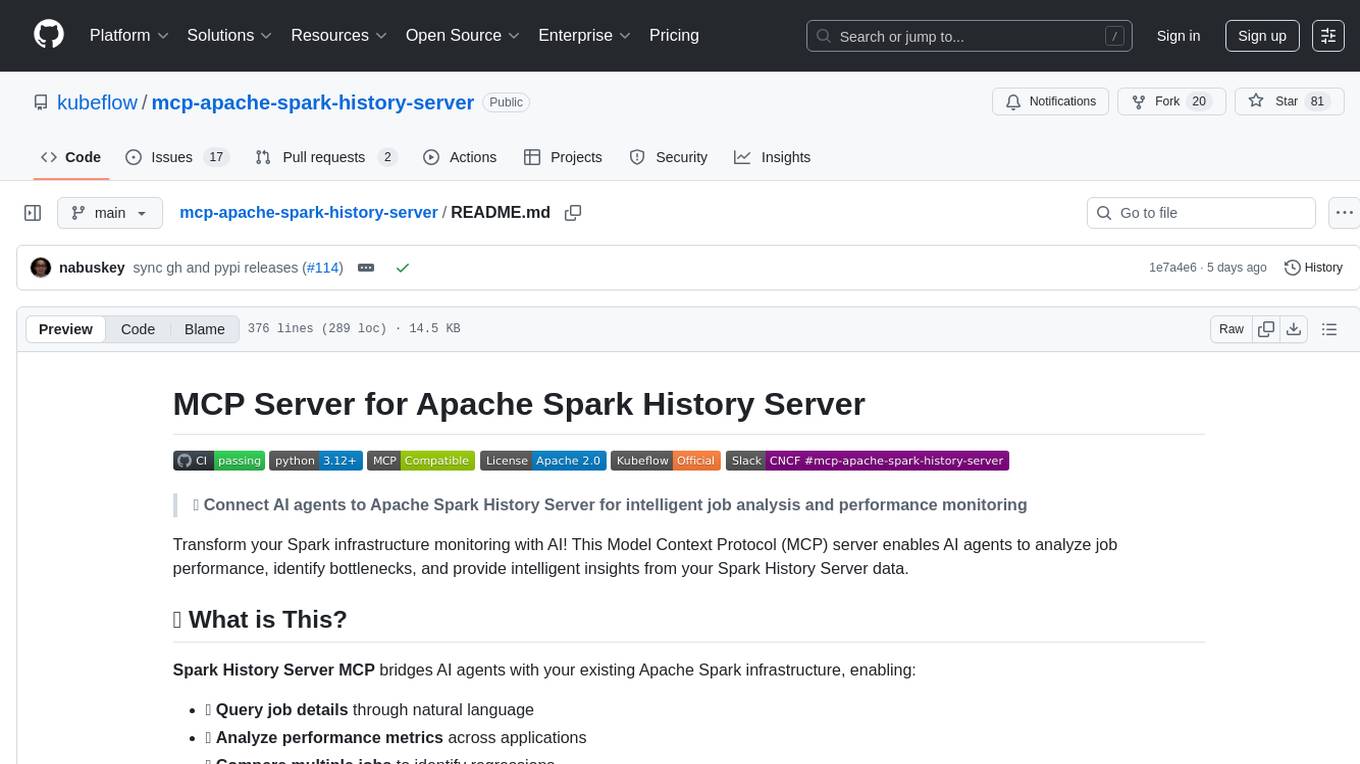
The MCP Server for Apache Spark History Server is a tool that connects AI agents to Apache Spark History Server for intelligent job analysis and performance monitoring. It enables AI agents to analyze job performance, identify bottlenecks, and provide insights from Spark History Server data. The server bridges AI agents with existing Apache Spark infrastructure, allowing users to query job details, analyze performance metrics, compare multiple jobs, investigate failures, and generate insights from historical execution data.
README:






🤖 Connect AI agents to Apache Spark History Server for intelligent job analysis and performance monitoring
Transform your Spark infrastructure monitoring with AI! This Model Context Protocol (MCP) server enables AI agents to analyze job performance, identify bottlenecks, and provide intelligent insights from your Spark History Server data.
Spark History Server MCP bridges AI agents with your existing Apache Spark infrastructure, enabling:
- 🔍 Query job details through natural language
- 📊 Analyze performance metrics across applications
- 🔄 Compare multiple jobs to identify regressions
- 🚨 Investigate failures with detailed error analysis
- 📈 Generate insights from historical execution data
📺 See it in action:

graph TB
    A[🤖 AI Agent/LLM] --> F[📡 MCP Client]
    B[🦙 LlamaIndex Agent] --> F
    C[🌐 LangGraph] --> F
    D[�️ Claudep Desktop] --> F
    E[🛠️ Amazon Q CLI] --> F

    F --> G[⚡ Spark History MCP Server]

    G --> H[🔥 Prod Spark History Server]
    G --> I[🔥 Staging Spark History Server]
    G --> J[🔥 Dev Spark History Server]

    H --> K[📄 Prod Event Logs]
    I --> L[📄 Staging Event Logs]
    J --> M[📄 Dev Event Logs]
🔗 Components:
- 🔥 Spark History Server: Your existing infrastructure serving Spark event data
- ⚡ MCP Server: This project - provides MCP tools for querying Spark data
- 🤖 AI Agents: LangChain, custom agents, or any MCP-compatible client
The package is published to PyPI: https://pypi.org/project/mcp-apache-spark-history-server/
- 🔥 Existing Spark History Server (running and accessible)
- 🐍 Python 3.12+
- ⚡ uv package manager
git clone https://github.com/kubeflow/mcp-apache-spark-history-server.git
cd mcp-apache-spark-history-server

# Install Task (if not already installed)
brew install go-task  # macOS, see https://taskfile.dev/installation/ for others

# Setup and start testing
task start-spark-bg            # Start Spark History Server with sample data (default Spark 3.5.5)
# Or specify a different Spark version:
# task start-spark-bg spark_version=3.5.2
task start-mcp-bg             # Start MCP Server

# Optional: Opens MCP Inspector on http://localhost:6274 for interactive testing
# Requires Node.js: 22.7.5+ (Check https://github.com/modelcontextprotocol/inspector for latest requirements)
task start-inspector-bg       # Start MCP Inspector

# When done, run `task stop-all`
If you just want to run the MCP server without cloning the repository:
# Run with uv without installing the module
uvx --from mcp-apache-spark-history-server spark-mcp

# OR run with pip and python. Use of venv is highly encouraged.
python3 -m venv spark-mcp && source spark-mcp/bin/activate
pip install mcp-apache-spark-history-server
python3 -m spark_history_mcp.core.main
# Deactivate venv
deactivateEdit config.yaml for your Spark History Server:
Config File Options:
- Command line:
--config /path/to/config.yamlor-c /path/to/config.yaml - Environment variable:
SHS_MCP_CONFIG=/path/to/config.yaml - Default:
./config.yaml
servers:
  local:
    default: true
    url: "http://your-spark-history-server:18080"
    auth:  # optional
      username: "user"
      password: "pass"
mcp:
  transports:
    - streamable-http # streamable-http or stdio.
  port: "18888"
debug: trueThe repository includes real Spark event logs for testing:
-
spark-bcec39f6201b42b9925124595baad260- ✅ Successful ETL job -
spark-110be3a8424d4a2789cb88134418217b- 🔄 Data processing job -
spark-cc4d115f011443d787f03a71a476a745- 📈 Multi-stage analytics job
See TESTING.md for using them.


Note: These tools are subject to change as we scale and improve the performance of the MCP server.
The MCP server provides 18 specialized tools organized by analysis patterns. LLMs can intelligently select and combine these tools based on user queries:
Basic application metadata and overview
| 🔧 Tool | 📝 Description |
|---|---|
list_applications |
📋 Get a list of all applications available on the Spark History Server with optional filtering by status, date ranges, and limits |
get_application |
📊 Get detailed information about a specific Spark application including status, resource usage, duration, and attempt details |
Job-level performance analysis and identification
| 🔧 Tool | 📝 Description |
|---|---|
list_jobs |
🔗 Get a list of all jobs for a Spark application with optional status filtering |
list_slowest_jobs |
⏱️ Get the N slowest jobs for a Spark application (excludes running jobs by default) |
Stage-level performance deep dive and task metrics
| 🔧 Tool | 📝 Description |
|---|---|
list_stages |
⚡ Get a list of all stages for a Spark application with optional status filtering and summaries |
list_slowest_stages |
🐌 Get the N slowest stages for a Spark application (excludes running stages by default) |
get_stage |
🎯 Get information about a specific stage with optional attempt ID and summary metrics |
get_stage_task_summary |
📊 Get statistical distributions of task metrics for a specific stage (execution times, memory usage, I/O metrics) |
Resource utilization, executor performance, and allocation tracking
| 🔧 Tool | 📝 Description |
|---|---|
list_executors |
🖥️ Get executor information with optional inactive executor inclusion |
get_executor |
🔍 Get information about a specific executor including resource allocation, task statistics, and performance metrics |
get_executor_summary |
📈 Aggregates metrics across all executors (memory usage, disk usage, task counts, performance metrics) |
get_resource_usage_timeline |
📅 Get chronological view of resource allocation and usage patterns including executor additions/removals |
Spark configuration, environment variables, and runtime settings
| 🔧 Tool | 📝 Description |
|---|---|
get_environment |
⚙️ Get comprehensive Spark runtime configuration including JVM info, Spark properties, system properties, and classpath |
SQL performance analysis and execution plan comparison
| 🔧 Tool | 📝 Description |
|---|---|
list_slowest_sql_queries |
🐌 Get the top N slowest SQL queries for an application with detailed execution metrics |
compare_sql_execution_plans |
🔍 Compare SQL execution plans between two Spark jobs, analyzing logical/physical plans and execution metrics |
Intelligent bottleneck identification and performance recommendations
| 🔧 Tool | 📝 Description |
|---|---|
get_job_bottlenecks |
🚨 Identify performance bottlenecks by analyzing stages, tasks, and executors with actionable recommendations |
Cross-application comparison for regression detection and optimization
| 🔧 Tool | 📝 Description |
|---|---|
compare_job_environments |
⚙️ Compare Spark environment configurations between two jobs to identify differences in properties and settings |
compare_job_performance |
📈 Compare performance metrics between two Spark jobs including execution times, resource usage, and task distribution |
Query Pattern Examples:
-
"Show me all applications between 12 AM and 1 AM on 2025-06-27" →
list_applications -
"Why is my job slow?" →
get_job_bottlenecks+list_slowest_stages+get_executor_summary -
"Compare today vs yesterday" →
compare_job_performance+compare_job_environments -
"What's wrong with stage 5?" →
get_stage+get_stage_task_summary -
"Show me resource usage over time" →
get_resource_usage_timeline+get_executor_summary -
"Find my slowest SQL queries" →
list_slowest_sql_queries+compare_sql_execution_plans
If you are an existing AWS user looking to analyze your Spark Applications, we provide detailed setup guides for:
- AWS Glue Users - Connect to Glue Spark History Server
- Amazon EMR Users - Use EMR Persistent UI for Spark analysis
These guides provide step-by-step instructions for setting up the Spark History Server MCP with your AWS services.
Deploy using Kubernetes with Helm:
⚠️ Work in Progress: We are still testing and will soon publish the container image and Helm registry to GitHub for easy deployment.
# 📦 Deploy with Helm
helm install spark-history-mcp ./deploy/kubernetes/helm/spark-history-mcp/

# 🎯 Production configuration
helm install spark-history-mcp ./deploy/kubernetes/helm/spark-history-mcp/ \
  --set replicaCount=3 \
  --set autoscaling.enabled=true \
  --set monitoring.enabled=true
📚 See deploy/kubernetes/helm/ for complete deployment manifests and configuration options.
Note: When using Secret Store CSI Driver authentication, you must create a
SecretProviderClassexternally before deploying the chart.
Setup multiple Spark history servers in the config.yaml and choose which server you want the LLM to interact with for each query.
servers:
  production:
    default: true
    url: "http://prod-spark-history:18080"
    auth:
      username: "user"
      password: "pass"
  staging:
    url: "http://staging-spark-history:18080"
💁 User Query: "Can you get application <app_id> using production server?"
🤖 AI Tool Request:
{
  "app_id": "<app_id>",
  "server": "production"
}
🤖 AI Tool Response:
{
  "id": "<app_id>>",
  "name": "app_name",
  "coresGranted": null,
  "maxCores": null,
  "coresPerExecutor": null,
  "memoryPerExecutorMB": null,
  "attempts": [
    {
      "attemptId": null,
      "startTime": "2023-09-06T04:44:37.006000Z",
      "endTime": "2023-09-06T04:45:40.431000Z",
      "lastUpdated": "2023-09-06T04:45:42Z",
      "duration": 63425,
      "sparkUser": "spark",
      "appSparkVersion": "3.3.0",
      "completed": true
    }
  ]
}SHS_MCP_PORT - Port for MCP server (default: 18888)
SHS_MCP_DEBUG - Enable debug mode (default: false)
SHS_MCP_ADDRESS - Address for MCP server (default: localhost)
SHS_MCP_TRANSPORT - MCP transport mode (default: streamable-http)
SHS_SERVERS_*_URL - URL for a specific server
SHS_SERVERS_*_AUTH_USERNAME - Username for a specific server
SHS_SERVERS_*_AUTH_PASSWORD - Password for a specific server
SHS_SERVERS_*_AUTH_TOKEN - Token for a specific server
SHS_SERVERS_*_VERIFY_SSL - Whether to verify SSL for a specific server (true/false)
SHS_SERVERS_*_TIMEOUT - HTTP request timeout in seconds for a specific server (default: 30)
SHS_SERVERS_*_EMR_CLUSTER_ARN - EMR cluster ARN for a specific server
| Integration | Transport | Best For |
|---|---|---|
| Local Testing | HTTP | Development, testing tools |
| Claude Desktop | STDIO | Interactive analysis |
| Amazon Q CLI | STDIO | Command-line automation |
| Kiro | HTTP | IDE integration, code-centric analysis |
| LangGraph | HTTP | Multi-agent workflows |
| Strands Agents | HTTP | Multi-agent workflows |
🤖 AI Query: "Why is my ETL job running slower than usual?"

📊 MCP Actions:
✅ Analyze application metrics
✅ Compare with historical performance
✅ Identify bottleneck stages
✅ Generate optimization recommendations
🤖 AI Query: "What caused job 42 to fail?"

🔍 MCP Actions:
✅ Examine failed tasks and error messages
✅ Review executor logs and resource usage
✅ Identify root cause and suggest fixes
🤖 AI Query: "Compare today's batch job with yesterday's run"

📊 MCP Actions:
✅ Compare execution times and resource usage
✅ Identify performance deltas
✅ Highlight configuration differences
Check CONTRIBUTING.md for full guidelines on contributions
Apache License 2.0 - see LICENSE file for details.
This project is built for use with Apache Spark™ History Server. Not affiliated with or endorsed by the Apache Software Foundation.
🔥 Connect your Spark infrastructure to AI agents
🚀 Get Started | 🛠️ View Tools | 🧪 Test Now | 🤝 Contribute
Built by the community, for the community 💙
For Tasks:
Click tags to check more tools for each tasksFor Jobs:
Alternative AI tools for mcp-apache-spark-history-server
Similar Open Source Tools
mcp-apache-spark-history-server
The MCP Server for Apache Spark History Server is a tool that connects AI agents to Apache Spark History Server for intelligent job analysis and performance monitoring. It enables AI agents to analyze job performance, identify bottlenecks, and provide insights from Spark History Server data. The server bridges AI agents with existing Apache Spark infrastructure, allowing users to query job details, analyze performance metrics, compare multiple jobs, investigate failures, and generate insights from historical execution data.
prometheus-mcp-server
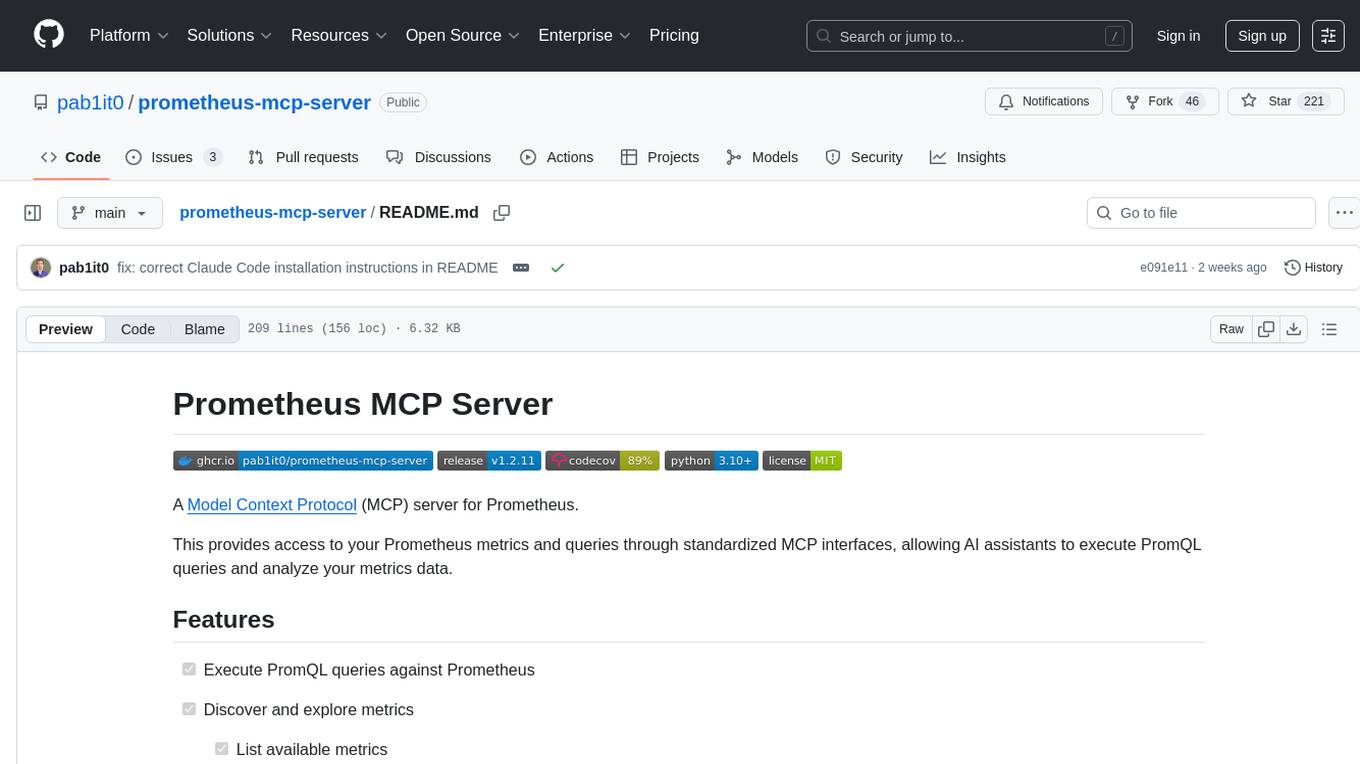
Prometheus MCP Server is a Model Context Protocol (MCP) server that provides access to Prometheus metrics and queries through standardized interfaces. It allows AI assistants to execute PromQL queries and analyze metrics data. The server supports executing queries, exploring metrics, listing available metrics, viewing query results, and authentication. It offers interactive tools for AI assistants and can be configured to choose specific tools. Installation methods include using Docker Desktop, MCP-compatible clients like Claude Desktop, VS Code, Cursor, and Windsurf, and manual Docker setup. Configuration options include setting Prometheus server URL, authentication credentials, organization ID, transport mode, and bind host/port. Contributions are welcome, and the project uses `uv` for managing dependencies and includes a comprehensive test suite for functionality testing.
MassGen
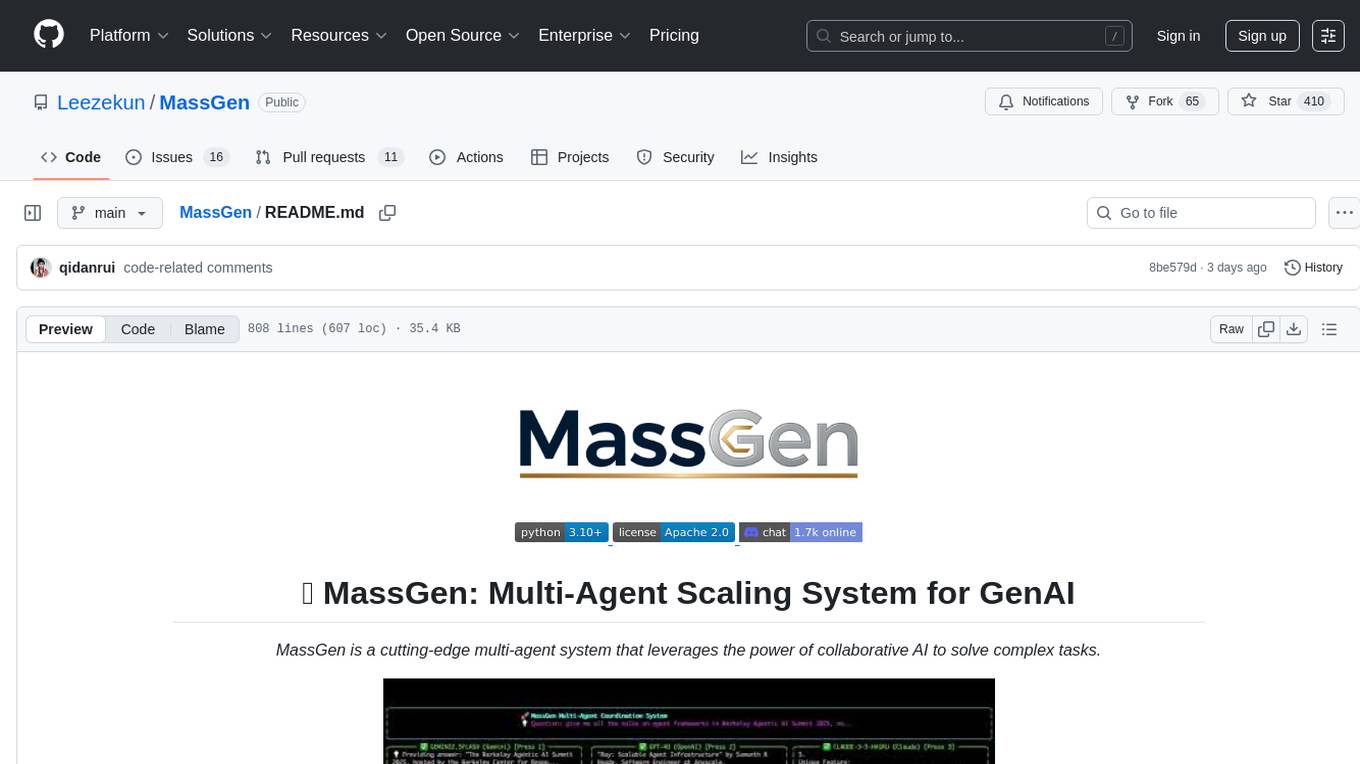
MassGen is a cutting-edge multi-agent system that leverages the power of collaborative AI to solve complex tasks. It assigns a task to multiple AI agents who work in parallel, observe each other's progress, and refine their approaches to converge on the best solution to deliver a comprehensive and high-quality result. The system operates through an architecture designed for seamless multi-agent collaboration, with key features including cross-model/agent synergy, parallel processing, intelligence sharing, consensus building, and live visualization. Users can install the system, configure API settings, and run MassGen for various tasks such as question answering, creative writing, research, development & coding tasks, and web automation & browser tasks. The roadmap includes plans for advanced agent collaboration, expanded model, tool & agent integration, improved performance & scalability, enhanced developer experience, and a web interface.
airunner
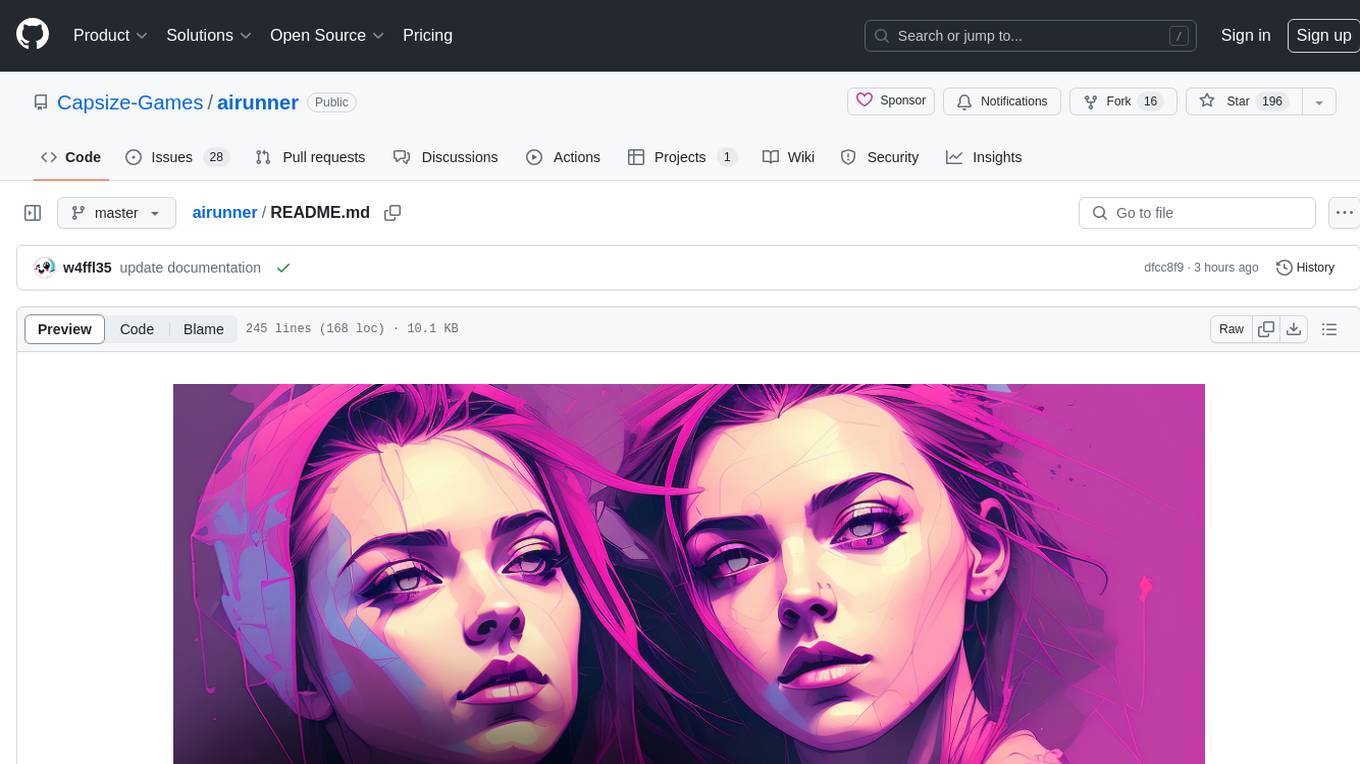
AI Runner is a multi-modal AI interface that allows users to run open-source large language models and AI image generators on their own hardware. The tool provides features such as voice-based chatbot conversations, text-to-speech, speech-to-text, vision-to-text, text generation with large language models, image generation capabilities, image manipulation tools, utility functions, and more. It aims to provide a stable and user-friendly experience with security updates, a new UI, and a streamlined installation process. The application is designed to run offline on users' hardware without relying on a web server, offering a smooth and responsive user experience.
semantic-router
The Semantic Router is an intelligent routing tool that utilizes a Mixture-of-Models (MoM) approach to direct OpenAI API requests to the most suitable models based on semantic understanding. It enhances inference accuracy by selecting models tailored to different types of tasks. The tool also automatically selects relevant tools based on the prompt to improve tool selection accuracy. Additionally, it includes features for enterprise security such as PII detection and prompt guard to protect user privacy and prevent misbehavior. The tool implements similarity caching to reduce latency. The comprehensive documentation covers setup instructions, architecture guides, and API references.
ragflow
RAGFlow is an open-source Retrieval-Augmented Generation (RAG) engine that combines deep document understanding with Large Language Models (LLMs) to provide accurate question-answering capabilities. It offers a streamlined RAG workflow for businesses of all sizes, enabling them to extract knowledge from unstructured data in various formats, including Word documents, slides, Excel files, images, and more. RAGFlow's key features include deep document understanding, template-based chunking, grounded citations with reduced hallucinations, compatibility with heterogeneous data sources, and an automated and effortless RAG workflow. It supports multiple recall paired with fused re-ranking, configurable LLMs and embedding models, and intuitive APIs for seamless integration with business applications.
openmcp-client
OpenMCP is an integrated plugin for MCP server debugging in vscode/trae/cursor, combining development and testing functionalities. It includes tools for testing MCP resources, managing large model interactions, project-level management, and supports multiple large models. The openmcp-sdk allows for deploying MCP as an agent app with easy configuration and execution of tasks. The project follows a modular design allowing implementation in different modes on various platforms.
zcf
ZCF (Zero-Config Claude-Code Flow) is a tool that provides zero-configuration, one-click setup for Claude Code with bilingual support, intelligent agent system, and personalized AI assistant. It offers an interactive menu for easy operations and direct commands for quick execution. The tool supports bilingual operation with automatic language switching and customizable AI output styles. ZCF also includes features like BMad Workflow for enterprise-grade workflow system, Spec Workflow for structured feature development, CCR (Claude Code Router) support for proxy routing, and CCometixLine for real-time usage tracking. It provides smart installation, complete configuration management, and core features like professional agents, command system, and smart configuration. ZCF is cross-platform compatible, supports Windows and Termux environments, and includes security features like dangerous operation confirmation mechanism.
vision-parse
Vision Parse is a tool that leverages Vision Language Models to parse PDF documents into beautifully formatted markdown content. It offers smart content extraction, content formatting, multi-LLM support, PDF document support, and local model hosting using Ollama. Users can easily convert PDFs to markdown with high precision and preserve document hierarchy and styling. The tool supports multiple Vision LLM providers like OpenAI, LLama, and Gemini for accuracy and speed, making document processing efficient and effortless.
manim-generator
The 'manim-generator' repository focuses on automatic video generation using an agentic LLM flow combined with the manim python library. It experiments with automated Manim video creation by delegating code drafting and validation to specific roles, reducing render failures, and improving visual consistency through iterative feedback and vision inputs. The project also includes 'Manim Bench' for comparing AI models on full Manim video generation.
any-llm
The `any-llm` repository provides a unified API to access different LLM (Large Language Model) providers. It offers a simple and developer-friendly interface, leveraging official provider SDKs for compatibility and maintenance. The tool is framework-agnostic, actively maintained, and does not require a proxy or gateway server. It addresses challenges in API standardization and aims to provide a consistent interface for various LLM providers, overcoming limitations of existing solutions like LiteLLM, AISuite, and framework-specific integrations.
wa_llm
WhatsApp Group Summary Bot is an AI-powered tool that joins WhatsApp groups, tracks conversations, and generates intelligent summaries. It features automated group chat responses, LLM-based conversation summaries, knowledge base integration, persistent message history with PostgreSQL, support for multiple message types, group management, and a REST API with Swagger docs. Prerequisites include Docker, Python 3.12+, PostgreSQL with pgvector extension, Voyage AI API key, and a WhatsApp account for the bot. The tool can be quickly set up by cloning the repository, configuring environment variables, starting services, and connecting devices. It offers API usage for loading new knowledge base topics and generating & dispatching summaries to managed groups. The project architecture includes FastAPI backend, WhatsApp Web API client, PostgreSQL database with vector storage, and AI-powered message processing.
airstore
Airstore is a filesystem for AI agents that adds any source of data into a virtual filesystem, allowing users to connect services like Gmail, GitHub, Linear, and more, and describe data needs in plain English. Results are presented as files that can be read by Claude Code. Features include smart folders for natural language queries, integrations with various services, executable MCP servers, team workspaces, and local mode operation on user infrastructure. Users can sign up, connect integrations, create smart folders, install the CLI, mount the filesystem, and use with Claude Code to perform tasks like summarizing invoices, identifying unpaid invoices, and extracting data into CSV format.
TTP-Threat-Feeds
TTP-Threat-Feeds is a script-powered threat feed generator that automates the discovery and parsing of threat actor behavior from security research. It scrapes URLs from trusted sources, extracts observable adversary behaviors, and outputs structured YAML files to help detection engineers and threat researchers derive detection opportunities and correlation logic. The tool supports multiple LLM providers for text extraction and includes OCR functionality for extracting content from images. Users can configure URLs, run the extractor, and save results as YAML files. Cloud provider SDKs are optional. Contributions are welcome for improvements and enhancements to the tool.
gollama
Gollama is a delightful tool that brings Ollama, your offline conversational AI companion, directly into your terminal. It provides a fun and interactive way to generate responses from various models without needing internet connectivity. Whether you're brainstorming ideas, exploring creative writing, or just looking for inspiration, Gollama is here to assist you. The tool offers an interactive interface, customizable prompts, multiple models selection, and visual feedback to enhance user experience. It can be installed via different methods like downloading the latest release, using Go, running with Docker, or building from source. Users can interact with Gollama through various options like specifying a custom base URL, prompt, model, and enabling raw output mode. The tool supports different modes like interactive, piped, CLI with image, and TUI with image. Gollama relies on third-party packages like bubbletea, glamour, huh, and lipgloss. The roadmap includes implementing piped mode, support for extracting codeblocks, copying responses/codeblocks to clipboard, GitHub Actions for automated releases, and downloading models directly from Ollama using the rest API. Contributions are welcome, and the project is licensed under the MIT License.
agentpool
AgentPool is a unified agent orchestration hub that allows users to configure and manage heterogeneous AI agents via YAML and expose them through standardized protocols. It acts as a protocol bridge, enabling users to define all agents in one YAML file and expose them through ACP or AG-UI protocols. Users can coordinate, delegate, and communicate with different agents through a unified interface. The tool supports multi-agent coordination, rich YAML configuration, server protocols like ACP and OpenCode, and additional capabilities such as structured output, storage & analytics, file abstraction, triggers, and streaming TTS. It offers CLI and programmatic usage patterns for running agents and interacting with the tool.
For similar tasks
mcp-apache-spark-history-server
The MCP Server for Apache Spark History Server is a tool that connects AI agents to Apache Spark History Server for intelligent job analysis and performance monitoring. It enables AI agents to analyze job performance, identify bottlenecks, and provide insights from Spark History Server data. The server bridges AI agents with existing Apache Spark infrastructure, allowing users to query job details, analyze performance metrics, compare multiple jobs, investigate failures, and generate insights from historical execution data.
For similar jobs
llmops-promptflow-template
LLMOps with Prompt flow is a template and guidance for building LLM-infused apps using Prompt flow. It provides centralized code hosting, lifecycle management, variant and hyperparameter experimentation, A/B deployment, many-to-many dataset/flow relationships, multiple deployment targets, comprehensive reporting, BYOF capabilities, configuration-based development, local prompt experimentation and evaluation, endpoint testing, and optional Human-in-loop validation. The tool is customizable to suit various application needs.
azure-search-vector-samples
This repository provides code samples in Python, C#, REST, and JavaScript for vector support in Azure AI Search. It includes demos for various languages showcasing vectorization of data, creating indexes, and querying vector data. Additionally, it offers tools like Azure AI Search Lab for experimenting with AI-enabled search scenarios in Azure and templates for deploying custom chat-with-your-data solutions. The repository also features documentation on vector search, hybrid search, creating and querying vector indexes, and REST API references for Azure AI Search and Azure OpenAI Service.
geti-sdk
The Intel® Geti™ SDK is a python package that enables teams to rapidly develop AI models by easing the complexities of model development and enhancing collaboration between teams. It provides tools to interact with an Intel® Geti™ server via the REST API, allowing for project creation, downloading, uploading, deploying for local inference with OpenVINO, setting project and model configuration, launching and monitoring training jobs, and media upload and prediction. The SDK also includes tutorial-style Jupyter notebooks demonstrating its usage.
booster
Booster is a powerful inference accelerator designed for scaling large language models within production environments or for experimental purposes. It is built with performance and scaling in mind, supporting various CPUs and GPUs, including Nvidia CUDA, Apple Metal, and OpenCL cards. The tool can split large models across multiple GPUs, offering fast inference on machines with beefy GPUs. It supports both regular FP16/FP32 models and quantised versions, along with popular LLM architectures. Additionally, Booster features proprietary Janus Sampling for code generation and non-English languages.
xFasterTransformer
xFasterTransformer is an optimized solution for Large Language Models (LLMs) on the X86 platform, providing high performance and scalability for inference on mainstream LLM models. It offers C++ and Python APIs for easy integration, along with example codes and benchmark scripts. Users can prepare models in a different format, convert them, and use the APIs for tasks like encoding input prompts, generating token ids, and serving inference requests. The tool supports various data types and models, and can run in single or multi-rank modes using MPI. A web demo based on Gradio is available for popular LLM models like ChatGLM and Llama2. Benchmark scripts help evaluate model inference performance quickly, and MLServer enables serving with REST and gRPC interfaces.
amazon-transcribe-live-call-analytics
The Amazon Transcribe Live Call Analytics (LCA) with Agent Assist Sample Solution is designed to help contact centers assess and optimize caller experiences in real time. It leverages Amazon machine learning services like Amazon Transcribe, Amazon Comprehend, and Amazon SageMaker to transcribe and extract insights from contact center audio. The solution provides real-time supervisor and agent assist features, integrates with existing contact centers, and offers a scalable, cost-effective approach to improve customer interactions. The end-to-end architecture includes features like live call transcription, call summarization, AI-powered agent assistance, and real-time analytics. The solution is event-driven, ensuring low latency and seamless processing flow from ingested speech to live webpage updates.
ai-lab-recipes
This repository contains recipes for building and running containerized AI and LLM applications with Podman. It provides model servers that serve machine-learning models via an API, allowing developers to quickly prototype new AI applications locally. The recipes include components like model servers and AI applications for tasks such as chat, summarization, object detection, etc. Images for sample applications and models are available in `quay.io`, and bootable containers for AI training on Linux OS are enabled.
XLearning
XLearning is a scheduling platform for big data and artificial intelligence, supporting various machine learning and deep learning frameworks. It runs on Hadoop Yarn and integrates frameworks like TensorFlow, MXNet, Caffe, Theano, PyTorch, Keras, XGBoost. XLearning offers scalability, compatibility, multiple deep learning framework support, unified data management based on HDFS, visualization display, and compatibility with code at native frameworks. It provides functions for data input/output strategies, container management, TensorBoard service, and resource usage metrics display. XLearning requires JDK >= 1.7 and Maven >= 3.3 for compilation, and deployment on CentOS 7.2 with Java >= 1.7 and Hadoop 2.6, 2.7, 2.8.