


skilld
Generate AI agent skills from your NPM dependencies. npx skilld
Stars: 103
Skilld is a tool that generates AI agent skills from NPM dependencies, allowing users to enhance their agent's knowledge with the latest best practices and avoid deprecated patterns. It provides version-aware, local-first, and optimized skills for your codebase by extracting information from existing docs, changelogs, issues, and discussions. Skilld aims to bridge the gap between agent training data and the latest conventions, offering a semantic search feature, LLM-enhanced sections, and prompt injection sanitization. It operates locally without the need for external servers, providing a curated set of skills tied to your actual package versions.
README:



Generate AI agent skills from your NPM dependencies.
Agents have knowledge cutoffs and predict the most likely code from training data, not the best code. For example, Vue v3.5 was released over 16 months ago and agents refuse to use its features out-of-the-box. This is because they're trained on conventions not the latest docs.
Methods of getting the right context to your agent require either manual curation, author opt-in, or external servers. See the landscape for more details.
Skilld generates agent skills from the docs maintainers already write. Version-aware, local-first, and optimized for your codebase.
|
Made possible by my Sponsor Program 💖 Follow me @harlan_zw 🐦 • Join Discord for help |
- 🌍 Any Source: Opt-in - Any NPM dependency or GitHub source, docs auto-resolved
- 📦 Bleeding Edge Context - Latest issues, discussions, and releases synced on every update. Always use the latest best practices and avoid deprecated patterns.
- 📚 Opt-in LLM Sections - Enhance skills with LLM-generated
Best practices,API Changes,Doc Map, or your own prompts - 🔍 Semantic Search - Query indexed docs across all skills via retriv embeddings
- 🎯 Safe & Versioned - Prompt injection sanitization, version-aware caching, auto-updates on new releases
- 🤝 Ecosystem - Compatible with
npx skillsand skills-npm
Run skilld in a project to generate skills for your dependencies through a simple interactive wizard:
npx -y skilldOr add a specific package directly:
npx -y skilld add vueIf you need to re-configure skilld, just run npx -y skilld config to update your agent, model, or preferences.
- Be selective - Only add skills for packages your agent struggles with. Not every dependency needs one.
- LLM is optional - Skills work without any LLM, but enhancing with one makes them significantly better.
-
Multi-agent - Run
skilld install --agent gemini-clito sync skills to another agent. The doc cache is shared.
Try this in your project/user prompt:
Before modifying code, evaluate each installed skill against the current task.
For each skill, determine YES/NO relevance and invoke all YES skills before proceeding.Context7 is an MCP that fetches raw doc chunks at query time. You get different results each prompt, no curation, and it requires their server. Skilld is local-first: it generates a SKILL.md that lives in your project, tied to your actual package versions. No MCP dependency, no per-prompt latency, and it goes further with LLM-enhanced sections, prompt injection sanitization, and semantic search.
Skilld pulls issues from GitHub which could be abused for potential prompt injection.
Skilld treats all data as untrusted, running in permissioned environments and using best practices to avoid injections. However, always be cautious when using skills from untrusted sources.
Yes. Run skilld update to regenerate outdated skills, or add skilld update -b to your prepare script and they regenerate in the background whenever you install packages.
If you'd like to install skilld and track the lock file references, add it as a dev dependency:
npm install -D skilld
# or
yarn add -D skilld
# or
pnpm add -D skilldAdd to package.json to keep skills fresh on install:
{
  "scripts": {
    "prepare": "skilld update -b"
  }
}# Interactive mode - auto-discover from package.json
skilld
# Add skills for specific package(s)
skilld add vue nuxt pinia
# Update outdated skills
skilld update
skilld update tailwindcss
# Search docs across installed skills
skilld search "useFetch options" -p nuxt
# Target a specific agent
skilld add react --agent cursor
# Install globally to ~/.claude/skills
skilld add zod --global
# Skip prompts
skilld add drizzle-orm --yes
# Check skill info
skilld info
# List installed skills
skilld list
skilld list --json
# Manage settings
skilld config| Command | Description |
|---|---|
skilld |
Interactive wizard (first run) or status menu (existing skills) |
skilld add <pkg...> |
Add skills for package(s), space or comma-separated |
skilld update [pkg] |
Update outdated skills (all or specific) |
skilld search <query> |
Search indexed docs (-p to filter by package) |
skilld list |
List installed skills (--json for machine-readable output) |
skilld info |
Show skill info and config |
skilld config |
Configure agent, model, preferences |
skilld install |
Restore references from lockfile |
skilld remove |
Remove installed skills |
skilld uninstall |
Remove all skilld data |
skilld cache |
Cache management (clean expired LLM cache entries) |
| Option | Alias | Default | Description |
|---|---|---|---|
--global |
-g |
false |
Install globally to ~/<agent>/skills
|
--agent |
-a |
auto-detect | Target specific agent (claude-code, cursor, etc.) |
--yes |
-y |
false |
Skip prompts, use defaults |
--force |
-f |
false |
Ignore all caches, re-fetch docs and regenerate |
--model |
-m |
config default | LLM model for skill generation (sonnet, haiku, opus, etc.) |
--debug |
false |
Save raw LLM output to logs/ for each section |
Several approaches exist for steering agent knowledge. Each fills a different niche:
| Approach | Versioned | Curated | No Opt-in | Local |
|---|---|---|---|---|
| Manual rules | ✗ | ✓ | ✓ | ✓ |
| llms.txt | ~ | ✗ | ✗ | ✗ |
| MCP servers | ✓ | ✗ | ✗ | ✗ |
| skills.sh | ✗ | ~ | ✓ | ✗ |
| skills-npm | ✓ | ✓ | ✗ | ✓ |
| skilld | ✓ | ✓ | ✓ | ✓ |
Versioned — tied to your installed package version. Curated — distilled best practices, not raw docs. No Opt-in — works without the package author doing anything. Local — runs on your machine, no external service dependency.
- Manual rules (CLAUDE.md, .cursorrules): full control, but you need to already know the best practices and maintain them across every dep.
- llms.txt: standard convention for exposing docs to LLMs, but it's full docs not curated guidance and requires author adoption.
- MCP servers: live, version-aware responses, but adds per-request latency and the maintainer has to build and maintain a server.
- skills.sh: easy skill sharing with a growing ecosystem, but community-sourced without version-awareness or author oversight.
- skills-npm: the ideal end-state: zero-token skills shipped by the package author, but requires every maintainer to opt in.
- skilld: generates version-aware skills from existing docs, changelogs, issues, and discussions. Works for any package without author opt-in.
Skilld sends anonymous install events to skills.sh so skills can be discovered and ranked. No personal information is collected.
Telemetry is automatically disabled in CI environments.
To opt out, set either environment variable:
DISABLE_TELEMETRY=1
DO_NOT_TRACK=1- skills-npm - Convention for shipping agent skills in npm packages
- mdream - HTML to Markdown converter
- retriv - Vector search with sqlite-vec
Licensed under the MIT license.
For Tasks:
Click tags to check more tools for each tasksFor Jobs:
Alternative AI tools for skilld
Similar Open Source Tools
skilld
Skilld is a tool that generates AI agent skills from NPM dependencies, allowing users to enhance their agent's knowledge with the latest best practices and avoid deprecated patterns. It provides version-aware, local-first, and optimized skills for your codebase by extracting information from existing docs, changelogs, issues, and discussions. Skilld aims to bridge the gap between agent training data and the latest conventions, offering a semantic search feature, LLM-enhanced sections, and prompt injection sanitization. It operates locally without the need for external servers, providing a curated set of skills tied to your actual package versions.
clai
Clai is a command line context-feeder for AI tasks, supporting MCP client, vendor agnosticism, conversations, rate limit circumvention, profiles, and Unix-like functionality. Users can easily combine and tweak features for diverse use cases. Supported vendors include OpenAI, Anthropic, Mistral, Deepseek, Novita AI, Ollama, and Inception. Users need API keys for model access. Installation via 'go install' or setup script. 'clai help' provides guidance on usage. Glow can be installed for formatted markdown output.
gollama
Gollama is a delightful tool that brings Ollama, your offline conversational AI companion, directly into your terminal. It provides a fun and interactive way to generate responses from various models without needing internet connectivity. Whether you're brainstorming ideas, exploring creative writing, or just looking for inspiration, Gollama is here to assist you. The tool offers an interactive interface, customizable prompts, multiple models selection, and visual feedback to enhance user experience. It can be installed via different methods like downloading the latest release, using Go, running with Docker, or building from source. Users can interact with Gollama through various options like specifying a custom base URL, prompt, model, and enabling raw output mode. The tool supports different modes like interactive, piped, CLI with image, and TUI with image. Gollama relies on third-party packages like bubbletea, glamour, huh, and lipgloss. The roadmap includes implementing piped mode, support for extracting codeblocks, copying responses/codeblocks to clipboard, GitHub Actions for automated releases, and downloading models directly from Ollama using the rest API. Contributions are welcome, and the project is licensed under the MIT License.
thinc
Thinc is a lightweight deep learning library that offers an elegant, type-checked, functional-programming API for composing models, with support for layers defined in other frameworks such as PyTorch, TensorFlow and MXNet. You can use Thinc as an interface layer, a standalone toolkit or a flexible way to develop new models.
cli
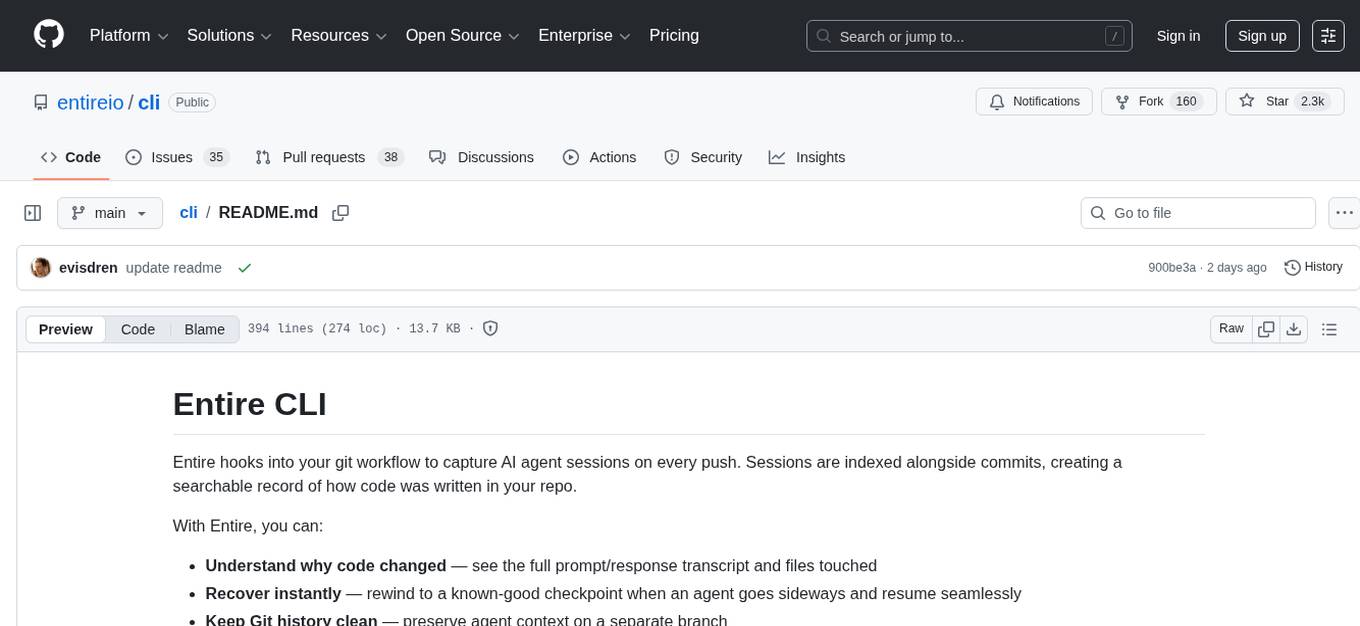
Entire CLI is a tool that integrates into your git workflow to capture AI agent sessions on every push. It indexes sessions alongside commits, creating a searchable record of code changes in your repository. It helps you understand why code changed, recover instantly, keep Git history clean, onboard faster, and maintain traceability. Entire offers features like enabling in your project, working with your AI agent, rewinding to a previous checkpoint, resuming a previous session, and disabling Entire. It also explains key concepts like sessions and checkpoints, how it works, strategies, Git worktrees, and concurrent sessions. The tool provides commands for cleaning up data, enabling/disabling hooks, fixing stuck sessions, explaining sessions/commits, resetting state, and showing status/version. Entire uses configuration files for project and local settings, with options for enabling/disabling Entire, setting log levels, strategy, telemetry, and auto-summarization. It supports Gemini CLI in preview alongside Claude Code.
lettabot
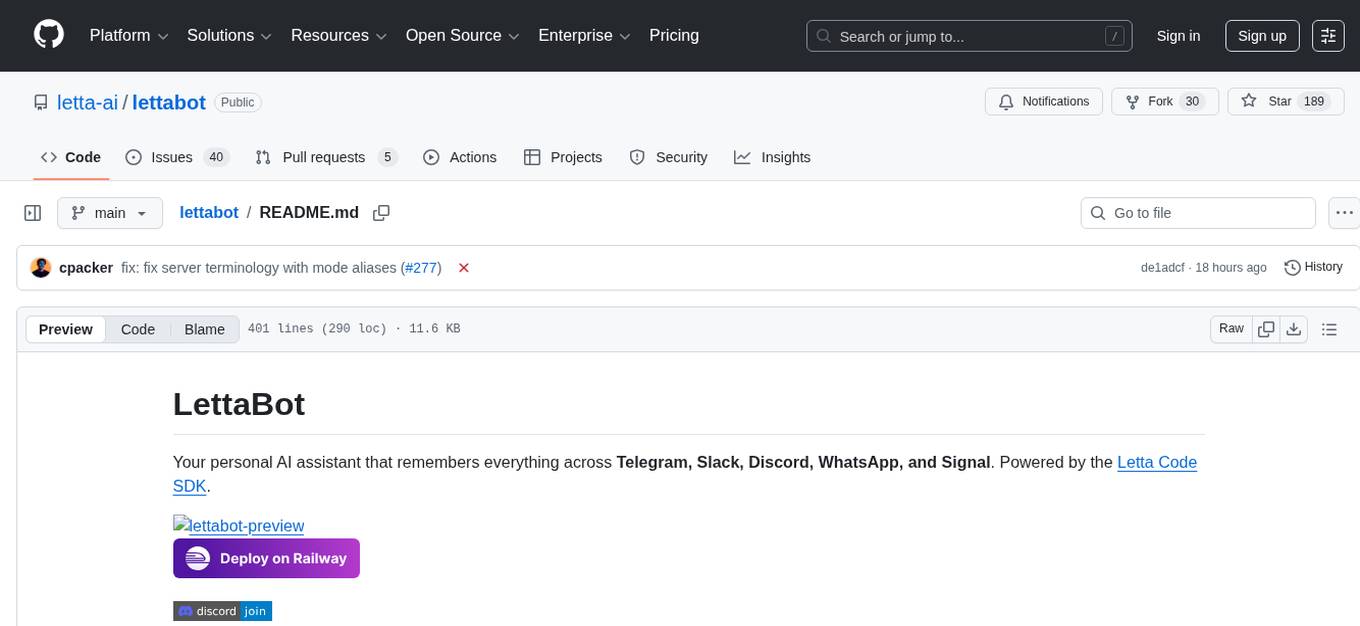
LettaBot is a personal AI assistant that operates across multiple messaging platforms including Telegram, Slack, Discord, WhatsApp, and Signal. It offers features like unified memory, persistent memory, local tool execution, voice message transcription, scheduling, and real-time message updates. Users can interact with LettaBot through various commands and setup wizards. The tool can be used for controlling smart home devices, managing background tasks, connecting to Letta Code, and executing specific operations like file exploration and internet queries. LettaBot ensures security through outbound connections only, restricted tool execution, and access control policies. Development and releases are automated, and troubleshooting guides are provided for common issues.
zoonk
Zoonk is a web app designed for creating interactive courses using AI. Currently in early development stage, it is not yet ready for use but aims to be available for testing and contributions in the future. The project focuses on leveraging AI technology to enhance the learning experience by providing interactive course creation tools. Zoonk also conducts model evaluations on different prompts to improve its AI capabilities. The project has garnered support from various individuals who believe in its vision and potential.
comfyui
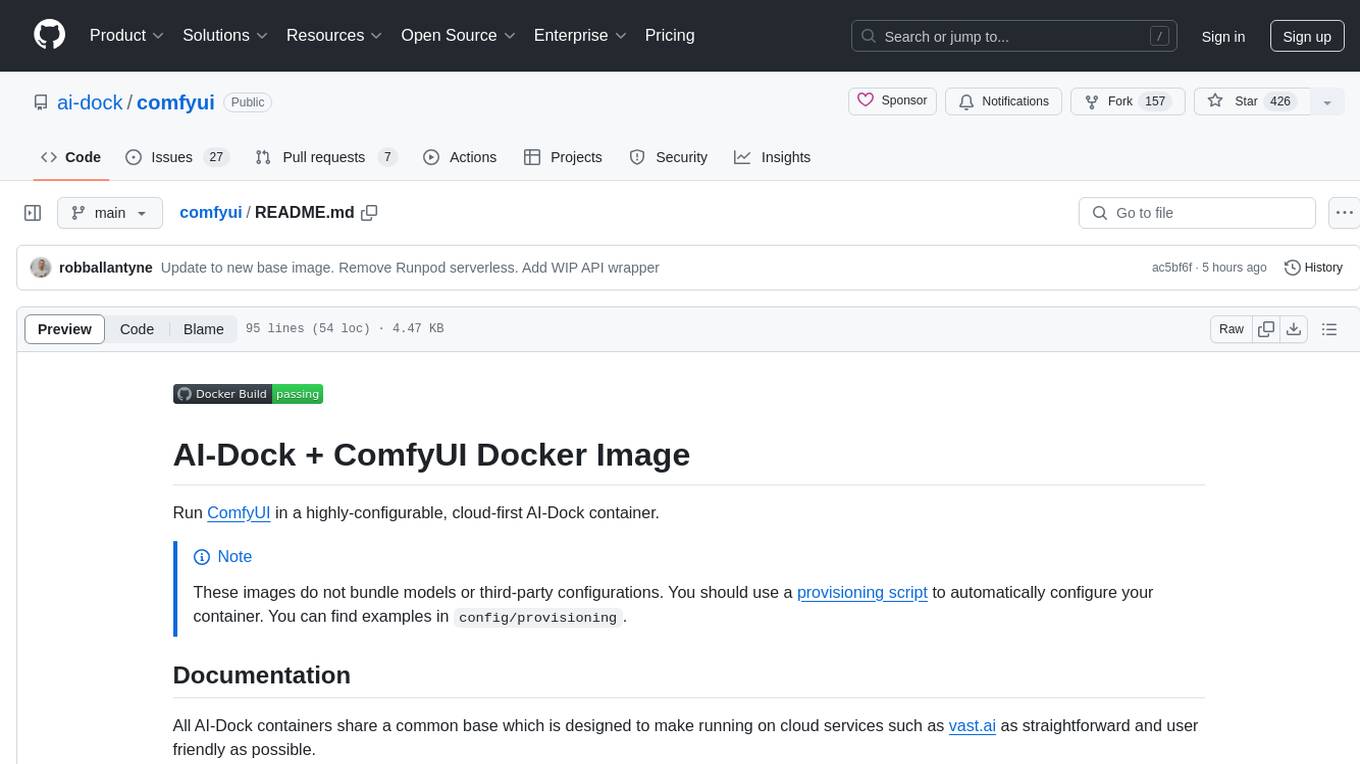
ComfyUI is a highly-configurable, cloud-first AI-Dock container that allows users to run ComfyUI without bundled models or third-party configurations. Users can configure the container using provisioning scripts. The Docker image supports NVIDIA CUDA, AMD ROCm, and CPU platforms, with version tags for different configurations. Additional environment variables and Python environments are provided for customization. ComfyUI service runs on port 8188 and can be managed using supervisorctl. The tool also includes an API wrapper service and pre-configured templates for Vast.ai. The author may receive compensation for services linked in the documentation.
DaoCloud-docs
DaoCloud Enterprise 5.0 Documentation provides detailed information on using DaoCloud, a Certified Kubernetes Service Provider. The documentation covers current and legacy versions, workflow control using GitOps, and instructions for opening a PR and previewing changes locally. It also includes naming conventions, writing tips, references, and acknowledgments to contributors. Users can find guidelines on writing, contributing, and translating pages, along with using tools like MkDocs, Docker, and Poetry for managing the documentation.
verifywise
VerifyWise is an open-source AI governance platform designed to help businesses harness the power of AI safely and responsibly. The platform ensures compliance and robust AI management without compromising on security. It offers additional products like MaskWise for data redaction, EvalWise for AI model evaluation, and FlagWise for security threat monitoring. VerifyWise simplifies AI governance for organizations, aiding in risk management, regulatory compliance, and promoting responsible AI practices. It features options for on-premises or private cloud hosting, open-source with AGPLv3 license, AI-generated answers for compliance audits, source code transparency, Docker deployment, user registration, role-based access control, and various AI governance tools like risk management, bias & fairness checks, evidence center, AI trust center, and more.
DesktopCommanderMCP
Desktop Commander MCP is a server that allows the Claude desktop app to execute long-running terminal commands on your computer and manage processes through Model Context Protocol (MCP). It is built on top of MCP Filesystem Server to provide additional search and replace file editing capabilities. The tool enables users to execute terminal commands with output streaming, manage processes, perform full filesystem operations, and edit code with surgical text replacements or full file rewrites. It also supports vscode-ripgrep based recursive code or text search in folders.
RooFlow
RooFlow is a VS Code extension that enhances AI-assisted development by providing persistent project context and optimized mode interactions. It reduces token consumption and streamlines workflow by integrating Architect, Code, Test, Debug, and Ask modes. The tool simplifies setup, offers real-time updates, and provides clearer instructions through YAML-based rule files. It includes components like Memory Bank, System Prompts, VS Code Integration, and Real-time Updates. Users can install RooFlow by downloading specific files, placing them in the project structure, and running an insert-variables script. They can then start a chat, select a mode, interact with Roo, and use the 'Update Memory Bank' command for synchronization. The Memory Bank structure includes files for active context, decision log, product context, progress tracking, and system patterns. RooFlow features persistent context, real-time updates, mode collaboration, and reduced token consumption.
ros2ai
ros2ai is a next-generation ROS 2 command line interface extension with OpenAI. It allows users to ask questions about ROS 2, get answers, and execute commands using natural language. ros2ai is easy to use, especially for ROS 2 beginners and students who do not really know ros2cli. It supports multiple languages and is available as a Docker container or can be built from source.
AirConnect-Synology
AirConnect-Synology is a minimal Synology package that allows users to use AirPlay to stream to UPnP/Sonos & Chromecast devices that do not natively support AirPlay. It is compatible with DSM 7.0 and DSM 7.1, and provides detailed information on installation, configuration, supported devices, troubleshooting, and more. The package automates the installation and usage of AirConnect on Synology devices, ensuring compatibility with various architectures and firmware versions. Users can customize the configuration using the airconnect.conf file and adjust settings for specific speakers like Sonos, Bose SoundTouch, and Pioneer/Phorus/Play-Fi.
mmore
MMORE is an open-source, end-to-end pipeline for ingesting, processing, indexing, and retrieving knowledge from various file types such as PDFs, Office docs, images, audio, video, and web pages. It standardizes content into a unified multimodal format, supports distributed CPU/GPU processing, and offers hybrid dense+sparse retrieval with an integrated RAG service through CLI and APIs.
vibe-kanban
Vibe Kanban is a tool designed to streamline the process of planning, reviewing, and orchestrating tasks for human engineers working with AI coding agents. It allows users to easily switch between different coding agents, orchestrate their execution, review work, start dev servers, and track task statuses. The tool centralizes the configuration of coding agent MCP configs, providing a comprehensive solution for managing coding tasks efficiently.
For similar tasks
skilld
Skilld is a tool that generates AI agent skills from NPM dependencies, allowing users to enhance their agent's knowledge with the latest best practices and avoid deprecated patterns. It provides version-aware, local-first, and optimized skills for your codebase by extracting information from existing docs, changelogs, issues, and discussions. Skilld aims to bridge the gap between agent training data and the latest conventions, offering a semantic search feature, LLM-enhanced sections, and prompt injection sanitization. It operates locally without the need for external servers, providing a curated set of skills tied to your actual package versions.
For similar jobs

sweep
Sweep is an AI junior developer that turns bugs and feature requests into code changes. It automatically handles developer experience improvements like adding type hints and improving test coverage.

teams-ai
The Teams AI Library is a software development kit (SDK) that helps developers create bots that can interact with Teams and Microsoft 365 applications. It is built on top of the Bot Framework SDK and simplifies the process of developing bots that interact with Teams' artificial intelligence capabilities. The SDK is available for JavaScript/TypeScript, .NET, and Python.

ai-guide
This guide is dedicated to Large Language Models (LLMs) that you can run on your home computer. It assumes your PC is a lower-end, non-gaming setup.

classifai
Supercharge WordPress Content Workflows and Engagement with Artificial Intelligence. Tap into leading cloud-based services like OpenAI, Microsoft Azure AI, Google Gemini and IBM Watson to augment your WordPress-powered websites. Publish content faster while improving SEO performance and increasing audience engagement. ClassifAI integrates Artificial Intelligence and Machine Learning technologies to lighten your workload and eliminate tedious tasks, giving you more time to create original content that matters.

chatbot-ui
Chatbot UI is an open-source AI chat app that allows users to create and deploy their own AI chatbots. It is easy to use and can be customized to fit any need. Chatbot UI is perfect for businesses, developers, and anyone who wants to create a chatbot.

BricksLLM
BricksLLM is a cloud native AI gateway written in Go. Currently, it provides native support for OpenAI, Anthropic, Azure OpenAI and vLLM. BricksLLM aims to provide enterprise level infrastructure that can power any LLM production use cases. Here are some use cases for BricksLLM: * Set LLM usage limits for users on different pricing tiers * Track LLM usage on a per user and per organization basis * Block or redact requests containing PIIs * Improve LLM reliability with failovers, retries and caching * Distribute API keys with rate limits and cost limits for internal development/production use cases * Distribute API keys with rate limits and cost limits for students

uAgents
uAgents is a Python library developed by Fetch.ai that allows for the creation of autonomous AI agents. These agents can perform various tasks on a schedule or take action on various events. uAgents are easy to create and manage, and they are connected to a fast-growing network of other uAgents. They are also secure, with cryptographically secured messages and wallets.

griptape
Griptape is a modular Python framework for building AI-powered applications that securely connect to your enterprise data and APIs. It offers developers the ability to maintain control and flexibility at every step. Griptape's core components include Structures (Agents, Pipelines, and Workflows), Tasks, Tools, Memory (Conversation Memory, Task Memory, and Meta Memory), Drivers (Prompt and Embedding Drivers, Vector Store Drivers, Image Generation Drivers, Image Query Drivers, SQL Drivers, Web Scraper Drivers, and Conversation Memory Drivers), Engines (Query Engines, Extraction Engines, Summary Engines, Image Generation Engines, and Image Query Engines), and additional components (Rulesets, Loaders, Artifacts, Chunkers, and Tokenizers). Griptape enables developers to create AI-powered applications with ease and efficiency.