


cli
Entire is a new developer platform that hooks into your git workflow to capture AI agent sessions on every push, unifying your code with its context and reasoning.
Stars: 2293
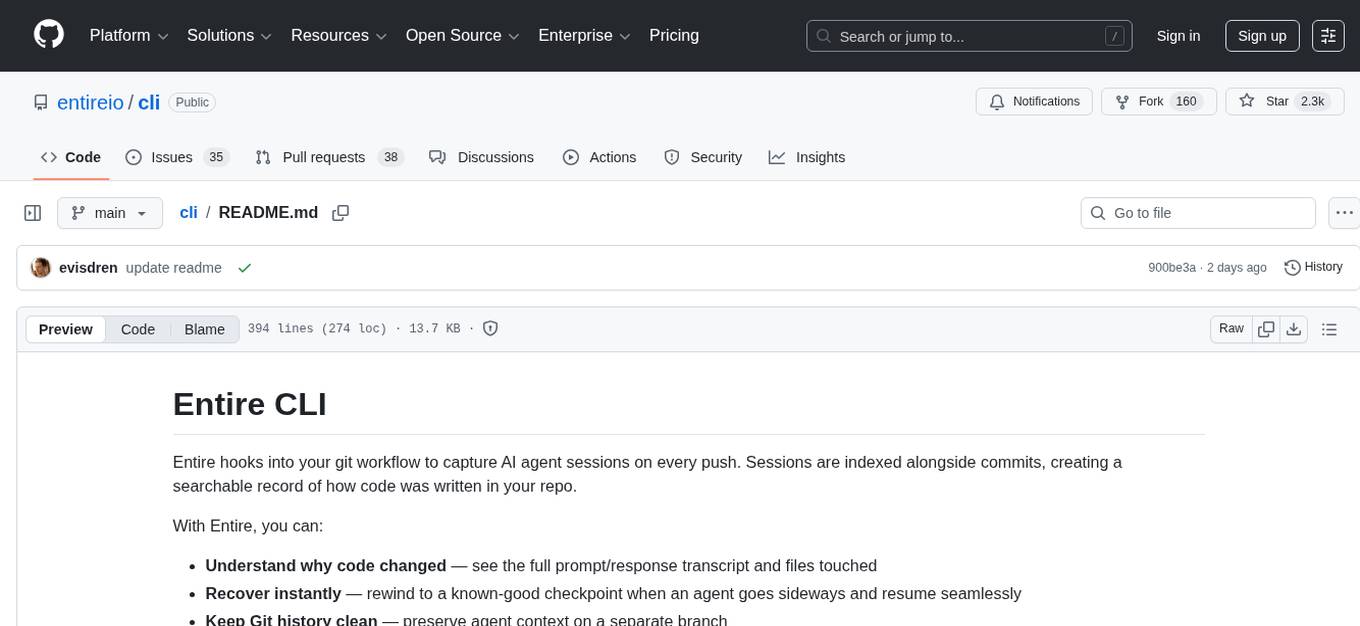
Entire CLI is a tool that integrates into your git workflow to capture AI agent sessions on every push. It indexes sessions alongside commits, creating a searchable record of code changes in your repository. It helps you understand why code changed, recover instantly, keep Git history clean, onboard faster, and maintain traceability. Entire offers features like enabling in your project, working with your AI agent, rewinding to a previous checkpoint, resuming a previous session, and disabling Entire. It also explains key concepts like sessions and checkpoints, how it works, strategies, Git worktrees, and concurrent sessions. The tool provides commands for cleaning up data, enabling/disabling hooks, fixing stuck sessions, explaining sessions/commits, resetting state, and showing status/version. Entire uses configuration files for project and local settings, with options for enabling/disabling Entire, setting log levels, strategy, telemetry, and auto-summarization. It supports Gemini CLI in preview alongside Claude Code.
README:
Entire hooks into your git workflow to capture AI agent sessions on every push. Sessions are indexed alongside commits, creating a searchable record of how code was written in your repo.
With Entire, you can:
- Understand why code changed — see the full prompt/response transcript and files touched
- Recover instantly — rewind to a known-good checkpoint when an agent goes sideways and resume seamlessly
- Keep Git history clean — preserve agent context on a separate branch
- Onboard faster — show the path from prompt → change → commit
- Maintain traceability — support audit and compliance requirements when needed
- Quick Start
- Typical Workflow
- Key Concepts
- Commands Reference
- Configuration
- Troubleshooting
- Development
- Getting Help
- License
- Git
- macOS or Linux (Windows via WSL)
- Claude Code or Gemini CLI installed and authenticated
# Install via Homebrew
brew tap entireio/tap
brew install entireio/tap/entire

# Or install via Go
go install github.com/entireio/cli/cmd/entire@latest

# Enable in your project
cd your-project && entire enable

# Check status
entire statusentire enable
This installs agent and git hooks to work with your AI agent (Claude Code or Gemini CLI). The hooks capture session data at specific points in your workflow. Your code commits stay clean—all session metadata is stored on a separate entire/checkpoints/v1 branch.
When checkpoints are created depends on your chosen strategy (default is manual-commit):
- Manual-commit: Checkpoints are created when you or the agent make a git commit
- Auto-commit: Checkpoints are created after each agent response
Just use Claude Code or Gemini CLI normally. Entire runs in the background, tracking your session:
entire status # Check current session status anytime
If you want to undo some changes and go back to an earlier checkpoint:
entire rewind
This shows all available checkpoints in the current session. Select one to restore your code to that exact state.
To restore the latest checkpointed session metadata for a branch:
entire resume <branch>
Entire checks out the branch, restores the latest checkpointed session metadata (one or more sessions), and prints command(s) to continue.
entire disable
Removes the git hooks. Your code and commit history remain untouched.
A session represents a complete interaction with your AI agent, from start to finish. Each session captures all prompts, responses, files modified, and timestamps.
Session ID format: YYYY-MM-DD-<UUID> (e.g., 2026-01-08-abc123de-f456-7890-abcd-ef1234567890)
Sessions are stored separately from your code commits on the entire/checkpoints/v1 branch.
A checkpoint is a snapshot within a session that you can rewind to—a "save point" in your work.
When checkpoints are created:
- Manual-commit strategy: When you or the agent make a git commit
- Auto-commit strategy: After each agent response
Checkpoint IDs are 12-character hex strings (e.g., a3b2c4d5e6f7).
Your Branch                    entire/checkpoints/v1
     │                                  │
     ▼                                  │
[Base Commit]                           │
     │                                  │
     │  ┌─── Agent works ───┐           │
     │  │  Step 1           │           │
     │  │  Step 2           │           │
     │  │  Step 3           │           │
     │  └───────────────────┘           │
     │                                  │
     ▼                                  ▼
[Your Commit] ─────────────────► [Session Metadata]
     │                           (transcript, prompts,
     │                            files touched)
     ▼
Checkpoints are saved as you work. When you commit, session metadata is permanently stored on the entire/checkpoints/v1 branch and linked to your commit.
Entire offers two strategies for capturing your work:
| Aspect | Manual-Commit | Auto-Commit |
|---|---|---|
| Code commits | None on your branch | Created automatically after each agent response |
| Safe on main branch | Yes | Use caution - creates commits on active branch |
| Rewind | Always possible, non-destructive | Full rewind on feature branches; logs-only on main |
| Best for | Most workflows - keeps git history clean | Teams wanting automatic code commits |
Entire works seamlessly with git worktrees. Each worktree has independent session tracking, so you can run multiple AI sessions in different worktrees without conflicts.
Multiple AI sessions can run on the same commit. If you start a second session while another has uncommitted work, Entire warns you and tracks them separately. Both sessions' checkpoints are preserved and can be rewound independently.
| Command | Description |
|---|---|
entire clean |
Clean up orphaned Entire data |
entire disable |
Remove Entire hooks from repository |
entire doctor |
Fix or clean up stuck sessions |
entire enable |
Enable Entire in your repository (uses manual-commit by default) |
entire explain |
Explain a session or commit |
entire reset |
Delete the shadow branch and session state for the current HEAD commit |
entire resume |
Switch to a branch, restore latest checkpointed session metadata, and show command(s) to continue |
entire rewind |
Rewind to a previous checkpoint |
entire status |
Show current session and strategy info |
entire version |
Show Entire CLI version |
| Flag | Description |
|---|---|
--agent <name> |
AI agent to setup hooks for: claude-code (default) or gemini
|
--force, -f
|
Force reinstall hooks (removes existing Entire hooks first) |
--local |
Write settings to settings.local.json instead of settings.json
|
--project |
Write settings to settings.json even if it already exists |
--skip-push-sessions |
Disable automatic pushing of session logs on git push |
--strategy <name> |
Strategy to use: manual-commit (default) or auto-commit
|
--telemetry=false |
Disable anonymous usage analytics |
Examples:
# Use auto-commit strategy
entire enable --strategy auto-commit

# Force reinstall hooks
entire enable --force

# Save settings locally (not committed to git)
entire enable --local
Entire uses two configuration files in the .entire/ directory:
Shared across the team, typically committed to git:
{
  "strategy": "manual-commit",
  "agent": "claude-code",
  "enabled": true
}Personal overrides, gitignored by default:
{
  "enabled": false,
  "log_level": "debug"
}| Option | Values | Description |
|---|---|---|
enabled |
true, false
|
Enable/disable Entire |
log_level |
debug, info, warn, error
|
Logging verbosity |
strategy |
manual-commit, auto-commit
|
Session capture strategy |
strategy_options.push_sessions |
true, false
|
Auto-push entire/checkpoints/v1 branch on git push |
strategy_options.summarize.enabled |
true, false
|
Auto-generate AI summaries at commit time |
telemetry |
true, false
|
Send anonymous usage statistics to Posthog |
When enabled, Entire automatically generates AI summaries for checkpoints at commit time. Summaries capture intent, outcome, learnings, friction points, and open items from the session.
{
  "strategy_options": {
    "summarize": {
      "enabled": true
    }
  }
}
Requirements:
- Claude CLI must be installed and authenticated (
claudecommand available in PATH) - Summary generation is non-blocking: failures are logged but don't prevent commits
Note: Currently uses Claude CLI for summary generation. Other AI backends may be supported in future versions.
Local settings override project settings field-by-field. When you run entire status, it shows both project and local (effective) settings.
Gemini CLI support is currently in preview. Entire can work with Gemini CLI as an alternative to Claude Code, or alongside it — you can have both agents' hooks enabled at the same time.
To enable:
entire enable --agent geminiAll commands (rewind, status, doctor, etc.) work the same regardless of which agent is configured.
If you run into any issues with Gemini CLI integration, please open an issue.
| Issue | Solution |
|---|---|
| "Not a git repository" | Navigate to a Git repository first |
| "Entire is disabled" | Run entire enable
|
| "No rewind points found" | Work with Claude Code and commit (manual-commit) or wait for agent response (auto-commit) |
| "shadow branch conflict" | Run entire reset --force
|
If you see an error like this when running entire resume:
Failed to fetch metadata: failed to fetch entire/checkpoints/v1 from origin: ssh: handshake failed: ssh: unable to authenticate, attempted methods [none publickey], no supported methods remain
This is a known issue with go-git's SSH handling. Fix it by adding GitHub's host keys to your known_hosts file:
ssh-keyscan -t rsa github.com >> ~/.ssh/known_hosts
ssh-keyscan -t ecdsa github.com >> ~/.ssh/known_hosts
# Via environment variable
ENTIRE_LOG_LEVEL=debug entire status

# Or via settings.local.json
{
  "log_level": "debug"
}
# Reset shadow branch for current commit
entire reset --force

# Disable and re-enable
entire disable && entire enable --force
For screen reader users, enable accessible mode:
export ACCESSIBLE=1
entire enable
This uses simpler text prompts instead of interactive TUI elements.
This project uses mise for task automation and dependency management.
-
mise - Install with
curl https://mise.run | sh
# Clone the repository
git clone <repo-url>
cd cli

# Install dependencies (including Go)
mise install

# Trust the mise configuration (required on first setup)
mise trust

# Build the CLI
mise run build
# Run tests
mise run test

# Run integration tests
mise run test:integration

# Run all tests (unit + integration, CI mode)
mise run test:ci

# Lint the code
mise run lint

# Format the code
mise run fmt
entire --help              # General help
entire <command> --help    # Command-specific help
- GitHub Issues: Report bugs or request features at https://github.com/entireio/cli/issues
- Contributing: See CONTRIBUTING.md for guidelines
MIT License - see LICENSE for details.
For Tasks:
Click tags to check more tools for each tasksFor Jobs:
Alternative AI tools for cli
Similar Open Source Tools
cli
Entire CLI is a tool that integrates into your git workflow to capture AI agent sessions on every push. It indexes sessions alongside commits, creating a searchable record of code changes in your repository. It helps you understand why code changed, recover instantly, keep Git history clean, onboard faster, and maintain traceability. Entire offers features like enabling in your project, working with your AI agent, rewinding to a previous checkpoint, resuming a previous session, and disabling Entire. It also explains key concepts like sessions and checkpoints, how it works, strategies, Git worktrees, and concurrent sessions. The tool provides commands for cleaning up data, enabling/disabling hooks, fixing stuck sessions, explaining sessions/commits, resetting state, and showing status/version. Entire uses configuration files for project and local settings, with options for enabling/disabling Entire, setting log levels, strategy, telemetry, and auto-summarization. It supports Gemini CLI in preview alongside Claude Code.
lettabot
LettaBot is a personal AI assistant that operates across multiple messaging platforms including Telegram, Slack, Discord, WhatsApp, and Signal. It offers features like unified memory, persistent memory, local tool execution, voice message transcription, scheduling, and real-time message updates. Users can interact with LettaBot through various commands and setup wizards. The tool can be used for controlling smart home devices, managing background tasks, connecting to Letta Code, and executing specific operations like file exploration and internet queries. LettaBot ensures security through outbound connections only, restricted tool execution, and access control policies. Development and releases are automated, and troubleshooting guides are provided for common issues.
iloom-cli
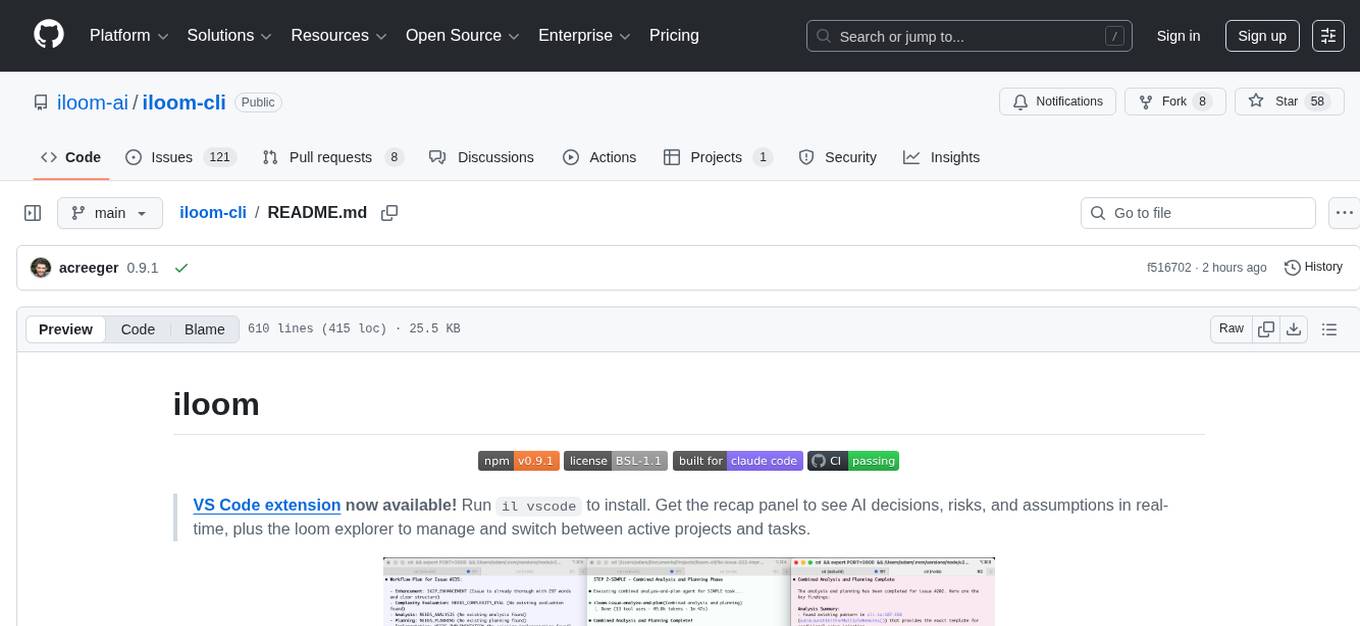
iloom is a tool designed to streamline AI-assisted development by focusing on maintaining alignment between human developers and AI agents. It treats context as a first-class concern, persisting AI reasoning in issue comments rather than temporary chats. The tool allows users to collaborate with AI agents in an isolated environment, switch between complex features without losing context, document AI decisions publicly, and capture key insights and lessons learned from AI sessions. iloom is not just a tool for managing git worktrees, but a control plane for maintaining alignment between users and their AI assistants.
skyvern
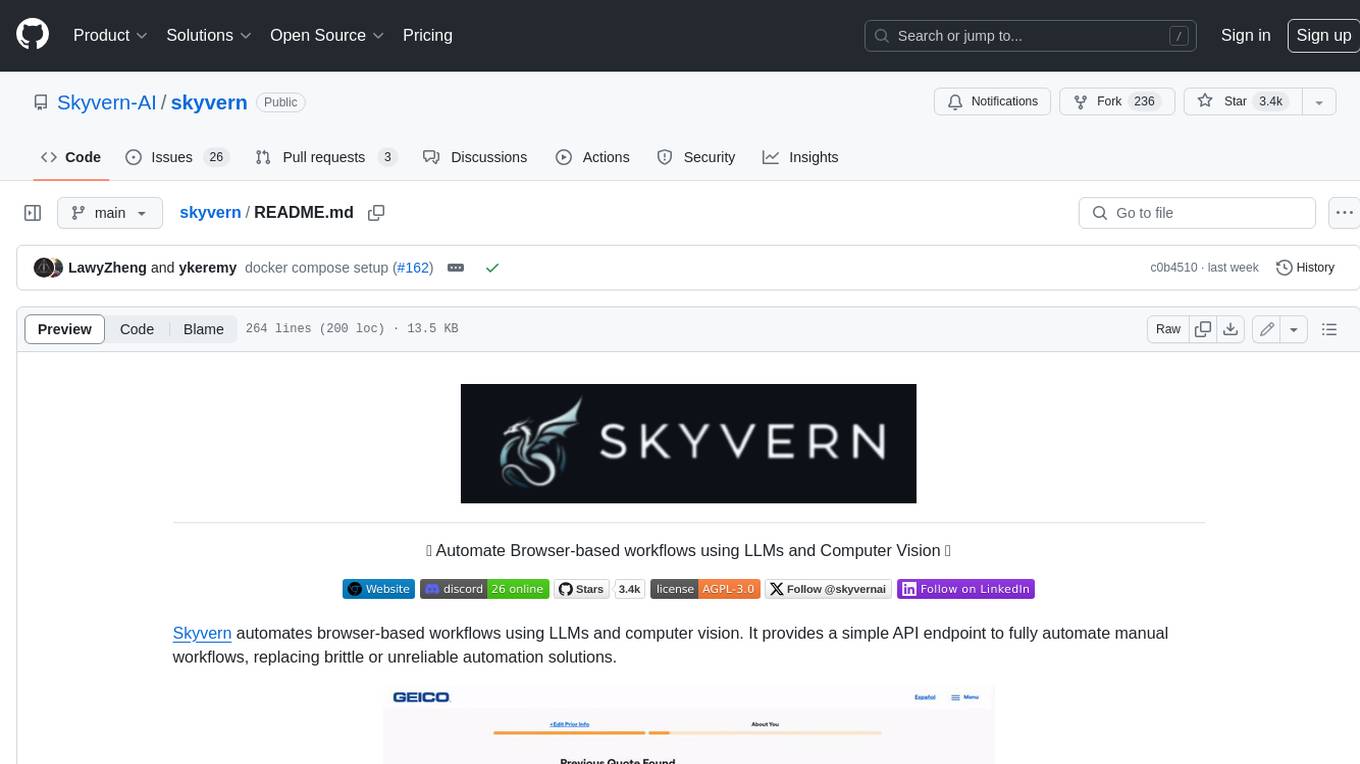
Skyvern automates browser-based workflows using LLMs and computer vision. It provides a simple API endpoint to fully automate manual workflows, replacing brittle or unreliable automation solutions. Traditional approaches to browser automations required writing custom scripts for websites, often relying on DOM parsing and XPath-based interactions which would break whenever the website layouts changed. Instead of only relying on code-defined XPath interactions, Skyvern adds computer vision and LLMs to the mix to parse items in the viewport in real-time, create a plan for interaction and interact with them. This approach gives us a few advantages: 1. Skyvern can operate on websites it’s never seen before, as it’s able to map visual elements to actions necessary to complete a workflow, without any customized code 2. Skyvern is resistant to website layout changes, as there are no pre-determined XPaths or other selectors our system is looking for while trying to navigate 3. Skyvern leverages LLMs to reason through interactions to ensure we can cover complex situations. Examples include: 1. If you wanted to get an auto insurance quote from Geico, the answer to a common question “Were you eligible to drive at 18?” could be inferred from the driver receiving their license at age 16 2. If you were doing competitor analysis, it’s understanding that an Arnold Palmer 22 oz can at 7/11 is almost definitely the same product as a 23 oz can at Gopuff (even though the sizes are slightly different, which could be a rounding error!) Want to see examples of Skyvern in action? Jump to #real-world-examples-of- skyvern
runpod-worker-comfy
runpod-worker-comfy is a serverless API tool that allows users to run any ComfyUI workflow to generate an image. Users can provide input images as base64-encoded strings, and the generated image can be returned as a base64-encoded string or uploaded to AWS S3. The tool is built on Ubuntu + NVIDIA CUDA and provides features like built-in checkpoints and VAE models. Users can configure environment variables to upload images to AWS S3 and interact with the RunPod API to generate images. The tool also supports local testing and deployment to Docker hub using Github Actions.
skilld
Skilld is a tool that generates AI agent skills from NPM dependencies, allowing users to enhance their agent's knowledge with the latest best practices and avoid deprecated patterns. It provides version-aware, local-first, and optimized skills for your codebase by extracting information from existing docs, changelogs, issues, and discussions. Skilld aims to bridge the gap between agent training data and the latest conventions, offering a semantic search feature, LLM-enhanced sections, and prompt injection sanitization. It operates locally without the need for external servers, providing a curated set of skills tied to your actual package versions.
pr-pilot
PR Pilot is an AI-powered tool designed to assist users in their daily workflow by delegating routine work to AI with confidence and predictability. It integrates seamlessly with popular development tools and allows users to interact with it through a Command-Line Interface, Python SDK, REST API, and Smart Workflows. Users can automate tasks such as generating PR titles and descriptions, summarizing and posting issues, and formatting README files. The tool aims to save time and enhance productivity by providing AI-powered solutions for common development tasks.
chatgpt-cli
ChatGPT CLI provides a powerful command-line interface for seamless interaction with ChatGPT models via OpenAI and Azure. It features streaming capabilities, extensive configuration options, and supports various modes like streaming, query, and interactive mode. Users can manage thread-based context, sliding window history, and provide custom context from any source. The CLI also offers model and thread listing, advanced configuration options, and supports GPT-4, GPT-3.5-turbo, and Perplexity's models. Installation is available via Homebrew or direct download, and users can configure settings through default values, a config.yaml file, or environment variables.
UCAgent
UCAgent is an AI-powered automated UT verification agent for chip design. It automates chip verification workflow, supports functional and code coverage analysis, ensures consistency among documentation, code, and reports, and collaborates with mainstream Code Agents via MCP protocol. It offers three intelligent interaction modes and requires Python 3.11+, Linux/macOS OS, 4GB+ memory, and access to an AI model API. Users can clone the repository, install dependencies, configure qwen, and start verification. UCAgent supports various verification quality improvement options and basic operations through TUI shortcuts and stage color indicators. It also provides documentation build and preview using MkDocs, PDF manual build using Pandoc + XeLaTeX, and resources for further help and contribution.
agenticSeek
AgenticSeek is a voice-enabled AI assistant powered by DeepSeek R1 agents, offering a fully local alternative to cloud-based AI services. It allows users to interact with their filesystem, code in multiple languages, and perform various tasks autonomously. The tool is equipped with memory to remember user preferences and past conversations, and it can divide tasks among multiple agents for efficient execution. AgenticSeek prioritizes privacy by running entirely on the user's hardware without sending data to the cloud.
llm2sh
llm2sh is a command-line utility that leverages Large Language Models (LLMs) to translate plain-language requests into shell commands. It provides a convenient way to interact with your system using natural language. The tool supports multiple LLMs for command generation, offers a customizable configuration file, YOLO mode for running commands without confirmation, and is easily extensible with new LLMs and system prompts. Users can set up API keys for OpenAI, Claude, Groq, and Cerebras to use the tool effectively. llm2sh does not store user data or command history, and it does not record or send telemetry by itself, but the LLM APIs may collect and store requests and responses for their purposes.
forge
Forge is a powerful open-source tool for building modern web applications. It provides a simple and intuitive interface for developers to quickly scaffold and deploy projects. With Forge, you can easily create custom components, manage dependencies, and streamline your development workflow. Whether you are a beginner or an experienced developer, Forge offers a flexible and efficient solution for your web development needs.
mLoRA
mLoRA (Multi-LoRA Fine-Tune) is an open-source framework for efficient fine-tuning of multiple Large Language Models (LLMs) using LoRA and its variants. It allows concurrent fine-tuning of multiple LoRA adapters with a shared base model, efficient pipeline parallelism algorithm, support for various LoRA variant algorithms, and reinforcement learning preference alignment algorithms. mLoRA helps save computational and memory resources when training multiple adapters simultaneously, achieving high performance on consumer hardware.
gollama
Gollama is a delightful tool that brings Ollama, your offline conversational AI companion, directly into your terminal. It provides a fun and interactive way to generate responses from various models without needing internet connectivity. Whether you're brainstorming ideas, exploring creative writing, or just looking for inspiration, Gollama is here to assist you. The tool offers an interactive interface, customizable prompts, multiple models selection, and visual feedback to enhance user experience. It can be installed via different methods like downloading the latest release, using Go, running with Docker, or building from source. Users can interact with Gollama through various options like specifying a custom base URL, prompt, model, and enabling raw output mode. The tool supports different modes like interactive, piped, CLI with image, and TUI with image. Gollama relies on third-party packages like bubbletea, glamour, huh, and lipgloss. The roadmap includes implementing piped mode, support for extracting codeblocks, copying responses/codeblocks to clipboard, GitHub Actions for automated releases, and downloading models directly from Ollama using the rest API. Contributions are welcome, and the project is licensed under the MIT License.
raycast_api_proxy
The Raycast AI Proxy is a tool that acts as a proxy for the Raycast AI application, allowing users to utilize the application without subscribing. It intercepts and forwards Raycast requests to various AI APIs, then reformats the responses for Raycast. The tool supports multiple AI providers and allows for custom model configurations. Users can generate self-signed certificates, add them to the system keychain, and modify DNS settings to redirect requests to the proxy. The tool is designed to work with providers like OpenAI, Azure OpenAI, Google, and more, enabling tasks such as AI chat completions, translations, and image generation.
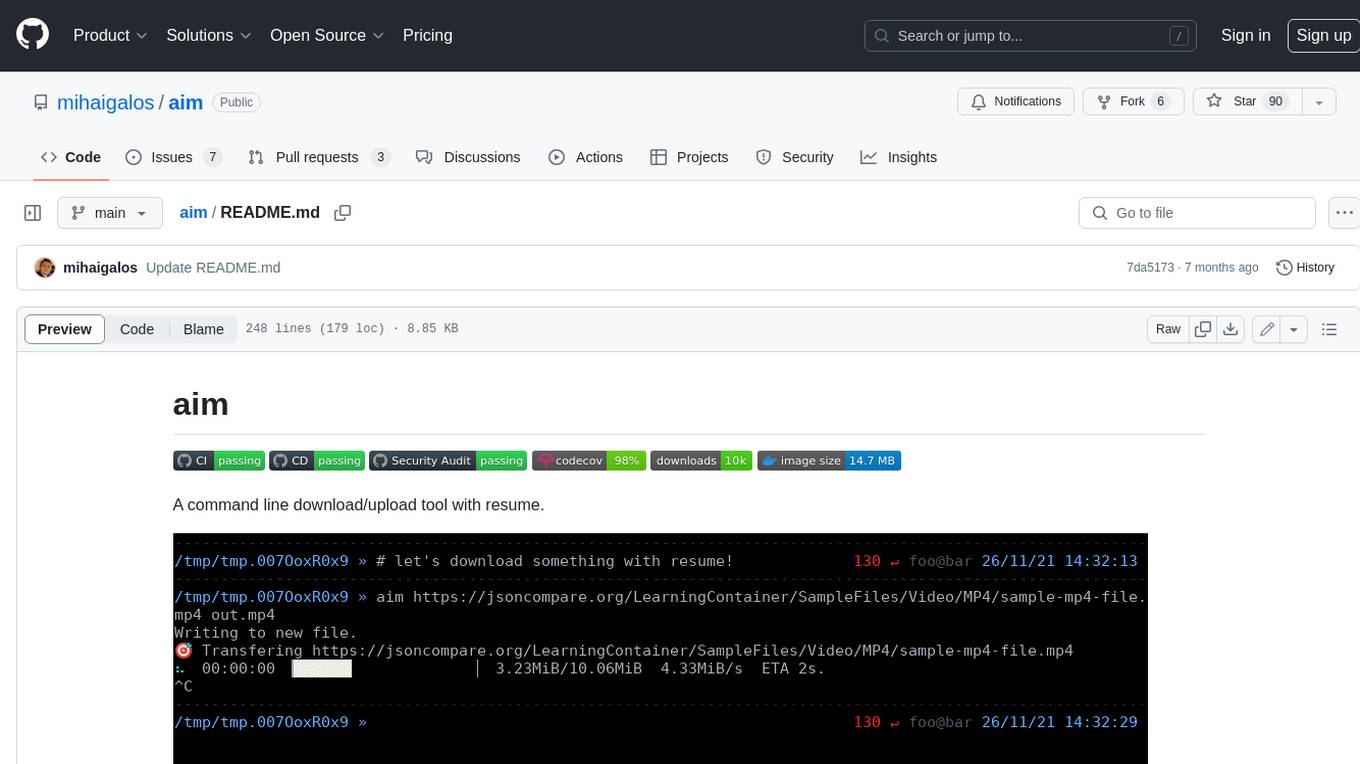
aim
Aim is a command-line tool for downloading and uploading files with resume support. It supports various protocols including HTTP, FTP, SFTP, SSH, and S3. Aim features an interactive mode for easy navigation and selection of files, as well as the ability to share folders over HTTP for easy access from other devices. Additionally, it offers customizable progress indicators and output formats, and can be integrated with other commands through piping. Aim can be installed via pre-built binaries or by compiling from source, and is also available as a Docker image for platform-independent usage.
For similar tasks
cli
Entire CLI is a tool that integrates into your git workflow to capture AI agent sessions on every push. It indexes sessions alongside commits, creating a searchable record of code changes in your repository. It helps you understand why code changed, recover instantly, keep Git history clean, onboard faster, and maintain traceability. Entire offers features like enabling in your project, working with your AI agent, rewinding to a previous checkpoint, resuming a previous session, and disabling Entire. It also explains key concepts like sessions and checkpoints, how it works, strategies, Git worktrees, and concurrent sessions. The tool provides commands for cleaning up data, enabling/disabling hooks, fixing stuck sessions, explaining sessions/commits, resetting state, and showing status/version. Entire uses configuration files for project and local settings, with options for enabling/disabling Entire, setting log levels, strategy, telemetry, and auto-summarization. It supports Gemini CLI in preview alongside Claude Code.
For similar jobs

sweep
Sweep is an AI junior developer that turns bugs and feature requests into code changes. It automatically handles developer experience improvements like adding type hints and improving test coverage.

teams-ai
The Teams AI Library is a software development kit (SDK) that helps developers create bots that can interact with Teams and Microsoft 365 applications. It is built on top of the Bot Framework SDK and simplifies the process of developing bots that interact with Teams' artificial intelligence capabilities. The SDK is available for JavaScript/TypeScript, .NET, and Python.

ai-guide
This guide is dedicated to Large Language Models (LLMs) that you can run on your home computer. It assumes your PC is a lower-end, non-gaming setup.

classifai
Supercharge WordPress Content Workflows and Engagement with Artificial Intelligence. Tap into leading cloud-based services like OpenAI, Microsoft Azure AI, Google Gemini and IBM Watson to augment your WordPress-powered websites. Publish content faster while improving SEO performance and increasing audience engagement. ClassifAI integrates Artificial Intelligence and Machine Learning technologies to lighten your workload and eliminate tedious tasks, giving you more time to create original content that matters.

chatbot-ui
Chatbot UI is an open-source AI chat app that allows users to create and deploy their own AI chatbots. It is easy to use and can be customized to fit any need. Chatbot UI is perfect for businesses, developers, and anyone who wants to create a chatbot.

BricksLLM
BricksLLM is a cloud native AI gateway written in Go. Currently, it provides native support for OpenAI, Anthropic, Azure OpenAI and vLLM. BricksLLM aims to provide enterprise level infrastructure that can power any LLM production use cases. Here are some use cases for BricksLLM: * Set LLM usage limits for users on different pricing tiers * Track LLM usage on a per user and per organization basis * Block or redact requests containing PIIs * Improve LLM reliability with failovers, retries and caching * Distribute API keys with rate limits and cost limits for internal development/production use cases * Distribute API keys with rate limits and cost limits for students

uAgents
uAgents is a Python library developed by Fetch.ai that allows for the creation of autonomous AI agents. These agents can perform various tasks on a schedule or take action on various events. uAgents are easy to create and manage, and they are connected to a fast-growing network of other uAgents. They are also secure, with cryptographically secured messages and wallets.

griptape
Griptape is a modular Python framework for building AI-powered applications that securely connect to your enterprise data and APIs. It offers developers the ability to maintain control and flexibility at every step. Griptape's core components include Structures (Agents, Pipelines, and Workflows), Tasks, Tools, Memory (Conversation Memory, Task Memory, and Meta Memory), Drivers (Prompt and Embedding Drivers, Vector Store Drivers, Image Generation Drivers, Image Query Drivers, SQL Drivers, Web Scraper Drivers, and Conversation Memory Drivers), Engines (Query Engines, Extraction Engines, Summary Engines, Image Generation Engines, and Image Query Engines), and additional components (Rulesets, Loaders, Artifacts, Chunkers, and Tokenizers). Griptape enables developers to create AI-powered applications with ease and efficiency.