


llm2sh
Ask GPT to run a command
Stars: 188
llm2sh is a command-line utility that leverages Large Language Models (LLMs) to translate plain-language requests into shell commands. It provides a convenient way to interact with your system using natural language. The tool supports multiple LLMs for command generation, offers a customizable configuration file, YOLO mode for running commands without confirmation, and is easily extensible with new LLMs and system prompts. Users can set up API keys for OpenAI, Claude, Groq, and Cerebras to use the tool effectively. llm2sh does not store user data or command history, and it does not record or send telemetry by itself, but the LLM APIs may collect and store requests and responses for their purposes.
README:
llm2sh is a command-line utility that leverages Large Language Models (LLMs) to translate plain-language requests
into shell commands. It provides a convenient way to interact with your system using natural language.
- Translates plain language requests into corresponding shell commands
- Supports multiple LLMs for command generation
- Customizable configuration file
- YOLO mode for running commands without confirmation
- Easily extensible with new LLMs and system prompts
- Verbose mode for debugging
pip install llm2shllm2sh uses OpenAI, Claude, and other LLM APIs to generate shell commands based on the user's requests.
For OpenAI, Claude, and Groq, you will need to have an API key to use this tool.
- OpenAI: You can sign up for an API key on the OpenAI website.
- Claude: You can sign up for an API key on the Claude API Console.
- Groq: You can sign up for an API key on the GroqCloud Console.
- Cerebras: You can sign up for an API key on the Cerebras Developer Platform.
Running llm2sh for the first time will create a template configuration file at ~/.config/llm2sh/llm2sh.json.
You can specify a different path using the -c or --config option.
Before using llm2sh, you need to set up the configuration file with your API keys and preferences.
You can also use the OPENAI_API_KEY, CLAUDE_API_KEY, and GROQ_API_KEY environment variables to specify the
API keys.
To use llm2sh, run the following command followed by your request:
llm2sh [options] <request>For example:
- Basic usage:
$ llm2sh "list all files in the current directory"

You are about to run the following commands:
  $ ls -a
Run the above commands? [y/N]- Use a specific model for command generation:
$ llm2sh -m gpt-3.5-turbo "find all Python files in the current directory, recursively"

You are about to run the following commands:
  $ find . -type f -name "*.py"
Run the above commands? [y/N]-
llm2shsupports running multiple commands in sequence, and supports interactive commands likesudo:
llm2sh "install docker in rootless mode"

You are about to run the following commands:
  $ sudo newgrp docker
  $ sudo pacman -Sy docker-rootless-extras
  $ sudo usermod -aG docker "$USERNAME"
  $ dockerd-rootless-setuptool.sh install
Run the above commands? [y/N]- Run the generated command without confirmation:
llm2sh --force "delete all temporary files" -h, --help show this help message and exit
-c CONFIG, --config CONFIG
specify config file, (Default: ~/.config/llm2sh/llm2sh.json)
-d, --dry-run do not run the generated command
-l, --list-models list available models
-m MODEL, --model MODEL
specify which model to use
-t TEMPERATURE, --temperature TEMPERATURE
use a custom sampling temperature
-v, --verbose print verbose debug information
-f, --yolo, --force run whatever GPT wants, without confirmation
llm2sh currently supports the following LLMs for command generation:
(Ratings are based on my subjective opinion and experience. Your mileage may vary.)
| Model Name | Provider | Accuracy | Cost | Notes |
|---|---|---|---|---|
local |
N/A | ¯\(ツ)/¯ | FREE | Needs local OpenAI API compatible LLM Api Endpoint (i.e. llama.cpp) |
groq-llama3-70b |
Groq | 🧠🧠🧠 | FREE (with rate limits) | Blazing fast; recommended |
groq-llama3-8b |
Groq | 🧠🧠 | FREE (with rate limits) | Blazing fast |
groq-mixtral-8x7b |
Groq | 🧠 | FREE (with rate limits) | Blazing fast |
groq-gemma-7b |
Groq | 🧠 | FREE (with rate limits) | Blazing fast |
cerebras-llama3-70b |
Cerebras | 🧠🧠🧠 | FREE (with rate limits) | Blazing fast; recommended |
cerebras-llama3-8b |
Cerebras | 🧠🧠 | FREE (with rate limits) | Blazing fast |
gpt-4o |
OpenAI | 🧠🧠 | 💲💲💲 | Default model |
gpt-4-turbo |
OpenAI | 🧠🧠🧠 | 💲💲💲💲 | |
gpt-3.5-turbo-instruct |
OpenAI | 🧠🧠 | 💲💲 | |
claude-3-opus |
Claude | 🧠🧠🧠🧠 | 💲💲💲💲 | Fairly slow (>10s) |
claude-3-sonnet |
Claude | 🧠🧠🧠 | 💲💲💲 | Somewhat slow (~5s) |
claude-3-haiku |
Claude | 🧠 | 💲💲 |
- ✅ Support multiple LLMs for command generation
- ⬜ User-customizable system prompts
- ⬜ Integrate with tool calling for more complex commands
- ⬜ More complex RAG for efficiently providing relevant context to the LLM
- ⬜ Better support for executing complex interactive commands
- ⬜ Interactive configuration & setup via the command line
llm2sh does not store any user data or command history, and it does not record or send any telemetry
by itself. However, the LLM APIs may collect and store the requests and responses for their own purposes.
To help LLMs generate better commands, llm2sh may send the following information as part of the LLM
prompt in addition to the user's request:
- Your operating system and version
- The current working directory
- Your username
- Names of files and directories in your current working directory
- Names of environment variables available in your shell. (Only the names/keys are sent, not the values).
Contributions are welcome! If you find any issues or have suggestions for improvements, please open an issue or submit a pull request on the GitHub repository.
This project is licensed under the GPLv3.
llm2sh is an experimental tool that relies on LLMs for generating shell commands. While it can be helpful, it's important to review and understand the generated commands before executing them, especially when using the YOLO mode. The developers are not responsible for any damages or unintended consequences resulting from the use of this tool.
This project is not affiliated with OpenAI, Claude, or any other LLM provider or creator. This project is not affiliated with my employer in any way. It is an independent project created for educational and research purposes.
For Tasks:
Click tags to check more tools for each tasksFor Jobs:
Alternative AI tools for llm2sh
Similar Open Source Tools
llm2sh
llm2sh is a command-line utility that leverages Large Language Models (LLMs) to translate plain-language requests into shell commands. It provides a convenient way to interact with your system using natural language. The tool supports multiple LLMs for command generation, offers a customizable configuration file, YOLO mode for running commands without confirmation, and is easily extensible with new LLMs and system prompts. Users can set up API keys for OpenAI, Claude, Groq, and Cerebras to use the tool effectively. llm2sh does not store user data or command history, and it does not record or send telemetry by itself, but the LLM APIs may collect and store requests and responses for their purposes.
chatgpt-cli
ChatGPT CLI provides a powerful command-line interface for seamless interaction with ChatGPT models via OpenAI and Azure. It features streaming capabilities, extensive configuration options, and supports various modes like streaming, query, and interactive mode. Users can manage thread-based context, sliding window history, and provide custom context from any source. The CLI also offers model and thread listing, advanced configuration options, and supports GPT-4, GPT-3.5-turbo, and Perplexity's models. Installation is available via Homebrew or direct download, and users can configure settings through default values, a config.yaml file, or environment variables.
agenticSeek
AgenticSeek is a voice-enabled AI assistant powered by DeepSeek R1 agents, offering a fully local alternative to cloud-based AI services. It allows users to interact with their filesystem, code in multiple languages, and perform various tasks autonomously. The tool is equipped with memory to remember user preferences and past conversations, and it can divide tasks among multiple agents for efficient execution. AgenticSeek prioritizes privacy by running entirely on the user's hardware without sending data to the cloud.
runpod-worker-comfy
runpod-worker-comfy is a serverless API tool that allows users to run any ComfyUI workflow to generate an image. Users can provide input images as base64-encoded strings, and the generated image can be returned as a base64-encoded string or uploaded to AWS S3. The tool is built on Ubuntu + NVIDIA CUDA and provides features like built-in checkpoints and VAE models. Users can configure environment variables to upload images to AWS S3 and interact with the RunPod API to generate images. The tool also supports local testing and deployment to Docker hub using Github Actions.
llm-foundry
LLM Foundry is a codebase for training, finetuning, evaluating, and deploying LLMs for inference with Composer and the MosaicML platform. It is designed to be easy-to-use, efficient _and_ flexible, enabling rapid experimentation with the latest techniques. You'll find in this repo: * `llmfoundry/` - source code for models, datasets, callbacks, utilities, etc. * `scripts/` - scripts to run LLM workloads * `data_prep/` - convert text data from original sources to StreamingDataset format * `train/` - train or finetune HuggingFace and MPT models from 125M - 70B parameters * `train/benchmarking` - profile training throughput and MFU * `inference/` - convert models to HuggingFace or ONNX format, and generate responses * `inference/benchmarking` - profile inference latency and throughput * `eval/` - evaluate LLMs on academic (or custom) in-context-learning tasks * `mcli/` - launch any of these workloads using MCLI and the MosaicML platform * `TUTORIAL.md` - a deeper dive into the repo, example workflows, and FAQs
LEADS
LEADS is a lightweight embedded assisted driving system designed to simplify the development of instrumentation, control, and analysis systems for racing cars. It is written in Python and C/C++ with impressive performance. The system is customizable and provides abstract layers for component rearrangement. It supports hardware components like Raspberry Pi and Arduino, and can adapt to various hardware types. LEADS offers a modular structure with a focus on flexibility and lightweight design. It includes robust safety features, modern GUI design with dark mode support, high performance on different platforms, and powerful ESC systems for traction control and braking. The system also supports real-time data sharing, live video streaming, and AI-enhanced data analysis for driver training. LEADS VeC Remote Analyst enables transparency between the driver and pit crew, allowing real-time data sharing and analysis. The system is designed to be user-friendly, adaptable, and efficient for racing car development.
comfyui
ComfyUI is a highly-configurable, cloud-first AI-Dock container that allows users to run ComfyUI without bundled models or third-party configurations. Users can configure the container using provisioning scripts. The Docker image supports NVIDIA CUDA, AMD ROCm, and CPU platforms, with version tags for different configurations. Additional environment variables and Python environments are provided for customization. ComfyUI service runs on port 8188 and can be managed using supervisorctl. The tool also includes an API wrapper service and pre-configured templates for Vast.ai. The author may receive compensation for services linked in the documentation.
apify-mcp-server
The Apify MCP Server enables AI agents to extract data from various websites using ready-made scrapers and automation tools. It supports OAuth for easy connection from clients like Claude.ai or Visual Studio Code. The server also supports Skyfire agentic payments for AI agents to pay for Actor runs without an API token. Compatible with various clients adhering to the Model Context Protocol, it allows dynamic tool discovery and interaction with Apify Actors. The server provides tools for interacting with Apify Actors, dynamic tool discovery, and telemetry data collection. It offers a set of example prompts and resources for users to explore and interact with Apify through MCP.
ComfyUI
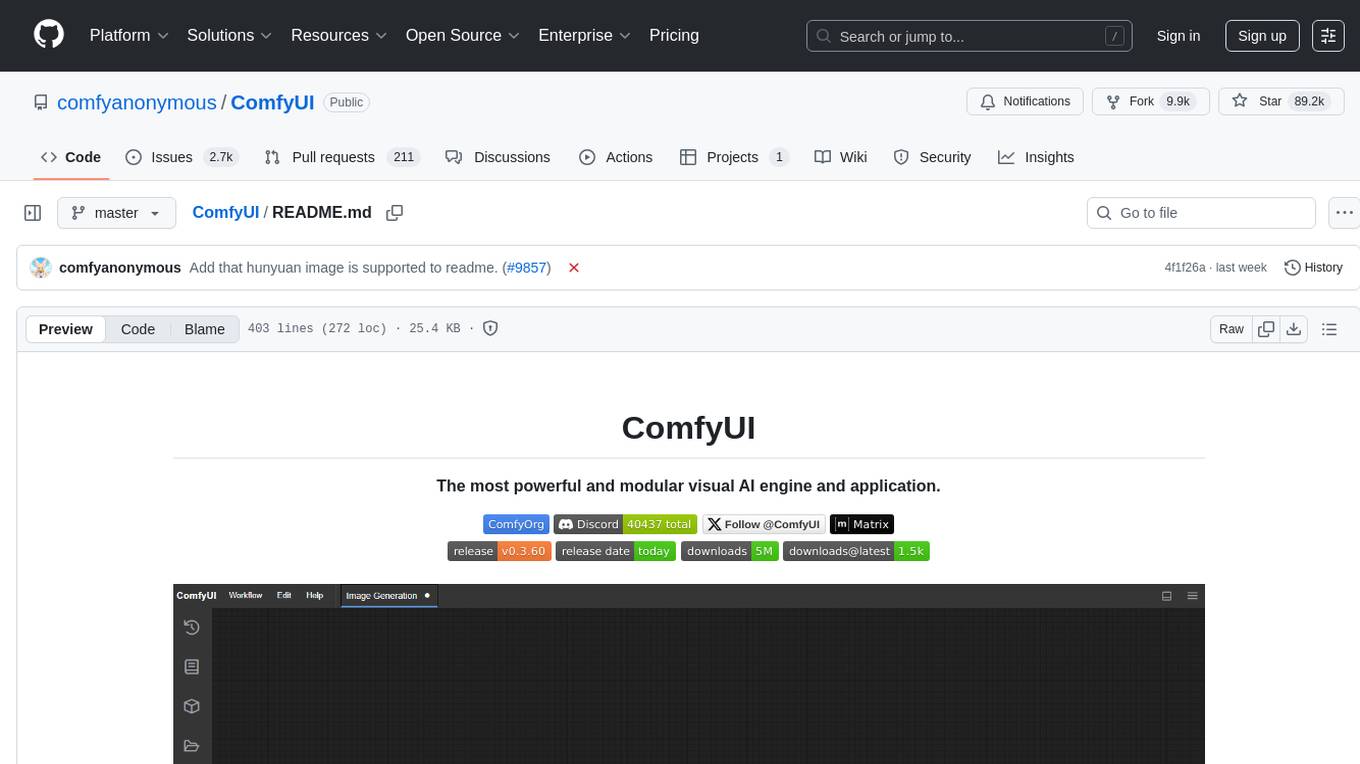
ComfyUI is a powerful and modular visual AI engine and application that allows users to design and execute advanced stable diffusion pipelines using a graph/nodes/flowchart based interface. It provides a user-friendly environment for creating complex Stable Diffusion workflows without the need for coding. ComfyUI supports various models for image editing, video processing, audio manipulation, 3D modeling, and more. It offers features like smart memory management, support for different GPU types, loading and saving workflows as JSON files, and offline functionality. Users can also use API nodes to access paid models from external providers through the online Comfy API.
ai-dial-core
AI DIAL Core is an HTTP Proxy that provides a unified API to different chat completion and embedding models, assistants, and applications. It is written in Java 17 and built on Eclipse Vert.x. The core functionality includes handling static and dynamic settings, deployment on Kubernetes using Helm charts, and storing user data in Blob Storage and Redis. It supports various identity providers, storage providers like AWS S3, Google Cloud Storage, and Azure Blob Store, and features like AI DIAL Addons, Interceptors, Assistants, Applications, and Models with customizable parameters and configurations.
ComfyUI
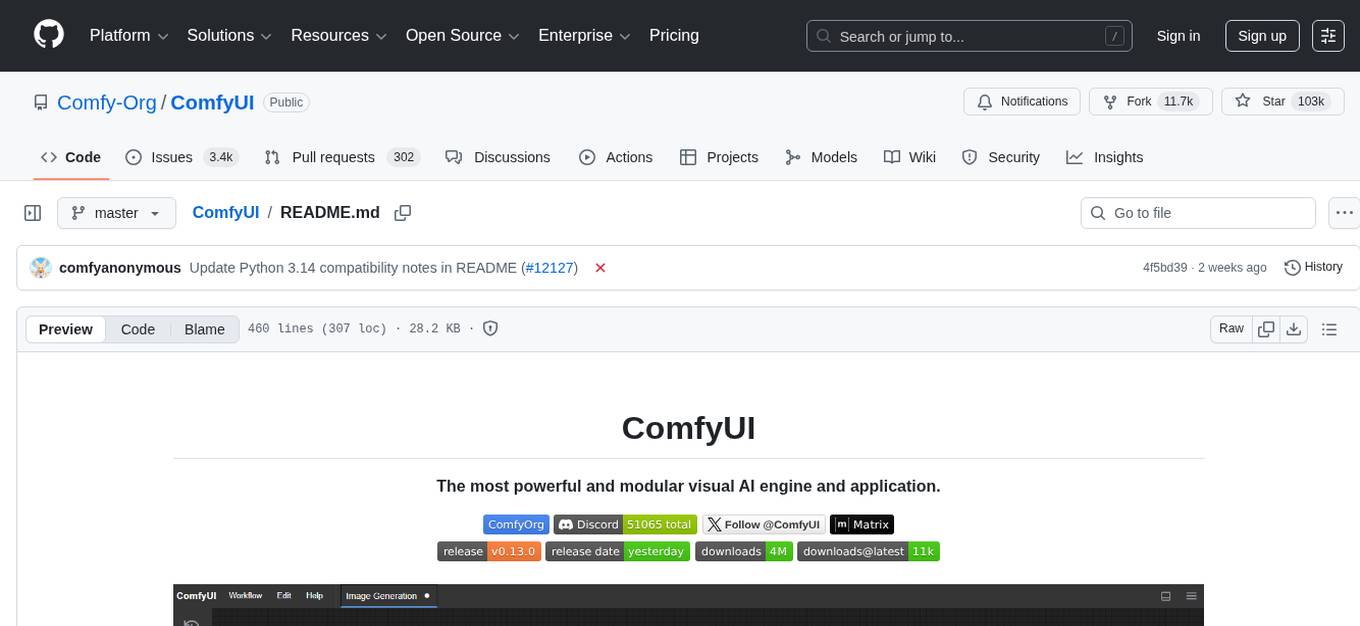
ComfyUI is a powerful and modular visual AI engine and application that allows users to design and execute advanced stable diffusion pipelines using a graph/nodes/flowchart based interface. It provides a user-friendly environment for creating complex Stable Diffusion workflows without the need for coding. ComfyUI supports various models for image, video, audio, and 3D processing, along with features like smart memory management, model loading, embeddings/textual inversion, and offline usage. Users can experiment with different models, create complex workflows, and optimize their processes efficiently.
debug-gym
debug-gym is a text-based interactive debugging framework designed for debugging Python programs. It provides an environment where agents can interact with code repositories, use various tools like pdb and grep to investigate and fix bugs, and propose code patches. The framework supports different LLM backends such as OpenAI, Azure OpenAI, and Anthropic. Users can customize tools, manage environment states, and run agents to debug code effectively. debug-gym is modular, extensible, and suitable for interactive debugging tasks in a text-based environment.
kilo
Kilo CLI is an open source AI coding agent that provides a command-line interface for developers. It includes built-in agents for different tasks like development work and code analysis. Users can switch between agents using the Tab key. The tool also offers a general subagent for complex searches and multi-step tasks. Kilo CLI supports autonomous mode for CI/CD pipelines, allowing fully automated operation without user interaction. It provides migration support for users transitioning from the Kilo Code VS Code extension. The tool is designed to enhance the agentic engineering platform and offers detailed documentation for configuration. Contributors are welcome to join the community and contribute to the project.
playword
PlayWord is a tool designed to supercharge web test automation experience with AI. It provides core features such as enabling browser operations and validations using natural language inputs, as well as monitoring interface to record and dry-run test steps. PlayWord supports multiple AI services including Anthropic, Google, and OpenAI, allowing users to select the appropriate provider based on their requirements. The tool also offers features like assertion handling, frame handling, custom variables, test recordings, and an Observer module to track user interactions on web pages. With PlayWord, users can interact with web pages using natural language commands, reducing the need to worry about element locators and providing AI-powered adaptation to UI changes.
mcp
The Snowflake Cortex AI Model Context Protocol (MCP) Server provides tooling for Snowflake Cortex AI, object management, and SQL orchestration. It supports capabilities such as Cortex Search, Cortex Analyst, Cortex Agent, Object Management, SQL Execution, and Semantic View Querying. Users can connect to Snowflake using various authentication methods like username/password, key pair, OAuth, SSO, and MFA. The server is client-agnostic and works with MCP Clients like Claude Desktop, Cursor, fast-agent, Microsoft Visual Studio Code + GitHub Copilot, and Codex. It includes tools for Object Management (creating, dropping, describing, listing objects), SQL Execution (executing SQL statements), and Semantic View Querying (discovering, querying Semantic Views). Troubleshooting can be done using the MCP Inspector tool.
ztncui-aio
This repository contains a Docker image with ZeroTier One and ztncui to set up a standalone ZeroTier network controller with a web user interface. It provides features like Golang auto-mkworld for generating a planet file, supports local persistent storage configuration, and includes a public file server. Users can build the Docker image, set up the container with specific environment variables, and manage the ZeroTier network controller through the web interface.
For similar tasks
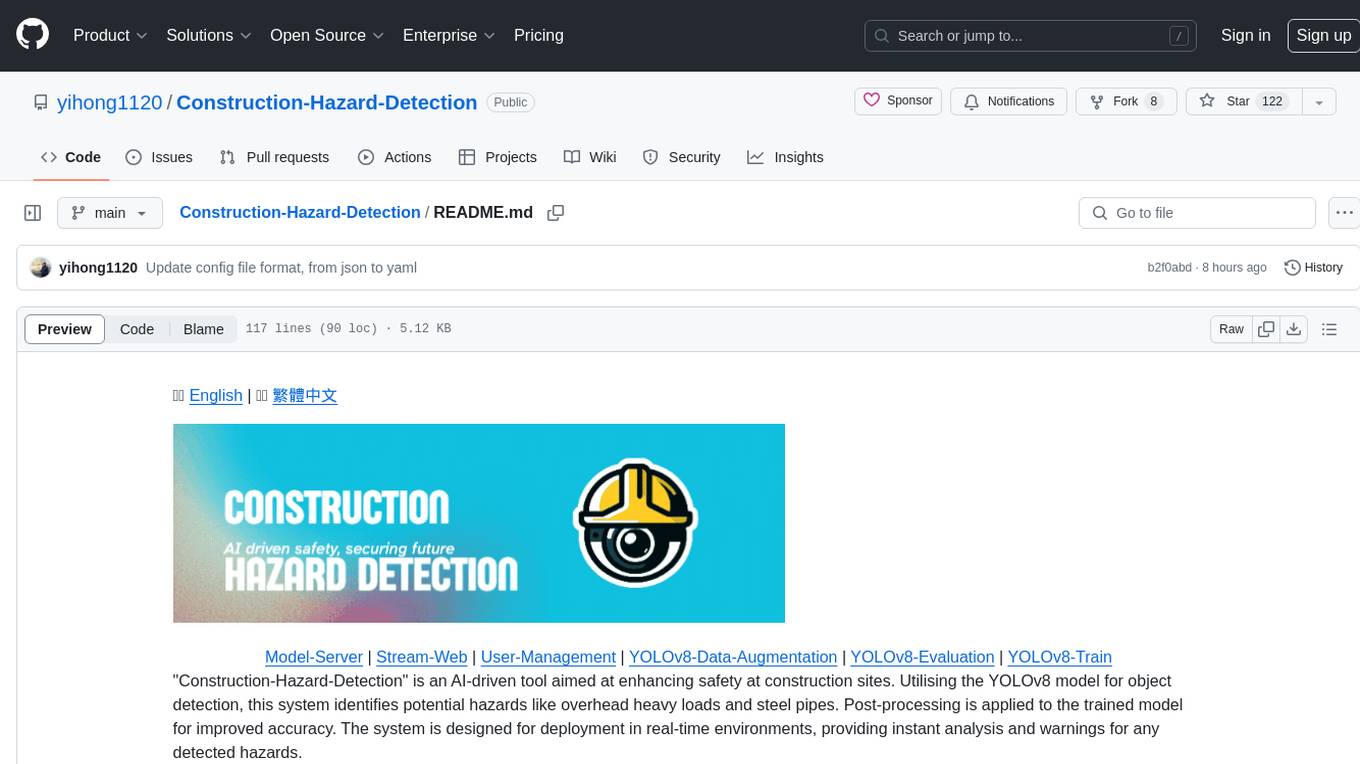
Construction-Hazard-Detection
Construction-Hazard-Detection is an AI-driven tool focused on improving safety at construction sites by utilizing the YOLOv8 model for object detection. The system identifies potential hazards like overhead heavy loads and steel pipes, providing real-time analysis and warnings. Users can configure the system via a YAML file and run it using Docker. The primary dataset used for training is the Construction Site Safety Image Dataset enriched with additional annotations. The system logs are accessible within the Docker container for debugging, and notifications are sent through the LINE messaging API when hazards are detected.
llm2sh
llm2sh is a command-line utility that leverages Large Language Models (LLMs) to translate plain-language requests into shell commands. It provides a convenient way to interact with your system using natural language. The tool supports multiple LLMs for command generation, offers a customizable configuration file, YOLO mode for running commands without confirmation, and is easily extensible with new LLMs and system prompts. Users can set up API keys for OpenAI, Claude, Groq, and Cerebras to use the tool effectively. llm2sh does not store user data or command history, and it does not record or send telemetry by itself, but the LLM APIs may collect and store requests and responses for their purposes.
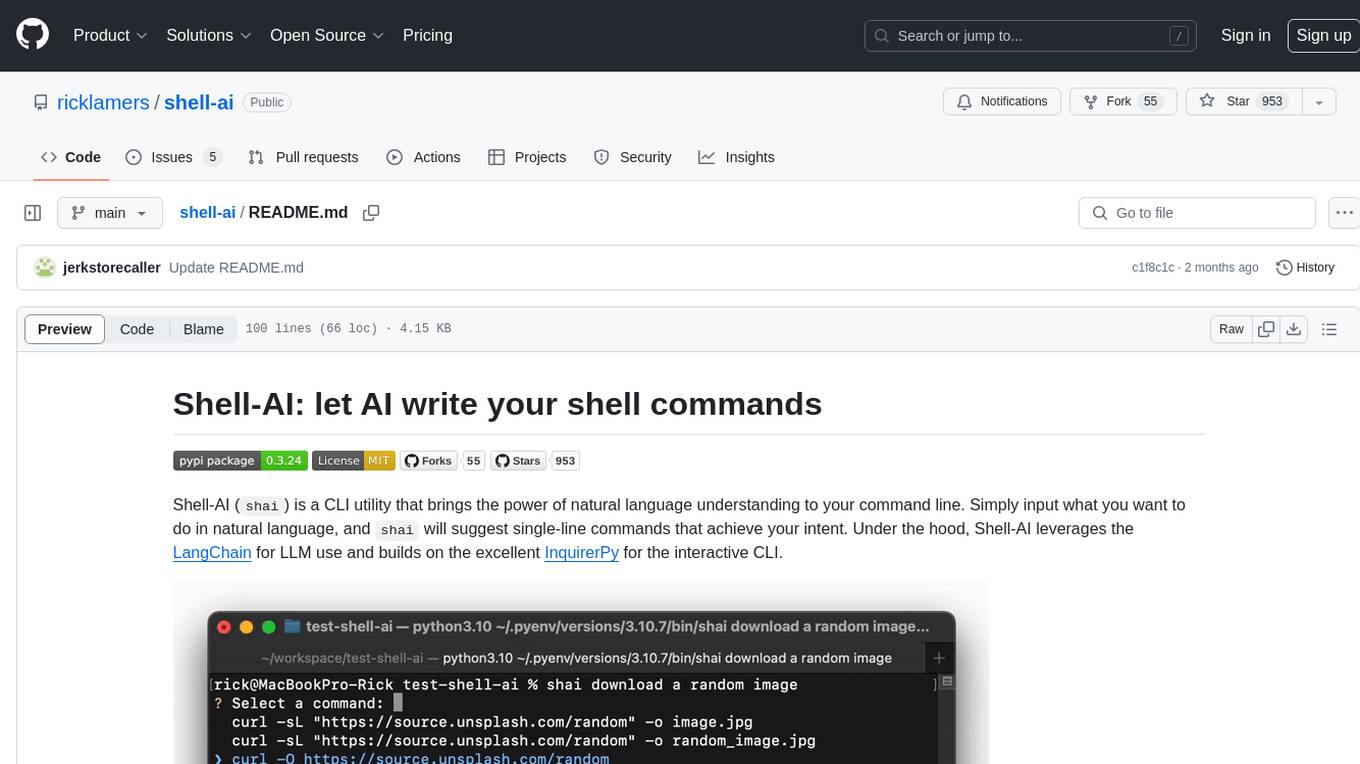
shell-ai
Shell-AI (`shai`) is a CLI utility that enables users to input commands in natural language and receive single-line command suggestions. It leverages natural language understanding and interactive CLI tools to enhance command line interactions. Users can describe tasks in plain English and receive corresponding command suggestions, making it easier to execute commands efficiently. Shell-AI supports cross-platform usage and is compatible with Azure OpenAI deployments, offering a user-friendly and efficient way to interact with the command line.
AI-GAL
AI-GAL is a tool that offers a visual GUI for easier configuration file editing, branch selection mode for content generation, and bug fixes. Users can configure settings in config.ini, utilize cloud-based AI drawing and voice modes, set themes for script generation, and enjoy a wallpaper. Prior to usage, ensure a 4GB+ GPU, chatgpt key or local LLM deployment, and installation of stable diffusion, gpt-sovits, and rembg. To start, fill out the config.ini file and run necessary APIs. Restart a storyline by clearing story.txt in the game directory. Encounter errors? Copy the log.txt details and send them for assistance.
AI-Director
AI-Director is a repository focused on AI video production tools and methods. It includes modules for generating script and storyboards, providing cinematography suggestions, and assisting with video editing. The repository aims to streamline the video production process by leveraging AI technologies to enhance creativity and efficiency.
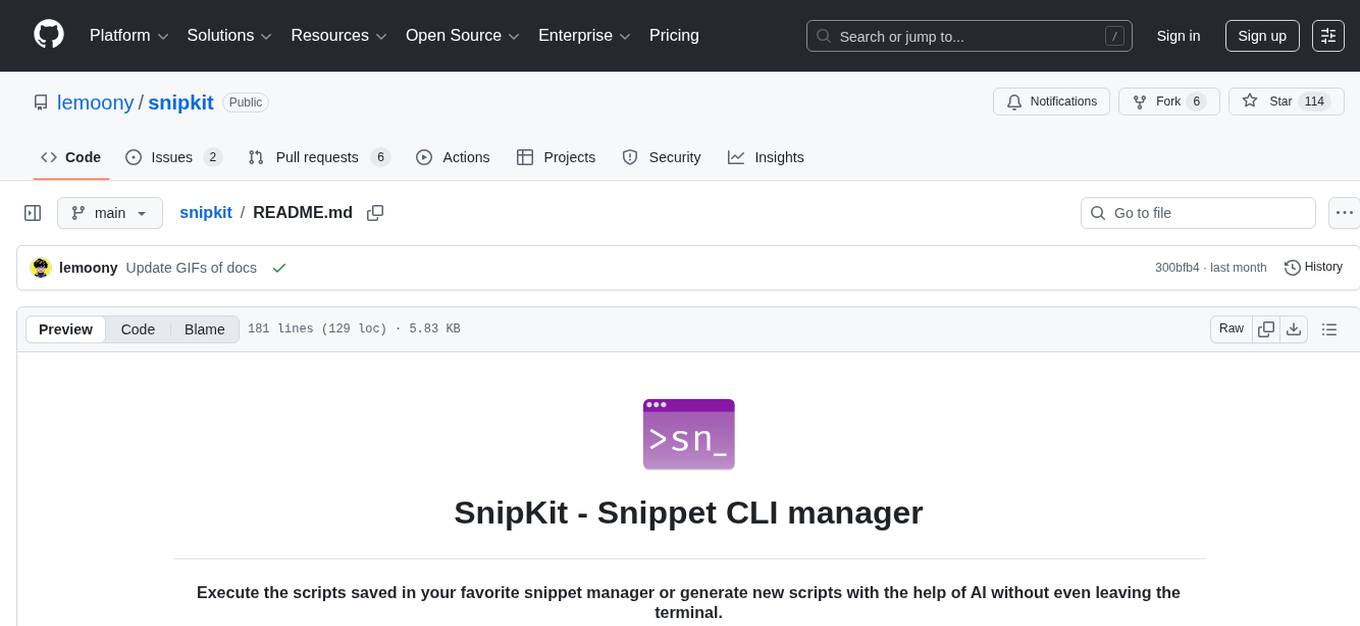
snipkit
SnipKit is a CLI tool designed to manage snippets efficiently, allowing users to execute saved scripts or generate new ones with the help of AI directly from the terminal. It supports loading snippets from various sources, parameter substitution, different parameter types, themes, and customization options. The tool includes an interactive chat-style interface called SnipKit Assistant for generating parameterized scripts. Users can also work with different AI providers like OpenAI, Anthropic, Google Gemini, and more. SnipKit aims to streamline script execution and script generation workflows for developers and users who frequently work with code snippets.
lexido
Lexido is an innovative assistant for the Linux command line, designed to boost your productivity and efficiency. Powered by Gemini Pro 1.0 and utilizing the free API, Lexido offers smart suggestions for commands based on your prompts and importantly your current environment. Whether you're installing software, managing files, or configuring system settings, Lexido streamlines the process, making it faster and more intuitive.
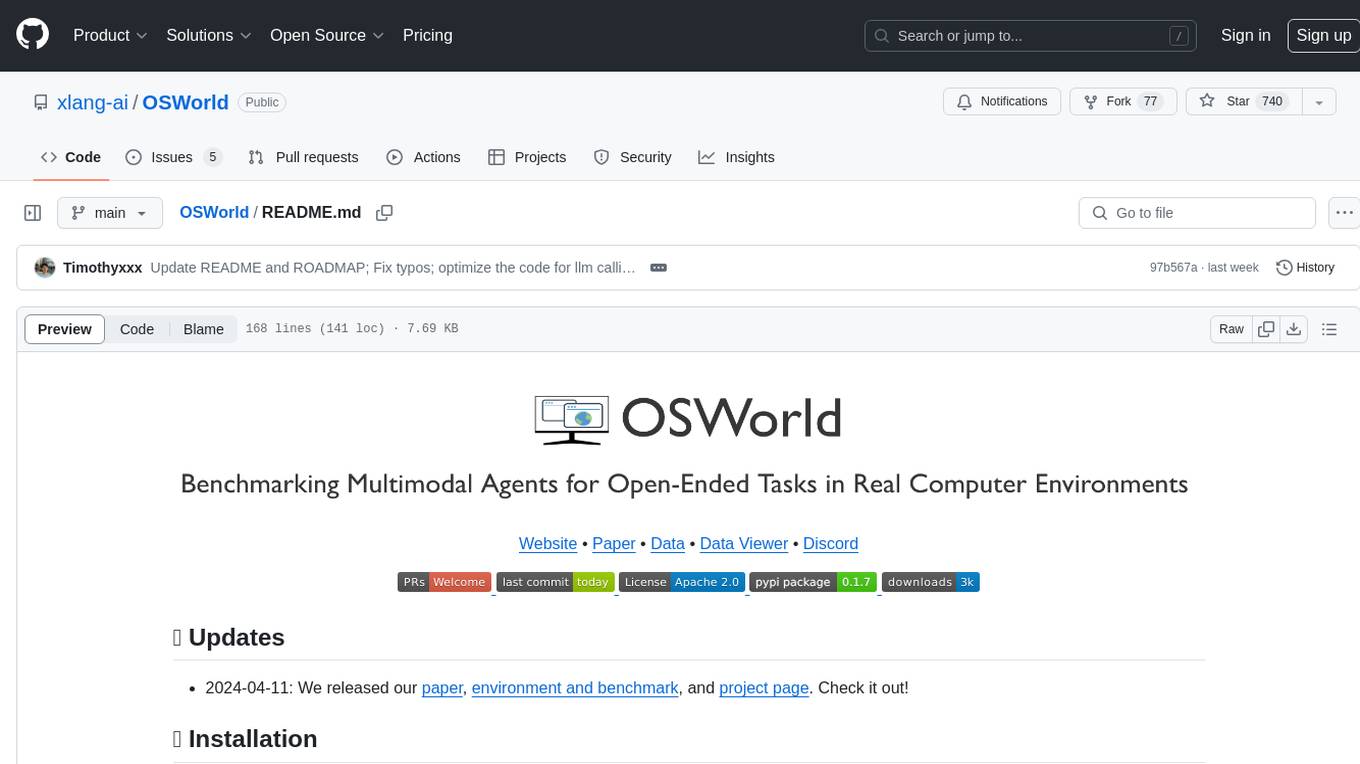
OSWorld
OSWorld is a benchmarking tool designed to evaluate multimodal agents for open-ended tasks in real computer environments. It provides a platform for running experiments, setting up virtual machines, and interacting with the environment using Python scripts. Users can install the tool on their desktop or server, manage dependencies with Conda, and run benchmark tasks. The tool supports actions like executing commands, checking for specific results, and evaluating agent performance. OSWorld aims to facilitate research in AI by providing a standardized environment for testing and comparing different agent baselines.
For similar jobs

sweep
Sweep is an AI junior developer that turns bugs and feature requests into code changes. It automatically handles developer experience improvements like adding type hints and improving test coverage.

teams-ai
The Teams AI Library is a software development kit (SDK) that helps developers create bots that can interact with Teams and Microsoft 365 applications. It is built on top of the Bot Framework SDK and simplifies the process of developing bots that interact with Teams' artificial intelligence capabilities. The SDK is available for JavaScript/TypeScript, .NET, and Python.

ai-guide
This guide is dedicated to Large Language Models (LLMs) that you can run on your home computer. It assumes your PC is a lower-end, non-gaming setup.

classifai
Supercharge WordPress Content Workflows and Engagement with Artificial Intelligence. Tap into leading cloud-based services like OpenAI, Microsoft Azure AI, Google Gemini and IBM Watson to augment your WordPress-powered websites. Publish content faster while improving SEO performance and increasing audience engagement. ClassifAI integrates Artificial Intelligence and Machine Learning technologies to lighten your workload and eliminate tedious tasks, giving you more time to create original content that matters.

chatbot-ui
Chatbot UI is an open-source AI chat app that allows users to create and deploy their own AI chatbots. It is easy to use and can be customized to fit any need. Chatbot UI is perfect for businesses, developers, and anyone who wants to create a chatbot.

BricksLLM
BricksLLM is a cloud native AI gateway written in Go. Currently, it provides native support for OpenAI, Anthropic, Azure OpenAI and vLLM. BricksLLM aims to provide enterprise level infrastructure that can power any LLM production use cases. Here are some use cases for BricksLLM: * Set LLM usage limits for users on different pricing tiers * Track LLM usage on a per user and per organization basis * Block or redact requests containing PIIs * Improve LLM reliability with failovers, retries and caching * Distribute API keys with rate limits and cost limits for internal development/production use cases * Distribute API keys with rate limits and cost limits for students

uAgents
uAgents is a Python library developed by Fetch.ai that allows for the creation of autonomous AI agents. These agents can perform various tasks on a schedule or take action on various events. uAgents are easy to create and manage, and they are connected to a fast-growing network of other uAgents. They are also secure, with cryptographically secured messages and wallets.

griptape
Griptape is a modular Python framework for building AI-powered applications that securely connect to your enterprise data and APIs. It offers developers the ability to maintain control and flexibility at every step. Griptape's core components include Structures (Agents, Pipelines, and Workflows), Tasks, Tools, Memory (Conversation Memory, Task Memory, and Meta Memory), Drivers (Prompt and Embedding Drivers, Vector Store Drivers, Image Generation Drivers, Image Query Drivers, SQL Drivers, Web Scraper Drivers, and Conversation Memory Drivers), Engines (Query Engines, Extraction Engines, Summary Engines, Image Generation Engines, and Image Query Engines), and additional components (Rulesets, Loaders, Artifacts, Chunkers, and Tokenizers). Griptape enables developers to create AI-powered applications with ease and efficiency.