


aim
🎯 A command line download/upload tool with resume.
Stars: 130
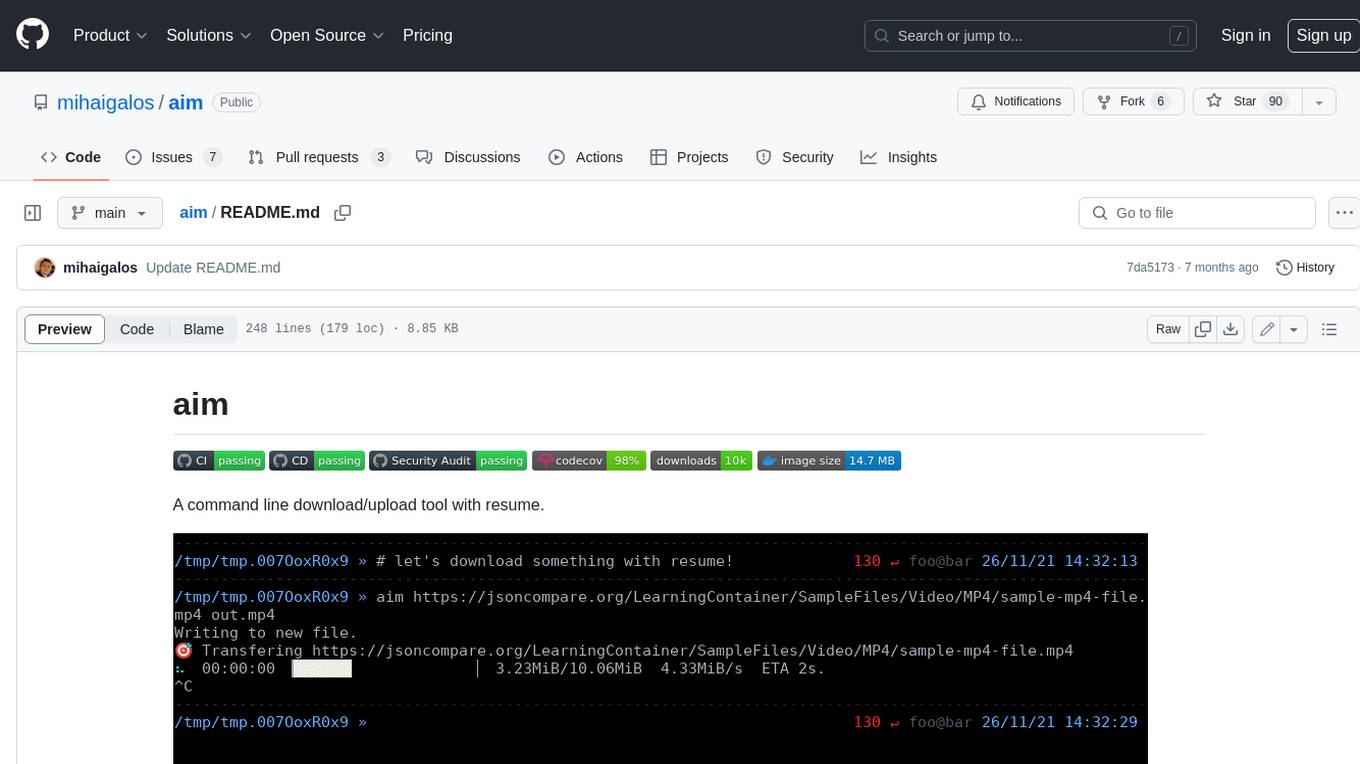
Aim is a command-line tool for downloading and uploading files with resume support. It supports various protocols including HTTP, FTP, SFTP, SSH, and S3. Aim features an interactive mode for easy navigation and selection of files, as well as the ability to share folders over HTTP for easy access from other devices. Additionally, it offers customizable progress indicators and output formats, and can be integrated with other commands through piping. Aim can be installed via pre-built binaries or by compiling from source, and is also available as a Docker image for platform-independent usage.
README:






A command line download/upload tool with resume.

Simplicity: download or upload files depending on parameter order with default settings.
Download a release for Linux or MacOS from releases. See the Docker section on how to run it platform-independently.
If you want to build from source, use:
cargo install aim| Protocol | Download | Upload | Resume | Interactive mode |
|---|---|---|---|---|
| http(s) | ✅ | ✅ | ✅ | ✅ |
| ftp | ✅ | ✅ | ✅ | ❌ |
| sftp | ✅ | ✅ | ✅ | ❌ |
| ssh | ✅ | ✅ | ❌ | ❌ |
| s3 | ✅ | ✅ | ❌ | ❌ |
- default action implied from parameter order.
-
aim https://domain.com/-> Display contents. -
aim https://domain.com/source.file .-> Download. -
aim source.file https://domain.com/destination.file-> Upload.
-
- support for
http(s),(s)ftp,ssh,s3(no resume at the moment).
To validate that a download matches a desired checksum, just list it at the end when invoking aim.
aim https://github.com/XAMPPRocky/tokei/releases/download/v12.0.4/tokei-x86_64-unknown-linux-gnu.tar.gz . 0e0f0d7139c8c7e3ff20cb243e94bc5993517d88e8be8d59129730607d5c631bPlease consult the Feature matrix to find out if transfers via your desired protocol are resumable.
Resumable transfers pick up from a specific byte offset and continue. Extensive testing ensures that transfers are byte-exact (hash comparison between expected and actual transfer artefacts).
Node: If you're hosting a http(s) server yourself, upload needs
PUTranges (or a patched version ofnginx).
 This feature can be activated by passing the
 -i or --interactive flag to the invocation.
It allows you to specify an initial URL and then navigate through links found in it using fuzzy search.
Controls:
- Start typing, partial matches are listed.
-
Tabexpands the path and goes into it, lists contents. -
/goes into path without expanding, lists contents. -
..goes one level up. -
Enterfinalizes the interaction and takes the result, performs the required operation on it.
This feature can be used in conjunction with Output during downloading and/or Sharing a folder.
Several output formats can be specified:
-
aim source .- downloads to the same basename as the source. -
aim source +- downloads to the same basename as the source and attempts to decompress. Target extensions are read and the system decompressor is called. Further info here. -
aim source destination- download to a new or existing file calleddestination.
aim can serve a folder over http on one device so that you can download it on another. By default, the serving port is 8080 or the next free port.
You can optionally set the AIM_HOSTING_PORT environment variable in your shell or .env file for a specific port.
Machine A
aim . # to serve current folderMachine B
aim http://ip_of_Machine_A:8080 # list contents
aim http://ip_of_Machine_A:8080/file . # download
Moreover, since hosting is done over http, the client can even be a browser:

The server prints logs to the standard output. To colorize them, you can use pipeview:
aim . | pipeview --aim
By default, a progressbar is displayed when up/downloading. The indicators can be configured via the internally used indicatif package.
You can change the display template and progress chars by either setting correct environment variables or creating a .env file in the folder you are calling from:
AIM_PROGRESSBAR_DOWNLOADED_MESSAGE="🎯 Downloaded {input} to {output}"
AIM_PROGRESSBAR_MESSAGE_FORMAT="🎯 Transferring {url}"
AIM_PROGRESSBAR_PROGRESS_CHARS="=>-"
AIM_PROGRESSBAR_TEMPLATE="{msg}\n{spinner:.cyan}  {elapsed_precise} ▕{bar:.white}▏ {bytes}/{total_bytes}  {bytes_per_sec}  ETA {eta}."
AIM_PROGRESSBAR_UPLOADED_MESSAGE="🎯 Uploaded {input} to {output}"
AIM_HOSTING_PORT=8080
By default, no progressbar is displayed if content length <1MB (easy display contents of remote).
Because default output is stdout, aim is pipe-able to other commands:
aim https://github.com/XAMPPRocky/tokei/releases/download/v12.0.4/tokei-x86_64-unknown-linux-gnu.tar.gz | tar xvz
aim https://www.rust-lang.org/ | htmlq --attribute href aJust use the syntax protocol://user:pass@server:port. This can be used for all http(s), ftp, ssh and s3.
Example for downloading:
aim ftp://user:[email protected]:21/myfile .Create a file named .netrc with read permissions in ~ or the current folder you're running aim from to automate login to that endpoint:
machine mydomain.com login myuser password mypass port server_portKeys that match the following patterns are automatically tried:
- id_ed25519
- id_rsa
- keys/id_ed25519
- keys/id_rsa
- ~/.ssh/id_rsa
- ~/.ssh/keys/id_ed25519
Credentials for AWS interaction (i.e.: S3) are automatically read from ~/.aws/credentials.
Alternatively, the AWS_ACCESS_KEY_ID and AWS_SECRET_ACCESS_KEY environment variables are read.
aim can self update in-place using:
aim --updateFor convenience, alpine-based docker images for aarch64 and x64 are available, so arguments can be passed directly to them.
docker run --rm -it -v $(pwd):/src --net=host --user $UID:$UID mihaigalos/aim https://raw.githubusercontent.com/mihaigalos/aim/main/LICENCE.mdcd $(mktemp -d)
echo hello > myfile
docker run --rm -it -v $(pwd):/src --user $UID:$UID -p 8080:8080 mihaigalos/aim /srcAdapt IP to match that of machine A.
docker run --rm -it -v $(pwd):/src --user $UID:$UID mihaigalos/aim http://192.168.0.24:8080/myfile /src/myfileFor Tasks:
Click tags to check more tools for each tasksFor Jobs:
Alternative AI tools for aim
Similar Open Source Tools
aim
Aim is a command-line tool for downloading and uploading files with resume support. It supports various protocols including HTTP, FTP, SFTP, SSH, and S3. Aim features an interactive mode for easy navigation and selection of files, as well as the ability to share folders over HTTP for easy access from other devices. Additionally, it offers customizable progress indicators and output formats, and can be integrated with other commands through piping. Aim can be installed via pre-built binaries or by compiling from source, and is also available as a Docker image for platform-independent usage.
mLoRA
mLoRA (Multi-LoRA Fine-Tune) is an open-source framework for efficient fine-tuning of multiple Large Language Models (LLMs) using LoRA and its variants. It allows concurrent fine-tuning of multiple LoRA adapters with a shared base model, efficient pipeline parallelism algorithm, support for various LoRA variant algorithms, and reinforcement learning preference alignment algorithms. mLoRA helps save computational and memory resources when training multiple adapters simultaneously, achieving high performance on consumer hardware.
mcpdoc
The MCP LLMS-TXT Documentation Server is an open-source server that provides developers full control over tools used by applications like Cursor, Windsurf, and Claude Code/Desktop. It allows users to create a user-defined list of `llms.txt` files and use a `fetch_docs` tool to read URLs within these files, enabling auditing of tool calls and context returned. The server supports various applications and provides a way to connect to them, configure rules, and test tool calls for tasks related to documentation retrieval and processing.
localgpt
LocalGPT is a local device focused AI assistant built in Rust, providing persistent memory and autonomous tasks. It runs entirely on your machine, ensuring your memory data stays private. The tool offers a markdown-based knowledge store with full-text and semantic search capabilities, hybrid web search, and multiple interfaces including CLI, web UI, desktop GUI, and Telegram bot. It supports multiple LLM providers, is OpenClaw compatible, and offers defense-in-depth security features such as signed policy files, kernel-enforced sandbox, and prompt injection defenses. Users can configure web search providers, use OAuth subscription plans, and access the tool from Telegram for chat, tool use, and memory support.
r2ai
r2ai is a tool designed to run a language model locally without internet access. It can be used to entertain users or assist in answering questions related to radare2 or reverse engineering. The tool allows users to prompt the language model, index large codebases, slurp file contents, embed the output of an r2 command, define different system-level assistant roles, set environment variables, and more. It is accessible as an r2lang-python plugin and can be scripted from various languages. Users can use different models, adjust query templates dynamically, load multiple models, and make them communicate with each other.
uLoopMCP
uLoopMCP is a Unity integration tool designed to let AI drive your Unity project forward with minimal human intervention. It provides a 'self-hosted development loop' where an AI can compile, run tests, inspect logs, and fix issues using tools like compile, run-tests, get-logs, and clear-console. It also allows AI to operate the Unity Editor itself—creating objects, calling menu items, inspecting scenes, and refining UI layouts from screenshots via tools like execute-dynamic-code, execute-menu-item, and capture-window. The tool enables AI-driven development loops to run autonomously inside existing Unity projects.

LEANN
LEANN is an innovative vector database that democratizes personal AI, transforming your laptop into a powerful RAG system that can index and search through millions of documents using 97% less storage than traditional solutions without accuracy loss. It achieves this through graph-based selective recomputation and high-degree preserving pruning, computing embeddings on-demand instead of storing them all. LEANN allows semantic search of file system, emails, browser history, chat history, codebase, or external knowledge bases on your laptop with zero cloud costs and complete privacy. It is a drop-in semantic search MCP service fully compatible with Claude Code, enabling intelligent retrieval without changing your workflow.
text-extract-api
The text-extract-api is a powerful tool that allows users to convert images, PDFs, or Office documents to Markdown text or JSON structured documents with high accuracy. It is built using FastAPI and utilizes Celery for asynchronous task processing, with Redis for caching OCR results. The tool provides features such as PDF/Office to Markdown and JSON conversion, improving OCR results with LLama, removing Personally Identifiable Information from documents, distributed queue processing, caching using Redis, switchable storage strategies, and a CLI tool for task management. Users can run the tool locally or on cloud services, with support for GPU processing. The tool also offers an online demo for testing purposes.
shortest
Shortest is an AI-powered natural language end-to-end testing framework built on Playwright. It provides a seamless testing experience by allowing users to write tests in natural language and execute them using Anthropic Claude API. The framework also offers GitHub integration with 2FA support, making it suitable for testing web applications with complex authentication flows. Shortest simplifies the testing process by enabling users to run tests locally or in CI/CD pipelines, ensuring the reliability and efficiency of web applications.
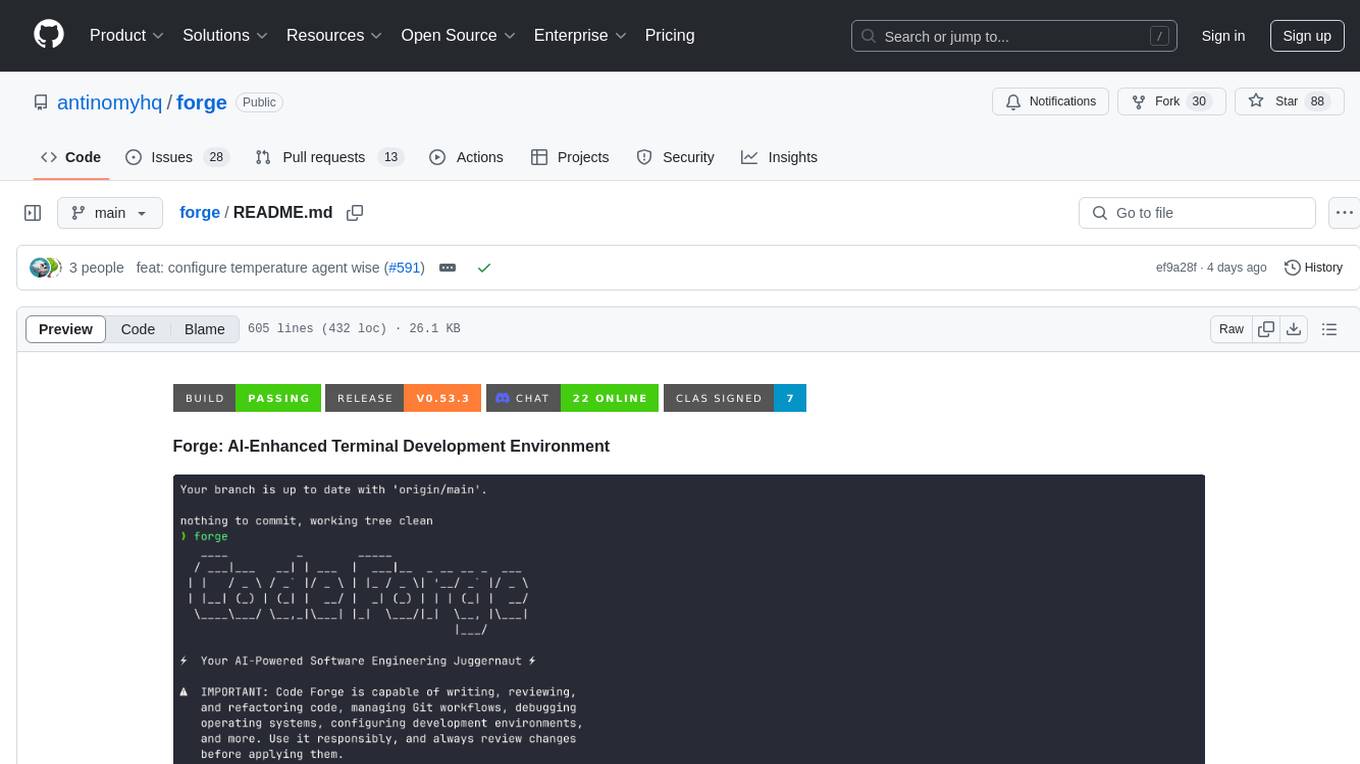
forge
Forge is a powerful open-source tool for building modern web applications. It provides a simple and intuitive interface for developers to quickly scaffold and deploy projects. With Forge, you can easily create custom components, manage dependencies, and streamline your development workflow. Whether you are a beginner or an experienced developer, Forge offers a flexible and efficient solution for your web development needs.
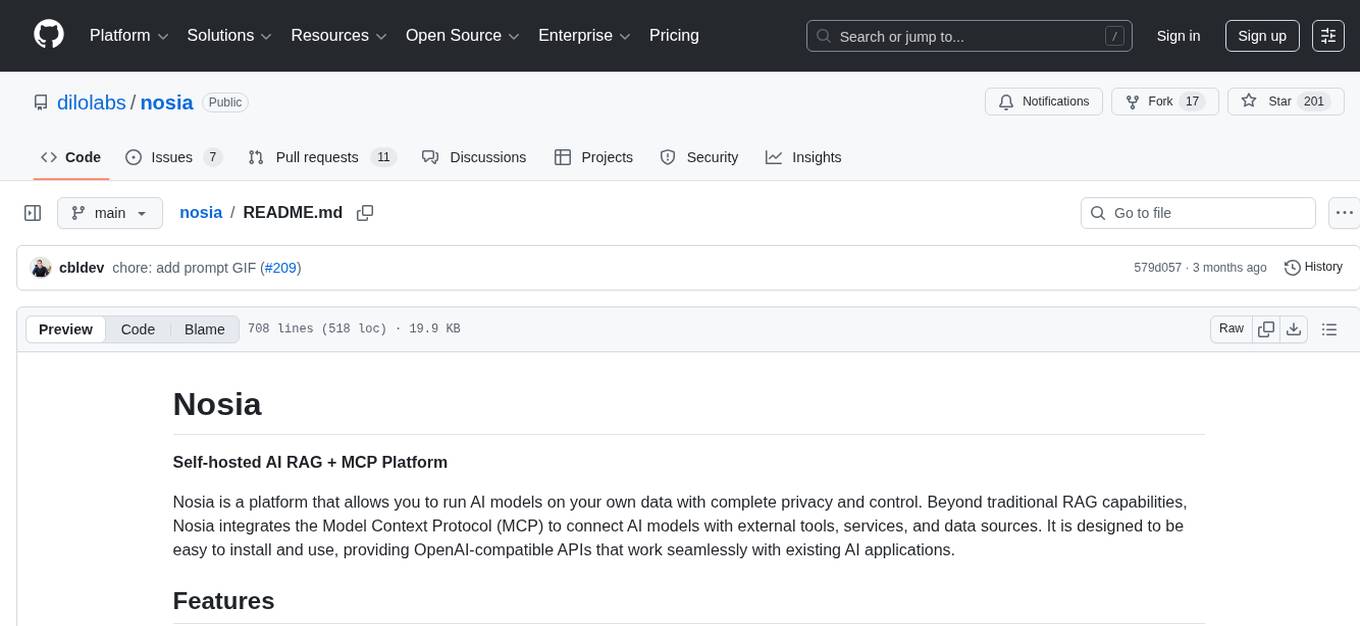
nosia
Nosia is a self-hosted AI RAG + MCP platform that allows users to run AI models on their own data with complete privacy and control. It integrates the Model Context Protocol (MCP) to connect AI models with external tools, services, and data sources. The platform is designed to be easy to install and use, providing OpenAI-compatible APIs that work seamlessly with existing AI applications. Users can augment AI responses with their documents, perform real-time streaming, support multi-format data, enable semantic search, and achieve easy deployment with Docker Compose. Nosia also offers multi-tenancy for secure data separation.
UCAgent
UCAgent is an AI-powered automated UT verification agent for chip design. It automates chip verification workflow, supports functional and code coverage analysis, ensures consistency among documentation, code, and reports, and collaborates with mainstream Code Agents via MCP protocol. It offers three intelligent interaction modes and requires Python 3.11+, Linux/macOS OS, 4GB+ memory, and access to an AI model API. Users can clone the repository, install dependencies, configure qwen, and start verification. UCAgent supports various verification quality improvement options and basic operations through TUI shortcuts and stage color indicators. It also provides documentation build and preview using MkDocs, PDF manual build using Pandoc + XeLaTeX, and resources for further help and contribution.
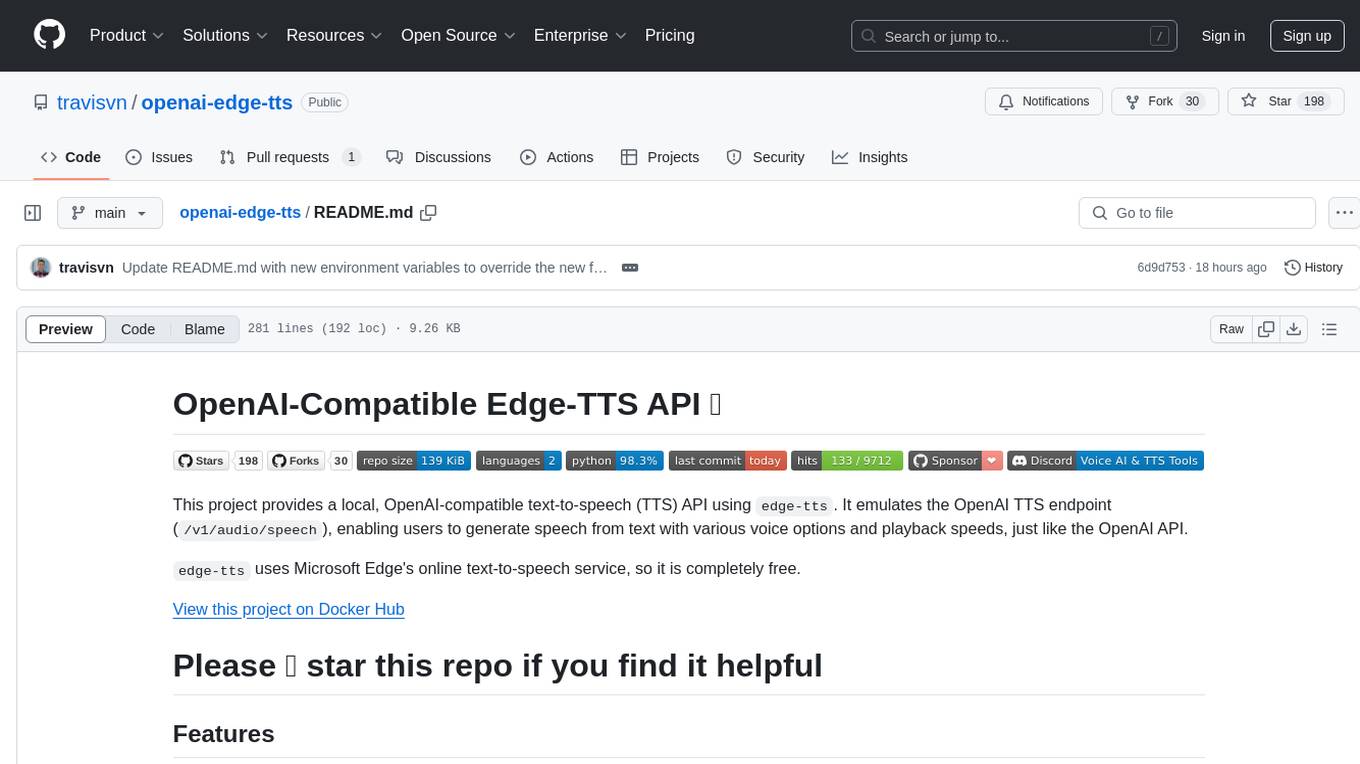
openai-edge-tts
This project provides a local, OpenAI-compatible text-to-speech (TTS) API using `edge-tts`. It emulates the OpenAI TTS endpoint (`/v1/audio/speech`), enabling users to generate speech from text with various voice options and playback speeds, just like the OpenAI API. `edge-tts` uses Microsoft Edge's online text-to-speech service, making it completely free. The project supports multiple audio formats, adjustable playback speed, and voice selection options, providing a flexible and customizable TTS solution for users.
k8sgpt
K8sGPT is a tool for scanning your Kubernetes clusters, diagnosing, and triaging issues in simple English. It has SRE experience codified into its analyzers and helps to pull out the most relevant information to enrich it with AI.
gwq
gwq is a CLI tool for efficiently managing Git worktrees, providing intuitive operations for creating, switching, and deleting worktrees using a fuzzy finder interface. It allows users to work on multiple features simultaneously, run parallel AI coding agents on different tasks, review code while developing new features, and test changes without disrupting the main workspace. The tool is ideal for enabling parallel AI coding workflows, independent tasks, parallel migrations, and code review workflows.
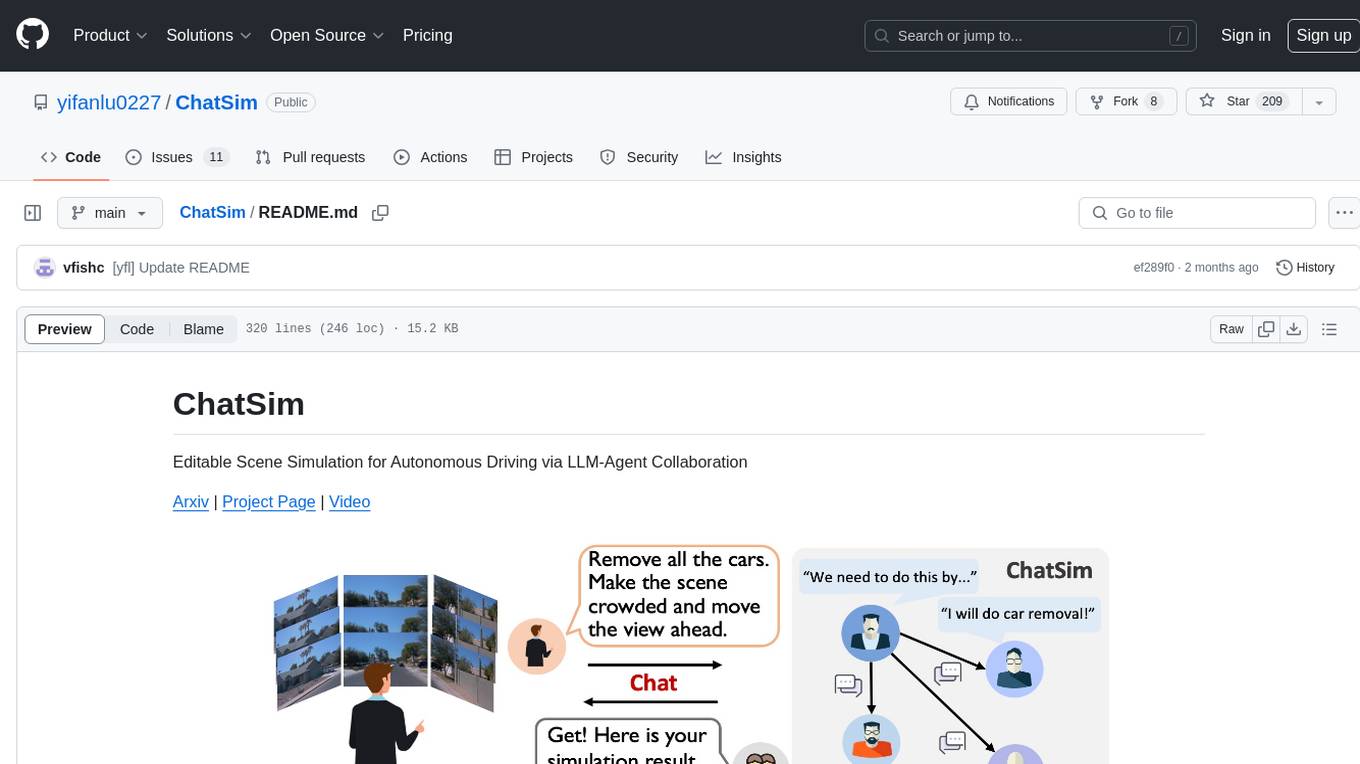
ChatSim
ChatSim is a tool designed for editable scene simulation for autonomous driving via LLM-Agent collaboration. It provides functionalities for setting up the environment, installing necessary dependencies like McNeRF and Inpainting tools, and preparing data for simulation. Users can train models, simulate scenes, and track trajectories for smoother and more realistic results. The tool integrates with Blender software and offers options for training McNeRF models and McLight's skydome estimation network. It also includes a trajectory tracking module for improved trajectory tracking. ChatSim aims to facilitate the simulation of autonomous driving scenarios with collaborative LLM-Agents.
For similar tasks
aim
Aim is a command-line tool for downloading and uploading files with resume support. It supports various protocols including HTTP, FTP, SFTP, SSH, and S3. Aim features an interactive mode for easy navigation and selection of files, as well as the ability to share folders over HTTP for easy access from other devices. Additionally, it offers customizable progress indicators and output formats, and can be integrated with other commands through piping. Aim can be installed via pre-built binaries or by compiling from source, and is also available as a Docker image for platform-independent usage.
aiotieba
Aiotieba is an asynchronous Python library for interacting with the Tieba API. It provides a comprehensive set of features for working with Tieba, including support for authentication, thread and post management, and image and file uploading. Aiotieba is well-documented and easy to use, making it a great choice for developers who want to build applications that interact with Tieba.
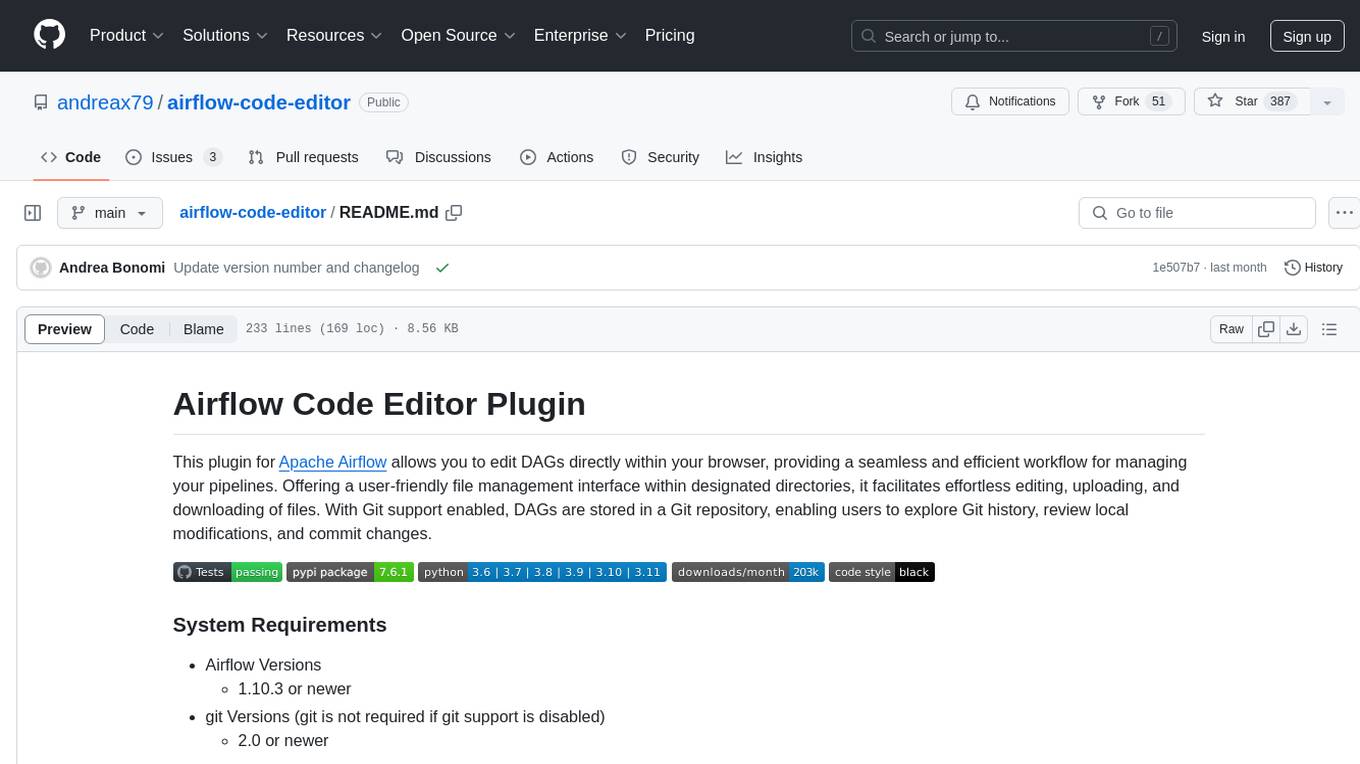
airflow-code-editor
The Airflow Code Editor Plugin is a tool designed for Apache Airflow users to edit Directed Acyclic Graphs (DAGs) directly within their browser. It offers a user-friendly file management interface for effortless editing, uploading, and downloading of files. With Git support enabled, users can store DAGs in a Git repository, explore Git history, review local modifications, and commit changes. The plugin enhances workflow efficiency by providing seamless DAG management capabilities.
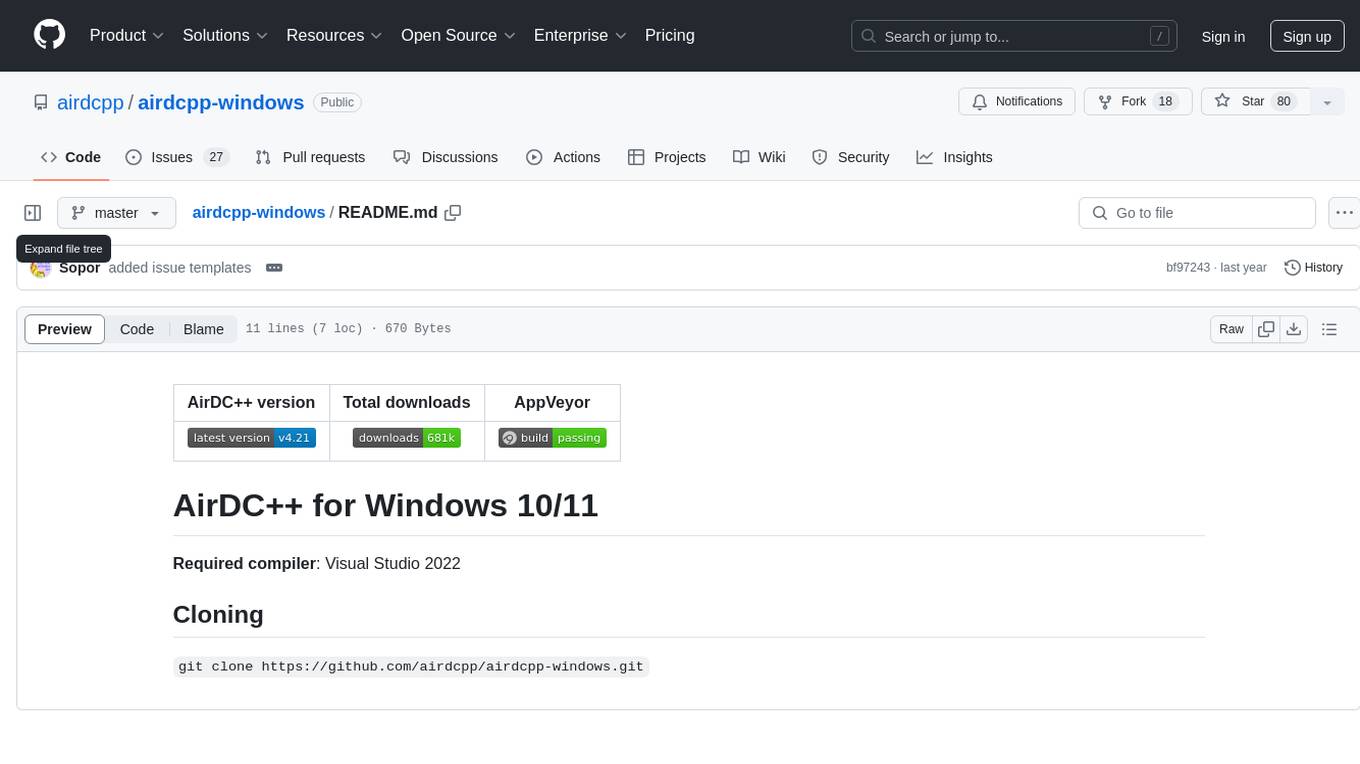
airdcpp-windows
AirDC++ for Windows 10/11 is a file sharing client with a focus on ease of use and performance. It is designed to provide a seamless experience for users looking to share and download files over the internet. The tool is built using Visual Studio 2022 and offers a range of features to enhance the file sharing process. Users can easily clone the repository to access the latest version and contribute to the development of the tool.
KEITH-MD
KEITH-MD is a versatile bot updated and working for all downloaders fixed and are working. Overall performance improvements. Fork the repository to get the latest updates. Get your session code for pair programming. Deploy on Heroku with a single tap. Host on Discord. Download files and deploy on Scalingo. Join the WhatsApp group for support. Enjoy the diverse features of KEITH-MD to enhance your WhatsApp experience.
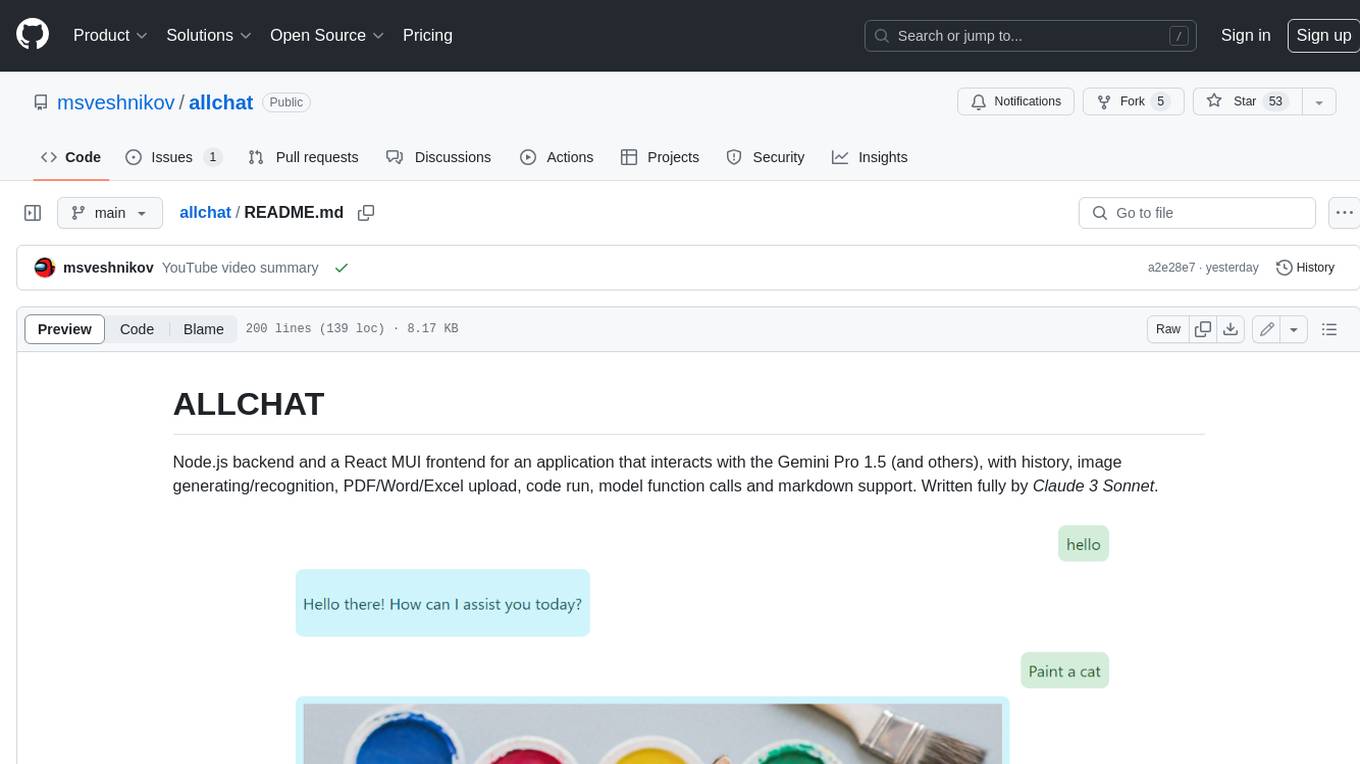
allchat
ALLCHAT is a Node.js backend and React MUI frontend for an application that interacts with the Gemini Pro 1.5 (and others), with history, image generating/recognition, PDF/Word/Excel upload, code run, model function calls and markdown support. It is a comprehensive tool that allows users to connect models to the world with Web Tools, run locally, deploy using Docker, configure Nginx, and monitor the application using a dockerized monitoring solution (Loki+Grafana).
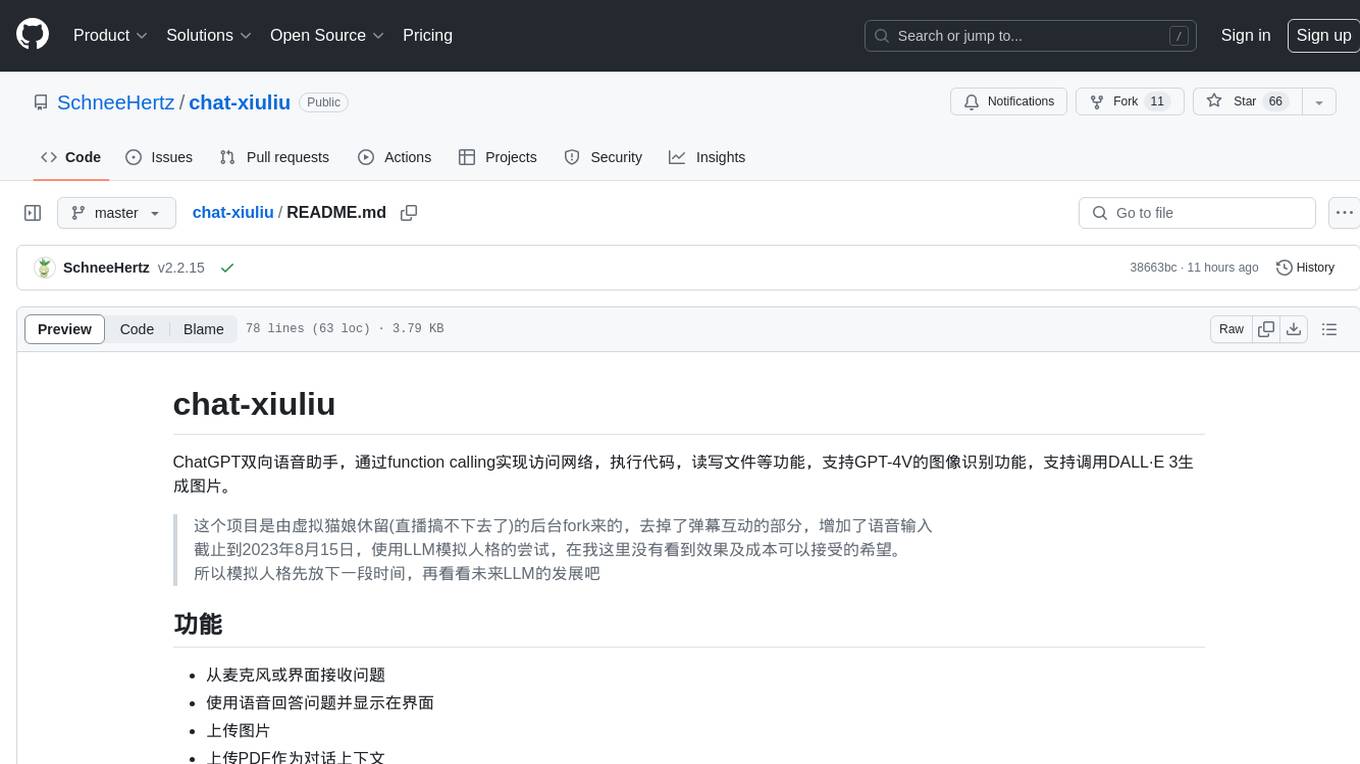
chat-xiuliu
Chat-xiuliu is a bidirectional voice assistant powered by ChatGPT, capable of accessing the internet, executing code, reading/writing files, and supporting GPT-4V's image recognition feature. It can also call DALL·E 3 to generate images. The project is a fork from a background of a virtual cat girl named Xiuliu, with removed live chat interaction and added voice input. It can receive questions from microphone or interface, answer them vocally, upload images and PDFs, process tasks through function calls, remember conversation content, search the web, generate images using DALL·E 3, read/write local files, execute JavaScript code in a sandbox, open local files or web pages, customize the cat girl's speaking style, save conversation screenshots, and support Azure OpenAI and other API endpoints in openai format. It also supports setting proxies and various AI models like GPT-4, GPT-3.5, and DALL·E 3.
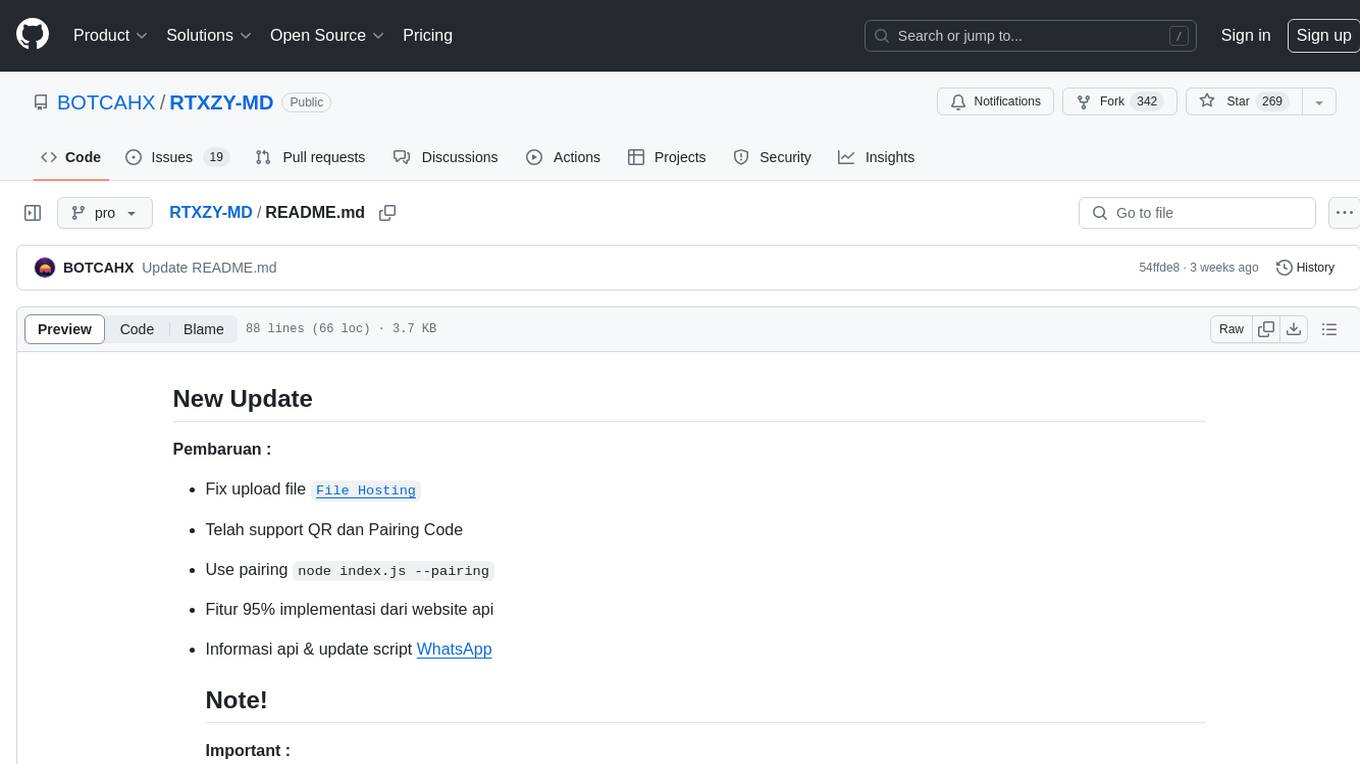
RTXZY-MD
RTXZY-MD is a bot tool that supports file hosting, QR code, pairing code, and RestApi features. Users must fill in the Apikey for the bot to function properly. It is not recommended to install the bot on platforms lacking ffmpeg, imagemagick, webp, or express.js support. The tool allows for 95% implementation of website api and supports free and premium ApiKeys. Users can join group bots and get support from Sociabuzz. The tool can be run on Heroku with specific buildpacks and is suitable for Windows/VPS/RDP users who need Git, NodeJS, FFmpeg, and ImageMagick installations.
For similar jobs
aim
Aim is a command-line tool for downloading and uploading files with resume support. It supports various protocols including HTTP, FTP, SFTP, SSH, and S3. Aim features an interactive mode for easy navigation and selection of files, as well as the ability to share folders over HTTP for easy access from other devices. Additionally, it offers customizable progress indicators and output formats, and can be integrated with other commands through piping. Aim can be installed via pre-built binaries or by compiling from source, and is also available as a Docker image for platform-independent usage.