


lettabot
Your personal AI assistant that remembers everything across Telegram, Slack, WhatsApp, and Signal
Stars: 177
LettaBot is a personal AI assistant that operates across multiple messaging platforms including Telegram, Slack, Discord, WhatsApp, and Signal. It offers features like unified memory, persistent memory, local tool execution, voice message transcription, scheduling, and real-time message updates. Users can interact with LettaBot through various commands and setup wizards. The tool can be used for controlling smart home devices, managing background tasks, connecting to Letta Code, and executing specific operations like file exploration and internet queries. LettaBot ensures security through outbound connections only, restricted tool execution, and access control policies. Development and releases are automated, and troubleshooting guides are provided for common issues.
README:
Your personal AI assistant that remembers everything across Telegram, Slack, Discord, WhatsApp, and Signal. Powered by the Letta Code SDK.

- Multi-Channel - Chat seamlessly across Telegram, Slack, Discord, WhatsApp, and Signal
- Unified Memory - Single agent remembers everything from all channels
- Persistent Memory - Agent remembers conversations across sessions (days/weeks/months)
- Local Tool Execution - Agent can read files, search code, run commands on your machine
- Voice Messages - Automatic transcription via OpenAI Whisper
- Heartbeat - Periodic check-ins where the agent reviews tasks
- Scheduling - Agent can create one-off reminders and recurring tasks
- Streaming Responses - Real-time message updates as the agent thinks
- Node.js 20+
- A Letta API key from app.letta.com (or a running Letta Docker server)
- A Telegram bot token from @BotFather
# Clone the repository
git clone https://github.com/letta-ai/lettabot.git
cd lettabot

# Install dependencies
npm install

# Build and link the CLI globally
npm run build
npm link# Pull latest changes
git pull origin main
# Reinstall dependencies and rebuild
npm install
npm run buildYou can use lettabot with a Docker server with:
docker run \
  -v ~/.letta/.persist/pgdata:/var/lib/postgresql/data \
  -p 8283:8283 \
  -e OPENAI_API_KEY="your_openai_api_key" \
  letta/letta:latest
See the documentation for more details on running with Docker.
Option 1: AI-Assisted Setup (Recommended)
Paste this into Letta Code, Claude Code, Cursor, or any AI coding assistant:
Clone https://github.com/letta-ai/lettabot, read the SKILL.md
for setup instructions, and help me configure Telegram.
You'll need:
- A Letta API key from app.letta.com (or a Letta Docker server)
- A Telegram bot token from @BotFather
The AI will handle cloning, installing, and configuration autonomously.
Option 2: Interactive Wizard
For manual step-by-step setup:
git clone https://github.com/letta-ai/lettabot.git
cd lettabot
npm install && npm run build && npm link
lettabot onboardlettabot serverThat's it! Message your bot on Telegram.
Note: For detailed environment variable reference and multi-channel setup, see SKILL.md
LettaBot can transcribe voice messages using OpenAI Whisper. Voice messages are automatically converted to text and sent to the agent with a [Voice message]: prefix.
Supported channels: Telegram, WhatsApp, Signal, Slack, Discord
Add your OpenAI API key to lettabot.yaml:
transcription:
  provider: openai
  apiKey: sk-...
  model: whisper-1  # optional, defaults to whisper-1
Or set via environment variable:
export OPENAI_API_KEY=sk-...If no API key is configured, voice messages are silently ignored.
LettaBot is compatible with skills.sh and Clawdhub.
# from Clawdhub
npx molthub@latest install sonoscli

# from skills.sh
npm run skills:add supabase/agent-skills

# connect to LettaBot
lettabot skills

◆  Enable skills (space=toggle, enter=confirm):
│  ◻ ── ClawdHub Skills ── (~/clawd/skills)
│  ◻ 🦞 sonoscli
│  ◻ ── Vercel Skills ── (~/.agents/skills)
│  ◻ 🔼 supabase/agent-skills
│  ◻ ── Built-in Skills ──
│  ◻ 📦 1password
│  ◻ ...

# View LettaBot skills
lettabot skills statusControl your smart home with LettaBot:
# 1. Install the skill from ClawdHub
npx clawdhub@latest install homeassistant

# 2. Enable the skill
lettabot skills sync
# Select "homeassistant" from the list

# 3. Configure credentials (see skill docs for details)
# You'll need: HA URL + Long-Lived Access Token
Then ask your bot things like:
- "Turn off the living room lights"
- "What's the temperature in the bedroom?"
- "Set the thermostat to 72"
| Command | Description |
|---|---|
lettabot onboard |
Interactive setup wizard |
lettabot server |
Start the bot server |
lettabot configure |
View and edit configuration |
lettabot skills status |
Show enabled and available skills |
lettabot destroy |
Delete all local data and start fresh |
lettabot help |
Show help |
LettaBot uses a single agent with a single conversation across all channels:
Telegram ──┐
Slack ─────┤
Discord ───┼──→ ONE AGENT ──→ ONE CONVERSATION
WhatsApp ──┤    (memory)      (chat history)
Signal ────┘
- Start a conversation on Telegram
- Continue it on Slack
- Pick it up on WhatsApp
- The agent remembers everything!
| Channel | Guide | Requirements |
|---|---|---|
| Telegram | Setup Guide | Bot token from @BotFather |
| Slack | Setup Guide | Slack app with Socket Mode |
| Discord | Setup Guide | Discord bot + Message Content Intent |
| Setup Guide | Phone with WhatsApp | |
| Signal | Setup Guide | signal-cli + phone number |
At least one channel is required. Telegram is the easiest to start with.
| Command | Description |
|---|---|
/start |
Welcome message and help |
/status |
Show current session info |
/heartbeat |
Manually trigger a heartbeat check-in |
Heartbeats and cron jobs run in Silent Mode - the agent's text responses are NOT automatically sent to users during these background tasks. This is intentional: the agent decides when something is worth interrupting you for.
To send messages during silent mode, the agent must explicitly use the CLI:
lettabot-message send --text "Hey, I found something interesting!"The agent sees a clear [SILENT MODE] banner when triggered by heartbeats/cron, along with instructions on how to use the CLI.
Requirements for background messaging:
- The Bash tool must be enabled for the agent to run the CLI
- A user must have messaged the bot at least once (to establish a delivery target)
If your agent isn't sending messages during heartbeats, check the ADE to see what the agent is doing and whether it's attempting to use lettabot-message.
Any LettaBot agent can also be directly chatted with through Letta Code. Use the /status command to find your agent_id, and run:
letta --agent <agent_id>LettaBot uses outbound connections only - no public URL or gateway required:
| Channel | Connection Type | Exposed Ports |
|---|---|---|
| Telegram | Long-polling (outbound HTTP) | None |
| Slack | Socket Mode (outbound WebSocket) | None |
| Discord | Gateway (outbound WebSocket) | None |
| Outbound WebSocket via Baileys | None | |
| Signal | Local daemon on 127.0.0.1 | None |
By default, the agent is restricted to read-only operations:
-
Read,Glob,Grep- File exploration -
web_search- Internet queries -
conversation_search- Search past messages
LettaBot supports pairing-based access control. When TELEGRAM_DM_POLICY=pairing:
- Unauthorized users get a pairing code
- You approve codes via
lettabot pairing approve telegram <CODE> - Approved users can then chat with the bot
# Run in development mode (auto-reload)
npm run dev

# Build for production
npm run build

# Start production server
lettabot server
Releases are automated via GitHub Actions. When a version tag is pushed, the workflow builds, tests, generates release notes from merged PRs, and creates a GitHub Release.
# Create a release
git tag v0.2.0
git push origin v0.2.0

# Create a pre-release (alpha/beta/rc are auto-detected)
git tag v0.2.0-alpha.1
git push origin v0.2.0-alpha.1
See all releases: GitHub Releases
Cannot find package 'keyv'
Error [ERR_MODULE_NOT_FOUND]: Cannot find package 'keyv'
Clean reinstall fixes this:
rm -rf node_modules package-lock.json && npm installSession errors / "Bad MAC" messages These are normal Signal Protocol renegotiation messages. They're noisy but harmless.
Messages going to wrong chat Clear the session and re-link:
rm -rf ./data/whatsapp-session
lettabot server # Scan QR againPort 8090 already in use
SIGNAL_HTTP_PORT=8091Agent not responding Delete the agent store to create a fresh agent:
lettabot destroy Heartbeat/cron messages not reaching my chat Heartbeats and cron jobs run in "Silent Mode" - the agent's text output is private and not auto-delivered. To send messages during background tasks, the agent must run:
lettabot-message send --text "Your message here"Check the ADE to see if your agent is attempting to use this command. Common issues:
- Bash tool not enabled (agent can't run CLI commands)
- Agent doesn't understand it needs to use the CLI
- No delivery target set (user never messaged the bot first)
- Getting Started
- Self-Hosted Setup - Run with your own Letta server
- Configuration Reference
- Slack Setup
- Discord Setup
- WhatsApp Setup
- Signal Setup
Some skills were adapted from Moltbot.
Apache-2.0
For Tasks:
Click tags to check more tools for each tasksFor Jobs:
Alternative AI tools for lettabot
Similar Open Source Tools
lettabot
LettaBot is a personal AI assistant that operates across multiple messaging platforms including Telegram, Slack, Discord, WhatsApp, and Signal. It offers features like unified memory, persistent memory, local tool execution, voice message transcription, scheduling, and real-time message updates. Users can interact with LettaBot through various commands and setup wizards. The tool can be used for controlling smart home devices, managing background tasks, connecting to Letta Code, and executing specific operations like file exploration and internet queries. LettaBot ensures security through outbound connections only, restricted tool execution, and access control policies. Development and releases are automated, and troubleshooting guides are provided for common issues.
claude-code-tools
The 'claude-code-tools' repository provides productivity tools for Claude Code, Codex-CLI, and similar CLI coding agents. It includes CLI commands, skills, agents, hooks, and plugins for various tasks. The tools cover functionalities like session search, terminal automation, encrypted backup and sync, safe inspection of .env files, safety hooks, voice feedback, session chain repair, conversion between markdown and Google Docs, and CSV to Google Sheets and vice versa. The repository architecture consists of Python CLI, Rust TUI for search, and Node.js for action menus.
mobile-use
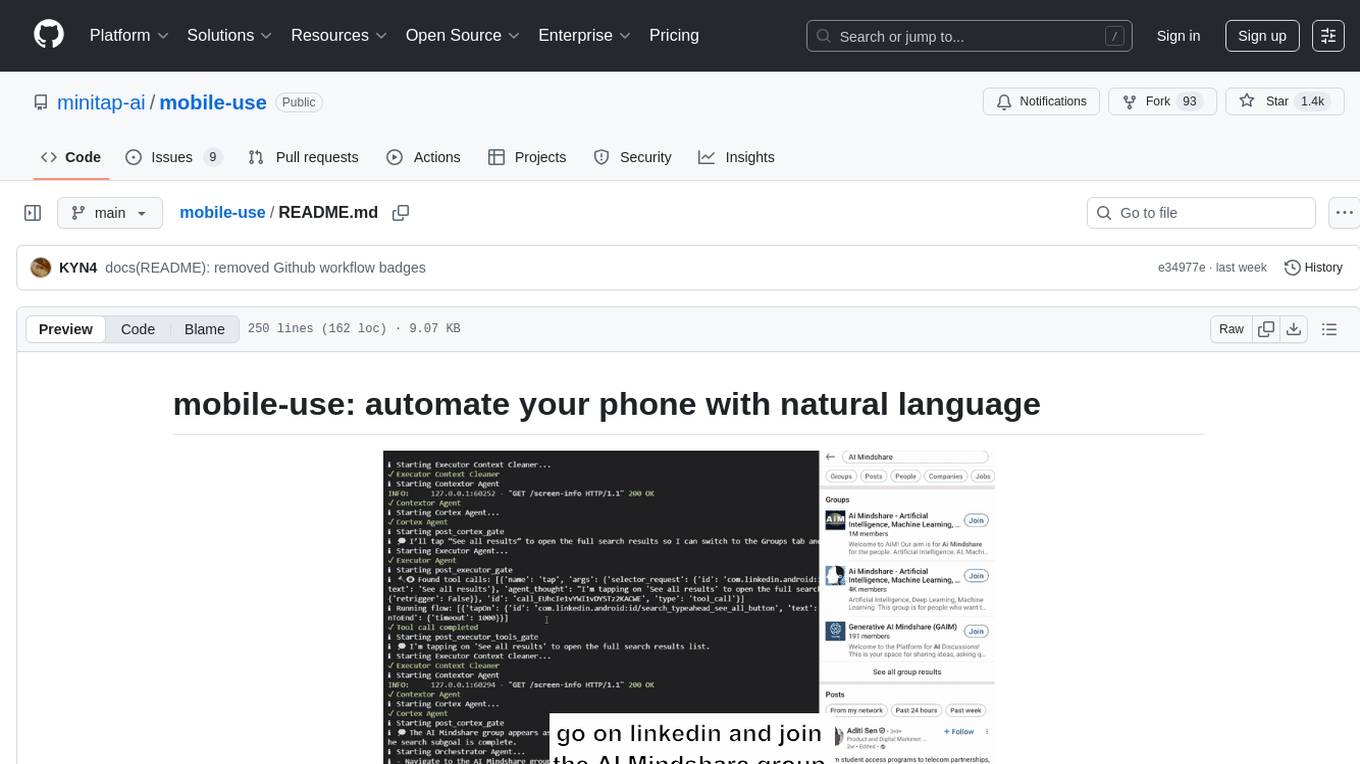
Mobile-use is an open-source AI agent that controls Android or IOS devices using natural language. It understands commands to perform tasks like sending messages and navigating apps. Features include natural language control, UI-aware automation, data scraping, and extensibility. Users can automate their mobile experience by setting up environment variables, customizing LLM configurations, and launching the tool via Docker or manually for development. The tool supports physical Android phones, Android simulators, and iOS simulators. Contributions are welcome, and the project is licensed under MIT.
recommendarr
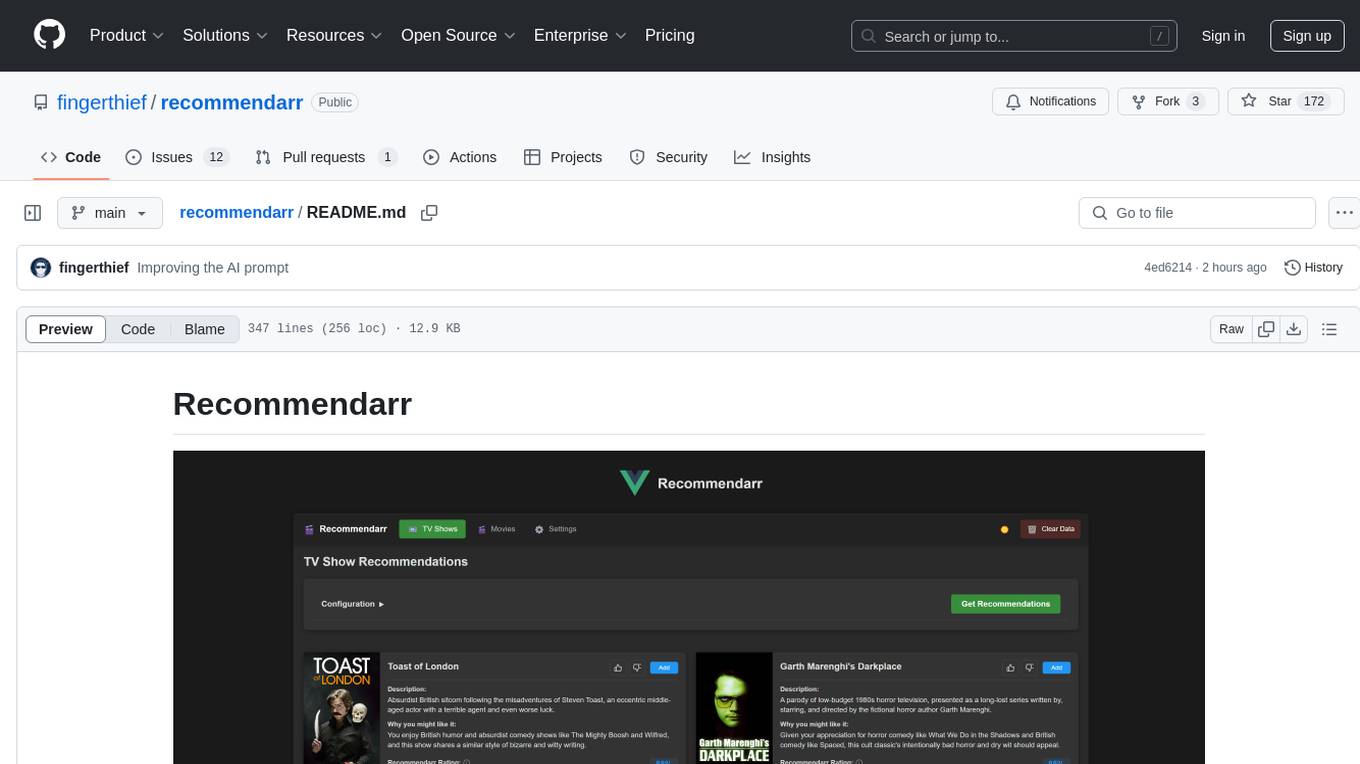
Recommendarr is a tool that generates personalized TV show and movie recommendations based on your Sonarr, Radarr, Plex, and Jellyfin libraries using AI. It offers AI-powered recommendations, media server integration, flexible AI support, watch history analysis, customization options, and dark/light mode toggle. Users can connect their media libraries and watch history services, configure AI service settings, and get personalized recommendations based on genre, language, and mood/vibe preferences. The tool works with any OpenAI-compatible API and offers various recommended models for different cost options and performance levels. It provides personalized suggestions, detailed information, filter options, watch history analysis, and one-click adding of recommended content to Sonarr/Radarr.
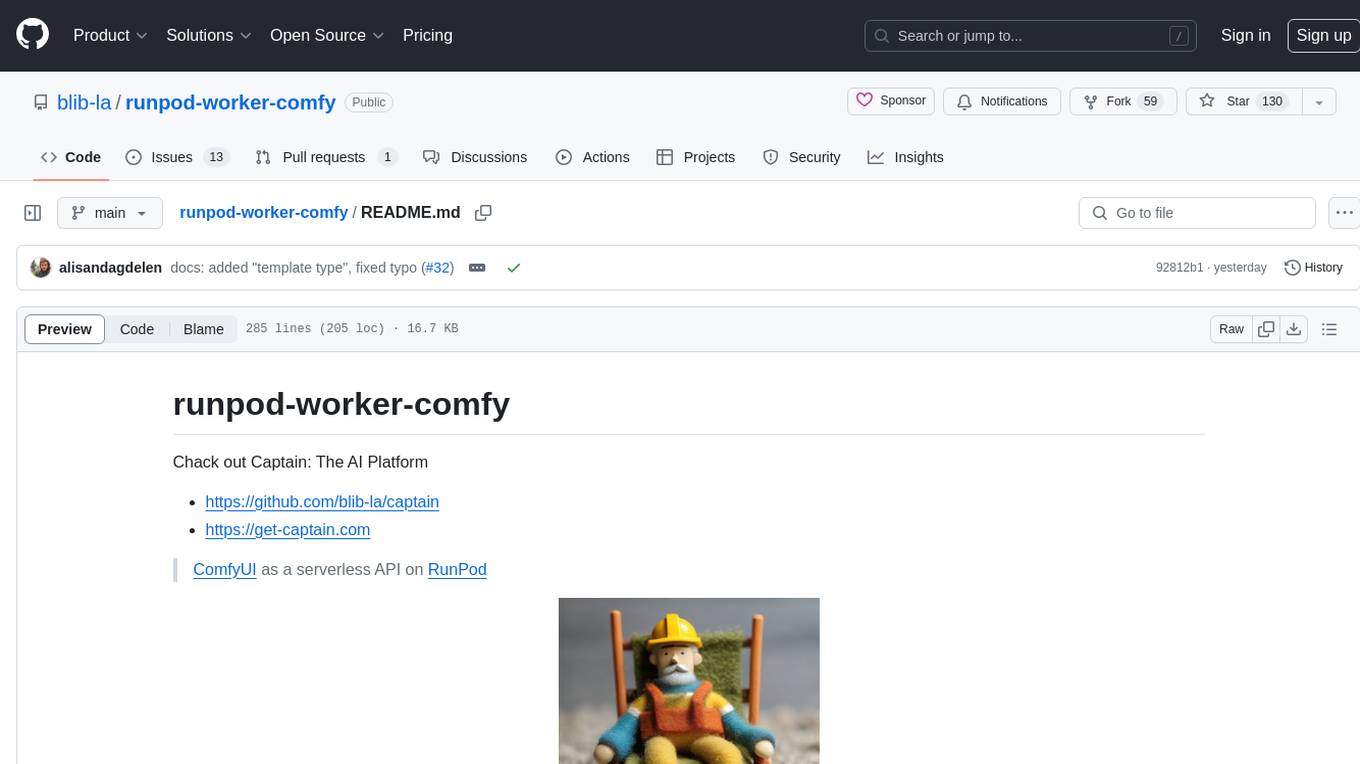
runpod-worker-comfy
runpod-worker-comfy is a serverless API tool that allows users to run any ComfyUI workflow to generate an image. Users can provide input images as base64-encoded strings, and the generated image can be returned as a base64-encoded string or uploaded to AWS S3. The tool is built on Ubuntu + NVIDIA CUDA and provides features like built-in checkpoints and VAE models. Users can configure environment variables to upload images to AWS S3 and interact with the RunPod API to generate images. The tool also supports local testing and deployment to Docker hub using Github Actions.
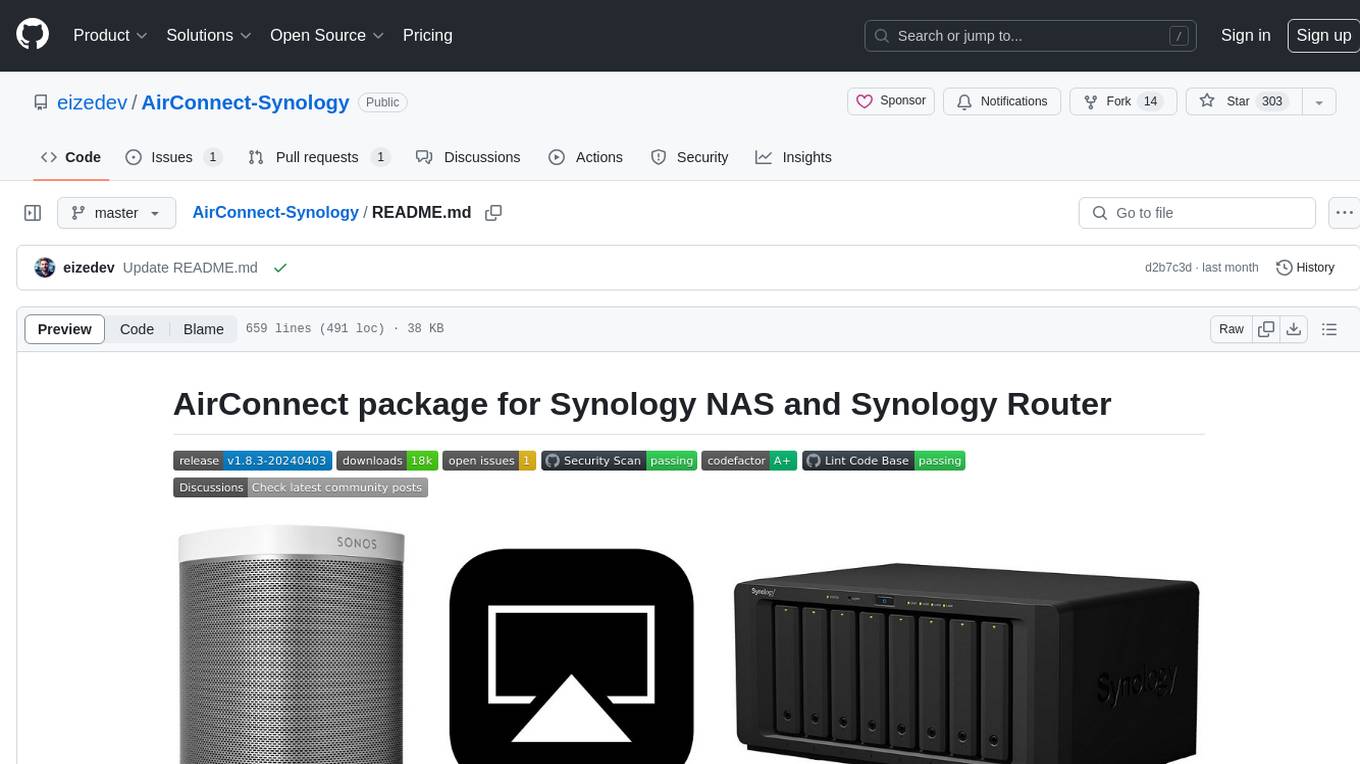
AirConnect-Synology
AirConnect-Synology is a minimal Synology package that allows users to use AirPlay to stream to UPnP/Sonos & Chromecast devices that do not natively support AirPlay. It is compatible with DSM 7.0 and DSM 7.1, and provides detailed information on installation, configuration, supported devices, troubleshooting, and more. The package automates the installation and usage of AirConnect on Synology devices, ensuring compatibility with various architectures and firmware versions. Users can customize the configuration using the airconnect.conf file and adjust settings for specific speakers like Sonos, Bose SoundTouch, and Pioneer/Phorus/Play-Fi.
director
Director is a context infrastructure tool for AI agents that simplifies managing MCP servers, prompts, and configurations by packaging them into portable workspaces accessible through a single endpoint. It allows users to define context workspaces once and share them across different AI clients, enabling seamless collaboration, instant context switching, and secure isolation of untrusted servers without cloud dependencies or API keys. Director offers features like workspaces, universal portability, local-first architecture, sandboxing, smart filtering, unified OAuth, observability, multiple interfaces, and compatibility with all MCP clients and servers.
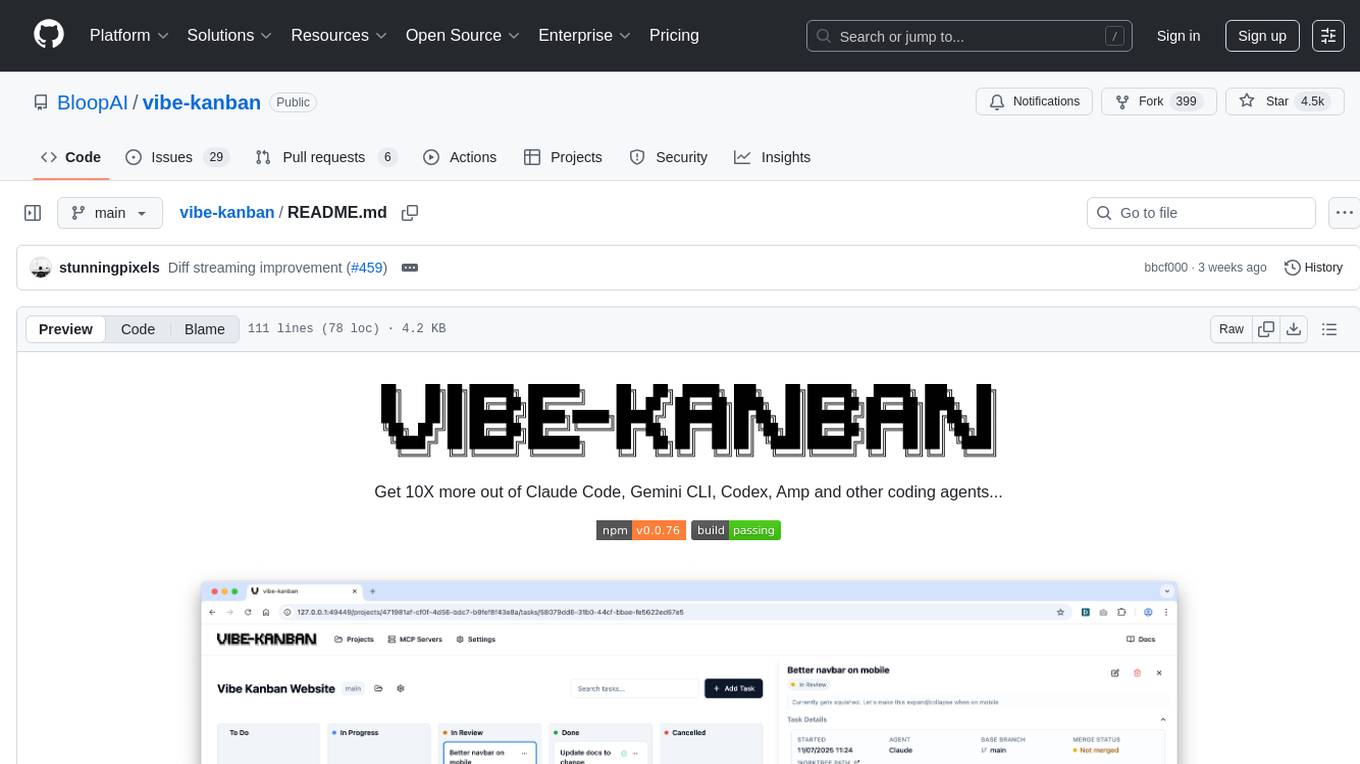
vibe-kanban
Vibe Kanban is a tool designed to streamline the process of planning, reviewing, and orchestrating tasks for human engineers working with AI coding agents. It allows users to easily switch between different coding agents, orchestrate their execution, review work, start dev servers, and track task statuses. The tool centralizes the configuration of coding agent MCP configs, providing a comprehensive solution for managing coding tasks efficiently.
trieve
Trieve is an advanced relevance API for hybrid search, recommendations, and RAG. It offers a range of features including self-hosting, semantic dense vector search, typo tolerant full-text/neural search, sub-sentence highlighting, recommendations, convenient RAG API routes, the ability to bring your own models, hybrid search with cross-encoder re-ranking, recency biasing, tunable popularity-based ranking, filtering, duplicate detection, and grouping. Trieve is designed to be flexible and customizable, allowing users to tailor it to their specific needs. It is also easy to use, with a simple API and well-documented features.
raycast_api_proxy
The Raycast AI Proxy is a tool that acts as a proxy for the Raycast AI application, allowing users to utilize the application without subscribing. It intercepts and forwards Raycast requests to various AI APIs, then reformats the responses for Raycast. The tool supports multiple AI providers and allows for custom model configurations. Users can generate self-signed certificates, add them to the system keychain, and modify DNS settings to redirect requests to the proxy. The tool is designed to work with providers like OpenAI, Azure OpenAI, Google, and more, enabling tasks such as AI chat completions, translations, and image generation.
fast-mcp
Fast MCP is a Ruby gem that simplifies the integration of AI models with your Ruby applications. It provides a clean implementation of the Model Context Protocol, eliminating complex communication protocols, integration challenges, and compatibility issues. With Fast MCP, you can easily connect AI models to your servers, share data resources, choose from multiple transports, integrate with frameworks like Rails and Sinatra, and secure your AI-powered endpoints. The gem also offers real-time updates and authentication support, making AI integration a seamless experience for developers.
rag-gpt
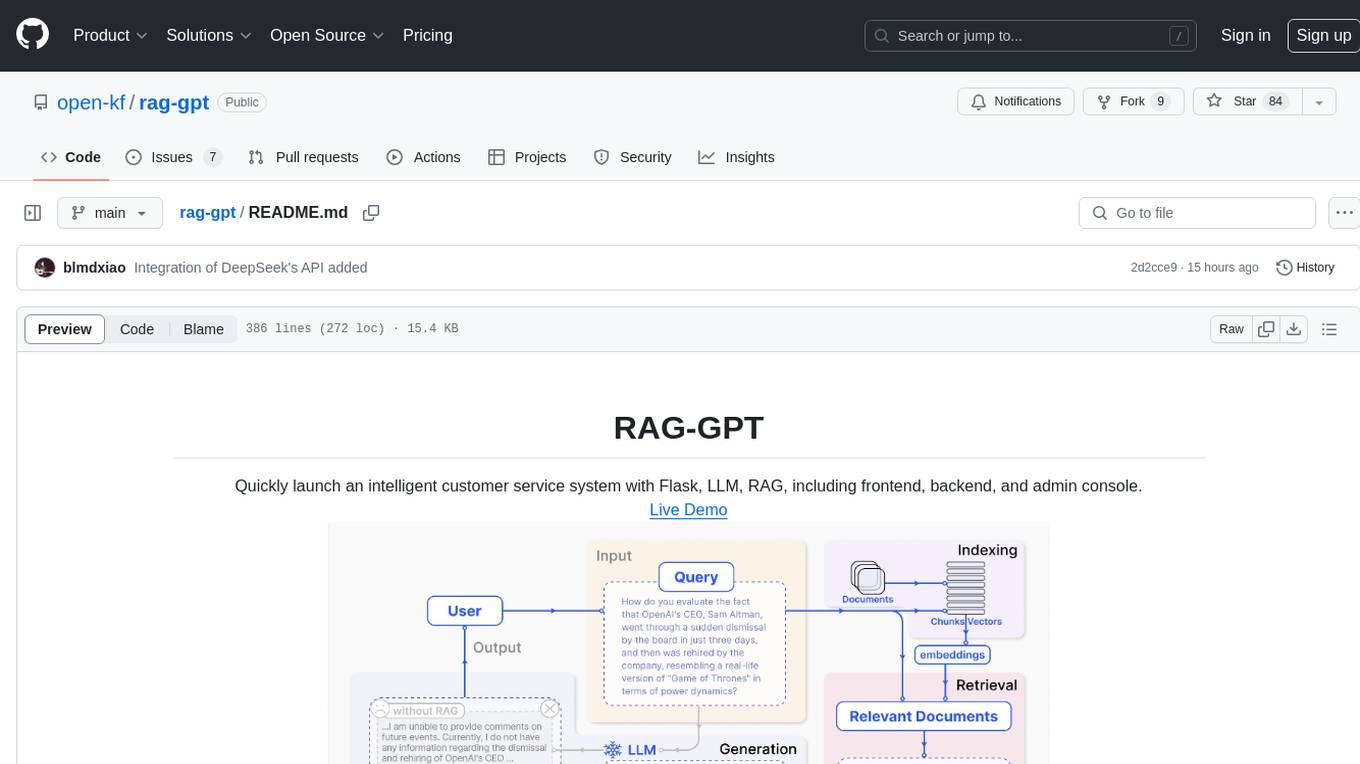
RAG-GPT is a tool that allows users to quickly launch an intelligent customer service system with Flask, LLM, and RAG. It includes frontend, backend, and admin console components. The tool supports cloud-based and local LLMs, enables deployment of conversational service robots in minutes, integrates diverse knowledge bases, offers flexible configuration options, and features an attractive user interface.
openai-kotlin
OpenAI Kotlin API client is a Kotlin client for OpenAI's API with multiplatform and coroutines capabilities. It allows users to interact with OpenAI's API using Kotlin programming language. The client supports various features such as models, chat, images, embeddings, files, fine-tuning, moderations, audio, assistants, threads, messages, and runs. It also provides guides on getting started, chat & function call, file source guide, and assistants. Sample apps are available for reference, and troubleshooting guides are provided for common issues. The project is open-source and licensed under the MIT license, allowing contributions from the community.
alog
ALog is an open-source project designed to facilitate the deployment of server-side code to Cloudflare. It provides a step-by-step guide on creating a Cloudflare worker, configuring environment variables, and updating API base URL. The project aims to simplify the process of deploying server-side code and interacting with OpenAI API. ALog is distributed under the GNU General Public License v2.0, allowing users to modify and distribute the app while adhering to App Store Review Guidelines.
mcpd
mcpd is a tool developed by Mozilla AI to declaratively manage Model Context Protocol (MCP) servers, enabling consistent interface for defining and running tools across different environments. It bridges the gap between local development and enterprise deployment by providing secure secrets management, declarative configuration, and seamless environment promotion. mcpd simplifies the developer experience by offering zero-config tool setup, language-agnostic tooling, version-controlled configuration files, enterprise-ready secrets management, and smooth transition from local to production environments.
sandbox
Sandbox is an open-source cloud-based code editing environment with custom AI code autocompletion and real-time collaboration. It consists of a frontend built with Next.js, TailwindCSS, Shadcn UI, Clerk, Monaco, and Liveblocks, and a backend with Express, Socket.io, Cloudflare Workers, D1 database, R2 storage, Workers AI, and Drizzle ORM. The backend includes microservices for database, storage, and AI functionalities. Users can run the project locally by setting up environment variables and deploying the containers. Contributions are welcome following the commit convention and structure provided in the repository.
For similar tasks
lettabot
LettaBot is a personal AI assistant that operates across multiple messaging platforms including Telegram, Slack, Discord, WhatsApp, and Signal. It offers features like unified memory, persistent memory, local tool execution, voice message transcription, scheduling, and real-time message updates. Users can interact with LettaBot through various commands and setup wizards. The tool can be used for controlling smart home devices, managing background tasks, connecting to Letta Code, and executing specific operations like file exploration and internet queries. LettaBot ensures security through outbound connections only, restricted tool execution, and access control policies. Development and releases are automated, and troubleshooting guides are provided for common issues.
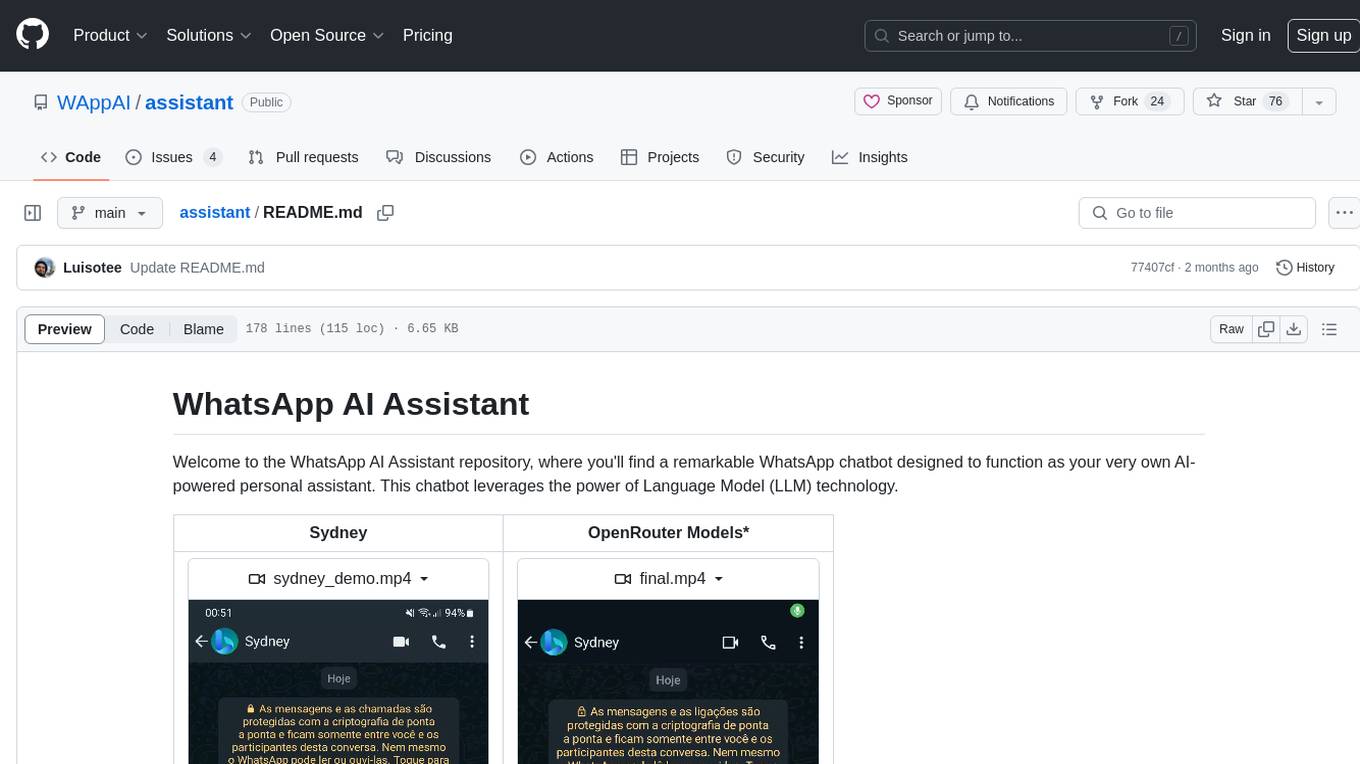
assistant
The WhatsApp AI Assistant repository offers a chatbot named Sydney that serves as an AI-powered personal assistant. It utilizes Language Model (LLM) technology to provide various features such as Google/Bing searching, Google Calendar integration, communication capabilities, group chat compatibility, voice message support, basic text reminders, image recognition, and more. Users can interact with Sydney through natural language queries and voice messages. The chatbot can transcribe voice messages using either the Whisper API or a local method. Additionally, Sydney can be used in group chats by mentioning her username or replying to her last message. The repository welcomes contributions in the form of issue reports, pull requests, and requests for new tools. The creators of the project, Veigamann and Luisotee, are open to job opportunities and can be contacted through their GitHub profiles.
aiohttp-sse
aiohttp-sse is a library that provides support for server-sent events for aiohttp. Server-sent events are a way to send real-time updates from a server to a client. This can be useful for things like live chat, stock tickers, or any other application where you need to send updates to a client without having to wait for the client to request them.
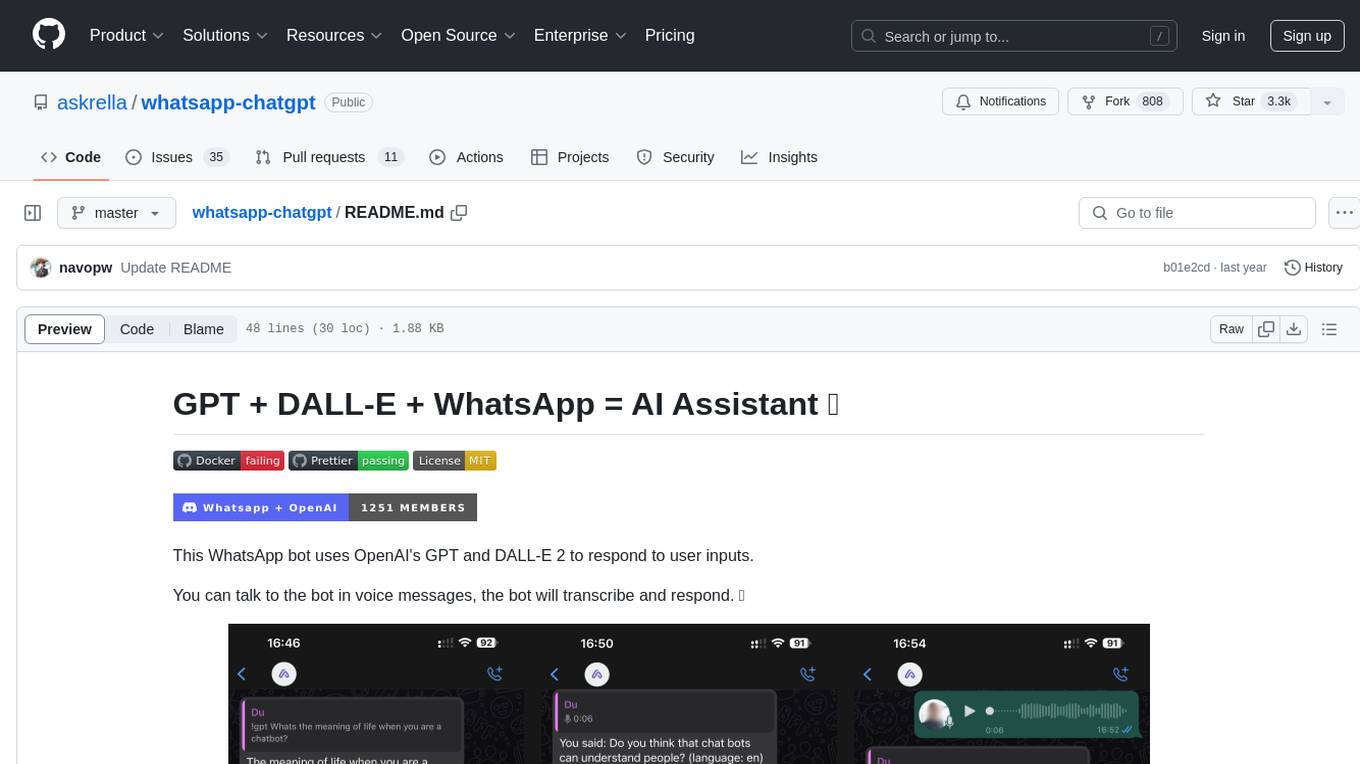
whatsapp-chatgpt
This repository contains a WhatsApp bot that utilizes OpenAI's GPT and DALL-E 2 to respond to user inputs. Users can interact with the bot through voice messages, which are transcribed and responded to. The bot requires Node.js, npm, an OpenAI API key, and a WhatsApp account. It uses Puppeteer to run a real instance of Whatsapp Web to avoid being blocked. However, there is a risk of being blocked by WhatsApp as it does not allow bots or unofficial clients on its platform. The bot is not free to use, and users will be charged by OpenAI for each request made.
For similar jobs
zep
Zep is a long-term memory service for AI Assistant apps. With Zep, you can provide AI assistants with the ability to recall past conversations, no matter how distant, while also reducing hallucinations, latency, and cost. Zep persists and recalls chat histories, and automatically generates summaries and other artifacts from these chat histories. It also embeds messages and summaries, enabling you to search Zep for relevant context from past conversations. Zep does all of this asyncronously, ensuring these operations don't impact your user's chat experience. Data is persisted to database, allowing you to scale out when growth demands. Zep also provides a simple, easy to use abstraction for document vector search called Document Collections. This is designed to complement Zep's core memory features, but is not designed to be a general purpose vector database. Zep allows you to be more intentional about constructing your prompt: 1. automatically adding a few recent messages, with the number customized for your app; 2. a summary of recent conversations prior to the messages above; 3. and/or contextually relevant summaries or messages surfaced from the entire chat session. 4. and/or relevant Business data from Zep Document Collections.
doc2plan
doc2plan is a browser-based application that helps users create personalized learning plans by extracting content from documents. It features a Creator for manual or AI-assisted plan construction and a Viewer for interactive plan navigation. Users can extract chapters, key topics, generate quizzes, and track progress. The application includes AI-driven content extraction, quiz generation, progress tracking, plan import/export, assistant management, customizable settings, viewer chat with text-to-speech and speech-to-text support, and integration with various Retrieval-Augmented Generation (RAG) models. It aims to simplify the creation of comprehensive learning modules tailored to individual needs.
whatsapp-chatgpt
This repository contains a WhatsApp bot that utilizes OpenAI's GPT and DALL-E 2 to respond to user inputs. Users can interact with the bot through voice messages, which are transcribed and responded to. The bot requires Node.js, npm, an OpenAI API key, and a WhatsApp account. It uses Puppeteer to run a real instance of Whatsapp Web to avoid being blocked. However, there is a risk of being blocked by WhatsApp as it does not allow bots or unofficial clients on its platform. The bot is not free to use, and users will be charged by OpenAI for each request made.

OmniSteward
OmniSteward is an AI-powered steward system based on large language models that can interact with users through voice or text to help control smart home devices and computer programs. It supports multi-turn dialogue, tool calling for complex tasks, multiple LLM models, voice recognition, smart home control, computer program management, online information retrieval, command line operations, and file management. The system is highly extensible, allowing users to customize and share their own tools.
chatgpt-wechat
ChatGPT-WeChat is a personal assistant application that can be safely used on WeChat through enterprise WeChat without the risk of being banned. The project is open source and free, with no paid sections or external traffic operations except for advertising on the author's public account '积木成楼'. It supports various features such as secure usage on WeChat, multi-channel customer service message integration, proxy support, session management, rapid message response, voice and image messaging, drawing capabilities, private data storage, plugin support, and more. Users can also develop their own capabilities following the rules provided. The project is currently in development with stable versions available for use.
mcp-agent
mcp-agent is a simple, composable framework designed to build agents using the Model Context Protocol. It handles the lifecycle of MCP server connections and implements patterns for building production-ready AI agents in a composable way. The framework also includes OpenAI's Swarm pattern for multi-agent orchestration in a model-agnostic manner, making it the simplest way to build robust agent applications. It is purpose-built for the shared protocol MCP, lightweight, and closer to an agent pattern library than a framework. mcp-agent allows developers to focus on the core business logic of their AI applications by handling mechanics such as server connections, working with LLMs, and supporting external signals like human input.
Gmail-MCP-Server
Gmail AutoAuth MCP Server is a Model Context Protocol (MCP) server designed for Gmail integration in Claude Desktop. It supports auto authentication and enables AI assistants to manage Gmail through natural language interactions. The server provides comprehensive features for sending emails, reading messages, managing labels, searching emails, and batch operations. It offers full support for international characters, email attachments, and Gmail API integration. Users can install and authenticate the server via Smithery or manually with Google Cloud Project credentials. The server supports both Desktop and Web application credentials, with global credential storage for convenience. It also includes Docker support and instructions for cloud server authentication.
Operit
Operit AI is a fully functional AI assistant application for mobile devices, running independently on Android devices with powerful tool invocation capabilities. It offers over 40 built-in tools for file system operations, HTTP requests, system operations, UI automation, and media processing. The app combines these tools with rich plugins to enable a wide range of tasks, from simple to complex, providing a comprehensive experience of a smartphone AI assistant.