


verifywise
Complete AI governance and LLM Evals platform with support for EU AI Act, ISO 42001, ISO 27001 and NIST AI RMF. Join our Discord channel: https://discord.com/invite/d3k3E4uEpR
Stars: 220
VerifyWise is an open-source AI governance platform designed to help businesses harness the power of AI safely and responsibly. The platform ensures compliance and robust AI management without compromising on security. It offers additional products like MaskWise for data redaction, EvalWise for AI model evaluation, and FlagWise for security threat monitoring. VerifyWise simplifies AI governance for organizations, aiding in risk management, regulatory compliance, and promoting responsible AI practices. It features options for on-premises or private cloud hosting, open-source with AGPLv3 license, AI-generated answers for compliance audits, source code transparency, Docker deployment, user registration, role-based access control, and various AI governance tools like risk management, bias & fairness checks, evidence center, AI trust center, and more.
README:







VerifyWise is a source available AI governance platform designed to help businesses use the power of AI safely and responsibly. Our platform ensures compliance and robust AI management without compromising on security.
We are democratizing AI best practices with a solution that can be hosted on-premises, giving you complete control over your AI governance.
- Join our Discord channel to ask your questions and get the latest announcemnets.
- Need to talk to someone? Get with us to see the latest demo, or click here to experience the demo yourself.
- Read our documentation to understand features and capabilities
| The main dashboard | LLM Evals |
|---|---|
| EU AI Act project view | AI Use case risks |
|---|---|
| AI Risk management | AI Model inventory |
|---|---|
| AI Model risks | AI Policy manager and policy templates |
|---|---|
| AI vendors and vendor risks | AI Incident management (with filter example) |
|---|---|
| AI Trust Center | Automations |
|---|---|
| Reporting | |
|---|---|
- Option to host the application on-premises or in a private cloud
- Source available license (BSL 1.1). Dual licensing is also available for enterprises
- Faster audits using AI-generated answers for compliance and assessment questions
- Full access to the source code for transparency, security audits, and customization
- Docker and Kubernetes deployment (also deployable on render.com and similar platforms)
- User registration, authentication, and role-based access control (RBAC) support
- Major features:
- Support for EU AI Act, ISO 42001, NIST AI RMF and ISO 27001
- Dashboard: executive view & operating view
- Vendors & vendor risks
- AI use cases and risks
- Global tasks with timeline view
- Complete LLM Evals and LLM Arena
- Evidence center with folder structure
- AI trust center for public view
- AI literacy training registery
- AI Advisor, AI-powered chat interface providing governance recommendations
- AI Detection Module, which scans code repositories to identify AI-generated content.
- Activity history for each entity
- Integration with MIT and IBM AI risk repository
- Model inventory and model risks that keeps a list of models used and risks
- Policy manager to create and manage internal company AI policies
- Risk and control mappings for EU AI Act, ISO 42001, NIST AI RMF and ISO 27001
- CE Marking registry
- Dataset registry
- Desktop notifications
- Approval workflows & approval requests
- Detailed reports with PDF and DOCX export
- Event logs (audits) for enterprise organizations
- AI incident management
- Plugins support with more than 15+ plugins (and counting)
- Automations (when an entity changes, do this, or send period reports, or send webhooks)
- Google OAuth2 and Entra ID (enterprise edition) support for authentication
The VerifyWise application has two components: a frontend built with React.js and a backend built with Node.js. At present, you can use npm (for development) or Docker/Kubernetes (production) to run VerifyWise. A PostgreSQL database is required.
Prerequisites:
- npm and Docker
- Python 3.12+ (for EvalServer)
- A running PostgreSQL, preferably as a Docker image (eg. using
docker pull postgres:latest) - Available ports: 5173 (frontend), 3000 (backend), 5432 (database), 6379 (Redis), 8000 (EvalServer)
First, clone the repository to your local machine and go to verifywise directory. Then, navigate to the Clients directory and install the dependencies:
git clone https://github.com/bluewave-labs/verifywise.git
cd verifywise
cd Clients
npm install
cd ../Servers
npm install
Go to the root directory and copy the contents of .env.dev to the .env file. For security, you must set a strong and unpredictable JWT_SECRET in your .env file. This secret is used to sign and verify your JWT tokens, so it must be kept private and cryptographically secure. You can generate a 256-bit base64-encoded secret using openssl rand -base64 32.
cd ..
cp .env.dev Servers/.env
In .env file, change FRONTEND_URL:
FRONTEND_URL=http://localhost:5173
Note: CORS is automatically configured to allow requests from the same host (localhost, 127.0.0.1) where the backend is running.
Run the PostgreSQL container with the following command:
docker run -d --name mypostgres -p 5432:5432 -e POSTGRES_PASSWORD={env variable password} postgres
Run redis with following command:
docker run -d --name myredis -p 6379:6379 redis
Access the PostgreSQL container and create the verifywise database:
docker exec -it mypostgres psql -U postgres
CREATE DATABASE verifywise;
EvalServer is a Python-based service that handles LLM evaluations. If you want to use the evaluation features, follow these steps:
cd EvalServer
python3.12 -m venv venv
source venv/bin/activate
pip install -r requirements.txt
Set up the environment file. You can copy the minimal .env.example file in the EvalServer directory:
cp .env.example .env
Navigate to the EvalServer/src directory, activate the virtual environment (if not already activated), and start the server:
cd EvalServer/src
source ../venv/bin/activate
python app.py
Navigate to the Servers directory and start the server in watch mode:
cd Servers
npm run watch
Navigate to the Clients directory and start the client in development mode:
cd Clients
npm run dev
Note: Make sure to replace {env variable password} with the actual password from your environment variables.
Note: Since no users exist by default, you'll see the admin registration page first. Register your admin account here. After registration, you'll be redirected to login, and will be able to use your new credentials.
First, ensure you have the following installed:
- npm
- Docker
- Docker Compose
Create a directory in your desired folder:
mkdir verifywise
cd verifywise
Download the required files using wget:
curl -O https://raw.githubusercontent.com/bluewave-labs/verifywise/develop/install.sh
curl -O https://raw.githubusercontent.com/bluewave-labs/verifywise/develop/.env.prod
Make sure to change the JWT_SECRET variable to your liking, and change localhost to the IP of the server. An example is shown below:
BACKEND_URL=http://64.23.242.4:3000
FRONTEND_URL=http://64.23.242.4:8080
Note: CORS is automatically configured to allow requests from the same host where the backend is running.
Change the permissions of the install.sh script to make it executable, and then execute it.
chmod +x ./install.sh
./install.sh
Now the server is running on the IP and the port you defined in .env.prod file (8080 by default).
If the install.sh script doesn't work for some reason, try the following commands:
docker-compose --env-file .env.prod up -d backend
docker ps  # to confirm
docker-compose --env-file .env.prod up -d frontend
docker ps  # to confirm
If you want to re-run install.sh for some reason (e.g want to change a configuration in .env.prod file), first stop all Docker containers before starting a new one:
docker-compose --env-file .env.prod down
./install.sh
Note: Since no users exist by default, you'll see the admin registration page first. Register your admin account here. After registration, you'll be redirected to login, and will be able to use your new credentials.
Here are the steps to enable SSL on your system.
-
Make sure to point domain to VM IP
-
Install Nginx:
sudo apt update
sudo apt install nginx -y
- Create a config file (
/etc/nginx/sites-available/verifywise) with the following content. Change the domain name accordingly.
server {
    server_name domainname.com;

    client_max_body_size 200M;

    # Custom error page for maintenance/upgrades
    error_page 502 503 504 /upgrade.html;

    location = /upgrade.html {
        root /var/www/verifywise;
        internal;
    }

    location / {
        proxy_pass http://localhost:8080;
        proxy_http_version 1.1;
        proxy_set_header Upgrade $http_upgrade;
        proxy_set_header Connection 'upgrade';
        proxy_set_header Host $host;
        proxy_cache_bypass $http_upgrade;
    }

    location /api/ {
        proxy_pass http://localhost:3000;
        proxy_http_version 1.1;
        proxy_set_header Upgrade $http_upgrade;
        proxy_set_header Connection 'upgrade';
        proxy_set_header Host $host;
        proxy_cache_bypass $http_upgrade;
    }
 }
- Create the directory for custom error pages and copy the upgrade page:
sudo mkdir -p /var/www/verifywise
sudo curl -o /var/www/verifywise/upgrade.html https://raw.githubusercontent.com/bluewave-labs/verifywise/develop/Clients/upgrade.html
- Enable the config:
sudo ln -s /etc/nginx/sites-available/verifywise /etc/nginx/sites-enabled/
sudo nginx -t
sudo systemctl restart nginx
- Install Certbot for SSL:
sudo apt install certbot python3-certbot-nginx -y
- Obtain SSL certificate. Change the domain name accordingly.
sudo certbot --nginx -d domainname.com
- Update the
.env.prodto point to correct domain. Change the domain name accordingly.
BACKEND_URL=https://domainname.com/api
FRONTEND_URL=https://domainname.com
Note: CORS is automatically configured to allow requests from the same host where the backend is running.
- Restart the application
./install.sh
Note: The Nginx configuration includes custom error pages that display a professional "upgrading" message instead of the default "502 Bad Gateway" error when the servers are not running or during maintenance.
VerifyWise supports multiple email service providers through a provider abstraction layer, enabling administrators to choose the most suitable email service for their organization. The system includes security enhancements such as TLS enforcement, input validation and credential rotation for supported providers.
Below is a list of supported email providers. You can use this documentation to setup the email service of your choice.
- Exchange Online (Office 365) - Microsoft's cloud email service
- On-Premises Exchange - Self-hosted Exchange servers
- Amazon SES - AWS Simple Email Service
- Resend - Developer-focused email API
- Generic SMTP - SMTP support for any provider
You’ll need to open ports 80 and 443 so VerifyWise can be accessed from the internet.
If you find a vulnerability, please report it here.
For Tasks:
Click tags to check more tools for each tasksFor Jobs:
Alternative AI tools for verifywise
Similar Open Source Tools
verifywise
VerifyWise is an open-source AI governance platform designed to help businesses harness the power of AI safely and responsibly. The platform ensures compliance and robust AI management without compromising on security. It offers additional products like MaskWise for data redaction, EvalWise for AI model evaluation, and FlagWise for security threat monitoring. VerifyWise simplifies AI governance for organizations, aiding in risk management, regulatory compliance, and promoting responsible AI practices. It features options for on-premises or private cloud hosting, open-source with AGPLv3 license, AI-generated answers for compliance audits, source code transparency, Docker deployment, user registration, role-based access control, and various AI governance tools like risk management, bias & fairness checks, evidence center, AI trust center, and more.
axoned
Axone is a public dPoS layer 1 designed for connecting, sharing, and monetizing resources in the AI stack. It is an open network for collaborative AI workflow management compatible with any data, model, or infrastructure, allowing sharing of data, algorithms, storage, compute, APIs, both on-chain and off-chain. The 'axoned' node of the AXONE network is built on Cosmos SDK & Tendermint consensus, enabling companies & individuals to define on-chain rules, share off-chain resources, and create new applications. Validators secure the network by maintaining uptime and staking $AXONE for rewards. The blockchain supports various platforms and follows Semantic Versioning 2.0.0. A docker image is available for quick start, with documentation on querying networks, creating wallets, starting nodes, and joining networks. Development involves Go and Cosmos SDK, with smart contracts deployed on the AXONE blockchain. The project provides a Makefile for building, installing, linting, and testing. Community involvement is encouraged through Discord, open issues, and pull requests.
ChatOpsLLM
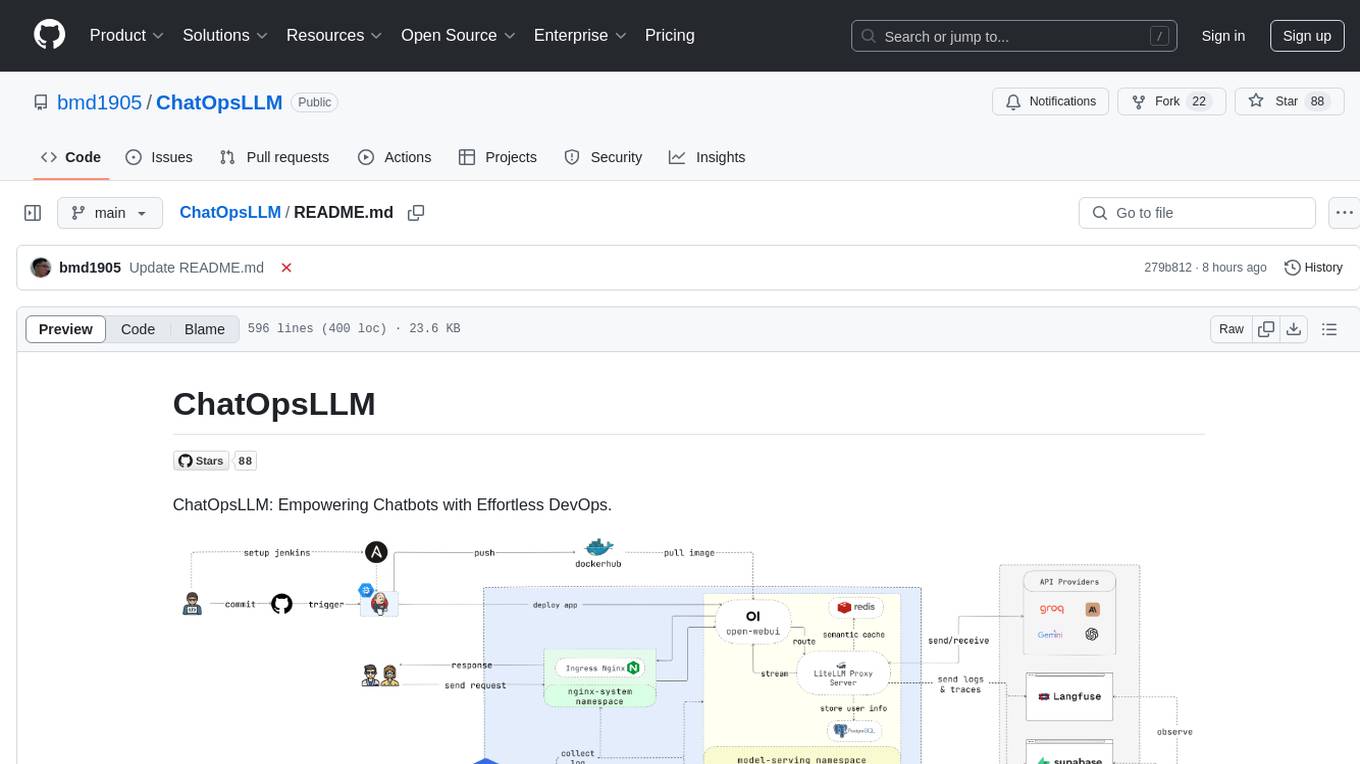
ChatOpsLLM is a project designed to empower chatbots with effortless DevOps capabilities. It provides an intuitive interface and streamlined workflows for managing and scaling language models. The project incorporates robust MLOps practices, including CI/CD pipelines with Jenkins and Ansible, monitoring with Prometheus and Grafana, and centralized logging with the ELK stack. Developers can find detailed documentation and instructions on the project's website.
agenticSeek
AgenticSeek is a voice-enabled AI assistant powered by DeepSeek R1 agents, offering a fully local alternative to cloud-based AI services. It allows users to interact with their filesystem, code in multiple languages, and perform various tasks autonomously. The tool is equipped with memory to remember user preferences and past conversations, and it can divide tasks among multiple agents for efficient execution. AgenticSeek prioritizes privacy by running entirely on the user's hardware without sending data to the cloud.
tgpt
tgpt is a cross-platform command-line interface (CLI) tool that allows users to interact with AI chatbots in the Terminal without needing API keys. It supports various AI providers such as KoboldAI, Phind, Llama2, Blackbox AI, and OpenAI. Users can generate text, code, and images using different flags and options. The tool can be installed on GNU/Linux, MacOS, FreeBSD, and Windows systems. It also supports proxy configurations and provides options for updating and uninstalling the tool.
tts-generation-webui
TTS Generation WebUI is a comprehensive tool that provides a user-friendly interface for text-to-speech and voice cloning tasks. It integrates various AI models such as Bark, MusicGen, AudioGen, Tortoise, RVC, Vocos, Demucs, SeamlessM4T, and MAGNeT. The tool offers one-click installers, Google Colab demo, videos for guidance, and extra voices for Bark. Users can generate audio outputs, manage models, caches, and system space for AI projects. The project is open-source and emphasizes ethical and responsible use of AI technology.
recommendarr
Recommendarr is a tool that generates personalized TV show and movie recommendations based on your Sonarr, Radarr, Plex, and Jellyfin libraries using AI. It offers AI-powered recommendations, media server integration, flexible AI support, watch history analysis, customization options, and dark/light mode toggle. Users can connect their media libraries and watch history services, configure AI service settings, and get personalized recommendations based on genre, language, and mood/vibe preferences. The tool works with any OpenAI-compatible API and offers various recommended models for different cost options and performance levels. It provides personalized suggestions, detailed information, filter options, watch history analysis, and one-click adding of recommended content to Sonarr/Radarr.
DesktopCommanderMCP
Desktop Commander MCP is a server that allows the Claude desktop app to execute long-running terminal commands on your computer and manage processes through Model Context Protocol (MCP). It is built on top of MCP Filesystem Server to provide additional search and replace file editing capabilities. The tool enables users to execute terminal commands with output streaming, manage processes, perform full filesystem operations, and edit code with surgical text replacements or full file rewrites. It also supports vscode-ripgrep based recursive code or text search in folders.
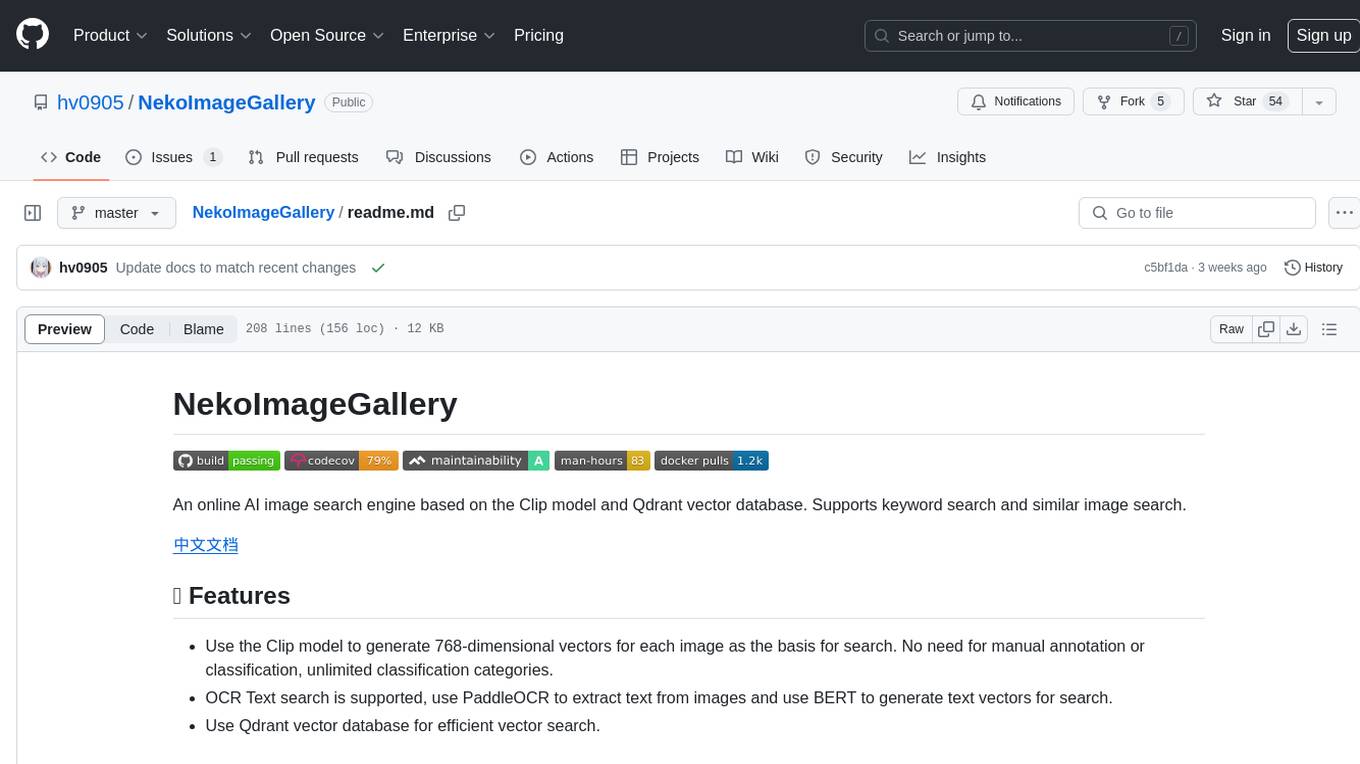
NekoImageGallery
NekoImageGallery is an online AI image search engine that utilizes the Clip model and Qdrant vector database. It supports keyword search and similar image search. The tool generates 768-dimensional vectors for each image using the Clip model, supports OCR text search using PaddleOCR, and efficiently searches vectors using the Qdrant vector database. Users can deploy the tool locally or via Docker, with options for metadata storage using Qdrant database or local file storage. The tool provides API documentation through FastAPI's built-in Swagger UI and can be used for tasks like image search, text extraction, and vector search.
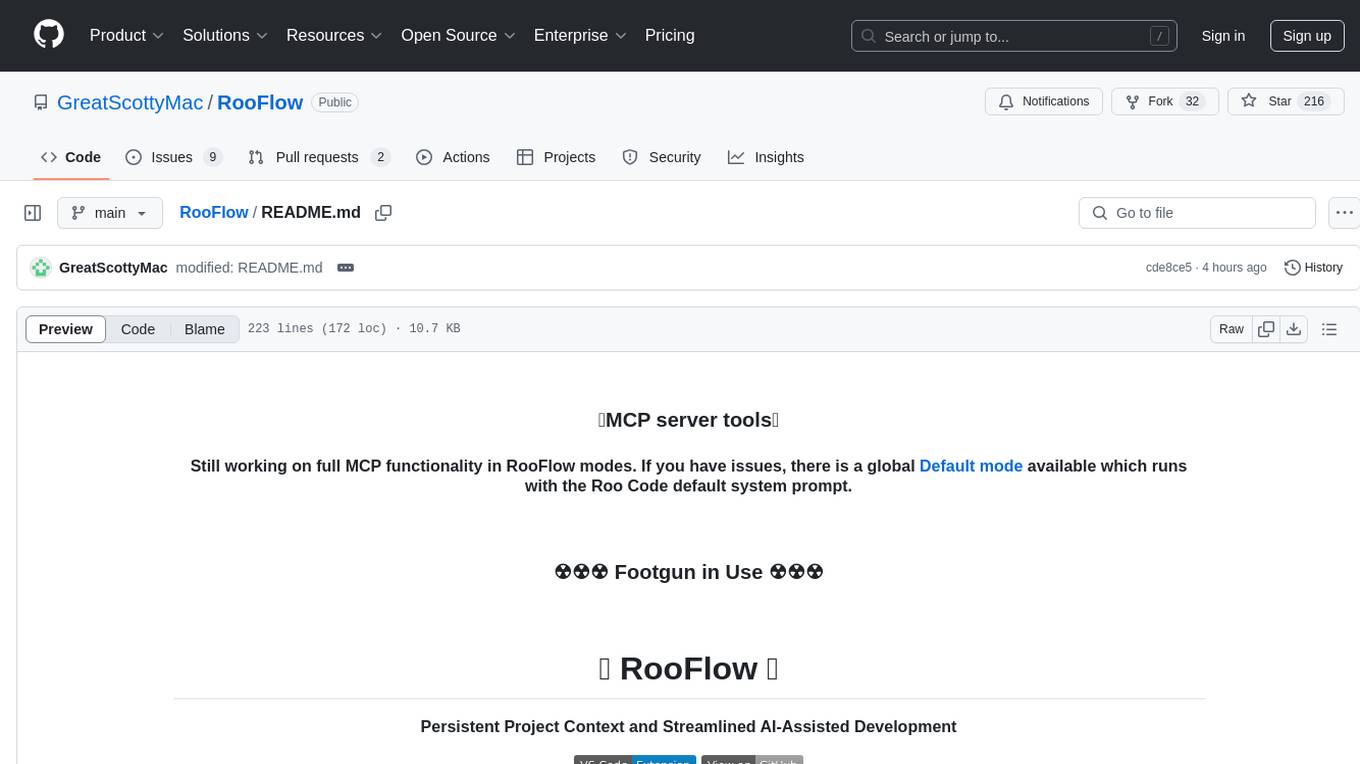
RooFlow
RooFlow is a VS Code extension that enhances AI-assisted development by providing persistent project context and optimized mode interactions. It reduces token consumption and streamlines workflow by integrating Architect, Code, Test, Debug, and Ask modes. The tool simplifies setup, offers real-time updates, and provides clearer instructions through YAML-based rule files. It includes components like Memory Bank, System Prompts, VS Code Integration, and Real-time Updates. Users can install RooFlow by downloading specific files, placing them in the project structure, and running an insert-variables script. They can then start a chat, select a mode, interact with Roo, and use the 'Update Memory Bank' command for synchronization. The Memory Bank structure includes files for active context, decision log, product context, progress tracking, and system patterns. RooFlow features persistent context, real-time updates, mode collaboration, and reduced token consumption.
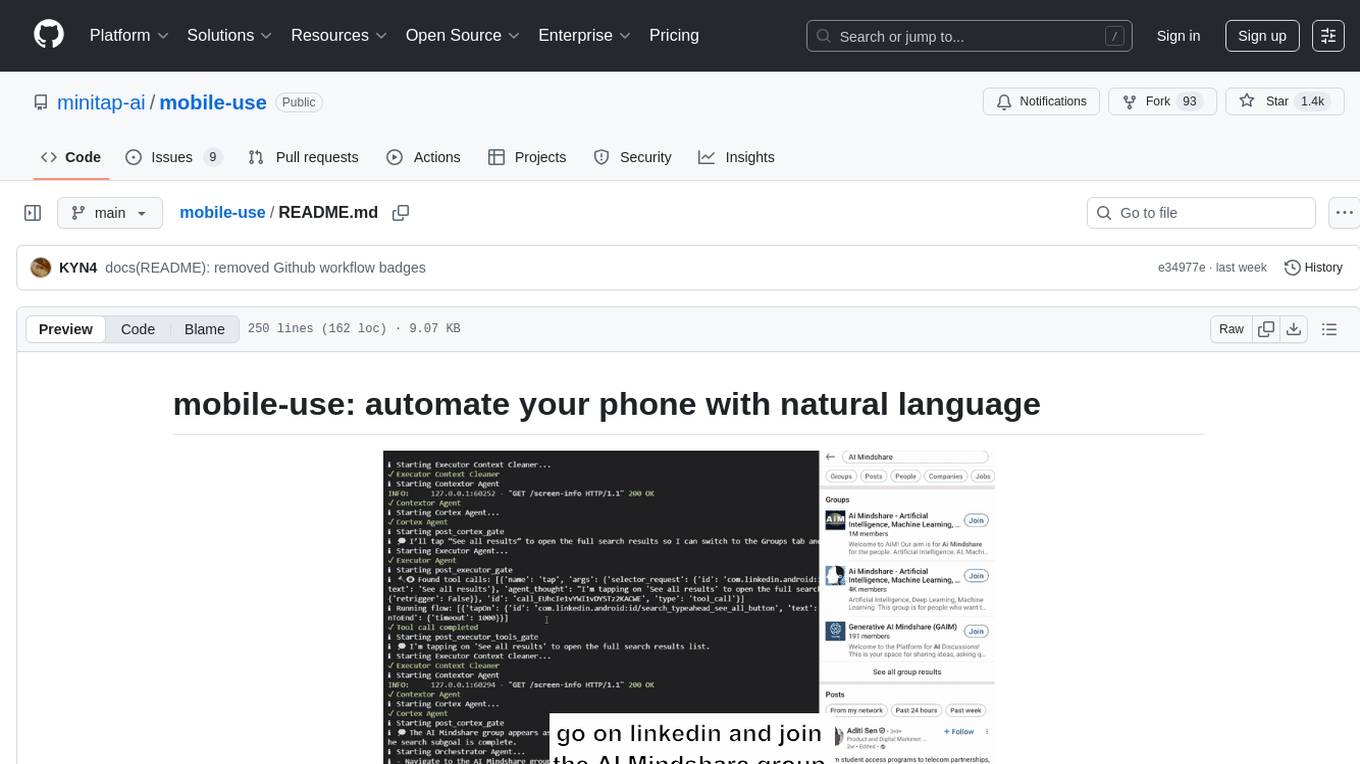
mobile-use
Mobile-use is an open-source AI agent that controls Android or IOS devices using natural language. It understands commands to perform tasks like sending messages and navigating apps. Features include natural language control, UI-aware automation, data scraping, and extensibility. Users can automate their mobile experience by setting up environment variables, customizing LLM configurations, and launching the tool via Docker or manually for development. The tool supports physical Android phones, Android simulators, and iOS simulators. Contributions are welcome, and the project is licensed under MIT.
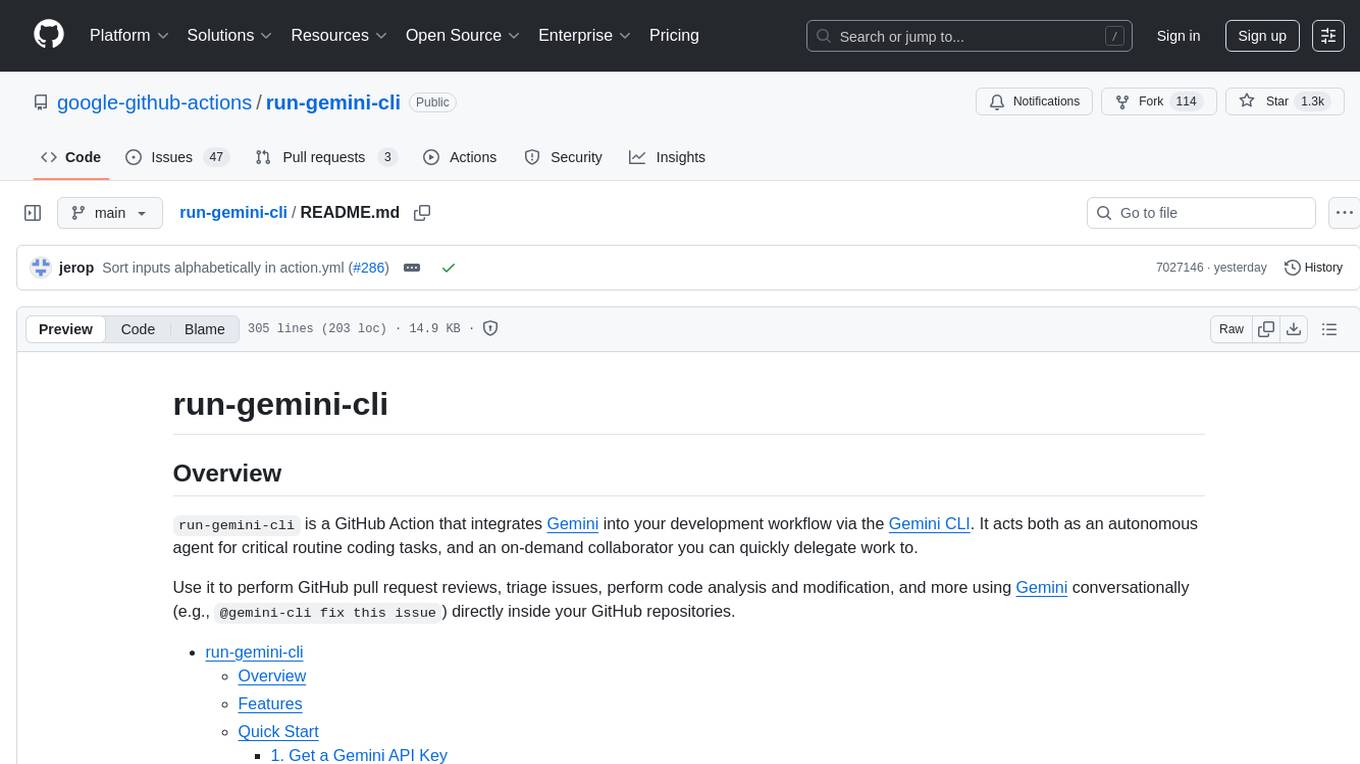
run-gemini-cli
run-gemini-cli is a GitHub Action that integrates Gemini into your development workflow via the Gemini CLI. It acts as an autonomous agent for routine coding tasks and an on-demand collaborator. Use it for GitHub pull request reviews, triaging issues, code analysis, and more. It provides automation, on-demand collaboration, extensibility with tools, and customization options.
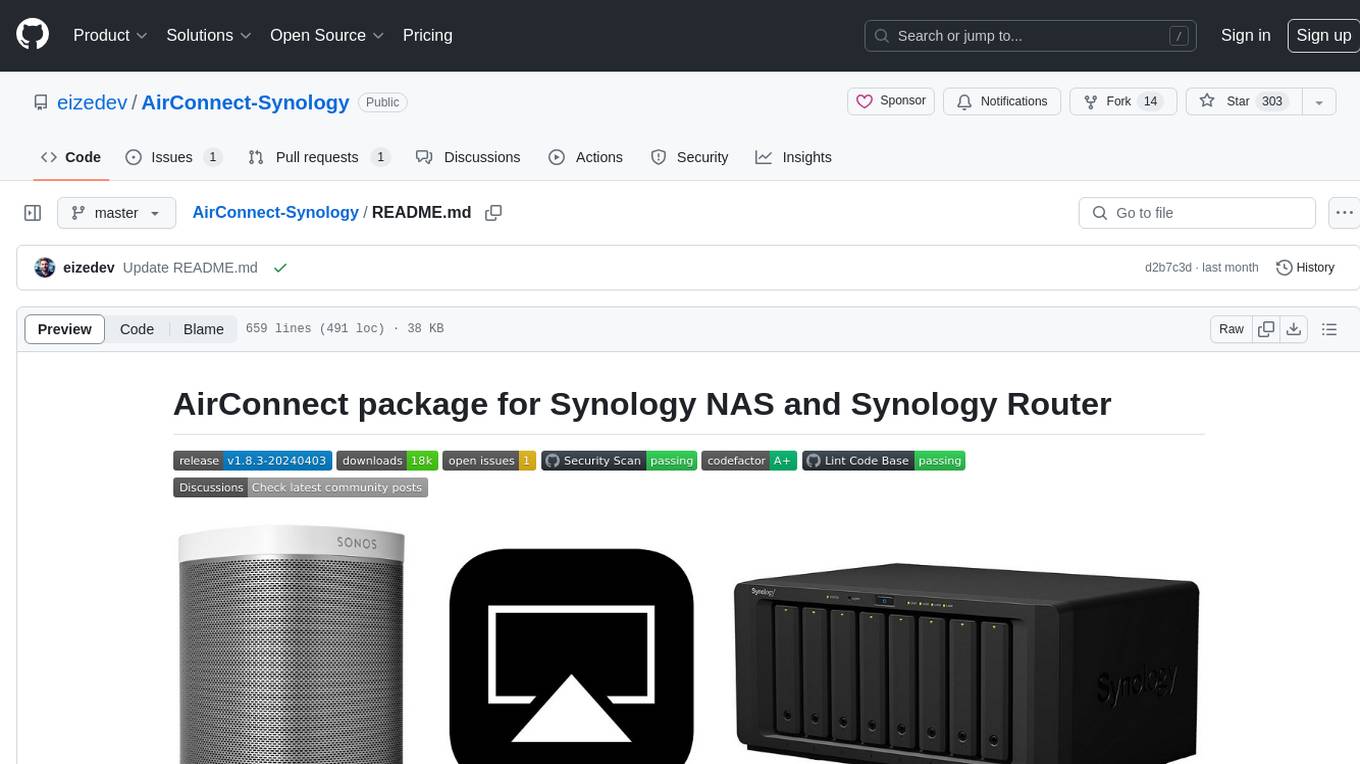
AirConnect-Synology
AirConnect-Synology is a minimal Synology package that allows users to use AirPlay to stream to UPnP/Sonos & Chromecast devices that do not natively support AirPlay. It is compatible with DSM 7.0 and DSM 7.1, and provides detailed information on installation, configuration, supported devices, troubleshooting, and more. The package automates the installation and usage of AirConnect on Synology devices, ensuring compatibility with various architectures and firmware versions. Users can customize the configuration using the airconnect.conf file and adjust settings for specific speakers like Sonos, Bose SoundTouch, and Pioneer/Phorus/Play-Fi.
PySpur
PySpur is a graph-based editor designed for LLM workflows, offering modular building blocks for easy workflow creation and debugging at node level. It allows users to evaluate final performance and promises self-improvement features in the future. PySpur is easy-to-hack, supports JSON configs for workflow graphs, and is lightweight with minimal dependencies, making it a versatile tool for workflow management in the field of AI and machine learning.
trieve
Trieve is an advanced relevance API for hybrid search, recommendations, and RAG. It offers a range of features including self-hosting, semantic dense vector search, typo tolerant full-text/neural search, sub-sentence highlighting, recommendations, convenient RAG API routes, the ability to bring your own models, hybrid search with cross-encoder re-ranking, recency biasing, tunable popularity-based ranking, filtering, duplicate detection, and grouping. Trieve is designed to be flexible and customizable, allowing users to tailor it to their specific needs. It is also easy to use, with a simple API and well-documented features.
comfyui
ComfyUI is a highly-configurable, cloud-first AI-Dock container that allows users to run ComfyUI without bundled models or third-party configurations. Users can configure the container using provisioning scripts. The Docker image supports NVIDIA CUDA, AMD ROCm, and CPU platforms, with version tags for different configurations. Additional environment variables and Python environments are provided for customization. ComfyUI service runs on port 8188 and can be managed using supervisorctl. The tool also includes an API wrapper service and pre-configured templates for Vast.ai. The author may receive compensation for services linked in the documentation.
For similar tasks
verifywise
VerifyWise is an open-source AI governance platform designed to help businesses harness the power of AI safely and responsibly. The platform ensures compliance and robust AI management without compromising on security. It offers additional products like MaskWise for data redaction, EvalWise for AI model evaluation, and FlagWise for security threat monitoring. VerifyWise simplifies AI governance for organizations, aiding in risk management, regulatory compliance, and promoting responsible AI practices. It features options for on-premises or private cloud hosting, open-source with AGPLv3 license, AI-generated answers for compliance audits, source code transparency, Docker deployment, user registration, role-based access control, and various AI governance tools like risk management, bias & fairness checks, evidence center, AI trust center, and more.
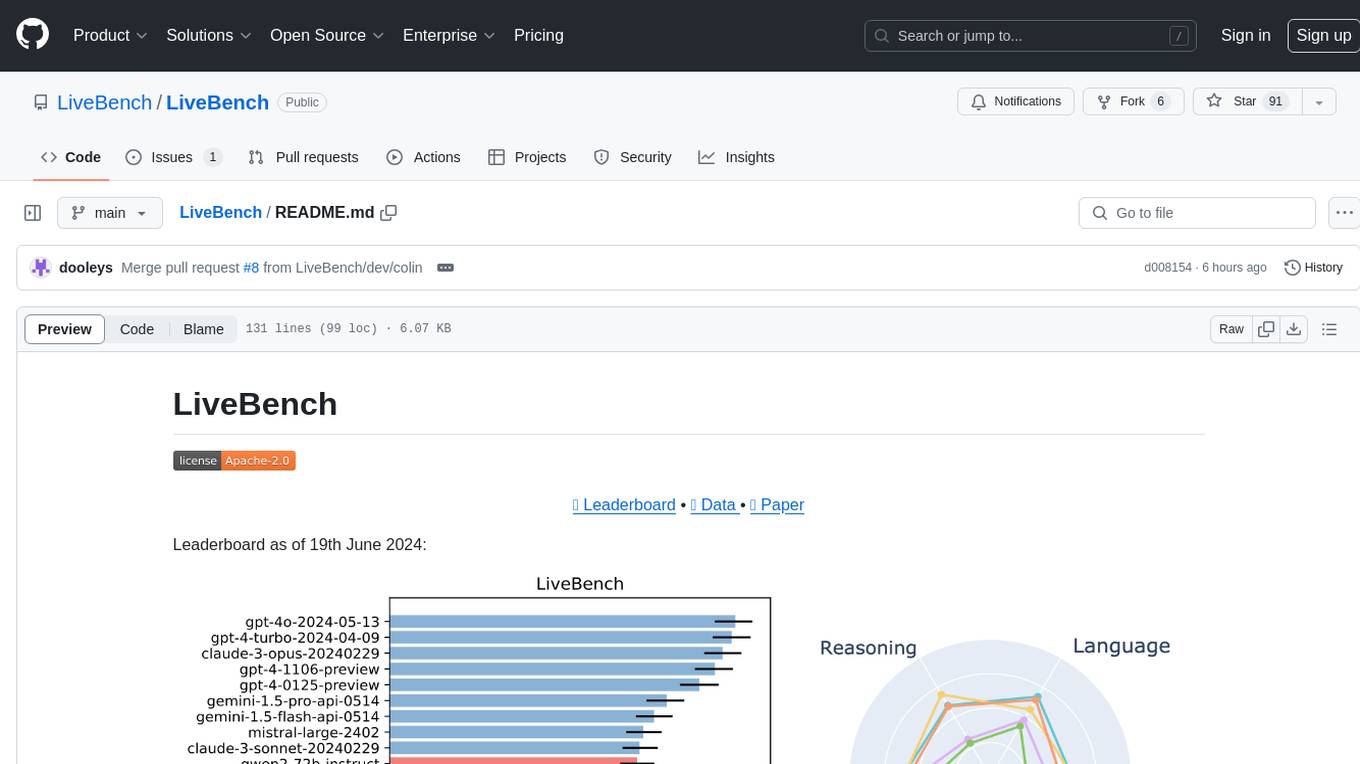
LiveBench
LiveBench is a benchmark tool designed for Language Model Models (LLMs) with a focus on limiting contamination through monthly new questions based on recent datasets, arXiv papers, news articles, and IMDb movie synopses. It provides verifiable, objective ground-truth answers for accurate scoring without an LLM judge. The tool offers 18 diverse tasks across 6 categories and promises to release more challenging tasks over time. LiveBench is built on FastChat's llm_judge module and incorporates code from LiveCodeBench and IFEval.
ai-chat-protocol
The Microsoft AI Chat Protocol SDK is a library for easily building AI Chat interfaces from services that follow the AI Chat Protocol API Specification. By agreeing on a standard API contract, AI backend consumption and evaluation can be performed easily and consistently across different services. It allows developers to develop AI chat interfaces, consume and evaluate AI inference backends, and incorporate HTTP middleware for logging and authentication.
gen-ai-experiments
Gen-AI-Experiments is a structured collection of Jupyter notebooks and AI experiments designed to guide users through various AI tools, frameworks, and models. It offers valuable resources for both beginners and experienced practitioners, covering topics such as AI agents, model testing, RAG systems, real-world applications, and open-source tools. The repository includes folders with curated libraries, AI agents, experiments, LLM testing, open-source libraries, RAG experiments, and educhain experiments, each focusing on different aspects of AI development and application.
dioptra
Dioptra is a software test platform for assessing the trustworthy characteristics of artificial intelligence (AI). It supports the NIST AI Risk Management Framework by providing functionality to assess, analyze, and track identified AI risks. Dioptra provides a REST API and can be controlled via a web interface or Python client for designing, managing, executing, and tracking experiments. It aims to be reproducible, traceable, extensible, interoperable, modular, secure, interactive, shareable, and reusable.
For similar jobs

promptflow
**Prompt flow** is a suite of development tools designed to streamline the end-to-end development cycle of LLM-based AI applications, from ideation, prototyping, testing, evaluation to production deployment and monitoring. It makes prompt engineering much easier and enables you to build LLM apps with production quality.

deepeval
DeepEval is a simple-to-use, open-source LLM evaluation framework specialized for unit testing LLM outputs. It incorporates various metrics such as G-Eval, hallucination, answer relevancy, RAGAS, etc., and runs locally on your machine for evaluation. It provides a wide range of ready-to-use evaluation metrics, allows for creating custom metrics, integrates with any CI/CD environment, and enables benchmarking LLMs on popular benchmarks. DeepEval is designed for evaluating RAG and fine-tuning applications, helping users optimize hyperparameters, prevent prompt drifting, and transition from OpenAI to hosting their own Llama2 with confidence.

MegaDetector
MegaDetector is an AI model that identifies animals, people, and vehicles in camera trap images (which also makes it useful for eliminating blank images). This model is trained on several million images from a variety of ecosystems. MegaDetector is just one of many tools that aims to make conservation biologists more efficient with AI. If you want to learn about other ways to use AI to accelerate camera trap workflows, check out our of the field, affectionately titled "Everything I know about machine learning and camera traps".

leapfrogai
LeapfrogAI is a self-hosted AI platform designed to be deployed in air-gapped resource-constrained environments. It brings sophisticated AI solutions to these environments by hosting all the necessary components of an AI stack, including vector databases, model backends, API, and UI. LeapfrogAI's API closely matches that of OpenAI, allowing tools built for OpenAI/ChatGPT to function seamlessly with a LeapfrogAI backend. It provides several backends for various use cases, including llama-cpp-python, whisper, text-embeddings, and vllm. LeapfrogAI leverages Chainguard's apko to harden base python images, ensuring the latest supported Python versions are used by the other components of the stack. The LeapfrogAI SDK provides a standard set of protobuffs and python utilities for implementing backends and gRPC. LeapfrogAI offers UI options for common use-cases like chat, summarization, and transcription. It can be deployed and run locally via UDS and Kubernetes, built out using Zarf packages. LeapfrogAI is supported by a community of users and contributors, including Defense Unicorns, Beast Code, Chainguard, Exovera, Hypergiant, Pulze, SOSi, United States Navy, United States Air Force, and United States Space Force.

llava-docker
This Docker image for LLaVA (Large Language and Vision Assistant) provides a convenient way to run LLaVA locally or on RunPod. LLaVA is a powerful AI tool that combines natural language processing and computer vision capabilities. With this Docker image, you can easily access LLaVA's functionalities for various tasks, including image captioning, visual question answering, text summarization, and more. The image comes pre-installed with LLaVA v1.2.0, Torch 2.1.2, xformers 0.0.23.post1, and other necessary dependencies. You can customize the model used by setting the MODEL environment variable. The image also includes a Jupyter Lab environment for interactive development and exploration. Overall, this Docker image offers a comprehensive and user-friendly platform for leveraging LLaVA's capabilities.

carrot
The 'carrot' repository on GitHub provides a list of free and user-friendly ChatGPT mirror sites for easy access. The repository includes sponsored sites offering various GPT models and services. Users can find and share sites, report errors, and access stable and recommended sites for ChatGPT usage. The repository also includes a detailed list of ChatGPT sites, their features, and accessibility options, making it a valuable resource for ChatGPT users seeking free and unlimited GPT services.

TrustLLM
TrustLLM is a comprehensive study of trustworthiness in LLMs, including principles for different dimensions of trustworthiness, established benchmark, evaluation, and analysis of trustworthiness for mainstream LLMs, and discussion of open challenges and future directions. Specifically, we first propose a set of principles for trustworthy LLMs that span eight different dimensions. Based on these principles, we further establish a benchmark across six dimensions including truthfulness, safety, fairness, robustness, privacy, and machine ethics. We then present a study evaluating 16 mainstream LLMs in TrustLLM, consisting of over 30 datasets. The document explains how to use the trustllm python package to help you assess the performance of your LLM in trustworthiness more quickly. For more details about TrustLLM, please refer to project website.

AI-YinMei
AI-YinMei is an AI virtual anchor Vtuber development tool (N card version). It supports fastgpt knowledge base chat dialogue, a complete set of solutions for LLM large language models: [fastgpt] + [one-api] + [Xinference], supports docking bilibili live broadcast barrage reply and entering live broadcast welcome speech, supports Microsoft edge-tts speech synthesis, supports Bert-VITS2 speech synthesis, supports GPT-SoVITS speech synthesis, supports expression control Vtuber Studio, supports painting stable-diffusion-webui output OBS live broadcast room, supports painting picture pornography public-NSFW-y-distinguish, supports search and image search service duckduckgo (requires magic Internet access), supports image search service Baidu image search (no magic Internet access), supports AI reply chat box [html plug-in], supports AI singing Auto-Convert-Music, supports playlist [html plug-in], supports dancing function, supports expression video playback, supports head touching action, supports gift smashing action, supports singing automatic start dancing function, chat and singing automatic cycle swing action, supports multi scene switching, background music switching, day and night automatic switching scene, supports open singing and painting, let AI automatically judge the content.