


agents
AI agent tooling for data engineering workflows.
Stars: 234
AI agent tooling for data engineering workflows. Includes an MCP server for Airflow, a CLI tool for interacting with Airflow from your terminal, and skills that extend AI coding agents with specialized capabilities for working with Airflow and data warehouses. Works with Claude Code, Cursor, and other agentic coding tools. The tool provides a comprehensive set of features for data discovery & analysis, data lineage, DAG development, dbt integration, migration, and more. It also offers user journeys for data analysis flow and DAG development flow. The Airflow CLI tool allows users to interact with Airflow directly from the terminal. The tool supports various databases like Snowflake, PostgreSQL, Google BigQuery, and more, with auto-detected SQLAlchemy databases. Skills are invoked automatically based on user queries or can be invoked directly using specific commands.
README:
AI agent tooling for data engineering workflows. Includes an MCP server for Airflow, a CLI tool (af) for interacting with Airflow from your terminal, and skills that extend AI coding agents with specialized capabilities for working with Airflow and data warehouses. Works with Claude Code, Cursor, and other agentic coding tools.
Built by Astronomer. Apache 2.0 licensed and compatible with open-source Apache Airflow.
npx skills add astronomer/agents --skill '*'This installs all Astronomer skills into your project via skills.sh. You'll be prompted to select which agents to install to. To also select skills individually, omit the --skill flag.
Claude Code users: We recommend using the plugin instead (see Claude Code section below) for better integration with MCP servers and hooks.
Skills: Works with 25+ AI coding agents including Claude Code, Cursor, VS Code (GitHub Copilot), Windsurf, Cline, and more.
MCP Server: Works with any MCP-compatible client including Claude Desktop, VS Code, and others.
# Add the marketplace and install the plugin
claude plugin marketplace add astronomer/agents
claude plugin install data@astronomer
The plugin includes the Airflow MCP server that runs via uvx from PyPI. Data warehouse queries are handled by the analyzing-data skill using a background Jupyter kernel.
Cursor supports both MCP servers and skills.
MCP Server - Click to install:

Skills - Install to your project:
npx skills add astronomer/agents --skill '*' -a cursorThis installs skills to .cursor/skills/ in your project.
Manual MCP configuration
Add to ~/.cursor/mcp.json:
{
  "mcpServers": {
    "airflow": {
      "command": "uvx",
      "args": ["astro-airflow-mcp", "--transport", "stdio"]
    }
  }
}
Enable hooks (skill suggestions, session management)
Create .cursor/hooks.json in your project:
{
  "version": 1,
  "hooks": {
    "beforeSubmitPrompt": [
      {
        "command": "$CURSOR_PROJECT_DIR/.cursor/skills/airflow/hooks/airflow-skill-suggester.sh",
        "timeout": 5
      }
    ],
    "stop": [
      {
        "command": "uv run $CURSOR_PROJECT_DIR/.cursor/skills/analyzing-data/scripts/cli.py stop",
        "timeout": 10
      }
    ]
  }
}
What these hooks do:
-
beforeSubmitPrompt: Suggests data skills when you mention Airflow keywords -
stop: Cleans up kernel when session ends
For any MCP-compatible client (Claude Desktop, VS Code, etc.):
# Airflow MCP
uvx astro-airflow-mcp --transport stdio

# With remote Airflow
AIRFLOW_API_URL=https://your-airflow.example.com \
AIRFLOW_USERNAME=admin \
AIRFLOW_PASSWORD=admin \
uvx astro-airflow-mcp --transport stdioThe data plugin bundles an MCP server and skills into a single installable package.
| Server | Description |
|---|---|
| Airflow | Full Airflow REST API integration via astro-airflow-mcp: DAG management, triggering, task logs, system health |
| Skill | Description |
|---|---|
| warehouse-init | Initialize schema discovery - generates .astro/warehouse.md for instant lookups |
| analyzing-data | SQL-based analysis to answer business questions (uses background Jupyter kernel) |
| checking-freshness | Check how current your data is |
| profiling-tables | Comprehensive table profiling and quality assessment |
| Skill | Description |
|---|---|
| tracing-downstream-lineage | Analyze what breaks if you change something |
| tracing-upstream-lineage | Trace where data comes from |
| annotating-task-lineage | Add manual lineage to tasks using inlets/outlets |
| creating-openlineage-extractors | Build custom OpenLineage extractors for operators |
| Skill | Description |
|---|---|
| airflow | Main entrypoint - routes to specialized Airflow skills |
| setting-up-astro-project | Initialize and configure new Astro/Airflow projects |
| managing-astro-local-env | Manage local Airflow environment (start, stop, logs, troubleshoot) |
| authoring-dags | Create and validate Airflow DAGs with best practices |
| testing-dags | Test and debug Airflow DAGs locally |
| debugging-dags | Deep failure diagnosis and root cause analysis |
| airflow-hitl | Human-in-the-loop workflows: approval gates, form input, branching (Airflow 3.1+) |
| Skill | Description |
|---|---|
| cosmos-dbt-core | Run dbt Core projects as Airflow DAGs using Astronomer Cosmos |
| cosmos-dbt-fusion | Run dbt Fusion projects with Cosmos (Snowflake/Databricks only) |
| Skill | Description |
|---|---|
| migrating-airflow-2-to-3 | Migrate DAGs from Airflow 2.x to 3.x |
flowchart LR
    init["/data:warehouse-init"] --> analyzing["/data:analyzing-data"]
    analyzing --> profiling["/data:profiling-tables"]
analyzing --> freshness["/data:checking-freshness"]-
Initialize (
/data:warehouse-init) - One-time setup to generatewarehouse.mdwith schema metadata -
Analyze (
/data:analyzing-data) - Answer business questions with SQL -
Profile (
/data:profiling-tables) - Deep dive into specific tables for statistics and quality -
Check freshness (
/data:checking-freshness) - Verify data is up to date before using
flowchart LR
    setup["/data:setting-up-astro-project"] --> authoring["/data:authoring-dags"]
    setup --> env["/data:managing-astro-local-env"]
    authoring --> testing["/data:testing-dags"]
testing --> debugging["/data:debugging-dags"]-
Setup (
/data:setting-up-astro-project) - Initialize project structure and dependencies -
Environment (
/data:managing-astro-local-env) - Start/stop local Airflow for development -
Author (
/data:authoring-dags) - Write DAG code following best practices -
Test (
/data:testing-dags) - Run DAGs and fix issues iteratively -
Debug (
/data:debugging-dags) - Deep investigation for complex failures
The af command-line tool lets you interact with Airflow directly from your terminal. Install it with:
uvx --from astro-airflow-mcp af --helpFor frequent use, add an alias to your shell config (~/.bashrc or ~/.zshrc):
alias af='uvx --from astro-airflow-mcp af'Then use it for quick operations like af health, af dags list, or af runs trigger <dag_id>.
See the full CLI documentation for all commands and instance management.
Telemetry: The
afCLI collects anonymous usage telemetry to help improve the tool. Only the command name is collected (e.g.,dags list), never the arguments or their values. Opt out withaf telemetry disable.
Configure data warehouse connections at ~/.astro/agents/warehouse.yml:
my_warehouse:
  type: snowflake
  account: ${SNOWFLAKE_ACCOUNT}
  user: ${SNOWFLAKE_USER}
  auth_type: private_key
  private_key_path: ~/.ssh/snowflake_key.p8
  private_key_passphrase: ${SNOWFLAKE_PRIVATE_KEY_PASSPHRASE}
  warehouse: COMPUTE_WH
  role: ANALYST
  query_tag: claude-code
  databases:
    - ANALYTICS
    - RAW
[!NOTE] The
accountfield requires your Snowflake account identifier (e.g.,orgname-accountnameorxy12345.us-east-1), not your account name. Find this in your Snowflake console under Admin > Accounts.
Store credentials in ~/.astro/agents/.env:
SNOWFLAKE_ACCOUNT=myorg-myaccount  # Use your Snowflake account identifier (format: orgname-accountname or accountname.region)
SNOWFLAKE_USER=myuser
SNOWFLAKE_PRIVATE_KEY_PASSPHRASE=your-passphrase-here  # Only required if using an encrypted private key
Supported databases:
| Type | Package | Description |
|---|---|---|
snowflake |
Built-in | Snowflake Data Cloud |
postgres |
Built-in | PostgreSQL |
bigquery |
Built-in | Google BigQuery |
sqlalchemy |
Any SQLAlchemy driver | Auto-detects packages for 25+ databases (see below) |
Auto-detected SQLAlchemy databases
The connector automatically installs the correct driver packages for:
| Database | Dialect URL |
|---|---|
| PostgreSQL |
postgresql:// or postgres://
|
| MySQL |
mysql:// or mysql+pymysql://
|
| MariaDB | mariadb:// |
| SQLite | sqlite:/// |
| SQL Server | mssql+pyodbc:// |
| Oracle | oracle:// |
| Redshift | redshift:// |
| Snowflake | snowflake:// |
| BigQuery | bigquery:// |
| DuckDB | duckdb:/// |
| Trino | trino:// |
| ClickHouse | clickhouse:// |
| CockroachDB | cockroachdb:// |
| Databricks | databricks:// |
| Amazon Athena | awsathena:// |
| Cloud Spanner | spanner:// |
| Teradata | teradata:// |
| Vertica | vertica:// |
| SAP HANA | hana:// |
| IBM Db2 | db2:// |
For unlisted databases, install the driver manually and use standard SQLAlchemy URLs.
Example configurations
# PostgreSQL
my_postgres:
  type: postgres
  host: localhost
  port: 5432
  user: analyst
  password: ${POSTGRES_PASSWORD}
  database: analytics
  application_name: claude-code

# BigQuery
my_bigquery:
  type: bigquery
  project: my-gcp-project
  credentials_path: ~/.config/gcloud/service_account.json
  location: US
  labels:
    team: data-eng
    env: prod

# SQLAlchemy (any supported database)
my_duckdb:
  type: sqlalchemy
  url: duckdb:///path/to/analytics.duckdb
  databases: [main]

# SQLAlchemy with connect_args (passed to the DBAPI driver)
my_pg_sqlalchemy:
  type: sqlalchemy
  url: postgresql://${PG_USER}:${PG_PASSWORD}@localhost/analytics
  databases: [analytics]
  connect_args:
    application_name: claude-code

# Redshift (via SQLAlchemy)
my_redshift:
  type: sqlalchemy
  url: redshift+redshift_connector://${REDSHIFT_USER}:${REDSHIFT_PASSWORD}@${REDSHIFT_HOST}:5439/${REDSHIFT_DATABASE}
databases: [my_database]The Airflow MCP auto-discovers your project when you run Claude Code from an Airflow project directory (contains airflow.cfg or dags/ folder).
For remote instances, set environment variables:
| Variable | Description |
|---|---|
AIRFLOW_API_URL |
Airflow webserver URL |
AIRFLOW_USERNAME |
Username |
AIRFLOW_PASSWORD |
Password |
AIRFLOW_AUTH_TOKEN |
Bearer token (alternative to username/password) |
Skills are invoked automatically based on what you ask. You can also invoke them directly with /data:<skill-name>.
-
Initialize your warehouse (recommended first step):
/data:warehouse-initThis generates
.astro/warehouse.mdwith schema metadata for faster queries. -
Ask questions naturally:
- "What tables contain customer data?"
- "Show me revenue trends by product"
- "Create a DAG that loads data from S3 to Snowflake daily"
- "Why did my etl_pipeline DAG fail yesterday?"
See CLAUDE.md for plugin development guidelines.
# Clone the repo
git clone https://github.com/astronomer/agents.git
cd agents

# Test with local plugin
claude --plugin-dir .

# Or install from local marketplace
claude plugin marketplace add .
claude plugin install data@astronomerCreate a new skill in skills/<name>/SKILL.md with YAML frontmatter:
---
name: my-skill
description: When to invoke this skill
---

# Skill instructions here...
After adding skills, reinstall the plugin:
claude plugin uninstall data@astronomer && claude plugin install data@astronomer| Issue | Solution |
|---|---|
| Skills not appearing | Reinstall plugin: claude plugin uninstall data@astronomer && claude plugin install data@astronomer
|
| Warehouse connection errors | Check credentials in ~/.astro/agents/.env and connection config in warehouse.yml
|
| Airflow not detected | Ensure you're running from a directory with airflow.cfg or a dags/ folder |
Contributions welcome! Please read our Code of Conduct and Contributing Guide before getting started.
Skills we're likely to build:
DAG Operations
- CI/CD pipelines for DAG deployment
- Performance optimization and tuning
- Monitoring and alerting setup
- Data quality and validation workflows
Astronomer Open Source
- DAG Factory - Generate DAGs from YAML
- Other open source projects we maintain
Conference Learnings
- Reviewing talks from Airflow Summit, Coalesce, Data Council, and other conferences to extract reusable skills and patterns
Broader Data Practitioner Skills
- Churn prediction, data modeling, ML training, and other workflows that span DE/DS/analytics roles
Don't see a skill you want? Open an issue or submit a PR!
Apache 2.0
Made with ❤️ by Astronomer
For Tasks:
Click tags to check more tools for each tasksFor Jobs:
Alternative AI tools for agents
Similar Open Source Tools
agents
AI agent tooling for data engineering workflows. Includes an MCP server for Airflow, a CLI tool for interacting with Airflow from your terminal, and skills that extend AI coding agents with specialized capabilities for working with Airflow and data warehouses. Works with Claude Code, Cursor, and other agentic coding tools. The tool provides a comprehensive set of features for data discovery & analysis, data lineage, DAG development, dbt integration, migration, and more. It also offers user journeys for data analysis flow and DAG development flow. The Airflow CLI tool allows users to interact with Airflow directly from the terminal. The tool supports various databases like Snowflake, PostgreSQL, Google BigQuery, and more, with auto-detected SQLAlchemy databases. Skills are invoked automatically based on user queries or can be invoked directly using specific commands.
ai-coders-context
The @ai-coders/context repository provides the Ultimate MCP for AI Agent Orchestration, Context Engineering, and Spec-Driven Development. It simplifies context engineering for AI by offering a universal process called PREVC, which consists of Planning, Review, Execution, Validation, and Confirmation steps. The tool aims to address the problem of context fragmentation by introducing a single `.context/` directory that works universally across different tools. It enables users to create structured documentation, generate agent playbooks, manage workflows, provide on-demand expertise, and sync across various AI tools. The tool follows a structured, spec-driven development approach to improve AI output quality and ensure reproducible results across projects.
mcp-apache-spark-history-server
The MCP Server for Apache Spark History Server is a tool that connects AI agents to Apache Spark History Server for intelligent job analysis and performance monitoring. It enables AI agents to analyze job performance, identify bottlenecks, and provide insights from Spark History Server data. The server bridges AI agents with existing Apache Spark infrastructure, allowing users to query job details, analyze performance metrics, compare multiple jobs, investigate failures, and generate insights from historical execution data.

mcp-devtools
MCP DevTools is a high-performance server written in Go that replaces multiple Node.js and Python-based servers. It provides access to essential developer tools through a unified, modular interface. The server is efficient, with minimal memory footprint and fast response times. It offers a comprehensive tool suite for agentic coding, including 20+ essential developer agent tools. The tool registry allows for easy addition of new tools. The server supports multiple transport modes, including STDIO, HTTP, and SSE. It includes a security framework for multi-layered protection and a plugin system for adding new tools.
tunacode
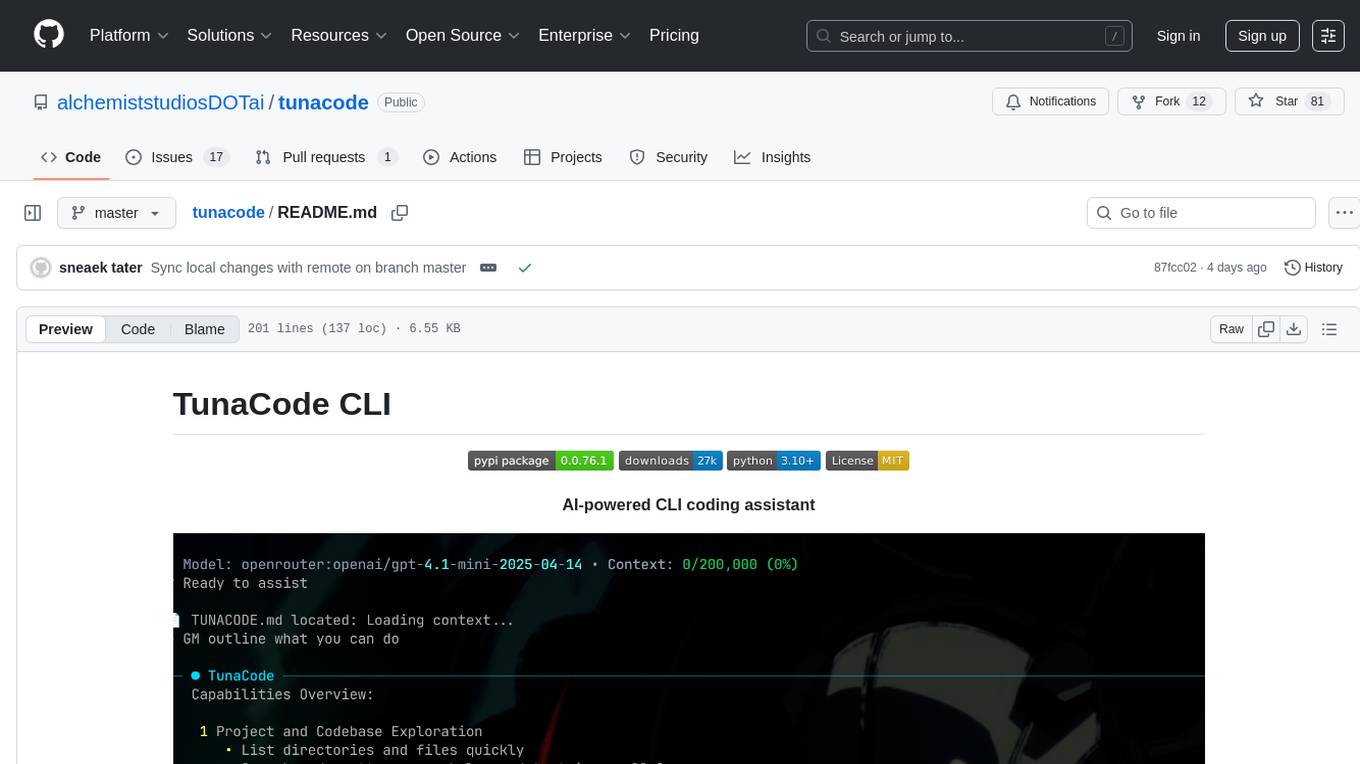
TunaCode CLI is an AI-powered coding assistant that provides a command-line interface for developers to enhance their coding experience. It offers features like model selection, parallel execution for faster file operations, and various commands for code management. The tool aims to improve coding efficiency and provide a seamless coding environment for developers.

everything-claude-code
The 'Everything Claude Code' repository is a comprehensive collection of production-ready agents, skills, hooks, commands, rules, and MCP configurations developed over 10+ months. It includes guides for setup, foundations, and philosophy, as well as detailed explanations of various topics such as token optimization, memory persistence, continuous learning, verification loops, parallelization, and subagent orchestration. The repository also provides updates on bug fixes, multi-language rules, installation wizard, PM2 support, OpenCode plugin integration, unified commands and skills, and cross-platform support. It offers a quick start guide for installation, ecosystem tools like Skill Creator and Continuous Learning v2, requirements for CLI version compatibility, key concepts like agents, skills, hooks, and rules, running tests, contributing guidelines, OpenCode support, background information, important notes on context window management and customization, star history chart, and relevant links.
gpt-load
GPT-Load is a high-performance, enterprise-grade AI API transparent proxy service designed for enterprises and developers needing to integrate multiple AI services. Built with Go, it features intelligent key management, load balancing, and comprehensive monitoring capabilities for high-concurrency production environments. The tool serves as a transparent proxy service, preserving native API formats of various AI service providers like OpenAI, Google Gemini, and Anthropic Claude. It supports dynamic configuration, distributed leader-follower deployment, and a Vue 3-based web management interface. GPT-Load is production-ready with features like dual authentication, graceful shutdown, and error recovery.

dexto
Dexto is a lightweight runtime for creating and running AI agents that turn natural language into real-world actions. It serves as the missing intelligence layer for building AI applications, standalone chatbots, or as the reasoning engine inside larger products. Dexto features a powerful CLI and Web UI for running AI agents, supports multiple interfaces, allows hot-swapping of LLMs from various providers, connects to remote tool servers via the Model Context Protocol, is config-driven with version-controlled YAML, offers production-ready core features, extensibility for custom services, and enables multi-agent collaboration via MCP and A2A.
prometheus-mcp-server
Prometheus MCP Server is a Model Context Protocol (MCP) server that provides access to Prometheus metrics and queries through standardized interfaces. It allows AI assistants to execute PromQL queries and analyze metrics data. The server supports executing queries, exploring metrics, listing available metrics, viewing query results, and authentication. It offers interactive tools for AI assistants and can be configured to choose specific tools. Installation methods include using Docker Desktop, MCP-compatible clients like Claude Desktop, VS Code, Cursor, and Windsurf, and manual Docker setup. Configuration options include setting Prometheus server URL, authentication credentials, organization ID, transport mode, and bind host/port. Contributions are welcome, and the project uses `uv` for managing dependencies and includes a comprehensive test suite for functionality testing.
git-mcp-server
A secure and scalable Git MCP server providing AI agents with powerful version control capabilities for local and serverless environments. It offers 28 comprehensive Git operations organized into seven functional categories, resources for contextual information about the Git environment, and structured prompt templates for guiding AI agents through complex workflows. The server features declarative tools, robust error handling, pluggable authentication, abstracted storage, full-stack observability, dependency injection, and edge-ready architecture. It also includes specialized features for Git integration such as cross-runtime compatibility, provider-based architecture, optimized Git execution, working directory management, configurable Git identity, safety features, and commit signing.

tokscale
Tokscale is a high-performance CLI tool and visualization dashboard for tracking token usage and costs across multiple AI coding agents. It helps monitor and analyze token consumption from various AI coding tools, providing real-time pricing calculations using LiteLLM's pricing data. Inspired by the Kardashev scale, Tokscale measures token consumption as users scale the ranks of AI-augmented development. It offers interactive TUI mode, multi-platform support, real-time pricing, detailed breakdowns, web visualization, flexible filtering, and social platform features.
code-cli
Autohand Code CLI is an autonomous coding agent in CLI form that uses the ReAct pattern to understand, plan, and execute code changes. It is designed for seamless coding experience without context switching or copy-pasting. The tool is fast, intuitive, and extensible with modular skills. It can be used to automate coding tasks, enforce code quality, and speed up development. Autohand can be integrated into team workflows and CI/CD pipelines to enhance productivity and efficiency.

llamafarm
LlamaFarm is a comprehensive AI framework that empowers users to build powerful AI applications locally, with full control over costs and deployment options. It provides modular components for RAG systems, vector databases, model management, prompt engineering, and fine-tuning. Users can create differentiated AI products without needing extensive ML expertise, using simple CLI commands and YAML configs. The framework supports local-first development, production-ready components, strategy-based configuration, and deployment anywhere from laptops to the cloud.
augustus
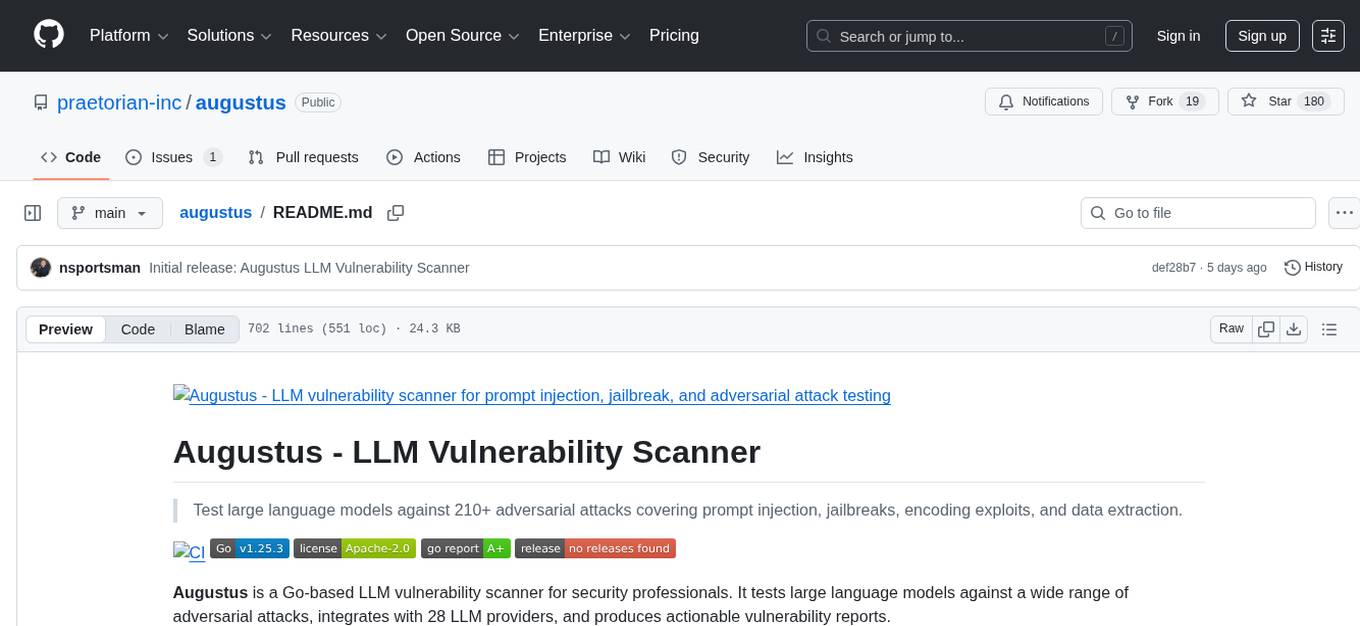
Augustus is a Go-based LLM vulnerability scanner designed for security professionals to test large language models against a wide range of adversarial attacks. It integrates with 28 LLM providers, covers 210+ adversarial attacks including prompt injection, jailbreaks, encoding exploits, and data extraction, and produces actionable vulnerability reports. The tool is built for production security testing with features like concurrent scanning, rate limiting, retry logic, and timeout handling out of the box.
optillm
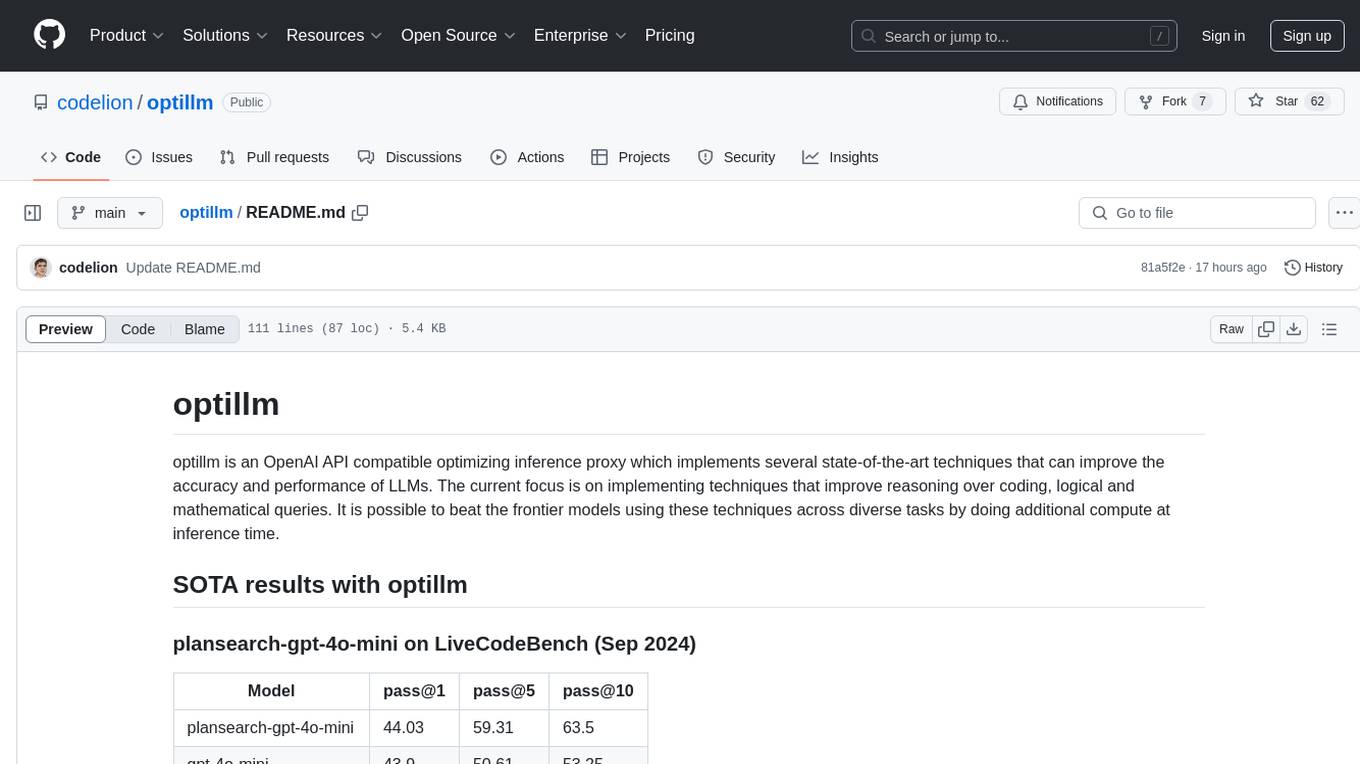
optillm is an OpenAI API compatible optimizing inference proxy implementing state-of-the-art techniques to enhance accuracy and performance of LLMs, focusing on reasoning over coding, logical, and mathematical queries. By leveraging additional compute at inference time, it surpasses frontier models across diverse tasks.
auto-engineer
Auto Engineer is a tool designed to automate the Software Development Life Cycle (SDLC) by building production-grade applications with a combination of human and AI agents. It offers a plugin-based architecture that allows users to install only the necessary functionality for their projects. The tool guides users through key stages including Flow Modeling, IA Generation, Deterministic Scaffolding, AI Coding & Testing Loop, and Comprehensive Quality Checks. Auto Engineer follows a command/event-driven architecture and provides a modular plugin system for specific functionalities. It supports TypeScript with strict typing throughout and includes a built-in message bus server with a web dashboard for monitoring commands and events.
For similar tasks

Azure-Analytics-and-AI-Engagement
The Azure-Analytics-and-AI-Engagement repository provides packaged Industry Scenario DREAM Demos with ARM templates (Containing a demo web application, Power BI reports, Synapse resources, AML Notebooks etc.) that can be deployed in a customer’s subscription using the CAPE tool within a matter of few hours. Partners can also deploy DREAM Demos in their own subscriptions using DPoC.
sorrentum
Sorrentum is an open-source project that aims to combine open-source development, startups, and brilliant students to build machine learning, AI, and Web3 / DeFi protocols geared towards finance and economics. The project provides opportunities for internships, research assistantships, and development grants, as well as the chance to work on cutting-edge problems, learn about startups, write academic papers, and get internships and full-time positions at companies working on Sorrentum applications.

tidb
TiDB is an open-source distributed SQL database that supports Hybrid Transactional and Analytical Processing (HTAP) workloads. It is MySQL compatible and features horizontal scalability, strong consistency, and high availability.

zep-python
Zep is an open-source platform for building and deploying large language model (LLM) applications. It provides a suite of tools and services that make it easy to integrate LLMs into your applications, including chat history memory, embedding, vector search, and data enrichment. Zep is designed to be scalable, reliable, and easy to use, making it a great choice for developers who want to build LLM-powered applications quickly and easily.
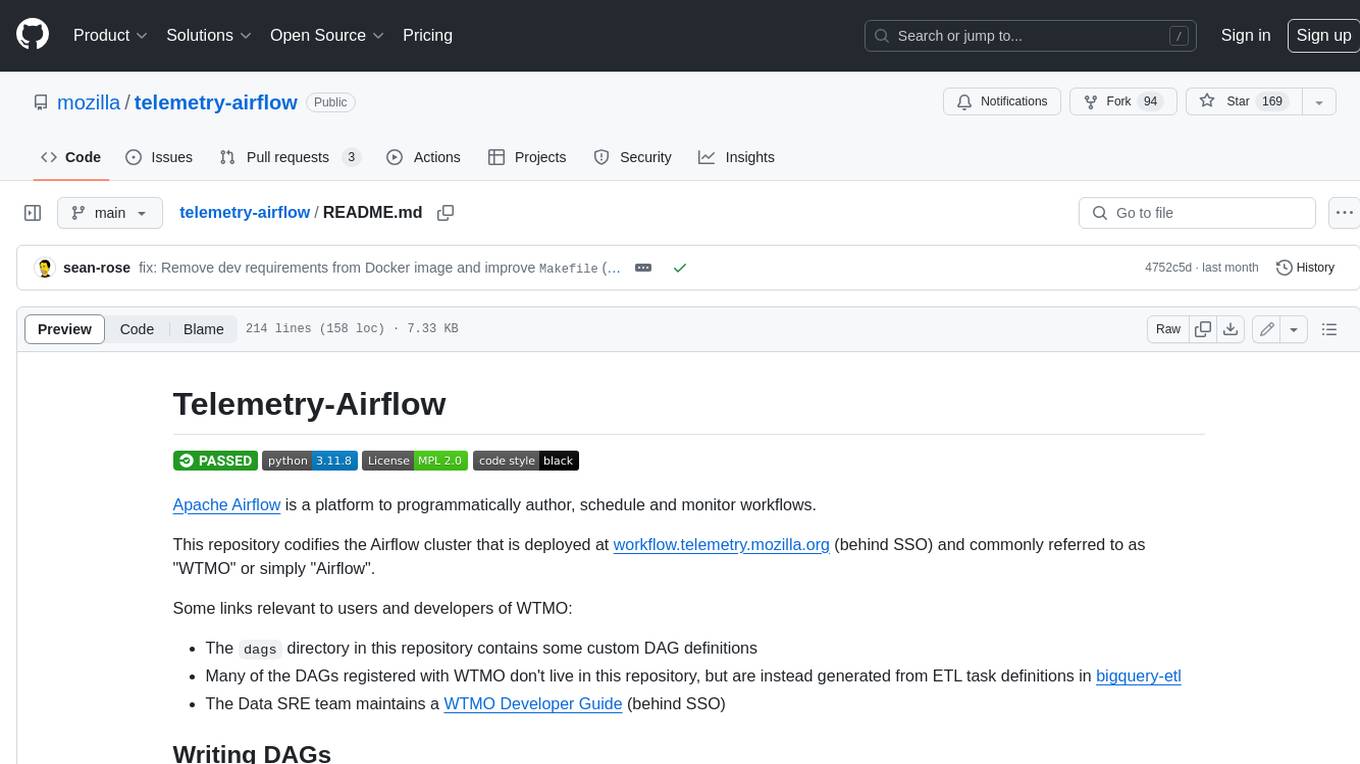
telemetry-airflow
This repository codifies the Airflow cluster that is deployed at workflow.telemetry.mozilla.org (behind SSO) and commonly referred to as "WTMO" or simply "Airflow". Some links relevant to users and developers of WTMO: * The `dags` directory in this repository contains some custom DAG definitions * Many of the DAGs registered with WTMO don't live in this repository, but are instead generated from ETL task definitions in bigquery-etl * The Data SRE team maintains a WTMO Developer Guide (behind SSO)
mojo
Mojo is a new programming language that bridges the gap between research and production by combining Python syntax and ecosystem with systems programming and metaprogramming features. Mojo is still young, but it is designed to become a superset of Python over time.

pandas-ai
PandasAI is a Python library that makes it easy to ask questions to your data in natural language. It helps you to explore, clean, and analyze your data using generative AI.

databend
Databend is an open-source cloud data warehouse that serves as a cost-effective alternative to Snowflake. With its focus on fast query execution and data ingestion, it's designed for complex analysis of the world's largest datasets.
For similar jobs

sweep
Sweep is an AI junior developer that turns bugs and feature requests into code changes. It automatically handles developer experience improvements like adding type hints and improving test coverage.

teams-ai
The Teams AI Library is a software development kit (SDK) that helps developers create bots that can interact with Teams and Microsoft 365 applications. It is built on top of the Bot Framework SDK and simplifies the process of developing bots that interact with Teams' artificial intelligence capabilities. The SDK is available for JavaScript/TypeScript, .NET, and Python.

ai-guide
This guide is dedicated to Large Language Models (LLMs) that you can run on your home computer. It assumes your PC is a lower-end, non-gaming setup.

classifai
Supercharge WordPress Content Workflows and Engagement with Artificial Intelligence. Tap into leading cloud-based services like OpenAI, Microsoft Azure AI, Google Gemini and IBM Watson to augment your WordPress-powered websites. Publish content faster while improving SEO performance and increasing audience engagement. ClassifAI integrates Artificial Intelligence and Machine Learning technologies to lighten your workload and eliminate tedious tasks, giving you more time to create original content that matters.

chatbot-ui
Chatbot UI is an open-source AI chat app that allows users to create and deploy their own AI chatbots. It is easy to use and can be customized to fit any need. Chatbot UI is perfect for businesses, developers, and anyone who wants to create a chatbot.

BricksLLM
BricksLLM is a cloud native AI gateway written in Go. Currently, it provides native support for OpenAI, Anthropic, Azure OpenAI and vLLM. BricksLLM aims to provide enterprise level infrastructure that can power any LLM production use cases. Here are some use cases for BricksLLM: * Set LLM usage limits for users on different pricing tiers * Track LLM usage on a per user and per organization basis * Block or redact requests containing PIIs * Improve LLM reliability with failovers, retries and caching * Distribute API keys with rate limits and cost limits for internal development/production use cases * Distribute API keys with rate limits and cost limits for students

uAgents
uAgents is a Python library developed by Fetch.ai that allows for the creation of autonomous AI agents. These agents can perform various tasks on a schedule or take action on various events. uAgents are easy to create and manage, and they are connected to a fast-growing network of other uAgents. They are also secure, with cryptographically secured messages and wallets.

griptape
Griptape is a modular Python framework for building AI-powered applications that securely connect to your enterprise data and APIs. It offers developers the ability to maintain control and flexibility at every step. Griptape's core components include Structures (Agents, Pipelines, and Workflows), Tasks, Tools, Memory (Conversation Memory, Task Memory, and Meta Memory), Drivers (Prompt and Embedding Drivers, Vector Store Drivers, Image Generation Drivers, Image Query Drivers, SQL Drivers, Web Scraper Drivers, and Conversation Memory Drivers), Engines (Query Engines, Extraction Engines, Summary Engines, Image Generation Engines, and Image Query Engines), and additional components (Rulesets, Loaders, Artifacts, Chunkers, and Tokenizers). Griptape enables developers to create AI-powered applications with ease and efficiency.