


claude-container
Container workflow for Claude Code. Complete isolation from host system while maintaining persistent credentials and workspace access.
Stars: 127
Claude Container is a Docker container pre-installed with Claude Code, providing an isolated environment for running Claude Code with optional API request logging in a local SQLite database. It includes three images: main container with Claude Code CLI, optional HTTP proxy for logging requests, and a web UI for visualizing and querying logs. The tool offers compatibility with different versions of Claude Code, quick start guides using a helper script or Docker Compose, authentication process, integration with existing projects, API request logging proxy setup, and data visualization with Datasette.
README:
A Docker container with Claude Code pre-installed and ready to use.
This container includes all necessary dependencies and provides an easy way to run Claude Code in an isolated environment.
An optional proxy can be enabled to track all the requests made by Claude Code in a local SQLite database.
Three Docker images are available on Docker Hub, all released with matching version tags:
| Image | Purpose | Base |
|---|---|---|
| nezhar/claude-container | Main container with Claude Code CLI pre-installed | Node.js 22 Alpine |
| nezhar/claude-proxy | Optional HTTP proxy that logs all API requests to SQLite | Python 3.12 Alpine |
| nezhar/claude-datasette | Optional web UI for visualizing and querying logged requests | Datasette + plugins |
When using all three images together, the request flow looks like this:
┌─────────────────┐      ┌──────────────────┐      ┌─────────────────────┐
│ claude-container│─────▶│  claude-proxy    │─────▶│  api.anthropic.com  │
│  (Claude Code)  │      │   (HTTP Proxy)   │      │   (Anthropic API)   │
└─────────────────┘      └────────┬─────────┘      └─────────────────────┘
                                  │
                                  ▼
                         ┌─────────────────┐
                         │  requests.db    │
                         │   (SQLite)      │
                         └────────┬────────┘
                                  │
                                  ▼
                         ┌─────────────────┐
                         │claude-datasette │
                         │   (Web UI)      │
                         └─────────────────┘
                         http://localhost:8001
Standalone Usage:
- Use claude-container alone for basic Claude Code functionality
- Add claude-proxy when you need API request logging
- Add claude-datasette when you want to visualize and analyze logs
Latest Release: 1.6.8 (Claude Code 2.1.42)
| Container Version | Claude Code Version |
|---|---|
| 1.0.x | 1.0.x |
| 1.1.x | 2.0.x |
| 1.2.x | 2.0.x |
| 1.3.x | 2.0.x |
| 1.4.x | 2.0.x |
| 1.5.x | 2.1.x |
| 1.6.x | 2.1.x |
The easiest way to run Claude Container is using the provided bash script. Download and install it with:
# Download the script directly from GitHub
curl -o ~/.local/bin/claude-container https://raw.githubusercontent.com/nezhar/claude-container/main/bin/claude-container

# Make it executable
chmod +x ~/.local/bin/claude-container

# Run Claude Code
claude-container
Make sure ~/.local/bin is in your PATH. Alternatively, install to /usr/local/bin:
# Download and install system-wide (requires sudo)
sudo curl -o /usr/local/bin/claude-container https://raw.githubusercontent.com/nezhar/claude-container/main/bin/claude-container
sudo chmod +x /usr/local/bin/claude-container
The script handles all Docker configuration automatically and supports additional features like API logging. Run with --help to see all available options:
claude-container --helpTo enable bash tab completion for the claude-container command:
# Download and install completion script
mkdir -p ~/.local/share/bash-completion/completions
curl -o ~/.local/share/bash-completion/completions/claude-container https://raw.githubusercontent.com/nezhar/claude-container/main/completions/claude-container

# Reload your shell or start a new terminal session
source ~/.bashrc
Once installed, you can use tab completion with claude-container --<TAB> to see all available options
To update to the latest version, simply re-download the helper script and completions:
# Update helper script (user install)
curl -o ~/.local/bin/claude-container https://raw.githubusercontent.com/nezhar/claude-container/main/bin/claude-container

# Or for system-wide install
sudo curl -o /usr/local/bin/claude-container https://raw.githubusercontent.com/nezhar/claude-container/main/bin/claude-container

# Update completions (if installed)
curl -o ~/.local/share/bash-completion/completions/claude-container https://raw.githubusercontent.com/nezhar/claude-container/main/completions/claude-container

# Verify the new version
claude-container --version
The helper script will automatically pull the latest Docker images when needed.
Create a compose.yml file as provided in the example folder.
docker compose run claude-code claudeYou will need to login for the first time, afterwards your credentials and configurations will be stored inside a bind mount volume, make sure this stays in your .gitignore.
docker run --rm -it -v "$(pwd):/workspace" -v "$HOME/.config/claude-container:/claude" -e "CLAUDE_CONFIG_DIR=/claude" nezhar/claude-container:latest claudeThis will store the credentials in $HOME/.config/claude-container and will be able to reuse them after the first login.
When you run the container for the first time, you'll go through the following authentication steps:
-
Choose Color Schema: Select your preferred terminal color scheme

-
Select Login Method: Choose between Subscription or Console login (this example uses Subscription)

-
Generate Token: Open the provided URL in your browser to generate an authentication token, then paste it into the prompt

-
Success: You're authenticated and ready to use Claude Code

To integrate Claude Container into an existing Docker Compose project, create a compose.override.yml file:
services:
  claude-code:
    image: nezhar/claude-container:latest
    volumes:
      - ./workspace:/workspace
      - ./claude-config:/claude
    environment:
      CLAUDE_CONFIG_DIR: /claude
    profiles:
      - tools
Then run Claude Code with:
# Using profiles to avoid starting by default
docker compose --profile tools run claude-code claude
This approach keeps Claude Code separate from your main application services while allowing easy access when needed.
This repository includes an optional logging proxy that captures all Anthropic API requests and responses to a SQLite database. This is useful for:
- Debugging API interactions
- Monitoring token usage and costs
- Analyzing request/response patterns
- Building custom analytics tools
Run Claude Container directly:
docker run --rm -it \
  -v "$(pwd):/workspace" \
  -v "$HOME/.config/claude-container:/claude" \
  -e "CLAUDE_CONFIG_DIR=/claude" \
  nezhar/claude-container:latest claude
Run with logging proxy:
# 1. Create a Docker network
docker network create claude-network

# 2. Start the proxy container
docker run -d --name claude-proxy \
  --network claude-network \
  -v "$(pwd)/proxy-data:/data" \
  -p 8080:8080 \
  nezhar/claude-proxy:latest

# 3. Run Claude Code (configured to use the proxy)
docker run --rm -it \
  --network claude-network \
  -v "$(pwd):/workspace" \
  -v "$HOME/.config/claude-container:/claude" \
  -e "CLAUDE_CONFIG_DIR=/claude" \
  -e "ANTHROPIC_BASE_URL=http://claude-proxy:8080" \
  nezhar/claude-container:latest claude

# 4. Cleanup when done
docker stop claude-proxy
docker rm claude-proxy
docker network rm claude-networkThe proxy supports the following environment variables:
-
PROXY_PORT: Port to listen on (default:8080) -
TARGET_API_URL: Target API URL (default:https://api.anthropic.com) -
DB_PATH: SQLite database path (default:/data/requests.db)
This repository includes a Datasette container for exploring and visualizing the API request logs captured by the proxy. Datasette provides a web-based interface to explore your SQLite database with filtering, sorting, and export capabilities.
- Browse Request Logs: View all API requests with filtering and sorting
- JSON Visualization: Pretty-print JSON request/response bodies
- Analytics: Analyze request patterns, response times, and error rates
- Export Data: Export filtered results to CSV, JSON, or Excel
- SQL Queries: Run custom SQL queries against your data
When using Docker Compose, you can add the Datasette service to visualize your proxy data:
services:
  claude-proxy:
    image: nezhar/claude-proxy:latest
    ports:
      - "8080:8080"
    volumes:
      - ./proxy-data:/data

  claude-datasette:
    image: nezhar/claude-datasette:latest
    ports:
      - "8001:8001"
    volumes:
      - ./proxy-data:/data:ro
    depends_on:
      - claude-proxy

  claude-code:
    image: nezhar/claude-container:latest
    volumes:
      - ./workspace:/workspace
      - ./claude-config:/claude
    environment:
      CLAUDE_CONFIG_DIR: /claude
      ANTHROPIC_BASE_URL: http://claude-proxy:8080
    depends_on:
      - claude-proxy
Start the services:
docker compose up -d claude-proxy claude-datasette
docker compose run claude-code claude
Then access Datasette at http://localhost:8001 to explore your API request logs.
Once Datasette is running:
-
View All Requests: Navigate to the
request_logstable to see all captured API requests - Filter Data: Use the faceted filters to narrow down by HTTP method, status code, etc.
- Examine Details: Click on individual requests to see full headers and JSON bodies
- Run Queries: Use the SQL interface to run custom analytics queries
- Export Results: Export filtered data in various formats for further analysis
Example queries you might run:
-- Average response time by endpoint
SELECT path, AVG(duration_ms) as avg_duration, COUNT(*) as request_count
FROM request_logs
GROUP BY path
ORDER BY avg_duration DESC;

-- Requests with errors
SELECT timestamp, method, path, response_status, duration_ms
FROM request_logs
WHERE response_status >= 400
ORDER BY timestamp DESC;

-- Token usage over time (if captured in request_body)
SELECT
  DATE(timestamp) as date,
  SUM(json_extract(response_body, '$.usage.input_tokens')) as input_tokens,
  SUM(json_extract(response_body, '$.usage.output_tokens')) as output_tokens
FROM request_logs
WHERE json_extract(response_body, '$.usage') IS NOT NULL
GROUP BY date
ORDER BY date DESC;
For Tasks:
Click tags to check more tools for each tasksFor Jobs:
Alternative AI tools for claude-container
Similar Open Source Tools
claude-container
Claude Container is a Docker container pre-installed with Claude Code, providing an isolated environment for running Claude Code with optional API request logging in a local SQLite database. It includes three images: main container with Claude Code CLI, optional HTTP proxy for logging requests, and a web UI for visualizing and querying logs. The tool offers compatibility with different versions of Claude Code, quick start guides using a helper script or Docker Compose, authentication process, integration with existing projects, API request logging proxy setup, and data visualization with Datasette.
Archon
Archon is an AI meta-agent designed to autonomously build, refine, and optimize other AI agents. It serves as a practical tool for developers and an educational framework showcasing the evolution of agentic systems. Through iterative development, Archon demonstrates the power of planning, feedback loops, and domain-specific knowledge in creating robust AI agents.
multi-agent-shogun
multi-agent-shogun is a system that runs multiple AI coding CLI instances simultaneously, orchestrating them like a feudal Japanese army. It supports Claude Code, OpenAI Codex, GitHub Copilot, and Kimi Code. The system allows you to command your AI army with zero coordination cost, enabling parallel execution, non-blocking workflow, cross-session memory, event-driven communication, and full transparency. It also features skills discovery, phone notifications, pane border task display, shout mode, and multi-CLI support.
agentboard
Agentboard is a Web GUI for tmux optimized for agent TUI's like claude and codex. It provides a shared workspace across devices with features such as paste support, touch scrolling, virtual arrow keys, log tracking, and session pinning. Users can interact with tmux sessions from any device through a live terminal stream. The tool allows session discovery, status inference, and terminal I/O streaming for efficient agent management.
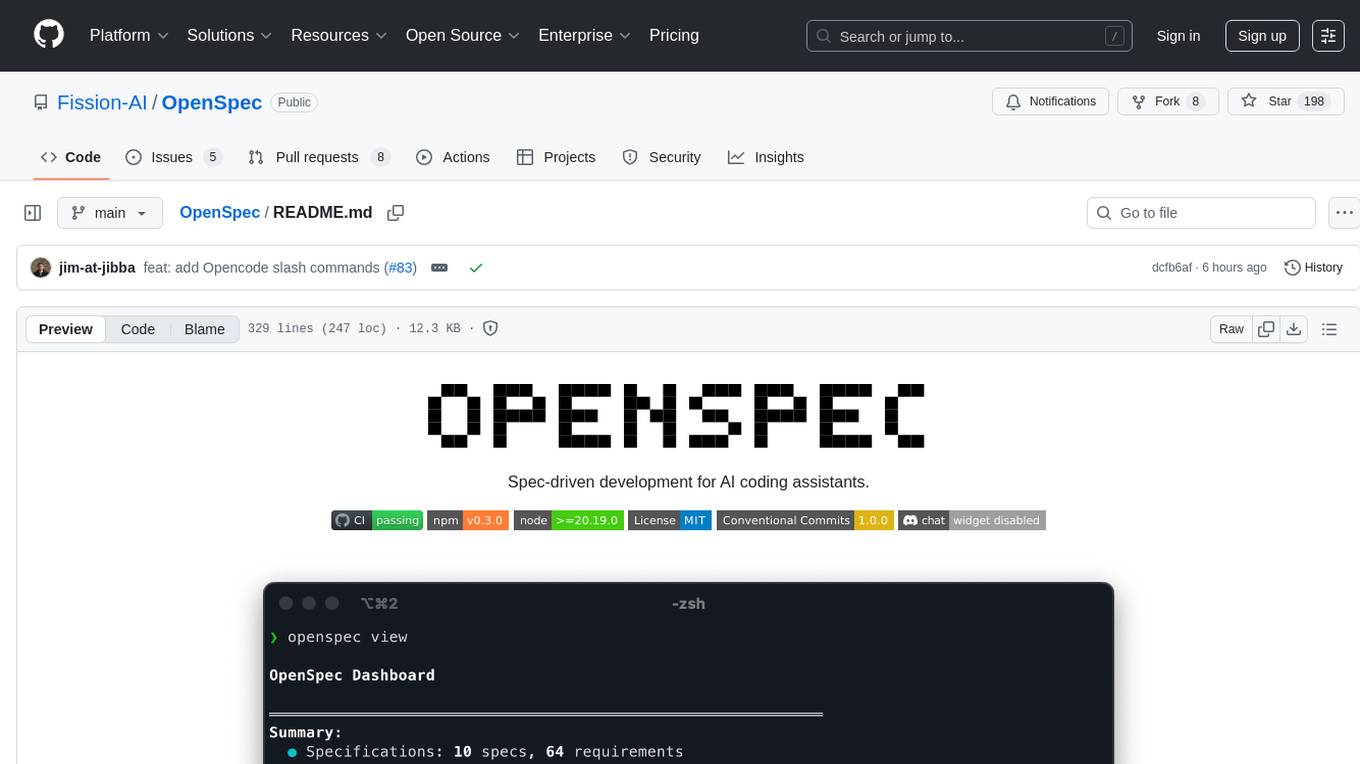
OpenSpec
OpenSpec is a tool for spec-driven development, aligning humans and AI coding assistants to agree on what to build before any code is written. It adds a lightweight specification workflow that ensures deterministic, reviewable outputs without the need for API keys. With OpenSpec, stakeholders can draft change proposals, review and align with AI assistants, implement tasks based on agreed specs, and archive completed changes for merging back into the source-of-truth specs. It works seamlessly with existing AI tools, offering shared visibility into proposed, active, or archived work.
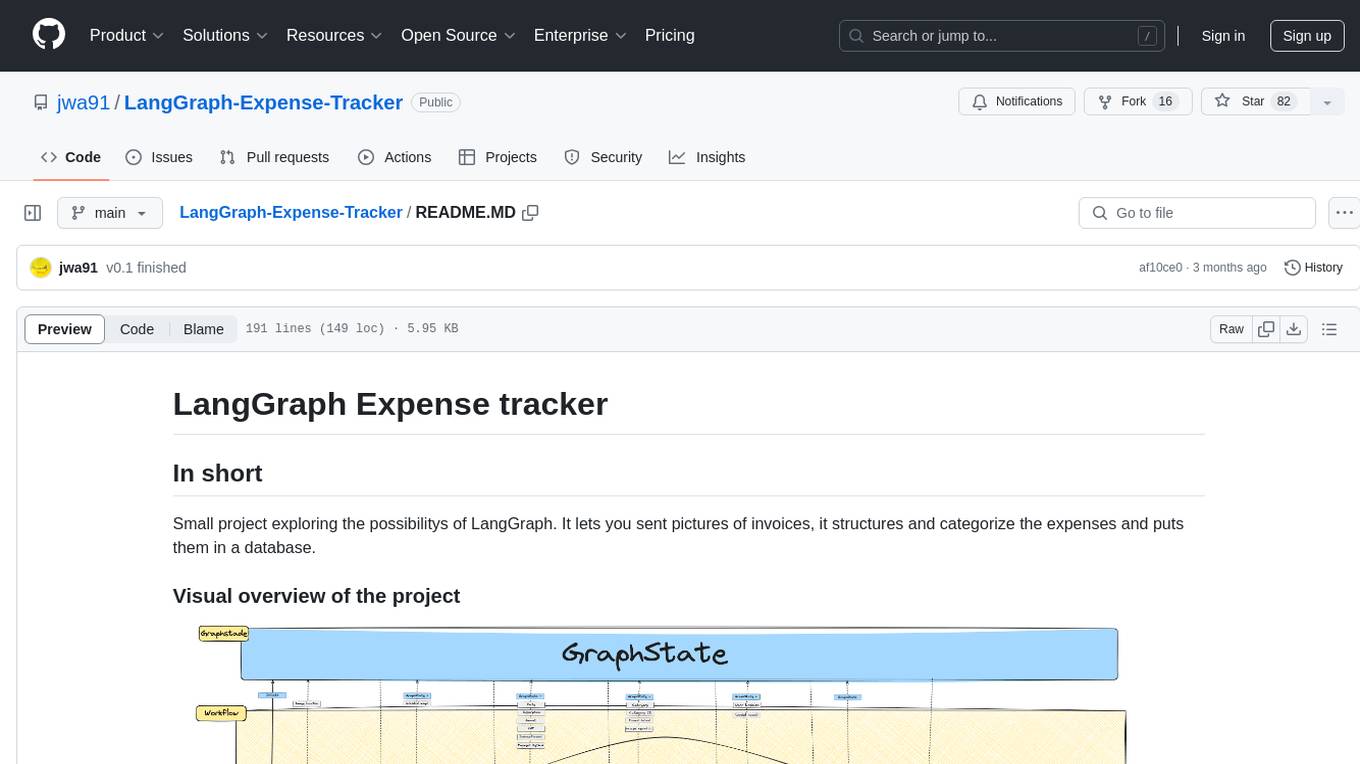
LangGraph-Expense-Tracker
LangGraph Expense tracker is a small project that explores the possibilities of LangGraph. It allows users to send pictures of invoices, which are then structured and categorized into expenses and stored in a database. The project includes functionalities for invoice extraction, database setup, and API configuration. It consists of various modules for categorizing expenses, creating database tables, and running the API. The database schema includes tables for categories, payment methods, and expenses, each with specific columns to track transaction details. The API documentation is available for reference, and the project utilizes LangChain for processing expense data.
mcp-debugger
mcp-debugger is a Model Context Protocol (MCP) server that provides debugging tools as structured API calls. It enables AI agents to perform step-through debugging of multiple programming languages using the Debug Adapter Protocol (DAP). The tool supports multi-language debugging with clean adapter patterns, including Python debugging via debugpy, JavaScript (Node.js) debugging via js-debug, and Rust debugging via CodeLLDB. It offers features like mock adapter for testing, STDIO and SSE transport modes, zero-runtime dependencies, Docker and npm packages for deployment, structured JSON responses for easy parsing, path validation to prevent crashes, and AI-aware line context for intelligent breakpoint placement with code context.
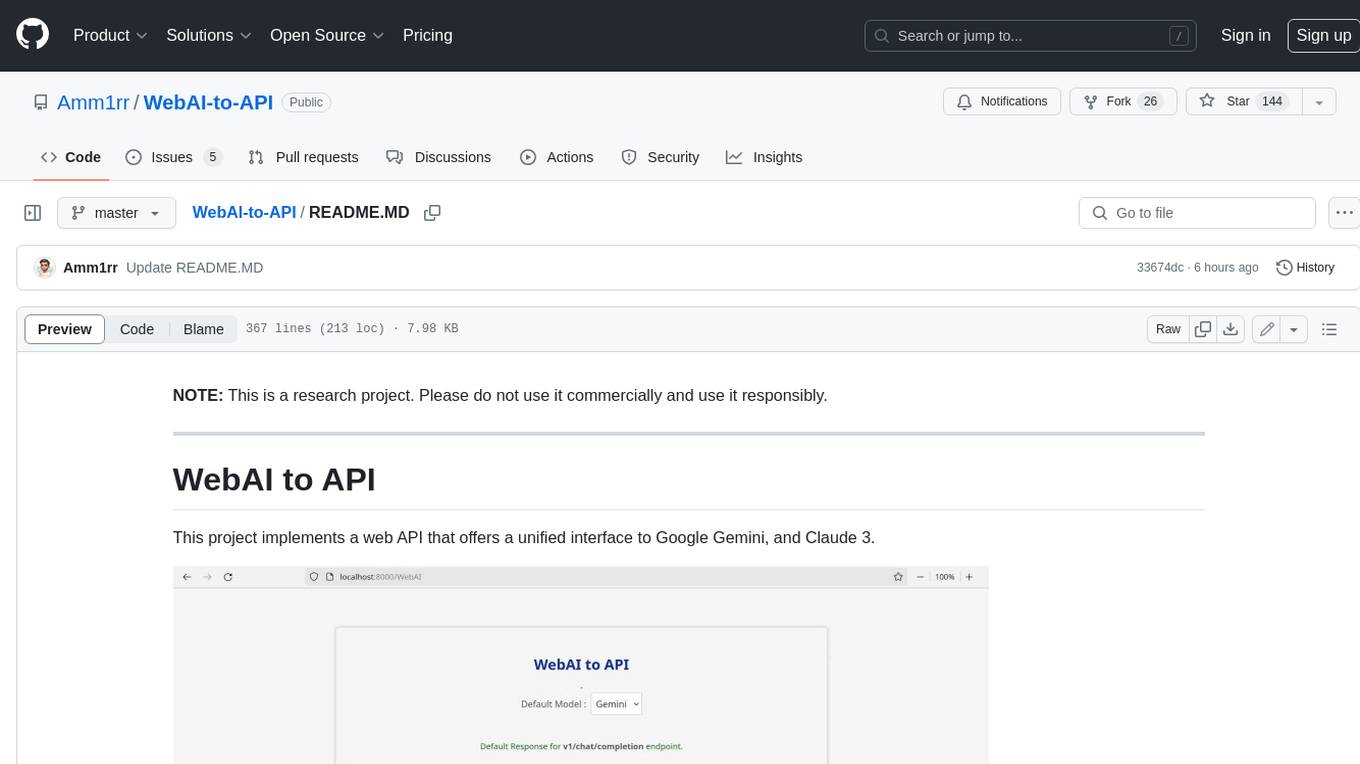
WebAI-to-API
This project implements a web API that offers a unified interface to Google Gemini and Claude 3. It provides a self-hosted, lightweight, and scalable solution for accessing these AI models through a streaming API. The API supports both Claude and Gemini models, allowing users to interact with them in real-time. The project includes a user-friendly web UI for configuration and documentation, making it easy to get started and explore the capabilities of the API.
vibe-remote
Vibe Remote is a tool that allows developers to code using AI agents through Slack or Discord, eliminating the need for a laptop or IDE. It provides a seamless experience for coding tasks, enabling users to interact with AI agents in real-time, delegate tasks, and monitor progress. The tool supports multiple coding agents, offers a setup wizard for easy installation, and ensures security by running locally on the user's machine. Vibe Remote enhances productivity by reducing context-switching and enabling parallel task execution within isolated workspaces.
claude-code-settings
A repository collecting best practices for Claude Code settings and customization. It provides configuration files for customizing Claude Code's behavior and building an efficient development environment. The repository includes custom agents and skills for specific domains, interactive development workflow features, efficient development rules, and team workflow with Codex MCP. Users can leverage the provided configuration files and tools to enhance their development process and improve code quality.
aiconfigurator
The `aiconfigurator` tool assists in finding a strong starting configuration for disaggregated serving in AI deployments. It helps optimize throughput at a given latency by evaluating thousands of configurations based on model, GPU count, and GPU type. The tool models LLM inference using collected data for a target machine and framework, running via CLI and web app. It generates configuration files for deployment with Dynamo, offering features like customized configuration, all-in-one automation, and tuning with advanced features. The tool estimates performance by breaking down LLM inference into operations, collecting operation execution times, and searching for strong configurations. Supported features include models like GPT and operations like attention, KV cache, GEMM, AllReduce, embedding, P2P, element-wise, MoE, MLA BMM, TRTLLM versions, and parallel modes like tensor-parallel and pipeline-parallel.
nono
nono is a secure, kernel-enforced capability shell for running AI agents and any POSIX style process. It leverages OS security primitives to create an environment where unauthorized operations are structurally impossible. It provides protections against destructive commands and securely stores API keys, tokens, and secrets. The tool is agent-agnostic, works with any AI agent or process, and blocks dangerous commands by default. It follows a capability-based security model with defense-in-depth, ensuring secure execution of commands and protecting sensitive data.
VT.ai
VT.ai is a multimodal AI platform that offers dynamic conversation routing with SemanticRouter, multi-modal interactions (text/image/audio), an assistant framework with code interpretation, real-time response streaming, cross-provider model switching, and local model support with Ollama integration. It supports various AI providers such as OpenAI, Anthropic, Google Gemini, Groq, Cohere, and OpenRouter, providing a wide range of core capabilities for AI orchestration.
one
ONE is a modern web and AI agent development toolkit that empowers developers to build AI-powered applications with high performance, beautiful UI, AI integration, responsive design, type safety, and great developer experience. It is perfect for building modern web applications, from simple landing pages to complex AI-powered platforms.
claudian
Claudian is an Obsidian plugin that embeds Claude Code as an AI collaborator in your vault. It provides full agentic capabilities, including file read/write, search, bash commands, and multi-step workflows. Users can leverage Claude Code's power to interact with their vault, analyze images, edit text inline, add custom instructions, create reusable prompt templates, extend capabilities with skills and agents, connect external tools via Model Context Protocol servers, control models and thinking budget, toggle plan mode, ensure security with permission modes and vault confinement, and interact with Chrome. The plugin requires Claude Code CLI, Obsidian v1.8.9+, Claude subscription/API or custom model provider, and desktop platforms (macOS, Linux, Windows).
astrsk
astrsk is a tool that pushes the boundaries of AI storytelling by offering advanced AI agents, customizable response formatting, and flexible prompt editing for immersive roleplaying experiences. It provides complete AI agent control, a visual flow editor for conversation flows, and ensures 100% local-first data storage. The tool is true cross-platform with support for various AI providers and modern technologies like React, TypeScript, and Tailwind CSS. Coming soon features include cross-device sync, enhanced session customization, and community features.
For similar tasks
shell_gpt
ShellGPT is a command-line productivity tool powered by AI large language models (LLMs). This command-line tool offers streamlined generation of shell commands, code snippets, documentation, eliminating the need for external resources (like Google search). Supports Linux, macOS, Windows and compatible with all major Shells like PowerShell, CMD, Bash, Zsh, etc.
holoinsight
HoloInsight is a cloud-native observability platform that provides low-cost and high-performance monitoring services for cloud-native applications. It offers deep insights through real-time log analysis and AI integration. The platform is designed to help users gain a comprehensive understanding of their applications' performance and behavior in the cloud environment. HoloInsight is easy to deploy using Docker and Kubernetes, making it a versatile tool for monitoring and optimizing cloud-native applications. With a focus on scalability and efficiency, HoloInsight is suitable for organizations looking to enhance their observability and monitoring capabilities in the cloud.
WatchAlert
WatchAlert is a lightweight monitoring and alerting engine tailored for cloud-native environments, focusing on observability and stability themes. It provides comprehensive monitoring and alerting support, including AI-powered alert analysis for efficient troubleshooting. WatchAlert integrates with various data sources such as Prometheus, VictoriaMetrics, Loki, Elasticsearch, AliCloud SLS, Jaeger, Kubernetes, and different network protocols for monitoring and supports alert notifications via multiple channels like Feishu, DingTalk, WeChat Work, email, and custom hooks. It is optimized for cloud-native environments, easy to use, offers flexible alert rule configurations, and specializes in stability scenarios to help users quickly identify and resolve issues, providing a reliable monitoring and alerting solution to enhance operational efficiency and reduce maintenance costs.
gonzo
Gonzo is a powerful, real-time log analysis terminal UI tool inspired by k9s. It allows users to analyze log streams with beautiful charts, AI-powered insights, and advanced filtering directly from the terminal. The tool provides features like live streaming log processing, OTLP support, interactive dashboard with real-time charts, advanced filtering options including regex support, and AI-powered insights such as pattern detection, anomaly analysis, and root cause suggestions. Users can also configure AI models from providers like OpenAI, LM Studio, and Ollama for intelligent log analysis. Gonzo is built with Bubble Tea, Lipgloss, Cobra, Viper, and OpenTelemetry, following a clean architecture with separate modules for TUI, log analysis, frequency tracking, OTLP handling, and AI integration.
claude-container
Claude Container is a Docker container pre-installed with Claude Code, providing an isolated environment for running Claude Code with optional API request logging in a local SQLite database. It includes three images: main container with Claude Code CLI, optional HTTP proxy for logging requests, and a web UI for visualizing and querying logs. The tool offers compatibility with different versions of Claude Code, quick start guides using a helper script or Docker Compose, authentication process, integration with existing projects, API request logging proxy setup, and data visualization with Datasette.
elasticsearch-labs
This repository contains executable Python notebooks, sample apps, and resources for testing out the Elastic platform. Users can learn how to use Elasticsearch as a vector database for storing embeddings, build use cases like retrieval augmented generation (RAG), summarization, and question answering (QA), and test Elastic's leading-edge capabilities like the Elastic Learned Sparse Encoder and reciprocal rank fusion (RRF). It also allows integration with projects like OpenAI, Hugging Face, and LangChain to power LLM-powered applications. The repository enables modern search experiences powered by AI/ML.
twick
Twick is a comprehensive video editing toolkit built with modern web technologies. It is a monorepo containing multiple packages for video and image manipulation. The repository includes core utilities for media handling, a React-based canvas library for video and image editing, a video visualization and animation toolkit, a React component for video playback and control, timeline management and editing capabilities, a React-based video editor, and example implementations and usage demonstrations. Twick provides detailed API documentation and module information for developers. It offers easy integration with existing projects and allows users to build videos using the Twick Studio. The project follows a comprehensive style guide for naming conventions and code style across all packages.
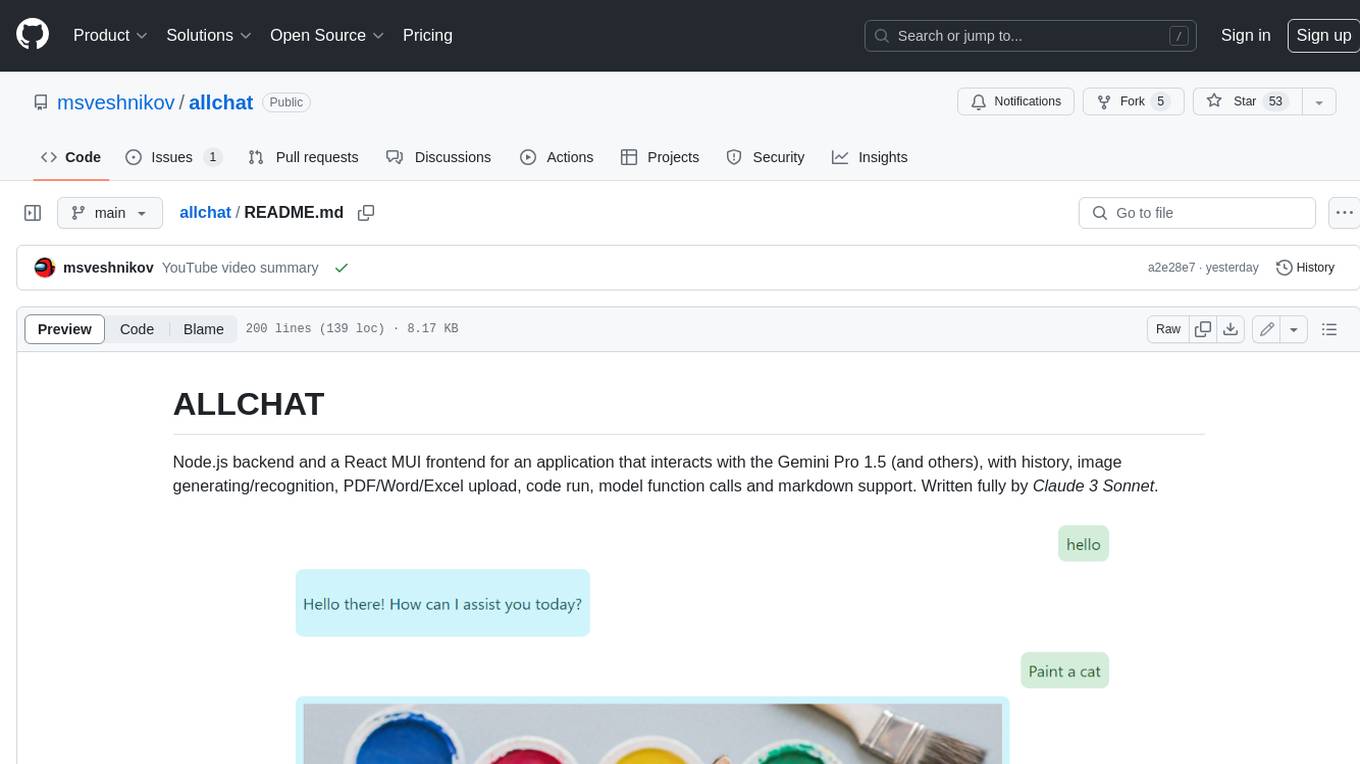
allchat
ALLCHAT is a Node.js backend and React MUI frontend for an application that interacts with the Gemini Pro 1.5 (and others), with history, image generating/recognition, PDF/Word/Excel upload, code run, model function calls and markdown support. It is a comprehensive tool that allows users to connect models to the world with Web Tools, run locally, deploy using Docker, configure Nginx, and monitor the application using a dockerized monitoring solution (Loki+Grafana).
For similar jobs
lollms-webui
LoLLMs WebUI (Lord of Large Language Multimodal Systems: One tool to rule them all) is a user-friendly interface to access and utilize various LLM (Large Language Models) and other AI models for a wide range of tasks. With over 500 AI expert conditionings across diverse domains and more than 2500 fine tuned models over multiple domains, LoLLMs WebUI provides an immediate resource for any problem, from car repair to coding assistance, legal matters, medical diagnosis, entertainment, and more. The easy-to-use UI with light and dark mode options, integration with GitHub repository, support for different personalities, and features like thumb up/down rating, copy, edit, and remove messages, local database storage, search, export, and delete multiple discussions, make LoLLMs WebUI a powerful and versatile tool.

Azure-Analytics-and-AI-Engagement
The Azure-Analytics-and-AI-Engagement repository provides packaged Industry Scenario DREAM Demos with ARM templates (Containing a demo web application, Power BI reports, Synapse resources, AML Notebooks etc.) that can be deployed in a customer’s subscription using the CAPE tool within a matter of few hours. Partners can also deploy DREAM Demos in their own subscriptions using DPoC.
minio
MinIO is a High Performance Object Storage released under GNU Affero General Public License v3.0. It is API compatible with Amazon S3 cloud storage service. Use MinIO to build high performance infrastructure for machine learning, analytics and application data workloads.
mage-ai
Mage is an open-source data pipeline tool for transforming and integrating data. It offers an easy developer experience, engineering best practices built-in, and data as a first-class citizen. Mage makes it easy to build, preview, and launch data pipelines, and provides observability and scaling capabilities. It supports data integrations, streaming pipelines, and dbt integration.
AiTreasureBox
AiTreasureBox is a versatile AI tool that provides a collection of pre-trained models and algorithms for various machine learning tasks. It simplifies the process of implementing AI solutions by offering ready-to-use components that can be easily integrated into projects. With AiTreasureBox, users can quickly prototype and deploy AI applications without the need for extensive knowledge in machine learning or deep learning. The tool covers a wide range of tasks such as image classification, text generation, sentiment analysis, object detection, and more. It is designed to be user-friendly and accessible to both beginners and experienced developers, making AI development more efficient and accessible to a wider audience.

tidb
TiDB is an open-source distributed SQL database that supports Hybrid Transactional and Analytical Processing (HTAP) workloads. It is MySQL compatible and features horizontal scalability, strong consistency, and high availability.
airbyte
Airbyte is an open-source data integration platform that makes it easy to move data from any source to any destination. With Airbyte, you can build and manage data pipelines without writing any code. Airbyte provides a library of pre-built connectors that make it easy to connect to popular data sources and destinations. You can also create your own connectors using Airbyte's no-code Connector Builder or low-code CDK. Airbyte is used by data engineers and analysts at companies of all sizes to build and manage their data pipelines.
labelbox-python
Labelbox is a data-centric AI platform for enterprises to develop, optimize, and use AI to solve problems and power new products and services. Enterprises use Labelbox to curate data, generate high-quality human feedback data for computer vision and LLMs, evaluate model performance, and automate tasks by combining AI and human-centric workflows. The academic & research community uses Labelbox for cutting-edge AI research.