


nono
A secure, kernel-enforced capability sandbox for AI agents. It's the opposite to YOLO
Stars: 312
nono is a secure, kernel-enforced capability shell for running AI agents and any POSIX style process. It leverages OS security primitives to create an environment where unauthorized operations are structurally impossible. It provides protections against destructive commands and securely stores API keys, tokens, and secrets. The tool is agent-agnostic, works with any AI agent or process, and blocks dangerous commands by default. It follows a capability-based security model with defense-in-depth, ensuring secure execution of commands and protecting sensitive data.
README:

The Swiss Army knife of agent security




[!WARNING] This is an early alpha release that has not undergone comprehensive security audit We are also in the process of porting the core to its own library. We still welcome PR's, but note a bit of cat herding maybe involved if the change touches a lot of files.
nono is a secure, kernel-enforced capability shell for running AI agents and any POSIX style process. Unlike policy-based sandboxes that intercept and filter operations, nono leverages OS security primitives (Landlock on Linux, Seatbelt on macOS) to create an environment where unauthorized operations are structurally impossible.
nono also provides protections against destructive commands (rm -rf ..) and provides a way to securely store API keys, tokens, secrets that are injected securely into the process at run time.
[!NOTE] NEWS! Work is underway to seperate the core functionality into a library with C bindings, which will allow other projects to integrate nono's security primitives directly without shelling out to the CLI. This will also allow us to expand support to other platforms like Windows. Initial languages will be Python, Typescript, and of course Rust. Following up with Go, Java, and C# bindings.
Many more features are planned, see the Roadmap below.
brew tap lukehinds/nono
brew install nono
[!NOTE] The package is not in homebrew official yet, give us a star to help raise our profile for when request approval
We are in the process of packaging nono for popular Linux distributions. In the meantime, you can use the prebuilt binaries or build from source.
See the Development Guide for instructions on building nono from source.
We encourage using AI tools to contribute to nono! However, you must understand and carefully review any AI-generated code before submitting. AI is a part of the life of software development now, but its use can unwittingly introduce security vulnerabilities — and the security of nono is paramount. Always review and test your code thoroughly, especially around core sandboxing functionality. Being able to explain your changes in your own words also helps reviewers. If you don't understand how a change works, please ask for help in the Discord before submitting a PR.
nono ships with built-in profiles for popular AI coding agents. Each profile defines audited, minimal permissions so you can get started with a single command.
| Client | Command | Network | Docs |
|---|---|---|---|
|
Claude Code Anthropic's CLI coding agent |
nono run --profile claude-code -- claude |
Allowed | Guide |
|
OpenCode Open-source AI coding assistant |
nono run --profile opencode -- opencode |
Allowed | Guide |
|
OpenClaw Multi-channel AI agent platform |
nono run --profile openclaw -- openclaw gateway |
Allowed | Guide |
Don't see your tool? nono is agent-agnostic and works with any CLI command:
nono run --allow . -- my-agent| Project | Repository |
|---|---|
| claw-wrap | GitHub |
For quick access, add a shell function:
sclaude() {
    nono run --profile claude-code --allow . "$@" -- claude
}
Usage:
sclaude                           # Current directory only
sclaude --allow /tmp              # Current directory + /tmp
sclaude --read ~/Documents # Current directory + read-only ~/Documents- No escape hatch - Once inside nono, there is no mechanism to bypass restrictions
- Agent agnostic - Works with any AI agent (Claude, GPT, opencode, openclaw) or any process
- OS-level enforcement - Kernel denies unauthorized operations
-
Destructive command blocking - Blocks dangerous commands like
rm,dd,chmodby default - Cross-platform - Linux (Landlock) and macOS (Seatbelt)
# Allow read+write to current directory
nono run --allow . -- command

# Separate read and write permissions
nono run --read ./src --write ./output -- cargo build

# Multiple paths
nono run --allow ./project-a --allow ./project-b -- command

# Block network access
nono run --allow . --net-block -- command

# Dry run (show what would be sandboxed)
nono run --allow . --dry-run -- command

# Start an interactive shell inside the sandbox
nono shell --allow .

# Check why a path would be blocked
nono why --path ~/.ssh/id_rsa --op readnono blocks what might be considered dangerous commands by default to prevent AI agents from accidentally (or maliciously) causing harm. This provides defense-in-depth beyond filesystem restrictions.
The following categories of commands are blocked by default:
| Category | Commands |
|---|---|
| File destruction |
rm, rmdir, shred, srm
|
| Disk operations |
dd, mkfs, fdisk, parted, wipefs
|
| Permission changes |
chmod, chown, chgrp, chattr
|
| System modification |
shutdown, reboot, halt, systemctl
|
| Package managers |
apt, brew, pip, yum, pacman
|
| File operations |
mv, cp, truncate
|
| Privilege escalation |
sudo, su, doas, pkexec
|
| Network exfiltration |
scp, rsync, sftp, ftp
|
# Allow a specific blocked command (use with caution)
nono run --allow . --allow-command rm -- rm ./temp-file.txt

# Block an additional command
nono run --allow . --block-command my-dangerous-tool -- my-script.shnono applies kernel-level protections that limit destructive operations:
-
File deletion blocked outside granted paths -
unlink/rmdirsyscalls are blocked for system paths like/tmp,/dev, and any path not explicitly granted with--allowor--write -
Directory deletion blocked everywhere -
rmdiris blocked even within granted write paths (Linux:RemoveDirexcluded from Landlock rules; macOS: globaldeny file-write-unlinkwith targeted overrides for file deletion only)
Within paths you explicitly grant write access to (--allow or --write), file creation, modification, and deletion are permitted - this is necessary for normal file operations like atomic writes.
# File deletion blocked in system paths (even with --allow-command rm)
$ nono run --allow ./project --allow-command rm -- rm /etc/hosts
rm: /etc/hosts: Operation not permitted┌─────────────────────────────────────────────────┐
│ Terminal │
│ │
│ $ nono run --allow ./project -- agent │
│ │
│ ┌───────────────────────────────────────────┐ │
│ │ nono (applies sandbox, then exec) │ │
│ │ │ │
│ │ ┌─────────────────────────────────────┐ │ │
│ │ │ Agent (sandboxed) │ │ │
│ │ │ - Can read/write ./project │ │ │
│ │ │ - Cannot access ~/.ssh, ~/.aws... │ │ │
│ │ │ - Network: allowed (or blocked) │ │ │
│ │ └─────────────────────────────────────┘ │ │
│ └───────────────────────────────────────────┘ │
└─────────────────────────────────────────────────┘
| Platform | Mechanism | Kernel | Status |
|---|---|---|---|
| macOS | Seatbelt | 10.5+ | Filesystem + Network |
| Linux | Landlock | 5.13+ | Filesystem |
| Windows | - | - | Not yet supported |
| Feature | Description |
|---|---|
| Signed Policy Files | Policy files signed and attestable via Sigstore Rekor, with embedded DSSE signed payloads. Users can craft and sign their own default policies |
| Interactive Permission Mode |
nono run --interactive spawns a supervisor that prompts when blocked operations are attempted |
| Network Filtering | Fine-grained network controls (e.g. allowlist/denylist hosts, ports, protocols) |
| Time-Limited Permissions |
nono run --allow /tmp:5m -- agent grants temporary access that expires automatically |
nono learn -- command traces syscalls and generates a minimal capability profile |
|
| Ephemeral Mode |
nono run --ephemeral creates a copy-on-write overlay filesystem where writes are isolated, enabling full undo |
| Audit Logging |
nono run --audit-log ./session.jsonl -- command logs all sandbox-relevant operations for post-hoc analysis and replay |
| Extend Secrets Manager Support | Support for popular secrets managers: Bitwarden/1Password/KeePass |
| nono as a library | Expose nono's sandboxing functionality as a library via Rust bindings |
| Windows Support | Implement a Windows version using Job Objects and Windows Sandbox |
nono follows a capability-based security model with defense-in-depth:
- Command validation - Dangerous commands (rm, dd, chmod, etc.) are blocked before execution
- Sandbox applied - OS-level restrictions are applied (irreversible)
- Kernel enforcement - Directory deletion blocked everywhere; file deletion blocked outside granted write paths
- Command executed - The command runs with only granted capabilities
- All children inherit - Subprocesses also run under restrictions
- Key isolation - Secrets are injected securely and cannot be accessed outside the sandbox
Apache-2.0
For Tasks:
Click tags to check more tools for each tasksFor Jobs:
Alternative AI tools for nono
Similar Open Source Tools
nono
nono is a secure, kernel-enforced capability shell for running AI agents and any POSIX style process. It leverages OS security primitives to create an environment where unauthorized operations are structurally impossible. It provides protections against destructive commands and securely stores API keys, tokens, and secrets. The tool is agent-agnostic, works with any AI agent or process, and blocks dangerous commands by default. It follows a capability-based security model with defense-in-depth, ensuring secure execution of commands and protecting sensitive data.
multi-agent-shogun
multi-agent-shogun is a system that runs multiple AI coding CLI instances simultaneously, orchestrating them like a feudal Japanese army. It supports Claude Code, OpenAI Codex, GitHub Copilot, and Kimi Code. The system allows you to command your AI army with zero coordination cost, enabling parallel execution, non-blocking workflow, cross-session memory, event-driven communication, and full transparency. It also features skills discovery, phone notifications, pane border task display, shout mode, and multi-CLI support.
agentboard
Agentboard is a Web GUI for tmux optimized for agent TUI's like claude and codex. It provides a shared workspace across devices with features such as paste support, touch scrolling, virtual arrow keys, log tracking, and session pinning. Users can interact with tmux sessions from any device through a live terminal stream. The tool allows session discovery, status inference, and terminal I/O streaming for efficient agent management.
httpjail
httpjail is a cross-platform tool designed for monitoring and restricting HTTP/HTTPS requests from processes using network isolation and transparent proxy interception. It provides process-level network isolation, HTTP/HTTPS interception with TLS certificate injection, script-based and JavaScript evaluation for custom request logic, request logging, default deny behavior, and zero-configuration setup. The tool operates on Linux and macOS, creating an isolated network environment for target processes and intercepting all HTTP/HTTPS traffic through a transparent proxy enforcing user-defined rules.
Archon
Archon is an AI meta-agent designed to autonomously build, refine, and optimize other AI agents. It serves as a practical tool for developers and an educational framework showcasing the evolution of agentic systems. Through iterative development, Archon demonstrates the power of planning, feedback loops, and domain-specific knowledge in creating robust AI agents.
tambourine-voice
Tambourine is a personal voice interface tool that allows users to speak naturally and have their words appear wherever the cursor is. It is powered by customizable AI voice dictation, providing a universal voice-to-text interface for emails, messages, documents, code editors, and terminals. Users can capture ideas quickly, type at the speed of thought, and benefit from AI formatting that cleans up speech, adds punctuation, and applies personal dictionaries. Tambourine offers full control and transparency, with the ability to customize AI providers, formatting, and extensions. The tool supports dual-mode recording, real-time speech-to-text, LLM text formatting, context-aware formatting, customizable prompts, and more, making it a versatile solution for dictation and transcription tasks.
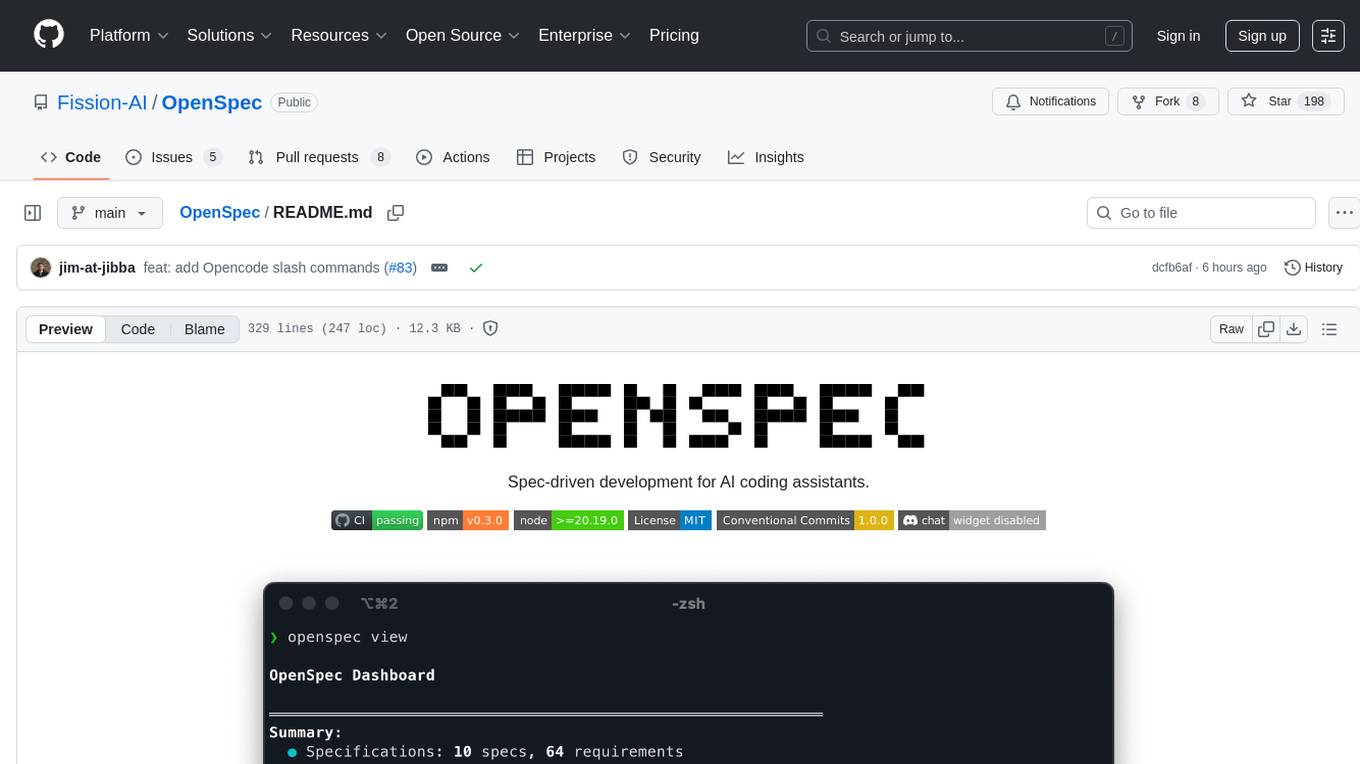
OpenSpec
OpenSpec is a tool for spec-driven development, aligning humans and AI coding assistants to agree on what to build before any code is written. It adds a lightweight specification workflow that ensures deterministic, reviewable outputs without the need for API keys. With OpenSpec, stakeholders can draft change proposals, review and align with AI assistants, implement tasks based on agreed specs, and archive completed changes for merging back into the source-of-truth specs. It works seamlessly with existing AI tools, offering shared visibility into proposed, active, or archived work.
vibe-remote
Vibe Remote is a tool that allows developers to code using AI agents through Slack or Discord, eliminating the need for a laptop or IDE. It provides a seamless experience for coding tasks, enabling users to interact with AI agents in real-time, delegate tasks, and monitor progress. The tool supports multiple coding agents, offers a setup wizard for easy installation, and ensures security by running locally on the user's machine. Vibe Remote enhances productivity by reducing context-switching and enabling parallel task execution within isolated workspaces.
aiconfigurator
The `aiconfigurator` tool assists in finding a strong starting configuration for disaggregated serving in AI deployments. It helps optimize throughput at a given latency by evaluating thousands of configurations based on model, GPU count, and GPU type. The tool models LLM inference using collected data for a target machine and framework, running via CLI and web app. It generates configuration files for deployment with Dynamo, offering features like customized configuration, all-in-one automation, and tuning with advanced features. The tool estimates performance by breaking down LLM inference into operations, collecting operation execution times, and searching for strong configurations. Supported features include models like GPT and operations like attention, KV cache, GEMM, AllReduce, embedding, P2P, element-wise, MoE, MLA BMM, TRTLLM versions, and parallel modes like tensor-parallel and pipeline-parallel.
shannon
Shannon is an AI pentester that delivers actual exploits, not just alerts. It autonomously hunts for attack vectors in your code, then uses its built-in browser to execute real exploits, such as injection attacks, and auth bypass, to prove the vulnerability is actually exploitable. Shannon closes the security gap by acting as your on-demand whitebox pentester, providing concrete proof of vulnerabilities to let you ship with confidence. It is a core component of the Keygraph Security and Compliance Platform, automating penetration testing and compliance journey. Shannon Lite achieves a 96.15% success rate on a hint-free, source-aware XBOW benchmark.
LangGraph-Expense-Tracker
LangGraph Expense tracker is a small project that explores the possibilities of LangGraph. It allows users to send pictures of invoices, which are then structured and categorized into expenses and stored in a database. The project includes functionalities for invoice extraction, database setup, and API configuration. It consists of various modules for categorizing expenses, creating database tables, and running the API. The database schema includes tables for categories, payment methods, and expenses, each with specific columns to track transaction details. The API documentation is available for reference, and the project utilizes LangChain for processing expense data.
mcp-debugger
mcp-debugger is a Model Context Protocol (MCP) server that provides debugging tools as structured API calls. It enables AI agents to perform step-through debugging of multiple programming languages using the Debug Adapter Protocol (DAP). The tool supports multi-language debugging with clean adapter patterns, including Python debugging via debugpy, JavaScript (Node.js) debugging via js-debug, and Rust debugging via CodeLLDB. It offers features like mock adapter for testing, STDIO and SSE transport modes, zero-runtime dependencies, Docker and npm packages for deployment, structured JSON responses for easy parsing, path validation to prevent crashes, and AI-aware line context for intelligent breakpoint placement with code context.
shell_gpt
ShellGPT is a command-line productivity tool powered by AI large language models (LLMs). This command-line tool offers streamlined generation of shell commands, code snippets, documentation, eliminating the need for external resources (like Google search). Supports Linux, macOS, Windows and compatible with all major Shells like PowerShell, CMD, Bash, Zsh, etc.
spatz-2
Spatz-2 is a complete, fullstack template for Svelte, utilizing technologies such as Sveltekit, Pocketbase, OpenAI, Vercel AI SDK, TailwindCSS, svelte-animations, and Zod. It offers features like user authentication, admin dashboard, dark/light mode themes, AI chatbot, guestbook, and forms with client/server validation. The project structure includes components, stores, routes, APIs, and icons. Spatz-2 aims to provide a futuristic web framework for building fast web apps with advanced functionalities and easy customization.
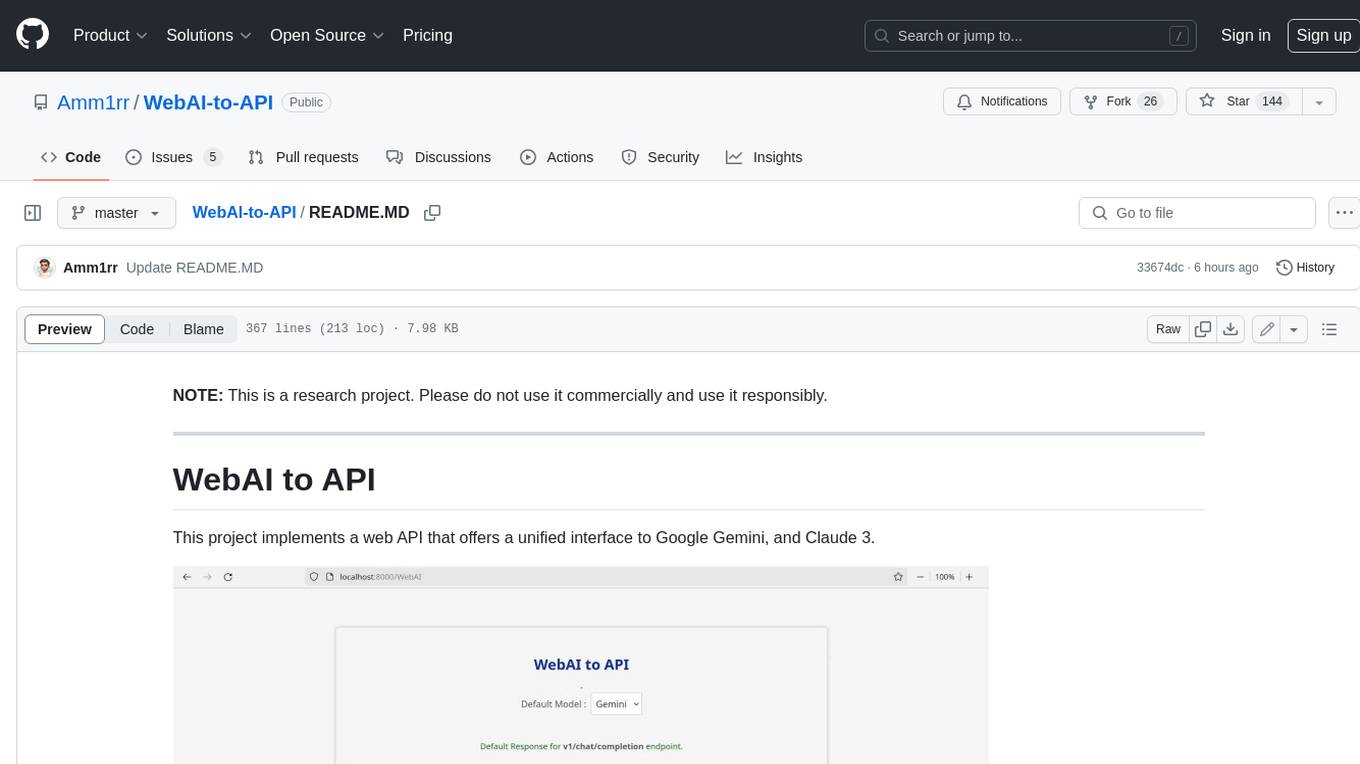
WebAI-to-API
This project implements a web API that offers a unified interface to Google Gemini and Claude 3. It provides a self-hosted, lightweight, and scalable solution for accessing these AI models through a streaming API. The API supports both Claude and Gemini models, allowing users to interact with them in real-time. The project includes a user-friendly web UI for configuration and documentation, making it easy to get started and explore the capabilities of the API.
For similar tasks
nono
nono is a secure, kernel-enforced capability shell for running AI agents and any POSIX style process. It leverages OS security primitives to create an environment where unauthorized operations are structurally impossible. It provides protections against destructive commands and securely stores API keys, tokens, and secrets. The tool is agent-agnostic, works with any AI agent or process, and blocks dangerous commands by default. It follows a capability-based security model with defense-in-depth, ensuring secure execution of commands and protecting sensitive data.
lightspeed-service
OpenShift LightSpeed (OLS) is an AI powered assistant that runs on OpenShift and provides answers to product questions using backend LLM services. It supports various LLM providers such as OpenAI, Azure OpenAI, OpenShift AI, RHEL AI, and Watsonx. Users can configure the service, manage API keys securely, and deploy it locally or on OpenShift. The project structure includes REST API handlers, configuration loader, LLM providers registry, and more. Additional tools include generating OpenAPI schema, requirements.txt file, and uploading artifacts to an S3 bucket. The project is open source under the Apache 2.0 License.
For similar jobs

sweep
Sweep is an AI junior developer that turns bugs and feature requests into code changes. It automatically handles developer experience improvements like adding type hints and improving test coverage.

teams-ai
The Teams AI Library is a software development kit (SDK) that helps developers create bots that can interact with Teams and Microsoft 365 applications. It is built on top of the Bot Framework SDK and simplifies the process of developing bots that interact with Teams' artificial intelligence capabilities. The SDK is available for JavaScript/TypeScript, .NET, and Python.

ai-guide
This guide is dedicated to Large Language Models (LLMs) that you can run on your home computer. It assumes your PC is a lower-end, non-gaming setup.

classifai
Supercharge WordPress Content Workflows and Engagement with Artificial Intelligence. Tap into leading cloud-based services like OpenAI, Microsoft Azure AI, Google Gemini and IBM Watson to augment your WordPress-powered websites. Publish content faster while improving SEO performance and increasing audience engagement. ClassifAI integrates Artificial Intelligence and Machine Learning technologies to lighten your workload and eliminate tedious tasks, giving you more time to create original content that matters.

chatbot-ui
Chatbot UI is an open-source AI chat app that allows users to create and deploy their own AI chatbots. It is easy to use and can be customized to fit any need. Chatbot UI is perfect for businesses, developers, and anyone who wants to create a chatbot.

BricksLLM
BricksLLM is a cloud native AI gateway written in Go. Currently, it provides native support for OpenAI, Anthropic, Azure OpenAI and vLLM. BricksLLM aims to provide enterprise level infrastructure that can power any LLM production use cases. Here are some use cases for BricksLLM: * Set LLM usage limits for users on different pricing tiers * Track LLM usage on a per user and per organization basis * Block or redact requests containing PIIs * Improve LLM reliability with failovers, retries and caching * Distribute API keys with rate limits and cost limits for internal development/production use cases * Distribute API keys with rate limits and cost limits for students

uAgents
uAgents is a Python library developed by Fetch.ai that allows for the creation of autonomous AI agents. These agents can perform various tasks on a schedule or take action on various events. uAgents are easy to create and manage, and they are connected to a fast-growing network of other uAgents. They are also secure, with cryptographically secured messages and wallets.

griptape
Griptape is a modular Python framework for building AI-powered applications that securely connect to your enterprise data and APIs. It offers developers the ability to maintain control and flexibility at every step. Griptape's core components include Structures (Agents, Pipelines, and Workflows), Tasks, Tools, Memory (Conversation Memory, Task Memory, and Meta Memory), Drivers (Prompt and Embedding Drivers, Vector Store Drivers, Image Generation Drivers, Image Query Drivers, SQL Drivers, Web Scraper Drivers, and Conversation Memory Drivers), Engines (Query Engines, Extraction Engines, Summary Engines, Image Generation Engines, and Image Query Engines), and additional components (Rulesets, Loaders, Artifacts, Chunkers, and Tokenizers). Griptape enables developers to create AI-powered applications with ease and efficiency.