


vibe-remote
Your AI coding army, commanded from Slack. Stream Claude Code, OpenCode, or Codex in real-time — from anywhere.
Stars: 164
Vibe Remote is a tool that allows developers to code using AI agents through Slack or Discord, eliminating the need for a laptop or IDE. It provides a seamless experience for coding tasks, enabling users to interact with AI agents in real-time, delegate tasks, and monitor progress. The tool supports multiple coding agents, offers a setup wizard for easy installation, and ensures security by running locally on the user's machine. Vibe Remote enhances productivity by reducing context-switching and enabling parallel task execution within isolated workspaces.
README:

No laptop. No IDE. Just vibes.


You're at the beach. Phone buzzes — production's on fire.
Old you: Panic. Find WiFi. Open laptop. Wait for IDE. Lose your tan.
Vibe Remote you: Open Slack or Discord. Type "Fix the auth bug in login.py". Watch Claude Code fix it in real-time. Approve. Sip margarita.
AI works. You live.
curl -fsSL https://raw.githubusercontent.com/cyhhao/vibe-remote/master/install.sh | bash && vibeThat's it. Browser opens -> Follow the wizard -> Done.
Windows?
irm https://raw.githubusercontent.com/cyhhao/vibe-remote/master/install.ps1 | iex| Problem | Solution |
|---|---|
| Claude Code is amazing but needs a terminal | Slack IS your terminal now |
| Context-switching kills flow | Stay in one app |
| Can't code from phone | Yes you can |
| Multiple agents, multiple setups | One Slack, any agent |
Supported Agents:
- Claude Code — Deep reasoning, complex refactors
- OpenCode — Fast, extensible, community favorite
- Codex — OpenAI's coding model
|
One-command install, guided configuration. No manual token juggling.
|
Real-time status, health monitoring, and quick controls.
|
Per-channel agent configuration. Different projects, different agents.
|


Get notified the moment your AI finishes. Like assigning tasks to employees — delegate, go do something else, and come back when the work is done. No need to babysit.
Each Slack/Discord thread is an isolated workspace. Open 5 threads, run 5 parallel tasks. Context stays separate.
When your agent needs input — file selection, confirmation, options — Slack or Discord pops up buttons or a modal. Full CLI interactivity, zero terminal required.

┌──────────────┐         ┌──────────────┐         ┌──────────────┐
│     You      │  Slack  │ Vibe Remote  │  stdio  │  AI Agent    │
│  (anywhere)  │ ──────▶ │  (your Mac)  │ ──────▶ │ (your code)  │
└──────────────┘         └──────────────┘         └──────────────┘
- You type in Slack: "Add dark mode to the settings page"
- Vibe Remote routes to your configured agent
- Agent reads your codebase, writes code, streams back
- You review in Slack, iterate in thread
Your code never leaves your machine. Vibe Remote runs locally and connects via Slack's Socket Mode.
| In Slack | What it does |
|---|---|
@Vibe Remote /start |
Open control panel |
/stop |
Kill current session |
| Just type | Talk to your agent |
| Reply in thread | Continue conversation |
Pro tip: Each Slack thread = isolated session. Start multiple threads for parallel tasks.
Need a different agent mid-conversation? Just prefix your message:
Plan: Design a new caching layer for the API
That's it. No menus, no commands. Type AgentName: and your message routes to that agent instantly.
Different projects, different agents:
#frontend    → OpenCode (fast iteration)
#backend     → Claude Code (complex logic)
#prototypes  → Codex (quick experiments)
Configure in web UI → Channels.
vibe          # Start everything
vibe status   # Check if running
vibe stop     # Stop everything
vibe doctor # Diagnose issuesYou need at least one coding agent installed:
OpenCode (Recommended)
curl -fsSL https://opencode.ai/install | bashRequired: Add to ~/.config/opencode/opencode.json to skip permission prompts:
{
  "permission": "allow"
}
Claude Code
npm install -g @anthropic-ai/claude-codeCodex
npm install -g @openai/codex- Local-first — Vibe Remote runs on your machine
- Socket Mode — No public URLs, no webhooks
-
Your tokens — Stored in
~/.vibe_remote/, never uploaded - Your code — Stays on your disk, sent only to your chosen AI provider
vibe stop && uv tool uninstall vibe-remote && rm -rf ~/.vibe_remote- [ ] SaaS Mode
- [ ] Vibe Remote Coding Agent (one agent to rule them all)
- [ ] File attachments in Slack
- [ ] Multi-workspace
- CLI Reference — Command-line usage and service lifecycle
- Slack Setup Guide — Detailed setup with screenshots
- Discord Setup Guide — Detailed setup with screenshots
If you run Vibe Remote on a remote server, keep the Web UI bound to 127.0.0.1:5123 and access it via SSH port forwarding:
ssh -NL 5123:localhost:5123 user@server-ipSee: CLI Reference (search for "Remote Web UI Access")
Stop context-switching. Start vibe coding.
Install Now · Setup Guide · Report Bug
Built for developers who code from anywhere.
For Tasks:
Click tags to check more tools for each tasksFor Jobs:
Alternative AI tools for vibe-remote
Similar Open Source Tools
vibe-remote
Vibe Remote is a tool that allows developers to code using AI agents through Slack or Discord, eliminating the need for a laptop or IDE. It provides a seamless experience for coding tasks, enabling users to interact with AI agents in real-time, delegate tasks, and monitor progress. The tool supports multiple coding agents, offers a setup wizard for easy installation, and ensures security by running locally on the user's machine. Vibe Remote enhances productivity by reducing context-switching and enabling parallel task execution within isolated workspaces.
Archon
Archon is an AI meta-agent designed to autonomously build, refine, and optimize other AI agents. It serves as a practical tool for developers and an educational framework showcasing the evolution of agentic systems. Through iterative development, Archon demonstrates the power of planning, feedback loops, and domain-specific knowledge in creating robust AI agents.
astrsk
astrsk is a tool that pushes the boundaries of AI storytelling by offering advanced AI agents, customizable response formatting, and flexible prompt editing for immersive roleplaying experiences. It provides complete AI agent control, a visual flow editor for conversation flows, and ensures 100% local-first data storage. The tool is true cross-platform with support for various AI providers and modern technologies like React, TypeScript, and Tailwind CSS. Coming soon features include cross-device sync, enhanced session customization, and community features.
multi-agent-shogun
multi-agent-shogun is a system that runs multiple AI coding CLI instances simultaneously, orchestrating them like a feudal Japanese army. It supports Claude Code, OpenAI Codex, GitHub Copilot, and Kimi Code. The system allows you to command your AI army with zero coordination cost, enabling parallel execution, non-blocking workflow, cross-session memory, event-driven communication, and full transparency. It also features skills discovery, phone notifications, pane border task display, shout mode, and multi-CLI support.
WebAI-to-API
This project implements a web API that offers a unified interface to Google Gemini and Claude 3. It provides a self-hosted, lightweight, and scalable solution for accessing these AI models through a streaming API. The API supports both Claude and Gemini models, allowing users to interact with them in real-time. The project includes a user-friendly web UI for configuration and documentation, making it easy to get started and explore the capabilities of the API.
llm4s
LLM4S provides a simple, robust, and scalable framework for building Large Language Models (LLM) applications in Scala. It aims to leverage Scala's type safety, functional programming, JVM ecosystem, concurrency, and performance advantages to create reliable and maintainable AI-powered applications. The framework supports multi-provider integration, execution environments, error handling, Model Context Protocol (MCP) support, agent frameworks, multimodal generation, and Retrieval-Augmented Generation (RAG) workflows. It also offers observability features like detailed trace logging, monitoring, and analytics for debugging and performance insights.
conduit
Conduit is an open-source, cross-platform mobile application for Open-WebUI, providing a native mobile experience for interacting with your self-hosted AI infrastructure. It supports real-time chat, model selection, conversation management, markdown rendering, theme support, voice input, file uploads, multi-modal support, secure storage, folder management, and tools invocation. Conduit offers multiple authentication flows and follows a clean architecture pattern with Riverpod for state management, Dio for HTTP networking, WebSocket for real-time streaming, and Flutter Secure Storage for credential management.
agor
Agor is a multiplayer spatial canvas where you coordinate multiple AI coding assistants on parallel tasks, with GitHub-linked worktrees, automated workflow zones, and isolated test environments—all running simultaneously. It allows users to run multiple AI coding sessions, manage git worktrees, track AI conversations, and visualize team's work in real-time. Agor provides features like Agent Swarm Control, Multiplayer Spatial Canvas, Session Trees, Zone Triggers, Isolated Development Environments, Real-Time Strategy for AI Teams, and Mobile-Friendly Prompting. It is designed to streamline parallel PR workflows and enhance collaboration among AI teams.
AgriTech
AgriTech is an AI-powered smart agriculture platform designed to assist farmers with crop recommendations, yield prediction, plant disease detection, and community-driven collaboration—enabling sustainable and data-driven farming practices. It offers AI-driven decision support for modern agriculture, early-stage plant disease detection, crop yield forecasting using machine learning models, and a collaborative ecosystem for farmers and stakeholders. The platform includes features like crop recommendation, yield prediction, disease detection, an AI chatbot for platform guidance and agriculture support, a farmer community, and shopkeeper listings. AgriTech's AI chatbot provides comprehensive support for farmers with features like platform guidance, agriculture support, decision making, image analysis, and 24/7 support. The tech stack includes frontend technologies like HTML5, CSS3, JavaScript, backend technologies like Python (Flask) and optional Node.js, machine learning libraries like TensorFlow, Scikit-learn, OpenCV, and database & DevOps tools like MySQL, MongoDB, Firebase, Docker, and GitHub Actions.
botserver
General Bots is a self-hosted AI automation platform and LLM conversational platform focused on convention over configuration and code-less approaches. It serves as the core API server handling LLM orchestration, business logic, database operations, and multi-channel communication. The platform offers features like multi-vendor LLM API, MCP + LLM Tools Generation, Semantic Caching, Web Automation Engine, Enterprise Data Connectors, and Git-like Version Control. It enforces a ZERO TOLERANCE POLICY for code quality and security, with strict guidelines for error handling, performance optimization, and code patterns. The project structure includes modules for core functionalities like Rhai BASIC interpreter, security, shared types, tasks, auto task system, file operations, learning system, and LLM assistance.
handit.ai
Handit.ai is an autonomous engineer tool designed to fix AI failures 24/7. It catches failures, writes fixes, tests them, and ships PRs automatically. It monitors AI applications, detects issues, generates fixes, tests them against real data, and ships them as pull requests—all automatically. Users can write JavaScript, TypeScript, Python, and more, and the tool automates what used to require manual debugging and firefighting.
aegra
Aegra is a self-hosted AI agent backend platform that provides LangGraph power without vendor lock-in. Built with FastAPI + PostgreSQL, it offers complete control over agent orchestration for teams looking to escape vendor lock-in, meet data sovereignty requirements, enable custom deployments, and optimize costs. Aegra is Agent Protocol compliant and perfect for teams seeking a free, self-hosted alternative to LangGraph Platform with zero lock-in, full control, and compatibility with existing LangGraph Client SDK.
opcode
opcode is a powerful desktop application built with Tauri 2 that serves as a command center for interacting with Claude Code. It offers a visual GUI for managing Claude Code sessions, creating custom agents, tracking usage, and more. Users can navigate projects, create specialized AI agents, monitor usage analytics, manage MCP servers, create session checkpoints, edit CLAUDE.md files, and more. The tool bridges the gap between command-line tools and visual experiences, making AI-assisted development more intuitive and productive.
osaurus
Osaurus is a native, Apple Silicon-only local LLM server built on Apple's MLX for maximum performance on M‑series chips. It is a SwiftUI app + SwiftNIO server with OpenAI‑compatible and Ollama‑compatible endpoints. The tool supports native MLX text generation, model management, streaming and non‑streaming chat completions, OpenAI‑compatible function calling, real-time system resource monitoring, and path normalization for API compatibility. Osaurus is designed for macOS 15.5+ and Apple Silicon (M1 or newer) with Xcode 16.4+ required for building from source.
structured-prompt-builder
A lightweight, browser-first tool for designing well-structured AI prompts with a clean UI, live previews, a local Prompt Library, and optional Gemini-powered prompt optimization. It supports structured fields like Role, Task, Audience, Style, Tone, Constraints, Steps, Inputs, and Few-shot examples. Users can copy/download prompts in Markdown, JSON, and YAML formats, and utilize model parameters like Temperature, Top-p, Max tokens, Presence & Frequency penalties. The tool also features a Local Prompt Library for saving, loading, duplicating, and deleting prompts, as well as a Gemini Optimizer for cleaning grammar/clarity without altering the schema. It offers dark/light friendly styles and a focused reading mode for long prompts.
PAI
PAI is an open-source personal AI infrastructure designed to orchestrate personal and professional lives. It provides a scaffolding framework with real-world examples for life management, professional tasks, and personal goals. The core mission is to augment humans with AI capabilities to thrive in a world full of AI. PAI features UFC Context Architecture for persistent memory, specialized digital assistants for various tasks, an integrated tool ecosystem with MCP Servers, voice system, browser automation, and API integrations. The philosophy of PAI focuses on augmenting human capability rather than replacing it. The tool is MIT licensed and encourages contributions from the open-source community.
For similar tasks
python-projects-2024
Welcome to `OPEN ODYSSEY 1.0` - an Open-source extravaganza for Python and AI/ML Projects. Collaborating with MLH (Major League Hacking), this repository welcomes contributions in the form of fixing outstanding issues, submitting bug reports or new feature requests, adding new projects, implementing new models, and encouraging creativity. Follow the instructions to contribute by forking the repository, cloning it to your PC, creating a new folder for your project, and making a pull request. The repository also features a special Leaderboard for top contributors and offers certificates for all participants and mentors. Follow `OPEN ODYSSEY 1.0` on social media for swift approval of your quest.
aider
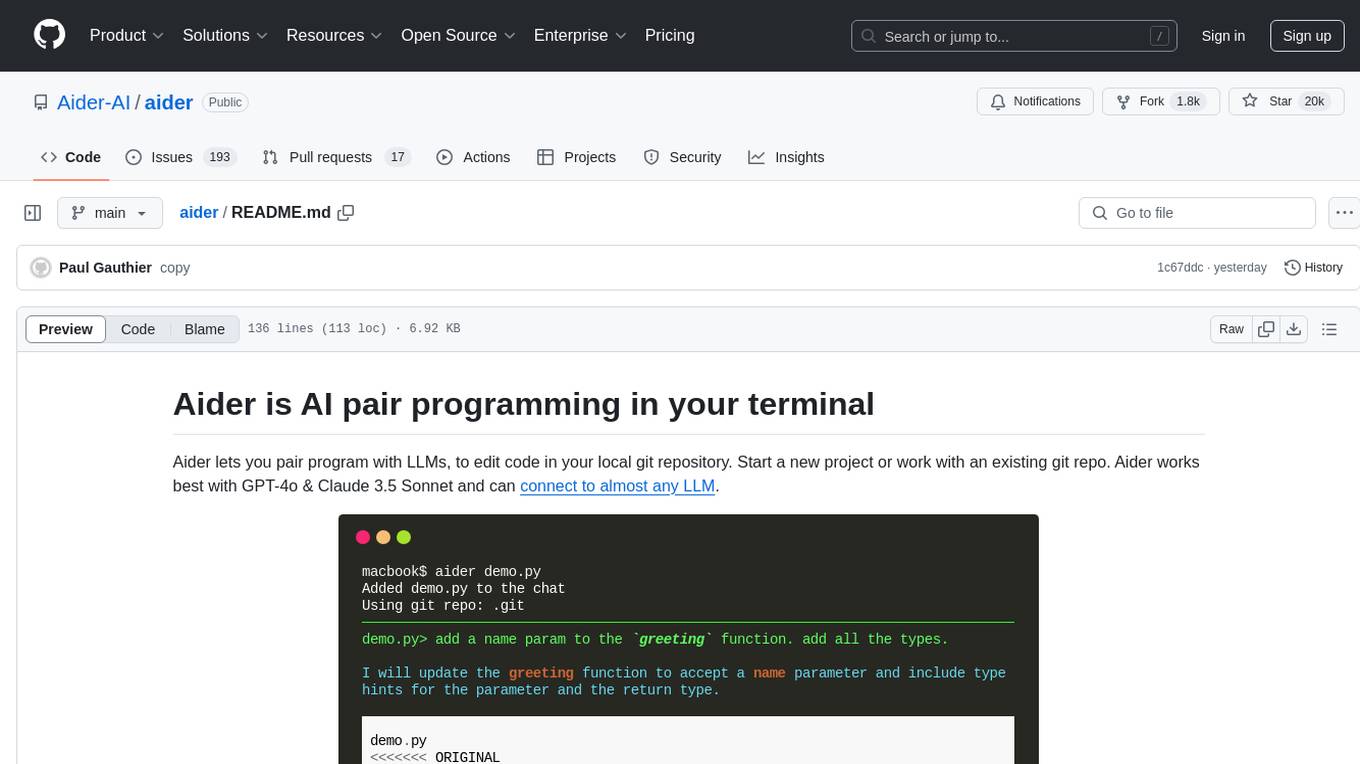
Aider is an AI pair programming tool that allows users to collaborate with large language models (LLMs) to edit code in their local git repository. It works best with GPT-4o & Claude 3.5 Sonnet and can connect to almost any LLM. Users can run Aider with specific files, request changes, add new features or test cases, describe bugs, refactor code, update docs, and more. Aider automatically commits changes with sensible messages, supports multiple programming languages, and can handle complex requests by editing multiple files at once. It uses a map of the entire git repo for efficient performance in larger codebases. Users can chat with Aider, add images, URLs, and even code with their voice. Aider has achieved top scores on SWE Bench, solving real GitHub issues from popular open source projects like django, scikitlearn, matplotlib, etc.
echokit_server
Echokit_server is a lightweight and efficient server-side implementation of the Amazon Alexa Voice Service (AVS) SDK. It allows developers to easily integrate Alexa voice capabilities into their own applications or devices. The server handles the communication with the Alexa Voice Service API, manages user interactions, and processes voice commands. Echokit_server provides a simple and flexible solution for adding voice-controlled features to a wide range of projects, such as smart home devices, IoT applications, and voice-enabled services.
vibe-remote
Vibe Remote is a tool that allows developers to code using AI agents through Slack or Discord, eliminating the need for a laptop or IDE. It provides a seamless experience for coding tasks, enabling users to interact with AI agents in real-time, delegate tasks, and monitor progress. The tool supports multiple coding agents, offers a setup wizard for easy installation, and ensures security by running locally on the user's machine. Vibe Remote enhances productivity by reducing context-switching and enabling parallel task execution within isolated workspaces.

sweep
Sweep is an AI junior developer that turns bugs and feature requests into code changes. It automatically handles developer experience improvements like adding type hints and improving test coverage.
sourcegraph
Sourcegraph is a code search and navigation tool that helps developers read, write, and fix code in large, complex codebases. It provides features such as code search across all repositories and branches, code intelligence for navigation and refactoring, and the ability to fix and refactor code across multiple repositories at once.
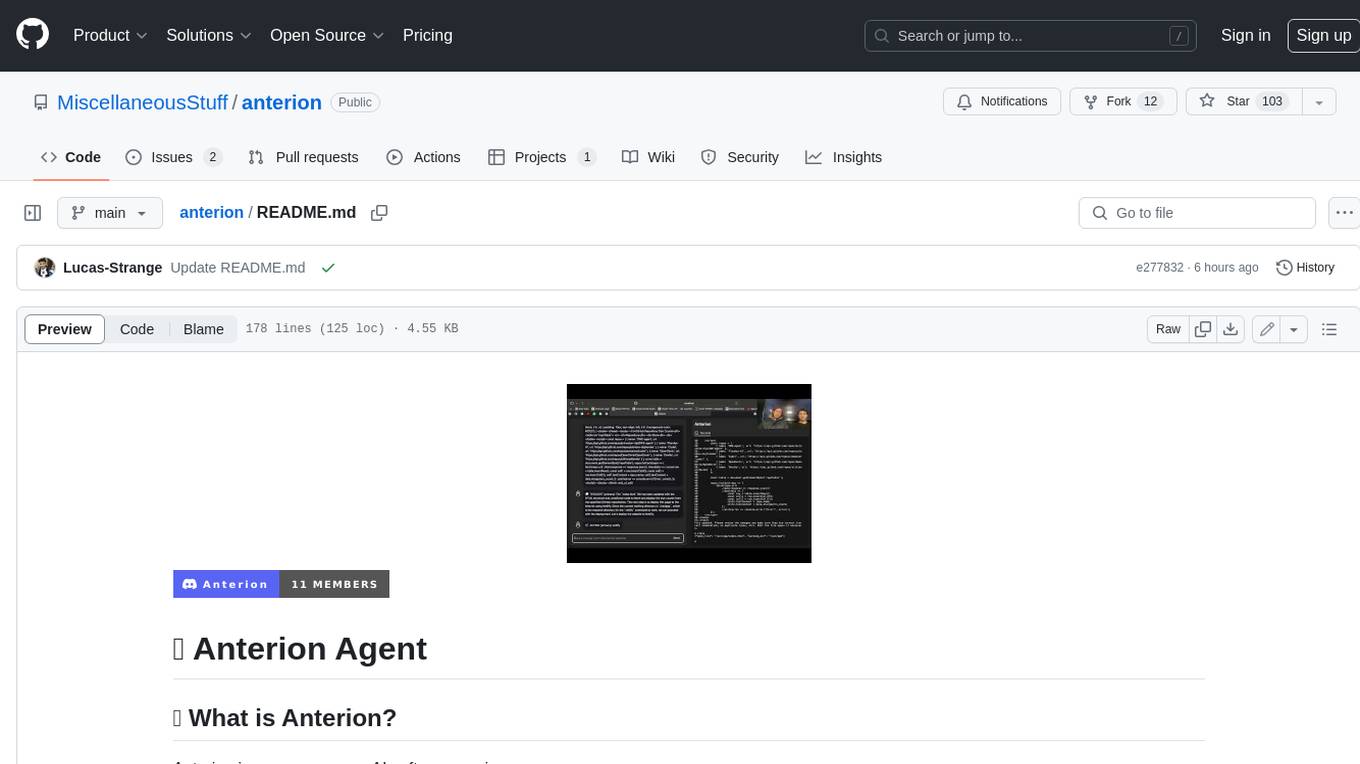
anterion
Anterion is an open-source AI software engineer that extends the capabilities of `SWE-agent` to plan and execute open-ended engineering tasks, with a frontend inspired by `OpenDevin`. It is designed to help users fix bugs and prototype ideas with ease. Anterion is equipped with easy deployment and a user-friendly interface, making it accessible to users of all skill levels.
devika
Devika is an advanced AI software engineer that can understand high-level human instructions, break them down into steps, research relevant information, and write code to achieve the given objective. Devika utilizes large language models, planning and reasoning algorithms, and web browsing abilities to intelligently develop software. Devika aims to revolutionize the way we build software by providing an AI pair programmer who can take on complex coding tasks with minimal human guidance. Whether you need to create a new feature, fix a bug, or develop an entire project from scratch, Devika is here to assist you.
For similar jobs
sweep
Sweep is an AI junior developer that turns bugs and feature requests into code changes. It automatically handles developer experience improvements like adding type hints and improving test coverage.

teams-ai
The Teams AI Library is a software development kit (SDK) that helps developers create bots that can interact with Teams and Microsoft 365 applications. It is built on top of the Bot Framework SDK and simplifies the process of developing bots that interact with Teams' artificial intelligence capabilities. The SDK is available for JavaScript/TypeScript, .NET, and Python.

ai-guide
This guide is dedicated to Large Language Models (LLMs) that you can run on your home computer. It assumes your PC is a lower-end, non-gaming setup.

classifai
Supercharge WordPress Content Workflows and Engagement with Artificial Intelligence. Tap into leading cloud-based services like OpenAI, Microsoft Azure AI, Google Gemini and IBM Watson to augment your WordPress-powered websites. Publish content faster while improving SEO performance and increasing audience engagement. ClassifAI integrates Artificial Intelligence and Machine Learning technologies to lighten your workload and eliminate tedious tasks, giving you more time to create original content that matters.

chatbot-ui
Chatbot UI is an open-source AI chat app that allows users to create and deploy their own AI chatbots. It is easy to use and can be customized to fit any need. Chatbot UI is perfect for businesses, developers, and anyone who wants to create a chatbot.

BricksLLM
BricksLLM is a cloud native AI gateway written in Go. Currently, it provides native support for OpenAI, Anthropic, Azure OpenAI and vLLM. BricksLLM aims to provide enterprise level infrastructure that can power any LLM production use cases. Here are some use cases for BricksLLM: * Set LLM usage limits for users on different pricing tiers * Track LLM usage on a per user and per organization basis * Block or redact requests containing PIIs * Improve LLM reliability with failovers, retries and caching * Distribute API keys with rate limits and cost limits for internal development/production use cases * Distribute API keys with rate limits and cost limits for students

uAgents
uAgents is a Python library developed by Fetch.ai that allows for the creation of autonomous AI agents. These agents can perform various tasks on a schedule or take action on various events. uAgents are easy to create and manage, and they are connected to a fast-growing network of other uAgents. They are also secure, with cryptographically secured messages and wallets.

griptape
Griptape is a modular Python framework for building AI-powered applications that securely connect to your enterprise data and APIs. It offers developers the ability to maintain control and flexibility at every step. Griptape's core components include Structures (Agents, Pipelines, and Workflows), Tasks, Tools, Memory (Conversation Memory, Task Memory, and Meta Memory), Drivers (Prompt and Embedding Drivers, Vector Store Drivers, Image Generation Drivers, Image Query Drivers, SQL Drivers, Web Scraper Drivers, and Conversation Memory Drivers), Engines (Query Engines, Extraction Engines, Summary Engines, Image Generation Engines, and Image Query Engines), and additional components (Rulesets, Loaders, Artifacts, Chunkers, and Tokenizers). Griptape enables developers to create AI-powered applications with ease and efficiency.