


opcode
A powerful GUI app and Toolkit for Claude Code - Create custom agents, manage interactive Claude Code sessions, run secure background agents, and more.
Stars: 15765
opcode is a powerful desktop application built with Tauri 2 that serves as a command center for interacting with Claude Code. It offers a visual GUI for managing Claude Code sessions, creating custom agents, tracking usage, and more. Users can navigate projects, create specialized AI agents, monitor usage analytics, manage MCP servers, create session checkpoints, edit CLAUDE.md files, and more. The tool bridges the gap between command-line tools and visual experiences, making AI-assisted development more intuitive and productive.
README:

A powerful GUI app and Toolkit for Claude Code
Create custom agents, manage interactive Claude Code sessions, run secure background agents, and more.





https://github.com/user-attachments/assets/6bceea0f-60b6-4c3e-a745-b891de00b8d0
[!TIP] ⭐ Star the repo and follow @getAsterisk on X for early access to
asteria-swe-v0.
[!NOTE] This project is not affiliated with, endorsed by, or sponsored by Anthropic. Claude is a trademark of Anthropic, PBC. This is an independent developer project using Claude.
opcode is a powerful desktop application that transforms how you interact with Claude Code. Built with Tauri 2, it provides a beautiful GUI for managing your Claude Code sessions, creating custom agents, tracking usage, and much more.
Think of opcode as your command center for Claude Code - bridging the gap between the command-line tool and a visual experience that makes AI-assisted development more intuitive and productive.
- 🌟 Overview
- ✨ Features
- 📖 Usage
- 🚀 Installation
- 🔨 Build from Source
- 🛠️ Development
- 🔒 Security
- 🤝 Contributing
- 📄 License
- 🙏 Acknowledgments
-
Visual Project Browser: Navigate through all your Claude Code projects in
~/.claude/projects/ - Session History: View and resume past coding sessions with full context
- Smart Search: Find projects and sessions quickly with built-in search
- Session Insights: See first messages, timestamps, and session metadata at a glance
- Custom AI Agents: Create specialized agents with custom system prompts and behaviors
- Agent Library: Build a collection of purpose-built agents for different tasks
- Background Execution: Run agents in separate processes for non-blocking operations
- Execution History: Track all agent runs with detailed logs and performance metrics
- Cost Tracking: Monitor your Claude API usage and costs in real-time
- Token Analytics: Detailed breakdown by model, project, and time period
- Visual Charts: Beautiful charts showing usage trends and patterns
- Export Data: Export usage data for accounting and analysis
- Server Registry: Manage Model Context Protocol servers from a central UI
- Easy Configuration: Add servers via UI or import from existing configs
- Connection Testing: Verify server connectivity before use
- Claude Desktop Import: Import server configurations from Claude Desktop
- Session Versioning: Create checkpoints at any point in your coding session
- Visual Timeline: Navigate through your session history with a branching timeline
- Instant Restore: Jump back to any checkpoint with one click
- Fork Sessions: Create new branches from existing checkpoints
- Diff Viewer: See exactly what changed between checkpoints
- Built-in Editor: Edit CLAUDE.md files directly within the app
- Live Preview: See your markdown rendered in real-time
- Project Scanner: Find all CLAUDE.md files in your projects
- Syntax Highlighting: Full markdown support with syntax highlighting
- Launch opcode: Open the application after installation
- Welcome Screen: Choose between CC Agents or Projects
-
First Time Setup: opcode will automatically detect your
~/.claudedirectory
Projects → Select Project → View Sessions → Resume or Start New
- Click on any project to view its sessions
- Each session shows the first message and timestamp
- Resume sessions directly or start new ones
CC Agents → Create Agent → Configure → Execute
- Design Your Agent: Set name, icon, and system prompt
- Configure Model: Choose between available Claude models
- Set Permissions: Configure file read/write and network access
- Execute Tasks: Run your agent on any project
Menu → Usage Dashboard → View Analytics
- Monitor costs by model, project, and date
- Export data for reports
- Set up usage alerts (coming soon)
Menu → MCP Manager → Add Server → Configure
- Add servers manually or via JSON
- Import from Claude Desktop configuration
- Test connections before using
- Claude Code CLI: Install from Claude's official site
Before building opcode from source, ensure you have the following installed:
- Operating System: Windows 10/11, macOS 11+, or Linux (Ubuntu 20.04+)
- RAM: Minimum 4GB (8GB recommended)
- Storage: At least 1GB free space
-
Rust (1.70.0 or later)
# Install via rustup
curl --proto '=https' --tlsv1.2 -sSf https://sh.rustup.rs | sh
-
Bun (latest version)
# Install bun
curl -fsSL https://bun.sh/install | bash
-
Git
# Usually pre-installed, but if not:
# Ubuntu/Debian: sudo apt install git
# macOS: brew install git
# Windows: Download from https://git-scm.com
-
Claude Code CLI
- Download and install from Claude's official site
- Ensure
claudeis available in your PATH
Linux (Ubuntu/Debian)
# Install system dependencies
sudo apt update
sudo apt install -y \
  libwebkit2gtk-4.1-dev \
  libgtk-3-dev \
  libayatana-appindicator3-dev \
  librsvg2-dev \
  patchelf \
  build-essential \
  curl \
  wget \
  file \
  libssl-dev \
  libxdo-dev \
  libsoup-3.0-dev \
  libjavascriptcoregtk-4.1-dev
macOS
# Install Xcode Command Line Tools
xcode-select --install

# Install additional dependencies via Homebrew (optional)
brew install pkg-config
Windows
- Install Microsoft C++ Build Tools
- Install WebView2 (usually pre-installed on Windows 11)
-
Clone the Repository
git clone https://github.com/getAsterisk/opcode.git cd opcode -
Install Frontend Dependencies
bun install
-
Build the Application
For Development (with hot reload)
bun run tauri dev
For Production Build
# Build the application
bun run tauri build

# The built executable will be in:
# - Linux: src-tauri/target/release/
# - macOS: src-tauri/target/release/
# - Windows: src-tauri/target/release/
-
Platform-Specific Build Options
Debug Build (faster compilation, larger binary)
bun run tauri build --debug
Universal Binary for macOS (Intel + Apple Silicon)
bun run tauri build --target universal-apple-darwin
-
"cargo not found" error
- Ensure Rust is installed and
~/.cargo/binis in your PATH - Run
source ~/.cargo/envor restart your terminal
- Ensure Rust is installed and
-
Linux: "webkit2gtk not found" error
- Install the webkit2gtk development packages listed above
- On newer Ubuntu versions, you might need
libwebkit2gtk-4.0-dev
-
Windows: "MSVC not found" error
- Install Visual Studio Build Tools with C++ support
- Restart your terminal after installation
-
"claude command not found" error
- Ensure Claude Code CLI is installed and in your PATH
- Test with
claude --version
-
Build fails with "out of memory"
- Try building with fewer parallel jobs:
cargo build -j 2 - Close other applications to free up RAM
- Try building with fewer parallel jobs:
After building, you can verify the application works:
# Run the built executable directly
# Linux/macOS
./src-tauri/target/release/opcode

# Windows
./src-tauri/target/release/opcode.exeThe build process creates several artifacts:
- Executable: The main opcode application
-
Installers (when using
tauri build):-
.debpackage (Linux) -
.AppImage(Linux) -
.dmginstaller (macOS) -
.msiinstaller (Windows) -
.exeinstaller (Windows)
-
All artifacts are located in src-tauri/target/release/.
- Frontend: React 18 + TypeScript + Vite 6
- Backend: Rust with Tauri 2
- UI Framework: Tailwind CSS v4 + shadcn/ui
- Database: SQLite (via rusqlite)
- Package Manager: Bun
opcode/
├── src/                   # React frontend
│   ├── components/        # UI components
│   ├── lib/               # API client & utilities
│   └── assets/            # Static assets
├── src-tauri/             # Rust backend
│   ├── src/
│   │   ├── commands/      # Tauri command handlers
│   │   ├── checkpoint/    # Timeline management
│   │   └── process/       # Process management
│   └── tests/             # Rust test suite
└── public/                # Public assets
# Start development server
bun run tauri dev

# Run frontend only
bun run dev

# Type checking
bunx tsc --noEmit

# Run Rust tests
cd src-tauri && cargo test

# Format code
cd src-tauri && cargo fmtopcode prioritizes your privacy and security:
- Process Isolation: Agents run in separate processes
- Permission Control: Configure file and network access per agent
- Local Storage: All data stays on your machine
- No Telemetry: No data collection or tracking
- Open Source: Full transparency through open source code
We welcome contributions! Please see our Contributing Guide for details.
- 🐛 Bug fixes and improvements
- ✨ New features and enhancements
- 📚 Documentation improvements
- 🎨 UI/UX enhancements
- 🧪 Test coverage
- 🌐 Internationalization
This project is licensed under the AGPL License - see the LICENSE file for details.
Made with ❤️ by the Asterisk
For Tasks:
Click tags to check more tools for each tasksFor Jobs:
Alternative AI tools for opcode
Similar Open Source Tools
opcode
opcode is a powerful desktop application built with Tauri 2 that serves as a command center for interacting with Claude Code. It offers a visual GUI for managing Claude Code sessions, creating custom agents, tracking usage, and more. Users can navigate projects, create specialized AI agents, monitor usage analytics, manage MCP servers, create session checkpoints, edit CLAUDE.md files, and more. The tool bridges the gap between command-line tools and visual experiences, making AI-assisted development more intuitive and productive.
ito
Ito is an intelligent voice assistant that provides seamless voice dictation to any application on your computer. It works in any app, offers global keyboard shortcuts, real-time transcription, and instant text insertion. It is smart and adaptive with features like custom dictionary, context awareness, multi-language support, and intelligent punctuation. Users can customize trigger keys, audio preferences, and privacy controls. It also offers data management features like a notes system, interaction history, cloud sync, and export capabilities. Ito is built as a modern Electron application with a multi-process architecture and utilizes technologies like React, TypeScript, Rust, gRPC, and AWS CDK.
evi-run
evi-run is a powerful, production-ready multi-agent AI system built on Python using the OpenAI Agents SDK. It offers instant deployment, ultimate flexibility, built-in analytics, Telegram integration, and scalable architecture. The system features memory management, knowledge integration, task scheduling, multi-agent orchestration, custom agent creation, deep research, web intelligence, document processing, image generation, DEX analytics, and Solana token swap. It supports flexible usage modes like private, free, and pay mode, with upcoming features including NSFW mode, task scheduler, and automatic limit orders. The technology stack includes Python 3.11, OpenAI Agents SDK, Telegram Bot API, PostgreSQL, Redis, and Docker & Docker Compose for deployment.
chat-ollama
ChatOllama is an open-source chatbot based on LLMs (Large Language Models). It supports a wide range of language models, including Ollama served models, OpenAI, Azure OpenAI, and Anthropic. ChatOllama supports multiple types of chat, including free chat with LLMs and chat with LLMs based on a knowledge base. Key features of ChatOllama include Ollama models management, knowledge bases management, chat, and commercial LLMs API keys management.
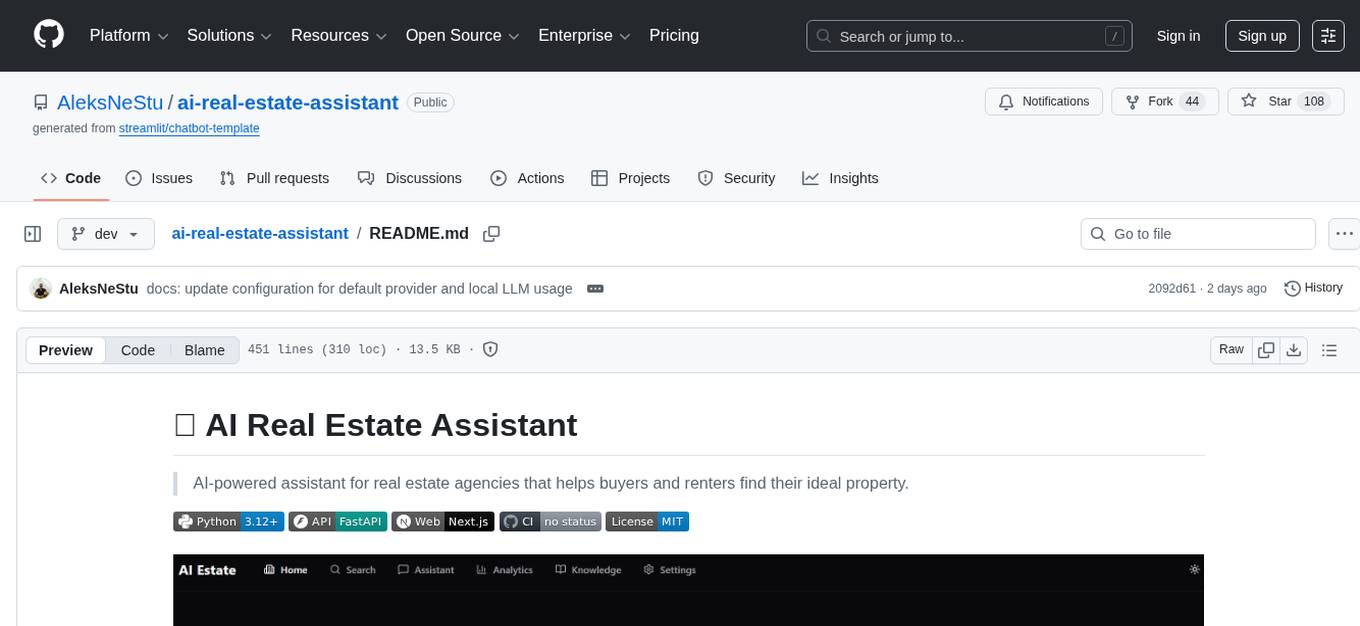
ai-real-estate-assistant
AI Real Estate Assistant is a modern platform that uses AI to assist real estate agencies in helping buyers and renters find their ideal properties. It features multiple AI model providers, intelligent query processing, advanced search and retrieval capabilities, and enhanced user experience. The tool is built with a FastAPI backend and Next.js frontend, offering semantic search, hybrid agent routing, and real-time analytics.
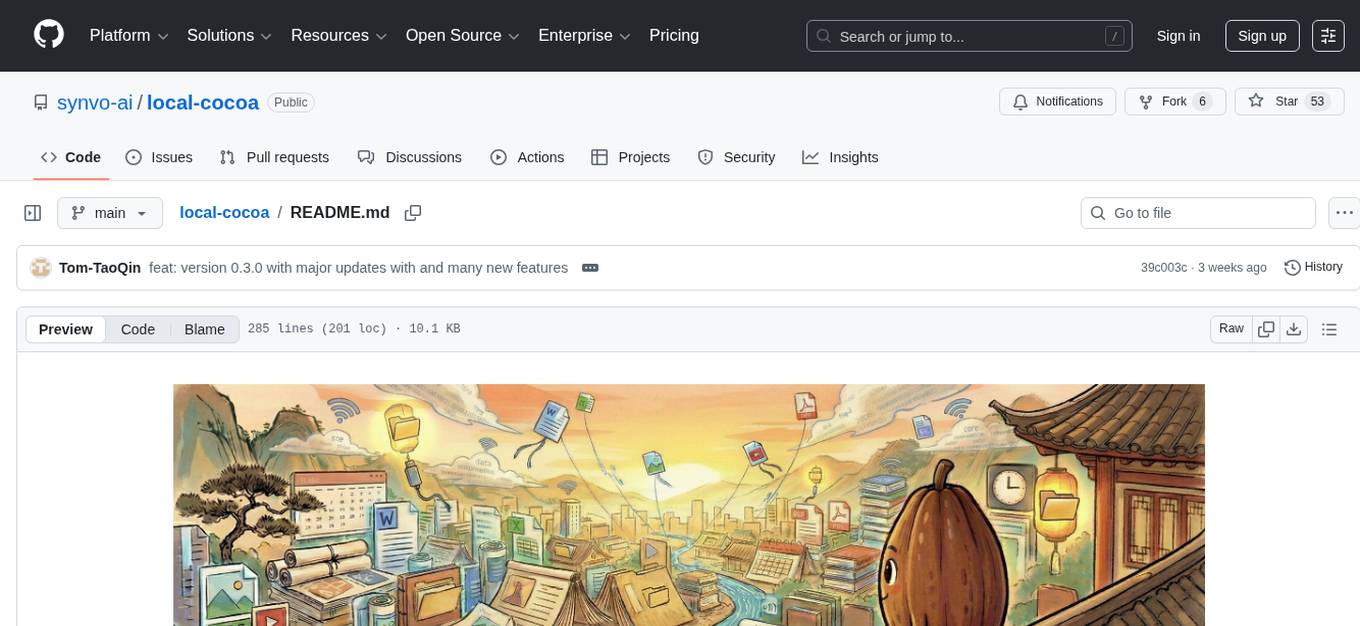
local-cocoa
Local Cocoa is a privacy-focused tool that runs entirely on your device, turning files into memory to spark insights and power actions. It offers features like fully local privacy, multimodal memory, vector-powered retrieval, intelligent indexing, vision understanding, hardware acceleration, focused user experience, integrated notes, and auto-sync. The tool combines file ingestion, intelligent chunking, and local retrieval to build a private on-device knowledge system. The ultimate goal includes more connectors like Google Drive integration, voice mode for local speech-to-text interaction, and a plugin ecosystem for community tools and agents. Local Cocoa is built using Electron, React, TypeScript, FastAPI, llama.cpp, and Qdrant.
AgriTech
AgriTech is an AI-powered smart agriculture platform designed to assist farmers with crop recommendations, yield prediction, plant disease detection, and community-driven collaboration—enabling sustainable and data-driven farming practices. It offers AI-driven decision support for modern agriculture, early-stage plant disease detection, crop yield forecasting using machine learning models, and a collaborative ecosystem for farmers and stakeholders. The platform includes features like crop recommendation, yield prediction, disease detection, an AI chatbot for platform guidance and agriculture support, a farmer community, and shopkeeper listings. AgriTech's AI chatbot provides comprehensive support for farmers with features like platform guidance, agriculture support, decision making, image analysis, and 24/7 support. The tech stack includes frontend technologies like HTML5, CSS3, JavaScript, backend technologies like Python (Flask) and optional Node.js, machine learning libraries like TensorFlow, Scikit-learn, OpenCV, and database & DevOps tools like MySQL, MongoDB, Firebase, Docker, and GitHub Actions.
astrsk
astrsk is a tool that pushes the boundaries of AI storytelling by offering advanced AI agents, customizable response formatting, and flexible prompt editing for immersive roleplaying experiences. It provides complete AI agent control, a visual flow editor for conversation flows, and ensures 100% local-first data storage. The tool is true cross-platform with support for various AI providers and modern technologies like React, TypeScript, and Tailwind CSS. Coming soon features include cross-device sync, enhanced session customization, and community features.
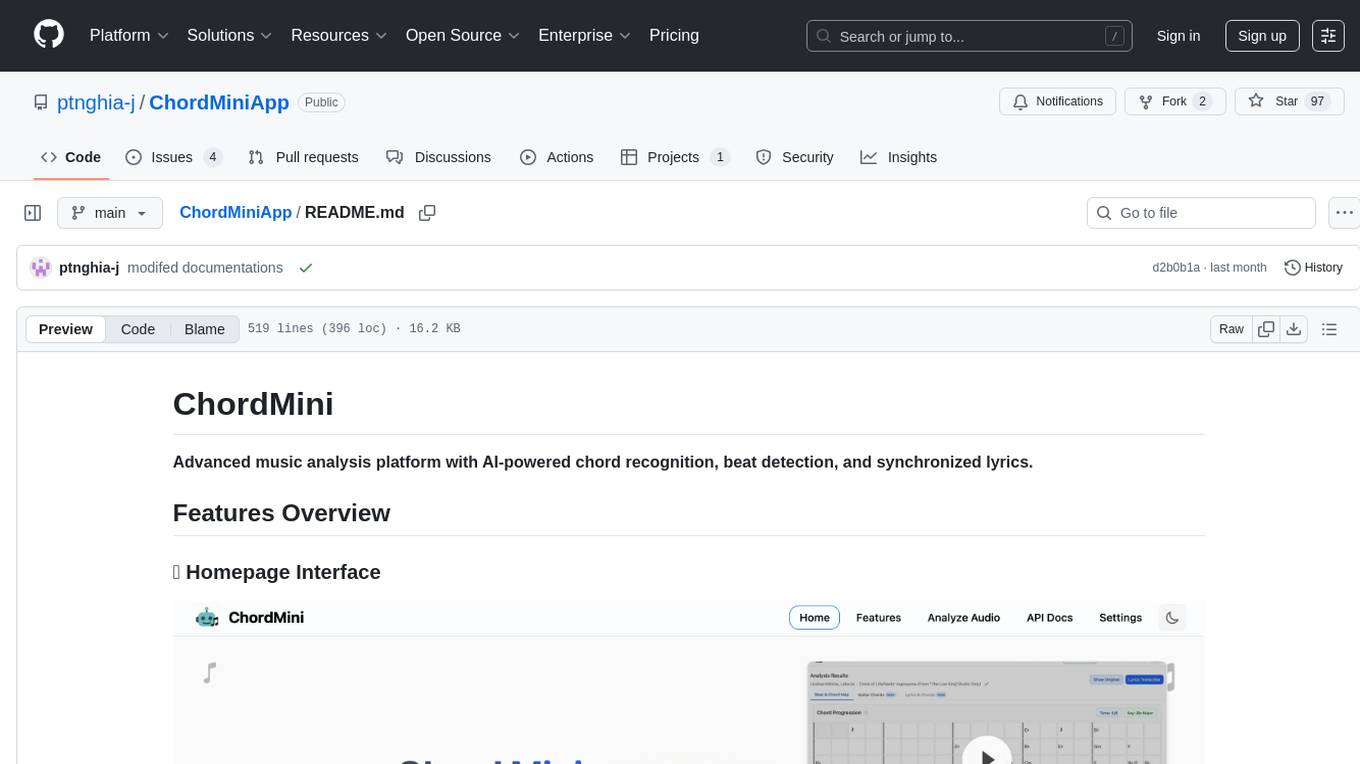
ChordMiniApp
ChordMini is an advanced music analysis platform with AI-powered chord recognition, beat detection, and synchronized lyrics. It features a clean and intuitive interface for YouTube search, chord progression visualization, interactive guitar diagrams with accurate fingering patterns, lead sheet with AI assistant for synchronized lyrics transcription, and various add-on features like Roman Numeral Analysis, Key Modulation Signals, Simplified Chord Notation, and Enhanced Chord Correction. The tool requires Node.js, Python 3.9+, and a Firebase account for setup. It offers a hybrid backend architecture for local development and production deployments, with features like beat detection, chord recognition, lyrics processing, rate limiting, and audio processing supporting MP3, WAV, and FLAC formats. ChordMini provides a comprehensive music analysis workflow from user input to visualization, including dual input support, environment-aware processing, intelligent caching, advanced ML pipeline, and rich visualization options.
Call
Call is an open-source AI-native alternative to Google Meet and Zoom, offering video calling, team collaboration, contact management, meeting scheduling, AI-powered features, security, and privacy. It is cross-platform, web-based, mobile responsive, and supports offline capabilities. The tech stack includes Next.js, TypeScript, Tailwind CSS, Mediasoup-SFU, React Query, Zustand, Hono, PostgreSQL, Drizzle ORM, Better Auth, Turborepo, Docker, Vercel, and Rate Limiting.
leetcode-py
A Python package to generate professional LeetCode practice environments. Features automated problem generation from LeetCode URLs, beautiful data structure visualizations (TreeNode, ListNode, GraphNode), and comprehensive testing with 10+ test cases per problem. Built with professional development practices including CI/CD, type hints, and quality gates. The tool provides a modern Python development environment with production-grade features such as linting, test coverage, logging, and CI/CD pipeline. It also offers enhanced data structure visualization for debugging complex structures, flexible notebook support, and a powerful CLI for generating problems anywhere.
llxprt-code
LLxprt Code is an AI-powered coding assistant that works with any LLM provider, offering a command-line interface for querying and editing codebases, generating applications, and automating development workflows. It supports various subscriptions, provider flexibility, top open models, local model support, and a privacy-first approach. Users can interact with LLxprt Code in both interactive and non-interactive modes, leveraging features like subscription OAuth, multi-account failover, load balancer profiles, and extensive provider support. The tool also allows for the creation of advanced subagents for specialized tasks and integrates with the Zed editor for in-editor chat and code selection.
claude-code-plugins-plus-skills
Claude Code Skills & Plugins Hub is a comprehensive marketplace for agent skills and plugins, offering 1537 production-ready agent skills and 270 total plugins. It provides a learning lab with guides, diagrams, and examples for building production agent workflows. The package manager CLI allows users to discover, install, and manage plugins from their terminal, with features like searching, listing, installing, updating, and validating plugins. The marketplace is not on GitHub Marketplace and does not support built-in monetization. It is community-driven, actively maintained, and focuses on quality over quantity, aiming to be the definitive resource for Claude Code plugins.
finite-monkey-engine
FiniteMonkey is an advanced vulnerability mining engine powered purely by GPT, requiring no prior knowledge base or fine-tuning. Its effectiveness significantly surpasses most current related research approaches. The tool is task-driven, prompt-driven, and focuses on prompt design, leveraging 'deception' and hallucination as key mechanics. It has helped identify vulnerabilities worth over $60,000 in bounties. The tool requires PostgreSQL database, OpenAI API access, and Python environment for setup. It supports various languages like Solidity, Rust, Python, Move, Cairo, Tact, Func, Java, and Fake Solidity for scanning. FiniteMonkey is best suited for logic vulnerability mining in real projects, not recommended for academic vulnerability testing. GPT-4-turbo is recommended for optimal results with an average scan time of 2-3 hours for medium projects. The tool provides detailed scanning results guide and implementation tips for users.
conduit
Conduit is an open-source, cross-platform mobile application for Open-WebUI, providing a native mobile experience for interacting with your self-hosted AI infrastructure. It supports real-time chat, model selection, conversation management, markdown rendering, theme support, voice input, file uploads, multi-modal support, secure storage, folder management, and tools invocation. Conduit offers multiple authentication flows and follows a clean architecture pattern with Riverpod for state management, Dio for HTTP networking, WebSocket for real-time streaming, and Flutter Secure Storage for credential management.
claude-007-agents
Claude Code Agents is an open-source AI agent system designed to enhance development workflows by providing specialized AI agents for orchestration, resilience engineering, and organizational memory. These agents offer specialized expertise across technologies, AI system with organizational memory, and an agent orchestration system. The system includes features such as engineering excellence by design, advanced orchestration system, Task Master integration, live MCP integrations, professional-grade workflows, and organizational intelligence. It is suitable for solo developers, small teams, enterprise teams, and open-source projects. The system requires a one-time bootstrap setup for each project to analyze the tech stack, select optimal agents, create configuration files, set up Task Master integration, and validate system readiness.
For similar tasks
honcho
Honcho is a platform for creating personalized AI agents and LLM powered applications for end users. The repository is a monorepo containing the server/API for managing database interactions and storing application state, along with a Python SDK. It utilizes FastAPI for user context management and Poetry for dependency management. The API can be run using Docker or manually by setting environment variables. The client SDK can be installed using pip or Poetry. The project is open source and welcomes contributions, following a fork and PR workflow. Honcho is licensed under the AGPL-3.0 License.
sagentic-af
Sagentic.ai Agent Framework is a tool for creating AI agents with hot reloading dev server. It allows users to spawn agents locally by calling specific endpoint. The framework comes with detailed documentation and supports contributions, issues, and feature requests. It is MIT licensed and maintained by Ahyve Inc.
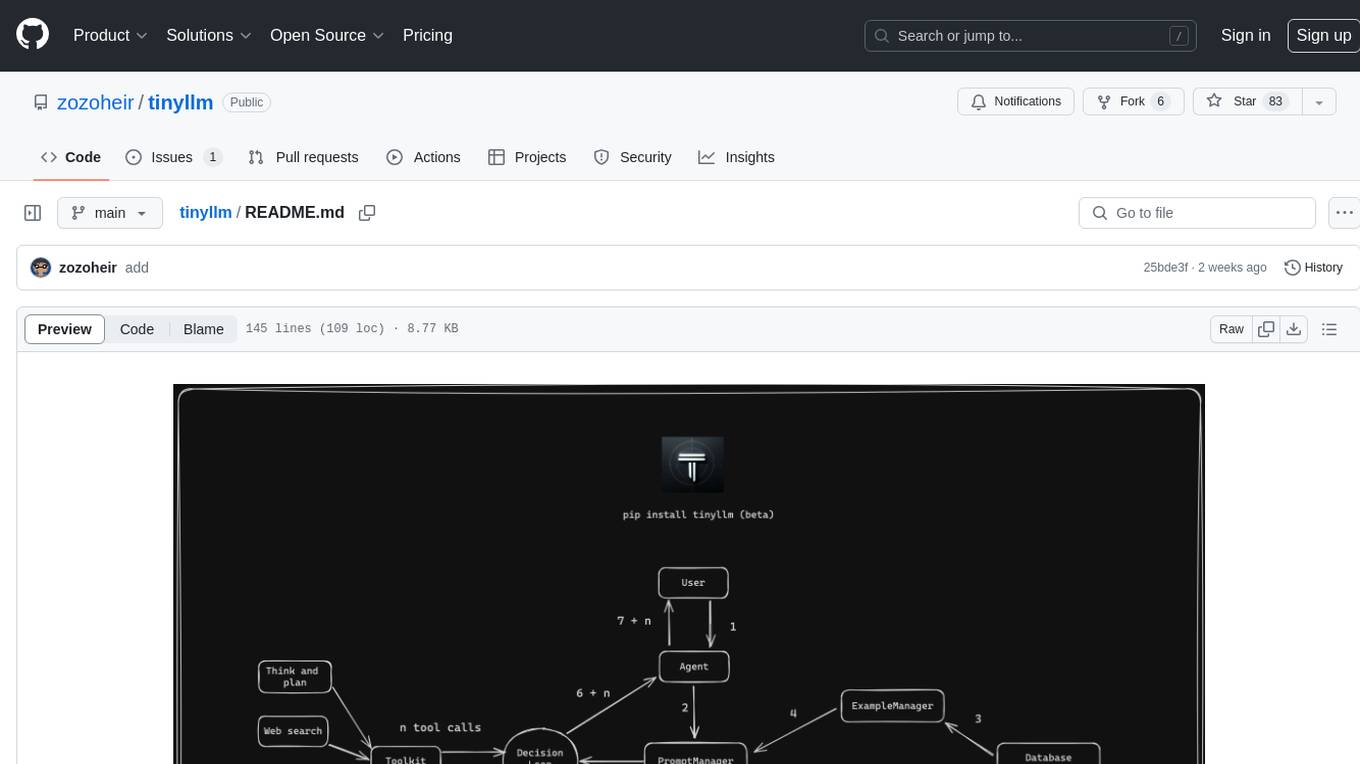
tinyllm
tinyllm is a lightweight framework designed for developing, debugging, and monitoring LLM and Agent powered applications at scale. It aims to simplify code while enabling users to create complex agents or LLM workflows in production. The core classes, Function and FunctionStream, standardize and control LLM, ToolStore, and relevant calls for scalable production use. It offers structured handling of function execution, including input/output validation, error handling, evaluation, and more, all while maintaining code readability. Users can create chains with prompts, LLM models, and evaluators in a single file without the need for extensive class definitions or spaghetti code. Additionally, tinyllm integrates with various libraries like Langfuse and provides tools for prompt engineering, observability, logging, and finite state machine design.
council
Council is an open-source platform designed for the rapid development and deployment of customized generative AI applications using teams of agents. It extends the LLM tool ecosystem by providing advanced control flow and scalable oversight for AI agents. Users can create sophisticated agents with predictable behavior by leveraging Council's powerful approach to control flow using Controllers, Filters, Evaluators, and Budgets. The framework allows for automated routing between agents, comparing, evaluating, and selecting the best results for a task. Council aims to facilitate packaging and deploying agents at scale on multiple platforms while enabling enterprise-grade monitoring and quality control.
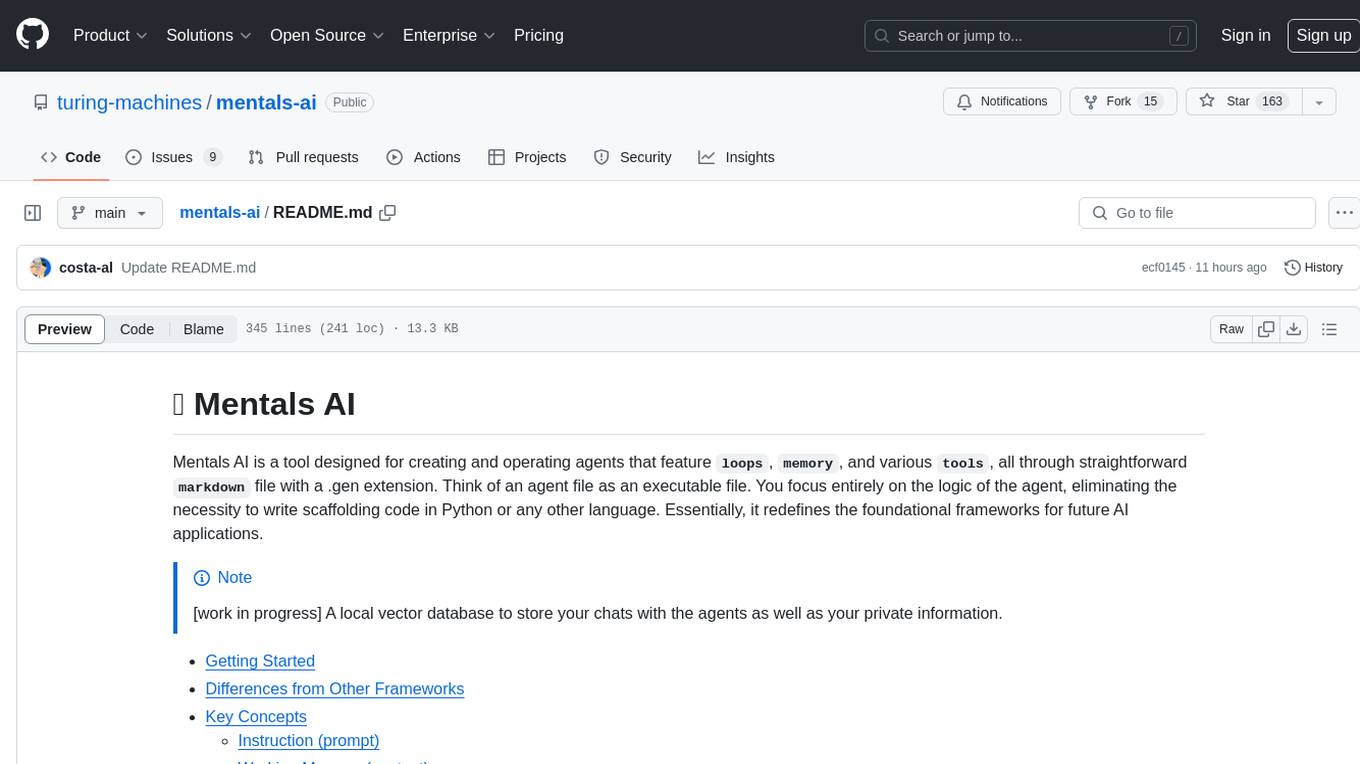
mentals-ai
Mentals AI is a tool designed for creating and operating agents that feature loops, memory, and various tools, all through straightforward markdown syntax. This tool enables you to concentrate solely on the agent’s logic, eliminating the necessity to compose underlying code in Python or any other language. It redefines the foundational frameworks for future AI applications by allowing the creation of agents with recursive decision-making processes, integration of reasoning frameworks, and control flow expressed in natural language. Key concepts include instructions with prompts and references, working memory for context, short-term memory for storing intermediate results, and control flow from strings to algorithms. The tool provides a set of native tools for message output, user input, file handling, Python interpreter, Bash commands, and short-term memory. The roadmap includes features like a web UI, vector database tools, agent's experience, and tools for image generation and browsing. The idea behind Mentals AI originated from studies on psychoanalysis executive functions and aims to integrate 'System 1' (cognitive executor) with 'System 2' (central executive) to create more sophisticated agents.
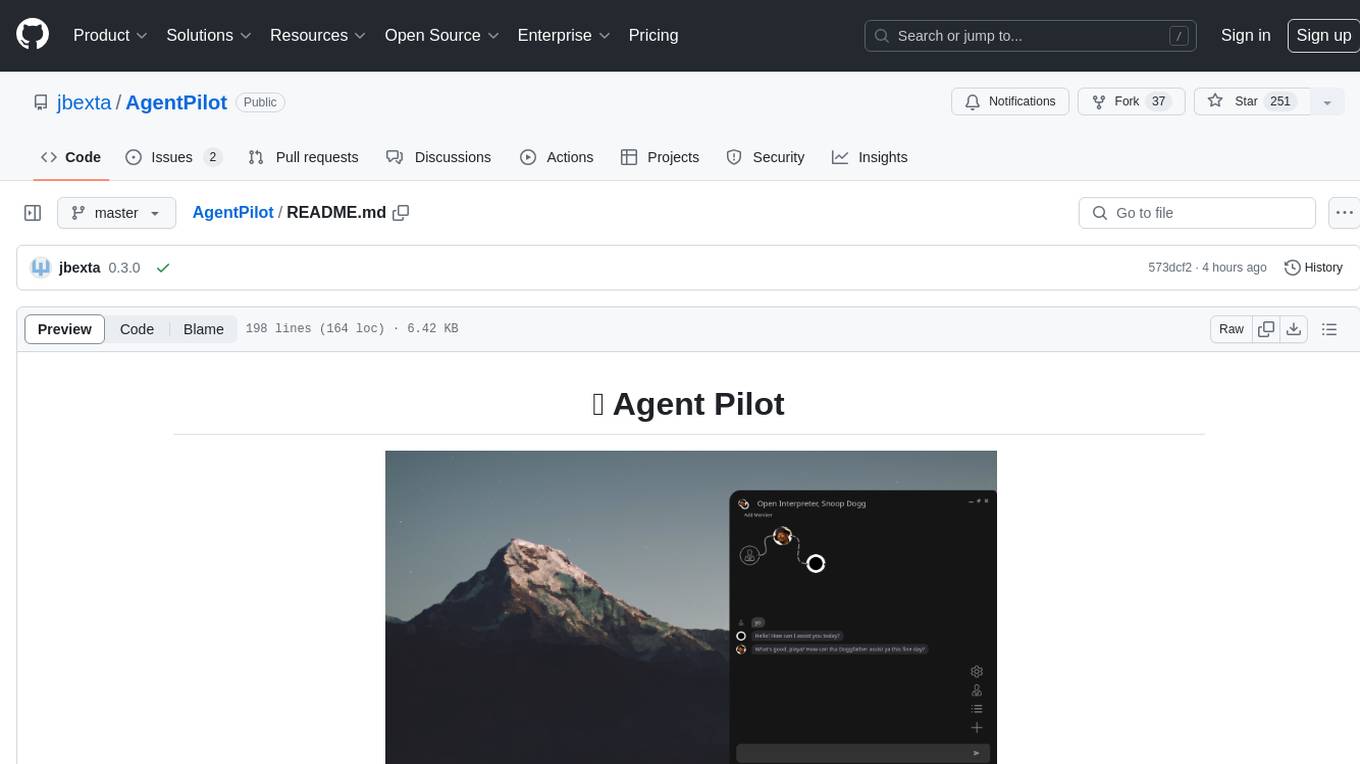
AgentPilot
Agent Pilot is an open source desktop app for creating, managing, and chatting with AI agents. It features multi-agent, branching chats with various providers through LiteLLM. Users can combine models from different providers, configure interactions, and run code using the built-in Open Interpreter. The tool allows users to create agents, manage chats, work with multi-agent workflows, branching workflows, context blocks, tools, and plugins. It also supports a code interpreter, scheduler, voice integration, and integration with various AI providers. Contributions to the project are welcome, and users can report known issues for improvement.
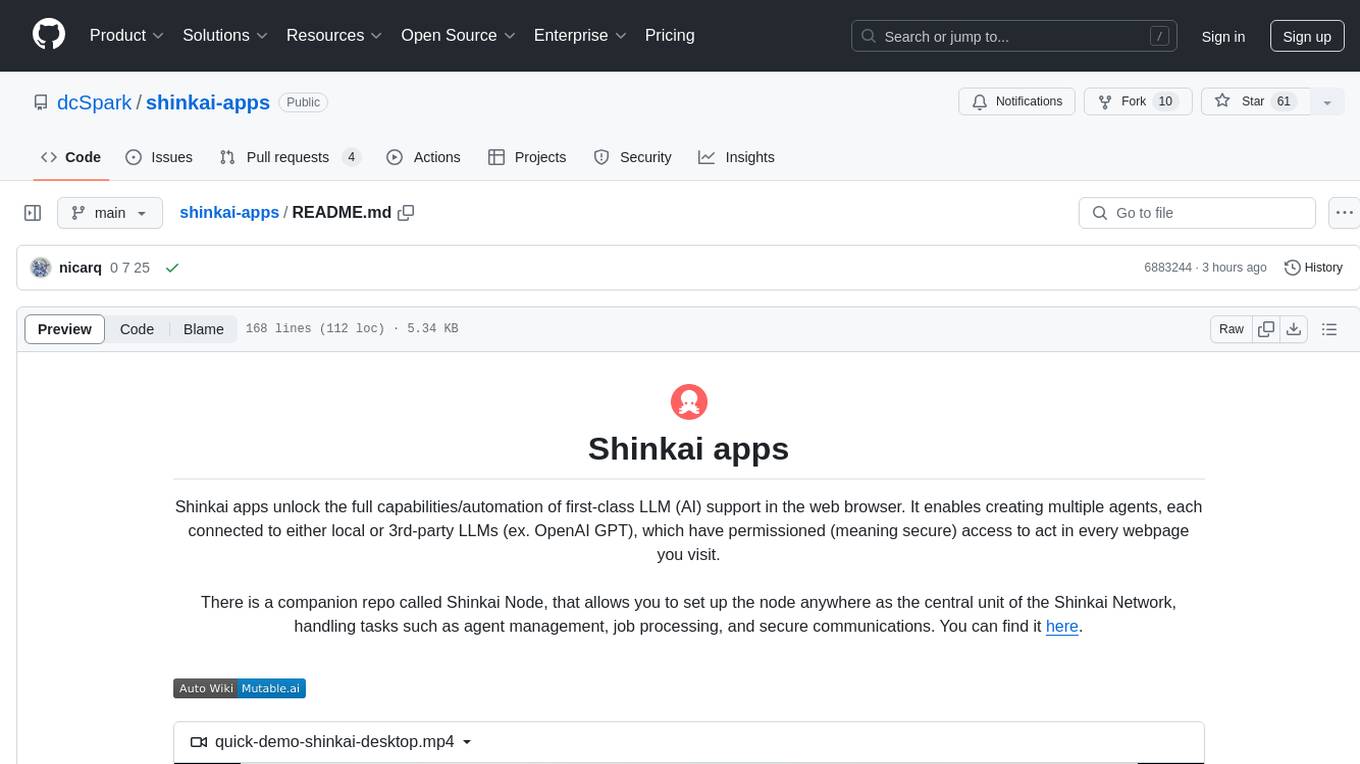
shinkai-apps
Shinkai apps unlock the full capabilities/automation of first-class LLM (AI) support in the web browser. It enables creating multiple agents, each connected to either local or 3rd-party LLMs (ex. OpenAI GPT), which have permissioned (meaning secure) access to act in every webpage you visit. There is a companion repo called Shinkai Node, that allows you to set up the node anywhere as the central unit of the Shinkai Network, handling tasks such as agent management, job processing, and secure communications.
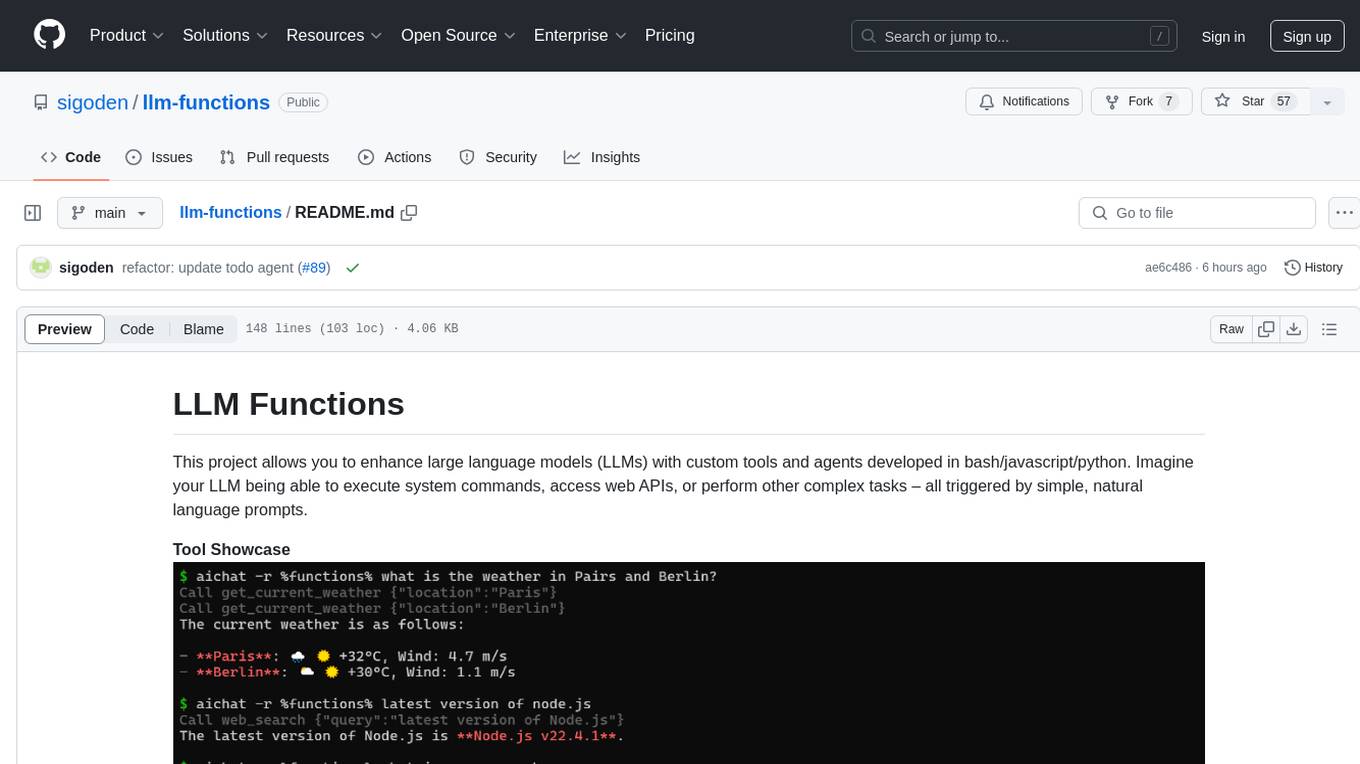
llm-functions
LLM Functions is a project that enables the enhancement of large language models (LLMs) with custom tools and agents developed in bash, javascript, and python. Users can create tools for their LLM to execute system commands, access web APIs, or perform other complex tasks triggered by natural language prompts. The project provides a framework for building tools and agents, with tools being functions written in the user's preferred language and automatically generating JSON declarations based on comments. Agents combine prompts, function callings, and knowledge (RAG) to create conversational AI agents. The project is designed to be user-friendly and allows users to easily extend the capabilities of their language models.
For similar jobs

promptflow
**Prompt flow** is a suite of development tools designed to streamline the end-to-end development cycle of LLM-based AI applications, from ideation, prototyping, testing, evaluation to production deployment and monitoring. It makes prompt engineering much easier and enables you to build LLM apps with production quality.

deepeval
DeepEval is a simple-to-use, open-source LLM evaluation framework specialized for unit testing LLM outputs. It incorporates various metrics such as G-Eval, hallucination, answer relevancy, RAGAS, etc., and runs locally on your machine for evaluation. It provides a wide range of ready-to-use evaluation metrics, allows for creating custom metrics, integrates with any CI/CD environment, and enables benchmarking LLMs on popular benchmarks. DeepEval is designed for evaluating RAG and fine-tuning applications, helping users optimize hyperparameters, prevent prompt drifting, and transition from OpenAI to hosting their own Llama2 with confidence.

MegaDetector
MegaDetector is an AI model that identifies animals, people, and vehicles in camera trap images (which also makes it useful for eliminating blank images). This model is trained on several million images from a variety of ecosystems. MegaDetector is just one of many tools that aims to make conservation biologists more efficient with AI. If you want to learn about other ways to use AI to accelerate camera trap workflows, check out our of the field, affectionately titled "Everything I know about machine learning and camera traps".

leapfrogai
LeapfrogAI is a self-hosted AI platform designed to be deployed in air-gapped resource-constrained environments. It brings sophisticated AI solutions to these environments by hosting all the necessary components of an AI stack, including vector databases, model backends, API, and UI. LeapfrogAI's API closely matches that of OpenAI, allowing tools built for OpenAI/ChatGPT to function seamlessly with a LeapfrogAI backend. It provides several backends for various use cases, including llama-cpp-python, whisper, text-embeddings, and vllm. LeapfrogAI leverages Chainguard's apko to harden base python images, ensuring the latest supported Python versions are used by the other components of the stack. The LeapfrogAI SDK provides a standard set of protobuffs and python utilities for implementing backends and gRPC. LeapfrogAI offers UI options for common use-cases like chat, summarization, and transcription. It can be deployed and run locally via UDS and Kubernetes, built out using Zarf packages. LeapfrogAI is supported by a community of users and contributors, including Defense Unicorns, Beast Code, Chainguard, Exovera, Hypergiant, Pulze, SOSi, United States Navy, United States Air Force, and United States Space Force.

llava-docker
This Docker image for LLaVA (Large Language and Vision Assistant) provides a convenient way to run LLaVA locally or on RunPod. LLaVA is a powerful AI tool that combines natural language processing and computer vision capabilities. With this Docker image, you can easily access LLaVA's functionalities for various tasks, including image captioning, visual question answering, text summarization, and more. The image comes pre-installed with LLaVA v1.2.0, Torch 2.1.2, xformers 0.0.23.post1, and other necessary dependencies. You can customize the model used by setting the MODEL environment variable. The image also includes a Jupyter Lab environment for interactive development and exploration. Overall, this Docker image offers a comprehensive and user-friendly platform for leveraging LLaVA's capabilities.

carrot
The 'carrot' repository on GitHub provides a list of free and user-friendly ChatGPT mirror sites for easy access. The repository includes sponsored sites offering various GPT models and services. Users can find and share sites, report errors, and access stable and recommended sites for ChatGPT usage. The repository also includes a detailed list of ChatGPT sites, their features, and accessibility options, making it a valuable resource for ChatGPT users seeking free and unlimited GPT services.

TrustLLM
TrustLLM is a comprehensive study of trustworthiness in LLMs, including principles for different dimensions of trustworthiness, established benchmark, evaluation, and analysis of trustworthiness for mainstream LLMs, and discussion of open challenges and future directions. Specifically, we first propose a set of principles for trustworthy LLMs that span eight different dimensions. Based on these principles, we further establish a benchmark across six dimensions including truthfulness, safety, fairness, robustness, privacy, and machine ethics. We then present a study evaluating 16 mainstream LLMs in TrustLLM, consisting of over 30 datasets. The document explains how to use the trustllm python package to help you assess the performance of your LLM in trustworthiness more quickly. For more details about TrustLLM, please refer to project website.

AI-YinMei
AI-YinMei is an AI virtual anchor Vtuber development tool (N card version). It supports fastgpt knowledge base chat dialogue, a complete set of solutions for LLM large language models: [fastgpt] + [one-api] + [Xinference], supports docking bilibili live broadcast barrage reply and entering live broadcast welcome speech, supports Microsoft edge-tts speech synthesis, supports Bert-VITS2 speech synthesis, supports GPT-SoVITS speech synthesis, supports expression control Vtuber Studio, supports painting stable-diffusion-webui output OBS live broadcast room, supports painting picture pornography public-NSFW-y-distinguish, supports search and image search service duckduckgo (requires magic Internet access), supports image search service Baidu image search (no magic Internet access), supports AI reply chat box [html plug-in], supports AI singing Auto-Convert-Music, supports playlist [html plug-in], supports dancing function, supports expression video playback, supports head touching action, supports gift smashing action, supports singing automatic start dancing function, chat and singing automatic cycle swing action, supports multi scene switching, background music switching, day and night automatic switching scene, supports open singing and painting, let AI automatically judge the content.