


ito
Ito, smart dictation in every application
Stars: 208
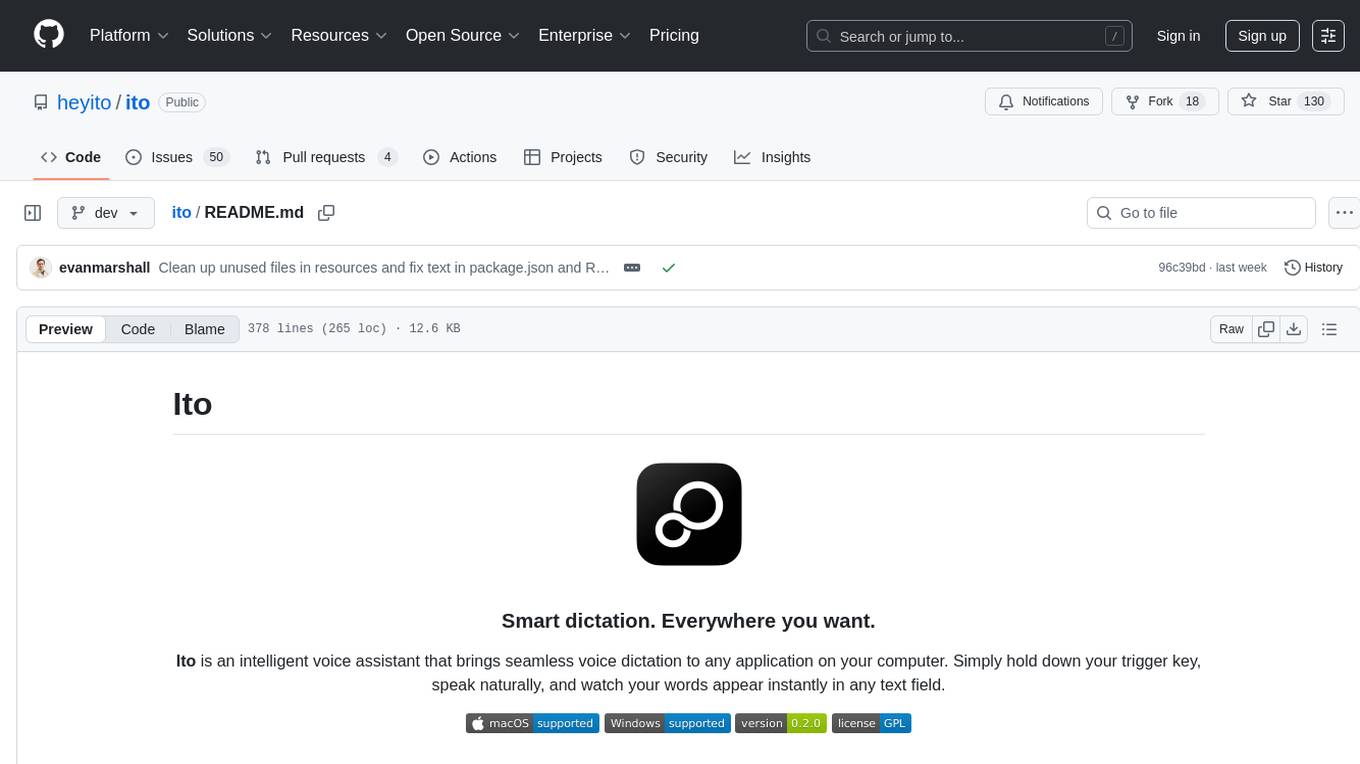
Ito is an intelligent voice assistant that provides seamless voice dictation to any application on your computer. It works in any app, offers global keyboard shortcuts, real-time transcription, and instant text insertion. It is smart and adaptive with features like custom dictionary, context awareness, multi-language support, and intelligent punctuation. Users can customize trigger keys, audio preferences, and privacy controls. It also offers data management features like a notes system, interaction history, cloud sync, and export capabilities. Ito is built as a modern Electron application with a multi-process architecture and utilizes technologies like React, TypeScript, Rust, gRPC, and AWS CDK.
README:

Ito is an intelligent voice assistant that brings seamless voice dictation to any application on your computer. Simply hold down your trigger key, speak naturally, and watch your words appear instantly in any text field.




- Works in any app: Emails, documents, chat applications, web browsers, code editors
- Global keyboard shortcuts: Customizable trigger keys that work system-wide
- Real-time transcription: High-accuracy speech-to-text powered by advanced AI models
- Instant text insertion: Automatically types transcribed text into the focused text field
- Custom dictionary: Add technical terms, names, and specialized vocabulary
- Context awareness: Learns from your usage patterns to improve accuracy
- Multi-language support: Transcribe in multiple languages
- Intelligent punctuation: Automatically adds appropriate punctuation
- Flexible shortcuts: Configure any key combination as your trigger
- Audio preferences: Choose your preferred microphone
- Privacy controls: Local processing options and data control settings
- Seamless integration: Works with any application
- Notes system: Automatically save transcriptions for later reference
- Interaction history: Track your dictation sessions and improve over time
- Cloud sync: Keep your settings and data synchronized across devices
- Export capabilities: Export your notes and interaction data
- macOS 10.15+ or Windows 10+
- Node.js 20+ and Bun (for development)
- Rust toolchain (for building native components)
- Microphone access and Accessibility permissions
-
Download the latest release from heyito.ai or the GitHub releases page
-
Install the application:
-
macOS: Open the
.dmgfile and drag Ito to Applications -
Windows: Run the
.exeinstaller and follow the setup wizard
-
macOS: Open the
-
Grant permissions when prompted:
- Microphone access: Required for voice input
- Accessibility access: Required for global keyboard shortcuts and text insertion
-
Set up authentication:
- Sign in with Google, Apple, Github through Auth0 or create a local account
- Complete the guided onboarding process
-
Configure your trigger key: Choose a comfortable keyboard shortcut (default:
Fn + Space) - Test your microphone: Ensure clear audio input during the setup process
- Try it out: Hold your trigger key and speak into any text field
- Customize settings: Adjust voice sensitivity, shortcuts, and preferences
Important: Ito requires a local transcription server for voice processing. See server/README.md for detailed server setup instructions.
# Clone the repository
git clone https://github.com/heyito/ito.git
cd ito

# Install dependencies
bun install

# Set up environment variables
cp .env.example .env

# Build native components (Rust binaries)
./build-binaries.sh

# Set up and start the server (required for transcription)
cd server
cp .env.example .env  # Edit with your API keys
bun install
bun run local-db-up   # Start PostgreSQL database
bun run db:migrate    # Run database migrations
bun run dev           # Start development server
cd ..

# Start the Electron app (in a new terminal)
bun run dev-
Rust: Install via rustup.rs
- Windows users: See Windows-specific instructions below for GNU toolchain setup
- macOS/Linux users: Default installation is sufficient
-
Xcode Command Line Tools:
xcode-select --install
Required Setup:
This setup uses git bash for shell operations. Download from git
-
Install Docker Desktop: Download from docker.com and ensure it's running
-
Install Rust (with GNU target)
Download and run the official Rust installer for Windows.
This installs rustup and the MSVC toolchain by default.
Add the GNU target (needed for our native components):
rustup toolchain install stable-x86_64-pc-windows-gnu
rustup target add x86_64-pc-windows-gnu
-
Install 7-Zip
winget install 7zip.7zip
- Install GCC & MinGW-w64 via MSYS2
Install MSYS2.
Open the MSYS2 MinGW x64 shell (from the Start Menu).
Update and install the toolchain:
pacman -Syu       # run twice if asked to restart
pacman -S --needed mingw-w64-x86_64-toolchain
Verify the tools exist:
ls /mingw64/bin/gcc.exe /mingw64/bin/dlltool.exe
- Use the MinGW tools when building (Git Bash)
You normally develop and build in Git Bash. Before building, prepend the MinGW path:
export PATH="/c/msys64/mingw64/bin:$PATH"
export DLLTOOL="/c/msys64/mingw64/bin/dlltool.exe"
export CC_x86_64_pc_windows_gnu="/c/msys64/mingw64/bin/x86_64-w64-mingw32-gcc.exe"
export AR_x86_64_pc_windows_gnu="/c/msys64/mingw64/bin/ar.exe"
export CARGO_TARGET_X86_64_PC_WINDOWS_GNU_LINKER="/c/msys64/mingw64/bin/x86_64-w64-mingw32-gcc.exe"
Check you’re picking up the right ones:
which gcc       # -> /c/msys64/mingw64/bin/gcc.exe
which dlltool   # -> /c/msys64/mingw64/bin/dlltool.exe
C:\msys64\ucrt64\bin to PATH. That’s the wrong runtime and will break linking.
💡 To avoid running these exports every session, add the lines above to your Git Bash ~/.bashrc file. They will be applied automatically whenever you open a new Git Bash window.
- Restart Git Bash if you update MSYS2
Whenever you update MSYS2 packages with pacman -Syu, restart Git Bash so the changes take effect.
Note: Windows builds use Docker for cross-compilation to ensure consistent builds. The Docker container handles the Windows build environment automatically.
ito/
├── app/                    # Electron renderer (React frontend)
│   ├── components/         # React components
│   ├── store/             # Zustand state management
│   └── styles/            # TailwindCSS styles
├── lib/                   # Shared library code
│   ├── main/              # Electron main process
│   ├── preload/           # Preload scripts & IPC
│   └── media/             # Audio/keyboard native interfaces
├── native/                # Native components (Rust/Swift)
│   ├── audio-recorder/    # Audio capture (Rust)
│   ├── global-key-listener/ # Keyboard events (Rust)
│   ├── text-writer/       # Text insertion (Rust)
│   └── active-application/ # Get the active application for context (Rust)
├── server/                # gRPC transcription server
│   ├── src/               # Server implementation
│   └── infra/             # AWS infrastructure (CDK)
└── resources/             # Build resources & assets
# Development
bun run dev                 # Start with hot reload
bun run dev:rust           # Build Rust components and start dev

# Building Native Components
bun run build:rust         # Build for current platform
bun run build:rust:mac     # Build for macOS (with universal binary)
bun run build:rust:win     # Build for Windows

# Building Application
bun run build:mac          # Build for macOS
bun run build:win          # Build for Windows
./build-app.sh mac          # Build macOS using build script
./build-app.sh windows      # Build Windows using build script (requires Docker)

# Code Quality
bun run lint               # Run ESLint
bun run format             # Run Prettier
bun run lint:fix # Fix linting issuesIto is built as a modern Electron application with a sophisticated multi-process architecture:
- Main Process: Handles system integration, permissions, and native component coordination
- Renderer Process: React-based UI with real-time audio visualization
- Preload Scripts: Secure IPC bridge between main and renderer processes
- Native Components: High-performance Rust binaries for audio capture and keyboard handling
Frontend:
- Electron - Cross-platform desktop framework
- React 19 - Modern UI library with concurrent features
- TypeScript - Type-safe development
- TailwindCSS - Utility-first styling
- Zustand - Lightweight state management
- Framer Motion - Smooth animations
Backend:
- Node.js - Runtime environment
- gRPC - High-performance RPC for transcription services
- SQLite - Local data storage
- Protocol Buffers - Efficient data serialization
Native Components:
- Rust - System-level audio recording and keyboard event handling
- Swift - macOS-specific text manipulation and accessibility features
- cpal - Cross-platform audio library
- enigo - Cross-platform input simulation
Infrastructure:
- AWS CDK - Infrastructure as code
- Docker - Containerized deployments
- Auth0 - Authentication and user management
graph TD
    A[User Holds Trigger Key] --> B[Global Key Listener]
    B --> C[Main Process]
    C --> D[Audio Recorder Service]
    D --> E[gRPC Transcription Service]
    E --> F[AI Transcription Model]
    F --> G[Transcribed Text]
    G --> H[Text Writer Service]
H --> I[Active Text Field]Customize your trigger keys in Settings > Keyboard:
-
Single key:
Space,Fn, etc. -
Key combinations:
Cmd + Space,Ctrl + Shift + V, etc. -
Complex shortcuts:
Fn + Cmd + Spacefor advanced workflows
Fine-tune audio capture in Settings > Audio:
- Microphone selection: Choose from available input devices
- Sensitivity adjustment: Optimize for your voice and environment
- Noise reduction: Filter background noise automatically
- Audio feedback: Enable/disable sound effects
Control your data in Settings > General:
- Local processing: Keep voice data on your device
- Cloud sync: Synchronize settings across devices
- Analytics: Share anonymous usage data (optional)
- Data export: Download your notes and interaction history
- Local-enabled: Voice processing can be done entirely on your device or using our cloud
- Encrypted transmission: All network communication uses TLS encryption
- Minimal data collection: Only essential data is processed and stored
- User control: Full control and transparency over data retention and deletion
Ito requires specific system permissions to function:
- Microphone Access: To capture your voice for transcription
- Accessibility Access: To detect keyboard shortcuts and insert text
- Network Access: For cloud features and updates (optional)
This project is open source under the GNU General Public License. You can:
- Audit the source code for security and privacy
- Contribute improvements and bug fixes
- Fork and customize for your specific needs
- Report security issues through responsible disclosure
We welcome contributions! Whether you're fixing bugs, adding features, or improving documentation, your help makes Ito better for everyone.
- Fork the repository and clone your fork
-
Create a feature branch from
dev - Make your changes with clear commit messages
- Test thoroughly across supported platforms
- Submit a pull request with a detailed description
- Code Style: Use Prettier and ESLint configurations
- Type Safety: Maintain strong TypeScript typing
- Testing: Add tests for new features
- Documentation: Update docs for API changes
- Performance: Consider impact on time between recording and text insertion
- Accuracy improvements: Better transcription algorithms
- Language support: Additional language models
- UI/UX enhancements: Better user experience
- Platform support: Windows stability testing, Linux compatibility
- Documentation: Tutorials, guides, and examples
This project is licensed under the GNU General Public License - see the LICENSE file for details.
Ito is built with and inspired by amazing open source projects:
- Electron React App by @guasam - The foundational template that provided our modern Electron + React architecture
- Electron - Cross-platform desktop apps with web technologies
- React - Modern UI development
- Rust - Systems programming language for native components
- gRPC - High-performance RPC framework
- TailwindCSS - Utility-first CSS framework
- Community: GitHub Discussions
- Issues: GitHub Issues
- Website: heyito.ai
For Tasks:
Click tags to check more tools for each tasksFor Jobs:
Alternative AI tools for ito
Similar Open Source Tools
ito
Ito is an intelligent voice assistant that provides seamless voice dictation to any application on your computer. It works in any app, offers global keyboard shortcuts, real-time transcription, and instant text insertion. It is smart and adaptive with features like custom dictionary, context awareness, multi-language support, and intelligent punctuation. Users can customize trigger keys, audio preferences, and privacy controls. It also offers data management features like a notes system, interaction history, cloud sync, and export capabilities. Ito is built as a modern Electron application with a multi-process architecture and utilizes technologies like React, TypeScript, Rust, gRPC, and AWS CDK.
retrace
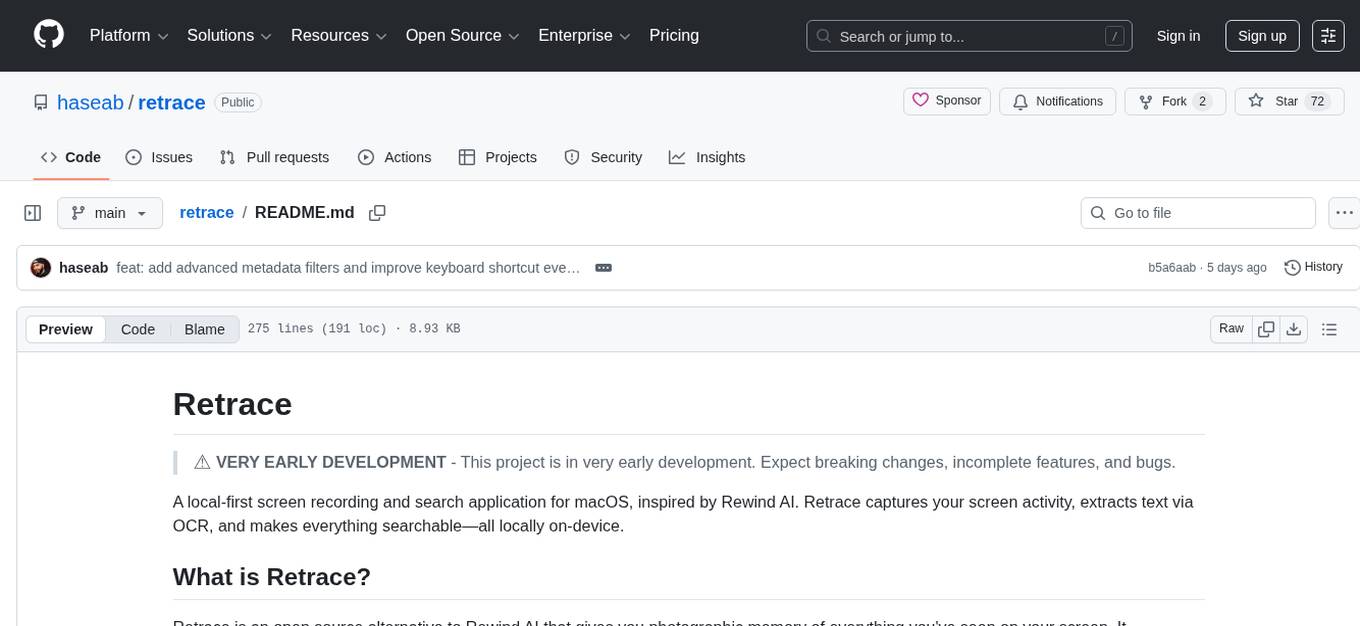
Retrace is a local-first screen recording and search application for macOS, inspired by Rewind AI. It captures screen activity, extracts text via OCR, and makes everything searchable locally on-device. The project is in very early development, offering features like continuous screen capture, OCR text extraction, full-text search, timeline viewer, dashboard analytics, Rewind AI import, settings panel, global hotkeys, HEVC video encoding, search highlighting, privacy controls, and more. Built with a modular architecture, Retrace uses Swift 5.9+, SwiftUI, Vision framework, SQLite with FTS5, HEVC video encoding, CryptoKit for encryption, and more. Future releases will include features like audio transcription and semantic search. Retrace requires macOS 13.0+ (Apple Silicon required) and Xcode 15.0+ for building from source, with permissions for screen recording and accessibility. Contributions are welcome, and the project is licensed under the MIT License.
opcode
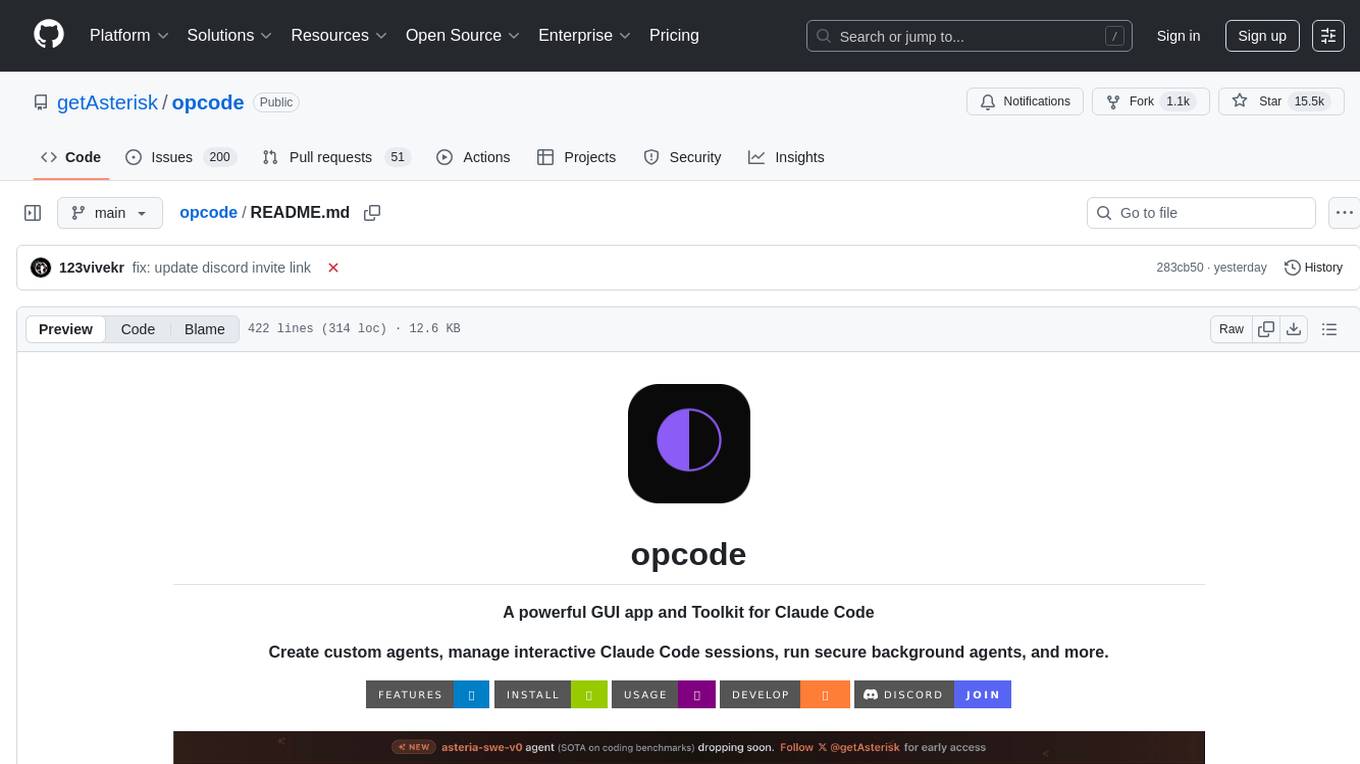
opcode is a powerful desktop application built with Tauri 2 that serves as a command center for interacting with Claude Code. It offers a visual GUI for managing Claude Code sessions, creating custom agents, tracking usage, and more. Users can navigate projects, create specialized AI agents, monitor usage analytics, manage MCP servers, create session checkpoints, edit CLAUDE.md files, and more. The tool bridges the gap between command-line tools and visual experiences, making AI-assisted development more intuitive and productive.
pluely
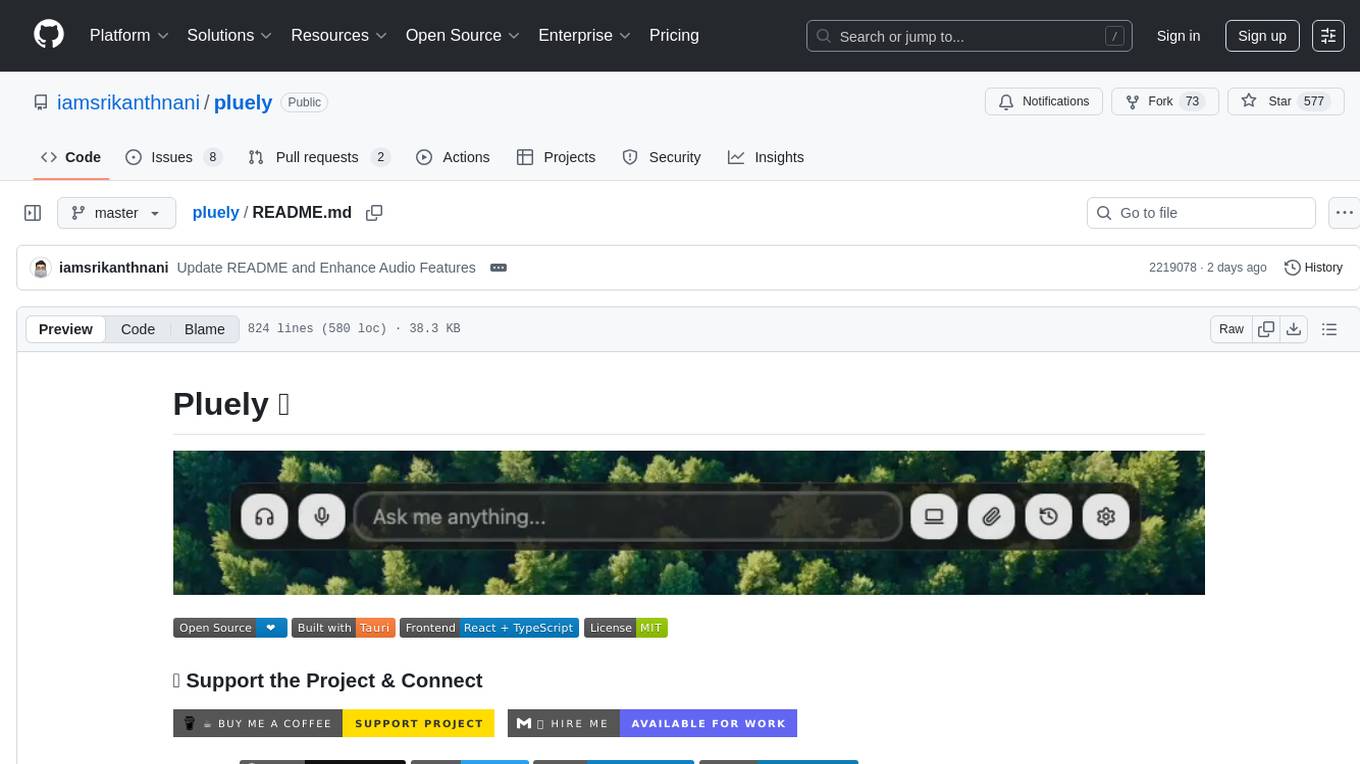
Pluely is a versatile and user-friendly tool for managing tasks and projects. It provides a simple interface for creating, organizing, and tracking tasks, making it easy to stay on top of your work. With features like task prioritization, due date reminders, and collaboration options, Pluely helps individuals and teams streamline their workflow and boost productivity. Whether you're a student juggling assignments, a professional managing multiple projects, or a team coordinating tasks, Pluely is the perfect solution to keep you organized and efficient.
llxprt-code
LLxprt Code is an AI-powered coding assistant that works with any LLM provider, offering a command-line interface for querying and editing codebases, generating applications, and automating development workflows. It supports various subscriptions, provider flexibility, top open models, local model support, and a privacy-first approach. Users can interact with LLxprt Code in both interactive and non-interactive modes, leveraging features like subscription OAuth, multi-account failover, load balancer profiles, and extensive provider support. The tool also allows for the creation of advanced subagents for specialized tasks and integrates with the Zed editor for in-editor chat and code selection.

layra
LAYRA is the world's first visual-native AI automation engine that sees documents like a human, preserves layout and graphical elements, and executes arbitrarily complex workflows with full Python control. It empowers users to build next-generation intelligent systems with no limits or compromises. Built for Enterprise-Grade deployment, LAYRA features a modern frontend, high-performance backend, decoupled service architecture, visual-native multimodal document understanding, and a powerful workflow engine.
openwhispr
OpenWhispr is an open source desktop dictation application that converts speech to text using OpenAI Whisper. It features both local and cloud processing options for maximum flexibility and privacy. The application supports multiple AI providers, customizable hotkeys, agent naming, and various AI processing models. It offers a modern UI built with React 19, TypeScript, and Tailwind CSS v4, and is optimized for speed using Vite and modern tooling. Users can manage settings, view history, configure API keys, and download/manage local Whisper models. The application is cross-platform, supporting macOS, Windows, and Linux, and offers features like automatic pasting, draggable interface, global hotkeys, and compound hotkeys.
evi-run
evi-run is a powerful, production-ready multi-agent AI system built on Python using the OpenAI Agents SDK. It offers instant deployment, ultimate flexibility, built-in analytics, Telegram integration, and scalable architecture. The system features memory management, knowledge integration, task scheduling, multi-agent orchestration, custom agent creation, deep research, web intelligence, document processing, image generation, DEX analytics, and Solana token swap. It supports flexible usage modes like private, free, and pay mode, with upcoming features including NSFW mode, task scheduler, and automatic limit orders. The technology stack includes Python 3.11, OpenAI Agents SDK, Telegram Bot API, PostgreSQL, Redis, and Docker & Docker Compose for deployment.
J.A.R.V.I.S.2.0
J.A.R.V.I.S. 2.0 is an AI-powered assistant designed for voice commands, capable of tasks like providing weather reports, summarizing news, sending emails, and more. It features voice activation, speech recognition, AI responses, and handles multiple tasks including email sending, weather reports, news reading, image generation, database functions, phone call automation, AI-based task execution, website & application automation, and knowledge-based interactions. The assistant also includes timeout handling, automatic input processing, and the ability to call multiple functions simultaneously. It requires Python 3.9 or later and specific API keys for weather, news, email, and AI access. The tool integrates Gemini AI for function execution and Ollama as a fallback mechanism. It utilizes a RAG-based knowledge system and ADB integration for phone automation. Future enhancements include deeper mobile integration, advanced AI-driven automation, improved NLP-based command execution, and multi-modal interactions.
CBbot
CBbot is an AI-powered coding assistant for macOS that helps users write code more efficiently, process documents, and automate tasks. It offers easy installation, built-in AI coding capabilities, auto configuration, and smart tools. Users can download CBbot for macOS 10.15 or higher, with Apple Silicon or Intel chip, and at least 6GB memory and 10GB disk space. The tool requires an internet connection for AI features. CBbot assists users in installing Docker Desktop, binding keys, troubleshooting, and using various skills for document processing and automation tasks. It also provides community support, billing based on usage, and network tips for using overseas AI models.
ToolNeuron
ToolNeuron is a secure, offline AI ecosystem for Android devices that allows users to run private AI models and dynamic plugins fully offline, with hardware-grade encryption ensuring maximum privacy. It enables users to have an offline-first experience, add capabilities without app updates through pluggable tools, and ensures security by design with strict plugin validation and sandboxing.
AgriTech
AgriTech is an AI-powered smart agriculture platform designed to assist farmers with crop recommendations, yield prediction, plant disease detection, and community-driven collaboration—enabling sustainable and data-driven farming practices. It offers AI-driven decision support for modern agriculture, early-stage plant disease detection, crop yield forecasting using machine learning models, and a collaborative ecosystem for farmers and stakeholders. The platform includes features like crop recommendation, yield prediction, disease detection, an AI chatbot for platform guidance and agriculture support, a farmer community, and shopkeeper listings. AgriTech's AI chatbot provides comprehensive support for farmers with features like platform guidance, agriculture support, decision making, image analysis, and 24/7 support. The tech stack includes frontend technologies like HTML5, CSS3, JavaScript, backend technologies like Python (Flask) and optional Node.js, machine learning libraries like TensorFlow, Scikit-learn, OpenCV, and database & DevOps tools like MySQL, MongoDB, Firebase, Docker, and GitHub Actions.
AGiXT
AGiXT is a dynamic Artificial Intelligence Automation Platform engineered to orchestrate efficient AI instruction management and task execution across a multitude of providers. Our solution infuses adaptive memory handling with a broad spectrum of commands to enhance AI's understanding and responsiveness, leading to improved task completion. The platform's smart features, like Smart Instruct and Smart Chat, seamlessly integrate web search, planning strategies, and conversation continuity, transforming the interaction between users and AI. By leveraging a powerful plugin system that includes web browsing and command execution, AGiXT stands as a versatile bridge between AI models and users. With an expanding roster of AI providers, code evaluation capabilities, comprehensive chain management, and platform interoperability, AGiXT is consistently evolving to drive a multitude of applications, affirming its place at the forefront of AI technology.
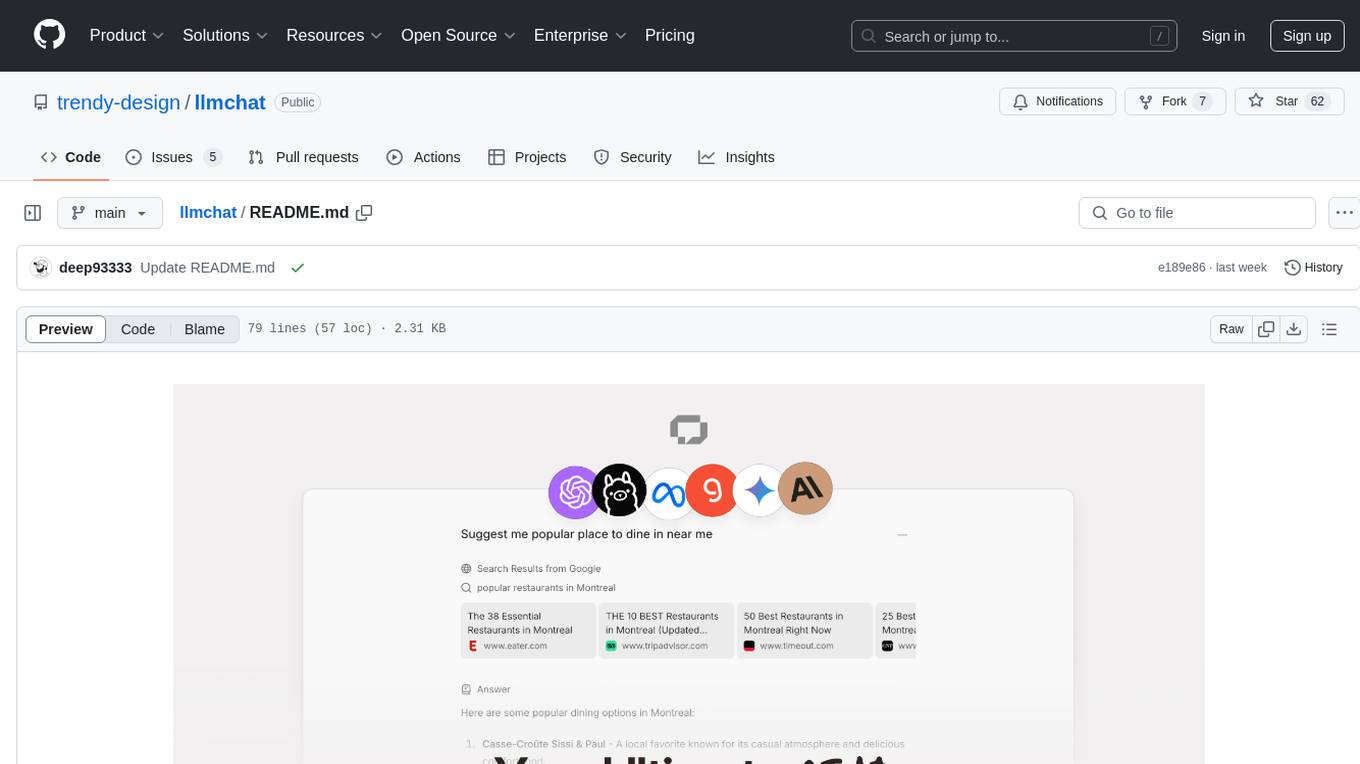
llmchat
LLMChat is an all-in-one AI chat interface that supports multiple language models, offers a plugin library for enhanced functionality, enables web search capabilities, allows customization of AI assistants, provides text-to-speech conversion, ensures secure local data storage, and facilitates data import/export. It also includes features like knowledge spaces, prompt library, personalization, and can be installed as a Progressive Web App (PWA). The tech stack includes Next.js, TypeScript, Pglite, LangChain, Zustand, React Query, Supabase, Tailwind CSS, Framer Motion, Shadcn, and Tiptap. The roadmap includes upcoming features like speech-to-text and knowledge spaces.
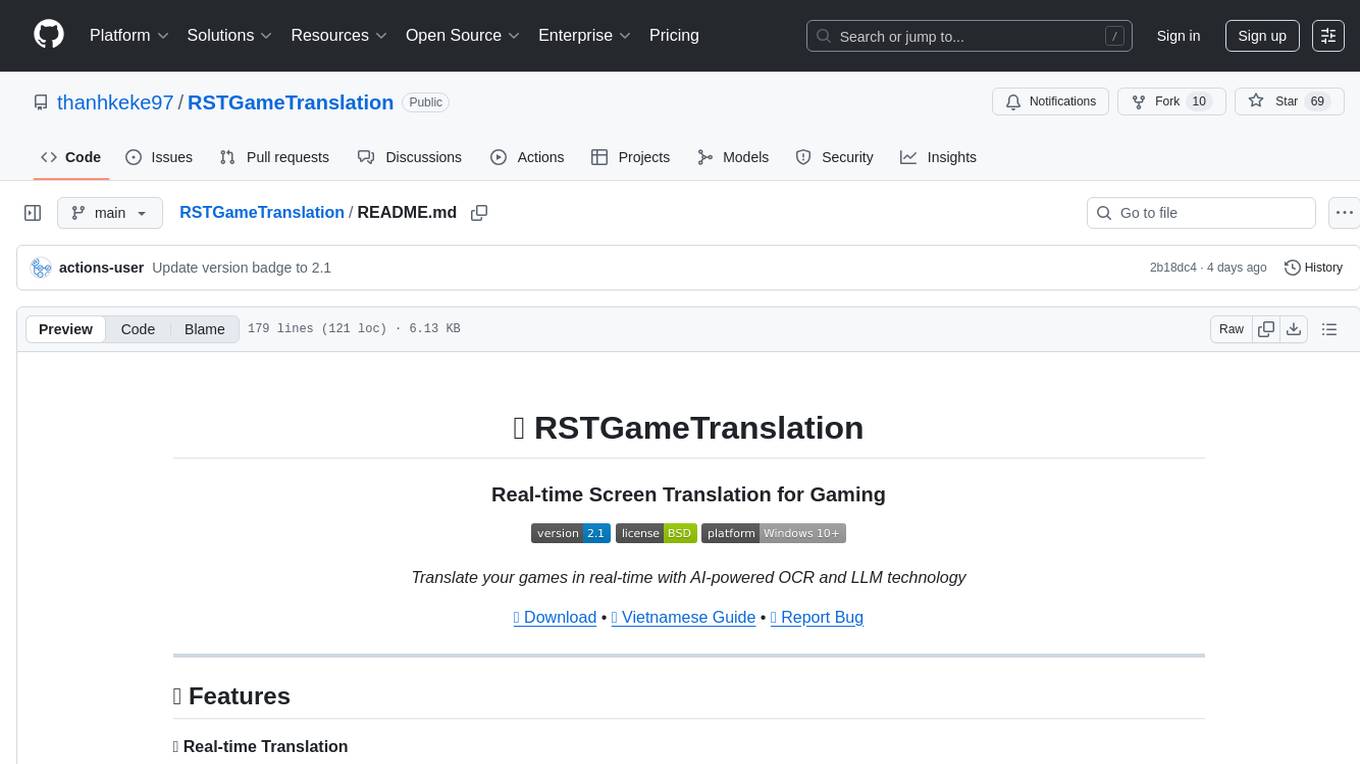
RSTGameTranslation
RSTGameTranslation is a tool designed for translating game text into multiple languages efficiently. It provides a user-friendly interface for game developers to easily manage and localize their game content. With RSTGameTranslation, developers can streamline the translation process, ensuring consistency and accuracy across different language versions of their games. The tool supports various file formats commonly used in game development, making it versatile and adaptable to different project requirements. Whether you are working on a small indie game or a large-scale production, RSTGameTranslation can help you reach a global audience by making localization a seamless and hassle-free experience.
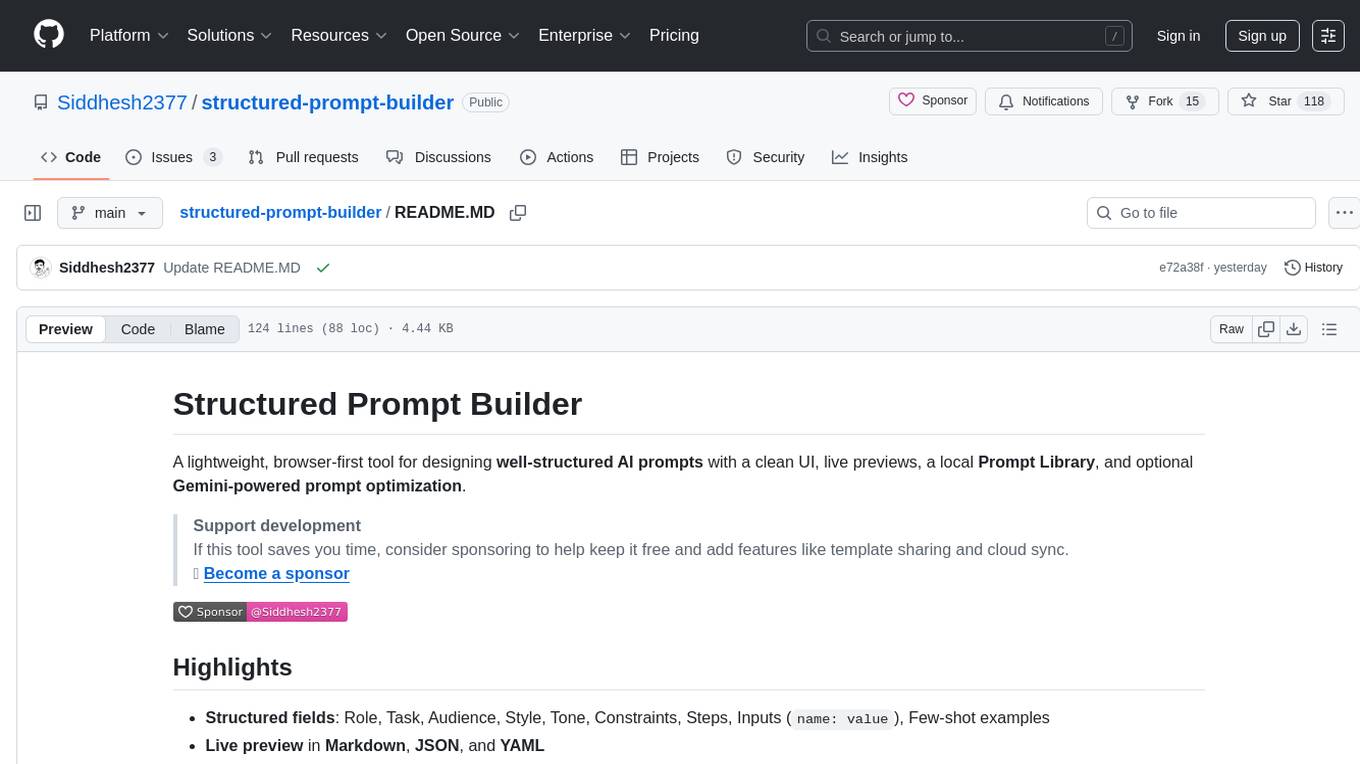
structured-prompt-builder
A lightweight, browser-first tool for designing well-structured AI prompts with a clean UI, live previews, a local Prompt Library, and optional Gemini-powered prompt optimization. It supports structured fields like Role, Task, Audience, Style, Tone, Constraints, Steps, Inputs, and Few-shot examples. Users can copy/download prompts in Markdown, JSON, and YAML formats, and utilize model parameters like Temperature, Top-p, Max tokens, Presence & Frequency penalties. The tool also features a Local Prompt Library for saving, loading, duplicating, and deleting prompts, as well as a Gemini Optimizer for cleaning grammar/clarity without altering the schema. It offers dark/light friendly styles and a focused reading mode for long prompts.
For similar tasks
ito
Ito is an intelligent voice assistant that provides seamless voice dictation to any application on your computer. It works in any app, offers global keyboard shortcuts, real-time transcription, and instant text insertion. It is smart and adaptive with features like custom dictionary, context awareness, multi-language support, and intelligent punctuation. Users can customize trigger keys, audio preferences, and privacy controls. It also offers data management features like a notes system, interaction history, cloud sync, and export capabilities. Ito is built as a modern Electron application with a multi-process architecture and utilizes technologies like React, TypeScript, Rust, gRPC, and AWS CDK.
Mindolph
Mindolph is an open source personal knowledge management software for all desktop platforms. It allows users to create and manage their own files in separate workspaces with saving in their local storage, organize their files as a tree in their workspaces, and have multiple tabs for opening files instead of a single file window. Mindolph supports Mind Map, Markdown, PlantUML, CSV sheet, and plain text file formats. It also has features such as quickly navigating to files and searching text in files under a specific folder, editing mind maps easily and quickly with key shortcuts, supporting themes and providing some pre-defined themes, importing from other mind map formats, and exporting to other file formats.
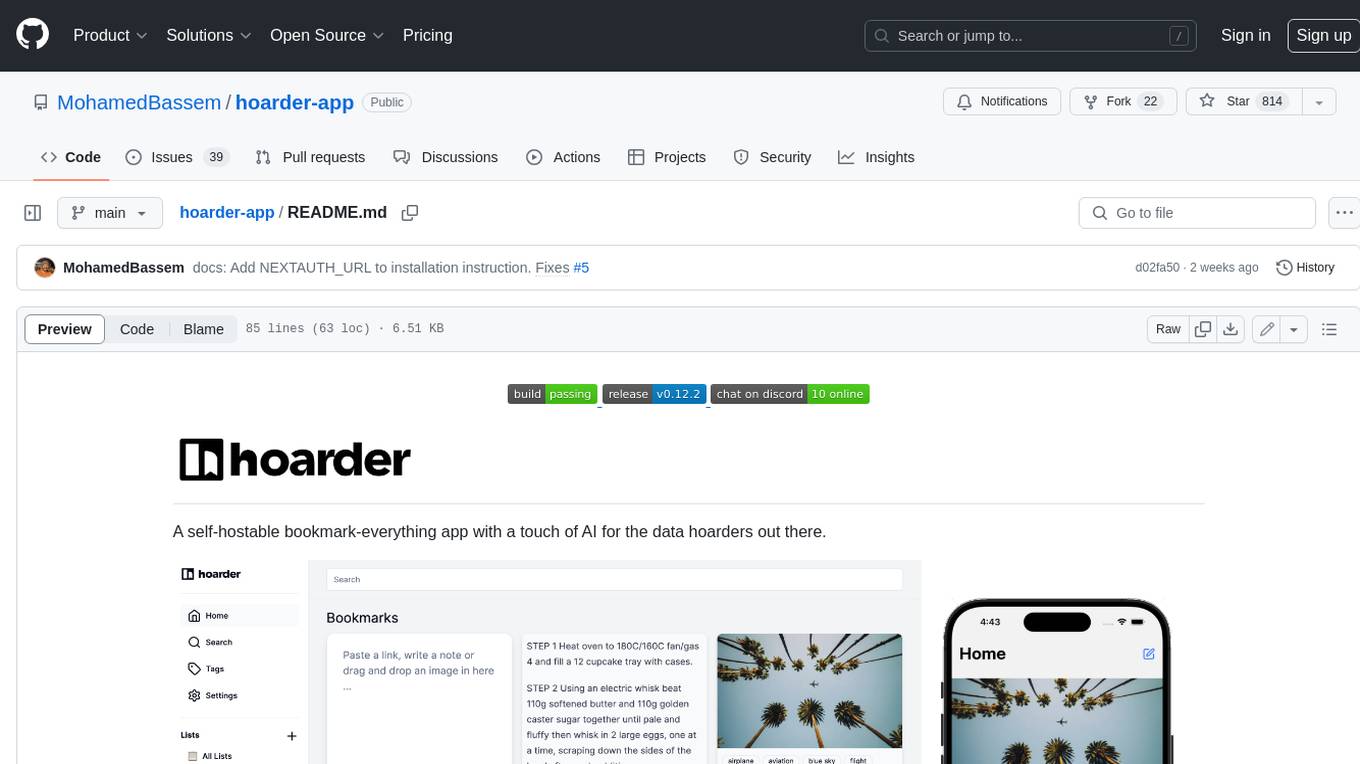
hoarder-app
Hoarder is a self-hostable bookmark manager with a focus on privacy and customization. It features automatic link previews, full-text search, AI-based tagging, and a variety of import and export options. Hoarder is designed to be easy to use and extensible, with a plugin system that allows users to add their own features and integrations.
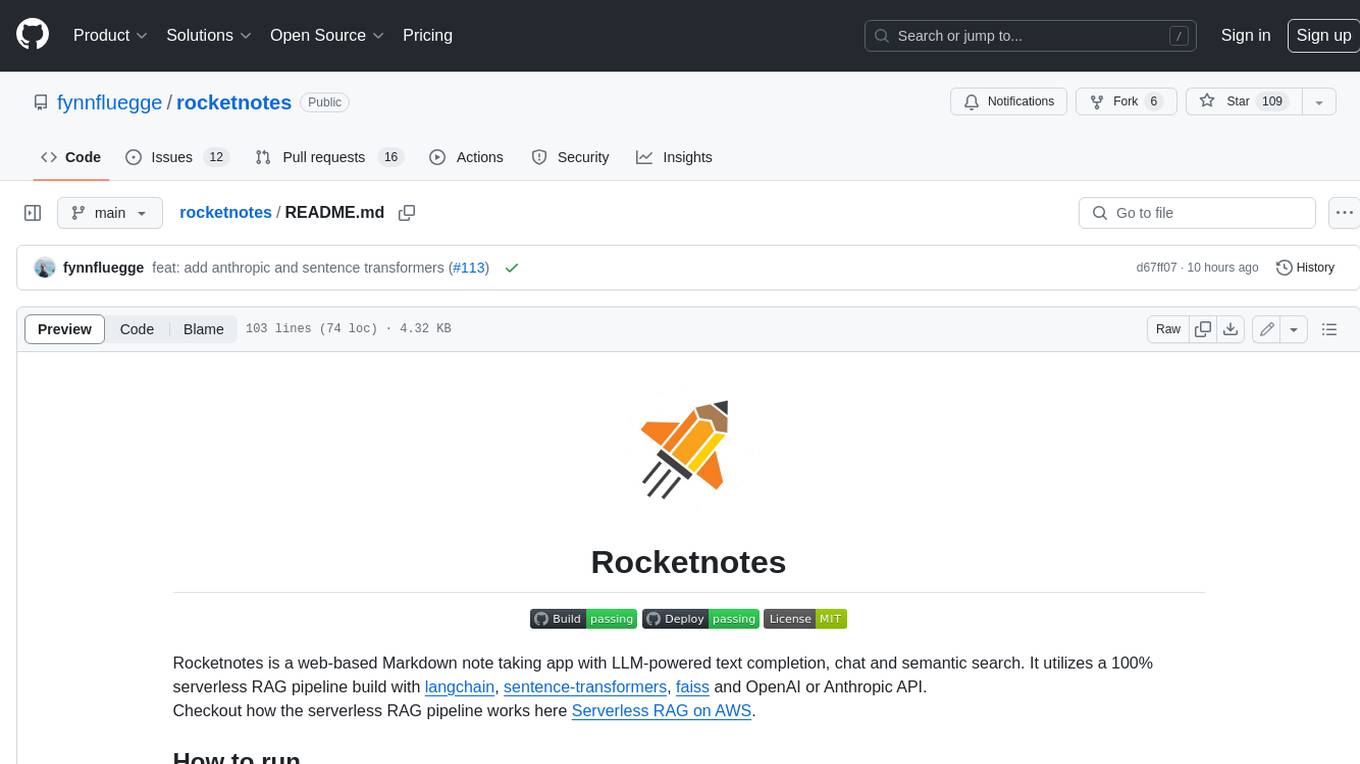
rocketnotes
Rocketnotes is a web-based Markdown note taking app with LLM-powered text completion, chat and semantic search. It utilizes a 100% serverless RAG pipeline build with langchain, sentence-transformers, faiss and OpenAI or Anthropic API.
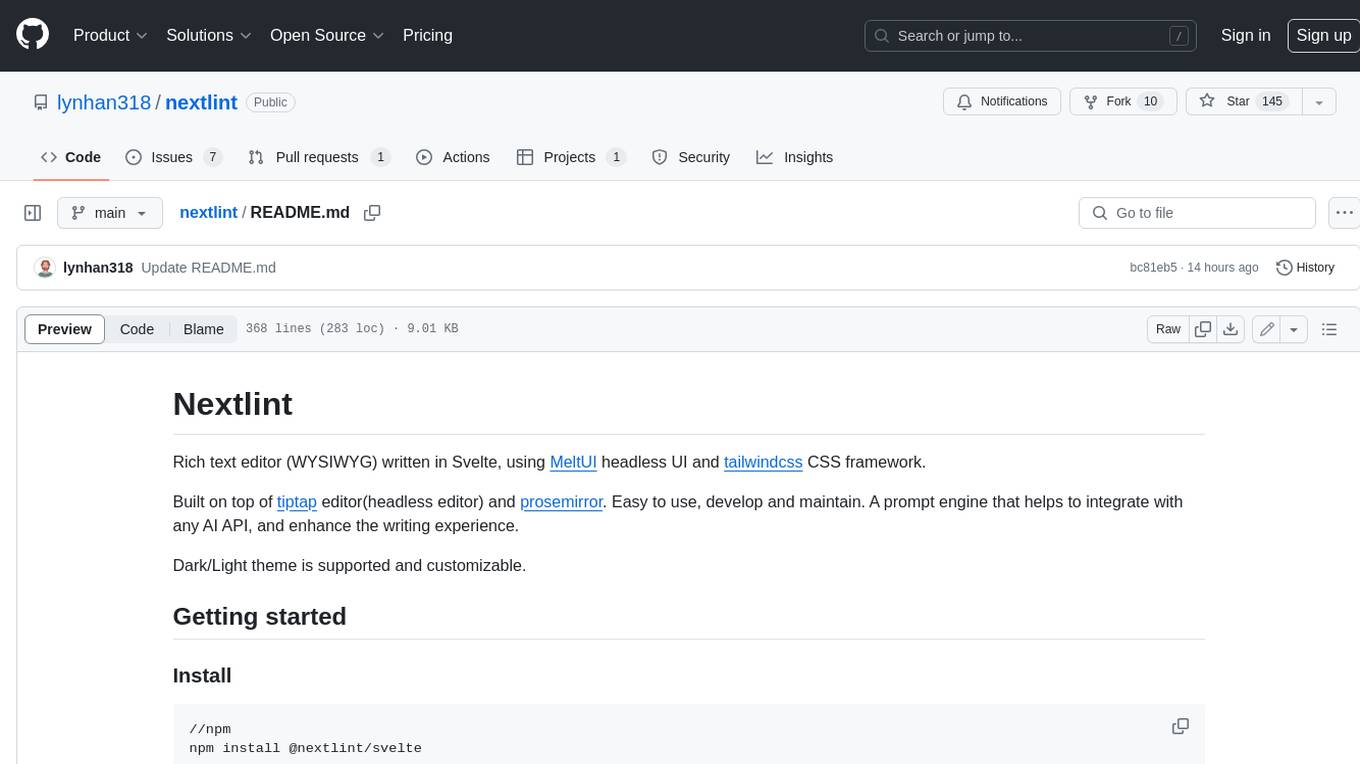
nextlint
Nextlint is a rich text editor (WYSIWYG) written in Svelte, using MeltUI headless UI and tailwindcss CSS framework. It is built on top of tiptap editor (headless editor) and prosemirror. Nextlint is easy to use, develop, and maintain. It has a prompt engine that helps to integrate with any AI API and enhance the writing experience. Dark/Light theme is supported and customizable.
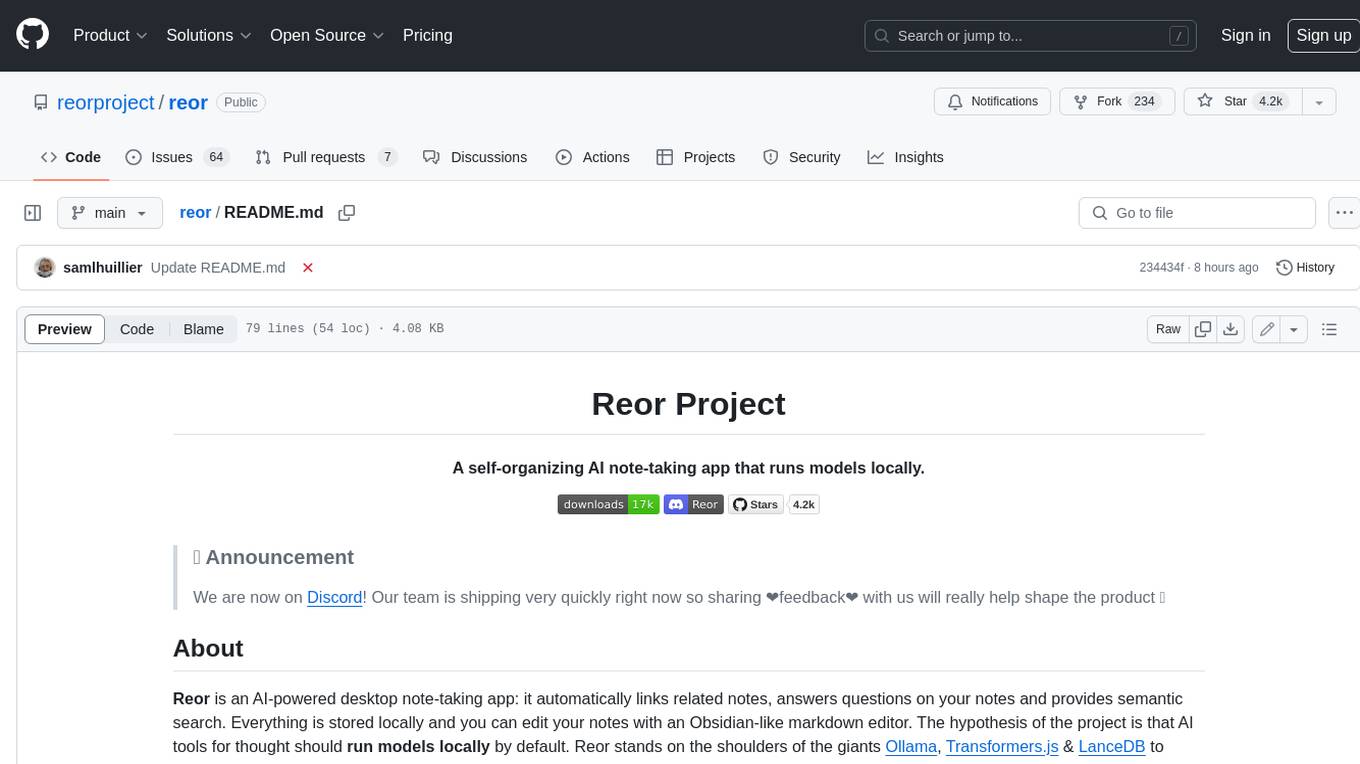
reor
Reor is an AI-powered desktop note-taking app that automatically links related notes, answers questions on your notes, and provides semantic search. Everything is stored locally and you can edit your notes with an Obsidian-like markdown editor. The hypothesis of the project is that AI tools for thought should run models locally by default. Reor stands on the shoulders of the giants Ollama, Transformers.js & LanceDB to enable both LLMs and embedding models to run locally. Connecting to OpenAI or OpenAI-compatible APIs like Oobabooga is also supported.
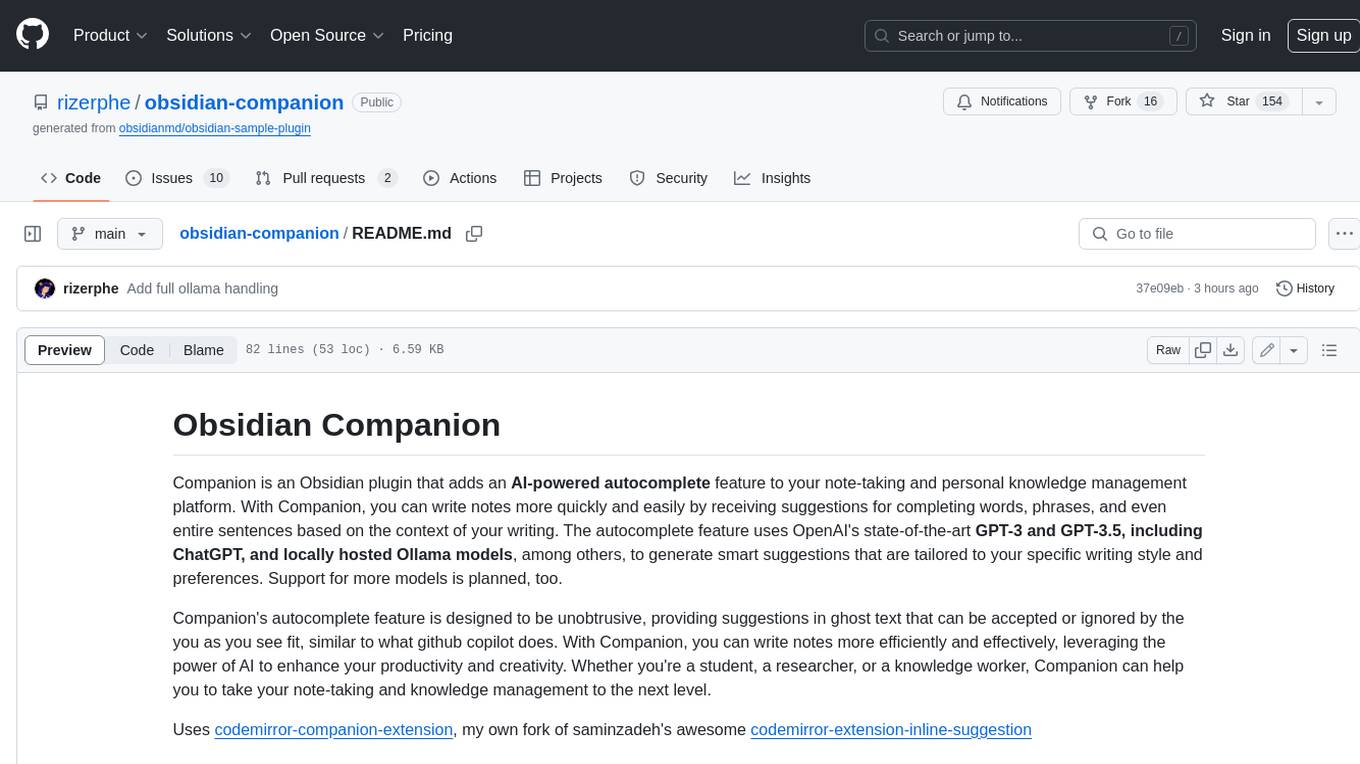
obsidian-companion
Companion is an Obsidian plugin that adds an AI-powered autocomplete feature to your note-taking and personal knowledge management platform. With Companion, you can write notes more quickly and easily by receiving suggestions for completing words, phrases, and even entire sentences based on the context of your writing. The autocomplete feature uses OpenAI's state-of-the-art GPT-3 and GPT-3.5, including ChatGPT, and locally hosted Ollama models, among others, to generate smart suggestions that are tailored to your specific writing style and preferences. Support for more models is planned, too.
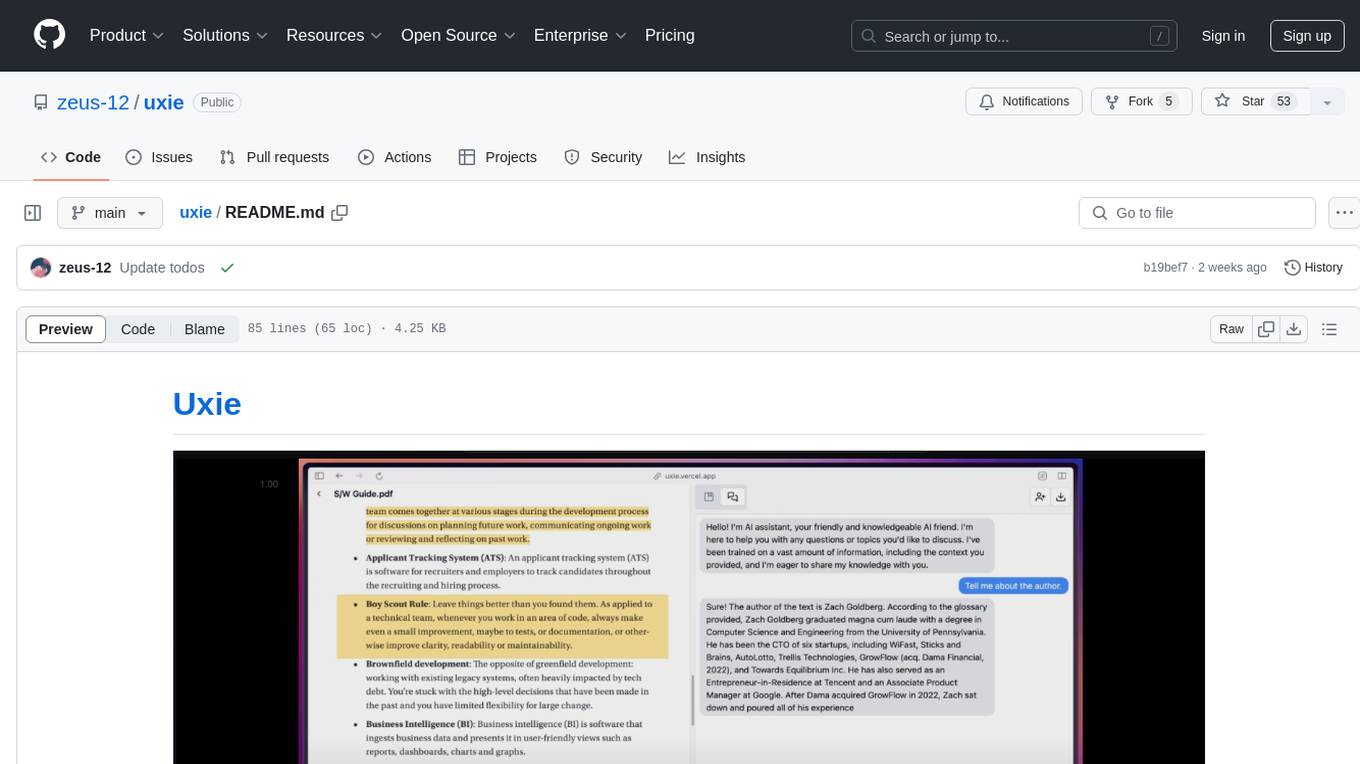
uxie
Uxie is a PDF reader app designed to revolutionize the learning experience. It offers features such as annotation, note-taking, collaboration tools, integration with LLM for enhanced learning, and flashcard generation with LLM feedback. Built using Nextjs, tRPC, Zod, TypeScript, Tailwind CSS, React Query, React Hook Form, Supabase, Prisma, and various other tools. Users can take notes, summarize PDFs, chat and collaborate with others, create custom blocks in the editor, and use AI-powered text autocompletion. The tool allows users to craft simple flashcards, test knowledge, answer questions, and receive instant feedback through AI evaluation.
For similar jobs
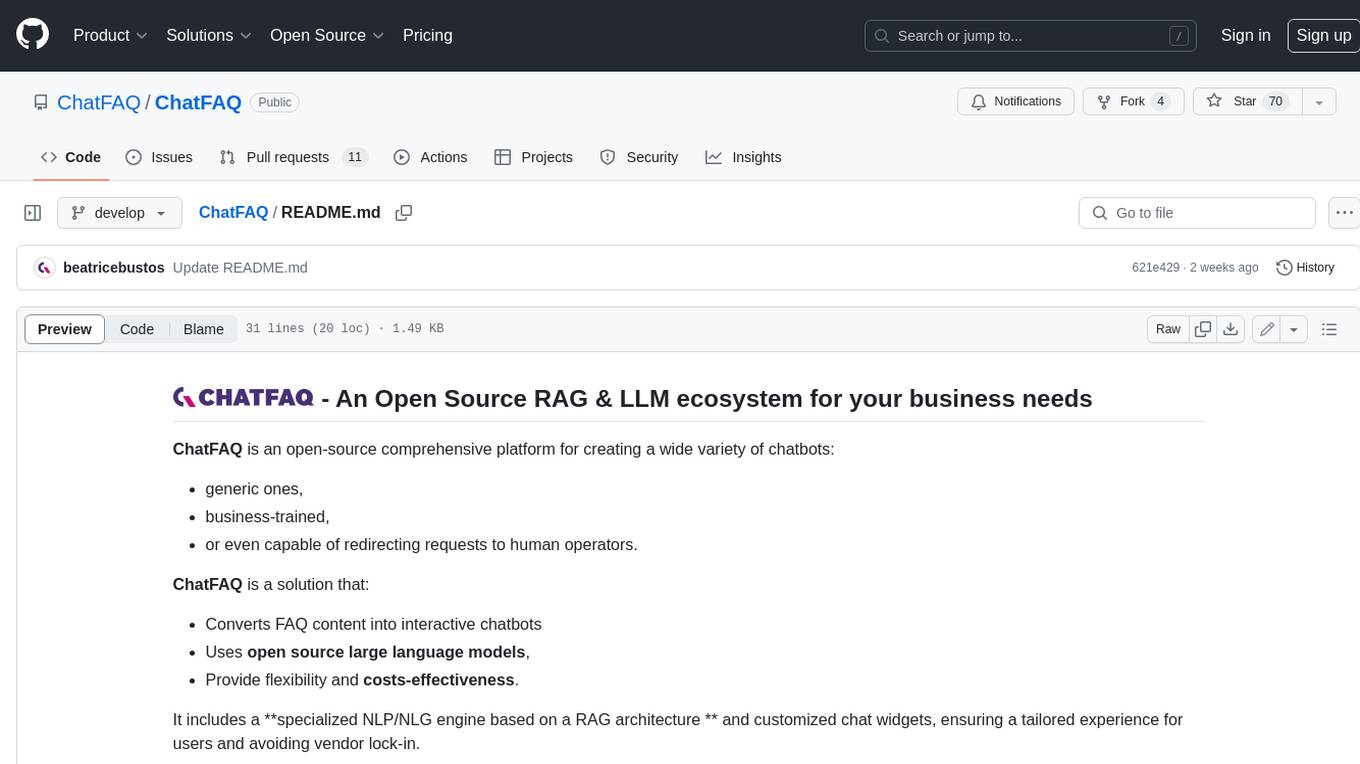
ChatFAQ
ChatFAQ is an open-source comprehensive platform for creating a wide variety of chatbots: generic ones, business-trained, or even capable of redirecting requests to human operators. It includes a specialized NLP/NLG engine based on a RAG architecture and customized chat widgets, ensuring a tailored experience for users and avoiding vendor lock-in.
anything-llm
AnythingLLM is a full-stack application that enables you to turn any document, resource, or piece of content into context that any LLM can use as references during chatting. This application allows you to pick and choose which LLM or Vector Database you want to use as well as supporting multi-user management and permissions.

ai-guide
This guide is dedicated to Large Language Models (LLMs) that you can run on your home computer. It assumes your PC is a lower-end, non-gaming setup.

classifai
Supercharge WordPress Content Workflows and Engagement with Artificial Intelligence. Tap into leading cloud-based services like OpenAI, Microsoft Azure AI, Google Gemini and IBM Watson to augment your WordPress-powered websites. Publish content faster while improving SEO performance and increasing audience engagement. ClassifAI integrates Artificial Intelligence and Machine Learning technologies to lighten your workload and eliminate tedious tasks, giving you more time to create original content that matters.
mikupad
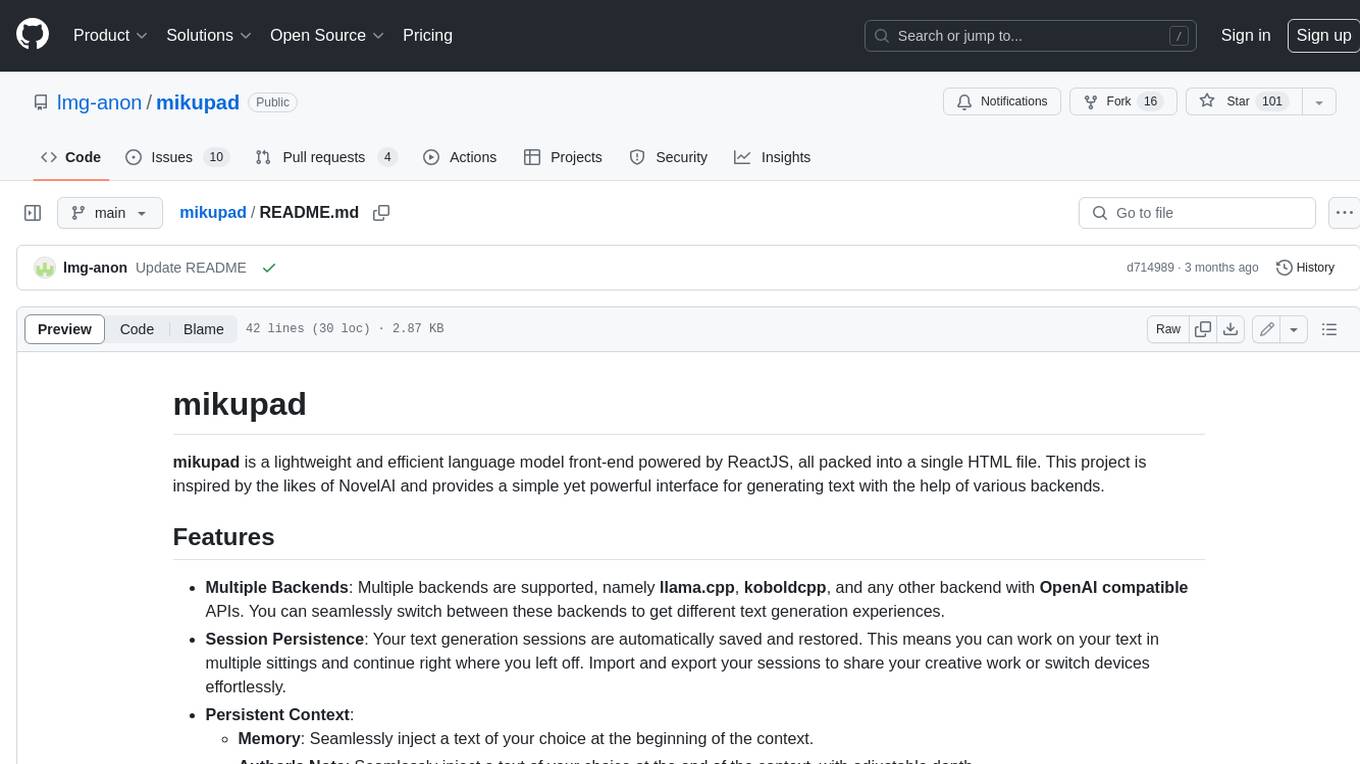
mikupad is a lightweight and efficient language model front-end powered by ReactJS, all packed into a single HTML file. Inspired by the likes of NovelAI, it provides a simple yet powerful interface for generating text with the help of various backends.
glide
Glide is a cloud-native LLM gateway that provides a unified REST API for accessing various large language models (LLMs) from different providers. It handles LLMOps tasks such as model failover, caching, key management, and more, making it easy to integrate LLMs into applications. Glide supports popular LLM providers like OpenAI, Anthropic, Azure OpenAI, AWS Bedrock (Titan), Cohere, Google Gemini, OctoML, and Ollama. It offers high availability, performance, and observability, and provides SDKs for Python and NodeJS to simplify integration.

onnxruntime-genai
ONNX Runtime Generative AI is a library that provides the generative AI loop for ONNX models, including inference with ONNX Runtime, logits processing, search and sampling, and KV cache management. Users can call a high level `generate()` method, or run each iteration of the model in a loop. It supports greedy/beam search and TopP, TopK sampling to generate token sequences, has built in logits processing like repetition penalties, and allows for easy custom scoring.
firecrawl
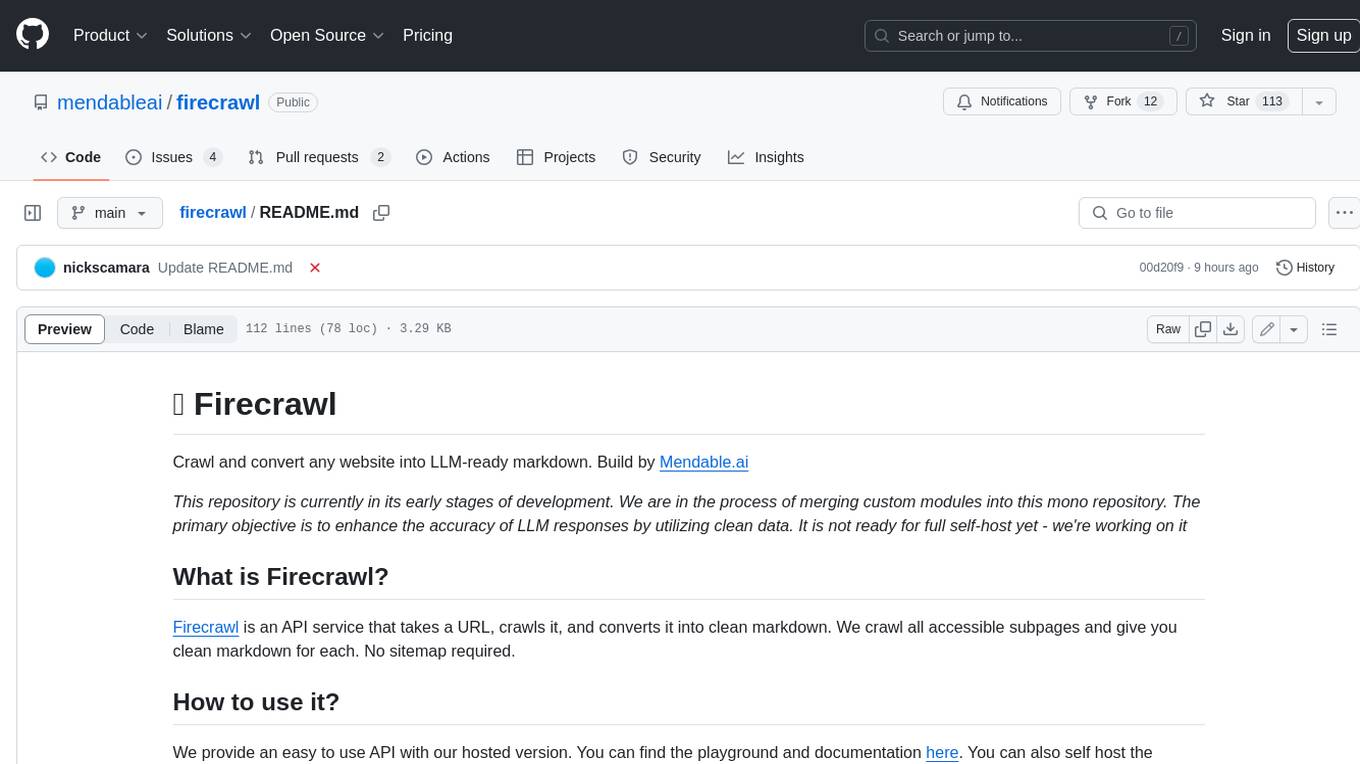
Firecrawl is an API service that takes a URL, crawls it, and converts it into clean markdown. It crawls all accessible subpages and provides clean markdown for each, without requiring a sitemap. The API is easy to use and can be self-hosted. It also integrates with Langchain and Llama Index. The Python SDK makes it easy to crawl and scrape websites in Python code.