


shinkai-apps
Shinkai is a two click install AI manager (Local and Remote) that allows you to create AI agents in 5 minutes or less using a simple UI.
Stars: 182
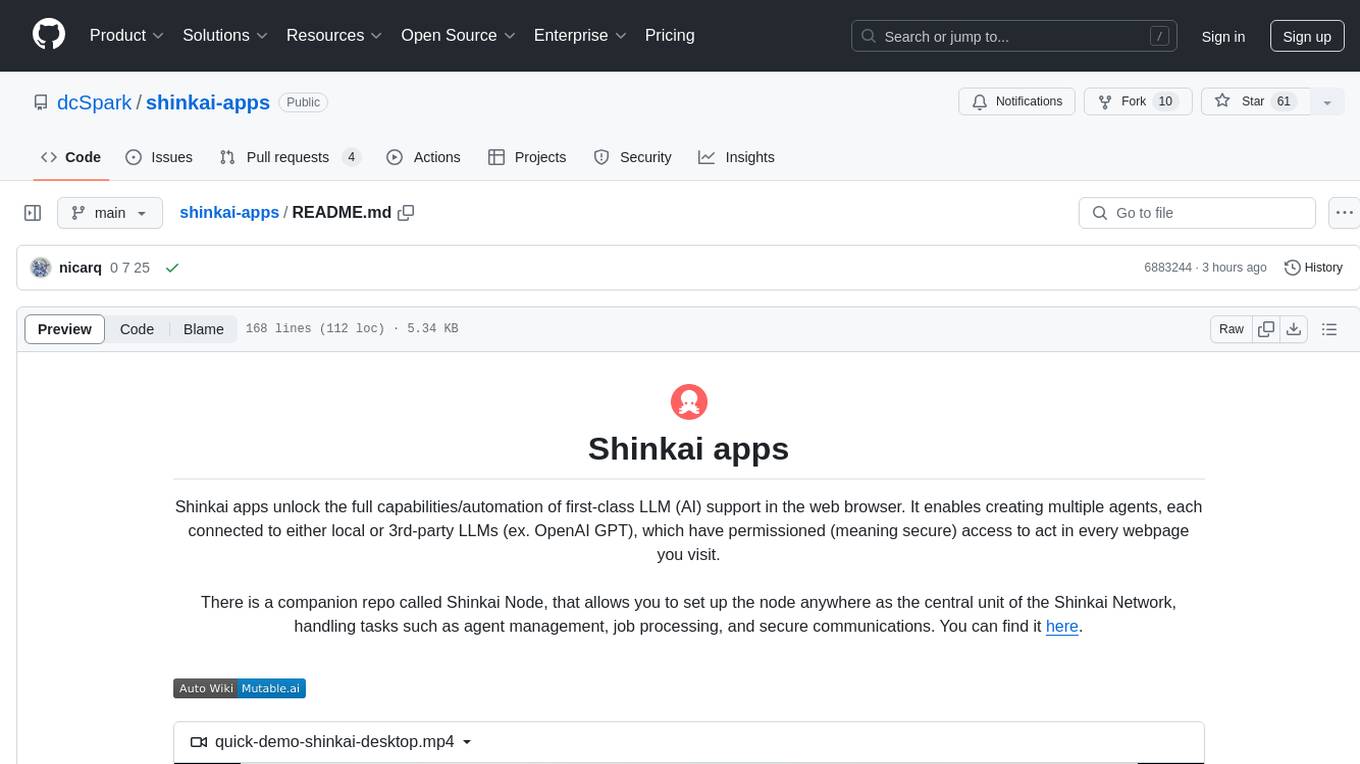
Shinkai apps unlock the full capabilities/automation of first-class LLM (AI) support in the web browser. It enables creating multiple agents, each connected to either local or 3rd-party LLMs (ex. OpenAI GPT), which have permissioned (meaning secure) access to act in every webpage you visit. There is a companion repo called Shinkai Node, that allows you to set up the node anywhere as the central unit of the Shinkai Network, handling tasks such as agent management, job processing, and secure communications.
README:

Shinkai apps unlock the full capabilities/automation of first-class LLM (AI) support in the web browser. It enables creating multiple agents, each connected to either local or 3rd-party LLMs (ex. OpenAI GPT), which have permissioned (meaning secure) access to act in every webpage you visit.
There is a companion repo called Shinkai Node, that allows you to set up the node anywhere as the central unit of the Shinkai Network, handling tasks such as agent management, job processing, and secure communications.
You can find it here.

https://github.com/user-attachments/assets/bc5bb7da-7ca5-477d-838a-8239951b6c01
General Documentation: https://docs.shinkai.com
More In Depth Codebase Documentation (Mutable.ai): https://wiki.mutable.ai/dcSpark/shinkai-apps
- shinkai-visor: Shinkai Visor is a chrome extension to interact with shinkai-node.
- shinkai-desktop: Shinkai Desktop is a desktop app to interact with shinkai-node.
- shinkai-message-ts: Typescript library that implements the features and networking layer to enable systems to interact with shinkai-nodes.
- shinkai-node-state: Typescript library which using @tanstack/react-query enables apps to interact with shinkai-node managing the state, caching and evictions.
- shinkai-ui: React UI library to build shinkai apps.
To get started first clone this repo:
$ git clone https://github.com/dcSpark/shinkai-apps
ARCH="aarch64-apple-darwin" \
OLLAMA_VERSION="v0.6.3" \
SHINKAI_NODE_VERSION="v0.9.16" \
npx ts-node ./ci-scripts/download-side-binaries.ts
ARCH="x86_64-unknown-linux-gnu" \
OLLAMA_VERSION="v0.6.3" \
SHINKAI_NODE_VERSION="v0.9.16" \
npx ts-node ./ci-scripts/download-side-binaries.ts
$ENV:OLLAMA_VERSION="v0.6.3";
$ENV:SHINKAI_NODE_VERSION="v0.9.16";
$ENV:ARCH="x86_64-pc-windows-msvc";
npx ts-node ./ci-scripts/download-side-binaries.ts
Once you have done that simply use npm to compile/serve it yourself:
cd shinkai-apps
nvm use
npm ci
npx nx serve {project-name} # IE: npx nx serve shinkai-desktop
-
shinkai-visor: As this is a Chrome Extension, after build, developers needs to load it in chrome:
- Open Chrome.
- Navigate to
chrome://extensions. - Enable Developer mode.
- Click Load unpacked.
- Select the
./dist/apps/shinkai-visorfolder which contains the output of the building process using commands likenpx nx serve shinkai-visor.
-
shinkai-desktop: For development and building purposes
- Run as a Desktop App using Vite:
Run
npx nx serve:tauri shinkai-desktopand it will automatically launch the Shinkai Desktop application. - Run as a Web App:
Run
npx nx serve shinkai-desktopand open a browser and navigate tohttp://localhost:1420.
- Run as a Desktop App using Vite:
Run
Every command, if it's needed, build projects and it's dependencies according to the project dependency tree inferred from imports between them.
-
Run a single task
Command:
npx nx [target] [project-name]Params:
- target: build | serve | lint | test | e2e
IE:
npx nx build shinkai-visornpx nx lint shinkai-message-tsnpx nx e2e shinkai-visornpx nx serve shinkai-desktop
-
Run many tasks
Command:
npx nx run-many --target=[target]Params:
- target: build | serve | lint | test | e2e
IE:
npx nx run-many --target=buildnpx nx run-many --target=lintnpx nx run-many --target=testnpx nx run-many --target=e2enpx nx run-many --target=serve
-
Run on affected projects
Command:
npx nx affected --target=[target]Params:
- target: build | serve | lint | test | e2e
IE:
npx nx affected --target=build
When you build a project, NX builds a cache (to make it faster), if you want to skip it just add the parameter
--skip-nx-cacheto the previous commands.
- Create a dev build
NODE_OPTIONS="--max_old_space_size=8192" npx nx build shinkai-desktop --config="./src-tauri/tauri.conf.development.json"
To orchestrate all the tasks, dependencies and hierarchy between different projects, this repository uses NX as a monorepo tooling.
All projects share the same base of dependencies defined ./package.json file found in the root of the repository. Nested package json files are used just to override or extends base attributes.
To build the UI there are 3 core libraries:
- radix to have base unstyled components.
- shadcn to obtain ready to use components.
- tailwindcss to implement css customizations, structures, layouts and helpers.
To implement state management there are two different libraries:
- zustand: To implement UI State
- react-query: To implement data state
For Tasks:
Click tags to check more tools for each tasksFor Jobs:
Alternative AI tools for shinkai-apps
Similar Open Source Tools
shinkai-apps
Shinkai apps unlock the full capabilities/automation of first-class LLM (AI) support in the web browser. It enables creating multiple agents, each connected to either local or 3rd-party LLMs (ex. OpenAI GPT), which have permissioned (meaning secure) access to act in every webpage you visit. There is a companion repo called Shinkai Node, that allows you to set up the node anywhere as the central unit of the Shinkai Network, handling tasks such as agent management, job processing, and secure communications.
backend.ai-webui
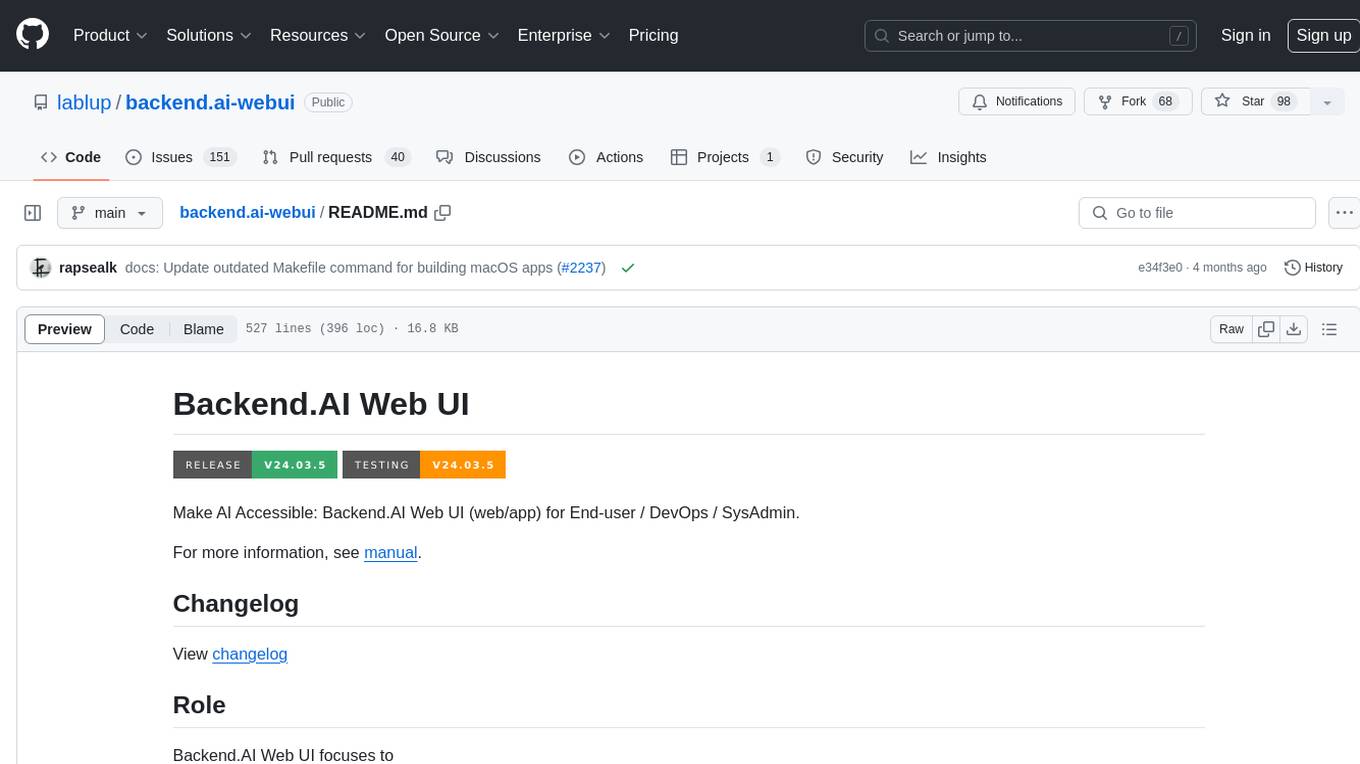
Backend.AI Web UI is a user-friendly web and app interface designed to make AI accessible for end-users, DevOps, and SysAdmins. It provides features for session management, inference service management, pipeline management, storage management, node management, statistics, configurations, license checking, plugins, help & manuals, kernel management, user management, keypair management, manager settings, proxy mode support, service information, and integration with the Backend.AI Web Server. The tool supports various devices, offers a built-in websocket proxy feature, and allows for versatile usage across different platforms. Users can easily manage resources, run environment-supported apps, access a web-based terminal, use Visual Studio Code editor, manage experiments, set up autoscaling, manage pipelines, handle storage, monitor nodes, view statistics, configure settings, and more.
mcpd
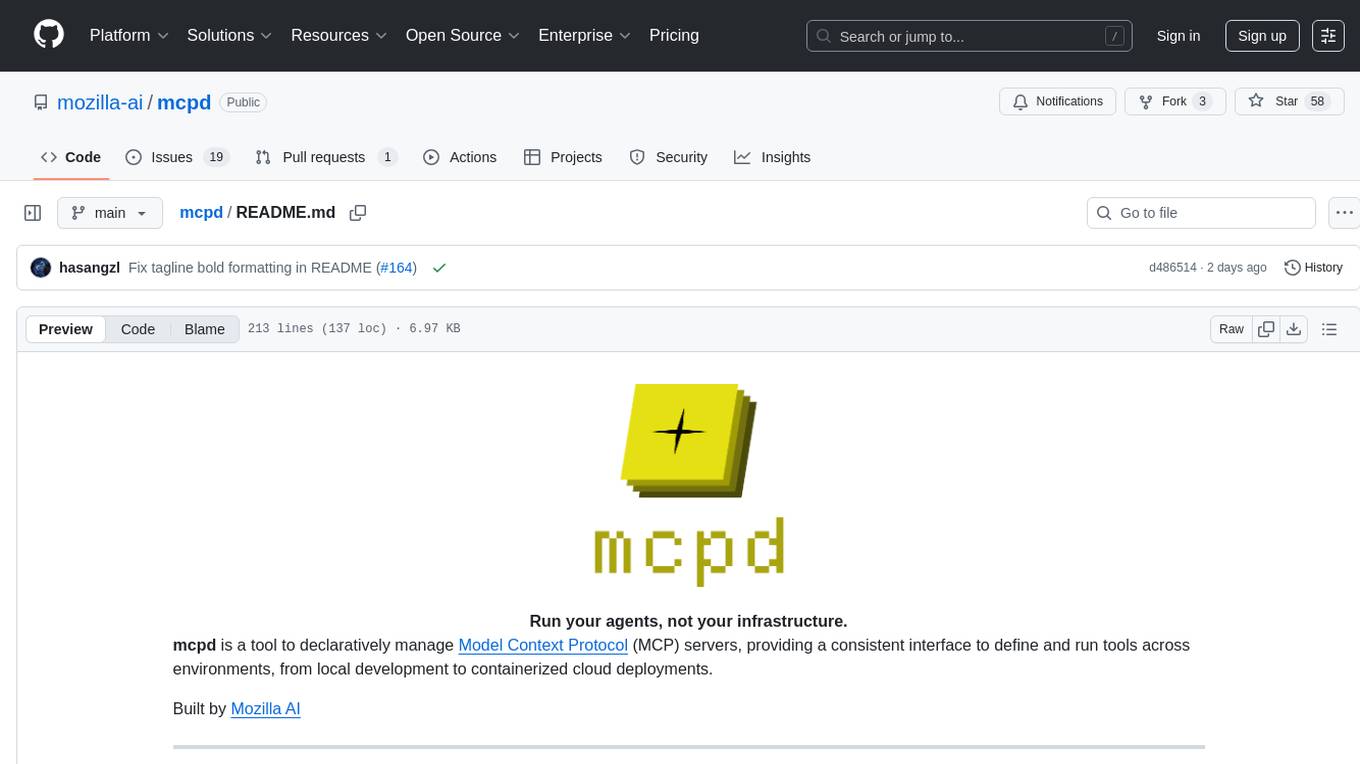
mcpd is a tool developed by Mozilla AI to declaratively manage Model Context Protocol (MCP) servers, enabling consistent interface for defining and running tools across different environments. It bridges the gap between local development and enterprise deployment by providing secure secrets management, declarative configuration, and seamless environment promotion. mcpd simplifies the developer experience by offering zero-config tool setup, language-agnostic tooling, version-controlled configuration files, enterprise-ready secrets management, and smooth transition from local to production environments.
company-research-agent
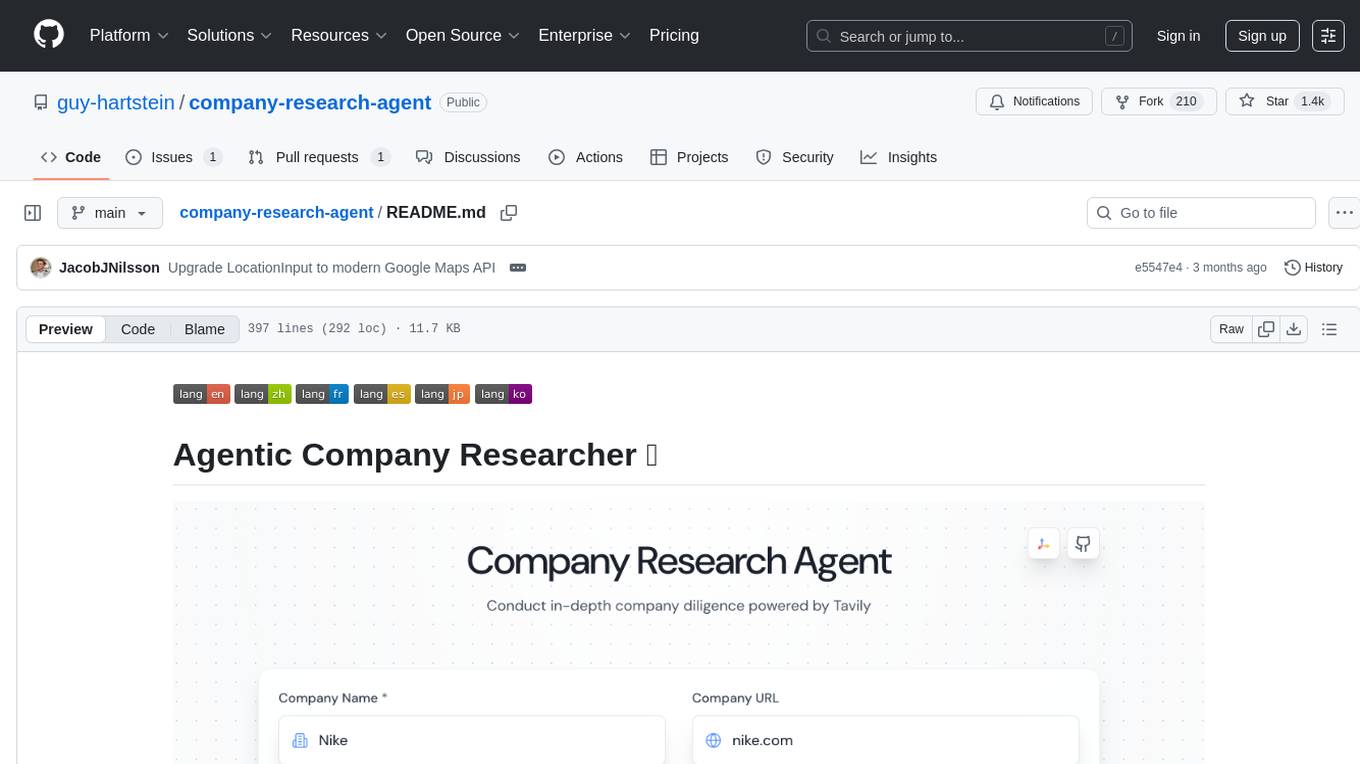
Agentic Company Researcher is a multi-agent tool that generates comprehensive company research reports by utilizing a pipeline of AI agents to gather, curate, and synthesize information from various sources. It features multi-source research, AI-powered content filtering, real-time progress streaming, dual model architecture, modern React frontend, and modular architecture. The tool follows an agentic framework with specialized research and processing nodes, leverages separate models for content generation, uses a content curation system for relevance scoring and document processing, and implements a real-time communication system via WebSocket connections. Users can set up the tool quickly using the provided setup script or manually, and it can also be deployed using Docker and Docker Compose. The application can be used for local development and deployed to various cloud platforms like AWS Elastic Beanstalk, Docker, Heroku, and Google Cloud Run.
openai-kotlin
OpenAI Kotlin API client is a Kotlin client for OpenAI's API with multiplatform and coroutines capabilities. It allows users to interact with OpenAI's API using Kotlin programming language. The client supports various features such as models, chat, images, embeddings, files, fine-tuning, moderations, audio, assistants, threads, messages, and runs. It also provides guides on getting started, chat & function call, file source guide, and assistants. Sample apps are available for reference, and troubleshooting guides are provided for common issues. The project is open-source and licensed under the MIT license, allowing contributions from the community.
E2B
E2B Sandbox is a secure sandboxed cloud environment made for AI agents and AI apps. Sandboxes allow AI agents and apps to have long running cloud secure environments. In these environments, large language models can use the same tools as humans do. For example: * Cloud browsers * GitHub repositories and CLIs * Coding tools like linters, autocomplete, "go-to defintion" * Running LLM generated code * Audio & video editing The E2B sandbox can be connected to any LLM and any AI agent or app.
UCAgent
UCAgent is an AI-powered automated UT verification agent for chip design. It automates chip verification workflow, supports functional and code coverage analysis, ensures consistency among documentation, code, and reports, and collaborates with mainstream Code Agents via MCP protocol. It offers three intelligent interaction modes and requires Python 3.11+, Linux/macOS OS, 4GB+ memory, and access to an AI model API. Users can clone the repository, install dependencies, configure qwen, and start verification. UCAgent supports various verification quality improvement options and basic operations through TUI shortcuts and stage color indicators. It also provides documentation build and preview using MkDocs, PDF manual build using Pandoc + XeLaTeX, and resources for further help and contribution.
Shellsage
Shell Sage is an intelligent terminal companion and AI-powered terminal assistant that enhances the terminal experience with features like local and cloud AI support, context-aware error diagnosis, natural language to command translation, and safe command execution workflows. It offers interactive workflows, supports various API providers, and allows for custom model selection. Users can configure the tool for local or API mode, select specific models, and switch between modes easily. Currently in alpha development, Shell Sage has known limitations like limited Windows support and occasional false positives in error detection. The roadmap includes improvements like better context awareness, Windows PowerShell integration, Tmux integration, and CI/CD error pattern database.
shortest
Shortest is a project for local development that helps set up environment variables and services for a web application. It provides a guide for setting up Node.js and pnpm dependencies, configuring services like Clerk, Vercel Postgres, Anthropic, Stripe, and GitHub OAuth, and running the application and tests locally.
AirCasting
AirCasting is a platform for gathering, visualizing, and sharing environmental data. It aims to provide a central hub for environmental data, making it easier for people to access and use this information to make informed decisions about their environment.
modelence
Modelence is an all-in-one TypeScript framework for startups shipping production apps, aiming to eliminate boilerplate for standard web app features. It provides authentication, database setup, cron jobs, AI observability, and email functionalities. Modelence requires Node.js 20.20 or higher. Developers can create projects, install dependencies, and start the development server quickly. For local development, contributors can clone the repository, install dependencies, build the package, and test changes in a real application. Modelence offers examples for further guidance.
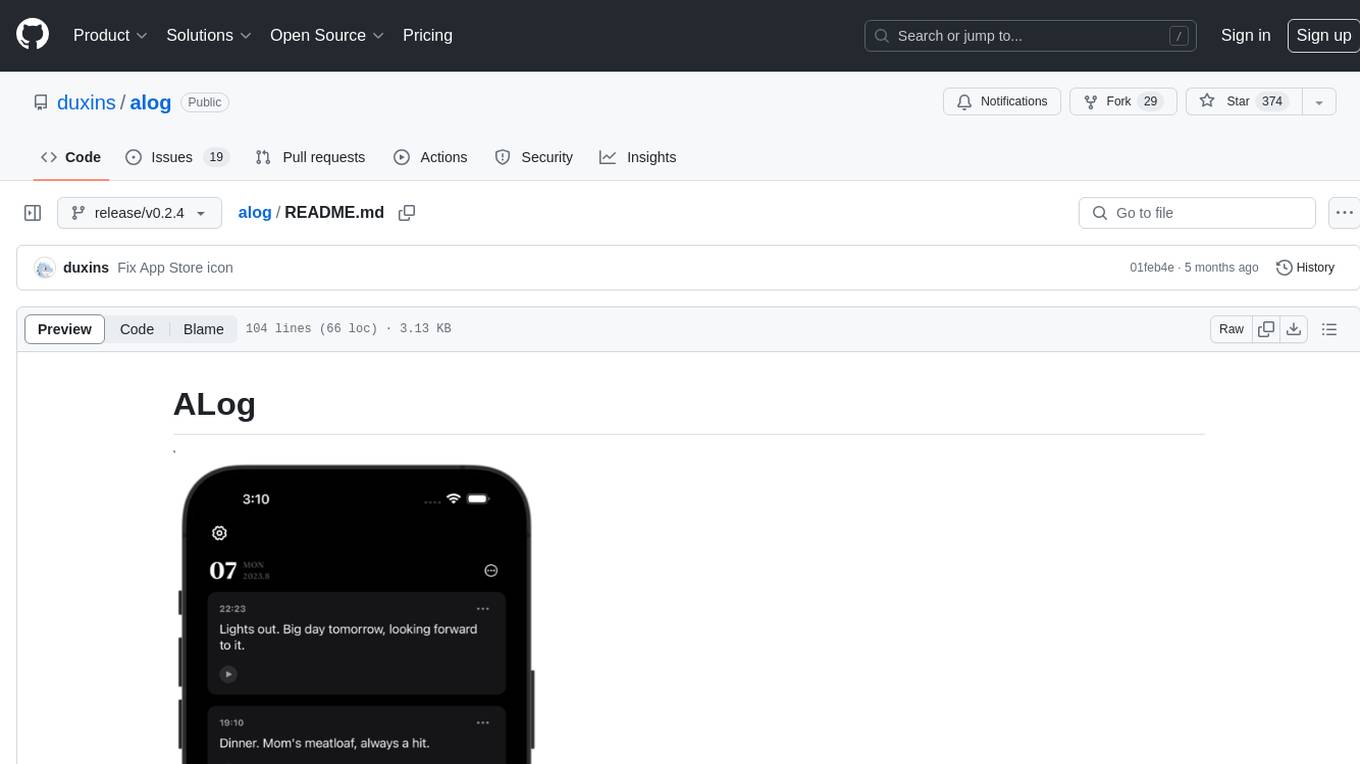
alog
ALog is an open-source project designed to facilitate the deployment of server-side code to Cloudflare. It provides a step-by-step guide on creating a Cloudflare worker, configuring environment variables, and updating API base URL. The project aims to simplify the process of deploying server-side code and interacting with OpenAI API. ALog is distributed under the GNU General Public License v2.0, allowing users to modify and distribute the app while adhering to App Store Review Guidelines.
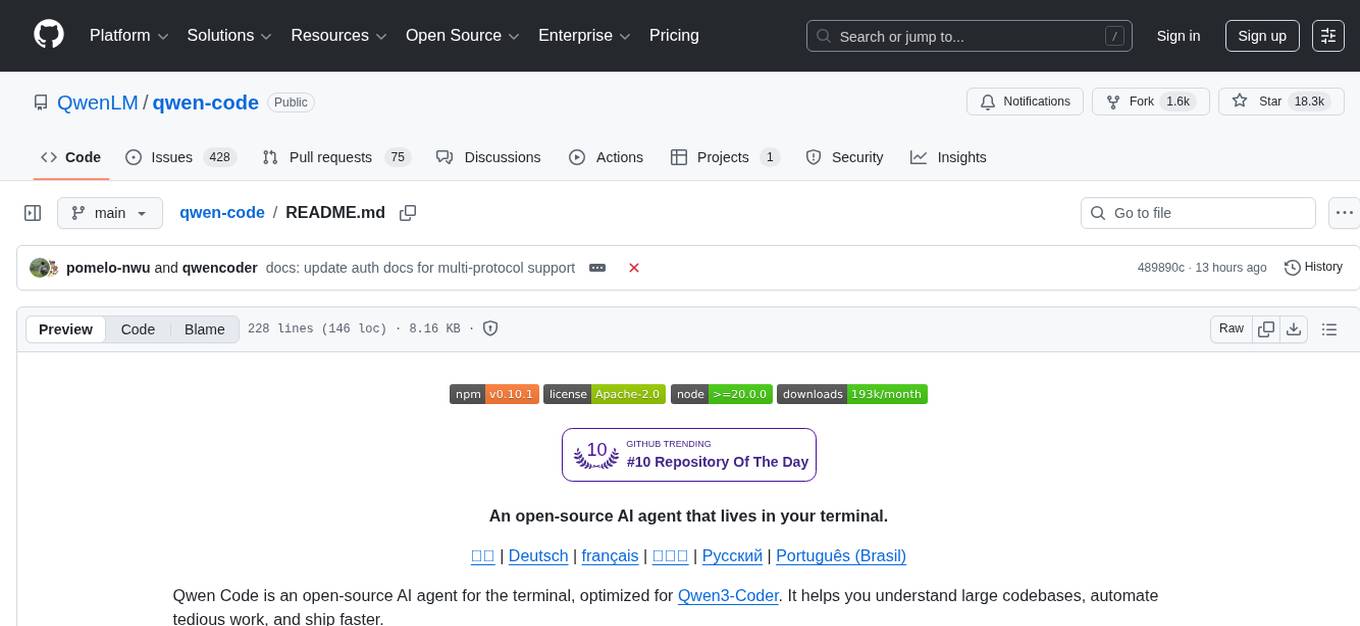
qwen-code
Qwen Code is an open-source AI agent optimized for Qwen3-Coder, designed to help users understand large codebases, automate tedious work, and expedite the shipping process. It offers an agentic workflow with rich built-in tools, a terminal-first approach with optional IDE integration, and supports both OpenAI-compatible API and Qwen OAuth authentication methods. Users can interact with Qwen Code in interactive mode, headless mode, IDE integration, and through a TypeScript SDK. The tool can be configured via settings.json, environment variables, and CLI flags, and offers benchmark results for performance evaluation. Qwen Code is part of an ecosystem that includes AionUi and Gemini CLI Desktop for graphical interfaces, and troubleshooting guides are available for issue resolution.
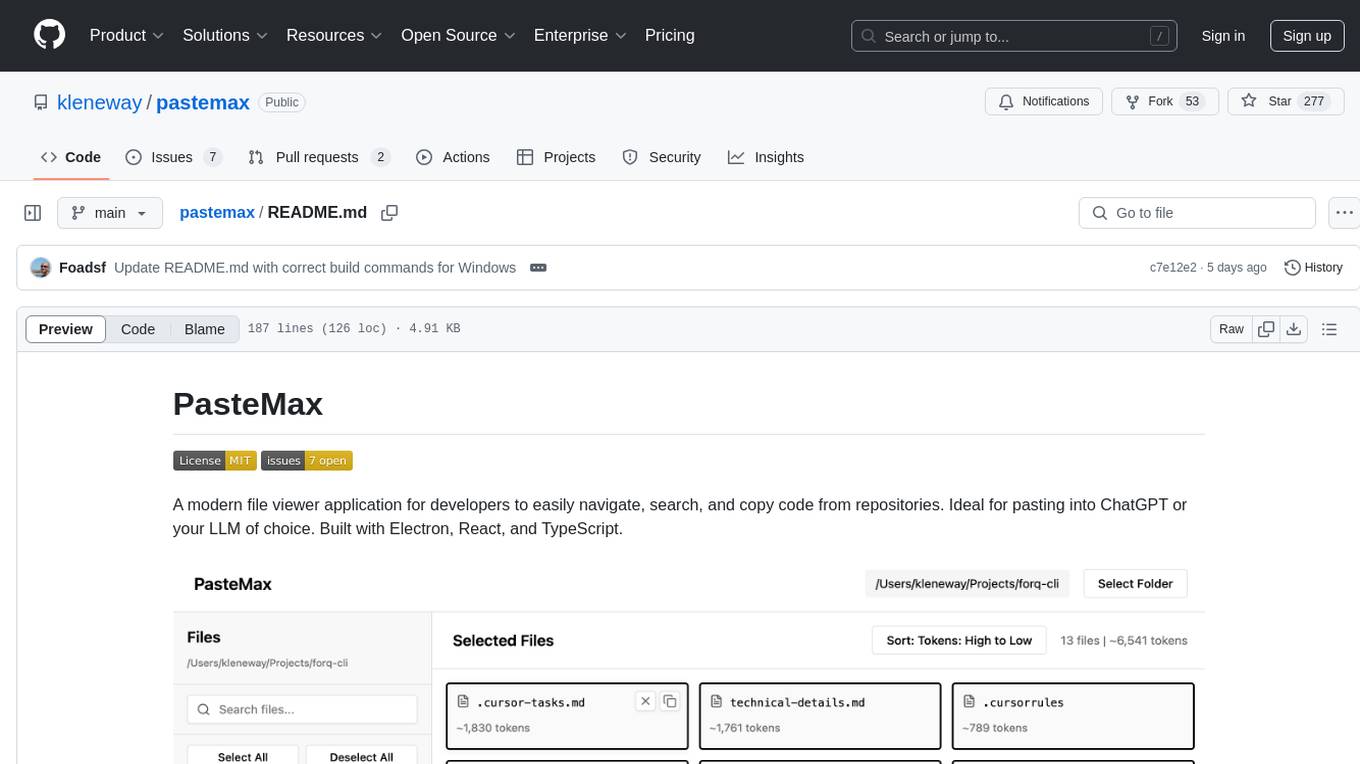
pastemax
PasteMax is a modern file viewer application designed for developers to easily navigate, search, and copy code from repositories. It provides features such as file tree navigation, token counting, search capabilities, selection management, sorting options, dark mode, binary file detection, and smart file exclusion. Built with Electron, React, and TypeScript, PasteMax is ideal for pasting code into ChatGPT or other language models. Users can download the application or build it from source, and customize file exclusions. Troubleshooting steps are provided for common issues, and contributions to the project are welcome under the MIT License.
chunkr
Chunkr is an open-source document intelligence API that provides a production-ready service for document layout analysis, OCR, and semantic chunking. It allows users to convert PDFs, PPTs, Word docs, and images into RAG/LLM-ready chunks. The API offers features such as layout analysis, OCR with bounding boxes, structured HTML and markdown output, and VLM processing controls. Users can interact with Chunkr through a Python SDK, enabling them to upload documents, process them, and export results in various formats. The tool also supports self-hosted deployment options using Docker Compose or Kubernetes, with configurations for different AI models like OpenAI, Google AI Studio, and OpenRouter. Chunkr is dual-licensed under the GNU Affero General Public License v3.0 (AGPL-3.0) and a commercial license, providing flexibility for different usage scenarios.
tgpt
tgpt is a cross-platform command-line interface (CLI) tool that allows users to interact with AI chatbots in the Terminal without needing API keys. It supports various AI providers such as KoboldAI, Phind, Llama2, Blackbox AI, and OpenAI. Users can generate text, code, and images using different flags and options. The tool can be installed on GNU/Linux, MacOS, FreeBSD, and Windows systems. It also supports proxy configurations and provides options for updating and uninstalling the tool.
For similar tasks
honcho
Honcho is a platform for creating personalized AI agents and LLM powered applications for end users. The repository is a monorepo containing the server/API for managing database interactions and storing application state, along with a Python SDK. It utilizes FastAPI for user context management and Poetry for dependency management. The API can be run using Docker or manually by setting environment variables. The client SDK can be installed using pip or Poetry. The project is open source and welcomes contributions, following a fork and PR workflow. Honcho is licensed under the AGPL-3.0 License.
sagentic-af
Sagentic.ai Agent Framework is a tool for creating AI agents with hot reloading dev server. It allows users to spawn agents locally by calling specific endpoint. The framework comes with detailed documentation and supports contributions, issues, and feature requests. It is MIT licensed and maintained by Ahyve Inc.
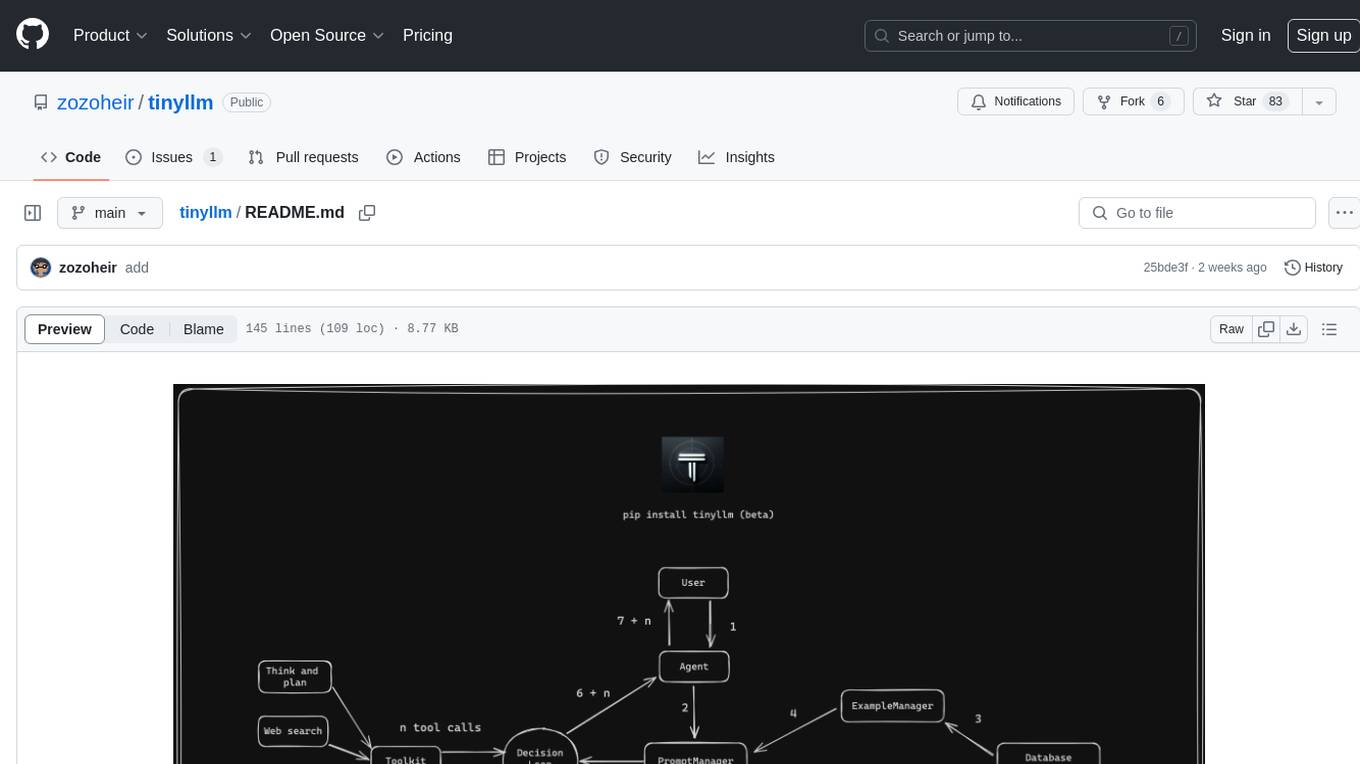
tinyllm
tinyllm is a lightweight framework designed for developing, debugging, and monitoring LLM and Agent powered applications at scale. It aims to simplify code while enabling users to create complex agents or LLM workflows in production. The core classes, Function and FunctionStream, standardize and control LLM, ToolStore, and relevant calls for scalable production use. It offers structured handling of function execution, including input/output validation, error handling, evaluation, and more, all while maintaining code readability. Users can create chains with prompts, LLM models, and evaluators in a single file without the need for extensive class definitions or spaghetti code. Additionally, tinyllm integrates with various libraries like Langfuse and provides tools for prompt engineering, observability, logging, and finite state machine design.
council
Council is an open-source platform designed for the rapid development and deployment of customized generative AI applications using teams of agents. It extends the LLM tool ecosystem by providing advanced control flow and scalable oversight for AI agents. Users can create sophisticated agents with predictable behavior by leveraging Council's powerful approach to control flow using Controllers, Filters, Evaluators, and Budgets. The framework allows for automated routing between agents, comparing, evaluating, and selecting the best results for a task. Council aims to facilitate packaging and deploying agents at scale on multiple platforms while enabling enterprise-grade monitoring and quality control.
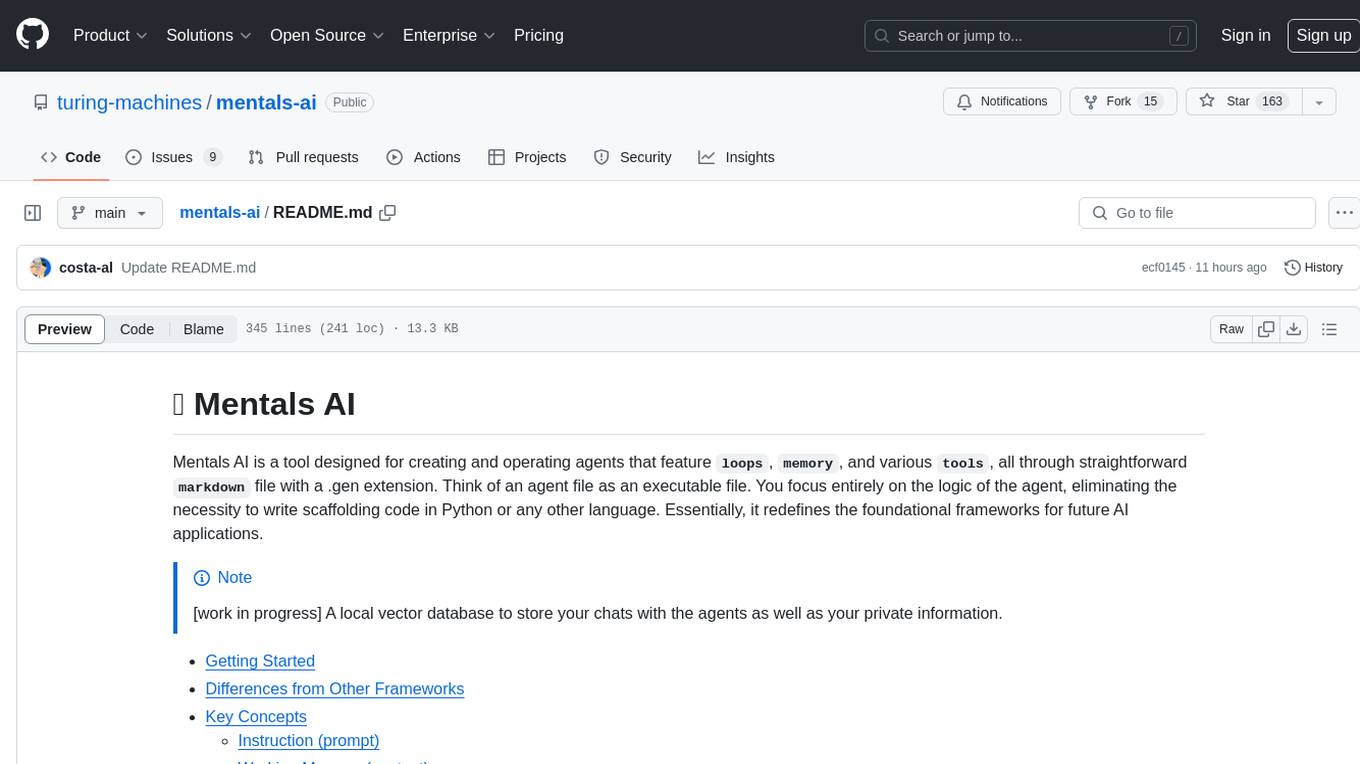
mentals-ai
Mentals AI is a tool designed for creating and operating agents that feature loops, memory, and various tools, all through straightforward markdown syntax. This tool enables you to concentrate solely on the agent’s logic, eliminating the necessity to compose underlying code in Python or any other language. It redefines the foundational frameworks for future AI applications by allowing the creation of agents with recursive decision-making processes, integration of reasoning frameworks, and control flow expressed in natural language. Key concepts include instructions with prompts and references, working memory for context, short-term memory for storing intermediate results, and control flow from strings to algorithms. The tool provides a set of native tools for message output, user input, file handling, Python interpreter, Bash commands, and short-term memory. The roadmap includes features like a web UI, vector database tools, agent's experience, and tools for image generation and browsing. The idea behind Mentals AI originated from studies on psychoanalysis executive functions and aims to integrate 'System 1' (cognitive executor) with 'System 2' (central executive) to create more sophisticated agents.
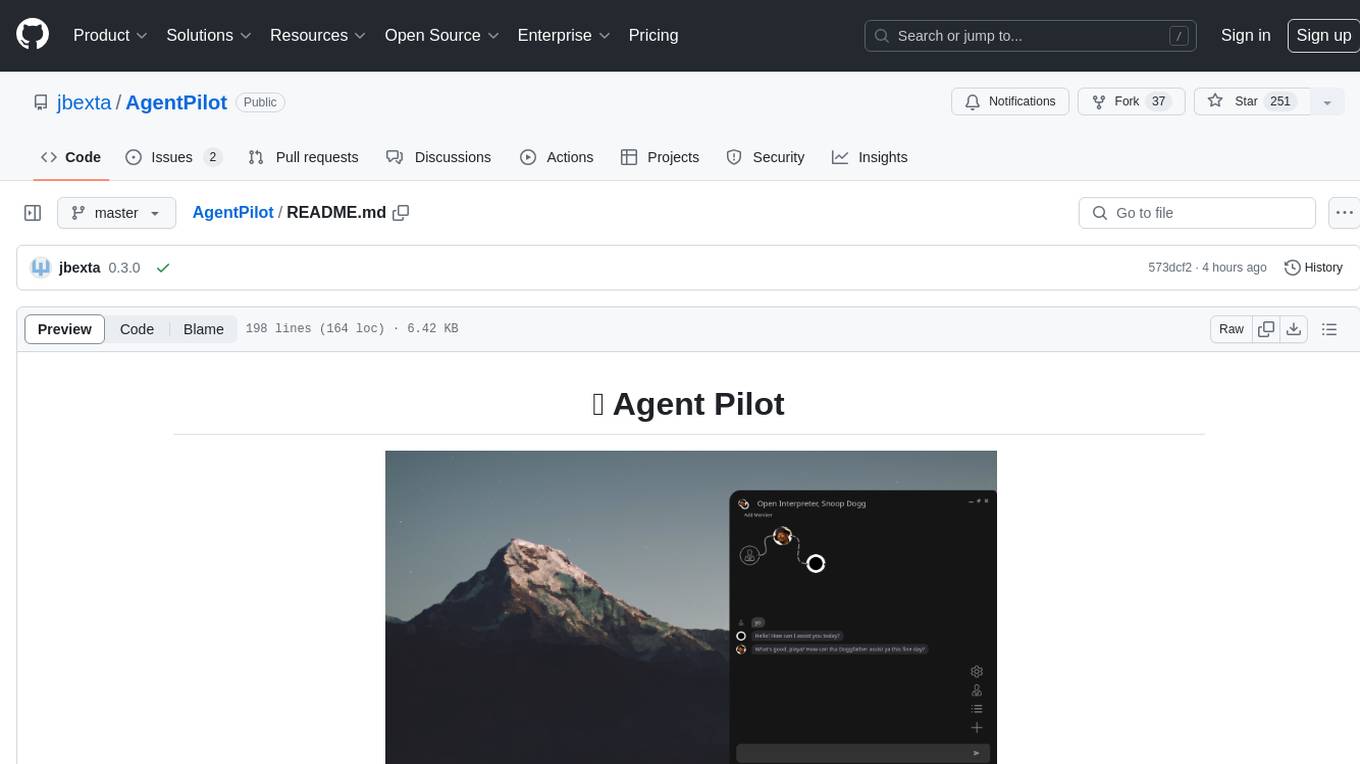
AgentPilot
Agent Pilot is an open source desktop app for creating, managing, and chatting with AI agents. It features multi-agent, branching chats with various providers through LiteLLM. Users can combine models from different providers, configure interactions, and run code using the built-in Open Interpreter. The tool allows users to create agents, manage chats, work with multi-agent workflows, branching workflows, context blocks, tools, and plugins. It also supports a code interpreter, scheduler, voice integration, and integration with various AI providers. Contributions to the project are welcome, and users can report known issues for improvement.
shinkai-apps
Shinkai apps unlock the full capabilities/automation of first-class LLM (AI) support in the web browser. It enables creating multiple agents, each connected to either local or 3rd-party LLMs (ex. OpenAI GPT), which have permissioned (meaning secure) access to act in every webpage you visit. There is a companion repo called Shinkai Node, that allows you to set up the node anywhere as the central unit of the Shinkai Network, handling tasks such as agent management, job processing, and secure communications.
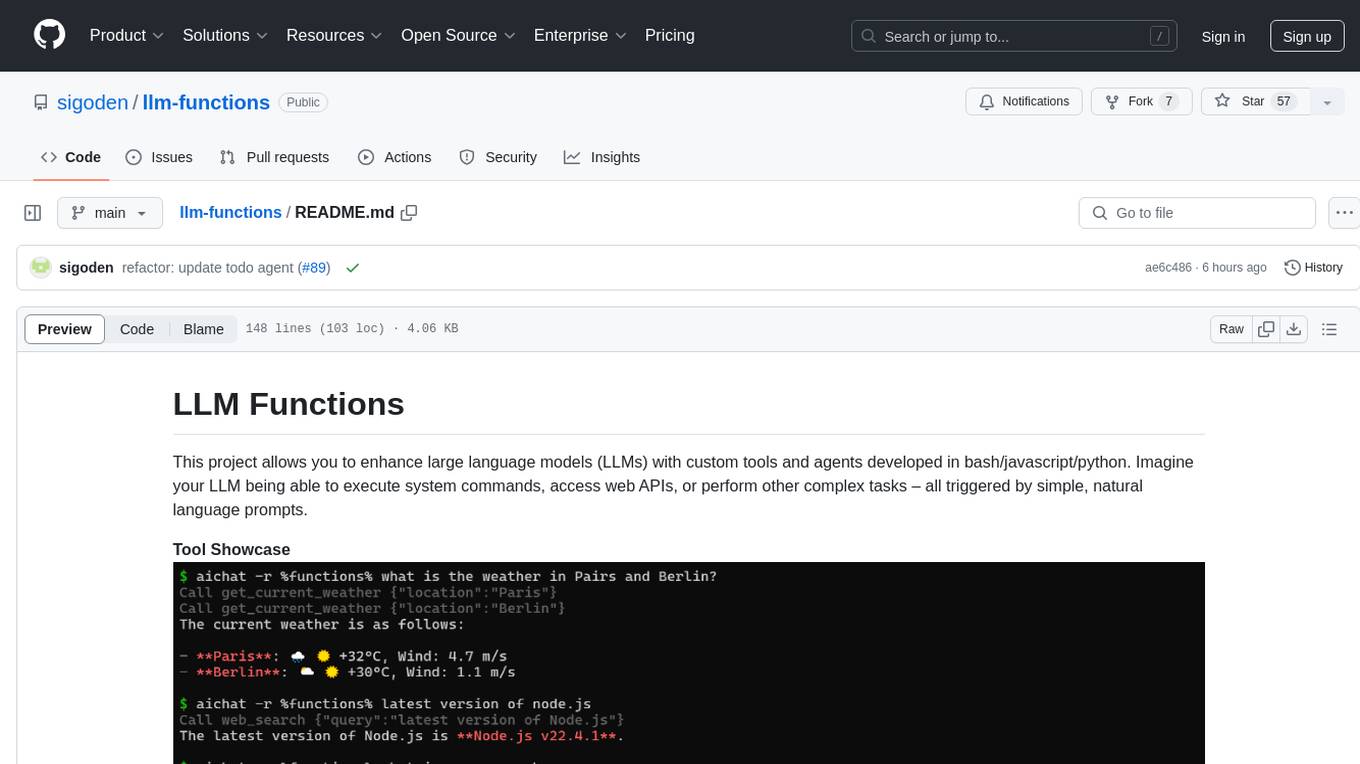
llm-functions
LLM Functions is a project that enables the enhancement of large language models (LLMs) with custom tools and agents developed in bash, javascript, and python. Users can create tools for their LLM to execute system commands, access web APIs, or perform other complex tasks triggered by natural language prompts. The project provides a framework for building tools and agents, with tools being functions written in the user's preferred language and automatically generating JSON declarations based on comments. Agents combine prompts, function callings, and knowledge (RAG) to create conversational AI agents. The project is designed to be user-friendly and allows users to easily extend the capabilities of their language models.
For similar jobs

sweep
Sweep is an AI junior developer that turns bugs and feature requests into code changes. It automatically handles developer experience improvements like adding type hints and improving test coverage.

teams-ai
The Teams AI Library is a software development kit (SDK) that helps developers create bots that can interact with Teams and Microsoft 365 applications. It is built on top of the Bot Framework SDK and simplifies the process of developing bots that interact with Teams' artificial intelligence capabilities. The SDK is available for JavaScript/TypeScript, .NET, and Python.

ai-guide
This guide is dedicated to Large Language Models (LLMs) that you can run on your home computer. It assumes your PC is a lower-end, non-gaming setup.

classifai
Supercharge WordPress Content Workflows and Engagement with Artificial Intelligence. Tap into leading cloud-based services like OpenAI, Microsoft Azure AI, Google Gemini and IBM Watson to augment your WordPress-powered websites. Publish content faster while improving SEO performance and increasing audience engagement. ClassifAI integrates Artificial Intelligence and Machine Learning technologies to lighten your workload and eliminate tedious tasks, giving you more time to create original content that matters.

chatbot-ui
Chatbot UI is an open-source AI chat app that allows users to create and deploy their own AI chatbots. It is easy to use and can be customized to fit any need. Chatbot UI is perfect for businesses, developers, and anyone who wants to create a chatbot.

BricksLLM
BricksLLM is a cloud native AI gateway written in Go. Currently, it provides native support for OpenAI, Anthropic, Azure OpenAI and vLLM. BricksLLM aims to provide enterprise level infrastructure that can power any LLM production use cases. Here are some use cases for BricksLLM: * Set LLM usage limits for users on different pricing tiers * Track LLM usage on a per user and per organization basis * Block or redact requests containing PIIs * Improve LLM reliability with failovers, retries and caching * Distribute API keys with rate limits and cost limits for internal development/production use cases * Distribute API keys with rate limits and cost limits for students

uAgents
uAgents is a Python library developed by Fetch.ai that allows for the creation of autonomous AI agents. These agents can perform various tasks on a schedule or take action on various events. uAgents are easy to create and manage, and they are connected to a fast-growing network of other uAgents. They are also secure, with cryptographically secured messages and wallets.

griptape
Griptape is a modular Python framework for building AI-powered applications that securely connect to your enterprise data and APIs. It offers developers the ability to maintain control and flexibility at every step. Griptape's core components include Structures (Agents, Pipelines, and Workflows), Tasks, Tools, Memory (Conversation Memory, Task Memory, and Meta Memory), Drivers (Prompt and Embedding Drivers, Vector Store Drivers, Image Generation Drivers, Image Query Drivers, SQL Drivers, Web Scraper Drivers, and Conversation Memory Drivers), Engines (Query Engines, Extraction Engines, Summary Engines, Image Generation Engines, and Image Query Engines), and additional components (Rulesets, Loaders, Artifacts, Chunkers, and Tokenizers). Griptape enables developers to create AI-powered applications with ease and efficiency.