


modelence
Modelence is an all-in-one TypeScript platform. We're building a Supabase alternative for MongoDB developers shipping production apps, with built-in database, auth, vector search and monitoring.
Stars: 345
Modelence is an all-in-one TypeScript framework for startups shipping production apps, aiming to eliminate boilerplate for standard web app features. It provides authentication, database setup, cron jobs, AI observability, and email functionalities. Modelence requires Node.js 20.20 or higher. Developers can create projects, install dependencies, and start the development server quickly. For local development, contributors can clone the repository, install dependencies, build the package, and test changes in a real application. Modelence offers examples for further guidance.
README:





See what you can build in just a few hours with Modelence's batteries-included approach:

FinChat AI-powered financial chat assistant |

SmartRepos Intelligent repository management |

TypeSonic Compete on typing speed |
Modelence is an all-in-one TypeScript framework for startups shipping production apps, with the mission to eliminate all boilerplate for standard features that modern web applications need, like authentication, database setup, cron jobs, AI observability, email and more.
Prerequisites: Modelence requires Node.js 20.20 or higher.
npx create-modelence-app@latest my-appcd my-app
npm installnpm run devYour app will be available at http://localhost:3000
For a more detailed guide, check out the Todo App tutorial.
If you want to contribute to Modelence itself (not just use it in an application), follow the steps below.
git clone https://github.com/modelence/modelence.git
cd modelencecd packages/modelence
npm installnpm run buildThis generates the dist/ directory required for local usage.
npm run devThis runs the build in watch mode and rebuilds on file changes.
Note
If you encounter dependency or build errors while developing Modelence locally, a clean install may help:
rm -rf node_modules package-lock.json
npm install
npm run build
This resets the local dependency state and mirrors the workflow often recommended when resolving local development issues. The regenerated
package-lock.jsonis only for local development and should not be committed as part of a PR unless explicitly requested.
To test your local Modelence changes inside a real application:
npx create-modelence-app@latest my-app
cd my-app
Update package.json to point to your local Modelence package:
{
  "dependencies": {
    "modelence": "../modelence/packages/modelence"
  }
}
Then reinstall dependencies and start the app:
npm install
npm run dev
Your application will now use your local Modelence build.
For more examples on how to use Modelence, check out https://github.com/modelence/examples
For Tasks:
Click tags to check more tools for each tasksFor Jobs:
Alternative AI tools for modelence
Similar Open Source Tools
For similar tasks
geti-sdk
The Intel® Geti™ SDK is a python package that enables teams to rapidly develop AI models by easing the complexities of model development and enhancing collaboration between teams. It provides tools to interact with an Intel® Geti™ server via the REST API, allowing for project creation, downloading, uploading, deploying for local inference with OpenVINO, setting project and model configuration, launching and monitoring training jobs, and media upload and prediction. The SDK also includes tutorial-style Jupyter notebooks demonstrating its usage.
lms
The `lms` Command Line Tool for LM Studio is a powerful tool built with `lmstudio.js` that allows users to interact with LM Studio functionalities through the command line interface. It provides a wide range of commands for managing models, starting and stopping servers, creating projects, and streaming logs. Users can easily bootstrap the tool and access detailed information about each subcommand. The tool is designed to enhance the user experience and streamline workflows when working with LM Studio.
geti-sdk
The Intel® Geti™ SDK is a python package that enables teams to rapidly develop AI models by easing the complexities of model development and fostering collaboration. It provides tools to interact with an Intel® Geti™ server via the REST API, allowing for project creation, downloading, uploading, deploying for local inference with OpenVINO, configuration management, training job monitoring, media upload, and prediction. The repository also includes tutorial-style Jupyter notebooks demonstrating SDK usage.
modelence
Modelence is an all-in-one TypeScript framework for startups shipping production apps, aiming to eliminate boilerplate for standard web app features. It provides authentication, database setup, cron jobs, AI observability, and email functionalities. Modelence requires Node.js 20.20 or higher. Developers can create projects, install dependencies, and start the development server quickly. For local development, contributors can clone the repository, install dependencies, build the package, and test changes in a real application. Modelence offers examples for further guidance.
chief
Chief is a tool designed to help users build big projects by breaking work into tasks and running Claude Code in a loop until they're done. It allows users to describe their projects as a series of tasks, with Chief running Claude one task at a time and committing changes per task to maintain a clean git history. Chief is ideal for managing large projects efficiently and collaboratively.
gpt-home
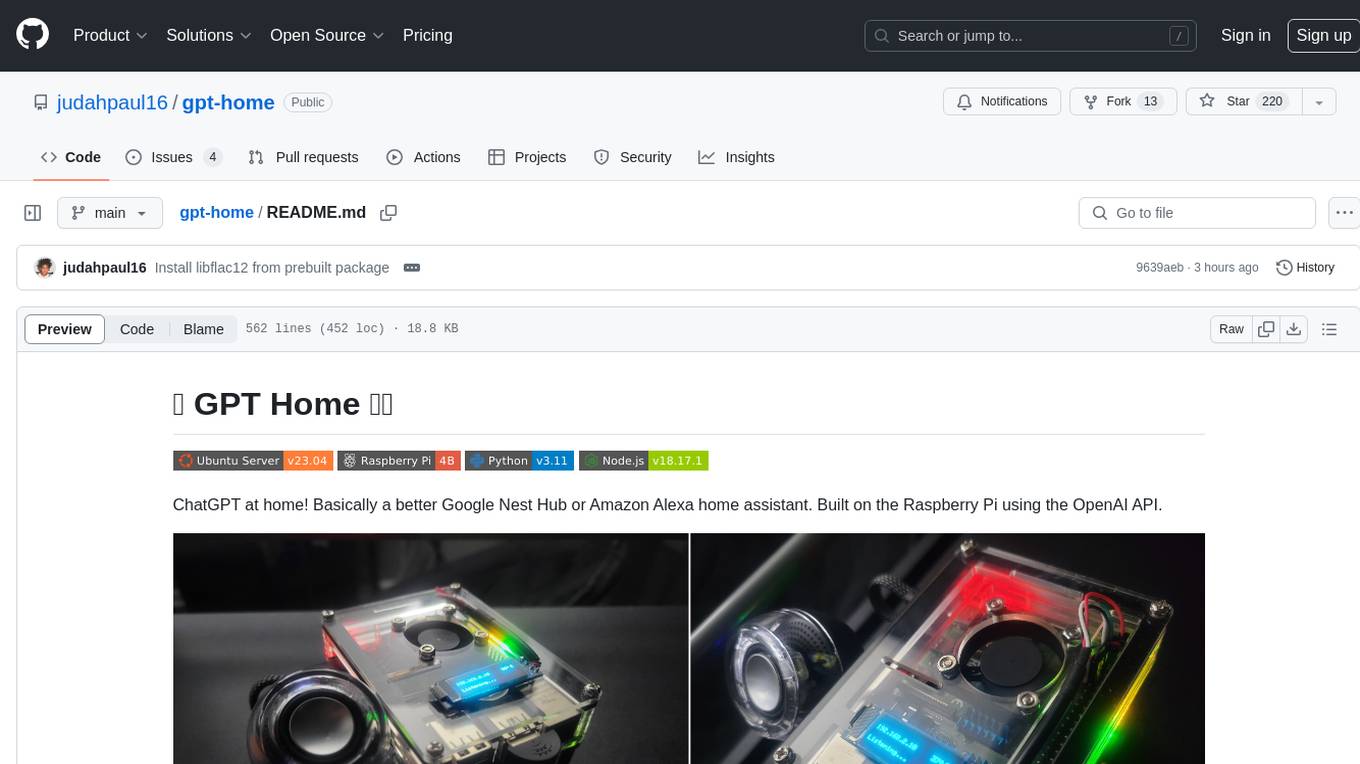
GPT Home is a project that allows users to build their own home assistant using Raspberry Pi and OpenAI API. It serves as a guide for setting up a smart home assistant similar to Google Nest Hub or Amazon Alexa. The project integrates various components like OpenAI, Spotify, Philips Hue, and OpenWeatherMap to provide a personalized home assistant experience. Users can follow the detailed instructions provided to build their own version of the home assistant on Raspberry Pi, with optional components for customization. The project also includes system configurations, dependencies installation, and setup scripts for easy deployment. Overall, GPT Home offers a DIY solution for creating a smart home assistant using Raspberry Pi and OpenAI technology.
comfy-cli
comfy-cli is a command line tool designed to simplify the installation and management of ComfyUI, an open-source machine learning framework. It allows users to easily set up ComfyUI, install packages, manage custom nodes, download checkpoints, and ensure cross-platform compatibility. The tool provides comprehensive documentation and examples to aid users in utilizing ComfyUI efficiently.
crewAI-tools
The crewAI Tools repository provides a guide for setting up tools for crewAI agents, enabling the creation of custom tools to enhance AI solutions. Tools play a crucial role in improving agent functionality. The guide explains how to equip agents with a range of tools and how to create new tools. Tools are designed to return strings for generating responses. There are two main methods for creating tools: subclassing BaseTool and using the tool decorator. Contributions to the toolset are encouraged, and the development setup includes steps for installing dependencies, activating the virtual environment, setting up pre-commit hooks, running tests, static type checking, packaging, and local installation. Enhance AI agent capabilities with advanced tooling.
For similar jobs
resonance
Resonance is a framework designed to facilitate interoperability and messaging between services in your infrastructure and beyond. It provides AI capabilities and takes full advantage of asynchronous PHP, built on top of Swoole. With Resonance, you can: * Chat with Open-Source LLMs: Create prompt controllers to directly answer user's prompts. LLM takes care of determining user's intention, so you can focus on taking appropriate action. * Asynchronous Where it Matters: Respond asynchronously to incoming RPC or WebSocket messages (or both combined) with little overhead. You can set up all the asynchronous features using attributes. No elaborate configuration is needed. * Simple Things Remain Simple: Writing HTTP controllers is similar to how it's done in the synchronous code. Controllers have new exciting features that take advantage of the asynchronous environment. * Consistency is Key: You can keep the same approach to writing software no matter the size of your project. There are no growing central configuration files or service dependencies registries. Every relation between code modules is local to those modules. * Promises in PHP: Resonance provides a partial implementation of Promise/A+ spec to handle various asynchronous tasks. * GraphQL Out of the Box: You can build elaborate GraphQL schemas by using just the PHP attributes. Resonance takes care of reusing SQL queries and optimizing the resources' usage. All fields can be resolved asynchronously.
aiogram_bot_template
Aiogram bot template is a boilerplate for creating Telegram bots using Aiogram framework. It provides a solid foundation for building robust and scalable bots with a focus on code organization, database integration, and localization.
pluto
Pluto is a development tool dedicated to helping developers **build cloud and AI applications more conveniently** , resolving issues such as the challenging deployment of AI applications and open-source models. Developers are able to write applications in familiar programming languages like **Python and TypeScript** , **directly defining and utilizing the cloud resources necessary for the application within their code base** , such as AWS SageMaker, DynamoDB, and more. Pluto automatically deduces the infrastructure resource needs of the app through **static program analysis** and proceeds to create these resources on the specified cloud platform, **simplifying the resources creation and application deployment process**.
pinecone-ts-client
The official Node.js client for Pinecone, written in TypeScript. This client library provides a high-level interface for interacting with the Pinecone vector database service. With this client, you can create and manage indexes, upsert and query vector data, and perform other operations related to vector search and retrieval. The client is designed to be easy to use and provides a consistent and idiomatic experience for Node.js developers. It supports all the features and functionality of the Pinecone API, making it a comprehensive solution for building vector-powered applications in Node.js.
aiohttp-pydantic
Aiohttp pydantic is an aiohttp view to easily parse and validate requests. You define using function annotations what your methods for handling HTTP verbs expect, and Aiohttp pydantic parses the HTTP request for you, validates the data, and injects the parameters you want. It provides features like query string, request body, URL path, and HTTP headers validation, as well as Open API Specification generation.
gcloud-aio
This repository contains shared codebase for two projects: gcloud-aio and gcloud-rest. gcloud-aio is built for Python 3's asyncio, while gcloud-rest is a threadsafe requests-based implementation. It provides clients for Google Cloud services like Auth, BigQuery, Datastore, KMS, PubSub, Storage, and Task Queue. Users can install the library using pip and refer to the documentation for usage details. Developers can contribute to the project by following the contribution guide.
aioconsole
aioconsole is a Python package that provides asynchronous console and interfaces for asyncio. It offers asynchronous equivalents to input, print, exec, and code.interact, an interactive loop running the asynchronous Python console, customization and running of command line interfaces using argparse, stream support to serve interfaces instead of using standard streams, and the apython script to access asyncio code at runtime without modifying the sources. The package requires Python version 3.8 or higher and can be installed from PyPI or GitHub. It allows users to run Python files or modules with a modified asyncio policy, replacing the default event loop with an interactive loop. aioconsole is useful for scenarios where users need to interact with asyncio code in a console environment.
aiosqlite
aiosqlite is a Python library that provides a friendly, async interface to SQLite databases. It replicates the standard sqlite3 module but with async versions of all the standard connection and cursor methods, along with context managers for automatically closing connections and cursors. It allows interaction with SQLite databases on the main AsyncIO event loop without blocking execution of other coroutines while waiting for queries or data fetches. The library also replicates most of the advanced features of sqlite3, such as row factories and total changes tracking.