


aioconsole
Asynchronous console and interfaces for asyncio
Stars: 452
aioconsole is a Python package that provides asynchronous console and interfaces for asyncio. It offers asynchronous equivalents to input, print, exec, and code.interact, an interactive loop running the asynchronous Python console, customization and running of command line interfaces using argparse, stream support to serve interfaces instead of using standard streams, and the apython script to access asyncio code at runtime without modifying the sources. The package requires Python version 3.8 or higher and can be installed from PyPI or GitHub. It allows users to run Python files or modules with a modified asyncio policy, replacing the default event loop with an interactive loop. aioconsole is useful for scenarios where users need to interact with asyncio code in a console environment.
README:
|docs-badge| |cov-badge| |ci-badge| |version-badge| |pyversion-badge|
Asynchronous console and interfaces for asyncio
aioconsole_ provides:
- asynchronous equivalents to
input,print,exec_ andcode.interact_ - an interactive loop running the asynchronous python console
- a way to customize and run command line interface using
argparse_ -
stream_ support to serve interfaces instead of using standard streams - the
apythonscript to access asyncio code at runtime without modifying the sources
- Python >= 3.8
aioconsole_ is available on PyPI_ and GitHub_.
Both of the following commands install the aioconsole package
and the apython script.
.. code:: console
$ pip3 install aioconsole   # from PyPI
$ python3 setup.py install  # or from the sources
$ apython -h
usage: apython [-h] [--serve [HOST:] PORT] [--no-readline]
               [--banner BANNER] [--locals LOCALS]
               [-m MODULE | FILE] ...

Run the given python file or module with a modified asyncio policy replacing
the default event loop with an interactive loop. If no argument is given, it
simply runs an asynchronous python console.

positional arguments:
  FILE                  python file to run
  ARGS                  extra arguments

optional arguments:
  -h, --help            show this help message and exit
  --serve [HOST:] PORT, -s [HOST:] PORT
                        serve a console on the given interface instead
  --no-readline         force readline disabling
  --banner BANNER       provide a custom banner
  --locals LOCALS       provide custom locals as a dictionary
  -m MODULE             run a python module
The following example demonstrates the use of await inside the console:
.. code:: console
$ apython
Python 3.5.0 (default, Sep 7 2015, 14:12:03)
[GCC 4.8.4] on linux
Type "help", "copyright", "credits" or "license" for more information.
---
This console is running in an asyncio event loop.
It allows you to wait for coroutines using the 'await' syntax.
Try: await asyncio.sleep(1, result=3, loop=loop)
---
.. code:: python3
>>> await asyncio.sleep(1, result=3)
# Wait one second...
3
>>>
Find more examples in the documentation_ and the example directory_.
The python console exposed by aioconsole_ is quite limited compared to modern consoles such as IPython_ or ptpython. Luckily, those projects gained greater asyncio support over the years. In particular, the following use cases overlap with aioconsole capabilities:
-
Embedding a ptpython console in an asyncio program <https://github.com/prompt-toolkit/ptpython/blob/master/examples/asyncio-python-embed.py>_ -
Using the await syntax in an IPython console <https://ipython.readthedocs.io/en/stable/whatsnew/version7.html#autowait-asynchronous-repl>_
Vincent Michel: [email protected]
.. _aioconsole: https://pypi.python.org/pypi/aioconsole .. _GitHub: https://github.com/vxgmichel/aioconsole .. _input: https://docs.python.org/3/library/functions.html#input .. _print: https://docs.python.org/3/library/functions.html#print .. _exec: https://docs.python.org/3/library/functions.html#exec .. _code.interact: https://docs.python.org/3/library/code.html#code.interact .. _argparse: https://docs.python.org/dev/library/argparse.html .. _stream: https://docs.python.org/3/library/asyncio-stream.html .. _example directory: https://github.com/vxgmichel/aioconsole/blob/main/example .. _documentation: http://aioconsole.readthedocs.io/ .. PyPI: aioconsole .. _IPython: https://ipython.readthedocs.io .. _ptpython: https://github.com/prompt-toolkit/ptpython
.. |docs-badge| image:: https://readthedocs.org/projects/aioconsole/badge/?version=latest :target: http://aioconsole.readthedocs.io/ :alt:
.. |ci-badge| image:: https://github.com/vxgmichel/aioconsole/workflows/CI/badge.svg :target: https://github.com/vxgmichel/aioconsole/actions?query=branch%3Amain :alt:

.. |cov-badge| image:: https://codecov.io/gh/vxgmichel/aioconsole/branch/main/graph/badge.svg :target: https://codecov.io/gh/vxgmichel/aioconsole :alt:

.. |version-badge| image:: https://img.shields.io/pypi/v/aioconsole.svg :target: https://pypi.python.org/pypi/aioconsole :alt:

.. |pyversion-badge| image:: https://img.shields.io/pypi/pyversions/aioconsole.svg :target: https://pypi.python.org/pypi/aioconsole :alt:

For Tasks:
Click tags to check more tools for each tasksFor Jobs:
Alternative AI tools for aioconsole
Similar Open Source Tools
aioconsole
aioconsole is a Python package that provides asynchronous console and interfaces for asyncio. It offers asynchronous equivalents to input, print, exec, and code.interact, an interactive loop running the asynchronous Python console, customization and running of command line interfaces using argparse, stream support to serve interfaces instead of using standard streams, and the apython script to access asyncio code at runtime without modifying the sources. The package requires Python version 3.8 or higher and can be installed from PyPI or GitHub. It allows users to run Python files or modules with a modified asyncio policy, replacing the default event loop with an interactive loop. aioconsole is useful for scenarios where users need to interact with asyncio code in a console environment.
aioquic
aioquic is a Python library for the QUIC network protocol, featuring a minimal TLS 1.3 implementation, a QUIC stack, and an HTTP/3 stack. It is designed to be embedded into Python client and server libraries supporting QUIC and HTTP/3, with IPv4 and IPv6 support, connection migration, NAT rebinding, logging TLS traffic secrets and QUIC events, server push, WebSocket bootstrapping, and datagram support. The library follows the 'bring your own I/O' pattern for QUIC and HTTP/3 APIs, making it testable and integrable with different concurrency models.
odoo-expert
RAG-Powered Odoo Documentation Assistant is a comprehensive documentation processing and chat system that converts Odoo's documentation to a searchable knowledge base with an AI-powered chat interface. It supports multiple Odoo versions (16.0, 17.0, 18.0) and provides semantic search capabilities powered by OpenAI embeddings. The tool automates the conversion of RST to Markdown, offers real-time semantic search, context-aware AI-powered chat responses, and multi-version support. It includes a Streamlit-based web UI, REST API for programmatic access, and a CLI for document processing and chat. The system operates through a pipeline of data processing steps and an interface layer for UI and API access to the knowledge base.
tgpt
tgpt is a cross-platform command-line interface (CLI) tool that allows users to interact with AI chatbots in the Terminal without needing API keys. It supports various AI providers such as KoboldAI, Phind, Llama2, Blackbox AI, and OpenAI. Users can generate text, code, and images using different flags and options. The tool can be installed on GNU/Linux, MacOS, FreeBSD, and Windows systems. It also supports proxy configurations and provides options for updating and uninstalling the tool.
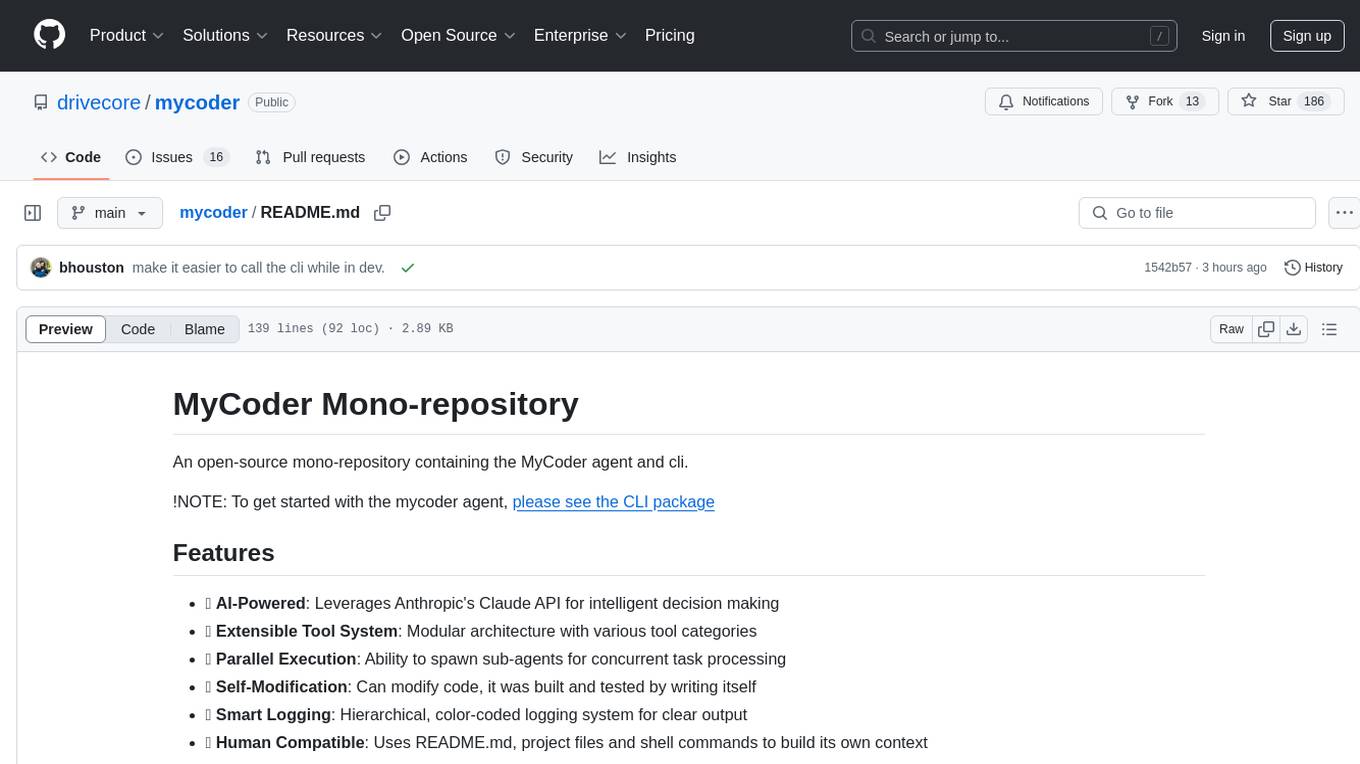
mycoder
An open-source mono-repository containing the MyCoder agent and CLI. It leverages Anthropic's Claude API for intelligent decision making, has a modular architecture with various tool categories, supports parallel execution with sub-agents, can modify code by writing itself, features a smart logging system for clear output, and is human-compatible using README.md, project files, and shell commands to build its own context.
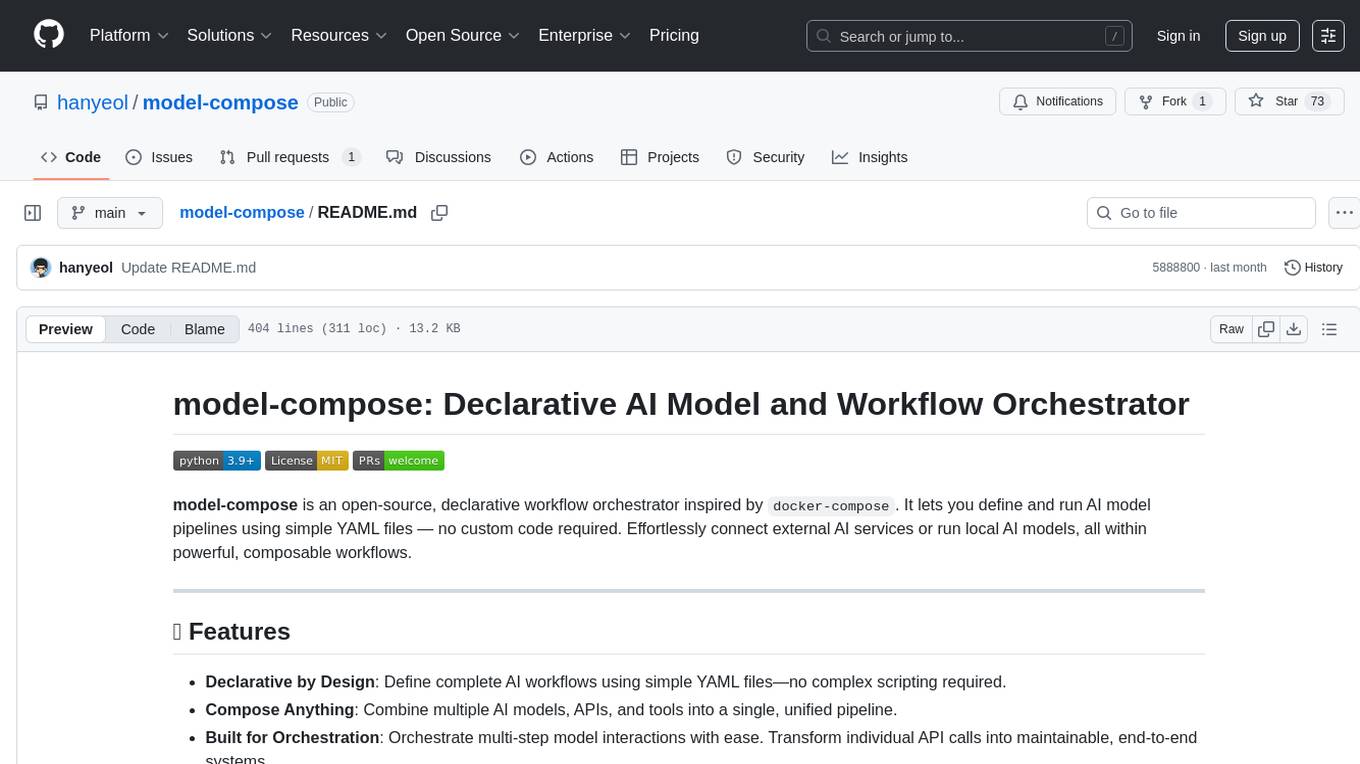
model-compose
model-compose is an open-source, declarative workflow orchestrator inspired by docker-compose. It lets you define and run AI model pipelines using simple YAML files. Effortlessly connect external AI services or run local AI models within powerful, composable workflows. Features include declarative design, multi-workflow support, modular components, flexible I/O routing, streaming mode support, and more. It supports running workflows locally or serving them remotely, Docker deployment, environment variable support, and provides a CLI interface for managing AI workflows.
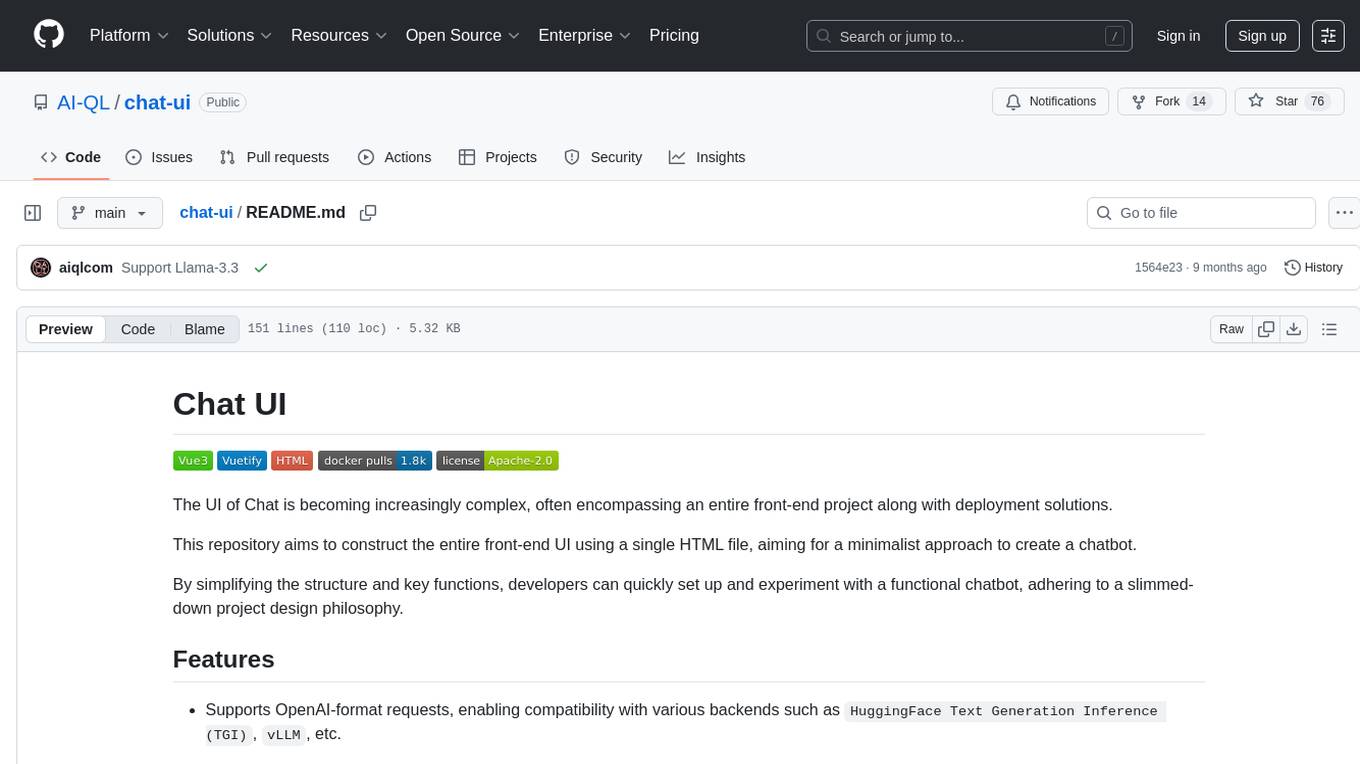
chat-ui
This repository provides a minimalist approach to create a chatbot by constructing the entire front-end UI using a single HTML file. It supports various backend endpoints through custom configurations, multiple response formats, chat history download, and MCP. Users can deploy the chatbot locally, via Docker, Cloudflare pages, Huggingface, or within K8s. The tool also supports image inputs, toggling between different display formats, internationalization, and localization.
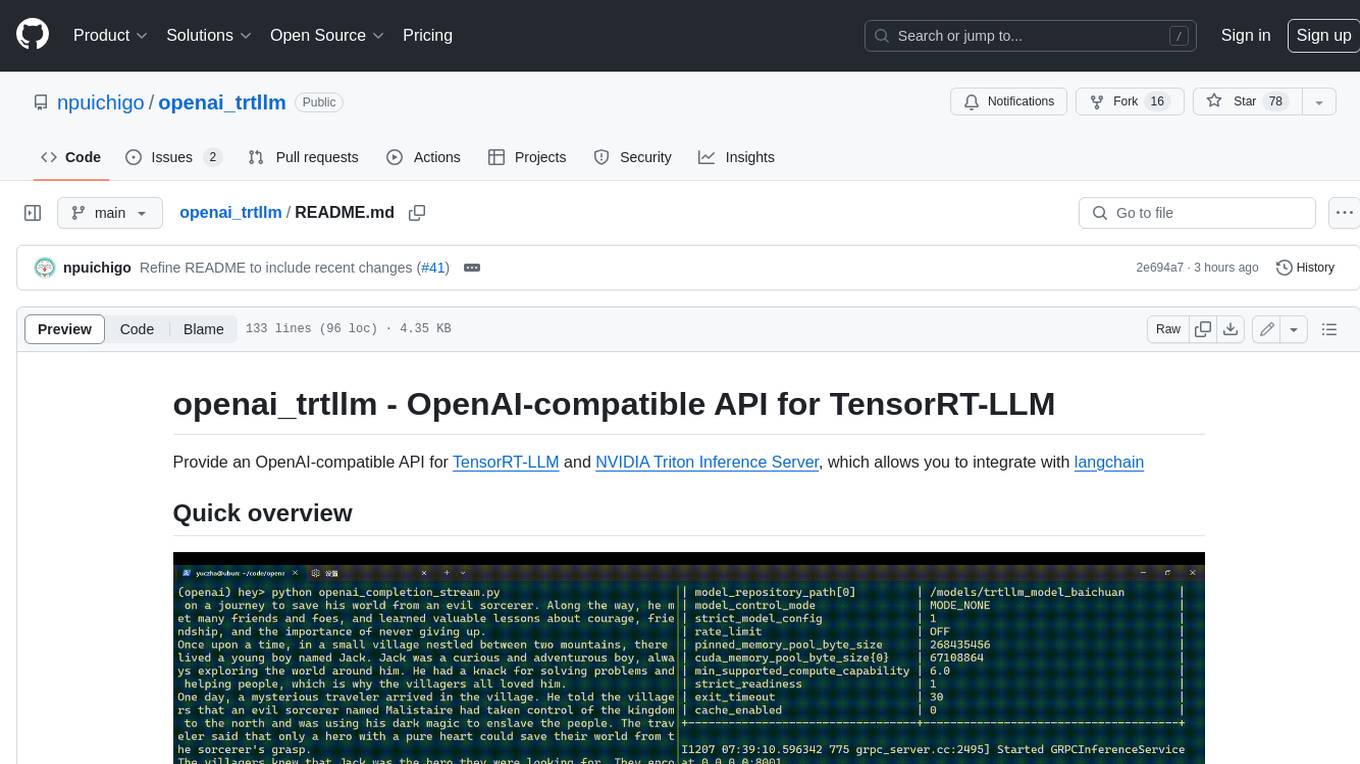
openai_trtllm
OpenAI-compatible API for TensorRT-LLM and NVIDIA Triton Inference Server, which allows you to integrate with langchain
manifold
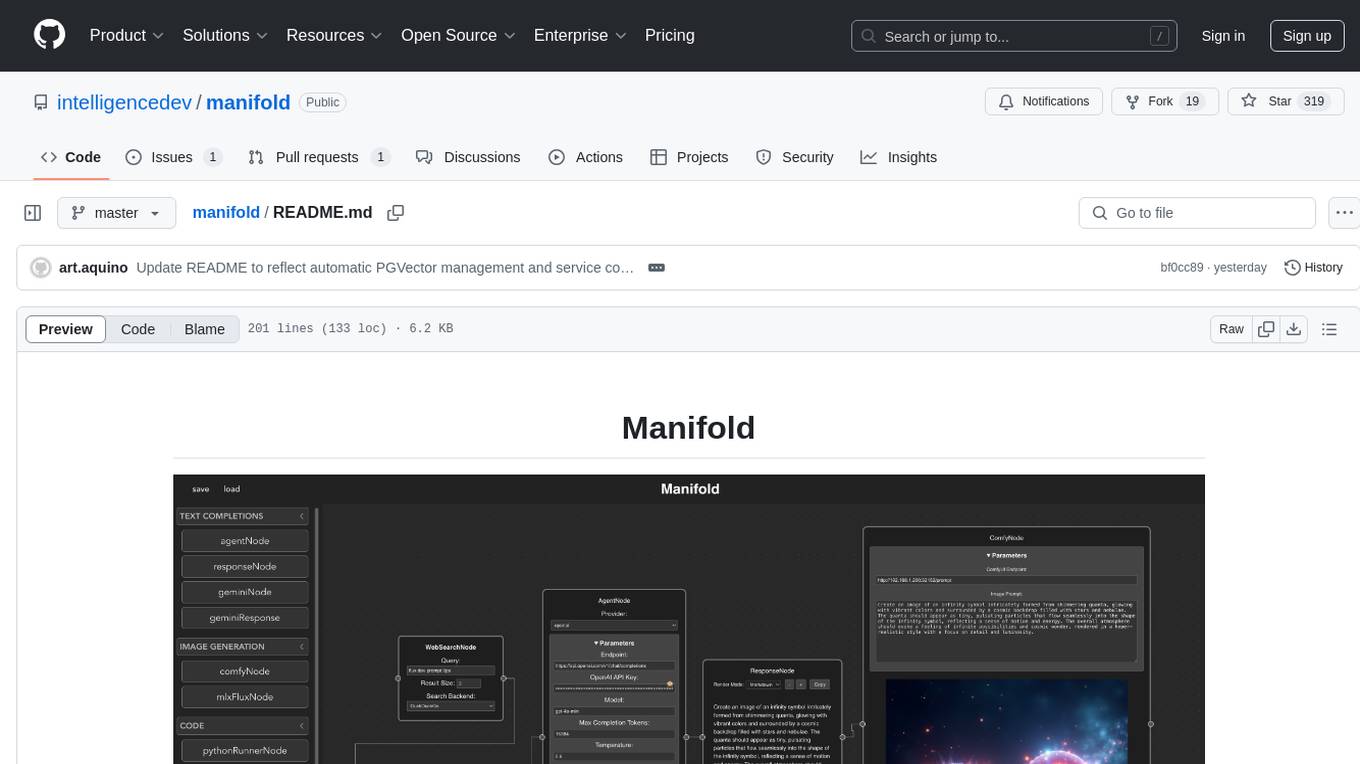
Manifold is a powerful platform for workflow automation using AI models. It supports text generation, image generation, and retrieval-augmented generation, integrating seamlessly with popular AI endpoints. Additionally, Manifold provides robust semantic search capabilities using PGVector combined with the SEFII engine. It is under active development and not production-ready.
pastemax
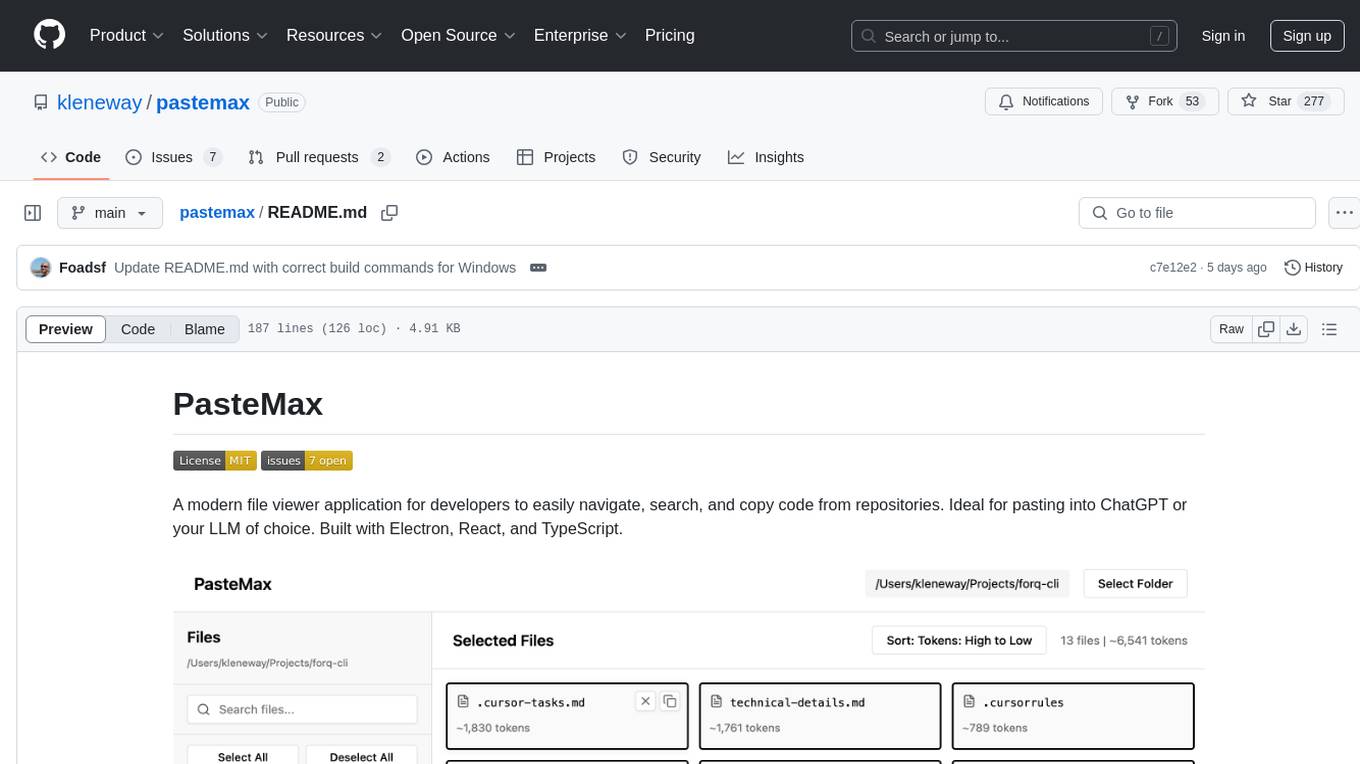
PasteMax is a modern file viewer application designed for developers to easily navigate, search, and copy code from repositories. It provides features such as file tree navigation, token counting, search capabilities, selection management, sorting options, dark mode, binary file detection, and smart file exclusion. Built with Electron, React, and TypeScript, PasteMax is ideal for pasting code into ChatGPT or other language models. Users can download the application or build it from source, and customize file exclusions. Troubleshooting steps are provided for common issues, and contributions to the project are welcome under the MIT License.
ai-cli-lib
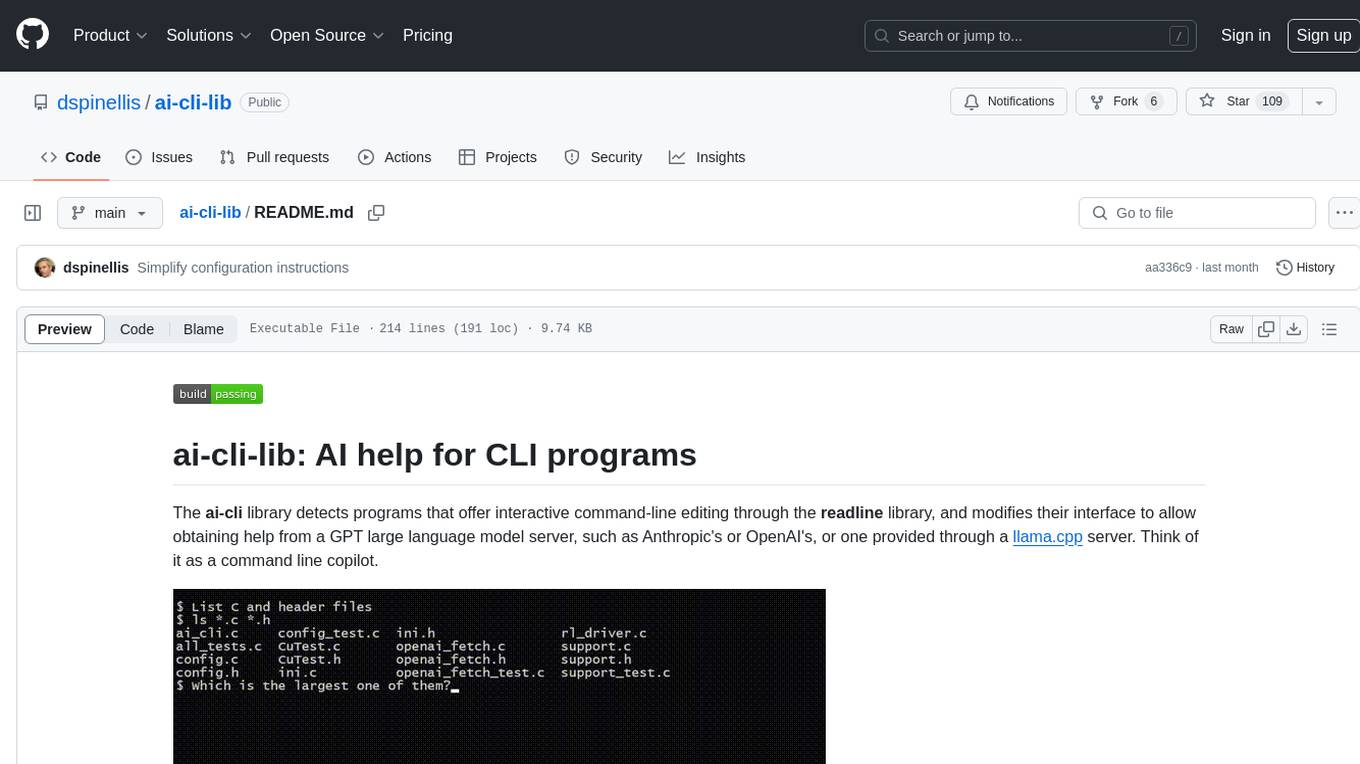
The ai-cli-lib is a library designed to enhance interactive command-line editing programs by integrating with GPT large language model servers. It allows users to obtain AI help from servers like Anthropic's or OpenAI's, or a llama.cpp server. The library acts as a command line copilot, providing natural language prompts and responses to enhance user experience and productivity. It supports various platforms such as Debian GNU/Linux, macOS, and Cygwin, and requires specific packages for installation and operation. Users can configure the library to activate during shell startup and interact with command-line programs like bash, mysql, psql, gdb, sqlite3, and bc. Additionally, the library provides options for configuring API keys, setting up llama.cpp servers, and ensuring data privacy by managing context settings.
askrepo
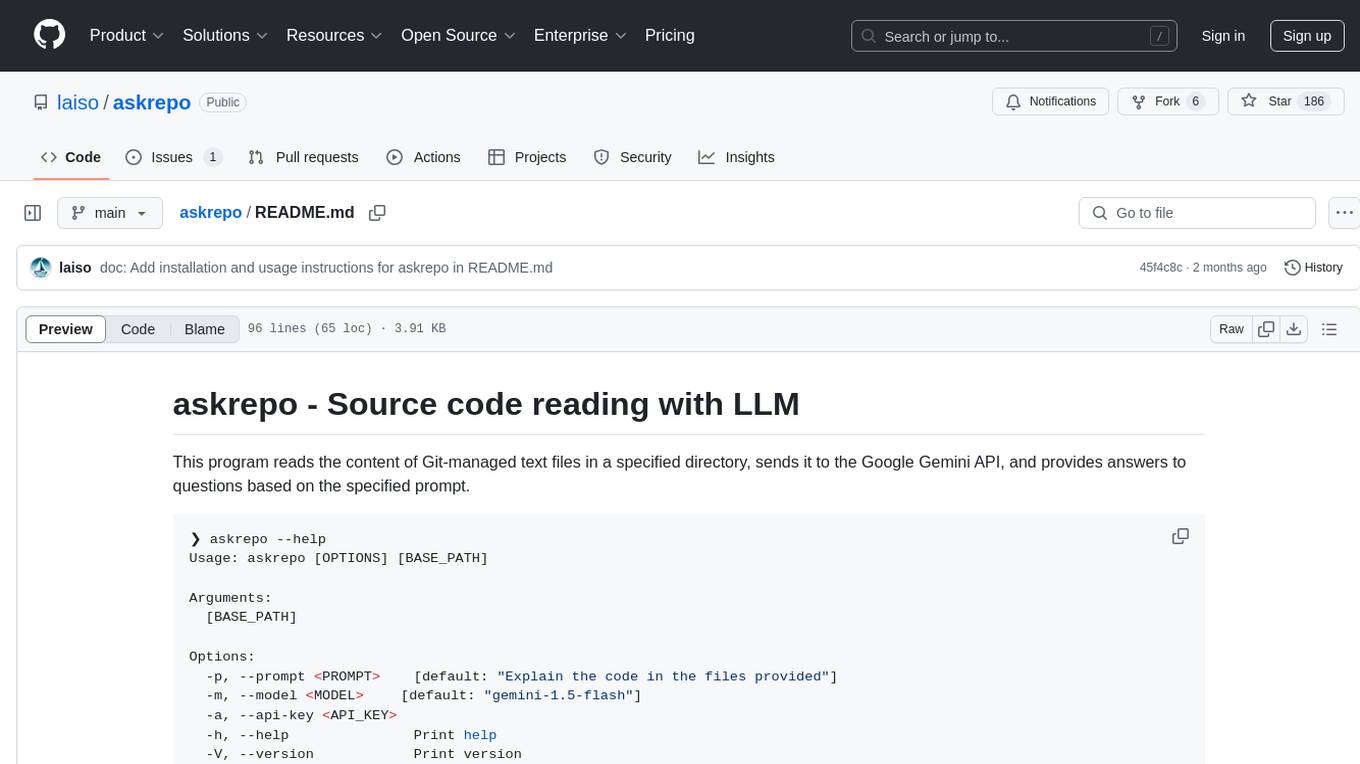
askrepo is a tool that reads the content of Git-managed text files in a specified directory, sends it to the Google Gemini API, and provides answers to questions based on a specified prompt. It acts as a question-answering tool for source code by using a Google AI model to analyze and provide answers based on the provided source code files. The tool leverages modules for file processing, interaction with the Google AI API, and orchestrating the entire process of extracting information from source code files.
BuildCLI
BuildCLI is a command-line interface (CLI) tool designed for managing and automating common tasks in Java project development. It simplifies the development process by allowing users to create, compile, manage dependencies, run projects, generate documentation, manage configuration profiles, dockerize projects, integrate CI/CD tools, and generate structured changelogs. The tool aims to enhance productivity and streamline Java project management by providing a range of functionalities accessible directly from the terminal.
openai-kotlin
OpenAI Kotlin API client is a Kotlin client for OpenAI's API with multiplatform and coroutines capabilities. It allows users to interact with OpenAI's API using Kotlin programming language. The client supports various features such as models, chat, images, embeddings, files, fine-tuning, moderations, audio, assistants, threads, messages, and runs. It also provides guides on getting started, chat & function call, file source guide, and assistants. Sample apps are available for reference, and troubleshooting guides are provided for common issues. The project is open-source and licensed under the MIT license, allowing contributions from the community.
action_mcp
Action MCP is a powerful tool for managing and automating your cloud infrastructure. It provides a user-friendly interface to easily create, update, and delete resources on popular cloud platforms. With Action MCP, you can streamline your deployment process, reduce manual errors, and improve overall efficiency. The tool supports various cloud providers and offers a wide range of features to meet your infrastructure management needs. Whether you are a developer, system administrator, or DevOps engineer, Action MCP can help you simplify and optimize your cloud operations.
company-research-agent
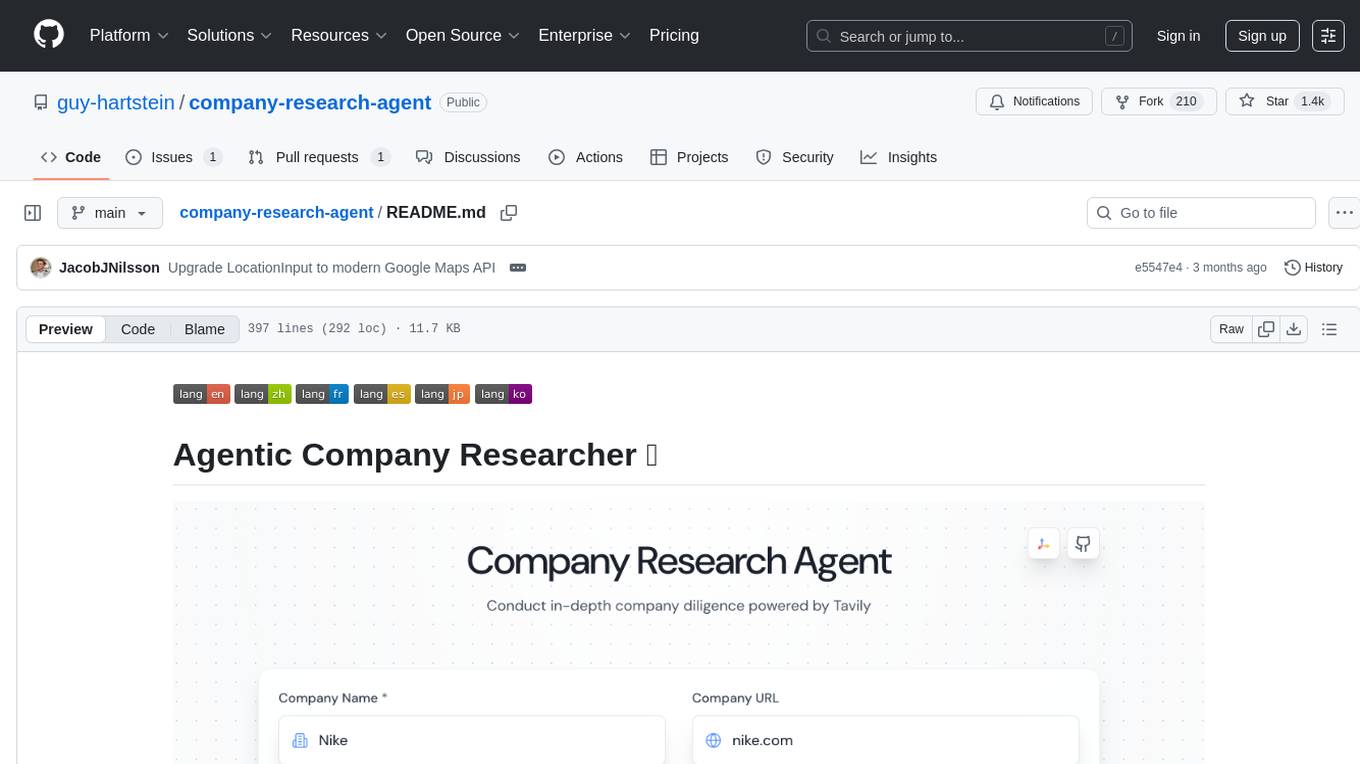
Agentic Company Researcher is a multi-agent tool that generates comprehensive company research reports by utilizing a pipeline of AI agents to gather, curate, and synthesize information from various sources. It features multi-source research, AI-powered content filtering, real-time progress streaming, dual model architecture, modern React frontend, and modular architecture. The tool follows an agentic framework with specialized research and processing nodes, leverages separate models for content generation, uses a content curation system for relevance scoring and document processing, and implements a real-time communication system via WebSocket connections. Users can set up the tool quickly using the provided setup script or manually, and it can also be deployed using Docker and Docker Compose. The application can be used for local development and deployed to various cloud platforms like AWS Elastic Beanstalk, Docker, Heroku, and Google Cloud Run.
For similar tasks
aioconsole
aioconsole is a Python package that provides asynchronous console and interfaces for asyncio. It offers asynchronous equivalents to input, print, exec, and code.interact, an interactive loop running the asynchronous Python console, customization and running of command line interfaces using argparse, stream support to serve interfaces instead of using standard streams, and the apython script to access asyncio code at runtime without modifying the sources. The package requires Python version 3.8 or higher and can be installed from PyPI or GitHub. It allows users to run Python files or modules with a modified asyncio policy, replacing the default event loop with an interactive loop. aioconsole is useful for scenarios where users need to interact with asyncio code in a console environment.
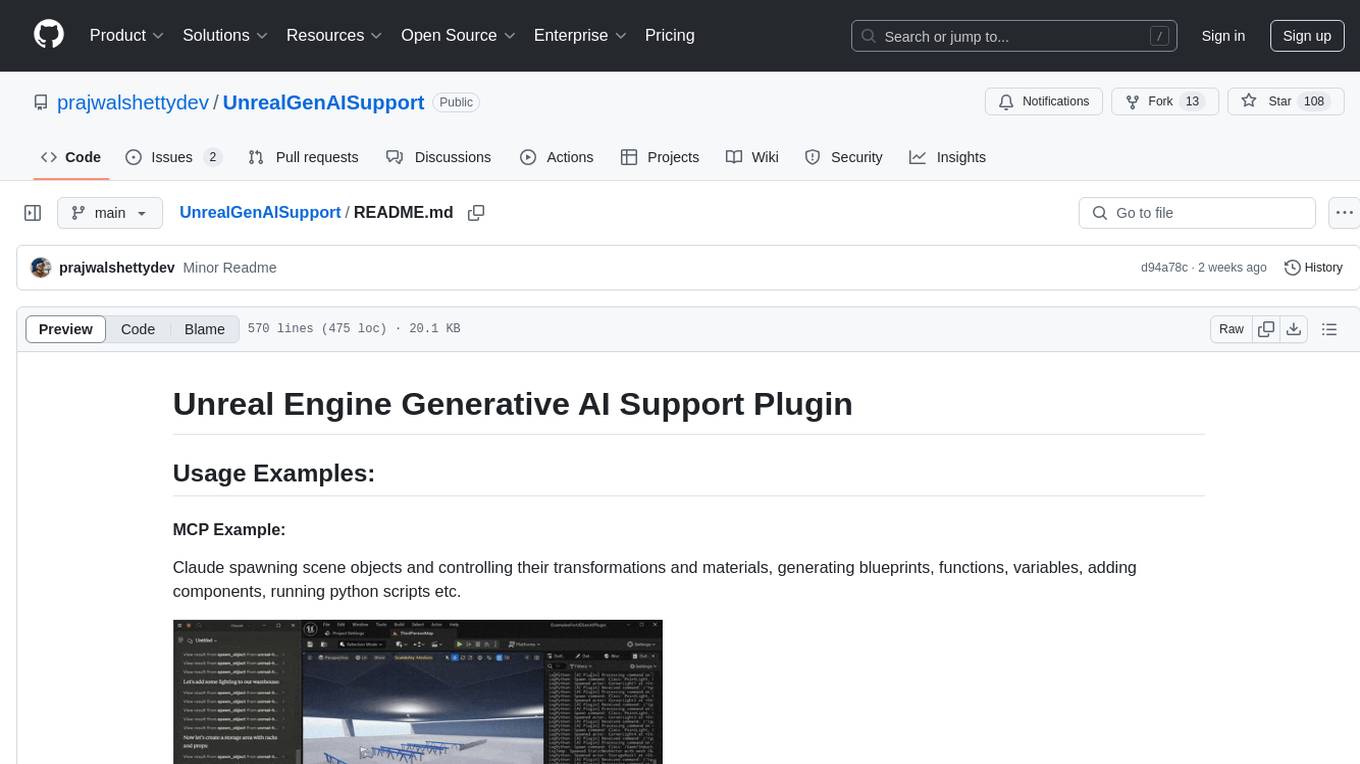
UnrealGenAISupport
The Unreal Engine Generative AI Support Plugin is a tool designed to integrate various cutting-edge LLM/GenAI models into Unreal Engine for game development. It aims to simplify the process of using AI models for game development tasks, such as controlling scene objects, generating blueprints, running Python scripts, and more. The plugin currently supports models from organizations like OpenAI, Anthropic, XAI, Google Gemini, Meta AI, Deepseek, and Baidu. It provides features like API support, model control, generative AI capabilities, UI generation, project file management, and more. The plugin is still under development but offers a promising solution for integrating AI models into game development workflows.
For similar jobs
resonance
Resonance is a framework designed to facilitate interoperability and messaging between services in your infrastructure and beyond. It provides AI capabilities and takes full advantage of asynchronous PHP, built on top of Swoole. With Resonance, you can: * Chat with Open-Source LLMs: Create prompt controllers to directly answer user's prompts. LLM takes care of determining user's intention, so you can focus on taking appropriate action. * Asynchronous Where it Matters: Respond asynchronously to incoming RPC or WebSocket messages (or both combined) with little overhead. You can set up all the asynchronous features using attributes. No elaborate configuration is needed. * Simple Things Remain Simple: Writing HTTP controllers is similar to how it's done in the synchronous code. Controllers have new exciting features that take advantage of the asynchronous environment. * Consistency is Key: You can keep the same approach to writing software no matter the size of your project. There are no growing central configuration files or service dependencies registries. Every relation between code modules is local to those modules. * Promises in PHP: Resonance provides a partial implementation of Promise/A+ spec to handle various asynchronous tasks. * GraphQL Out of the Box: You can build elaborate GraphQL schemas by using just the PHP attributes. Resonance takes care of reusing SQL queries and optimizing the resources' usage. All fields can be resolved asynchronously.
aiogram_bot_template
Aiogram bot template is a boilerplate for creating Telegram bots using Aiogram framework. It provides a solid foundation for building robust and scalable bots with a focus on code organization, database integration, and localization.
pluto
Pluto is a development tool dedicated to helping developers **build cloud and AI applications more conveniently** , resolving issues such as the challenging deployment of AI applications and open-source models. Developers are able to write applications in familiar programming languages like **Python and TypeScript** , **directly defining and utilizing the cloud resources necessary for the application within their code base** , such as AWS SageMaker, DynamoDB, and more. Pluto automatically deduces the infrastructure resource needs of the app through **static program analysis** and proceeds to create these resources on the specified cloud platform, **simplifying the resources creation and application deployment process**.
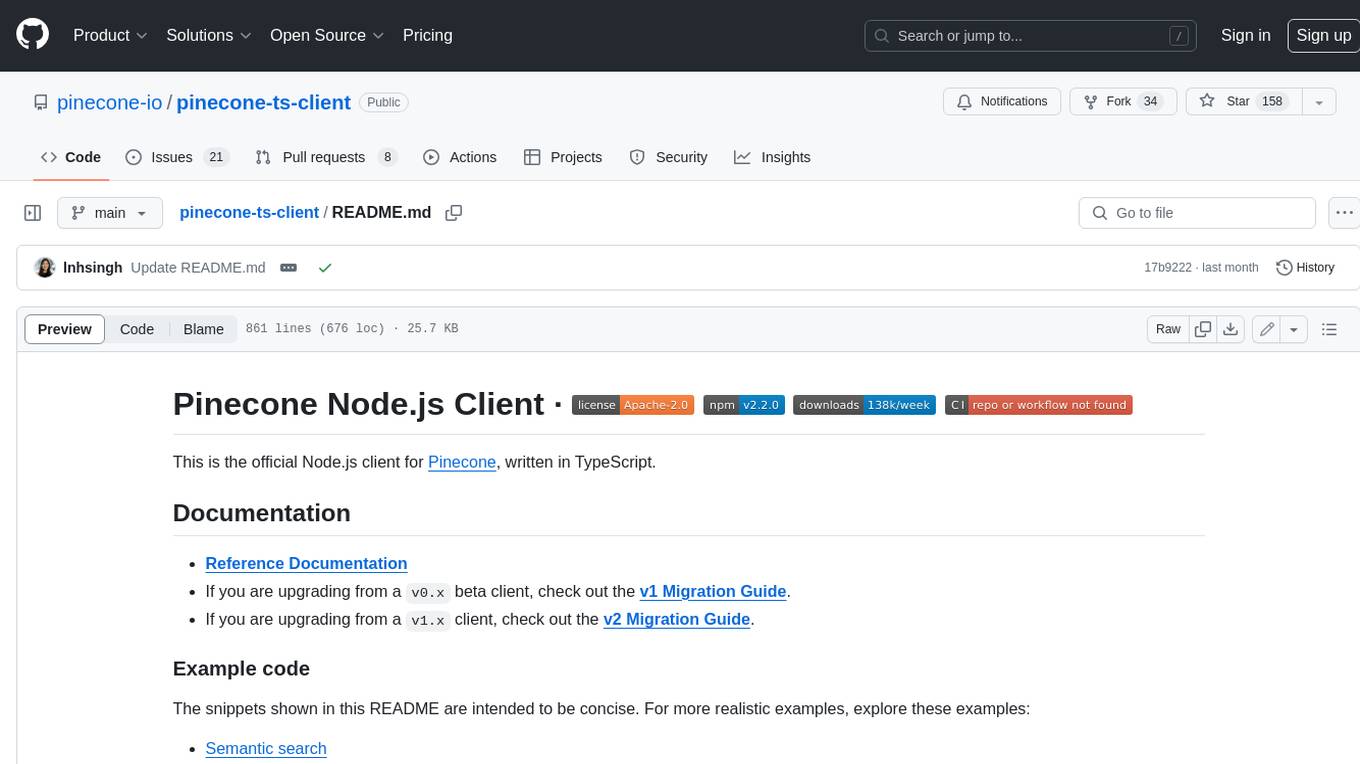
pinecone-ts-client
The official Node.js client for Pinecone, written in TypeScript. This client library provides a high-level interface for interacting with the Pinecone vector database service. With this client, you can create and manage indexes, upsert and query vector data, and perform other operations related to vector search and retrieval. The client is designed to be easy to use and provides a consistent and idiomatic experience for Node.js developers. It supports all the features and functionality of the Pinecone API, making it a comprehensive solution for building vector-powered applications in Node.js.
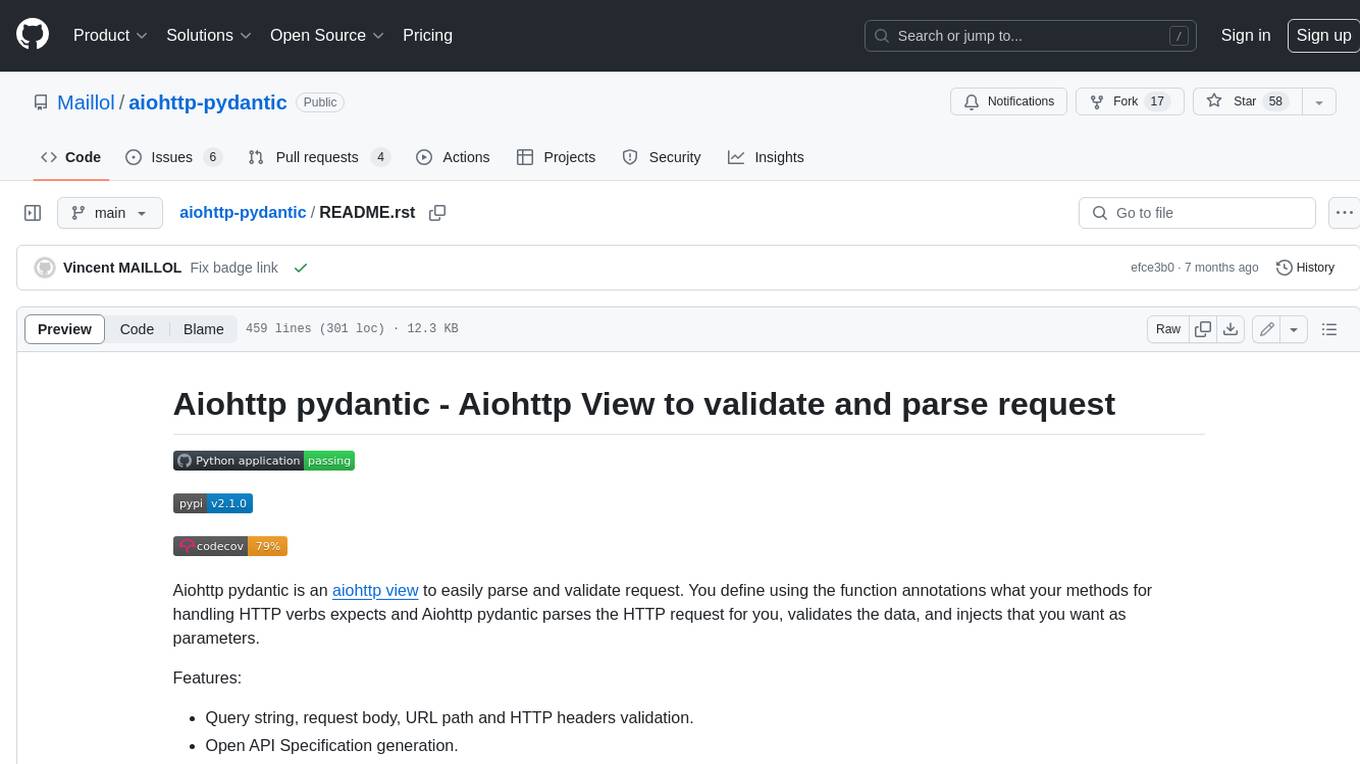
aiohttp-pydantic
Aiohttp pydantic is an aiohttp view to easily parse and validate requests. You define using function annotations what your methods for handling HTTP verbs expect, and Aiohttp pydantic parses the HTTP request for you, validates the data, and injects the parameters you want. It provides features like query string, request body, URL path, and HTTP headers validation, as well as Open API Specification generation.
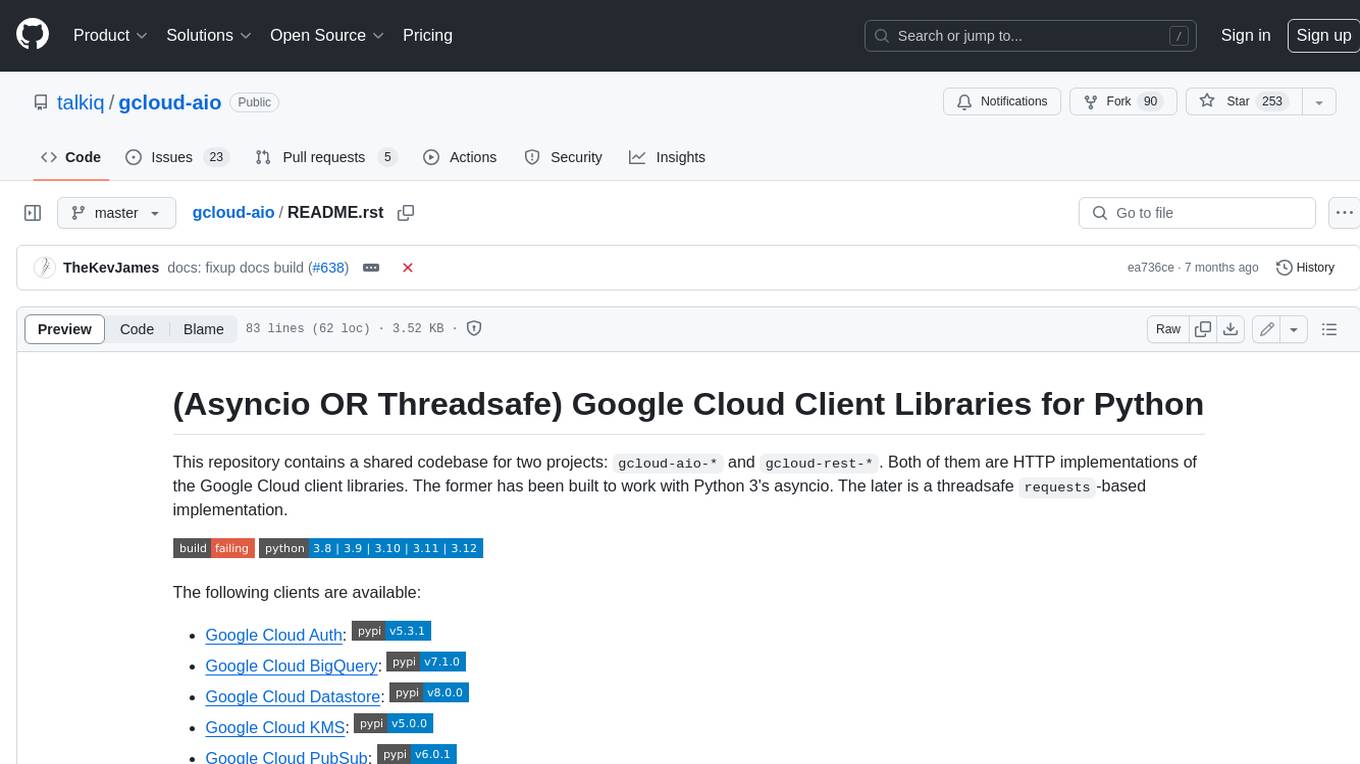
gcloud-aio
This repository contains shared codebase for two projects: gcloud-aio and gcloud-rest. gcloud-aio is built for Python 3's asyncio, while gcloud-rest is a threadsafe requests-based implementation. It provides clients for Google Cloud services like Auth, BigQuery, Datastore, KMS, PubSub, Storage, and Task Queue. Users can install the library using pip and refer to the documentation for usage details. Developers can contribute to the project by following the contribution guide.
aioconsole
aioconsole is a Python package that provides asynchronous console and interfaces for asyncio. It offers asynchronous equivalents to input, print, exec, and code.interact, an interactive loop running the asynchronous Python console, customization and running of command line interfaces using argparse, stream support to serve interfaces instead of using standard streams, and the apython script to access asyncio code at runtime without modifying the sources. The package requires Python version 3.8 or higher and can be installed from PyPI or GitHub. It allows users to run Python files or modules with a modified asyncio policy, replacing the default event loop with an interactive loop. aioconsole is useful for scenarios where users need to interact with asyncio code in a console environment.
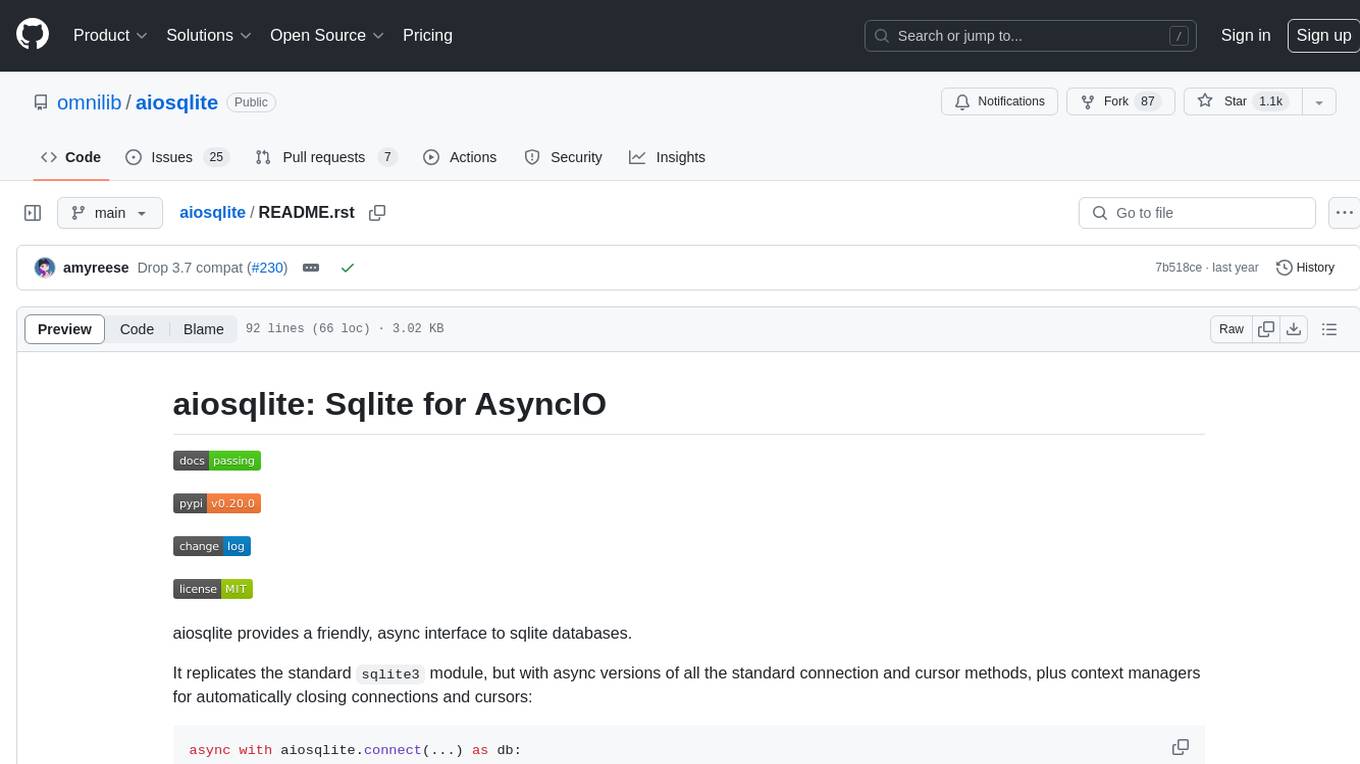
aiosqlite
aiosqlite is a Python library that provides a friendly, async interface to SQLite databases. It replicates the standard sqlite3 module but with async versions of all the standard connection and cursor methods, along with context managers for automatically closing connections and cursors. It allows interaction with SQLite databases on the main AsyncIO event loop without blocking execution of other coroutines while waiting for queries or data fetches. The library also replicates most of the advanced features of sqlite3, such as row factories and total changes tracking.