


qwen-code
An open-source AI agent that lives in your terminal.
Stars: 18246
Qwen Code is an open-source AI agent optimized for Qwen3-Coder, designed to help users understand large codebases, automate tedious work, and expedite the shipping process. It offers an agentic workflow with rich built-in tools, a terminal-first approach with optional IDE integration, and supports both OpenAI-compatible API and Qwen OAuth authentication methods. Users can interact with Qwen Code in interactive mode, headless mode, IDE integration, and through a TypeScript SDK. The tool can be configured via settings.json, environment variables, and CLI flags, and offers benchmark results for performance evaluation. Qwen Code is part of an ecosystem that includes AionUi and Gemini CLI Desktop for graphical interfaces, and troubleshooting guides are available for issue resolution.
README:




An open-source AI agent that lives in your terminal.
中文 | Deutsch | français | 日本語 | Русский | Português (Brasil)
Qwen Code is an open-source AI agent for the terminal, optimized for Qwen3-Coder. It helps you understand large codebases, automate tedious work, and ship faster.

- OpenAI-compatible, OAuth free tier: use an OpenAI-compatible API, or sign in with Qwen OAuth to get 1,000 free requests/day.
- Open-source, co-evolving: both the framework and the Qwen3-Coder model are open-source—and they ship and evolve together.
- Agentic workflow, feature-rich: rich built-in tools (Skills, SubAgents, Plan Mode) for a full agentic workflow and a Claude Code-like experience.
- Terminal-first, IDE-friendly: built for developers who live in the command line, with optional integration for VS Code, Zed, and JetBrains IDEs.
curl -fsSL https://qwen-code-assets.oss-cn-hangzhou.aliyuncs.com/installation/install-qwen.sh | bashcurl -fsSL -o %TEMP%\install-qwen.bat https://qwen-code-assets.oss-cn-hangzhou.aliyuncs.com/installation/install-qwen.bat && %TEMP%\install-qwen.batNote: It's recommended to restart your terminal after installation to ensure environment variables take effect.
# Node.js 20+
curl -qL https://www.npmjs.com/install.sh | shnpm install -g @qwen-code/qwen-code@latestbrew install qwen-code# Start Qwen Code (interactive)
qwen
# Then, in the session:
/help
/authOn first use, you'll be prompted to sign in. You can run /auth anytime to switch authentication methods.
Example prompts:
What does this project do?
Explain the codebase structure.
Help me refactor this function.
Generate unit tests for this module.
Click to watch a demo video
Your browser does not support the video tag.Qwen Code supports two authentication methods:
-
Qwen OAuth (recommended & free): sign in with your
qwen.aiaccount in a browser. -
OpenAI-compatible API: use
OPENAI_API_KEY(and optionally a custom base URL / model).
Start qwen, then run:
/authChoose Qwen OAuth and complete the browser flow. Your credentials are cached locally so you usually won't need to log in again.
Environment variables (recommended for CI / headless environments):
export OPENAI_API_KEY="your-api-key-here"
export OPENAI_BASE_URL="https://api.openai.com/v1"  # optional
export OPENAI_MODEL="gpt-4o"                        # optional
For details (including .qwen/.env loading and security notes), see the authentication guide.
As an open-source terminal agent, you can use Qwen Code in four primary ways:
- Interactive mode (terminal UI)
- Headless mode (scripts, CI)
- IDE integration (VS Code, Zed)
- TypeScript SDK
cd your-project/
qwen
Run qwen in your project folder to launch the interactive terminal UI. Use @ to reference local files (for example @src/main.ts).
cd your-project/
qwen -p "your question"
Use -p to run Qwen Code without the interactive UI—ideal for scripts, automation, and CI/CD. Learn more: Headless mode.
Use Qwen Code inside your editor (VS Code, Zed, and JetBrains IDEs):
Build on top of Qwen Code with the TypeScript SDK:
-
/help- Display available commands -
/clear- Clear conversation history -
/compress- Compress history to save tokens -
/stats- Show current session information -
/bug- Submit a bug report -
/exitor/quit- Exit Qwen Code
-
Ctrl+C- Cancel current operation -
Ctrl+D- Exit (on empty line) -
Up/Down- Navigate command history
Learn more about Commands
Tip: In YOLO mode (
--yolo), vision switching happens automatically without prompts when images are detected. Learn more about Approval Mode
Qwen Code can be configured via settings.json, environment variables, and CLI flags.
-
User settings:
~/.qwen/settings.json -
Project settings:
.qwen/settings.json
See settings for available options and precedence.
| Agent | Model | Accuracy |
|---|---|---|
| Qwen Code | Qwen3-Coder-480A35 | 37.5% |
| Qwen Code | Qwen3-Coder-30BA3B | 31.3% |
Looking for a graphical interface?
- AionUi A modern GUI for command-line AI tools including Qwen Code
- Gemini CLI Desktop A cross-platform desktop/web/mobile UI for Qwen Code
If you encounter issues, check the troubleshooting guide.
To report a bug from within the CLI, run /bug and include a short title and repro steps.
- Discord: https://discord.gg/ycKBjdNd
- Dingtalk: https://qr.dingtalk.com/action/joingroup?code=v1,k1,+FX6Gf/ZDlTahTIRi8AEQhIaBlqykA0j+eBKKdhLeAE=&_dt_no_comment=1&origin=1
This project is based on Google Gemini CLI. We acknowledge and appreciate the excellent work of the Gemini CLI team. Our main contribution focuses on parser-level adaptations to better support Qwen-Coder models.
For Tasks:
Click tags to check more tools for each tasksFor Jobs:
Alternative AI tools for qwen-code
Similar Open Source Tools
qwen-code
Qwen Code is an open-source AI agent optimized for Qwen3-Coder, designed to help users understand large codebases, automate tedious work, and expedite the shipping process. It offers an agentic workflow with rich built-in tools, a terminal-first approach with optional IDE integration, and supports both OpenAI-compatible API and Qwen OAuth authentication methods. Users can interact with Qwen Code in interactive mode, headless mode, IDE integration, and through a TypeScript SDK. The tool can be configured via settings.json, environment variables, and CLI flags, and offers benchmark results for performance evaluation. Qwen Code is part of an ecosystem that includes AionUi and Gemini CLI Desktop for graphical interfaces, and troubleshooting guides are available for issue resolution.
codemie-code
Unified AI Coding Assistant CLI for managing multiple AI agents like Claude Code, Google Gemini, OpenCode, and custom AI agents. Supports OpenAI, Azure OpenAI, AWS Bedrock, LiteLLM, Ollama, and Enterprise SSO. Features built-in LangGraph agent with file operations, command execution, and planning tools. Cross-platform support for Windows, Linux, and macOS. Ideal for developers seeking a powerful alternative to GitHub Copilot or Cursor.
NextChat
NextChat is a well-designed cross-platform ChatGPT web UI tool that supports Claude, GPT4, and Gemini Pro. It offers a compact client for Linux, Windows, and MacOS, with features like self-deployed LLMs compatibility, privacy-first data storage, markdown support, responsive design, and fast loading speed. Users can create, share, and debug chat tools with prompt templates, access various prompts, compress chat history, and use multiple languages. The tool also supports enterprise-level privatization and customization deployment, with features like brand customization, resource integration, permission control, knowledge integration, security auditing, private deployment, and continuous updates.
Shellsage
Shell Sage is an intelligent terminal companion and AI-powered terminal assistant that enhances the terminal experience with features like local and cloud AI support, context-aware error diagnosis, natural language to command translation, and safe command execution workflows. It offers interactive workflows, supports various API providers, and allows for custom model selection. Users can configure the tool for local or API mode, select specific models, and switch between modes easily. Currently in alpha development, Shell Sage has known limitations like limited Windows support and occasional false positives in error detection. The roadmap includes improvements like better context awareness, Windows PowerShell integration, Tmux integration, and CI/CD error pattern database.
Free-GPT4-WEB-API
FreeGPT4-WEB-API is a Python server that allows you to have a self-hosted GPT-4 Unlimited and Free WEB API, via the latest Bing's AI. It uses Flask and GPT4Free libraries. GPT4Free provides an interface to the Bing's GPT-4. The server can be configured by editing the `FreeGPT4_Server.py` file. You can change the server's port, host, and other settings. The only cookie needed for the Bing model is `_U`.
sim
Sim is a platform that allows users to build and deploy AI agent workflows quickly and easily. It provides cloud-hosted and self-hosted options, along with support for local AI models. Users can set up the application using Docker Compose, Dev Containers, or manual setup with PostgreSQL and pgvector extension. The platform utilizes technologies like Next.js, Bun, PostgreSQL with Drizzle ORM, Better Auth for authentication, Shadcn and Tailwind CSS for UI, Zustand for state management, ReactFlow for flow editor, Fumadocs for documentation, Turborepo for monorepo management, Socket.io for real-time communication, and Trigger.dev for background jobs.

LEANN
LEANN is an innovative vector database that democratizes personal AI, transforming your laptop into a powerful RAG system that can index and search through millions of documents using 97% less storage than traditional solutions without accuracy loss. It achieves this through graph-based selective recomputation and high-degree preserving pruning, computing embeddings on-demand instead of storing them all. LEANN allows semantic search of file system, emails, browser history, chat history, codebase, or external knowledge bases on your laptop with zero cloud costs and complete privacy. It is a drop-in semantic search MCP service fully compatible with Claude Code, enabling intelligent retrieval without changing your workflow.

TalkWithGemini
Talk With Gemini is a web application that allows users to deploy their private Gemini application for free with one click. It supports Gemini Pro and Gemini Pro Vision models. The application features talk mode for direct communication with Gemini, visual recognition for understanding picture content, full Markdown support, automatic compression of chat records, privacy and security with local data storage, well-designed UI with responsive design, fast loading speed, and multi-language support. The tool is designed to be user-friendly and versatile for various deployment options and language preferences.
farfalle
Farfalle is an open-source AI-powered search engine that allows users to run their own local LLM or utilize the cloud. It provides a tech stack including Next.js for frontend, FastAPI for backend, Tavily for search API, Logfire for logging, and Redis for rate limiting. Users can get started by setting up prerequisites like Docker and Ollama, and obtaining API keys for Tavily, OpenAI, and Groq. The tool supports models like llama3, mistral, and gemma. Users can clone the repository, set environment variables, run containers using Docker Compose, and deploy the backend and frontend using services like Render and Vercel.
browser-use
Browser Use is a tool designed to make websites accessible for AI agents. It provides an easy way to connect AI agents with the browser, enabling users to perform tasks such as extracting vision and HTML elements, managing multiple tabs, and executing custom actions. The tool supports various language models and allows users to parallelize multiple agents for efficient processing. With features like self-correction and the ability to register custom actions, Browser Use offers a versatile solution for interacting with web content using AI technology.
recommendarr
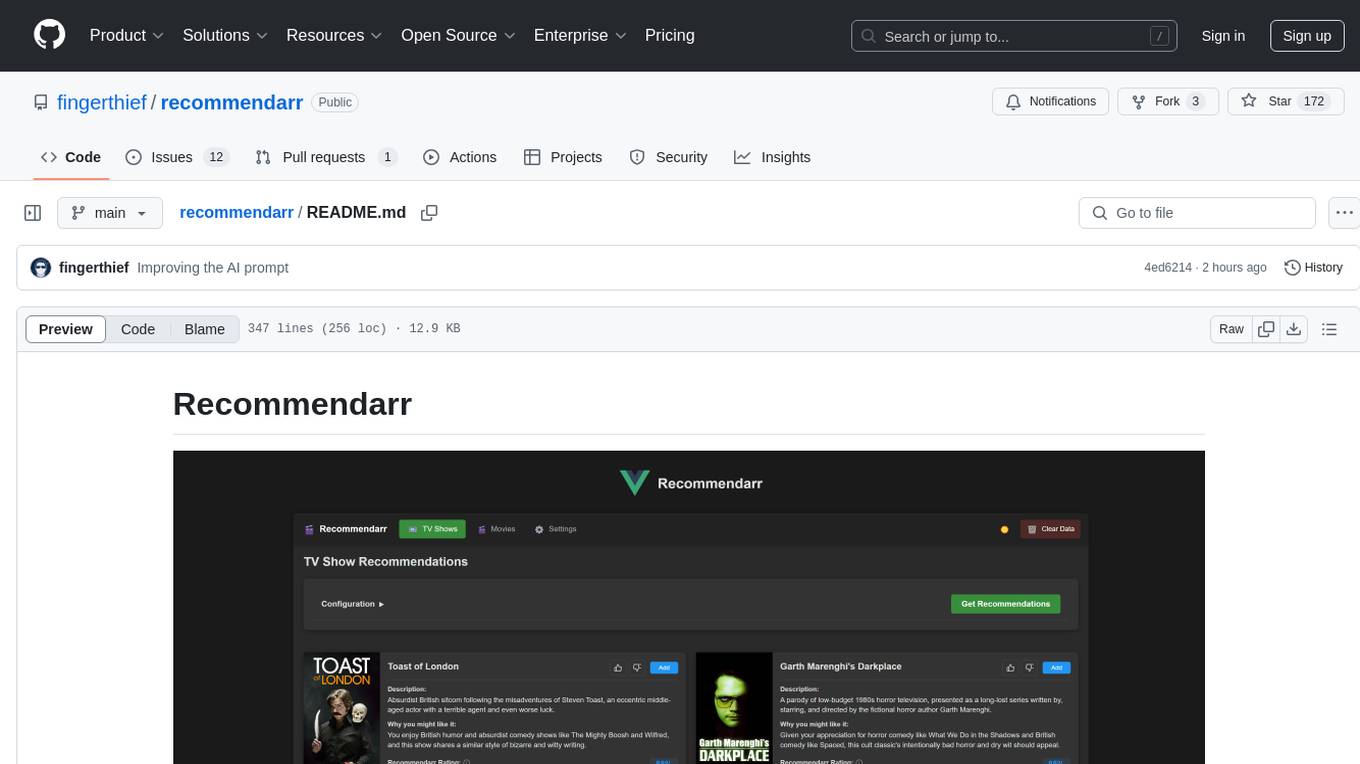
Recommendarr is a tool that generates personalized TV show and movie recommendations based on your Sonarr, Radarr, Plex, and Jellyfin libraries using AI. It offers AI-powered recommendations, media server integration, flexible AI support, watch history analysis, customization options, and dark/light mode toggle. Users can connect their media libraries and watch history services, configure AI service settings, and get personalized recommendations based on genre, language, and mood/vibe preferences. The tool works with any OpenAI-compatible API and offers various recommended models for different cost options and performance levels. It provides personalized suggestions, detailed information, filter options, watch history analysis, and one-click adding of recommended content to Sonarr/Radarr.
CrewAI-Studio
CrewAI Studio is an application with a user-friendly interface for interacting with CrewAI, offering support for multiple platforms and various backend providers. It allows users to run crews in the background, export single-page apps, and use custom tools for APIs and file writing. The roadmap includes features like better import/export, human input, chat functionality, automatic crew creation, and multiuser environment support.
ragflow
RAGFlow is an open-source Retrieval-Augmented Generation (RAG) engine that combines deep document understanding with Large Language Models (LLMs) to provide accurate question-answering capabilities. It offers a streamlined RAG workflow for businesses of all sizes, enabling them to extract knowledge from unstructured data in various formats, including Word documents, slides, Excel files, images, and more. RAGFlow's key features include deep document understanding, template-based chunking, grounded citations with reduced hallucinations, compatibility with heterogeneous data sources, and an automated and effortless RAG workflow. It supports multiple recall paired with fused re-ranking, configurable LLMs and embedding models, and intuitive APIs for seamless integration with business applications.
Flowise
Flowise is a tool that allows users to build customized LLM flows with a drag-and-drop UI. It is open-source and self-hostable, and it supports various deployments, including AWS, Azure, Digital Ocean, GCP, Railway, Render, HuggingFace Spaces, Elestio, Sealos, and RepoCloud. Flowise has three different modules in a single mono repository: server, ui, and components. The server module is a Node backend that serves API logics, the ui module is a React frontend, and the components module contains third-party node integrations. Flowise supports different environment variables to configure your instance, and you can specify these variables in the .env file inside the packages/server folder.
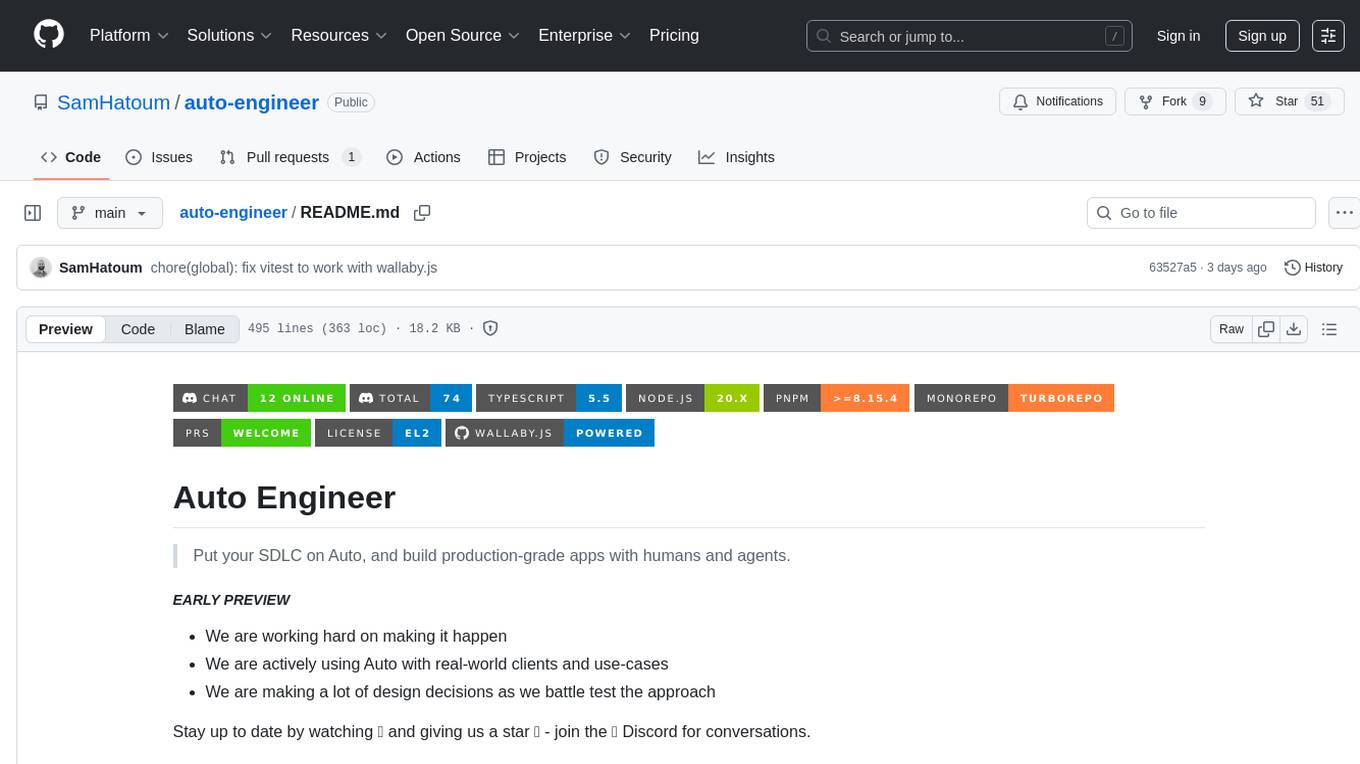
auto-engineer
Auto Engineer is a tool designed to automate the Software Development Life Cycle (SDLC) by building production-grade applications with a combination of human and AI agents. It offers a plugin-based architecture that allows users to install only the necessary functionality for their projects. The tool guides users through key stages including Flow Modeling, IA Generation, Deterministic Scaffolding, AI Coding & Testing Loop, and Comprehensive Quality Checks. Auto Engineer follows a command/event-driven architecture and provides a modular plugin system for specific functionalities. It supports TypeScript with strict typing throughout and includes a built-in message bus server with a web dashboard for monitoring commands and events.
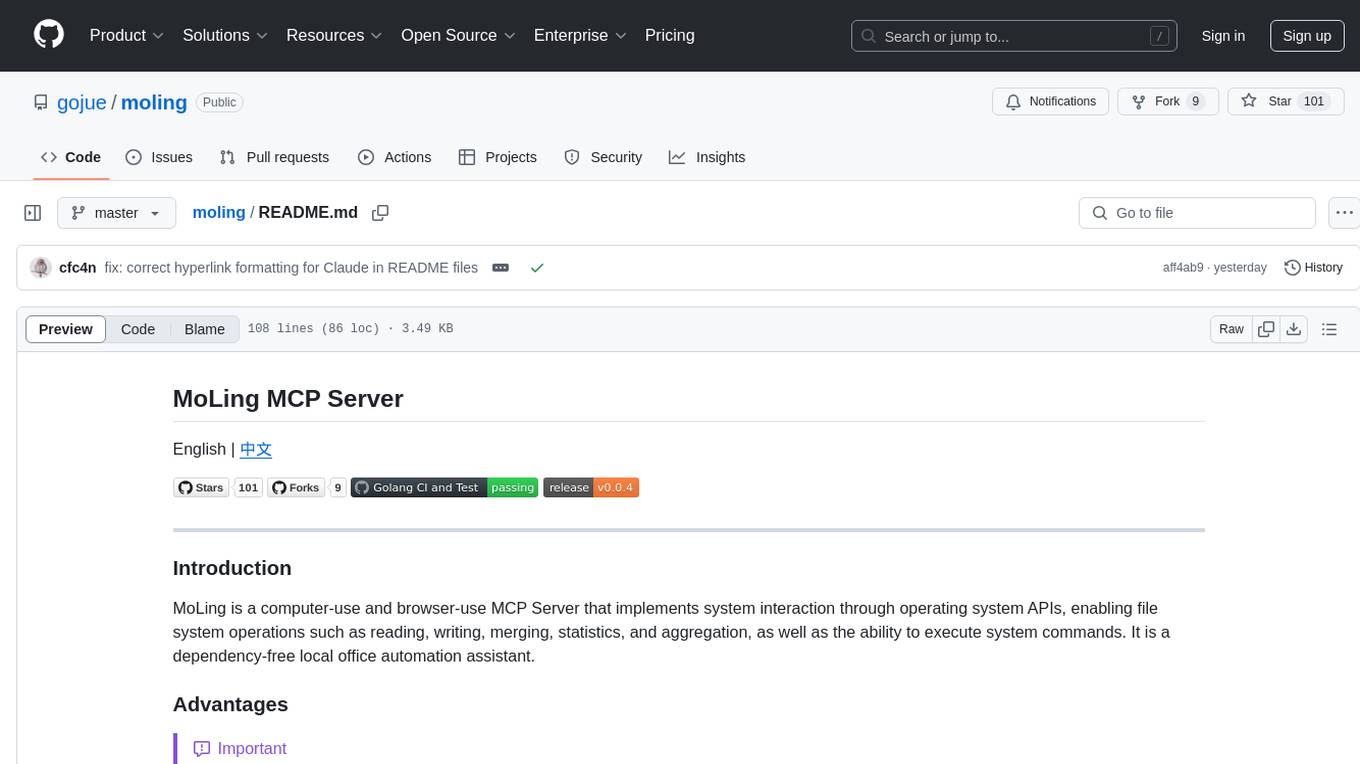
moling
MoLing is a computer-use and browser-use MCP Server that implements system interaction through operating system APIs, enabling file system operations such as reading, writing, merging, statistics, and aggregation, as well as the ability to execute system commands. It is a dependency-free local office automation assistant. Requiring no installation of any dependencies, MoLing can be run directly and is compatible with multiple operating systems, including Windows, Linux, and macOS. This eliminates the hassle of dealing with environment conflicts involving Node.js, Python, Docker, and other development environments. Command-line operations are dangerous and should be used with caution. MoLing supports features like file system operations, command-line terminal execution, browser control powered by 'github.com/chromedp/chromedp', and future plans for personal PC data organization, document writing assistance, schedule planning, and life assistant features. MoLing has been tested on macOS but may have issues on other operating systems.
For similar tasks
qwen-code
Qwen Code is an open-source AI agent optimized for Qwen3-Coder, designed to help users understand large codebases, automate tedious work, and expedite the shipping process. It offers an agentic workflow with rich built-in tools, a terminal-first approach with optional IDE integration, and supports both OpenAI-compatible API and Qwen OAuth authentication methods. Users can interact with Qwen Code in interactive mode, headless mode, IDE integration, and through a TypeScript SDK. The tool can be configured via settings.json, environment variables, and CLI flags, and offers benchmark results for performance evaluation. Qwen Code is part of an ecosystem that includes AionUi and Gemini CLI Desktop for graphical interfaces, and troubleshooting guides are available for issue resolution.
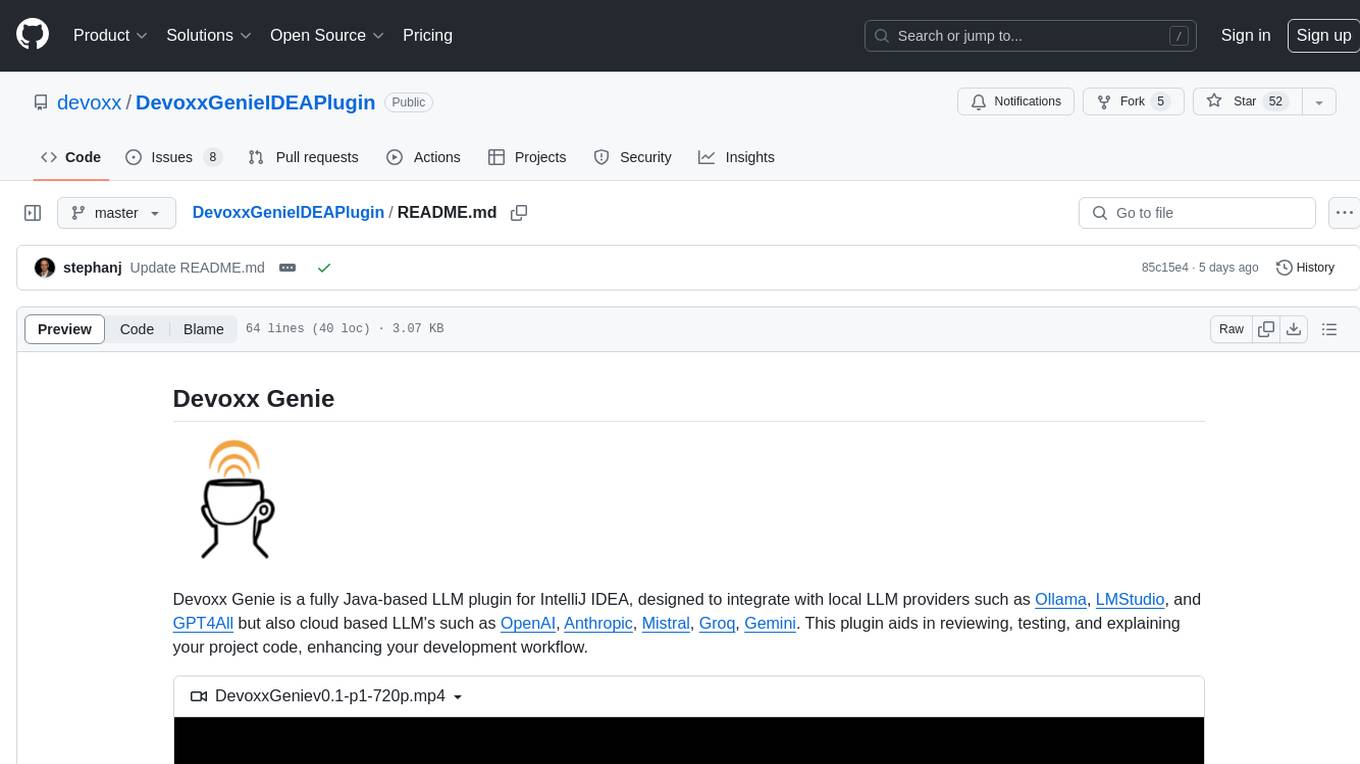
DevoxxGenieIDEAPlugin
Devoxx Genie is a Java-based IntelliJ IDEA plugin that integrates with local and cloud-based LLM providers to aid in reviewing, testing, and explaining project code. It supports features like code highlighting, chat conversations, and adding files/code snippets to context. Users can modify REST endpoints and LLM parameters in settings, including support for cloud-based LLMs. The plugin requires IntelliJ version 2023.3.4 and JDK 17. Building and publishing the plugin is done using Gradle tasks. Users can select an LLM provider, choose code, and use commands like review, explain, or generate unit tests for code analysis.
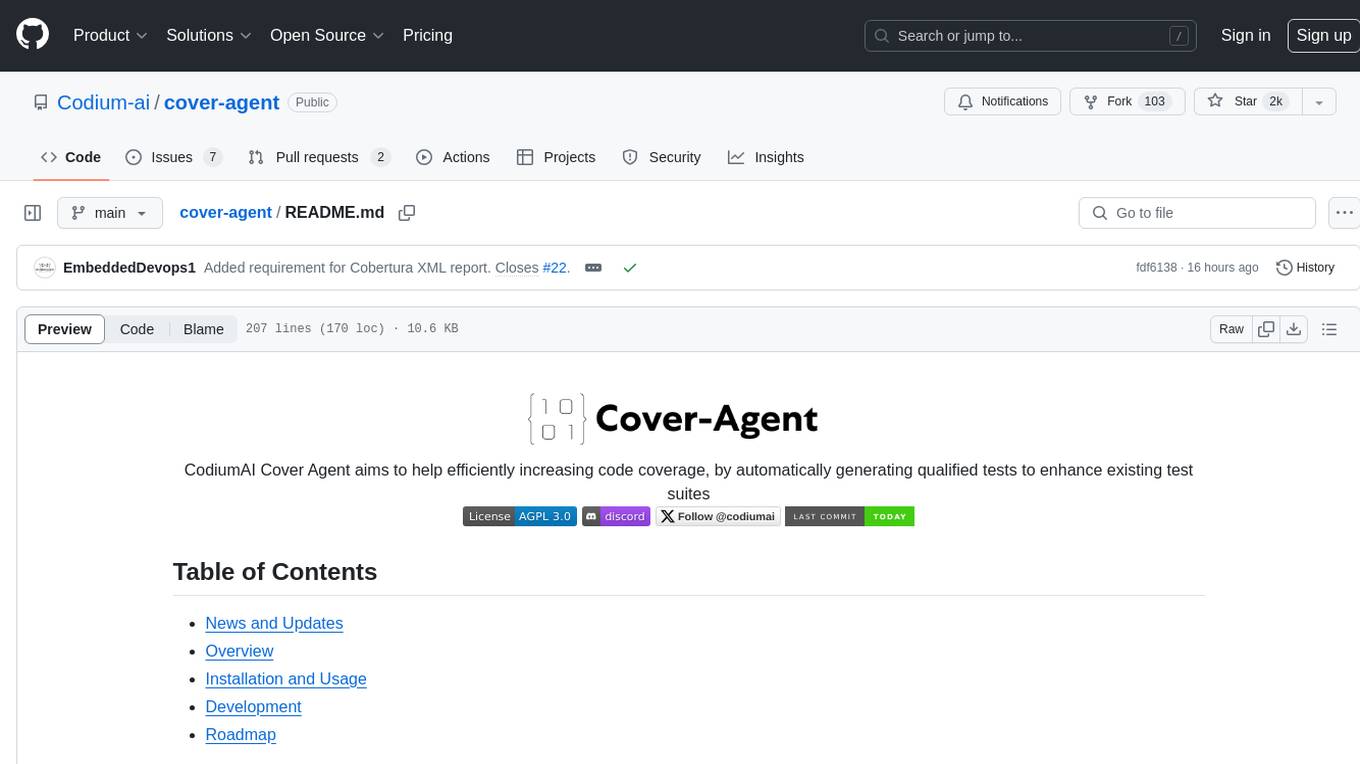
cover-agent
CodiumAI Cover Agent is a tool designed to help increase code coverage by automatically generating qualified tests to enhance existing test suites. It utilizes Generative AI to streamline development workflows and is part of a suite of utilities aimed at automating the creation of unit tests for software projects. The system includes components like Test Runner, Coverage Parser, Prompt Builder, and AI Caller to simplify and expedite the testing process, ensuring high-quality software development. Cover Agent can be run via a terminal and is planned to be integrated into popular CI platforms. The tool outputs debug files locally, such as generated_prompt.md, run.log, and test_results.html, providing detailed information on generated tests and their status. It supports multiple LLMs and allows users to specify the model to use for test generation.
pythagora
Pythagora is an automated testing tool designed to generate unit tests using GPT-4. By running a single command, users can create tests for specific functions in their codebase. The tool leverages AST parsing to identify related functions and sends them to the Pythagora server for test generation. Pythagora primarily focuses on JavaScript code and supports Jest testing framework. Users can expand existing tests, increase code coverage, and find bugs efficiently. It is recommended to review the generated tests before committing them to the repository. Pythagora does not store user code on its servers but sends it to GPT and OpenAI for test generation.
software-dev-prompt-library
A collection of AI-powered prompts designed to streamline software development workflows. The library contains prompts at various stages of development, with structured sequences of connected prompts, project initialization support, development assistance, and documentation generation. It aims to provide consistent guidance across different development phases, promote systematic development processes, and enable progress tracking and validation.

TestSpark
TestSpark is a plugin for generating unit tests that integrates AI-based test generation tools. It supports LLM-based test generation using OpenAI, HuggingFace, and JetBrains internal AI Assistant platform, as well as local search-based test generation using EvoSuite. Users can configure test generation settings, interact with test cases, view coverage statistics, and integrate tests into projects. The plugin is designed for experimental use to augment existing test suites, not replace manual test writing.
cody-vs
Sourcegraph’s AI code assistant, Cody for Visual Studio, enhances developer productivity by providing a natural and intuitive way to work. It offers features like chat, auto-edit, prompts, and works with various IDEs. Cody focuses on team productivity, offering whole codebase context and shared prompts for consistency. Users can choose from different LLM models like Claude, Gemini Pro, and OpenAI's GPT. Engineered for enterprise use, Cody supports flexible deployment and enterprise security. Suitable for any programming language, Cody excels with Python, Go, JavaScript, and TypeScript code.
codemie-code
Unified AI Coding Assistant CLI for managing multiple AI agents like Claude Code, Google Gemini, OpenCode, and custom AI agents. Supports OpenAI, Azure OpenAI, AWS Bedrock, LiteLLM, Ollama, and Enterprise SSO. Features built-in LangGraph agent with file operations, command execution, and planning tools. Cross-platform support for Windows, Linux, and macOS. Ideal for developers seeking a powerful alternative to GitHub Copilot or Cursor.
For similar jobs

sweep
Sweep is an AI junior developer that turns bugs and feature requests into code changes. It automatically handles developer experience improvements like adding type hints and improving test coverage.

teams-ai
The Teams AI Library is a software development kit (SDK) that helps developers create bots that can interact with Teams and Microsoft 365 applications. It is built on top of the Bot Framework SDK and simplifies the process of developing bots that interact with Teams' artificial intelligence capabilities. The SDK is available for JavaScript/TypeScript, .NET, and Python.

ai-guide
This guide is dedicated to Large Language Models (LLMs) that you can run on your home computer. It assumes your PC is a lower-end, non-gaming setup.

classifai
Supercharge WordPress Content Workflows and Engagement with Artificial Intelligence. Tap into leading cloud-based services like OpenAI, Microsoft Azure AI, Google Gemini and IBM Watson to augment your WordPress-powered websites. Publish content faster while improving SEO performance and increasing audience engagement. ClassifAI integrates Artificial Intelligence and Machine Learning technologies to lighten your workload and eliminate tedious tasks, giving you more time to create original content that matters.

chatbot-ui
Chatbot UI is an open-source AI chat app that allows users to create and deploy their own AI chatbots. It is easy to use and can be customized to fit any need. Chatbot UI is perfect for businesses, developers, and anyone who wants to create a chatbot.

BricksLLM
BricksLLM is a cloud native AI gateway written in Go. Currently, it provides native support for OpenAI, Anthropic, Azure OpenAI and vLLM. BricksLLM aims to provide enterprise level infrastructure that can power any LLM production use cases. Here are some use cases for BricksLLM: * Set LLM usage limits for users on different pricing tiers * Track LLM usage on a per user and per organization basis * Block or redact requests containing PIIs * Improve LLM reliability with failovers, retries and caching * Distribute API keys with rate limits and cost limits for internal development/production use cases * Distribute API keys with rate limits and cost limits for students

uAgents
uAgents is a Python library developed by Fetch.ai that allows for the creation of autonomous AI agents. These agents can perform various tasks on a schedule or take action on various events. uAgents are easy to create and manage, and they are connected to a fast-growing network of other uAgents. They are also secure, with cryptographically secured messages and wallets.

griptape
Griptape is a modular Python framework for building AI-powered applications that securely connect to your enterprise data and APIs. It offers developers the ability to maintain control and flexibility at every step. Griptape's core components include Structures (Agents, Pipelines, and Workflows), Tasks, Tools, Memory (Conversation Memory, Task Memory, and Meta Memory), Drivers (Prompt and Embedding Drivers, Vector Store Drivers, Image Generation Drivers, Image Query Drivers, SQL Drivers, Web Scraper Drivers, and Conversation Memory Drivers), Engines (Query Engines, Extraction Engines, Summary Engines, Image Generation Engines, and Image Query Engines), and additional components (Rulesets, Loaders, Artifacts, Chunkers, and Tokenizers). Griptape enables developers to create AI-powered applications with ease and efficiency.