


codemie-code
AI Run CodeMie CLI with analytics capabilities
Stars: 124
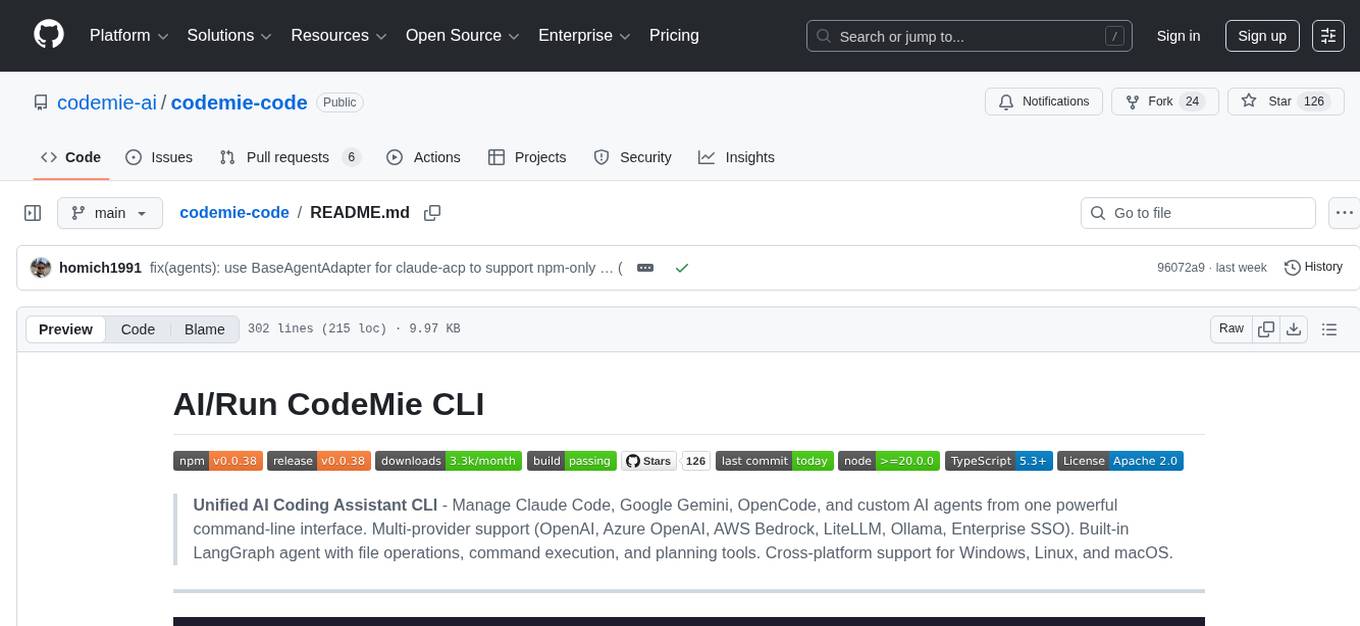
Unified AI Coding Assistant CLI for managing multiple AI agents like Claude Code, Google Gemini, OpenCode, and custom AI agents. Supports OpenAI, Azure OpenAI, AWS Bedrock, LiteLLM, Ollama, and Enterprise SSO. Features built-in LangGraph agent with file operations, command execution, and planning tools. Cross-platform support for Windows, Linux, and macOS. Ideal for developers seeking a powerful alternative to GitHub Copilot or Cursor.
README:









Unified AI Coding Assistant CLI - Manage Claude Code, Google Gemini, OpenCode, and custom AI agents from one powerful command-line interface. Multi-provider support (OpenAI, Azure OpenAI, AWS Bedrock, LiteLLM, Ollama, Enterprise SSO). Built-in LangGraph agent with file operations, command execution, and planning tools. Cross-platform support for Windows, Linux, and macOS.

CodeMie CLI is the all-in-one AI coding assistant for developers.
- ✨ One CLI, Multiple AI Agents - Switch between Claude Code, Gemini, OpenCode, and built-in agent.
- 🔄 Multi-Provider Support - OpenAI, Azure OpenAI, AWS Bedrock, LiteLLM, Ollama, and Enterprise SSO.
- 🚀 Built-in Agent - A powerful LangGraph-based assistant with file operations, command execution, and planning tools.
- 🖥️ Cross-Platform - Full support for Windows, Linux, and macOS with platform-specific optimizations.
- 🔐 Enterprise Ready - SSO authentication, audit logging, and role-based access.
- ⚡ Productivity Boost - Code review, refactoring, test generation, and bug fixing.
- 🎯 Profile Management - Manage work, personal, and team configurations separately.
- 📊 Usage Analytics - Track and analyze AI usage across all agents with detailed insights.
- 🔧 CI/CD Workflows - Automated code review, fixes, and feature implementation.
Perfect for developers seeking a powerful alternative to GitHub Copilot or Cursor.
# Install globally for best experience
npm install -g @codemieai/code

# 1. Setup (interactive wizard)
codemie setup

# 2. Check system health
codemie doctor

# 3. Install an external agent (e.g., Claude Code - latest supported version)
codemie install claude --supported

# 4. Use the installed agent
codemie-claude "Review my API code"

# 5. Use the built-in agent
codemie-code "Analyze this codebase"

# 6. Execute a single task and exit
codemie --task "Generate unit tests"
Prefer not to install globally? Use npx with the full package name:
npx @codemieai/code setup
npx @codemieai/code doctor
npx @codemieai/code install claude --supported
# Note: Agent shortcuts require global installationFor the best experience with all features and agent shortcuts:
npm install -g @codemieai/code
codemie --helpFor project-specific usage:
npm install @codemieai/code

# Use with npx
npx @codemieai/code --help
Note: Agent shortcuts (codemie-claude, codemie-code, etc.) require global installation.
git clone https://github.com/codemie-ai/codemie-code.git
cd codemie-code
npm install
npm run build && npm linkcodemie --help
codemie doctorThe CodeMie CLI provides two ways to interact with AI agents:
The built-in agent is ready to use immediately and is great for a wide range of coding tasks.
Available Tools:
-
read_file- Read file contents -
write_file- Write content to files -
list_directory- List files with intelligent filtering (auto-filters node_modules, .git, etc.) -
execute_command- Execute shell commands with progress tracking -
write_todos/update_todo_status/append_todo/clear_todos/show_todos- Planning and progress tracking tools
# Start an interactive conversation
codemie-code

# Start with an initial message
codemie-code "Help me refactor this component"You can also install and use external agents like Claude Code and Gemini.
Available Agents:
-
Claude Code (
codemie-claude) - Anthropic's official CLI with advanced code understanding -
Claude Code ACP (
codemie-claude-acp) - Claude Code for IDE integration via ACP protocol (Zed, JetBrains, Emacs) -
Gemini CLI (
codemie-gemini) - Google's Gemini for coding tasks -
OpenCode (
codemie-opencode) - Open-source AI coding assistant with session analytics
# Install an agent (latest supported version)
codemie install claude --supported

# Use the agent
codemie-claude "Review my API code"

# Install Gemini
codemie install gemini
codemie-gemini "Implement a REST API"

# Install OpenCode
codemie install opencode
codemie-opencode "Generate unit tests for my service"

# Install Claude Code ACP (for IDE integration)
codemie install claude-acp
# Configure in your IDE (see docs/AGENTS.md for details)Zed (~/.config/zed/settings.json):
{
  "agent_servers": {
    "claude": {
      "command": "codemie-claude-acp",
      "args": ["--profile", "work"]
    }
  }
}
IntelliJ IDEA (~/.jetbrains/acp.json):
{
  "default_mcp_settings": {},
  "agent_servers": {
    "Claude Code via CodeMie": {
      "command": "codemie-claude-acp"
    }
  }
}
Emacs (with acp.el):
(setq acp-claude-command "codemie-claude-acp")
(setq acp-claude-args '("--profile" "work"))
Version Management:
CodeMie manages agent versions to ensure compatibility. For Claude Code:
# Install latest supported version (recommended)
codemie install claude --supported

# Install specific version
codemie install claude 2.1.22

# Install latest available version
codemie install claude
Auto-updates are automatically disabled to maintain version control. CodeMie notifies you when running a different version than supported.
For more detailed information on the available agents, see the Agents Documentation.
When using Claude Code (codemie-claude), you get access to powerful built-in commands for project documentation:
Project Documentation:
# Generate AI-optimized docs (CLAUDE.md + guides). Can be added optional details after command as well
/codemie:codemie-init

# Generate project-specific subagents. Can be added optional details after command as well
/codemie:codemie-subagents
Memory Management:
# Capture important learnings
/memory-add

# Audit and update documentation
/memory-refresh
These commands analyze your actual codebase to create tailored documentation and specialized agents. See Claude Plugin Documentation for details.
When using OpenCode (codemie-opencode), CodeMie automatically extracts and tracks session metrics:
Manual Metrics Processing:
# Process a specific OpenCode session
codemie opencode-metrics --session <session-id>

# Discover and process all recent sessions
codemie opencode-metrics --discover

# Verbose output with details
codemie opencode-metrics --discover --verbose
Metrics are automatically extracted at session end and synced to the analytics system. Use codemie analytics to view comprehensive usage statistics across all agents.
The CodeMie CLI has a rich set of commands for managing agents, configuration, and more.
codemie setup            # Interactive configuration wizard
codemie list             # List all available agents
codemie install <agent>  # Install an agent
codemie update <agent>   # Update installed agents
codemie self-update      # Update CodeMie CLI itself
codemie profile          # Manage provider profiles
codemie analytics        # View usage analytics (sessions, tokens, costs, tools)
codemie workflow <cmd>   # Manage CI/CD workflows
codemie doctor           # Health check and diagnostics
For a full command reference, see the Commands Documentation.
Comprehensive guides are available in the docs/ directory:
- Configuration - Setup wizard, environment variables, multi-provider profiles, manual configuration
- Commands - Complete command reference including analytics and workflow commands
- Agents - Detailed information about each agent (Claude Code, Gemini, built-in)
- Authentication - SSO setup, token management, enterprise authentication
- Examples - Common workflows, multi-provider examples, CI/CD integration
- Configuration Architecture - How configuration flows through the system from CLI to proxy plugins
- Claude Code Plugin - Built-in commands, hooks system, and plugin architecture
Contributions are welcome! Please read our Contributing Guidelines to get started.
This project is licensed under the Apache-2.0 License.
For Tasks:
Click tags to check more tools for each tasksFor Jobs:
Alternative AI tools for codemie-code
Similar Open Source Tools
codemie-code
Unified AI Coding Assistant CLI for managing multiple AI agents like Claude Code, Google Gemini, OpenCode, and custom AI agents. Supports OpenAI, Azure OpenAI, AWS Bedrock, LiteLLM, Ollama, and Enterprise SSO. Features built-in LangGraph agent with file operations, command execution, and planning tools. Cross-platform support for Windows, Linux, and macOS. Ideal for developers seeking a powerful alternative to GitHub Copilot or Cursor.
qwen-code
Qwen Code is an open-source AI agent optimized for Qwen3-Coder, designed to help users understand large codebases, automate tedious work, and expedite the shipping process. It offers an agentic workflow with rich built-in tools, a terminal-first approach with optional IDE integration, and supports both OpenAI-compatible API and Qwen OAuth authentication methods. Users can interact with Qwen Code in interactive mode, headless mode, IDE integration, and through a TypeScript SDK. The tool can be configured via settings.json, environment variables, and CLI flags, and offers benchmark results for performance evaluation. Qwen Code is part of an ecosystem that includes AionUi and Gemini CLI Desktop for graphical interfaces, and troubleshooting guides are available for issue resolution.
tingly-box
Tingly Box is a tool that helps in deciding which model to call, compressing context, and routing requests efficiently. It offers secure, reliable, and customizable functional extensions. With features like unified API, smart routing, context compression, auto API translation, blazing fast performance, flexible authentication, visual control panel, and client-side usage stats, Tingly Box provides a comprehensive solution for managing AI models and tokens. It supports integration with various IDEs, CLI tools, SDKs, and AI applications, making it versatile and easy to use. The tool also allows seamless integration with OAuth providers like Claude Code, enabling users to utilize existing quotas in OpenAI-compatible tools. Tingly Box aims to simplify AI model management and usage by providing a single endpoint for multiple providers with minimal configuration, promoting seamless integration with SDKs and CLI tools.
docs-mcp-server
The docs-mcp-server repository contains the server-side code for the documentation management system. It provides functionalities for managing, storing, and retrieving documentation files. Users can upload, update, and delete documents through the server. The server also supports user authentication and authorization to ensure secure access to the documentation system. Additionally, the server includes APIs for integrating with other systems and tools, making it a versatile solution for managing documentation in various projects and organizations.
zcf
ZCF (Zero-Config Claude-Code Flow) is a tool that provides zero-configuration, one-click setup for Claude Code with bilingual support, intelligent agent system, and personalized AI assistant. It offers an interactive menu for easy operations and direct commands for quick execution. The tool supports bilingual operation with automatic language switching and customizable AI output styles. ZCF also includes features like BMad Workflow for enterprise-grade workflow system, Spec Workflow for structured feature development, CCR (Claude Code Router) support for proxy routing, and CCometixLine for real-time usage tracking. It provides smart installation, complete configuration management, and core features like professional agents, command system, and smart configuration. ZCF is cross-platform compatible, supports Windows and Termux environments, and includes security features like dangerous operation confirmation mechanism.
backend.ai
Backend.AI is a streamlined, container-based computing cluster platform that hosts popular computing/ML frameworks and diverse programming languages, with pluggable heterogeneous accelerator support including CUDA GPU, ROCm GPU, TPU, IPU and other NPUs. It allocates and isolates the underlying computing resources for multi-tenant computation sessions on-demand or in batches with customizable job schedulers with its own orchestrator. All its functions are exposed as REST/GraphQL/WebSocket APIs.
auto-engineer
Auto Engineer is a tool designed to automate the Software Development Life Cycle (SDLC) by building production-grade applications with a combination of human and AI agents. It offers a plugin-based architecture that allows users to install only the necessary functionality for their projects. The tool guides users through key stages including Flow Modeling, IA Generation, Deterministic Scaffolding, AI Coding & Testing Loop, and Comprehensive Quality Checks. Auto Engineer follows a command/event-driven architecture and provides a modular plugin system for specific functionalities. It supports TypeScript with strict typing throughout and includes a built-in message bus server with a web dashboard for monitoring commands and events.
MassGen
MassGen is a cutting-edge multi-agent system that leverages the power of collaborative AI to solve complex tasks. It assigns a task to multiple AI agents who work in parallel, observe each other's progress, and refine their approaches to converge on the best solution to deliver a comprehensive and high-quality result. The system operates through an architecture designed for seamless multi-agent collaboration, with key features including cross-model/agent synergy, parallel processing, intelligence sharing, consensus building, and live visualization. Users can install the system, configure API settings, and run MassGen for various tasks such as question answering, creative writing, research, development & coding tasks, and web automation & browser tasks. The roadmap includes plans for advanced agent collaboration, expanded model, tool & agent integration, improved performance & scalability, enhanced developer experience, and a web interface.
CyberStrikeAI
CyberStrikeAI is an AI-native security testing platform built in Go that integrates 100+ security tools, an intelligent orchestration engine, role-based testing with predefined security roles, a skills system with specialized testing skills, and comprehensive lifecycle management capabilities. It enables end-to-end automation from conversational commands to vulnerability discovery, attack-chain analysis, knowledge retrieval, and result visualization, delivering an auditable, traceable, and collaborative testing environment for security teams. The platform features an AI decision engine with OpenAI-compatible models, native MCP implementation with various transports, prebuilt tool recipes, large-result pagination, attack-chain graph, password-protected web UI, knowledge base with vector search, vulnerability management, batch task management, role-based testing, and skills system.
Shellsage
Shell Sage is an intelligent terminal companion and AI-powered terminal assistant that enhances the terminal experience with features like local and cloud AI support, context-aware error diagnosis, natural language to command translation, and safe command execution workflows. It offers interactive workflows, supports various API providers, and allows for custom model selection. Users can configure the tool for local or API mode, select specific models, and switch between modes easily. Currently in alpha development, Shell Sage has known limitations like limited Windows support and occasional false positives in error detection. The roadmap includes improvements like better context awareness, Windows PowerShell integration, Tmux integration, and CI/CD error pattern database.
hayhooks
Hayhooks is a tool that simplifies the deployment and serving of Haystack pipelines as REST APIs. It allows users to wrap their pipelines with custom logic and expose them via HTTP endpoints, including OpenAI-compatible chat completion endpoints. With Hayhooks, users can easily convert their Haystack pipelines into API services with minimal boilerplate code.
R2R
R2R (RAG to Riches) is a fast and efficient framework for serving high-quality Retrieval-Augmented Generation (RAG) to end users. The framework is designed with customizable pipelines and a feature-rich FastAPI implementation, enabling developers to quickly deploy and scale RAG-based applications. R2R was conceived to bridge the gap between local LLM experimentation and scalable production solutions. **R2R is to LangChain/LlamaIndex what NextJS is to React**. A JavaScript client for R2R deployments can be found here. ### Key Features * **🚀 Deploy** : Instantly launch production-ready RAG pipelines with streaming capabilities. * **🧩 Customize** : Tailor your pipeline with intuitive configuration files. * **🔌 Extend** : Enhance your pipeline with custom code integrations. * **⚖️ Autoscale** : Scale your pipeline effortlessly in the cloud using SciPhi. * **🤖 OSS** : Benefit from a framework developed by the open-source community, designed to simplify RAG deployment.

LEANN
LEANN is an innovative vector database that democratizes personal AI, transforming your laptop into a powerful RAG system that can index and search through millions of documents using 97% less storage than traditional solutions without accuracy loss. It achieves this through graph-based selective recomputation and high-degree preserving pruning, computing embeddings on-demand instead of storing them all. LEANN allows semantic search of file system, emails, browser history, chat history, codebase, or external knowledge bases on your laptop with zero cloud costs and complete privacy. It is a drop-in semantic search MCP service fully compatible with Claude Code, enabling intelligent retrieval without changing your workflow.
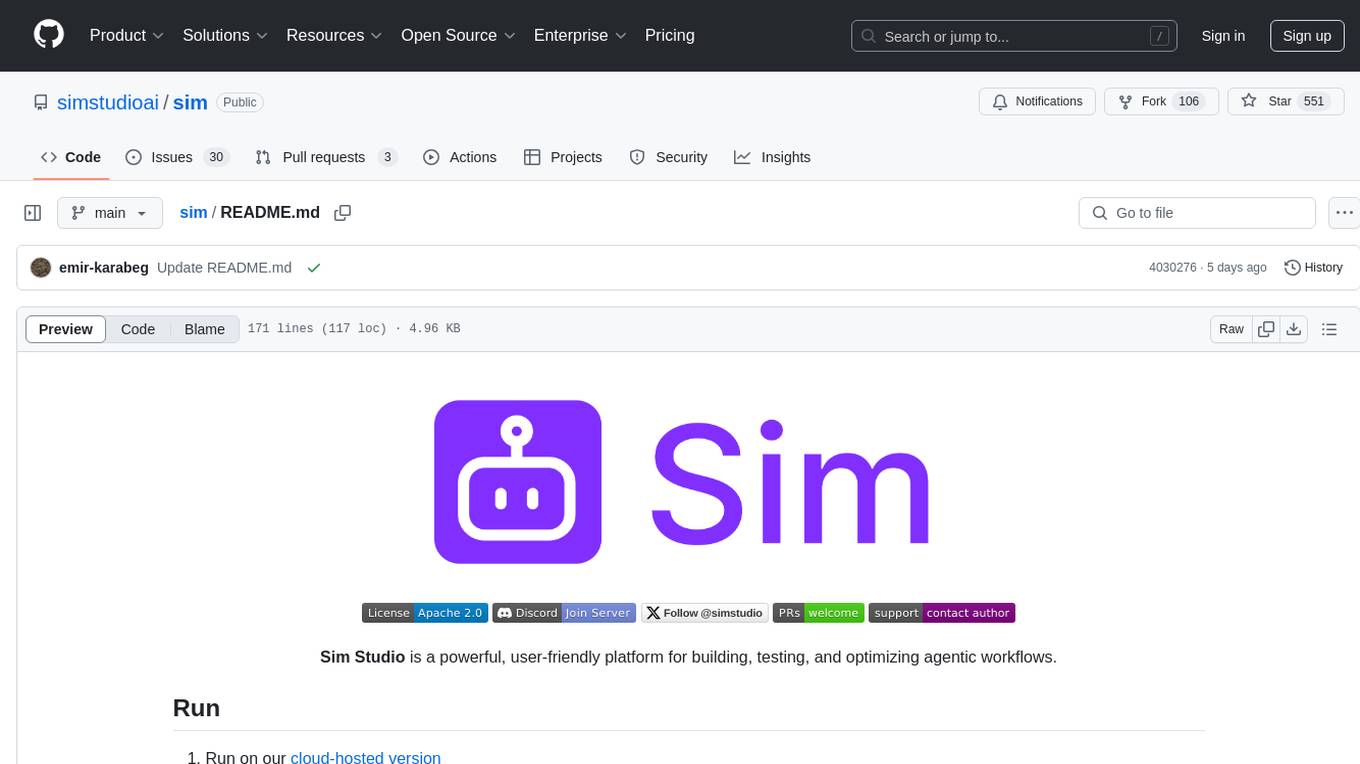
sim
Sim is a platform that allows users to build and deploy AI agent workflows quickly and easily. It provides cloud-hosted and self-hosted options, along with support for local AI models. Users can set up the application using Docker Compose, Dev Containers, or manual setup with PostgreSQL and pgvector extension. The platform utilizes technologies like Next.js, Bun, PostgreSQL with Drizzle ORM, Better Auth for authentication, Shadcn and Tailwind CSS for UI, Zustand for state management, ReactFlow for flow editor, Fumadocs for documentation, Turborepo for monorepo management, Socket.io for real-time communication, and Trigger.dev for background jobs.
airstore
Airstore is a filesystem for AI agents that adds any source of data into a virtual filesystem, allowing users to connect services like Gmail, GitHub, Linear, and more, and describe data needs in plain English. Results are presented as files that can be read by Claude Code. Features include smart folders for natural language queries, integrations with various services, executable MCP servers, team workspaces, and local mode operation on user infrastructure. Users can sign up, connect integrations, create smart folders, install the CLI, mount the filesystem, and use with Claude Code to perform tasks like summarizing invoices, identifying unpaid invoices, and extracting data into CSV format.
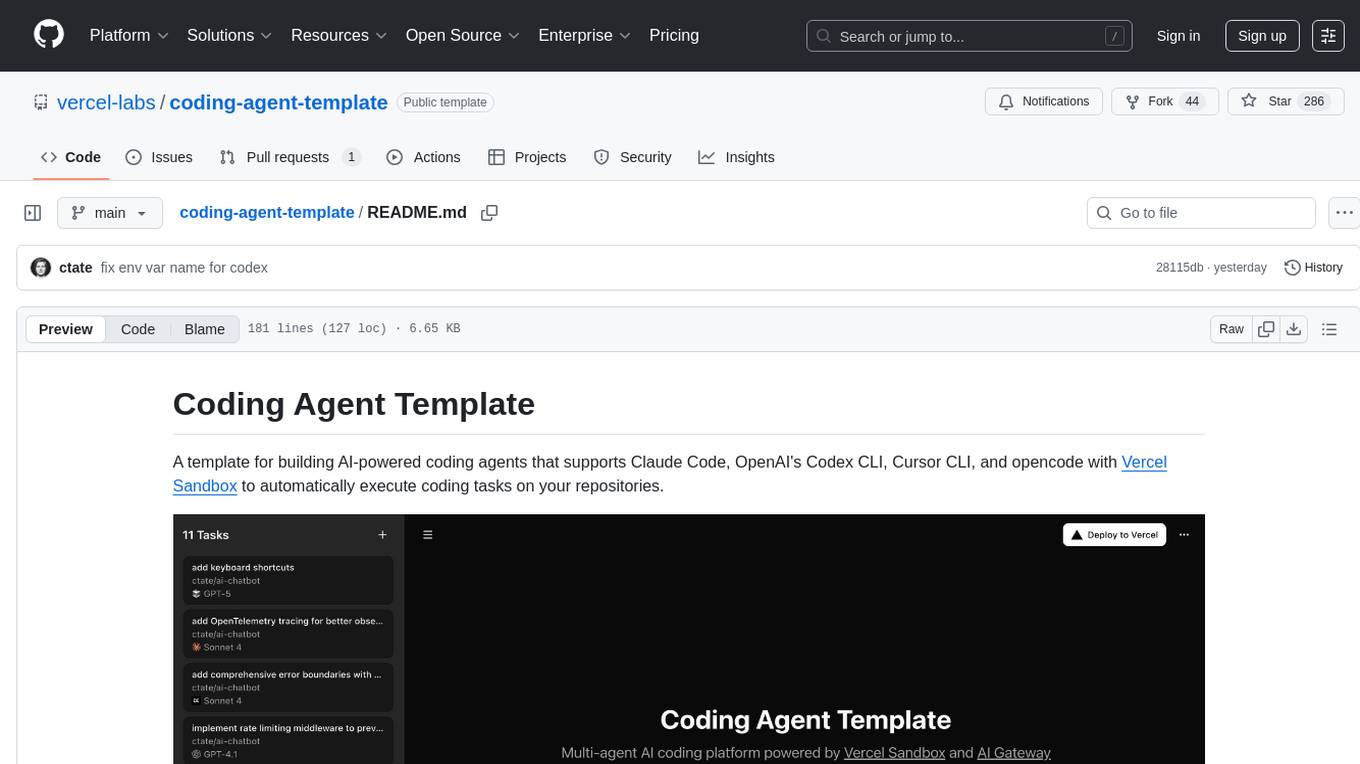
coding-agent-template
Coding Agent Template is a versatile tool for building AI-powered coding agents that support various coding tasks using Claude Code, OpenAI's Codex CLI, Cursor CLI, and opencode with Vercel Sandbox. It offers features like multi-agent support, Vercel Sandbox for secure code execution, AI Gateway integration, AI-generated branch names, task management, persistent storage, Git integration, and a modern UI built with Next.js and Tailwind CSS. Users can easily deploy their own version of the template to Vercel and set up the tool by cloning the repository, installing dependencies, configuring environment variables, setting up the database, and starting the development server. The tool simplifies the process of creating tasks, monitoring progress, reviewing results, and managing tasks, making it ideal for developers looking to automate coding tasks with AI agents.
For similar tasks

LLM4SE
The collection is actively updated with the help of an internal literature search engine.
codemie-code
Unified AI Coding Assistant CLI for managing multiple AI agents like Claude Code, Google Gemini, OpenCode, and custom AI agents. Supports OpenAI, Azure OpenAI, AWS Bedrock, LiteLLM, Ollama, and Enterprise SSO. Features built-in LangGraph agent with file operations, command execution, and planning tools. Cross-platform support for Windows, Linux, and macOS. Ideal for developers seeking a powerful alternative to GitHub Copilot or Cursor.
Trellis
Trellis is an all-in-one AI framework and toolkit designed for Claude Code, Cursor, and iFlow. It offers features such as auto-injection of required specs and workflows, auto-updated spec library, parallel sessions for running multiple agents simultaneously, team sync for sharing specs, and session persistence. Trellis helps users educate their AI, work on multiple features in parallel, define custom workflows, and provides a structured project environment with workflow guides, spec library, personal journal, task management, and utilities. The tool aims to enhance code review, introduce skill packs, integrate with broader tools, improve session continuity, and visualize progress for each agent.
oh-my-pi
oh-my-pi is an AI coding agent for the terminal, providing tools for interactive coding, AI-powered git commits, Python code execution, LSP integration, time-traveling streamed rules, interactive code review, task management, interactive questioning, custom TypeScript slash commands, universal config discovery, MCP & plugin system, web search & fetch, SSH tool, Cursor provider integration, multi-credential support, image generation, TUI overhaul, edit fuzzy matching, and more. It offers a modern terminal interface with smart session management, supports multiple AI providers, and includes various tools for coding, task management, code review, and interactive questioning.
DevoxxGenieIDEAPlugin
Devoxx Genie is a Java-based IntelliJ IDEA plugin that integrates with local and cloud-based LLM providers to aid in reviewing, testing, and explaining project code. It supports features like code highlighting, chat conversations, and adding files/code snippets to context. Users can modify REST endpoints and LLM parameters in settings, including support for cloud-based LLMs. The plugin requires IntelliJ version 2023.3.4 and JDK 17. Building and publishing the plugin is done using Gradle tasks. Users can select an LLM provider, choose code, and use commands like review, explain, or generate unit tests for code analysis.
cover-agent
CodiumAI Cover Agent is a tool designed to help increase code coverage by automatically generating qualified tests to enhance existing test suites. It utilizes Generative AI to streamline development workflows and is part of a suite of utilities aimed at automating the creation of unit tests for software projects. The system includes components like Test Runner, Coverage Parser, Prompt Builder, and AI Caller to simplify and expedite the testing process, ensuring high-quality software development. Cover Agent can be run via a terminal and is planned to be integrated into popular CI platforms. The tool outputs debug files locally, such as generated_prompt.md, run.log, and test_results.html, providing detailed information on generated tests and their status. It supports multiple LLMs and allows users to specify the model to use for test generation.
pythagora
Pythagora is an automated testing tool designed to generate unit tests using GPT-4. By running a single command, users can create tests for specific functions in their codebase. The tool leverages AST parsing to identify related functions and sends them to the Pythagora server for test generation. Pythagora primarily focuses on JavaScript code and supports Jest testing framework. Users can expand existing tests, increase code coverage, and find bugs efficiently. It is recommended to review the generated tests before committing them to the repository. Pythagora does not store user code on its servers but sends it to GPT and OpenAI for test generation.
software-dev-prompt-library
A collection of AI-powered prompts designed to streamline software development workflows. The library contains prompts at various stages of development, with structured sequences of connected prompts, project initialization support, development assistance, and documentation generation. It aims to provide consistent guidance across different development phases, promote systematic development processes, and enable progress tracking and validation.
For similar jobs

sweep
Sweep is an AI junior developer that turns bugs and feature requests into code changes. It automatically handles developer experience improvements like adding type hints and improving test coverage.

teams-ai
The Teams AI Library is a software development kit (SDK) that helps developers create bots that can interact with Teams and Microsoft 365 applications. It is built on top of the Bot Framework SDK and simplifies the process of developing bots that interact with Teams' artificial intelligence capabilities. The SDK is available for JavaScript/TypeScript, .NET, and Python.

ai-guide
This guide is dedicated to Large Language Models (LLMs) that you can run on your home computer. It assumes your PC is a lower-end, non-gaming setup.

classifai
Supercharge WordPress Content Workflows and Engagement with Artificial Intelligence. Tap into leading cloud-based services like OpenAI, Microsoft Azure AI, Google Gemini and IBM Watson to augment your WordPress-powered websites. Publish content faster while improving SEO performance and increasing audience engagement. ClassifAI integrates Artificial Intelligence and Machine Learning technologies to lighten your workload and eliminate tedious tasks, giving you more time to create original content that matters.

chatbot-ui
Chatbot UI is an open-source AI chat app that allows users to create and deploy their own AI chatbots. It is easy to use and can be customized to fit any need. Chatbot UI is perfect for businesses, developers, and anyone who wants to create a chatbot.

BricksLLM
BricksLLM is a cloud native AI gateway written in Go. Currently, it provides native support for OpenAI, Anthropic, Azure OpenAI and vLLM. BricksLLM aims to provide enterprise level infrastructure that can power any LLM production use cases. Here are some use cases for BricksLLM: * Set LLM usage limits for users on different pricing tiers * Track LLM usage on a per user and per organization basis * Block or redact requests containing PIIs * Improve LLM reliability with failovers, retries and caching * Distribute API keys with rate limits and cost limits for internal development/production use cases * Distribute API keys with rate limits and cost limits for students

uAgents
uAgents is a Python library developed by Fetch.ai that allows for the creation of autonomous AI agents. These agents can perform various tasks on a schedule or take action on various events. uAgents are easy to create and manage, and they are connected to a fast-growing network of other uAgents. They are also secure, with cryptographically secured messages and wallets.

griptape
Griptape is a modular Python framework for building AI-powered applications that securely connect to your enterprise data and APIs. It offers developers the ability to maintain control and flexibility at every step. Griptape's core components include Structures (Agents, Pipelines, and Workflows), Tasks, Tools, Memory (Conversation Memory, Task Memory, and Meta Memory), Drivers (Prompt and Embedding Drivers, Vector Store Drivers, Image Generation Drivers, Image Query Drivers, SQL Drivers, Web Scraper Drivers, and Conversation Memory Drivers), Engines (Query Engines, Extraction Engines, Summary Engines, Image Generation Engines, and Image Query Engines), and additional components (Rulesets, Loaders, Artifacts, Chunkers, and Tokenizers). Griptape enables developers to create AI-powered applications with ease and efficiency.