


Trellis
All-in-one AI framework & toolkit for Claude Code & Cursor
Stars: 1991
Trellis is an all-in-one AI framework and toolkit designed for Claude Code, Cursor, and iFlow. It offers features such as auto-injection of required specs and workflows, auto-updated spec library, parallel sessions for running multiple agents simultaneously, team sync for sharing specs, and session persistence. Trellis helps users educate their AI, work on multiple features in parallel, define custom workflows, and provides a structured project environment with workflow guides, spec library, personal journal, task management, and utilities. The tool aims to enhance code review, introduce skill packs, integrate with broader tools, improve session continuity, and visualize progress for each agent.
README:

All-in-one AI framework & toolkit for Claude Code, Cursor & iFlow
Wild AI ships nothing.


Quick Start • Why Trellis • Use Cases • How It Works • FAQ
| Feature | Problem Solved |
|---|---|
| Auto-Injection | Required specs and workflows auto-inject into every conversation. Write once, apply forever |
| Auto-updated Spec Library | Best practices live in auto-updated spec files. The more you use it, the better it gets |
| Parallel Sessions | Run multiple agents in tandem - each in its own worktree |
| Team Sync | Share specs across your team. One person's best practice benefits everyone |
| Session Persistence | Work traces persist in your repo. AI remembers project context across sessions |
# 1. Install globally
npm install -g @mindfoldhq/trellis@latest

# 2. Initialize in your project directory
trellis init -u your-name

# Or include iFlow CLI support
trellis init --iflow -u your-name

# 3. Start Claude Code and begin working
your-namebecomes your identifier and creates a personal workspace at.trellis/workspace/your-name/

Write your specs in Markdown. Trellis injects them into every AI session — no more repeating yourself.

Define your component guidelines, file structure rules, and patterns once. AI automatically applies them when creating new code — using TypeScript with Props interface, following PascalCase naming, building functional components with hooks.
Spawn multiple Claude sessions in isolated worktrees with /trellis:parallel. Work on several features at once, merge when ready.

While coding, each worker runs in its own worktree (physically isolated directory), no blocking, no interference. Review and merge completed features while others are still in progress.
Define custom skills & commands that prepare Claude for specific tasks and contexts.

Create commands like /trellis:before-frontend-dev that load component guidelines, check recent changes, pull in test patterns, and review shared hooks—all with a single slash.
.trellis/
├── workflow.md              # Workflow guide (auto-injected on start)
├── worktree.yaml            # Multi-agent config (for /trellis:parallel)
├── spec/                    # Spec library
│   ├── frontend/            #   Frontend specs
│   ├── backend/             #   Backend specs
│   └── guides/              #   Decision & analysis frameworks
├── workspace/{name}/        # Personal journal
├── tasks/                   # Task management (progress tracking & more)
└── scripts/                 # Utilities

.claude/
├── settings.json            # Hook configuration
├── agents/                  # Agent definitions
│   ├── dispatch.md          #   Dispatch Agent (pure routing, doesn't read specs)
│   ├── implement.md         #   Implement Agent
│   ├── check.md             #   Check Agent
│   └── research.md          #   Research Agent
├── commands/                # Slash commands
└── hooks/                   # Hook scripts
    ├── session-start.py     #   Inject context on startup
    ├── inject-subagent-context.py  #   Inject specs to subagents
    └── ralph-loop.py               #   Quality control loop

- [ ] Better Code Review — More thorough automated review workflow
- [ ] Skill Packs — Pre-built workflow packs, plug and play
- [ ] Broader Tool Support — Cursor, OpenCode, Codex integration
- [ ] Stronger Session Continuity — Autosave session-wide history
- [ ] Visual Parallel Sessions — Real-time progress for each agent
Why Trellis instead of Skills?
Skills are optional — AI may skip them, leading to inconsistent quality. Trellis enforces specs via Hook injection: not "can use" but "always applied". This turns randomness into determinism, so quality doesn't degrade over time.
Do I write spec files manually or let AI create them?
Most of the time, AI handles it — just say "We use Zustand, no Redux" and it creates the spec file automatically. But when you have architectural insights AI can't figure out on its own, that's where you step in. Teaching AI your team's hard-won lessons — that's why you won't lose your job to AI.
How is this different from CLAUDE.md / AGENTS.md / .cursorrules?
Those are all-in-one files — AI reads everything every time. Trellis uses layered architecture with context compression: only loads relevant specs for current task. Engineering standards should be elegantly layered, not monolithic.
Will multiple people conflict?
No. Each person has their own space at .trellis/workspace/{name}/.
How does AI remember previous conversations?
Use /trellis:record-session at the end of each conversation. AI writes a session summary to .trellis/workspace/{name}/journal-N.md and indexes it in index.md. Next time you /trellis:start, AI automatically reads recent journals and git info to restore context. In theory, you could just submit your daily journal files as your work report 🤣.
- Discord — Join the conversation
- GitHub Issues — Report bugs & request features
FSL License • Made with care by Mindfold
Found Trellis useful? Please consider giving it a ⭐
For Tasks:
Click tags to check more tools for each tasksFor Jobs:
Alternative AI tools for Trellis
Similar Open Source Tools
Trellis
Trellis is an all-in-one AI framework and toolkit designed for Claude Code, Cursor, and iFlow. It offers features such as auto-injection of required specs and workflows, auto-updated spec library, parallel sessions for running multiple agents simultaneously, team sync for sharing specs, and session persistence. Trellis helps users educate their AI, work on multiple features in parallel, define custom workflows, and provides a structured project environment with workflow guides, spec library, personal journal, task management, and utilities. The tool aims to enhance code review, introduce skill packs, integrate with broader tools, improve session continuity, and visualize progress for each agent.
cody-product-builder
Cody Product Builder is an opinionated, spec‑driven AI agent skill that helps product builders who use vibe coding techniques turn loose ideas into fully planned, production‑ready products using AI. It guides users through a structured flow of discovery, planning, chunking, and building to ensure clear thinking before generating code. The tool provides templates, commands, and a repeatable methodology for building products consistently and fast with AI integration. It bridges the gap between brainstorming and systematic development, offering structure without rigidity, iterative refinement, version-based development, and living documentation.
eliza
Eliza is a versatile AI agent operating system designed to support various models and connectors, enabling users to create chatbots, autonomous agents, handle business processes, create video game NPCs, and engage in trading. It offers multi-agent and room support, document ingestion and interaction, retrievable memory and document store, and extensibility to create custom actions and clients. Eliza is easy to use and provides a comprehensive solution for AI agent development.
Linly-Talker
Linly-Talker is an innovative digital human conversation system that integrates the latest artificial intelligence technologies, including Large Language Models (LLM) 🤖, Automatic Speech Recognition (ASR) 🎙️, Text-to-Speech (TTS) 🗣️, and voice cloning technology 🎤. This system offers an interactive web interface through the Gradio platform 🌐, allowing users to upload images 📷 and engage in personalized dialogues with AI 💬.
LlamaBot
LlamaBot is an open-source AI coding agent that rapidly builds MVPs, prototypes, and internal tools. It works for non-technical founders, product teams, and engineers by generating working prototypes, embedding AI directly into the app, and running real workflows. Unlike typical codegen tools, LlamaBot can embed directly in your app and run real workflows, making it ideal for collaborative software building where founders guide the vision, engineers stay in control, and AI fills the gap. LlamaBot is built for moving ideas fast, allowing users to prototype an AI MVP in a weekend, experiment with workflows, and collaborate with teammates to bridge the gap between non-technical founders and engineering teams.
better-chatbot
Better Chatbot is an open-source AI chatbot designed for individuals and teams, inspired by various AI models. It integrates major LLMs, offers powerful tools like MCP protocol and data visualization, supports automation with custom agents and visual workflows, enables collaboration by sharing configurations, provides a voice assistant feature, and ensures an intuitive user experience. The platform is built with Vercel AI SDK and Next.js, combining leading AI services into one platform for enhanced chatbot capabilities.
DevoxxGenieIDEAPlugin
Devoxx Genie is a Java-based IntelliJ IDEA plugin that integrates with local and cloud-based LLM providers to aid in reviewing, testing, and explaining project code. It supports features like code highlighting, chat conversations, and adding files/code snippets to context. Users can modify REST endpoints and LLM parameters in settings, including support for cloud-based LLMs. The plugin requires IntelliJ version 2023.3.4 and JDK 17. Building and publishing the plugin is done using Gradle tasks. Users can select an LLM provider, choose code, and use commands like review, explain, or generate unit tests for code analysis.
packmind
Packmind is an engineering playbook tool that helps AI-native engineers to centralize and manage their team's coding standards, commands, and skills. It addresses the challenges of storing standards in various formats and locations, and automates the generation of instruction files for AI tools like GitHub Copilot, Claude Code, and Cursor. With Packmind, users can create a real engineering playbook to ensure AI agents code according to their team's standards.
gptme
Personal AI assistant/agent in your terminal, with tools for using the terminal, running code, editing files, browsing the web, using vision, and more. A great coding agent that is general-purpose to assist in all kinds of knowledge work, from a simple but powerful CLI. An unconstrained local alternative to ChatGPT with 'Code Interpreter', Cursor Agent, etc. Not limited by lack of software, internet access, timeouts, or privacy concerns if using local models.
aegis-stack
Aegis Stack is a system for creating and evolving modular Python applications quickly, without the need for extensive testing or clean architecture. It allows users to go from idea to working prototype rapidly, using familiar tools. The stack includes a CLI, a built-in system dashboard called Overseer, and an optional conversational interface named Illiana. Users can start with basic components and add or remove features as needed, without being locked into initial choices. Aegis Stack aims to provide a flexible and efficient development environment for Python applications.
TaskingAI
TaskingAI brings Firebase's simplicity to **AI-native app development**. The platform enables the creation of GPTs-like multi-tenant applications using a wide range of LLMs from various providers. It features distinct, modular functions such as Inference, Retrieval, Assistant, and Tool, seamlessly integrated to enhance the development process. TaskingAI’s cohesive design ensures an efficient, intelligent, and user-friendly experience in AI application development.
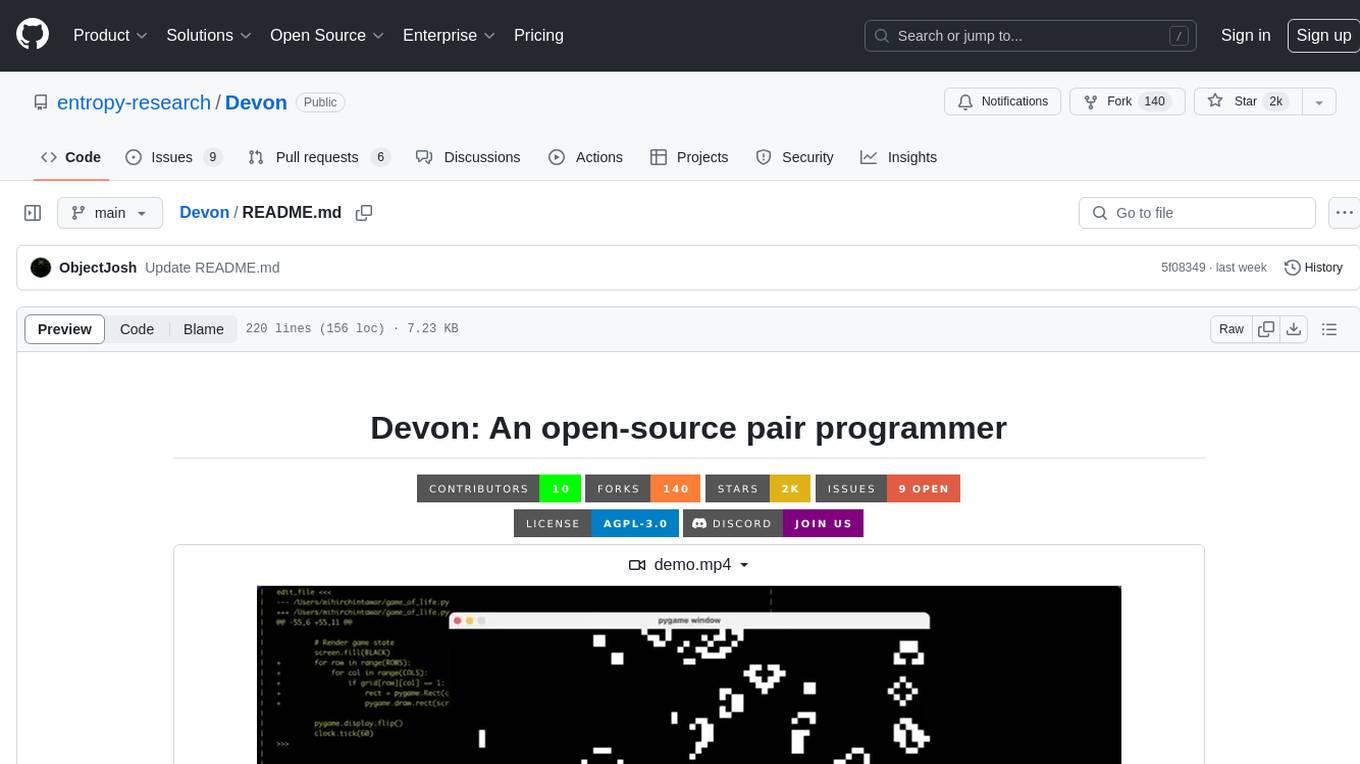
Devon
Devon is an open-source pair programmer tool designed to facilitate collaborative coding sessions. It provides features such as multi-file editing, codebase exploration, test writing, bug fixing, and architecture exploration. The tool supports Anthropic, OpenAI, and Groq APIs, with plans to add more models in the future. Devon is community-driven, with ongoing development goals including multi-model support, plugin system for tool builders, self-hostable Electron app, and setting SOTA on SWE-bench Lite. Users can contribute to the project by developing core functionality, conducting research on agent performance, providing feedback, and testing the tool.
VibeSurf
VibeSurf is an open-source AI agentic browser that combines workflow automation with intelligent AI agents, offering faster, cheaper, and smarter browser automation. It allows users to create revolutionary browser workflows, run multiple AI agents in parallel, perform intelligent AI automation tasks, maintain privacy with local LLM support, and seamlessly integrate as a Chrome extension. Users can save on token costs, achieve efficiency gains, and enjoy deterministic workflows for consistent and accurate results. VibeSurf also provides a Docker image for easy deployment and offers pre-built workflow templates for common tasks.
actionbook
Actionbook is a browser action engine designed for AI agents, providing up-to-date action manuals and DOM structure to enable instant website operations without guesswork. It offers faster execution, token savings, resilient automation, and universal compatibility, making it ideal for building reliable browser agents. Actionbook integrates seamlessly with AI coding assistants and offers three integration methods: CLI, MCP Server, and JavaScript SDK. The tool is well-documented and actively developed in a monorepo setup using pnpm workspaces and Turborepo.
refact
This repository contains Refact WebUI for fine-tuning and self-hosting of code models, which can be used inside Refact plugins for code completion and chat. Users can fine-tune open-source code models, self-host them, download and upload Lloras, use models for code completion and chat inside Refact plugins, shard models, host multiple small models on one GPU, and connect GPT-models for chat using OpenAI and Anthropic keys. The repository provides a Docker container for running the self-hosted server and supports various models for completion, chat, and fine-tuning. Refact is free for individuals and small teams under the BSD-3-Clause license, with custom installation options available for GPU support. The community and support include contributing guidelines, GitHub issues for bugs, a community forum, Discord for chatting, and Twitter for product news and updates.
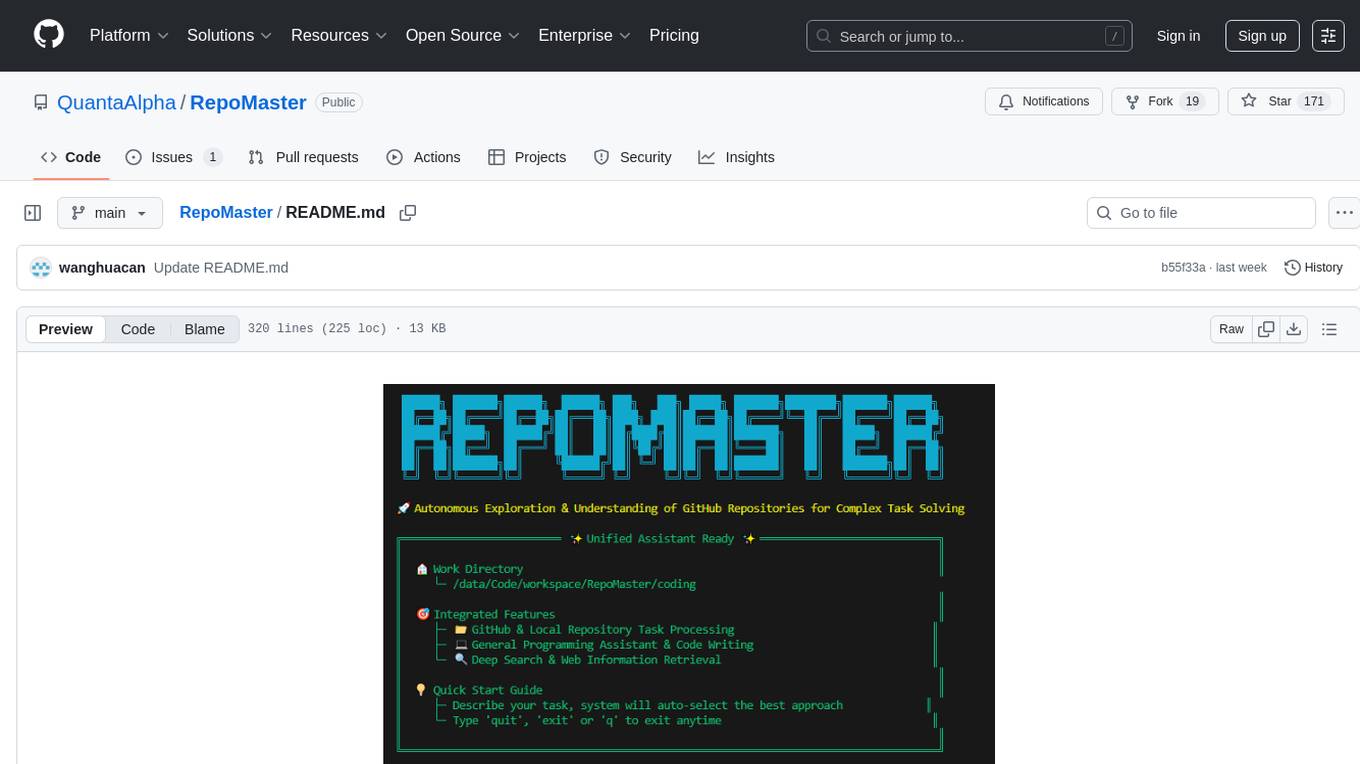
RepoMaster
RepoMaster is an AI agent that leverages GitHub repositories to solve complex real-world tasks. It transforms how coding tasks are solved by automatically finding the right GitHub tools and making them work together seamlessly. Users can describe their tasks, and RepoMaster's AI analysis leads to auto discovery and smart execution, resulting in perfect outcomes. The tool provides a web interface for beginners and a command-line interface for advanced users, along with specialized agents for deep search, general assistance, and repository tasks.
For similar tasks
Trellis
Trellis is an all-in-one AI framework and toolkit designed for Claude Code, Cursor, and iFlow. It offers features such as auto-injection of required specs and workflows, auto-updated spec library, parallel sessions for running multiple agents simultaneously, team sync for sharing specs, and session persistence. Trellis helps users educate their AI, work on multiple features in parallel, define custom workflows, and provides a structured project environment with workflow guides, spec library, personal journal, task management, and utilities. The tool aims to enhance code review, introduce skill packs, integrate with broader tools, improve session continuity, and visualize progress for each agent.
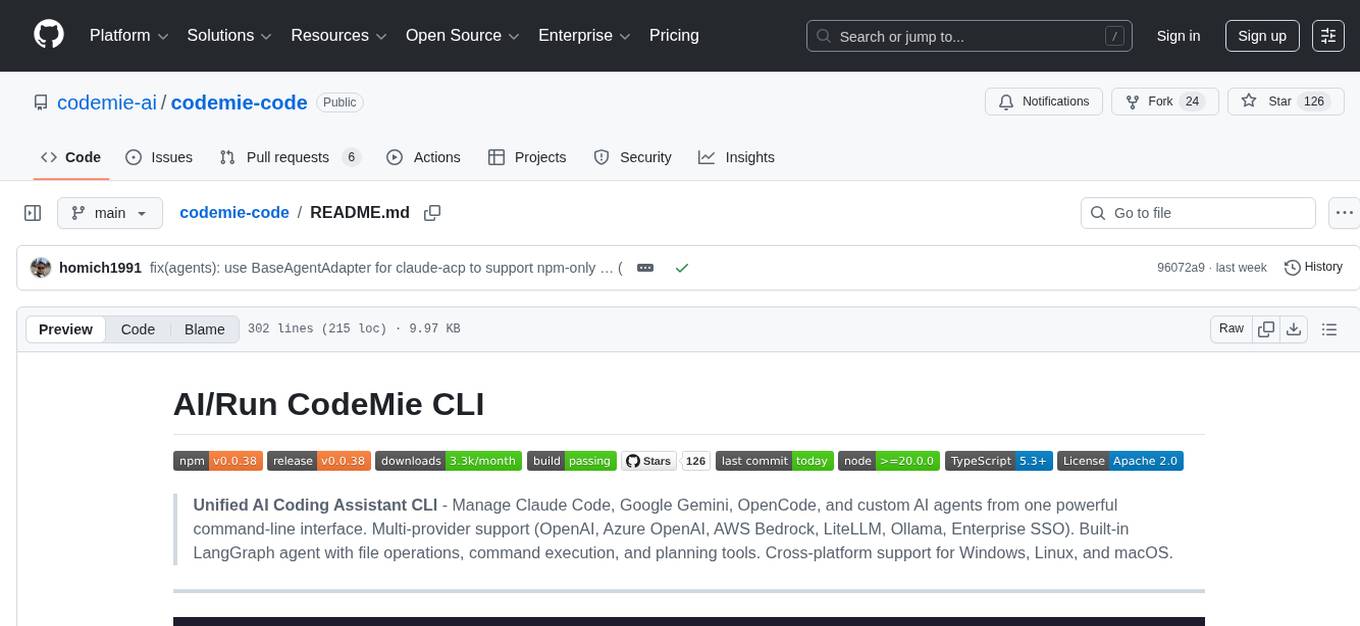
codemie-code
Unified AI Coding Assistant CLI for managing multiple AI agents like Claude Code, Google Gemini, OpenCode, and custom AI agents. Supports OpenAI, Azure OpenAI, AWS Bedrock, LiteLLM, Ollama, and Enterprise SSO. Features built-in LangGraph agent with file operations, command execution, and planning tools. Cross-platform support for Windows, Linux, and macOS. Ideal for developers seeking a powerful alternative to GitHub Copilot or Cursor.
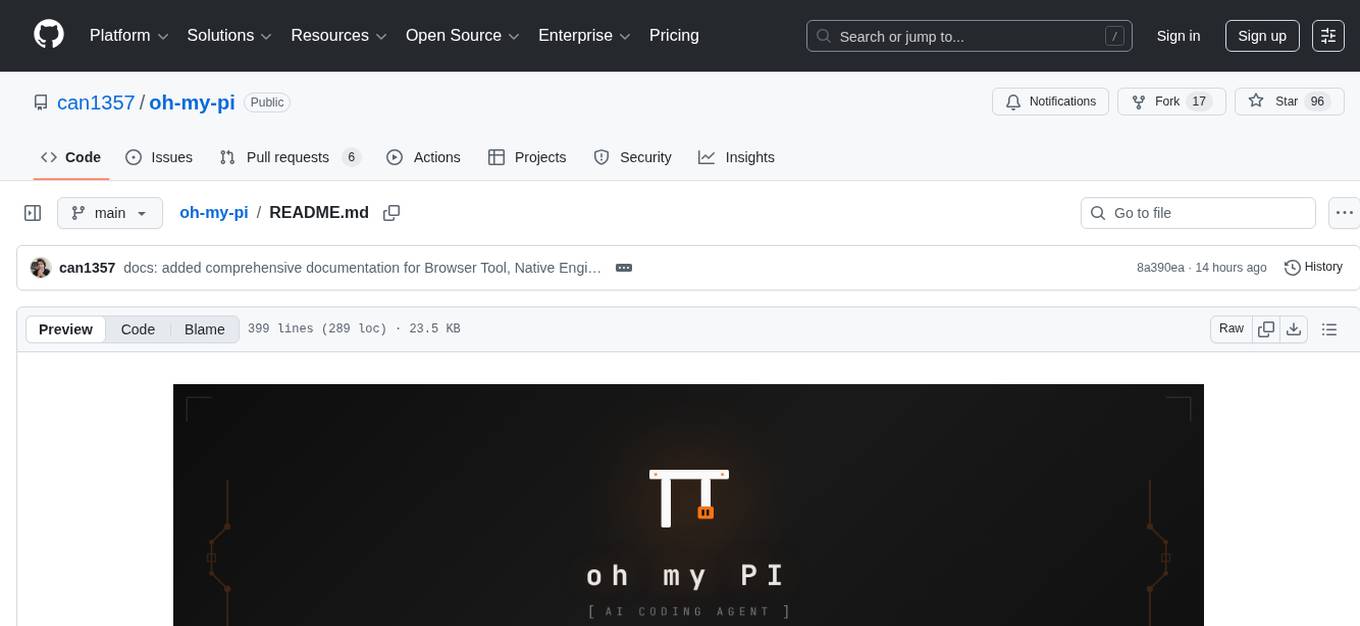
oh-my-pi
oh-my-pi is an AI coding agent for the terminal, providing tools for interactive coding, AI-powered git commits, Python code execution, LSP integration, time-traveling streamed rules, interactive code review, task management, interactive questioning, custom TypeScript slash commands, universal config discovery, MCP & plugin system, web search & fetch, SSH tool, Cursor provider integration, multi-credential support, image generation, TUI overhaul, edit fuzzy matching, and more. It offers a modern terminal interface with smart session management, supports multiple AI providers, and includes various tools for coding, task management, code review, and interactive questioning.
For similar jobs

sweep
Sweep is an AI junior developer that turns bugs and feature requests into code changes. It automatically handles developer experience improvements like adding type hints and improving test coverage.

teams-ai
The Teams AI Library is a software development kit (SDK) that helps developers create bots that can interact with Teams and Microsoft 365 applications. It is built on top of the Bot Framework SDK and simplifies the process of developing bots that interact with Teams' artificial intelligence capabilities. The SDK is available for JavaScript/TypeScript, .NET, and Python.

ai-guide
This guide is dedicated to Large Language Models (LLMs) that you can run on your home computer. It assumes your PC is a lower-end, non-gaming setup.

classifai
Supercharge WordPress Content Workflows and Engagement with Artificial Intelligence. Tap into leading cloud-based services like OpenAI, Microsoft Azure AI, Google Gemini and IBM Watson to augment your WordPress-powered websites. Publish content faster while improving SEO performance and increasing audience engagement. ClassifAI integrates Artificial Intelligence and Machine Learning technologies to lighten your workload and eliminate tedious tasks, giving you more time to create original content that matters.

chatbot-ui
Chatbot UI is an open-source AI chat app that allows users to create and deploy their own AI chatbots. It is easy to use and can be customized to fit any need. Chatbot UI is perfect for businesses, developers, and anyone who wants to create a chatbot.

BricksLLM
BricksLLM is a cloud native AI gateway written in Go. Currently, it provides native support for OpenAI, Anthropic, Azure OpenAI and vLLM. BricksLLM aims to provide enterprise level infrastructure that can power any LLM production use cases. Here are some use cases for BricksLLM: * Set LLM usage limits for users on different pricing tiers * Track LLM usage on a per user and per organization basis * Block or redact requests containing PIIs * Improve LLM reliability with failovers, retries and caching * Distribute API keys with rate limits and cost limits for internal development/production use cases * Distribute API keys with rate limits and cost limits for students

uAgents
uAgents is a Python library developed by Fetch.ai that allows for the creation of autonomous AI agents. These agents can perform various tasks on a schedule or take action on various events. uAgents are easy to create and manage, and they are connected to a fast-growing network of other uAgents. They are also secure, with cryptographically secured messages and wallets.

griptape
Griptape is a modular Python framework for building AI-powered applications that securely connect to your enterprise data and APIs. It offers developers the ability to maintain control and flexibility at every step. Griptape's core components include Structures (Agents, Pipelines, and Workflows), Tasks, Tools, Memory (Conversation Memory, Task Memory, and Meta Memory), Drivers (Prompt and Embedding Drivers, Vector Store Drivers, Image Generation Drivers, Image Query Drivers, SQL Drivers, Web Scraper Drivers, and Conversation Memory Drivers), Engines (Query Engines, Extraction Engines, Summary Engines, Image Generation Engines, and Image Query Engines), and additional components (Rulesets, Loaders, Artifacts, Chunkers, and Tokenizers). Griptape enables developers to create AI-powered applications with ease and efficiency.