


packmind
Packmind seamlessly captures your engineering playbook and turns it into AI context, guardrails, and governance.
Stars: 192
Packmind is an engineering playbook tool that helps AI-native engineers to centralize and manage their team's coding standards, commands, and skills. It addresses the challenges of storing standards in various formats and locations, and automates the generation of instruction files for AI tools like GitHub Copilot, Claude Code, and Cursor. With Packmind, users can create a real engineering playbook to ensure AI agents code according to their team's standards.
README:






❗ The 2 big problems every AI-native engineer runs into
Every tool expects its own inputs:
-
Copilot →
.github/copilot-instructions.md, chat modes, reusable prompts -
Claude →
CLAUDE.md, commands, skills -
Cursor →
.cursor/rules/*.mdc, commands, skills -
AGENTS.md →
AGENTS.md - (with more formats appearing every month…)
But your team’s actual standards aren’t stored anywhere:
- architecture rules → buried in Slack or Notion
- naming conventions → stuck in your head
- patterns → hiding in PR comments
- best practices → scattered across repos
👉 Packmind helps you turn all of this into a real engineering playbook (standards, commands, skills) so AI agents finally code your way.
Every repo. Every assistant. Different files, different folders, different formats.
Keeping everything in sync is impossible.
👉 Packmind centralizes your playbook once — and distributes it everywhere, generating the exact instruction files each AI tool needs, optimized for context.
Choose your preferred setup option:
- Cloud version: Get started at https://app.packmind.ai (free account)
- Self-hosted: Deploy on your own infrastructure using Docker Compose or Kubernetes
Follow the instructions during the onboarding to connect to your Packmind organization You can find them at anytime in the Settings menu.
Once authenticated, run in your project:
$> packmind-cli init
Then, in your favorite ai coding agent, run:
/packmind-onboard
To create your first standards and commands from your codebase.
The MCP server allows you to create and manage standards and commands directly from your AI agent (GitHub Copilot, Claude Code, Cursor, etc.).
- Go to Account Settings in Packmind
- Copy your MCP Access token
- Configure your AI agent with:
- MCP server URL:
{PACKMIND_URL}/mcp - Your MCP access token
- MCP server URL:
Once set up, open your AI agent and use this prompt:
Start packmind onboarding
Your AI agent will guide you through creating your first coding standard interactively.
Available here: https://docs.packmind.com.
For Tasks:
Click tags to check more tools for each tasksFor Jobs:
Alternative AI tools for packmind
Similar Open Source Tools
packmind
Packmind is an engineering playbook tool that helps AI-native engineers to centralize and manage their team's coding standards, commands, and skills. It addresses the challenges of storing standards in various formats and locations, and automates the generation of instruction files for AI tools like GitHub Copilot, Claude Code, and Cursor. With Packmind, users can create a real engineering playbook to ensure AI agents code according to their team's standards.
WritingTools
Writing Tools is an Apple Intelligence-inspired application for Windows, Linux, and macOS that supercharges your writing with an AI LLM. It allows users to instantly proofread, optimize text, and summarize content from webpages, YouTube videos, documents, etc. The tool is privacy-focused, open-source, and supports multiple languages. It offers powerful features like grammar correction, content summarization, and LLM chat mode, making it a versatile writing assistant for various tasks.
TaskingAI
TaskingAI brings Firebase's simplicity to **AI-native app development**. The platform enables the creation of GPTs-like multi-tenant applications using a wide range of LLMs from various providers. It features distinct, modular functions such as Inference, Retrieval, Assistant, and Tool, seamlessly integrated to enhance the development process. TaskingAI’s cohesive design ensures an efficient, intelligent, and user-friendly experience in AI application development.
plandex
Plandex is an open source, terminal-based AI coding engine designed for complex tasks. It uses long-running agents to break up large tasks into smaller subtasks, helping users work through backlogs, navigate unfamiliar technologies, and save time on repetitive tasks. Plandex supports various AI models, including OpenAI, Anthropic Claude, Google Gemini, and more. It allows users to manage context efficiently in the terminal, experiment with different approaches using branches, and review changes before applying them. The tool is platform-independent and runs from a single binary with no dependencies.
gptme
Personal AI assistant/agent in your terminal, with tools for using the terminal, running code, editing files, browsing the web, using vision, and more. A great coding agent that is general-purpose to assist in all kinds of knowledge work, from a simple but powerful CLI. An unconstrained local alternative to ChatGPT with 'Code Interpreter', Cursor Agent, etc. Not limited by lack of software, internet access, timeouts, or privacy concerns if using local models.
actionbook
Actionbook is a browser action engine designed for AI agents, providing up-to-date action manuals and DOM structure to enable instant website operations without guesswork. It offers faster execution, token savings, resilient automation, and universal compatibility, making it ideal for building reliable browser agents. Actionbook integrates seamlessly with AI coding assistants and offers three integration methods: CLI, MCP Server, and JavaScript SDK. The tool is well-documented and actively developed in a monorepo setup using pnpm workspaces and Turborepo.
refact
This repository contains Refact WebUI for fine-tuning and self-hosting of code models, which can be used inside Refact plugins for code completion and chat. Users can fine-tune open-source code models, self-host them, download and upload Lloras, use models for code completion and chat inside Refact plugins, shard models, host multiple small models on one GPU, and connect GPT-models for chat using OpenAI and Anthropic keys. The repository provides a Docker container for running the self-hosted server and supports various models for completion, chat, and fine-tuning. Refact is free for individuals and small teams under the BSD-3-Clause license, with custom installation options available for GPU support. The community and support include contributing guidelines, GitHub issues for bugs, a community forum, Discord for chatting, and Twitter for product news and updates.
better-chatbot
Better Chatbot is an open-source AI chatbot designed for individuals and teams, inspired by various AI models. It integrates major LLMs, offers powerful tools like MCP protocol and data visualization, supports automation with custom agents and visual workflows, enables collaboration by sharing configurations, provides a voice assistant feature, and ensures an intuitive user experience. The platform is built with Vercel AI SDK and Next.js, combining leading AI services into one platform for enhanced chatbot capabilities.
ai-flow
AI Flow is an open-source, user-friendly UI application that empowers you to seamlessly connect multiple AI models together, specifically leveraging the capabilities of multiples AI APIs such as OpenAI, StabilityAI and Replicate. In a nutshell, AI Flow provides a visual platform for crafting and managing AI-driven workflows, thereby facilitating diverse and dynamic AI interactions.
VibeSurf
VibeSurf is an open-source AI agentic browser that combines workflow automation with intelligent AI agents, offering faster, cheaper, and smarter browser automation. It allows users to create revolutionary browser workflows, run multiple AI agents in parallel, perform intelligent AI automation tasks, maintain privacy with local LLM support, and seamlessly integrate as a Chrome extension. Users can save on token costs, achieve efficiency gains, and enjoy deterministic workflows for consistent and accurate results. VibeSurf also provides a Docker image for easy deployment and offers pre-built workflow templates for common tasks.
portia-sdk-python
Portia AI is an open source developer framework for predictable, stateful, authenticated agentic workflows. It allows developers to have oversight over their multi-agent deployments and focuses on production readiness. The framework supports iterating on agents' reasoning, extensive tool support including MCP support, authentication for API and web agents, and is production-ready with features like attribute multi-agent runs, large inputs and outputs storage, and connecting any LLM. Portia AI aims to provide a flexible and reliable platform for developing AI agents with tools, authentication, and smart control.
kestra
Kestra is an open-source event-driven orchestration platform that simplifies building scheduled and event-driven workflows. It offers Infrastructure as Code best practices for data, process, and microservice orchestration, allowing users to create reliable workflows using YAML configuration. Key features include everything as code with Git integration, event-driven and scheduled workflows, rich plugin ecosystem for data extraction and script running, intuitive UI with syntax highlighting, scalability for millions of workflows, version control friendly, and various features for structure and resilience. Kestra ensures declarative orchestration logic management even when workflows are modified via UI, API calls, or other methods.
Roo-Code
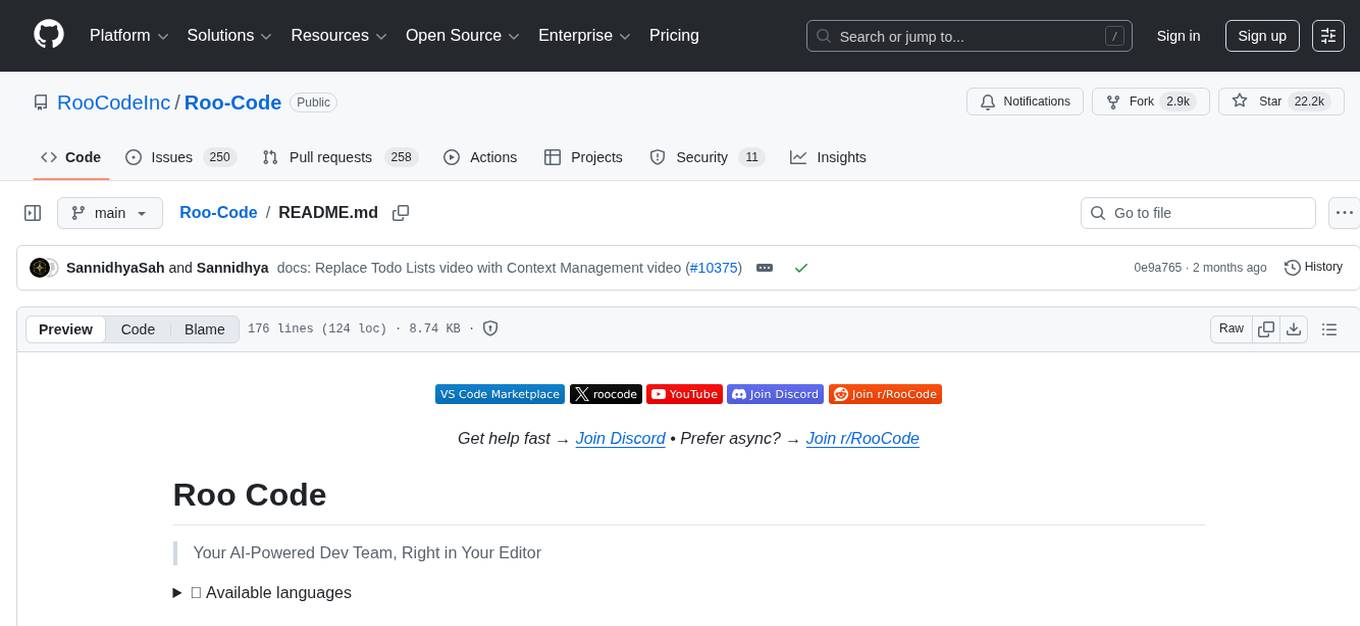
Roo Code is an AI-powered development tool that integrates with your code editor to help you generate code from natural language descriptions and specifications, refactor and debug existing code, write and update documentation, answer questions about your codebase, automate repetitive tasks, and utilize MCP servers. It offers different modes such as Code, Architect, Ask, Debug, and Custom Modes to adapt to various tasks and workflows. Roo Code provides tutorial and feature videos, documentation, a YouTube channel, a Discord server, a Reddit community, GitHub issues tracking, and a feature request platform. Users can set up and develop Roo Code locally by cloning the repository, installing dependencies, and running the extension in development mode or by automated/manual VSIX installation. The tool uses changesets for versioning and publishing. Please note that Roo Code, Inc. does not make any representations or warranties regarding the tools provided, and users assume all risks associated with their use.
word-GPT-Plus
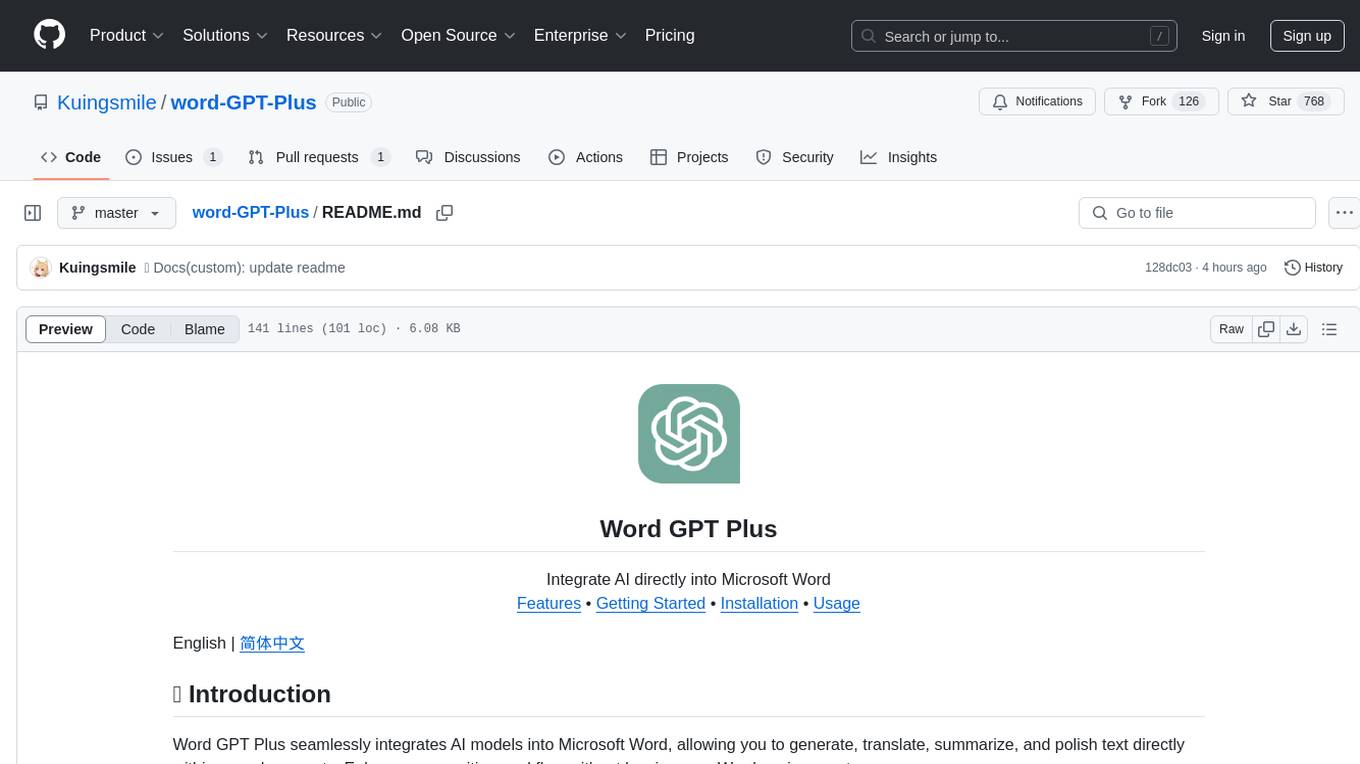
Word GPT Plus seamlessly integrates AI models into Microsoft Word, allowing users to generate, translate, summarize, and polish text directly within their documents. The tool supports multiple AI models, offers built-in templates for various text-related tasks, and provides customization options for user preferences. Users can install the tool through a hosted service, Docker deployment, or self-hosting, and can easily fill in API keys to access different AI services. Word GPT Plus enhances writing workflows by providing AI-powered assistance without leaving the Word environment.

Magick
Magick is a groundbreaking visual AIDE (Artificial Intelligence Development Environment) for no-code data pipelines and multimodal agents. Magick can connect to other services and comes with nodes and templates well-suited for intelligent agents, chatbots, complex reasoning systems and realistic characters.
DevoxxGenieIDEAPlugin
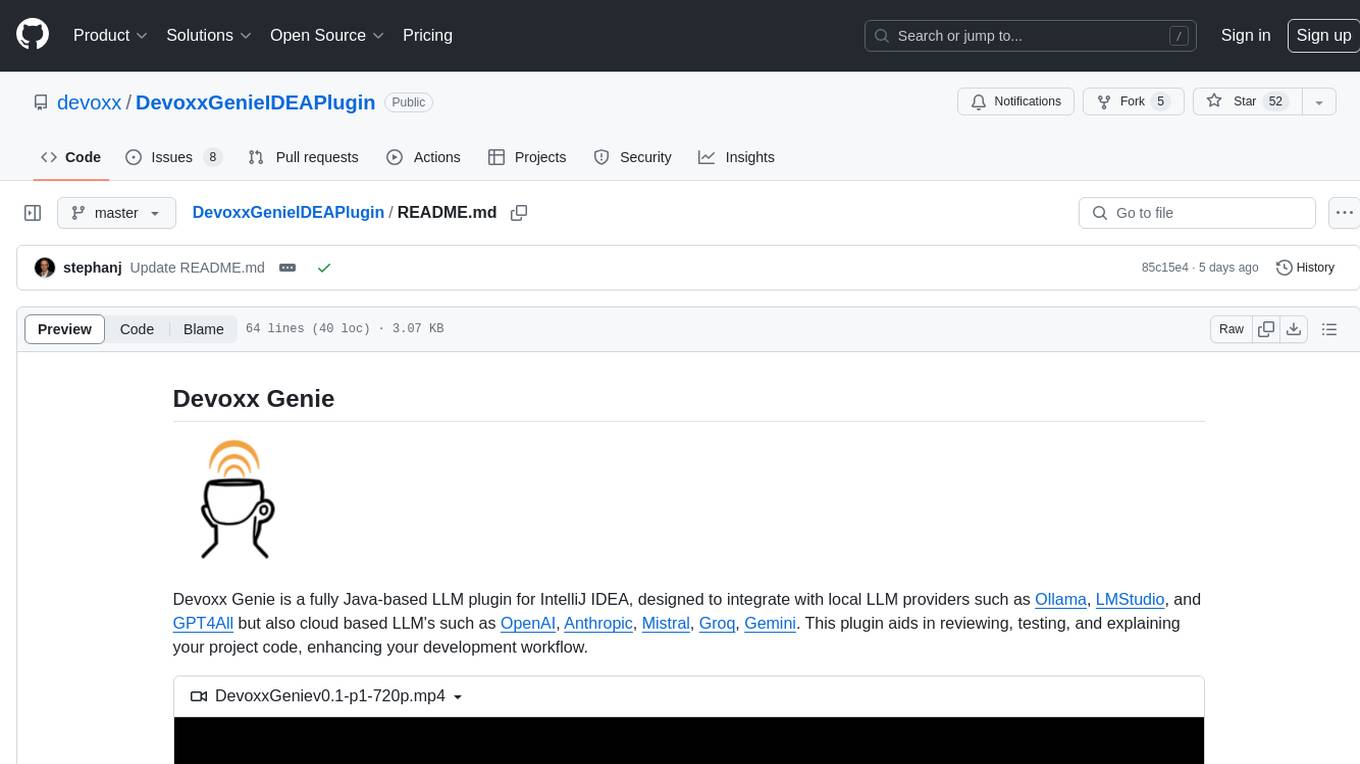
Devoxx Genie is a Java-based IntelliJ IDEA plugin that integrates with local and cloud-based LLM providers to aid in reviewing, testing, and explaining project code. It supports features like code highlighting, chat conversations, and adding files/code snippets to context. Users can modify REST endpoints and LLM parameters in settings, including support for cloud-based LLMs. The plugin requires IntelliJ version 2023.3.4 and JDK 17. Building and publishing the plugin is done using Gradle tasks. Users can select an LLM provider, choose code, and use commands like review, explain, or generate unit tests for code analysis.
For similar tasks
packmind
Packmind is an engineering playbook tool that helps AI-native engineers to centralize and manage their team's coding standards, commands, and skills. It addresses the challenges of storing standards in various formats and locations, and automates the generation of instruction files for AI tools like GitHub Copilot, Claude Code, and Cursor. With Packmind, users can create a real engineering playbook to ensure AI agents code according to their team's standards.
MetricsMLNotebooks
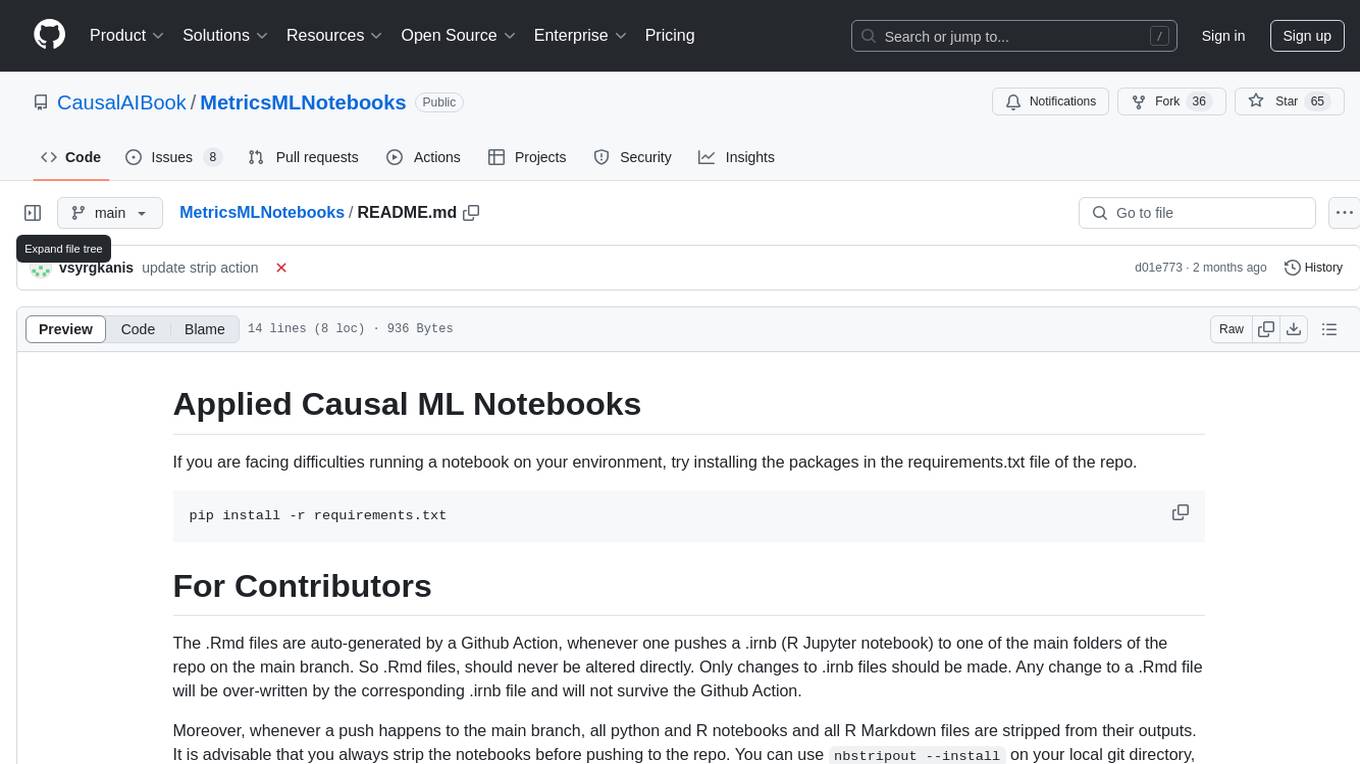
MetricsMLNotebooks is a repository containing applied causal ML notebooks. It provides a collection of notebooks for users to explore and run causal machine learning models. The repository includes both Python and R notebooks, with a focus on generating .Rmd files through a Github Action. Users can easily install the required packages by running 'pip install -r requirements.txt'. Note that any changes to .Rmd files will be overwritten by the corresponding .irnb files during the Github Action process. Additionally, all notebooks and R Markdown files are stripped from their outputs when pushed to the main branch, so users are advised to strip the notebooks before pushing to the repository.
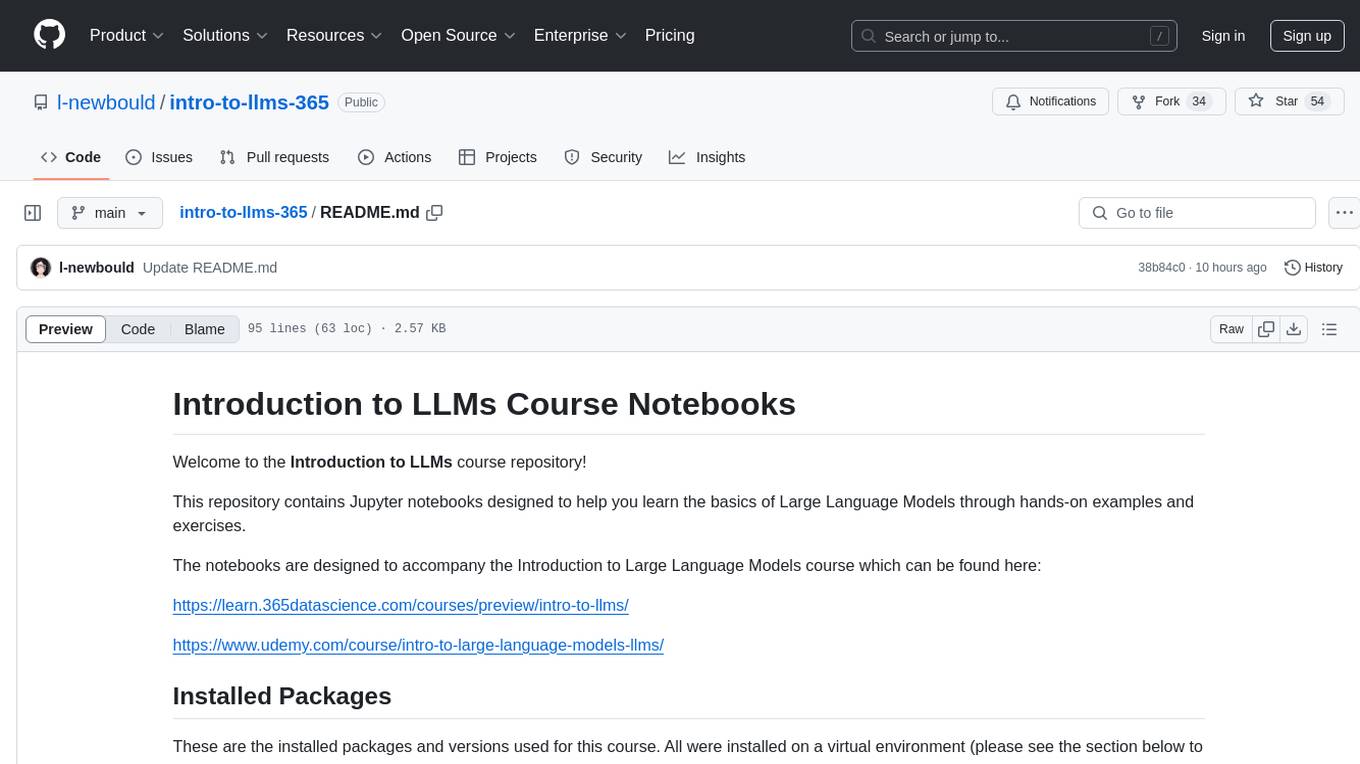
intro-to-llms-365
This repository serves as a resource for the Introduction to Large Language Models (LLMs) course, providing Jupyter notebooks with hands-on examples and exercises to help users learn the basics of Large Language Models. It includes information on installed packages, updates, and setting up a virtual environment for managing packages and running Jupyter notebooks.
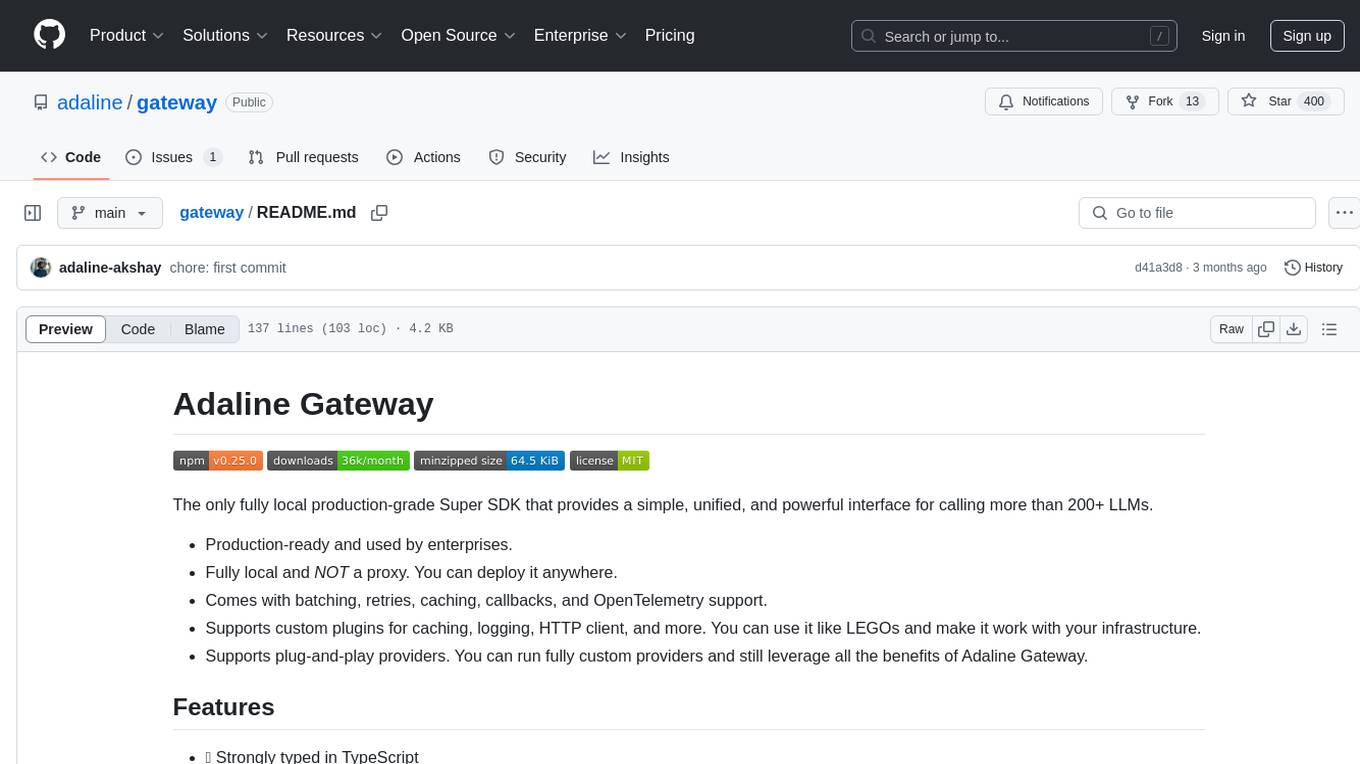
gateway
Adaline Gateway is a fully local production-grade Super SDK that offers a unified interface for calling over 200+ LLMs. It is production-ready, supports batching, retries, caching, callbacks, and OpenTelemetry. Users can create custom plugins and providers for seamless integration with their infrastructure.
For similar jobs

sweep
Sweep is an AI junior developer that turns bugs and feature requests into code changes. It automatically handles developer experience improvements like adding type hints and improving test coverage.

teams-ai
The Teams AI Library is a software development kit (SDK) that helps developers create bots that can interact with Teams and Microsoft 365 applications. It is built on top of the Bot Framework SDK and simplifies the process of developing bots that interact with Teams' artificial intelligence capabilities. The SDK is available for JavaScript/TypeScript, .NET, and Python.

ai-guide
This guide is dedicated to Large Language Models (LLMs) that you can run on your home computer. It assumes your PC is a lower-end, non-gaming setup.

classifai
Supercharge WordPress Content Workflows and Engagement with Artificial Intelligence. Tap into leading cloud-based services like OpenAI, Microsoft Azure AI, Google Gemini and IBM Watson to augment your WordPress-powered websites. Publish content faster while improving SEO performance and increasing audience engagement. ClassifAI integrates Artificial Intelligence and Machine Learning technologies to lighten your workload and eliminate tedious tasks, giving you more time to create original content that matters.

chatbot-ui
Chatbot UI is an open-source AI chat app that allows users to create and deploy their own AI chatbots. It is easy to use and can be customized to fit any need. Chatbot UI is perfect for businesses, developers, and anyone who wants to create a chatbot.

BricksLLM
BricksLLM is a cloud native AI gateway written in Go. Currently, it provides native support for OpenAI, Anthropic, Azure OpenAI and vLLM. BricksLLM aims to provide enterprise level infrastructure that can power any LLM production use cases. Here are some use cases for BricksLLM: * Set LLM usage limits for users on different pricing tiers * Track LLM usage on a per user and per organization basis * Block or redact requests containing PIIs * Improve LLM reliability with failovers, retries and caching * Distribute API keys with rate limits and cost limits for internal development/production use cases * Distribute API keys with rate limits and cost limits for students

uAgents
uAgents is a Python library developed by Fetch.ai that allows for the creation of autonomous AI agents. These agents can perform various tasks on a schedule or take action on various events. uAgents are easy to create and manage, and they are connected to a fast-growing network of other uAgents. They are also secure, with cryptographically secured messages and wallets.

griptape
Griptape is a modular Python framework for building AI-powered applications that securely connect to your enterprise data and APIs. It offers developers the ability to maintain control and flexibility at every step. Griptape's core components include Structures (Agents, Pipelines, and Workflows), Tasks, Tools, Memory (Conversation Memory, Task Memory, and Meta Memory), Drivers (Prompt and Embedding Drivers, Vector Store Drivers, Image Generation Drivers, Image Query Drivers, SQL Drivers, Web Scraper Drivers, and Conversation Memory Drivers), Engines (Query Engines, Extraction Engines, Summary Engines, Image Generation Engines, and Image Query Engines), and additional components (Rulesets, Loaders, Artifacts, Chunkers, and Tokenizers). Griptape enables developers to create AI-powered applications with ease and efficiency.