


Roo-Code
Roo Code gives you a whole dev team of AI agents in your code editor.
Stars: 22185
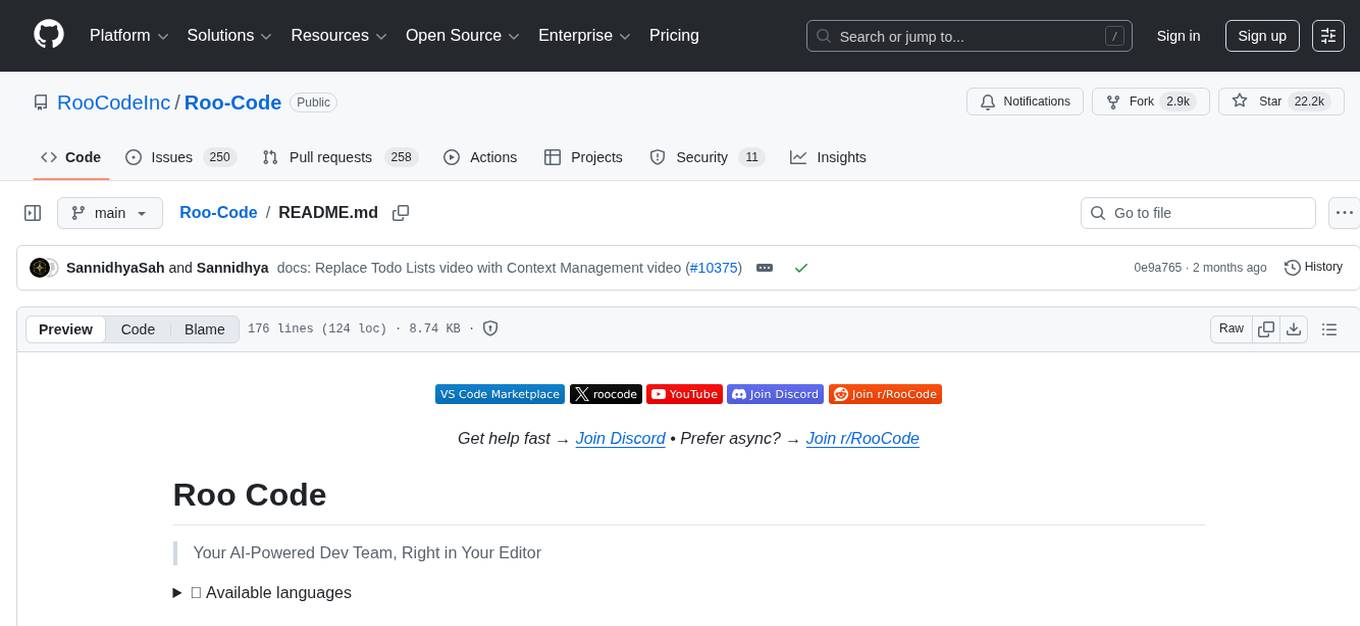
Roo Code is an AI-powered development tool that integrates with your code editor to help you generate code from natural language descriptions and specifications, refactor and debug existing code, write and update documentation, answer questions about your codebase, automate repetitive tasks, and utilize MCP servers. It offers different modes such as Code, Architect, Ask, Debug, and Custom Modes to adapt to various tasks and workflows. Roo Code provides tutorial and feature videos, documentation, a YouTube channel, a Discord server, a Reddit community, GitHub issues tracking, and a feature request platform. Users can set up and develop Roo Code locally by cloning the repository, installing dependencies, and running the extension in development mode or by automated/manual VSIX installation. The tool uses changesets for versioning and publishing. Please note that Roo Code, Inc. does not make any representations or warranties regarding the tools provided, and users assume all risks associated with their use.
README:




Get help fast → Join Discord • Prefer async? → Join r/RooCode
Your AI-Powered Dev Team, Right in Your Editor
🌐 Available languages
- Generate Code from natural language descriptions and specs
- Adapt with Modes: Code, Architect, Ask, Debug, and Custom Modes
- Refactor & Debug existing code
- Write & Update documentation
- Answer Questions about your codebase
- Automate repetitive tasks
- Utilize MCP Servers
Roo Code adapts to how you work:
- Code Mode: everyday coding, edits, and file ops
- Architect Mode: plan systems, specs, and migrations
- Ask Mode: fast answers, explanations, and docs
- Debug Mode: trace issues, add logs, isolate root causes
- Custom Modes: build specialized modes for your team or workflow
- Roomote Control: Roomote Control lets you remotely control tasks running in your local VS Code instance.
Learn more: Using Modes • Custom Modes • Roomote Control
 Installing Roo Code |
 Configuring Profiles |
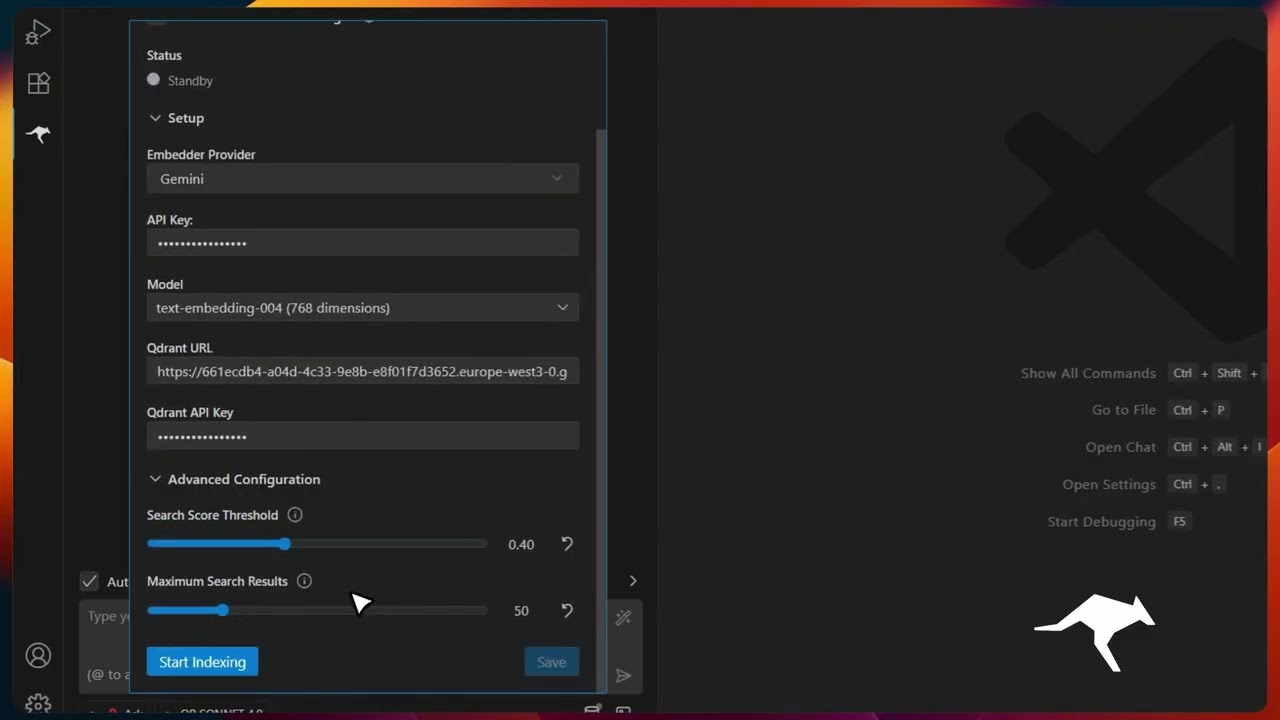 Codebase Indexing |
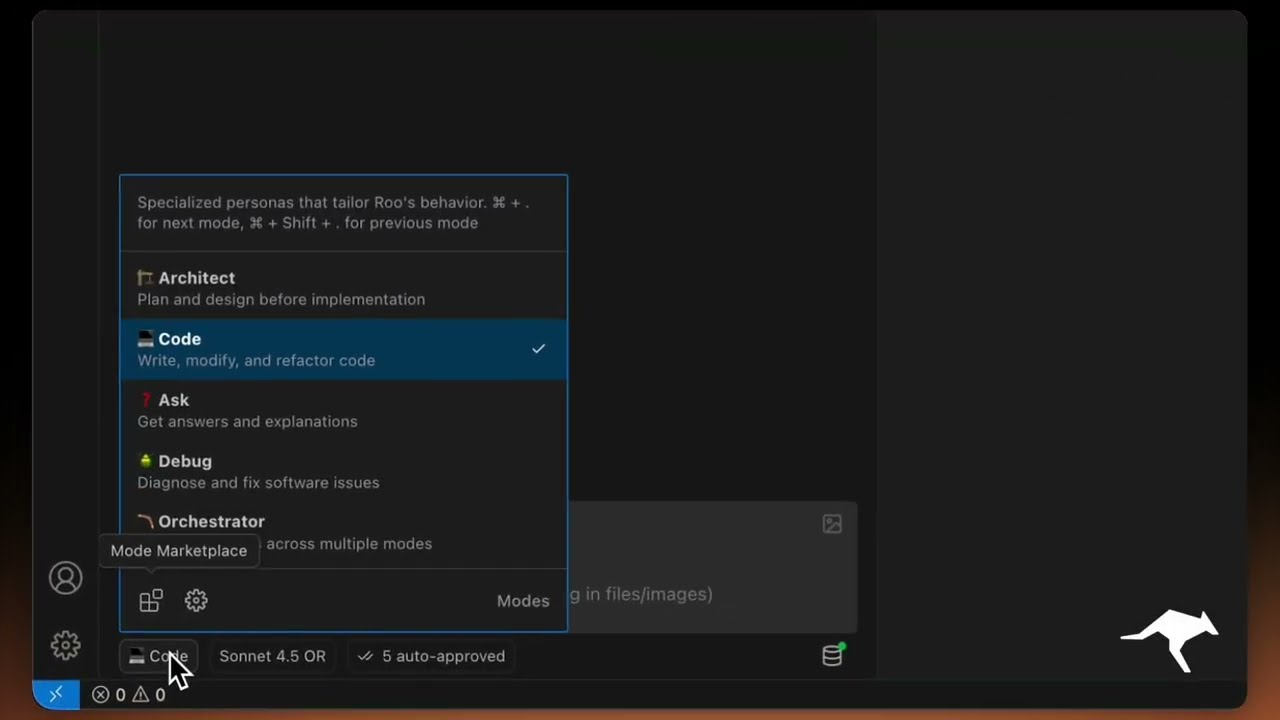 Custom Modes |
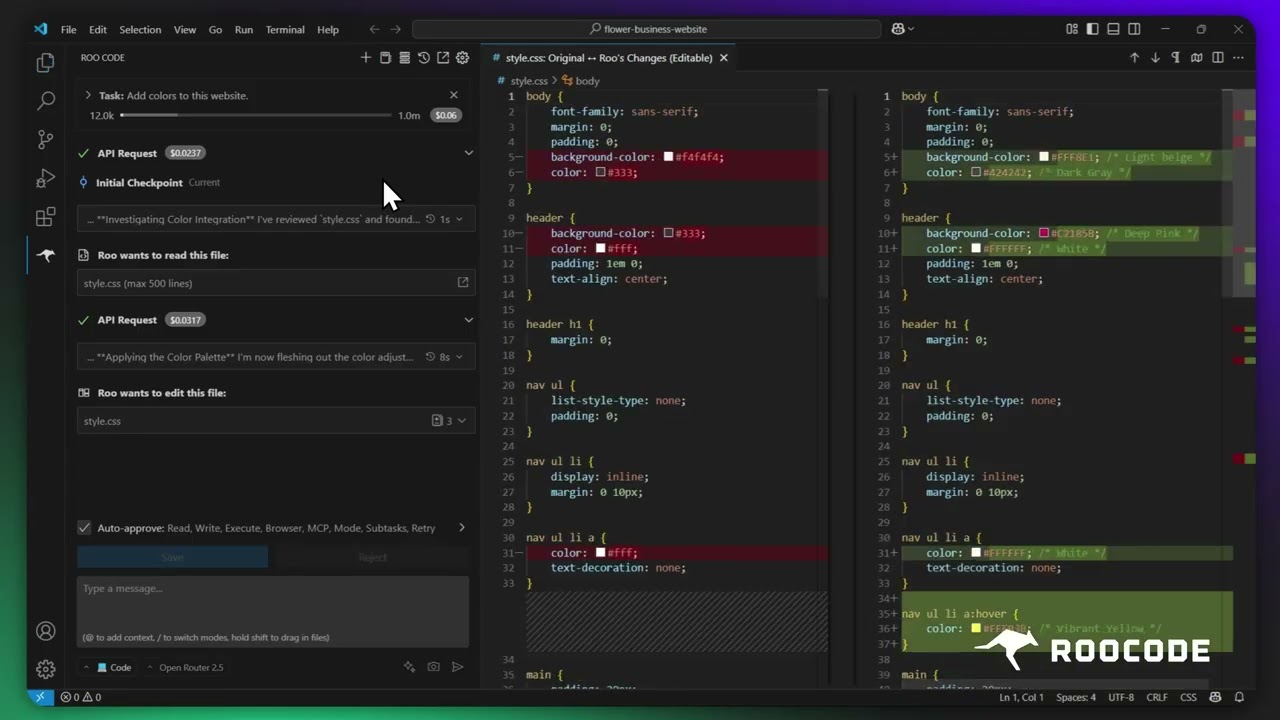 Checkpoints |
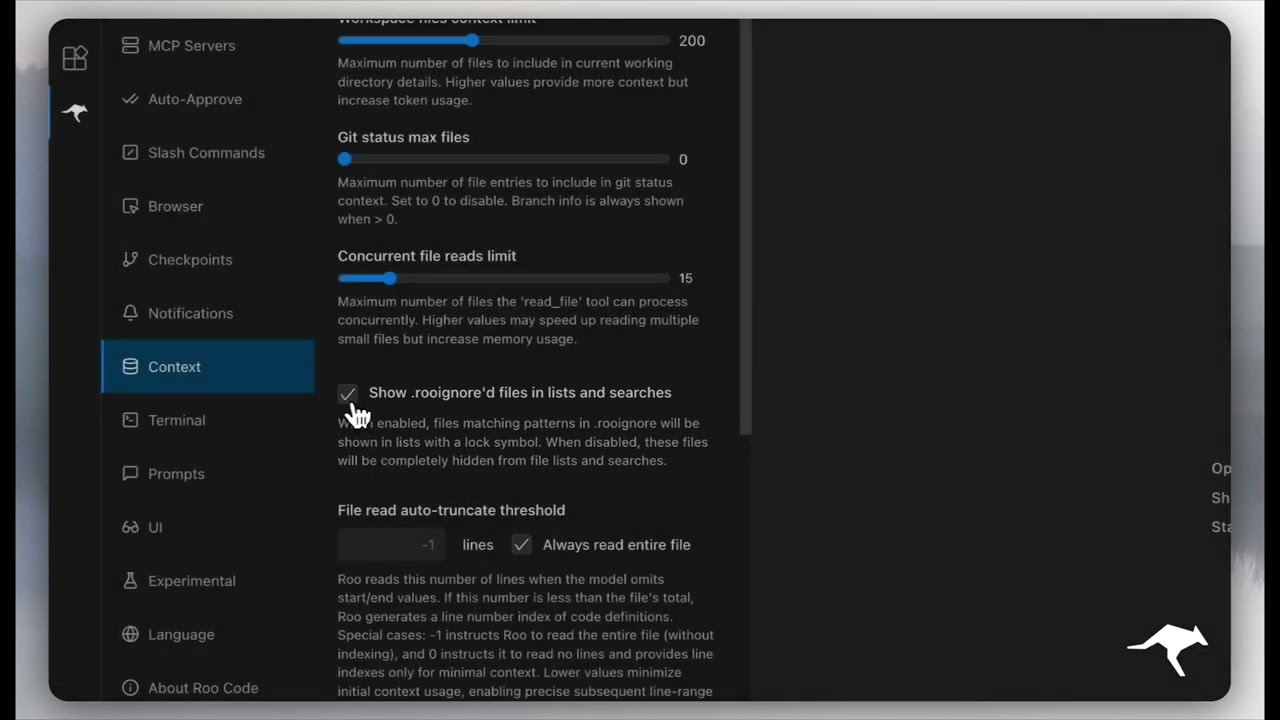 Context Management |
More quick tutorial and feature videos...
- Documentation: The official guide to installing, configuring, and mastering Roo Code.
- YouTube Channel: Watch tutorials and see features in action.
- Discord Server: Join the community for real-time help and discussion.
- Reddit Community: Share your experiences and see what others are building.
- GitHub Issues: Report bugs and track development.
- Feature Requests: Have an idea? Share it with the developers.
- Clone the repo:
git clone https://github.com/RooCodeInc/Roo-Code.git- Install dependencies:
pnpm install- Run the extension:
There are several ways to run the Roo Code extension:
For active development, use VSCode's built-in debugging:
Press F5 (or go to Run → Start Debugging) in VSCode. This will open a new VSCode window with the Roo Code extension running.
- Changes to the webview will appear immediately.
- Changes to the core extension will also hot reload automatically.
To build and install the extension as a VSIX package directly into VSCode:
pnpm install:vsix [-y] [--editor=<command>]This command will:
- Ask which editor command to use (code/cursor/code-insiders) - defaults to 'code'
- Uninstall any existing version of the extension.
- Build the latest VSIX package.
- Install the newly built VSIX.
- Prompt you to restart VS Code for changes to take effect.
Options:
-
-y: Skip all confirmation prompts and use defaults -
--editor=<command>: Specify the editor command (e.g.,--editor=cursoror--editor=code-insiders)
If you prefer to install the VSIX package manually:
- First, build the VSIX package:
pnpm vsix
- A
.vsixfile will be generated in thebin/directory (e.g.,bin/roo-cline-<version>.vsix). - Install it manually using the VSCode CLI:
code --install-extension bin/roo-cline-<version>.vsix
We use changesets for versioning and publishing. Check our CHANGELOG.md for release notes.
Please note that Roo Code, Inc does not make any representations or warranties regarding any code, models, or other tools provided or made available in connection with Roo Code, any associated third-party tools, or any resulting outputs. You assume all risks associated with the use of any such tools or outputs; such tools are provided on an "AS IS" and "AS AVAILABLE" basis. Such risks may include, without limitation, intellectual property infringement, cyber vulnerabilities or attacks, bias, inaccuracies, errors, defects, viruses, downtime, property loss or damage, and/or personal injury. You are solely responsible for your use of any such tools or outputs (including, without limitation, the legality, appropriateness, and results thereof).
We love community contributions! Get started by reading our CONTRIBUTING.md.
Apache 2.0 © 2025 Roo Code, Inc.
Enjoy Roo Code! Whether you keep it on a short leash or let it roam autonomously, we can’t wait to see what you build. If you have questions or feature ideas, drop by our Reddit community or Discord. Happy coding!
For Tasks:
Click tags to check more tools for each tasksFor Jobs:
Alternative AI tools for Roo-Code
Similar Open Source Tools
Roo-Code
Roo Code is an AI-powered development tool that integrates with your code editor to help you generate code from natural language descriptions and specifications, refactor and debug existing code, write and update documentation, answer questions about your codebase, automate repetitive tasks, and utilize MCP servers. It offers different modes such as Code, Architect, Ask, Debug, and Custom Modes to adapt to various tasks and workflows. Roo Code provides tutorial and feature videos, documentation, a YouTube channel, a Discord server, a Reddit community, GitHub issues tracking, and a feature request platform. Users can set up and develop Roo Code locally by cloning the repository, installing dependencies, and running the extension in development mode or by automated/manual VSIX installation. The tool uses changesets for versioning and publishing. Please note that Roo Code, Inc. does not make any representations or warranties regarding the tools provided, and users assume all risks associated with their use.
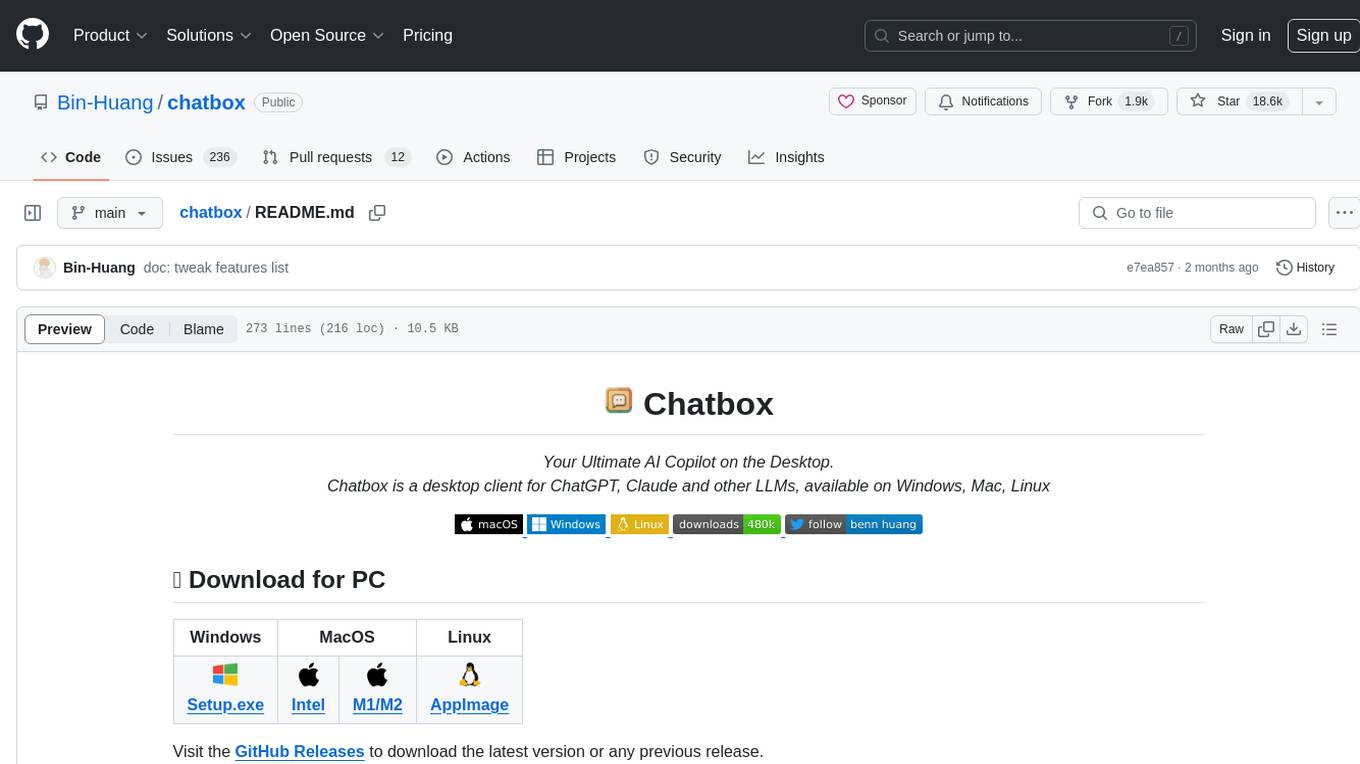
chatbox
Chatbox is a desktop client for ChatGPT, Claude, and other LLMs, providing a user-friendly interface for AI copilot assistance on Windows, Mac, and Linux. It offers features like local data storage, multiple LLM provider support, image generation with Dall-E-3, enhanced prompting, keyboard shortcuts, and more. Users can collaborate, access the tool on various platforms, and enjoy multilingual support. Chatbox is constantly evolving with new features to enhance the user experience.
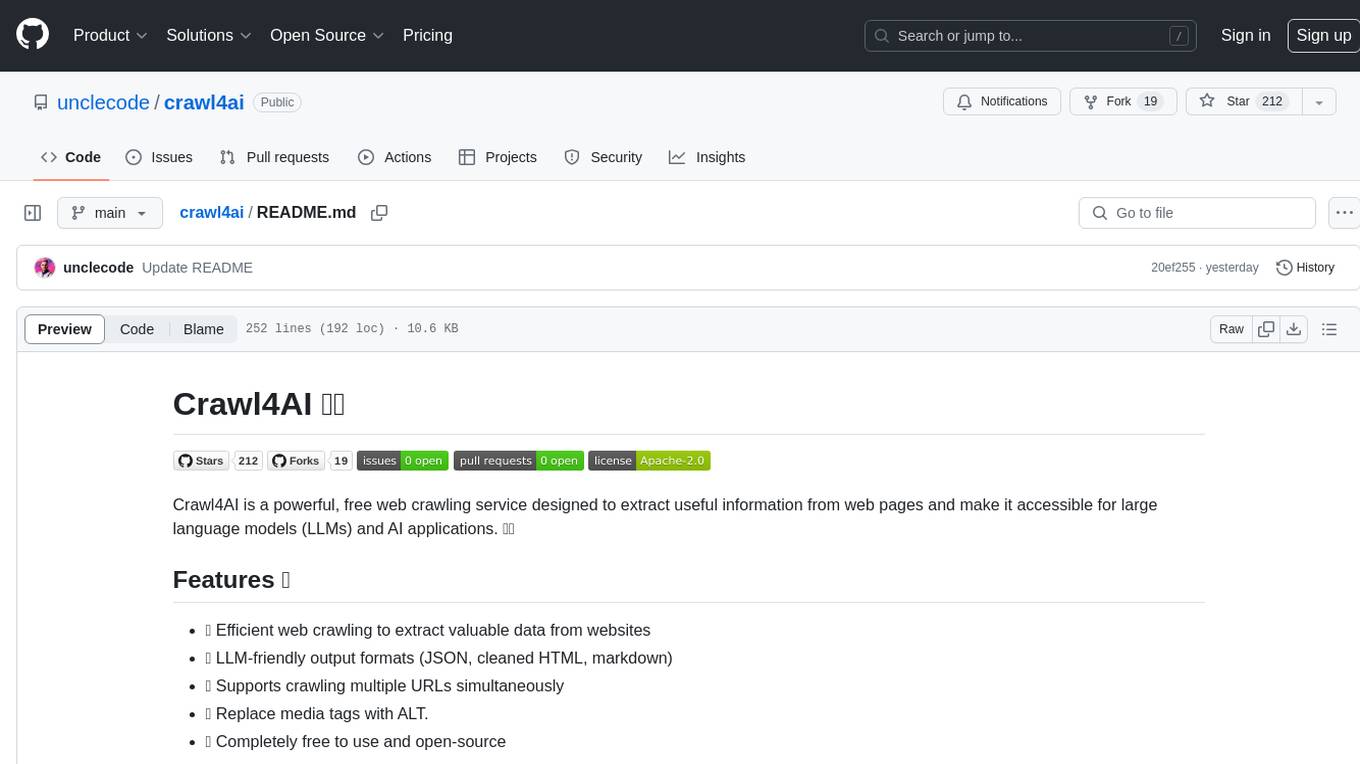
crawl4ai
Crawl4AI is a powerful and free web crawling service that extracts valuable data from websites and provides LLM-friendly output formats. It supports crawling multiple URLs simultaneously, replaces media tags with ALT, and is completely free to use and open-source. Users can integrate Crawl4AI into Python projects as a library or run it as a standalone local server. The tool allows users to crawl and extract data from specified URLs using different providers and models, with options to include raw HTML content, force fresh crawls, and extract meaningful text blocks. Configuration settings can be adjusted in the `crawler/config.py` file to customize providers, API keys, chunk processing, and word thresholds. Contributions to Crawl4AI are welcome from the open-source community to enhance its value for AI enthusiasts and developers.
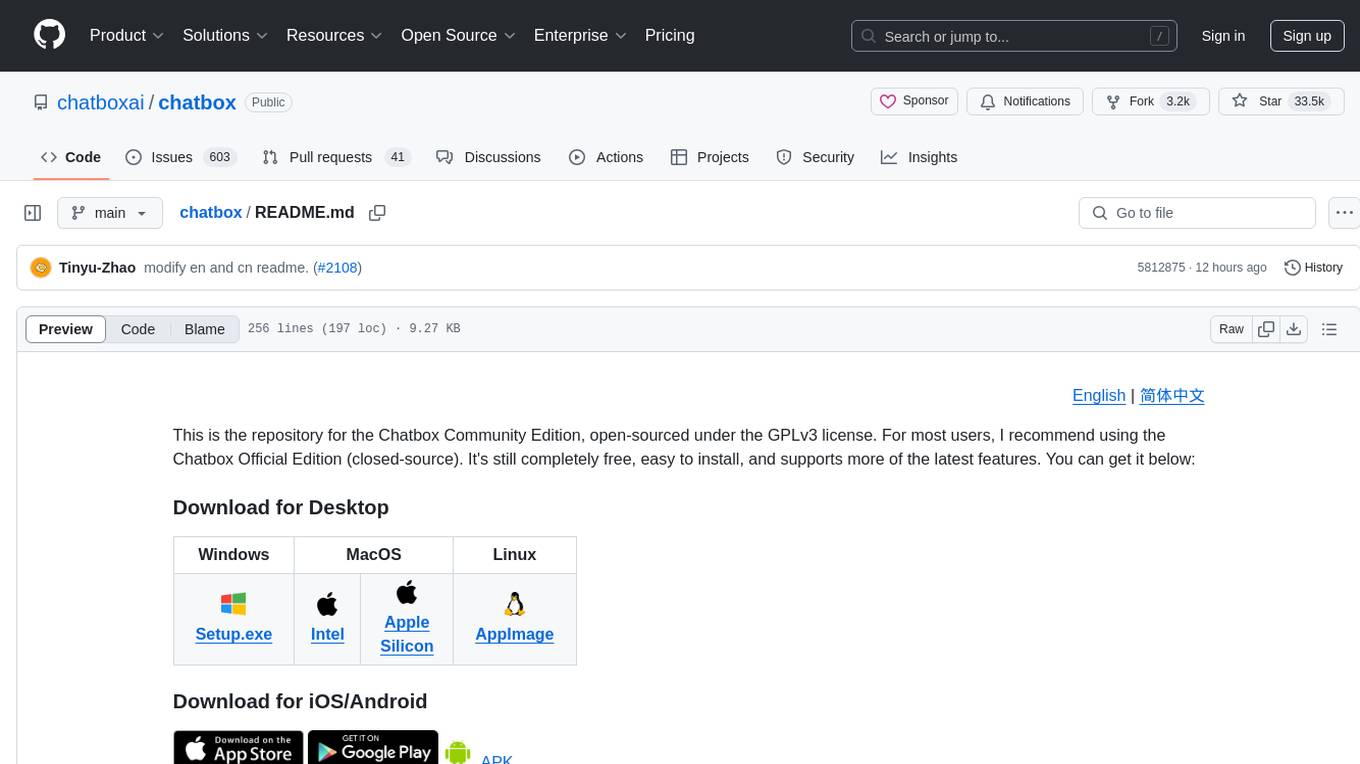
chatbox
Chatbox is a desktop client for ChatGPT, Claude, and other LLMs, providing features like local data storage, multiple LLM provider support, image generation, enhanced prompting, keyboard shortcuts, and more. It offers a user-friendly interface with dark theme, team collaboration, cross-platform availability, web version access, iOS & Android apps, multilingual support, and ongoing feature enhancements. Developed for prompt and API debugging, it has gained popularity for daily chatting and professional role-playing with AI assistance.
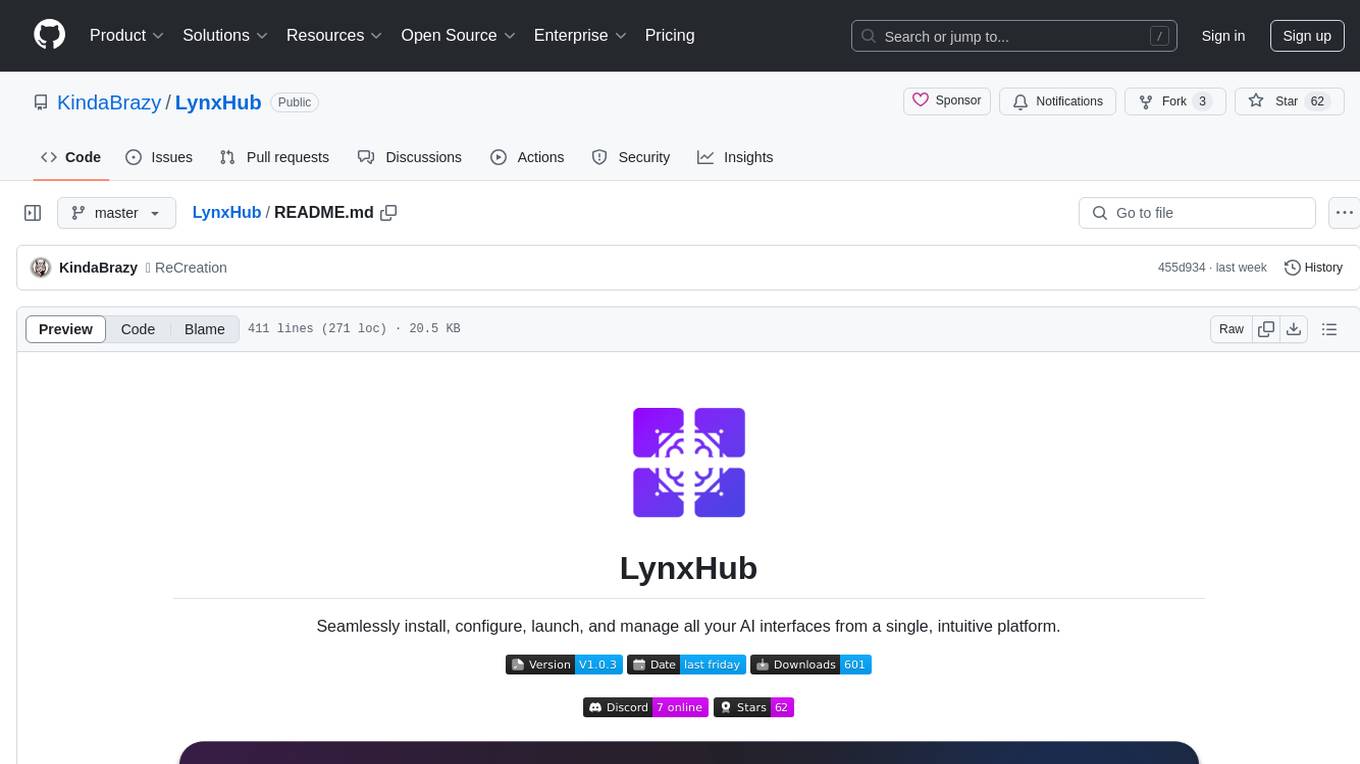
LynxHub
LynxHub is a platform that allows users to seamlessly install, configure, launch, and manage all their AI interfaces from a single, intuitive dashboard. It offers features like AI interface management, arguments manager, custom run commands, pre-launch actions, extension management, in-app tools like terminal and web browser, AI information dashboard, Discord integration, and additional features like theme options and favorite interface pinning. The platform supports modular design for custom AI modules and upcoming extensions system for complete customization. LynxHub aims to streamline AI workflow and enhance user experience with a user-friendly interface and comprehensive functionalities.
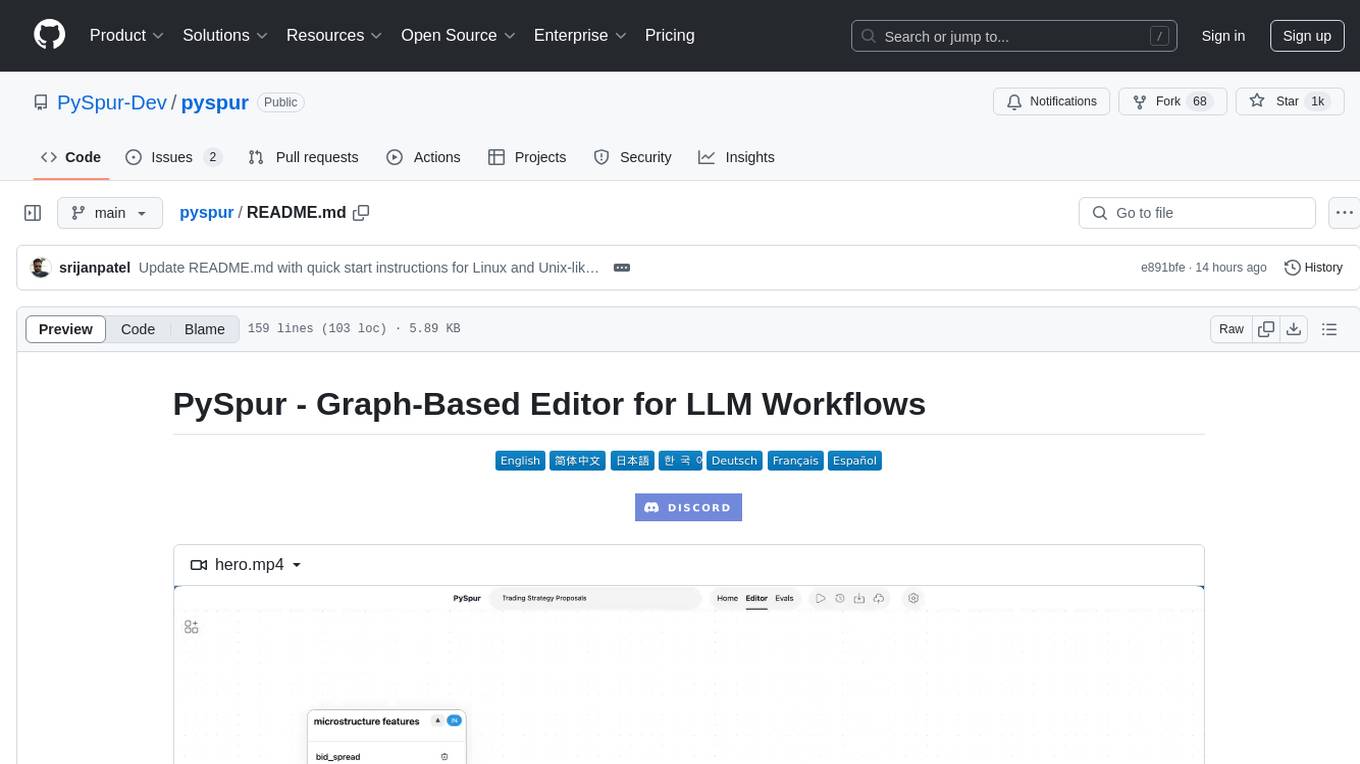
pyspur
PySpur is a graph-based editor designed for LLM (Large Language Models) workflows. It offers modular building blocks, node-level debugging, and performance evaluation. The tool is easy to hack, supports JSON configs for workflow graphs, and is lightweight with minimal dependencies. Users can quickly set up PySpur by cloning the repository, creating a .env file, starting docker services, and accessing the portal. PySpur can also work with local models served using Ollama, with steps provided for configuration. The roadmap includes features like canvas, async/batch execution, support for Ollama, new nodes, pipeline optimization, templates, code compilation, multimodal support, and more.
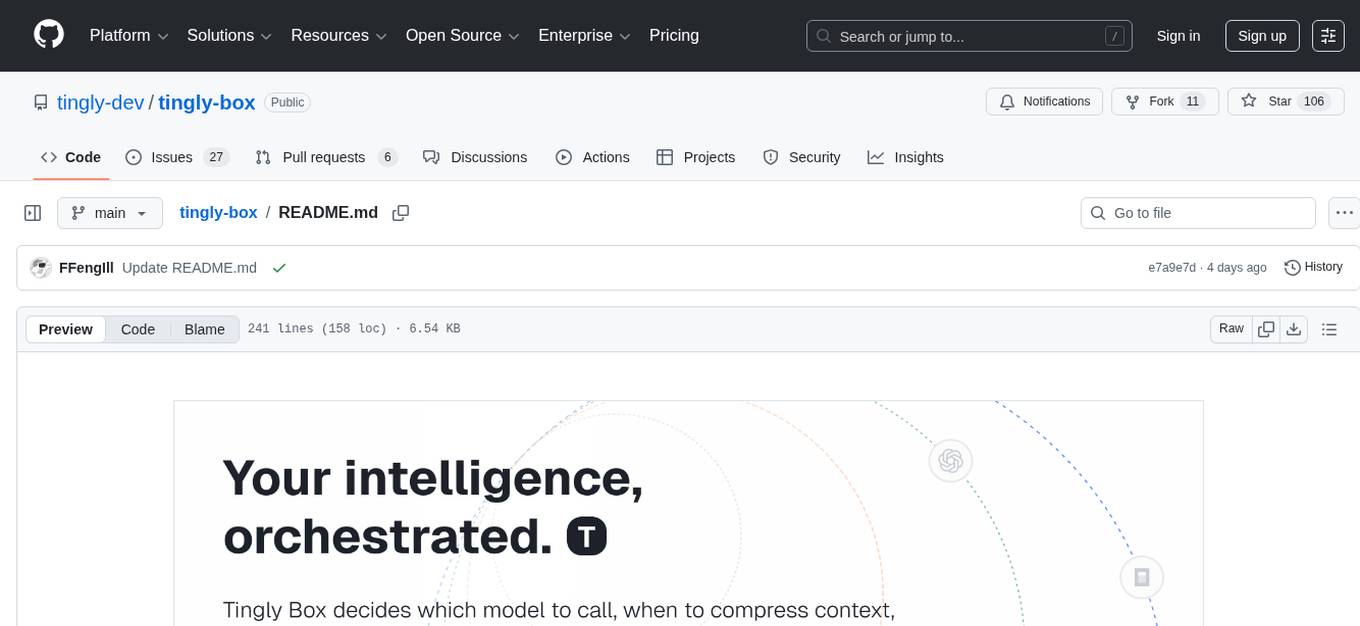
tingly-box
Tingly Box is a tool that helps in deciding which model to call, compressing context, and routing requests efficiently. It offers secure, reliable, and customizable functional extensions. With features like unified API, smart routing, context compression, auto API translation, blazing fast performance, flexible authentication, visual control panel, and client-side usage stats, Tingly Box provides a comprehensive solution for managing AI models and tokens. It supports integration with various IDEs, CLI tools, SDKs, and AI applications, making it versatile and easy to use. The tool also allows seamless integration with OAuth providers like Claude Code, enabling users to utilize existing quotas in OpenAI-compatible tools. Tingly Box aims to simplify AI model management and usage by providing a single endpoint for multiple providers with minimal configuration, promoting seamless integration with SDKs and CLI tools.
AgentGPT
AgentGPT is a platform that allows users to configure and deploy autonomous AI agents. Users can name their own custom AI and set it on any goal. The AI will think of tasks, execute them, and learn from the results to reach the goal. The platform provides a demo experience, automatic setup CLI, and a tech stack including Next.js, FastAPI, Prisma, TailwindCSS, Zod, and more. AgentGPT is designed to help users easily create and deploy AI agents for various tasks.

nyxtext
Nyxtext is a text editor built using Python, featuring Custom Tkinter with the Catppuccin color scheme and glassmorphic design. It follows a modular approach with each element organized into separate files for clarity and maintainability. NyxText is not just a text editor but also an AI-powered desktop application for creatives, developers, and students.
ComfyUI-Copilot
ComfyUI-Copilot is an intelligent assistant built on the Comfy-UI framework that simplifies and enhances the AI algorithm debugging and deployment process through natural language interactions. It offers intuitive node recommendations, workflow building aids, and model querying services to streamline development processes. With features like interactive Q&A bot, natural language node suggestions, smart workflow assistance, and model querying, ComfyUI-Copilot aims to lower the barriers to entry for beginners, boost development efficiency with AI-driven suggestions, and provide real-time assistance for developers.
ai
Jetify's AI SDK for Go is a unified interface for interacting with multiple AI providers including OpenAI, Anthropic, and more. It addresses the challenges of fragmented ecosystems, vendor lock-in, poor Go developer experience, and complex multi-modal handling by providing a unified interface, Go-first design, production-ready features, multi-modal support, and extensible architecture. The SDK supports language models, embeddings, image generation, multi-provider support, multi-modal inputs, tool calling, and structured outputs.
ClaudeSync
ClaudeSync is a powerful tool designed to seamlessly synchronize local files with Claude.ai projects. It bridges the gap between local development environment and Claude.ai's knowledge base, offering real-time synchronization, CLI for easy management, support for multiple organizations and projects, intelligent file filtering, configurable sync interval, two-way synchronization, and more. It ensures data privacy, open source transparency, and comes with disclaimers for use at own risk. Users can quickly start syncing by installing, logging in, selecting organization and project, and running sync. Advanced features include API, organization, project, file, chat management, configuration, synchronization modes, scheduled sync, providers, custom ignore file, and troubleshooting. Contributions are welcome, and communication channels include GitHub Issues and Discord. Licensed under MIT License.
AiR
AiR is an AI tool built entirely in Rust that delivers blazing speed and efficiency. It features accurate translation and seamless text rewriting to supercharge productivity. AiR is designed to assist non-native speakers by automatically fixing errors and polishing language to sound like a native speaker. The tool is under heavy development with more features on the horizon.
orbit
ORBIT (Open Retrieval-Based Inference Toolkit) is a middleware platform that provides a unified API for AI inference. It acts as a central gateway, allowing you to connect various local and remote AI models with your private data sources like SQL databases, vector stores, and local files. ORBIT uses a flexible adapter architecture to connect your data to AI models, creating specialized 'agents' for specific tasks. It supports scenarios like Knowledge Base Q&A and Chat with Your SQL Database, enabling users to interact with AI models seamlessly. The tool offers a RESTful API for programmatic access and includes features like authentication, API key management, system prompts, health monitoring, and file management. ORBIT is designed to streamline AI inference tasks and facilitate interactions between users and AI models.
g4f.dev
G4f.dev is the official documentation hub for GPT4Free, a free and convenient AI tool with endpoints that can be integrated directly into apps, scripts, and web browsers. The documentation provides clear overviews, quick examples, and deeper insights into the major features of GPT4Free, including text and image generation. Users can choose between Python and JavaScript for installation and setup, and can access various API endpoints, providers, models, and client options for different tasks.
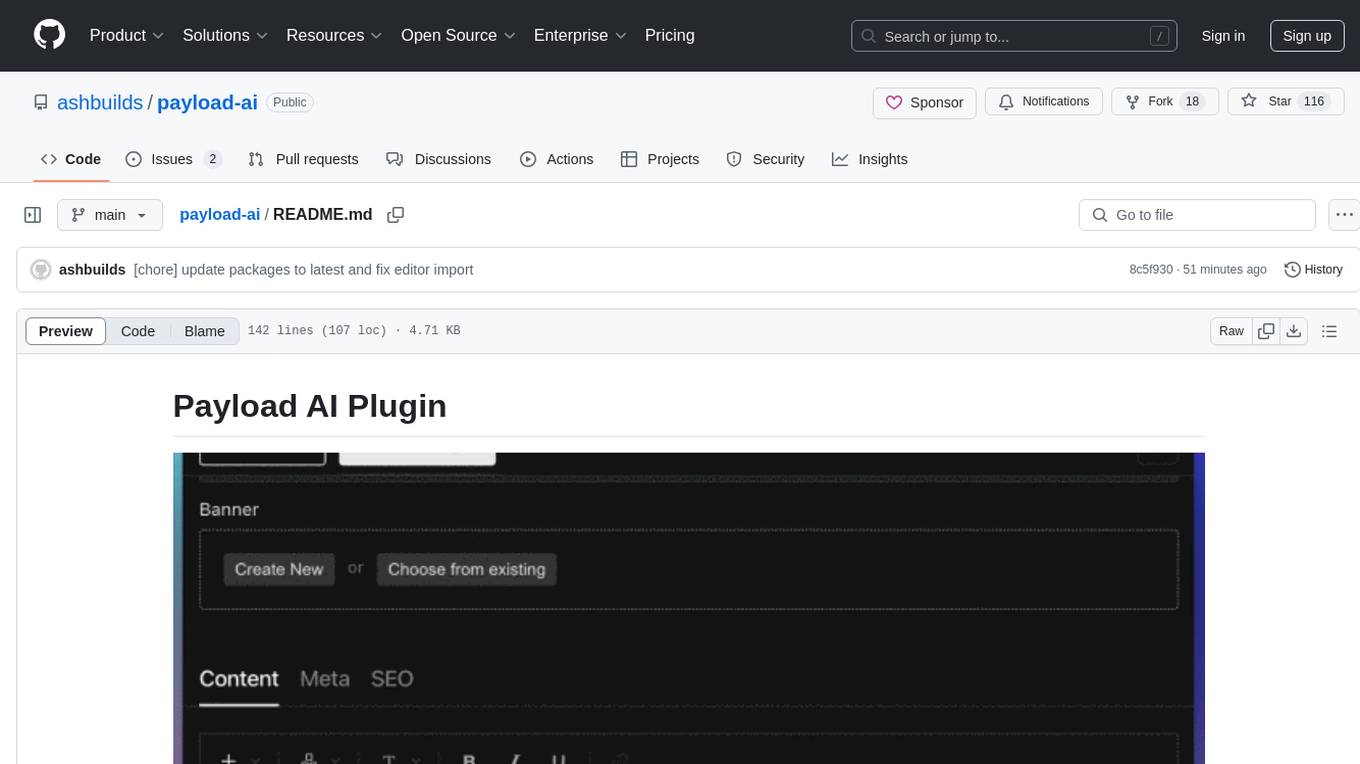
payload-ai
The Payload AI Plugin is an advanced extension that integrates modern AI capabilities into your Payload CMS, streamlining content creation and management. It offers features like text generation, voice and image generation, field-level prompt customization, prompt editor, document analyzer, fact checking, automated content workflows, internationalization support, editor AI suggestions, and AI chat support. Users can personalize and configure the plugin by setting environment variables. The plugin is actively developed and tested with Payload version v3.2.1, with regular updates expected.
For similar tasks

Magick
Magick is a groundbreaking visual AIDE (Artificial Intelligence Development Environment) for no-code data pipelines and multimodal agents. Magick can connect to other services and comes with nodes and templates well-suited for intelligent agents, chatbots, complex reasoning systems and realistic characters.

danswer
Danswer is an open-source Gen-AI Chat and Unified Search tool that connects to your company's docs, apps, and people. It provides a Chat interface and plugs into any LLM of your choice. Danswer can be deployed anywhere and for any scale - on a laptop, on-premise, or to cloud. Since you own the deployment, your user data and chats are fully in your own control. Danswer is MIT licensed and designed to be modular and easily extensible. The system also comes fully ready for production usage with user authentication, role management (admin/basic users), chat persistence, and a UI for configuring Personas (AI Assistants) and their Prompts. Danswer also serves as a Unified Search across all common workplace tools such as Slack, Google Drive, Confluence, etc. By combining LLMs and team specific knowledge, Danswer becomes a subject matter expert for the team. Imagine ChatGPT if it had access to your team's unique knowledge! It enables questions such as "A customer wants feature X, is this already supported?" or "Where's the pull request for feature Y?"

semantic-kernel
Semantic Kernel is an SDK that integrates Large Language Models (LLMs) like OpenAI, Azure OpenAI, and Hugging Face with conventional programming languages like C#, Python, and Java. Semantic Kernel achieves this by allowing you to define plugins that can be chained together in just a few lines of code. What makes Semantic Kernel _special_ , however, is its ability to _automatically_ orchestrate plugins with AI. With Semantic Kernel planners, you can ask an LLM to generate a plan that achieves a user's unique goal. Afterwards, Semantic Kernel will execute the plan for the user.

floneum
Floneum is a graph editor that makes it easy to develop your own AI workflows. It uses large language models (LLMs) to run AI models locally, without any external dependencies or even a GPU. This makes it easy to use LLMs with your own data, without worrying about privacy. Floneum also has a plugin system that allows you to improve the performance of LLMs and make them work better for your specific use case. Plugins can be used in any language that supports web assembly, and they can control the output of LLMs with a process similar to JSONformer or guidance.
mindsdb
MindsDB is a platform for customizing AI from enterprise data. You can create, serve, and fine-tune models in real-time from your database, vector store, and application data. MindsDB "enhances" SQL syntax with AI capabilities to make it accessible for developers worldwide. With MindsDB’s nearly 200 integrations, any developer can create AI customized for their purpose, faster and more securely. Their AI systems will constantly improve themselves — using companies’ own data, in real-time.

aiscript
AiScript is a lightweight scripting language that runs on JavaScript. It supports arrays, objects, and functions as first-class citizens, and is easy to write without the need for semicolons or commas. AiScript runs in a secure sandbox environment, preventing infinite loops from freezing the host. It also allows for easy provision of variables and functions from the host.

activepieces
Activepieces is an open source replacement for Zapier, designed to be extensible through a type-safe pieces framework written in Typescript. It features a user-friendly Workflow Builder with support for Branches, Loops, and Drag and Drop. Activepieces integrates with Google Sheets, OpenAI, Discord, and RSS, along with 80+ other integrations. The list of supported integrations continues to grow rapidly, thanks to valuable contributions from the community. Activepieces is an open ecosystem; all piece source code is available in the repository, and they are versioned and published directly to npmjs.com upon contributions. If you cannot find a specific piece on the pieces roadmap, please submit a request by visiting the following link: Request Piece Alternatively, if you are a developer, you can quickly build your own piece using our TypeScript framework. For guidance, please refer to the following guide: Contributor's Guide
superagent-js
Superagent is an open source framework that enables any developer to integrate production ready AI Assistants into any application in a matter of minutes.
For similar jobs

sweep
Sweep is an AI junior developer that turns bugs and feature requests into code changes. It automatically handles developer experience improvements like adding type hints and improving test coverage.

teams-ai
The Teams AI Library is a software development kit (SDK) that helps developers create bots that can interact with Teams and Microsoft 365 applications. It is built on top of the Bot Framework SDK and simplifies the process of developing bots that interact with Teams' artificial intelligence capabilities. The SDK is available for JavaScript/TypeScript, .NET, and Python.

ai-guide
This guide is dedicated to Large Language Models (LLMs) that you can run on your home computer. It assumes your PC is a lower-end, non-gaming setup.

classifai
Supercharge WordPress Content Workflows and Engagement with Artificial Intelligence. Tap into leading cloud-based services like OpenAI, Microsoft Azure AI, Google Gemini and IBM Watson to augment your WordPress-powered websites. Publish content faster while improving SEO performance and increasing audience engagement. ClassifAI integrates Artificial Intelligence and Machine Learning technologies to lighten your workload and eliminate tedious tasks, giving you more time to create original content that matters.

chatbot-ui
Chatbot UI is an open-source AI chat app that allows users to create and deploy their own AI chatbots. It is easy to use and can be customized to fit any need. Chatbot UI is perfect for businesses, developers, and anyone who wants to create a chatbot.

BricksLLM
BricksLLM is a cloud native AI gateway written in Go. Currently, it provides native support for OpenAI, Anthropic, Azure OpenAI and vLLM. BricksLLM aims to provide enterprise level infrastructure that can power any LLM production use cases. Here are some use cases for BricksLLM: * Set LLM usage limits for users on different pricing tiers * Track LLM usage on a per user and per organization basis * Block or redact requests containing PIIs * Improve LLM reliability with failovers, retries and caching * Distribute API keys with rate limits and cost limits for internal development/production use cases * Distribute API keys with rate limits and cost limits for students

uAgents
uAgents is a Python library developed by Fetch.ai that allows for the creation of autonomous AI agents. These agents can perform various tasks on a schedule or take action on various events. uAgents are easy to create and manage, and they are connected to a fast-growing network of other uAgents. They are also secure, with cryptographically secured messages and wallets.

griptape
Griptape is a modular Python framework for building AI-powered applications that securely connect to your enterprise data and APIs. It offers developers the ability to maintain control and flexibility at every step. Griptape's core components include Structures (Agents, Pipelines, and Workflows), Tasks, Tools, Memory (Conversation Memory, Task Memory, and Meta Memory), Drivers (Prompt and Embedding Drivers, Vector Store Drivers, Image Generation Drivers, Image Query Drivers, SQL Drivers, Web Scraper Drivers, and Conversation Memory Drivers), Engines (Query Engines, Extraction Engines, Summary Engines, Image Generation Engines, and Image Query Engines), and additional components (Rulesets, Loaders, Artifacts, Chunkers, and Tokenizers). Griptape enables developers to create AI-powered applications with ease and efficiency.