


pastemax
A simple tool to select files from a repository to copy/paste into an LLM
Stars: 276
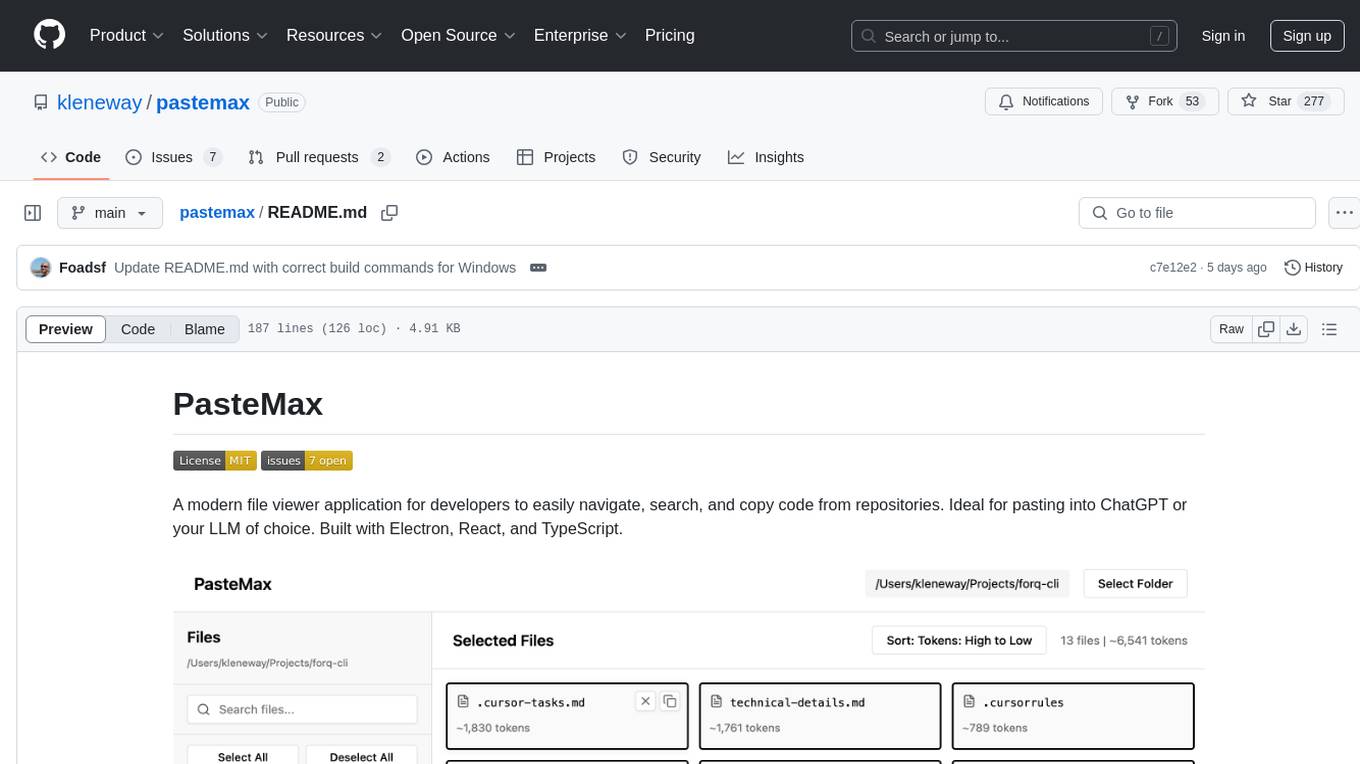
PasteMax is a modern file viewer application designed for developers to easily navigate, search, and copy code from repositories. It provides features such as file tree navigation, token counting, search capabilities, selection management, sorting options, dark mode, binary file detection, and smart file exclusion. Built with Electron, React, and TypeScript, PasteMax is ideal for pasting code into ChatGPT or other language models. Users can download the application or build it from source, and customize file exclusions. Troubleshooting steps are provided for common issues, and contributions to the project are welcome under the MIT License.
README:


A modern file viewer application for developers to easily navigate, search, and copy code from repositories. Ideal for pasting into ChatGPT or your LLM of choice. Built with Electron, React, and TypeScript.
- File Tree Navigation: Browse directories and files with an expandable tree view
- Token Counting: View the approximate token count for each file (useful for LLM context limits)
- Search Capabilities: Quickly find files by name or content
- Selection Management: Select multiple files and copy their contents together
- Sorting Options: Sort files by name, size, or token count
- Dark Mode: Toggle between light and dark themes for comfortable viewing in any environment
- Binary File Detection: Automatic detection and exclusion of binary files
- Smart File Exclusion: Automatically excludes common files like package-lock.json, binary files, and more by default
Download the latest version from the releases page.
- Clone the repository:
git clone https://github.com/kleneway/pastemax.git
cd pastemax
- Install dependencies:
npm install
- Build the app:
npm run build-electron
npm run package
Note for Windows users: If you encounter issues with npm run package, you can try the platform-specific command:
npm run package:win
After successful build, you'll find the executable files in the release-builds directory:
-
PasteMax Setup 1.0.0.exe- Installer version -
PasteMax 1.0.0.exe- Portable version
- Node.js (v14 or higher)
- npm or yarn
- Clone the repository
- Install dependencies:
npm install
To run the application in development mode:
# Start the Vite dev server
npm run dev

# In a separate terminal, start Electron
npm run dev:electron
To build the application for production:
# Build the React app with Vite and update paths for Electron
npm run build-electron

# Create platform-specific distributables
npm run package
Platform-specific build commands:
- Windows:
npm run package:win - macOS:
npm run package:mac - Linux:
npm run package:linux
-
src/- React application source code-
components/- React components -
types/- TypeScript type definitions -
styles/- CSS styles
-
-
main.js- Electron main process -
build.js- Build script for production -
excluded-files.js- Configuration for files to exclude by default -
docs/- Documentation-
excluded-files.md- Documentation for the file exclusion feature
-
- Electron - Desktop application framework
- React - UI library
- TypeScript - Type safety
- Vite - Build tool and development server
- tiktoken - Token counting for LLM context estimation
- ignore - .gitignore-style pattern matching for file exclusions
You can customize which files are excluded by default by editing the excluded-files.js file. See the excluded files documentation for more details.
If you encounter this error when running the packaged application:
Error: Cannot find module 'ignore'
Require stack:
- /Applications/PasteMax.app/Contents/Resources/app.asar/main.js
This is caused by dependencies not being properly included in the package. To fix it:
-
Run the dependency fixer script:
node fix-dependencies.js -
Rebuild the application:
npm run build-electron && npm run package -
Install the new version
If you encounter issues with the standard npm run package command:
-
Try using the platform-specific build command:
- Windows:
npm run package:win - macOS:
npm run package:mac - Linux:
npm run package:linux
- Windows:
-
Check the
release-buildsdirectory for output files after building
If you encounter other issues, please report them on GitHub.
MIT License - see the LICENSE file for details.
Contributions are welcome! Please feel free to submit a Pull Request.
- Fork the repository
- Create your feature branch (
git checkout -b feature/amazing-feature) - Commit your changes (
git commit -m 'Add some amazing feature') - Push to the branch (
git push origin feature/amazing-feature) - Open a Pull Request
For Tasks:
Click tags to check more tools for each tasksFor Jobs:
Alternative AI tools for pastemax
Similar Open Source Tools
pastemax
PasteMax is a modern file viewer application designed for developers to easily navigate, search, and copy code from repositories. It provides features such as file tree navigation, token counting, search capabilities, selection management, sorting options, dark mode, binary file detection, and smart file exclusion. Built with Electron, React, and TypeScript, PasteMax is ideal for pasting code into ChatGPT or other language models. Users can download the application or build it from source, and customize file exclusions. Troubleshooting steps are provided for common issues, and contributions to the project are welcome under the MIT License.
BuildCLI
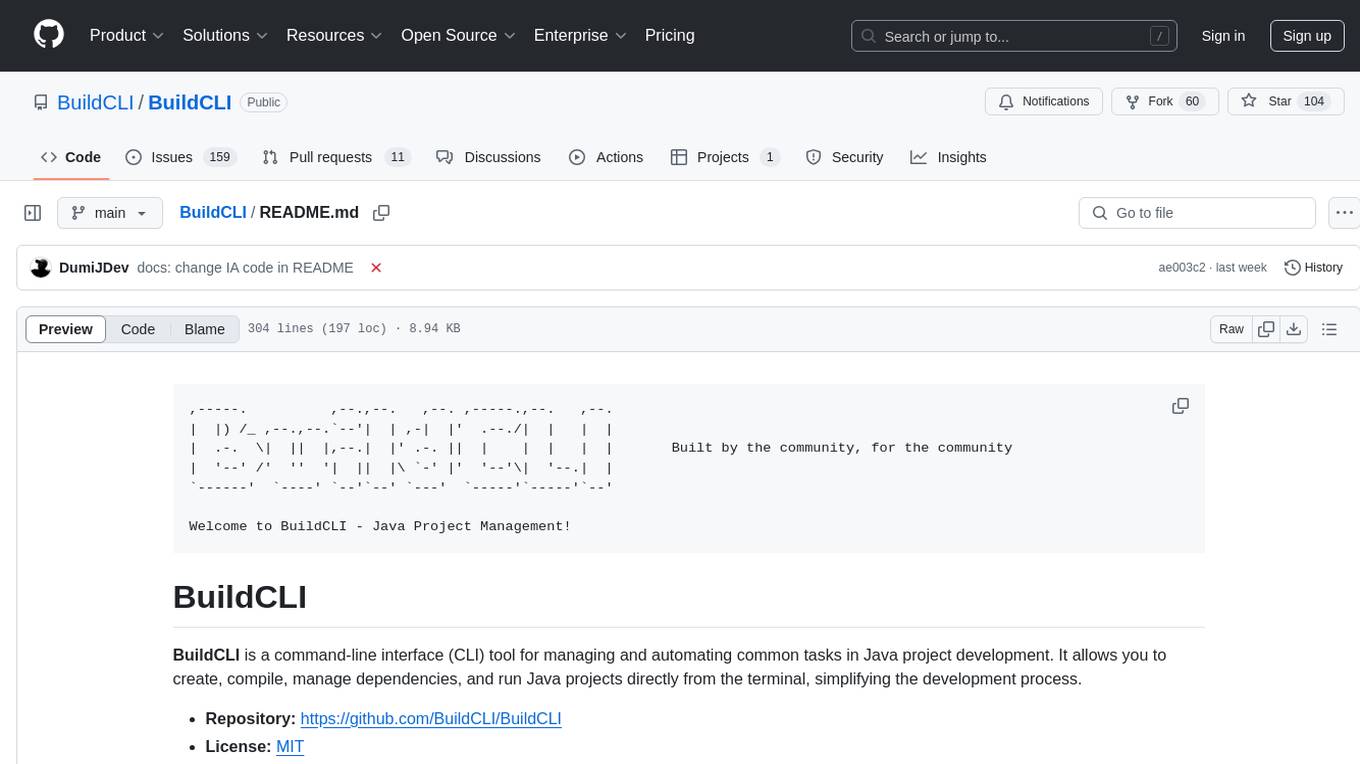
BuildCLI is a command-line interface (CLI) tool designed for managing and automating common tasks in Java project development. It simplifies the development process by allowing users to create, compile, manage dependencies, run projects, generate documentation, manage configuration profiles, dockerize projects, integrate CI/CD tools, and generate structured changelogs. The tool aims to enhance productivity and streamline Java project management by providing a range of functionalities accessible directly from the terminal.
backend.ai-webui
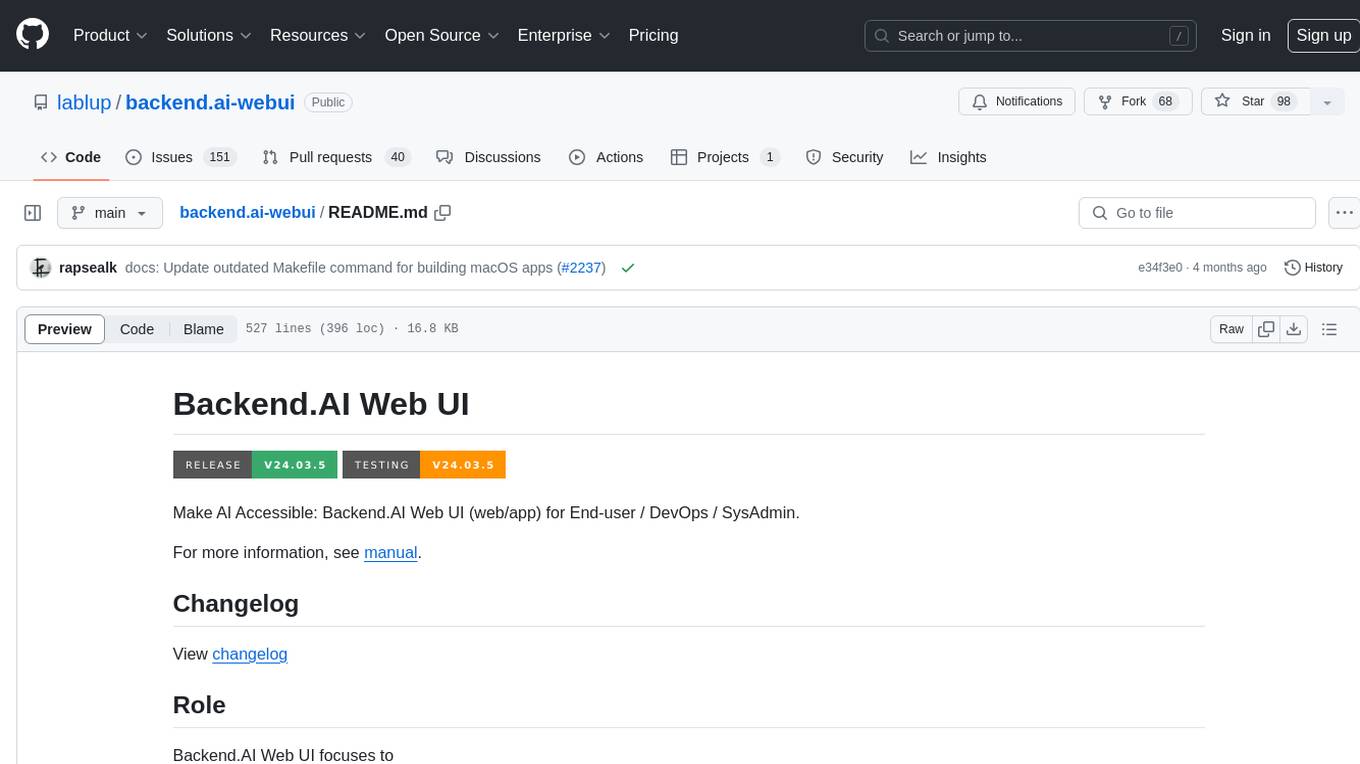
Backend.AI Web UI is a user-friendly web and app interface designed to make AI accessible for end-users, DevOps, and SysAdmins. It provides features for session management, inference service management, pipeline management, storage management, node management, statistics, configurations, license checking, plugins, help & manuals, kernel management, user management, keypair management, manager settings, proxy mode support, service information, and integration with the Backend.AI Web Server. The tool supports various devices, offers a built-in websocket proxy feature, and allows for versatile usage across different platforms. Users can easily manage resources, run environment-supported apps, access a web-based terminal, use Visual Studio Code editor, manage experiments, set up autoscaling, manage pipelines, handle storage, monitor nodes, view statistics, configure settings, and more.
manifold
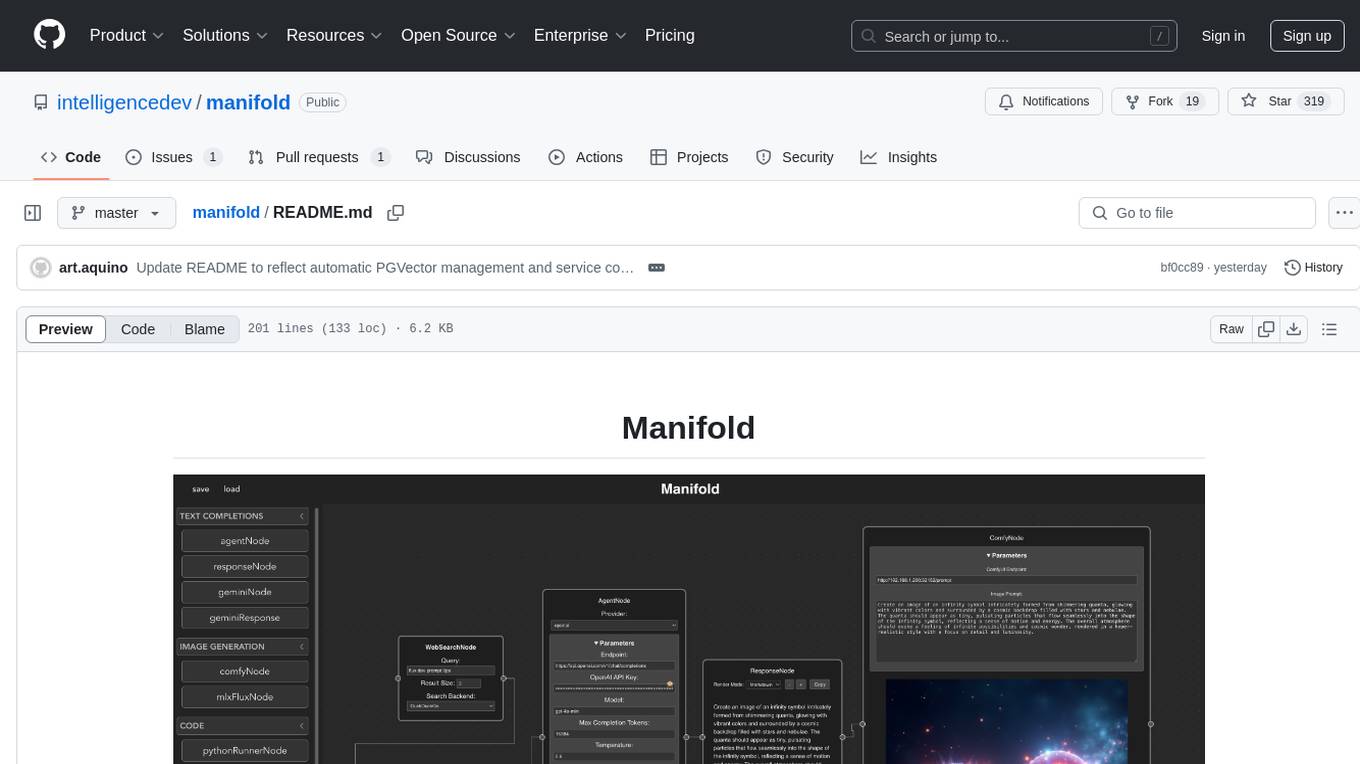
Manifold is a powerful platform for workflow automation using AI models. It supports text generation, image generation, and retrieval-augmented generation, integrating seamlessly with popular AI endpoints. Additionally, Manifold provides robust semantic search capabilities using PGVector combined with the SEFII engine. It is under active development and not production-ready.
desktop
ComfyUI Desktop is a packaged desktop application that allows users to easily use ComfyUI with bundled features like ComfyUI source code, ComfyUI-Manager, and uv. It automatically installs necessary Python dependencies and updates with stable releases. The app comes with Electron, Chromium binaries, and node modules. Users can store ComfyUI files in a specified location and manage model paths. The tool requires Python 3.12+ and Visual Studio with Desktop C++ workload for Windows. It uses nvm to manage node versions and yarn as the package manager. Users can install ComfyUI and dependencies using comfy-cli, download uv, and build/launch the code. Troubleshooting steps include rebuilding modules and installing missing libraries. The tool supports debugging in VSCode and provides utility scripts for cleanup. Crash reports can be sent to help debug issues, but no personal data is included.
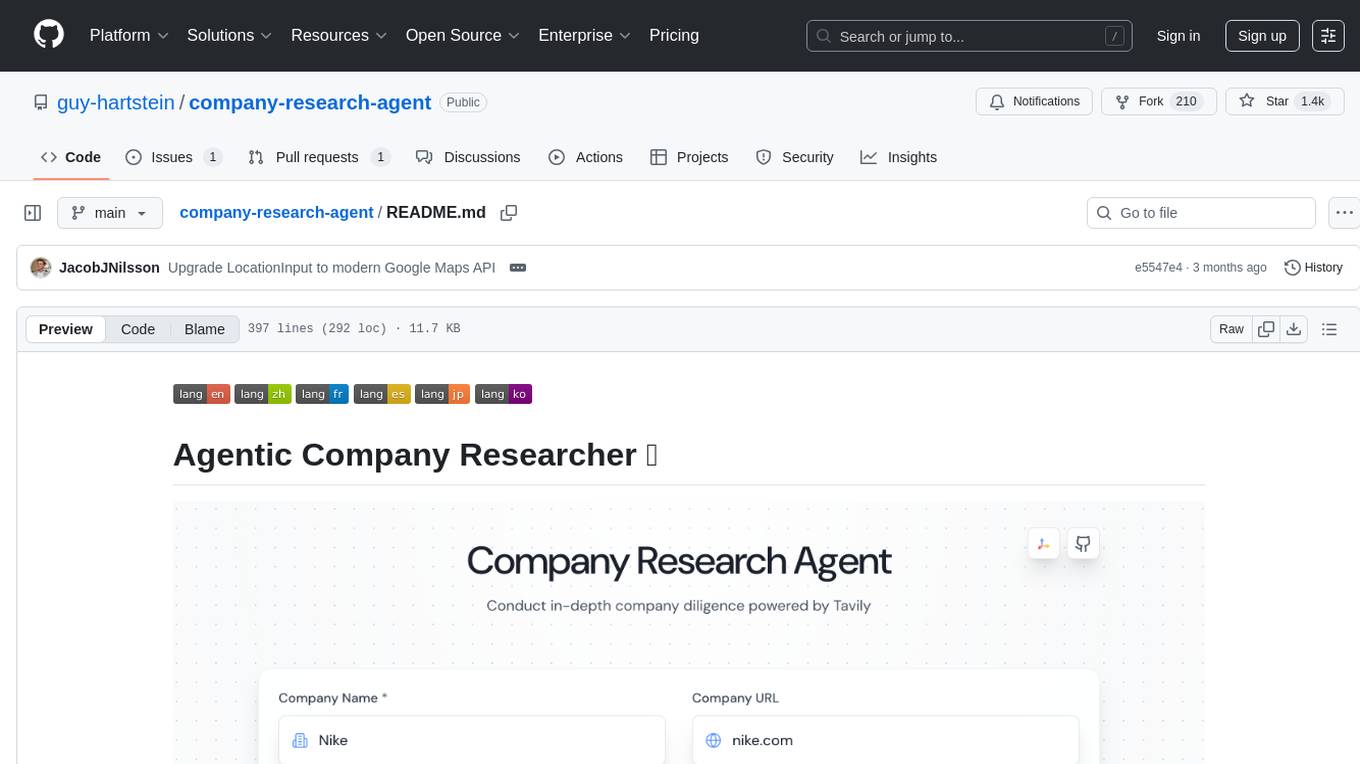
company-research-agent
Agentic Company Researcher is a multi-agent tool that generates comprehensive company research reports by utilizing a pipeline of AI agents to gather, curate, and synthesize information from various sources. It features multi-source research, AI-powered content filtering, real-time progress streaming, dual model architecture, modern React frontend, and modular architecture. The tool follows an agentic framework with specialized research and processing nodes, leverages separate models for content generation, uses a content curation system for relevance scoring and document processing, and implements a real-time communication system via WebSocket connections. Users can set up the tool quickly using the provided setup script or manually, and it can also be deployed using Docker and Docker Compose. The application can be used for local development and deployed to various cloud platforms like AWS Elastic Beanstalk, Docker, Heroku, and Google Cloud Run.
gitingest
GitIngest is a tool that allows users to turn any Git repository into a prompt-friendly text ingest for LLMs. It provides easy code context by generating a text digest from a git repository URL or directory. The tool offers smart formatting for optimized output format for LLM prompts and provides statistics about file and directory structure, size of the extract, and token count. GitIngest can be used as a CLI tool on Linux and as a Python package for code integration. The tool is built using Tailwind CSS for frontend, FastAPI for backend framework, tiktoken for token estimation, and apianalytics.dev for simple analytics. Users can self-host GitIngest by building the Docker image and running the container. Contributions to the project are welcome, and the tool aims to be beginner-friendly for first-time contributors with a simple Python and HTML codebase.
UCAgent
UCAgent is an AI-powered automated UT verification agent for chip design. It automates chip verification workflow, supports functional and code coverage analysis, ensures consistency among documentation, code, and reports, and collaborates with mainstream Code Agents via MCP protocol. It offers three intelligent interaction modes and requires Python 3.11+, Linux/macOS OS, 4GB+ memory, and access to an AI model API. Users can clone the repository, install dependencies, configure qwen, and start verification. UCAgent supports various verification quality improvement options and basic operations through TUI shortcuts and stage color indicators. It also provides documentation build and preview using MkDocs, PDF manual build using Pandoc + XeLaTeX, and resources for further help and contribution.
pipecat-flows
Pipecat Flows is a framework designed for building structured conversations in AI applications. It allows users to create both predefined conversation paths and dynamically generated flows, handling state management and LLM interactions. The framework includes a Python module for building conversation flows and a visual editor for designing and exporting flow configurations. Pipecat Flows is suitable for scenarios such as customer service scripts, intake forms, personalized experiences, and complex decision trees.
mycoder
An open-source mono-repository containing the MyCoder agent and CLI. It leverages Anthropic's Claude API for intelligent decision making, has a modular architecture with various tool categories, supports parallel execution with sub-agents, can modify code by writing itself, features a smart logging system for clear output, and is human-compatible using README.md, project files, and shell commands to build its own context.
cursor-tools
cursor-tools is a CLI tool designed to enhance AI agents with advanced skills, such as web search, repository context, documentation generation, GitHub integration, Xcode tools, and browser automation. It provides features like Perplexity for web search, Gemini 2.0 for codebase context, and Stagehand for browser operations. The tool requires API keys for Perplexity AI and Google Gemini, and supports global installation for system-wide access. It offers various commands for different tasks and integrates with Cursor Composer for AI agent usage.
xlang
XLang™ is a cutting-edge language designed for AI and IoT applications, offering exceptional dynamic and high-performance capabilities. It excels in distributed computing and seamless integration with popular languages like C++, Python, and JavaScript. Notably efficient, running 3 to 5 times faster than Python in AI and deep learning contexts. Features optimized tensor computing architecture for constructing neural networks through tensor expressions. Automates tensor data flow graph generation and compilation for specific targets, enhancing GPU performance by 6 to 10 times in CUDA environments.
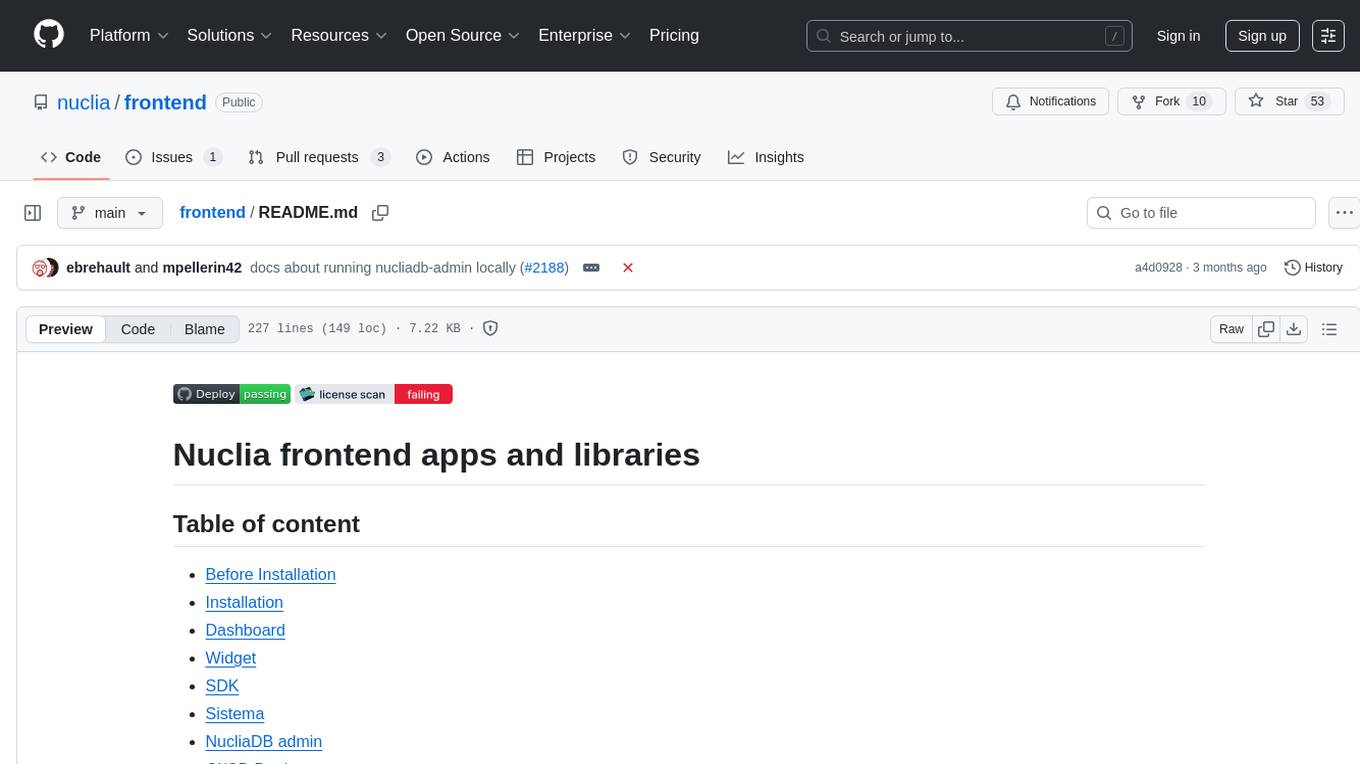
frontend
Nuclia frontend apps and libraries repository contains various frontend applications and libraries for the Nuclia platform. It includes components such as Dashboard, Widget, SDK, Sistema (design system), NucliaDB admin, CI/CD Deployment, and Maintenance page. The repository provides detailed instructions on installation, dependencies, and usage of these components for both Nuclia employees and external developers. It also covers deployment processes for different components and tools like ArgoCD for monitoring deployments and logs. The repository aims to facilitate the development, testing, and deployment of frontend applications within the Nuclia ecosystem.
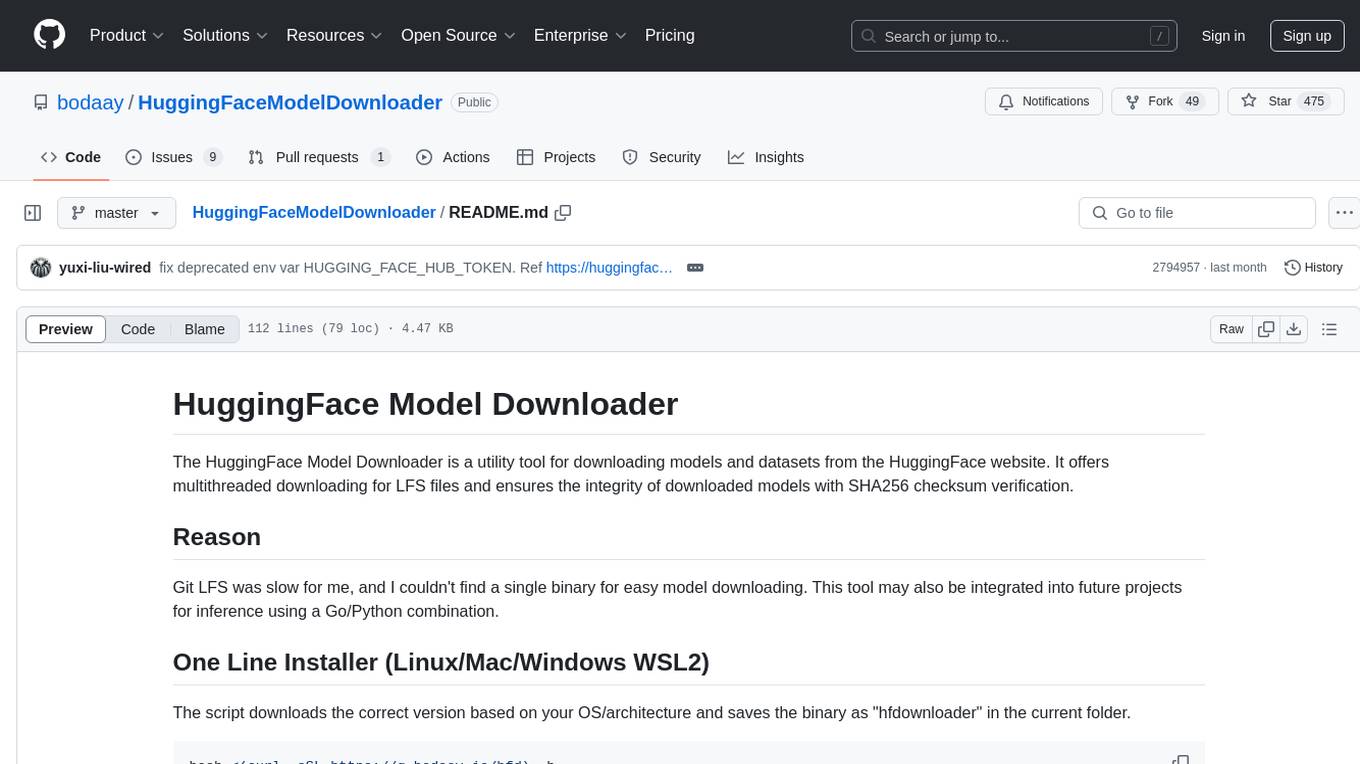
HuggingFaceModelDownloader
The HuggingFace Model Downloader is a utility tool for downloading models and datasets from the HuggingFace website. It offers multithreaded downloading for LFS files and ensures the integrity of downloaded models with SHA256 checksum verification. The tool provides features such as nested file downloading, filter downloads for specific LFS model files, support for HuggingFace Access Token, and configuration file support. It can be used as a library or a single binary for easy model downloading and inference in projects.
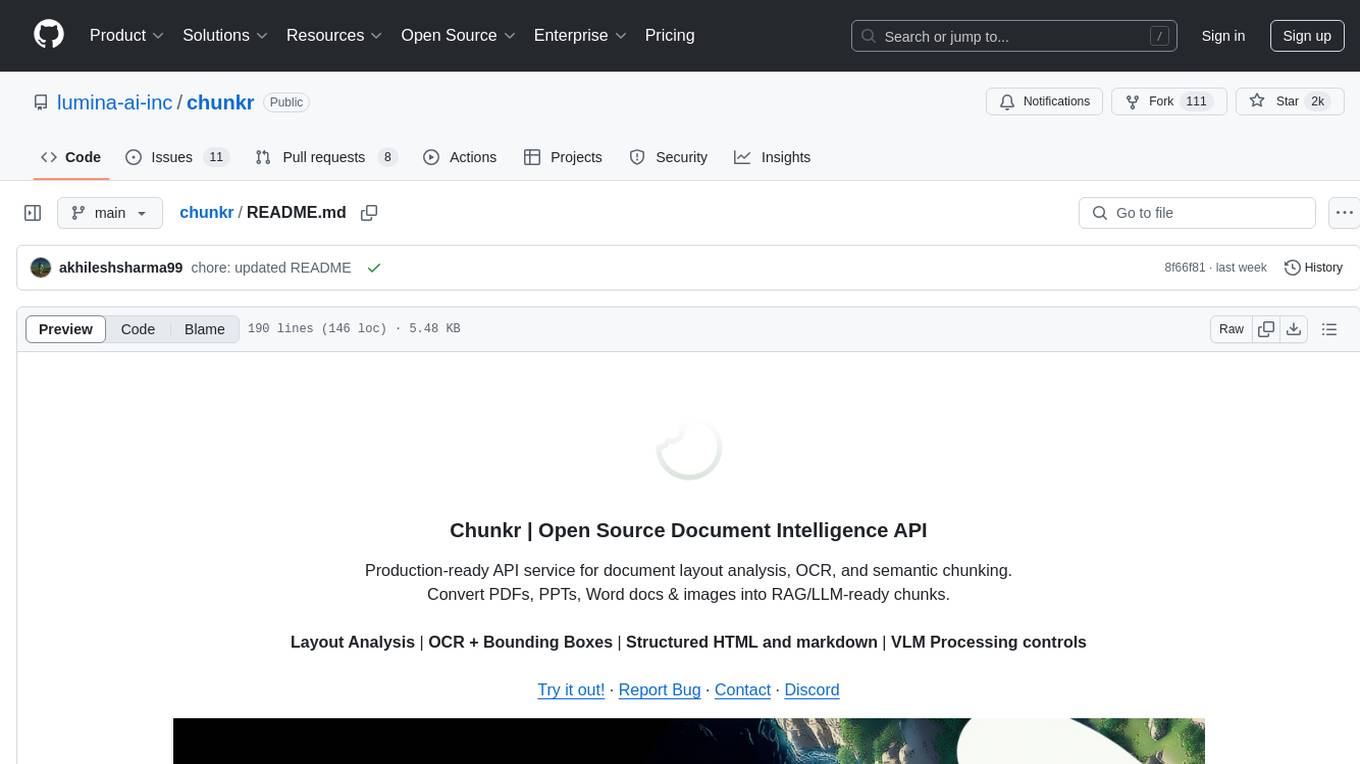
chunkr
Chunkr is an open-source document intelligence API that provides a production-ready service for document layout analysis, OCR, and semantic chunking. It allows users to convert PDFs, PPTs, Word docs, and images into RAG/LLM-ready chunks. The API offers features such as layout analysis, OCR with bounding boxes, structured HTML and markdown output, and VLM processing controls. Users can interact with Chunkr through a Python SDK, enabling them to upload documents, process them, and export results in various formats. The tool also supports self-hosted deployment options using Docker Compose or Kubernetes, with configurations for different AI models like OpenAI, Google AI Studio, and OpenRouter. Chunkr is dual-licensed under the GNU Affero General Public License v3.0 (AGPL-3.0) and a commercial license, providing flexibility for different usage scenarios.
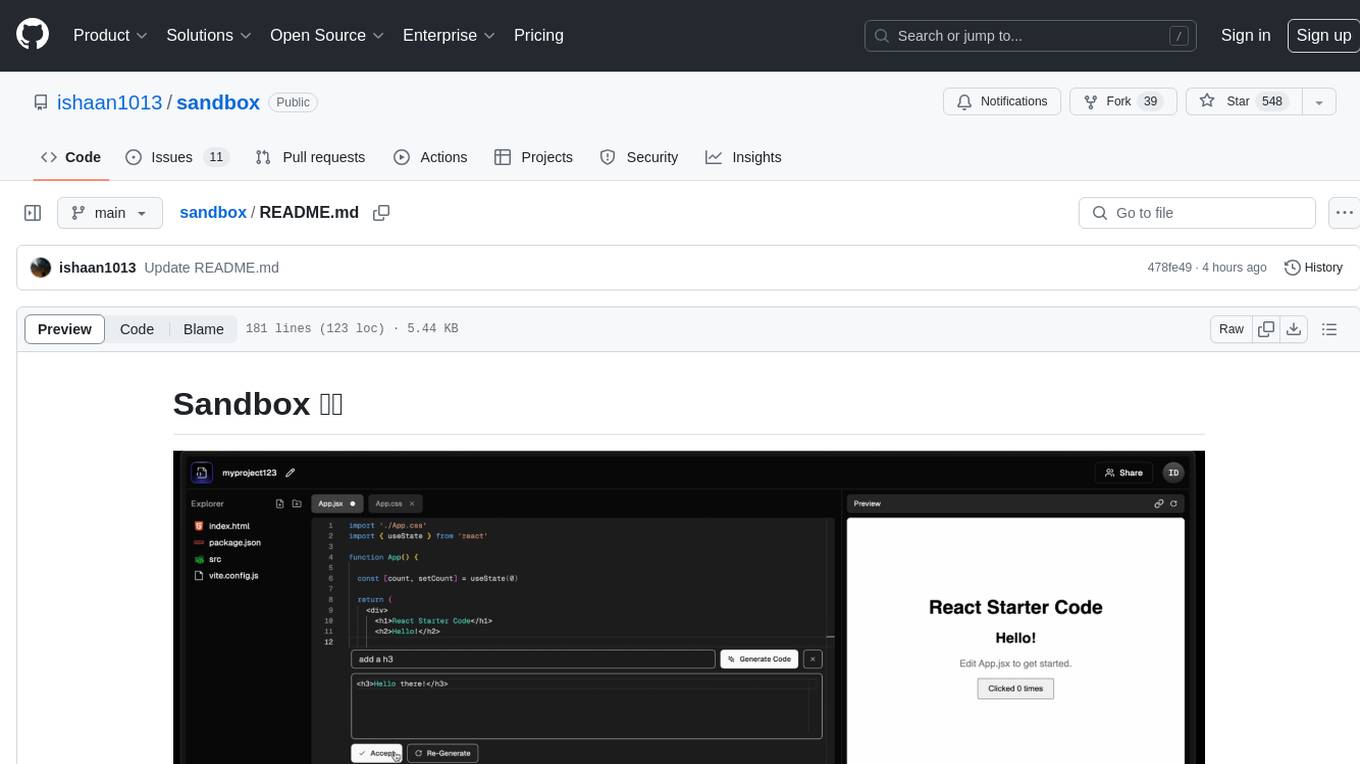
sandbox
Sandbox is an open-source cloud-based code editing environment with custom AI code autocompletion and real-time collaboration. It consists of a frontend built with Next.js, TailwindCSS, Shadcn UI, Clerk, Monaco, and Liveblocks, and a backend with Express, Socket.io, Cloudflare Workers, D1 database, R2 storage, Workers AI, and Drizzle ORM. The backend includes microservices for database, storage, and AI functionalities. Users can run the project locally by setting up environment variables and deploying the containers. Contributions are welcome following the commit convention and structure provided in the repository.
For similar tasks
airdcpp-webclient
AirDC++ Web Client is a locally installed application designed for flexible file sharing within groups over a local network or the internet. It utilizes the Advanced Direct Connect protocol to create file sharing communities with thousands of users. The application offers a responsive web user interface, allows sharing local directories, searching for shared files, saving files, chatting capabilities, browsing shared directories, extension support, and a web API for HTTP REST and WebSockets.
pastemax
PasteMax is a modern file viewer application designed for developers to easily navigate, search, and copy code from repositories. It provides features such as file tree navigation, token counting, search capabilities, selection management, sorting options, dark mode, binary file detection, and smart file exclusion. Built with Electron, React, and TypeScript, PasteMax is ideal for pasting code into ChatGPT or other language models. Users can download the application or build it from source, and customize file exclusions. Troubleshooting steps are provided for common issues, and contributions to the project are welcome under the MIT License.
PSAI
PSAI is a PowerShell module that empowers scripts with the intelligence of OpenAI, bridging the gap between PowerShell and AI. It enables seamless integration for tasks like file searches and data analysis, revolutionizing automation possibilities with just a few lines of code. The module supports the latest OpenAI API changes, offering features like improved file search, vector store objects, token usage control, message limits, tool choice parameter, custom conversation histories, and model configuration parameters.
nvim-aider
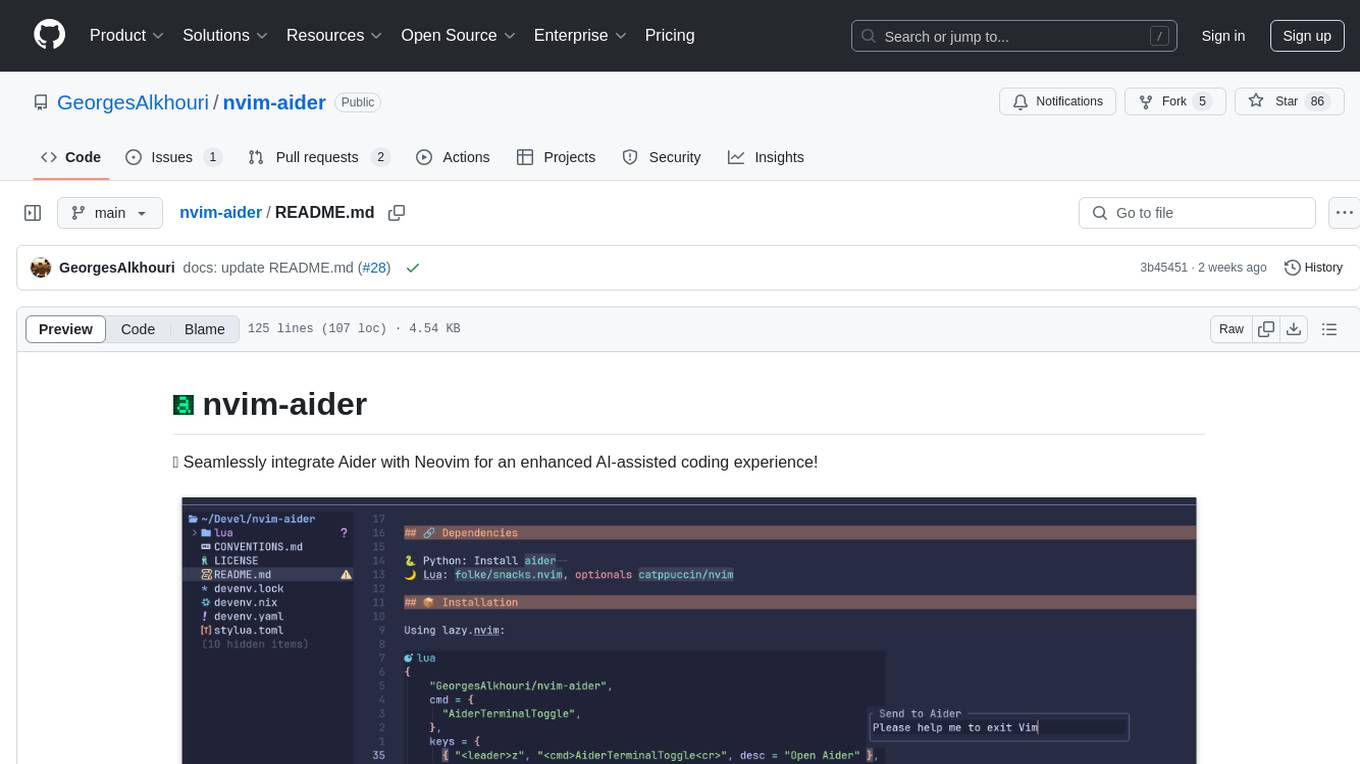
Nvim-aider is a plugin for Neovim that provides additional functionality and key mappings to enhance the user's editing experience. It offers features such as code navigation, quick access to commonly used commands, and improved text manipulation tools. With Nvim-aider, users can streamline their workflow and increase productivity while working with Neovim.
DesktopCommanderMCP
Desktop Commander MCP is a server that allows the Claude desktop app to execute long-running terminal commands on your computer and manage processes through Model Context Protocol (MCP). It is built on top of MCP Filesystem Server to provide additional search and replace file editing capabilities. The tool enables users to execute terminal commands with output streaming, manage processes, perform full filesystem operations, and edit code with surgical text replacements or full file rewrites. It also supports vscode-ripgrep based recursive code or text search in folders.
opencode.nvim
Opencode.nvim is a Neovim plugin that provides a simple and efficient way to browse, search, and open files in a project. It enhances the file navigation experience by offering features like fuzzy finding, file preview, and quick access to frequently used files. With Opencode.nvim, users can easily navigate through their project files, jump to specific locations, and manage their workflow more effectively. The plugin is designed to improve productivity and streamline the development process by simplifying file handling tasks within Neovim.
tuff
Tuff is a local-first, AI-native, and infinitely extensible desktop command center designed to enhance workflow efficiency. It offers a seamless integration of core utilities, AI-powered search, contextual intelligence, and extensibility through custom plugins. With a beautiful UI design, rich functionality, simple operations, and a focus on security and reliability, Tuff provides users with a cross-platform desktop software that is easy to use and offers a good user experience.
adnify
Adnify is an advanced code editor with ultimate visual experience and deep integration of AI Agent. It goes beyond traditional IDEs, featuring Cyberpunk glass morphism design style and a powerful AI Agent supporting full automation from code generation to file operations.
For similar jobs

kaito
Kaito is an operator that automates the AI/ML inference model deployment in a Kubernetes cluster. It manages large model files using container images, avoids tuning deployment parameters to fit GPU hardware by providing preset configurations, auto-provisions GPU nodes based on model requirements, and hosts large model images in the public Microsoft Container Registry (MCR) if the license allows. Using Kaito, the workflow of onboarding large AI inference models in Kubernetes is largely simplified.
ai-on-gke
This repository contains assets related to AI/ML workloads on Google Kubernetes Engine (GKE). Run optimized AI/ML workloads with Google Kubernetes Engine (GKE) platform orchestration capabilities. A robust AI/ML platform considers the following layers: Infrastructure orchestration that support GPUs and TPUs for training and serving workloads at scale Flexible integration with distributed computing and data processing frameworks Support for multiple teams on the same infrastructure to maximize utilization of resources

tidb
TiDB is an open-source distributed SQL database that supports Hybrid Transactional and Analytical Processing (HTAP) workloads. It is MySQL compatible and features horizontal scalability, strong consistency, and high availability.
nvidia_gpu_exporter
Nvidia GPU exporter for prometheus, using `nvidia-smi` binary to gather metrics.

tracecat
Tracecat is an open-source automation platform for security teams. It's designed to be simple but powerful, with a focus on AI features and a practitioner-obsessed UI/UX. Tracecat can be used to automate a variety of tasks, including phishing email investigation, evidence collection, and remediation plan generation.
openinference
OpenInference is a set of conventions and plugins that complement OpenTelemetry to enable tracing of AI applications. It provides a way to capture and analyze the performance and behavior of AI models, including their interactions with other components of the application. OpenInference is designed to be language-agnostic and can be used with any OpenTelemetry-compatible backend. It includes a set of instrumentations for popular machine learning SDKs and frameworks, making it easy to add tracing to your AI applications.

BricksLLM
BricksLLM is a cloud native AI gateway written in Go. Currently, it provides native support for OpenAI, Anthropic, Azure OpenAI and vLLM. BricksLLM aims to provide enterprise level infrastructure that can power any LLM production use cases. Here are some use cases for BricksLLM: * Set LLM usage limits for users on different pricing tiers * Track LLM usage on a per user and per organization basis * Block or redact requests containing PIIs * Improve LLM reliability with failovers, retries and caching * Distribute API keys with rate limits and cost limits for internal development/production use cases * Distribute API keys with rate limits and cost limits for students
kong
Kong, or Kong API Gateway, is a cloud-native, platform-agnostic, scalable API Gateway distinguished for its high performance and extensibility via plugins. It also provides advanced AI capabilities with multi-LLM support. By providing functionality for proxying, routing, load balancing, health checking, authentication (and more), Kong serves as the central layer for orchestrating microservices or conventional API traffic with ease. Kong runs natively on Kubernetes thanks to its official Kubernetes Ingress Controller.