


cursor-talk-to-figma-mcp
Cursor Talk To Figma MCP
Stars: 1424
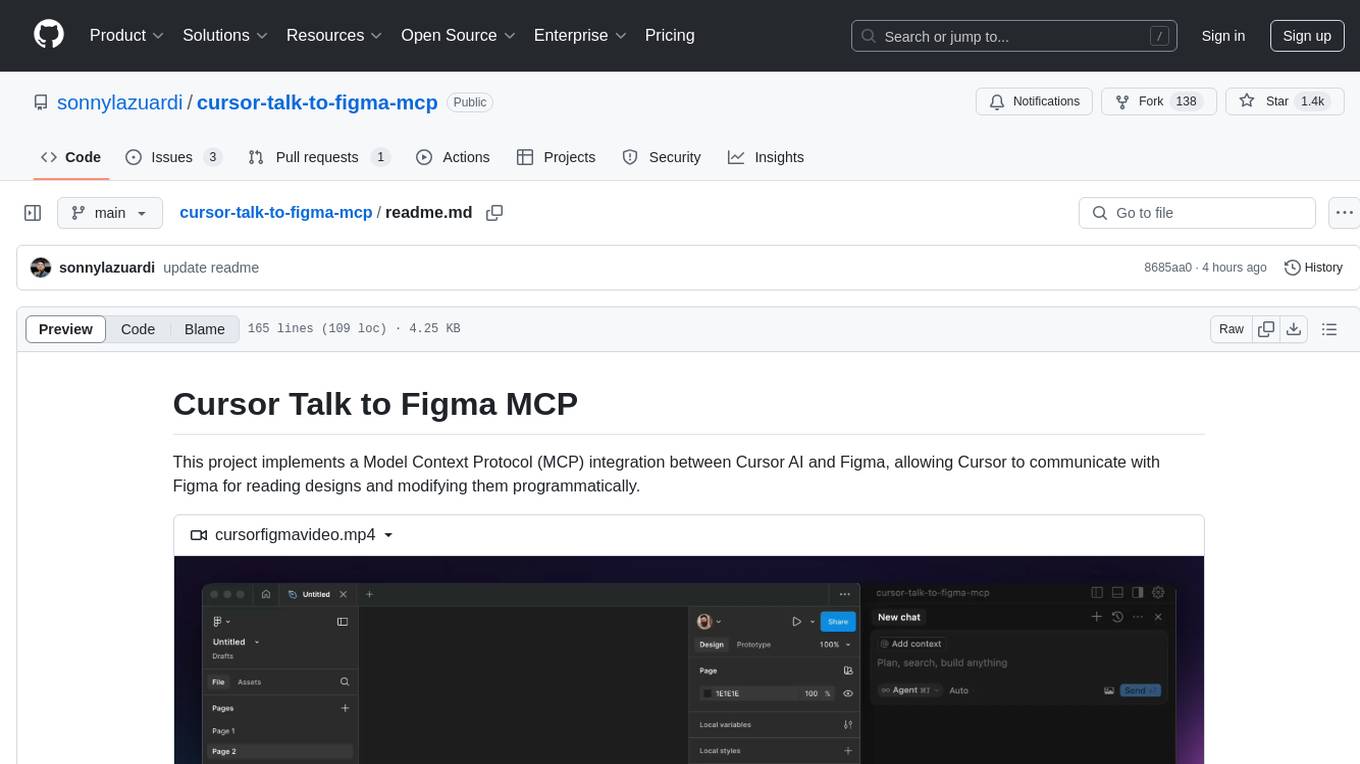
This project implements a Model Context Protocol (MCP) integration between Cursor AI and Figma, allowing Cursor to communicate with Figma for reading designs and modifying them programmatically. It provides tools for interacting with Figma such as creating elements, modifying text content, styling, layout & organization, components & styles, export & advanced features, and connection management. The project structure includes a TypeScript MCP server for Figma integration, a Figma plugin for communicating with Cursor, and a WebSocket server for facilitating communication between the MCP server and Figma plugin.
README:
This project implements a Model Context Protocol (MCP) integration between Cursor AI and Figma, allowing Cursor to communicate with Figma for reading designs and modifying them programmatically.
https://github.com/user-attachments/assets/129a14d2-ed73-470f-9a4c-2240b2a4885c
-
src/talk_to_figma_mcp/- TypeScript MCP server for Figma integration -
src/cursor_mcp_plugin/- Figma plugin for communicating with Cursor -
src/socket.ts- WebSocket server that facilitates communication between the MCP server and Figma plugin
- Install Bun if you haven't already:
curl -fsSL https://bun.sh/install | bash- Run setup, this will also install MCP in your Cursor's active project
bun setup- Start the Websocket server
bun start- Install Figma Plugin

Add the server to your Cursor MCP configuration in ~/.cursor/mcp.json:
{
  "mcpServers": {
    "TalkToFigma": {
      "command": "bun",
      "args": [
        "/path/to/cursor-talk-to-figma-mcp/src/talk_to_figma_mcp/server.ts"
      ]
    }
  }
}Start the WebSocket server:
bun run src/socket.ts- In Figma, go to Plugins > Development > New Plugin
- Choose "Link existing plugin"
- Select the
src/cursor_mcp_plugin/manifest.jsonfile - The plugin should now be available in your Figma development plugins
- Start the WebSocket server
- Install the MCP server in Cursor
- Open Figma and run the Cursor MCP Plugin
- Connect the plugin to the WebSocket server by joining a channel using
join_channel - Use Cursor to communicate with Figma using the MCP tools
The MCP server provides the following tools for interacting with Figma:
-
get_document_info- Get information about the current Figma document -
get_selection- Get information about the current selection -
get_node_info- Get detailed information about a specific node
-
create_rectangle- Create a new rectangle with position, size, and optional name -
create_frame- Create a new frame with position, size, and optional name -
create_text- Create a new text node with customizable font properties
-
set_text_content- Set the text content of an existing text node
-
set_fill_color- Set the fill color of a node (RGBA) -
set_stroke_color- Set the stroke color and weight of a node -
set_corner_radius- Set the corner radius of a node with optional per-corner control
-
move_node- Move a node to a new position -
resize_node- Resize a node with new dimensions -
delete_node- Delete a node
-
get_styles- Get information about local styles -
get_local_components- Get information about local components -
get_team_components- Get information about team components -
create_component_instance- Create an instance of a component
-
export_node_as_image- Export a node as an image (PNG, JPG, SVG, or PDF) -
execute_figma_code- Execute arbitrary JavaScript code in Figma (use with caution)
-
join_channel- Join a specific channel to communicate with Figma
-
Navigate to the Figma plugin directory:
cd src/cursor_mcp_plugin -
Edit code.js and ui.html
When working with the Figma MCP:
- Always join a channel before sending commands
- Get document overview using
get_document_infofirst - Check current selection with
get_selectionbefore modifications - Use appropriate creation tools based on needs:
-
create_framefor containers -
create_rectanglefor basic shapes -
create_textfor text elements
-
- Verify changes using
get_node_info - Use component instances when possible for consistency
- Handle errors appropriately as all commands can throw exceptions
MIT
For Tasks:
Click tags to check more tools for each tasksFor Jobs:
Alternative AI tools for cursor-talk-to-figma-mcp
Similar Open Source Tools
cursor-talk-to-figma-mcp
This project implements a Model Context Protocol (MCP) integration between Cursor AI and Figma, allowing Cursor to communicate with Figma for reading designs and modifying them programmatically. It provides tools for interacting with Figma such as creating elements, modifying text content, styling, layout & organization, components & styles, export & advanced features, and connection management. The project structure includes a TypeScript MCP server for Figma integration, a Figma plugin for communicating with Cursor, and a WebSocket server for facilitating communication between the MCP server and Figma plugin.
backend.ai-webui
Backend.AI Web UI is a user-friendly web and app interface designed to make AI accessible for end-users, DevOps, and SysAdmins. It provides features for session management, inference service management, pipeline management, storage management, node management, statistics, configurations, license checking, plugins, help & manuals, kernel management, user management, keypair management, manager settings, proxy mode support, service information, and integration with the Backend.AI Web Server. The tool supports various devices, offers a built-in websocket proxy feature, and allows for versatile usage across different platforms. Users can easily manage resources, run environment-supported apps, access a web-based terminal, use Visual Studio Code editor, manage experiments, set up autoscaling, manage pipelines, handle storage, monitor nodes, view statistics, configure settings, and more.
chat-ui
This repository provides a minimalist approach to create a chatbot by constructing the entire front-end UI using a single HTML file. It supports various backend endpoints through custom configurations, multiple response formats, chat history download, and MCP. Users can deploy the chatbot locally, via Docker, Cloudflare pages, Huggingface, or within K8s. The tool also supports image inputs, toggling between different display formats, internationalization, and localization.
BuildCLI
BuildCLI is a command-line interface (CLI) tool designed for managing and automating common tasks in Java project development. It simplifies the development process by allowing users to create, compile, manage dependencies, run projects, generate documentation, manage configuration profiles, dockerize projects, integrate CI/CD tools, and generate structured changelogs. The tool aims to enhance productivity and streamline Java project management by providing a range of functionalities accessible directly from the terminal.
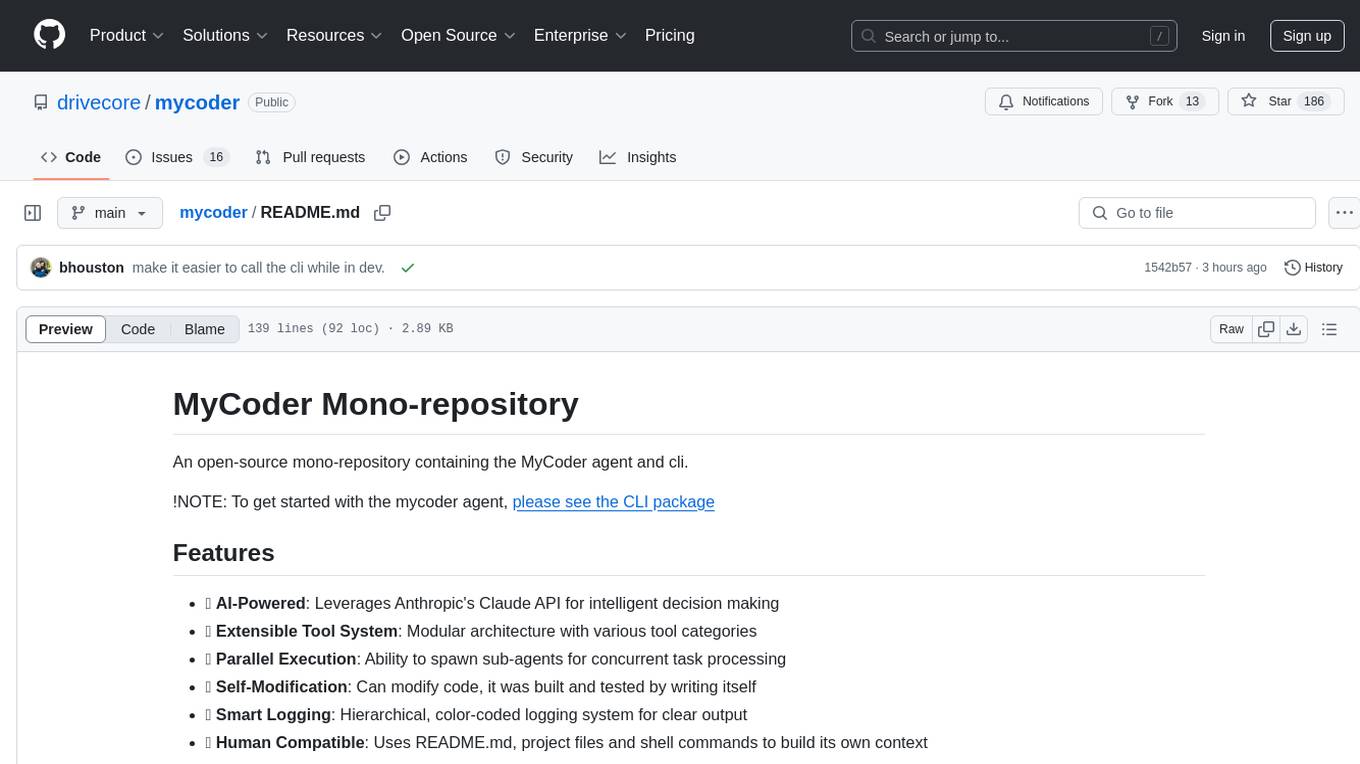
mycoder
An open-source mono-repository containing the MyCoder agent and CLI. It leverages Anthropic's Claude API for intelligent decision making, has a modular architecture with various tool categories, supports parallel execution with sub-agents, can modify code by writing itself, features a smart logging system for clear output, and is human-compatible using README.md, project files, and shell commands to build its own context.
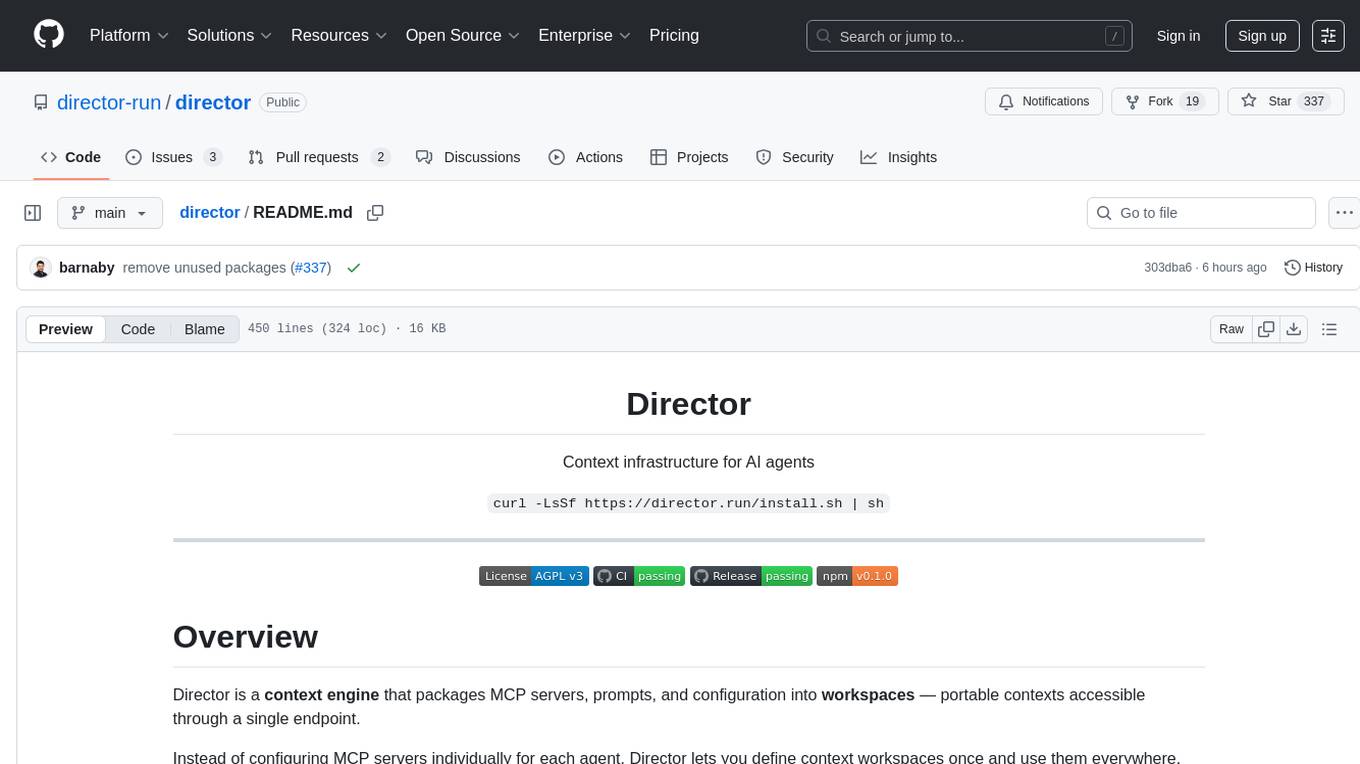
director
Director is a context infrastructure tool for AI agents that simplifies managing MCP servers, prompts, and configurations by packaging them into portable workspaces accessible through a single endpoint. It allows users to define context workspaces once and share them across different AI clients, enabling seamless collaboration, instant context switching, and secure isolation of untrusted servers without cloud dependencies or API keys. Director offers features like workspaces, universal portability, local-first architecture, sandboxing, smart filtering, unified OAuth, observability, multiple interfaces, and compatibility with all MCP clients and servers.
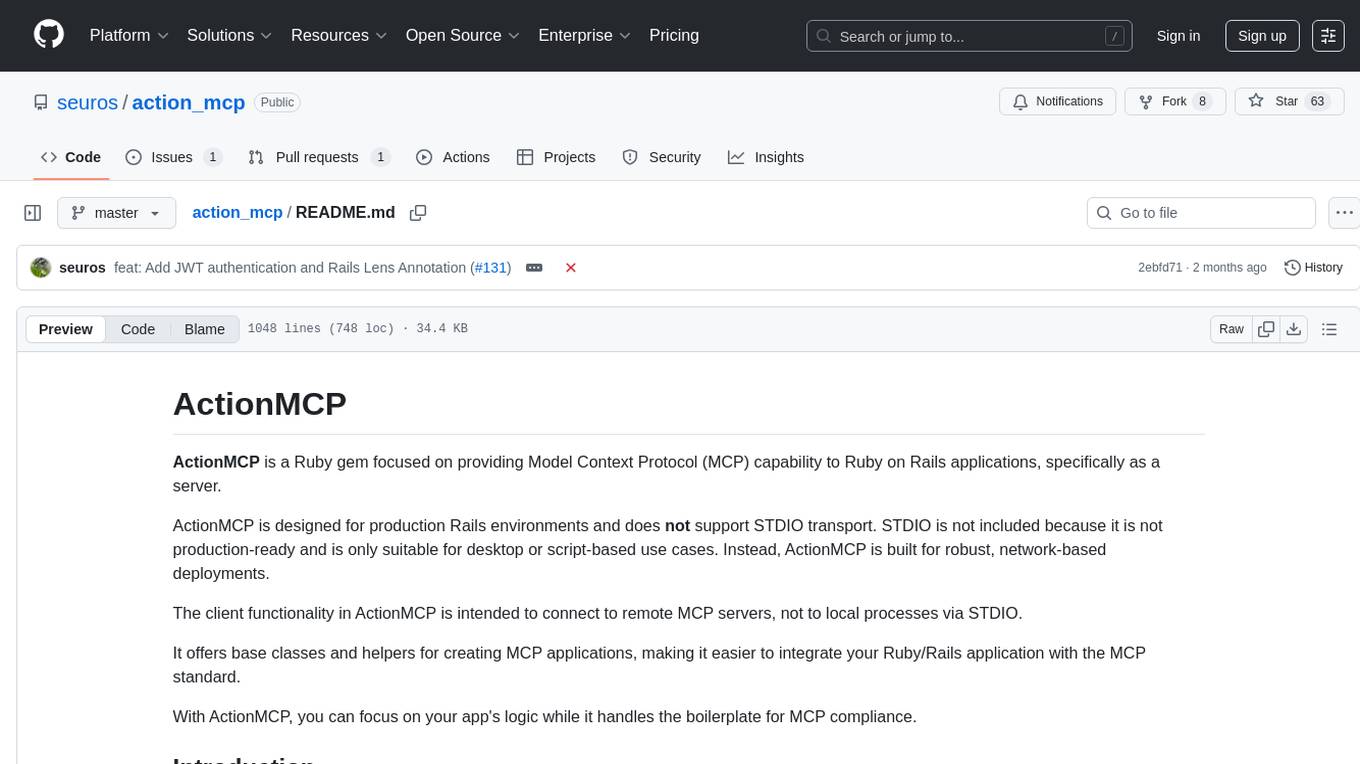
action_mcp
Action MCP is a powerful tool for managing and automating your cloud infrastructure. It provides a user-friendly interface to easily create, update, and delete resources on popular cloud platforms. With Action MCP, you can streamline your deployment process, reduce manual errors, and improve overall efficiency. The tool supports various cloud providers and offers a wide range of features to meet your infrastructure management needs. Whether you are a developer, system administrator, or DevOps engineer, Action MCP can help you simplify and optimize your cloud operations.
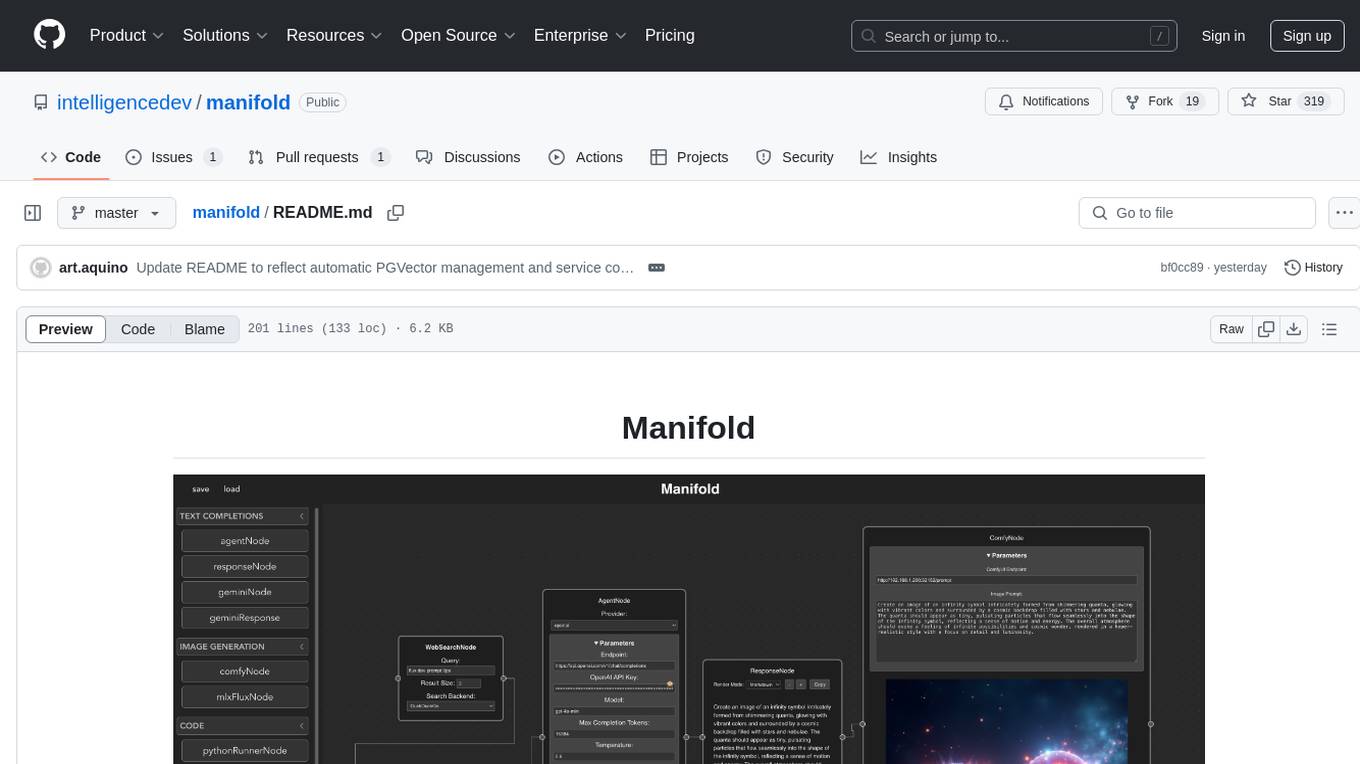
manifold
Manifold is a powerful platform for workflow automation using AI models. It supports text generation, image generation, and retrieval-augmented generation, integrating seamlessly with popular AI endpoints. Additionally, Manifold provides robust semantic search capabilities using PGVector combined with the SEFII engine. It is under active development and not production-ready.
fast-mcp
Fast MCP is a Ruby gem that simplifies the integration of AI models with your Ruby applications. It provides a clean implementation of the Model Context Protocol, eliminating complex communication protocols, integration challenges, and compatibility issues. With Fast MCP, you can easily connect AI models to your servers, share data resources, choose from multiple transports, integrate with frameworks like Rails and Sinatra, and secure your AI-powered endpoints. The gem also offers real-time updates and authentication support, making AI integration a seamless experience for developers.
RoboMatrix
RoboMatrix is a skill-centric hierarchical framework for scalable robot task planning and execution in an open-world environment. It provides a structured approach to robot task execution using a combination of hardware components, environment configuration, installation procedures, and data collection methods. The framework is developed using the ROS2 framework on Ubuntu and supports robots from DJI's RoboMaster series. Users can follow the provided installation guidance to set up RoboMatrix and utilize it for various tasks such as data collection, task execution, and dataset construction. The framework also includes a supervised fine-tuning dataset and aims to optimize communication and release additional components in the future.
openai-kotlin
OpenAI Kotlin API client is a Kotlin client for OpenAI's API with multiplatform and coroutines capabilities. It allows users to interact with OpenAI's API using Kotlin programming language. The client supports various features such as models, chat, images, embeddings, files, fine-tuning, moderations, audio, assistants, threads, messages, and runs. It also provides guides on getting started, chat & function call, file source guide, and assistants. Sample apps are available for reference, and troubleshooting guides are provided for common issues. The project is open-source and licensed under the MIT license, allowing contributions from the community.
fragments
Fragments is an open-source tool that leverages Anthropic's Claude Artifacts, Vercel v0, and GPT Engineer. It is powered by E2B Sandbox SDK and Code Interpreter SDK, allowing secure execution of AI-generated code. The tool is based on Next.js 14, shadcn/ui, TailwindCSS, and Vercel AI SDK. Users can stream in the UI, install packages from npm and pip, and add custom stacks and LLM providers. Fragments enables users to build web apps with Python interpreter, Next.js, Vue.js, Streamlit, and Gradio, utilizing providers like OpenAI, Anthropic, Google AI, and more.
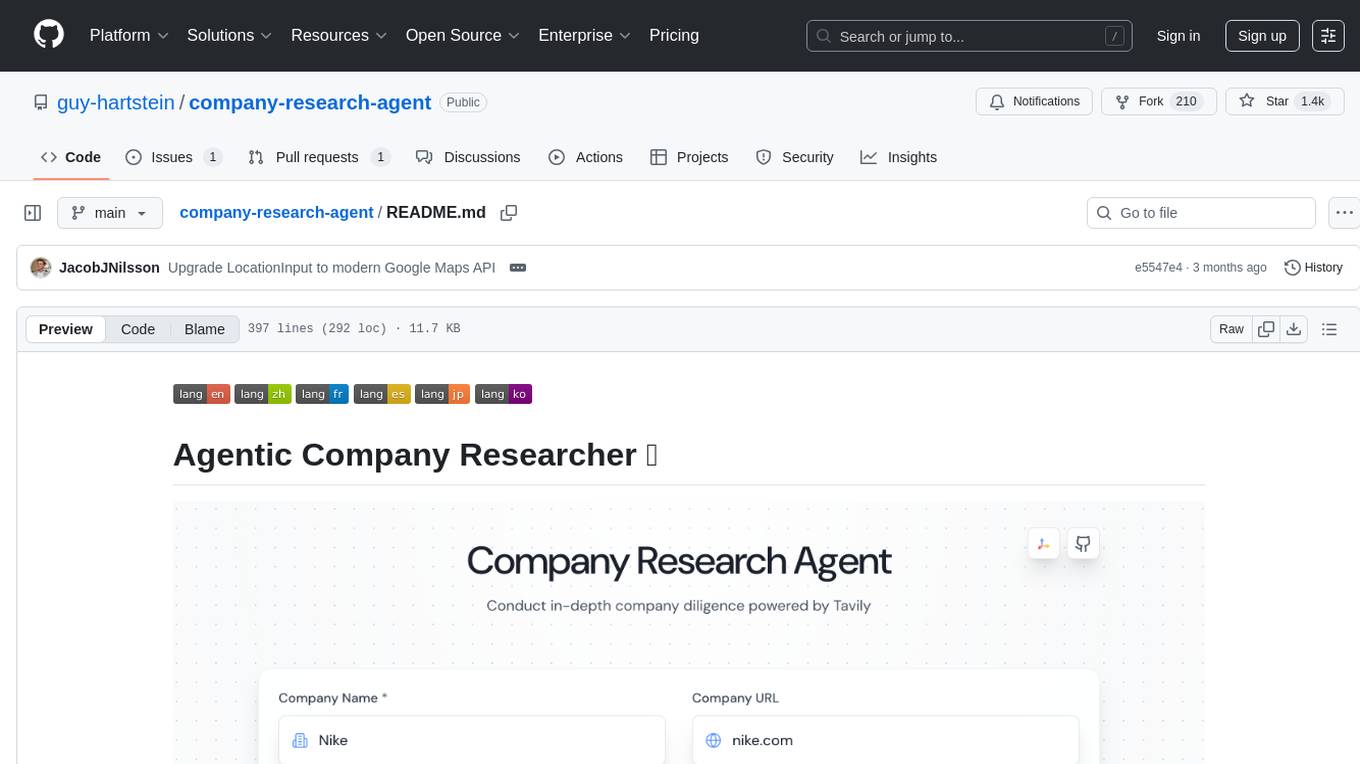
company-research-agent
Agentic Company Researcher is a multi-agent tool that generates comprehensive company research reports by utilizing a pipeline of AI agents to gather, curate, and synthesize information from various sources. It features multi-source research, AI-powered content filtering, real-time progress streaming, dual model architecture, modern React frontend, and modular architecture. The tool follows an agentic framework with specialized research and processing nodes, leverages separate models for content generation, uses a content curation system for relevance scoring and document processing, and implements a real-time communication system via WebSocket connections. Users can set up the tool quickly using the provided setup script or manually, and it can also be deployed using Docker and Docker Compose. The application can be used for local development and deployed to various cloud platforms like AWS Elastic Beanstalk, Docker, Heroku, and Google Cloud Run.
mcp-server
The UI5 Model Context Protocol server offers tools to improve the developer experience when working with agentic AI tools. It helps with creating new UI5 projects, detecting and fixing UI5-specific errors, and providing additional UI5-specific information for agentic AI tools. The server supports various tools such as scaffolding new UI5 applications, fetching UI5 API documentation, providing UI5 development best practices, extracting metadata and configuration from UI5 projects, retrieving version information for the UI5 framework, analyzing and reporting issues in UI5 code, offering guidelines for converting UI5 applications to TypeScript, providing UI Integration Cards development best practices, scaffolding new UI Integration Cards, and validating the manifest against the UI5 Manifest schema. The server requires Node.js and npm versions specified, along with an MCP client like VS Code or Cline. Configuration options are available for customizing the server's behavior, and specific setup instructions are provided for MCP clients like VS Code and Cline.
pacha
Pacha is an AI tool designed for retrieving context for natural language queries using a SQL interface and Python programming environment. It is optimized for working with Hasura DDN for multi-source querying. Pacha is used in conjunction with language models to produce informed responses in AI applications, agents, and chatbots.
chunkr
Chunkr is an open-source document intelligence API that provides a production-ready service for document layout analysis, OCR, and semantic chunking. It allows users to convert PDFs, PPTs, Word docs, and images into RAG/LLM-ready chunks. The API offers features such as layout analysis, OCR with bounding boxes, structured HTML and markdown output, and VLM processing controls. Users can interact with Chunkr through a Python SDK, enabling them to upload documents, process them, and export results in various formats. The tool also supports self-hosted deployment options using Docker Compose or Kubernetes, with configurations for different AI models like OpenAI, Google AI Studio, and OpenRouter. Chunkr is dual-licensed under the GNU Affero General Public License v3.0 (AGPL-3.0) and a commercial license, providing flexibility for different usage scenarios.
For similar tasks
tldraw-llm-starter
This repository is a collection of demos showcasing how to integrate tldraw with an LLM like GPT-4. It serves as a work in progress for inspiration and experimentation. Users can contribute new demos, prompts, strategies, and models. The installation process involves running 'npm install' to install dependencies. Usage instructions include creating OpenAI API keys and assistants on the platform.openai.com website, as well as setting up a '.env' file with necessary credentials. The server can be started with 'npm run dev'. The repository aims to demonstrate the potential synergy between tldraw and GPT-4 for various applications.
LxgwZhenKai
LxgwZhenKai is a Chinese font derived from LXGW WenKai, manually adjusted for boldness and supplemented with AI assistance for character additions. The font aims to provide a comfortable reading experience on screens while also serving as a bold version of LXGW WenKai for temporary use. It contains over 13,000 characters, including common simplified and traditional Chinese characters, and is licensed under SIL Open Font License 1.1. Users are allowed to freely use, distribute, modify, and create derivative fonts based on LxgwZhenKai.
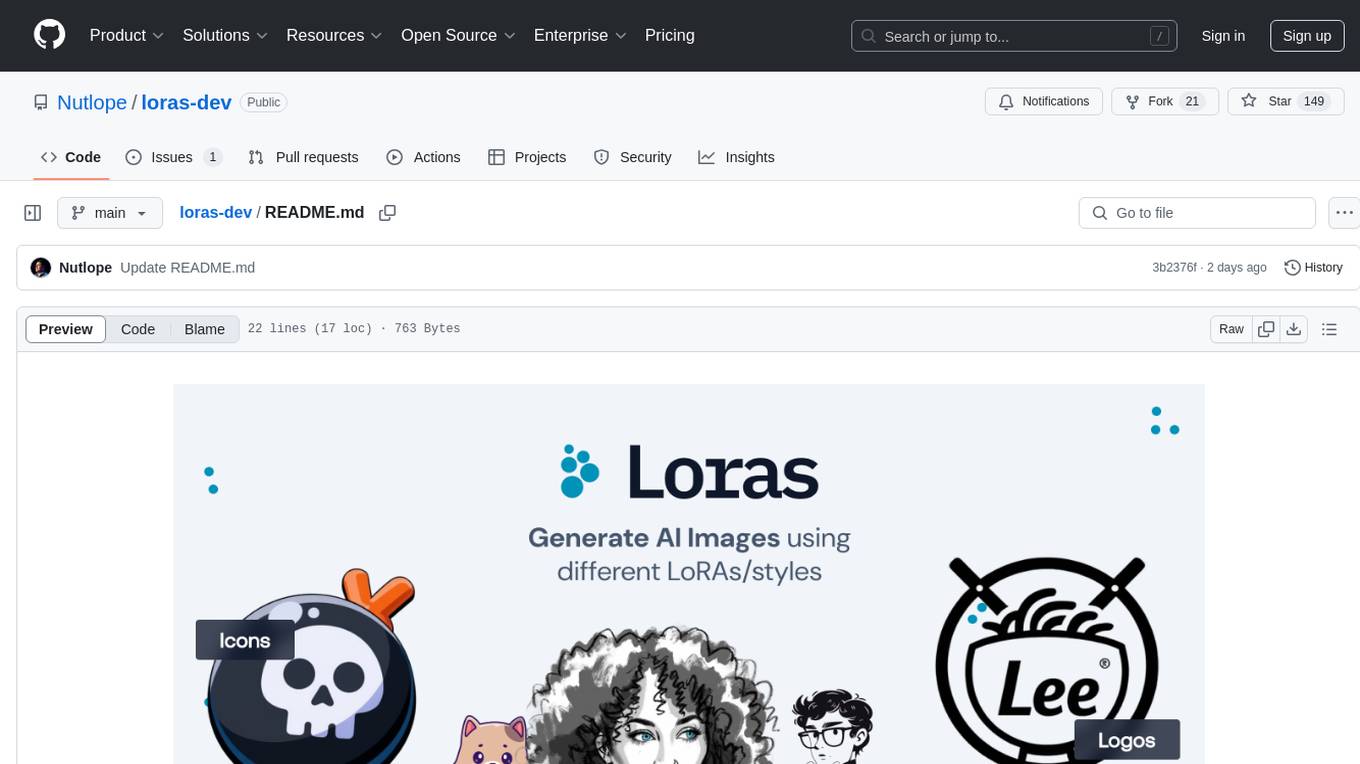
loras-dev
Loras is an open source real-time AI image generator powered by Flux through Together.ai. It utilizes Flux Dev from BFL for the image model, Together AI for inference, Next.js app router with Tailwind, Helicone for observability, and Plausible for website analytics. Users can clone the repository, add their Together AI API key to a .env.local file, install dependencies, and run the tool locally to generate AI images in real-time.
cursor-talk-to-figma-mcp
This project implements a Model Context Protocol (MCP) integration between Cursor AI and Figma, allowing Cursor to communicate with Figma for reading designs and modifying them programmatically. It provides tools for interacting with Figma such as creating elements, modifying text content, styling, layout & organization, components & styles, export & advanced features, and connection management. The project structure includes a TypeScript MCP server for Figma integration, a Figma plugin for communicating with Cursor, and a WebSocket server for facilitating communication between the MCP server and Figma plugin.
aigt
AIGT is a repository containing scripts for deep learning in guided medical interventions, focusing on ultrasound imaging. It provides a complete workflow from formatting and annotations to real-time model deployment. Users can set up an Anaconda environment, run Slicer notebooks, acquire tracked ultrasound data, and process exported data for training. The repository includes tools for segmentation, image export, and annotation creation.
mcphost
MCPHost is a CLI host application that enables Large Language Models (LLMs) to interact with external tools through the Model Context Protocol (MCP). It acts as a host in the MCP client-server architecture, allowing language models to access external tools and data sources, maintain consistent context across interactions, and execute commands safely. The tool supports interactive conversations with Claude 3.5 Sonnet and Ollama models, multiple concurrent MCP servers, dynamic tool discovery and integration, configurable server locations and arguments, and a consistent command interface across model types.
zig-aio
zig-aio is a library that provides an io_uring-like asynchronous API and coroutine-powered IO tasks for the Zig programming language. It offers support for different operating systems and backends, such as io_uring, iocp, and posix. The library aims to provide efficient IO operations by leveraging coroutines and async IO mechanisms. Users can create servers and clients with ease using the provided API functions for socket operations, sending and receiving data, and managing connections.
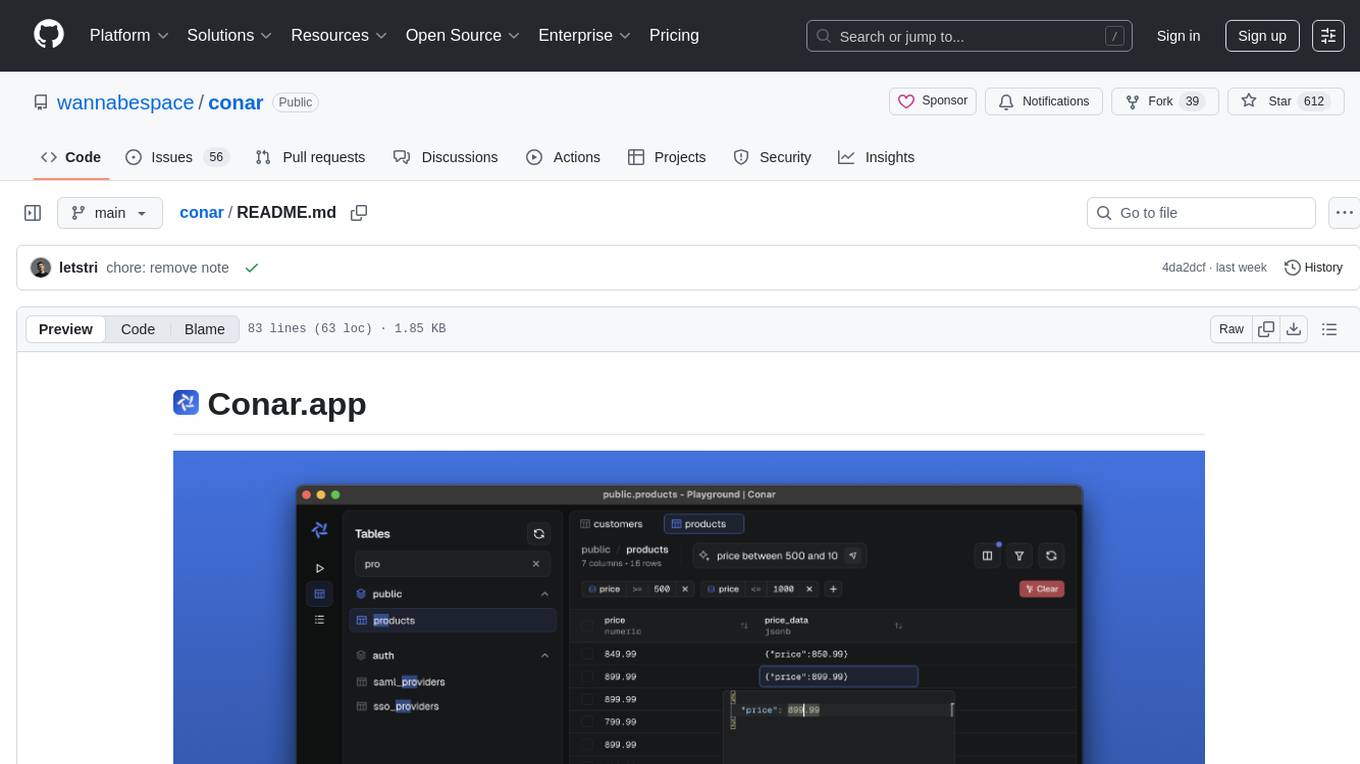
conar
Conar is an AI-powered open-source project designed to simplify database interactions. It is built for PostgreSQL with plans to support other databases in the future. Users can securely store their connections in the cloud and leverage AI assistance to write and optimize SQL queries. The project emphasizes security, multi-database support, and AI-powered features to enhance the database management experience. Conar is developed using React with TypeScript, Electron, and various other technologies to provide a comprehensive solution for database management.
For similar jobs
daily-poetry-image
Daily Chinese ancient poetry and AI-generated images powered by Bing DALL-E-3. GitHub Action triggers the process automatically. Poetry is provided by Today's Poem API. The website is built with Astro.
InvokeAI
InvokeAI is a leading creative engine built to empower professionals and enthusiasts alike. Generate and create stunning visual media using the latest AI-driven technologies. InvokeAI offers an industry leading Web Interface, interactive Command Line Interface, and also serves as the foundation for multiple commercial products.
ap-plugin
AP-PLUGIN is an AI drawing plugin for the Yunzai series robot framework, allowing you to have a convenient AI drawing experience in the input box. It uses the open source Stable Diffusion web UI as the backend, deploys it for free, and generates a variety of images with richer functions.
ai-comic-factory
The AI Comic Factory is a tool that allows you to create your own AI comics with a single prompt. It uses a large language model (LLM) to generate the story and dialogue, and a rendering API to generate the panel images. The AI Comic Factory is open-source and can be run on your own website or computer. It is a great tool for anyone who wants to create their own comics, or for anyone who is interested in the potential of AI for storytelling.
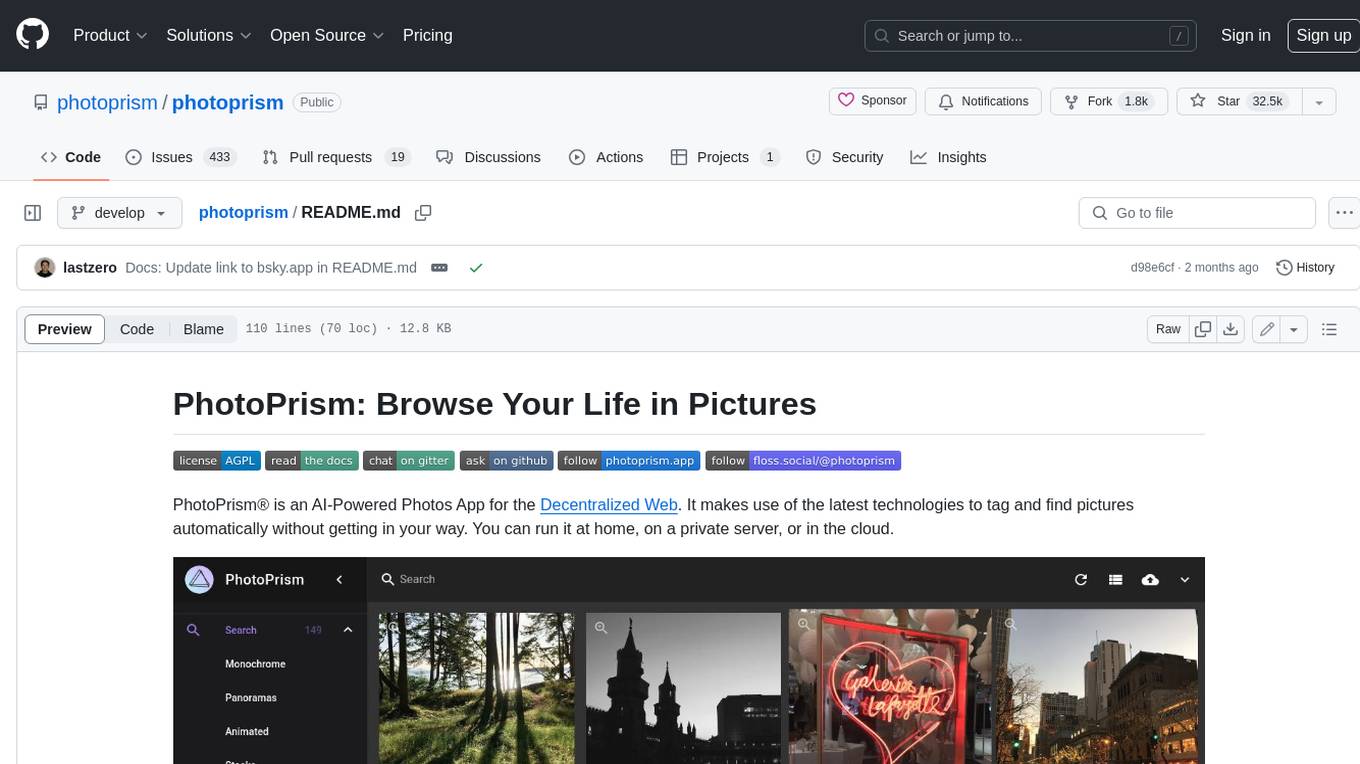
photoprism
PhotoPrism is an AI-powered photos app for the decentralized web. It uses the latest technologies to tag and find pictures automatically without getting in your way. You can run it at home, on a private server, or in the cloud.
facefusion
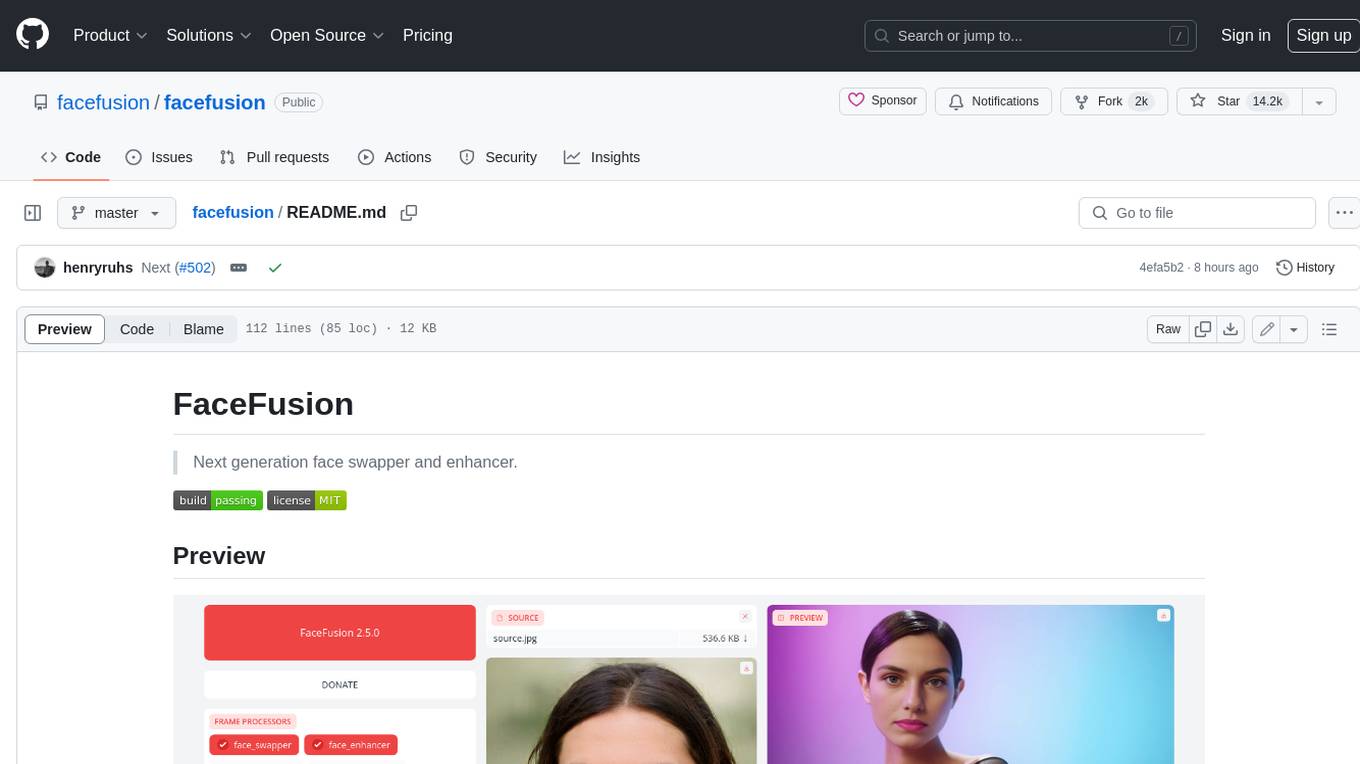
FaceFusion is a next-generation face swapper and enhancer that allows users to seamlessly swap faces in images and videos, as well as enhance facial features for a more polished and refined look. With its advanced deep learning models, FaceFusion provides users with a wide range of options for customizing their face swaps and enhancements, making it an ideal tool for content creators, artists, and anyone looking to explore their creativity with facial manipulation.
99AI
99AI is a commercializable AI web application based on NineAI 2.4.2 (no authorization, no backdoors, no piracy, integrated front-end and back-end integration packages, supports Docker rapid deployment). The uncompiled source code is temporarily closed. Compared with the stable version, the development version is faster.
wunjo.wladradchenko.ru
Wunjo AI is a comprehensive tool that empowers users to explore the realm of speech synthesis, deepfake animations, video-to-video transformations, and more. Its user-friendly interface and privacy-first approach make it accessible to both beginners and professionals alike. With Wunjo AI, you can effortlessly convert text into human-like speech, clone voices from audio files, create multi-dialogues with distinct voice profiles, and perform real-time speech recognition. Additionally, you can animate faces using just one photo combined with audio, swap faces in videos, GIFs, and photos, and even remove unwanted objects or enhance the quality of your deepfakes using the AI Retouch Tool. Wunjo AI is an all-in-one solution for your voice and visual AI needs, offering endless possibilities for creativity and expression.