


mcphost
A CLI host application that enables Large Language Models (LLMs) to interact with external tools through the Model Context Protocol (MCP).
Stars: 1325
MCPHost is a CLI host application that enables Large Language Models (LLMs) to interact with external tools through the Model Context Protocol (MCP). It acts as a host in the MCP client-server architecture, allowing language models to access external tools and data sources, maintain consistent context across interactions, and execute commands safely. The tool supports interactive conversations with Claude 3.5 Sonnet and Ollama models, multiple concurrent MCP servers, dynamic tool discovery and integration, configurable server locations and arguments, and a consistent command interface across model types.
README:
A CLI host application that enables Large Language Models (LLMs) to interact with external tools through the Model Context Protocol (MCP). Currently supports Claude, OpenAI, Google Gemini, and Ollama models.
Discuss the Project on Discord
- Overview
- Features
- Requirements
- Environment Setup
- Installation
- SDK Usage
- Configuration
- Usage
- Automation & Scripting
- MCP Server Compatibility
- Contributing
- License
- Acknowledgments
MCPHost acts as a host in the MCP client-server architecture, where:
- Hosts (like MCPHost) are LLM applications that manage connections and interactions
- Clients maintain 1:1 connections with MCP servers
- Servers provide context, tools, and capabilities to the LLMs
This architecture allows language models to:
- Access external tools and data sources 🛠️
- Maintain consistent context across interactions 🔄
- Execute commands and retrieve information safely 🔒
Currently supports:
- Anthropic Claude models (Claude 3.5 Sonnet, Claude 3.5 Haiku, etc.)
- OpenAI models (GPT-4, GPT-4 Turbo, GPT-3.5, etc.)
- Google Gemini models (Gemini 2.0 Flash, Gemini 1.5 Pro, etc.)
- Any Ollama-compatible model with function calling support
- Any OpenAI-compatible API endpoint
- Interactive conversations with multiple AI models
- Non-interactive mode for scripting and automation
- Script mode for executable YAML-based automation scripts
- Support for multiple concurrent MCP servers
-
Tool filtering with
allowedToolsandexcludedToolsper server - Dynamic tool discovery and integration
- Tool calling capabilities across all supported models
- Configurable MCP server locations and arguments
- Consistent command interface across model types
- Configurable message history window for context management
- OAuth authentication support for Anthropic (alternative to API keys)
- Hooks system for custom integrations and security policies
- Environment variable substitution in configs and scripts
- Builtin servers for common functionality (filesystem, bash, todo, http)
- Go 1.23 or later
- For OpenAI/Anthropic: API key for the respective provider
- For Ollama: Local Ollama installation with desired models
- For Google/Gemini: Google API key (see https://aistudio.google.com/app/apikey)
- One or more MCP-compatible tool servers
- API Keys:
# For all providers (use --provider-api-key flag or these environment variables)
export OPENAI_API_KEY='your-openai-key'        # For OpenAI
export ANTHROPIC_API_KEY='your-anthropic-key'  # For Anthropic
export GOOGLE_API_KEY='your-google-key' # For Google/Gemini- Ollama Setup:
- Install Ollama from https://ollama.ai
- Pull your desired model:
ollama pull mistral- Ensure Ollama is running:
ollama serveYou can also configure the Ollama client using standard environment variables, such as OLLAMA_HOST for the Ollama base URL.
- Google API Key (for Gemini):
export GOOGLE_API_KEY='your-api-key'- OpenAI Compatible Setup:
- Get your API server base URL, API key and model name
- Use
--provider-urland--provider-api-keyflags or set environment variables
- Self-Signed Certificates (TLS): If your provider uses self-signed certificates (e.g., local Ollama with HTTPS), you can skip certificate verification:
mcphost --provider-url https://192.168.1.100:443 --tls-skip-verify--tls-skip-verify for development or when connecting to trusted servers with self-signed certificates. This disables TLS certificate verification and is insecure for production use.
go install github.com/mark3labs/mcphost@latestMCPHost also provides a Go SDK for programmatic access without spawning OS processes. The SDK maintains identical behavior to the CLI, including configuration loading, environment variables, and defaults.
package main

import (
    "context"
    "fmt"
    "github.com/mark3labs/mcphost/sdk"
)

func main() {
    ctx := context.Background()

    // Create MCPHost instance with default configuration
    host, err := sdk.New(ctx, nil)
    if err != nil {
        panic(err)
    }
    defer host.Close()

    // Send a prompt and get response
    response, err := host.Prompt(ctx, "What is 2+2?")
    if err != nil {
        panic(err)
    }

    fmt.Println(response)
}- ✅ Programmatic access without spawning processes
- ✅ Identical configuration behavior to CLI
- ✅ Session management (save/load/clear)
- ✅ Tool execution callbacks for monitoring
- ✅ Streaming support
- ✅ Full compatibility with all providers and MCP servers
For detailed SDK documentation, examples, and API reference, see the SDK README.
MCPHost will automatically create a configuration file in your home directory if it doesn't exist. It looks for config files in this order:
-
.mcphost.ymlor.mcphost.json(preferred) -
.mcp.ymlor.mcp.json(backwards compatibility)
Config file locations by OS:
-
Linux/macOS:
~/.mcphost.yml,~/.mcphost.json,~/.mcp.yml,~/.mcp.json -
Windows:
%USERPROFILE%\.mcphost.yml,%USERPROFILE%\.mcphost.json,%USERPROFILE%\.mcp.yml,%USERPROFILE%\.mcp.json
You can also specify a custom location using the --config flag.
MCPHost supports environment variable substitution in both config files and script frontmatter using the syntax:
-
${env://VAR}- Required environment variable (fails if not set) -
${env://VAR:-default}- Optional environment variable with default value
This allows you to keep sensitive information like API keys in environment variables while maintaining flexible configuration.
Example:
mcpServers:
  github:
    type: local
    command: ["docker", "run", "-i", "--rm", "-e", "GITHUB_PERSONAL_ACCESS_TOKEN=${env://GITHUB_TOKEN}", "ghcr.io/github/github-mcp-server"]
    environment:
      DEBUG: "${env://DEBUG:-false}"
      LOG_LEVEL: "${env://LOG_LEVEL:-info}"

model: "${env://MODEL:-anthropic:claude-sonnet-4-20250514}"
provider-api-key: "${env://OPENAI_API_KEY}"  # Required - will fail if not set
Usage:
# Set required environment variables
export GITHUB_TOKEN="ghp_your_token_here"
export OPENAI_API_KEY="your_openai_key"

# Optionally override defaults
export DEBUG="true"
export MODEL="openai:gpt-4"

# Run mcphost
mcphostMCPHost now supports a simplified configuration schema with three server types:
For local MCP servers that run commands on your machine:
{
  "mcpServers": {
    "filesystem": {
      "type": "local",
      "command": ["npx", "@modelcontextprotocol/server-filesystem", "${env://WORK_DIR:-/tmp}"],
      "environment": {
        "DEBUG": "${env://DEBUG:-false}",
        "LOG_LEVEL": "${env://LOG_LEVEL:-info}",
        "API_TOKEN": "${env://FS_API_TOKEN}"
      },
      "allowedTools": ["read_file", "write_file"],
      "excludedTools": ["delete_file"]
    },
    "github": {
      "type": "local",
      "command": ["docker", "run", "-i", "--rm", "-e", "GITHUB_PERSONAL_ACCESS_TOKEN=${env://GITHUB_TOKEN}", "ghcr.io/github/github-mcp-server"],
      "environment": {
        "DEBUG": "${env://DEBUG:-false}"
      }
    },
    "sqlite": {
      "type": "local",
      "command": ["uvx", "mcp-server-sqlite", "--db-path", "${env://DB_PATH:-/tmp/foo.db}"],
      "environment": {
        "SQLITE_DEBUG": "${env://DEBUG:-0}",
        "DATABASE_URL": "${env://DATABASE_URL:-sqlite:///tmp/foo.db}"
      }
    }
  }
}
Each local server entry requires:
-
type: Must be set to"local" -
command: Array containing the command and all its arguments -
environment: (Optional) Object with environment variables as key-value pairs -
allowedTools: (Optional) Array of tool names to include (whitelist) -
excludedTools: (Optional) Array of tool names to exclude (blacklist)
For remote MCP servers accessible via HTTP:
{
  "mcpServers": {
    "websearch": {
      "type": "remote",
      "url": "${env://WEBSEARCH_URL:-https://api.example.com/mcp}",
      "headers": ["Authorization: Bearer ${env://WEBSEARCH_TOKEN}"]
    },
    "weather": {
      "type": "remote",
      "url": "${env://WEATHER_URL:-https://weather-mcp.example.com}"
    }
  }
}
Each remote server entry requires:
-
type: Must be set to"remote" -
url: The URL where the MCP server is accessible -
headers: (Optional) Array of HTTP headers for authentication and custom headers
Remote servers automatically use the StreamableHTTP transport for optimal performance.
For builtin MCP servers that run in-process for optimal performance:
{
  "mcpServers": {
    "filesystem": {
      "type": "builtin",
      "name": "fs",
      "options": {
        "allowed_directories": ["${env://WORK_DIR:-/tmp}", "${env://HOME}/documents"]
      },
      "allowedTools": ["read_file", "write_file", "list_directory"]
    },
    "filesystem-cwd": {
      "type": "builtin",
      "name": "fs"
    }
  }
}
Each builtin server entry requires:
-
type: Must be set to"builtin" -
name: Internal name of the builtin server (e.g.,"fs"for filesystem) -
options: Configuration options specific to the builtin server
Available Builtin Servers:
-
fs(filesystem): Secure filesystem access with configurable allowed directories-
allowed_directories: Array of directory paths that the server can access (defaults to current working directory if not specified)
-
-
bash: Execute bash commands with security restrictions and timeout controls- No configuration options required
-
todo: Manage ephemeral todo lists for task tracking during sessions- No configuration options required (todos are stored in memory and reset on restart)
-
http: Fetch web content and convert to text, markdown, or HTML formats- Tools:
fetch(fetch and convert web content),fetch_summarize(fetch and summarize web content using AI),fetch_extract(fetch and extract specific data using AI),fetch_filtered_json(fetch JSON and filter using gjson path syntax) - No configuration options required
- Tools:
{
  "mcpServers": {
    "filesystem": {
      "type": "builtin",
      "name": "fs",
      "options": {
        "allowed_directories": ["/tmp", "/home/user/documents"]
      }
    },
    "bash-commands": {
      "type": "builtin",
      "name": "bash"
    },
    "task-manager": {
      "type": "builtin",
      "name": "todo"
    },
    "web-fetcher": {
      "type": "builtin",
      "name": "http"
    }
  }
}All MCP server types support tool filtering to restrict which tools are available:
-
allowedTools: Whitelist - only specified tools are available from the server -
excludedTools: Blacklist - all tools except specified ones are available
{
  "mcpServers": {
    "filesystem-readonly": {
      "type": "builtin",
      "name": "fs",
      "allowedTools": ["read_file", "list_directory"]
    },
    "filesystem-safe": {
      "type": "local",
      "command": ["npx", "@modelcontextprotocol/server-filesystem", "/tmp"],
      "excludedTools": ["delete_file"]
    }
  }
}Note: allowedTools and excludedTools are mutually exclusive - you can only use one per server.
MCPHost maintains full backward compatibility with the previous configuration format. Note: A recent bug fix improved legacy stdio transport reliability for external MCP servers (Docker, NPX, etc.).
{
  "mcpServers": {
    "sqlite": {
      "command": "uvx",
      "args": ["mcp-server-sqlite", "--db-path", "/tmp/foo.db"],
      "env": {
        "DEBUG": "true"
      }
    }
  }
}{
"mcpServers": {
"server_name": {
"url": "http://some_host:8000/sse",
"headers": ["Authorization: Bearer my-token"]
}
}
}{
"mcpServers": {
"phalcon": {
"command": "docker",
"args": [
"run",
"-i",
"--rm",
"ghcr.io/mark3labs/phalcon-mcp:latest",
"serve"
]
}
}
}{
"mcpServers": {
"websearch": {
"transport": "streamable",
"url": "https://api.example.com/mcp",
"headers": ["Authorization: Bearer your-api-token"]
}
}
}MCPHost supports four transport types:
-
stdio: Launches a local process and communicates via stdin/stdout (used by"local"servers) -
sse: Connects to a server using Server-Sent Events (legacy format) -
streamable: Connects to a server using Streamable HTTP protocol (used by"remote"servers) -
inprocess: Runs builtin servers in-process for optimal performance (used by"builtin"servers)
The simplified schema automatically maps:
-
"local"type →stdiotransport -
"remote"type →streamabletransport -
"builtin"type →inprocesstransport
You can specify a custom system prompt using the --system-prompt flag. You can either:
-
Pass the prompt directly as text:
mcphost --system-prompt "You are a helpful assistant that responds in a friendly tone." -
Pass a path to a text file containing the prompt:
mcphost --system-prompt ./prompts/assistant.md
Example
assistant.mdfile:You are a helpful coding assistant. Please: - Write clean, readable code - Include helpful comments - Follow best practices - Explain your reasoning
MCPHost is a CLI tool that allows you to interact with various AI models through a unified interface. It supports various tools through MCP servers and can run in both interactive and non-interactive modes.
Start an interactive conversation session:
mcphostRun executable YAML-based automation scripts with variable substitution support:
# Using the script subcommand
mcphost script myscript.sh

# With variables
mcphost script myscript.sh --args:directory /tmp --args:name "John"

# Direct execution (if executable and has shebang)
./myscript.shScripts combine YAML configuration with prompts in a single executable file. The configuration must be wrapped in frontmatter delimiters (---). You can either include the prompt in the YAML configuration or place it after the closing frontmatter delimiter:
#!/usr/bin/env -S mcphost script
---
# This script uses the container-use MCP server from https://github.com/dagger/container-use
mcpServers:
  container-use:
    type: "local"
    command: ["cu", "stdio"]
prompt: |
  Create 2 variations of a simple hello world app using Flask and FastAPI.
  Each in their own environment. Give me the URL of each app
---
Or alternatively, omit the prompt: field and place the prompt after the frontmatter:
#!/usr/bin/env -S mcphost script
---
# This script uses the container-use MCP server from https://github.com/dagger/container-use
mcpServers:
  container-use:
    type: "local"
    command: ["cu", "stdio"]
---
Create 2 variations of a simple hello world app using Flask and FastAPI.
Each in their own environment. Give me the URL of each appScripts support both environment variable substitution and script argument substitution:
-
Environment Variables:
${env://VAR}and${env://VAR:-default}- Processed first -
Script Arguments:
${variable}and${variable:-default}- Processed after environment variables
Variables can be provided via command line arguments:
# Script with variables
mcphost script myscript.sh --args:directory /tmp --args:name "John"MCPHost supports these variable syntaxes:
-
Required Environment Variables:
${env://VAR}- Must be set in environment -
Optional Environment Variables:
${env://VAR:-default}- Uses default if not set -
Required Script Arguments:
${variable}- Must be provided via--args:variable value -
Optional Script Arguments:
${variable:-default}- Uses default if not provided
Example script with mixed environment variables and script arguments:
#!/usr/bin/env -S mcphost script
---
mcpServers:
  github:
    type: "local"
    command: ["gh", "api"]
    environment:
      GITHUB_TOKEN: "${env://GITHUB_TOKEN}"
      DEBUG: "${env://DEBUG:-false}"

  filesystem:
    type: "local"
    command: ["npx", "-y", "@modelcontextprotocol/server-filesystem", "${env://WORK_DIR:-/tmp}"]

model: "${env://MODEL:-anthropic:claude-sonnet-4-20250514}"
---
Hello ${name:-World}! Please list ${repo_type:-public} repositories for user ${username}.
Working directory is ${env://WORK_DIR:-/tmp}.
Use the ${command:-gh} command to fetch ${count:-10} repositories.# Set environment variables first
export GITHUB_TOKEN="ghp_your_token_here"
export DEBUG="true"
export WORK_DIR="/home/user/projects"
# Uses env vars and defaults: name="World", repo_type="public", command="gh", count="10"
mcphost script myscript.sh
# Override specific script arguments
mcphost script myscript.sh --args:name "John" --args:username "alice"
# Override multiple script arguments
mcphost script myscript.sh --args:name "John" --args:username "alice" --args:repo_type "private"
# Mix of env vars, provided args, and default values
mcphost script myscript.sh --args:name "Alice" --args:command "gh api" --args:count "5"-
Empty defaults:
${var:-}- Uses empty string if not provided -
Complex defaults:
${path:-/tmp/default/path}- Supports paths, URLs, etc. -
Spaces in defaults:
${msg:-Hello World}- Supports spaces in default values -
Backward compatibility: Existing
${variable}syntax continues to work unchanged
Important:
- Environment variables without defaults (e.g.,
${env://GITHUB_TOKEN}) are required and must be set in the environment - Script arguments without defaults (e.g.,
${username}) are required and must be provided via--args:variable valuesyntax - Variables with defaults are optional and will use their default value if not provided
- Environment variables are processed first, then script arguments
-
Executable: Use shebang line for direct execution (
#!/usr/bin/env -S mcphost script) - YAML Configuration: Define MCP servers directly in the script
- Embedded Prompts: Include the prompt in the YAML
-
Variable Substitution: Use
${variable}and${variable:-default}syntax with--args:variable value - Variable Validation: Missing required variables cause script to exit with helpful error
- Interactive Mode: If prompt is empty, drops into interactive mode (handy for setup scripts)
-
Config Fallback: If no
mcpServersdefined, uses default config -
Tool Filtering: Supports
allowedTools/excludedToolsper server - Clean Exit: Automatically exits after completion
Note: The shebang line requires env -S to handle the multi-word command mcphost script. This is supported on most modern Unix-like systems.
See examples/scripts/ for sample scripts:
-
example-script.sh- Script with custom MCP servers -
simple-script.sh- Script using default config fallback
MCPHost supports a powerful hooks system that allows you to execute custom commands at specific points during execution. This enables security policies, logging, custom integrations, and automated workflows.
-
Initialize a hooks configuration:
mcphost hooks init
-
View active hooks:
mcphost hooks list
-
Validate your configuration:
mcphost hooks validate
Hooks are configured in YAML files with the following precedence (highest to lowest):
-
.mcphost/hooks.yml(project-specific hooks) -
$XDG_CONFIG_HOME/mcphost/hooks.yml(user global hooks, defaults to~/.config/mcphost/hooks.yml)
Example configuration:
hooks:
  PreToolUse:
    - matcher: "bash"
      hooks:
        - type: command
          command: "/usr/local/bin/validate-bash.py"
          timeout: 5

  UserPromptSubmit:
    - hooks:
        - type: command
command: "~/.mcphost/hooks/log-prompt.sh"- PreToolUse: Before any tool execution (bash, fetch, todo, MCP tools)
- PostToolUse: After tool execution completes
- UserPromptSubmit: When user submits a prompt
- Stop: When the agent finishes responding
- SubagentStop: When a subagent (Task tool) finishes
- Notification: When MCPHost sends notifications
To temporarily disable all hooks, use the --no-hooks flag:
mcphost --no-hooksSee the example hook scripts in examples/hooks/:
-
bash-validator.py- Validates and blocks dangerous bash commands -
prompt-logger.sh- Logs all user prompts with timestamps -
mcp-monitor.py- Monitors and enforces policies on MCP tool usage
Run a single prompt and exit - perfect for scripting and automation:
# Basic non-interactive usage
mcphost -p "What is the weather like today?"

# Quiet mode - only output the AI response (no UI elements)
mcphost -p "What is 2+2?" --quiet

# Use with different models
mcphost -m ollama:qwen2.5:3b -p "Explain quantum computing" --quietMCPHost supports fine-tuning model behavior through various parameters:
# Control response length
mcphost -p "Explain AI" --max-tokens 1000

# Adjust creativity (0.0 = focused, 1.0 = creative)
mcphost -p "Write a story" --temperature 0.9

# Control diversity with nucleus sampling
mcphost -p "Generate ideas" --top-p 0.8

# Limit token choices for more focused responses
mcphost -p "Answer precisely" --top-k 20

# Set custom stop sequences
mcphost -p "Generate code" --stop-sequences "```","END"
These parameters work with all supported providers (OpenAI, Anthropic, Google, Ollama) where supported by the underlying model.
Models can be specified using the --model (-m) flag:
-
Anthropic Claude (default):
anthropic:claude-sonnet-4-20250514,anthropic:claude-3-5-sonnet-latest,anthropic:claude-3-5-haiku-latest -
OpenAI:
openai:gpt-4,openai:gpt-4-turbo,openai:gpt-3.5-turbo -
Google Gemini:
google:gemini-2.0-flash,google:gemini-1.5-pro -
Ollama models:
ollama:llama3.2,ollama:qwen2.5:3b,ollama:mistral -
OpenAI-compatible: Any model via custom endpoint with
--provider-url
# Use Ollama with Qwen model
mcphost -m ollama:qwen2.5:3b

# Use OpenAI's GPT-4
mcphost -m openai:gpt-4

# Use OpenAI-compatible model with custom URL and API key
mcphost --model openai:<your-model-name> \
--provider-url <your-base-url> \
--provider-api-key <your-api-key># Single prompt with full UI
mcphost -p "List files in the current directory"
# Compact mode for cleaner output without fancy styling
mcphost -p "List files in the current directory" --compact
# Quiet mode for scripting (only AI response output, no UI elements)
mcphost -p "What is the capital of France?" --quiet
# Use in shell scripts
RESULT=$(mcphost -p "Calculate 15 * 23" --quiet)
echo "The answer is: $RESULT"
# Pipe to other commands
mcphost -p "Generate a random UUID" --quiet | tr '[:lower:]' '[:upper:]'-
--provider-url string: Base URL for the provider API (applies to OpenAI, Anthropic, Ollama, and Google) -
--provider-api-key string: API key for the provider (applies to OpenAI, Anthropic, and Google) -
--tls-skip-verify: Skip TLS certificate verification (WARNING: insecure, use only for self-signed certificates) -
--config string: Config file location (default is $HOME/.mcphost.yml) -
--system-prompt string: system-prompt file location -
--debug: Enable debug logging -
--max-steps int: Maximum number of agent steps (0 for unlimited, default: 0) -
-m, --model string: Model to use (format: provider:model) (default "anthropic:claude-sonnet-4-20250514") -
-p, --prompt string: Run in non-interactive mode with the given prompt -
--quiet: Suppress all output except the AI response (only works with --prompt) -
--compact: Enable compact output mode without fancy styling (ideal for scripting and automation) -
--stream: Enable streaming responses (default: true, use--stream=falseto disable)
-
mcphost auth login anthropic: Authenticate with Anthropic using OAuth (alternative to API keys) -
mcphost auth logout anthropic: Remove stored OAuth credentials -
mcphost auth status: Show authentication status
Note: OAuth credentials (when present) take precedence over API keys from environment variables and --provider-api-key flags.
-
--max-tokens int: Maximum number of tokens in the response (default: 4096) -
--temperature float32: Controls randomness in responses (0.0-1.0, default: 0.7) -
--top-p float32: Controls diversity via nucleus sampling (0.0-1.0, default: 0.95) -
--top-k int32: Controls diversity by limiting top K tokens to sample from (default: 40) -
--stop-sequences strings: Custom stop sequences (comma-separated)
All command-line flags can be configured via the config file. MCPHost will look for configuration in this order:
-
~/.mcphost.ymlor~/.mcphost.json(preferred) -
~/.mcp.ymlor~/.mcp.json(backwards compatibility)
Example config file (~/.mcphost.yml):
# MCP Servers - New Simplified Format
mcpServers:
  filesystem-local:
    type: "local"
    command: ["npx", "@modelcontextprotocol/server-filesystem", "/path/to/files"]
    environment:
      DEBUG: "true"
  filesystem-builtin:
    type: "builtin"
    name: "fs"
    options:
      allowed_directories: ["/tmp", "/home/user/documents"]
  websearch:
    type: "remote"
    url: "https://api.example.com/mcp"

# Application settings
model: "anthropic:claude-sonnet-4-20250514"
max-steps: 20
debug: false
system-prompt: "/path/to/system-prompt.txt"

# Model generation parameters
max-tokens: 4096
temperature: 0.7
top-p: 0.95
top-k: 40
stop-sequences: ["Human:", "Assistant:"]

# Streaming configuration
stream: false  # Disable streaming (default: true)

# API Configuration
provider-api-key: "your-api-key"      # For OpenAI, Anthropic, or Google
provider-url: "https://api.openai.com/v1"  # Custom base URL
tls-skip-verify: false # Skip TLS certificate verification (default: false)Note: Command-line flags take precedence over config file values.
While chatting, you can use:
-
/help: Show available commands -
/tools: List all available tools -
/servers: List configured MCP servers -
/history: Display conversation history -
/quit: Exit the application -
Ctrl+C: Exit at any time
Optional OAuth authentication for Anthropic (alternative to API keys):
-
mcphost auth login anthropic: Authenticate using OAuth -
mcphost auth logout anthropic: Remove stored OAuth credentials -
mcphost auth status: Show authentication status
-
--config: Specify custom config file location
MCPHost's non-interactive mode makes it perfect for automation, scripting, and integration with other tools.
#!/bin/bash
# Get weather and save to file
mcphost -p "What's the weather in New York?" --quiet > weather.txt

# Process files with AI
for file in *.txt; do
    summary=$(mcphost -p "Summarize this file: $(cat $file)" --quiet)
    echo "$file: $summary" >> summaries.txt
done# Code review automation
DIFF=$(git diff HEAD~1)
mcphost -p "Review this code diff and suggest improvements: $DIFF" --quiet
# Generate release notes
COMMITS=$(git log --oneline HEAD~10..HEAD)
mcphost -p "Generate release notes from these commits: $COMMITS" --quiet# Process CSV data
mcphost -p "Analyze this CSV data and provide insights: $(cat data.csv)" --quiet
# Generate reports
mcphost -p "Create a summary report from this JSON: $(cat metrics.json)" --quiet# Use as a microservice
curl -X POST http://localhost:8080/process \
-d "$(mcphost -p 'Generate a UUID' --quiet)"- Use
--quietflag to get clean output suitable for parsing (only AI response, no UI) - Use
--compactflag for simplified output without fancy styling (when you want to see UI elements) - Note:
--compactand--quietare mutually exclusive ---compacthas no effect with--quiet - Use environment variables for sensitive data like API keys instead of hardcoding them
-
Use
${env://VAR}syntax in config files and scripts for environment variable substitution - Combine with standard Unix tools (
grep,awk,sed, etc.) - Set appropriate timeouts for long-running operations
- Handle errors appropriately in your scripts
- Use environment variables for API keys in production
# Set sensitive variables in environment
export GITHUB_TOKEN="ghp_your_token_here"
export OPENAI_API_KEY="your_openai_key"
export DATABASE_URL="postgresql://user:pass@localhost/db"

# Use in config files
mcpServers:
  github:
    environment:
      GITHUB_TOKEN: "${env://GITHUB_TOKEN}"
      DEBUG: "${env://DEBUG:-false}"

# Use in scripts
mcphost script my-script.sh --args:username aliceMCPHost can work with any MCP-compliant server. For examples and reference implementations, see the MCP Servers Repository.
Contributions are welcome! Feel free to:
- Submit bug reports or feature requests through issues
- Create pull requests for improvements
- Share your custom MCP servers
- Improve documentation
Please ensure your contributions follow good coding practices and include appropriate tests.
This project is licensed under the MIT License - see the LICENSE file for details.
- Thanks to the Anthropic team for Claude and the MCP specification
- Thanks to the Ollama team for their local LLM runtime
- Thanks to all contributors who have helped improve this tool
For Tasks:
Click tags to check more tools for each tasksFor Jobs:
Alternative AI tools for mcphost
Similar Open Source Tools
mcphost
MCPHost is a CLI host application that enables Large Language Models (LLMs) to interact with external tools through the Model Context Protocol (MCP). It acts as a host in the MCP client-server architecture, allowing language models to access external tools and data sources, maintain consistent context across interactions, and execute commands safely. The tool supports interactive conversations with Claude 3.5 Sonnet and Ollama models, multiple concurrent MCP servers, dynamic tool discovery and integration, configurable server locations and arguments, and a consistent command interface across model types.
DB-GPT
DB-GPT is an open source AI native data app development framework with AWEL(Agentic Workflow Expression Language) and agents. It aims to build infrastructure in the field of large models, through the development of multiple technical capabilities such as multi-model management (SMMF), Text2SQL effect optimization, RAG framework and optimization, Multi-Agents framework collaboration, AWEL (agent workflow orchestration), etc. Which makes large model applications with data simpler and more convenient.
neurons.me
Neurons.me is an open-source tool designed for creating and managing neural network models. It provides a user-friendly interface for building, training, and deploying deep learning models. With Neurons.me, users can easily experiment with different architectures, hyperparameters, and datasets to optimize their neural networks for various tasks. The tool simplifies the process of developing AI applications by abstracting away the complexities of model implementation and training.
LocalLLMClient
LocalLLMClient is a Swift package designed to interact with local Large Language Models (LLMs) on Apple platforms. It supports GGUF, MLX models, and the FoundationModels framework, providing streaming API, multimodal capabilities, and tool calling functionalities. Users can easily integrate this tool to work with various models for text generation and processing. The package also includes advanced features for low-level API control and multimodal image processing. LocalLLMClient is experimental and subject to API changes, offering support for iOS, macOS, and Linux platforms.
semantic-router
The Semantic Router is an intelligent routing tool that utilizes a Mixture-of-Models (MoM) approach to direct OpenAI API requests to the most suitable models based on semantic understanding. It enhances inference accuracy by selecting models tailored to different types of tasks. The tool also automatically selects relevant tools based on the prompt to improve tool selection accuracy. Additionally, it includes features for enterprise security such as PII detection and prompt guard to protect user privacy and prevent misbehavior. The tool implements similarity caching to reduce latency. The comprehensive documentation covers setup instructions, architecture guides, and API references.
any-llm
The `any-llm` repository provides a unified API to access different LLM (Large Language Model) providers. It offers a simple and developer-friendly interface, leveraging official provider SDKs for compatibility and maintenance. The tool is framework-agnostic, actively maintained, and does not require a proxy or gateway server. It addresses challenges in API standardization and aims to provide a consistent interface for various LLM providers, overcoming limitations of existing solutions like LiteLLM, AISuite, and framework-specific integrations.
Acontext
Acontext is a context data platform designed for production AI agents, offering unified storage, built-in context management, and observability features. It helps agents scale from local demos to production without the need to rebuild context infrastructure. The platform provides solutions for challenges like scattered context data, long-running agents requiring context management, and tracking states from multi-modal agents. Acontext offers core features such as context storage, session management, disk storage, agent skills management, and sandbox for code execution and analysis. Users can connect to Acontext, install SDKs, initialize clients, store and retrieve messages, perform context engineering, and utilize agent storage tools. The platform also supports building agents using end-to-end scripts in Python and Typescript, with various templates available. Acontext's architecture includes client layer, backend with API and core components, infrastructure with PostgreSQL, S3, Redis, and RabbitMQ, and a web dashboard. Join the Acontext community on Discord and follow updates on GitHub.
OpenViking
OpenViking is an open-source Context Database designed specifically for AI Agents. It aims to solve challenges in agent development by unifying memories, resources, and skills in a filesystem management paradigm. The tool offers tiered context loading, directory recursive retrieval, visualized retrieval trajectory, and automatic session management. Developers can interact with OpenViking like managing local files, enabling precise context manipulation and intuitive traceable operations. The tool supports various model services like OpenAI and Volcengine, enhancing semantic retrieval and context understanding for AI Agents.
odoo-llm
This repository provides a comprehensive framework for integrating Large Language Models (LLMs) into Odoo. It enables seamless interaction with AI providers like OpenAI, Anthropic, Ollama, and Replicate for chat completions, text embeddings, and more within the Odoo environment. The architecture includes external AI clients connecting via `llm_mcp_server` and Odoo AI Chat with built-in chat interface. The core module `llm` offers provider abstraction, model management, and security, along with tools for CRUD operations and domain-specific tool packs. Various AI providers, infrastructure components, and domain-specific tools are available for different tasks such as content generation, knowledge base management, and AI assistants creation.
sglang
SGLang is a structured generation language designed for large language models (LLMs). It makes your interaction with LLMs faster and more controllable by co-designing the frontend language and the runtime system. The core features of SGLang include: - **A Flexible Front-End Language**: This allows for easy programming of LLM applications with multiple chained generation calls, advanced prompting techniques, control flow, multiple modalities, parallelism, and external interaction. - **A High-Performance Runtime with RadixAttention**: This feature significantly accelerates the execution of complex LLM programs by automatic KV cache reuse across multiple calls. It also supports other common techniques like continuous batching and tensor parallelism.
llm
The 'llm' package for Emacs provides an interface for interacting with Large Language Models (LLMs). It abstracts functionality to a higher level, concealing API variations and ensuring compatibility with various LLMs. Users can set up providers like OpenAI, Gemini, Vertex, Claude, Ollama, GPT4All, and a fake client for testing. The package allows for chat interactions, embeddings, token counting, and function calling. It also offers advanced prompt creation and logging capabilities. Users can handle conversations, create prompts with placeholders, and contribute by creating providers.
Fast-dLLM
Fast-DLLM is a diffusion-based Large Language Model (LLM) inference acceleration framework that supports efficient inference for models like Dream and LLaDA. It offers fast inference support, multiple optimization strategies, code generation, evaluation capabilities, and an interactive chat interface. Key features include Key-Value Cache for Block-Wise Decoding, Confidence-Aware Parallel Decoding, and overall performance improvements. The project structure includes directories for Dream and LLaDA model-related code, with installation and usage instructions provided for using the LLaDA and Dream models.
axon
Axon is a powerful neural network library for Python that provides a simple and flexible way to build, train, and deploy deep learning models. It offers a wide range of neural network architectures, optimization algorithms, and evaluation metrics to support various machine learning tasks. With Axon, users can easily create complex neural networks, train them on large datasets, and deploy them in production environments. The library is designed to be user-friendly and efficient, making it suitable for both beginners and experienced deep learning practitioners.
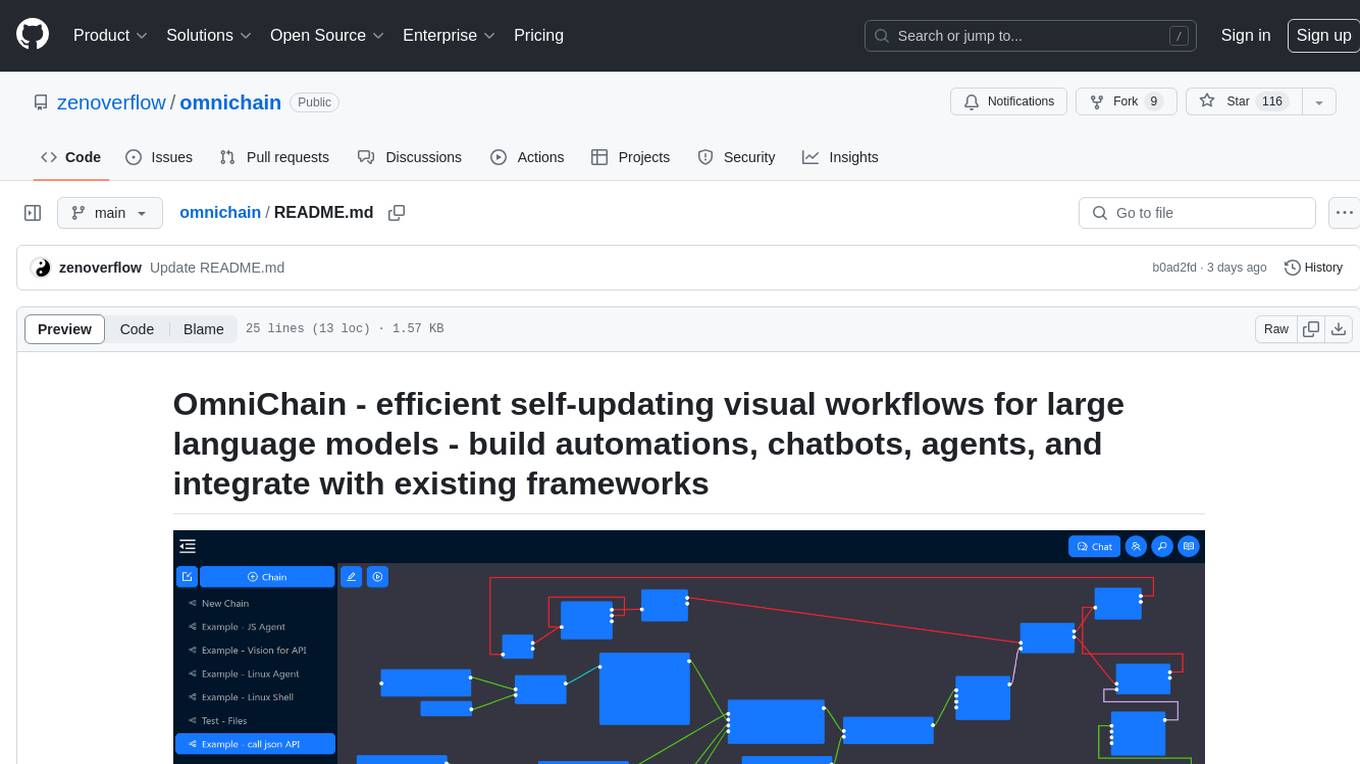
omnichain
OmniChain is a tool for building efficient self-updating visual workflows using AI language models, enabling users to automate tasks, create chatbots, agents, and integrate with existing frameworks. It allows users to create custom workflows guided by logic processes, store and recall information, and make decisions based on that information. The tool enables users to create tireless robot employees that operate 24/7, access the underlying operating system, generate and run NodeJS code snippets, and create custom agents and logic chains. OmniChain is self-hosted, open-source, and available for commercial use under the MIT license, with no coding skills required.
sdk-python
Strands Agents is a lightweight and flexible SDK that takes a model-driven approach to building and running AI agents. It supports various model providers, offers advanced capabilities like multi-agent systems and streaming support, and comes with built-in MCP server support. Users can easily create tools using Python decorators, integrate MCP servers seamlessly, and leverage multiple model providers for different AI tasks. The SDK is designed to scale from simple conversational assistants to complex autonomous workflows, making it suitable for a wide range of AI development needs.
MemOS
MemOS is an operating system for Large Language Models (LLMs) that enhances them with long-term memory capabilities. It allows LLMs to store, retrieve, and manage information, enabling more context-aware, consistent, and personalized interactions. MemOS provides Memory-Augmented Generation (MAG) with a unified API for memory operations, a Modular Memory Architecture (MemCube) for easy integration and management of different memory types, and multiple memory types including Textual Memory, Activation Memory, and Parametric Memory. It is extensible, allowing users to customize memory modules, data sources, and LLM integrations. MemOS demonstrates significant improvements over baseline memory solutions in multiple reasoning tasks, with a notable improvement in temporal reasoning accuracy compared to the OpenAI baseline.
For similar tasks
mcphost
MCPHost is a CLI host application that enables Large Language Models (LLMs) to interact with external tools through the Model Context Protocol (MCP). It acts as a host in the MCP client-server architecture, allowing language models to access external tools and data sources, maintain consistent context across interactions, and execute commands safely. The tool supports interactive conversations with Claude 3.5 Sonnet and Ollama models, multiple concurrent MCP servers, dynamic tool discovery and integration, configurable server locations and arguments, and a consistent command interface across model types.
aichat
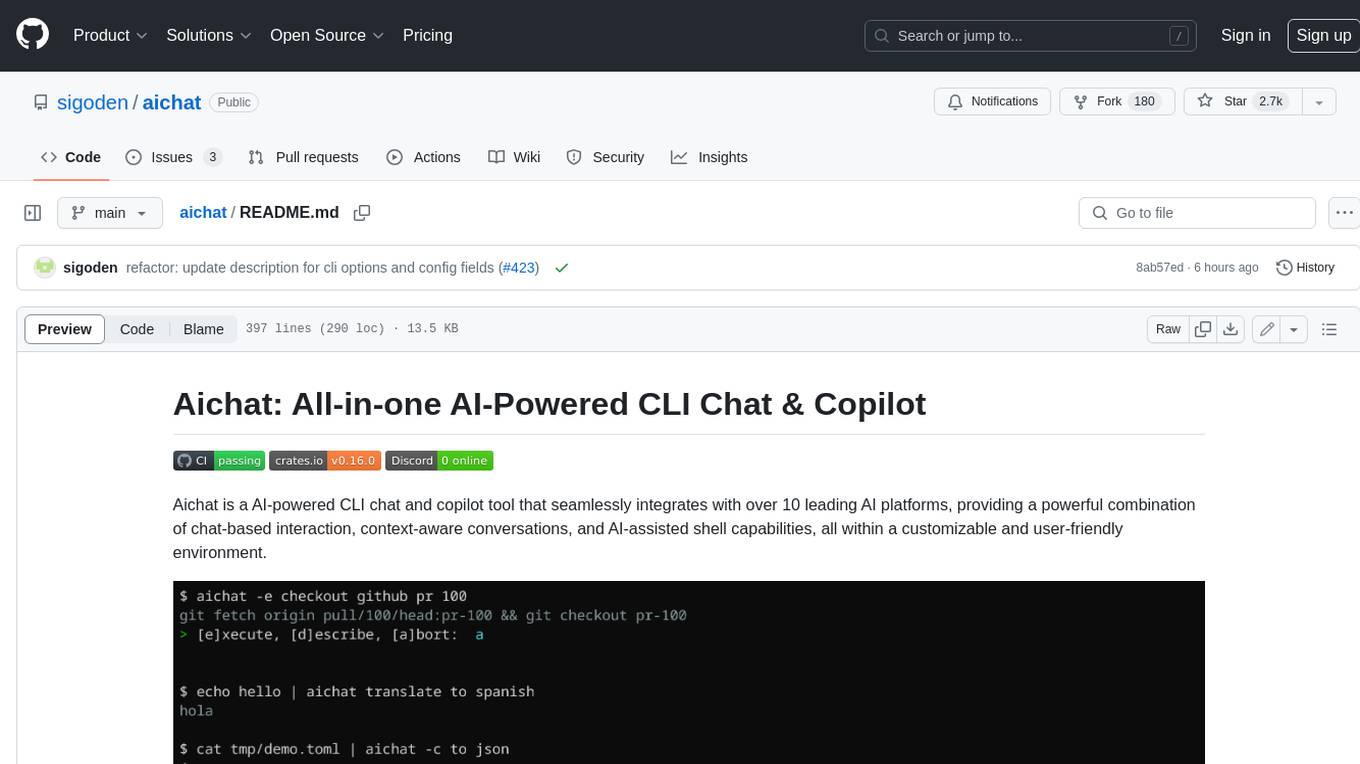
Aichat is an AI-powered CLI chat and copilot tool that seamlessly integrates with over 10 leading AI platforms, providing a powerful combination of chat-based interaction, context-aware conversations, and AI-assisted shell capabilities, all within a customizable and user-friendly environment.
wingman-ai
Wingman AI allows you to use your voice to talk to various AI providers and LLMs, process your conversations, and ultimately trigger actions such as pressing buttons or reading answers. Our _Wingmen_ are like characters and your interface to this world, and you can easily control their behavior and characteristics, even if you're not a developer. AI is complex and it scares people. It's also **not just ChatGPT**. We want to make it as easy as possible for you to get started. That's what _Wingman AI_ is all about. It's a **framework** that allows you to build your own Wingmen and use them in your games and programs. The idea is simple, but the possibilities are endless. For example, you could: * **Role play** with an AI while playing for more immersion. Have air traffic control (ATC) in _Star Citizen_ or _Flight Simulator_. Talk to Shadowheart in Baldur's Gate 3 and have her respond in her own (cloned) voice. * Get live data such as trade information, build guides, or wiki content and have it read to you in-game by a _character_ and voice you control. * Execute keystrokes in games/applications and create complex macros. Trigger them in natural conversations with **no need for exact phrases.** The AI understands the context of your dialog and is quite _smart_ in recognizing your intent. Say _"It's raining! I can't see a thing!"_ and have it trigger a command you simply named _WipeVisors_. * Automate tasks on your computer * improve accessibility * ... and much more
letmedoit
LetMeDoIt AI is a virtual assistant designed to revolutionize the way you work. It goes beyond being a mere chatbot by offering a unique and powerful capability - the ability to execute commands and perform computing tasks on your behalf. With LetMeDoIt AI, you can access OpenAI ChatGPT-4, Google Gemini Pro, and Microsoft AutoGen, local LLMs, all in one place, to enhance your productivity.
shell-ai
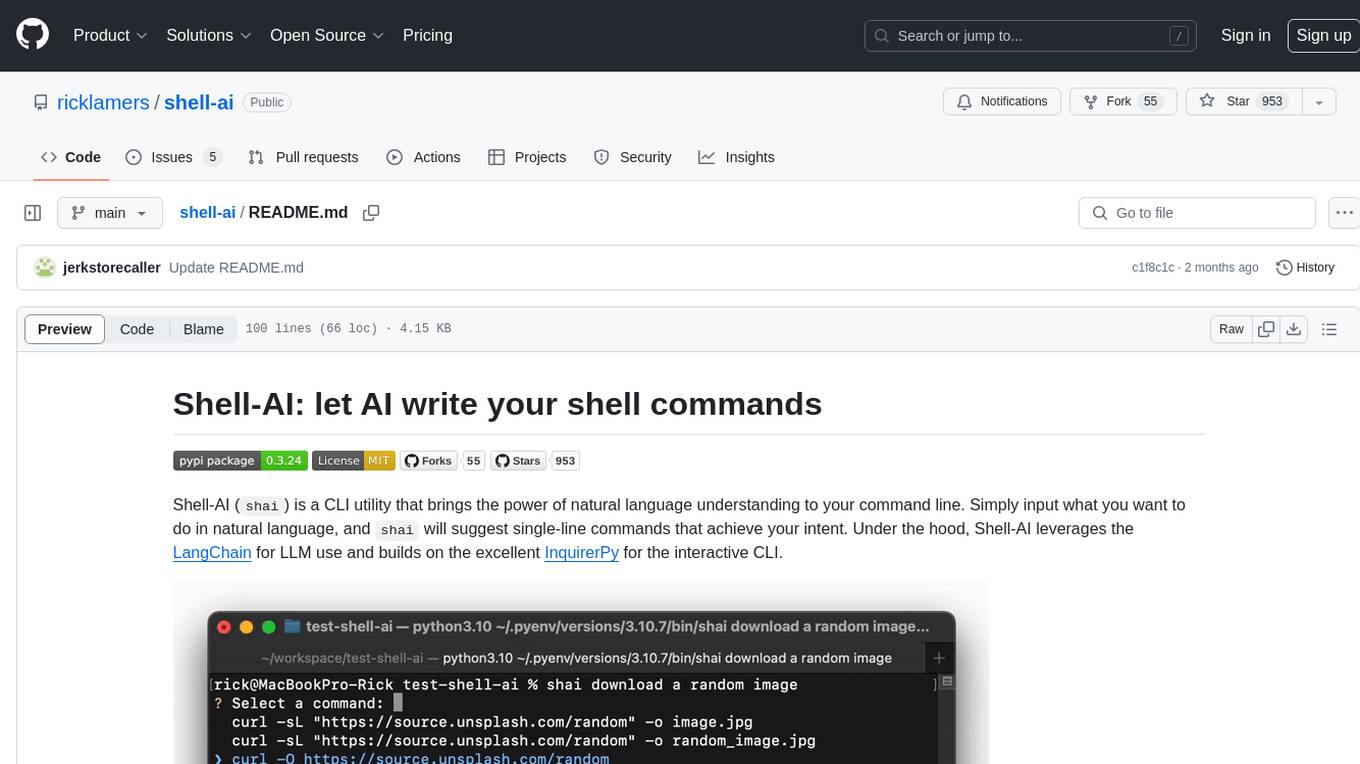
Shell-AI (`shai`) is a CLI utility that enables users to input commands in natural language and receive single-line command suggestions. It leverages natural language understanding and interactive CLI tools to enhance command line interactions. Users can describe tasks in plain English and receive corresponding command suggestions, making it easier to execute commands efficiently. Shell-AI supports cross-platform usage and is compatible with Azure OpenAI deployments, offering a user-friendly and efficient way to interact with the command line.
AIRAVAT
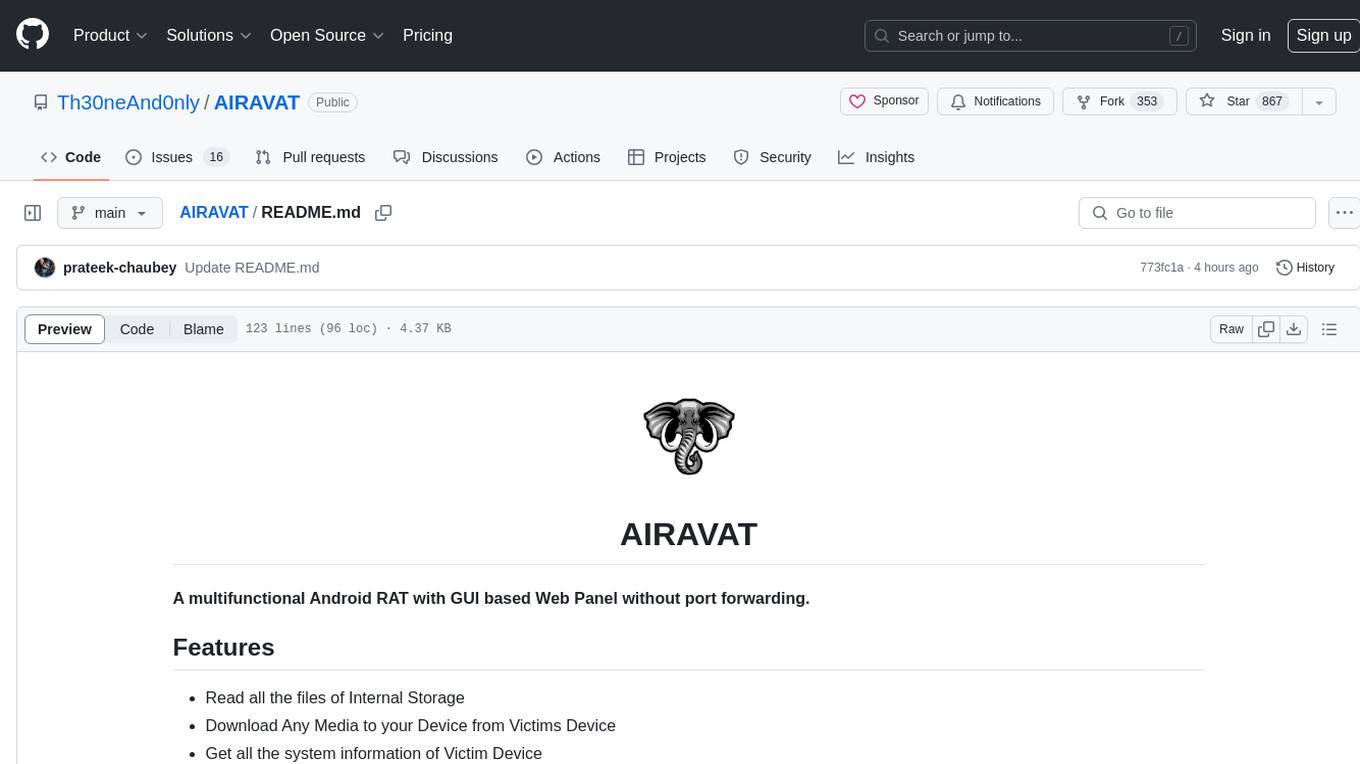
AIRAVAT is a multifunctional Android Remote Access Tool (RAT) with a GUI-based Web Panel that does not require port forwarding. It allows users to access various features on the victim's device, such as reading files, downloading media, retrieving system information, managing applications, SMS, call logs, contacts, notifications, keylogging, admin permissions, phishing, audio recording, music playback, device control (vibration, torch light, wallpaper), executing shell commands, clipboard text retrieval, URL launching, and background operation. The tool requires a Firebase account and tools like ApkEasy Tool or ApkTool M for building. Users can set up Firebase, host the web panel, modify Instagram.apk for RAT functionality, and connect the victim's device to the web panel. The tool is intended for educational purposes only, and users are solely responsible for its use.
chatflow
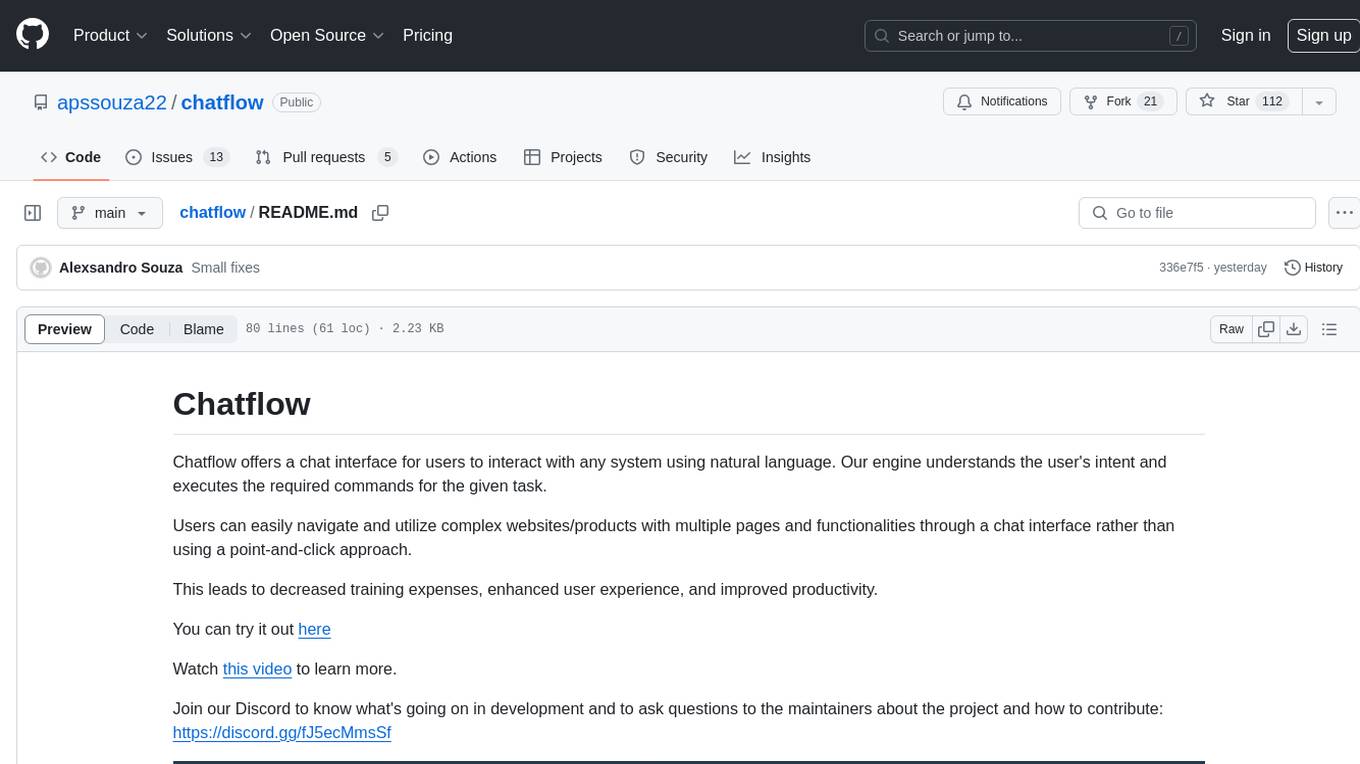
Chatflow is a tool that provides a chat interface for users to interact with systems using natural language. The engine understands user intent and executes commands for tasks, allowing easy navigation of complex websites/products. This approach enhances user experience, reduces training costs, and boosts productivity.
Wave-executor
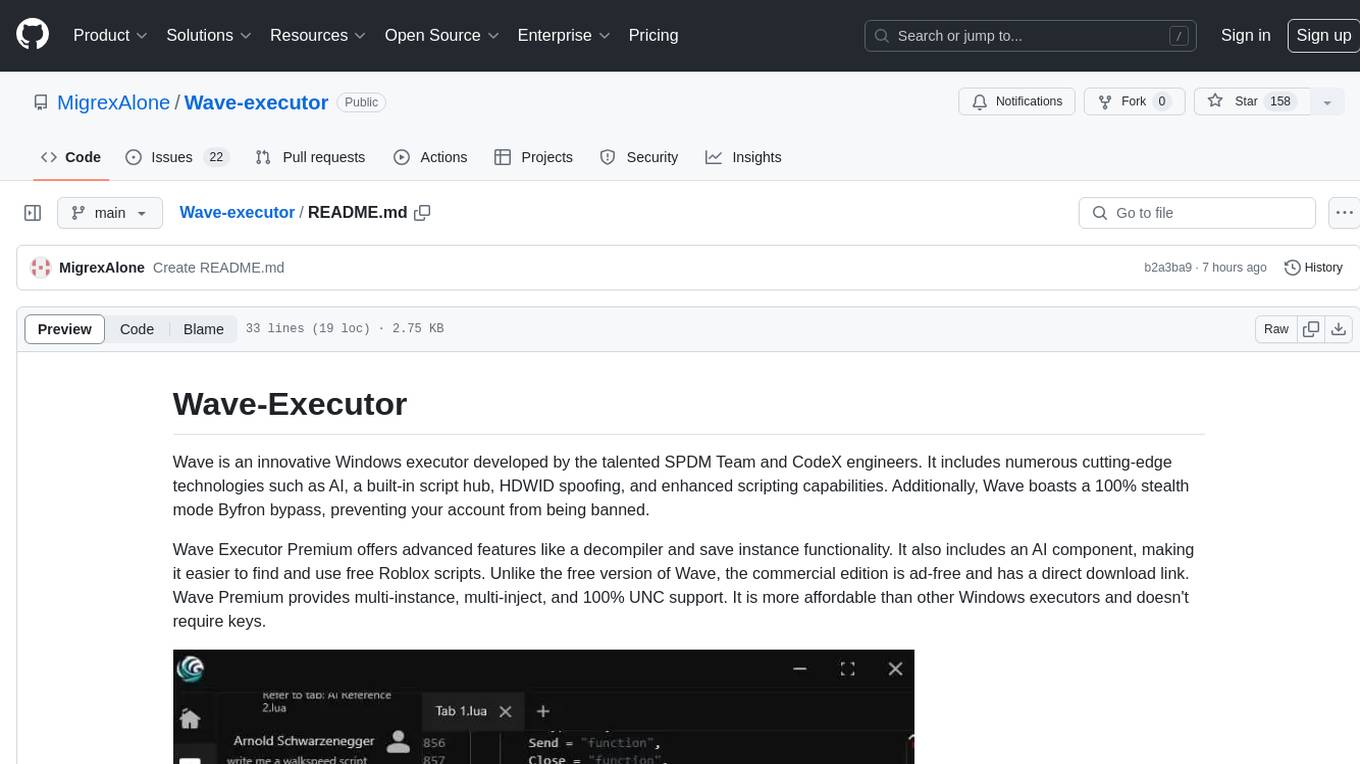
Wave Executor is an innovative Windows executor developed by SPDM Team and CodeX engineers, featuring cutting-edge technologies like AI, built-in script hub, HDWID spoofing, and enhanced scripting capabilities. It offers a 100% stealth mode Byfron bypass, advanced features like decompiler and save instance functionality, and a commercial edition with ad-free experience and direct download link. Wave Premium provides multi-instance, multi-inject, and 100% UNC support, making it a cost-effective option for executing scripts in popular Roblox games.
For similar jobs

sweep
Sweep is an AI junior developer that turns bugs and feature requests into code changes. It automatically handles developer experience improvements like adding type hints and improving test coverage.

teams-ai
The Teams AI Library is a software development kit (SDK) that helps developers create bots that can interact with Teams and Microsoft 365 applications. It is built on top of the Bot Framework SDK and simplifies the process of developing bots that interact with Teams' artificial intelligence capabilities. The SDK is available for JavaScript/TypeScript, .NET, and Python.

ai-guide
This guide is dedicated to Large Language Models (LLMs) that you can run on your home computer. It assumes your PC is a lower-end, non-gaming setup.

classifai
Supercharge WordPress Content Workflows and Engagement with Artificial Intelligence. Tap into leading cloud-based services like OpenAI, Microsoft Azure AI, Google Gemini and IBM Watson to augment your WordPress-powered websites. Publish content faster while improving SEO performance and increasing audience engagement. ClassifAI integrates Artificial Intelligence and Machine Learning technologies to lighten your workload and eliminate tedious tasks, giving you more time to create original content that matters.

chatbot-ui
Chatbot UI is an open-source AI chat app that allows users to create and deploy their own AI chatbots. It is easy to use and can be customized to fit any need. Chatbot UI is perfect for businesses, developers, and anyone who wants to create a chatbot.

BricksLLM
BricksLLM is a cloud native AI gateway written in Go. Currently, it provides native support for OpenAI, Anthropic, Azure OpenAI and vLLM. BricksLLM aims to provide enterprise level infrastructure that can power any LLM production use cases. Here are some use cases for BricksLLM: * Set LLM usage limits for users on different pricing tiers * Track LLM usage on a per user and per organization basis * Block or redact requests containing PIIs * Improve LLM reliability with failovers, retries and caching * Distribute API keys with rate limits and cost limits for internal development/production use cases * Distribute API keys with rate limits and cost limits for students

uAgents
uAgents is a Python library developed by Fetch.ai that allows for the creation of autonomous AI agents. These agents can perform various tasks on a schedule or take action on various events. uAgents are easy to create and manage, and they are connected to a fast-growing network of other uAgents. They are also secure, with cryptographically secured messages and wallets.

griptape
Griptape is a modular Python framework for building AI-powered applications that securely connect to your enterprise data and APIs. It offers developers the ability to maintain control and flexibility at every step. Griptape's core components include Structures (Agents, Pipelines, and Workflows), Tasks, Tools, Memory (Conversation Memory, Task Memory, and Meta Memory), Drivers (Prompt and Embedding Drivers, Vector Store Drivers, Image Generation Drivers, Image Query Drivers, SQL Drivers, Web Scraper Drivers, and Conversation Memory Drivers), Engines (Query Engines, Extraction Engines, Summary Engines, Image Generation Engines, and Image Query Engines), and additional components (Rulesets, Loaders, Artifacts, Chunkers, and Tokenizers). Griptape enables developers to create AI-powered applications with ease and efficiency.