


gis-mcp
A Model Context Protocol (MCP) server implementation that connects Large Language Models (LLMs) to GIS operations using GIS libraries, enabling AI assistants to perform geospatial operations and transformations.
Stars: 53
This repository contains a Geographic Information System (GIS) tool for performing Minimum Cumulative Path (MCP) analysis. The tool allows users to calculate the optimal path that minimizes cumulative cost between multiple locations on a map. It is particularly useful for urban planning, transportation route optimization, and environmental impact assessment. The tool supports various cost functions such as distance, travel time, and resource consumption, providing flexibility for different applications. Users can visualize the results on interactive maps and export the analysis outputs for further processing. The tool is implemented in Python and leverages popular GIS libraries such as GeoPandas and NetworkX for efficient spatial analysis.
README:
Install GIS-MCP and transform your AI's spatial capabilities!

A Model Context Protocol (MCP) server implementation that connects Large Language Models (LLMs) to GIS operations using GIS libraries, enabling AI assistants to perform geospatial operations and transformations.
🌐 Website: gis-mcp.com
Current version is 0.8.0
Version 0.9.0 (Beta) is under active development. We welcome contributions and developers to join us in building this project.

- Features
- Prerequisites
- Installation
- Available Functions
- Client Development
- Planned Features
- Contributing
- License
- Related Projects
- Support
- Badges
GIS MCP Server empowers AI assistants with advanced geospatial intelligence. Key features include:
- 🔹 Comprehensive Geometry Operations – Perform intersection, union, buffer, difference, and other geometric transformations with ease.
- 🔹 Advanced Coordinate Transformations – Effortlessly reproject and transform geometries between coordinate reference systems.
- 🔹 Accurate Measurements – Compute distances, areas, lengths, and centroids precisely.
- 🔹 Spatial Analysis & Validation – Validate geometries, run proximity checks, and perform spatial overlays or joins.
- 🔹 Raster & Vector Support – Process raster layers, compute indices like NDVI, clip, resample, and merge with vector data.
- 🔹 Spatial Statistics & Modeling – Leverage PySAL for spatial autocorrelation, clustering, and neighborhood analysis.
- 🔹 Easy Integration – Connect seamlessly with MCP-compatible clients like Claude Desktop or Cursor IDE.
- 🔹 Flexible & Extensible – Supports Python-based GIS libraries and is ready for custom tools or workflow extensions.
🌟 Tip: With GIS MCP Server, your AI can now “think spatially,” unlocking new capabilities for environmental analysis, mapping, and location intelligence.
- Python 3.10 or higher
- MCP-compatible client (like Claude Desktop or Cursor)
- Internet connection for package installation
Choose the installation method that best suits your needs:
To install GIS MCP Server for Claude Desktop automatically via Smithery:
npx -y @smithery/cli install @mahdin75/gis-mcp --client claudeThe pip installation is recommended for most users:
- Install uv package manager:
pip install uv- Create the Virtual Environment (Python 3.10+):
uv venv --python=3.10- Install the package:
uv pip install gis-mcp- Start the server:
gis-mcpTo use the pip installation with Claude or Cursor, add the following configuration:
Claude Desktop:
Windows:
{
  "mcpServers": {
    "gis-mcp": {
      "command": "C:\\Users\\YourUsername\\.venv\\Scripts\\gis-mcp",
      "args": []
    }
  }
}
Linux/Mac:
{
  "mcpServers": {
    "gis-mcp": {
      "command": "/home/YourUsername/.venv/bin/gis-mcp",
      "args": []
    }
  }
}
Cursor IDE (create .cursor/mcp.json):
Windows:
{
  "mcpServers": {
    "gis-mcp": {
      "command": "C:\\Users\\YourUsername\\.venv\\Scripts\\gis-mcp",
      "args": []
    }
  }
}
Linux/Mac:
{
  "mcpServers": {
    "gis-mcp": {
      "command": "/home/YourUsername/.venv/bin/gis-mcp",
      "args": []
    }
  }
}
After configuration:
- Make sure to replace
YourUsernamewith your actual username - For development installation, replace
/path/to/gis-mcpwith the actual path to your project - Restart your IDE to apply the changes
- You can now use all GIS operations through Claude or Cursor!
For contributors and developers:
- Install uv package manager:
pip install uv- Create the Virtual Environment:
uv venv --python=3.10- Install the package in development mode:
uv pip install -e .- Start the server:
python -m gis_mcpTo use the development installation with Claude or Cursor, add the following configuration:
Claude Desktop:
Windows:
{
  "mcpServers": {
    "gis-mcp": {
      "command": "C:\\path\\to\\gis-mcp\\.venv\\Scripts\\python",
      "args": ["-m", "gis_mcp"]
    }
  }
}
Linux/Mac:
{
  "mcpServers": {
    "gis-mcp": {
      "command": "/path/to/gis-mcp/.venv/bin/python",
      "args": ["-m", "gis_mcp"]
    }
  }
}
Cursor IDE (create .cursor/mcp.json):
Windows:
{
  "mcpServers": {
    "gis-mcp": {
      "command": "C:\\path\\to\\gis-mcp\\.venv\\Scripts\\python",
      "args": ["-m", "gis_mcp"]
    }
  }
}
Linux/Mac:
{
  "mcpServers": {
    "gis-mcp": {
      "command": "/path/to/gis-mcp/.venv/bin/python",
      "args": ["-m", "gis_mcp"]
    }
  }
}
After configuration:
- Make sure to replace
YourUsernamewith your actual username - For development installation, replace
/path/to/gis-mcpwith the actual path to your project - Restart your IDE to apply the changes
- You can now use all GIS operations through Claude or Cursor!
This section provides a comprehensive list of all available functions organized by library.
Basic Geometric Operations:
-
buffer- Create buffer around geometry -
intersection- Find intersection of two geometries -
union- Combine two geometries -
difference- Find difference between geometries -
symmetric_difference- Find symmetric difference
Geometric Properties:
-
convex_hull- Calculate convex hull -
envelope- Get bounding box -
minimum_rotated_rectangle- Get minimum rotated rectangle -
get_centroid- Get centroid point -
get_bounds- Get geometry bounds -
get_coordinates- Extract coordinate array -
get_geometry_type- Get geometry type name
Transformations:
-
rotate_geometry- Rotate geometry by angle -
scale_geometry- Scale geometry by factors -
translate_geometry- Move geometry by offset
Advanced Operations:
-
triangulate_geometry- Create triangulation -
voronoi- Create Voronoi diagram -
unary_union_geometries- Union multiple geometries
Measurements:
-
get_length- Calculate geometry length -
get_area- Calculate geometry area
Validation & Utilities:
-
is_valid- Check geometry validity -
make_valid- Fix invalid geometry -
simplify- Simplify geometry -
snap_geometry- Snap to reference geometry -
nearest_point_on_geometry- Find nearest point -
normalize_geometry- Normalize orientation -
geometry_to_geojson- Convert to GeoJSON -
geojson_to_geometry- Convert from GeoJSON
Coordinate Transformations:
-
transform_coordinates- Transform point coordinates -
project_geometry- Project geometry between CRS
CRS Information:
-
get_crs_info- Get detailed CRS information -
get_available_crs- List available CRS systems -
get_utm_zone- Get UTM zone for coordinates -
get_utm_crs- Get UTM CRS for coordinates -
get_geocentric_crs- Get geocentric CRS
Geodetic Calculations:
-
get_geod_info- Get ellipsoid information -
calculate_geodetic_distance- Calculate distance on ellipsoid -
calculate_geodetic_point- Calculate point at distance/azimuth -
calculate_geodetic_area- Calculate area on ellipsoid
I/O Operations:
-
read_file_gpd- Read geospatial file with preview -
write_file_gpd- Export GeoDataFrame to file
Join & Merge Operations:
-
append_gpd- Concatenate GeoDataFrames vertically -
merge_gpd- Database-style attribute joins -
overlay_gpd- Spatial overlay operations -
dissolve_gpd- Dissolve by attribute -
explode_gpd- Split multi-part geometries
Spatial Operations:
-
clip_vector- Clip geometries -
sjoin_gpd- Spatial joins -
sjoin_nearest_gpd- Nearest neighbor spatial joins -
point_in_polygon- Point-in-polygon tests
Basic Raster Operations:
-
metadata_raster- Get raster metadata -
get_raster_crs- Get raster CRS -
extract_band- Extract single band -
raster_band_statistics- Calculate band statistics -
raster_histogram- Compute pixel histograms
Raster Processing:
-
clip_raster_with_shapefile- Clip raster with polygons -
resample_raster- Resample by scale factor -
reproject_raster- Reproject to new CRS -
tile_raster- Split into tiles
Raster Analysis:
-
compute_ndvi- Calculate vegetation index -
raster_algebra- Mathematical operations on bands -
concat_bands- Combine single-band rasters -
weighted_band_sum- Weighted band combination
Advanced Analysis:
-
zonal_statistics- Statistics within polygons -
reclassify_raster- Reclassify pixel values -
focal_statistics- Moving window statistics -
hillshade- Generate hillshade from DEM -
write_raster- Write array to raster file
Spatial Autocorrelation:
-
morans_i- Global Moran's I statistic -
gearys_c- Global Geary's C statistic -
gamma_statistic- Gamma index -
getis_ord_g- Global Getis-Ord G statistic
Local Statistics:
-
moran_local- Local Moran's I -
getis_ord_g_local- Local Getis-Ord G* -
join_counts_local- Local join counts
Global Statistics:
-
join_counts- Binary join counts test -
adbscan- Adaptive density-based clustering
Spatial Weights:
-
weights_from_shapefile- Create weights from shapefile -
distance_band_weights- Distance-based weights -
knn_weights- K-nearest neighbors weights -
build_transform_and_save_weights- Build, transform, and save weights -
ols_with_spatial_diagnostics_safe- OLS regression with spatial diagnostics -
build_and_transform_weights- Build and transform weights
Boundary Download:
-
download_boundaries- Download GADM administrative boundaries and save as GeoJSON
Climate Data Download:
-
download_climate_data- Download climate data (ERA5 or other CDS datasets)
Ecology Data Download and Info:
-
get_species_info– Retrieve taxonomic information for a given species name -
download_species_occurrences– Download occurrence records for a given species and save as JSON
Movement Data Download and Routing (via OSMnx):
-
download_street_network– Download a street network for a given place and save as GraphML -
calculate_shortest_path– Calculate the shortest path between two points using a saved street network
Land Cover from Planetary Computer:
-
download_worldcover– Download ESA WorldCover for AOI/year; optional crop and reprojection -
compute_s2_ndvi– Compute NDVI from Sentinel-2 L2A; crop and reprojection supported
STAC-based Satellite Download:
-
download_satellite_imagery– Download and stack bands from STAC items (e.g., Sentinel-2, Landsat), with optional crop and reprojection
Total Functions Available: 89
Example usage of the tools:
Tool: buffer
Parameters: {
    "geometry": "POINT(0 0)",
    "distance": 10,
    "resolution": 16,
    "join_style": 1,
    "mitre_limit": 5.0,
    "single_sided": false
}Tool: transform_coordinates
Parameters: {
"coordinates": [0, 0],
"source_crs": "EPSG:4326",
"target_crs": "EPSG:3857"
}Tool: calculate_geodetic_distance
Parameters: {
"point1": [0, 0],
"point2": [10, 10],
"ellps": "WGS84"
}- Implement advanced spatial indexing
- Implement network analysis capabilities
- Add support for 3D geometries
- Implement performance optimizations
- Add support for more GIS libraries
We welcome contributions! Here's how you can help:
- Fork the repository
- Create a feature branch (
git checkout -b feature/AmazingFeature) - Commit your changes (
git commit -m 'Add some AmazingFeature') - Push to the branch (
git push origin feature/AmazingFeature) - Open a Pull Request
Please ensure your PR description clearly describes the problem and solution. Include the relevant issue number if applicable.
This project is licensed under the MIT License - see the LICENSE file for details.
| Project Name | Category | Description |
|---|---|---|
| Model Context Protocol | MCP Related | The core MCP implementation |
| Shapely | Geospatial Analysis | Python package for manipulation and analysis of geometric objects |
| PyProj | Geospatial Analysis | Python interface to PROJ library |
| GeoPandas | Geospatial Analysis | Python package for working with geospatial data |
| Rasterio | Geospatial Analysis | Python package for reading and writing geospatial raster data |
| PySAL | Geospatial Analysis | Python spatial analysis library for geospatial data science |
| cdsapi | Geospatial Data Collecting | Python API to access the Copernicus Climate Data Store (CDS) |
| pygadm | Geospatial Data Collecting | Easy access to administrative boundary defined by GADM from Python scripts |
| pygbif | Geospatial Data Collecting | Python client for the GBIF API (ecology and biodiversity data) |
| OSMnx | Geospatial Data Collecting | Python package for downloading, modeling, and analyzing street networks and urban features from OpenStreetMap |
| pystac-client | Geospatial Data Collecting | Python client for STAC catalogs; search and access spatiotemporal assets |
| Planetary Computer SDK for Python | Geospatial Data Collecting | Python SDK for Microsoft Planetary Computer; auth and helpers for STAC/COGs |
For support, please open an issue in the GitHub repository.
Join our Discord community for discussions, updates, and support:

Made with contrib.rocks.

For Tasks:
Click tags to check more tools for each tasksFor Jobs:
Alternative AI tools for gis-mcp
Similar Open Source Tools
gis-mcp
This repository contains a Geographic Information System (GIS) tool for performing Minimum Cumulative Path (MCP) analysis. The tool allows users to calculate the optimal path that minimizes cumulative cost between multiple locations on a map. It is particularly useful for urban planning, transportation route optimization, and environmental impact assessment. The tool supports various cost functions such as distance, travel time, and resource consumption, providing flexibility for different applications. Users can visualize the results on interactive maps and export the analysis outputs for further processing. The tool is implemented in Python and leverages popular GIS libraries such as GeoPandas and NetworkX for efficient spatial analysis.
flyto-core
Flyto-core is a powerful Python library for geospatial analysis and visualization. It provides a wide range of tools for working with geographic data, including support for various file formats, spatial operations, and interactive mapping. With Flyto-core, users can easily load, manipulate, and visualize spatial data to gain insights and make informed decisions. Whether you are a GIS professional, a data scientist, or a developer, Flyto-core offers a versatile and user-friendly solution for geospatial tasks.
graphrag
The GraphRAG project is a data pipeline and transformation suite designed to extract meaningful, structured data from unstructured text using LLMs. It enhances LLMs' ability to reason about private data. The repository provides guidance on using knowledge graph memory structures to enhance LLM outputs, with a warning about the potential costs of GraphRAG indexing. It offers contribution guidelines, development resources, and encourages prompt tuning for optimal results. The Responsible AI FAQ addresses GraphRAG's capabilities, intended uses, evaluation metrics, limitations, and operational factors for effective and responsible use.
forecastbench
ForecastBench is a dynamic benchmark tool for evaluating LLM forecasting accuracy with human comparison groups. It provides a contamination-free environment and serves as a proxy for general intelligence. The tool offers leaderboards and datasets updated nightly, along with instructions for submitting models. Users can explore detailed information on the wiki and cite the tool using the provided BibTeX citation. Developers can set up the tool locally, run GCP Cloud Functions, and contribute to the project by following specific guidelines.
datatune
Datatune is a data analysis tool designed to help users explore and analyze datasets efficiently. It provides a user-friendly interface for importing, cleaning, visualizing, and modeling data. With Datatune, users can easily perform tasks such as data preprocessing, feature engineering, model selection, and evaluation. The tool offers a variety of statistical and machine learning algorithms to support data analysis tasks. Whether you are a data scientist, analyst, or researcher, Datatune can streamline your data analysis workflow and help you derive valuable insights from your data.
xorq
Xorq (formerly LETSQL) is a data processing library built on top of Ibis and DataFusion to write multi-engine data workflows. It provides a flexible and powerful tool for processing and analyzing data from various sources, enabling users to create complex data pipelines and perform advanced data transformations.

upgini
Upgini is an intelligent data search engine with a Python library that helps users find and add relevant features to their ML pipeline from various public, community, and premium external data sources. It automates the optimization of connected data sources by generating an optimal set of machine learning features using large language models, GraphNNs, and recurrent neural networks. The tool aims to simplify feature search and enrichment for external data to make it a standard approach in machine learning pipelines. It democratizes access to data sources for the data science community.
arconia
Arconia is a powerful open-source tool for managing and visualizing data in a user-friendly way. It provides a seamless experience for data analysts and scientists to explore, clean, and analyze datasets efficiently. With its intuitive interface and robust features, Arconia simplifies the process of data manipulation and visualization, making it an essential tool for anyone working with data.
ROGRAG
ROGRAG is a powerful open-source tool designed for data analysis and visualization. It provides a user-friendly interface for exploring and manipulating datasets, making it ideal for researchers, data scientists, and analysts. With ROGRAG, users can easily import, clean, analyze, and visualize data to gain valuable insights and make informed decisions. The tool supports a wide range of data formats and offers a variety of statistical and visualization tools to help users uncover patterns, trends, and relationships in their data. Whether you are working on exploratory data analysis, statistical modeling, or data visualization, ROGRAG is a versatile tool that can streamline your workflow and enhance your data analysis capabilities.
dranet
Dranet is a Python library for analyzing and visualizing data from neural networks. It provides tools for interpreting model predictions, understanding feature importance, and evaluating model performance. With Dranet, users can gain insights into how neural networks make decisions and improve model transparency and interpretability.
GhidrAssist
GhidrAssist is an advanced LLM-powered plugin for interactive reverse engineering assistance in Ghidra. It integrates Large Language Models (LLMs) to provide intelligent assistance for binary exploration and reverse engineering. The tool supports various OpenAI v1-compatible APIs, including local models and cloud providers. Key features include code explanation, interactive chat, custom queries, Graph-RAG knowledge system with semantic knowledge graph, community detection, security feature extraction, semantic graph tab, extended thinking/reasoning control, ReAct agentic mode, MCP integration, function calling, actions tab, RAG (Retrieval Augmented Generation), and RLHF dataset generation. The plugin uses a modular, service-oriented architecture with core services, Graph-RAG backend, data layer, and UI components.
phoenix
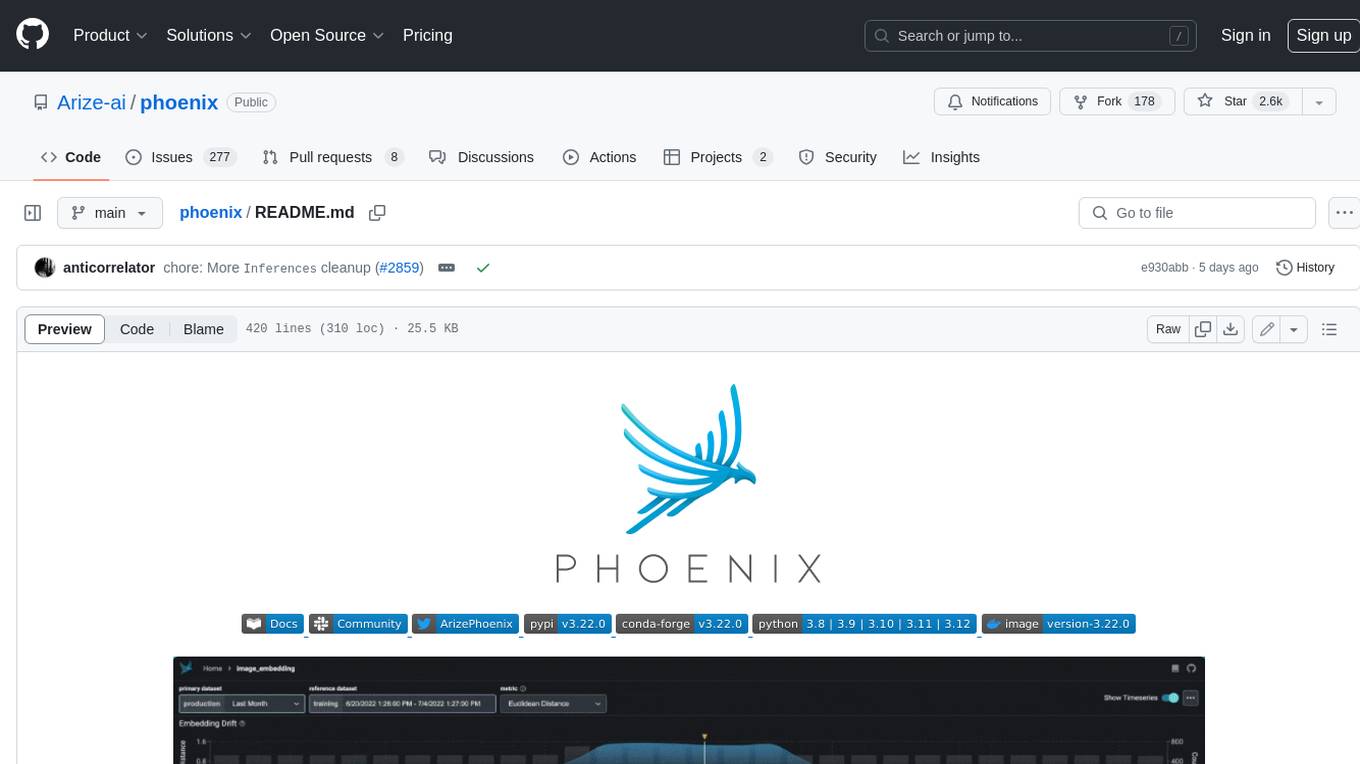
Phoenix is a tool that provides MLOps and LLMOps insights at lightning speed with zero-config observability. It offers a notebook-first experience for monitoring models and LLM Applications by providing LLM Traces, LLM Evals, Embedding Analysis, RAG Analysis, and Structured Data Analysis. Users can trace through the execution of LLM Applications, evaluate generative models, explore embedding point-clouds, visualize generative application's search and retrieval process, and statistically analyze structured data. Phoenix is designed to help users troubleshoot problems related to retrieval, tool execution, relevance, toxicity, drift, and performance degradation.
context7
Context7 is a powerful tool for analyzing and visualizing data in various formats. It provides a user-friendly interface for exploring datasets, generating insights, and creating interactive visualizations. With advanced features such as data filtering, aggregation, and customization, Context7 is suitable for both beginners and experienced data analysts. The tool supports a wide range of data sources and formats, making it versatile for different use cases. Whether you are working on exploratory data analysis, data visualization, or data storytelling, Context7 can help you uncover valuable insights and communicate your findings effectively.
llama_index
LlamaIndex is a data framework for building LLM applications. It provides tools for ingesting, structuring, and querying data, as well as integrating with LLMs and other tools. LlamaIndex is designed to be easy to use for both beginner and advanced users, and it provides a comprehensive set of features for building LLM applications.
DB-GPT
DB-GPT is an open source AI native data app development framework with AWEL(Agentic Workflow Expression Language) and agents. It aims to build infrastructure in the field of large models, through the development of multiple technical capabilities such as multi-model management (SMMF), Text2SQL effect optimization, RAG framework and optimization, Multi-Agents framework collaboration, AWEL (agent workflow orchestration), etc. Which makes large model applications with data simpler and more convenient.
Daft
Daft is a lightweight and efficient tool for data analysis and visualization. It provides a user-friendly interface for exploring and manipulating datasets, making it ideal for both beginners and experienced data analysts. With Daft, you can easily import data from various sources, clean and preprocess it, perform statistical analysis, create insightful visualizations, and export your results in multiple formats. Whether you are a student, researcher, or business professional, Daft simplifies the process of analyzing data and deriving meaningful insights.
For similar tasks
gis-mcp
This repository contains a Geographic Information System (GIS) tool for performing Minimum Cumulative Path (MCP) analysis. The tool allows users to calculate the optimal path that minimizes cumulative cost between multiple locations on a map. It is particularly useful for urban planning, transportation route optimization, and environmental impact assessment. The tool supports various cost functions such as distance, travel time, and resource consumption, providing flexibility for different applications. Users can visualize the results on interactive maps and export the analysis outputs for further processing. The tool is implemented in Python and leverages popular GIS libraries such as GeoPandas and NetworkX for efficient spatial analysis.
For similar jobs

weave
Weave is a toolkit for developing Generative AI applications, built by Weights & Biases. With Weave, you can log and debug language model inputs, outputs, and traces; build rigorous, apples-to-apples evaluations for language model use cases; and organize all the information generated across the LLM workflow, from experimentation to evaluations to production. Weave aims to bring rigor, best-practices, and composability to the inherently experimental process of developing Generative AI software, without introducing cognitive overhead.

agentcloud
AgentCloud is an open-source platform that enables companies to build and deploy private LLM chat apps, empowering teams to securely interact with their data. It comprises three main components: Agent Backend, Webapp, and Vector Proxy. To run this project locally, clone the repository, install Docker, and start the services. The project is licensed under the GNU Affero General Public License, version 3 only. Contributions and feedback are welcome from the community.
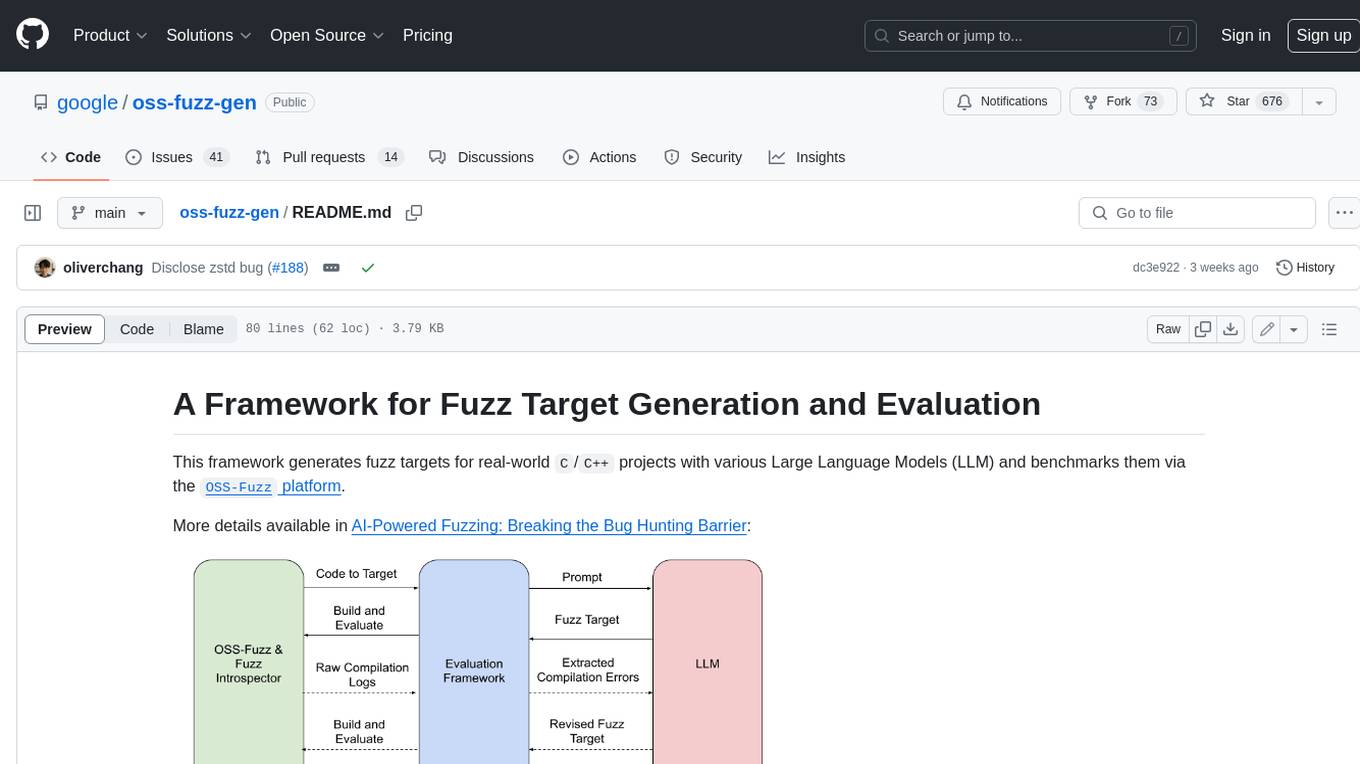
oss-fuzz-gen
This framework generates fuzz targets for real-world `C`/`C++` projects with various Large Language Models (LLM) and benchmarks them via the `OSS-Fuzz` platform. It manages to successfully leverage LLMs to generate valid fuzz targets (which generate non-zero coverage increase) for 160 C/C++ projects. The maximum line coverage increase is 29% from the existing human-written targets.

LLMStack
LLMStack is a no-code platform for building generative AI agents, workflows, and chatbots. It allows users to connect their own data, internal tools, and GPT-powered models without any coding experience. LLMStack can be deployed to the cloud or on-premise and can be accessed via HTTP API or triggered from Slack or Discord.

VisionCraft
The VisionCraft API is a free API for using over 100 different AI models. From images to sound.

kaito
Kaito is an operator that automates the AI/ML inference model deployment in a Kubernetes cluster. It manages large model files using container images, avoids tuning deployment parameters to fit GPU hardware by providing preset configurations, auto-provisions GPU nodes based on model requirements, and hosts large model images in the public Microsoft Container Registry (MCR) if the license allows. Using Kaito, the workflow of onboarding large AI inference models in Kubernetes is largely simplified.

PyRIT
PyRIT is an open access automation framework designed to empower security professionals and ML engineers to red team foundation models and their applications. It automates AI Red Teaming tasks to allow operators to focus on more complicated and time-consuming tasks and can also identify security harms such as misuse (e.g., malware generation, jailbreaking), and privacy harms (e.g., identity theft). The goal is to allow researchers to have a baseline of how well their model and entire inference pipeline is doing against different harm categories and to be able to compare that baseline to future iterations of their model. This allows them to have empirical data on how well their model is doing today, and detect any degradation of performance based on future improvements.

Azure-Analytics-and-AI-Engagement
The Azure-Analytics-and-AI-Engagement repository provides packaged Industry Scenario DREAM Demos with ARM templates (Containing a demo web application, Power BI reports, Synapse resources, AML Notebooks etc.) that can be deployed in a customer’s subscription using the CAPE tool within a matter of few hours. Partners can also deploy DREAM Demos in their own subscriptions using DPoC.