


ppt2desc
Convert PowerPoint files into semantically rich text using vision language models
Stars: 84
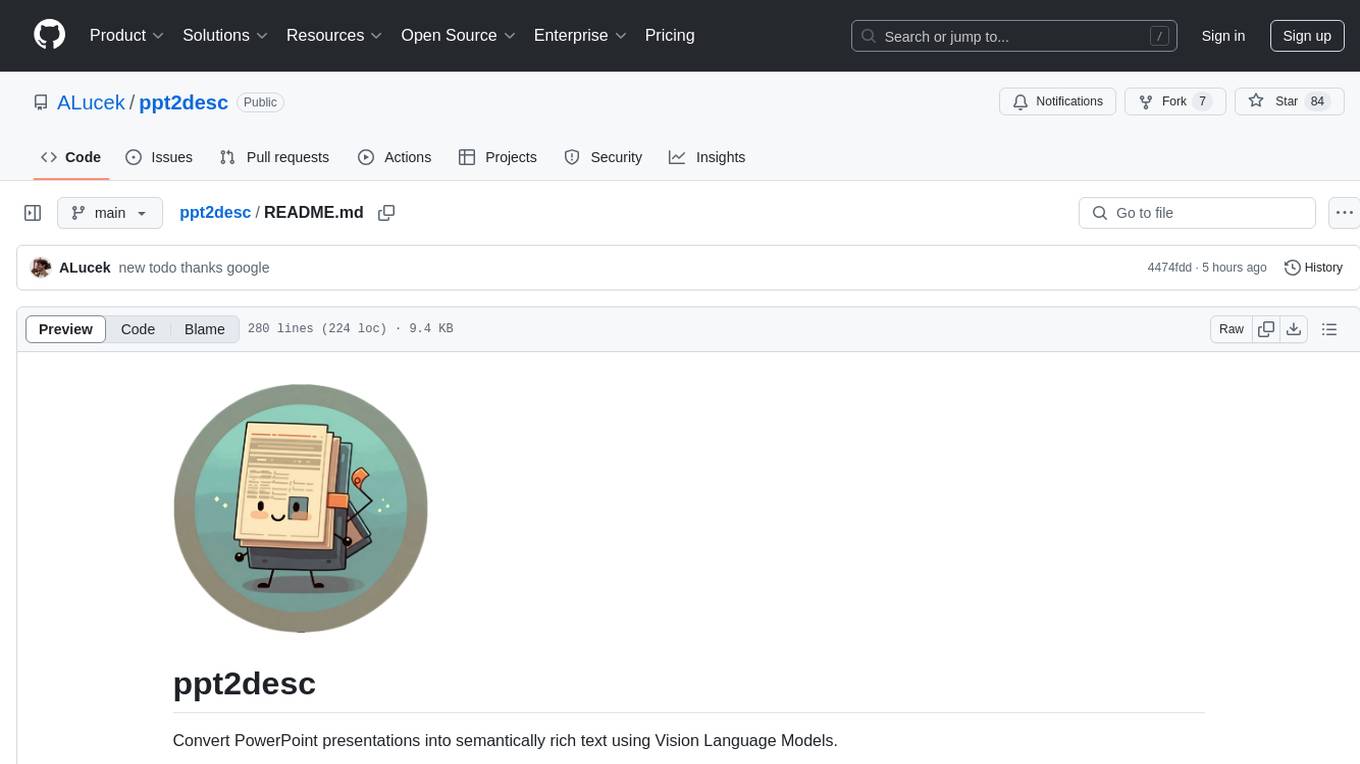
ppt2desc is a command-line tool that converts PowerPoint presentations into detailed textual descriptions using vision language models. It interprets and describes visual elements, capturing the full semantic meaning of each slide in a machine-readable format. The tool supports various model providers and offers features like converting PPT/PPTX files to semantic descriptions, processing individual files or directories, visual elements interpretation, rate limiting for API calls, customizable prompts, and JSON output format for easy integration.
README:

Convert PowerPoint presentations into semantically rich text using Vision Language Models.
ppt2desc is a command-line tool that converts PowerPoint presentations into detailed textual descriptions. PowerPoint presentations are an inherently visual medium that often convey complex ideas through a combination of text, graphics, charts, and other visual layouts. This tool uses vision language models to not only transcribe the text content but also interpret and describe the visual elements and their relationships, capturing the full semantic meaning of each slide in a machine-readable format.
- Convert PPT/PPTX files to semantic descriptions
- Process individual files or entire directories
- Support for visual elements interpretation (charts, graphs, figures)
- Rate limiting for API calls
- Customizable prompts and instructions
- JSON output format for easy integration
Current Model Provider Support
- Gemini models via Google Gemini API
- GPT Models via OpenAI API
- Claude Models via Anthropic API
- Gemini Models via Google Cloud Platform Vertex AI
- GPT Models via Microsoft Azure AI Foundry Deployments
- Nova & Claude Models via Amazon Web Services's Amazon Bedrock
- Python 3.9 or higher
- LibreOffice (for PPT/PPTX to PDF conversion)
- Option 1: Install LibreOffice locally.
- Option 2: Use the provided Docker container for LibreOffice.
- vLLM API credentials
- Clone the repository:
git clone https://github.com/ALucek/ppt2desc.git
cd ppt2desc- Installing LibreOffice
LibreOffice is a critical dependency for this tool as it handles the headless conversion of PowerPoint files to PDF format
Option 1: Local Installation
Linux Systems:
sudo apt install libreofficemacOS:
brew install libreofficeWindows:
Build from the installer at LibreOffice's Official Website
Option 2: Docker-based Installation
a. Ensure you have Docker installed on your system
b. Run the following command
docker compose up -dThis command will build the Docker image based on the provided Dockerfile and start the container in detached mode. The LibreOffice conversion service will be accessible athttp://localhost:2002. Take down with docker compose down.
- Create and activate a virtual environment:
python -m venv ppt2desc_venv
source ppt2desc_venv/bin/activate # On Windows: ppt2desc_venv\Scripts\activate- Install dependencies:
pip install -r requirements.txtBasic usage with Gemini API:
python src/main.py \
    --input_dir /path/to/presentations \
    --output_dir /path/to/output \
    --libreoffice_path /path/to/soffice \
    --client gemini \
--api_key YOUR_GEMINI_API_KEYGeneral Arguments:
-
--input_dir: Path to input directory or PPT file (required) -
--output_dir: Output directory path (required) -
--client: LLM client to use: 'gemini', 'vertexai', 'anthropic', 'azure', 'aws' or 'openai' (required) -
--model: Model to use (default: "gemini-1.5-flash") -
--instructions: Additional instructions for the model -
--libreoffice_path: Path to LibreOffice installation -
--libreoffice_url: Url for docker-based libreoffice installation (configured: http://localhost:2002) -
--rate_limit: API calls per minute (default: 60) -
--prompt_path: Custom prompt file path -
--api_key: Model Provider API key (if not set via environment variable) -
--save_pdf: Include to save the converted PDF in your output folder -
--save_images: Include to save the individual slide images in your output folder
Vertex AI Specific Arguments:
-
--gcp_project_id: GCP project ID for Vertex AI service account -
--gcp_region: GCP region for Vertex AI service (e.g., us-central1) -
--gcp_application_credentials: Path to GCP service account JSON credentials file
Azure AI Foundry Specific Arguments:
-
--azure_openai_api_key: Azure AI Foundry Resource Key 1 or Key 2 -
--azure_openai_endpoint: Azure AI Foundry deployment service endpoint link -
--azure_deployment_name: The name of your model deployment -
--azure_api_version: Azure API Version (Default: "2023-12-01-preview")
AWS Amazon Bedrock Specific Arguments:
-
--aws_access_key_id: Bedrock Account Access Key -
--aws_secret_access_key: Bedrock Account Account Secret Access Key -
--aws_region: AWS Bedrock Region
Using Gemini API:
python src/main.py \
    --input_dir ./presentations \
    --output_dir ./output \
    --libreoffice_path ./soffice \
    --client gemini \
    --model gemini-1.5-flash \
    --rate_limit 30 \
    --instructions "Focus on extracting numerical data from charts and graphs"
Using Vertex AI:
python src/main.py \
    --input_dir ./presentations \
    --output_dir ./output \
    --client vertexai \
    --libreoffice_path ./soffice \
    --gcp_project_id my-project-123 \
    --gcp_region us-central1 \
    --gcp_application_credentials ./service-account.json \
    --model gemini-1.5-pro \
    --instructions "Extract detailed information from technical diagrams"
Using Azure AI Foundry:
python src/main.py \
    --input_dir ./presentations \
    --output_dir ./output \
    --libreoffice_path ./soffice \
    --client azure \
    --azure_openai_api_key 123456790ABCDEFG \
    --azure_openai_endpoint 'https://example-endpoint-001.openai.azure.com/' \
    --azure_deployment_name gpt-4o \
    --azure_api_version 2023-12-01-preview \
    --rate_limit 60
Using AWS Amazon Bedrock:
python src/main.py \
    --input_dir ./presentations \
    --output_dir ./output \
    --libreoffice_path ./soffice \
    --client aws \
    --model us.amazon.nova-lite-v1:0 \
    --aws_access_key_id 123456790ABCDEFG \
    --aws_secret_access_key 123456790ABCDEFG \
    --aws_region us-east-1 \
--rate_limit 60The tool generates JSON files with the following structure:
{
  "deck": "presentation.pptx",
  "model": "model-name",
  "slides": [
    {
      "number": 1,
      "content": "Detailed description of slide content..."
    },
    // ... more slides
  ]
}When using the Docker container for LibreOffice, you can use the --libreoffice_url argument to direct the conversion process to the container's API endpoint, rather than a local installation.
python src/main.py \
    --input_dir ./presentations \
    --output_dir ./output \
    --libreoffice_url http://localhost:2002 \
    --client vertexai \
    --model gemini-1.5-pro \
    --gcp_project_id my-project-123 \
    --gcp_region us-central1 \
    --gcp_application_credentials ./service-account.json \
    --rate_limit 30 \
    --instructions "Extract detailed information from technical diagrams" \
    --save_pdf \
    --save_images
You should use either --libreoffice_url or --libreoffice_path but not both.
You can modify the base prompt by editing src/prompt.txt or providing additional instructions via the command line:
python src/main.py \
    --input_dir ./presentations \
    --output_dir ./output \
    --libreoffice_path ./soffice \
--instructions "Include mathematical equations and formulas in LaTeX format"For Consumer APIs:
- Set your API key via the
--api_keyargument or through your respective provider's environment variables
For Vertex AI:
- Create a service account in your GCP project IAM
- Grant necessary permissions (typically, "Vertex AI User" role)
- Download the service account JSON key file
- Provide the credentials file path via
--gcp_application_credentials
For Azure OpenAI Foundry:
- Create an Azure OpenAI Resource
- Navigate to Azure AI Foundry and choose the subscription and Azure OpenAI Resource to work with
- Under management select deployments
- Select create new deployment and configure with your vision LLM
- Provide deployment name, API key, endpoint, and api version via
--azure_deployment_name,--azure_openai_api_key,--azure_openai_endpoint,--azure_api_version,
For AWS Bedrock:
- Request access to serverless model deployments in Amazon Bedrock's model catalog
- Create a user in your AWS IAM
- Enable Amazon Bedrock access policies for your user
- Save User Credentials access key and secret access key
- Provide user's credentials via
--aws_access_key_id, and--aws_secret_access_key
Contributions are welcome! Please feel free to submit a Pull Request.
Todo
- Handling google's new genai SDK for a unified gemini/vertex experience
- Better Docker Setup
- AWS Llama Vision Support Confirmation
- Combination of JSON files across multiple ppts
- Dynamic font understanding (i.e. struggles when font that ppt is using is not installed on machine)
This project is licensed under the MIT License - see the LICENSE file for details.
- LibreOffice for PPT/PPTX conversion
- PyMuPDF for PDF processing
For Tasks:
Click tags to check more tools for each tasksFor Jobs:
Alternative AI tools for ppt2desc
Similar Open Source Tools
ppt2desc
ppt2desc is a command-line tool that converts PowerPoint presentations into detailed textual descriptions using vision language models. It interprets and describes visual elements, capturing the full semantic meaning of each slide in a machine-readable format. The tool supports various model providers and offers features like converting PPT/PPTX files to semantic descriptions, processing individual files or directories, visual elements interpretation, rate limiting for API calls, customizable prompts, and JSON output format for easy integration.
odoo-expert
RAG-Powered Odoo Documentation Assistant is a comprehensive documentation processing and chat system that converts Odoo's documentation to a searchable knowledge base with an AI-powered chat interface. It supports multiple Odoo versions (16.0, 17.0, 18.0) and provides semantic search capabilities powered by OpenAI embeddings. The tool automates the conversion of RST to Markdown, offers real-time semantic search, context-aware AI-powered chat responses, and multi-version support. It includes a Streamlit-based web UI, REST API for programmatic access, and a CLI for document processing and chat. The system operates through a pipeline of data processing steps and an interface layer for UI and API access to the knowledge base.
askrepo
askrepo is a tool that reads the content of Git-managed text files in a specified directory, sends it to the Google Gemini API, and provides answers to questions based on a specified prompt. It acts as a question-answering tool for source code by using a Google AI model to analyze and provide answers based on the provided source code files. The tool leverages modules for file processing, interaction with the Google AI API, and orchestrating the entire process of extracting information from source code files.
cursor-tools
cursor-tools is a CLI tool designed to enhance AI agents with advanced skills, such as web search, repository context, documentation generation, GitHub integration, Xcode tools, and browser automation. It provides features like Perplexity for web search, Gemini 2.0 for codebase context, and Stagehand for browser operations. The tool requires API keys for Perplexity AI and Google Gemini, and supports global installation for system-wide access. It offers various commands for different tasks and integrates with Cursor Composer for AI agent usage.
openai_trtllm
OpenAI-compatible API for TensorRT-LLM and NVIDIA Triton Inference Server, which allows you to integrate with langchain
ethereum-etl-airflow
This repository contains Airflow DAGs for extracting, transforming, and loading (ETL) data from the Ethereum blockchain into BigQuery. The DAGs use the Google Cloud Platform (GCP) services, including BigQuery, Cloud Storage, and Cloud Composer, to automate the ETL process. The repository also includes scripts for setting up the GCP environment and running the DAGs locally.
mycoder
An open-source mono-repository containing the MyCoder agent and CLI. It leverages Anthropic's Claude API for intelligent decision making, has a modular architecture with various tool categories, supports parallel execution with sub-agents, can modify code by writing itself, features a smart logging system for clear output, and is human-compatible using README.md, project files, and shell commands to build its own context.
chunkr
Chunkr is an open-source document intelligence API that provides a production-ready service for document layout analysis, OCR, and semantic chunking. It allows users to convert PDFs, PPTs, Word docs, and images into RAG/LLM-ready chunks. The API offers features such as layout analysis, OCR with bounding boxes, structured HTML and markdown output, and VLM processing controls. Users can interact with Chunkr through a Python SDK, enabling them to upload documents, process them, and export results in various formats. The tool also supports self-hosted deployment options using Docker Compose or Kubernetes, with configurations for different AI models like OpenAI, Google AI Studio, and OpenRouter. Chunkr is dual-licensed under the GNU Affero General Public License v3.0 (AGPL-3.0) and a commercial license, providing flexibility for different usage scenarios.
pentagi
PentAGI is an innovative tool for automated security testing that leverages cutting-edge artificial intelligence technologies. It is designed for information security professionals, researchers, and enthusiasts who need a powerful and flexible solution for conducting penetration tests. The tool provides secure and isolated operations in a sandboxed Docker environment, fully autonomous AI-powered agent for penetration testing steps, a suite of 20+ professional security tools, smart memory system for storing research results, web intelligence for gathering information, integration with external search systems, team delegation system, comprehensive monitoring and reporting, modern interface, API integration, persistent storage, scalable architecture, self-hosted solution, flexible authentication, and quick deployment through Docker Compose.
DeepPavlov
DeepPavlov is an open-source conversational AI library built on PyTorch. It is designed for the development of production-ready chatbots and complex conversational systems, as well as for research in the area of NLP and dialog systems. The library offers a wide range of models for tasks such as Named Entity Recognition, Intent/Sentence Classification, Question Answering, Sentence Similarity/Ranking, Syntactic Parsing, and more. DeepPavlov also provides embeddings like BERT, ELMo, and FastText for various languages, along with AutoML capabilities and integrations with REST API, Socket API, and Amazon AWS.
go-embeddings
This project provides API clients for fetching embeddings from various LLM providers. It includes implementations for OpenAI, Cohere, Google Vertex, VoyageAI, Ollama, and AWS Bedrock. Sample programs demonstrate how to use the client packages. The 'document' package offers text splitters inspired by Langchain framework. Environment variables are used to initialize API clients for each provider. Contributions are welcome.
chatgpt-cli
ChatGPT CLI provides a powerful command-line interface for seamless interaction with ChatGPT models via OpenAI and Azure. It features streaming capabilities, extensive configuration options, and supports various modes like streaming, query, and interactive mode. Users can manage thread-based context, sliding window history, and provide custom context from any source. The CLI also offers model and thread listing, advanced configuration options, and supports GPT-4, GPT-3.5-turbo, and Perplexity's models. Installation is available via Homebrew or direct download, and users can configure settings through default values, a config.yaml file, or environment variables.
mcp-server-qdrant
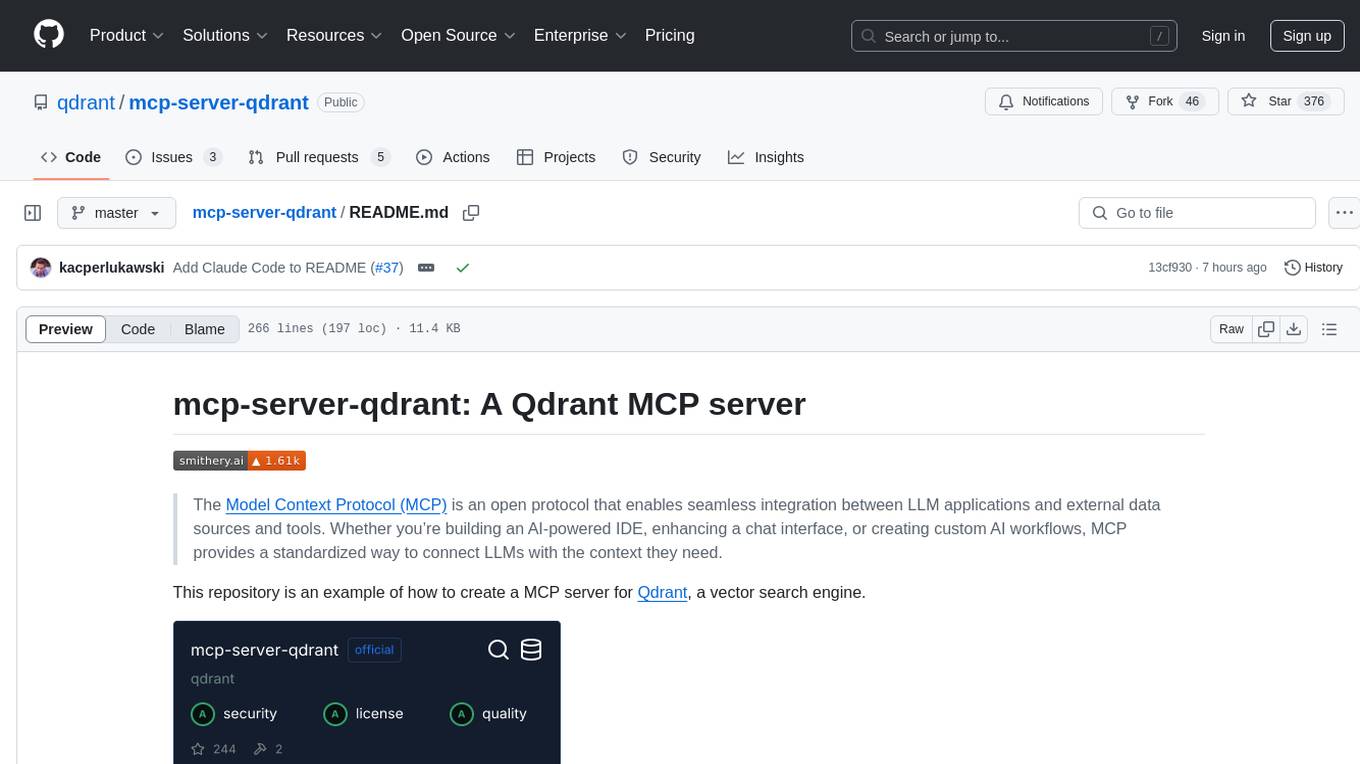
The mcp-server-qdrant repository is an official Model Context Protocol (MCP) server designed for keeping and retrieving memories in the Qdrant vector search engine. It acts as a semantic memory layer on top of the Qdrant database. The server provides tools like 'qdrant-store' for storing information in the database and 'qdrant-find' for retrieving relevant information. Configuration is done using environment variables, and the server supports different transport protocols. It can be installed using 'uvx' or Docker, and can also be installed via Smithery for Claude Desktop. The server can be used with Cursor/Windsurf as a code search tool by customizing tool descriptions. It can store code snippets and help developers find specific implementations or usage patterns. The repository is licensed under the Apache License 2.0.
pacha
Pacha is an AI tool designed for retrieving context for natural language queries using a SQL interface and Python programming environment. It is optimized for working with Hasura DDN for multi-source querying. Pacha is used in conjunction with language models to produce informed responses in AI applications, agents, and chatbots.
gpt-cli
gpt-cli is a command-line interface tool for interacting with various chat language models like ChatGPT, Claude, and others. It supports model customization, usage tracking, keyboard shortcuts, multi-line input, markdown support, predefined messages, and multiple assistants. Users can easily switch between different assistants, define custom assistants, and configure model parameters and API keys in a YAML file for easy customization and management.

raglite
RAGLite is a Python toolkit for Retrieval-Augmented Generation (RAG) with PostgreSQL or SQLite. It offers configurable options for choosing LLM providers, database types, and rerankers. The toolkit is fast and permissive, utilizing lightweight dependencies and hardware acceleration. RAGLite provides features like PDF to Markdown conversion, multi-vector chunk embedding, optimal semantic chunking, hybrid search capabilities, adaptive retrieval, and improved output quality. It is extensible with a built-in Model Context Protocol server, customizable ChatGPT-like frontend, document conversion to Markdown, and evaluation tools. Users can configure RAGLite for various tasks like configuring, inserting documents, running RAG pipelines, computing query adapters, evaluating performance, running MCP servers, and serving frontends.
For similar tasks
mlp-mixer-pytorch
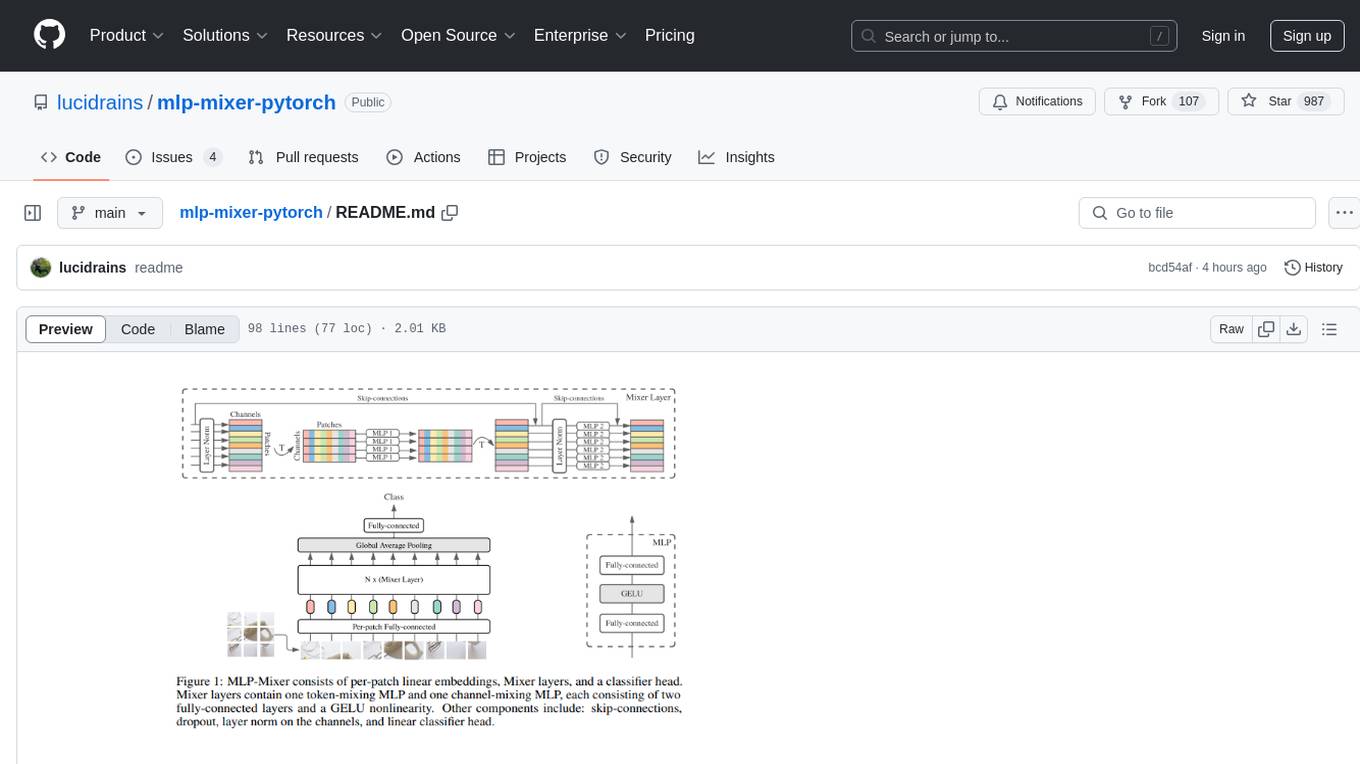
MLP Mixer - Pytorch is an all-MLP solution for vision tasks, developed by Google AI, implemented in Pytorch. It provides an architecture that does not require convolutions or attention mechanisms, offering an alternative approach for image and video processing. The tool is designed to handle tasks related to image classification and video recognition, utilizing multi-layer perceptrons (MLPs) for feature extraction and classification. Users can easily install the tool using pip and integrate it into their Pytorch projects to experiment with MLP-based vision models.
ppt2desc
ppt2desc is a command-line tool that converts PowerPoint presentations into detailed textual descriptions using vision language models. It interprets and describes visual elements, capturing the full semantic meaning of each slide in a machine-readable format. The tool supports various model providers and offers features like converting PPT/PPTX files to semantic descriptions, processing individual files or directories, visual elements interpretation, rate limiting for API calls, customizable prompts, and JSON output format for easy integration.
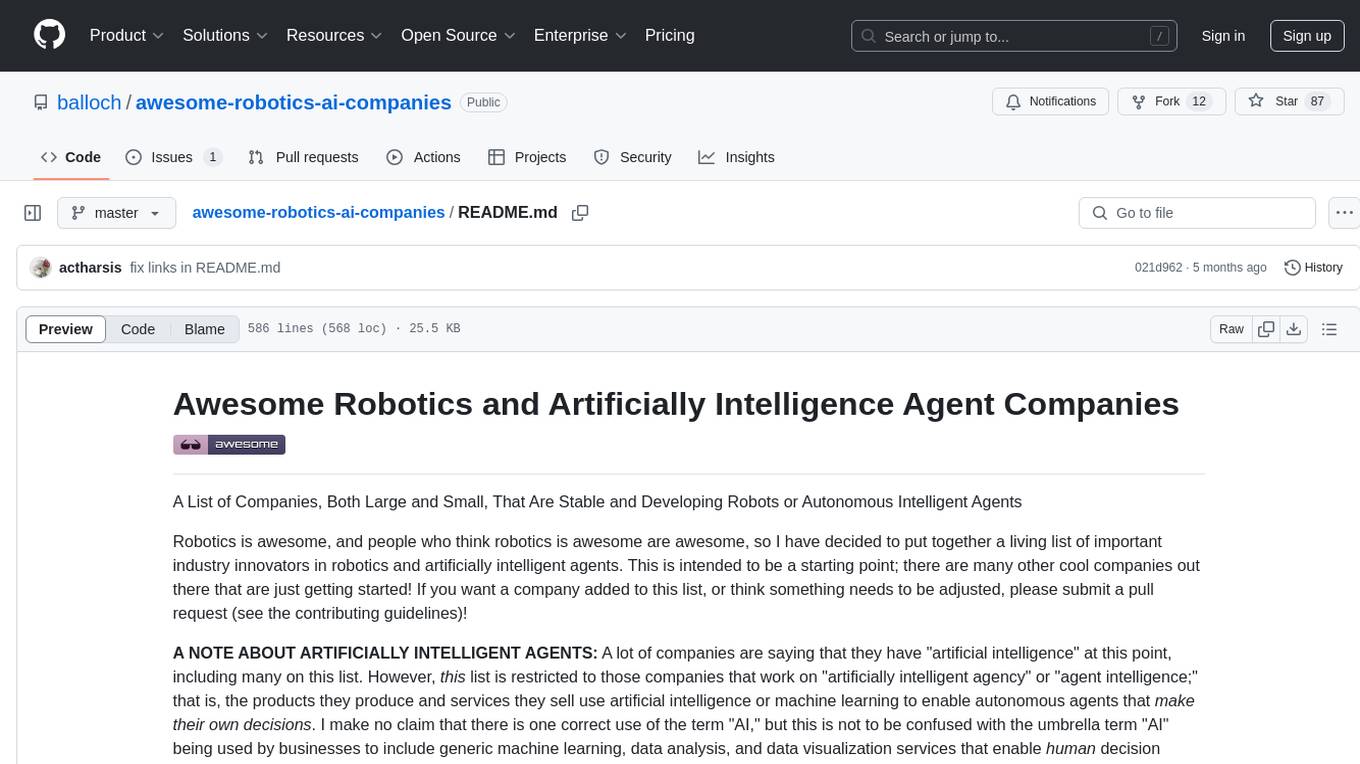
awesome-robotics-ai-companies
A curated list of companies in the robotics and artificially intelligent agents industry, including large companies, stable start-ups, non-profits, and government research labs. The list covers companies working on autonomous vehicles, robotics, artificial intelligence, machine learning, computer vision, and more. It aims to showcase industry innovators and important players in the field of robotics and AI.
For similar jobs
SLR-FC
This repository provides a comprehensive collection of AI tools and resources to enhance literature reviews. It includes a curated list of AI tools for various tasks, such as identifying research gaps, discovering relevant papers, visualizing paper content, and summarizing text. Additionally, the repository offers materials on generative AI, effective prompts, copywriting, image creation, and showcases of AI capabilities. By leveraging these tools and resources, researchers can streamline their literature review process, gain deeper insights from scholarly literature, and improve the quality of their research outputs.
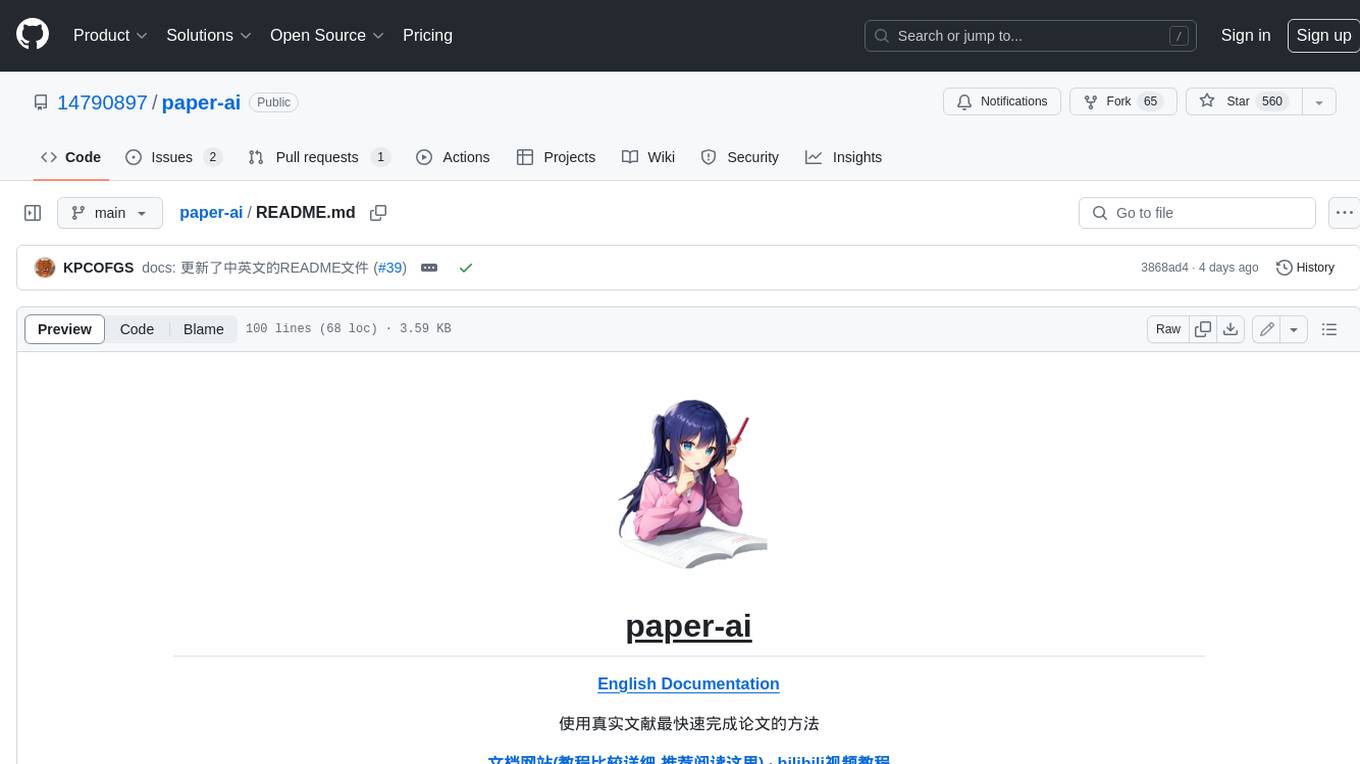
paper-ai
Paper-ai is a tool that helps you write papers using artificial intelligence. It provides features such as AI writing assistance, reference searching, and editing and formatting tools. With Paper-ai, you can quickly and easily create high-quality papers.
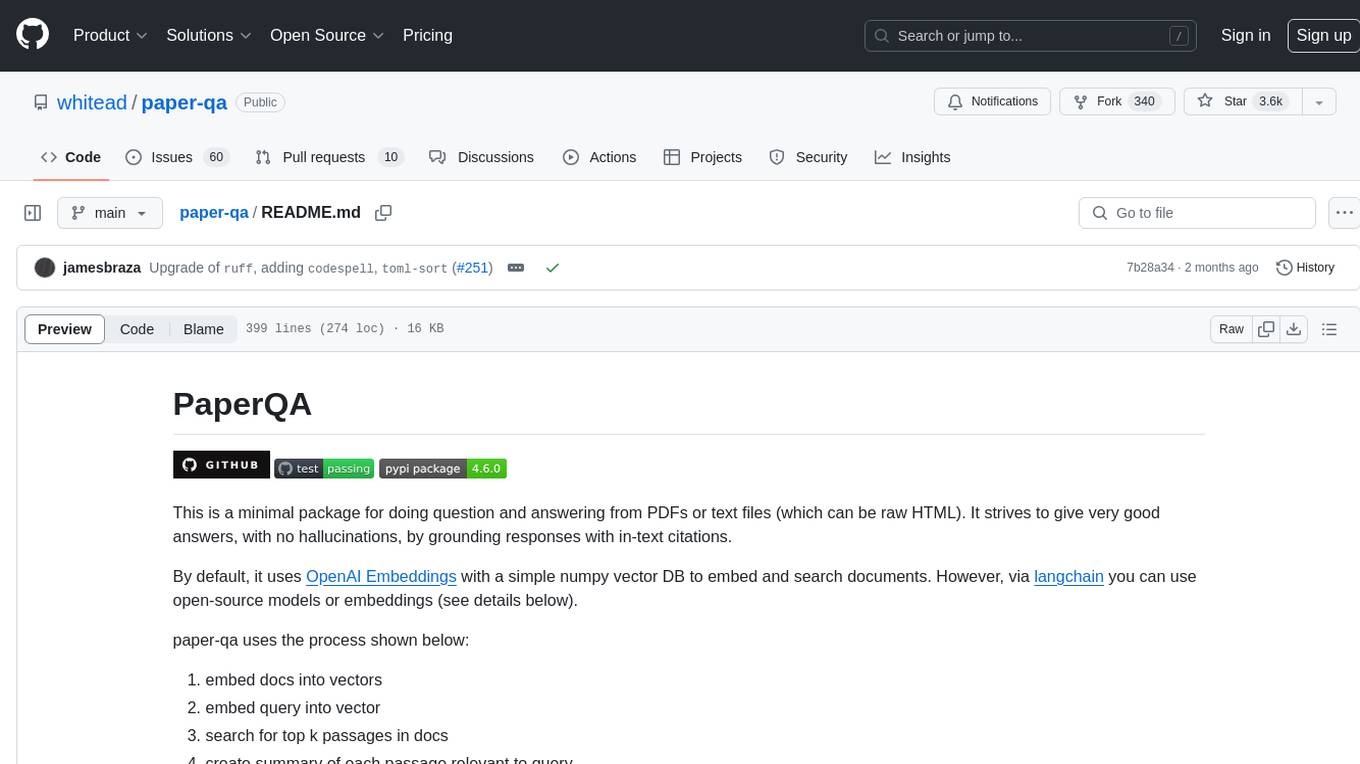
paper-qa
PaperQA is a minimal package for question and answering from PDFs or text files, providing very good answers with in-text citations. It uses OpenAI Embeddings to embed and search documents, and follows a process of embedding docs and queries, searching for top passages, creating summaries, scoring and selecting relevant summaries, putting summaries into prompt, and generating answers. Users can customize prompts and use various models for embeddings and LLMs. The tool can be used asynchronously and supports adding documents from paths, files, or URLs.
ChatData
ChatData is a robust chat-with-documents application designed to extract information and provide answers by querying the MyScale free knowledge base or uploaded documents. It leverages the Retrieval Augmented Generation (RAG) framework, millions of Wikipedia pages, and arXiv papers. Features include self-querying retriever, VectorSQL, session management, and building a personalized knowledge base. Users can effortlessly navigate vast data, explore academic papers, and research documents. ChatData empowers researchers, students, and knowledge enthusiasts to unlock the true potential of information retrieval.
noScribe
noScribe is an AI-based software designed for automated audio transcription, specifically tailored for transcribing interviews for qualitative social research or journalistic purposes. It is a free and open-source tool that runs locally on the user's computer, ensuring data privacy. The software can differentiate between speakers and supports transcription in 99 languages. It includes a user-friendly editor for reviewing and correcting transcripts. Developed by Kai Dröge, a PhD in sociology with a background in computer science, noScribe aims to streamline the transcription process and enhance the efficiency of qualitative analysis.
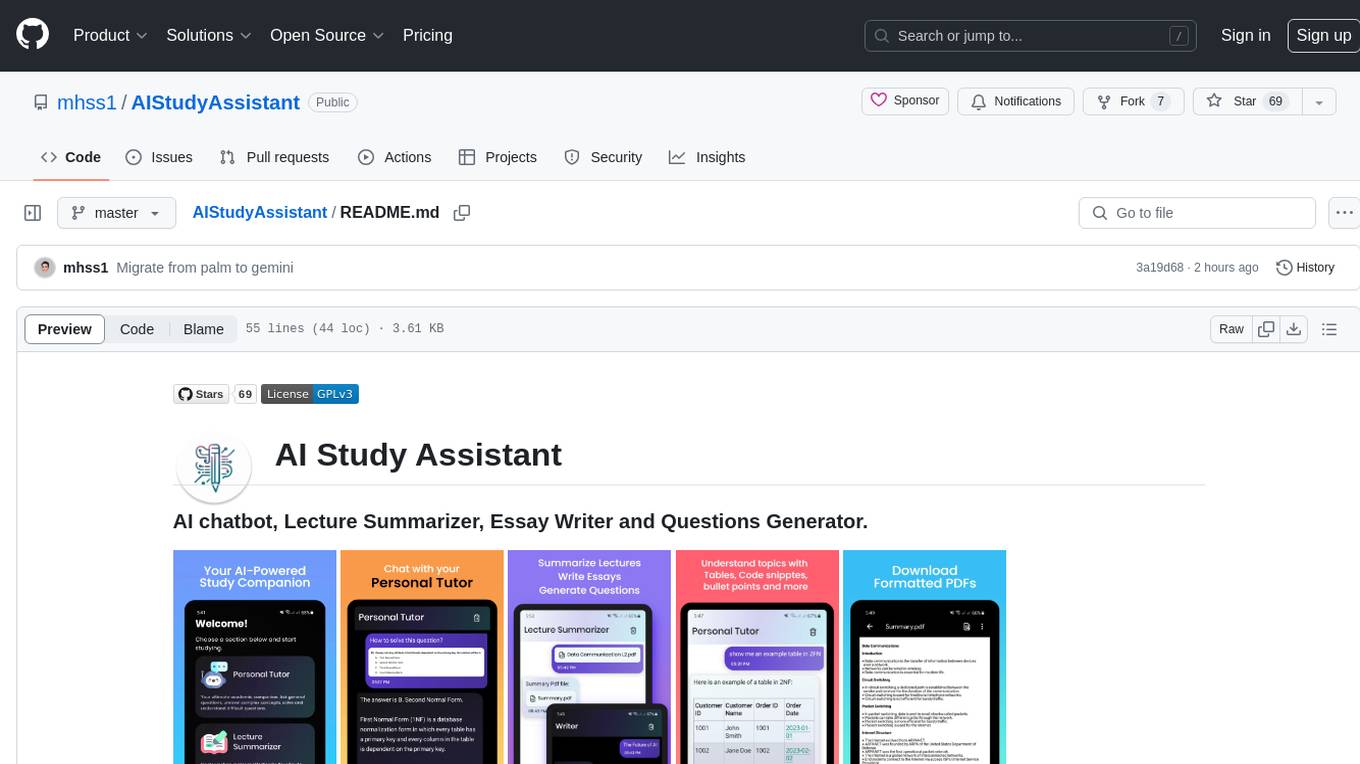
AIStudyAssistant
AI Study Assistant is an app designed to enhance learning experience and boost academic performance. It serves as a personal tutor, lecture summarizer, writer, and question generator powered by Google PaLM 2. Features include interacting with an AI chatbot, summarizing lectures, generating essays, and creating practice questions. The app is built using 100% Kotlin, Jetpack Compose, Clean Architecture, and MVVM design pattern, with technologies like Ktor, Room DB, Hilt, and Kotlin coroutines. AI Study Assistant aims to provide comprehensive AI-powered assistance for students in various academic tasks.
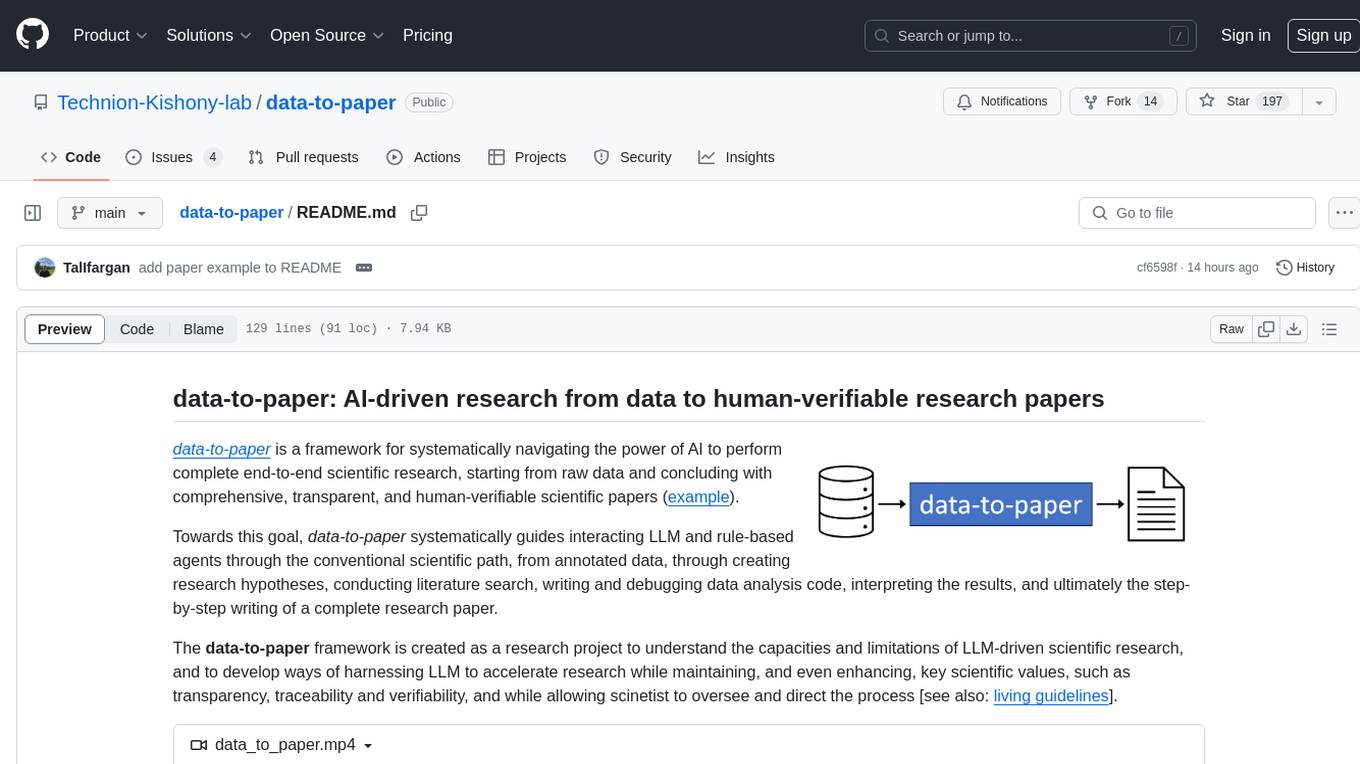
data-to-paper
Data-to-paper is an AI-driven framework designed to guide users through the process of conducting end-to-end scientific research, starting from raw data to the creation of comprehensive and human-verifiable research papers. The framework leverages a combination of LLM and rule-based agents to assist in tasks such as hypothesis generation, literature search, data analysis, result interpretation, and paper writing. It aims to accelerate research while maintaining key scientific values like transparency, traceability, and verifiability. The framework is field-agnostic, supports both open-goal and fixed-goal research, creates data-chained manuscripts, involves human-in-the-loop interaction, and allows for transparent replay of the research process.
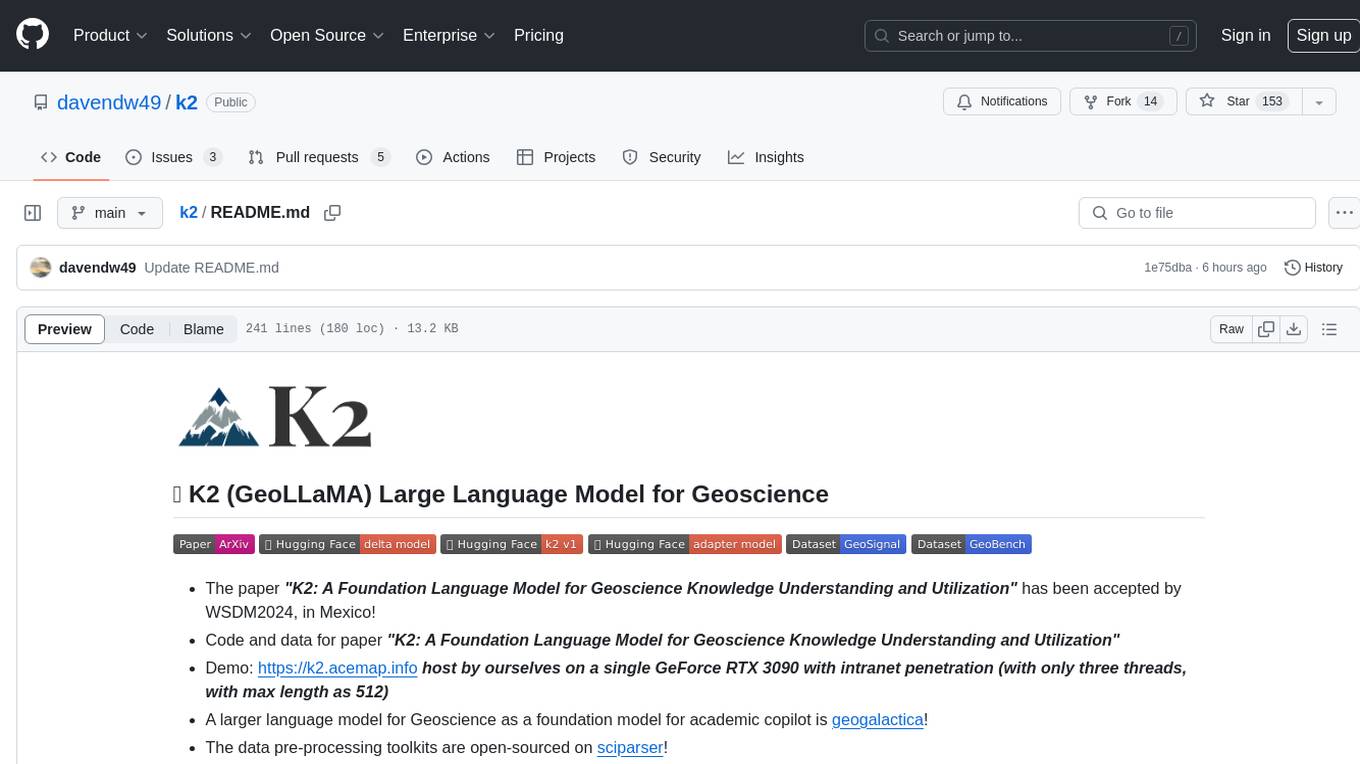
k2
K2 (GeoLLaMA) is a large language model for geoscience, trained on geoscience literature and fine-tuned with knowledge-intensive instruction data. It outperforms baseline models on objective and subjective tasks. The repository provides K2 weights, core data of GeoSignal, GeoBench benchmark, and code for further pretraining and instruction tuning. The model is available on Hugging Face for use. The project aims to create larger and more powerful geoscience language models in the future.