


echokit_server
Open Source Voice Agent Platform
Stars: 540
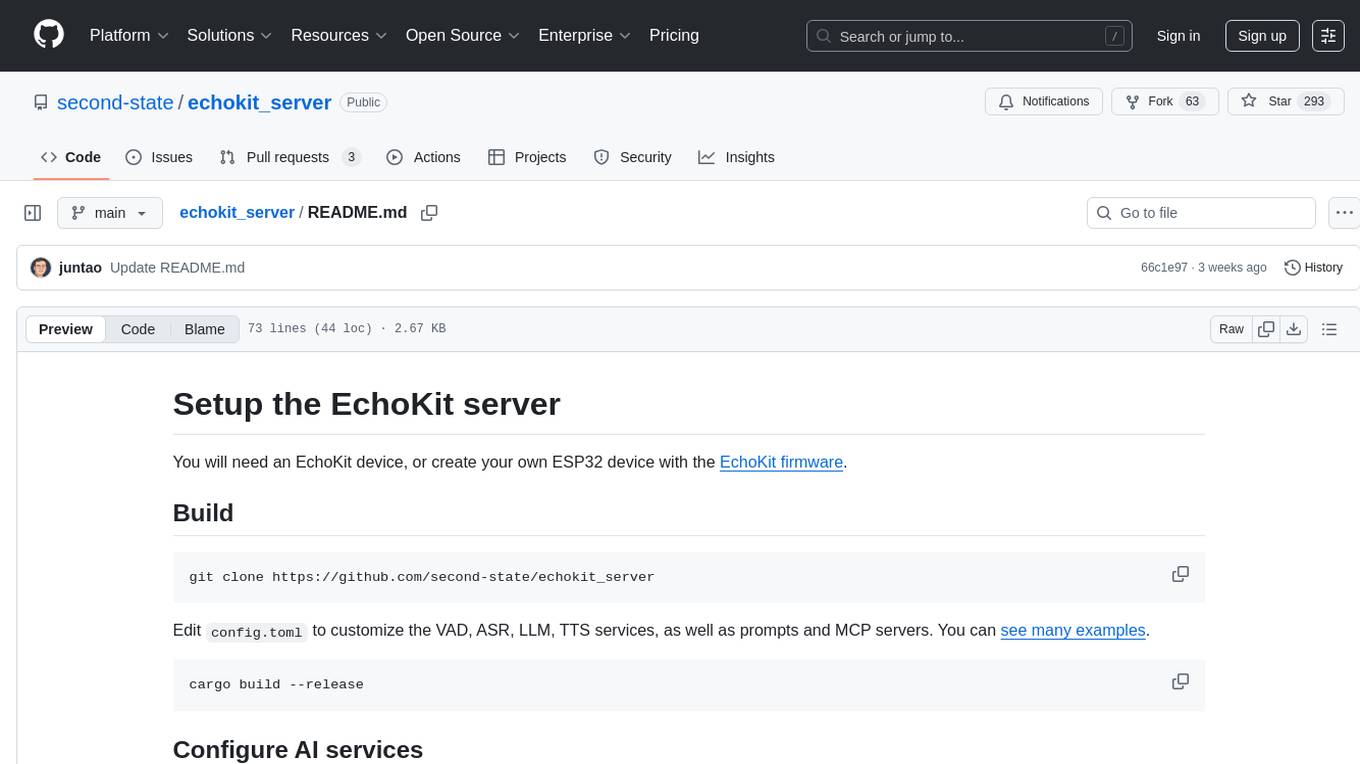
Echokit_server is a lightweight and efficient server-side implementation of the Amazon Alexa Voice Service (AVS) SDK. It allows developers to easily integrate Alexa voice capabilities into their own applications or devices. The server handles the communication with the Alexa Voice Service API, manages user interactions, and processes voice commands. Echokit_server provides a simple and flexible solution for adding voice-controlled features to a wide range of projects, such as smart home devices, IoT applications, and voice-enabled services.
README:
EchoKit Server is the central component that manages communication between the EchoKit device and AI services. It can be deployed locally or connected to preset servers, allowing developers to customize LLM endpoints, plan the LLM prompt, configure speech models, and integrate additional AI features like MCP servers.
You will need an EchoKit device, or create your own ESP32 device with the EchoKit firmware.
EchoKit Server powers the full voice–AI interaction loop, making it easy for developers to run end-to-end speech pipelines with flexible model choices and custom integrations.
Seamlessly connect ASR → LLM → TTS for real-time, natural conversations. Each stage can be configured independently with your preferred models or APIs.
- ASR (Speech Recognition): Works with any API that’s OpenAI-compatible.
- LLM (Language Model): Connect to any OpenAI-spec endpoint — local or cloud.
-
TTS (Text-to-Speech): Use any OpenAI-spec voice model for flexible deployment.
- ElevenLabs (Streaming Mode)
Out-of-the-box support for:
- Gemini — Google’s multimodal model
- Qwen Real-Time — Alibaba’s powerful open LLM
- Deploy locally or connect to remote inference servers
- Define your own LLM prompts and response workflows
- Configure speech and voice models for different personas or use cases
- Integrate MCP servers for extended functionality
git clone https://github.com/second-state/echokit_server
Edit config.toml to customize the VAD, ASR, LLM, TTS services, as well as prompts and MCP servers. You can see many examples.
cargo build --release
Note for aarch64 (ARM64) builds: When cross-compiling for aarch64, the required fp16 target feature is automatically enabled via .cargo/config.toml. If building natively on aarch64, you may need to set:
RUSTFLAGS="-C target-feature=+fp16" cargo build --release
The config.toml can use any combination of open-source or proprietary AI services, as long as they offer OpenAI-compatible API endpoints. Here are instructions to start open source AI servers for the EchoKit server.
- ASR: https://llamaedge.com/docs/ai-models/speech-to-text/quick-start-whisper
- LLM: https://llamaedge.com/docs/ai-models/llm/quick-start-llm
- Streaming TTS: https://github.com/second-state/gsv_tts
Alternatively, you could use Google Gemini Live services for VAD + ASR + LLM, and even optionally, TTS. See config.toml examples.
You can also configure MCP servers to give the EchoKit server tool use capabilities.
The hello.wav file on the server is sent to the EchoKit device when it connects. It is the voice prompt the device will say to tell the user that it is ready.
export RUST_LOG=debug
nohup target/release/echokit_server &
Go here: https://echokit.dev/chat/
Click on the link to save the index.html file to your local hard disk.
Double click the local index.html file and open it in your browser.
In the web page, set the URL to your own EchoKit server address, and start chatting!
Go to web page: https://echokit.dev/setup/ and use Bluetooth to connect to the GAIA ESP332 device.

Configure WiFi and server
- WiFi SSID (e.g.,
MyHome) - WiFi password (e.g.,
MyPassword) - Web Socket server URL for
echokit_server- US:
ws://indie.echokit.dev/ws/ - Taiwan:
ws://tw.echokit.dev/ws/ - Rest of the world:
ws://edge.echokit.dev/ws/
- US:

Chat: press the K0 button once or multiple times until the status bar shows "Ready". You can now speak and it will show "Listening ...". The device answers after it decides that you have done speaking.
Config: press RST. While it is restarting, press and hold K0 to enter the configuration mode. Then open the configuration UI to connect to the device via BT.
For Tasks:
Click tags to check more tools for each tasksFor Jobs:
Alternative AI tools for echokit_server
Similar Open Source Tools
echokit_server
Echokit_server is a lightweight and efficient server-side implementation of the Amazon Alexa Voice Service (AVS) SDK. It allows developers to easily integrate Alexa voice capabilities into their own applications or devices. The server handles the communication with the Alexa Voice Service API, manages user interactions, and processes voice commands. Echokit_server provides a simple and flexible solution for adding voice-controlled features to a wide range of projects, such as smart home devices, IoT applications, and voice-enabled services.
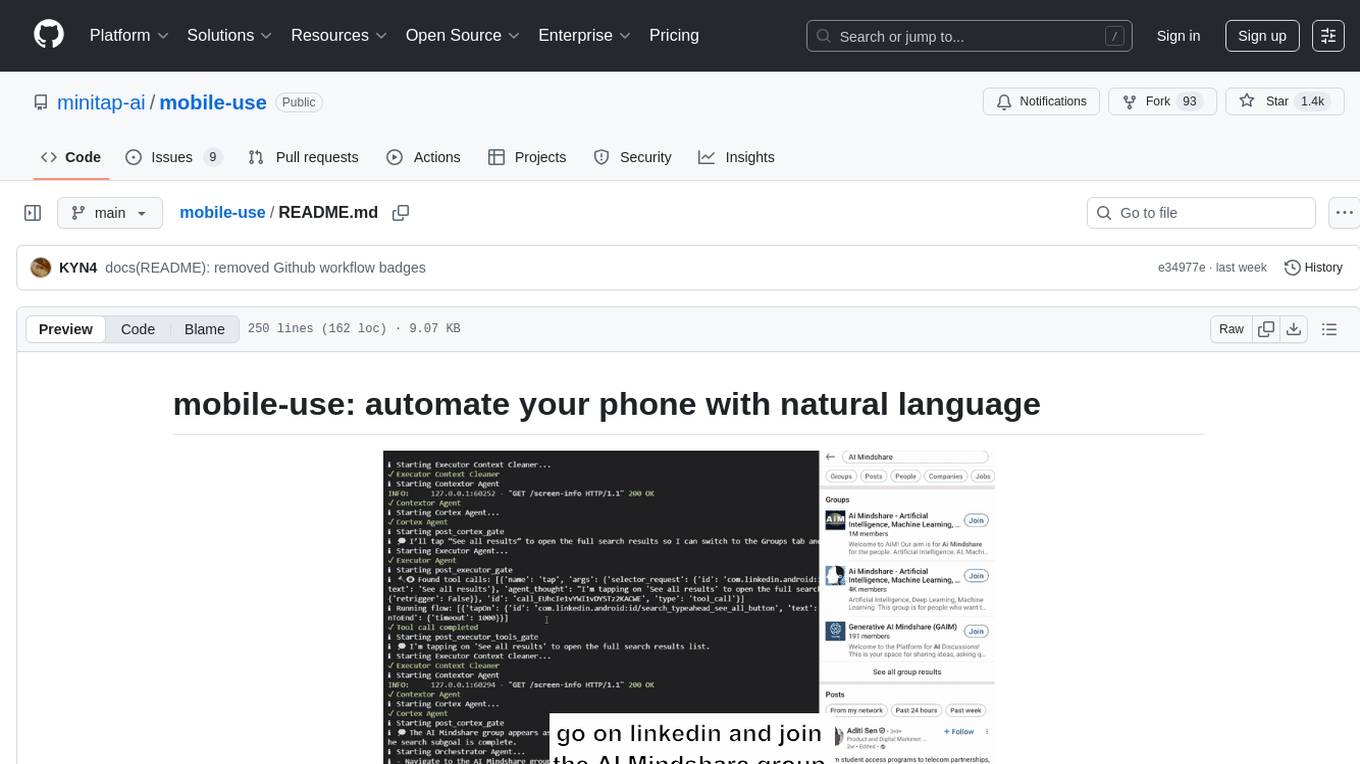
mobile-use
Mobile-use is an open-source AI agent that controls Android or IOS devices using natural language. It understands commands to perform tasks like sending messages and navigating apps. Features include natural language control, UI-aware automation, data scraping, and extensibility. Users can automate their mobile experience by setting up environment variables, customizing LLM configurations, and launching the tool via Docker or manually for development. The tool supports physical Android phones, Android simulators, and iOS simulators. Contributions are welcome, and the project is licensed under MIT.
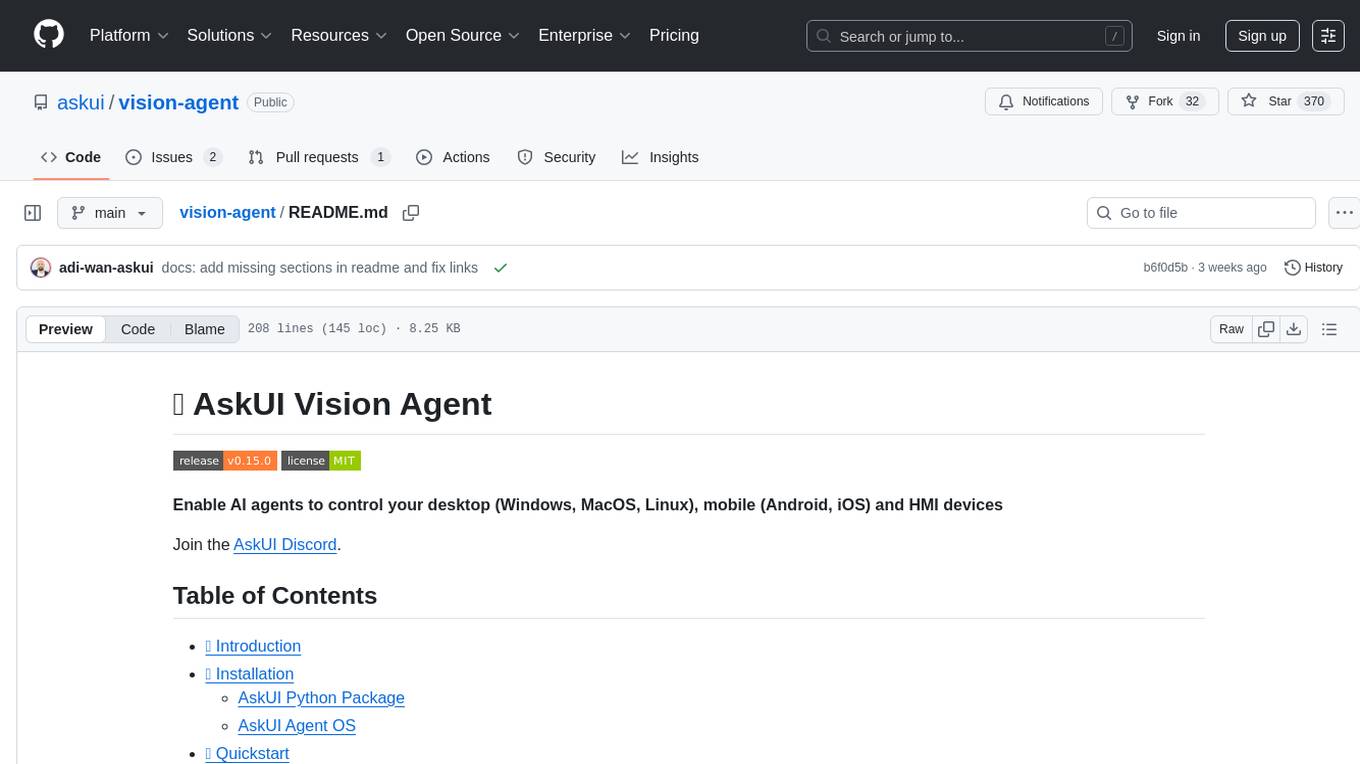
vision-agent
AskUI Vision Agent is a powerful automation framework that enables you and AI agents to control your desktop, mobile, and HMI devices and automate tasks. It supports multiple AI models, multi-platform compatibility, and enterprise-ready features. The tool provides support for Windows, Linux, MacOS, Android, and iOS device automation, single-step UI automation commands, in-background automation on Windows machines, flexible model use, and secure deployment of agents in enterprise environments.
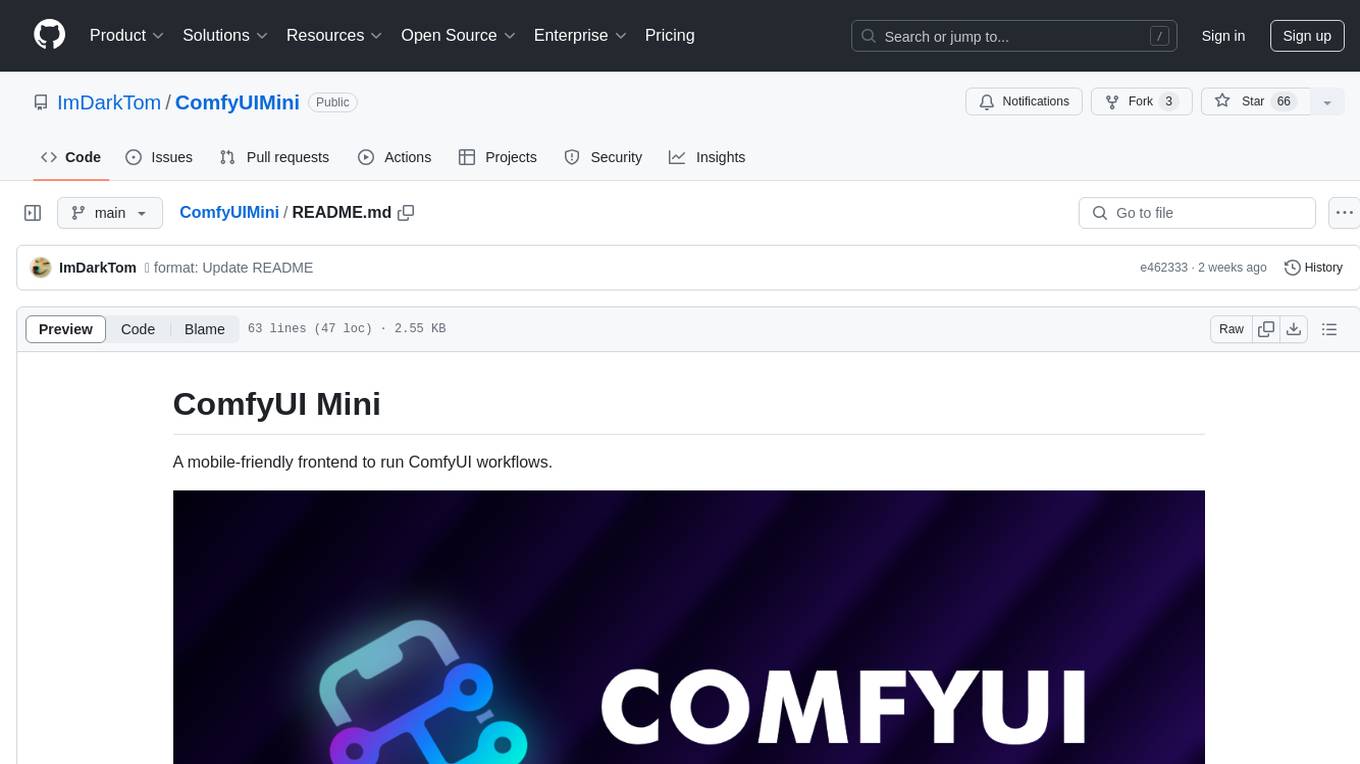
ComfyUIMini
ComfyUI Mini is a lightweight and mobile-friendly frontend designed to run ComfyUI workflows. It allows users to save workflows locally on their device or PC, easily import workflows, and view generation progress information. The tool requires ComfyUI to be installed on the PC and a modern browser with WebSocket support on the mobile device. Users can access the WebUI by running the app and connecting to the local address of the PC. ComfyUI Mini provides a simple and efficient way to manage workflows on mobile devices.
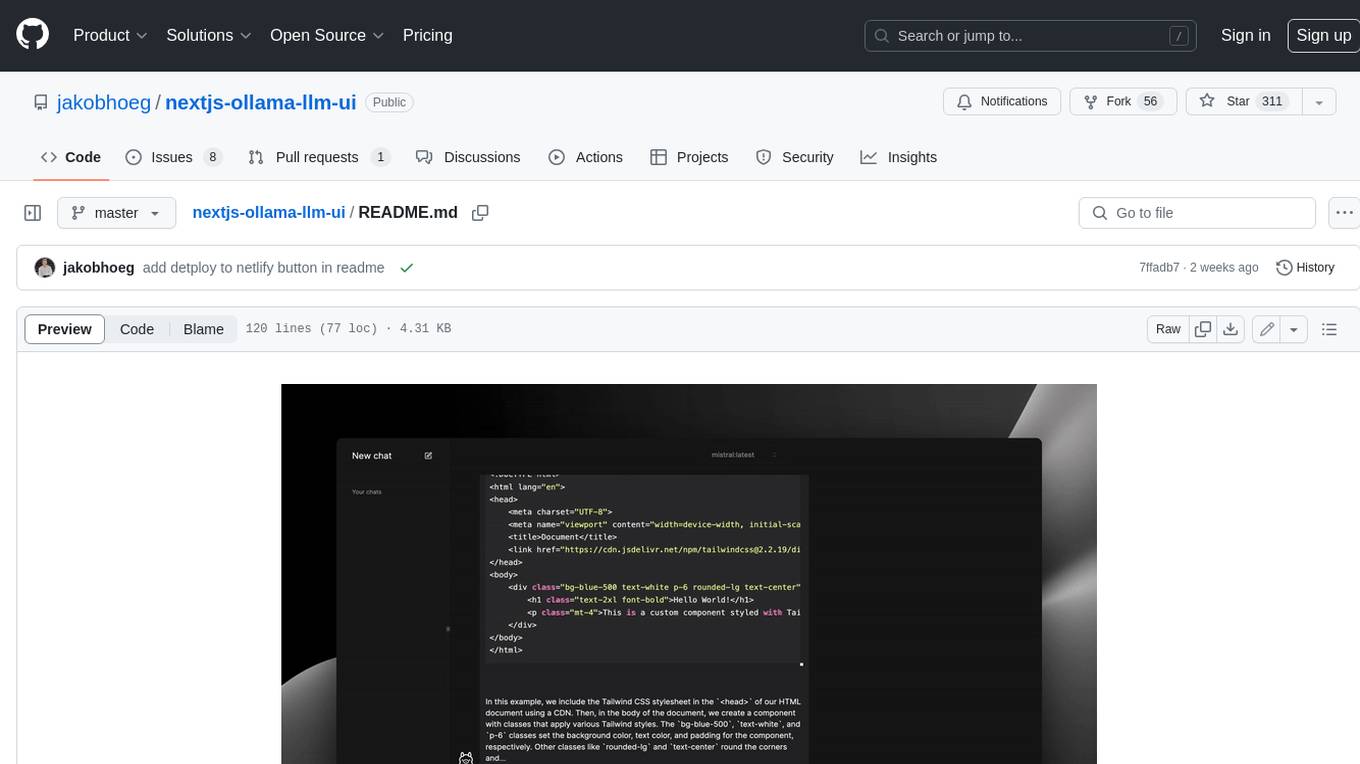
nextjs-ollama-llm-ui
This web interface provides a user-friendly and feature-rich platform for interacting with Ollama Large Language Models (LLMs). It offers a beautiful and intuitive UI inspired by ChatGPT, making it easy for users to get started with LLMs. The interface is fully local, storing chats in local storage for convenience, and fully responsive, allowing users to chat on their phones with the same ease as on a desktop. It features easy setup, code syntax highlighting, and the ability to easily copy codeblocks. Users can also download, pull, and delete models directly from the interface, and switch between models quickly. Chat history is saved and easily accessible, and users can choose between light and dark mode. To use the web interface, users must have Ollama downloaded and running, and Node.js (18+) and npm installed. Installation instructions are provided for running the interface locally. Upcoming features include the ability to send images in prompts, regenerate responses, import and export chats, and add voice input support.
clearml-server
ClearML Server is a backend service infrastructure for ClearML, facilitating collaboration and experiment management. It includes a web app, RESTful API, and file server for storing images and models. Users can deploy ClearML Server using Docker, AWS EC2 AMI, or Kubernetes. The system design supports single IP or sub-domain configurations with specific open ports. ClearML-Agent Services container allows launching long-lasting jobs and various use cases like auto-scaler service, controllers, optimizer, and applications. Advanced functionality includes web login authentication and non-responsive experiments watchdog. Upgrading ClearML Server involves stopping containers, backing up data, downloading the latest docker-compose.yml file, configuring ClearML-Agent Services, and spinning up docker containers. Community support is available through ClearML FAQ, Stack Overflow, GitHub issues, and email contact.
transcriptionstream
Transcription Stream is a self-hosted diarization service that works offline, allowing users to easily transcribe and summarize audio files. It includes a web interface for file management, Ollama for complex operations on transcriptions, and Meilisearch for fast full-text search. Users can upload files via SSH or web interface, with output stored in named folders. The tool requires a NVIDIA GPU and provides various scripts for installation and running. Ports for SSH, HTTP, Ollama, and Meilisearch are specified, along with access details for SSH server and web interface. Customization options and troubleshooting tips are provided in the documentation.
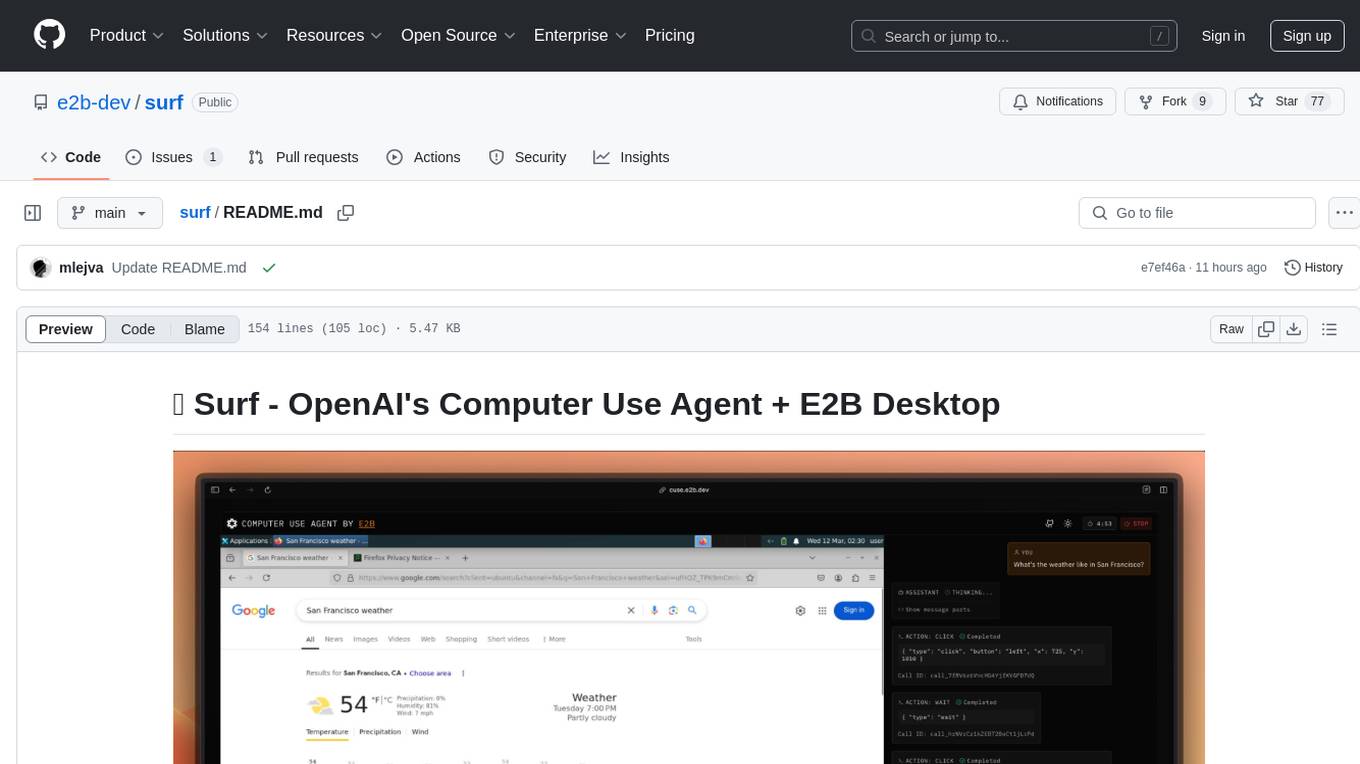
surf
Surf is a Next.js application that integrates E2B's desktop sandbox with OpenAI's API to create an AI agent that can perform tasks on a virtual computer through natural language instructions. It provides a web interface for users to start a virtual desktop sandbox environment, send instructions to the AI agent, watch AI actions in real-time, and interact with the AI through a chat interface. The application uses Server-Sent Events (SSE) for seamless communication between frontend and backend components.
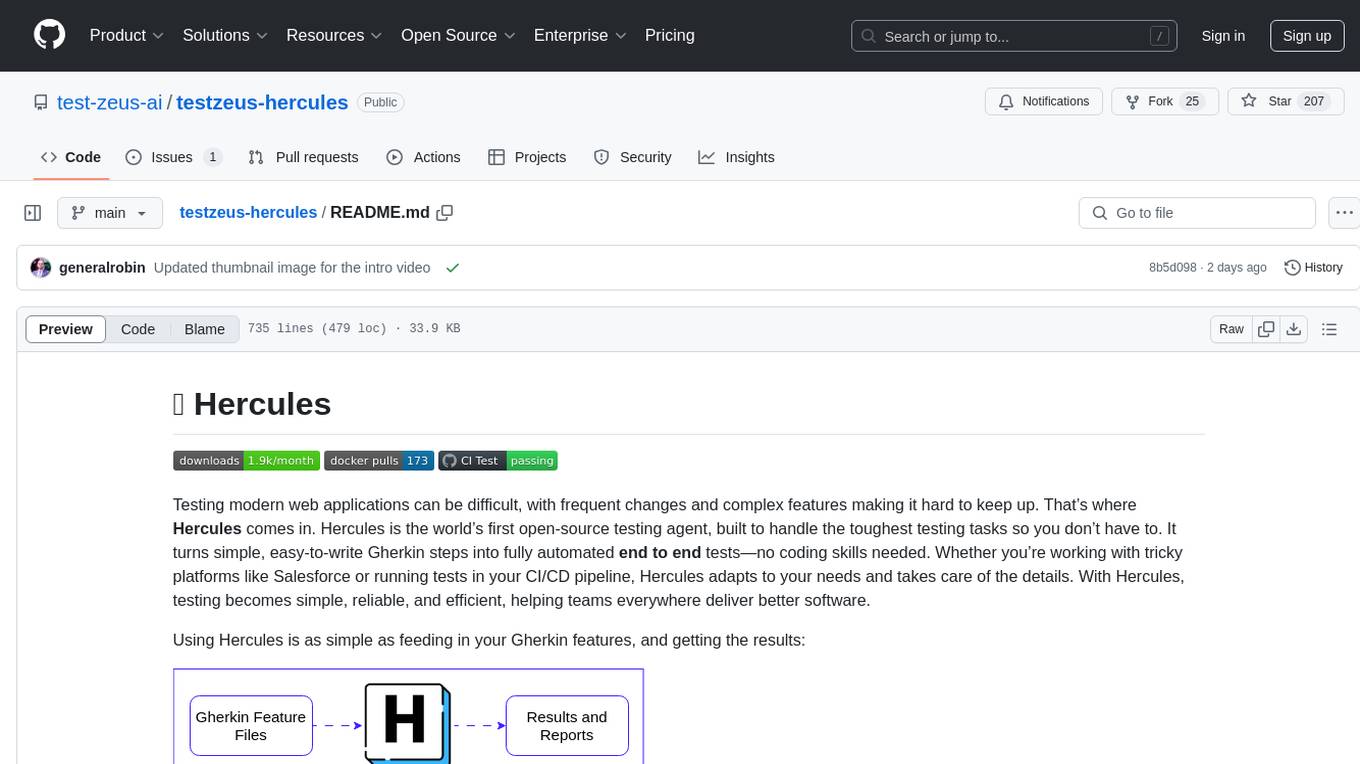
testzeus-hercules
Hercules is the world’s first open-source testing agent designed to handle the toughest testing tasks for modern web applications. It turns simple Gherkin steps into fully automated end-to-end tests, making testing simple, reliable, and efficient. Hercules adapts to various platforms like Salesforce and is suitable for CI/CD pipelines. It aims to democratize and disrupt test automation, making top-tier testing accessible to everyone. The tool is transparent, reliable, and community-driven, empowering teams to deliver better software. Hercules offers multiple ways to get started, including using PyPI package, Docker, or building and running from source code. It supports various AI models, provides detailed installation and usage instructions, and integrates with Nuclei for security testing and WCAG for accessibility testing. The tool is production-ready, open core, and open source, with plans for enhanced LLM support, advanced tooling, improved DOM distillation, community contributions, extensive documentation, and a bounty program.
Toolify
Toolify is a middleware proxy that empowers Large Language Models (LLMs) and OpenAI API interfaces by enabling function calling capabilities. It acts as an intermediary between applications and LLM APIs, injecting prompts and parsing tool calls from the model's response. Key features include universal function calling, multiple function calls support, flexible initiation, compatibility with
LLMstudio
LLMstudio by TensorOps is a platform that offers prompt engineering tools for accessing models from providers like OpenAI, VertexAI, and Bedrock. It provides features such as Python Client Gateway, Prompt Editing UI, History Management, and Context Limit Adaptability. Users can track past runs, log costs and latency, and export history to CSV. The tool also supports automatic switching to larger-context models when needed. Coming soon features include side-by-side comparison of LLMs, automated testing, API key administration, project organization, and resilience against rate limits. LLMstudio aims to streamline prompt engineering, provide execution history tracking, and enable effortless data export, offering an evolving environment for teams to experiment with advanced language models.
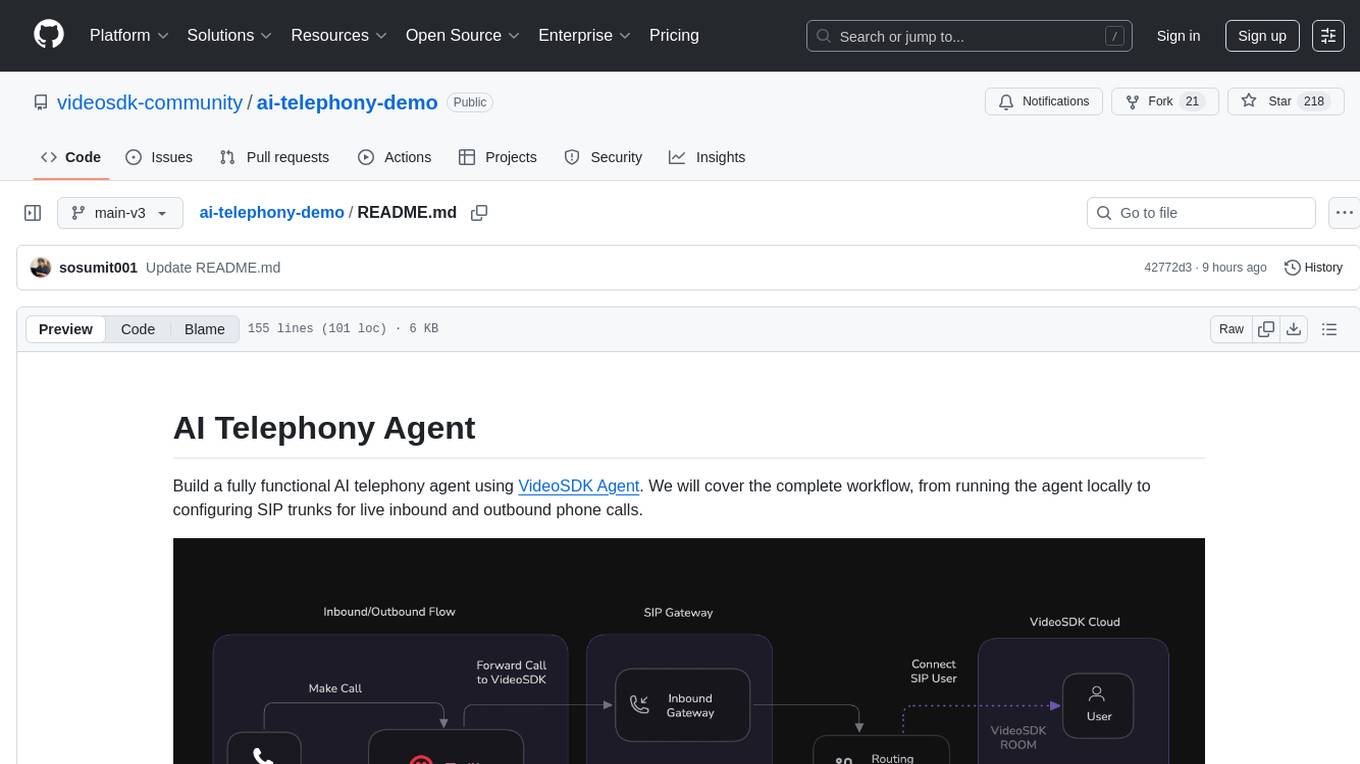
ai-telephony-demo
Build a fully functional AI telephony agent using VideoSDK Agent. The project covers setting up the agent locally, configuring SIP trunks for inbound and outbound calls, and connecting the agent to the phone network. It provides step-by-step instructions, including creating environment variables, installing dependencies, and running the Python script. The agent can handle incoming calls, greet users, engage in conversations using natural speech, and respond using the Gemini Live model with voice synthesis. Additionally, it explains how to make outbound calls through API requests to the VideoSDK SIP endpoint. The project aims to help users create and deploy an AI agent for telephony tasks.
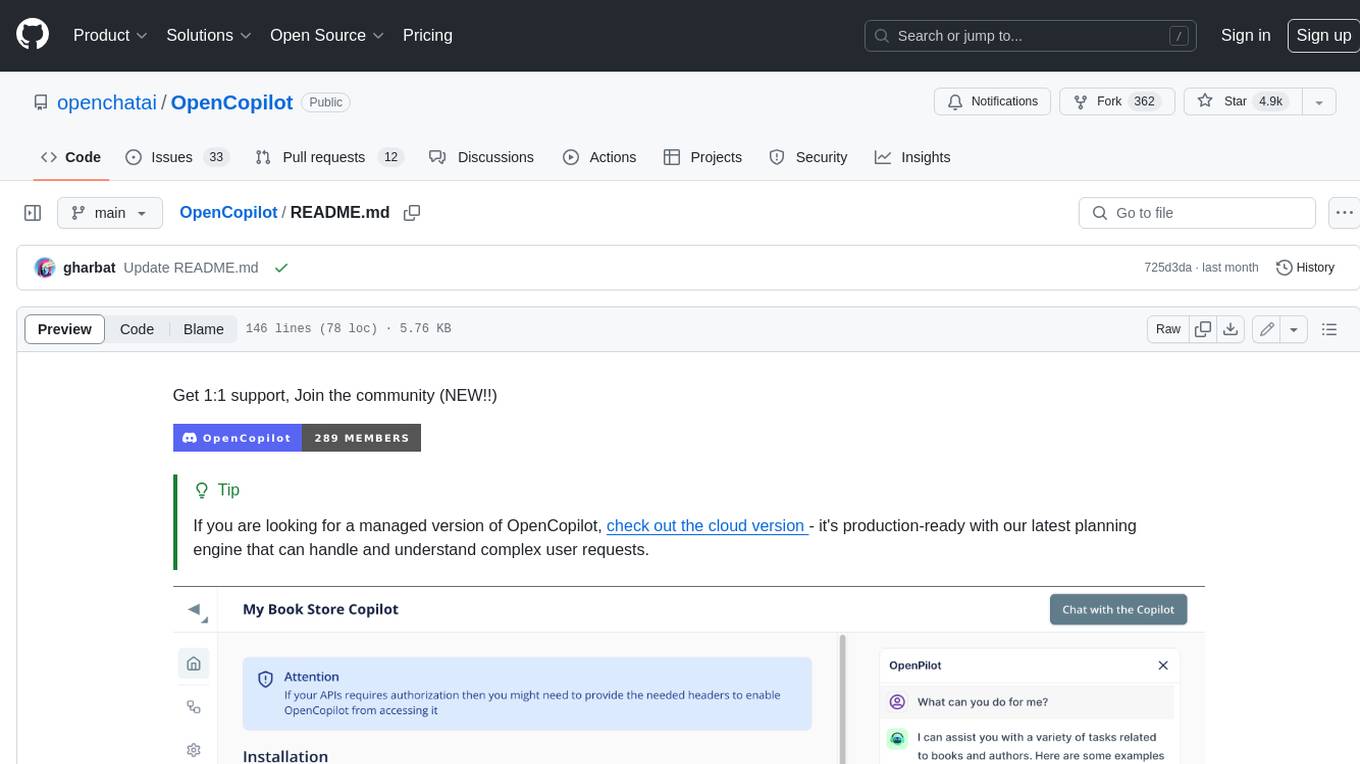
OpenCopilot
OpenCopilot allows you to have your own product's AI copilot. It integrates with your underlying APIs and can execute API calls whenever needed. It uses LLMs to determine if the user's request requires calling an API endpoint. Then, it decides which endpoint to call and passes the appropriate payload based on the given API definition.
restai
RestAI is an AIaaS (AI as a Service) platform that allows users to create and consume AI agents (projects) using a simple REST API. It supports various types of agents, including RAG (Retrieval-Augmented Generation), RAGSQL (RAG for SQL), inference, vision, and router. RestAI features automatic VRAM management, support for any public LLM supported by LlamaIndex or any local LLM supported by Ollama, a user-friendly API with Swagger documentation, and a frontend for easy access. It also provides evaluation capabilities for RAG agents using deepeval.
extensionOS
Extension | OS is an open-source browser extension that brings AI directly to users' web browsers, allowing them to access powerful models like LLMs seamlessly. Users can create prompts, fix grammar, and access intelligent assistance without switching tabs. The extension aims to revolutionize online information interaction by integrating AI into everyday browsing experiences. It offers features like Prompt Factory for tailored prompts, seamless LLM model access, secure API key storage, and a Mixture of Agents feature. The extension was developed to empower users to unleash their creativity with custom prompts and enhance their browsing experience with intelligent assistance.
KlicStudio
Klic Studio is a versatile audio and video localization and enhancement solution developed by Krillin AI. This minimalist yet powerful tool integrates video translation, dubbing, and voice cloning, supporting both landscape and portrait formats. With an end-to-end workflow, users can transform raw materials into beautifully ready-to-use cross-platform content with just a few clicks. The tool offers features like video acquisition, accurate speech recognition, intelligent segmentation, terminology replacement, professional translation, voice cloning, video composition, and cross-platform support. It also supports various speech recognition services, large language models, and TTS text-to-speech services. Users can easily deploy the tool using Docker and configure it for different tasks like subtitle translation, large model translation, and optional voice services.
For similar tasks
python-projects-2024
Welcome to `OPEN ODYSSEY 1.0` - an Open-source extravaganza for Python and AI/ML Projects. Collaborating with MLH (Major League Hacking), this repository welcomes contributions in the form of fixing outstanding issues, submitting bug reports or new feature requests, adding new projects, implementing new models, and encouraging creativity. Follow the instructions to contribute by forking the repository, cloning it to your PC, creating a new folder for your project, and making a pull request. The repository also features a special Leaderboard for top contributors and offers certificates for all participants and mentors. Follow `OPEN ODYSSEY 1.0` on social media for swift approval of your quest.
aider
Aider is an AI pair programming tool that allows users to collaborate with large language models (LLMs) to edit code in their local git repository. It works best with GPT-4o & Claude 3.5 Sonnet and can connect to almost any LLM. Users can run Aider with specific files, request changes, add new features or test cases, describe bugs, refactor code, update docs, and more. Aider automatically commits changes with sensible messages, supports multiple programming languages, and can handle complex requests by editing multiple files at once. It uses a map of the entire git repo for efficient performance in larger codebases. Users can chat with Aider, add images, URLs, and even code with their voice. Aider has achieved top scores on SWE Bench, solving real GitHub issues from popular open source projects like django, scikitlearn, matplotlib, etc.
echokit_server
Echokit_server is a lightweight and efficient server-side implementation of the Amazon Alexa Voice Service (AVS) SDK. It allows developers to easily integrate Alexa voice capabilities into their own applications or devices. The server handles the communication with the Alexa Voice Service API, manages user interactions, and processes voice commands. Echokit_server provides a simple and flexible solution for adding voice-controlled features to a wide range of projects, such as smart home devices, IoT applications, and voice-enabled services.
vibe-remote
Vibe Remote is a tool that allows developers to code using AI agents through Slack or Discord, eliminating the need for a laptop or IDE. It provides a seamless experience for coding tasks, enabling users to interact with AI agents in real-time, delegate tasks, and monitor progress. The tool supports multiple coding agents, offers a setup wizard for easy installation, and ensures security by running locally on the user's machine. Vibe Remote enhances productivity by reducing context-switching and enabling parallel task execution within isolated workspaces.
aioesphomeapi
aioesphomeapi allows you to interact with devices flashed with ESPHome. ESPHome is an open-source firmware that allows you to control your devices over Wi-Fi or Ethernet. With aioesphomeapi, you can connect to your ESPHome devices, retrieve their status, and control them from your Python code.
Fay
Fay is an open-source digital human framework that offers different versions for various purposes. The '带货完整版' is suitable for online and offline salespersons. The '助理完整版' serves as a human-machine interactive digital assistant that can also control devices upon command. The 'agent版' is designed to be an autonomous agent capable of making decisions and contacting its owner. The framework provides updates and improvements across its different versions, including features like emotion analysis integration, model optimizations, and compatibility enhancements. Users can access detailed documentation for each version through the provided links.
aiohomekit
aiohomekit is a Python library that implements the HomeKit protocol for controlling HomeKit accessories using asyncio. It is primarily used with Home Assistant, targeting the same versions of Python and following their code standards. The library is still under development and does not offer API guarantees yet. It aims to match the behavior of real HAP controllers, even when not strictly specified, and works around issues like JSON formatting, boolean encoding, header sensitivity, and TCP packet splitting. aiohomekit is primarily tested with Phillips Hue and Eve Extend bridges via Home Assistant, but is known to work with many more devices. It does not support BLE accessories and is intended for client-side use only.

OmniSteward
OmniSteward is an AI-powered steward system based on large language models that can interact with users through voice or text to help control smart home devices and computer programs. It supports multi-turn dialogue, tool calling for complex tasks, multiple LLM models, voice recognition, smart home control, computer program management, online information retrieval, command line operations, and file management. The system is highly extensible, allowing users to customize and share their own tools.
For similar jobs

sweep
Sweep is an AI junior developer that turns bugs and feature requests into code changes. It automatically handles developer experience improvements like adding type hints and improving test coverage.

teams-ai
The Teams AI Library is a software development kit (SDK) that helps developers create bots that can interact with Teams and Microsoft 365 applications. It is built on top of the Bot Framework SDK and simplifies the process of developing bots that interact with Teams' artificial intelligence capabilities. The SDK is available for JavaScript/TypeScript, .NET, and Python.

ai-guide
This guide is dedicated to Large Language Models (LLMs) that you can run on your home computer. It assumes your PC is a lower-end, non-gaming setup.

classifai
Supercharge WordPress Content Workflows and Engagement with Artificial Intelligence. Tap into leading cloud-based services like OpenAI, Microsoft Azure AI, Google Gemini and IBM Watson to augment your WordPress-powered websites. Publish content faster while improving SEO performance and increasing audience engagement. ClassifAI integrates Artificial Intelligence and Machine Learning technologies to lighten your workload and eliminate tedious tasks, giving you more time to create original content that matters.

chatbot-ui
Chatbot UI is an open-source AI chat app that allows users to create and deploy their own AI chatbots. It is easy to use and can be customized to fit any need. Chatbot UI is perfect for businesses, developers, and anyone who wants to create a chatbot.

BricksLLM
BricksLLM is a cloud native AI gateway written in Go. Currently, it provides native support for OpenAI, Anthropic, Azure OpenAI and vLLM. BricksLLM aims to provide enterprise level infrastructure that can power any LLM production use cases. Here are some use cases for BricksLLM: * Set LLM usage limits for users on different pricing tiers * Track LLM usage on a per user and per organization basis * Block or redact requests containing PIIs * Improve LLM reliability with failovers, retries and caching * Distribute API keys with rate limits and cost limits for internal development/production use cases * Distribute API keys with rate limits and cost limits for students

uAgents
uAgents is a Python library developed by Fetch.ai that allows for the creation of autonomous AI agents. These agents can perform various tasks on a schedule or take action on various events. uAgents are easy to create and manage, and they are connected to a fast-growing network of other uAgents. They are also secure, with cryptographically secured messages and wallets.

griptape
Griptape is a modular Python framework for building AI-powered applications that securely connect to your enterprise data and APIs. It offers developers the ability to maintain control and flexibility at every step. Griptape's core components include Structures (Agents, Pipelines, and Workflows), Tasks, Tools, Memory (Conversation Memory, Task Memory, and Meta Memory), Drivers (Prompt and Embedding Drivers, Vector Store Drivers, Image Generation Drivers, Image Query Drivers, SQL Drivers, Web Scraper Drivers, and Conversation Memory Drivers), Engines (Query Engines, Extraction Engines, Summary Engines, Image Generation Engines, and Image Query Engines), and additional components (Rulesets, Loaders, Artifacts, Chunkers, and Tokenizers). Griptape enables developers to create AI-powered applications with ease and efficiency.