


claudian
An Obsidian plugin that embeds Claude Code as an AI collaborator in your vault
Stars: 2382
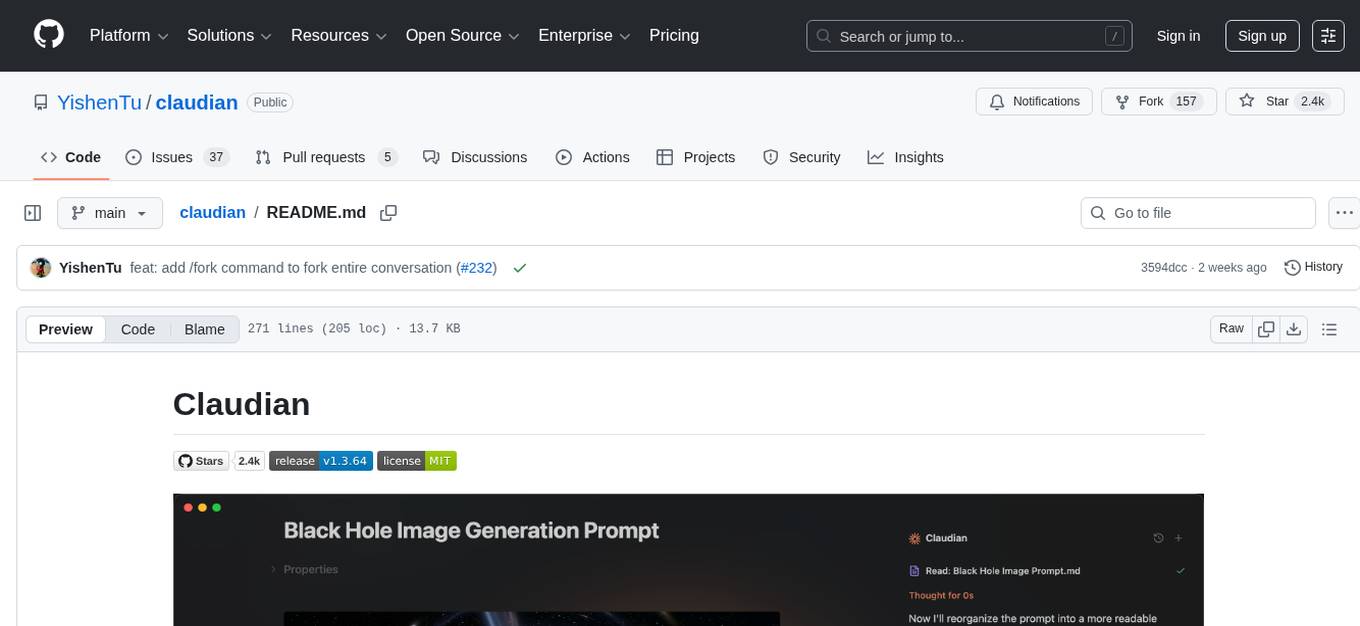
Claudian is an Obsidian plugin that embeds Claude Code as an AI collaborator in your vault. It provides full agentic capabilities, including file read/write, search, bash commands, and multi-step workflows. Users can leverage Claude Code's power to interact with their vault, analyze images, edit text inline, add custom instructions, create reusable prompt templates, extend capabilities with skills and agents, connect external tools via Model Context Protocol servers, control models and thinking budget, toggle plan mode, ensure security with permission modes and vault confinement, and interact with Chrome. The plugin requires Claude Code CLI, Obsidian v1.8.9+, Claude subscription/API or custom model provider, and desktop platforms (macOS, Linux, Windows).
README:




An Obsidian plugin that embeds Claude Code as an AI collaborator in your vault. Your vault becomes Claude's working directory, giving it full agentic capabilities: file read/write, search, bash commands, and multi-step workflows.
- Full Agentic Capabilities: Leverage Claude Code's power to read, write, and edit files, search, and execute bash commands, all within your Obsidian vault.
-
Context-Aware: Automatically attach the focused note, mention files with
@, exclude notes by tag, include editor selection (Highlight), and access external directories for additional context. - Vision Support: Analyze images by sending them via drag-and-drop, paste, or file path.
- Inline Edit: Edit selected text or insert content at cursor position directly in notes with word-level diff preview and read-only tool access for context.
-
Instruction Mode (
#): Add refined custom instructions to your system prompt directly from the chat input, with review/edit in a modal. -
Slash Commands: Create reusable prompt templates triggered by
/command, with argument placeholders,@filereferences, and optional inline bash substitutions. - Skills: Extend Claudian with reusable capability modules that are automatically invoked based on context, compatible with Claude Code's skill format.
- Custom Agents: Define custom subagents that Claude can invoke, with support for tool restrictions and model overrides.
-
Claude Code Plugins: Enable Claude Code plugins installed via the CLI, with automatic discovery from
~/.claude/pluginsand per-vault configuration. Plugin skills, agents, and slash commands integrate seamlessly. -
MCP Support: Connect external tools and data sources via Model Context Protocol servers (stdio, SSE, HTTP) with context-saving mode and
@-mention activation. - Advanced Model Control: Select between Haiku, Sonnet, and Opus, configure custom models via environment variables, fine-tune thinking budget, and enable Sonnet with 1M context window (requires Max subscription).
- Plan Mode: Toggle plan mode via Shift+Tab in the chat input. Claudian explores and designs before implementing, presenting a plan for approval with options to approve in a new session, continue in the current session, or provide feedback.
- Security: Permission modes (YOLO/Safe/Plan), safety blocklist, and vault confinement with symlink-safe checks.
-
Claude in Chrome: Allow Claude to interact with Chrome through the
claude-in-chromeextension.
- Claude Code CLI installed (strongly recommend install Claude Code via Native Install)
- Obsidian v1.8.9+
- Claude subscription/API or Custom model provider that supports Anthropic API format (Openrouter, Kimi, GLM, DeepSeek, etc.)
- Desktop only (macOS, Linux, Windows)
- Download
main.js,manifest.json, andstyles.cssfrom the latest release - Create a folder called
claudianin your vault's plugins folder:/path/to/vault/.obsidian/plugins/claudian/ - Copy the downloaded files into the
claudianfolder - Enable the plugin in Obsidian:
- Settings → Community plugins → Enable "Claudian"
BRAT (Beta Reviewers Auto-update Tester) allows you to install and automatically update plugins directly from GitHub.
- Install the BRAT plugin from Obsidian Community Plugins
- Enable BRAT in Settings → Community plugins
- Open BRAT settings and click "Add Beta plugin"
- Enter the repository URL:
https://github.com/YishenTu/claudian - Click "Add Plugin" and BRAT will install Claudian automatically
- Enable Claudian in Settings → Community plugins
Tip: BRAT will automatically check for updates and notify you when a new version is available.
-
Clone this repository into your vault's plugins folder:
cd /path/to/vault/.obsidian/plugins
git clone https://github.com/YishenTu/claudian.git
cd claudian
-
Install dependencies and build:
npm install
npm run build
-
Enable the plugin in Obsidian:
- Settings → Community plugins → Enable "Claudian"
# Watch mode
npm run dev

# Production build
npm run buildTip: Copy
.env.local.exampleto.env.localornpm installand setup your vault path to auto-copy files during development.
Two modes:
- Click the bot icon in ribbon or use command palette to open chat
- Select text + hotkey for inline edit
Use it like Claude Code—read, write, edit, search files in your vault.
-
File: Auto-attaches focused note; type
@to attach other files -
@-mention dropdown: Type
@to see MCP servers, agents, external contexts, and vault files-
@Agents/shows custom agents for selection -
@mcp-serverenables context-saving MCP servers -
@folder/filters to files from that external context (e.g.,@workspace/) - Vault files shown by default
-
- Selection: Select text in editor, then chat—selection included automatically
-
Images: Drag-drop, paste, or type path; configure media folder for
![[image]]embeds - External contexts: Click folder icon in toolbar for access to directories outside vault
- Inline Edit: Select text + hotkey to edit directly in notes with word-level diff preview
-
Instruction Mode: Type
#to add refined instructions to system prompt -
Slash Commands: Type
/for custom prompt templates or skills -
Skills: Add
skill/SKILL.mdfiles to~/.claude/skills/or{vault}/.claude/skills/, recommended to use Claude Code to manage skills -
Custom Agents: Add
agent.mdfiles to~/.claude/agents/(global) or{vault}/.claude/agents/(vault-specific); select via@Agents/in chat, or prompt Claudian to invoke agents - Claude Code Plugins: Enable plugins via Settings → Claude Code Plugins, recommended to use Claude Code to manage plugins
-
MCP: Add external tools via Settings → MCP Servers; use
@mcp-serverin chat to activate
Customization
- User name: Your name for personalized greetings
-
Excluded tags: Tags that prevent notes from auto-loading (e.g.,
sensitive,private) -
Media folder: Configure where vault stores attachments for embedded image support (e.g.,
attachments) -
Custom system prompt: Additional instructions appended to the default system prompt (Instruction Mode
#saves here) - Enable auto-scroll: Toggle automatic scrolling to bottom during streaming (default: on)
- Auto-generate conversation titles: Toggle AI-powered title generation after the first user message is sent
- Title generation model: Model used for auto-generating conversation titles (default: Auto/Haiku)
-
Vim-style navigation mappings: Configure key bindings with lines like
map w scrollUp,map s scrollDown,map i focusInput
Hotkeys
- Inline edit hotkey: Hotkey to trigger inline edit on selected text
- Open chat hotkey: Hotkey to open the chat sidebar
Slash Commands
- Create/edit/import/export custom
/commands(optionally override model and allowed tools)
MCP Servers
- Add/edit/verify/delete MCP server configurations with context-saving mode
Claude Code Plugins
- Enable/disable Claude Code plugins discovered from
~/.claude/plugins - User-scoped plugins available in all vaults; project-scoped plugins only in matching vault
Safety
-
Load user Claude settings: Load
~/.claude/settings.json(user's Claude Code permission rules may bypass Safe mode) - Enable command blocklist: Block dangerous bash commands (default: on)
- Blocked commands: Patterns to block (supports regex, platform-specific)
-
Allowed export paths: Paths outside the vault where files can be exported (default:
~/Desktop,~/Downloads). Supports~,$VAR,${VAR}, and%VAR%(Windows).
Environment
-
Custom variables: Environment variables for Claude SDK (KEY=VALUE format, supports
exportprefix) - Environment snippets: Save and restore environment variable configurations
Advanced
- Claude CLI path: Custom path to Claude Code CLI (leave empty for auto-detection)
| Scope | Access |
|---|---|
| Vault | Full read/write (symlink-safe via realpath) |
| Export paths | Write-only (e.g., ~/Desktop, ~/Downloads) |
| External contexts | Full read/write (session-only, added via folder icon) |
- YOLO mode: No approval prompts; all tool calls execute automatically (default)
- Safe mode: Approval prompt per tool call; Bash requires exact match, file tools allow prefix match
- Plan mode: Explores and designs a plan before implementing. Toggle via Shift+Tab in the chat input
-
Sent to API: Your input, attached files, images, and tool call outputs. Default: Anthropic; custom endpoint via
ANTHROPIC_BASE_URL. -
Local storage: Settings, session metadata, and commands stored in
vault/.claude/; session messages in~/.claude/projects/(SDK-native); legacy sessions invault/.claude/sessions/. - No telemetry: No tracking beyond your configured API provider.
If you encounter spawn claude ENOENT or Claude CLI not found, the plugin can't auto-detect your Claude installation. Common with Node version managers (nvm, fnm, volta).
Solution: Find your CLI path and set it in Settings → Advanced → Claude CLI path.
| Platform | Command | Example Path |
|---|---|---|
| macOS/Linux | which claude |
/Users/you/.volta/bin/claude |
| Windows (native) | where.exe claude |
C:\Users\you\AppData\Local\Claude\claude.exe |
| Windows (npm) | npm root -g |
{root}\@anthropic-ai\claude-code\cli.js |
Note: On Windows, avoid
.cmdwrappers. Useclaude.exeorcli.js.
Alternative: Add your Node.js bin directory to PATH in Settings → Environment → Custom variables.
If using npm-installed CLI, check if claude and node are in the same directory:
dirname $(which claude)
dirname $(which node)
If different, GUI apps like Obsidian may not find Node.js.
Solutions:
- Install native binary (recommended)
- Add Node.js path to Settings → Environment:
PATH=/path/to/node/bin
Still having issues? Open a GitHub issue with your platform, CLI path, and error message.
src/
├── main.ts                      # Plugin entry point
├── core/                        # Core infrastructure
│   ├── agent/                   # Claude Agent SDK wrapper (ClaudianService)
│   ├── agents/                  # Custom agent management (AgentManager)
│   ├── commands/                # Slash command management (SlashCommandManager)
│   ├── hooks/                   # PreToolUse/PostToolUse hooks
│   ├── images/                  # Image caching and loading
│   ├── mcp/                     # MCP server config, service, and testing
│   ├── plugins/                 # Claude Code plugin discovery and management
│   ├── prompts/                 # System prompts for agents
│   ├── sdk/                     # SDK message transformation
│   ├── security/                # Approval, blocklist, path validation
│   ├── storage/                 # Distributed storage system
│   ├── tools/                   # Tool constants and utilities
│   └── types/                   # Type definitions
├── features/                    # Feature modules
│   ├── chat/                    # Main chat view + UI, rendering, controllers, tabs
│   ├── inline-edit/             # Inline edit service + UI
│   └── settings/                # Settings tab UI
├── shared/                      # Shared UI components and modals
│   ├── components/              # Input toolbar bits, dropdowns, selection highlight
│   ├── mention/                 # @-mention dropdown controller
│   ├── modals/                  # Instruction modal
│   └── icons.ts                 # Shared SVG icons
├── i18n/                        # Internationalization (10 locales)
├── utils/                       # Modular utility functions
└── style/                       # Modular CSS (→ styles.css)
- [x] Claude Code Plugin support
- [x] Custom agent (subagent) support
- [x] Claude in Chrome support
- [x]
/compactcommand - [x] Plan mode
- [x]
rewindandforksupport (including/forkcommand) - [x]
!commandsupport - [ ] Tool renderers refinement
- [ ] Hooks and other advanced features
- [ ] More to come!
Licensed under the MIT License.
- Obsidian for the plugin API
- Anthropic for Claude and the Claude Agent SDK
For Tasks:
Click tags to check more tools for each tasksFor Jobs:
Alternative AI tools for claudian
Similar Open Source Tools
claudian
Claudian is an Obsidian plugin that embeds Claude Code as an AI collaborator in your vault. It provides full agentic capabilities, including file read/write, search, bash commands, and multi-step workflows. Users can leverage Claude Code's power to interact with their vault, analyze images, edit text inline, add custom instructions, create reusable prompt templates, extend capabilities with skills and agents, connect external tools via Model Context Protocol servers, control models and thinking budget, toggle plan mode, ensure security with permission modes and vault confinement, and interact with Chrome. The plugin requires Claude Code CLI, Obsidian v1.8.9+, Claude subscription/API or custom model provider, and desktop platforms (macOS, Linux, Windows).
openwhispr
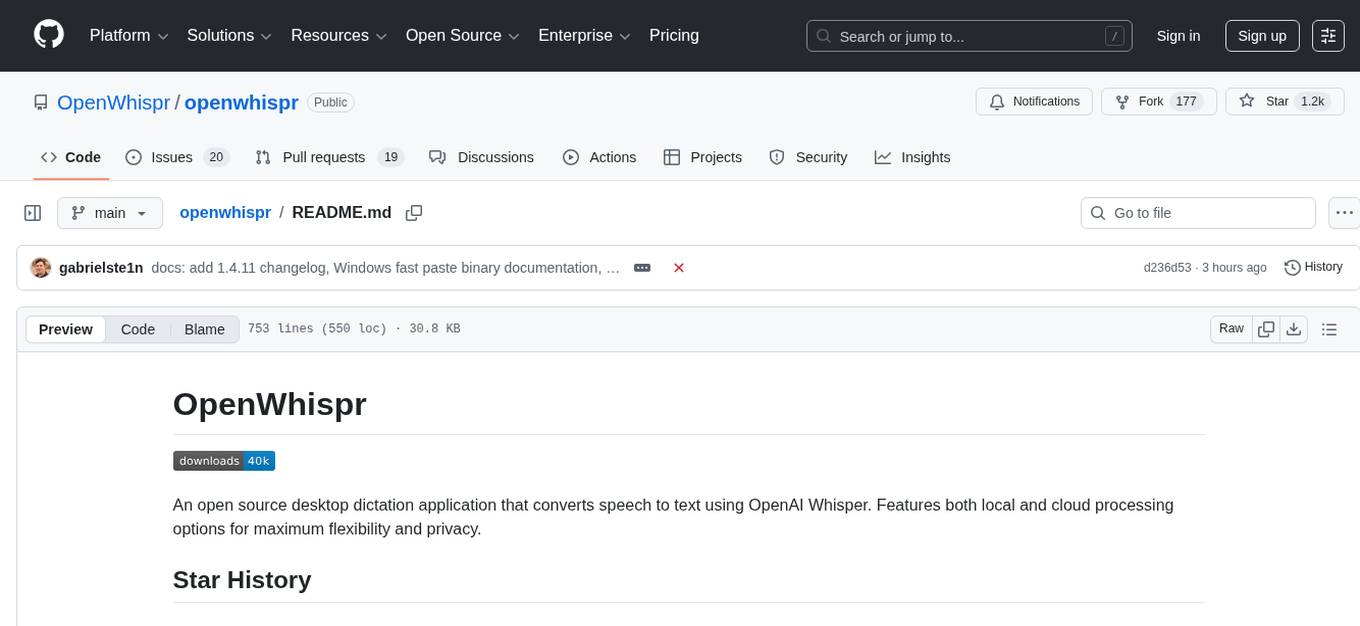
OpenWhispr is an open source desktop dictation application that converts speech to text using OpenAI Whisper. It features both local and cloud processing options for maximum flexibility and privacy. The application supports multiple AI providers, customizable hotkeys, agent naming, and various AI processing models. It offers a modern UI built with React 19, TypeScript, and Tailwind CSS v4, and is optimized for speed using Vite and modern tooling. Users can manage settings, view history, configure API keys, and download/manage local Whisper models. The application is cross-platform, supporting macOS, Windows, and Linux, and offers features like automatic pasting, draggable interface, global hotkeys, and compound hotkeys.
TranslateBookWithLLM
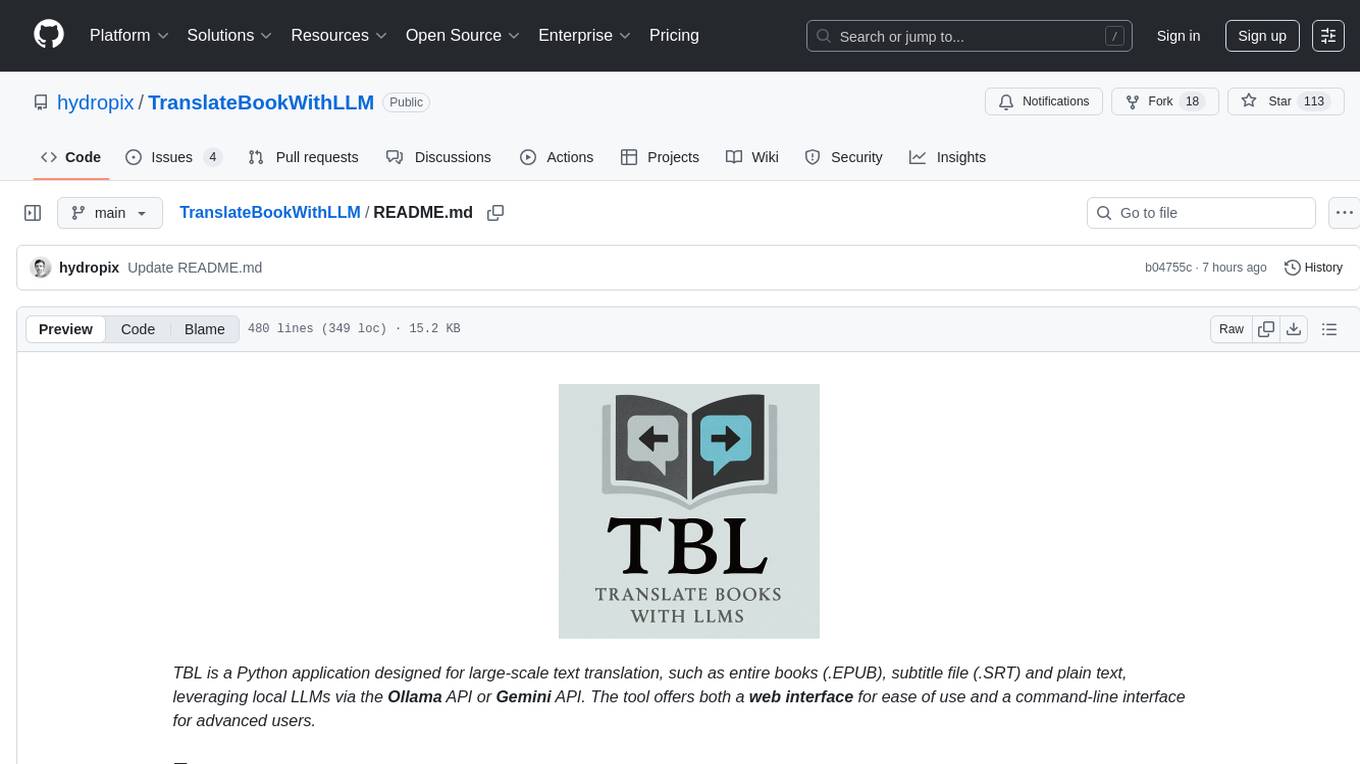
TranslateBookWithLLM is a Python application designed for large-scale text translation, such as entire books (.EPUB), subtitle files (.SRT), and plain text. It leverages local LLMs via the Ollama API or Gemini API. The tool offers both a web interface for ease of use and a command-line interface for advanced users. It supports multiple format translations, provides a user-friendly browser-based interface, CLI support for automation, multiple LLM providers including local Ollama models and Google Gemini API, and Docker support for easy deployment.
probe
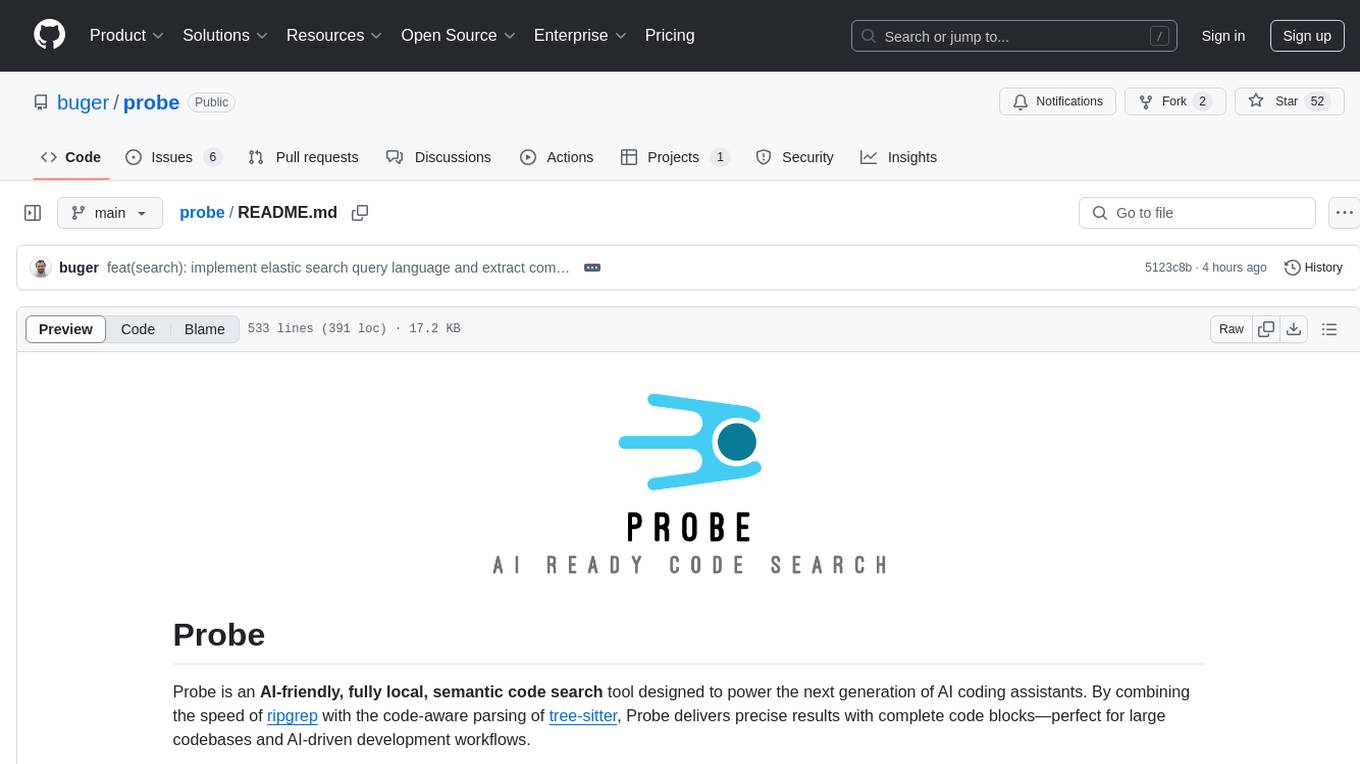
Probe is an AI-friendly, fully local, semantic code search tool designed to power the next generation of AI coding assistants. It combines the speed of ripgrep with the code-aware parsing of tree-sitter to deliver precise results with complete code blocks, making it perfect for large codebases and AI-driven development workflows. Probe is fully local, keeping code on the user's machine without relying on external APIs. It supports multiple languages, offers various search options, and can be used in CLI mode, MCP server mode, AI chat mode, and web interface. The tool is designed to be flexible, fast, and accurate, providing developers and AI models with full context and relevant code blocks for efficient code exploration and understanding.
astrsk
astrsk is a tool that pushes the boundaries of AI storytelling by offering advanced AI agents, customizable response formatting, and flexible prompt editing for immersive roleplaying experiences. It provides complete AI agent control, a visual flow editor for conversation flows, and ensures 100% local-first data storage. The tool is true cross-platform with support for various AI providers and modern technologies like React, TypeScript, and Tailwind CSS. Coming soon features include cross-device sync, enhanced session customization, and community features.
chat-ollama
ChatOllama is an open-source chatbot based on LLMs (Large Language Models). It supports a wide range of language models, including Ollama served models, OpenAI, Azure OpenAI, and Anthropic. ChatOllama supports multiple types of chat, including free chat with LLMs and chat with LLMs based on a knowledge base. Key features of ChatOllama include Ollama models management, knowledge bases management, chat, and commercial LLMs API keys management.
WebAI-to-API
This project implements a web API that offers a unified interface to Google Gemini and Claude 3. It provides a self-hosted, lightweight, and scalable solution for accessing these AI models through a streaming API. The API supports both Claude and Gemini models, allowing users to interact with them in real-time. The project includes a user-friendly web UI for configuration and documentation, making it easy to get started and explore the capabilities of the API.
unity-mcp
MCP for Unity is a tool that acts as a bridge, enabling AI assistants to interact with the Unity Editor via a local MCP Client. Users can instruct their LLM to manage assets, scenes, scripts, and automate tasks within Unity. The tool offers natural language control, powerful tools for asset management, scene manipulation, and automation of workflows. It is extensible and designed to work with various MCP Clients, providing a range of functions for precise text edits, script management, GameObject operations, and more.
figma-console-mcp
Figma Console MCP is a Model Context Protocol server that bridges design and development, giving AI assistants complete access to Figma for extraction, creation, and debugging. It connects AI assistants like Claude to Figma, enabling plugin debugging, visual debugging, design system extraction, design creation, variable management, real-time monitoring, and three installation methods. The server offers 53+ tools for NPX and Local Git setups, while Remote SSE provides read-only access with 16 tools. Users can create and modify designs with AI, contribute to projects, or explore design data. The server supports authentication via personal access tokens and OAuth, and offers tools for navigation, console debugging, visual debugging, design system extraction, design creation, design-code parity, variable management, and AI-assisted design creation.
zotero-mcp
Zotero MCP is an open-source project that integrates AI capabilities with Zotero using the Model Context Protocol. It consists of a Zotero plugin and an MCP server, enabling AI assistants to search, retrieve, and cite references from Zotero library. The project features a unified architecture with an integrated MCP server, eliminating the need for a separate server process. It provides features like intelligent search, detailed reference information, filtering by tags and identifiers, aiding in academic tasks such as literature reviews and citation management.
local-cocoa
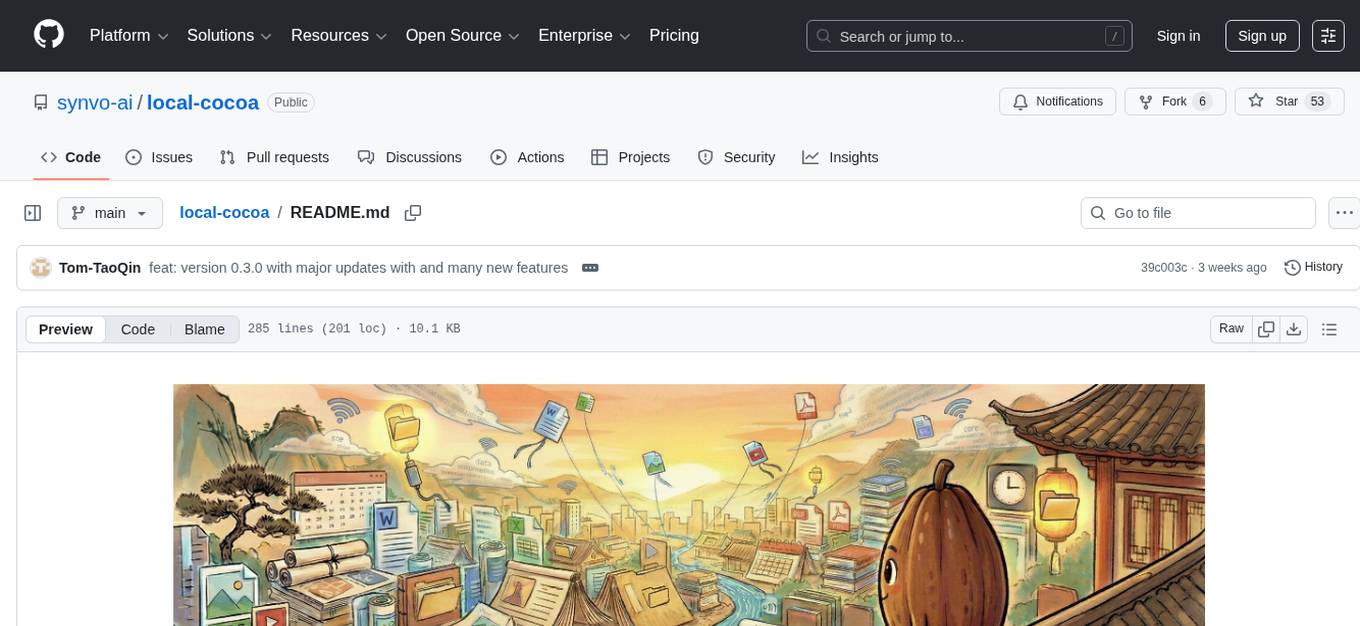
Local Cocoa is a privacy-focused tool that runs entirely on your device, turning files into memory to spark insights and power actions. It offers features like fully local privacy, multimodal memory, vector-powered retrieval, intelligent indexing, vision understanding, hardware acceleration, focused user experience, integrated notes, and auto-sync. The tool combines file ingestion, intelligent chunking, and local retrieval to build a private on-device knowledge system. The ultimate goal includes more connectors like Google Drive integration, voice mode for local speech-to-text interaction, and a plugin ecosystem for community tools and agents. Local Cocoa is built using Electron, React, TypeScript, FastAPI, llama.cpp, and Qdrant.
opcode
opcode is a powerful desktop application built with Tauri 2 that serves as a command center for interacting with Claude Code. It offers a visual GUI for managing Claude Code sessions, creating custom agents, tracking usage, and more. Users can navigate projects, create specialized AI agents, monitor usage analytics, manage MCP servers, create session checkpoints, edit CLAUDE.md files, and more. The tool bridges the gap between command-line tools and visual experiences, making AI-assisted development more intuitive and productive.
Visionatrix
Visionatrix is a project aimed at providing easy use of ComfyUI workflows. It offers simplified setup and update processes, a minimalistic UI for daily workflow use, stable workflows with versioning and update support, scalability for multiple instances and task workers, multiple user support with integration of different user backends, LLM power for integration with Ollama/Gemini, and seamless integration as a service with backend endpoints and webhook support. The project is approaching version 1.0 release and welcomes new ideas for further implementation.
conduit
Conduit is an open-source, cross-platform mobile application for Open-WebUI, providing a native mobile experience for interacting with your self-hosted AI infrastructure. It supports real-time chat, model selection, conversation management, markdown rendering, theme support, voice input, file uploads, multi-modal support, secure storage, folder management, and tools invocation. Conduit offers multiple authentication flows and follows a clean architecture pattern with Riverpod for state management, Dio for HTTP networking, WebSocket for real-time streaming, and Flutter Secure Storage for credential management.
rkllama
RKLLama is a server and client tool designed for running and interacting with LLM models optimized for Rockchip RK3588(S) and RK3576 platforms. It allows models to run on the NPU, with features such as running models on NPU, partial Ollama API compatibility, pulling models from Huggingface, API REST with documentation, dynamic loading/unloading of models, inference requests with streaming modes, simplified model naming, CPU model auto-detection, and optional debug mode. The tool supports Python 3.8 to 3.12 and has been tested on Orange Pi 5 Pro and Orange Pi 5 Plus with specific OS versions.
mistral.rs
Mistral.rs is a fast LLM inference platform written in Rust. We support inference on a variety of devices, quantization, and easy-to-use application with an Open-AI API compatible HTTP server and Python bindings.
For similar tasks

HPT
Hyper-Pretrained Transformers (HPT) is a novel multimodal LLM framework from HyperGAI, trained for vision-language models capable of understanding both textual and visual inputs. The repository contains the open-source implementation of inference code to reproduce the evaluation results of HPT Air on different benchmarks. HPT has achieved competitive results with state-of-the-art models on various multimodal LLM benchmarks. It offers models like HPT 1.5 Air and HPT 1.0 Air, providing efficient solutions for vision-and-language tasks.
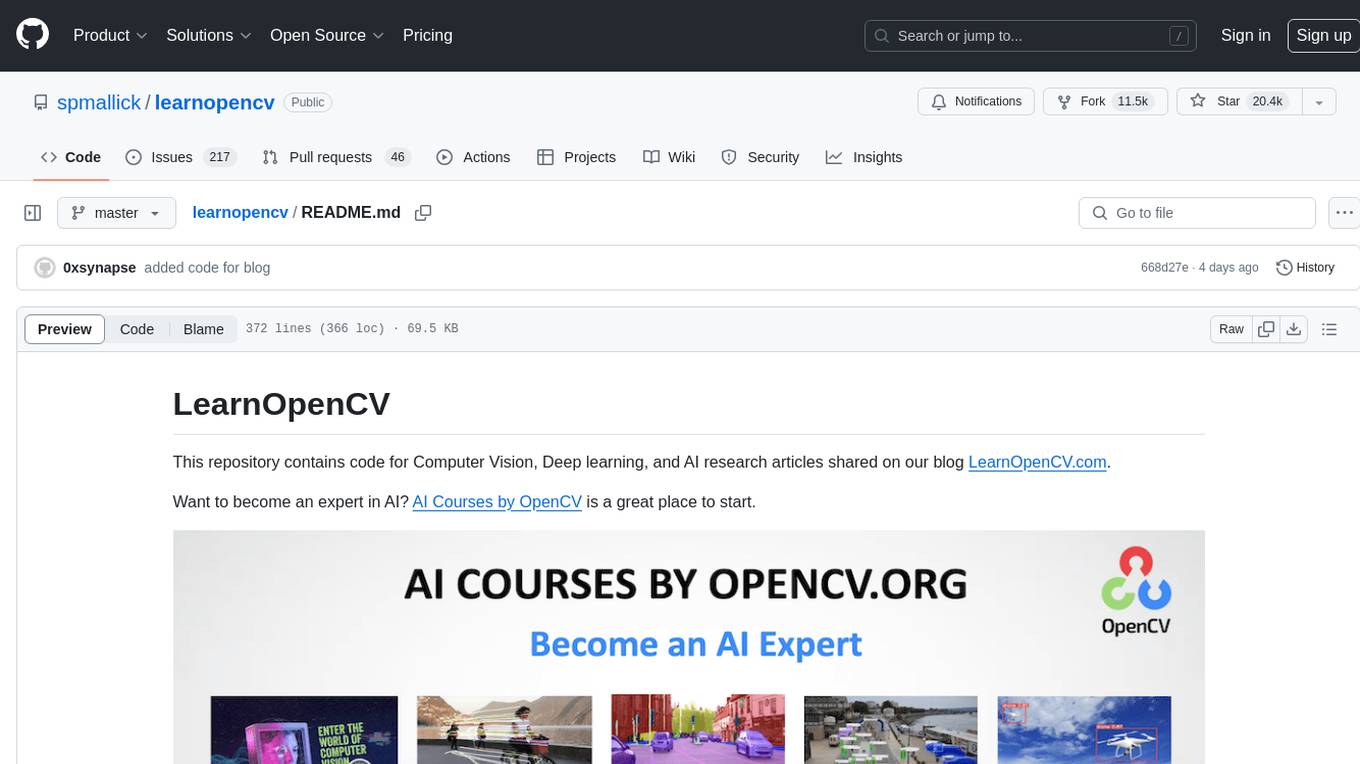
learnopencv
LearnOpenCV is a repository containing code for Computer Vision, Deep learning, and AI research articles shared on the blog LearnOpenCV.com. It serves as a resource for individuals looking to enhance their expertise in AI through various courses offered by OpenCV. The repository includes a wide range of topics such as image inpainting, instance segmentation, robotics, deep learning models, and more, providing practical implementations and code examples for readers to explore and learn from.
spark-free-api
Spark AI Free 服务 provides high-speed streaming output, multi-turn dialogue support, AI drawing support, long document interpretation, and image parsing. It offers zero-configuration deployment, multi-token support, and automatic session trace cleaning. It is fully compatible with the ChatGPT interface. The repository includes multiple free-api projects for various AI services. Users can access the API for tasks such as chat completions, AI drawing, document interpretation, image analysis, and ssoSessionId live checking. The project also provides guidelines for deployment using Docker, Docker-compose, Render, Vercel, and native deployment methods. It recommends using custom clients for faster and simpler access to the free-api series projects.
mlx-vlm
MLX-VLM is a package designed for running Vision LLMs on Mac systems using MLX. It provides a convenient way to install and utilize the package for processing large language models related to vision tasks. The tool simplifies the process of running LLMs on Mac computers, offering a seamless experience for users interested in leveraging MLX for vision-related projects.
clarifai-python-grpc
This is the official Clarifai gRPC Python client for interacting with their recognition API. Clarifai offers a platform for data scientists, developers, researchers, and enterprises to utilize artificial intelligence for image, video, and text analysis through computer vision and natural language processing. The client allows users to authenticate, predict concepts in images, and access various functionalities provided by the Clarifai API. It follows a versioning scheme that aligns with the backend API updates and includes specific instructions for installation and troubleshooting. Users can explore the Clarifai demo, sign up for an account, and refer to the documentation for detailed information.
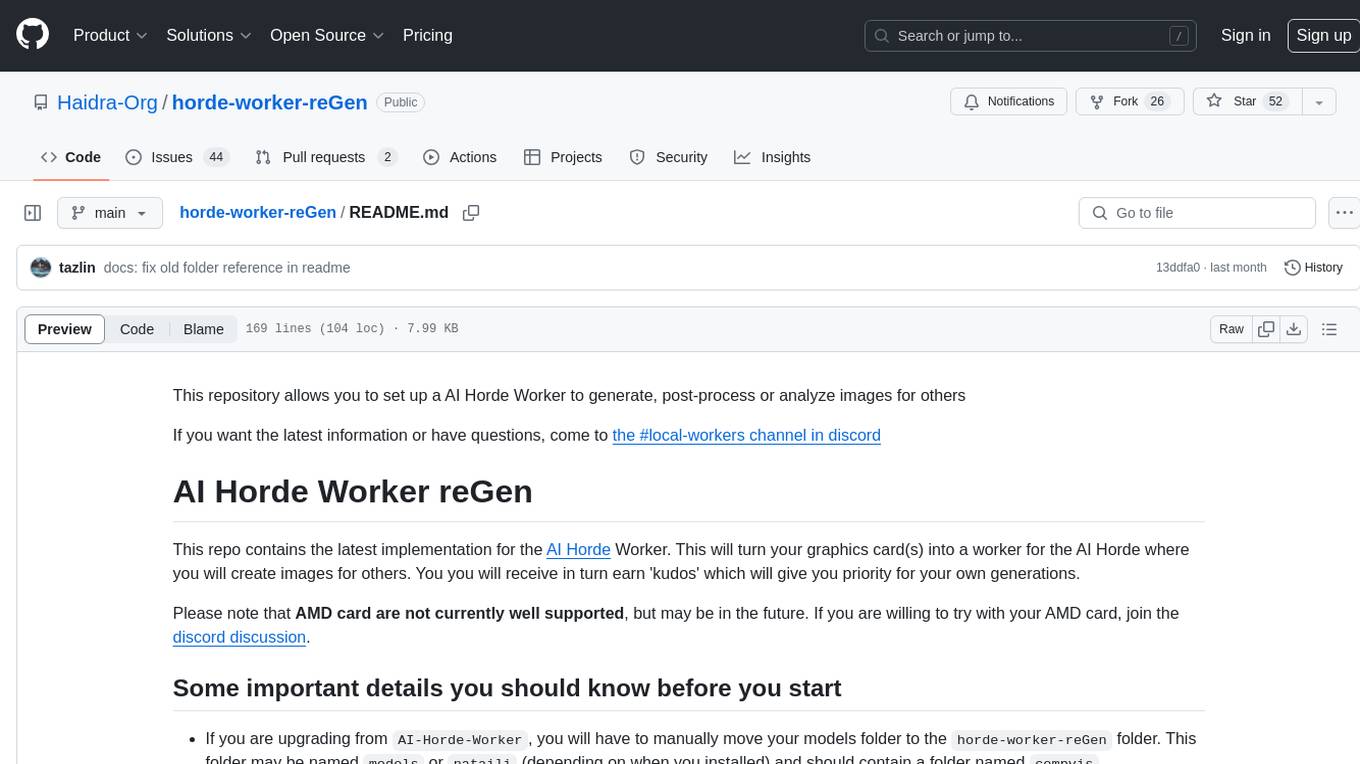
horde-worker-reGen
This repository provides the latest implementation for the AI Horde Worker, allowing users to utilize their graphics card(s) to generate, post-process, or analyze images for others. It offers a platform where users can create images and earn 'kudos' in return, granting priority for their own image generations. The repository includes important details for setup, recommendations for system configurations, instructions for installation on Windows and Linux, basic usage guidelines, and information on updating the AI Horde Worker. Users can also run the worker with multiple GPUs and receive notifications for updates through Discord. Additionally, the repository contains models that are licensed under the CreativeML OpenRAIL License.
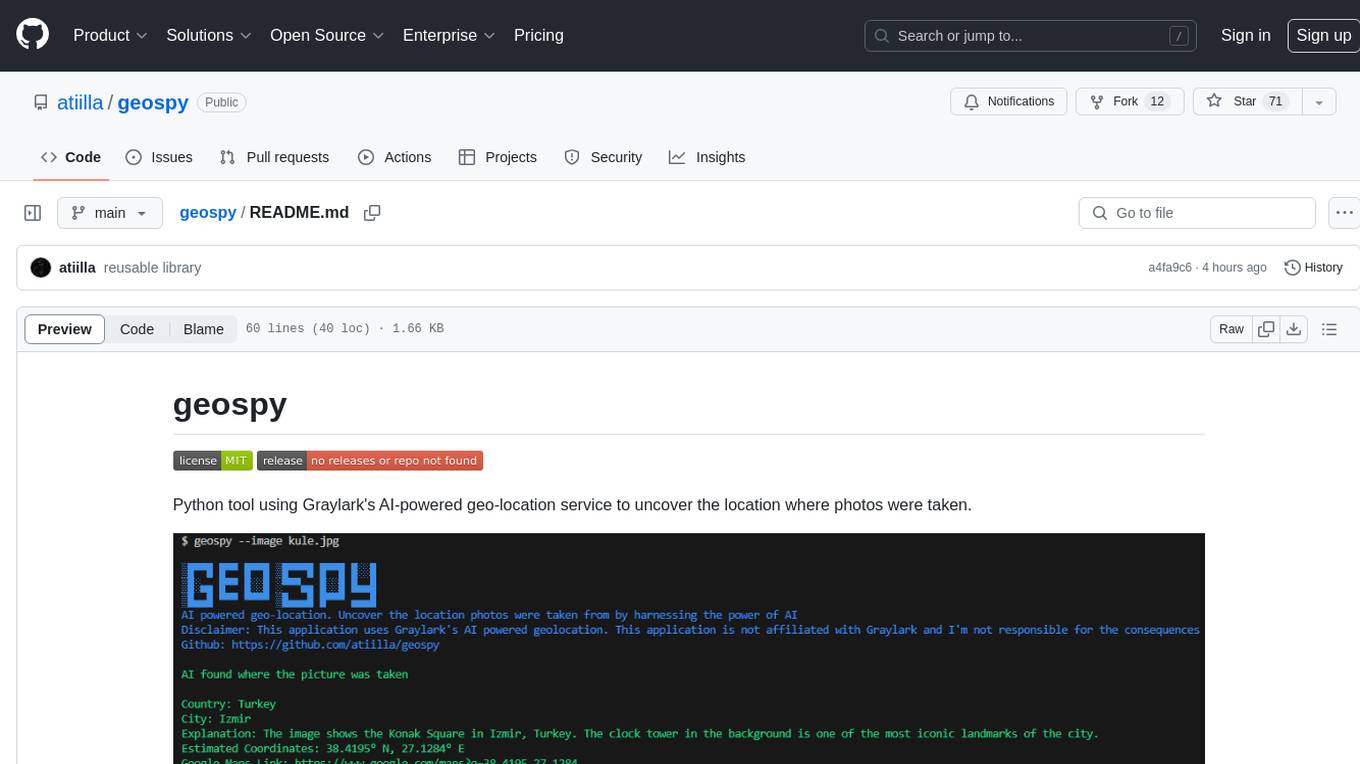
geospy
Geospy is a Python tool that utilizes Graylark's AI-powered geolocation service to determine the location where photos were taken. It allows users to analyze images and retrieve information such as country, city, explanation, coordinates, and Google Maps links. The tool provides a seamless way to integrate geolocation services into various projects and applications.
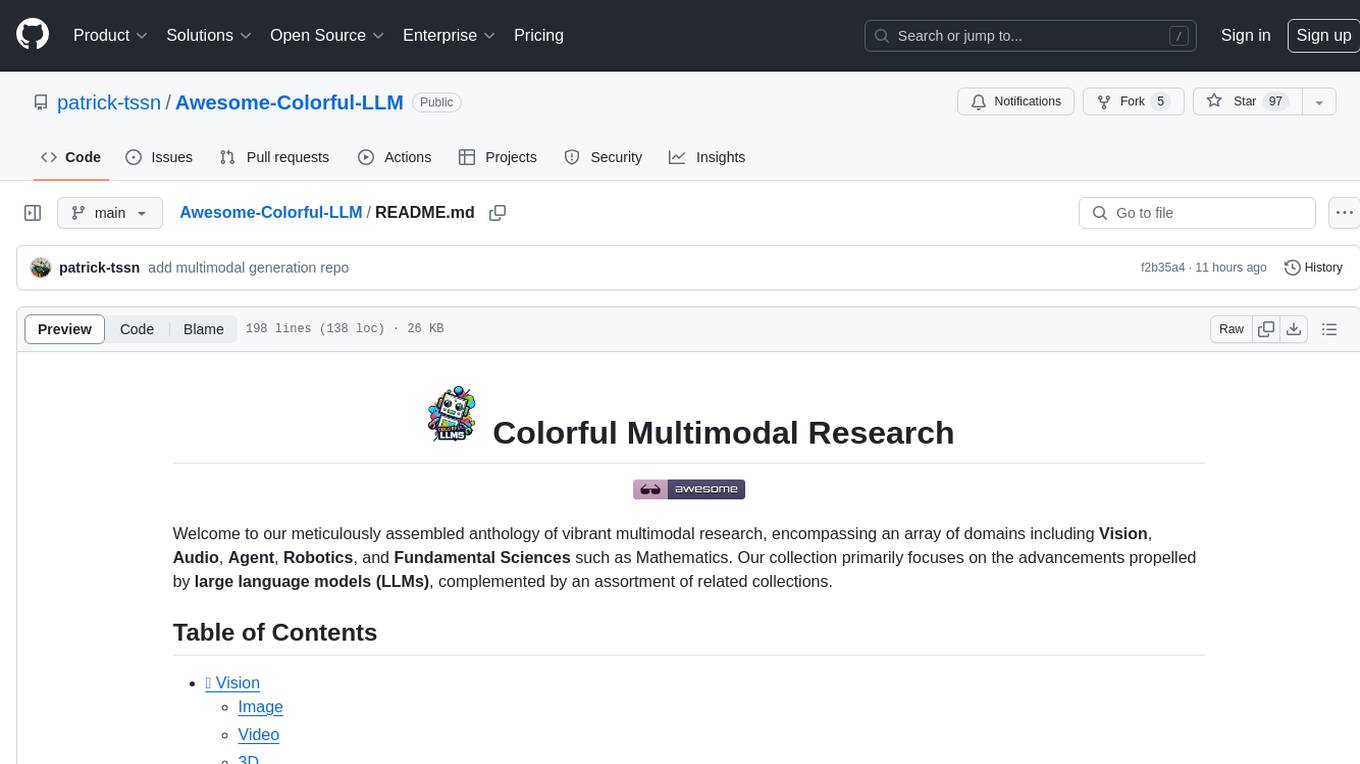
Awesome-Colorful-LLM
Awesome-Colorful-LLM is a meticulously assembled anthology of vibrant multimodal research focusing on advancements propelled by large language models (LLMs) in domains such as Vision, Audio, Agent, Robotics, and Fundamental Sciences like Mathematics. The repository contains curated collections of works, datasets, benchmarks, projects, and tools related to LLMs and multimodal learning. It serves as a comprehensive resource for researchers and practitioners interested in exploring the intersection of language models and various modalities for tasks like image understanding, video pretraining, 3D modeling, document understanding, audio analysis, agent learning, robotic applications, and mathematical research.
For similar jobs

sweep
Sweep is an AI junior developer that turns bugs and feature requests into code changes. It automatically handles developer experience improvements like adding type hints and improving test coverage.

teams-ai
The Teams AI Library is a software development kit (SDK) that helps developers create bots that can interact with Teams and Microsoft 365 applications. It is built on top of the Bot Framework SDK and simplifies the process of developing bots that interact with Teams' artificial intelligence capabilities. The SDK is available for JavaScript/TypeScript, .NET, and Python.

ai-guide
This guide is dedicated to Large Language Models (LLMs) that you can run on your home computer. It assumes your PC is a lower-end, non-gaming setup.

classifai
Supercharge WordPress Content Workflows and Engagement with Artificial Intelligence. Tap into leading cloud-based services like OpenAI, Microsoft Azure AI, Google Gemini and IBM Watson to augment your WordPress-powered websites. Publish content faster while improving SEO performance and increasing audience engagement. ClassifAI integrates Artificial Intelligence and Machine Learning technologies to lighten your workload and eliminate tedious tasks, giving you more time to create original content that matters.

chatbot-ui
Chatbot UI is an open-source AI chat app that allows users to create and deploy their own AI chatbots. It is easy to use and can be customized to fit any need. Chatbot UI is perfect for businesses, developers, and anyone who wants to create a chatbot.

BricksLLM
BricksLLM is a cloud native AI gateway written in Go. Currently, it provides native support for OpenAI, Anthropic, Azure OpenAI and vLLM. BricksLLM aims to provide enterprise level infrastructure that can power any LLM production use cases. Here are some use cases for BricksLLM: * Set LLM usage limits for users on different pricing tiers * Track LLM usage on a per user and per organization basis * Block or redact requests containing PIIs * Improve LLM reliability with failovers, retries and caching * Distribute API keys with rate limits and cost limits for internal development/production use cases * Distribute API keys with rate limits and cost limits for students

uAgents
uAgents is a Python library developed by Fetch.ai that allows for the creation of autonomous AI agents. These agents can perform various tasks on a schedule or take action on various events. uAgents are easy to create and manage, and they are connected to a fast-growing network of other uAgents. They are also secure, with cryptographically secured messages and wallets.

griptape
Griptape is a modular Python framework for building AI-powered applications that securely connect to your enterprise data and APIs. It offers developers the ability to maintain control and flexibility at every step. Griptape's core components include Structures (Agents, Pipelines, and Workflows), Tasks, Tools, Memory (Conversation Memory, Task Memory, and Meta Memory), Drivers (Prompt and Embedding Drivers, Vector Store Drivers, Image Generation Drivers, Image Query Drivers, SQL Drivers, Web Scraper Drivers, and Conversation Memory Drivers), Engines (Query Engines, Extraction Engines, Summary Engines, Image Generation Engines, and Image Query Engines), and additional components (Rulesets, Loaders, Artifacts, Chunkers, and Tokenizers). Griptape enables developers to create AI-powered applications with ease and efficiency.