


TranslateBookWithLLM
A python script designed to translate large amounts of text with an LLM and the Ollama API
Stars: 113
TranslateBookWithLLM is a Python application designed for large-scale text translation, such as entire books (.EPUB), subtitle files (.SRT), and plain text. It leverages local LLMs via the Ollama API or Gemini API. The tool offers both a web interface for ease of use and a command-line interface for advanced users. It supports multiple format translations, provides a user-friendly browser-based interface, CLI support for automation, multiple LLM providers including local Ollama models and Google Gemini API, and Docker support for easy deployment.
README:

TBL is a Python application designed for large-scale text translation, such as entire books (.EPUB), subtitle file (.SRT) and plain text, leveraging local LLMs via the Ollama API or Gemini API. The tool offers both a web interface for ease of use and a command-line interface for advanced users.
- 📚 Multiple Format Support: Translate plain text (.txt), book (.EPUB) and subtitle (.SRT) files while preserving formatting
- 🌐 Web Interface: User-friendly browser-based interface
- 💻 CLI Support: Command-line interface for automation and scripting
- 🤖 Multiple LLM Providers: Support for both local Ollama models OpenAI and Google Gemini API
- 🐳 Docker Support: Easy deployment with Docker container
This comprehensive guide walks you through setting up the complete environment on Windows.
-
Miniconda (Python Environment Manager)
- Purpose: Creates isolated Python environments to manage dependencies
- Download: Get the latest Windows 64-bit installer from the Miniconda install page
- Installation: Run installer, choose "Install for me only", use default settings
-
Ollama (Local LLM Runner)
- Purpose: Runs large language models locally
- Download: Get the Windows installer from Ollama website
- Installation: Run installer and follow instructions
-
Git (Version Control)
- Purpose: Download and update the script from GitHub
- Download: Get from https://git-scm.com/download/win
- Installation: Use default settings
-
Open Anaconda Prompt (search in Start Menu)
-
Create and Activate Environment:
# Create environment
conda create -n translate_book_env python=3.9

# Activate environment (do this every time)
conda activate translate_book_env
# Navigate to your projects folder
cd C:\Projects
mkdir TranslateBookWithLLM
cd TranslateBookWithLLM

# Clone the repository
git clone https://github.com/hydropix/TranslateBookWithLLM.git .# Ensure environment is active
conda activate translate_book_env
# Install dependencies
pip install -r requirements.txt-
Download an LLM Model:
# Download the default model (recommended for French translation)
ollama pull mistral-small:24b

# Or try other models
ollama pull qwen2:7b
ollama pull llama3:8b

# List available models
ollama list
-
Start Ollama Service:
- Ollama usually runs automatically after installation
- Look for Ollama icon in system tray
- If not running, launch from Start Menu
-
Start the Server:
conda activate translate_book_env
cd C:\Projects\TranslateBookWithLLM
python translation_api.py
-
Open Browser: Navigate to
http://localhost:5000- Port can be configured via
PORTenvironment variable - Example:
PORT=8080 python translation_api.py
- Port can be configured via
-
Configure and Translate:
- Select source and target languages
- Choose your LLM model
- Upload your .txt or .epub file
- Adjust advanced settings if needed
- Start translation and monitor real-time progress
- Download the translated result
Basic usage:
python translate.py -i input.txt -o output.txtCommand Arguments
-
-i, --input: (Required) Path to the input file (.txt, .epub, or .srt). -
-o, --output: Output file path. If not specified, a default name will be generated (format: input_translated.ext). -
-sl, --source_lang: Source language (default: "English"). -
-tl, --target_lang: Target language (default: "French"). -
-m, --model: LLM model to use (default: "mistral-small:24b"). -
-cs, --chunksize: Target lines per chunk for text files (default: 25). -
--api_endpoint: Ollama API endpoint (default: "http://localhost:11434/api/generate"). -
--provider: LLM provider to use ("ollama" or "gemini", default: "ollama"). -
--gemini_api_key: Google Gemini API key (required when using gemini provider).
Examples:
# Basic English to French translation (text file)
python translate.py -i book.txt -o book_fr.txt

# Translate EPUB file
python translate.py -i book.epub -o book_fr.epub

# Translate SRT subtitle file
python translate.py -i movie.srt -o movie_fr.srt

# English to German with different model
python translate.py -i story.txt -o story_de.txt -sl English -tl German -m qwen2:7b

# Custom chunk size for better context with a text file
python translate.py -i novel.txt -o novel_fr.txt -cs 40

# Using Google Gemini instead of Ollama
python translate.py -i book.txt -o book_fr.txt --provider gemini --gemini_api_key YOUR_API_KEY -m gemini-2.0-flashThe application fully supports EPUB files:
- Preserves Structure: Maintains most of the original EPUB structure and formatting
- Selective Translation: Only translates content blocks (paragraphs, headings, etc.)
The application fully supports SRT subtitle files:
- Preserves Timing: Maintains all original timestamp information
- Format Preservation: Keeps subtitle numbering and structure intact
- Smart Translation: Translates only the subtitle text, preserving technical elements
In addition to local Ollama models, the application now supports Google Gemini API:
Setup:
- Get your API key from Google AI Studio
- Use the
--provider geminiflag with your API key
Available Gemini Models:
-
gemini-2.0-flash(default, fast and efficient) -
gemini-1.5-pro(more capable, slower) -
gemini-1.5-flash(balanced performance)
Web Interface:
- Select "Google Gemini" from the LLM Provider dropdown
- Enter your API key in the secure field
- Choose your preferred Gemini model
CLI Example:
python translate.py -i book.txt -o book_translated.txt \
    --provider gemini \
    --gemini_api_key YOUR_API_KEY \
    -m gemini-2.0-flash \
    -sl English -tl Spanish
Note: Gemini API requires an internet connection and has usage quotas. Check Google's pricing for details.
# Build the Docker image
docker build -t translatebook .

# Run the container
docker run -p 5000:5000 -v $(pwd)/translated_files:/app/translated_files translatebook

# Or with custom port
docker run -p 8080:5000 -e PORT=5000 -v $(pwd)/translated_files:/app/translated_files translatebookCreate a docker-compose.yml file:
version: '3'
services:
  translatebook:
    build: .
    ports:
      - "5000:5000"
    volumes:
      - ./translated_files:/app/translated_files
    environment:
      - PORT=5000
Then run: docker-compose up
The web interface provides easy access to:
- Chunk Size: Lines per translation chunk (10-100)
- Timeout: Request timeout in seconds (30-600)
- Context Window: Model context size (1024-32768)
- Max Attempts: Retry attempts for failed chunks (1-5)
- Custom Instructions (optional): Add specific translation guidelines or requirements
- Enable Post-processing: Improve translation quality with additional refinement
Configuration is centralized in src/config.py with support for environment variables:
Create a .env file in the project root to override default settings:
# Copy the example file
cp .env.example .env

# Edit with your settings
API_ENDPOINT=http://localhost:11434/api/generate
DEFAULT_MODEL=mistral-small:24b
MAIN_LINES_PER_CHUNK=25
# ... see .env.example for all available settingsThe translation quality depends heavily on the prompt. The prompts are now managed in prompts.py:
# The prompt template uses the actual tags from config.py
structured_prompt = f"""
## [ROLE]
# You are a {target_language} professional translator.

## [TRANSLATION INSTRUCTIONS]
+ Translate in the author's style.
+ Precisely preserve the deeper meaning of the text.
+ Adapt expressions and culture to the {target_language} language.
+ Vary your vocabulary with synonyms, avoid repetition.
+ Maintain the original layout, remove typos and line-break hyphens.

## [FORMATTING INSTRUCTIONS]
+ Translate ONLY the main content between the specified tags.
+ Surround your translation with {TRANSLATE_TAG_IN} and {TRANSLATE_TAG_OUT} tags.
+ Return only the translation, nothing else.
"""
Note: The translation tags are defined in config.py and automatically used by the prompt generator.
You can enhance translation quality by providing custom instructions through the web interface or API:
Web Interface:
- Add custom instructions in the "Custom Instructions" text field
- Examples:
- "Maintain formal tone throughout the translation"
- "Keep technical terms in English"
- "Use Quebec French dialect"
The custom instructions are automatically integrated into the translation prompt.
Enable post-processing to improve translation quality through an additional refinement pass:
How it works:
- Initial translation is performed as usual
- A second pass reviews and refines the translation
- The post-processor checks for:
- Grammar and fluency
- Consistency in terminology
- Natural language flow
- Cultural appropriateness
Web Interface:
- Toggle "Enable Post-processing" in advanced settings
- Optionally add specific post-processing instructions
Post-processing Instructions Examples:
- "Ensure consistent use of formal pronouns"
- "Check for gender agreement in French"
- "Verify technical terminology accuracy"
- "Improve readability for children"
Note: Post-processing increases translation time but generally improves quality, especially for literary or professional texts.
Web Interface Won't Start:
# Check if the configured port is in use (default 5000)
netstat -an | find "5000"

# Try different port
# Default port is 5000, configured via PORT environment variable
Ollama Connection Issues:
- Ensure Ollama is running (check system tray).
- Verify no firewall blocking
localhost:11434. - Test with:
curl http://localhost:11434/api/tags.
Translation Timeouts:
- Increase
REQUEST_TIMEOUTinconfig.py(default: 60 seconds) - Use smaller chunk sizes
- Try a faster model
- For web interface, adjust timeout in advanced settings
Poor Translation Quality:
- Experiment with different models.
- Adjust chunk size for better context.
- Modify the translation prompt.
- Clean input text beforehand.
Model Not Found:
# List installed models
ollama list

# Install missing model
ollama pull your-model-name- Check the browser console for web interface issues
- Monitor the terminal output for detailed error messages
- Test with small text samples first
- Verify all dependencies are installed correctly
- For EPUB issues, check XML parsing errors in the console
- Review
config.pyfor adjustable timeout and retry settings
The application follows a clean modular architecture:
src/
├── core/                    # Core translation logic
│   ├── text_processor.py    # Text chunking and context management
│   ├── translator.py        # Translation orchestration and job tracking
│   ├── llm_client.py        # Async API calls to LLM providers
│   ├── llm_providers.py     # Provider abstraction (Ollama, Gemini)
│   ├── epub_processor.py    # EPUB-specific processing
│   └── srt_processor.py     # SRT subtitle processing
├── api/                     # Flask web server
│   ├── routes.py           # REST API endpoints
│   ├── websocket.py        # WebSocket handlers for real-time updates
│   └── handlers.py         # Translation job management
├── web/                     # Web interface
│   ├── static/             # CSS, JavaScript, images
│   └── templates/          # HTML templates
└── utils/                   # Utilities
    ├── file_utils.py       # File processing utilities
    ├── security.py         # Security features for file handling
    ├── file_detector.py    # Centralized file type detection
    └── unified_logger.py   # Unified logging system
-
translate.py: CLI interface (lightweight wrapper around core modules) -
translation_api.py: Web server entry point -
prompts.py: Translation prompt generation and management -
.env.example: Example environment variables file
-
src/config.py: Centralized configuration with environment variable support
- Text Processing: Intelligent chunking preserving sentence boundaries
- Context Management: Maintains translation context between chunks
- LLM Communication: Async requests with retry logic and timeout handling
-
Format-Specific Processing:
- EPUB: XML namespace-aware processing preserving structure
- SRT: Subtitle timing and format preservation
- Error Recovery: Graceful degradation with original text preservation
The web interface communicates via REST API and WebSocket for real-time progress, while the CLI version provides direct access for automation.
-
Abstraction Layer:
LLMProviderbase class for easy provider addition - Multiple Providers: Built-in support for Ollama (local) and Gemini (cloud)
- Factory Pattern: Dynamic provider instantiation based on configuration
- Unified Interface: Consistent API across different LLM providers
- Uses
httpxfor concurrent API requests - Implements retry logic with exponential backoff
- Configurable timeout handling for long translations
- Unique translation IDs for tracking multiple jobs
- In-memory job storage with status updates
- WebSocket events for real-time progress streaming
- Support for translation interruption
- File type validation for uploads
- Size limits for uploaded files
- Secure temporary file handling
- Sanitized file paths and names
- Preserves sentence boundaries across chunks
- Maintains translation context for consistency
- Handles line-break hyphens
For Tasks:
Click tags to check more tools for each tasksFor Jobs:
Alternative AI tools for TranslateBookWithLLM
Similar Open Source Tools
TranslateBookWithLLM
TranslateBookWithLLM is a Python application designed for large-scale text translation, such as entire books (.EPUB), subtitle files (.SRT), and plain text. It leverages local LLMs via the Ollama API or Gemini API. The tool offers both a web interface for ease of use and a command-line interface for advanced users. It supports multiple format translations, provides a user-friendly browser-based interface, CLI support for automation, multiple LLM providers including local Ollama models and Google Gemini API, and Docker support for easy deployment.
probe
Probe is an AI-friendly, fully local, semantic code search tool designed to power the next generation of AI coding assistants. It combines the speed of ripgrep with the code-aware parsing of tree-sitter to deliver precise results with complete code blocks, making it perfect for large codebases and AI-driven development workflows. Probe is fully local, keeping code on the user's machine without relying on external APIs. It supports multiple languages, offers various search options, and can be used in CLI mode, MCP server mode, AI chat mode, and web interface. The tool is designed to be flexible, fast, and accurate, providing developers and AI models with full context and relevant code blocks for efficient code exploration and understanding.
openwhispr
OpenWhispr is an open source desktop dictation application that converts speech to text using OpenAI Whisper. It features both local and cloud processing options for maximum flexibility and privacy. The application supports multiple AI providers, customizable hotkeys, agent naming, and various AI processing models. It offers a modern UI built with React 19, TypeScript, and Tailwind CSS v4, and is optimized for speed using Vite and modern tooling. Users can manage settings, view history, configure API keys, and download/manage local Whisper models. The application is cross-platform, supporting macOS, Windows, and Linux, and offers features like automatic pasting, draggable interface, global hotkeys, and compound hotkeys.
open-webui-tools
Open WebUI Tools Collection is a set of tools for structured planning, arXiv paper search, Hugging Face text-to-image generation, prompt enhancement, and multi-model conversations. It enhances LLM interactions with academic research, image generation, and conversation management. Tools include arXiv Search Tool and Hugging Face Image Generator. Function Pipes like Planner Agent offer autonomous plan generation and execution. Filters like Prompt Enhancer improve prompt quality. Installation and configuration instructions are provided for each tool and pipe.
routilux
Routilux is a powerful event-driven workflow orchestration framework designed for building complex data pipelines and workflows effortlessly. It offers features like event queue architecture, flexible connections, built-in state management, robust error handling, concurrent execution, persistence & recovery, and simplified API. Perfect for tasks such as data pipelines, API orchestration, event processing, workflow automation, microservices coordination, and LLM agent workflows.
claudian
Claudian is an Obsidian plugin that embeds Claude Code as an AI collaborator in your vault. It provides full agentic capabilities, including file read/write, search, bash commands, and multi-step workflows. Users can leverage Claude Code's power to interact with their vault, analyze images, edit text inline, add custom instructions, create reusable prompt templates, extend capabilities with skills and agents, connect external tools via Model Context Protocol servers, control models and thinking budget, toggle plan mode, ensure security with permission modes and vault confinement, and interact with Chrome. The plugin requires Claude Code CLI, Obsidian v1.8.9+, Claude subscription/API or custom model provider, and desktop platforms (macOS, Linux, Windows).
CodeRAG
CodeRAG is an AI-powered code retrieval and assistance tool that combines Retrieval-Augmented Generation (RAG) with AI to provide intelligent coding assistance. It indexes your entire codebase for contextual suggestions based on your complete project, offering real-time indexing, semantic code search, and contextual AI responses. The tool monitors your code directory, generates embeddings for Python files, stores them in a FAISS vector database, matches user queries against the code database, and sends retrieved code context to GPT models for intelligent responses. CodeRAG also features a Streamlit web interface with a chat-like experience for easy usage.

layra
LAYRA is the world's first visual-native AI automation engine that sees documents like a human, preserves layout and graphical elements, and executes arbitrarily complex workflows with full Python control. It empowers users to build next-generation intelligent systems with no limits or compromises. Built for Enterprise-Grade deployment, LAYRA features a modern frontend, high-performance backend, decoupled service architecture, visual-native multimodal document understanding, and a powerful workflow engine.
ocmonitor-share
OpenCode Monitor is a CLI tool designed for monitoring and analyzing OpenCode AI coding sessions. It provides comprehensive analytics, real-time monitoring, and professional reporting capabilities. The tool offers features such as professional analytics with detailed reports, cost tracking, model analytics, project analytics, performance metrics, and flexible week boundaries. It also supports storage in SQLite database format, legacy file support, and hierarchical sessions display. The tool features a beautiful user interface with rich terminal UI, progress bars, color coding, live dashboard, and session time tracking. Additionally, it allows data export in CSV and JSON formats, and offers various types of reports. OpenCode Monitor is highly configurable through a configuration file and supports remote pricing updates from models.dev for new models. The tool is suitable for individual developers, development teams, and organizations to manage costs, optimize usage, monitor performance, and track AI resources.
chat-ollama
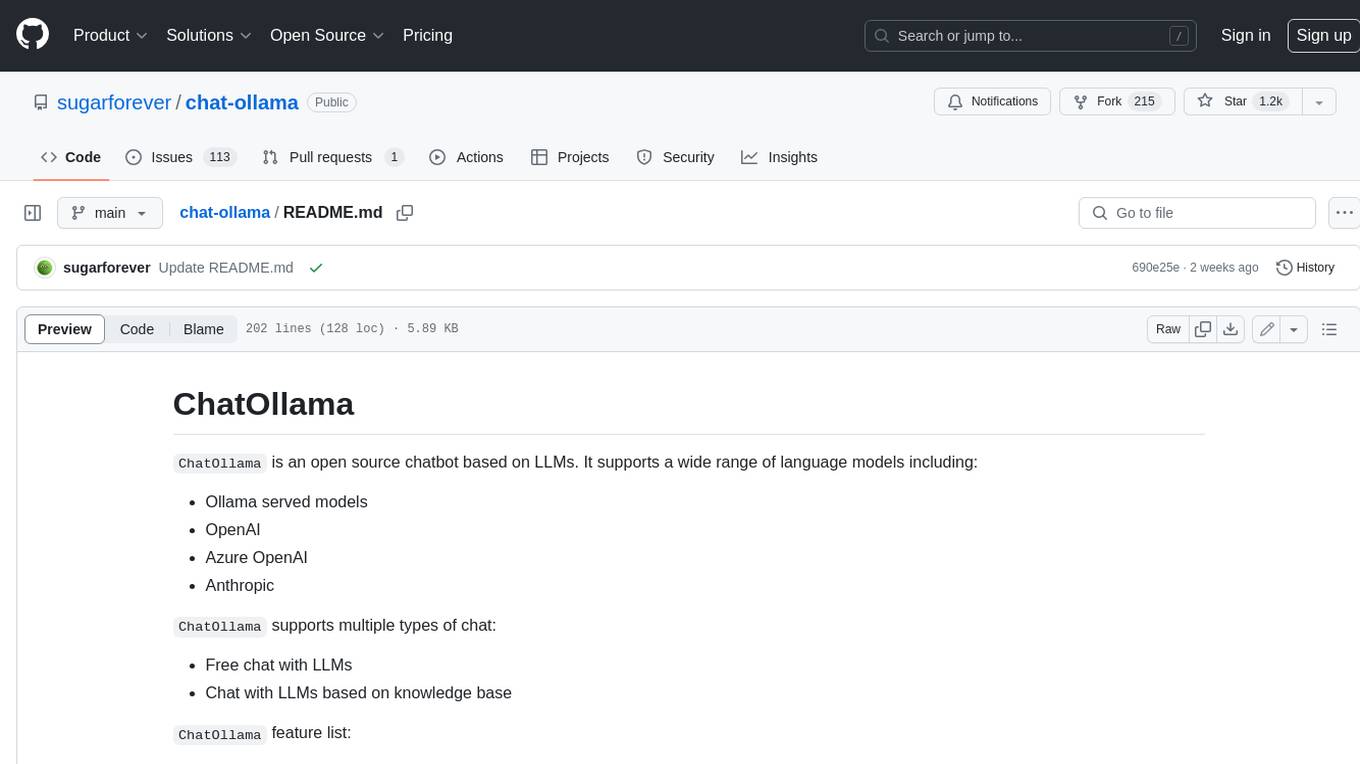
ChatOllama is an open-source chatbot based on LLMs (Large Language Models). It supports a wide range of language models, including Ollama served models, OpenAI, Azure OpenAI, and Anthropic. ChatOllama supports multiple types of chat, including free chat with LLMs and chat with LLMs based on a knowledge base. Key features of ChatOllama include Ollama models management, knowledge bases management, chat, and commercial LLMs API keys management.
KiCAD-MCP-Server
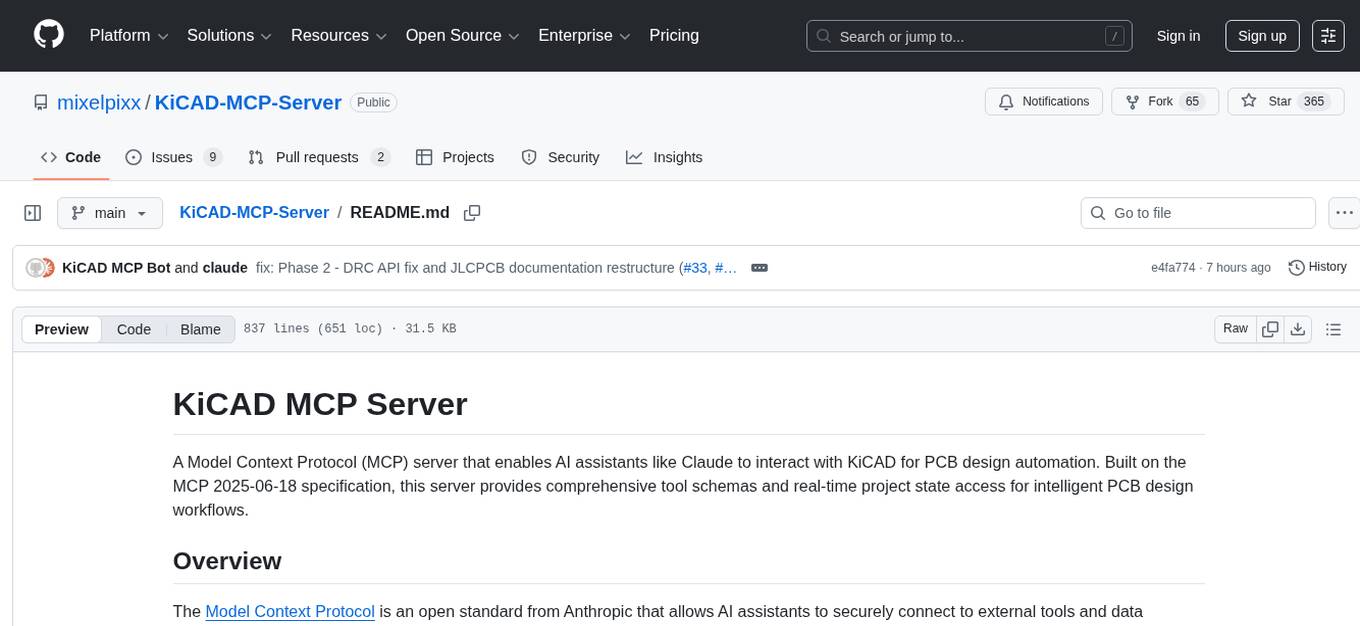
KiCAD MCP Server is a Model Context Protocol (MCP) server that facilitates interaction between AI assistants like Claude and KiCAD for PCB design automation. It adheres to the MCP 2025-06-18 specification, offering tool schemas and real-time project state access for efficient PCB design workflows. Key features include 64 documented tools with JSON Schema validation, smart tool discovery, dynamic resources for project state, JLCPCB parts integration, full MCP 2025-06-18 compliance, cross-platform support, real-time KiCAD UI integration, and comprehensive error handling. The server enables natural language control of PCB design operations and reduces AI context consumption by up to 70%.
mcp-pointer
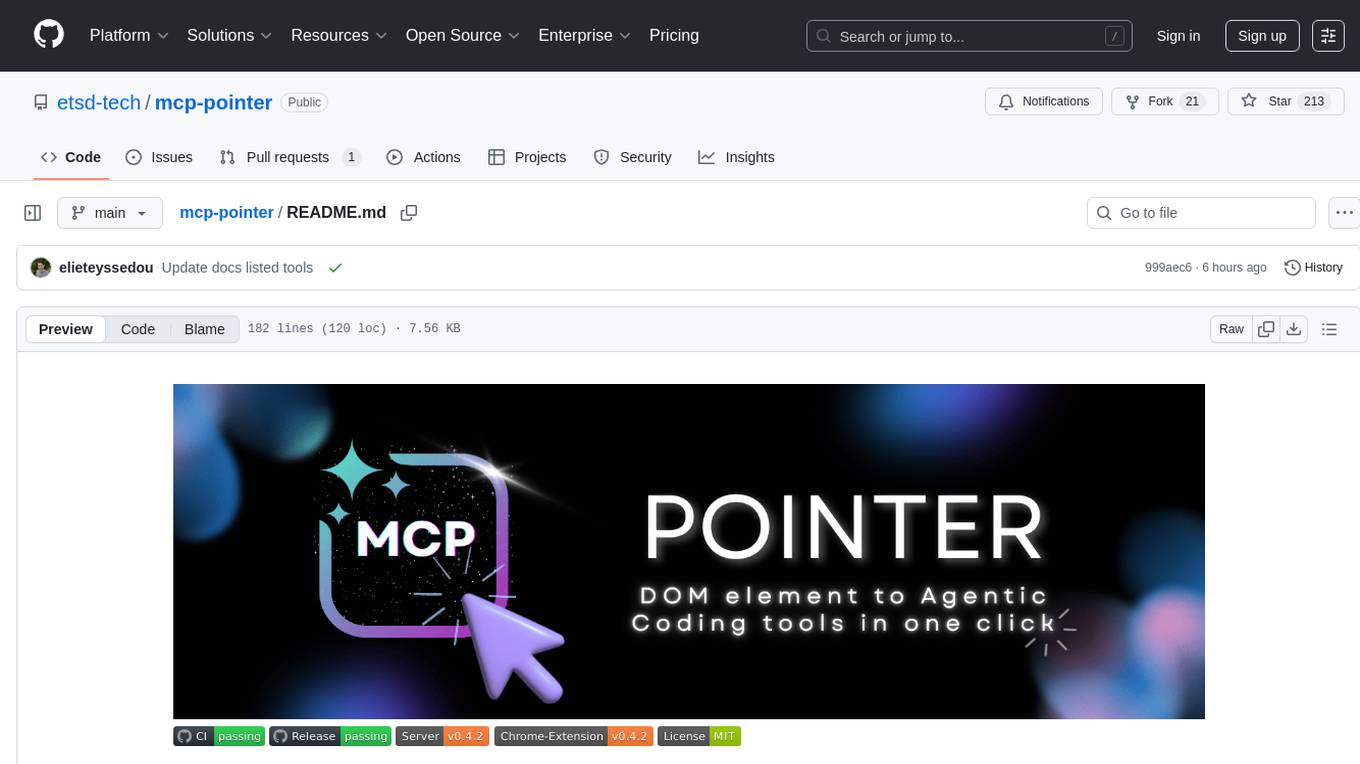
MCP Pointer is a local tool that combines an MCP Server with a Chrome Extension to allow users to visually select DOM elements in the browser and make textual context available to agentic coding tools like Claude Code. It bridges between the browser and AI tools via the Model Context Protocol, enabling real-time communication and compatibility with various AI tools. The tool extracts detailed information about selected elements, including text content, CSS properties, React component detection, and more, making it a valuable asset for developers working with AI-powered web development.
figma-console-mcp
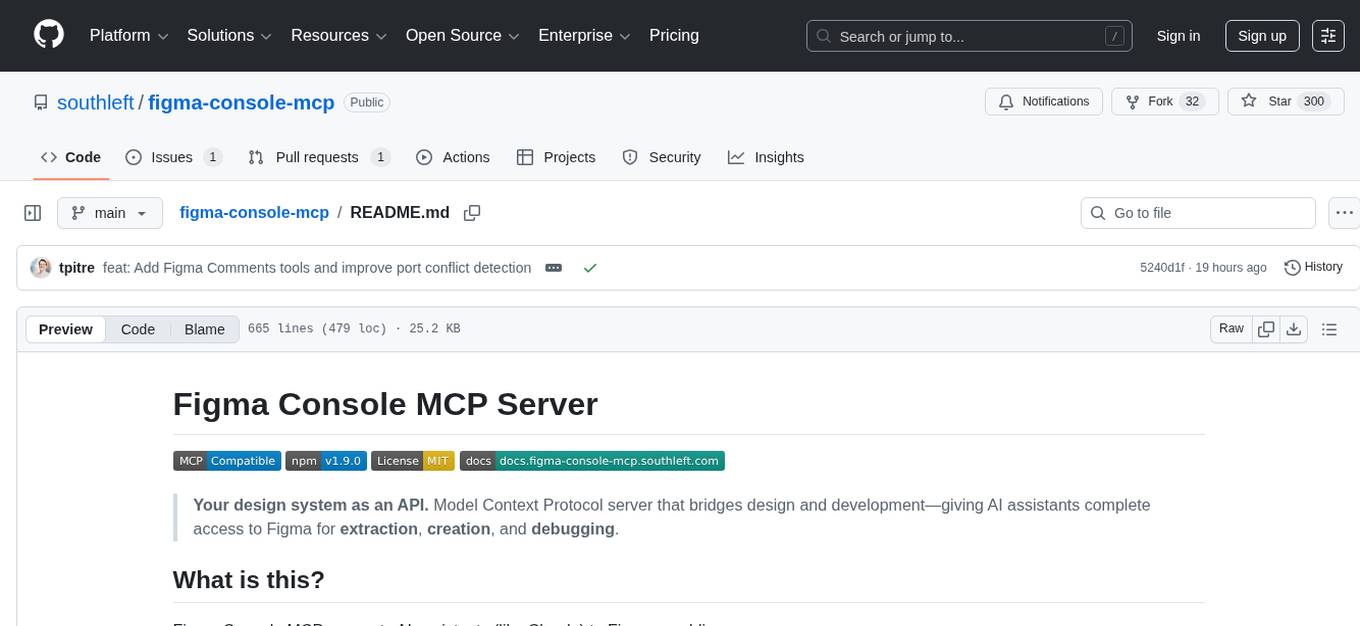
Figma Console MCP is a Model Context Protocol server that bridges design and development, giving AI assistants complete access to Figma for extraction, creation, and debugging. It connects AI assistants like Claude to Figma, enabling plugin debugging, visual debugging, design system extraction, design creation, variable management, real-time monitoring, and three installation methods. The server offers 53+ tools for NPX and Local Git setups, while Remote SSE provides read-only access with 16 tools. Users can create and modify designs with AI, contribute to projects, or explore design data. The server supports authentication via personal access tokens and OAuth, and offers tools for navigation, console debugging, visual debugging, design system extraction, design creation, design-code parity, variable management, and AI-assisted design creation.
vibesdk
Cloudflare VibeSDK is an open source full-stack AI webapp generator built on Cloudflare's developer platform. It allows companies to build AI-powered platforms, enables internal development for non-technical teams, and supports SaaS platforms to extend product functionality. The platform features AI code generation, live previews, interactive chat, modern stack generation, one-click deploy, and GitHub integration. It is built on Cloudflare's platform with frontend in React + Vite, backend in Workers with Durable Objects, database in D1 (SQLite) with Drizzle ORM, AI integration via multiple LLM providers, sandboxed app previews and execution in containers, and deployment to Workers for Platforms with dispatch namespaces. The platform also offers an SDK for programmatic access to build apps programmatically using TypeScript SDK.
Groqqle
Groqqle 2.1 is a revolutionary, free AI web search and API that instantly returns ORIGINAL content derived from source articles, websites, videos, and even foreign language sources, for ANY target market of ANY reading comprehension level! It combines the power of large language models with advanced web and news search capabilities, offering a user-friendly web interface, a robust API, and now a powerful Groqqle_web_tool for seamless integration into your projects. Developers can instantly incorporate Groqqle into their applications, providing a powerful tool for content generation, research, and analysis across various domains and languages.
Visionatrix
Visionatrix is a project aimed at providing easy use of ComfyUI workflows. It offers simplified setup and update processes, a minimalistic UI for daily workflow use, stable workflows with versioning and update support, scalability for multiple instances and task workers, multiple user support with integration of different user backends, LLM power for integration with Ollama/Gemini, and seamless integration as a service with backend endpoints and webhook support. The project is approaching version 1.0 release and welcomes new ideas for further implementation.
For similar tasks
languine
Languine is a CLI tool powered by AI that helps developers streamline the localization process by providing AI-powered translations, automation features, consistent localization, developer-centric design, and time-saving workflows. It automates the identification of translation keys, supports multiple file formats, delivers accurate translations in over 100 languages, aligns translations with the original text's tone and intent, extracts translation keys from codebase, and supports hooks for content formatting with Biome or Prettier. Languine is designed to simplify and enhance the localization experience for developers.
TranslateBookWithLLM
TranslateBookWithLLM is a Python application designed for large-scale text translation, such as entire books (.EPUB), subtitle files (.SRT), and plain text. It leverages local LLMs via the Ollama API or Gemini API. The tool offers both a web interface for ease of use and a command-line interface for advanced users. It supports multiple format translations, provides a user-friendly browser-based interface, CLI support for automation, multiple LLM providers including local Ollama models and Google Gemini API, and Docker support for easy deployment.
holoinsight
HoloInsight is a cloud-native observability platform that provides low-cost and high-performance monitoring services for cloud-native applications. It offers deep insights through real-time log analysis and AI integration. The platform is designed to help users gain a comprehensive understanding of their applications' performance and behavior in the cloud environment. HoloInsight is easy to deploy using Docker and Kubernetes, making it a versatile tool for monitoring and optimizing cloud-native applications. With a focus on scalability and efficiency, HoloInsight is suitable for organizations looking to enhance their observability and monitoring capabilities in the cloud.
metaso-free-api
Metaso AI Free service supports high-speed streaming output, secret tower AI super network search (full network or academic as well as concise, in-depth, research three modes), zero-configuration deployment, multi-token support. Fully compatible with ChatGPT interface. It also has seven other free APIs available for use. The tool provides various deployment options such as Docker, Docker-compose, Render, Vercel, and native deployment. Users can access the tool for chat completions and token live checks. Note: Reverse API is unstable, it is recommended to use the official Metaso AI website to avoid the risk of banning. This project is for research and learning purposes only, not for commercial use.
tribe
Tribe AI is a low code tool designed to rapidly build and coordinate multi-agent teams. It leverages the langgraph framework to customize and coordinate teams of agents, allowing tasks to be split among agents with different strengths for faster and better problem-solving. The tool supports persistent conversations, observability, tool calling, human-in-the-loop functionality, easy deployment with Docker, and multi-tenancy for managing multiple users and teams.
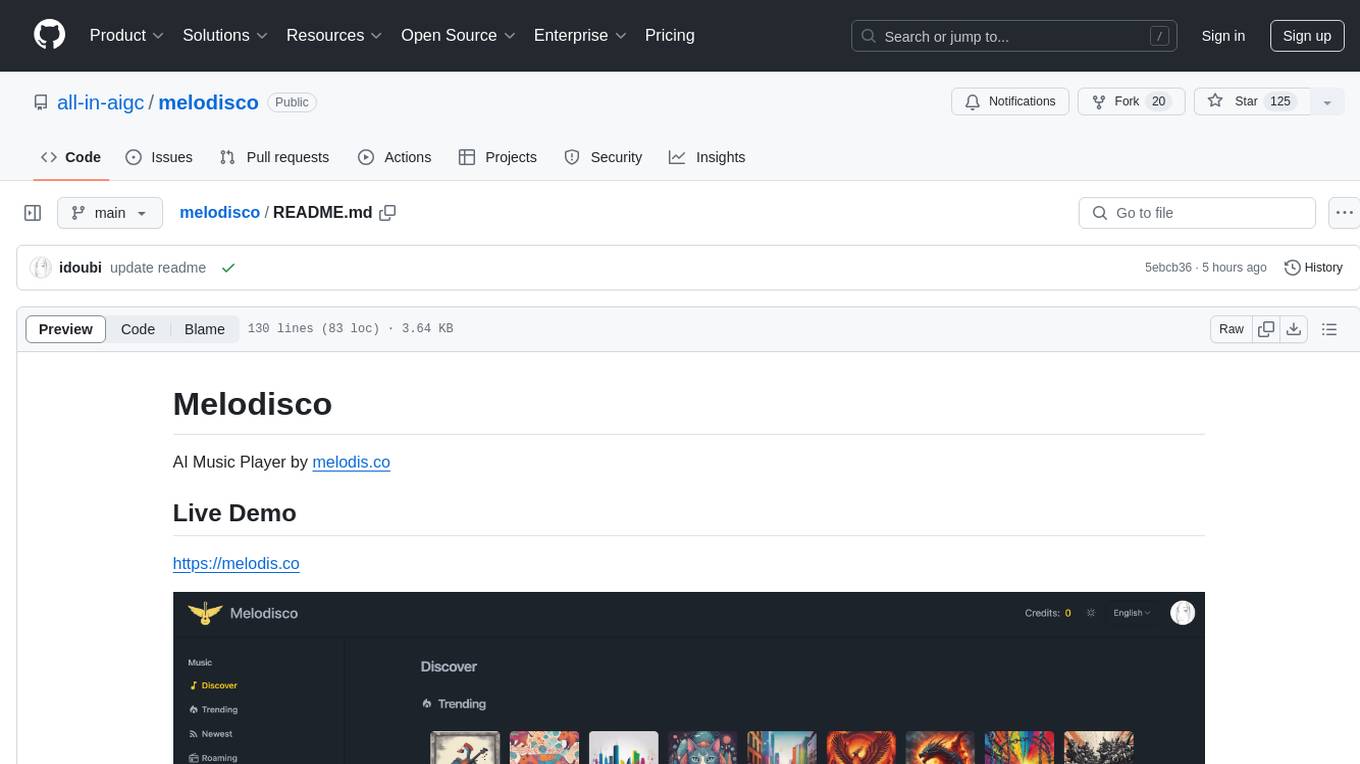
melodisco
Melodisco is an AI music player that allows users to listen to music and manage playlists. It provides a user-friendly interface for music playback and organization. Users can deploy Melodisco with Vercel or Docker for easy setup. Local development instructions are provided for setting up the project environment. The project credits various tools and libraries used in its development, such as Next.js, Tailwind CSS, and Stripe. Melodisco is a versatile tool for music enthusiasts looking for an AI-powered music player with features like authentication, payment integration, and multi-language support.
KB-Builder
KB Builder is an open-source knowledge base generation system based on the LLM large language model. It utilizes the RAG (Retrieval-Augmented Generation) data generation enhancement method to provide users with the ability to enhance knowledge generation and quickly build knowledge bases based on RAG. It aims to be the central hub for knowledge construction in enterprises, offering platform-based intelligent dialogue services and document knowledge base management functionality. Users can upload docx, pdf, txt, and md format documents and generate high-quality knowledge base question-answer pairs by invoking large models through the 'Parse Document' feature.
PDFMathTranslate
PDFMathTranslate is a tool designed for translating scientific papers and conducting bilingual comparisons. It preserves formulas, charts, table of contents, and annotations. The tool supports multiple languages and diverse translation services. It provides a command-line tool, interactive user interface, and Docker deployment. Users can try the application through online demos. The tool offers various installation methods including command-line, portable, graphic user interface, and Docker. Advanced options allow users to customize translation settings. Additionally, the tool supports secondary development through APIs for Python and HTTP. Future plans include parsing layout with DocLayNet based models, fixing page rotation and format issues, supporting non-PDF/A files, and integrating plugins for Zotero and Obsidian.
For similar jobs
ChatFAQ
ChatFAQ is an open-source comprehensive platform for creating a wide variety of chatbots: generic ones, business-trained, or even capable of redirecting requests to human operators. It includes a specialized NLP/NLG engine based on a RAG architecture and customized chat widgets, ensuring a tailored experience for users and avoiding vendor lock-in.
anything-llm
AnythingLLM is a full-stack application that enables you to turn any document, resource, or piece of content into context that any LLM can use as references during chatting. This application allows you to pick and choose which LLM or Vector Database you want to use as well as supporting multi-user management and permissions.

ai-guide
This guide is dedicated to Large Language Models (LLMs) that you can run on your home computer. It assumes your PC is a lower-end, non-gaming setup.

classifai
Supercharge WordPress Content Workflows and Engagement with Artificial Intelligence. Tap into leading cloud-based services like OpenAI, Microsoft Azure AI, Google Gemini and IBM Watson to augment your WordPress-powered websites. Publish content faster while improving SEO performance and increasing audience engagement. ClassifAI integrates Artificial Intelligence and Machine Learning technologies to lighten your workload and eliminate tedious tasks, giving you more time to create original content that matters.
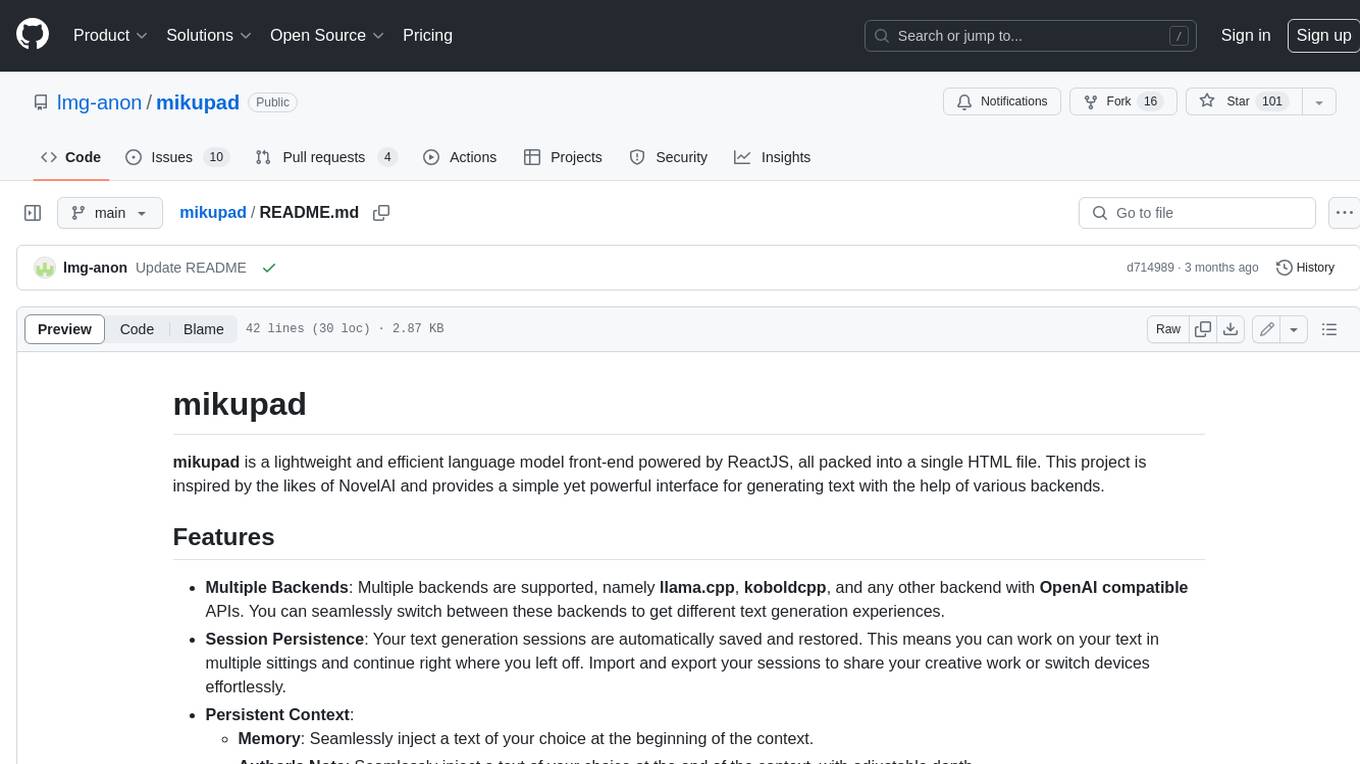
mikupad
mikupad is a lightweight and efficient language model front-end powered by ReactJS, all packed into a single HTML file. Inspired by the likes of NovelAI, it provides a simple yet powerful interface for generating text with the help of various backends.
glide
Glide is a cloud-native LLM gateway that provides a unified REST API for accessing various large language models (LLMs) from different providers. It handles LLMOps tasks such as model failover, caching, key management, and more, making it easy to integrate LLMs into applications. Glide supports popular LLM providers like OpenAI, Anthropic, Azure OpenAI, AWS Bedrock (Titan), Cohere, Google Gemini, OctoML, and Ollama. It offers high availability, performance, and observability, and provides SDKs for Python and NodeJS to simplify integration.

onnxruntime-genai
ONNX Runtime Generative AI is a library that provides the generative AI loop for ONNX models, including inference with ONNX Runtime, logits processing, search and sampling, and KV cache management. Users can call a high level `generate()` method, or run each iteration of the model in a loop. It supports greedy/beam search and TopP, TopK sampling to generate token sequences, has built in logits processing like repetition penalties, and allows for easy custom scoring.
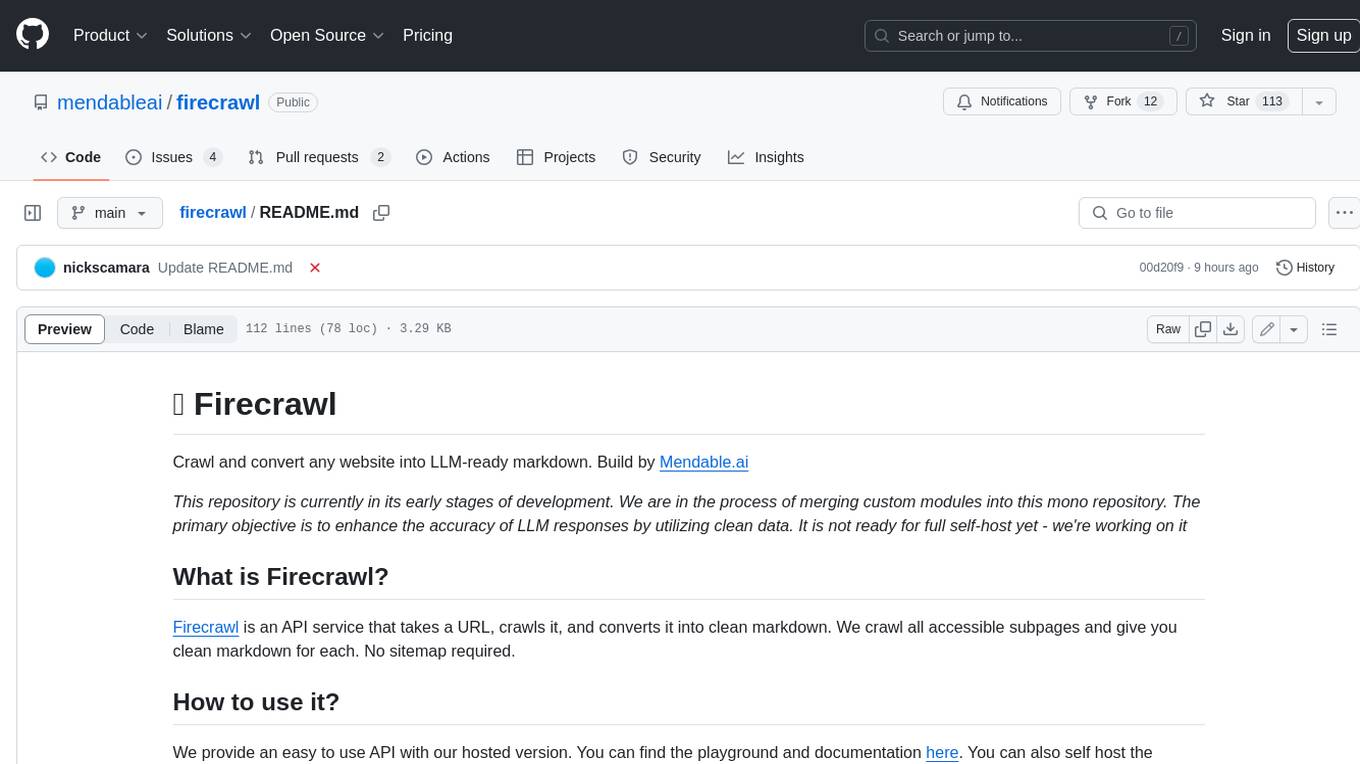
firecrawl
Firecrawl is an API service that takes a URL, crawls it, and converts it into clean markdown. It crawls all accessible subpages and provides clean markdown for each, without requiring a sitemap. The API is easy to use and can be self-hosted. It also integrates with Langchain and Llama Index. The Python SDK makes it easy to crawl and scrape websites in Python code.