


vibesdk
An open-source vibe coding platform that helps you build your own vibe-coding platform, built entirely on Cloudflare stack
Stars: 4786
Cloudflare VibeSDK is an open source full-stack AI webapp generator built on Cloudflare's developer platform. It allows companies to build AI-powered platforms, enables internal development for non-technical teams, and supports SaaS platforms to extend product functionality. The platform features AI code generation, live previews, interactive chat, modern stack generation, one-click deploy, and GitHub integration. It is built on Cloudflare's platform with frontend in React + Vite, backend in Workers with Durable Objects, database in D1 (SQLite) with Drizzle ORM, AI integration via multiple LLM providers, sandboxed app previews and execution in containers, and deployment to Workers for Platforms with dispatch namespaces. The platform also offers an SDK for programmatic access to build apps programmatically using TypeScript SDK.
README:
An open source full-stack AI webapp generator – Deploy your own instance of Cloudflare VibeSDK, an AI vibe coding platform that you can run and customize yourself.
Explore VibeSDK Build before deploying your own stack.
👆 Click to deploy your own instance!
Follow the setup guide below to configure required services
Cloudflare VibeSDK is an open source AI vibe coding platform built on Cloudflare's developer platform. If you're building an AI-powered platform for building applications, this is a great example that you can deploy and customize to build the whole platform yourself. Once the platform is deployed, users can say what they want to build in natural language, and the AI agent will create and deploy the application.
🌐 Experience it live at build.cloudflare.dev – Try it out before deploying your own instance!
Run your own solution that allows users to build applications in natural language. Customize the AI behavior, control the generated code patterns, integrate your own component libraries, and keep all customer data within your infrastructure. Perfect for startups wanting to enter the AI development space or established companies adding AI capabilities to their existing developer tools.
Enable non-technical teams to create the tools they need without waiting for engineering resources. Marketing can build landing pages, sales can create custom dashboards, and operations can automate workflows, all by describing what they want.
Let your customers extend your product's functionality without learning your API or writing code. They can describe custom integrations, build specialized workflows, or create tailored interfaces specific to their business needs.
🤖 AI Code Generation – Phase-wise development with intelligent error correction
⚡ Live Previews – App previews running in sandboxed containers
💬 Interactive Chat – Guide development through natural conversation
📱 Modern Stack – Generates React + TypeScript + Tailwind apps
🚀 One-Click Deploy – Deploy generated apps to Workers for Platforms
📦 GitHub Integration – Export code directly to your repositories
Cloudflare VibeSDK Build utilizes the full Cloudflare developer ecosystem:
- Frontend: React + Vite with modern UI components
- Backend: Workers with Durable Objects for AI agents
- Database: D1 (SQLite) with Drizzle ORM
- AI: Multiple LLM providers via AI Gateway
- Containers: Sandboxed app previews and execution
- Storage: R2 buckets for templates, KV for sessions
- Deployment: Workers for Platforms with dispatch namespaces
Build apps programmatically using the official TypeScript SDK:
npm install @cf-vibesdk/sdkimport { PhasicClient } from '@cf-vibesdk/sdk';
const client = new PhasicClient({
baseUrl: 'https://build.cloudflare.dev',
apiKey: process.env.VIBESDK_API_KEY!,
});
const session = await client.build('Build a simple hello world page.', {
projectType: 'app',
autoGenerate: true,
});
await session.wait.deployable();
console.log('Preview URL:', session.state.previewUrl);
session.close();SDK Documentation - Full API reference and examples
Before clicking "Deploy to Cloudflare", have these ready:
- Cloudflare Workers Paid Plan
- Workers for Platforms subscription
- Advanced Certificate Manager (needed when you map a first-level subdomain such as
abc.xyz.comso Cloudflare can issue the required wildcard certificate for preview apps on*.abc.xyz.com)
- Google Gemini API Key - Get from ai.google.dev
Once you click "Deploy to Cloudflare", you'll be taken to your Cloudflare dashboard where you can configure your VibeSDK deployment with these variables.
-
GOOGLE_AI_STUDIO_API_KEY- Your Google Gemini API key for Gemini models -
JWT_SECRET- Secure random string for session management -
WEBHOOK_SECRET- Webhook authentication secret -
SECRETS_ENCRYPTION_KEY- Encryption key for secrets -
SANDBOX_INSTANCE_TYPE- Container performance tier (optional, see section below) -
ALLOWED_EMAIL- Email address of the user allowed to use the app. This is used to verify the user's identity and prevent unauthorized access. -
CUSTOM_DOMAIN- Custom domain for your app that you have configured in Cloudflare (Required). If you use a first-level subdomain such asabc.xyz.com, make sure the Advanced Certificate Manager add-on is active on that zone.
To serve preview apps correctly, add the following DNS record in the zone that hosts CUSTOM_DOMAIN:
- Type:
CNAME - Name:
*.abc - Target:
abc.xyz.com(replace with your base custom domain or another appropriate origin) - Proxy status: Proxied (orange cloud)
Adjust the placeholder abc/xyz parts to match your domain. DNS propagation can take time—expect it to take up to an hour before previews resolve. This step may be automated in a future release, but it is required today.
VibeSDK uses Cloudflare Containers to run generated applications in isolated environments. You can configure the container performance tier based on your needs and Cloudflare plan.
📢 Updated Oct 2025: Cloudflare now offers larger container instance types with more resources!
| Instance Type | Memory | CPU | Disk | Use Case | Availability |
|---|---|---|---|---|---|
lite (alias: dev) |
256 MiB | 1/16 vCPU | 2 GB | Development/testing | All plans |
standard-1 (alias: standard) |
4 GiB | 1/2 vCPU | 8 GB | Light production apps | All plans |
standard-2 |
8 GiB | 1 vCPU | 12 GB | Medium workloads | All plans |
standard-3 |
12 GiB | 2 vCPU | 16 GB | Production apps | All plans (Default) |
standard-4 |
12 GiB | 4 vCPU | 20 GB | High-performance apps | All plans |
Option A: Via Deploy Button (Recommended) During the "Deploy to Cloudflare" flow, you can set the instance type as a build variable:
- Variable name:
SANDBOX_INSTANCE_TYPE - Recommended values:
-
Standard/Paid users:
standard-3(default, best balance) -
High-performance needs:
standard-4
-
Standard/Paid users:
Option B: Via Environment Variable For local deployment or CI/CD, set the environment variable:
export SANDBOX_INSTANCE_TYPE=standard-3  # or standard-4, standard-2, standard-1, lite
bun run deployFor All Users:
-
standard-3(Recommended) - Best balance for production apps with 2 vCPU and 12 GiB memory -
standard-4- Maximum performance with 4 vCPU for compute-intensive applications
The SANDBOX_INSTANCE_TYPE controls:
- App Preview Performance - How fast generated applications run during development
- Build Process Speed - Container compile and build times
- Concurrent App Capacity - How many apps can run simultaneously
- Resource Availability - Memory and disk space for complex applications
💡 Pro Tip: Start with
standard-3(the new default) for the best balance of performance and resources. Upgrade tostandard-4if you need maximum CPU performance for compute-intensive applications.
OAuth configuration is not shown on the initial deploy page. If you want user login features, you'll need to set this up after deployment:
How to Add OAuth After Deployment:
- Find your repository in your GitHub/GitLab account (created by "Deploy to Cloudflare" flow)
-
Clone locally and run
bun install -
Create
.dev.varsand.prod.varsfiles (see below for OAuth configuration) -
Run
bun run deployto update your deployment
Google OAuth Setup:
- Google Cloud Console → Create Project
- Enable Google+ API
- Create OAuth 2.0 Client ID
- Add authorized origins:
https://your-custom-domain. - Add redirect URI:
https://your-worker-name.workers.dev/api/auth/callback/google - Add to both
.dev.vars(for local development) and.prod.vars(for deployment):GOOGLE_CLIENT_ID="your-google-client-id" GOOGLE_CLIENT_SECRET="your-google-client-secret"
GitHub OAuth Setup:
- GitHub → Settings → Developer settings → OAuth Apps
- Click New OAuth App
- Application name:
Cloudflare VibeSDK - Homepage URL:
https://your-worker-name.workers.dev - Authorization callback URL:
https://your-worker-name.workers.dev/api/auth/callback/github - Add to both
.dev.vars(for local development) and.prod.vars(for deployment):GITHUB_CLIENT_ID="your-github-client-id" GITHUB_CLIENT_SECRET="your-github-client-secret"
GitHub Export OAuth Setup:
- Create a separate GitHub OAuth app (e.g.,
VibeSDK Export)—do not reuse the login app above. - Authorization callback URL:
https://your-worker-name.workers.dev/api/github-exporter/callback(or your custom domain equivalent). - Add to both
.dev.varsand.prod.vars:GITHUB_EXPORTER_CLIENT_ID="your-export-client-id" GITHUB_EXPORTER_CLIENT_SECRET="your-export-client-secret"
- Redeploy or restart local development so the new variables take effect.
graph TD
    A[User Describes App] --> B[AI Agent Analyzes Request]
    B --> C[Generate Blueprint & Plan]
    C --> D[Phase-wise Code Generation]
    D --> E[Live Preview in Container]
    E --> F[User Feedback & Iteration]
    F --> D
D --> G[Deploy to Workers for Platforms]- 🧠 AI Analysis: Language models process your description
- 📋 Blueprint Creation: System architecture and file structure planned
- ⚡ Phase Generation: Code generated incrementally with dependency management
- 🔍 Quality Assurance: Automated linting, type checking, and error correction
- 📱 Live Preview: App execution in isolated Cloudflare Containers
- 🔄 Real-time Iteration: Chat interface enables continuous refinements
- 🚀 One-Click Deploy: Generated apps deploy to Workers for Platforms
Want to see these prompts in action? Visit the live demo at build.cloudflare.dev first, then try them on your own instance once deployed:
🎮 Fun Apps
"Create a todo list with drag and drop and dark mode"
"Build a simple drawing app with different brush sizes and colors"
"Make a memory card game with emojis"
📊 Productivity Apps
"Create an expense tracker with charts and categories"
"Build a pomodoro timer with task management"
"Make a habit tracker with streak counters"
🎨 Creative Tools
"Build a color palette generator from images"
"Create a markdown editor with live preview"
"Make a meme generator with text overlays"
🛠️ Utility Apps
"Create a QR code generator and scanner"
"Build a password generator with custom options"
"Make a URL shortener with click analytics"
class CodeGeneratorAgent extends DurableObject {
  async generateCode(prompt: string) {
    // Persistent state across WebSocket connections
    // Phase-wise generation with error recovery
    // Real-time progress streaming to frontend
  }
}// Generated apps deployed to dispatch namespace
export default {
async fetch(request, env) {
const appId = extractAppId(request);
const userApp = env.DISPATCHER.get(appId);
return await userApp.fetch(request);
}
};Cloudflare VibeSDK generates apps in intelligent phases:
- Planning Phase: Analyzes requirements, creates file structure
- Foundation Phase: Generates package.json, basic setup files
- Core Phase: Creates main components and logic
- Styling Phase: Adds CSS and visual design
- Integration Phase: Connects APIs and external services
- Optimization Phase: Performance improvements and error fixes
- The "Deploy to Cloudflare" button provisions the worker and also creates a GitHub repository in your account. Clone that repository to work locally.
- Pushes to the
mainbranch trigger automatic deployments; CI/CD is already wired up for you. - For a manual deployment, copy
.dev.vars.exampleto.prod.vars, fill in production-only secrets, and runbun run deploy. The deploy script reads from.prod.vars.
DNS updates made during setup, including the wildcard CNAME record described above, can take a while to propagate. Wait until the record resolves before testing preview apps.
You can run VibeSDK locally by following these steps:
# Clone the repository
git clone https://github.com/cloudflare/vibesdk.git
cd vibesdk

# Install dependencies
npm install  # or: bun install, yarn install, pnpm install

# Run automated setup
npm run setup  # or: bun run setup
The setup script will guide you through:
- Installing Bun for better performance
- Configuring Cloudflare credentials and resources
- Setting up AI providers and OAuth
- Creating development and production environments
- Database setup and migrations
- Template deployment
📖 Complete Setup Guide - Detailed setup instructions and troubleshooting
After setup, start the development server:
If you're deploying manually using bun run deploy, you must set these environment variables:
Cloudflare API Token & Account ID:
-
Get your Account ID:
- Go to Cloudflare Dashboard -> Workers and Pages
- Copy your Account ID from the right sidebar or URL
-
Create an API Token:
- Go to Cloudflare Dashboard -> API Tokens
- Click "Create Token" → Use custom token
- Configure with these minimum required permissions:
- Account → Containers → Edit
- Account → Secrets Store → Edit
- Account → D1 → Edit
- Account → Workers R2 Storage → Edit
- Account → Workers KV Storage → Edit
- Account → Workers Scripts → Edit
- Account → Account Settings → Read
- Zone → Workers Routes → Edit
- Under "Zone Resources": Select "All zones from an account" → Choose your account
- Click "Continue to summary" → "Create Token"
- Copy the token immediately (you won't see it again)
-
Set the environment variables:
export CLOUDFLARE_API_TOKEN="your-api-token-here"
export CLOUDFLARE_ACCOUNT_ID="your-account-id-here"
Note: These credentials are automatically provided when using the "Deploy to Cloudflare" button, but are required for manual
bun run deploy.
For Local Development (.dev.vars):
bun run devVisit http://localhost:5173 to access VibSDK locally.
For Production Deployment (.prod.vars):
cp .dev.vars.example .prod.vars
# Edit .prod.vars with your production API keys and tokensDeploy to Cloudflare Workers:
bun run deploy # Builds and deploys automatically (includes remote DB migration)- Copy the example file:
cp .dev.vars.example .dev.vars - Fill in your API keys and tokens
- Leave optional values as
"default"if not needed
- Build Variables: Set in your deployment platform (GitHub Actions, etc.)
-
Worker Secrets: Automatically handled by deployment script or set manually:
wrangler secret put ANTHROPIC_API_KEY
wrangler secret put OPENAI_API_KEY
wrangler secret put GOOGLE_AI_STUDIO_API_KEY
# ... etc
The deployment system follows this priority order:
- Environment Variables (highest priority)
- wrangler.jsonc vars
- Default values (lowest priority)
Example: If MAX_SANDBOX_INSTANCES is set both as an environment variable (export MAX_SANDBOX_INSTANCES=5) and in wrangler.jsonc ("MAX_SANDBOX_INSTANCES": "2"), the environment variable value (5) will be used.
Cloudflare VibeSDK implements enterprise-grade security:
- 🔐 Encrypted Secrets: All API keys stored with Cloudflare encryption
- 🏰 Sandboxed Execution: Generated apps run in completely isolated containers
- 🛡️ Input Validation: All user inputs sanitized and validated
- 🚨 Rate Limiting: Prevents abuse and ensures fair usage
- 🔍 Content Filtering: AI-powered detection of inappropriate content
- 📝 Audit Logs: Complete tracking of all generation activities
🚫 "Insufficient Permissions" Error
- Authentication is handled automatically during deployment
- If you see this error, try redeploying - permissions are auto-granted
- Contact Cloudflare support if the issue persists
🤖 "AI Gateway Authentication Failed"
- Confirm AI Gateway is set to Authenticated mode
- Verify the authentication token has Run permissions
- Check that gateway URL format is correct
🗄️ "Database Migration Failed"
- D1 resources may take time to provision automatically
- Wait a few minutes and retry - resource creation is handled automatically
- Check that your account has D1 access enabled
🔐 "Missing Required Variables"
-
Worker Secrets: Verify all required secrets are set:
ANTHROPIC_API_KEY,OPENAI_API_KEY,GOOGLE_AI_STUDIO_API_KEY,JWT_SECRET -
AI Gateway Token:
CLOUDFLARE_AI_GATEWAY_TOKENshould be set as BOTH build variable and worker secret - Environment Variables: These are automatically loaded from wrangler.jsonc - no manual setup needed
- Authentication: API tokens and account IDs are automatically provided by Workers Builds
🤖 "AI Gateway Not Found"
- With AI Gateway Token: The deployment script should automatically create the gateway. Check that your token has Read, Edit, and Run permissions.
-
Without AI Gateway Token: You must manually create an AI Gateway before deployment:
- Go to AI Gateway Dashboard
- Create gateway named
vibesdk-gateway(or your custom name) - Enable authentication and create a token with Run permissions
🏗️ "Container Instance Type Issues"
-
Slow app previews: Try upgrading from
lite/standard-1tostandard-3(default) orstandard-4instance type -
Out of memory errors: Upgrade to a higher instance type (e.g., from
standard-2tostandard-3orstandard-4) or check for memory leaks in generated apps -
Build timeouts: Use
standard-3orstandard-4for faster build times with more CPU cores -
Using legacy types: The
devandstandardaliases still work but map toliteandstandard-1respectively
- 📖 Check Cloudflare Workers Docs
- 💬 Join Cloudflare Discord
- 🐛 Report issues on GitHub
Want to contribute to Cloudflare VibeSDK? Here's how:
- 🍴 Fork via the Deploy button (creates your own instance!)
- 💻 Develop new features or improvements
-
✅ Test thoroughly with
bun run test - 📤 Submit Pull Request to the main repository
- Workers - Serverless compute platform
- Durable Objects - Stateful serverless objects
- D1 - SQLite database at the edge
- R2 - Object storage without egress fees
- AI Gateway - Unified AI API gateway
- Discord - Real-time chat and support
- Community Forum - Technical discussions
- GitHub Discussions - Feature requests and ideas
- Workers Learning Path - Master Workers development
- Full-Stack Guide - Build complete applications
- AI Integration - Add AI to your apps
MIT License - see LICENSE for details.
For Tasks:
Click tags to check more tools for each tasksFor Jobs:
Alternative AI tools for vibesdk
Similar Open Source Tools
vibesdk
Cloudflare VibeSDK is an open source full-stack AI webapp generator built on Cloudflare's developer platform. It allows companies to build AI-powered platforms, enables internal development for non-technical teams, and supports SaaS platforms to extend product functionality. The platform features AI code generation, live previews, interactive chat, modern stack generation, one-click deploy, and GitHub integration. It is built on Cloudflare's platform with frontend in React + Vite, backend in Workers with Durable Objects, database in D1 (SQLite) with Drizzle ORM, AI integration via multiple LLM providers, sandboxed app previews and execution in containers, and deployment to Workers for Platforms with dispatch namespaces. The platform also offers an SDK for programmatic access to build apps programmatically using TypeScript SDK.
AIClient-2-API
AIClient-2-API is a versatile and lightweight API proxy designed for developers, providing ample free API request quotas and comprehensive support for various mainstream large models like Gemini, Qwen Code, Claude, etc. It converts multiple backend APIs into standard OpenAI format interfaces through a Node.js HTTP server. The project adopts a modern modular architecture, supports strategy and adapter patterns, comes with complete test coverage and health check mechanisms, and is ready to use after 'npm install'. By easily switching model service providers in the configuration file, any OpenAI-compatible client or application can seamlessly access different large model capabilities through the same API address, eliminating the hassle of maintaining multiple sets of configurations for different services and dealing with incompatible interfaces.
Groqqle
Groqqle 2.1 is a revolutionary, free AI web search and API that instantly returns ORIGINAL content derived from source articles, websites, videos, and even foreign language sources, for ANY target market of ANY reading comprehension level! It combines the power of large language models with advanced web and news search capabilities, offering a user-friendly web interface, a robust API, and now a powerful Groqqle_web_tool for seamless integration into your projects. Developers can instantly incorporate Groqqle into their applications, providing a powerful tool for content generation, research, and analysis across various domains and languages.
figma-console-mcp
Figma Console MCP is a Model Context Protocol server that bridges design and development, giving AI assistants complete access to Figma for extraction, creation, and debugging. It connects AI assistants like Claude to Figma, enabling plugin debugging, visual debugging, design system extraction, design creation, variable management, real-time monitoring, and three installation methods. The server offers 53+ tools for NPX and Local Git setups, while Remote SSE provides read-only access with 16 tools. Users can create and modify designs with AI, contribute to projects, or explore design data. The server supports authentication via personal access tokens and OAuth, and offers tools for navigation, console debugging, visual debugging, design system extraction, design creation, design-code parity, variable management, and AI-assisted design creation.

layra
LAYRA is the world's first visual-native AI automation engine that sees documents like a human, preserves layout and graphical elements, and executes arbitrarily complex workflows with full Python control. It empowers users to build next-generation intelligent systems with no limits or compromises. Built for Enterprise-Grade deployment, LAYRA features a modern frontend, high-performance backend, decoupled service architecture, visual-native multimodal document understanding, and a powerful workflow engine.
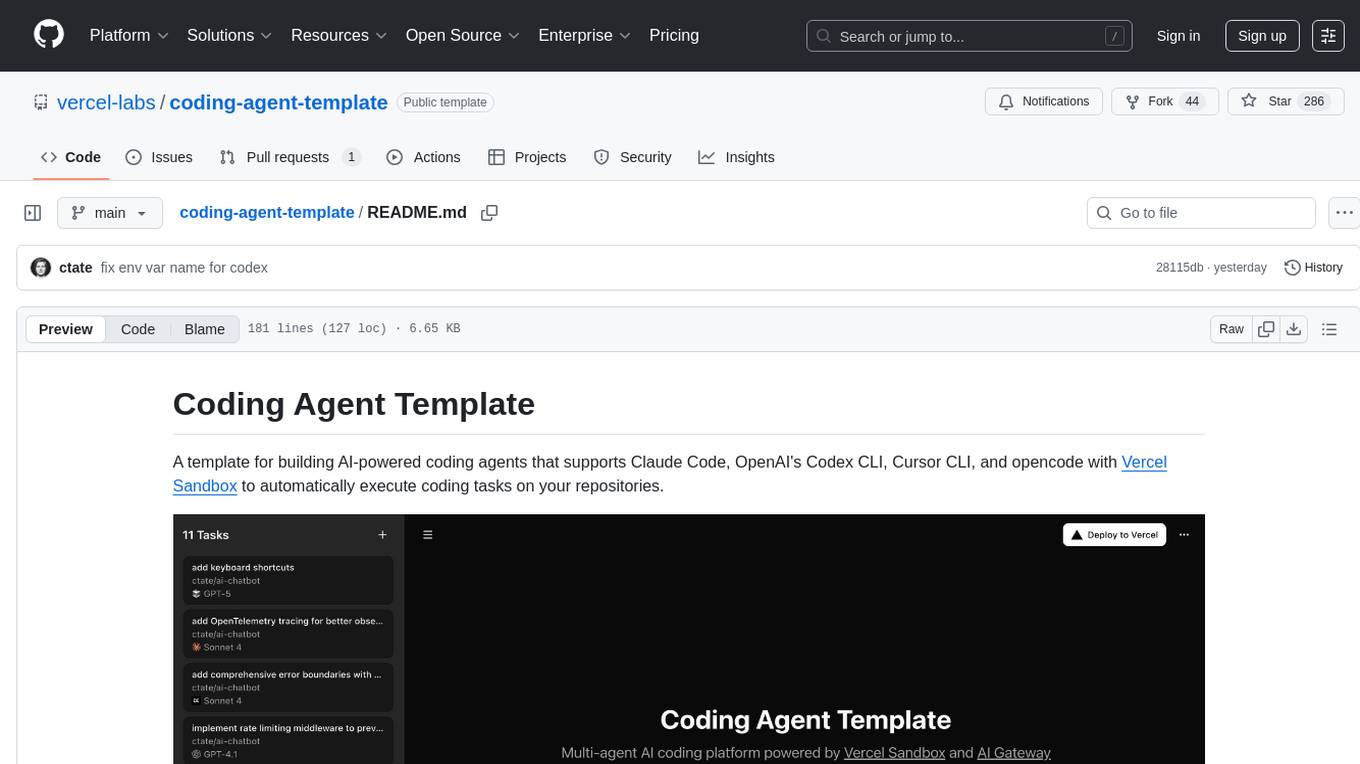
coding-agent-template
Coding Agent Template is a versatile tool for building AI-powered coding agents that support various coding tasks using Claude Code, OpenAI's Codex CLI, Cursor CLI, and opencode with Vercel Sandbox. It offers features like multi-agent support, Vercel Sandbox for secure code execution, AI Gateway integration, AI-generated branch names, task management, persistent storage, Git integration, and a modern UI built with Next.js and Tailwind CSS. Users can easily deploy their own version of the template to Vercel and set up the tool by cloning the repository, installing dependencies, configuring environment variables, setting up the database, and starting the development server. The tool simplifies the process of creating tasks, monitoring progress, reviewing results, and managing tasks, making it ideal for developers looking to automate coding tasks with AI agents.
Visionatrix
Visionatrix is a project aimed at providing easy use of ComfyUI workflows. It offers simplified setup and update processes, a minimalistic UI for daily workflow use, stable workflows with versioning and update support, scalability for multiple instances and task workers, multiple user support with integration of different user backends, LLM power for integration with Ollama/Gemini, and seamless integration as a service with backend endpoints and webhook support. The project is approaching version 1.0 release and welcomes new ideas for further implementation.
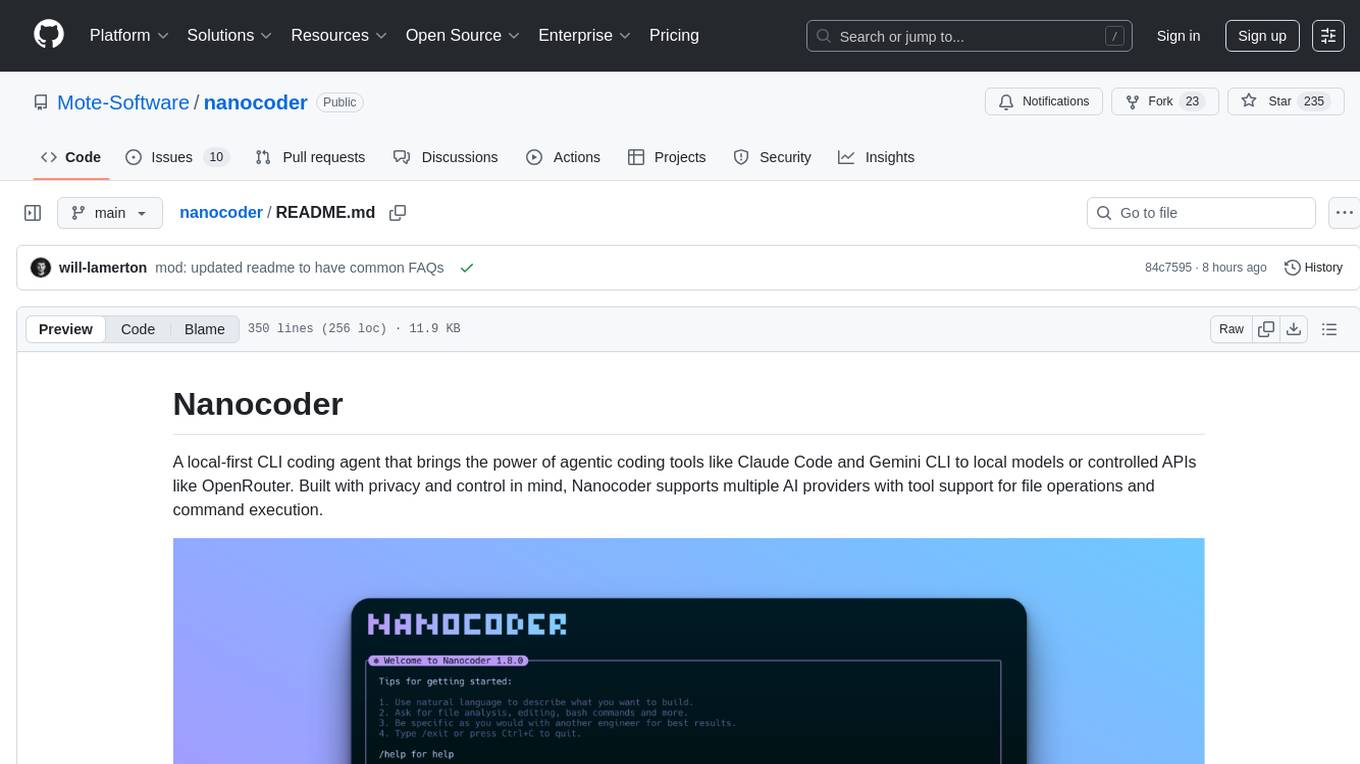
nanocoder
Nanocoder is a local-first CLI coding agent that supports multiple AI providers with tool support for file operations and command execution. It focuses on privacy and control, allowing users to code locally with AI tools. The tool is designed to bring the power of agentic coding tools to local models or controlled APIs like OpenRouter, promoting community-led development and inclusive collaboration in the AI coding space.
gemini-cli
Gemini CLI is an open-source AI agent that provides lightweight access to Gemini, offering powerful capabilities like code understanding, generation, automation, integration, and advanced features. It is designed for developers who prefer working in the command line and offers extensibility through MCP support. The tool integrates directly into GitHub workflows and offers various authentication options for individual developers, enterprise teams, and production workloads. With features like code querying, editing, app generation, debugging, and GitHub integration, Gemini CLI aims to streamline development workflows and enhance productivity.
tingly-box
Tingly Box is a tool that helps in deciding which model to call, compressing context, and routing requests efficiently. It offers secure, reliable, and customizable functional extensions. With features like unified API, smart routing, context compression, auto API translation, blazing fast performance, flexible authentication, visual control panel, and client-side usage stats, Tingly Box provides a comprehensive solution for managing AI models and tokens. It supports integration with various IDEs, CLI tools, SDKs, and AI applications, making it versatile and easy to use. The tool also allows seamless integration with OAuth providers like Claude Code, enabling users to utilize existing quotas in OpenAI-compatible tools. Tingly Box aims to simplify AI model management and usage by providing a single endpoint for multiple providers with minimal configuration, promoting seamless integration with SDKs and CLI tools.
editor
Nuxt Editor Template is a Notion-like WYSIWYG editor built with Vue & Nuxt, featuring rich text editing, tables, AI-powered completions, real-time collaboration, and more. It includes features like inline completions, image upload, mentions, emoji picker, and markdown support. Users can deploy their own editor with Vercel and integrate AI assistance for writing. The template also supports Blob storage for image uploads and optional real-time collaboration using Y.js framework with PartyKit.
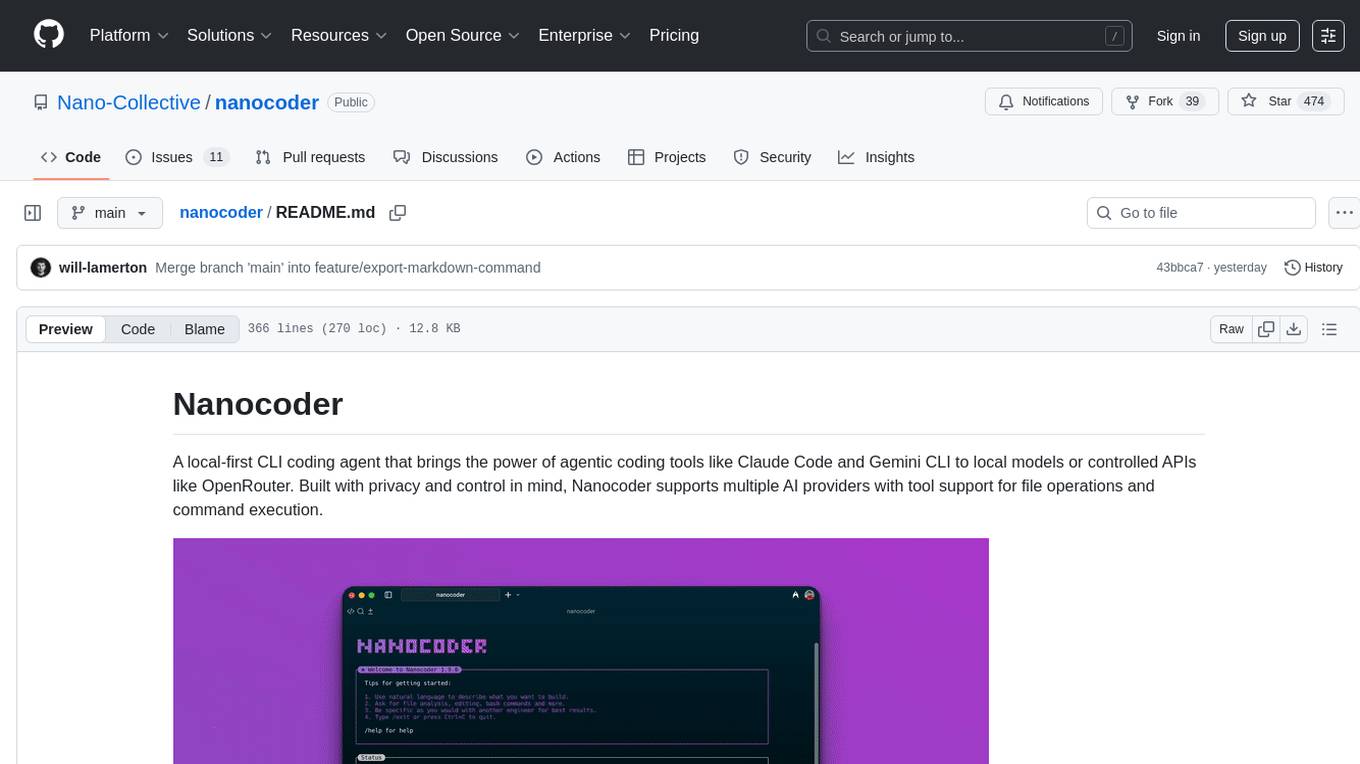
nanocoder
Nanocoder is a versatile code editor designed for beginners and experienced programmers alike. It provides a user-friendly interface with features such as syntax highlighting, code completion, and error checking. With Nanocoder, you can easily write and debug code in various programming languages, making it an ideal tool for learning, practicing, and developing software projects. Whether you are a student, hobbyist, or professional developer, Nanocoder offers a seamless coding experience to boost your productivity and creativity.
persistent-ai-memory
Persistent AI Memory System is a comprehensive tool that offers persistent, searchable storage for AI assistants. It includes features like conversation tracking, MCP tool call logging, and intelligent scheduling. The system supports multiple databases, provides enhanced memory management, and offers various tools for memory operations, schedule management, and system health checks. It also integrates with various platforms like LM Studio, VS Code, Koboldcpp, Ollama, and more. The system is designed to be modular, platform-agnostic, and scalable, allowing users to handle large conversation histories efficiently.

Zero
Zero is an open-source AI email solution that allows users to self-host their email app while integrating external services like Gmail. It aims to modernize and enhance emails through AI agents, offering features like open-source transparency, AI-driven enhancements, data privacy, self-hosting freedom, unified inbox, customizable UI, and developer-friendly extensibility. Built with modern technologies, Zero provides a reliable tech stack including Next.js, React, TypeScript, TailwindCSS, Node.js, Drizzle ORM, and PostgreSQL. Users can set up Zero using standard setup or Dev Container setup for VS Code users, with detailed environment setup instructions for Better Auth, Google OAuth, and optional GitHub OAuth. Database setup involves starting a local PostgreSQL instance, setting up database connection, and executing database commands for dependencies, tables, migrations, and content viewing.
OrChat
OrChat is a powerful CLI tool for chatting with AI models through OpenRouter. It offers features like universal model access, interactive chat with real-time streaming responses, rich markdown rendering, agentic shell access, security gating, performance analytics, command auto-completion, pricing display, auto-update system, multi-line input support, conversation management, auto-summarization, session persistence, web scraping, file and media support, smart thinking mode, conversation export, customizable themes, interactive input features, and more.
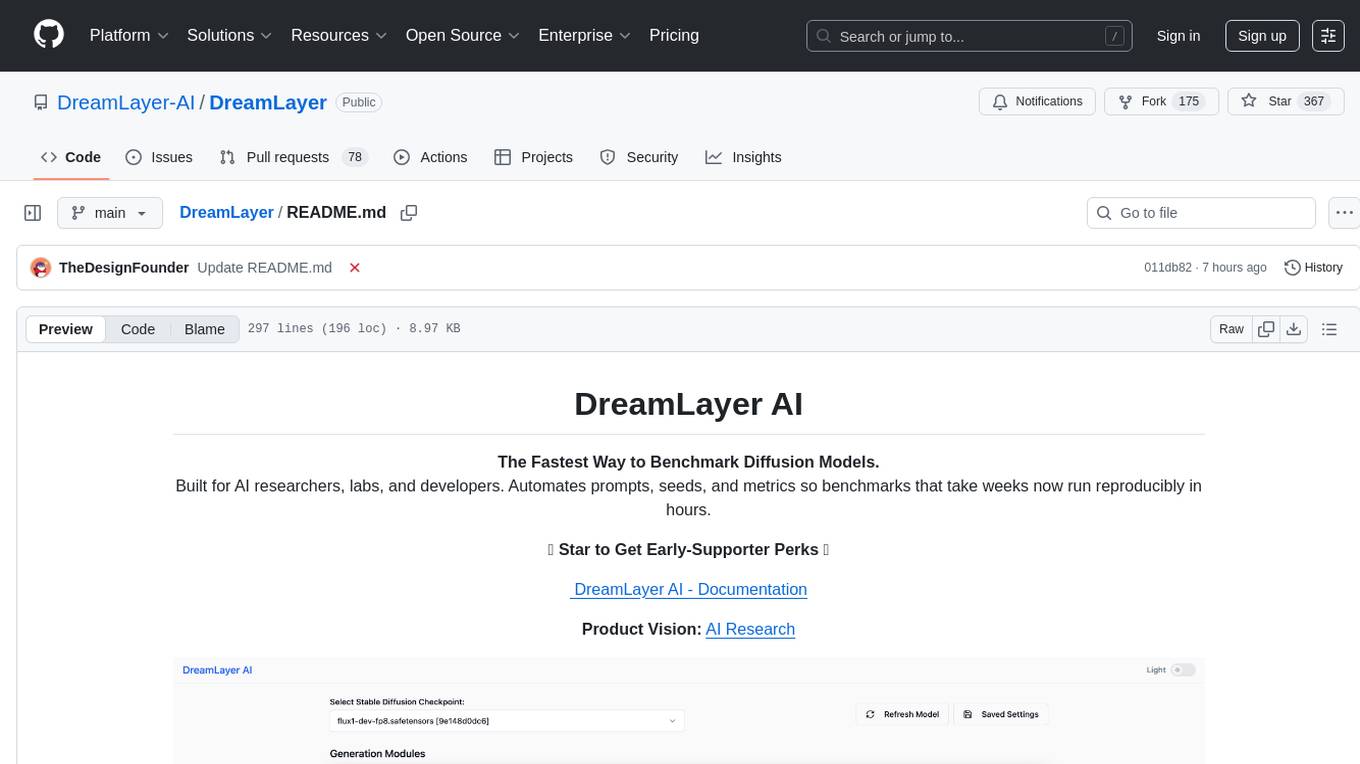
DreamLayer
DreamLayer AI is an open-source Stable Diffusion WebUI designed for AI researchers, labs, and developers. It automates prompts, seeds, and metrics for benchmarking models, datasets, and samplers, enabling reproducible evaluations across multiple seeds and configurations. The tool integrates custom metrics and evaluation pipelines, providing a streamlined workflow for AI research. With features like automated benchmarking, reproducibility, built-in metrics, multi-modal readiness, and researcher-friendly interface, DreamLayer AI aims to simplify and accelerate the model evaluation process.
For similar tasks
vibesdk
Cloudflare VibeSDK is an open source full-stack AI webapp generator built on Cloudflare's developer platform. It allows companies to build AI-powered platforms, enables internal development for non-technical teams, and supports SaaS platforms to extend product functionality. The platform features AI code generation, live previews, interactive chat, modern stack generation, one-click deploy, and GitHub integration. It is built on Cloudflare's platform with frontend in React + Vite, backend in Workers with Durable Objects, database in D1 (SQLite) with Drizzle ORM, AI integration via multiple LLM providers, sandboxed app previews and execution in containers, and deployment to Workers for Platforms with dispatch namespaces. The platform also offers an SDK for programmatic access to build apps programmatically using TypeScript SDK.
For similar jobs

promptflow
**Prompt flow** is a suite of development tools designed to streamline the end-to-end development cycle of LLM-based AI applications, from ideation, prototyping, testing, evaluation to production deployment and monitoring. It makes prompt engineering much easier and enables you to build LLM apps with production quality.

deepeval
DeepEval is a simple-to-use, open-source LLM evaluation framework specialized for unit testing LLM outputs. It incorporates various metrics such as G-Eval, hallucination, answer relevancy, RAGAS, etc., and runs locally on your machine for evaluation. It provides a wide range of ready-to-use evaluation metrics, allows for creating custom metrics, integrates with any CI/CD environment, and enables benchmarking LLMs on popular benchmarks. DeepEval is designed for evaluating RAG and fine-tuning applications, helping users optimize hyperparameters, prevent prompt drifting, and transition from OpenAI to hosting their own Llama2 with confidence.

MegaDetector
MegaDetector is an AI model that identifies animals, people, and vehicles in camera trap images (which also makes it useful for eliminating blank images). This model is trained on several million images from a variety of ecosystems. MegaDetector is just one of many tools that aims to make conservation biologists more efficient with AI. If you want to learn about other ways to use AI to accelerate camera trap workflows, check out our of the field, affectionately titled "Everything I know about machine learning and camera traps".

leapfrogai
LeapfrogAI is a self-hosted AI platform designed to be deployed in air-gapped resource-constrained environments. It brings sophisticated AI solutions to these environments by hosting all the necessary components of an AI stack, including vector databases, model backends, API, and UI. LeapfrogAI's API closely matches that of OpenAI, allowing tools built for OpenAI/ChatGPT to function seamlessly with a LeapfrogAI backend. It provides several backends for various use cases, including llama-cpp-python, whisper, text-embeddings, and vllm. LeapfrogAI leverages Chainguard's apko to harden base python images, ensuring the latest supported Python versions are used by the other components of the stack. The LeapfrogAI SDK provides a standard set of protobuffs and python utilities for implementing backends and gRPC. LeapfrogAI offers UI options for common use-cases like chat, summarization, and transcription. It can be deployed and run locally via UDS and Kubernetes, built out using Zarf packages. LeapfrogAI is supported by a community of users and contributors, including Defense Unicorns, Beast Code, Chainguard, Exovera, Hypergiant, Pulze, SOSi, United States Navy, United States Air Force, and United States Space Force.

llava-docker
This Docker image for LLaVA (Large Language and Vision Assistant) provides a convenient way to run LLaVA locally or on RunPod. LLaVA is a powerful AI tool that combines natural language processing and computer vision capabilities. With this Docker image, you can easily access LLaVA's functionalities for various tasks, including image captioning, visual question answering, text summarization, and more. The image comes pre-installed with LLaVA v1.2.0, Torch 2.1.2, xformers 0.0.23.post1, and other necessary dependencies. You can customize the model used by setting the MODEL environment variable. The image also includes a Jupyter Lab environment for interactive development and exploration. Overall, this Docker image offers a comprehensive and user-friendly platform for leveraging LLaVA's capabilities.

carrot
The 'carrot' repository on GitHub provides a list of free and user-friendly ChatGPT mirror sites for easy access. The repository includes sponsored sites offering various GPT models and services. Users can find and share sites, report errors, and access stable and recommended sites for ChatGPT usage. The repository also includes a detailed list of ChatGPT sites, their features, and accessibility options, making it a valuable resource for ChatGPT users seeking free and unlimited GPT services.

TrustLLM
TrustLLM is a comprehensive study of trustworthiness in LLMs, including principles for different dimensions of trustworthiness, established benchmark, evaluation, and analysis of trustworthiness for mainstream LLMs, and discussion of open challenges and future directions. Specifically, we first propose a set of principles for trustworthy LLMs that span eight different dimensions. Based on these principles, we further establish a benchmark across six dimensions including truthfulness, safety, fairness, robustness, privacy, and machine ethics. We then present a study evaluating 16 mainstream LLMs in TrustLLM, consisting of over 30 datasets. The document explains how to use the trustllm python package to help you assess the performance of your LLM in trustworthiness more quickly. For more details about TrustLLM, please refer to project website.

AI-YinMei
AI-YinMei is an AI virtual anchor Vtuber development tool (N card version). It supports fastgpt knowledge base chat dialogue, a complete set of solutions for LLM large language models: [fastgpt] + [one-api] + [Xinference], supports docking bilibili live broadcast barrage reply and entering live broadcast welcome speech, supports Microsoft edge-tts speech synthesis, supports Bert-VITS2 speech synthesis, supports GPT-SoVITS speech synthesis, supports expression control Vtuber Studio, supports painting stable-diffusion-webui output OBS live broadcast room, supports painting picture pornography public-NSFW-y-distinguish, supports search and image search service duckduckgo (requires magic Internet access), supports image search service Baidu image search (no magic Internet access), supports AI reply chat box [html plug-in], supports AI singing Auto-Convert-Music, supports playlist [html plug-in], supports dancing function, supports expression video playback, supports head touching action, supports gift smashing action, supports singing automatic start dancing function, chat and singing automatic cycle swing action, supports multi scene switching, background music switching, day and night automatic switching scene, supports open singing and painting, let AI automatically judge the content.