


nanocoder
A beautiful local-first coding agent running in your terminal - built by the community for the community ⚒
Stars: 473
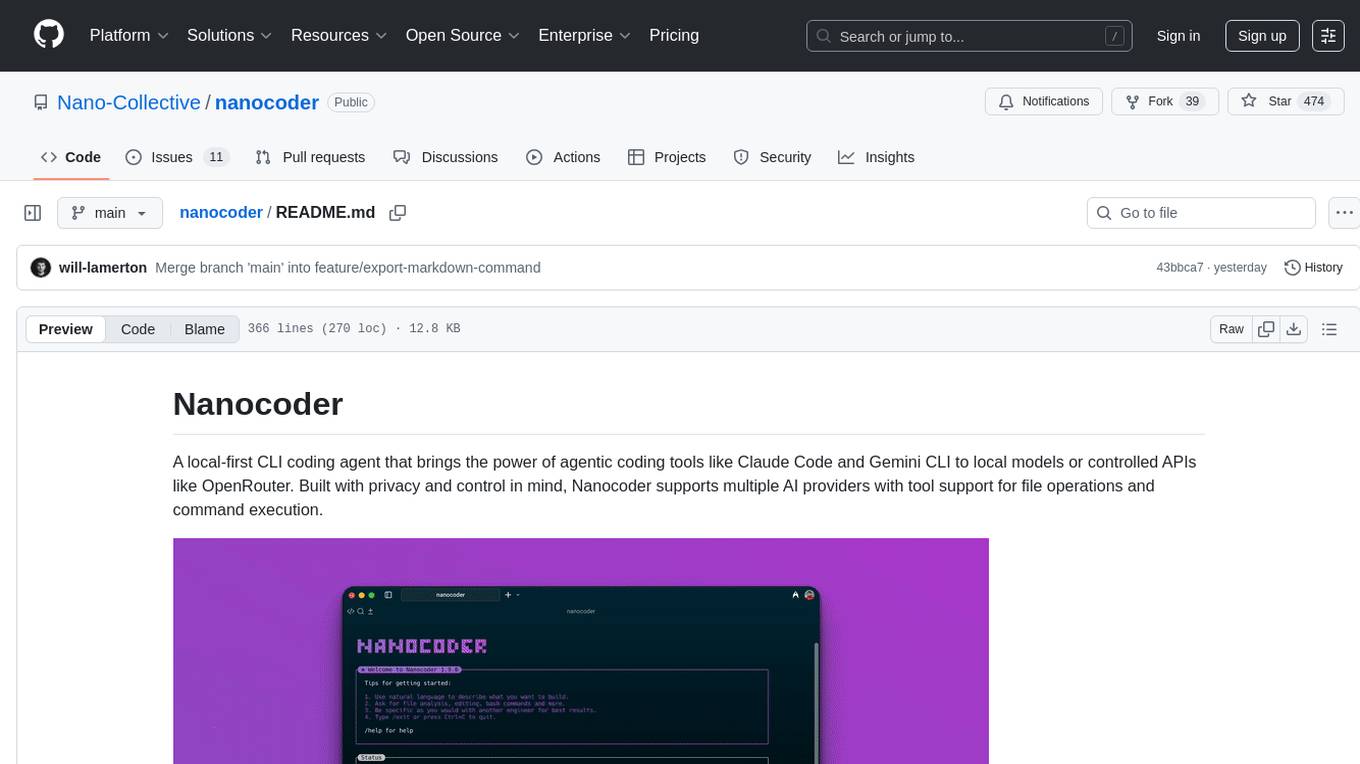
Nanocoder is a versatile code editor designed for beginners and experienced programmers alike. It provides a user-friendly interface with features such as syntax highlighting, code completion, and error checking. With Nanocoder, you can easily write and debug code in various programming languages, making it an ideal tool for learning, practicing, and developing software projects. Whether you are a student, hobbyist, or professional developer, Nanocoder offers a seamless coding experience to boost your productivity and creativity.
README:
A local-first CLI coding agent that brings the power of agentic coding tools like Claude Code and Gemini CLI to local models or controlled APIs like OpenRouter. Built with privacy and control in mind, Nanocoder supports multiple AI providers with tool support for file operations and command execution.

Nanocoder is a local-first CLI coding agent that brings the power of agentic coding tools like Claude Code and Gemini CLI to local models or controlled APIs like OpenRouter. Built with privacy and control in mind, Nanocoder supports any AI provider that has an OpenAI compatible end-point, tool and non-tool calling models.
This comes down to philosophy. OpenCode is a great tool, but it's owned and managed by a venture-backed company that restricts community and open-source involvement to the outskirts. With Nanocoder, the focus is on building a true community-led project where anyone can contribute openly and directly. We believe AI is too powerful to be in the hands of big corporations and everyone should have access to it.
We also strongly believe in the "local-first" approach, where your data, models, and processing stay on your machine whenever possible to ensure maximum privacy and user control. Beyond that, we're actively pushing to develop advancements and frameworks for small, local models to be effective at coding locally.
Not everyone will agree with this philosophy, and that's okay. We believe in fostering an inclusive community that's focused on open collaboration and privacy-first AI coding tools.
Firstly, we would love for you to be involved. You can get started contributing to Nanocoder in several ways, check out the Community section of this README.
Install globally and use anywhere:
npm install -g @motesoftware/nanocoderThen run in any directory:
nanocoderIf you want to contribute or modify Nanocoder:
Prerequisites:
- Node.js 18+
- npm
Setup:
- Clone and install dependencies:
git clone [repo-url]
cd nanocoder
npm install- Build the project:
npm run build- Run locally:
npm run startOr build and run in one command:
npm run devNanocoder supports any OpenAI-compatible API through a unified provider configuration. Create agents.config.json in your working directory (where you run nanocoder):
{
	"nanocoder": {
		"providers": [
			{
				"name": "llama-cpp",
				"baseUrl": "http://localhost:8080/v1",
				"models": ["qwen3-coder:a3b", "deepseek-v3.1"]
			},
			{
				"name": "Ollama",
				"baseUrl": "http://localhost:11434/v1",
				"models": ["qwen2.5-coder:14b", "llama3.2"]
			},
			{
				"name": "OpenRouter",
				"baseUrl": "https://openrouter.ai/api/v1",
				"apiKey": "your-openrouter-api-key",
				"models": ["openai/gpt-4o-mini", "anthropic/claude-3-haiku"]
			},
			{
				"name": "LM Studio",
				"baseUrl": "http://localhost:1234/v1",
				"models": ["local-model"]
			}
		]
	}
}
Common Provider Examples:
-
llama.cpp server:
"baseUrl": "http://localhost:8080/v1" -
llama-swap:
"baseUrl": "http://localhost:9292/v1" -
Ollama (Local):
- First run:
ollama pull qwen2.5-coder:14b - Use:
"baseUrl": "http://localhost:11434/v1"
- First run:
-
OpenRouter (Cloud):
- Use:
"baseUrl": "https://openrouter.ai/api/v1" - Requires:
"apiKey": "your-api-key"
- Use:
-
LM Studio:
"baseUrl": "http://localhost:1234/v1" -
vLLM:
"baseUrl": "http://localhost:8000/v1" -
LocalAI:
"baseUrl": "http://localhost:8080/v1" -
OpenAI:
"baseUrl": "https://api.openai.com/v1"
Provider Configuration:
-
name: Display name used in/providercommand -
baseUrl: OpenAI-compatible API endpoint -
apiKey: API key (optional for local servers) -
models: Available model list for/modelcommand
Nanocoder supports connecting to MCP servers to extend its capabilities with additional tools. Configure MCP servers in your agents.config.json:
{
	"nanocoder": {
		"mcpServers": [
			{
				"name": "filesystem",
				"command": "npx",
				"args": [
					"@modelcontextprotocol/server-filesystem",
					"/path/to/allowed/directory"
				]
			},
			{
				"name": "github",
				"command": "npx",
				"args": ["@modelcontextprotocol/server-github"],
				"env": {
					"GITHUB_TOKEN": "your-github-token"
				}
			},
			{
				"name": "custom-server",
				"command": "python",
				"args": ["path/to/server.py"],
				"env": {
					"API_KEY": "your-api-key"
				}
			}
		]
	}
}
When MCP servers are configured, Nanocoder will:
- Automatically connect to all configured servers on startup
- Make all server tools available to the AI model
- Show connected servers and their tools with the
/mcpcommand
Popular MCP servers:
- Filesystem: Enhanced file operations
- GitHub: Repository management
- Brave Search: Web search capabilities
- Memory: Persistent context storage
- View more MCP servers
Note: The
agents.config.jsonfile should be placed in the directory where you run Nanocoder, allowing for project-by-project configuration with different models or API keys per repository.
Nanocoder automatically saves your preferences to remember your choices across sessions. Preferences are stored in ~/.nanocoder-preferences.json in your home directory.
What gets saved automatically:
- Last provider used: The AI provider you last selected (by name from your configuration)
- Last model per provider: Your preferred model for each provider
- Session continuity: Automatically switches back to your preferred provider/model when restarting
How it works:
- When you switch providers with
/provider, your choice is saved - When you switch models with
/model, the selection is saved for that specific provider - Next time you start Nanocoder, it will use your last provider and model
- Each provider remembers its own preferred model independently
Manual management:
- View current preferences: The file is human-readable JSON
- Reset preferences: Delete
~/.nanocoder-preferences.jsonto start fresh - No manual editing needed: Use the
/providerand/modelcommands instead
-
/help- Show available commands -
/init- Initialize project with intelligent analysis, create AGENTS.md and configuration files -
/clear- Clear chat history -
/model- Switch between available models -
/provider- Switch between configured AI providers -
/mcp- Show connected MCP servers and their tools -
/debug- Toggle logging levels (silent/normal/verbose) -
/custom-commands- List all custom commands -
/exit- Exit the application -
/export- Export current session to markdown file -
/theme- Select a theme for the Nanocoder CLI -
/update- Update Nanocoder to the latest version -
!command- Execute bash commands directly without leaving Nanocoder (output becomes context for the LLM)
Nanocoder supports custom commands defined as markdown files in the .nanocoder/commands directory. Like agents.config.json, this directory is created per codebase, allowing you to create reusable prompts with parameters and organize them by category specific to each project.
Example custom command (.nanocoder/commands/test.md):
---
description: 'Generate comprehensive unit tests for the specified component'
aliases: ['testing', 'spec']
parameters:
  - name: 'component'
    description: 'The component or function to test'
    required: true
---

Generate comprehensive unit tests for {{component}}. Include:

- Happy path scenarios
- Edge cases and error handling
- Mock dependencies where appropriate
- Clear test descriptionsUsage: /test component="UserService"
Features:
- YAML frontmatter for metadata (description, aliases, parameters)
- Template variable substitution with
{{parameter}}syntax - Namespace support through directories (e.g.,
/refactor:dry) - Autocomplete integration for command discovery
- Parameter validation and prompting
Pre-installed Commands:
-
/test- Generate comprehensive unit tests for components -
/review- Perform thorough code reviews with suggestions -
/refactor:dry- Apply DRY (Don't Repeat Yourself) principle -
/refactor:solid- Apply SOLID design principles
- Universal OpenAI compatibility: Works with any OpenAI-compatible API
- Local providers: Ollama, LM Studio, vLLM, LocalAI, llama.cpp
- Cloud providers: OpenRouter, OpenAI, and other hosted services
- Smart fallback: Automatically switches to available providers if one fails
- Per-provider preferences: Remembers your preferred model for each provider
- Dynamic configuration: Add any provider with just a name and endpoint
- Built-in tools: File operations, bash command execution
- MCP (Model Context Protocol) servers: Extend capabilities with any MCP-compatible tool
- Dynamic tool loading: Tools are loaded on-demand from configured MCP servers
- Tool approval: Optional confirmation before executing potentially destructive operations
-
Markdown-based commands: Define reusable prompts in
.nanocoder/commands/ -
Template variables: Use
{{parameter}}syntax for dynamic content -
Namespace organization: Organize commands in folders (e.g.,
refactor/dry.md) - Autocomplete support: Tab completion for command discovery
- Rich metadata: YAML frontmatter for descriptions, aliases, and parameters
- Smart autocomplete: Tab completion for commands with real-time suggestions
-
Prompt history: Access and reuse previous prompts with
/history - Configurable logging: Silent, normal, or verbose output levels
- Colorized output: Syntax highlighting and structured display
- Session persistence: Maintains context and preferences across sessions
- Real-time indicators: Shows token usage, timing, and processing status
- First-time directory security disclaimer: Prompts on first run and stores a per-project trust decision to prevent accidental exposure of local code or secrets.
- TypeScript-first: Full type safety and IntelliSense support
- Extensible architecture: Plugin-style system for adding new capabilities
-
Project-specific config: Different settings per project via
agents.config.json - Debug tools: Built-in debugging commands and verbose logging
- Error resilience: Graceful handling of provider failures and network issues
We're a small community-led team building Nanocoder and would love your help! Whether you're interested in contributing code, documentation, or just being part of our community, there are several ways to get involved.
If you want to contribute to the code:
- Read our detailed CONTRIBUTING.md guide for information on development setup, coding standards, and how to submit your changes.
If you want to be part of our community or help with other aspects like design or marketing:
-
Join our Discord server to connect with other users, ask questions, share ideas, and get help: Join our Discord server
-
Head to our GitHub issues or discussions to open and join current conversations with others in the community.
What does Nanocoder you need help with?
Nanocoder could benefit from help all across the board. Such as:
- Adding support for new AI providers
- Improving tool functionality
- Enhancing the user experience
- Writing documentation
- Reporting bugs or suggesting features
- Marketing and getting the word out
- Design and building more great software
All contributions and community participation are welcome!
For Tasks:
Click tags to check more tools for each tasksFor Jobs:
Alternative AI tools for nanocoder
Similar Open Source Tools
nanocoder
Nanocoder is a versatile code editor designed for beginners and experienced programmers alike. It provides a user-friendly interface with features such as syntax highlighting, code completion, and error checking. With Nanocoder, you can easily write and debug code in various programming languages, making it an ideal tool for learning, practicing, and developing software projects. Whether you are a student, hobbyist, or professional developer, Nanocoder offers a seamless coding experience to boost your productivity and creativity.
coderunner
Coderunner is a versatile tool designed for running code snippets in various programming languages. It provides an interactive environment for testing and debugging code without the need for a full-fledged IDE. With support for multiple languages and quick execution times, Coderunner is ideal for beginners learning to code, experienced developers prototyping algorithms, educators creating coding exercises, interview candidates practicing coding challenges, and professionals testing small code snippets.

xlings
Xlings is a developer tool for programming learning, development, and course building. It provides features such as software installation, one-click environment setup, project dependency management, and cross-platform language package management. Additionally, it offers real-time compilation and running, AI code suggestions, tutorial project creation, automatic code checking for practice, and demo examples collection.
BrowserGym
BrowserGym is an open, easy-to-use, and extensible framework designed to accelerate web agent research. It provides benchmarks like MiniWoB, WebArena, VisualWebArena, WorkArena, AssistantBench, and WebLINX. Users can design new web benchmarks by inheriting the AbstractBrowserTask class. The tool allows users to install different packages for core functionalities, experiments, and specific benchmarks. It supports the development setup and offers boilerplate code for running agents on various tasks. BrowserGym is not a consumer product and should be used with caution.
verl-tool
The verl-tool is a versatile command-line utility designed to streamline various tasks related to version control and code management. It provides a simple yet powerful interface for managing branches, merging changes, resolving conflicts, and more. With verl-tool, users can easily track changes, collaborate with team members, and ensure code quality throughout the development process. Whether you are a beginner or an experienced developer, verl-tool offers a seamless experience for version control operations.
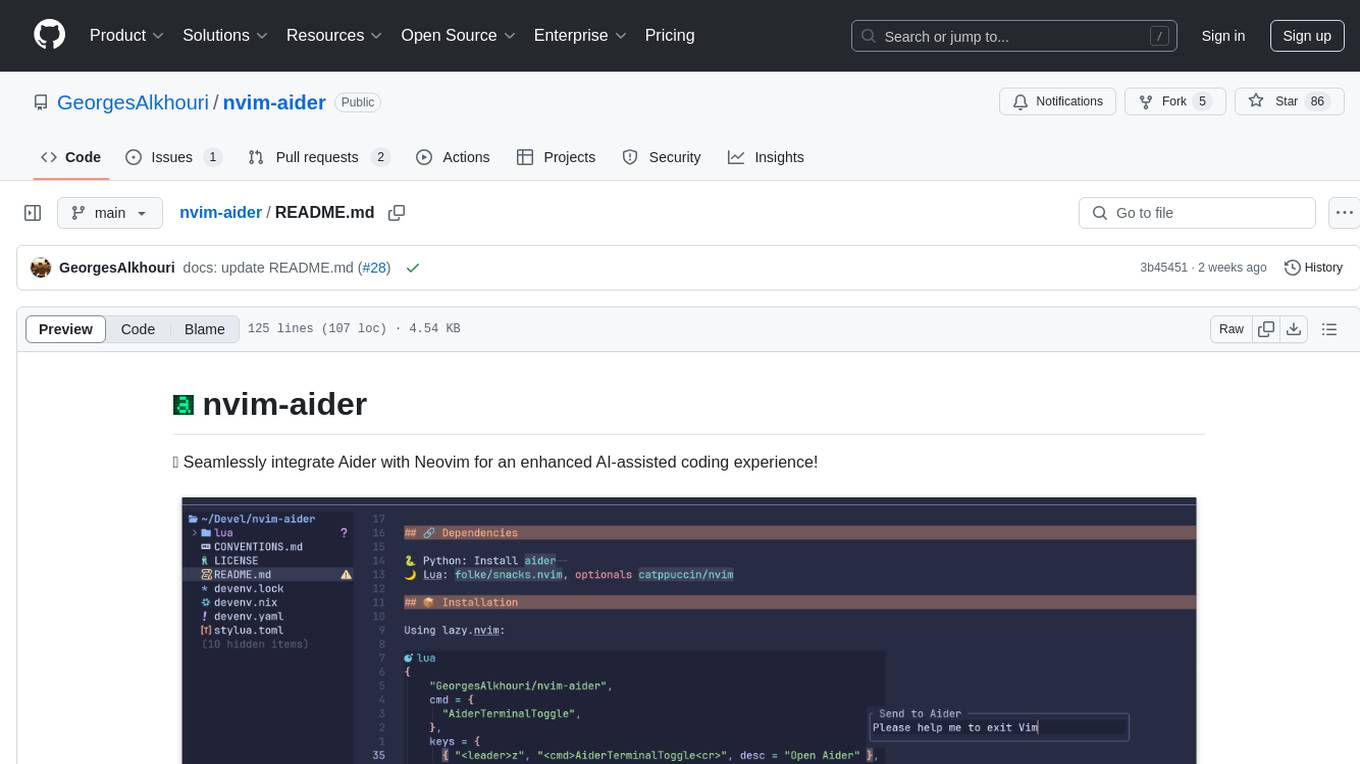
nvim-aider
Nvim-aider is a plugin for Neovim that provides additional functionality and key mappings to enhance the user's editing experience. It offers features such as code navigation, quick access to commonly used commands, and improved text manipulation tools. With Nvim-aider, users can streamline their workflow and increase productivity while working with Neovim.
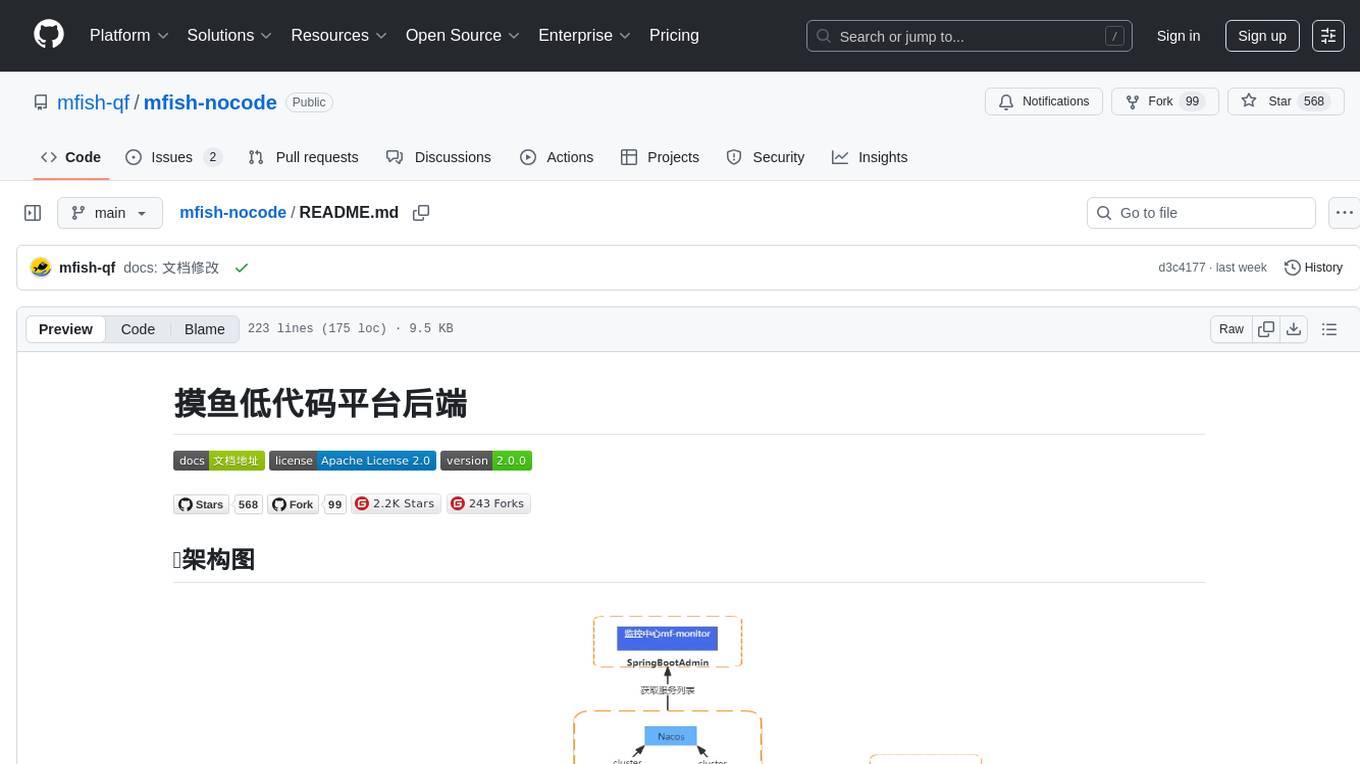
mfish-nocode
Mfish-nocode is a low-code/no-code platform that aims to make development as easy as fishing. It breaks down technical barriers, allowing both developers and non-developers to quickly build business systems, increase efficiency, and unleash creativity. It is not only an efficiency tool for developers during leisure time, but also a website building tool for novices in the workplace, and even a secret weapon for leaders to prototype.
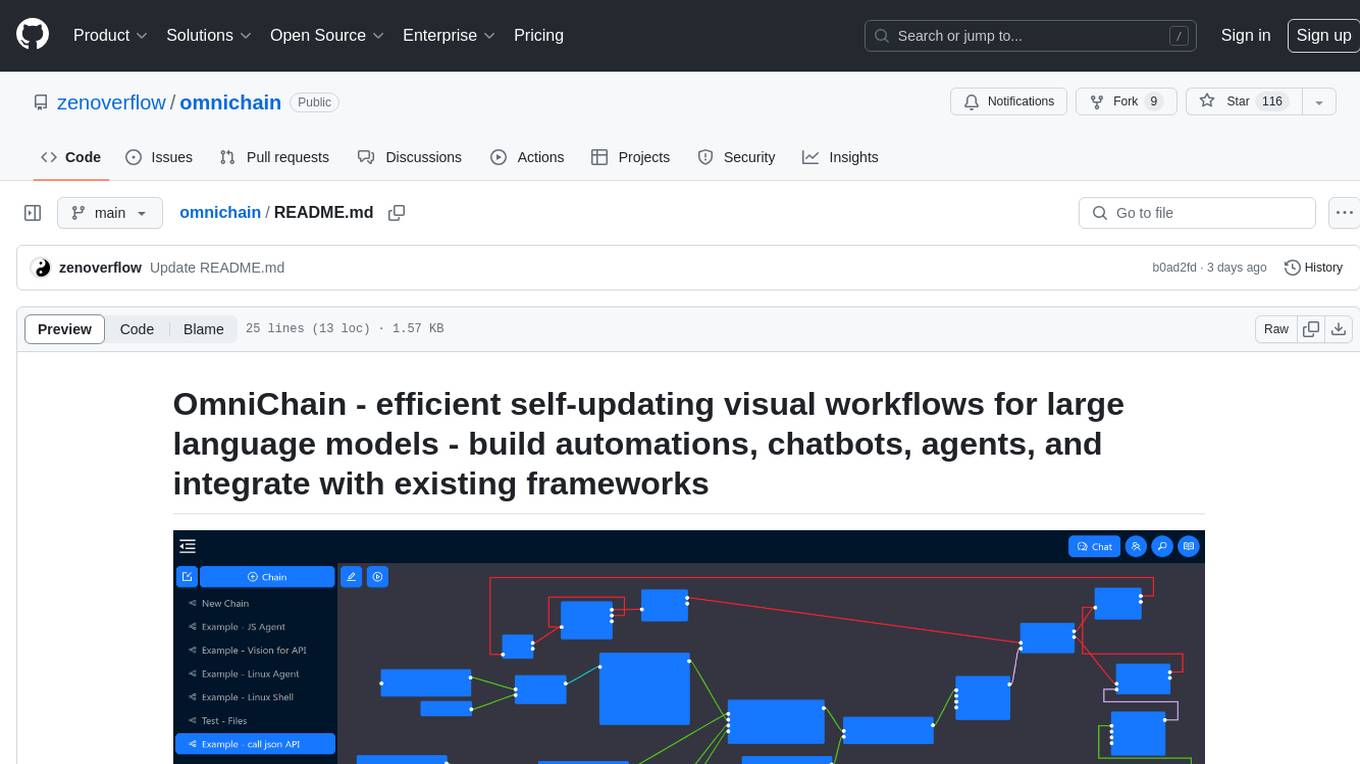
omnichain
OmniChain is a tool for building efficient self-updating visual workflows using AI language models, enabling users to automate tasks, create chatbots, agents, and integrate with existing frameworks. It allows users to create custom workflows guided by logic processes, store and recall information, and make decisions based on that information. The tool enables users to create tireless robot employees that operate 24/7, access the underlying operating system, generate and run NodeJS code snippets, and create custom agents and logic chains. OmniChain is self-hosted, open-source, and available for commercial use under the MIT license, with no coding skills required.
promptl
Promptl is a versatile command-line tool designed to streamline the process of creating and managing prompts for user input in various programming projects. It offers a simple and efficient way to prompt users for information, validate their input, and handle different scenarios based on their responses. With Promptl, developers can easily integrate interactive prompts into their scripts, applications, and automation workflows, enhancing user experience and improving overall usability. The tool provides a range of customization options and features, making it suitable for a wide range of use cases across different programming languages and environments.
evalica
Evalica is a powerful tool for evaluating code quality and performance in software projects. It provides detailed insights and metrics to help developers identify areas for improvement and optimize their code. With support for multiple programming languages and frameworks, Evalica offers a comprehensive solution for code analysis and optimization. Whether you are a beginner looking to learn best practices or an experienced developer aiming to enhance your code quality, Evalica is the perfect tool for you.
simple-ai
Simple AI is a lightweight Python library for implementing basic artificial intelligence algorithms. It provides easy-to-use functions and classes for tasks such as machine learning, natural language processing, and computer vision. With Simple AI, users can quickly prototype and deploy AI solutions without the complexity of larger frameworks.
open-ai
Open AI is a powerful tool for artificial intelligence research and development. It provides a wide range of machine learning models and algorithms, making it easier for developers to create innovative AI applications. With Open AI, users can explore cutting-edge technologies such as natural language processing, computer vision, and reinforcement learning. The platform offers a user-friendly interface and comprehensive documentation to support users in building and deploying AI solutions. Whether you are a beginner or an experienced AI practitioner, Open AI offers the tools and resources you need to accelerate your AI projects and stay ahead in the rapidly evolving field of artificial intelligence.
llm
The 'llm' package for Emacs provides an interface for interacting with Large Language Models (LLMs). It abstracts functionality to a higher level, concealing API variations and ensuring compatibility with various LLMs. Users can set up providers like OpenAI, Gemini, Vertex, Claude, Ollama, GPT4All, and a fake client for testing. The package allows for chat interactions, embeddings, token counting, and function calling. It also offers advanced prompt creation and logging capabilities. Users can handle conversations, create prompts with placeholders, and contribute by creating providers.
traceroot
TraceRoot is a tool that helps engineers debug production issues 10× faster using AI-powered analysis of traces, logs, and code context. It accelerates the debugging process with AI-powered insights, integrates seamlessly into the development workflow, provides real-time trace and log analysis, code context understanding, and intelligent assistance. Features include ease of use, LLM flexibility, distributed services, AI debugging interface, and integration support. Users can get started with TraceRoot Cloud for a 7-day trial or self-host the tool. SDKs are available for Python and JavaScript/TypeScript.

chatluna
Chatluna is a machine learning model plugin that provides chat services with large language models. It is highly extensible, supports multiple output formats, and offers features like custom conversation presets, rate limiting, and context awareness. Users can deploy Chatluna under Koishi without additional configuration. The plugin supports various models/platforms like OpenAI, Azure OpenAI, Google Gemini, and more. It also provides preset customization using YAML files and allows for easy forking and development within Koishi projects. However, the project lacks web UI, HTTP server, and project documentation, inviting contributions from the community.
OllamaSharp
OllamaSharp is a .NET binding for the Ollama API, providing an intuitive API client to interact with Ollama. It offers support for all Ollama API endpoints, real-time streaming, progress reporting, and an API console for remote management. Users can easily set up the client, list models, pull models with progress feedback, stream completions, and build interactive chats. The project includes a demo console for exploring and managing the Ollama host.
For similar tasks
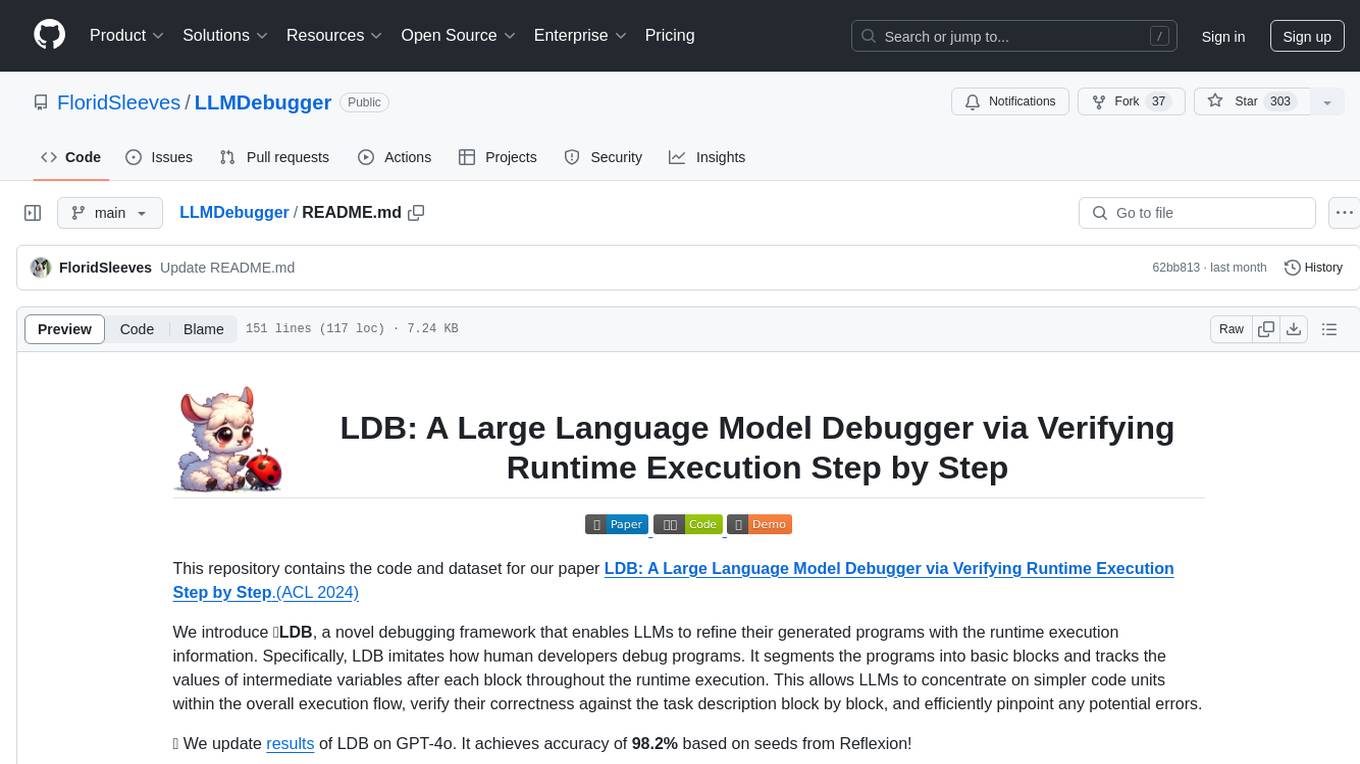
LLMDebugger
This repository contains the code and dataset for LDB, a novel debugging framework that enables Large Language Models (LLMs) to refine their generated programs by tracking the values of intermediate variables throughout the runtime execution. LDB segments programs into basic blocks, allowing LLMs to concentrate on simpler code units, verify correctness block by block, and pinpoint errors efficiently. The tool provides APIs for debugging and generating code with debugging messages, mimicking how human developers debug programs.
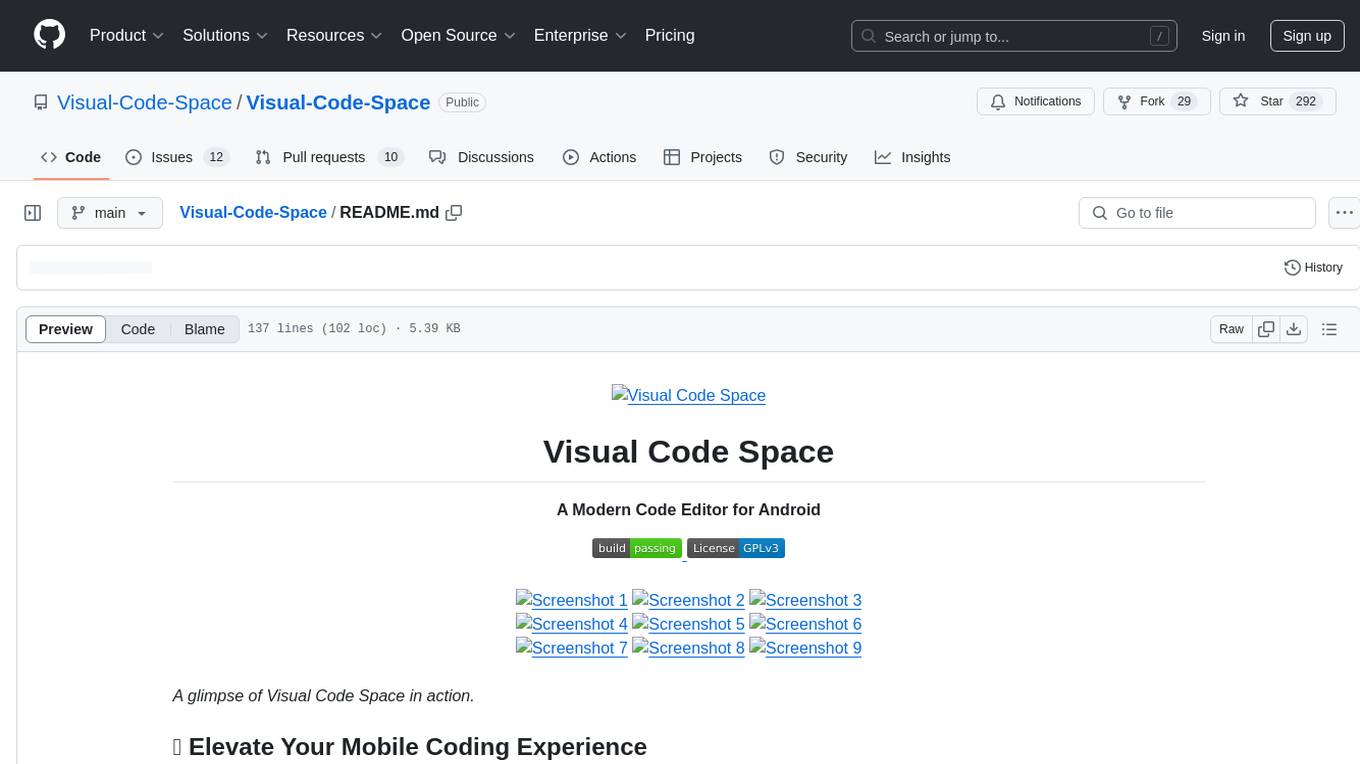
Visual-Code-Space
Visual Code Space is a modern code editor designed specifically for Android devices. It offers a seamless and efficient coding environment with features like blazing fast file explorer, multi-language syntax highlighting, tabbed editor, integrated terminal emulator, ad-free experience, and plugin support. Users can enhance their mobile coding experience with this cutting-edge editor that allows customization through custom plugins written in BeanShell. The tool aims to simplify coding on the go by providing a user-friendly interface and powerful functionalities.
MaixCDK
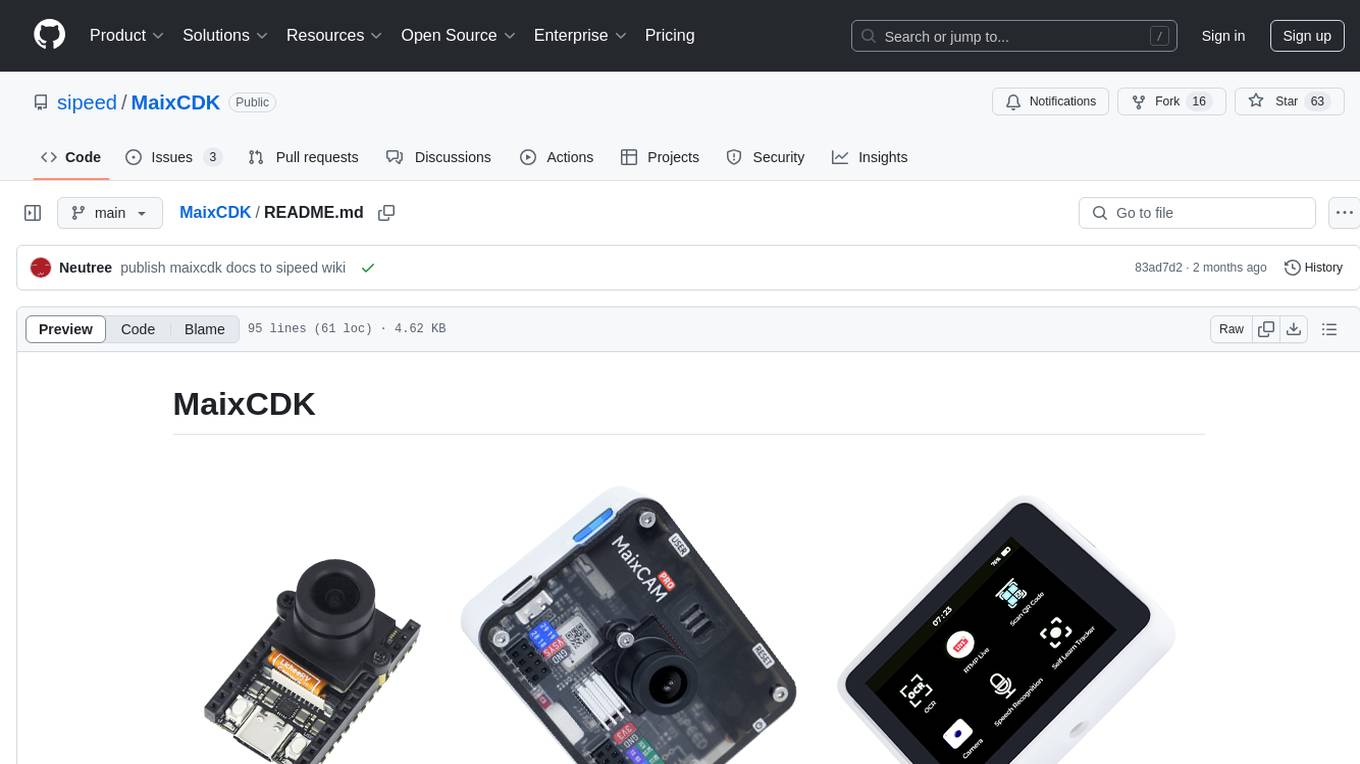
MaixCDK (Maix C/CPP Development Kit) is a C/C++ development kit that integrates practical functions such as AI, machine vision, and IoT. It provides easy-to-use encapsulation for quickly building projects in vision, artificial intelligence, IoT, robotics, industrial cameras, and more. It supports hardware-accelerated execution of AI models, common vision algorithms, OpenCV, and interfaces for peripheral operations. MaixCDK offers cross-platform support, easy-to-use API, simple environment setup, online debugging, and a complete ecosystem including MaixPy and MaixVision. Supported devices include Sipeed MaixCAM, Sipeed MaixCAM-Pro, and partial support for Common Linux.
nanocoder
Nanocoder is a versatile code editor designed for beginners and experienced programmers alike. It provides a user-friendly interface with features such as syntax highlighting, code completion, and error checking. With Nanocoder, you can easily write and debug code in various programming languages, making it an ideal tool for learning, practicing, and developing software projects. Whether you are a student, hobbyist, or professional developer, Nanocoder offers a seamless coding experience to boost your productivity and creativity.

tidb
TiDB is an open-source distributed SQL database that supports Hybrid Transactional and Analytical Processing (HTAP) workloads. It is MySQL compatible and features horizontal scalability, strong consistency, and high availability.
mojo
Mojo is a new programming language that bridges the gap between research and production by combining Python syntax and ecosystem with systems programming and metaprogramming features. Mojo is still young, but it is designed to become a superset of Python over time.
awesome-mobile-robotics
The 'awesome-mobile-robotics' repository is a curated list of important content related to Mobile Robotics and AI. It includes resources such as courses, books, datasets, software and libraries, podcasts, conferences, journals, companies and jobs, laboratories and research groups, and miscellaneous resources. The repository covers a wide range of topics in the field of Mobile Robotics and AI, providing valuable information for enthusiasts, researchers, and professionals in the domain.
gpdb
Greenplum Database (GPDB) is an advanced, fully featured, open source data warehouse, based on PostgreSQL. It provides powerful and rapid analytics on petabyte scale data volumes. Uniquely geared toward big data analytics, Greenplum Database is powered by the world’s most advanced cost-based query optimizer delivering high analytical query performance on large data volumes.
For similar jobs
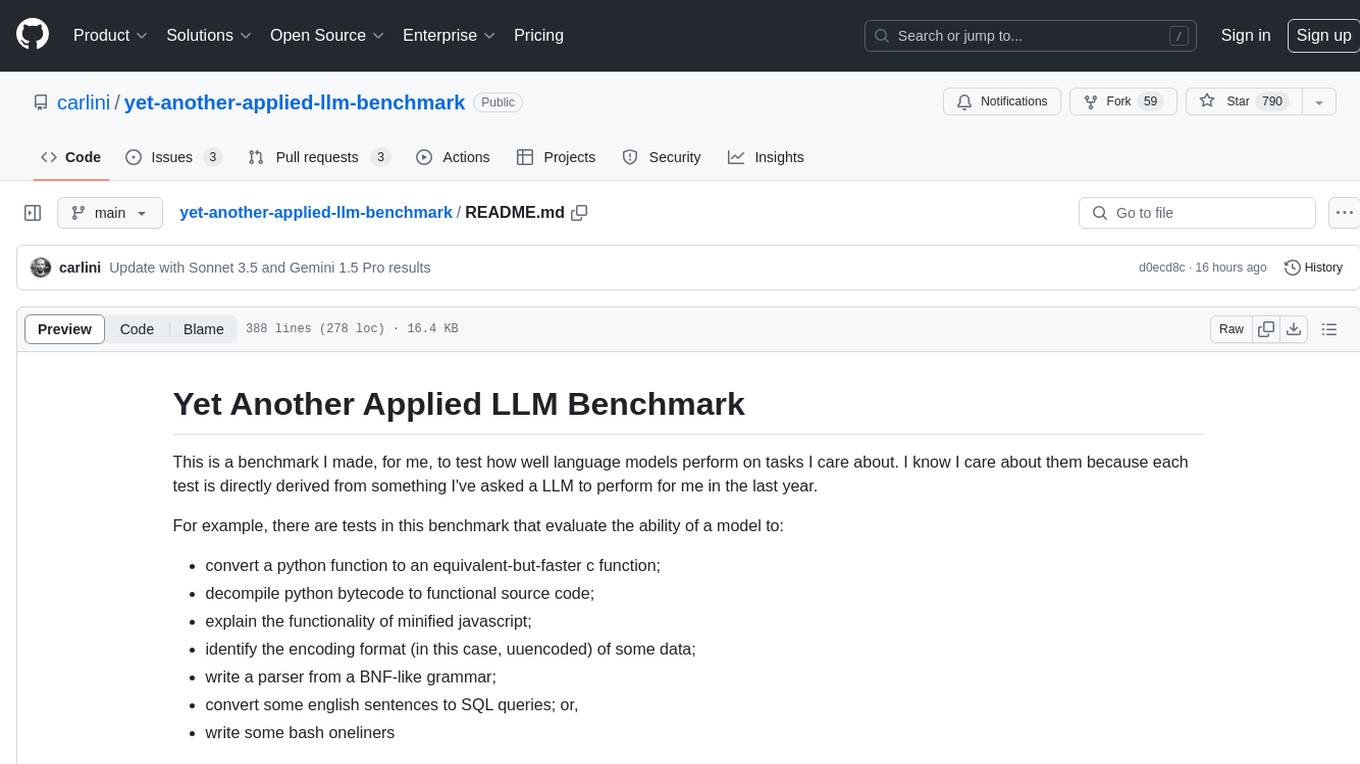
yet-another-applied-llm-benchmark
Yet Another Applied LLM Benchmark is a collection of diverse tests designed to evaluate the capabilities of language models in performing real-world tasks. The benchmark includes tests such as converting code, decompiling bytecode, explaining minified JavaScript, identifying encoding formats, writing parsers, and generating SQL queries. It features a dataflow domain-specific language for easily adding new tests and has nearly 100 tests based on actual scenarios encountered when working with language models. The benchmark aims to assess whether models can effectively handle tasks that users genuinely care about.
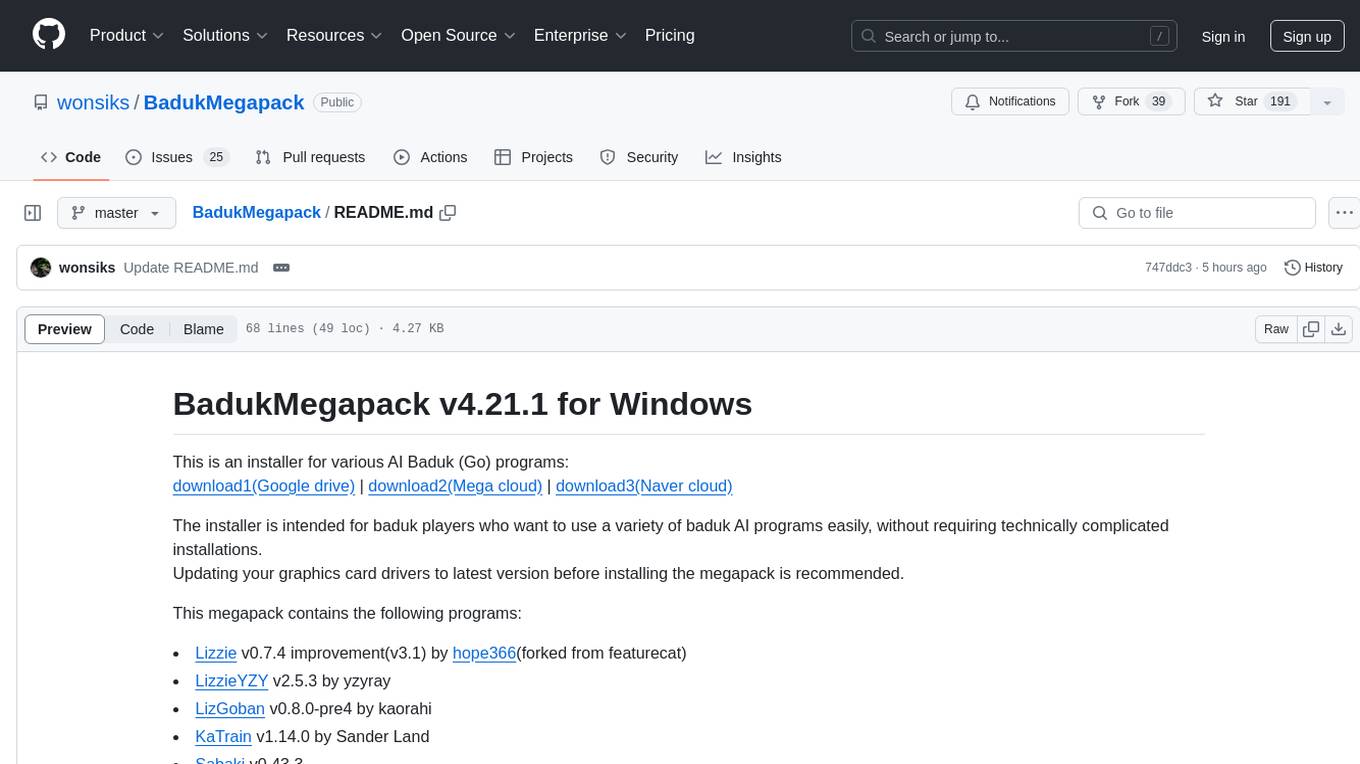
BadukMegapack
BadukMegapack is an installer for various AI Baduk (Go) programs, designed for baduk players who want to easily access and use a variety of baduk AI programs without complex installations. The megapack includes popular programs like Lizzie, KaTrain, Sabaki, KataGo, LeelaZero, and more, along with weight files for different AI models. Users can update their graphics card drivers before installation for optimal performance.
Halite-III
Halite III is an AI programming competition hosted by Two Sigma. Contestants write bots to play a turn-based strategy game on a square grid. Bots navigate the sea collecting halite in this resource management game. The competition offers players the opportunity to develop bots with various strategies and in multiple programming languages.

OmniSteward
OmniSteward is an AI-powered steward system based on large language models that can interact with users through voice or text to help control smart home devices and computer programs. It supports multi-turn dialogue, tool calling for complex tasks, multiple LLM models, voice recognition, smart home control, computer program management, online information retrieval, command line operations, and file management. The system is highly extensible, allowing users to customize and share their own tools.
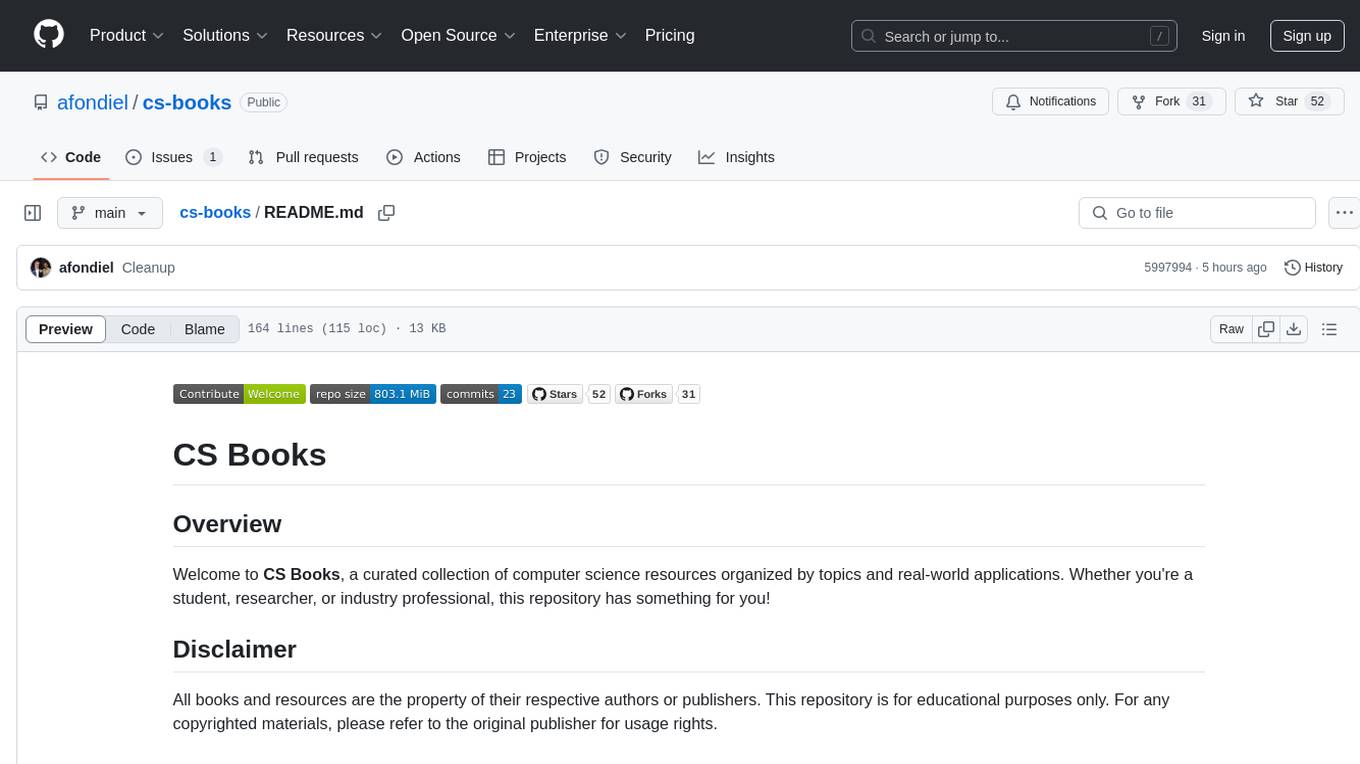
cs-books
CS Books is a curated collection of computer science resources organized by topics and real-world applications. It provides a dual academic/practical focus for students, researchers, and industry professionals. The repository contains a variety of books covering topics such as computer architecture, computer programming, artificial intelligence, data science, cloud computing, edge computing, embedded systems, signal processing, automotive, cybersecurity, game development, healthcare, and robotics. Each section includes a curated list of books with reference links to their Google Drive folders, allowing users to access valuable resources in these fields.
langtest
Langtest is a tool designed for testing and analyzing programming languages. It provides a platform for users to write code snippets in various languages and run them to see the output. The tool supports multiple programming languages and offers features like syntax highlighting, code execution, and result comparison. Users can use Langtest to quickly test code snippets, compare language syntax, and evaluate language performance. It is a useful tool for students, developers, and language enthusiasts to experiment with different programming languages in a convenient and efficient manner.
nanocoder
Nanocoder is a versatile code editor designed for beginners and experienced programmers alike. It provides a user-friendly interface with features such as syntax highlighting, code completion, and error checking. With Nanocoder, you can easily write and debug code in various programming languages, making it an ideal tool for learning, practicing, and developing software projects. Whether you are a student, hobbyist, or professional developer, Nanocoder offers a seamless coding experience to boost your productivity and creativity.
lollms-webui
LoLLMs WebUI (Lord of Large Language Multimodal Systems: One tool to rule them all) is a user-friendly interface to access and utilize various LLM (Large Language Models) and other AI models for a wide range of tasks. With over 500 AI expert conditionings across diverse domains and more than 2500 fine tuned models over multiple domains, LoLLMs WebUI provides an immediate resource for any problem, from car repair to coding assistance, legal matters, medical diagnosis, entertainment, and more. The easy-to-use UI with light and dark mode options, integration with GitHub repository, support for different personalities, and features like thumb up/down rating, copy, edit, and remove messages, local database storage, search, export, and delete multiple discussions, make LoLLMs WebUI a powerful and versatile tool.