


Groqqle
Groqqle is a powerful web search and content summarization tool built with Python, leveraging Groq's LLM API for advanced natural language processing. It offers customizable web and news searches, image analysis, and adaptive content summaries, making it ideal for researchers, developers, and anyone seeking enhanced information retrieval.
Stars: 129
Groqqle 2.1 is a revolutionary, free AI web search and API that instantly returns ORIGINAL content derived from source articles, websites, videos, and even foreign language sources, for ANY target market of ANY reading comprehension level! It combines the power of large language models with advanced web and news search capabilities, offering a user-friendly web interface, a robust API, and now a powerful Groqqle_web_tool for seamless integration into your projects. Developers can instantly incorporate Groqqle into their applications, providing a powerful tool for content generation, research, and analysis across various domains and languages.
README:
Groqqle 2.1 is a revolutionary, free AI web search and API that instantly returns ORIGINAL content derived from source articles, websites, videos, and even foreign language sources, for ANY target market of ANY reading comprehension level! It combines the power of large language models with advanced web and news search capabilities, offering a user-friendly web interface, a robust API, and now a powerful Groqqle_web_tool for seamless integration into your projects.
Developers can instantly incorporate Groqqle into their applications, providing a powerful tool for content generation, research, and analysis across various domains and languages.


- 🔍 Advanced search capabilities powered by AI, covering web and news sources
- 📝 Instant generation of ORIGINAL content based on search results
- 🌐 Ability to process and synthesize information from various sources, including articles, websites, videos, and foreign language content
- 🎯 Customizable output for ANY target market or audience
- 📚 Adjustable reading comprehension levels to suit diverse user needs
- 🖥️ Intuitive web interface for easy searching and content generation
- 🚀 Fast and efficient results using Groq's high-speed inference
- 🔌 RESTful API for quick integration into developer projects
- 🛠️ Groqqle_web_tool for direct integration into Python projects
- 🔒 Secure handling of API keys through environment variables
- 📊 Option to view results in JSON format
- 🔄 Extensible architecture for multiple AI providers
- 🔢 Configurable number of search results
- 🔤 Customizable maximum token limit for responses

Groqqle 2.1 stands out as a powerful tool for developers, researchers, content creators, and businesses:
- Instant Original Content: Generate fresh, unique content on any topic, saving time and resources.
- Multilingual Capabilities: Process and synthesize information from foreign language sources, breaking down language barriers.
- Flexible Output: Tailor content to any target market or audience, adjusting complexity and style as needed.
- Easy Integration: Developers can quickly incorporate Groqqle into their projects using the web interface, API, or the new Groqqle_web_tool.
- Customizable Comprehension Levels: Adjust the output to match any reading level, from elementary to expert.
- Diverse Source Processing: Extract insights from various media types, including articles, websites, and videos.
Whether you're building a content aggregation platform, a research tool, or an AI-powered writing assistant, Groqqle 2.1 provides the flexibility and power you need to deliver outstanding results.
-
Clone the repository:
git clone https://github.com/jgravelle/Groqqle.git cd Groqqle -
Set up a Conda environment:
conda create --name groqqle python=3.11
conda activate groqqle
-
Install the required packages:
pip install -r requirements.txt
-
Set up your environment variables: Create a
.envfile in the project root and add your Groq API key:GROQ_API_KEY=your_api_key_here
-
Install PocketGroq:
pip install pocketgroq
-
Start the Groqqle application using Streamlit:
streamlit run Groqqle.py
-
Open your web browser and navigate to the URL provided in the console output (typically
http://localhost:8501). -
Enter your search query in the search bar.
-
Choose between "Web" and "News" search using the radio buttons.
-
Click "Groqqle Search" or press Enter.
-
View your results! Toggle the "JSON Results" checkbox to see the raw JSON data.
-
For both web and news results, you can click the "📝" button next to each result to get a summary of the article or webpage.

The Groqqle API allows you to programmatically access search results for both web and news. Here's how to use it:
-
Start the Groqqle application in API mode:
python Groqqle.py api --num_results 20 --max_tokens 4096
-
The API server will start running on
http://127.0.0.1:5000. -
Send a POST request to
http://127.0.0.1:5000/searchwith the following JSON body:{ "query": "your search query", "num_results": 20, "max_tokens": 4096, "search_type": "web" // Use "web" for web search or "news" for news search }Note: The API key is managed through environment variables, so you don't need to include it in the request.
-
The API will return a JSON response with your search results in the order: title, description, URL, source, and timestamp (for news results).
Example using Python's requests library:
import requests

url = "http://127.0.0.1:5000/search"
data = {
    "query": "Groq",
    "num_results": 20,
    "max_tokens": 4096,
    "search_type": "news"  # Change to "web" for web search
}
response = requests.post(url, json=data)
results = response.json()
print(results)
Make sure you have set the GROQ_API_KEY in your environment variables or .env file before starting the API server.

The new Groqqle_web_tool allows you to integrate Groqqle's powerful search and content generation capabilities directly into your Python projects. Here's how to use it:
-
Import the necessary modules:
from pocketgroq import GroqProvider
from groqqle_web_tool import Groqqle_web_tool
-
Initialize the GroqProvider and Groqqle_web_tool:
groq_provider = GroqProvider(api_key="your_groq_api_key_here")
groqqle_tool = Groqqle_web_tool(api_key="your_groq_api_key_here")
-
Define the tool for PocketGroq:
tools = [
    {
        "type": "function",
        "function": {
            "name": "groqqle_web_search",
            "description": "Perform a web search using Groqqle",
            "parameters": {
                "type": "object",
                "properties": {
                    "query": {
                        "type": "string",
                        "description": "The search query"
                    }
                },
                "required": ["query"]
            }
        }
    }
]

def groqqle_web_search(query):
    results = groqqle_tool.run(query)
    return results
-
Use the tool in your project:
user_message = "Search for the latest developments in quantum computing"
system_message = "You are a helpful assistant. Use the Groqqle web search tool to find information."

response = groq_provider.generate(
    system_message,
    user_message,
    tools=tools,
    tool_choice="auto"
)

print(response)
This new tool allows for seamless integration of Groqqle's capabilities into your Python projects, enabling powerful search and content generation without the need for a separate API or web interface.
While Groqqle is optimized for use with Groq's lightning-fast inference capabilities, we've also included stubbed-out provider code for Anthropic. This demonstrates how easily other AI providers can be integrated into the system.
To use a different provider, you can modify the provider_name parameter when initializing the Web_Agent in the Groqqle.py file.
Groqqle now supports the following configuration options:
-
num_results: Number of search results to return (default: 10) -
max_tokens: Maximum number of tokens for the AI model response (default: 4096) -
model: The Groq model to use (default: "llama3-8b-8192") -
temperature: The temperature setting for content generation (default: 0.0) -
comprehension_grade: The target comprehension grade level (default: 8)
These options can be set when running the application, making API requests, or initializing the Groqqle_web_tool.
We welcome contributions to Groqqle! Here's how you can help:
- Fork the repository
- Create your feature branch (
git checkout -b feature/AmazingFeature) - Commit your changes (
git commit -m 'Add some AmazingFeature') - Push to the branch (
git push origin feature/AmazingFeature) - Open a Pull Request
Please make sure to update tests as appropriate and adhere to the Code of Conduct.
Distributed under the MIT License. See LICENSE file for more information. Mention J. Gravelle in your docs (README, etc.) and/or code. He's kind of full of himself.
J. Gravelle - [email protected] - https://j.gravelle.us
Project Link: https://github.com/jgravelle/Groqqle
- Groq for their powerful and incredibly fast language models
- Streamlit for the amazing web app framework
- Flask for the lightweight WSGI web application framework
- Beautiful Soup for web scraping capabilities
- PocketGroq for the Groq provider integration
= = = = = = = = =
To install Groqqle 2.1 on your Mac, follow the step-by-step guide below. This installation process involves setting up a Python environment using Conda, installing necessary packages, and configuring environment variables.
Before starting, ensure you have the following installed on your Mac:
- Git: For cloning the Groqqle repository.
- Conda (Anaconda or Miniconda): For managing Python environments.
- Python 3.11: Groqqle requires Python 3.11 (Conda will handle this).
- Groq API Key: You'll need a valid API key from Groq.
Check if Git is installed:
Open Terminal (Finder > Applications > Utilities > Terminal) and run:
git --version- If Git is installed, you'll see a version number.
- If not installed, you'll be prompted to install the Xcode Command Line Tools. Follow the on-screen instructions.
Alternatively, install Git using Homebrew:
If you prefer using Homebrew (a package manager for macOS):
-
Install Homebrew (if not already installed):
/bin/bash -c "$(curl -fsSL https://raw.githubusercontent.com/Homebrew/install/HEAD/install.sh)" -
Install Git via Homebrew:
brew install git
Groqqle uses Conda to manage its Python environment.
Option A: Install Miniconda (Recommended for simplicity)
-
Download Miniconda Installer:
- Go to the Miniconda installation page.
- Download the macOS installer matching your Mac's architecture:
-
Intel Macs:
Miniconda3-latest-MacOSX-x86_64.sh -
Apple Silicon (M1/M2):
Miniconda3-latest-MacOSX-arm64.sh
-
Intel Macs:
-
Run the Installer:
# Navigate to your Downloads folder
cd ~/Downloads

# Run the installer (replace with your downloaded file's name)
bash Miniconda3-latest-MacOSX-x86_64.sh  # For Intel Macs
# or
bash Miniconda3-latest-MacOSX-arm64.sh   # For M1/M2 Macs
-
Follow the On-Screen Prompts:
- Press Enter to proceed.
- Type
yesto agree to the license agreement. - Press Enter to confirm the installation location (default is recommended).
- Type
yesto initialize Conda.
-
Restart Terminal or Source Conda:
# For Bash shell
source ~/.bash_profile

# For Zsh shell (default on macOS Catalina and later)
source ~/.zshrc
Option B: Install Anaconda
If you prefer a full Anaconda installation (larger download), download it from the Anaconda distribution page.
-
Open Terminal and navigate to your desired directory:
cd ~ # or wherever you want to clone the repository
-
Clone the Repository:
git clone https://github.com/jgravelle/Groqqle.git
-
Navigate into the Project Directory:
cd Groqqle
-
Create a New Environment with Python 3.11:
conda create --name groqqle python=3.11
-
Activate the Environment:
conda activate groqqle
-
Note: If you receive an error about activation, initialize Conda for your shell:
conda init
Then restart Terminal or source your shell configuration:
source ~/.bash_profile  # For Bash
source ~/.zshrc         # For Zsh
-
-
Install Dependencies from
requirements.txt:pip install -r requirements.txt
-
Troubleshooting:
- If you encounter errors, especially on M1/M2 Macs, see the Apple Silicon Compatibility section below.
-
Troubleshooting:
-
Create a
.envFile in the Project Root:touch .env
-
Add Your Groq API Key:
Open the
.envfile with a text editor:open .env # Opens the file in the default text editorAdd the following line (replace
your_api_key_herewith your actual API key):GROQ_API_KEY=your_api_key_here
-
Save and Close the File.
-
Alternatively, set the environment variable in Terminal (session-specific):
export GROQ_API_KEY=your_api_key_here
-
-
Install via Pip:
pip install pocketgroq
-
Start the Application:
streamlit run Groqqle.py
-
Access the Interface:
- Open the URL provided in the Terminal output (typically
http://localhost:8501) in your web browser.
- Open the URL provided in the Terminal output (typically
-
Start the API Server:
python Groqqle.py api --num_results 20 --max_tokens 4096
-
Test the API:
- The API will be running at
http://127.0.0.1:5000. - You can send POST requests to this endpoint as per the documentation.
- The API will be running at
Some Python packages may have compatibility issues on Apple Silicon. Here's how to address them:
-
Install Rosetta 2 (if not already installed):
softwareupdate --install-rosetta
-
Run Terminal in Rosetta Mode:
-
Locate Terminal App:
- Go to
Applications>Utilities.
- Go to
-
Duplicate Terminal:
- Right-click on
Terminaland selectDuplicate. - Rename the duplicated app to
Terminal Rosetta.
- Right-click on
-
Enable Rosetta for the Duplicated Terminal:
- Right-click
Terminal Rosetta>Get Info. - Check the box "Open using Rosetta".
- Right-click
-
Use Terminal Rosetta:
- Open
Terminal Rosettaand proceed with the installation steps.
- Open
-
Locate Terminal App:
-
Create an x86_64 Conda Environment:
CONDA_SUBDIR=osx-64 conda create --name groqqle python=3.11
conda activate groqqle
-
Proceed with Installation Steps 5 to 8.
-
Ensure Python Version: Verify that Python 3.11 is active in your environment:
python --version
-
Install Xcode Command Line Tools: Some packages require compilation:
xcode-select --install
-
Troubleshooting Package Installation: If
pip install -r requirements.txtfails:-
Install packages individually to identify the problematic one.
-
Use Conda to install problematic packages:
conda install package-name
-
-
Using Virtual Environments: If you prefer
venvorvirtualenvover Conda:python3.11 -m venv groqqle_env source groqqle_env/bin/activate pip install -r requirements.txt
Refer to the Usage section in the documentation for detailed instructions on:
- Web Interface Usage
- API Usage
- Integration with Python Projects using
groqqle_web_tool
-
Streamlit Not Found:
pip install streamlit
-
Environment Activation Fails:
Ensure Conda is initialized for your shell:
conda init
source ~/.bash_profile  # For Bash
source ~/.zshrc         # For Zsh
-
Permission Errors:
Run commands with appropriate permissions or adjust file permissions:
sudo chown -R $(whoami) ~/.conda
-
Missing Dependencies:
Install missing system dependencies via Homebrew:
brew install [package-name]
- Groqqle GitHub Repository: https://github.com/jgravelle/Groqqle
- Contact: J. Gravelle - [email protected]
- Issues: If you encounter problems, consider opening an issue on the GitHub repository.
By following these steps, you should have Groqqle 2.1 installed and running on your Mac. If you need further assistance, feel free to ask!
For Tasks:
Click tags to check more tools for each tasksFor Jobs:
Alternative AI tools for Groqqle
Similar Open Source Tools
Groqqle
Groqqle 2.1 is a revolutionary, free AI web search and API that instantly returns ORIGINAL content derived from source articles, websites, videos, and even foreign language sources, for ANY target market of ANY reading comprehension level! It combines the power of large language models with advanced web and news search capabilities, offering a user-friendly web interface, a robust API, and now a powerful Groqqle_web_tool for seamless integration into your projects. Developers can instantly incorporate Groqqle into their applications, providing a powerful tool for content generation, research, and analysis across various domains and languages.
vibesdk
Cloudflare VibeSDK is an open source full-stack AI webapp generator built on Cloudflare's developer platform. It allows companies to build AI-powered platforms, enables internal development for non-technical teams, and supports SaaS platforms to extend product functionality. The platform features AI code generation, live previews, interactive chat, modern stack generation, one-click deploy, and GitHub integration. It is built on Cloudflare's platform with frontend in React + Vite, backend in Workers with Durable Objects, database in D1 (SQLite) with Drizzle ORM, AI integration via multiple LLM providers, sandboxed app previews and execution in containers, and deployment to Workers for Platforms with dispatch namespaces. The platform also offers an SDK for programmatic access to build apps programmatically using TypeScript SDK.
VibeSurf
VibeSurf is an open-source AI agentic browser that combines workflow automation with intelligent AI agents, offering faster, cheaper, and smarter browser automation. It allows users to create revolutionary browser workflows, run multiple AI agents in parallel, perform intelligent AI automation tasks, maintain privacy with local LLM support, and seamlessly integrate as a Chrome extension. Users can save on token costs, achieve efficiency gains, and enjoy deterministic workflows for consistent and accurate results. VibeSurf also provides a Docker image for easy deployment and offers pre-built workflow templates for common tasks.
Visionatrix
Visionatrix is a project aimed at providing easy use of ComfyUI workflows. It offers simplified setup and update processes, a minimalistic UI for daily workflow use, stable workflows with versioning and update support, scalability for multiple instances and task workers, multiple user support with integration of different user backends, LLM power for integration with Ollama/Gemini, and seamless integration as a service with backend endpoints and webhook support. The project is approaching version 1.0 release and welcomes new ideas for further implementation.
DesktopCommanderMCP
Desktop Commander MCP is a server that allows the Claude desktop app to execute long-running terminal commands on your computer and manage processes through Model Context Protocol (MCP). It is built on top of MCP Filesystem Server to provide additional search and replace file editing capabilities. The tool enables users to execute terminal commands with output streaming, manage processes, perform full filesystem operations, and edit code with surgical text replacements or full file rewrites. It also supports vscode-ripgrep based recursive code or text search in folders.
open-webui-tools
Open WebUI Tools Collection is a set of tools for structured planning, arXiv paper search, Hugging Face text-to-image generation, prompt enhancement, and multi-model conversations. It enhances LLM interactions with academic research, image generation, and conversation management. Tools include arXiv Search Tool and Hugging Face Image Generator. Function Pipes like Planner Agent offer autonomous plan generation and execution. Filters like Prompt Enhancer improve prompt quality. Installation and configuration instructions are provided for each tool and pipe.
rag-gpt
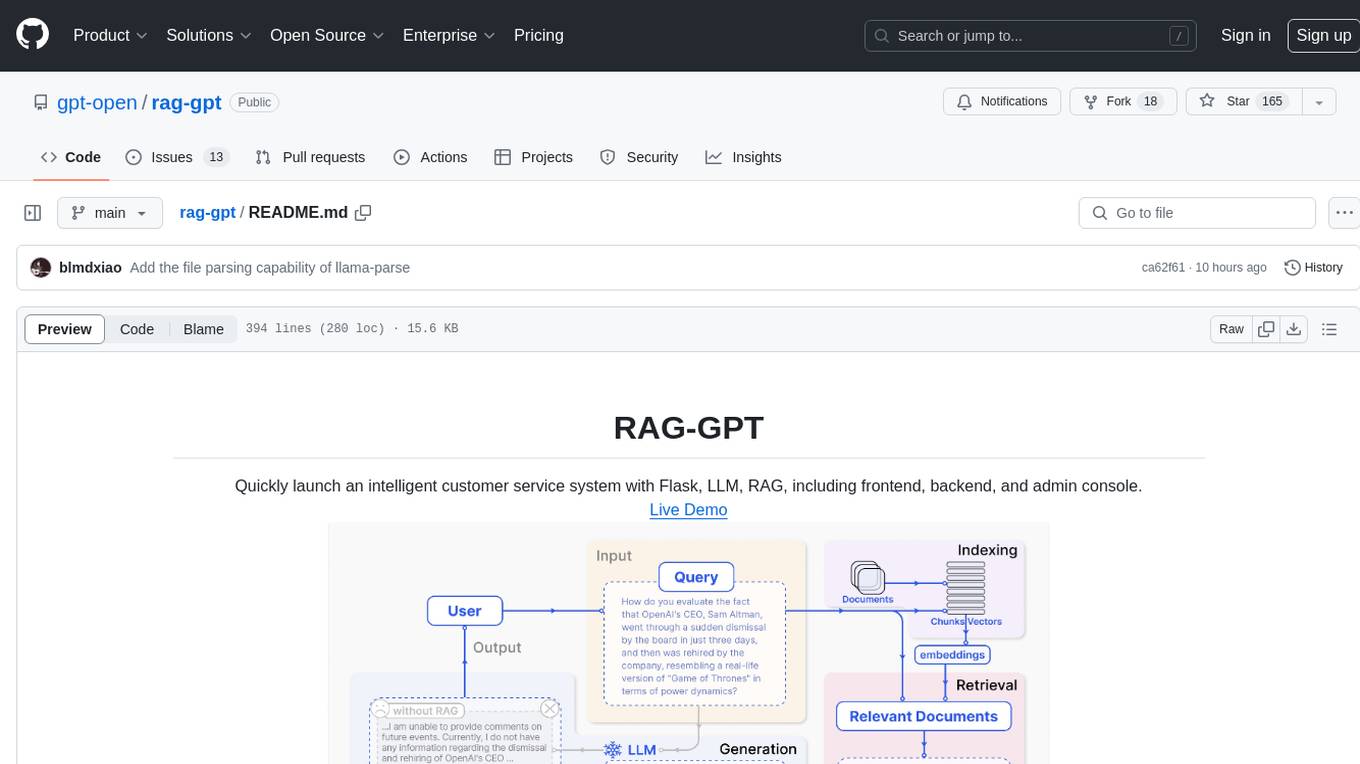
RAG-GPT is a tool that allows users to quickly launch an intelligent customer service system with Flask, LLM, and RAG. It includes frontend, backend, and admin console components. The tool supports cloud-based and local LLMs, offers quick setup for conversational service robots, integrates diverse knowledge bases, provides flexible configuration options, and features an attractive user interface.
rag-gpt
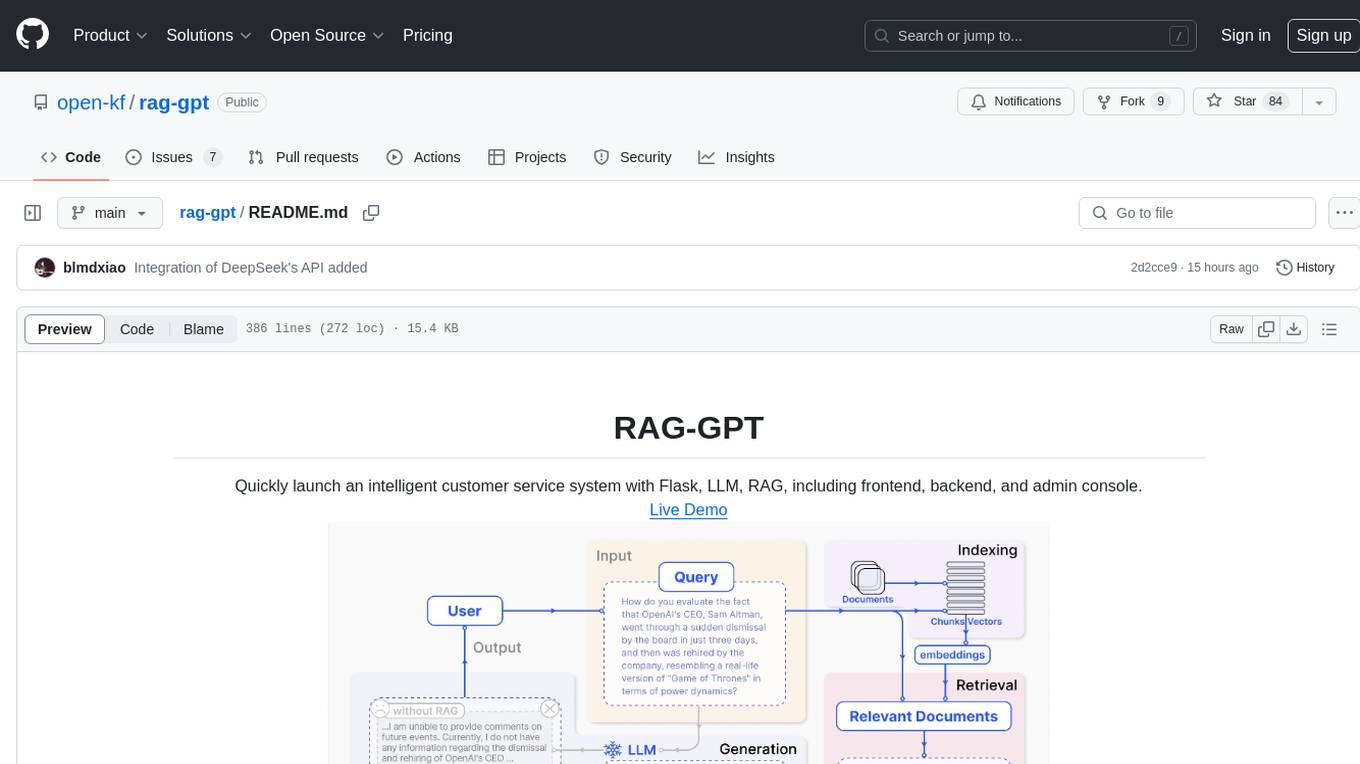
RAG-GPT is a tool that allows users to quickly launch an intelligent customer service system with Flask, LLM, and RAG. It includes frontend, backend, and admin console components. The tool supports cloud-based and local LLMs, enables deployment of conversational service robots in minutes, integrates diverse knowledge bases, offers flexible configuration options, and features an attractive user interface.
company-research-agent
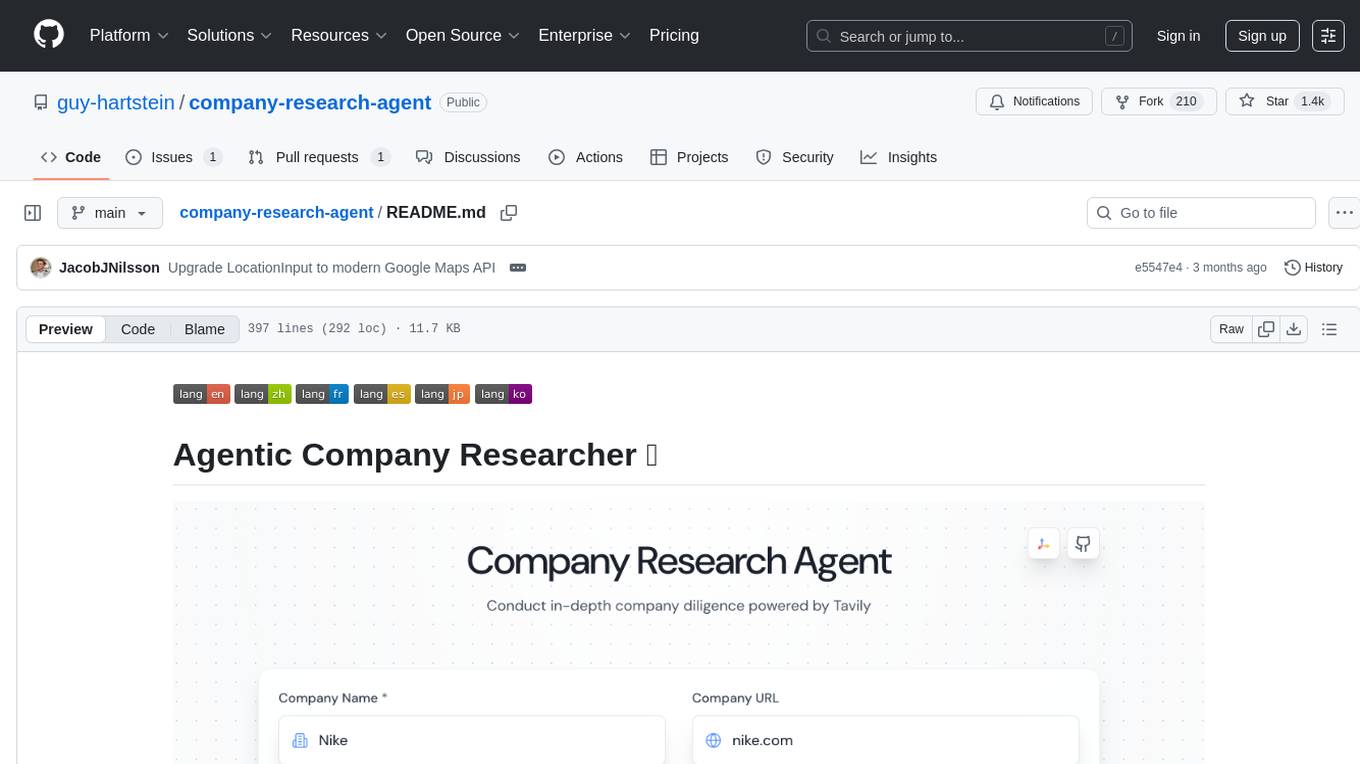
Agentic Company Researcher is a multi-agent tool that generates comprehensive company research reports by utilizing a pipeline of AI agents to gather, curate, and synthesize information from various sources. It features multi-source research, AI-powered content filtering, real-time progress streaming, dual model architecture, modern React frontend, and modular architecture. The tool follows an agentic framework with specialized research and processing nodes, leverages separate models for content generation, uses a content curation system for relevance scoring and document processing, and implements a real-time communication system via WebSocket connections. Users can set up the tool quickly using the provided setup script or manually, and it can also be deployed using Docker and Docker Compose. The application can be used for local development and deployed to various cloud platforms like AWS Elastic Beanstalk, Docker, Heroku, and Google Cloud Run.
g4f.dev
G4f.dev is the official documentation hub for GPT4Free, a free and convenient AI tool with endpoints that can be integrated directly into apps, scripts, and web browsers. The documentation provides clear overviews, quick examples, and deeper insights into the major features of GPT4Free, including text and image generation. Users can choose between Python and JavaScript for installation and setup, and can access various API endpoints, providers, models, and client options for different tasks.

Zero
Zero is an open-source AI email solution that allows users to self-host their email app while integrating external services like Gmail. It aims to modernize and enhance emails through AI agents, offering features like open-source transparency, AI-driven enhancements, data privacy, self-hosting freedom, unified inbox, customizable UI, and developer-friendly extensibility. Built with modern technologies, Zero provides a reliable tech stack including Next.js, React, TypeScript, TailwindCSS, Node.js, Drizzle ORM, and PostgreSQL. Users can set up Zero using standard setup or Dev Container setup for VS Code users, with detailed environment setup instructions for Better Auth, Google OAuth, and optional GitHub OAuth. Database setup involves starting a local PostgreSQL instance, setting up database connection, and executing database commands for dependencies, tables, migrations, and content viewing.
nanocoder
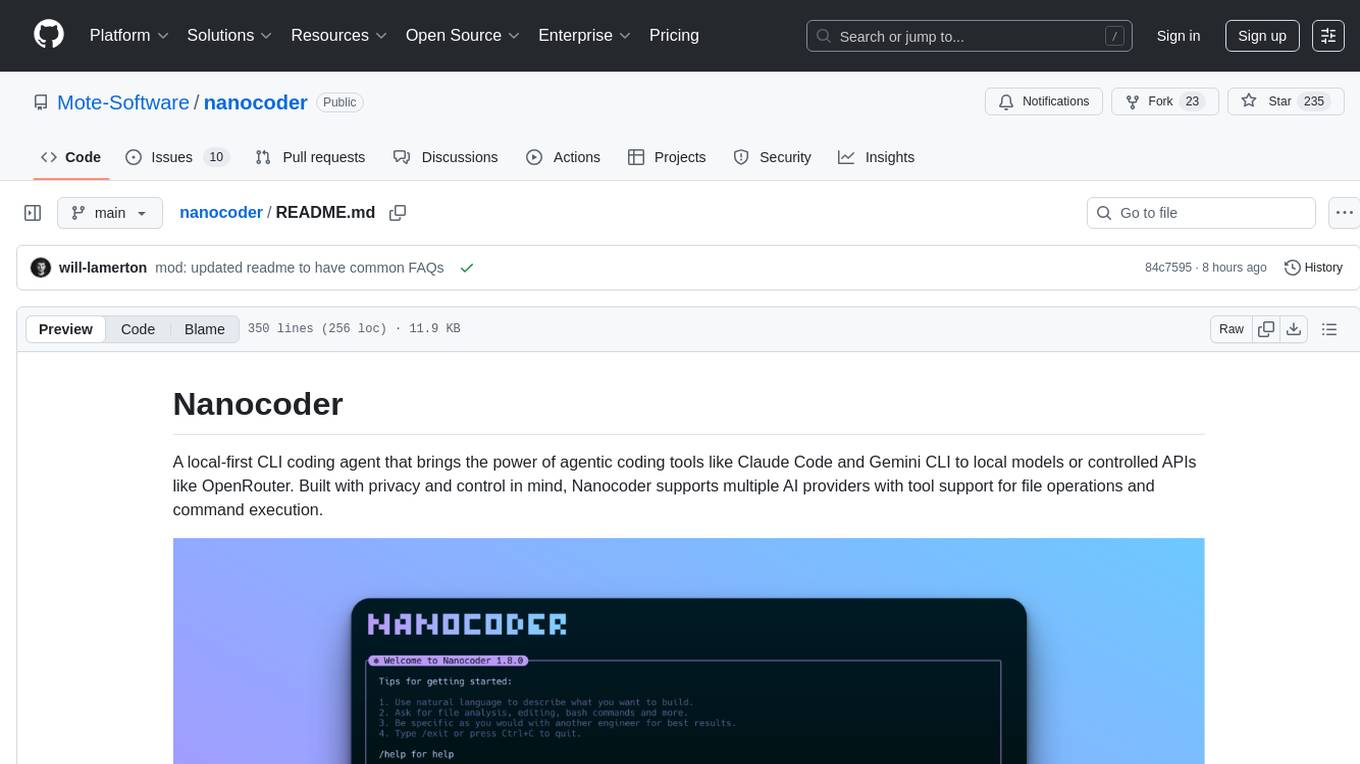
Nanocoder is a local-first CLI coding agent that supports multiple AI providers with tool support for file operations and command execution. It focuses on privacy and control, allowing users to code locally with AI tools. The tool is designed to bring the power of agentic coding tools to local models or controlled APIs like OpenRouter, promoting community-led development and inclusive collaboration in the AI coding space.
web-ui
WebUI is a user-friendly tool built on Gradio that enhances website accessibility for AI agents. It supports various Large Language Models (LLMs) and allows custom browser integration for seamless interaction. The tool eliminates the need for re-login and authentication challenges, offering high-definition screen recording capabilities.
OrChat
OrChat is a powerful CLI tool for chatting with AI models through OpenRouter. It offers features like universal model access, interactive chat with real-time streaming responses, rich markdown rendering, agentic shell access, security gating, performance analytics, command auto-completion, pricing display, auto-update system, multi-line input support, conversation management, auto-summarization, session persistence, web scraping, file and media support, smart thinking mode, conversation export, customizable themes, interactive input features, and more.
anilist-mcp
AniList MCP Server is a Model Context Protocol server that interfaces with the AniList API, allowing LLM clients to access and interact with anime, manga, character, staff, and user data from AniList. It supports searching for anime, manga, characters, staff, and studios, detailed information retrieval, user profiles and lists access, advanced filtering options, genres and media tags retrieval, dual transport support (HTTP and STDIO), and cloud deployment readiness.
For similar tasks

Azure-Analytics-and-AI-Engagement
The Azure-Analytics-and-AI-Engagement repository provides packaged Industry Scenario DREAM Demos with ARM templates (Containing a demo web application, Power BI reports, Synapse resources, AML Notebooks etc.) that can be deployed in a customer’s subscription using the CAPE tool within a matter of few hours. Partners can also deploy DREAM Demos in their own subscriptions using DPoC.
sorrentum
Sorrentum is an open-source project that aims to combine open-source development, startups, and brilliant students to build machine learning, AI, and Web3 / DeFi protocols geared towards finance and economics. The project provides opportunities for internships, research assistantships, and development grants, as well as the chance to work on cutting-edge problems, learn about startups, write academic papers, and get internships and full-time positions at companies working on Sorrentum applications.

tidb
TiDB is an open-source distributed SQL database that supports Hybrid Transactional and Analytical Processing (HTAP) workloads. It is MySQL compatible and features horizontal scalability, strong consistency, and high availability.

zep-python
Zep is an open-source platform for building and deploying large language model (LLM) applications. It provides a suite of tools and services that make it easy to integrate LLMs into your applications, including chat history memory, embedding, vector search, and data enrichment. Zep is designed to be scalable, reliable, and easy to use, making it a great choice for developers who want to build LLM-powered applications quickly and easily.
telemetry-airflow
This repository codifies the Airflow cluster that is deployed at workflow.telemetry.mozilla.org (behind SSO) and commonly referred to as "WTMO" or simply "Airflow". Some links relevant to users and developers of WTMO: * The `dags` directory in this repository contains some custom DAG definitions * Many of the DAGs registered with WTMO don't live in this repository, but are instead generated from ETL task definitions in bigquery-etl * The Data SRE team maintains a WTMO Developer Guide (behind SSO)
mojo
Mojo is a new programming language that bridges the gap between research and production by combining Python syntax and ecosystem with systems programming and metaprogramming features. Mojo is still young, but it is designed to become a superset of Python over time.

pandas-ai
PandasAI is a Python library that makes it easy to ask questions to your data in natural language. It helps you to explore, clean, and analyze your data using generative AI.

databend
Databend is an open-source cloud data warehouse that serves as a cost-effective alternative to Snowflake. With its focus on fast query execution and data ingestion, it's designed for complex analysis of the world's largest datasets.
For similar jobs

LLMStack
LLMStack is a no-code platform for building generative AI agents, workflows, and chatbots. It allows users to connect their own data, internal tools, and GPT-powered models without any coding experience. LLMStack can be deployed to the cloud or on-premise and can be accessed via HTTP API or triggered from Slack or Discord.
daily-poetry-image
Daily Chinese ancient poetry and AI-generated images powered by Bing DALL-E-3. GitHub Action triggers the process automatically. Poetry is provided by Today's Poem API. The website is built with Astro.

exif-photo-blog
EXIF Photo Blog is a full-stack photo blog application built with Next.js, Vercel, and Postgres. It features built-in authentication, photo upload with EXIF extraction, photo organization by tag, infinite scroll, light/dark mode, automatic OG image generation, a CMD-K menu with photo search, experimental support for AI-generated descriptions, and support for Fujifilm simulations. The application is easy to deploy to Vercel with just a few clicks and can be customized with a variety of environment variables.
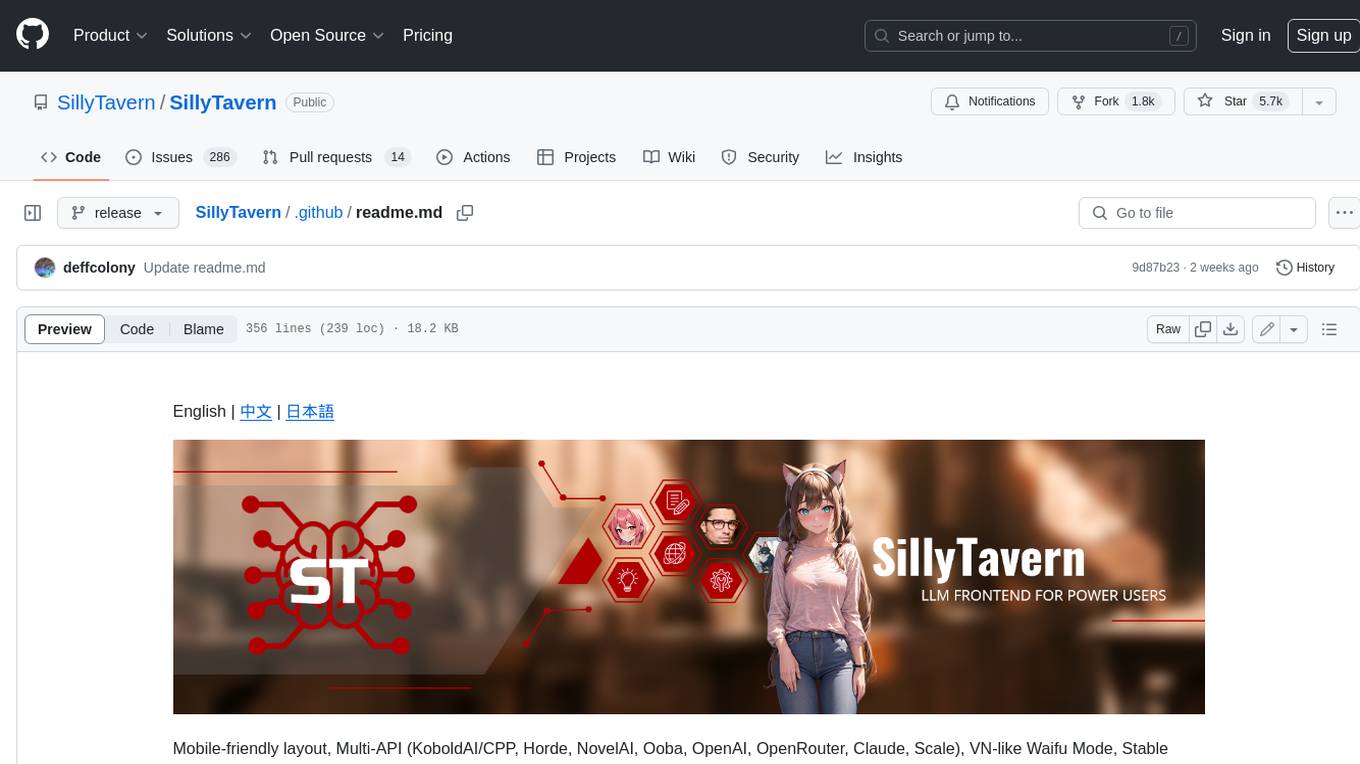
SillyTavern
SillyTavern is a user interface you can install on your computer (and Android phones) that allows you to interact with text generation AIs and chat/roleplay with characters you or the community create. SillyTavern is a fork of TavernAI 1.2.8 which is under more active development and has added many major features. At this point, they can be thought of as completely independent programs.
Twitter-Insight-LLM
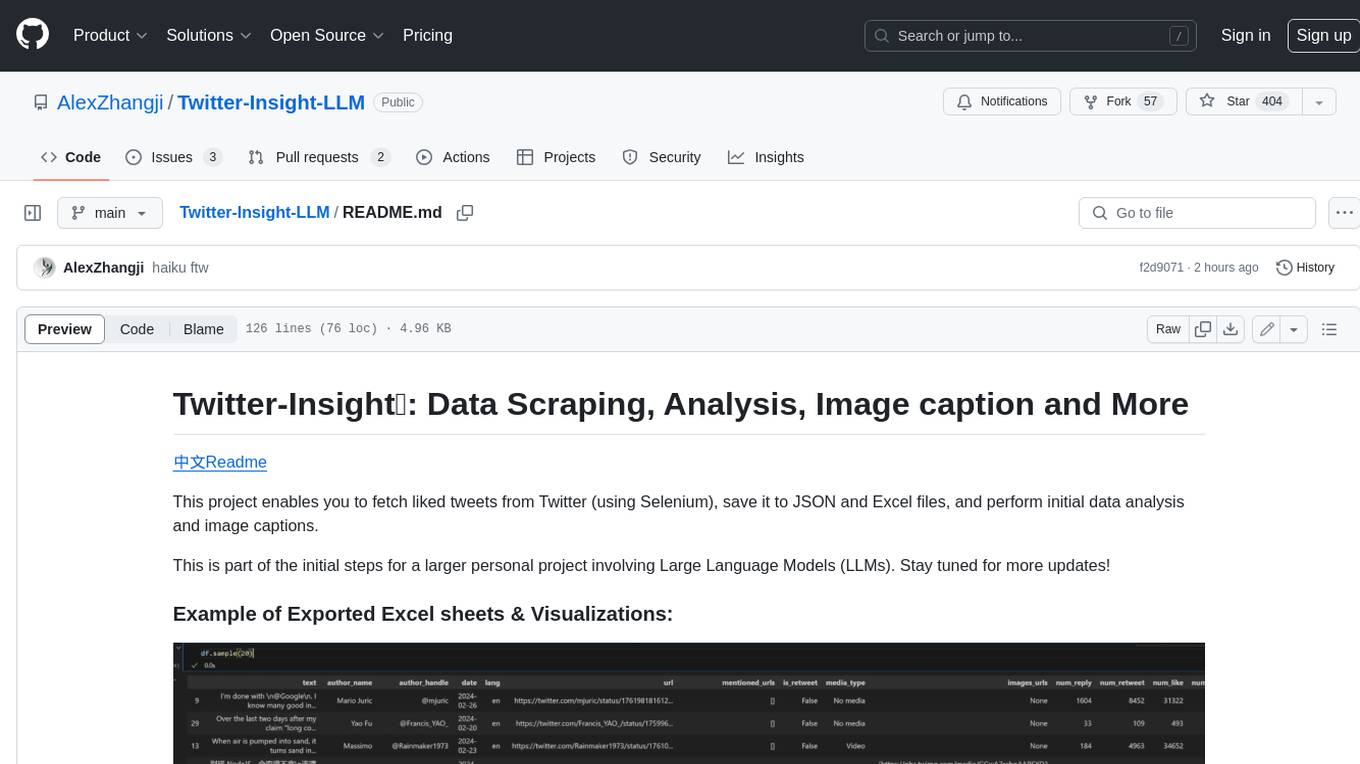
This project enables you to fetch liked tweets from Twitter (using Selenium), save it to JSON and Excel files, and perform initial data analysis and image captions. This is part of the initial steps for a larger personal project involving Large Language Models (LLMs).
AISuperDomain
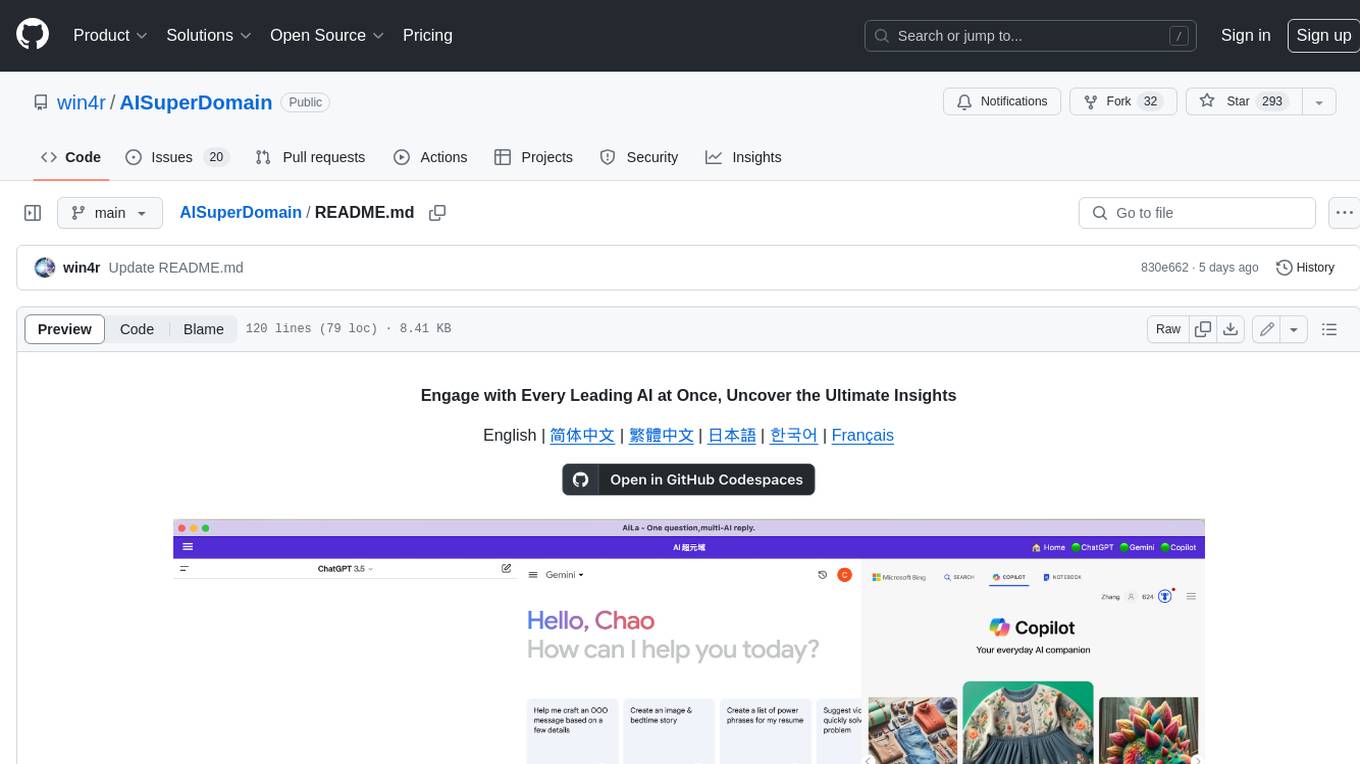
Aila Desktop Application is a powerful tool that integrates multiple leading AI models into a single desktop application. It allows users to interact with various AI models simultaneously, providing diverse responses and insights to their inquiries. With its user-friendly interface and customizable features, Aila empowers users to engage with AI seamlessly and efficiently. Whether you're a researcher, student, or professional, Aila can enhance your AI interactions and streamline your workflow.
ChatGPT-On-CS
This project is an intelligent dialogue customer service tool based on a large model, which supports access to platforms such as WeChat, Qianniu, Bilibili, Douyin Enterprise, Douyin, Doudian, Weibo chat, Xiaohongshu professional account operation, Xiaohongshu, Zhihu, etc. You can choose GPT3.5/GPT4.0/ Lazy Treasure Box (more platforms will be supported in the future), which can process text, voice and pictures, and access external resources such as operating systems and the Internet through plug-ins, and support enterprise AI applications customized based on their own knowledge base.
obs-localvocal
LocalVocal is a live-streaming AI assistant plugin for OBS that allows you to transcribe audio speech into text and perform various language processing functions on the text using AI / LLMs (Large Language Models). It's privacy-first, with all data staying on your machine, and requires no GPU, cloud costs, network, or downtime.