


linkedIn_auto_jobs_applier_with_AI
LinkedIn_AIHawk is a tool that automates the jobs application process on LinkedIn. Utilizing artificial intelligence, it enables users to apply for multiple job offers in an automated and personalized way.
Stars: 11785
LinkedIn_AIHawk is an automated tool designed to revolutionize the job search and application process on LinkedIn. It leverages automation and artificial intelligence to efficiently apply to relevant positions, personalize responses, manage application volume, filter listings, generate dynamic resumes, and handle sensitive information securely. The tool aims to save time, increase application relevance, and enhance job search effectiveness in today's competitive landscape.
README:


Connect with like-minded individuals and get the most out of AIHawk.
💡 Get support: Ask questions, troubleshoot issues, and find solutions.
🗣️ Share knowledge: Share your experiences, tips, and best practices.
🤝 Network: Connect with other professionals and explore new opportunities.
🔔 Stay updated: Get the latest news and updates on AIHawk.

- Introduction
- Features
- Installation
- Configuration
- Usage
- Documentation
- Troubleshooting
- Conclusion
- Contributors
- License
- Disclaimer
LinkedIn_AIHawk is a cutting-edge, automated tool designed to revolutionize the job search and application process on LinkedIn. In today's fiercely competitive job market, where opportunities can vanish in the blink of an eye, this program offers job seekers a significant advantage. By leveraging the power of automation and artificial intelligence, LinkedIn_AIHawk enables users to apply to a vast number of relevant positions efficiently and in a personalized manner, maximizing their chances of landing their dream job.
In the digital age, the job search landscape has undergone a dramatic transformation. While online platforms like LinkedIn have opened up a world of opportunities, they have also intensified competition. Job seekers often find themselves spending countless hours scrolling through listings, tailoring applications, and repetitively filling out forms. This process can be not only time-consuming but also emotionally draining, leading to job search fatigue and missed opportunities.
LinkedIn_AIHawk steps in as a game-changing solution to these challenges. It's not just a tool; it's your tireless, 24/7 job search partner. By automating the most time-consuming aspects of the job search process, it allows you to focus on what truly matters - preparing for interviews and developing your professional skills.
-
Intelligent Job Search Automation
- Customizable search criteria
- Continuous scanning for new openings
- Smart filtering to exclude irrelevant listings
-
Rapid and Efficient Application Submission
- One-click applications using LinkedIn's "Easy Apply" feature
- Form auto-fill using your profile information
- Automatic document attachment (resume, cover letter)
-
AI-Powered Personalization
- Dynamic response generation for employer-specific questions
- Tone and style matching to fit company culture
- Keyword optimization for improved application relevance
-
Volume Management with Quality
- Bulk application capability
- Quality control measures
- Detailed application tracking
-
Intelligent Filtering and Blacklisting
- Company blacklist to avoid unwanted employers
- Title filtering to focus on relevant positions
-
Dynamic Resume Generation
- Automatically creates tailored resumes for each application
- Customizes resume content based on job requirements
-
Secure Data Handling
- Manages sensitive information securely using YAML files
Please watch this video to set up your LinkedIn_AIHawk: How to set up LinkedIn_AIHawk - https://youtu.be/gdW9wogHEUM 0. Confirmed succesfull runs OSs & Python: Python 3.10, 3.11.9(64b), 3.12.5(64b) . Windows 10, Ubuntu 22
-
Download and Install Python:
Ensure you have the last Python version installed. If not, download and install it from Python's official website. For detailed instructions, refer to the tutorials:
-
Download and Install Google Chrome:
- Download and install the latest version of Google Chrome in its default location from the official website.
-
Clone the repository:
git clone https://github.com/feder-cr/LinkedIn_AIHawk_automatic_job_application cd LinkedIn_AIHawk_automatic_job_application -
Activate virtual environment:
python3 -m venv virtual
source virtual/bin/activate -
Install the required packages:
pip install -r requirements.txt
This file contains sensitive information. Never share or commit this file to version control.
-
email: [Your LinkedIn email]- Replace with your LinkedIn account email address
-
password: [Your LinkedIn password]- Replace with your LinkedIn account password
-
openai_api_key: [Your OpenAI API key]- Replace with your OpenAI API key for GPT integration
- To obtain an API key, follow the tutorial at: https://medium.com/@lorenzozar/how-to-get-your-own-openai-api-key-f4d44e60c327
- Note: You need to add credit to your OpenAI account to use the API. You can add credit by visiting the OpenAI billing dashboard.
This file defines your job search parameters and bot behavior. Each section contains options that you can customize:
-
remote: [true/false]- Set to
trueto include remote jobs,falseto exclude them
- Set to
-
experienceLevel:- Set desired experience levels to
true, others tofalse
- Set desired experience levels to
-
jobTypes:- Set desired job types to
true, others tofalse
- Set desired job types to
-
date:- Choose one time range for job postings by setting it to
true, others tofalse
- Choose one time range for job postings by setting it to
-
positions:- List job titles you're interested in, one per line
- Example:
positions:
  - Software Developer
  - Data Scientist
-
locations:- List locations you want to search in, one per line
- Example:
locations:
  - Italy
  - London
-
distance: [number]- Set the radius for your job search in miles
- Example:
distance: 50
-
companyBlacklist:- List companies you want to exclude from your search, one per line
- Example:
companyBlacklist:
  - Company X
  - Company Y
-
titleBlacklist:- List keywords in job titles you want to avoid, one per line
- Example:
titleBlacklist:
  - Sales
  - Marketing
This file contains your resume information in a structured format. Fill it out with your personal details, education, work experience, and skills. This information is used to auto-fill application forms and generate customized resumes.
Each section has specific fields to fill out:
-
personal_information:- This section contains basic personal details to identify yourself and provide contact information.
- name: Your first name.
- surname: Your last name or family name.
- date_of_birth: Your birth date in the format DD/MM/YYYY.
- country: The country where you currently reside.
- city: The city where you currently live.
- address: Your full address, including street and number.
- phone_prefix: The international dialing code for your phone number (e.g., +1 for the USA, +44 for the UK).
- phone: Your phone number without the international prefix.
- email: Your primary email address.
- github: URL to your GitHub profile, if applicable.
- linkedin: URL to your LinkedIn profile, if applicable.
- Example
personal_information:
  name: "Jane"
  surname: "Doe"
  date_of_birth: "01/01/1990"
  country: "USA"
  city: "New York"
  address: "123 Main St"
  phone_prefix: "+1"
  phone: "5551234567"
  email: "[email protected]"
  github: "https://github.com/janedoe"
  linkedin: "https://www.linkedin.com/in/janedoe/"
- This section contains basic personal details to identify yourself and provide contact information.
-
education_details:-
This section outlines your academic background, including degrees earned and relevant coursework.
- degree: The type of degree obtained (e.g., Bachelor's Degree, Master's Degree).
- university: The name of the university or institution where you studied.
- final_evaluation_grade: Your Grade Point Average or equivalent measure of academic performance.
- start_date: The start year of your studies.
- graduation_year: The year you graduated.
- field_of_study: The major or focus area of your studies.
- exam: A list of courses or subjects taken along with their respective grades.
-
Example:
education_details:
  - education_level: "Bachelor's Degree"
    institution: "University of Example"
    field_of_study: "Software Engineering"
    final_evaluation_grade: "4/4"
    start_date: "2021"
    year_of_completion: "2023"
    exam:
      Algorithms: "A"
      Data Structures: "B+"
      Database Systems: "A"
      Operating Systems: "A-"
      Web Development: "B"
-
-
experience_details:-
This section details your work experience, including job roles, companies, and key responsibilities.
- position: Your job title or role.
- company: The name of the company or organization where you worked.
- employment_period: The timeframe during which you were employed in the role (e.g., MM/YYYY - MM/YYYY).
- location: The city and country where the company is located.
- industry: The industry or field in which the company operates.
- key_responsibilities: A list of major responsibilities or duties you had in the role.
- skills_acquired: Skills or expertise gained through this role.
-
Example:
experience_details:
  - position: "Software Developer"
    company: "Tech Innovations Inc."
    employment_period: "06/2021 - Present"
    location: "San Francisco, CA"
    industry: "Technology"
    key_responsibilities:
      - "Developed web applications using React and Node.js"
      - "Collaborated with cross-functional teams to design and implement new features"
      - "Troubleshot and resolved complex software issues"
    skills_acquired:
      - "React"
      - "Node.js"
      - "Software Troubleshooting"
-
-
projects:-
Include notable projects you have worked on, including personal or professional projects.
- name: The name or title of the project.
- description: A brief summary of what the project involves or its purpose.
- link: URL to the project, if available (e.g., GitHub repository, website).
-
Example:
projects:
  - name: "Weather App"
    description: "A web application that provides real-time weather information using a third-party API."
    link: "https://github.com/janedoe/weather-app"
  - name: "Task Manager"
    description: "A task management tool with features for tracking and prioritizing tasks."
    link: "https://github.com/janedoe/task-manager"
-
-
achievements:-
Highlight notable accomplishments or awards you have received.
- name: The title or name of the achievement.
- description: A brief explanation of the achievement and its significance.
-
Example:
achievements:
  - name: "Employee of the Month"
    description: "Recognized for exceptional performance and contributions to the team."
  - name: "Hackathon Winner"
    description: "Won first place in a national hackathon competition."
-
-
certifications:-
Include any professional certifications you have earned.
- name: "PMP"
description: "Certification for project management professionals, issued by the Project Management Institute (PMI)"
- name: "PMP"
-
Example:
certifications:
  - "Certified Scrum Master"
  - "AWS Certified Solutions Architect"
-
-
languages:-
Detail the languages you speak and your proficiency level in each.
- language: The name of the language.
- proficiency: Your level of proficiency (e.g., Native, Fluent, Intermediate).
-
Example:
languages:
  - language: "English"
    proficiency: "Fluent"
  - language: "Spanish"
    proficiency: "Intermediate"
-
-
interests:-
Mention your professional or personal interests that may be relevant to your career.
- interest: A list of interests or hobbies.
-
Example:
interests:
  - "Machine Learning"
  - "Cybersecurity"
  - "Open Source Projects"
  - "Digital Marketing"
  - "Entrepreneurship"
-
-
availability:-
State your current availability or notice period.
- notice_period: The amount of time required before you can start a new role (e.g., "2 weeks", "1 month").
-
Example:
availability:
  notice_period: "2 weeks"
-
-
salary_expectations:-
Provide your expected salary range.
- salary_range_usd: The salary range you are expecting, expressed in USD.
-
Example:
salary_expectations:
  salary_range_usd: "80000 - 100000"
-
-
self_identification:-
Provide information related to personal identity, including gender and pronouns.
- gender: Your gender identity.
- pronouns: The pronouns you use (e.g., He/Him, She/Her, They/Them).
- veteran: Your status as a veteran (e.g., Yes, No).
- disability: Whether you have a disability (e.g., Yes, No).
- ethnicity: Your ethnicity.
-
Example:
self_identification:
  gender: "Female"
  pronouns: "She/Her"
  veteran: "No"
  disability: "No"
  ethnicity: "Asian"
-
-
legal_authorization:-
Indicate your legal ability to work in various locations.
- eu_work_authorization: Whether you are authorized to work in the European Union (Yes/No).
- us_work_authorization: Whether you are authorized to work in the United States (Yes/No).
- requires_us_visa: Whether you require a visa to work in the US (Yes/No).
- requires_us_sponsorship: Whether you require sponsorship to work in the US (Yes/No).
- requires_eu_visa: Whether you require a visa to work in the EU (Yes/No).
- legally_allowed_to_work_in_eu: Whether you are legally allowed to work in the EU (Yes/No).
- legally_allowed_to_work_in_us: Whether you are legally allowed to work in the US (Yes/No).
- requires_eu_sponsorship: Whether you require sponsorship to work in the EU (Yes/No).
-
Example:
legal_authorization:
  eu_work_authorization: "Yes"
  us_work_authorization: "No"
  requires_us_visa: "Yes"
  requires_us_sponsorship: "Yes"
  requires_eu_visa: "No"
  legally_allowed_to_work_in_eu: "Yes"
  legally_allowed_to_work_in_us: "No"
  requires_eu_sponsorship: "No"
-
-
work_preferences:-
Specify your preferences for work arrangements and conditions.
- remote_work: Whether you are open to remote work (Yes/No).
- in_person_work: Whether you are open to in-person work (Yes/No).
- open_to_relocation: Whether you are willing to relocate for a job (Yes/No).
- willing_to_complete_assessments: Whether you are willing to complete job assessments (Yes/No).
- willing_to_undergo_drug_tests: Whether you are willing to undergo drug testing (Yes/No).
- willing_to_undergo_background_checks: Whether you are willing to undergo background checks (Yes/No).
-
Example:
work_preferences:
  remote_work: "Yes"
  in_person_work: "No"
  open_to_relocation: "Yes"
  willing_to_complete_assessments: "Yes"
  willing_to_undergo_drug_tests: "No"
  willing_to_undergo_background_checks: "Yes"
-
The data_folder_example folder contains a working example of how the files necessary for the bot's operation should be structured and filled out. This folder serves as a practical reference to help you correctly set up your work environment for the LinkedIn job search bot.
Inside this folder, you'll find example versions of the key files:
secrets.yamlconfig.yamlplain_text_resume.yaml
These files are already populated with fictitious but realistic data. They show you the correct format and type of information to enter in each file.
Using this folder as a guide can be particularly helpful for:
- Understanding the correct structure of each configuration file
- Seeing examples of valid data for each field
- Having a reference point while filling out your personal files
-
LinkedIn language To ensure the bot works, your LinkedIn language must be set to English.
-
Data Folder: Ensure that your data_folder contains the following files:
secrets.yamlconfig.yamlplain_text_resume.yaml
-
Run the Bot:
LinkedIn_AIHawk offers flexibility in how it handles your pdf resume:
-
Dynamic Resume Generation:
If you don't use the
--resumeoption, the bot will automatically generate a unique resume for each application. This feature uses the information from yourplain_text_resume.yamlfile and tailors it to each specific job application, potentially increasing your chances of success by customizing your resume for each position.python main.py
-
Using a Specific Resume:
If you want to use a specific PDF resume for all applications, place your resume PDF in the
data_folderdirectory and run the bot with the--resumeoption:python main.py --resume /path/to/your/resume.pdf
TODO ):
- Carefully read logs and output : Most of the errors are verbosely reflected just watch the output and try to find the root couse.
- If nothing works by unknown reason: Use tested OS. Reboot and/or update OS. Use new clean venv. Try update Python to the tested version.
- ChromeDriver Issues: Ensure ChromeDriver is compatible with your installed Chrome version.
- Missing Files: Verify that all necessary files are present in the data folder.
- Invalid YAML: Check your YAML files for syntax errors . Try to use external YAML validators e.g. https://www.yamllint.com/
- OpenAI endpoint isues: Try to check possible limits\blocking at their side
If you encounter any issues, you can open an issue on GitHub.
Please add valuable details to the subject and to the description. If you need new feature then please reflect this.
I'll be more than happy to assist you!
LinkedIn_AIHawk provides a significant advantage in the modern job market by automating and enhancing the job application process. With features like dynamic resume generation and AI-powered personalization, it offers unparalleled flexibility and efficiency. Whether you're a job seeker aiming to maximize your chances of landing a job, a recruiter looking to streamline application submissions, or a career advisor seeking to offer better services, LinkedIn_AIHawk is an invaluable resource. By leveraging cutting-edge automation and artificial intelligence, this tool not only saves time but also significantly increases the effectiveness and quality of job applications in today's competitive landscape.
- feder-cr - Creator and Lead Developer
LinkedIn_AIHawk is still in beta, and your feedback, suggestions, and contributions are highly valued. Feel free to open issues, suggest enhancements, or submit pull requests to help improve the project. Let's work together to make LinkedIn_AIHawk an even more powerful tool for job seekers worldwide.
This project is licensed under the MIT License - see the LICENSE file for details.
LinkedIn_AIHawk is developed for educational purposes only. The creator does not assume any responsibility for its use. Users should ensure they comply with LinkedIn's terms of service, any applicable laws and regulations, and ethical considerations when using this tool. The use of automated tools for job applications may have implications on user accounts, and caution is advised.
For Tasks:
Click tags to check more tools for each tasksFor Jobs:
Alternative AI tools for linkedIn_auto_jobs_applier_with_AI
Similar Open Source Tools
linkedIn_auto_jobs_applier_with_AI
LinkedIn_AIHawk is an automated tool designed to revolutionize the job search and application process on LinkedIn. It leverages automation and artificial intelligence to efficiently apply to relevant positions, personalize responses, manage application volume, filter listings, generate dynamic resumes, and handle sensitive information securely. The tool aims to save time, increase application relevance, and enhance job search effectiveness in today's competitive landscape.
Auto_Jobs_Applier_AIHawk
Auto_Jobs_Applier_AIHawk is an AI-powered job search assistant that revolutionizes the job search and application process. It automates application submissions, provides personalized recommendations, and enhances the chances of landing a dream job. The tool offers features like intelligent job search automation, rapid application submission, AI-powered personalization, volume management with quality, intelligent filtering, dynamic resume generation, and secure data handling. It aims to address the challenges of modern job hunting by saving time, increasing efficiency, and improving application quality.
PentestGPT
PentestGPT is a penetration testing tool empowered by ChatGPT, designed to automate the penetration testing process. It operates interactively to guide penetration testers in overall progress and specific operations. The tool supports solving easy to medium HackTheBox machines and other CTF challenges. Users can use PentestGPT to perform tasks like testing connections, using different reasoning models, discussing with the tool, searching on Google, and generating reports. It also supports local LLMs with custom parsers for advanced users.
kwaak
Kwaak is a tool that allows users to run a team of autonomous AI agents locally from their own machine. It enables users to write code, improve test coverage, update documentation, and enhance code quality while focusing on building innovative projects. Kwaak is designed to run multiple agents in parallel, interact with codebases, answer questions about code, find examples, write and execute code, create pull requests, and more. It is free and open-source, allowing users to bring their own API keys or models via Ollama. Kwaak is part of the bosun.ai project, aiming to be a platform for autonomous code improvement.
LightAgent
LightAgent is a lightweight, open-source Agentic AI development framework with memory, tools, and a tree of thought. It supports multi-agent collaboration, autonomous learning, tool integration, complex task handling, and multi-model support. It also features a streaming API, tool generator, agent self-learning, adaptive tool mechanism, and more. LightAgent is designed for intelligent customer service, data analysis, automated tools, and educational assistance.
agent-squad
Agent Squad is a flexible, lightweight open-source framework for orchestrating multiple AI agents to handle complex conversations. It intelligently routes queries, maintains context across interactions, and offers pre-built components for quick deployment. The system allows easy integration of custom agents and conversation messages storage solutions, making it suitable for various applications from simple chatbots to sophisticated AI systems, scaling efficiently.
LightAgent
LightAgent is a lightweight, open-source active Agentic AI development framework with memory, tools, and a tree of thought. It supports multi-agent collaboration, autonomous learning, tool integration, complex goals, and multi-model support. It enables simpler self-learning agents, seamless integration with major chat frameworks, and quick tool generation. LightAgent also supports memory modules, tool integration, tree of thought planning, multi-agent collaboration, streaming API, agent self-learning, Langfuse log tracking, and agent assessment. It is compatible with various large models and offers features like intelligent customer service, data analysis, automated tools, and educational assistance.
PlanExe
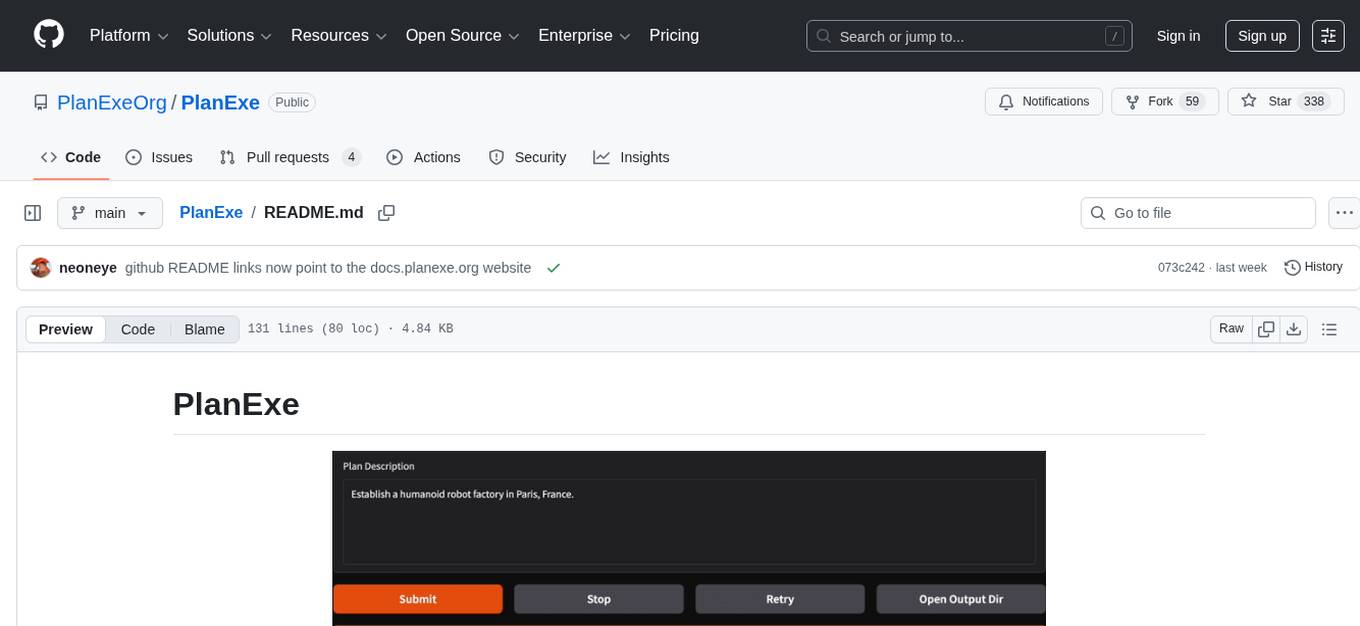
PlanExe is an open-source tool that turns a single plain-english goal statement into a 40-page strategic plan in approximately 15 minutes using local or cloud models. It accelerates the creation of outlines, providing outputs such as executive summaries, Gantt charts, governance structures, role descriptions, stakeholder maps, risk registers, and SWOT analyses. While the tool significantly reduces the labor required for planning scaffolds, the final refinement to create a polished, client-ready document still necessitates human intervention. PlanExe's technical quality in terms of structure, formatting, and coherence is often superior to human junior/mid-tier consulting drafts, but areas such as budgets, timelines, metrics, and legal/operational realism may require further human refinement for high-stakes topics.
giskard
Giskard is an open-source Python library that automatically detects performance, bias & security issues in AI applications. The library covers LLM-based applications such as RAG agents, all the way to traditional ML models for tabular data.
quivr
Quivr is a personal assistant powered by Generative AI, designed to be a second brain for users. It offers fast and efficient access to data, ensuring security and compatibility with various file formats. Quivr is open source and free to use, allowing users to share their brains publicly or keep them private. The marketplace feature enables users to share and utilize brains created by others, boosting productivity. Quivr's offline mode provides anytime, anywhere access to data. Key features include speed, security, OS compatibility, file compatibility, open source nature, public/private sharing options, a marketplace, and offline mode.
resume-job-matcher
Resume Job Matcher is a Python script that automates the process of matching resumes to a job description using AI. It leverages the Anthropic Claude API or OpenAI's GPT API to analyze resumes and provide a match score along with personalized email responses for candidates. The tool offers comprehensive resume processing, advanced AI-powered analysis, in-depth evaluation & scoring, comprehensive analytics & reporting, enhanced candidate profiling, and robust system management. Users can customize font presets, generate PDF versions of unified resumes, adjust logging level, change scoring model, modify AI provider, and adjust AI model. The final score for each resume is calculated based on AI-generated match score and resume quality score, ensuring content relevance and presentation quality are considered. Troubleshooting tips, best practices, contribution guidelines, and required Python packages are provided.
portia-sdk-python
Portia AI is an open source developer framework for predictable, stateful, authenticated agentic workflows. It allows developers to have oversight over their multi-agent deployments and focuses on production readiness. The framework supports iterating on agents' reasoning, extensive tool support including MCP support, authentication for API and web agents, and is production-ready with features like attribute multi-agent runs, large inputs and outputs storage, and connecting any LLM. Portia AI aims to provide a flexible and reliable platform for developing AI agents with tools, authentication, and smart control.
deep-research
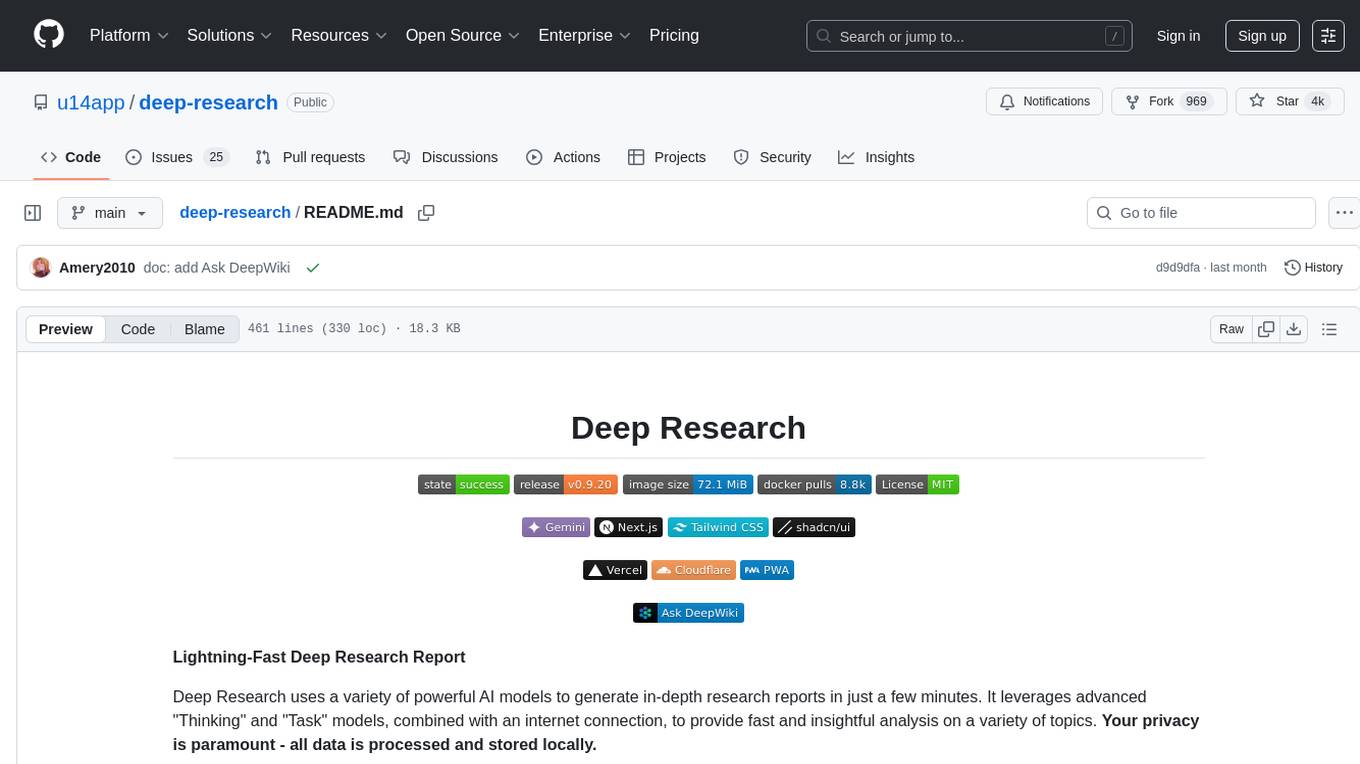
Deep Research is a lightning-fast tool that uses powerful AI models to generate comprehensive research reports in just a few minutes. It leverages advanced 'Thinking' and 'Task' models, combined with an internet connection, to provide fast and insightful analysis on various topics. The tool ensures privacy by processing and storing all data locally. It supports multi-platform deployment, offers support for various large language models, web search functionality, knowledge graph generation, research history preservation, local and server API support, PWA technology, multi-key payload support, multi-language support, and is built with modern technologies like Next.js and Shadcn UI. Deep Research is open-source under the MIT License.
MetaGPT
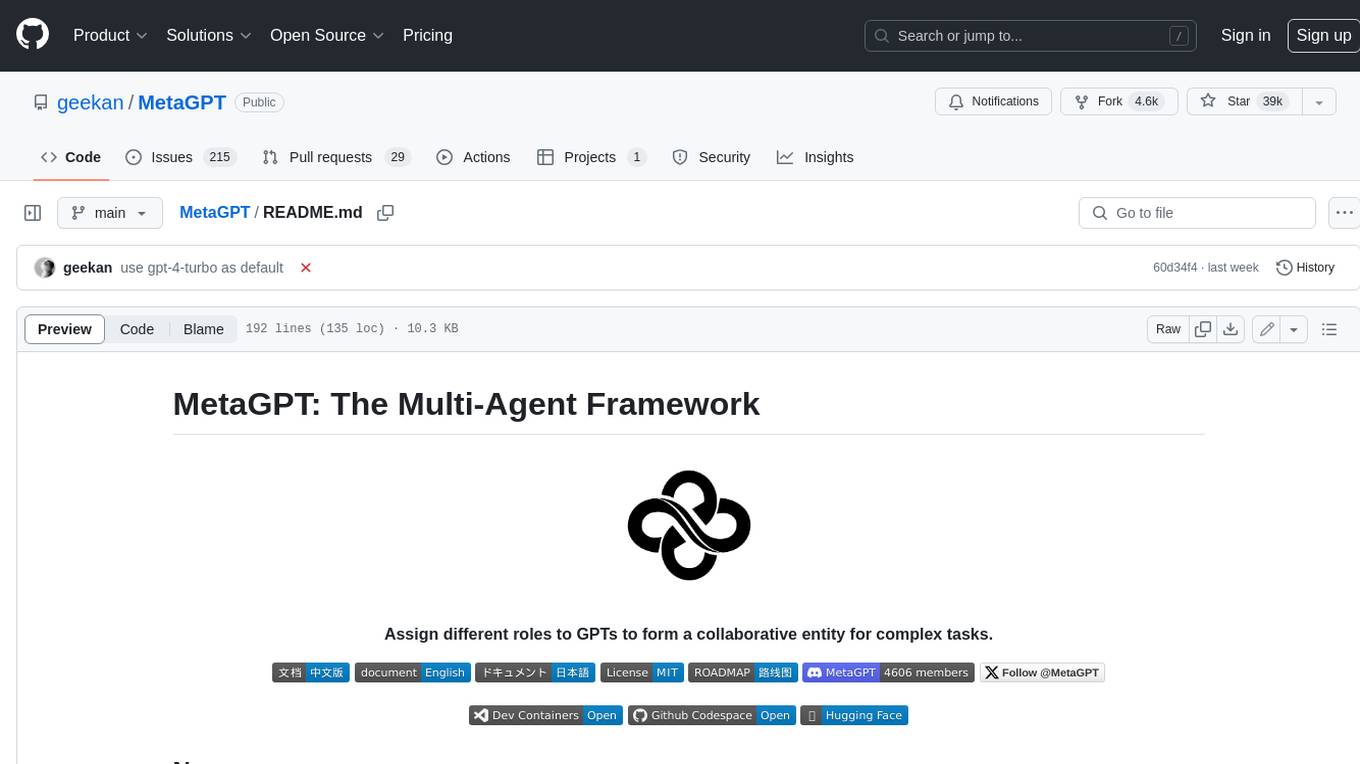
MetaGPT is a multi-agent framework that enables GPT to work in a software company, collaborating to tackle more complex tasks. It assigns different roles to GPTs to form a collaborative entity for complex tasks. MetaGPT takes a one-line requirement as input and outputs user stories, competitive analysis, requirements, data structures, APIs, documents, etc. Internally, MetaGPT includes product managers, architects, project managers, and engineers. It provides the entire process of a software company along with carefully orchestrated SOPs. MetaGPT's core philosophy is "Code = SOP(Team)", materializing SOP and applying it to teams composed of LLMs.
ag2
Ag2 is a lightweight and efficient tool for generating automated reports from data sources. It simplifies the process of creating reports by allowing users to define templates and automate the data extraction and formatting. With Ag2, users can easily generate reports in various formats such as PDF, Excel, and CSV, saving time and effort in manual report generation tasks.
multi-agent-orchestrator
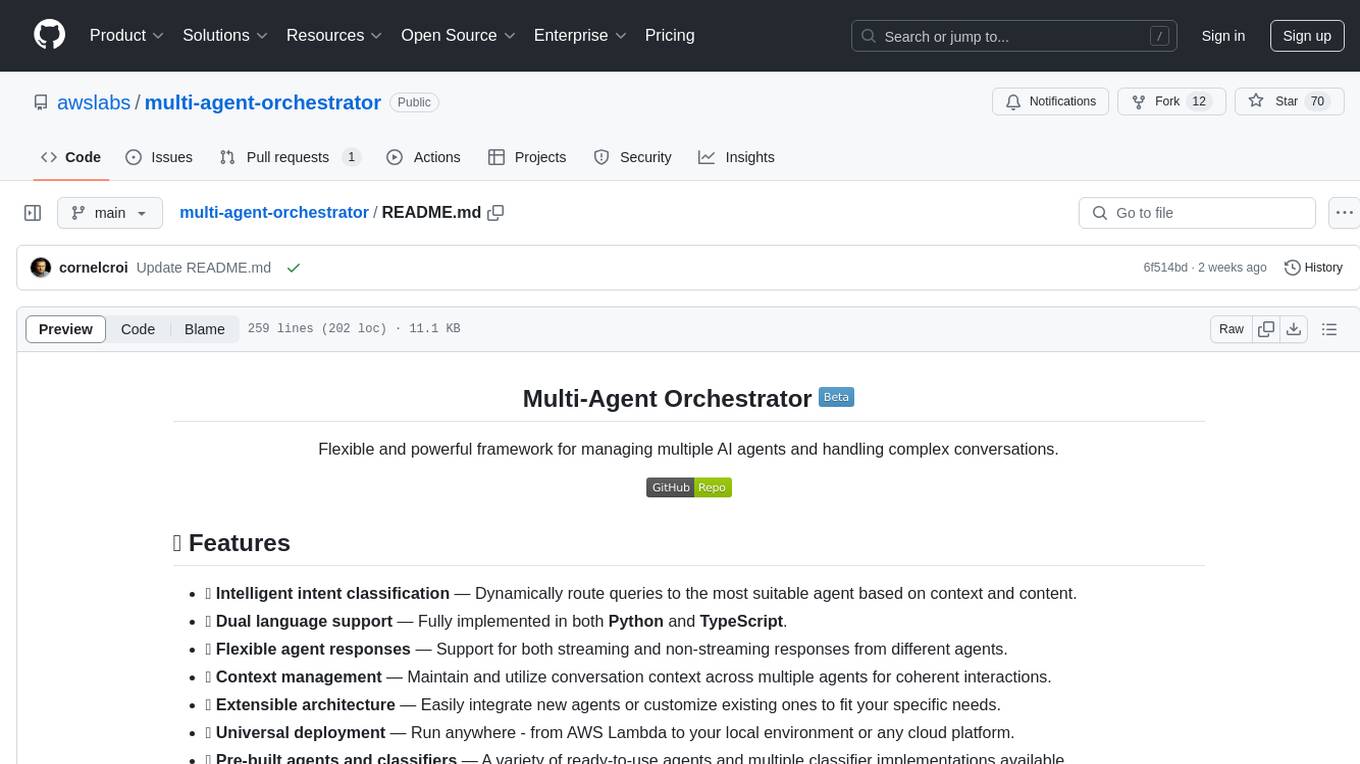
Multi-Agent Orchestrator is a flexible and powerful framework for managing multiple AI agents and handling complex conversations. It intelligently routes queries to the most suitable agent based on context and content, supports dual language implementation in Python and TypeScript, offers flexible agent responses, context management across agents, extensible architecture for customization, universal deployment options, and pre-built agents and classifiers. It is suitable for various applications, from simple chatbots to sophisticated AI systems, accommodating diverse requirements and scaling efficiently.
For similar tasks
linkedIn_auto_jobs_applier_with_AI
LinkedIn_AIHawk is an automated tool designed to revolutionize the job search and application process on LinkedIn. It leverages automation and artificial intelligence to efficiently apply to relevant positions, personalize responses, manage application volume, filter listings, generate dynamic resumes, and handle sensitive information securely. The tool aims to save time, increase application relevance, and enhance job search effectiveness in today's competitive landscape.
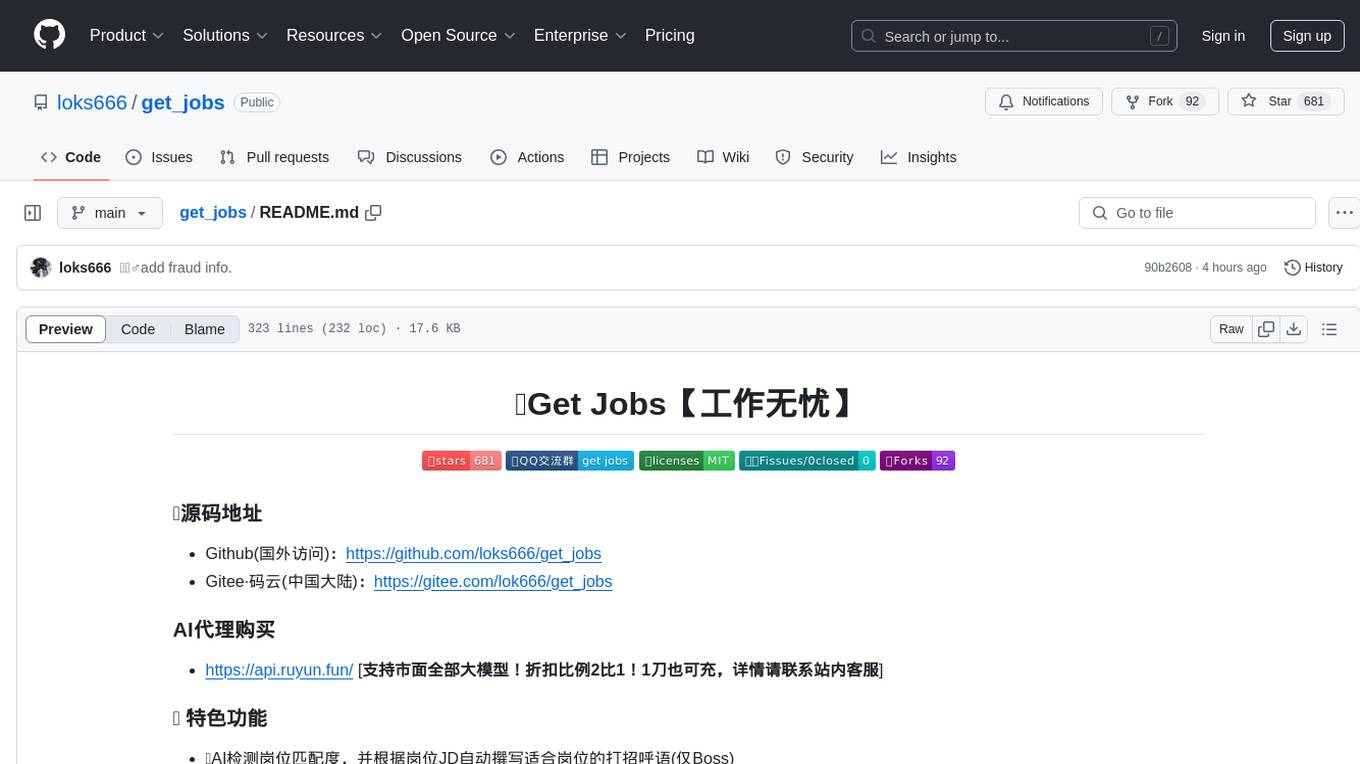
get_jobs
Get Jobs is a tool designed to help users find and apply for job positions on various recruitment platforms in China. It features AI job matching, automatic cover letter generation, multi-platform job application, automated filtering of inactive HR and headhunter positions, real-time WeChat message notifications, blacklisted company updates, driver adaptation for Win11, centralized configuration, long-lasting cookie login, XPathHelper plugin, global logging, and more. The tool supports platforms like Boss直聘, 猎聘, 拉勾, 51job, and 智联招聘. Users can configure the tool for customized job searches and applications.
lib_resume_builder_AIHawk
`lib_resume_builder_AIHawk` is a Python library that simplifies the creation of personalized, professional resumes by integrating with GPT models. It allows users to generate tailored resumes based on job descriptions with various styles, offering a flexible approach to resume building with minimal effort.
For similar jobs
linkedIn_auto_jobs_applier_with_AI
LinkedIn_AIHawk is an automated tool designed to revolutionize the job search and application process on LinkedIn. It leverages automation and artificial intelligence to efficiently apply to relevant positions, personalize responses, manage application volume, filter listings, generate dynamic resumes, and handle sensitive information securely. The tool aims to save time, increase application relevance, and enhance job search effectiveness in today's competitive landscape.
Auto_Jobs_Applier_AIHawk
Auto_Jobs_Applier_AIHawk is an AI-powered job search assistant that revolutionizes the job search and application process. It automates application submissions, provides personalized recommendations, and enhances the chances of landing a dream job. The tool offers features like intelligent job search automation, rapid application submission, AI-powered personalization, volume management with quality, intelligent filtering, dynamic resume generation, and secure data handling. It aims to address the challenges of modern job hunting by saving time, increasing efficiency, and improving application quality.
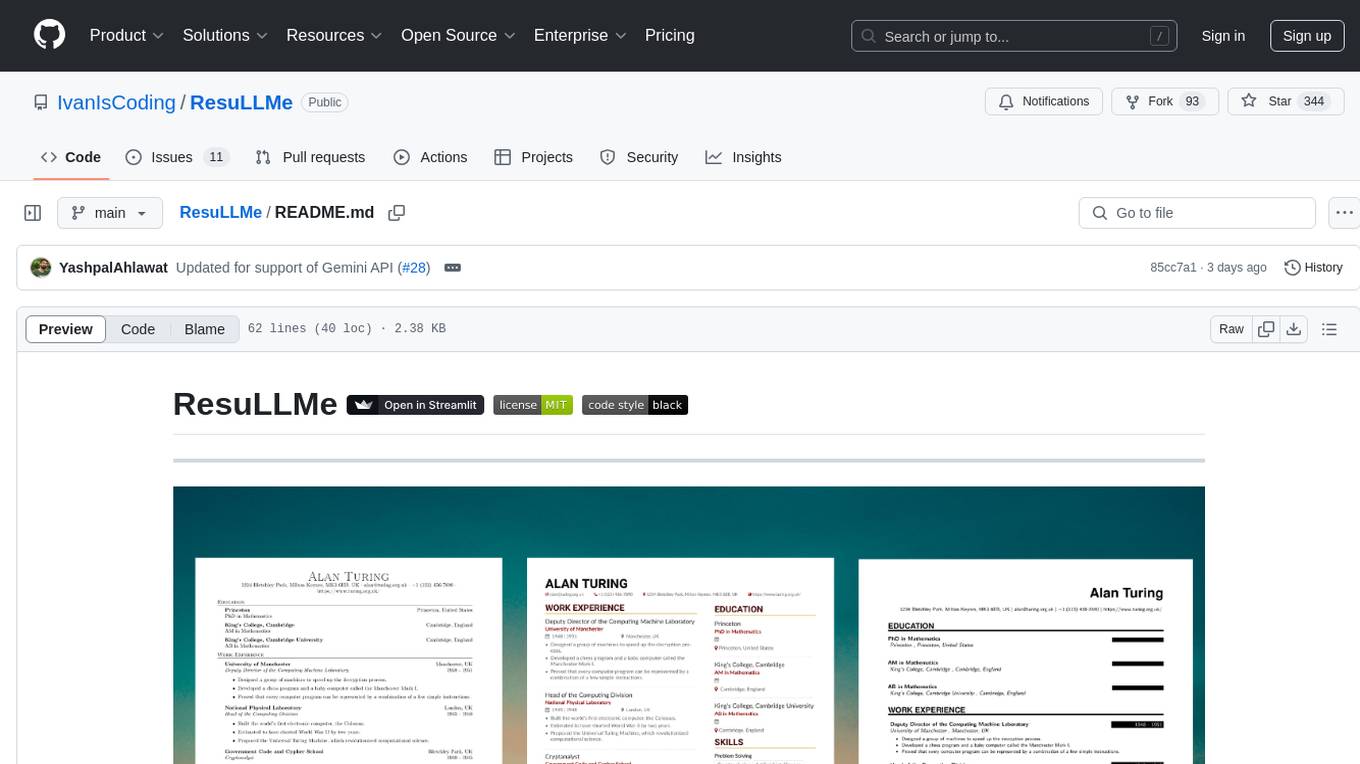
ResuLLMe
ResuLLMe is a prototype tool that uses Large Language Models (LLMs) to enhance résumés by tailoring them to help candidates avoid common mistakes while applying for jobs. It acts as a smart career advisor to check and improve résumés. The tool supports both OpenAI and Gemini, providing users with smarter, more accurate career guidance. Users can upload their CV as a PDF or Word Document, and ResuLLMe uses LLMs to improve the résumé following published guidelines, convert it to a JSON Resume format, and render it using LaTeX to generate an enhanced PDF resume.
open-webui-tools
Open WebUI Tools Collection is a set of tools for structured planning, arXiv paper search, Hugging Face text-to-image generation, prompt enhancement, and multi-model conversations. It enhances LLM interactions with academic research, image generation, and conversation management. Tools include arXiv Search Tool and Hugging Face Image Generator. Function Pipes like Planner Agent offer autonomous plan generation and execution. Filters like Prompt Enhancer improve prompt quality. Installation and configuration instructions are provided for each tool and pipe.
PsyDI
PsyDI is a multi-modal and interactive chatbot designed for psychological assessments. It aims to explore users' cognitive styles through interactive analysis of their inputs, ultimately determining their Myers-Briggs Type Indicator (MBTI). The chatbot offers customized feedback and detailed analysis for each user, with upcoming features such as an MBTI gallery. Users can access PsyDI directly online to begin their journey of self-discovery.
GPT-Jobhunter
GPT-Jobhunter is an AI-powered job analysis tool that utilizes GPT to analyze job postings and offer personalized job recommendations to job seekers based on their resume. The tool allows users to upload their resume for AI analysis, conduct highly configurable job searches, and automate the job search pipeline. It also provides AI-based job-to-resume similarity scores to help users find suitable job opportunities.
devil.ai_public
Devil.ai is a repository containing logic and data files for determining personality results. It includes classes for extended logic and calculation data related to MBTI personality types. The repository is licensed under MIT.
AI-Powered-Resume-Analyzer-and-LinkedIn-Scraper-with-Selenium
Resume Analyzer AI is an advanced Streamlit application that specializes in thorough resume analysis. It excels at summarizing resumes, evaluating strengths, identifying weaknesses, and offering personalized improvement suggestions. It also recommends job titles and uses Selenium to extract vital LinkedIn data. The tool simplifies the job-seeking journey by providing comprehensive insights to elevate career opportunities.