


mcp-pointer
MCP tool: let you point at DOM elements for your favorite agentic coding tool. Let AI see what you see.
Stars: 206
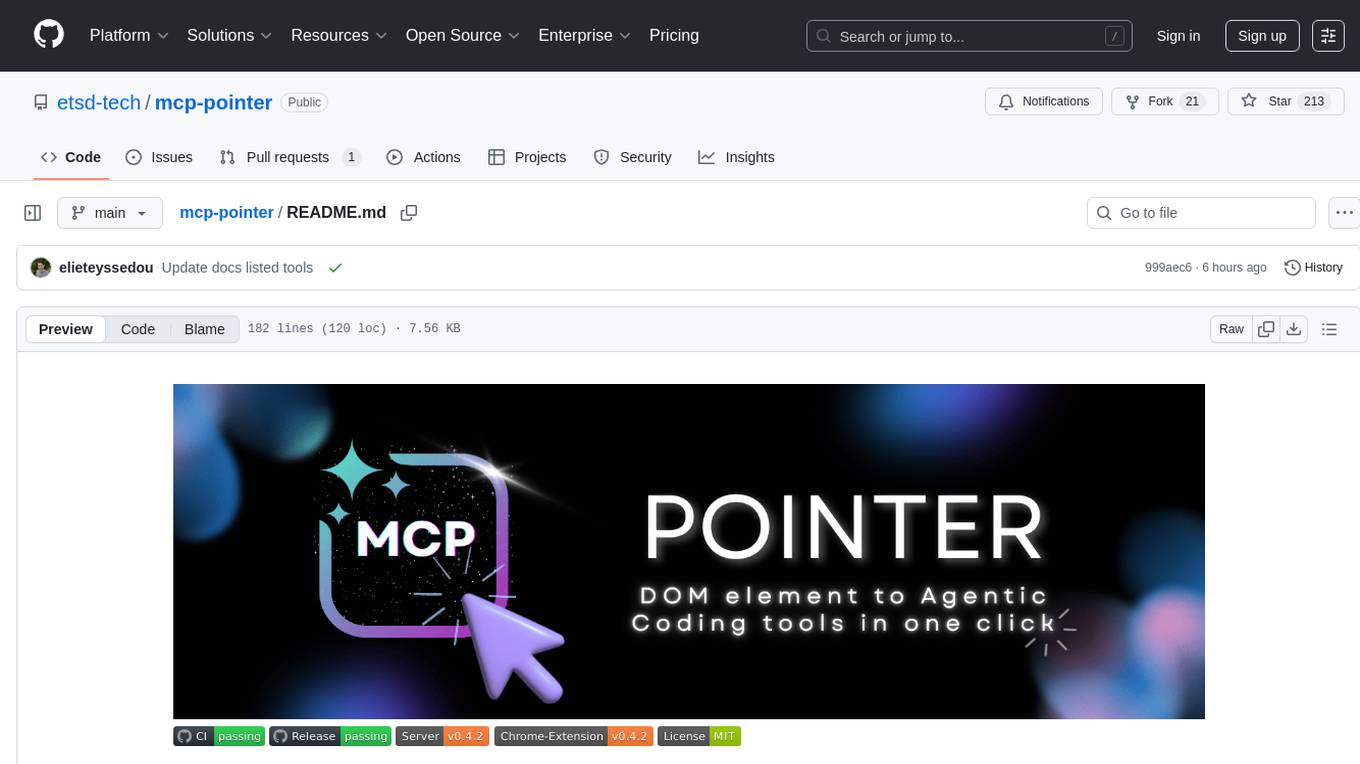
MCP Pointer is a local tool that combines an MCP Server with a Chrome Extension to allow users to visually select DOM elements in the browser and make textual context available to agentic coding tools like Claude Code. It bridges between the browser and AI tools via the Model Context Protocol, enabling real-time communication and compatibility with various AI tools. The tool extracts detailed information about selected elements, including text content, CSS properties, React component detection, and more, making it a valuable asset for developers working with AI-powered web development.
README:




Point to browser DOM elements for agentic coding tools via MCP!
MCP Pointer is a local tool combining an MCP Server with a Chrome Extension:
- 🖥️ MCP Server (Node.js package) - Bridges between the browser and AI tools via the Model Context Protocol
-
🌐 Chrome Extension - Captures DOM element selections in the browser using
Option+Click
The extension lets you visually select DOM elements in the browser, and the MCP server makes this textual context available to agentic coding tools like Claude Code, Cursor, and Windsurf through standardized MCP tools.
- 🎯
Option+ClickSelection - Simply holdOption(Alt on Windows) and click any element - 📋 Complete Element Data - Text content, CSS classes, HTML attributes, positioning, and styling
- ⚛️ React Component Detection - Component names and source files via Fiber (experimental)
- 🔗 WebSocket Connection - Real-time communication between browser and AI tools
- 🤖 MCP Compatible - Works with Claude Code and other MCP-enabled AI tools
https://github.com/user-attachments/assets/98c4adf6-1f05-4c9b-be41-0416ab784e2c
See MCP Pointer in action: Option+Click any element in your browser, then ask your agentic coding tool about it (in this example, Claude Code). The AI gets complete textual context about the selected DOM element including CSS properties, url, selector, and more.
🎉 Now available on Chrome Web Store!

Simply click the link above to install from the Chrome Web Store.
Alternative: Manual Installation
Option A: Download from Releases
- Go to GitHub Releases
- Download
mcp-pointer-chrome-extension.zipfrom the latest release - Extract the zip file to a folder on your computer
- Open Chrome → Settings → Extensions → Developer mode (toggle ON)
- Click "Load unpacked" and select the extracted folder
- The MCP Pointer extension should appear in your extensions list
- Reload web pages to activate the extension
Option B: Build from Source
- Clone this repository
- Follow the build instructions in CONTRIBUTING.md
- Open Chrome → Settings → Extensions → Developer mode (toggle ON)
- Click "Load unpacked" and select the
packages/chrome-extension/dist/folder - Reload web pages to activate the extension
One command setup for your AI tool:
npx -y @mcp-pointer/server config claude # or cursor, windsurf, and others - see belowOther AI Tools & Options
# For other AI tools
npx -y @mcp-pointer/server config cursor     # Opens Cursor deeplink for automatic installation
npx -y @mcp-pointer/server config windsurf   # Automatically updates Windsurf config file
npx -y @mcp-pointer/server config manual     # Shows manual configuration for other tools
Optional: You can install globally with
npm install -g @mcp-pointer/serverto usemcp-pointerinstead ofnpx -y @mcp-pointer/server
After configuration, restart your coding tool to load the MCP connection.
- Navigate to any webpage
-
Option+Clickany element to select it - Ask your AI to analyze the targeted element!
Your AI tool will automatically start the MCP server when needed using the npx -y @mcp-pointer/server start command.
Available MCP Tool:
-
get-pointed-element- Get textual information about the currently pointed DOM element from the browser extension
-
Element Selection: Content script captures
Option+Clickevents - Data Extraction: Analyzes element structure, CSS, and framework info
- WebSocket Transport: Sends data to MCP server on port 7007
- MCP Protocol: Makes data available to AI tools via MCP tools
- AI Analysis: Your assistant can now see and analyze the element!
- Basic Info: Tag name, ID, classes, text content
- CSS Properties: Display, position, colors, dimensions
- Component Info: React component names and source files (experimental)
- Attributes: All HTML attributes
- Position: Exact coordinates and dimensions
- Source Hints: File paths and component origins
- ⚛️ React - Component names and source files via Fiber (experimental)
- 📦 Generic HTML/CSS/JS - Full support for any web content
- 🔮 Planned - Vue component detection (PRs appreciated)
- ✅ Chrome - Full support (tested)
- 🟡 Chromium-based browsers - Should work (Edge, Brave, Arc - load built extension manually)
- Make sure MCP server is running:
npx -y @mcp-pointer/server start - Check browser console for WebSocket errors
- Verify port 7007 is not blocked by firewall
- Restart your AI assistant after installing
- Check MCP configuration:
mcp-pointer config <your-tool> - Verify server is running:
npx -y @mcp-pointer/server start
- Some pages block content scripts (chrome://, etc.)
- Try refreshing the page
- Check if targeting is enabled (click extension icon)
- LLM-configurable detail levels (visible text only, all text, CSS levels)
- Progressive refinement options
- Token-conscious data fetching
- Vue.js component detection
- Better React support (React 19 removed
_debugSource, affecting source mapping in dev builds)
- Base64 encoding for images (img tags)
- Screenshot capture of selected elements
- Separate MCP tool for direct visual content retrieval
MIT License - see LICENSE file for details
We welcome contributions! Please see our CONTRIBUTING.md guide for development setup and guidelines.
Inspired by tools like Click-to-Component for component development workflows.
Made with ❤️ for AI-powered web development
Now your AI can analyze any element you point at with Option+Click! 👆
For Tasks:
Click tags to check more tools for each tasksFor Jobs:
Alternative AI tools for mcp-pointer
Similar Open Source Tools
mcp-pointer
MCP Pointer is a local tool that combines an MCP Server with a Chrome Extension to allow users to visually select DOM elements in the browser and make textual context available to agentic coding tools like Claude Code. It bridges between the browser and AI tools via the Model Context Protocol, enabling real-time communication and compatibility with various AI tools. The tool extracts detailed information about selected elements, including text content, CSS properties, React component detection, and more, making it a valuable asset for developers working with AI-powered web development.
DeepSeekAI
DeepSeekAI is a browser extension plugin that allows users to interact with AI by selecting text on web pages and invoking the DeepSeek large model to provide AI responses. The extension enhances browsing experience by enabling users to get summaries or answers for selected text directly on the webpage. It features context text selection, API key integration, draggable and resizable window, AI streaming replies, Markdown rendering, one-click copy, re-answer option, code copy functionality, language switching, and multi-turn dialogue support. Users can install the extension from Chrome Web Store or Edge Add-ons, or manually clone the repository, install dependencies, and build the extension. Configuration involves entering the DeepSeek API key in the extension popup window to start using the AI-driven responses.
figma-console-mcp
Figma Console MCP is a Model Context Protocol server that bridges design and development, giving AI assistants complete access to Figma for extraction, creation, and debugging. It connects AI assistants like Claude to Figma, enabling plugin debugging, visual debugging, design system extraction, design creation, variable management, real-time monitoring, and three installation methods. The server offers 53+ tools for NPX and Local Git setups, while Remote SSE provides read-only access with 16 tools. Users can create and modify designs with AI, contribute to projects, or explore design data. The server supports authentication via personal access tokens and OAuth, and offers tools for navigation, console debugging, visual debugging, design system extraction, design creation, design-code parity, variable management, and AI-assisted design creation.
zotero-mcp
Zotero MCP is an open-source project that integrates AI capabilities with Zotero using the Model Context Protocol. It consists of a Zotero plugin and an MCP server, enabling AI assistants to search, retrieve, and cite references from Zotero library. The project features a unified architecture with an integrated MCP server, eliminating the need for a separate server process. It provides features like intelligent search, detailed reference information, filtering by tags and identifiers, aiding in academic tasks such as literature reviews and citation management.
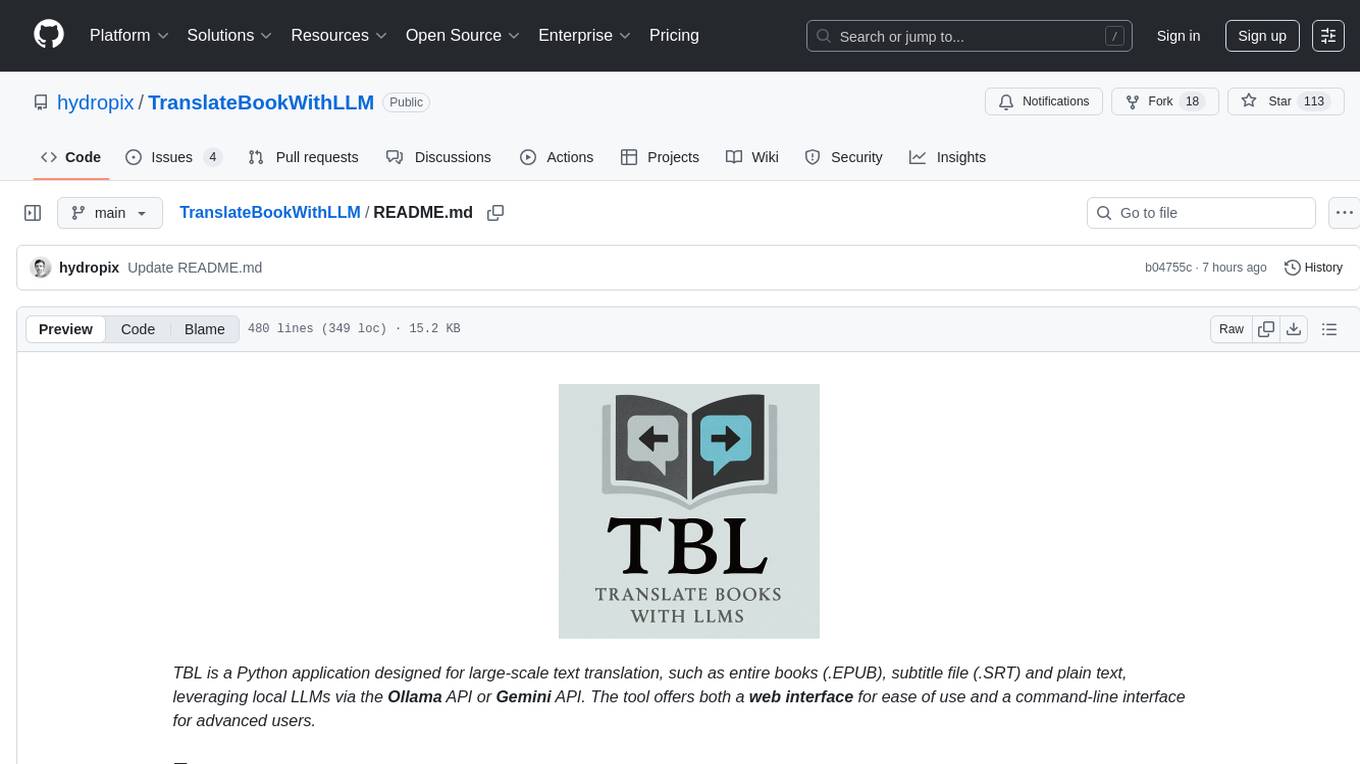
TranslateBookWithLLM
TranslateBookWithLLM is a Python application designed for large-scale text translation, such as entire books (.EPUB), subtitle files (.SRT), and plain text. It leverages local LLMs via the Ollama API or Gemini API. The tool offers both a web interface for ease of use and a command-line interface for advanced users. It supports multiple format translations, provides a user-friendly browser-based interface, CLI support for automation, multiple LLM providers including local Ollama models and Google Gemini API, and Docker support for easy deployment.
AIPex
AIPex is a revolutionary Chrome extension that transforms your browser into an intelligent automation platform. Using natural language commands and AI-powered intelligence, AIPex can automate virtually any browser task - from complex multi-step workflows to simple repetitive actions. It offers features like natural language control, AI-powered intelligence, multi-step automation, universal compatibility, smart data extraction, precision actions, form automation, visual understanding, developer-friendly with extensive API, and lightning-fast execution of automation tasks.
probe
Probe is an AI-friendly, fully local, semantic code search tool designed to power the next generation of AI coding assistants. It combines the speed of ripgrep with the code-aware parsing of tree-sitter to deliver precise results with complete code blocks, making it perfect for large codebases and AI-driven development workflows. Probe is fully local, keeping code on the user's machine without relying on external APIs. It supports multiple languages, offers various search options, and can be used in CLI mode, MCP server mode, AI chat mode, and web interface. The tool is designed to be flexible, fast, and accurate, providing developers and AI models with full context and relevant code blocks for efficient code exploration and understanding.
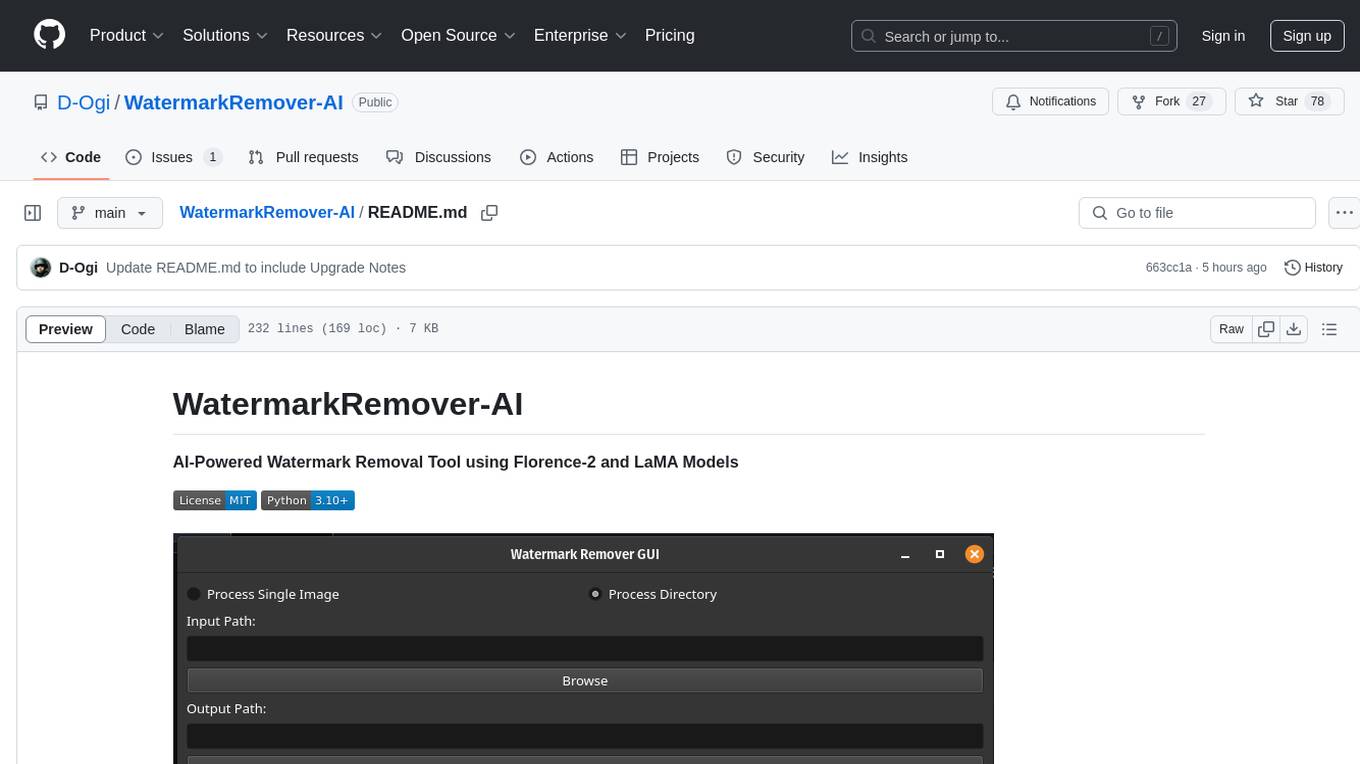
WatermarkRemover-AI
WatermarkRemover-AI is an advanced application that utilizes AI models for precise watermark detection and seamless removal. It leverages Florence-2 for watermark identification and LaMA for inpainting. The tool offers both a command-line interface (CLI) and a PyQt6-based graphical user interface (GUI), making it accessible to users of all levels. It supports dual modes for processing images, advanced watermark detection, seamless inpainting, customizable output settings, real-time progress tracking, dark mode support, and efficient GPU acceleration using CUDA.

layra
LAYRA is the world's first visual-native AI automation engine that sees documents like a human, preserves layout and graphical elements, and executes arbitrarily complex workflows with full Python control. It empowers users to build next-generation intelligent systems with no limits or compromises. Built for Enterprise-Grade deployment, LAYRA features a modern frontend, high-performance backend, decoupled service architecture, visual-native multimodal document understanding, and a powerful workflow engine.
tingly-box
Tingly Box is a tool that helps in deciding which model to call, compressing context, and routing requests efficiently. It offers secure, reliable, and customizable functional extensions. With features like unified API, smart routing, context compression, auto API translation, blazing fast performance, flexible authentication, visual control panel, and client-side usage stats, Tingly Box provides a comprehensive solution for managing AI models and tokens. It supports integration with various IDEs, CLI tools, SDKs, and AI applications, making it versatile and easy to use. The tool also allows seamless integration with OAuth providers like Claude Code, enabling users to utilize existing quotas in OpenAI-compatible tools. Tingly Box aims to simplify AI model management and usage by providing a single endpoint for multiple providers with minimal configuration, promoting seamless integration with SDKs and CLI tools.
PageTalk
PageTalk is a browser extension that enhances web browsing by integrating Google's Gemini API. It allows users to select text on any webpage for AI analysis, translation, contextual chat, and customization. The tool supports multi-agent system, image input, rich content rendering, PDF parsing, URL context extraction, personalized settings, chat export, text selection helper, and proxy support. Users can interact with web pages, chat contextually, manage AI agents, and perform various tasks seamlessly.
airflow-code-editor
The Airflow Code Editor Plugin is a tool designed for Apache Airflow users to edit Directed Acyclic Graphs (DAGs) directly within their browser. It offers a user-friendly file management interface for effortless editing, uploading, and downloading of files. With Git support enabled, users can store DAGs in a Git repository, explore Git history, review local modifications, and commit changes. The plugin enhances workflow efficiency by providing seamless DAG management capabilities.
Visionatrix
Visionatrix is a project aimed at providing easy use of ComfyUI workflows. It offers simplified setup and update processes, a minimalistic UI for daily workflow use, stable workflows with versioning and update support, scalability for multiple instances and task workers, multiple user support with integration of different user backends, LLM power for integration with Ollama/Gemini, and seamless integration as a service with backend endpoints and webhook support. The project is approaching version 1.0 release and welcomes new ideas for further implementation.
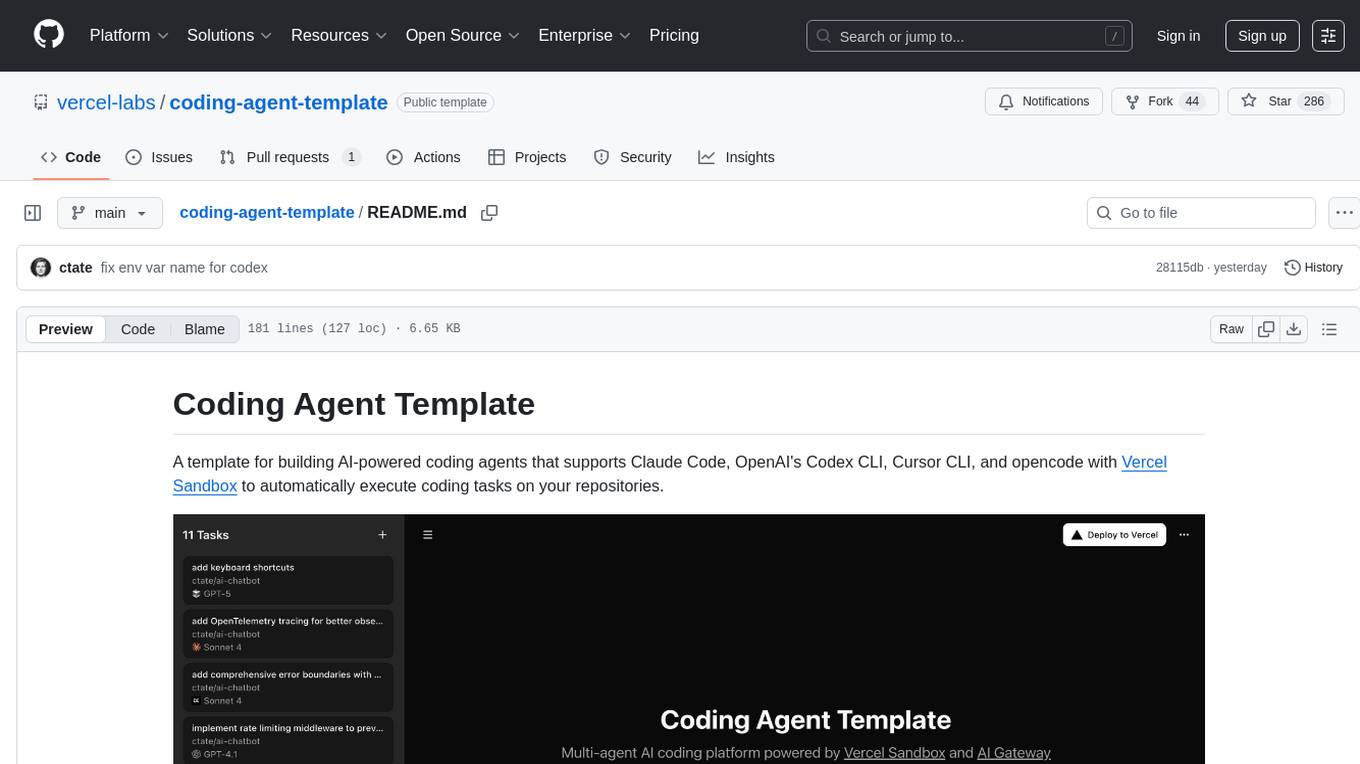
coding-agent-template
Coding Agent Template is a versatile tool for building AI-powered coding agents that support various coding tasks using Claude Code, OpenAI's Codex CLI, Cursor CLI, and opencode with Vercel Sandbox. It offers features like multi-agent support, Vercel Sandbox for secure code execution, AI Gateway integration, AI-generated branch names, task management, persistent storage, Git integration, and a modern UI built with Next.js and Tailwind CSS. Users can easily deploy their own version of the template to Vercel and set up the tool by cloning the repository, installing dependencies, configuring environment variables, setting up the database, and starting the development server. The tool simplifies the process of creating tasks, monitoring progress, reviewing results, and managing tasks, making it ideal for developers looking to automate coding tasks with AI agents.
SMRY
SMRY.ai is a Next.js application that bypasses paywalls and generates AI-powered summaries by fetching content from multiple sources simultaneously. It provides a distraction-free reader with summary builder, cleans articles, offers multi-source fetching, built-in AI summaries in 14 languages, rich debug context, soft paywall access, smart extraction using Diffbot's AI, multi-source parallel fetching, type-safe error handling, dual caching strategy, intelligent source routing, content parsing pipeline, multilingual summaries, and more. The tool aims to make referencing reporting easier, provide original articles alongside summaries, and offer concise summaries in various languages.
swift-chat
SwiftChat is a fast and responsive AI chat application developed with React Native and powered by Amazon Bedrock. It offers real-time streaming conversations, AI image generation, multimodal support, conversation history management, and cross-platform compatibility across Android, iOS, and macOS. The app supports multiple AI models like Amazon Bedrock, Ollama, DeepSeek, and OpenAI, and features a customizable system prompt assistant. With a minimalist design philosophy and robust privacy protection, SwiftChat delivers a seamless chat experience with various features like rich Markdown support, comprehensive multimodal analysis, creative image suite, and quick access tools. The app prioritizes speed in launch, request, render, and storage, ensuring a fast and efficient user experience. SwiftChat also emphasizes app privacy and security by encrypting API key storage, minimal permission requirements, local-only data storage, and a privacy-first approach.
For similar tasks
browser-tools-mcp
BrowserTools MCP is a powerful browser monitoring and interaction tool that enables AI-powered applications to capture and analyze browser data through a Chrome extension. It consists of a Chrome Extension for capturing screenshots, console logs, network activity, and DOM elements, a Node Server for communication between the extension and an MCP server, and an MCP Server that provides standardized tools for AI clients to interact with the browser. All logs are stored locally on the user's machine. The tool is compatible with various MCP clients like Cursor, Cline, and Zed, allowing users to monitor console output, capture network traffic, take screenshots, analyze elements, and wipe logs stored in the MCP server.
mcp-pointer
MCP Pointer is a local tool that combines an MCP Server with a Chrome Extension to allow users to visually select DOM elements in the browser and make textual context available to agentic coding tools like Claude Code. It bridges between the browser and AI tools via the Model Context Protocol, enabling real-time communication and compatibility with various AI tools. The tool extracts detailed information about selected elements, including text content, CSS properties, React component detection, and more, making it a valuable asset for developers working with AI-powered web development.
LaVague
LaVague is an open-source Large Action Model framework that uses advanced AI techniques to compile natural language instructions into browser automation code. It leverages Selenium or Playwright for browser actions. Users can interact with LaVague through an interactive Gradio interface to automate web interactions. The tool requires an OpenAI API key for default examples and offers a Playwright integration guide. Contributors can help by working on outlined tasks, submitting PRs, and engaging with the community on Discord. The project roadmap is available to track progress, but users should exercise caution when executing LLM-generated code using 'exec'.

DocsGPT
DocsGPT is an open-source documentation assistant powered by GPT models. It simplifies the process of searching for information in project documentation by allowing developers to ask questions and receive accurate answers. With DocsGPT, users can say goodbye to manual searches and quickly find the information they need. The tool aims to revolutionize project documentation experiences and offers features like live previews, Discord community, guides, and contribution opportunities. It consists of a Flask app, Chrome extension, similarity search index creation script, and a frontend built with Vite and React. Users can quickly get started with DocsGPT by following the provided setup instructions and can contribute to its development by following the guidelines in the CONTRIBUTING.md file. The project follows a Code of Conduct to ensure a harassment-free community environment for all participants. DocsGPT is licensed under MIT and is built with LangChain.
Ollamac
Ollamac is a macOS app designed for interacting with Ollama models. It is optimized for macOS, allowing users to easily use any model from the Ollama library. The app features a user-friendly interface, chat archive for saving interactions, and real-time communication using HTTP streaming technology. Ollamac is open-source, enabling users to contribute to its development and enhance its capabilities. It requires macOS 14 or later and the Ollama system to be installed on the user's Mac with at least one Ollama model downloaded.
npi
NPi is an open-source platform providing Tool-use APIs to empower AI agents with the ability to take action in the virtual world. It is currently under active development, and the APIs are subject to change in future releases. NPi offers a command line tool for installation and setup, along with a GitHub app for easy access to repositories. The platform also includes a Python SDK and examples like Calendar Negotiator and Twitter Crawler. Join the NPi community on Discord to contribute to the development and explore the roadmap for future enhancements.
ain
DeFiChain is a blockchain platform dedicated to enabling decentralized finance with Bitcoin-grade security, strength, and immutability. It offers fast, intelligent, and transparent financial services accessible to everyone. DeFiChain has made significant modifications from Bitcoin Core, including moving to Proof-of-Stake, introducing a masternode model, supporting a community fund, anchoring to the Bitcoin blockchain, and enhancing decentralized financial transaction and opcode support. The platform is under active development with regular releases and contributions are welcomed.
doc-comments-ai
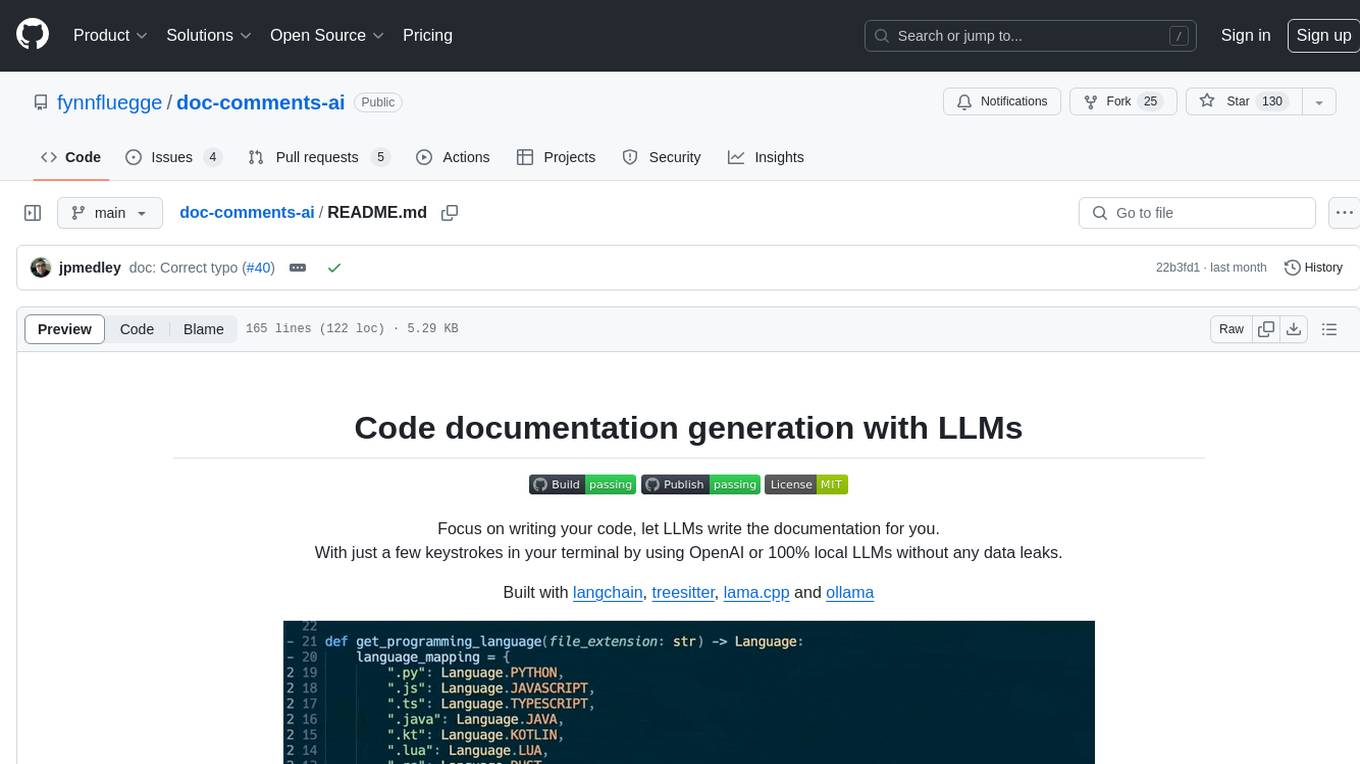
doc-comments-ai is a tool designed to automatically generate code documentation using language models. It allows users to easily create documentation comment blocks for methods in various programming languages such as Python, Typescript, Javascript, Java, Rust, and more. The tool supports both OpenAI and local LLMs, ensuring data privacy and security. Users can generate documentation comments for methods in files, inline comments in method bodies, and choose from different models like GPT-3.5-Turbo, GPT-4, and Azure OpenAI. Additionally, the tool provides support for Treesitter integration and offers guidance on selecting the appropriate model for comprehensive documentation needs.
For similar jobs

promptflow
**Prompt flow** is a suite of development tools designed to streamline the end-to-end development cycle of LLM-based AI applications, from ideation, prototyping, testing, evaluation to production deployment and monitoring. It makes prompt engineering much easier and enables you to build LLM apps with production quality.

deepeval
DeepEval is a simple-to-use, open-source LLM evaluation framework specialized for unit testing LLM outputs. It incorporates various metrics such as G-Eval, hallucination, answer relevancy, RAGAS, etc., and runs locally on your machine for evaluation. It provides a wide range of ready-to-use evaluation metrics, allows for creating custom metrics, integrates with any CI/CD environment, and enables benchmarking LLMs on popular benchmarks. DeepEval is designed for evaluating RAG and fine-tuning applications, helping users optimize hyperparameters, prevent prompt drifting, and transition from OpenAI to hosting their own Llama2 with confidence.

MegaDetector
MegaDetector is an AI model that identifies animals, people, and vehicles in camera trap images (which also makes it useful for eliminating blank images). This model is trained on several million images from a variety of ecosystems. MegaDetector is just one of many tools that aims to make conservation biologists more efficient with AI. If you want to learn about other ways to use AI to accelerate camera trap workflows, check out our of the field, affectionately titled "Everything I know about machine learning and camera traps".

leapfrogai
LeapfrogAI is a self-hosted AI platform designed to be deployed in air-gapped resource-constrained environments. It brings sophisticated AI solutions to these environments by hosting all the necessary components of an AI stack, including vector databases, model backends, API, and UI. LeapfrogAI's API closely matches that of OpenAI, allowing tools built for OpenAI/ChatGPT to function seamlessly with a LeapfrogAI backend. It provides several backends for various use cases, including llama-cpp-python, whisper, text-embeddings, and vllm. LeapfrogAI leverages Chainguard's apko to harden base python images, ensuring the latest supported Python versions are used by the other components of the stack. The LeapfrogAI SDK provides a standard set of protobuffs and python utilities for implementing backends and gRPC. LeapfrogAI offers UI options for common use-cases like chat, summarization, and transcription. It can be deployed and run locally via UDS and Kubernetes, built out using Zarf packages. LeapfrogAI is supported by a community of users and contributors, including Defense Unicorns, Beast Code, Chainguard, Exovera, Hypergiant, Pulze, SOSi, United States Navy, United States Air Force, and United States Space Force.

llava-docker
This Docker image for LLaVA (Large Language and Vision Assistant) provides a convenient way to run LLaVA locally or on RunPod. LLaVA is a powerful AI tool that combines natural language processing and computer vision capabilities. With this Docker image, you can easily access LLaVA's functionalities for various tasks, including image captioning, visual question answering, text summarization, and more. The image comes pre-installed with LLaVA v1.2.0, Torch 2.1.2, xformers 0.0.23.post1, and other necessary dependencies. You can customize the model used by setting the MODEL environment variable. The image also includes a Jupyter Lab environment for interactive development and exploration. Overall, this Docker image offers a comprehensive and user-friendly platform for leveraging LLaVA's capabilities.

carrot
The 'carrot' repository on GitHub provides a list of free and user-friendly ChatGPT mirror sites for easy access. The repository includes sponsored sites offering various GPT models and services. Users can find and share sites, report errors, and access stable and recommended sites for ChatGPT usage. The repository also includes a detailed list of ChatGPT sites, their features, and accessibility options, making it a valuable resource for ChatGPT users seeking free and unlimited GPT services.

TrustLLM
TrustLLM is a comprehensive study of trustworthiness in LLMs, including principles for different dimensions of trustworthiness, established benchmark, evaluation, and analysis of trustworthiness for mainstream LLMs, and discussion of open challenges and future directions. Specifically, we first propose a set of principles for trustworthy LLMs that span eight different dimensions. Based on these principles, we further establish a benchmark across six dimensions including truthfulness, safety, fairness, robustness, privacy, and machine ethics. We then present a study evaluating 16 mainstream LLMs in TrustLLM, consisting of over 30 datasets. The document explains how to use the trustllm python package to help you assess the performance of your LLM in trustworthiness more quickly. For more details about TrustLLM, please refer to project website.

AI-YinMei
AI-YinMei is an AI virtual anchor Vtuber development tool (N card version). It supports fastgpt knowledge base chat dialogue, a complete set of solutions for LLM large language models: [fastgpt] + [one-api] + [Xinference], supports docking bilibili live broadcast barrage reply and entering live broadcast welcome speech, supports Microsoft edge-tts speech synthesis, supports Bert-VITS2 speech synthesis, supports GPT-SoVITS speech synthesis, supports expression control Vtuber Studio, supports painting stable-diffusion-webui output OBS live broadcast room, supports painting picture pornography public-NSFW-y-distinguish, supports search and image search service duckduckgo (requires magic Internet access), supports image search service Baidu image search (no magic Internet access), supports AI reply chat box [html plug-in], supports AI singing Auto-Convert-Music, supports playlist [html plug-in], supports dancing function, supports expression video playback, supports head touching action, supports gift smashing action, supports singing automatic start dancing function, chat and singing automatic cycle swing action, supports multi scene switching, background music switching, day and night automatic switching scene, supports open singing and painting, let AI automatically judge the content.