


zotero-mcp
Zotero MCP Plugin 是一个 Zotero 插件,通过 MCP协议实现 AI 助手与 Zotero深度集成。插件支持文献检索、元 数据管理、全文分析和智能问答等功能,让 Claude、ChatGPT 等 AI 工具能够直接访问和操作您的文献库。 Zotero MCP Plugin enables integration between AI assistants and Zotero through MCP.
Stars: 99
Zotero MCP is an open-source project that integrates AI capabilities with Zotero using the Model Context Protocol. It consists of a Zotero plugin and an MCP server, enabling AI assistants to search, retrieve, and cite references from Zotero library. The project features a unified architecture with an integrated MCP server, eliminating the need for a separate server process. It provides features like intelligent search, detailed reference information, filtering by tags and identifiers, aiding in academic tasks such as literature reviews and citation management.
README:
Zotero MCP is an open-source project designed to seamlessly integrate powerful AI capabilities with the leading reference management tool, Zotero, through the Model Context Protocol (MCP). This project consists of two core components: a Zotero plugin and an MCP server, which work together to provide AI assistants (like Claude) with the ability to interact with your local Zotero library.
This README is also available in: 🇨🇳 简体中文 | 🇬🇧 English.





| MP | Forum |
|---|---|
 |
 |
The Zotero MCP server is a tool server based on the Model Context Protocol that provides seamless integration with the Zotero reference management system for AI applications like Claude Desktop. Through this server, AI assistants can:
- 🔍 Intelligently search your Zotero library
- 📖 Get detailed information about references
- 🏷️ Filter references by tags, creators, year, and more
- 🔗 Precisely locate references via identifiers like DOI and ISBN
This enables AI assistants to help you with academic tasks such as literature reviews, citation management, and research assistance.
This project now features a unified architecture with an integrated MCP server:
-
zotero-mcp-plugin/: A Zotero plugin with integrated MCP server that communicates directly with AI clients via Streamable HTTP protocol -
IMG/: Screenshots and documentation images -
README.md/README-zh.md: Documentation files
Unified Architecture:
AI Client ↔ Streamable HTTP ↔ Zotero Plugin (with integrated MCP server)
This eliminates the need for a separate MCP server process, providing a more streamlined and efficient integration.
This guide is intended to help general users quickly configure and use Zotero MCP, enabling your AI assistant to work seamlessly with your Zotero library.
What is Zotero MCP?
Simply put, Zotero MCP is a bridge connecting your AI client (like Cherry Studio, Gemini CLI, Claude Desktop, etc.) and your local Zotero reference management software. It allows your AI assistant to directly search, query, and cite references from your Zotero library, greatly enhancing academic research and writing efficiency.
Two-Step Quick Start:
-
Install the Plugin:
- Go to the project's Releases Page to download the latest
zotero-mcp-plugin-x.x.x.xpifile. - In Zotero, install the
.xpifile viaTools -> Add-ons. - Restart Zotero.
- Go to the project's Releases Page to download the latest
-
Configure the Plugin:
- In Zotero's
Preferences -> Zotero MCP Plugintab, configure your connection settings:- Enable Server: Start the integrated MCP server
-
Port: Default is
23120(you can change this if needed) - Generate Client Configuration: Click this button to get configuration for your AI client
- In Zotero's
Important: The Zotero plugin now includes an integrated MCP server that uses the Streamable HTTP protocol. No separate server installation is needed.
The plugin uses Streamable HTTP, which enables real-time bidirectional communication with AI clients:
- Enable Server in the Zotero plugin preferences
- Generate Client Configuration by clicking the button in plugin preferences
- Copy the generated configuration to your AI client
- Claude Desktop: Streamable HTTP MCP support
- Cherry Studio: Streamable HTTP support
- Cursor IDE: Streamable HTTP MCP support
- Custom implementations: Streamable HTTP protocol
For detailed client-specific configuration instructions, see the Chinese README.
- Zotero 7.0 or higher
- Node.js 18.0 or higher
- npm or yarn
- Git
- Download the latest
zotero-mcp-plugin.xpifrom the Releases Page. - Install it in Zotero via
Tools -> Add-ons. - Enable the server in
Preferences -> Zotero MCP Plugin.
-
Clone the repository:
git clone https://github.com/cookjohn/zotero-mcp.git cd zotero-mcp -
Set up the plugin development environment:
cd zotero-mcp-plugin npm install npm run build -
Load the plugin in Zotero:
# For development with auto-reload
npm run start

# Or install the built .xpi file manually
npm run build
The plugin includes an integrated MCP server that uses Streamable HTTP:
- Enable the server in Zotero plugin preferences
- Generate client configuration using the plugin's built-in generator
- Configure your AI client with the generated Streamable HTTP configuration
Example configuration for Claude Desktop:
{
  "mcpServers": {
    "zotero": {
      "transport": "streamable_http",
      "url": "http://127.0.0.1:23120/mcp"
    }
  }
}- Integrated MCP Server: Built-in MCP server using Streamable HTTP protocol
- Streamable HTTP Protocol: Real-time bidirectional communication with AI clients
- Advanced Search Engine: Full-text search with filtering by title, creator, year, tags, item type, etc.
- Collection Management: Browse, search, and retrieve items from specific collections
-
Tag Search System: Powerful tag queries (
any,all,nonemodes) with matching options (exact,contains,startsWith) - PDF Processing: Full-text extraction from PDF attachments with page-specific access
- Annotation Retrieval: Extract highlights, notes, and annotations from PDFs
- Client Configuration Generator: Automatically generates configuration for various AI clients
- Security: Local-only operation ensuring complete data privacy
- User-Friendly: Easy configuration through Zotero preferences interface
Here are some screenshots demonstrating the functionality of Zotero MCP:
| Feature | Screenshot |
|---|---|
| Feature Demonstration |  |
| Literature Search |  |
| Viewing Metadata |  |
| Full-text Reading 1 |  |
| Full-text Reading 2 |  |
| Searching Attachments (Gemini CLI) |  |
| Reading PDF (Gemini CLI) |  |
The integrated MCP server provides the following tools:
Searches the Zotero library. Supports parameters like q, title, creator, year, tag, itemType, limit, sort, etc.
Retrieves full information for a single item.
-
itemKey(string, required): The unique key of the item.
Finds an item by DOI or ISBN.
-
doi(string, optional) -
isbn(string, optional)
At least one identifier is required.
Contributions are welcome! Please feel free to submit pull requests, report issues, or suggest enhancements.
- Fork the repository.
- Create your feature branch (
git checkout -b feature/AmazingFeature). - Commit your changes (
git commit -m 'Add some AmazingFeature'). - Push to the branch (
git push origin feature/AmazingFeature). - Open a Pull Request.
This project is licensed under the MIT License.
- Zotero - An excellent open-source reference management tool.
- Model Context Protocol - The protocol for AI tool integration.
-
Contact us

For Tasks:
Click tags to check more tools for each tasksFor Jobs:
Alternative AI tools for zotero-mcp
Similar Open Source Tools
zotero-mcp
Zotero MCP is an open-source project that integrates AI capabilities with Zotero using the Model Context Protocol. It consists of a Zotero plugin and an MCP server, enabling AI assistants to search, retrieve, and cite references from Zotero library. The project features a unified architecture with an integrated MCP server, eliminating the need for a separate server process. It provides features like intelligent search, detailed reference information, filtering by tags and identifiers, aiding in academic tasks such as literature reviews and citation management.
zotero-mcp
Zotero MCP seamlessly connects your Zotero research library with AI assistants like ChatGPT and Claude via the Model Context Protocol. It offers AI-powered semantic search, access to library content, PDF annotation extraction, and easy updates. Users can search their library, analyze citations, and get summaries, making it ideal for research tasks. The tool supports multiple embedding models, intelligent search results, and flexible access methods for both local and remote collaboration. With advanced features like semantic search and PDF annotation extraction, Zotero MCP enhances research efficiency and organization.
mcp-pointer
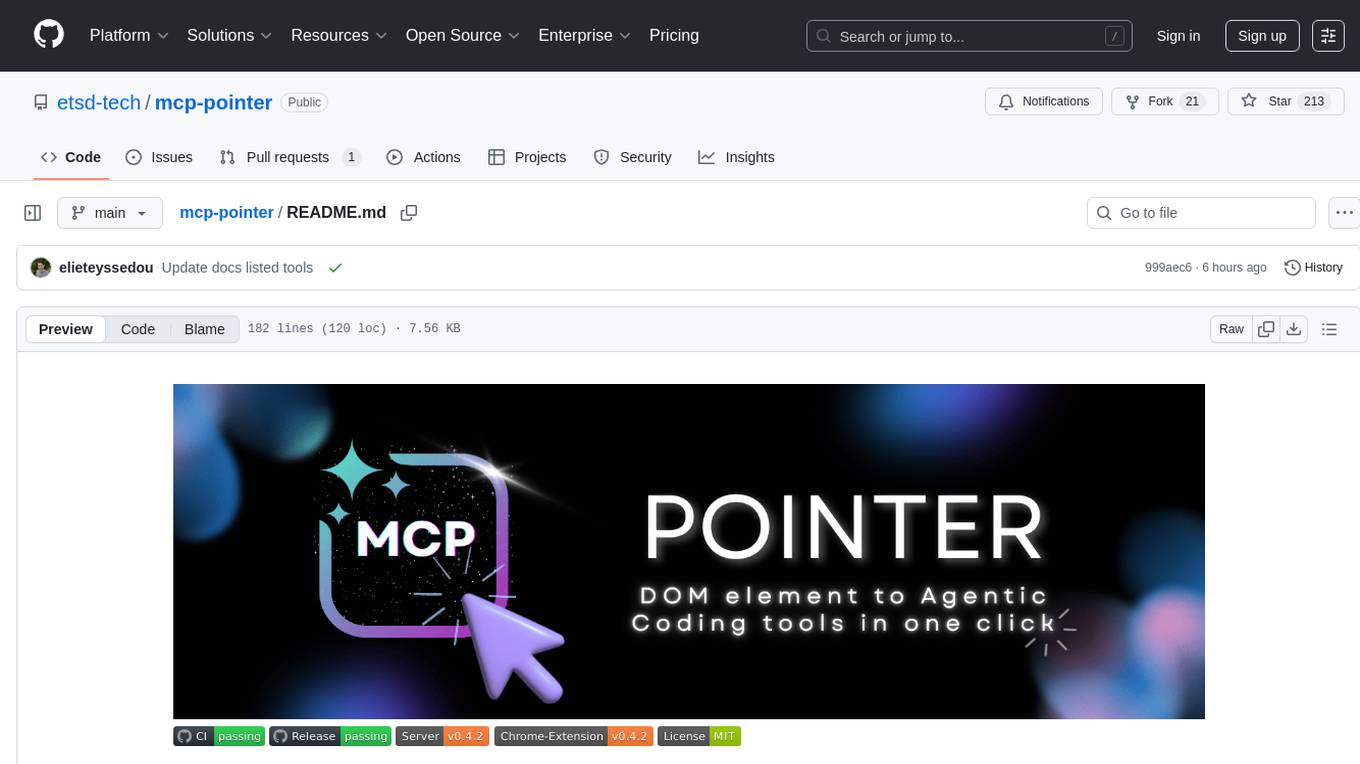
MCP Pointer is a local tool that combines an MCP Server with a Chrome Extension to allow users to visually select DOM elements in the browser and make textual context available to agentic coding tools like Claude Code. It bridges between the browser and AI tools via the Model Context Protocol, enabling real-time communication and compatibility with various AI tools. The tool extracts detailed information about selected elements, including text content, CSS properties, React component detection, and more, making it a valuable asset for developers working with AI-powered web development.
docs-mcp-server
The docs-mcp-server repository contains the server-side code for the documentation management system. It provides functionalities for managing, storing, and retrieving documentation files. Users can upload, update, and delete documents through the server. The server also supports user authentication and authorization to ensure secure access to the documentation system. Additionally, the server includes APIs for integrating with other systems and tools, making it a versatile solution for managing documentation in various projects and organizations.
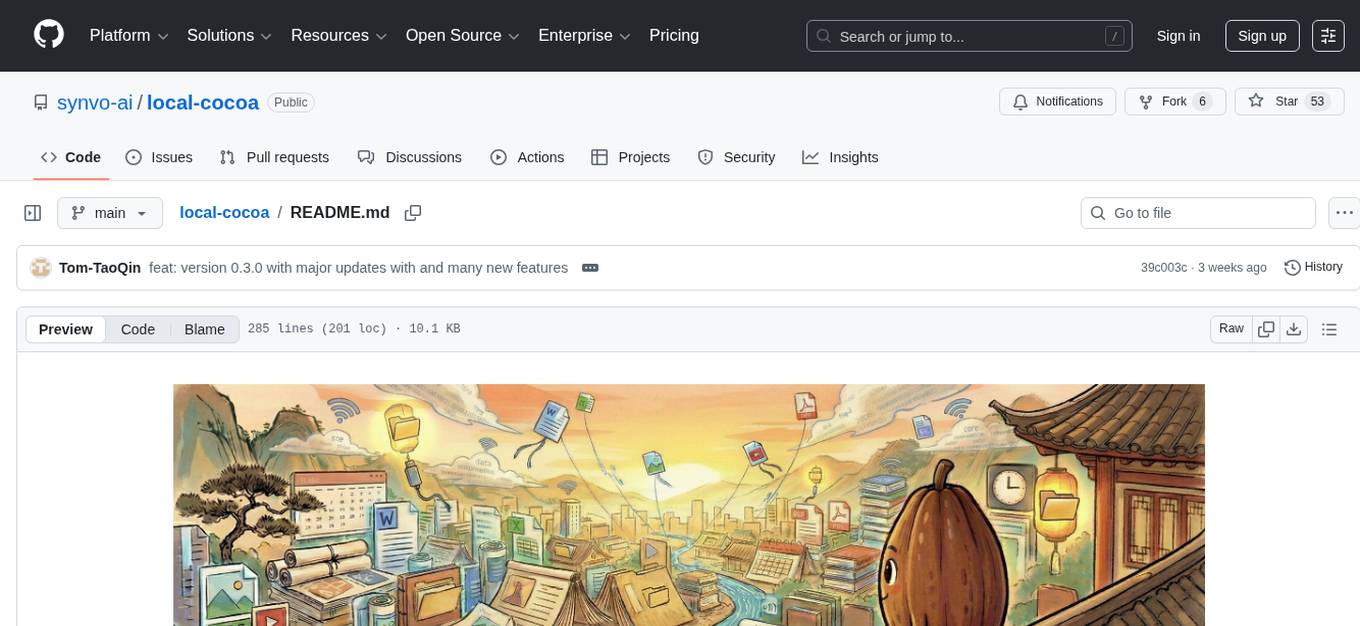
local-cocoa
Local Cocoa is a privacy-focused tool that runs entirely on your device, turning files into memory to spark insights and power actions. It offers features like fully local privacy, multimodal memory, vector-powered retrieval, intelligent indexing, vision understanding, hardware acceleration, focused user experience, integrated notes, and auto-sync. The tool combines file ingestion, intelligent chunking, and local retrieval to build a private on-device knowledge system. The ultimate goal includes more connectors like Google Drive integration, voice mode for local speech-to-text interaction, and a plugin ecosystem for community tools and agents. Local Cocoa is built using Electron, React, TypeScript, FastAPI, llama.cpp, and Qdrant.
AionUi
AionUi is a user interface library for building modern and responsive web applications. It provides a set of customizable components and styles to create visually appealing user interfaces. With AionUi, developers can easily design and implement interactive web interfaces that are both functional and aesthetically pleasing. The library is built using the latest web technologies and follows best practices for performance and accessibility. Whether you are working on a personal project or a professional application, AionUi can help you streamline the UI development process and deliver a seamless user experience.
figma-console-mcp
Figma Console MCP is a Model Context Protocol server that bridges design and development, giving AI assistants complete access to Figma for extraction, creation, and debugging. It connects AI assistants like Claude to Figma, enabling plugin debugging, visual debugging, design system extraction, design creation, variable management, real-time monitoring, and three installation methods. The server offers 53+ tools for NPX and Local Git setups, while Remote SSE provides read-only access with 16 tools. Users can create and modify designs with AI, contribute to projects, or explore design data. The server supports authentication via personal access tokens and OAuth, and offers tools for navigation, console debugging, visual debugging, design system extraction, design creation, design-code parity, variable management, and AI-assisted design creation.
chat-ollama
ChatOllama is an open-source chatbot based on LLMs (Large Language Models). It supports a wide range of language models, including Ollama served models, OpenAI, Azure OpenAI, and Anthropic. ChatOllama supports multiple types of chat, including free chat with LLMs and chat with LLMs based on a knowledge base. Key features of ChatOllama include Ollama models management, knowledge bases management, chat, and commercial LLMs API keys management.
MassGen
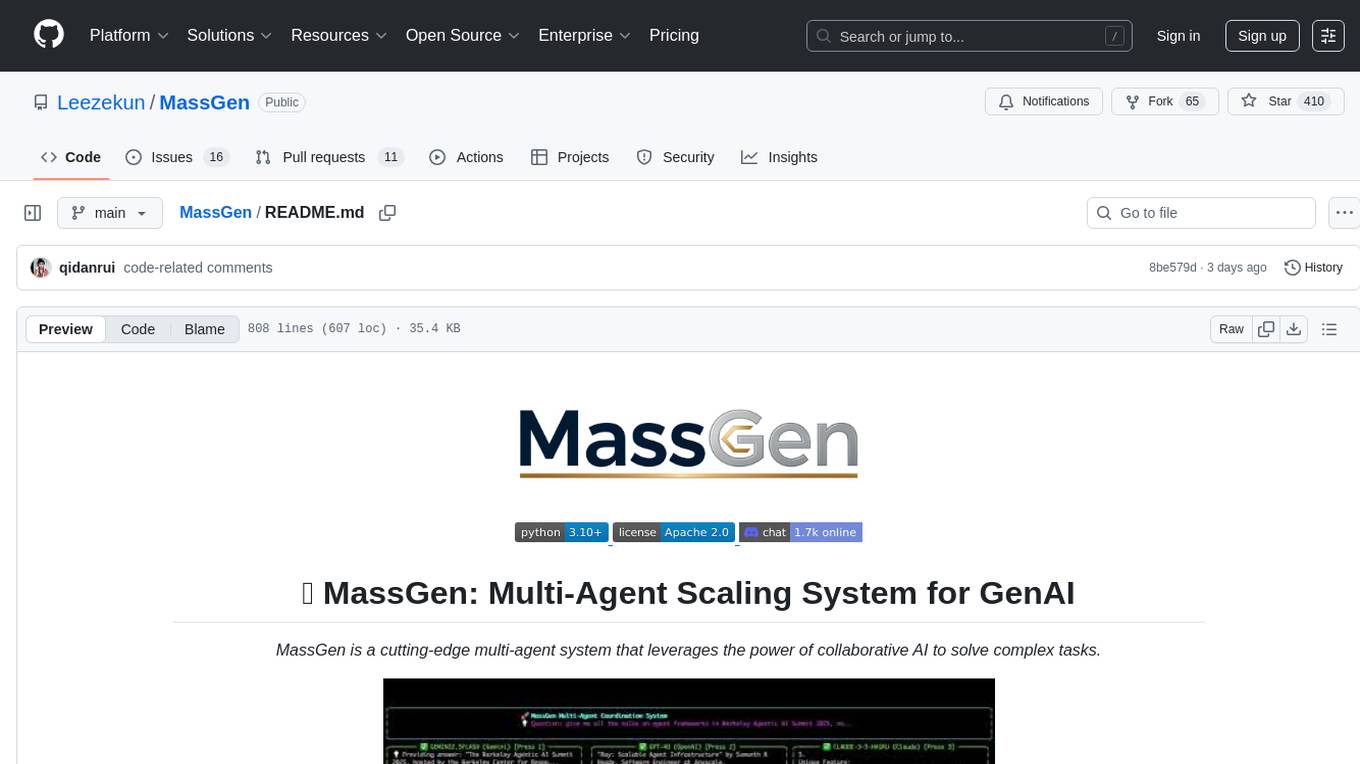
MassGen is a cutting-edge multi-agent system that leverages the power of collaborative AI to solve complex tasks. It assigns a task to multiple AI agents who work in parallel, observe each other's progress, and refine their approaches to converge on the best solution to deliver a comprehensive and high-quality result. The system operates through an architecture designed for seamless multi-agent collaboration, with key features including cross-model/agent synergy, parallel processing, intelligence sharing, consensus building, and live visualization. Users can install the system, configure API settings, and run MassGen for various tasks such as question answering, creative writing, research, development & coding tasks, and web automation & browser tasks. The roadmap includes plans for advanced agent collaboration, expanded model, tool & agent integration, improved performance & scalability, enhanced developer experience, and a web interface.
burp-ai-agent
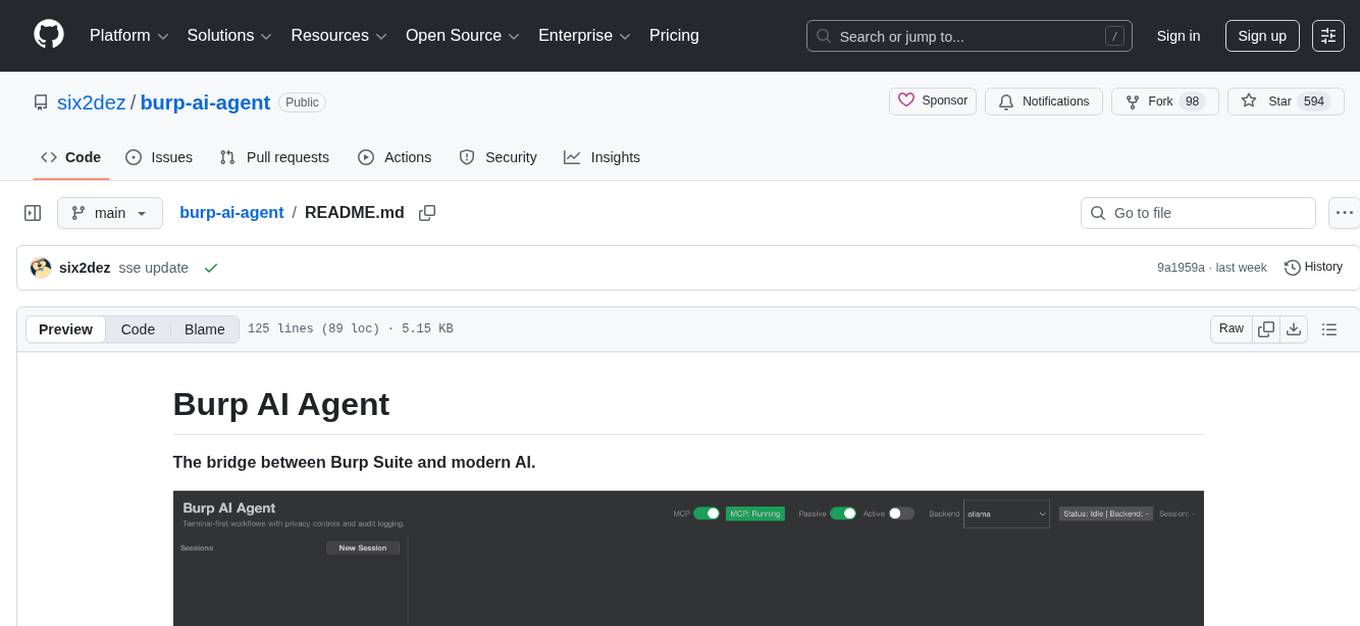
Burp AI Agent is an extension for Burp Suite that integrates AI into your security workflow. It provides 7 AI backends, 53+ MCP tools, and 62 vulnerability classes. Users can configure privacy modes, perform audit logging, and connect external AI agents via MCP. The tool allows passive and active AI scanners to find vulnerabilities while users focus on manual testing. It requires Burp Suite, Java 21, and at least one AI backend configured.
osaurus
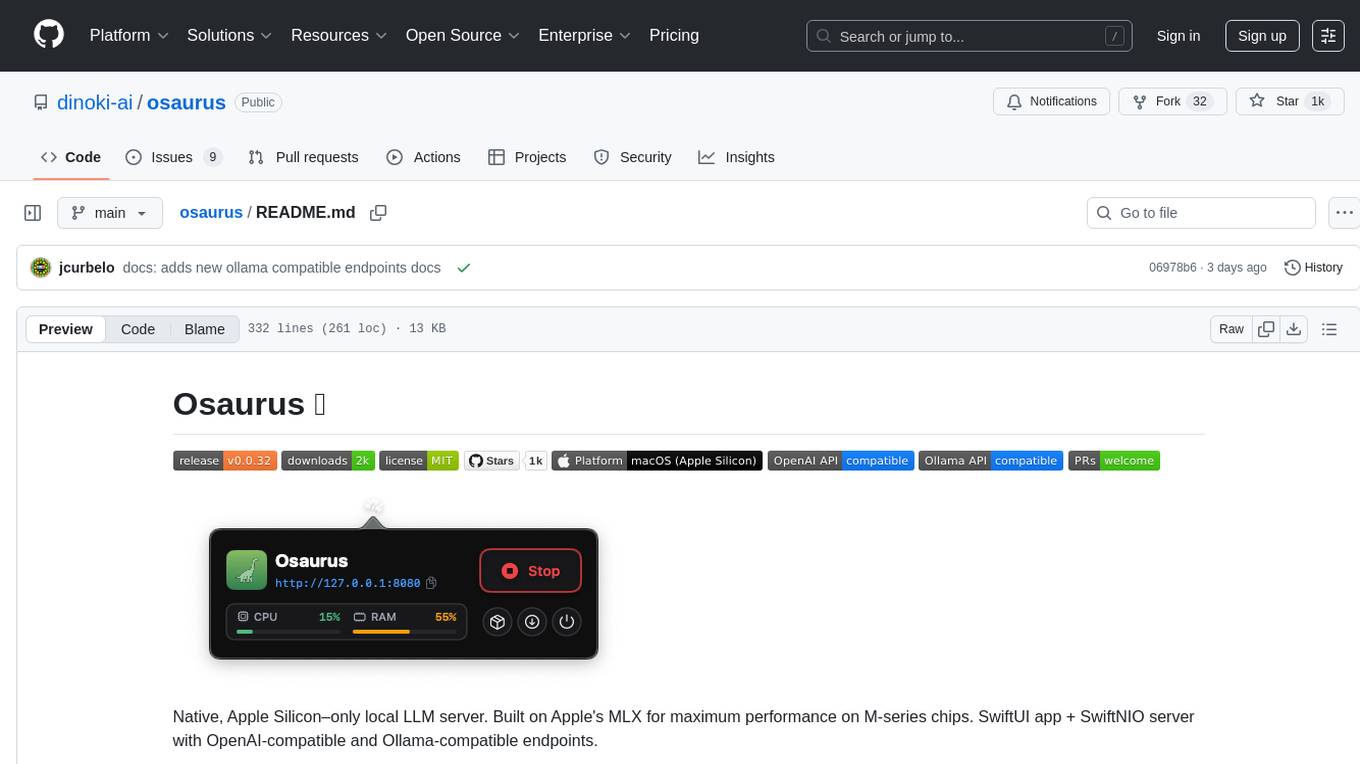
Osaurus is a native, Apple Silicon-only local LLM server built on Apple's MLX for maximum performance on M‑series chips. It is a SwiftUI app + SwiftNIO server with OpenAI‑compatible and Ollama‑compatible endpoints. The tool supports native MLX text generation, model management, streaming and non‑streaming chat completions, OpenAI‑compatible function calling, real-time system resource monitoring, and path normalization for API compatibility. Osaurus is designed for macOS 15.5+ and Apple Silicon (M1 or newer) with Xcode 16.4+ required for building from source.
tingly-box
Tingly Box is a tool that helps in deciding which model to call, compressing context, and routing requests efficiently. It offers secure, reliable, and customizable functional extensions. With features like unified API, smart routing, context compression, auto API translation, blazing fast performance, flexible authentication, visual control panel, and client-side usage stats, Tingly Box provides a comprehensive solution for managing AI models and tokens. It supports integration with various IDEs, CLI tools, SDKs, and AI applications, making it versatile and easy to use. The tool also allows seamless integration with OAuth providers like Claude Code, enabling users to utilize existing quotas in OpenAI-compatible tools. Tingly Box aims to simplify AI model management and usage by providing a single endpoint for multiple providers with minimal configuration, promoting seamless integration with SDKs and CLI tools.
claudian
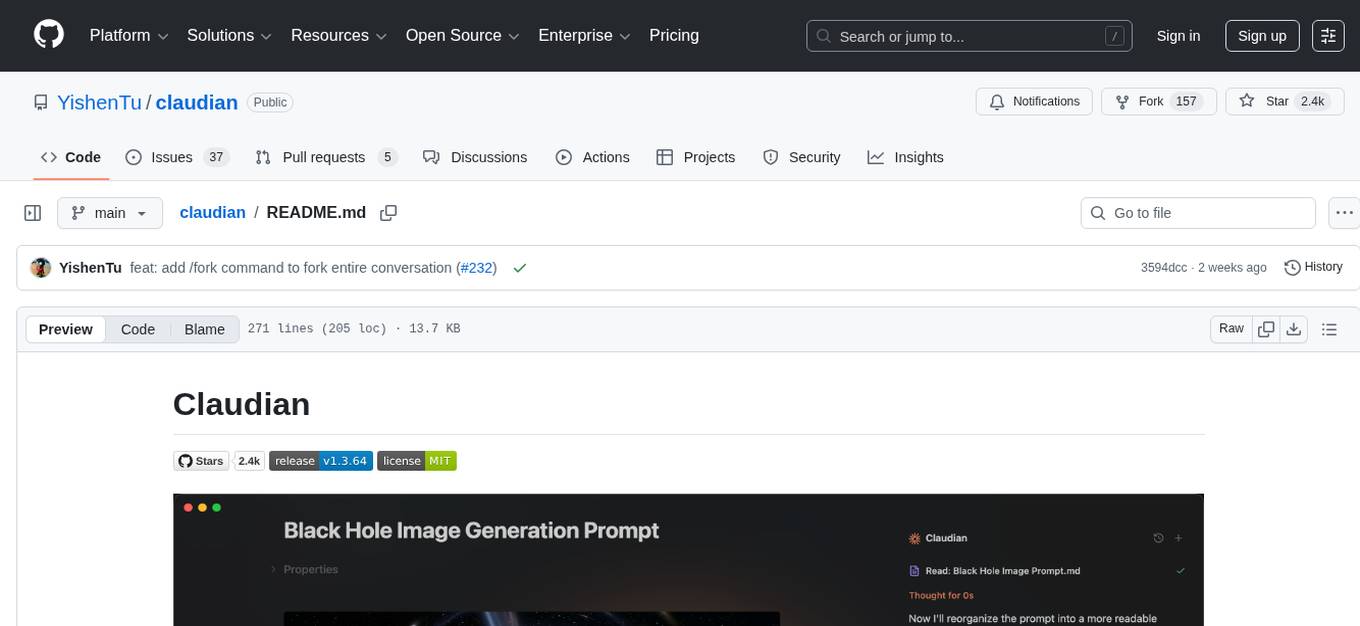
Claudian is an Obsidian plugin that embeds Claude Code as an AI collaborator in your vault. It provides full agentic capabilities, including file read/write, search, bash commands, and multi-step workflows. Users can leverage Claude Code's power to interact with their vault, analyze images, edit text inline, add custom instructions, create reusable prompt templates, extend capabilities with skills and agents, connect external tools via Model Context Protocol servers, control models and thinking budget, toggle plan mode, ensure security with permission modes and vault confinement, and interact with Chrome. The plugin requires Claude Code CLI, Obsidian v1.8.9+, Claude subscription/API or custom model provider, and desktop platforms (macOS, Linux, Windows).
MCP-Nest
A NestJS module to effortlessly expose tools, resources, and prompts for AI using the Model Context Protocol (MCP). It allows defining tools, resources, and prompts in a familiar NestJS way, supporting multi-transport, tool validation, interactive tool calls, request context access, fine-grained authorization, resource serving, dynamic resources, prompt templates, guard-based authentication, dependency injection, server mutation, and instrumentation. It provides features for building ChatGPT widgets and MCP apps.

layra
LAYRA is the world's first visual-native AI automation engine that sees documents like a human, preserves layout and graphical elements, and executes arbitrarily complex workflows with full Python control. It empowers users to build next-generation intelligent systems with no limits or compromises. Built for Enterprise-Grade deployment, LAYRA features a modern frontend, high-performance backend, decoupled service architecture, visual-native multimodal document understanding, and a powerful workflow engine.
openwhispr
OpenWhispr is an open source desktop dictation application that converts speech to text using OpenAI Whisper. It features both local and cloud processing options for maximum flexibility and privacy. The application supports multiple AI providers, customizable hotkeys, agent naming, and various AI processing models. It offers a modern UI built with React 19, TypeScript, and Tailwind CSS v4, and is optimized for speed using Vite and modern tooling. Users can manage settings, view history, configure API keys, and download/manage local Whisper models. The application is cross-platform, supporting macOS, Windows, and Linux, and offers features like automatic pasting, draggable interface, global hotkeys, and compound hotkeys.
For similar tasks
zotero-mcp
Zotero MCP is an open-source project that integrates AI capabilities with Zotero using the Model Context Protocol. It consists of a Zotero plugin and an MCP server, enabling AI assistants to search, retrieve, and cite references from Zotero library. The project features a unified architecture with an integrated MCP server, eliminating the need for a separate server process. It provides features like intelligent search, detailed reference information, filtering by tags and identifiers, aiding in academic tasks such as literature reviews and citation management.
For similar jobs
Perplexica
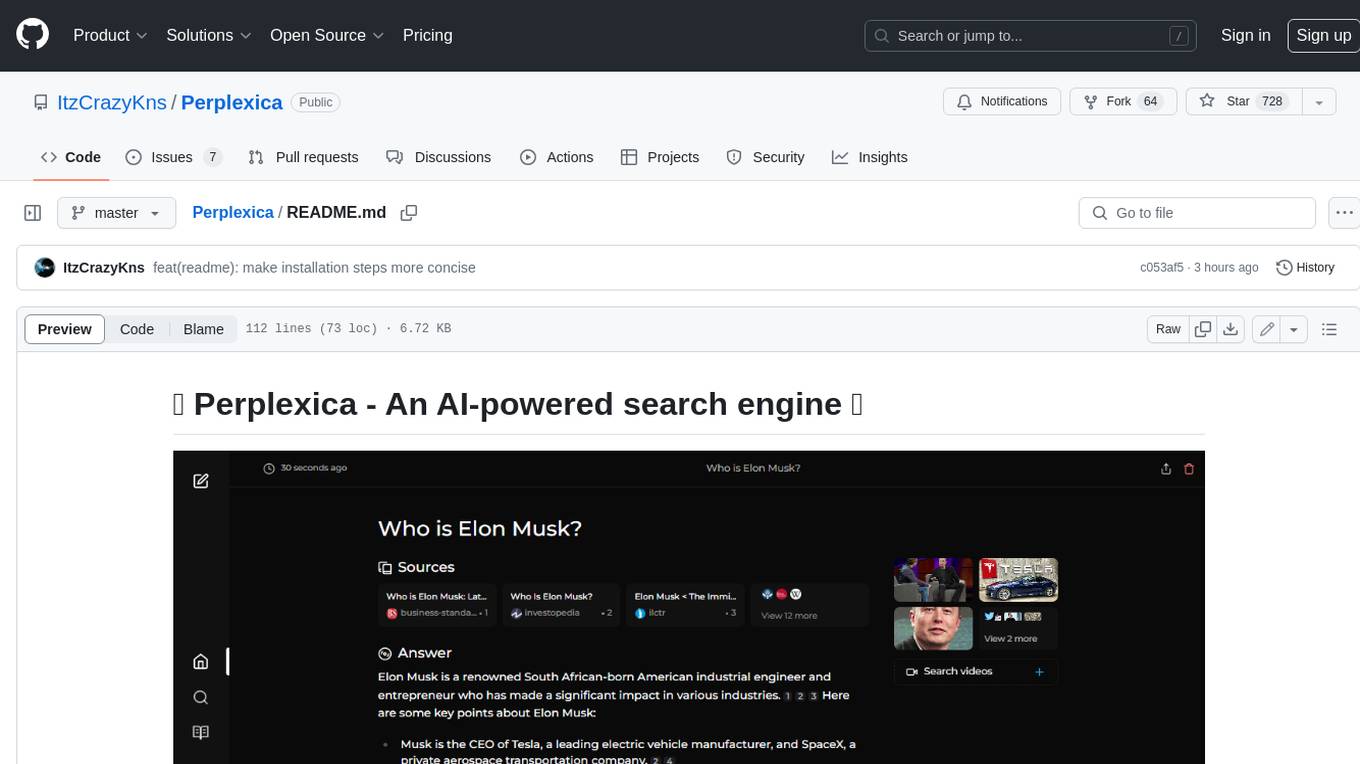
Perplexica is an open-source AI-powered search engine that utilizes advanced machine learning algorithms to provide clear answers with sources cited. It offers various modes like Copilot Mode, Normal Mode, and Focus Modes for specific types of questions. Perplexica ensures up-to-date information by using SearxNG metasearch engine. It also features image and video search capabilities and upcoming features include finalizing Copilot Mode and adding Discover and History Saving features.
KULLM
KULLM (구름) is a Korean Large Language Model developed by Korea University NLP & AI Lab and HIAI Research Institute. It is based on the upstage/SOLAR-10.7B-v1.0 model and has been fine-tuned for instruction. The model has been trained on 8×A100 GPUs and is capable of generating responses in Korean language. KULLM exhibits hallucination and repetition phenomena due to its decoding strategy. Users should be cautious as the model may produce inaccurate or harmful results. Performance may vary in benchmarks without a fixed system prompt.
MMMU
MMMU is a benchmark designed to evaluate multimodal models on college-level subject knowledge tasks, covering 30 subjects and 183 subfields with 11.5K questions. It focuses on advanced perception and reasoning with domain-specific knowledge, challenging models to perform tasks akin to those faced by experts. The evaluation of various models highlights substantial challenges, with room for improvement to stimulate the community towards expert artificial general intelligence (AGI).
1filellm
1filellm is a command-line data aggregation tool designed for LLM ingestion. It aggregates and preprocesses data from various sources into a single text file, facilitating the creation of information-dense prompts for large language models. The tool supports automatic source type detection, handling of multiple file formats, web crawling functionality, integration with Sci-Hub for research paper downloads, text preprocessing, and token count reporting. Users can input local files, directories, GitHub repositories, pull requests, issues, ArXiv papers, YouTube transcripts, web pages, Sci-Hub papers via DOI or PMID. The tool provides uncompressed and compressed text outputs, with the uncompressed text automatically copied to the clipboard for easy pasting into LLMs.
gpt-researcher
GPT Researcher is an autonomous agent designed for comprehensive online research on a variety of tasks. It can produce detailed, factual, and unbiased research reports with customization options. The tool addresses issues of speed, determinism, and reliability by leveraging parallelized agent work. The main idea involves running 'planner' and 'execution' agents to generate research questions, seek related information, and create research reports. GPT Researcher optimizes costs and completes tasks in around 3 minutes. Features include generating long research reports, aggregating web sources, an easy-to-use web interface, scraping web sources, and exporting reports to various formats.
ChatTTS
ChatTTS is a generative speech model optimized for dialogue scenarios, providing natural and expressive speech synthesis with fine-grained control over prosodic features. It supports multiple speakers and surpasses most open-source TTS models in terms of prosody. The model is trained with 100,000+ hours of Chinese and English audio data, and the open-source version on HuggingFace is a 40,000-hour pre-trained model without SFT. The roadmap includes open-sourcing additional features like VQ encoder, multi-emotion control, and streaming audio generation. The tool is intended for academic and research use only, with precautions taken to limit potential misuse.
HebTTS
HebTTS is a language modeling approach to diacritic-free Hebrew text-to-speech (TTS) system. It addresses the challenge of accurately mapping text to speech in Hebrew by proposing a language model that operates on discrete speech representations and is conditioned on a word-piece tokenizer. The system is optimized using weakly supervised recordings and outperforms diacritic-based Hebrew TTS systems in terms of content preservation and naturalness of generated speech.
do-research-in-AI
This repository is a collection of research lectures and experience sharing posts from frontline researchers in the field of AI. It aims to help individuals upgrade their research skills and knowledge through insightful talks and experiences shared by experts. The content covers various topics such as evaluating research papers, choosing research directions, research methodologies, and tips for writing high-quality scientific papers. The repository also includes discussions on academic career paths, research ethics, and the emotional aspects of research work. Overall, it serves as a valuable resource for individuals interested in advancing their research capabilities in the field of AI.