


browser-tools-mcp
Monitor browser logs directly from Cursor and other MCP compatible IDEs.
Stars: 879
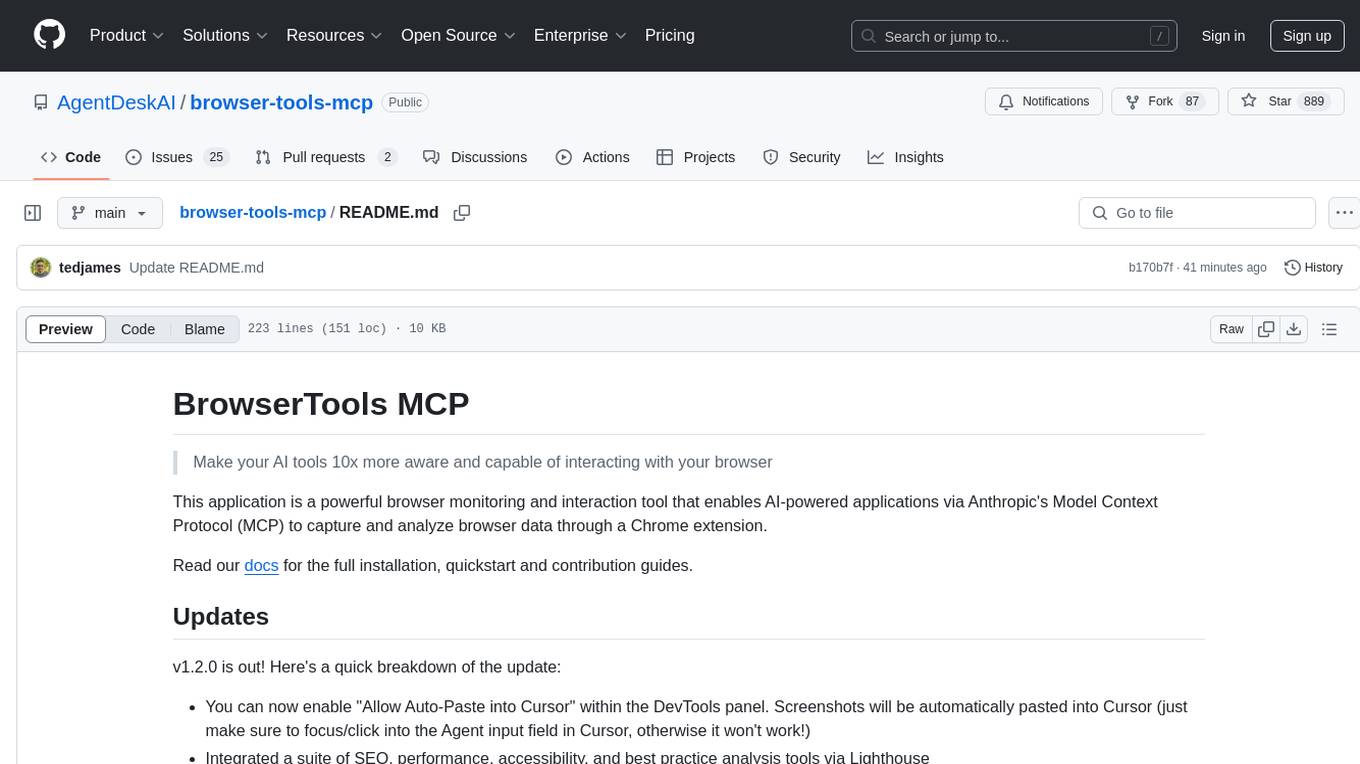
BrowserTools MCP is a powerful browser monitoring and interaction tool that enables AI-powered applications to capture and analyze browser data through a Chrome extension. It consists of a Chrome Extension for capturing screenshots, console logs, network activity, and DOM elements, a Node Server for communication between the extension and an MCP server, and an MCP Server that provides standardized tools for AI clients to interact with the browser. All logs are stored locally on the user's machine. The tool is compatible with various MCP clients like Cursor, Cline, and Zed, allowing users to monitor console output, capture network traffic, take screenshots, analyze elements, and wipe logs stored in the MCP server.
README:
Make your AI tools 10x more aware and capable of interacting with your browser
This application is a powerful browser monitoring and interaction tool that enables AI-powered applications via Anthropic's Model Context Protocol (MCP) to capture and analyze browser data through a Chrome extension.
Read our docs for the full installation, quickstart and contribution guides.
v1.1.0 is out! This includes several bug fixes for logging + screenshots.
Please make sure to update the version in your IDE / MCP client as so:
npx @agentdeskai/[email protected]
Also make sure to download the latest version of the chrome extension here: v1.1.0 BrowserToolsMCP Chrome Extension
From there you can run the local node server as usual like so:
npx @agentdeskai/browser-tools-server
And once you've opened your chrome dev tools, logs should be getting sent to your server!
If you have any questions or issues, feel free to open an issue ticket! And if you have any ideas to make this better, feel free to reach out or open an issue ticket with an enhancement tag or reach out to me at @tedx_ai on x
There are three core components all used to capture and analyze browser data:
- Chrome Extension: A browser extension that captures screenshots, console logs, network activity and DOM elements.
- Node Server: An intermediary server that facilitates communication between the Chrome extension and any instance of an MCP server.
- MCP Server: A Model Context Protocol server that provides standardized tools for AI clients to interact with the browser.
┌─────────────┐     ┌──────────────┐     ┌───────────────┐     ┌─────────────┐
│  MCP Client │ ──► │  MCP Server  │ ──► │  Node Server  │ ──► │   Chrome    │
│  (e.g.      │ ◄── │  (Protocol   │ ◄── │ (Middleware)  │ ◄── │  Extension  │
│   Cursor)   │     │   Handler)   │     │               │     │             │
└─────────────┘     └──────────────┘     └───────────────┘     └─────────────┘
Model Context Protocol (MCP) is a capability supported by Anthropic AI models that allow you to create custom tools for any compatible client. MCP clients like Claude Desktop, Cursor, Cline or Zed can run an MCP server which "teaches" these clients about a new tool that they can use.
These tools can call out to external APIs but in our case, all logs are stored locally on your machine and NEVER sent out to any third-party service or API. BrowserTools MCP runs a local instance of a NodeJS API server which communicates with the BrowserTools Chrome Extension.
All consumers of the BrowserTools MCP Server interface with the same NodeJS API and Chrome extension.
- Monitors XHR requests/responses and console logs
- Tracks selected DOM elements
- Sends all logs and current element to the BrowserTools Connector
- Connects to Websocket server to capture/send screenshots
- Allows user to configure token/truncation limits + screenshot folder path
- Acts as middleware between the Chrome extension and MCP server
- Receives logs and currently selected element from Chrome extension
- Processes requests from MCP server to capture logs, screenshot or current element
- Sends Websocket command to the Chrome extension for capturing a screenshot
- Intelligently truncates strings and # of duplicate objects in logs to avoid token limits
- Removes cookies and sensitive headers to avoid sending to LLMs in MCP clients
- Implements the Model Context Protocol
- Provides standardized tools for AI clients
- Compatible with various MCP clients (Cursor, Cline, Zed, Claude Desktop, etc.)
Installation steps can be found in our documentation:
Once installed and configured, the system allows any compatible MCP client to:
- Monitor browser console output
- Capture network traffic
- Take screenshots
- Analyze selected elements
- Wipe logs stored in our MCP server
- Works with any MCP-compatible client
- Primarily designed for Cursor IDE integration
- Supports other AI editors and MCP clients
For Tasks:
Click tags to check more tools for each tasksFor Jobs:
Alternative AI tools for browser-tools-mcp
Similar Open Source Tools
browser-tools-mcp
BrowserTools MCP is a powerful browser monitoring and interaction tool that enables AI-powered applications to capture and analyze browser data through a Chrome extension. It consists of a Chrome Extension for capturing screenshots, console logs, network activity, and DOM elements, a Node Server for communication between the extension and an MCP server, and an MCP Server that provides standardized tools for AI clients to interact with the browser. All logs are stored locally on the user's machine. The tool is compatible with various MCP clients like Cursor, Cline, and Zed, allowing users to monitor console output, capture network traffic, take screenshots, analyze elements, and wipe logs stored in the MCP server.
c4-genai-suite
C4-GenAI-Suite is a comprehensive AI tool for generating code snippets and automating software development tasks. It leverages advanced machine learning models to assist developers in writing efficient and error-free code. The suite includes features such as code completion, refactoring suggestions, and automated testing, making it a valuable asset for enhancing productivity and code quality in software development projects.
shannon
Shannon is an AI pentester that delivers actual exploits, not just alerts. It autonomously hunts for attack vectors in your code, then uses its built-in browser to execute real exploits, such as injection attacks, and auth bypass, to prove the vulnerability is actually exploitable. Shannon closes the security gap by acting as your on-demand whitebox pentester, providing concrete proof of vulnerabilities to let you ship with confidence. It is a core component of the Keygraph Security and Compliance Platform, automating penetration testing and compliance journey. Shannon Lite achieves a 96.15% success rate on a hint-free, source-aware XBOW benchmark.
OpenManus
OpenManus is an open-source project aiming to replicate the capabilities of the Manus AI agent, known for autonomously executing complex tasks like travel planning and stock analysis. The project provides a modular, containerized framework using Docker, Python, and JavaScript, allowing developers to build, deploy, and experiment with a multi-agent AI system. Features include collaborative AI agents, Dockerized environment, task execution support, tool integration, modular design, and community-driven development. Users can interact with OpenManus via CLI, API, or web UI, and the project welcomes contributions to enhance its capabilities.
y-gui
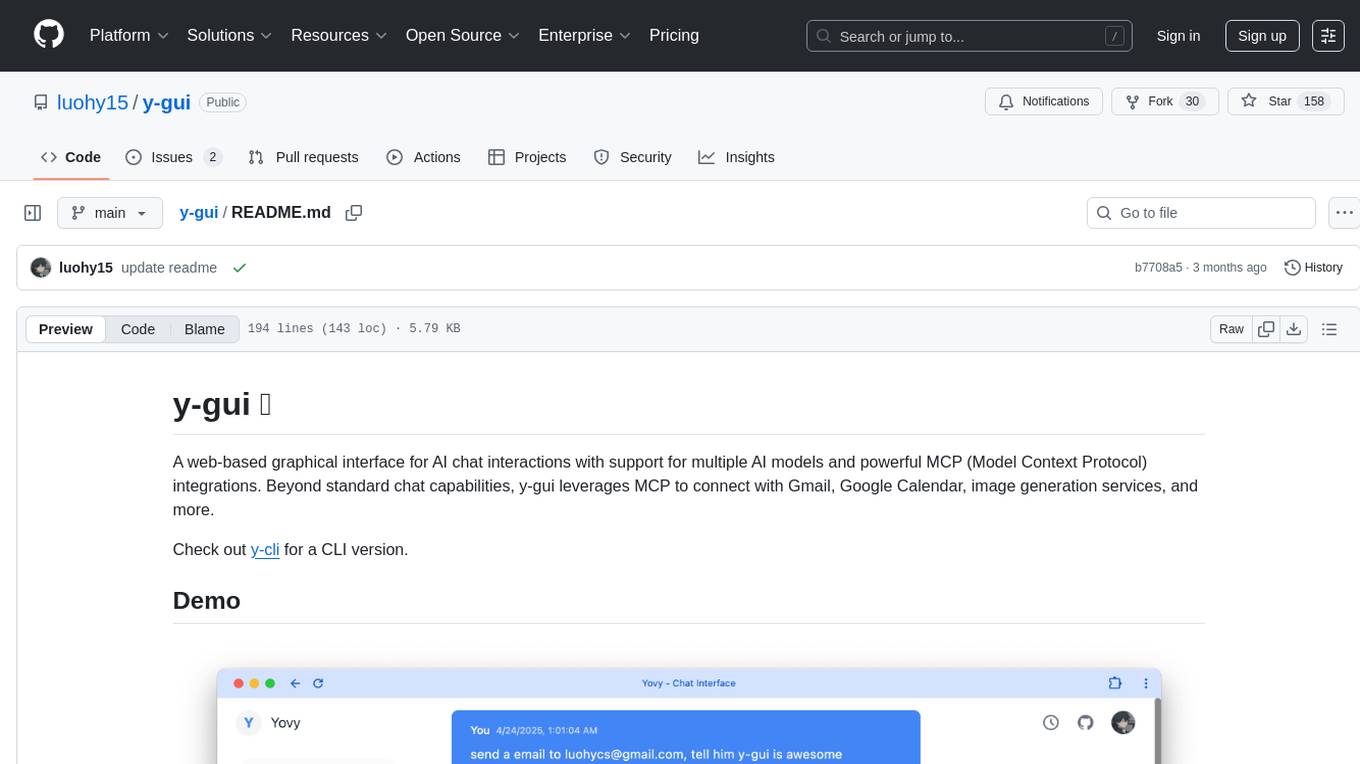
y-gui is a web-based graphical interface for AI chat interactions with support for multiple AI models and powerful MCP integrations. It provides interactive chat capabilities with AI models, supports multiple bot configurations, and integrates with Gmail, Google Calendar, and image generation services. The tool offers a comprehensive MCP integration system, secure authentication with Auth0 and Google login, dark/light theme support, real-time updates, and responsive design for all devices. The architecture consists of a frontend React application and a backend Cloudflare Workers with D1 storage. It allows users to manage emails, create calendar events, and generate images directly within chat conversations.
ENOVA
ENOVA is an open-source service for Large Language Model (LLM) deployment, monitoring, injection, and auto-scaling. It addresses challenges in deploying stable serverless LLM services on GPU clusters with auto-scaling by deconstructing the LLM service execution process and providing configuration recommendations and performance detection. Users can build and deploy LLM with few command lines, recommend optimal computing resources, experience LLM performance, observe operating status, achieve load balancing, and more. ENOVA ensures stable operation, cost-effectiveness, efficiency, and strong scalability of LLM services.
TurtleBench
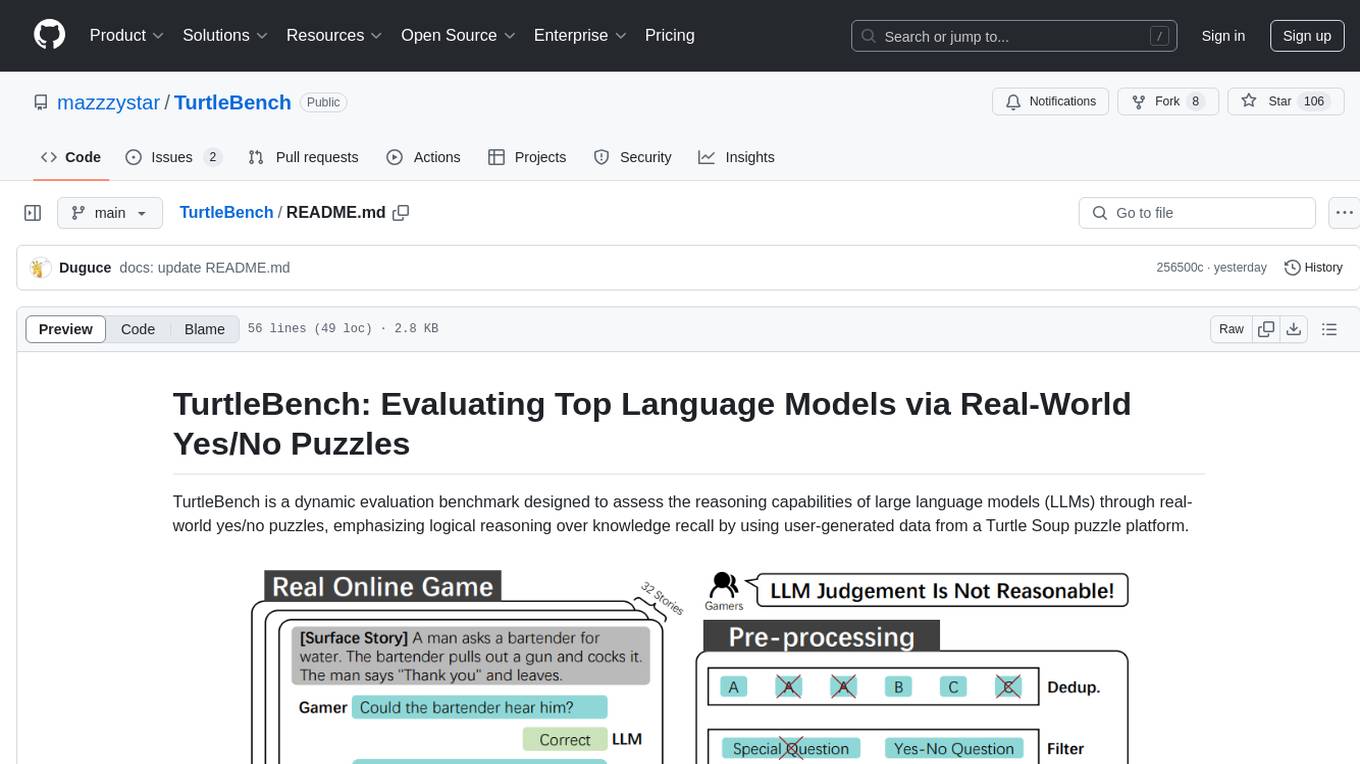
TurtleBench is a dynamic evaluation benchmark that assesses the reasoning capabilities of large language models through real-world yes/no puzzles. It emphasizes logical reasoning over knowledge recall by using user-generated data from a Turtle Soup puzzle platform. The benchmark is objective and unbiased, focusing purely on reasoning abilities and providing clear, measurable outcomes for easy comparison. TurtleBench constantly evolves with real user-generated questions, making it impossible to 'game' the system. It tests the model's ability to comprehend context and make logical inferences.
gemini-2-live-api-demo
A lightweight vanilla JavaScript implementation of the Gemini 2.0 Flash Multimodal Live API client, providing real-time interaction with Gemini's API through text, audio, video, and screen sharing capabilities. Built with vanilla JavaScript, it offers features like real-time text chat, audio input/output with visualization, motion-detected video streaming, and screen sharing. Users can connect to the API, send text messages, toggle microphone for audio input, enable webcam for video streaming, share screen, and monitor real-time feedback in the logs panel. Custom tools can be added for extending functionality.
saga
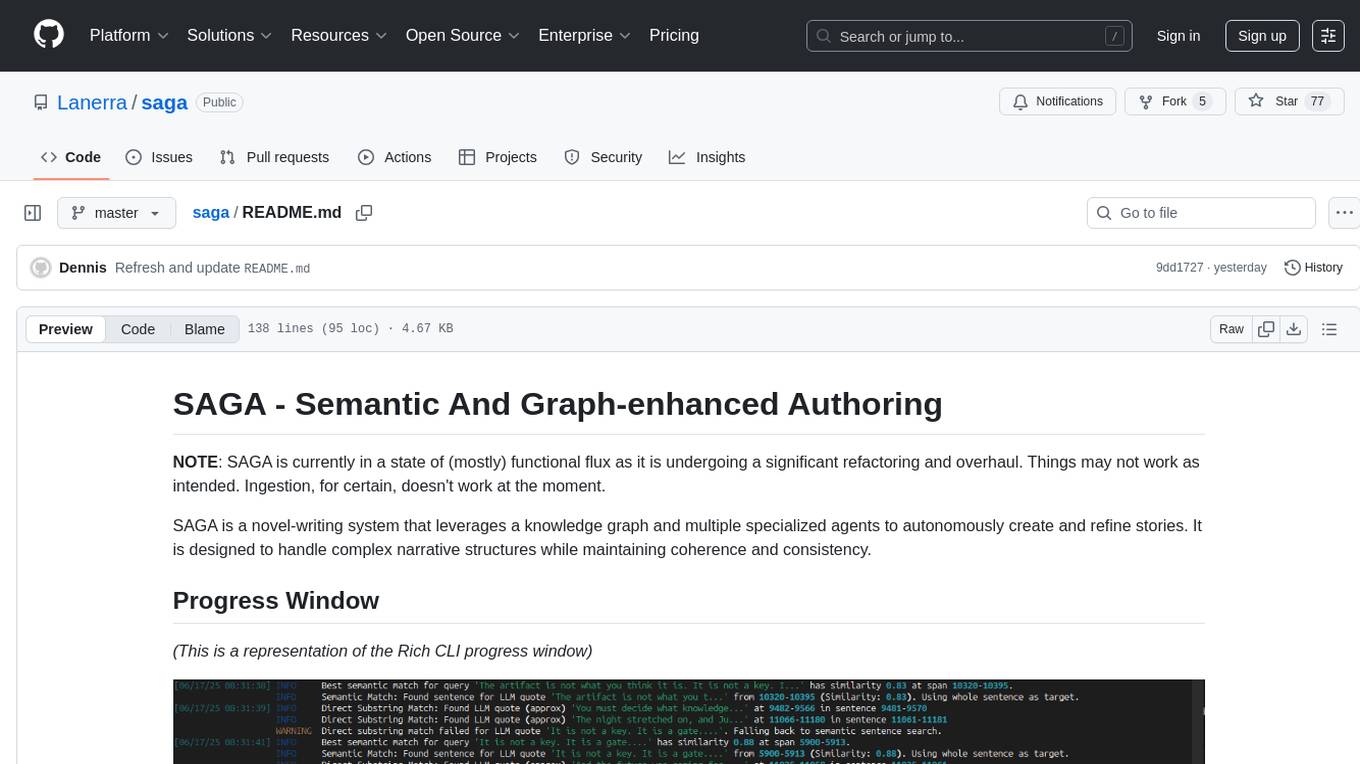
SAGA is a novel-writing system that leverages a knowledge graph and specialized agents to autonomously create and refine stories. It handles complex narrative structures while maintaining coherence and consistency. Features include a Knowledge Graph using Neo4j, Modular Agent Architecture, LLM Integration, Configurable Generation Parameters, Robust Testing Framework, Code Quality enforcement, Vector Search, and Agentic Planning. The system structure includes components for specialized agents, core components, data access, documentation, initialization scripts, Pydantic models, output directory, orchestrator logic, text processing tools, UI components, utility functions, and more.
ccprompts
ccprompts is a collection of ~70 Claude Code commands for software development workflows with agent generation capabilities. It includes safety validation and can be used directly with Claude Code or adapted for specific needs. The agent template system provides a wizard for creating specialized sub-agents (e.g., security auditors, systems architects) with standardized formatting and proper tool access. The repository is under active development, so caution is advised when using it in production environments.
FinAnGPT-Pro
FinAnGPT-Pro is a financial data downloader and AI query system that downloads quarterly and annual financial data for stocks from EOD Historical Data, storing it in MongoDB and Google BigQuery. It includes an AI-powered natural language interface for querying financial data. Users can set up the tool by following the prerequisites and setup instructions provided in the README. The tool allows users to download financial data for all stocks in a watchlist or for a single stock, query financial data using a natural language interface, and receive responses in a structured format. Important considerations include error handling, rate limiting, data validation, BigQuery costs, MongoDB connection, and security measures for API keys and credentials.
Kuzco
Enhance your Terraform and OpenTofu configurations with intelligent analysis powered by local LLMs. Kuzco reviews your resources, compares them to the provider schema, detects unused parameters, and suggests improvements for a more secure, reliable, and optimized setup. It saves time by avoiding the need to dig through the Terraform registry and decipher unclear options.
MinivLLM
A custom implementation of vLLM inference engine with attention mechanism benchmarks, based on Nano-vLLM but with self-contained paged attention and flash attention implementation. It provides benchmarking on flash attention in prefilling time and paged attention in decoding time. The tool showcases how the custom vLLM implementation handles batched text generation with memory-efficient attention.
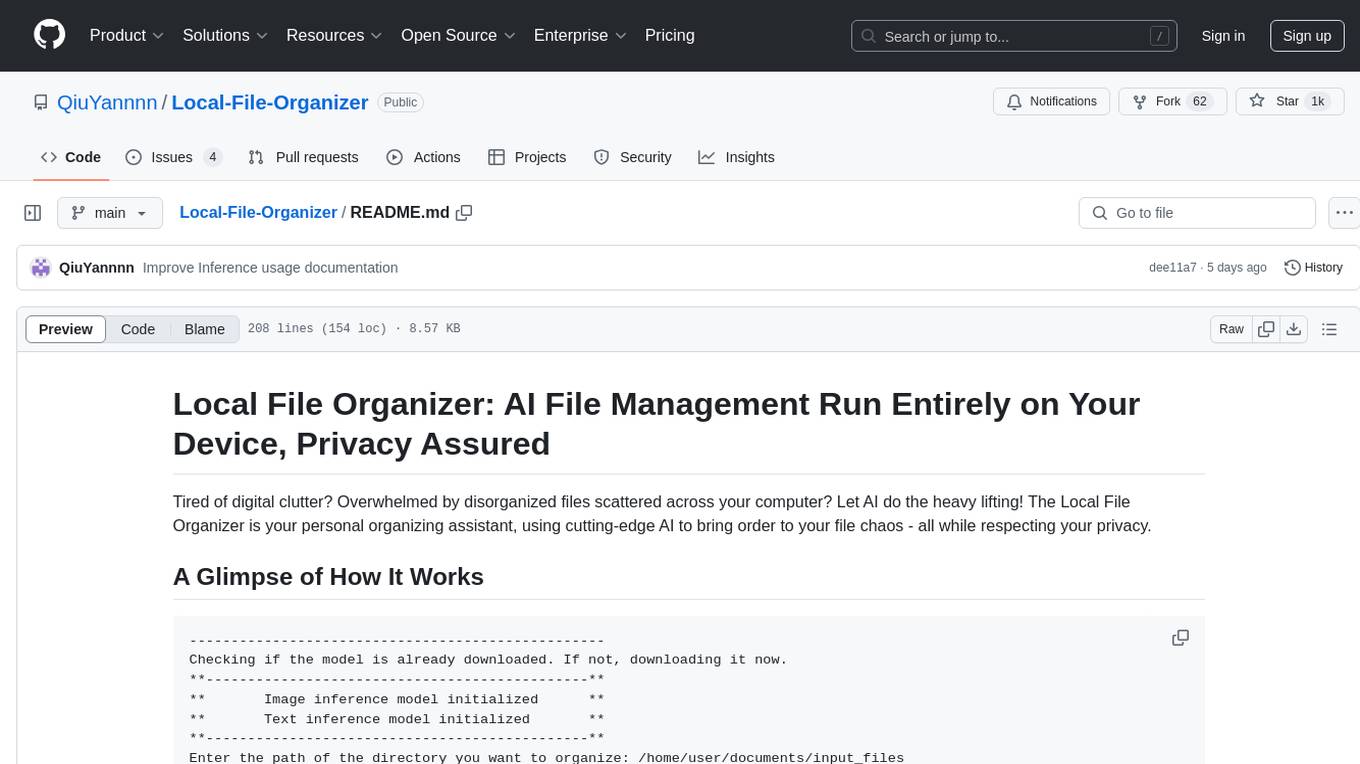
Local-File-Organizer
The Local File Organizer is an AI-powered tool designed to help users organize their digital files efficiently and securely on their local device. By leveraging advanced AI models for text and visual content analysis, the tool automatically scans and categorizes files, generates relevant descriptions and filenames, and organizes them into a new directory structure. All AI processing occurs locally using the Nexa SDK, ensuring privacy and security. With support for multiple file types and customizable prompts, this tool aims to simplify file management and bring order to users' digital lives.
foundry
Foundry is a tool designed for technical founders to create validation landing pages. It allows users to capture email signals before building, with features such as landing pages, authority docs, event tracking, and zero lock-in. The tool is built using Nuxt 4, Tailwind v4, and TypeScript, and provides quick start options for easy setup. Foundry helps founders test interest, collect payments, and sell services before fully developing their products.
AI-Blueprints
This repository hosts a collection of AI blueprint projects for HP AI Studio, providing end-to-end solutions across key AI domains like data science, machine learning, deep learning, and generative AI. The projects are designed to be plug-and-play, utilizing open-source and hosted models to offer ready-to-use solutions. The repository structure includes projects related to classical machine learning, deep learning applications, generative AI, NGC integration, and troubleshooting guidelines for common issues. Each project is accompanied by detailed descriptions and use cases, showcasing the versatility and applicability of AI technologies in various domains.
For similar tasks
browser-tools-mcp
BrowserTools MCP is a powerful browser monitoring and interaction tool that enables AI-powered applications to capture and analyze browser data through a Chrome extension. It consists of a Chrome Extension for capturing screenshots, console logs, network activity, and DOM elements, a Node Server for communication between the extension and an MCP server, and an MCP Server that provides standardized tools for AI clients to interact with the browser. All logs are stored locally on the user's machine. The tool is compatible with various MCP clients like Cursor, Cline, and Zed, allowing users to monitor console output, capture network traffic, take screenshots, analyze elements, and wipe logs stored in the MCP server.
mcp-pointer
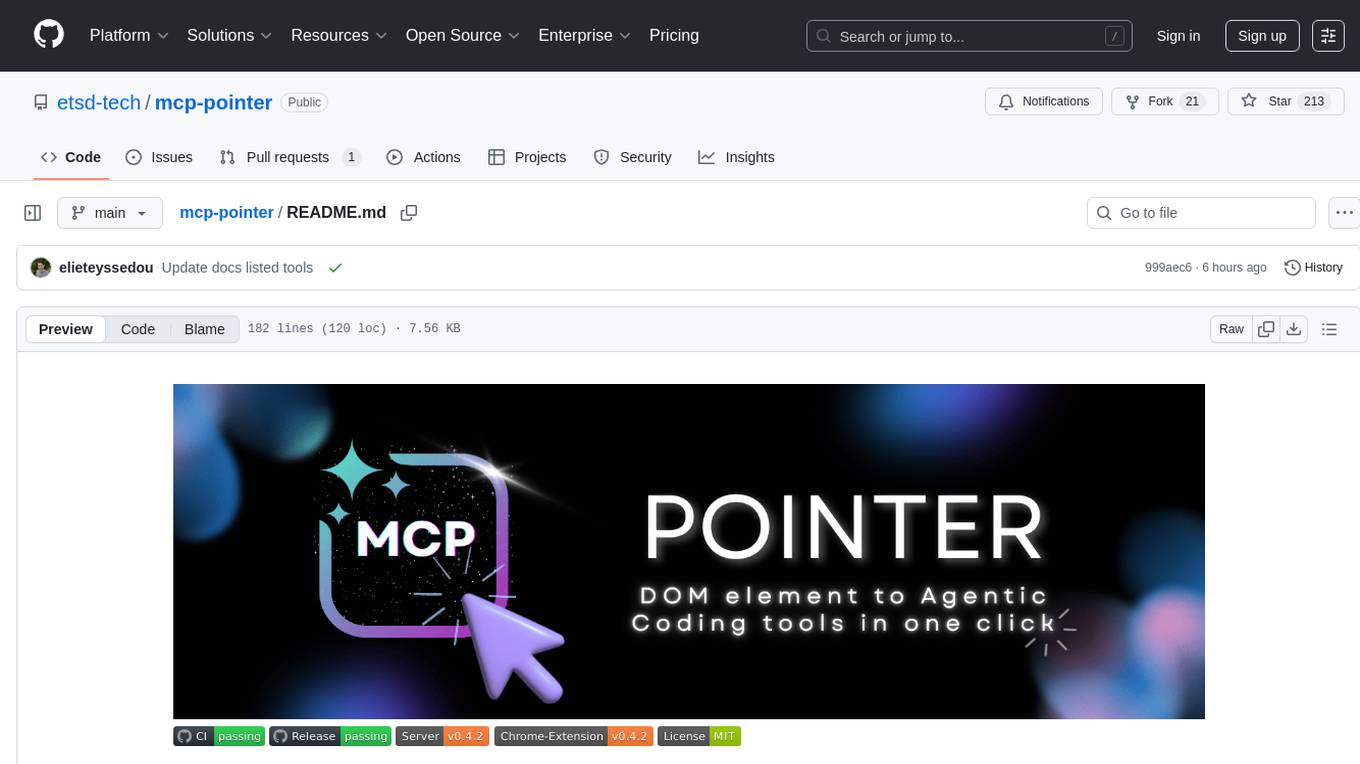
MCP Pointer is a local tool that combines an MCP Server with a Chrome Extension to allow users to visually select DOM elements in the browser and make textual context available to agentic coding tools like Claude Code. It bridges between the browser and AI tools via the Model Context Protocol, enabling real-time communication and compatibility with various AI tools. The tool extracts detailed information about selected elements, including text content, CSS properties, React component detection, and more, making it a valuable asset for developers working with AI-powered web development.
vector_companion
Vector Companion is an AI tool designed to act as a virtual companion on your computer. It consists of two personalities, Axiom and Axis, who can engage in conversations based on what is happening on the screen. The tool can transcribe audio output and user microphone input, take screenshots, and read text via OCR to create lifelike interactions. It requires specific prerequisites to run on Windows and uses VB Cable to capture audio. Users can interact with Axiom and Axis by running the main script after installation and configuration.
vision-agent
AskUI Vision Agent is a powerful automation framework that enables you and AI agents to control your desktop, mobile, and HMI devices and automate tasks. It supports multiple AI models, multi-platform compatibility, and enterprise-ready features. The tool provides support for Windows, Linux, MacOS, Android, and iOS device automation, single-step UI automation commands, in-background automation on Windows machines, flexible model use, and secure deployment of agents in enterprise environments.
For similar jobs

sweep
Sweep is an AI junior developer that turns bugs and feature requests into code changes. It automatically handles developer experience improvements like adding type hints and improving test coverage.

teams-ai
The Teams AI Library is a software development kit (SDK) that helps developers create bots that can interact with Teams and Microsoft 365 applications. It is built on top of the Bot Framework SDK and simplifies the process of developing bots that interact with Teams' artificial intelligence capabilities. The SDK is available for JavaScript/TypeScript, .NET, and Python.

ai-guide
This guide is dedicated to Large Language Models (LLMs) that you can run on your home computer. It assumes your PC is a lower-end, non-gaming setup.

classifai
Supercharge WordPress Content Workflows and Engagement with Artificial Intelligence. Tap into leading cloud-based services like OpenAI, Microsoft Azure AI, Google Gemini and IBM Watson to augment your WordPress-powered websites. Publish content faster while improving SEO performance and increasing audience engagement. ClassifAI integrates Artificial Intelligence and Machine Learning technologies to lighten your workload and eliminate tedious tasks, giving you more time to create original content that matters.

chatbot-ui
Chatbot UI is an open-source AI chat app that allows users to create and deploy their own AI chatbots. It is easy to use and can be customized to fit any need. Chatbot UI is perfect for businesses, developers, and anyone who wants to create a chatbot.

BricksLLM
BricksLLM is a cloud native AI gateway written in Go. Currently, it provides native support for OpenAI, Anthropic, Azure OpenAI and vLLM. BricksLLM aims to provide enterprise level infrastructure that can power any LLM production use cases. Here are some use cases for BricksLLM: * Set LLM usage limits for users on different pricing tiers * Track LLM usage on a per user and per organization basis * Block or redact requests containing PIIs * Improve LLM reliability with failovers, retries and caching * Distribute API keys with rate limits and cost limits for internal development/production use cases * Distribute API keys with rate limits and cost limits for students

uAgents
uAgents is a Python library developed by Fetch.ai that allows for the creation of autonomous AI agents. These agents can perform various tasks on a schedule or take action on various events. uAgents are easy to create and manage, and they are connected to a fast-growing network of other uAgents. They are also secure, with cryptographically secured messages and wallets.

griptape
Griptape is a modular Python framework for building AI-powered applications that securely connect to your enterprise data and APIs. It offers developers the ability to maintain control and flexibility at every step. Griptape's core components include Structures (Agents, Pipelines, and Workflows), Tasks, Tools, Memory (Conversation Memory, Task Memory, and Meta Memory), Drivers (Prompt and Embedding Drivers, Vector Store Drivers, Image Generation Drivers, Image Query Drivers, SQL Drivers, Web Scraper Drivers, and Conversation Memory Drivers), Engines (Query Engines, Extraction Engines, Summary Engines, Image Generation Engines, and Image Query Engines), and additional components (Rulesets, Loaders, Artifacts, Chunkers, and Tokenizers). Griptape enables developers to create AI-powered applications with ease and efficiency.