


DeepSeekAI
Browser extension for invoking the DeepSeek AI large model.
Stars: 203
DeepSeekAI is a browser extension plugin that allows users to interact with AI by selecting text on web pages and invoking the DeepSeek large model to provide AI responses. The extension enhances browsing experience by enabling users to get summaries or answers for selected text directly on the webpage. It features context text selection, API key integration, draggable and resizable window, AI streaming replies, Markdown rendering, one-click copy, re-answer option, code copy functionality, language switching, and multi-turn dialogue support. Users can install the extension from Chrome Web Store or Edge Add-ons, or manually clone the repository, install dependencies, and build the extension. Configuration involves entering the DeepSeek API key in the extension popup window to start using the AI-driven responses.
README:




DeepSeekAI is an unofficial browser extension powered by the DeepSeek API, designed to enhance your web browsing experience with intelligent interactions. Through simple text selection, you can instantly receive AI-driven responses, making your web browsing more efficient and intelligent.
Note: This extension is a third-party development, not an official DeepSeek product. You need your own DeepSeek API Key to use this extension.
- Intelligent Text Analysis: Select any text on web pages for instant AI analysis and responses
- Multi-turn Dialogue: Support for continuous conversation interactions
- Quick Access: Three ways to invoke the chat window - text selection, right-click menu, and keyboard shortcuts
- Streaming Response: Real-time streaming display of AI responses
- Model Selection: Choose between DeepSeek V3 and DeepSeek R1 models
- Draggable Interface: Freely drag and resize the chat window
- Window Memory: Remember chat window size and position
- One-click Copy: Easy copying of response content
- Regenerate: Support for regenerating AI responses
- Keyboard Shortcuts: Built-in shortcut (Ctrl/Command+Shift+D to open/close)
- Balance Query: Real-time API balance checking
- User Guide: Built-in detailed usage instructions
- Markdown Rendering: Support for rich Markdown formatting, including code blocks, lists, and mathematical formulas (MathJax)
- Code Highlighting: Syntax highlighting for multiple programming languages with copy functionality
- Multi-language Support: UI in English/Chinese, AI responses with auto-language detection or specified language
- Dark Mode: Automatic dark mode support based on system preferences
- Chrome Web Store
- [Microsoft Edge Add-ons](Coming soon)
# Clone the repository
git clone https://github.com/DeepLifeStudio/DeepSeekAI.git

# Install dependencies
pnpm install

# Build the project
pnpm run build- Click the extension icon in your browser toolbar
- Enter your DeepSeek API Key in the popup window
- Configure language, model, and other preferences
- Start using! You can:
- Click the popup icon after selecting text
- Right-click and select "DeepSeek AI" after text selection
- Use the shortcut Ctrl/Command+Shift+D to open the dialog window/close the session window.
- Frontend Framework: JavaScript
- Build Tool: Webpack
- API Integration: DeepSeek API
- Styling: CSS3
- Code Standard: ESLint
- [ ] Local history record feature
- [ ] Custom prompt template support
All forms of contributions are welcome, whether it's new features, bug fixes, or documentation improvements.
- Fork the repository
- Create your feature branch (
git checkout -b feature/AmazingFeature) - Commit your changes (
git commit -m 'Add some AmazingFeature') - Push to the branch (
git push origin feature/AmazingFeature) - Open a Pull Request
This project is licensed under the MIT License - see the LICENSE file for details
- Project Issues: GitHub Issues
- Email: [[email protected]]
- Twitter/X: @DeepLifeStudio
For Tasks:
Click tags to check more tools for each tasksFor Jobs:
Alternative AI tools for DeepSeekAI
Similar Open Source Tools
DeepSeekAI
DeepSeekAI is a browser extension plugin that allows users to interact with AI by selecting text on web pages and invoking the DeepSeek large model to provide AI responses. The extension enhances browsing experience by enabling users to get summaries or answers for selected text directly on the webpage. It features context text selection, API key integration, draggable and resizable window, AI streaming replies, Markdown rendering, one-click copy, re-answer option, code copy functionality, language switching, and multi-turn dialogue support. Users can install the extension from Chrome Web Store or Edge Add-ons, or manually clone the repository, install dependencies, and build the extension. Configuration involves entering the DeepSeek API key in the extension popup window to start using the AI-driven responses.
swift-chat
SwiftChat is a fast and responsive AI chat application developed with React Native and powered by Amazon Bedrock. It offers real-time streaming conversations, AI image generation, multimodal support, conversation history management, and cross-platform compatibility across Android, iOS, and macOS. The app supports multiple AI models like Amazon Bedrock, Ollama, DeepSeek, and OpenAI, and features a customizable system prompt assistant. With a minimalist design philosophy and robust privacy protection, SwiftChat delivers a seamless chat experience with various features like rich Markdown support, comprehensive multimodal analysis, creative image suite, and quick access tools. The app prioritizes speed in launch, request, render, and storage, ensuring a fast and efficient user experience. SwiftChat also emphasizes app privacy and security by encrypting API key storage, minimal permission requirements, local-only data storage, and a privacy-first approach.
word-GPT-Plus
Word GPT Plus seamlessly integrates AI models into Microsoft Word, allowing users to generate, translate, summarize, and polish text directly within their documents. The tool supports multiple AI models, offers built-in templates for various text-related tasks, and provides customization options for user preferences. Users can install the tool through a hosted service, Docker deployment, or self-hosting, and can easily fill in API keys to access different AI services. Word GPT Plus enhances writing workflows by providing AI-powered assistance without leaving the Word environment.
PageTalk
PageTalk is a browser extension that enhances web browsing by integrating Google's Gemini API. It allows users to select text on any webpage for AI analysis, translation, contextual chat, and customization. The tool supports multi-agent system, image input, rich content rendering, PDF parsing, URL context extraction, personalized settings, chat export, text selection helper, and proxy support. Users can interact with web pages, chat contextually, manage AI agents, and perform various tasks seamlessly.
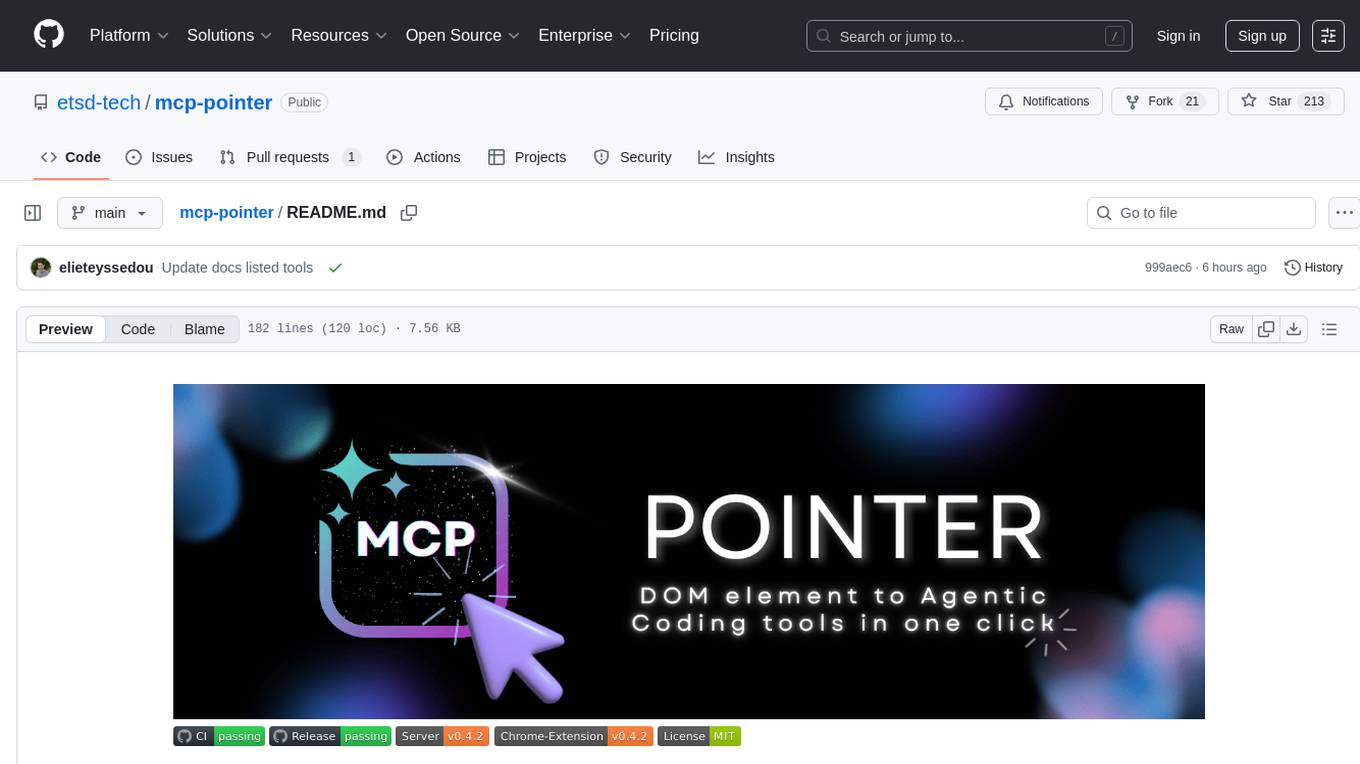
mcp-pointer
MCP Pointer is a local tool that combines an MCP Server with a Chrome Extension to allow users to visually select DOM elements in the browser and make textual context available to agentic coding tools like Claude Code. It bridges between the browser and AI tools via the Model Context Protocol, enabling real-time communication and compatibility with various AI tools. The tool extracts detailed information about selected elements, including text content, CSS properties, React component detection, and more, making it a valuable asset for developers working with AI-powered web development.
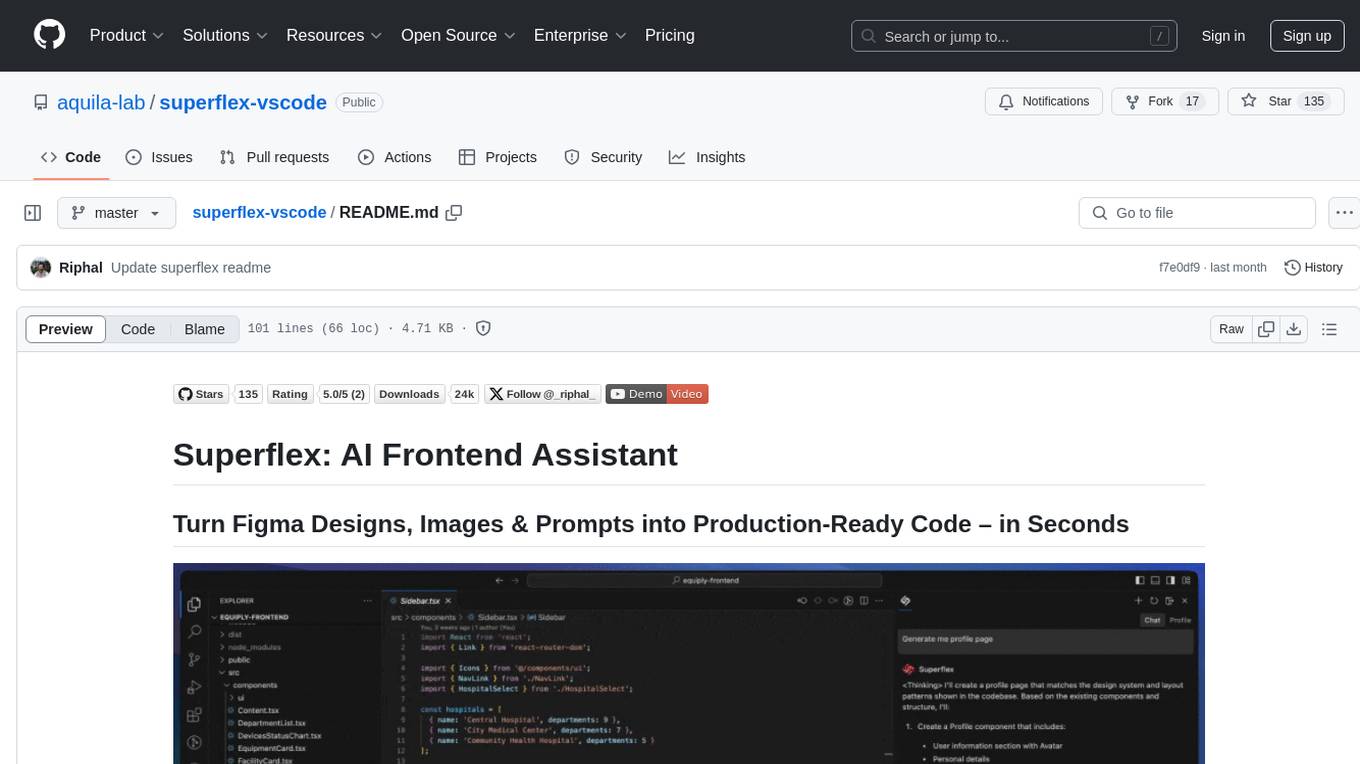
superflex-vscode
Superflex is an AI frontend assistant that streamlines frontend development by converting Figma designs, images, and prompts into production-ready code in seconds. It ensures design standards and coding style are maintained, offering features like generating entire page layouts from Figma, a new chat UI, enhanced usability with shortcuts and profiles, and the ability to add code snippets or files to the chat context seamlessly. Superflex saves time by automating repetitive coding tasks, promotes code consistency, and is beginner-friendly for designers or developers new to front-end work.
curiso
Curiso AI is an infinite canvas platform that connects nodes and AI services to explore ideas without repetition. It empowers advanced users to unlock richer AI interactions. Features include multi OS support, infinite canvas, multiple AI provider integration, local AI inference provider integration, custom model support, model metrics, RAG support, local Transformers.js embedding models, inference parameters customization, multiple boards, vision model support, customizable interface, node-based conversations, and secure local encrypted storage. Curiso also offers a Solana token for exclusive access to premium features and enhanced AI capabilities.
AIPex
AIPex is a revolutionary Chrome extension that transforms your browser into an intelligent automation platform. Using natural language commands and AI-powered intelligence, AIPex can automate virtually any browser task - from complex multi-step workflows to simple repetitive actions. It offers features like natural language control, AI-powered intelligence, multi-step automation, universal compatibility, smart data extraction, precision actions, form automation, visual understanding, developer-friendly with extensive API, and lightning-fast execution of automation tasks.
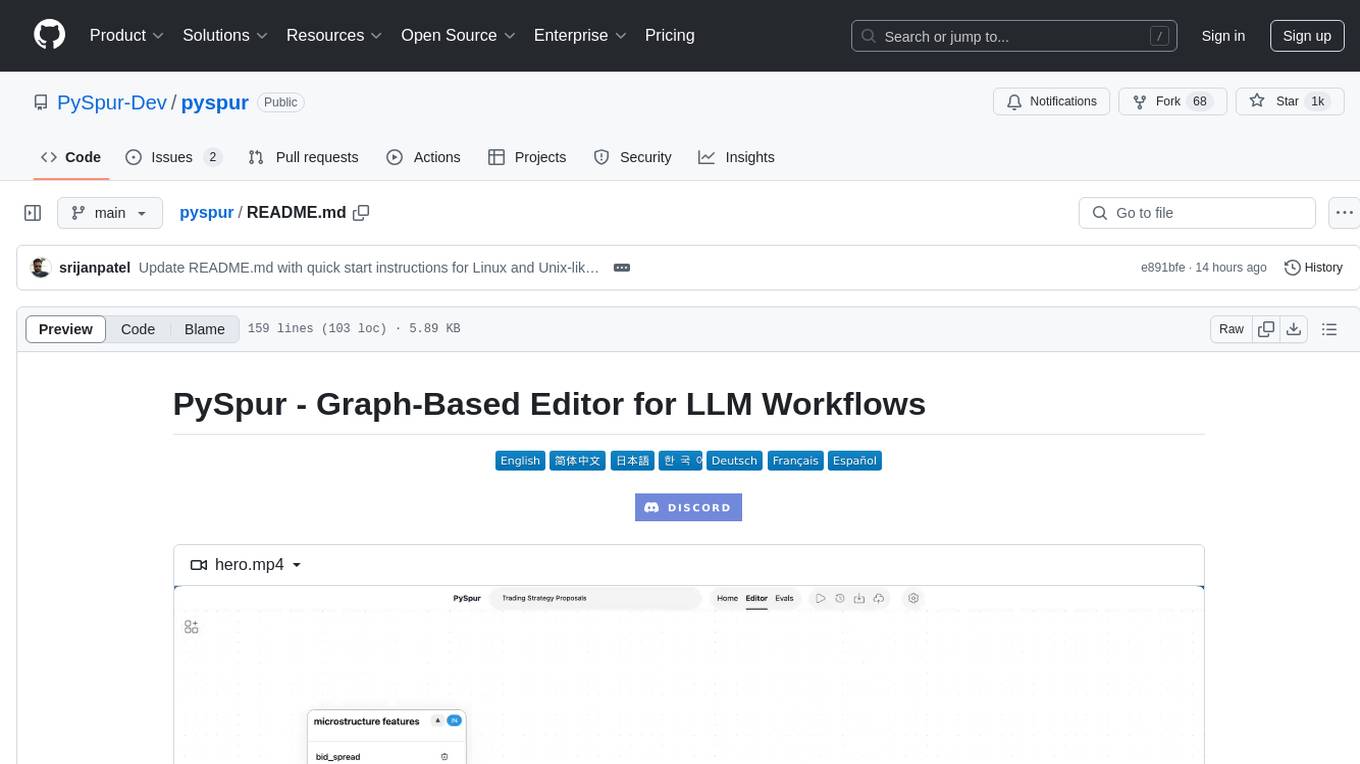
pyspur
PySpur is a graph-based editor designed for LLM (Large Language Models) workflows. It offers modular building blocks, node-level debugging, and performance evaluation. The tool is easy to hack, supports JSON configs for workflow graphs, and is lightweight with minimal dependencies. Users can quickly set up PySpur by cloning the repository, creating a .env file, starting docker services, and accessing the portal. PySpur can also work with local models served using Ollama, with steps provided for configuration. The roadmap includes features like canvas, async/batch execution, support for Ollama, new nodes, pipeline optimization, templates, code compilation, multimodal support, and more.
bytebot
Bytebot is an open-source AI desktop agent that provides a virtual employee with its own computer to complete tasks for users. It can use various applications, download and organize files, log into websites, process documents, and perform complex multi-step workflows. By giving AI access to a complete desktop environment, Bytebot unlocks capabilities not possible with browser-only agents or API integrations, enabling complete task autonomy, document processing, and usage of real applications.
LynxHub
LynxHub is a platform that allows users to seamlessly install, configure, launch, and manage all their AI interfaces from a single, intuitive dashboard. It offers features like AI interface management, arguments manager, custom run commands, pre-launch actions, extension management, in-app tools like terminal and web browser, AI information dashboard, Discord integration, and additional features like theme options and favorite interface pinning. The platform supports modular design for custom AI modules and upcoming extensions system for complete customization. LynxHub aims to streamline AI workflow and enhance user experience with a user-friendly interface and comprehensive functionalities.
g4f.dev
G4f.dev is the official documentation hub for GPT4Free, a free and convenient AI tool with endpoints that can be integrated directly into apps, scripts, and web browsers. The documentation provides clear overviews, quick examples, and deeper insights into the major features of GPT4Free, including text and image generation. Users can choose between Python and JavaScript for installation and setup, and can access various API endpoints, providers, models, and client options for different tasks.
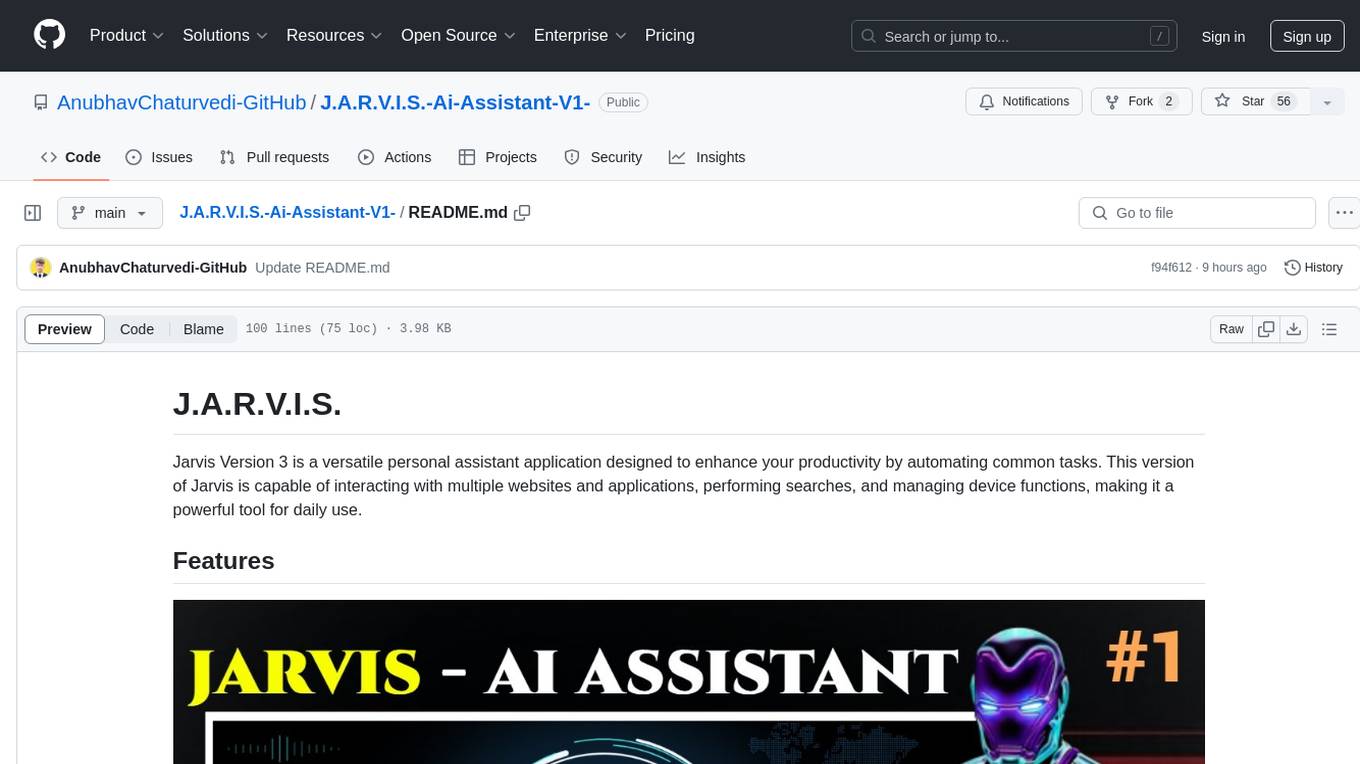
J.A.R.V.I.S.-Ai-Assistant-V1-
Jarvis Version 3 is a versatile personal assistant application designed to enhance productivity by automating common tasks. It can interact with websites and applications, perform searches, manage device functions, and control music. Users can give commands to open websites, search on Google or YouTube, scroll pages, manage applications, check time, internet speed, battery percentage, battery alerts, charging status, play music, and synchronize clapping with music. The tool offers features for web navigation, search functionality, scrolling, application management, device management, and music control.
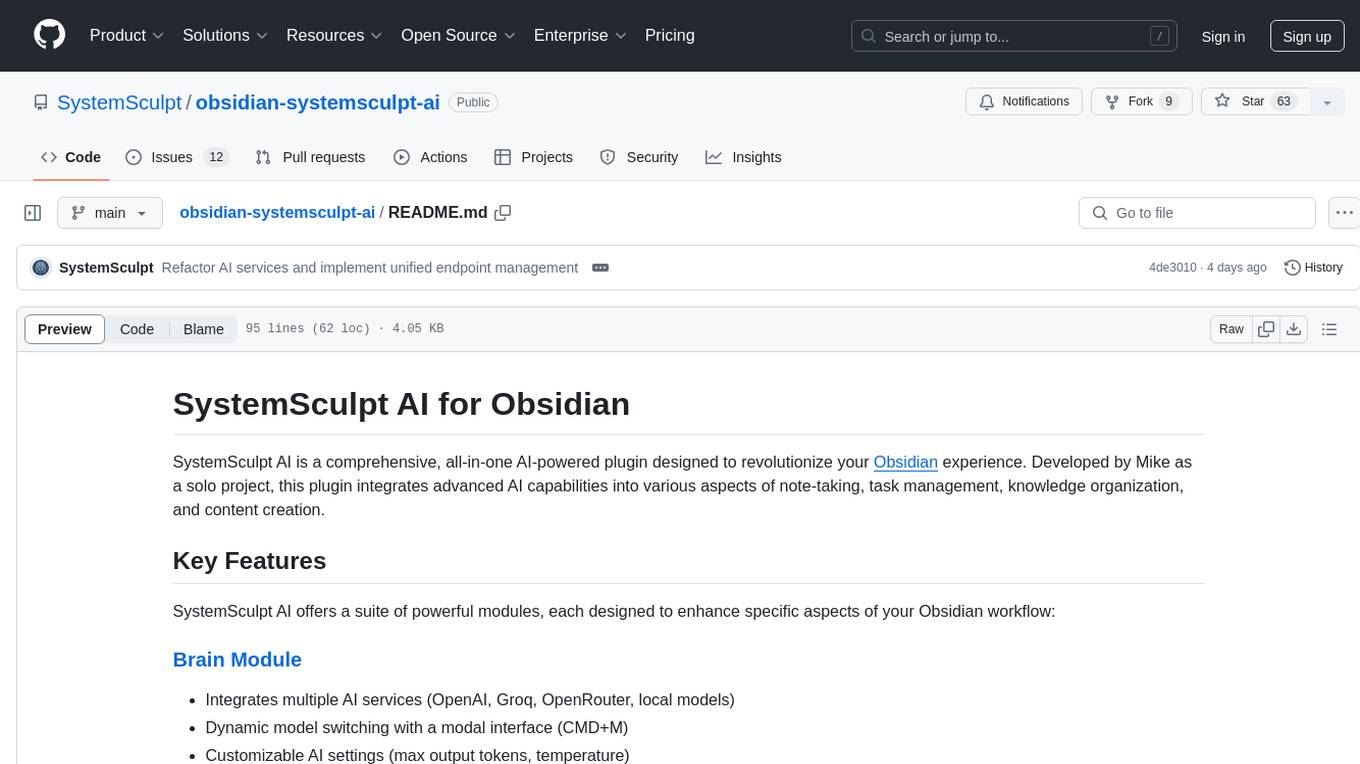
obsidian-systemsculpt-ai
SystemSculpt AI is a comprehensive AI-powered plugin for Obsidian, integrating advanced AI capabilities into note-taking, task management, knowledge organization, and content creation. It offers modules for brain integration, chat conversations, audio recording and transcription, note templates, and task generation and management. Users can customize settings, utilize AI services like OpenAI and Groq, and access documentation for detailed guidance. The plugin prioritizes data privacy by storing sensitive information locally and offering the option to use local AI models for enhanced privacy.
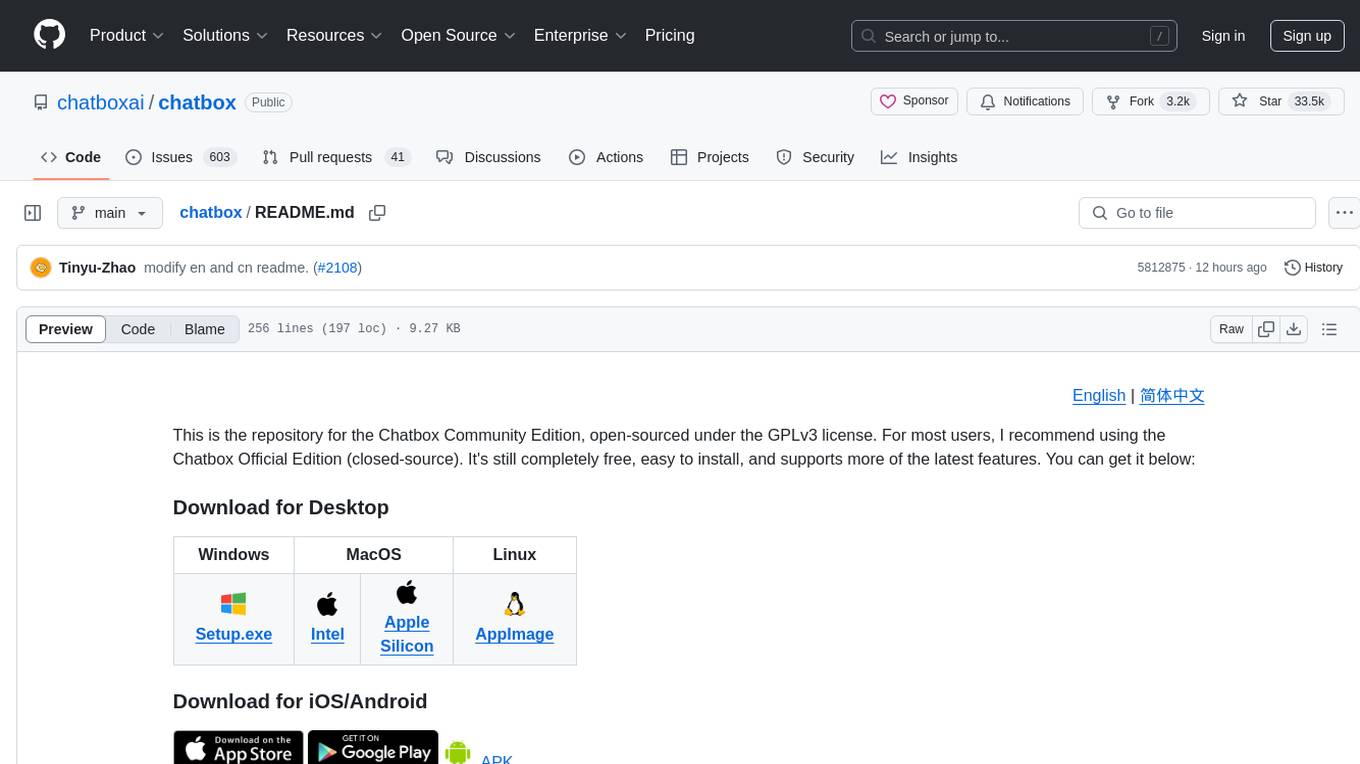
chatbox
Chatbox is a desktop client for ChatGPT, Claude, and other LLMs, providing features like local data storage, multiple LLM provider support, image generation, enhanced prompting, keyboard shortcuts, and more. It offers a user-friendly interface with dark theme, team collaboration, cross-platform availability, web version access, iOS & Android apps, multilingual support, and ongoing feature enhancements. Developed for prompt and API debugging, it has gained popularity for daily chatting and professional role-playing with AI assistance.
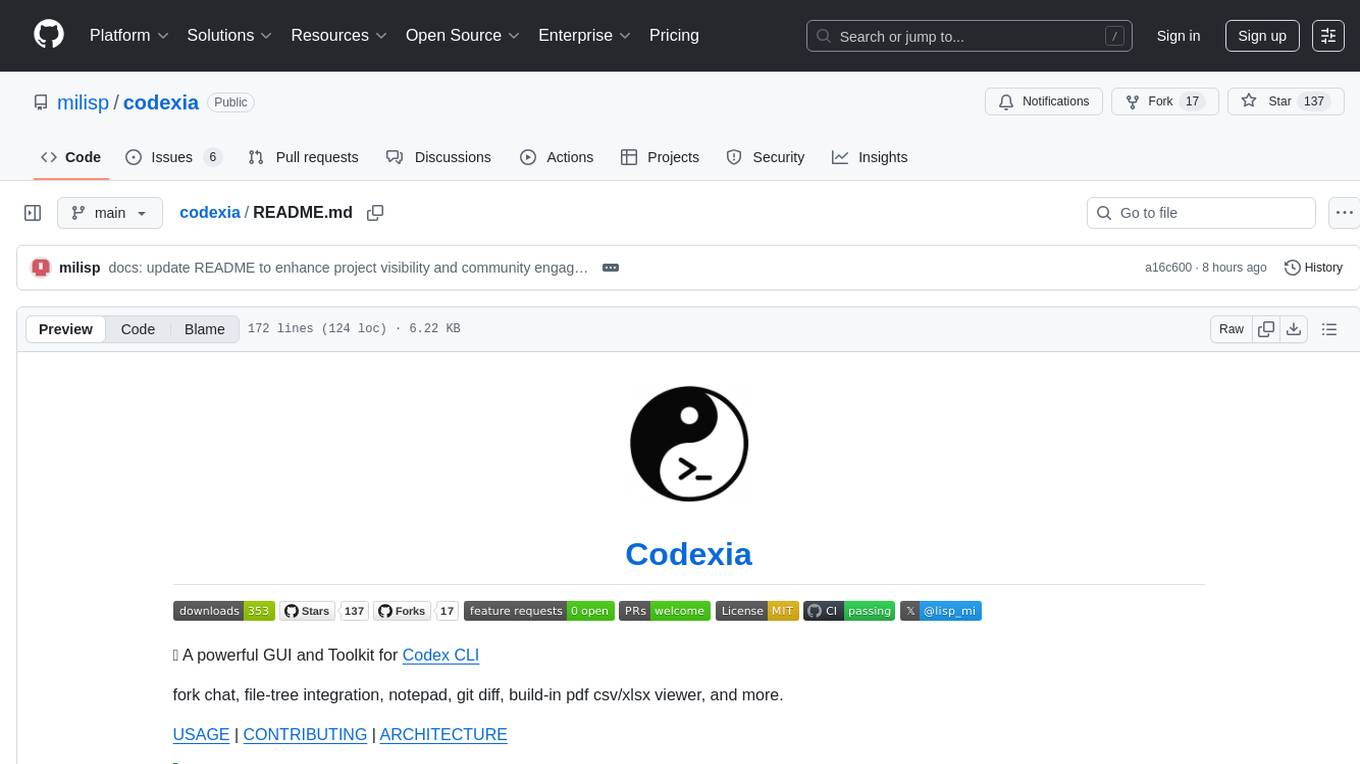
codexia
Codexia is a powerful GUI and Toolkit for Codex CLI, offering features like fork chat, file-tree integration, notepad, git diff, built-in pdf/csv/xlsx viewer, and more. It provides multi-file format support, flexible configuration with multiple AI providers, professional UX with responsive UI, security features like sandbox execution modes, and prioritizes privacy. The tool supports interactive chat, code generation/editing, file operations with sandbox, command execution with approval, multiple AI providers, project-aware assistance, streaming responses, and built-in web search. The roadmap includes plans for MCP tool call, more file format support, better UI customization, plugin system, real-time collaboration, performance optimizations, and token count.
For similar tasks

LLMStack
LLMStack is a no-code platform for building generative AI agents, workflows, and chatbots. It allows users to connect their own data, internal tools, and GPT-powered models without any coding experience. LLMStack can be deployed to the cloud or on-premise and can be accessed via HTTP API or triggered from Slack or Discord.

ai-guide
This guide is dedicated to Large Language Models (LLMs) that you can run on your home computer. It assumes your PC is a lower-end, non-gaming setup.

onnxruntime-genai
ONNX Runtime Generative AI is a library that provides the generative AI loop for ONNX models, including inference with ONNX Runtime, logits processing, search and sampling, and KV cache management. Users can call a high level `generate()` method, or run each iteration of the model in a loop. It supports greedy/beam search and TopP, TopK sampling to generate token sequences, has built in logits processing like repetition penalties, and allows for easy custom scoring.

jupyter-ai
Jupyter AI connects generative AI with Jupyter notebooks. It provides a user-friendly and powerful way to explore generative AI models in notebooks and improve your productivity in JupyterLab and the Jupyter Notebook. Specifically, Jupyter AI offers: * An `%%ai` magic that turns the Jupyter notebook into a reproducible generative AI playground. This works anywhere the IPython kernel runs (JupyterLab, Jupyter Notebook, Google Colab, Kaggle, VSCode, etc.). * A native chat UI in JupyterLab that enables you to work with generative AI as a conversational assistant. * Support for a wide range of generative model providers, including AI21, Anthropic, AWS, Cohere, Gemini, Hugging Face, NVIDIA, and OpenAI. * Local model support through GPT4All, enabling use of generative AI models on consumer grade machines with ease and privacy.
khoj
Khoj is an open-source, personal AI assistant that extends your capabilities by creating always-available AI agents. You can share your notes and documents to extend your digital brain, and your AI agents have access to the internet, allowing you to incorporate real-time information. Khoj is accessible on Desktop, Emacs, Obsidian, Web, and Whatsapp, and you can share PDF, markdown, org-mode, notion files, and GitHub repositories. You'll get fast, accurate semantic search on top of your docs, and your agents can create deeply personal images and understand your speech. Khoj is self-hostable and always will be.
langchain_dart
LangChain.dart is a Dart port of the popular LangChain Python framework created by Harrison Chase. LangChain provides a set of ready-to-use components for working with language models and a standard interface for chaining them together to formulate more advanced use cases (e.g. chatbots, Q&A with RAG, agents, summarization, extraction, etc.). The components can be grouped into a few core modules: * **Model I/O:** LangChain offers a unified API for interacting with various LLM providers (e.g. OpenAI, Google, Mistral, Ollama, etc.), allowing developers to switch between them with ease. Additionally, it provides tools for managing model inputs (prompt templates and example selectors) and parsing the resulting model outputs (output parsers). * **Retrieval:** assists in loading user data (via document loaders), transforming it (with text splitters), extracting its meaning (using embedding models), storing (in vector stores) and retrieving it (through retrievers) so that it can be used to ground the model's responses (i.e. Retrieval-Augmented Generation or RAG). * **Agents:** "bots" that leverage LLMs to make informed decisions about which available tools (such as web search, calculators, database lookup, etc.) to use to accomplish the designated task. The different components can be composed together using the LangChain Expression Language (LCEL).

danswer
Danswer is an open-source Gen-AI Chat and Unified Search tool that connects to your company's docs, apps, and people. It provides a Chat interface and plugs into any LLM of your choice. Danswer can be deployed anywhere and for any scale - on a laptop, on-premise, or to cloud. Since you own the deployment, your user data and chats are fully in your own control. Danswer is MIT licensed and designed to be modular and easily extensible. The system also comes fully ready for production usage with user authentication, role management (admin/basic users), chat persistence, and a UI for configuring Personas (AI Assistants) and their Prompts. Danswer also serves as a Unified Search across all common workplace tools such as Slack, Google Drive, Confluence, etc. By combining LLMs and team specific knowledge, Danswer becomes a subject matter expert for the team. Imagine ChatGPT if it had access to your team's unique knowledge! It enables questions such as "A customer wants feature X, is this already supported?" or "Where's the pull request for feature Y?"

infinity
Infinity is an AI-native database designed for LLM applications, providing incredibly fast full-text and vector search capabilities. It supports a wide range of data types, including vectors, full-text, and structured data, and offers a fused search feature that combines multiple embeddings and full text. Infinity is easy to use, with an intuitive Python API and a single-binary architecture that simplifies deployment. It achieves high performance, with 0.1 milliseconds query latency on million-scale vector datasets and up to 15K QPS.
For similar jobs
ChatFAQ
ChatFAQ is an open-source comprehensive platform for creating a wide variety of chatbots: generic ones, business-trained, or even capable of redirecting requests to human operators. It includes a specialized NLP/NLG engine based on a RAG architecture and customized chat widgets, ensuring a tailored experience for users and avoiding vendor lock-in.
anything-llm
AnythingLLM is a full-stack application that enables you to turn any document, resource, or piece of content into context that any LLM can use as references during chatting. This application allows you to pick and choose which LLM or Vector Database you want to use as well as supporting multi-user management and permissions.
ai-guide
This guide is dedicated to Large Language Models (LLMs) that you can run on your home computer. It assumes your PC is a lower-end, non-gaming setup.

classifai
Supercharge WordPress Content Workflows and Engagement with Artificial Intelligence. Tap into leading cloud-based services like OpenAI, Microsoft Azure AI, Google Gemini and IBM Watson to augment your WordPress-powered websites. Publish content faster while improving SEO performance and increasing audience engagement. ClassifAI integrates Artificial Intelligence and Machine Learning technologies to lighten your workload and eliminate tedious tasks, giving you more time to create original content that matters.
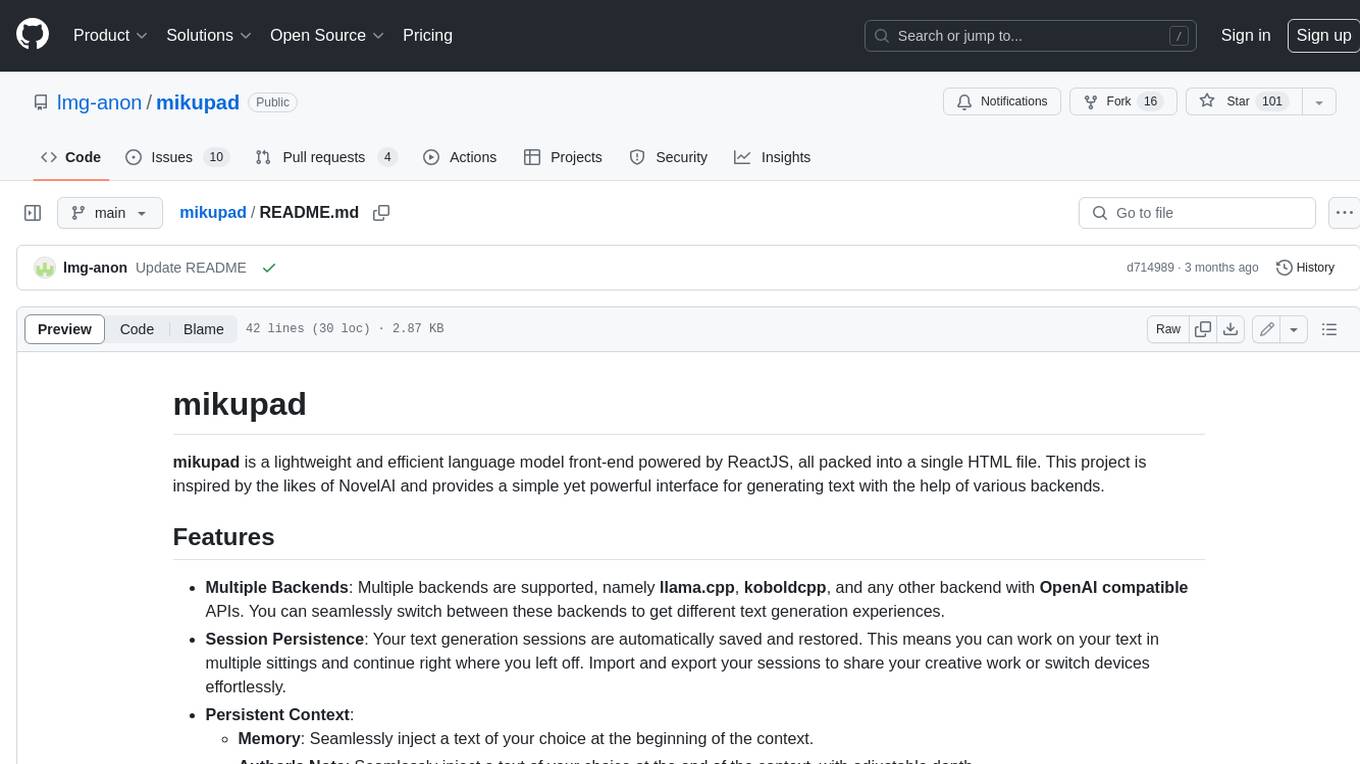
mikupad
mikupad is a lightweight and efficient language model front-end powered by ReactJS, all packed into a single HTML file. Inspired by the likes of NovelAI, it provides a simple yet powerful interface for generating text with the help of various backends.
glide
Glide is a cloud-native LLM gateway that provides a unified REST API for accessing various large language models (LLMs) from different providers. It handles LLMOps tasks such as model failover, caching, key management, and more, making it easy to integrate LLMs into applications. Glide supports popular LLM providers like OpenAI, Anthropic, Azure OpenAI, AWS Bedrock (Titan), Cohere, Google Gemini, OctoML, and Ollama. It offers high availability, performance, and observability, and provides SDKs for Python and NodeJS to simplify integration.
onnxruntime-genai
ONNX Runtime Generative AI is a library that provides the generative AI loop for ONNX models, including inference with ONNX Runtime, logits processing, search and sampling, and KV cache management. Users can call a high level `generate()` method, or run each iteration of the model in a loop. It supports greedy/beam search and TopP, TopK sampling to generate token sequences, has built in logits processing like repetition penalties, and allows for easy custom scoring.
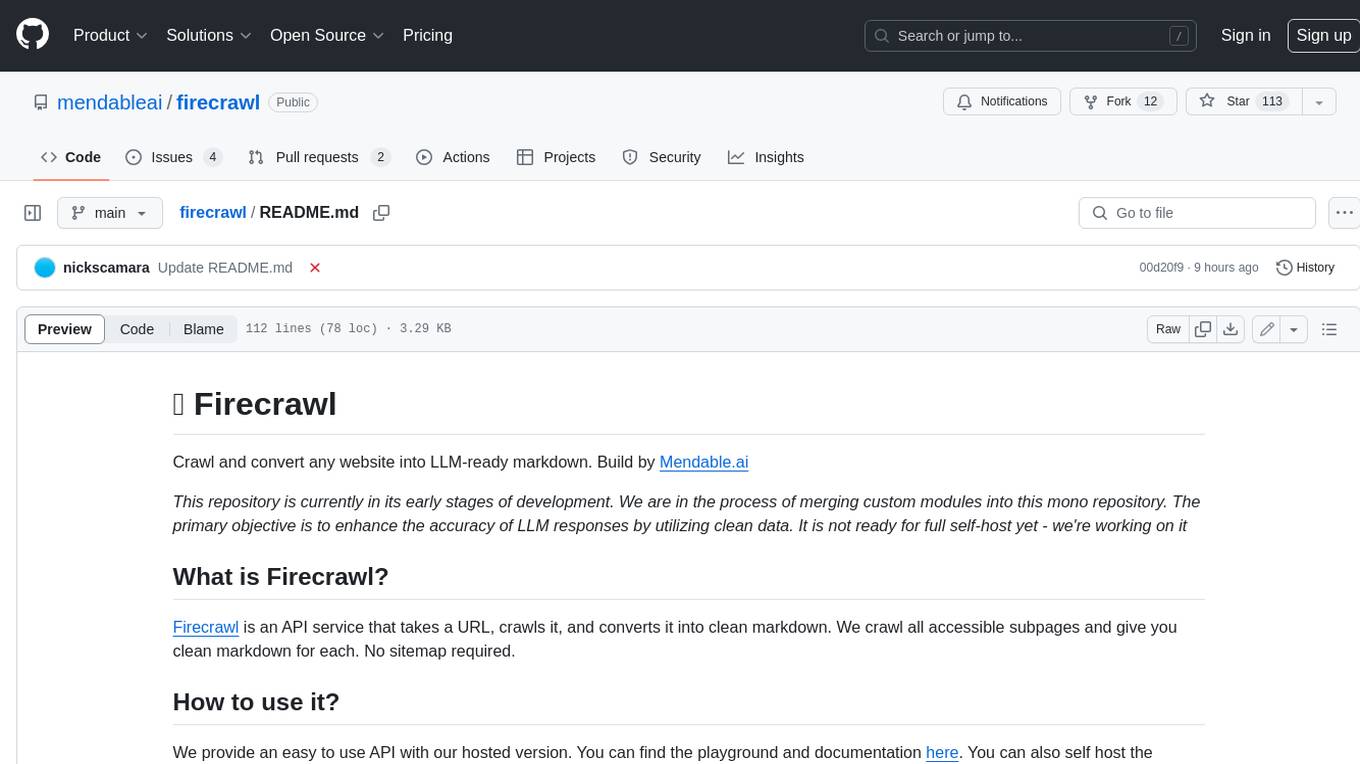
firecrawl
Firecrawl is an API service that takes a URL, crawls it, and converts it into clean markdown. It crawls all accessible subpages and provides clean markdown for each, without requiring a sitemap. The API is easy to use and can be self-hosted. It also integrates with Langchain and Llama Index. The Python SDK makes it easy to crawl and scrape websites in Python code.