


jupyter-ai
A generative AI extension for JupyterLab
Stars: 3508

Jupyter AI connects generative AI with Jupyter notebooks. It provides a user-friendly and powerful way to explore generative AI models in notebooks and improve your productivity in JupyterLab and the Jupyter Notebook. Specifically, Jupyter AI offers: * An `%%ai` magic that turns the Jupyter notebook into a reproducible generative AI playground. This works anywhere the IPython kernel runs (JupyterLab, Jupyter Notebook, Google Colab, Kaggle, VSCode, etc.). * A native chat UI in JupyterLab that enables you to work with generative AI as a conversational assistant. * Support for a wide range of generative model providers, including AI21, Anthropic, AWS, Cohere, Gemini, Hugging Face, NVIDIA, and OpenAI. * Local model support through GPT4All, enabling use of generative AI models on consumer grade machines with ease and privacy.
README:
Jupyter AI is under incubation as part of the JupyterLab organization.
Jupyter AI connects generative AI with Jupyter notebooks. Jupyter AI provides a user-friendly and powerful way to explore generative AI models in notebooks and improve your productivity in JupyterLab and the Jupyter Notebook. More specifically, Jupyter AI offers:
- An
%%aimagic that turns the Jupyter notebook into a reproducible generative AI playground. This works anywhere the IPython kernel runs (JupyterLab, Jupyter Notebook, Google Colab, Kaggle, VSCode, etc.). - A native chat UI in JupyterLab that enables you to work with generative AI as a conversational assistant.
- Support for a wide range of generative model providers, including AI21, Anthropic, AWS, Cohere, Gemini, Hugging Face, MistralAI, NVIDIA, and OpenAI.
- Local model support through GPT4All and Ollama, enabling use of generative AI models on consumer grade machines with ease and privacy.
Documentation is available on ReadTheDocs.

You will need to have installed the following software to use Jupyter AI:
- Python 3.9 - 3.12
- JupyterLab 4 or Notebook 7
In addition, you will need access to at least one model provider.
[!IMPORTANT] JupyterLab 3 reached its end of maintenance date on May 15, 2024. As a result, we will not backport new features to the v1 branch supporting JupyterLab 3. Fixes for critical issues will still be backported until December 31, 2024. If you are still using JupyterLab 3, we strongly encourage you to upgrade to JupyterLab 4 as soon as possible. For more information, see JupyterLab 3 end of maintenance on the Jupyter Blog.
To use any AI model provider within this notebook, you'll need the appropriate credentials, such as API keys.
Obtain the necessary credentials, such as API keys, from your model provider's platform.
You can set your keys in a code cell in your notebook or using environment variables. In a code cell, you can set the credentials as follows without revealing your key in the notebook:
# NOTE: Replace 'PROVIDER_API_KEY' with the credential key's name,
# and enter the API key when prompted by using the code shown below.

import getpass

# Enter your key
key = getpass.getpass('Enter your PROVIDER API key: ')

# Set the environment variable without displaying the full key
os.environ['PROVIDER_API_KEY'] = key
:::{note}
:name: using-env-key
You may also set these keys directly using the %env magic command, but the key value may be echoed in the cell output. If you prefer to use %env, be sure to not share the notebook with people you don't trust, as this may leak your API keys.
%env PROVIDER_API_KEY=YOUR_API_KEY_HERE
:::
For more specific instructions for each model provider, refer to the model providers documentation.
Below is a simplified overview of the installation and usage process. See our official documentation for details on installing and using Jupyter AI.
We offer 3 different ways to install Jupyter AI. You can read through each section to pick the installation method that works best for you.
- Quick installation via
pip(recommended) - Minimal installation via
pip - Minimal installation via
conda
If you want to install both the %%ai magic and the JupyterLab extension, you can run:
$ pip install jupyter-ai[all]
Then, restart JupyterLab. This will install every optional dependency, which
provides access to all models currently supported by jupyter-ai.
If you are not using JupyterLab and you only want to install the Jupyter AI
%%ai magic, you can run:
$ pip install jupyter-ai-magics[all]
jupyter-ai depends on jupyter-ai-magics, so installing jupyter-ai
automatically installs jupyter-ai-magics.
Most model providers in Jupyter AI require a specific dependency to be installed before they are available for use. These are called provider dependencies. Provider dependencies are optional to Jupyter AI, meaning that Jupyter AI can be installed with or without any provider dependencies installed. If a provider requires a dependency that is not installed, its models are not listed in the user interface which allows you to select a language model.
To perform a minimal installation via pip without any provider dependencies,
omit the [all] optional dependency group from the package name:
pip install jupyter-ai
By selectively installing provider dependencies, you can control which models are available in your Jupyter AI environment.
For example, to install Jupyter AI with only added support for Anthropic models, run:
pip install jupyter-ai langchain-anthropic
For more information on model providers and which dependencies they require, see the model provider table.
As an alternative to using pip, you can install jupyter-ai using
Conda
from the conda-forge channel:
$ conda install conda-forge::jupyter-ai
Most model providers in Jupyter AI require a specific provider dependency to
be installed before they are available for use. Provider dependencies are
not installed when installing jupyter-ai from Conda Forge, and should be
installed separately as needed.
For example, to install Jupyter AI with only added support for OpenAI models, run:
conda install conda-forge::jupyter-ai conda-forge::langchain-openai
For more information on model providers and which dependencies they require, see the model provider table.
The %%ai magic works anywhere the IPython kernel runs, including JupyterLab, Jupyter Notebook, Google Colab, and Visual Studio Code.
Once you have installed the %%ai magic, you can enable it in any notebook or the IPython shell by running:
%load_ext jupyter_ai_magics
or:
%load_ext jupyter_ai
The screenshots below are from notebooks in the examples/ directory of this package.
Then, you can use the %%ai magic command to specify a model and natural language prompt:

Jupyter AI can also generate HTML and math to be rendered as cell output.

Jupyter AI can interpolate IPython expressions, allowing you to run prompts that include variable values.

The Jupyter AI extension for JupyterLab offers a native UI that enables multiple users
to chat with the Jupyter AI conversational assistant. If you have JupyterLab installed,
this should be installed and activated when you install the jupyter_ai package.
For help with installing and using Jupyter AI, please see our user documentation on ReadTheDocs.
If you would like to contribute to Jupyter AI, see our contributor documentation on ReadTheDocs.
For Tasks:
Click tags to check more tools for each tasksFor Jobs:
Alternative AI tools for jupyter-ai
Similar Open Source Tools
jupyter-ai
Jupyter AI connects generative AI with Jupyter notebooks. It provides a user-friendly and powerful way to explore generative AI models in notebooks and improve your productivity in JupyterLab and the Jupyter Notebook. Specifically, Jupyter AI offers: * An `%%ai` magic that turns the Jupyter notebook into a reproducible generative AI playground. This works anywhere the IPython kernel runs (JupyterLab, Jupyter Notebook, Google Colab, Kaggle, VSCode, etc.). * A native chat UI in JupyterLab that enables you to work with generative AI as a conversational assistant. * Support for a wide range of generative model providers, including AI21, Anthropic, AWS, Cohere, Gemini, Hugging Face, NVIDIA, and OpenAI. * Local model support through GPT4All, enabling use of generative AI models on consumer grade machines with ease and privacy.
lovelaice
Lovelaice is an AI-powered assistant for your terminal and editor. It can run bash commands, search the Internet, answer general and technical questions, complete text files, chat casually, execute code in various languages, and more. Lovelaice is configurable with API keys and LLM models, and can be used for a wide range of tasks requiring bash commands or coding assistance. It is designed to be versatile, interactive, and helpful for daily tasks and projects.
Open-LLM-VTuber
Open-LLM-VTuber is a project in early stages of development that allows users to interact with Large Language Models (LLM) using voice commands and receive responses through a Live2D talking face. The project aims to provide a minimum viable prototype for offline use on macOS, Linux, and Windows, with features like long-term memory using MemGPT, customizable LLM backends, speech recognition, and text-to-speech providers. Users can configure the project to chat with LLMs, choose different backend services, and utilize Live2D models for visual representation. The project supports perpetual chat, offline operation, and GPU acceleration on macOS, addressing limitations of existing solutions on macOS.
leptonai
A Pythonic framework to simplify AI service building. The LeptonAI Python library allows you to build an AI service from Python code with ease. Key features include a Pythonic abstraction Photon, simple abstractions to launch models like those on HuggingFace, prebuilt examples for common models, AI tailored batteries, a client to automatically call your service like native Python functions, and Pythonic configuration specs to be readily shipped in a cloud environment.
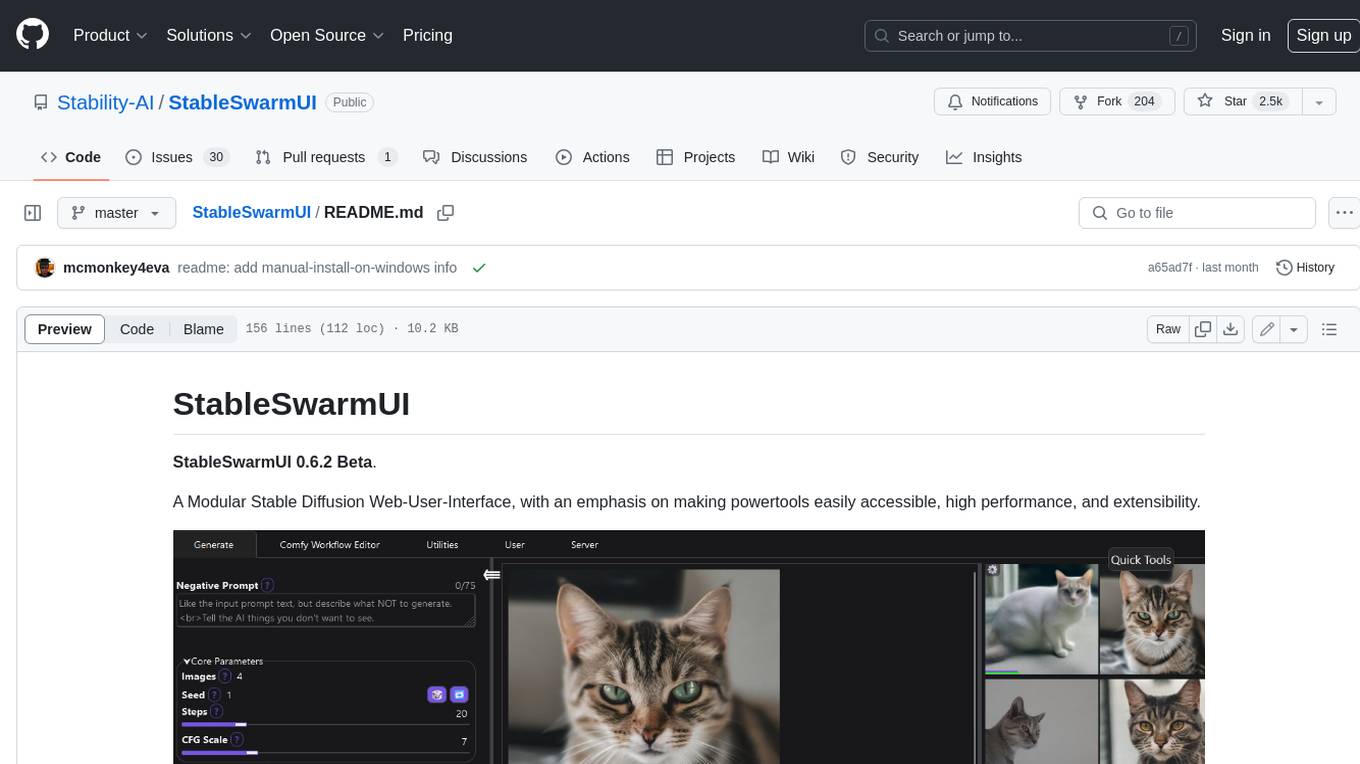
StableSwarmUI
StableSwarmUI is a modular Stable Diffusion web user interface that emphasizes making power tools easily accessible, high performance, and extensible. It is designed to be a one-stop-shop for all things Stable Diffusion, providing a wide range of features and capabilities to enhance the user experience.
aisuite
Aisuite is a simple, unified interface to multiple Generative AI providers. It allows developers to easily interact with various Language Model (LLM) providers like OpenAI, Anthropic, Azure, Google, AWS, and more through a standardized interface. The library focuses on chat completions and provides a thin wrapper around python client libraries, enabling creators to test responses from different LLM providers without changing their code. Aisuite maximizes stability by using HTTP endpoints or SDKs for making calls to the providers. Users can install the base package or specific provider packages, set up API keys, and utilize the library to generate chat completion responses from different models.
gpt-subtrans
GPT-Subtrans is an open-source subtitle translator that utilizes large language models (LLMs) as translation services. It supports translation between any language pairs that the language model supports. Note that GPT-Subtrans requires an active internet connection, as subtitles are sent to the provider's servers for translation, and their privacy policy applies.
llama-on-lambda
This project provides a proof of concept for deploying a scalable, serverless LLM Generative AI inference engine on AWS Lambda. It leverages the llama.cpp project to enable the usage of more accessible CPU and RAM configurations instead of limited and expensive GPU capabilities. By deploying a container with the llama.cpp converted models onto AWS Lambda, this project offers the advantages of scale, minimizing cost, and maximizing compute availability. The project includes AWS CDK code to create and deploy a Lambda function leveraging your model of choice, with a FastAPI frontend accessible from a Lambda URL. It is important to note that you will need ggml quantized versions of your model and model sizes under 6GB, as your inference RAM requirements cannot exceed 9GB or your Lambda function will fail.
dockershrink
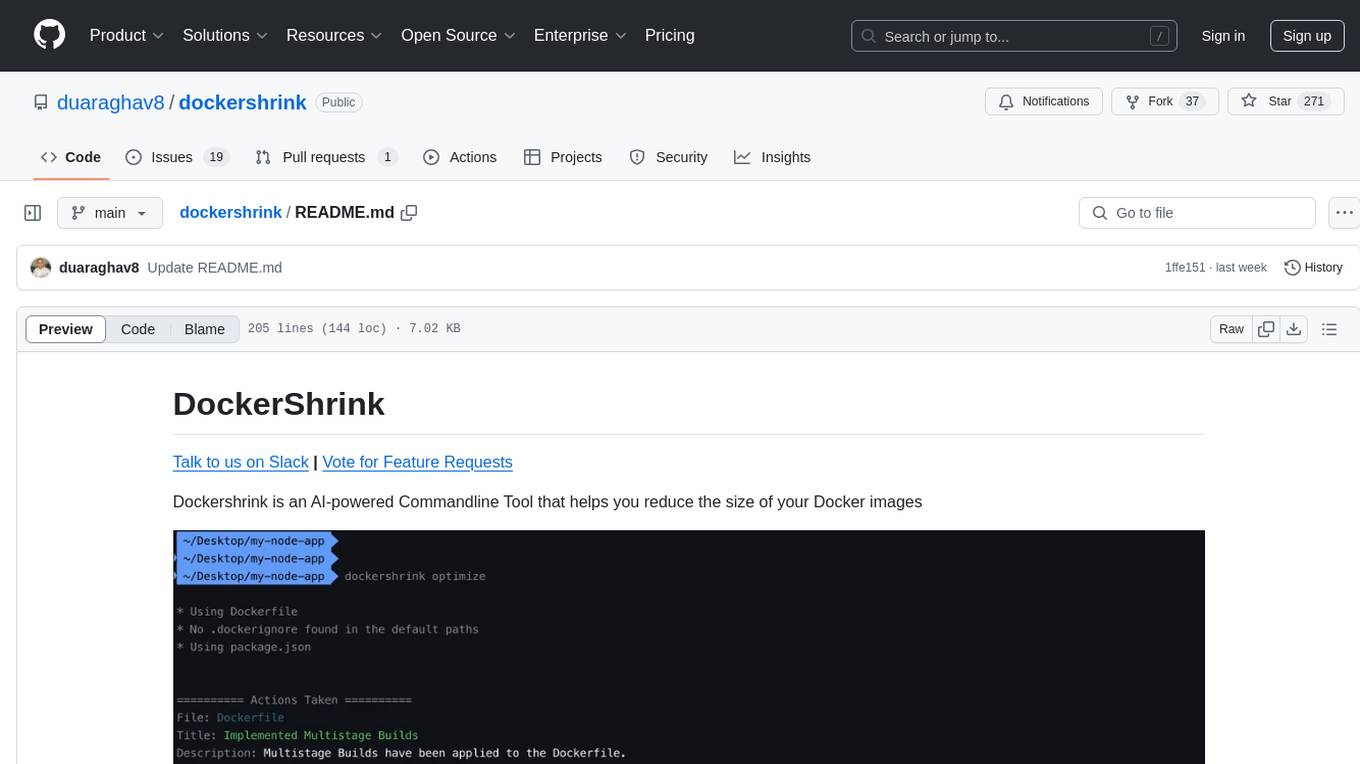
Dockershrink is an AI-powered Commandline Tool designed to help reduce the size of Docker images. It combines traditional Rule-based analysis with Generative AI techniques to optimize Image configurations. The tool supports NodeJS applications and aims to save costs on storage, data transfer, and build times while increasing developer productivity. By automatically applying advanced optimization techniques, Dockershrink simplifies the process for engineers and organizations, resulting in significant savings and efficiency improvements.
polis
Polis is an AI powered sentiment gathering platform that offers a more organic approach than surveys and requires less effort than focus groups. It provides a comprehensive wiki, main deployment at https://pol.is, discussions, issue tracking, and project board for users. Polis can be set up using Docker infrastructure and offers various commands for building and running containers. Users can test their instance, update the system, and deploy Polis for production. The tool also provides developer conveniences for code reloading, type checking, and database connections. Additionally, Polis supports end-to-end browser testing using Cypress and offers troubleshooting tips for common Docker and npm issues.
ezkl
EZKL is a library and command-line tool for doing inference for deep learning models and other computational graphs in a zk-snark (ZKML). It enables the following workflow: 1. Define a computational graph, for instance a neural network (but really any arbitrary set of operations), as you would normally in pytorch or tensorflow. 2. Export the final graph of operations as an .onnx file and some sample inputs to a .json file. 3. Point ezkl to the .onnx and .json files to generate a ZK-SNARK circuit with which you can prove statements such as: > "I ran this publicly available neural network on some private data and it produced this output" > "I ran my private neural network on some public data and it produced this output" > "I correctly ran this publicly available neural network on some public data and it produced this output" In the backend we use the collaboratively-developed Halo2 as a proof system. The generated proofs can then be verified with much less computational resources, including on-chain (with the Ethereum Virtual Machine), in a browser, or on a device.
ultravox
Ultravox is a fast multimodal Language Model (LLM) that can understand both text and human speech in real-time without the need for a separate Audio Speech Recognition (ASR) stage. By extending Meta's Llama 3 model with a multimodal projector, Ultravox converts audio directly into a high-dimensional space used by Llama 3, enabling quick responses and potential understanding of paralinguistic cues like timing and emotion in human speech. The current version (v0.3) has impressive speed metrics and aims for further enhancements. Ultravox currently converts audio to streaming text and plans to emit speech tokens for direct audio conversion. The tool is open for collaboration to enhance this functionality.
ultimate-rvc
Ultimate RVC is an extension of AiCoverGen, offering new features and improvements for generating audio content using RVC. It is designed for users looking to integrate singing functionality into AI assistants/chatbots/vtubers, create character voices for songs or books, and train voice models. The tool provides easy setup, voice conversion enhancements, TTS functionality, voice model training suite, caching system, UI improvements, and support for custom configurations. It is available for local and Google Colab use, with a PyPI package for easy access. The tool also offers CLI usage and customization through environment variables.
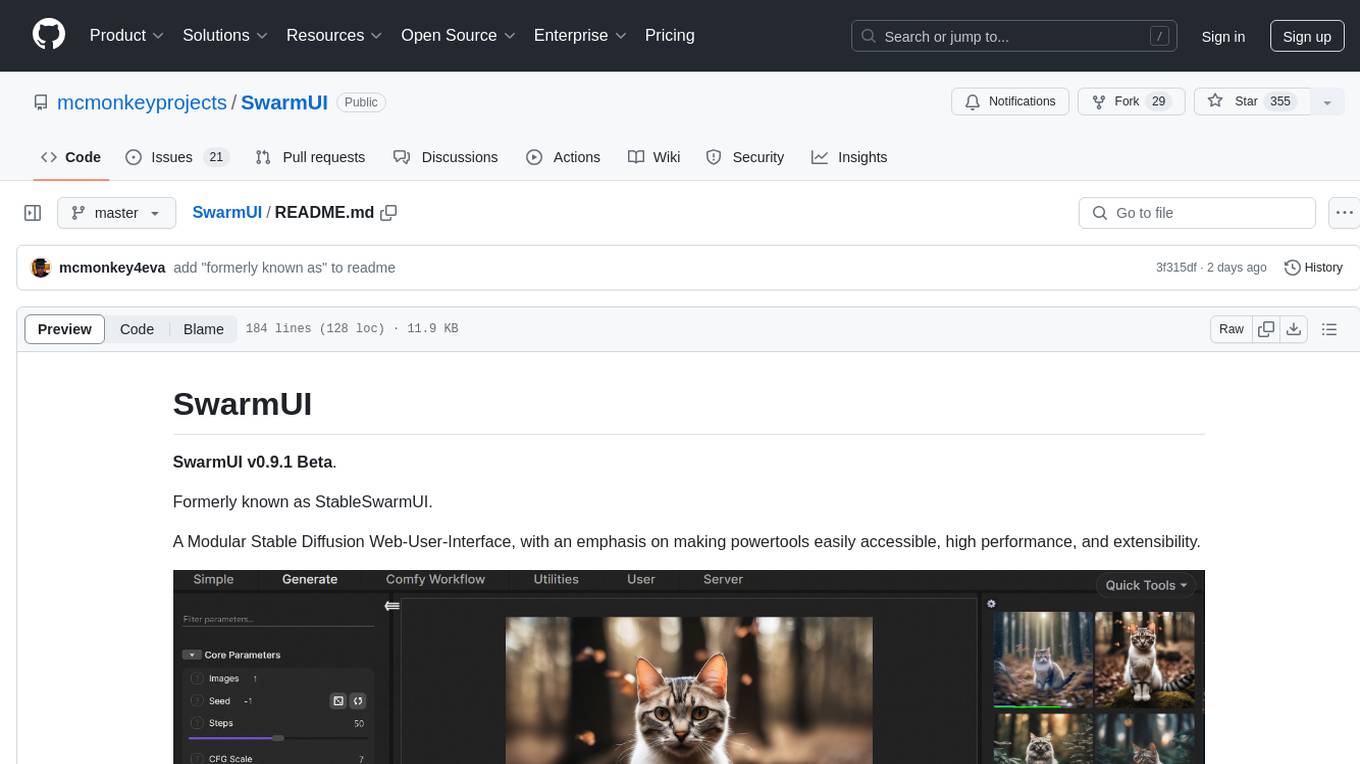
SwarmUI
SwarmUI is a modular stable diffusion web-user-interface designed to make powertools easily accessible, high performance, and extensible. It is in Beta status, offering a primary Generate tab for beginners and a Comfy Workflow tab for advanced users. The tool aims to become a full-featured one-stop-shop for all things Stable Diffusion, with plans for better mobile browser support, detailed 'Current Model' display, dynamic tab shifting, LLM-assisted prompting, and convenient direct distribution as an Electron app.
hal9
Hal9 is a tool that allows users to create and deploy generative applications such as chatbots and APIs quickly. It is open, intuitive, scalable, and powerful, enabling users to use various models and libraries without the need to learn complex app frameworks. With a focus on AI tasks like RAG, fine-tuning, alignment, and training, Hal9 simplifies the development process by skipping engineering tasks like frontend development, backend integration, deployment, and operations.

GlaDOS
This project aims to create a real-life version of GLaDOS, an aware, interactive, and embodied AI entity. It involves training a voice generator, developing a 'Personality Core,' implementing a memory system, providing vision capabilities, creating 3D-printable parts, and designing an animatronics system. The software architecture focuses on low-latency voice interactions, utilizing a circular buffer for data recording, text streaming for quick transcription, and a text-to-speech system. The project also emphasizes minimal dependencies for running on constrained hardware. The hardware system includes servo- and stepper-motors, 3D-printable parts for GLaDOS's body, animations for expression, and a vision system for tracking and interaction. Installation instructions cover setting up the TTS engine, required Python packages, compiling llama.cpp, installing an inference backend, and voice recognition setup. GLaDOS can be run using 'python glados.py' and tested using 'demo.ipynb'.
For similar tasks

LLMStack
LLMStack is a no-code platform for building generative AI agents, workflows, and chatbots. It allows users to connect their own data, internal tools, and GPT-powered models without any coding experience. LLMStack can be deployed to the cloud or on-premise and can be accessed via HTTP API or triggered from Slack or Discord.

ai-guide
This guide is dedicated to Large Language Models (LLMs) that you can run on your home computer. It assumes your PC is a lower-end, non-gaming setup.

onnxruntime-genai
ONNX Runtime Generative AI is a library that provides the generative AI loop for ONNX models, including inference with ONNX Runtime, logits processing, search and sampling, and KV cache management. Users can call a high level `generate()` method, or run each iteration of the model in a loop. It supports greedy/beam search and TopP, TopK sampling to generate token sequences, has built in logits processing like repetition penalties, and allows for easy custom scoring.
jupyter-ai
Jupyter AI connects generative AI with Jupyter notebooks. It provides a user-friendly and powerful way to explore generative AI models in notebooks and improve your productivity in JupyterLab and the Jupyter Notebook. Specifically, Jupyter AI offers: * An `%%ai` magic that turns the Jupyter notebook into a reproducible generative AI playground. This works anywhere the IPython kernel runs (JupyterLab, Jupyter Notebook, Google Colab, Kaggle, VSCode, etc.). * A native chat UI in JupyterLab that enables you to work with generative AI as a conversational assistant. * Support for a wide range of generative model providers, including AI21, Anthropic, AWS, Cohere, Gemini, Hugging Face, NVIDIA, and OpenAI. * Local model support through GPT4All, enabling use of generative AI models on consumer grade machines with ease and privacy.
khoj
Khoj is an open-source, personal AI assistant that extends your capabilities by creating always-available AI agents. You can share your notes and documents to extend your digital brain, and your AI agents have access to the internet, allowing you to incorporate real-time information. Khoj is accessible on Desktop, Emacs, Obsidian, Web, and Whatsapp, and you can share PDF, markdown, org-mode, notion files, and GitHub repositories. You'll get fast, accurate semantic search on top of your docs, and your agents can create deeply personal images and understand your speech. Khoj is self-hostable and always will be.
langchain_dart
LangChain.dart is a Dart port of the popular LangChain Python framework created by Harrison Chase. LangChain provides a set of ready-to-use components for working with language models and a standard interface for chaining them together to formulate more advanced use cases (e.g. chatbots, Q&A with RAG, agents, summarization, extraction, etc.). The components can be grouped into a few core modules: * **Model I/O:** LangChain offers a unified API for interacting with various LLM providers (e.g. OpenAI, Google, Mistral, Ollama, etc.), allowing developers to switch between them with ease. Additionally, it provides tools for managing model inputs (prompt templates and example selectors) and parsing the resulting model outputs (output parsers). * **Retrieval:** assists in loading user data (via document loaders), transforming it (with text splitters), extracting its meaning (using embedding models), storing (in vector stores) and retrieving it (through retrievers) so that it can be used to ground the model's responses (i.e. Retrieval-Augmented Generation or RAG). * **Agents:** "bots" that leverage LLMs to make informed decisions about which available tools (such as web search, calculators, database lookup, etc.) to use to accomplish the designated task. The different components can be composed together using the LangChain Expression Language (LCEL).

danswer
Danswer is an open-source Gen-AI Chat and Unified Search tool that connects to your company's docs, apps, and people. It provides a Chat interface and plugs into any LLM of your choice. Danswer can be deployed anywhere and for any scale - on a laptop, on-premise, or to cloud. Since you own the deployment, your user data and chats are fully in your own control. Danswer is MIT licensed and designed to be modular and easily extensible. The system also comes fully ready for production usage with user authentication, role management (admin/basic users), chat persistence, and a UI for configuring Personas (AI Assistants) and their Prompts. Danswer also serves as a Unified Search across all common workplace tools such as Slack, Google Drive, Confluence, etc. By combining LLMs and team specific knowledge, Danswer becomes a subject matter expert for the team. Imagine ChatGPT if it had access to your team's unique knowledge! It enables questions such as "A customer wants feature X, is this already supported?" or "Where's the pull request for feature Y?"

infinity
Infinity is an AI-native database designed for LLM applications, providing incredibly fast full-text and vector search capabilities. It supports a wide range of data types, including vectors, full-text, and structured data, and offers a fused search feature that combines multiple embeddings and full text. Infinity is easy to use, with an intuitive Python API and a single-binary architecture that simplifies deployment. It achieves high performance, with 0.1 milliseconds query latency on million-scale vector datasets and up to 15K QPS.
For similar jobs

weave
Weave is a toolkit for developing Generative AI applications, built by Weights & Biases. With Weave, you can log and debug language model inputs, outputs, and traces; build rigorous, apples-to-apples evaluations for language model use cases; and organize all the information generated across the LLM workflow, from experimentation to evaluations to production. Weave aims to bring rigor, best-practices, and composability to the inherently experimental process of developing Generative AI software, without introducing cognitive overhead.

agentcloud
AgentCloud is an open-source platform that enables companies to build and deploy private LLM chat apps, empowering teams to securely interact with their data. It comprises three main components: Agent Backend, Webapp, and Vector Proxy. To run this project locally, clone the repository, install Docker, and start the services. The project is licensed under the GNU Affero General Public License, version 3 only. Contributions and feedback are welcome from the community.
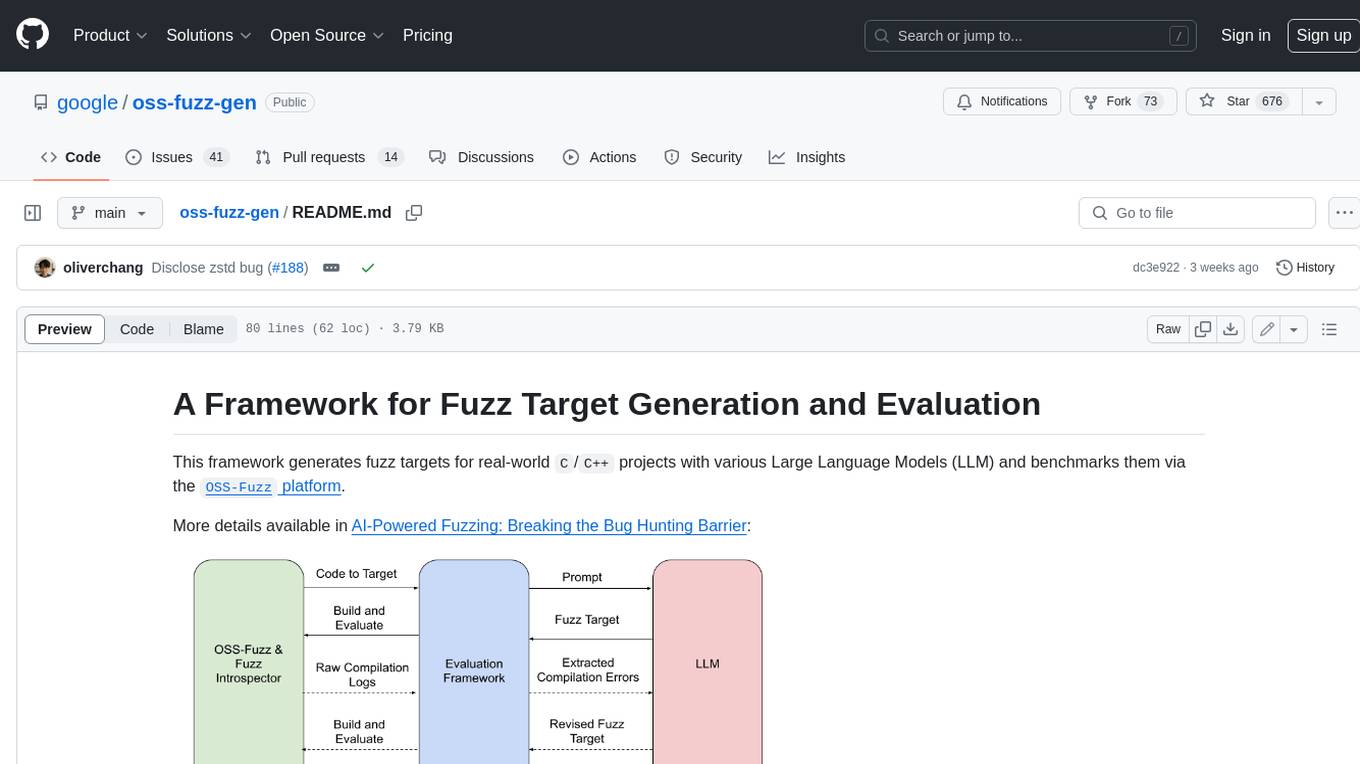
oss-fuzz-gen
This framework generates fuzz targets for real-world `C`/`C++` projects with various Large Language Models (LLM) and benchmarks them via the `OSS-Fuzz` platform. It manages to successfully leverage LLMs to generate valid fuzz targets (which generate non-zero coverage increase) for 160 C/C++ projects. The maximum line coverage increase is 29% from the existing human-written targets.
LLMStack
LLMStack is a no-code platform for building generative AI agents, workflows, and chatbots. It allows users to connect their own data, internal tools, and GPT-powered models without any coding experience. LLMStack can be deployed to the cloud or on-premise and can be accessed via HTTP API or triggered from Slack or Discord.

VisionCraft
The VisionCraft API is a free API for using over 100 different AI models. From images to sound.

kaito
Kaito is an operator that automates the AI/ML inference model deployment in a Kubernetes cluster. It manages large model files using container images, avoids tuning deployment parameters to fit GPU hardware by providing preset configurations, auto-provisions GPU nodes based on model requirements, and hosts large model images in the public Microsoft Container Registry (MCR) if the license allows. Using Kaito, the workflow of onboarding large AI inference models in Kubernetes is largely simplified.

PyRIT
PyRIT is an open access automation framework designed to empower security professionals and ML engineers to red team foundation models and their applications. It automates AI Red Teaming tasks to allow operators to focus on more complicated and time-consuming tasks and can also identify security harms such as misuse (e.g., malware generation, jailbreaking), and privacy harms (e.g., identity theft). The goal is to allow researchers to have a baseline of how well their model and entire inference pipeline is doing against different harm categories and to be able to compare that baseline to future iterations of their model. This allows them to have empirical data on how well their model is doing today, and detect any degradation of performance based on future improvements.

Azure-Analytics-and-AI-Engagement
The Azure-Analytics-and-AI-Engagement repository provides packaged Industry Scenario DREAM Demos with ARM templates (Containing a demo web application, Power BI reports, Synapse resources, AML Notebooks etc.) that can be deployed in a customer’s subscription using the CAPE tool within a matter of few hours. Partners can also deploy DREAM Demos in their own subscriptions using DPoC.