


RouteLLM
A framework for serving and evaluating LLM routers - save LLM costs without compromising quality!
Stars: 2594
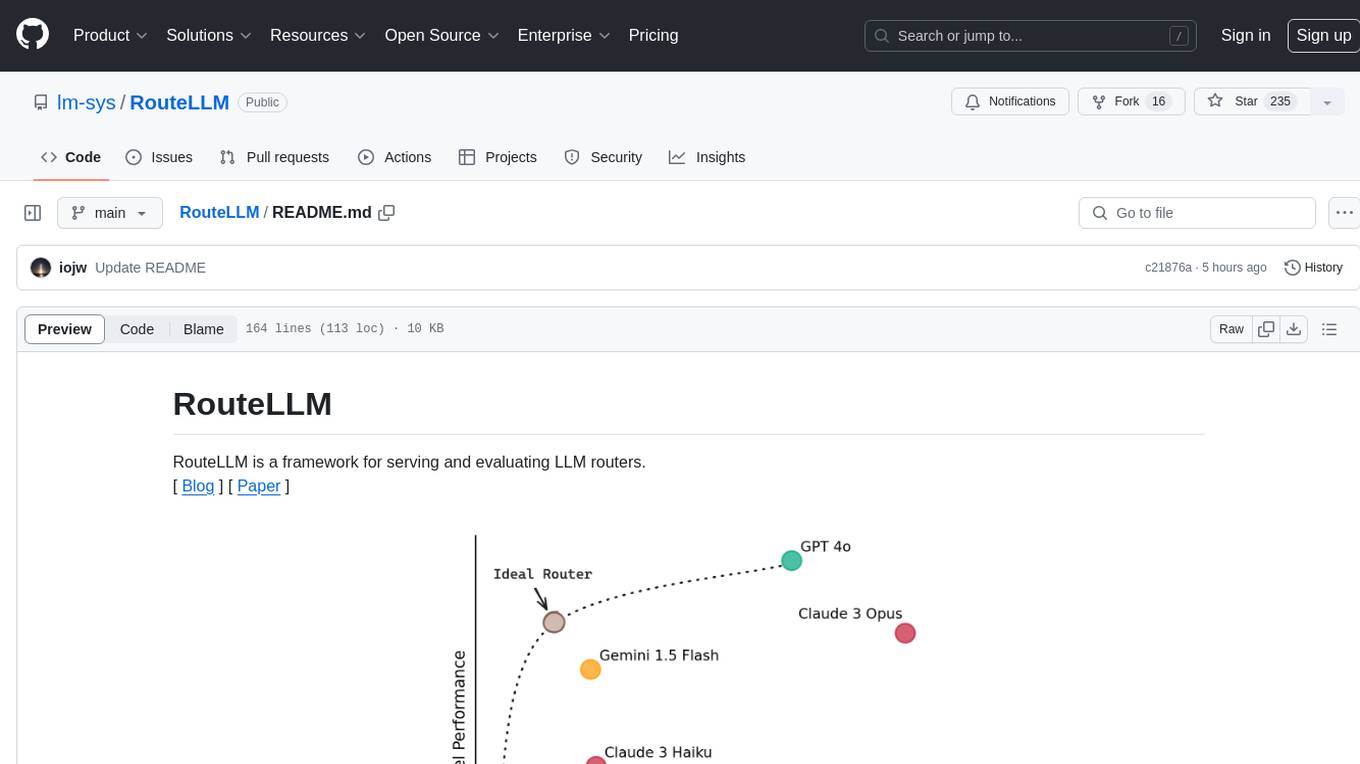
RouteLLM is a framework for serving and evaluating LLM routers. It allows users to launch an OpenAI-compatible API that routes requests to the best model based on cost thresholds. Trained routers are provided to reduce costs while maintaining performance. Users can easily extend the framework, compare router performance, and calibrate cost thresholds. RouteLLM supports multiple routing strategies and benchmarks, offering a lightweight server and evaluation framework. It enables users to evaluate routers on benchmarks, calibrate thresholds, and modify model pairs. Contributions for adding new routers and benchmarks are welcome.
README:
RouteLLM is a framework for serving and evaluating LLM routers.

Our core features include:
- Drop-in replacement for OpenAI's client (or launch an OpenAI-compatible server) to route simpler queries to cheaper models.
- Trained routers are provided out of the box, which we have shown to reduce costs by up to 85% while maintaining 95% GPT-4 performance on widely-used benchmarks like MT Bench.
- Benchmarks also demonstrate that these routers achieve the same performance as commercial offerings while being >40% cheaper.
- Easily extend the framework to include new routers and compare the performance of routers across multiple benchmarks.
From PyPI
pip install "routellm[serve,eval]"
From source
git clone https://github.com/lm-sys/RouteLLM.git
cd RouteLLM
pip install -e .[serve,eval]
Let's walkthrough replacing an existing OpenAI client to route queries between LLMs instead of using only a single model.
- First, let's replace our OpenAI client by initializing the RouteLLM controller with the
mfrouter. By default, RouteLLM will use the best-performing config:
import os
from routellm.controller import Controller

os.environ["OPENAI_API_KEY"] = "sk-XXXXXX"
# Replace with your model provider, we use Anyscale's Mixtral here.
os.environ["ANYSCALE_API_KEY"] = "esecret_XXXXXX"

client = Controller(
  routers=["mf"],
  strong_model="gpt-4-1106-preview",
  weak_model="anyscale/mistralai/Mixtral-8x7B-Instruct-v0.1",
)
Above, we pick gpt-4-1106-preview as the strong model and anyscale/mistralai/Mixtral-8x7B-Instruct-v0.1 as the weak model, setting the API keys accordingly. You can route between different model pairs or providers by updating the model names as described in Model Support.
Want to route to local models? Check out Routing to Local Models.
- Each routing request has a cost threshold that controls the tradeoff between cost and quality. We should calibrate this based on the types of queries we receive to maximize routing performance. As an example, let's calibrate our threshold for 50% GPT-4 calls using data from Chatbot Arena.
> python -m routellm.calibrate_threshold --routers mf --strong-model-pct 0.5 --config config.example.yaml
For 50.0% strong model calls for mf, threshold = 0.11593
This means that we want to use 0.11593 as our threshold so that approximately 50% of all queries (those that require GPT-4 the most) will be routed to it (see Threshold Calibration for details).
- Now, let's update the
modelfield when we generate completions to specify the router and threshold to use:
response = client.chat.completions.create(
  # This tells RouteLLM to use the MF router with a cost threshold of 0.11593
  model="router-mf-0.11593",
  messages=[
    {"role": "user", "content": "Hello!"}
  ]
)
That's it! Now, requests with be routed between the strong and weak model depending on what is required, saving costs while maintaining a high quality of responses.
Depending on your use case, you might want to consider using a different model pair, modifying the configuration, or calibrating the thresholds based on the types of queries you receive to improve performance.
Instead of using the Python SDK, you can also launch an OpenAI-compatible server that will work with any existing OpenAI client, using similar steps:
> export OPENAI_API_KEY=sk-XXXXXX
> export ANYSCALE_API_KEY=esecret_XXXXXX
> python -m routellm.openai_server --routers mf --strong-model gpt-4-1106-preview --weak-model anyscale/mistralai/Mixtral-8x7B-Instruct-v0.1
INFO:     Application startup complete.
INFO:     Uvicorn running on http://0.0.0.0:6060 (Press CTRL+C to quit)
Once the server is launched, you can start a local router chatbot to see how different messages are routed.
python -m examples.router_chat --router mf --threshold 0.11593

In the above examples, GPT-4 and Mixtral 8x7B are used as the model pair, but you can modify this using the strong-model and weak-model arguments.
We leverage LiteLLM to support chat completions from a wide-range of open-source and closed models. In general, you need a setup an API key and point to the provider with the appropriate model name. Alternatively, you can also use any OpenAI-compatible endpoint by prefixing the model name with openai/ and setting the --base-url and --api-key flags.
Note that regardless of the model pair used, an OPENAI_API_KEY will currently still be required to generate embeddings for the mf and sw_ranking routers.
Instructions for setting up your API keys for popular providers:
- Local models with Ollama: see this guide
- Anthropic
- Gemini - Google AI Studio
- Amazon Bedrock
- Together AI
- Anyscale Endpoints
For other model providers, find instructions here or raise an issue.
Different LLMs vary widely in their costs and capabilities, which leads to a dilemma when deploying them: routing all queries to the most capable model leads to the highest-quality responses but can be very expensive, while routing queries to smaller models can save costs but may result in lower-quality responses.
LLM routing offers a solution to this. We introduce a router that looks at queries and routes simpler queries to smaller, cheaper models, saving costs while maintaining quality. We focus on routing between 2 models: a stronger, more expensive model and a cheaper but weaker model. Each request is also associated with a cost threshold that determines the cost-quality tradeoff of that request - a higher cost threshold leads to lower cost but may lead to lower-quality responses.
The research in this repository was conducted in collaboration with Anyscale, and we are grateful for their help and support.
RouteLLM offers a lightweight OpenAI-compatible server for routing requests based on different routing strategies:
python -m routellm.openai_server --routers mf --config config.example.yaml
-
--routersspecifies the list of routers available to the server. For instance, here, the server is started with one available router:mf(see below for the list of routers). -
--configspecifies the path to the configuration file for the routers. If unspecified, the server will default to using our best-performing configuration (see Configuration for details).
For most use-cases, we recommend the mf router as we have evaluated it to be very strong and lightweight.
When making a request to the server, clients specify the router and cost threshold to use for each request using the model field in the following format router-[ROUTER NAME]-[THRESHOLD]. For instance, using a model of router-mf-0.5 specifies that the request should be routed using the mf router with a threshold of 0.5.
The threshold used for routing controls the cost-quality tradeoff. The range of meaningful thresholds varies depending on the type of router and the queries you receive. Therefore, we recommend calibrating thresholds using a sample of your incoming queries, as well as the % of queries you'd like to route to the stronger model.
By default, we support calibrating thresholds based on the public Chatbot Arena dataset. For example, to calibrate the threshold for the mf router such that 50% of calls are routed to the stronger model:
> python -m routellm.calibrate_threshold --task calibrate --routers mf --strong-model-pct 0.5 --config config.example.yaml
For 50.0% strong model calls for mf, threshold = 0.11593
This means that the threshold should be set to 0.1881 for the mf router so that approximately 50% of calls are routed to the strong model i.e. using a model field of router-mf-0.1159.
However, note that because we calibrate the thresholds based on an existing dataset, the % of calls routed to each model will differ based on the actual queries received. Therefore, we recommend calibrating on a dataset that closely resembles the types of queries you receive.
RouteLLM also includes an evaluation framework to measure the performance of different routing strategies on benchmarks.
To evaluate a router on a benchmark, you can use the following command:
python -m routellm.evals.evaluate --routers random sw_ranking bert --benchmark gsm8k --config config.example.yaml
-
--routersspecifies the list of routers to evaluate, for instance,randomandbertin this case. -
--benchmarkspecifies the specific benchmark to evaluate the routers on. We currently support:mmlu,gsm8k, andmt-bench.
Evaluation results will be printed to the console. A plot of router performance will also be generated in the current directory (override the path using --output). To avoid recomputing results, the results for a router on a given benchmark is cached by default. This behavior can be overridden by using the --overwrite-cache flag, which takes in a list of routers to overwrite the cache for.
The results for all our benchmarks have been cached. For MT Bench, we use the precomputed judgements for the desired model pair. For MMLU and GSM8K, we utilized SGLang to compute the results for the desired model pair - the full code for this can be found in the benchmark directories if you would like to evaluate a different model pair.
By default, GPT-4 and Mixtral are used as the model pair for evaluation. To modify the model pair used, set them using the --strong-model and --weak-model flags.
Out of the box, RouteLLM supports 4 routers trained on the gpt-4-1106-preview and mixtral-8x7b-instruct-v0.1 model pair.
The full list of routers:
-
mf: Uses a matrix factorization model trained on the preference data (recommended). -
sw_ranking: Uses a weighted Elo calculation for routing, where each vote is weighted according to how similar it is to the user's prompt. -
bert: Uses a BERT classifier trained on the preference data. -
causal_llm: Uses a LLM-based classifier tuned on the preference data. -
random: Randomly routes to either model.
While these routers have been trained on the gpt-4-1106-preview and mixtral-8x7b-instruct-v0.1 model pair, we have found that these routers generalize well to other strong and weak model pairs as well. Therefore, you can replace the model pair used for routing without having to retrain these models!
We also provide detailed instructions on how to train the LLM-based classifier in the following notebook.
For the full details, refer to our paper.
The configuration for routers is specified in either the config argument for Controller or by passing in the path to a YAML file using the --config flag. It is a top-level mapping from router name to the keyword arguments used for router initialization.
An example configuration is provided in the config.example.yaml file - it provides the configurations for routers that have trained on Arena data augmented using GPT-4 as a judge. The models and datasets used are all hosted on Hugging Face under the RouteLLM and LMSYS organizations.
We welcome contributions! Please feel free to open an issue or a pull request if you have any suggestions or improvements.
To add a new router to RouteLLM, implement the abstract Router class in routers.py and add the new router to the ROUTER_CLS dictionary. Then, you can use immediately the new router in the server or evaluation framework.
There is only a single method to implement: calculate_strong_win_rate, which takes in the user prompt and returns the win rate for the strong model conditioned on that given prompt - if this win rate is great than user-specified cost threshold, then the request is routed to the strong model. Otherwise, it is routed to the weak model.
To add a new benchmark to RouteLLM, implement the abstract Benchmark class in benchmarks.py and update the evaluate.py module to properly initialize the new benchmark class. Ideally, the results for the benchmark should be precomputed to avoid having to regenerate the results for each evaluation run -- see the existing benchmarks for examples on how to do this.
The code in this repository is based on the research from the paper. Please cite if you find the repository helpful.
@misc{ong2024routellmlearningroutellms,
      title={RouteLLM: Learning to Route LLMs with Preference Data},
      author={Isaac Ong and Amjad Almahairi and Vincent Wu and Wei-Lin Chiang and Tianhao Wu and Joseph E. Gonzalez and M Waleed Kadous and Ion Stoica},
      year={2024},
      eprint={2406.18665},
      archivePrefix={arXiv},
      primaryClass={cs.LG},
      url={https://arxiv.org/abs/2406.18665},
}
For Tasks:
Click tags to check more tools for each tasksFor Jobs:
Alternative AI tools for RouteLLM
Similar Open Source Tools
RouteLLM
RouteLLM is a framework for serving and evaluating LLM routers. It allows users to launch an OpenAI-compatible API that routes requests to the best model based on cost thresholds. Trained routers are provided to reduce costs while maintaining performance. Users can easily extend the framework, compare router performance, and calibrate cost thresholds. RouteLLM supports multiple routing strategies and benchmarks, offering a lightweight server and evaluation framework. It enables users to evaluate routers on benchmarks, calibrate thresholds, and modify model pairs. Contributions for adding new routers and benchmarks are welcome.
chronon
Chronon is a platform that simplifies and improves ML workflows by providing a central place to define features, ensuring point-in-time correctness for backfills, simplifying orchestration for batch and streaming pipelines, offering easy endpoints for feature fetching, and guaranteeing and measuring consistency. It offers benefits over other approaches by enabling the use of a broad set of data for training, handling large aggregations and other computationally intensive transformations, and abstracting away the infrastructure complexity of data plumbing.

eureka-ml-insights
The Eureka ML Insights Framework is a repository containing code designed to help researchers and practitioners run reproducible evaluations of generative models efficiently. Users can define custom pipelines for data processing, inference, and evaluation, as well as utilize pre-defined evaluation pipelines for key benchmarks. The framework provides a structured approach to conducting experiments and analyzing model performance across various tasks and modalities.
MegatronApp
MegatronApp is a toolchain built around the Megatron-LM training framework, offering performance tuning, slow-node detection, and training-process visualization. It includes modules like MegaScan for anomaly detection, MegaFBD for forward-backward decoupling, MegaDPP for dynamic pipeline planning, and MegaScope for visualization. The tool aims to enhance large-scale distributed training by providing valuable capabilities and insights.
aisheets
Hugging Face AI Sheets is an open-source tool for building, enriching, and transforming datasets using AI models with no code. It can be deployed locally or on the Hub, providing access to thousands of open models. Users can easily generate datasets, run data generation scripts, and customize inference endpoints for text generation. The tool supports custom LLMs and offers advanced configuration options for authentication, inference, and miscellaneous settings. With AI Sheets, users can leverage the power of AI models without writing any code, making dataset management and transformation efficient and accessible.
LiveBench
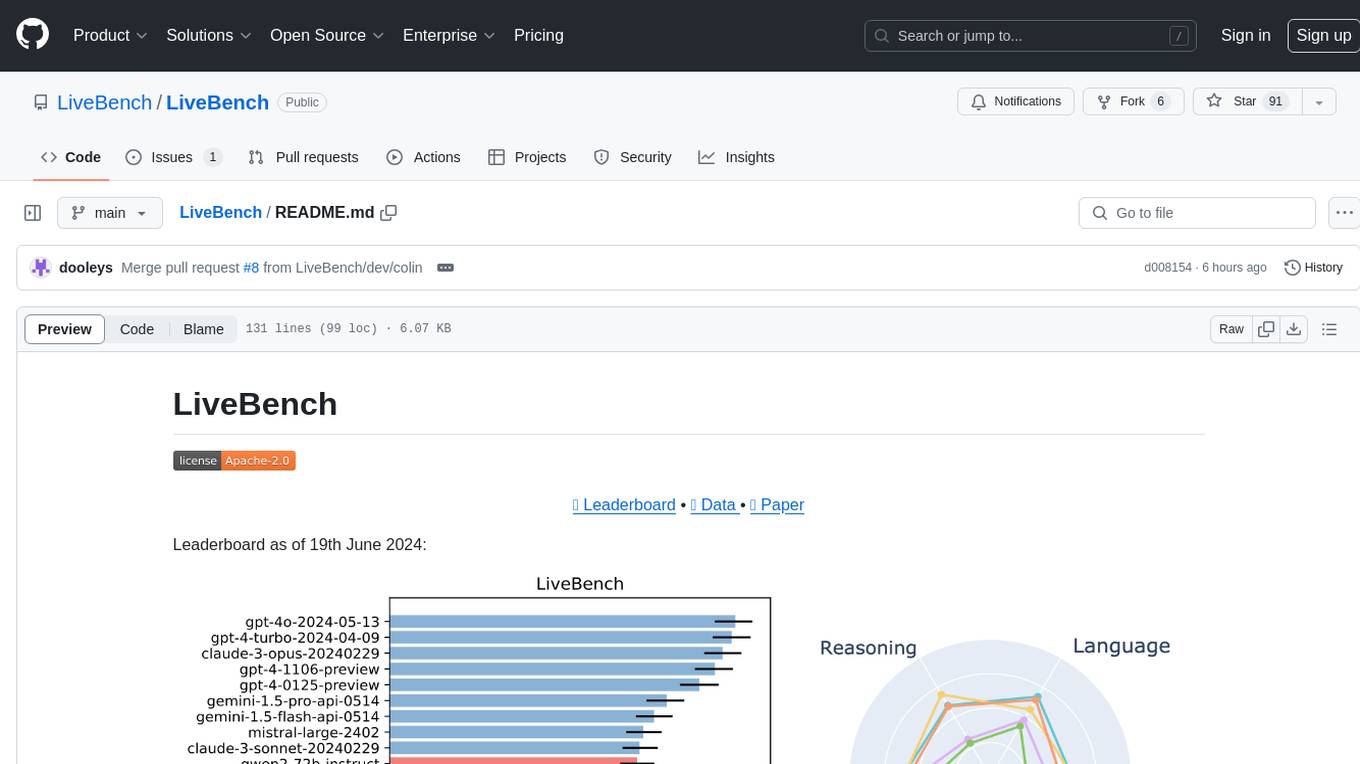
LiveBench is a benchmark tool designed for Language Model Models (LLMs) with a focus on limiting contamination through monthly new questions based on recent datasets, arXiv papers, news articles, and IMDb movie synopses. It provides verifiable, objective ground-truth answers for accurate scoring without an LLM judge. The tool offers 18 diverse tasks across 6 categories and promises to release more challenging tasks over time. LiveBench is built on FastChat's llm_judge module and incorporates code from LiveCodeBench and IFEval.
Mapperatorinator
Mapperatorinator is a multi-model framework that uses spectrogram inputs to generate fully featured osu! beatmaps for all gamemodes and assist modding beatmaps. The project aims to automatically generate rankable quality osu! beatmaps from any song with a high degree of customizability. The tool is built upon osuT5 and osu-diffusion, utilizing GPU compute and instances on vast.ai for development. Users can responsibly use AI in their beatmaps with this tool, ensuring disclosure of AI usage. Installation instructions include cloning the repository, creating a virtual environment, and installing dependencies. The tool offers a Web GUI for user-friendly experience and a Command-Line Inference option for advanced configurations. Additionally, an Interactive CLI script is available for terminal-based workflow with guided setup. The tool provides generation tips and features MaiMod, an AI-driven modding tool for osu! beatmaps. Mapperatorinator tokenizes beatmaps, utilizes a model architecture based on HF Transformers Whisper model, and offers multitask training format for conditional generation. The tool ensures seamless long generation, refines coordinates with diffusion, and performs post-processing for improved beatmap quality. Super timing generator enhances timing accuracy, and LoRA fine-tuning allows adaptation to specific styles or gamemodes. The project acknowledges credits and related works in the osu! community.
airbroke
Airbroke is an open-source error catcher tool designed for modern web applications. It provides a PostgreSQL-based backend with an Airbrake-compatible HTTP collector endpoint and a React-based frontend for error management. The tool focuses on simplicity, maintaining a small database footprint even under heavy data ingestion. Users can ask AI about issues, replay HTTP exceptions, and save/manage bookmarks for important occurrences. Airbroke supports multiple OAuth providers for secure user authentication and offers occurrence charts for better insights into error occurrences. The tool can be deployed in various ways, including building from source, using Docker images, deploying on Vercel, Render.com, Kubernetes with Helm, or Docker Compose. It requires Node.js, PostgreSQL, and specific system resources for deployment.
ezkl
EZKL is a library and command-line tool for doing inference for deep learning models and other computational graphs in a zk-snark (ZKML). It enables the following workflow: 1. Define a computational graph, for instance a neural network (but really any arbitrary set of operations), as you would normally in pytorch or tensorflow. 2. Export the final graph of operations as an .onnx file and some sample inputs to a .json file. 3. Point ezkl to the .onnx and .json files to generate a ZK-SNARK circuit with which you can prove statements such as: > "I ran this publicly available neural network on some private data and it produced this output" > "I ran my private neural network on some public data and it produced this output" > "I correctly ran this publicly available neural network on some public data and it produced this output" In the backend we use the collaboratively-developed Halo2 as a proof system. The generated proofs can then be verified with much less computational resources, including on-chain (with the Ethereum Virtual Machine), in a browser, or on a device.
lumigator
Lumigator is an open-source platform developed by Mozilla.ai to help users select the most suitable language model for their specific needs. It supports the evaluation of summarization tasks using sequence-to-sequence models such as BART and BERT, as well as causal models like GPT and Mistral. The platform aims to make model selection transparent, efficient, and empowering by providing a framework for comparing LLMs using task-specific metrics to evaluate how well a model fits a project's needs. Lumigator is in the early stages of development and plans to expand support to additional machine learning tasks and use cases in the future.
llama-on-lambda
This project provides a proof of concept for deploying a scalable, serverless LLM Generative AI inference engine on AWS Lambda. It leverages the llama.cpp project to enable the usage of more accessible CPU and RAM configurations instead of limited and expensive GPU capabilities. By deploying a container with the llama.cpp converted models onto AWS Lambda, this project offers the advantages of scale, minimizing cost, and maximizing compute availability. The project includes AWS CDK code to create and deploy a Lambda function leveraging your model of choice, with a FastAPI frontend accessible from a Lambda URL. It is important to note that you will need ggml quantized versions of your model and model sizes under 6GB, as your inference RAM requirements cannot exceed 9GB or your Lambda function will fail.
gpt-subtrans
GPT-Subtrans is an open-source subtitle translator that utilizes large language models (LLMs) as translation services. It supports translation between any language pairs that the language model supports. Note that GPT-Subtrans requires an active internet connection, as subtitles are sent to the provider's servers for translation, and their privacy policy applies.

rag-experiment-accelerator
The RAG Experiment Accelerator is a versatile tool that helps you conduct experiments and evaluations using Azure AI Search and RAG pattern. It offers a rich set of features, including experiment setup, integration with Azure AI Search, Azure Machine Learning, MLFlow, and Azure OpenAI, multiple document chunking strategies, query generation, multiple search types, sub-querying, re-ranking, metrics and evaluation, report generation, and multi-lingual support. The tool is designed to make it easier and faster to run experiments and evaluations of search queries and quality of response from OpenAI, and is useful for researchers, data scientists, and developers who want to test the performance of different search and OpenAI related hyperparameters, compare the effectiveness of various search strategies, fine-tune and optimize parameters, find the best combination of hyperparameters, and generate detailed reports and visualizations from experiment results.
RAGMeUp
RAG Me Up is a generic framework that enables users to perform Retrieve and Generate (RAG) on their own dataset easily. It consists of a small server and UIs for communication. Best run on GPU with 16GB vRAM. Users can combine RAG with fine-tuning using LLaMa2Lang repository. The tool allows configuration for LLM, data, LLM parameters, prompt, and document splitting. Funding is sought to democratize AI and advance its applications.
RAGMeUp
RAG Me Up is a generic framework that enables users to perform Retrieve, Answer, Generate (RAG) on their own dataset easily. It consists of a small server and UIs for communication. The tool can run on CPU but is optimized for GPUs with at least 16GB of vRAM. Users can combine RAG with fine-tuning using the LLaMa2Lang repository. The tool provides a configurable RAG pipeline without the need for coding, utilizing indexing and inference steps to accurately answer user queries.
eval-dev-quality
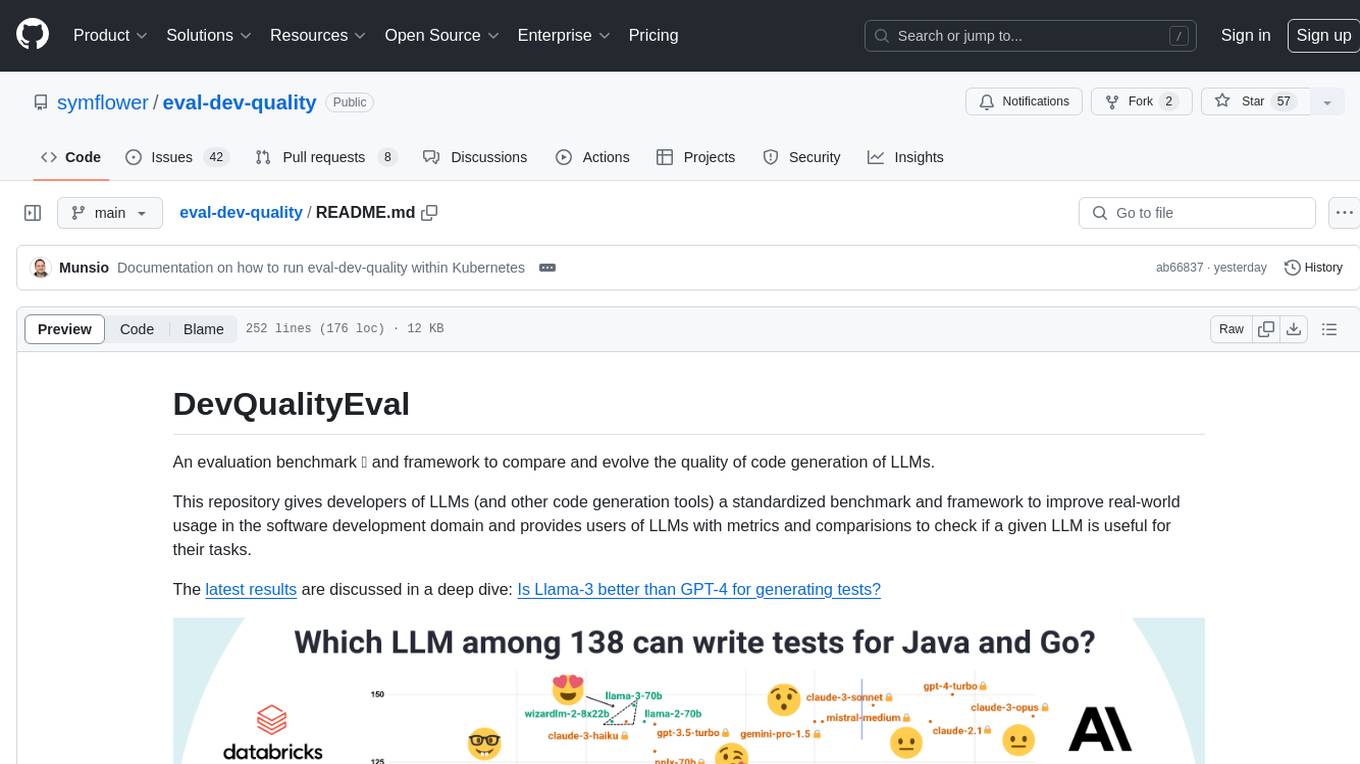
DevQualityEval is an evaluation benchmark and framework designed to compare and improve the quality of code generation of Language Model Models (LLMs). It provides developers with a standardized benchmark to enhance real-world usage in software development and offers users metrics and comparisons to assess the usefulness of LLMs for their tasks. The tool evaluates LLMs' performance in solving software development tasks and measures the quality of their results through a point-based system. Users can run specific tasks, such as test generation, across different programming languages to evaluate LLMs' language understanding and code generation capabilities.
For similar tasks
RouteLLM
RouteLLM is a framework for serving and evaluating LLM routers. It allows users to launch an OpenAI-compatible API that routes requests to the best model based on cost thresholds. Trained routers are provided to reduce costs while maintaining performance. Users can easily extend the framework, compare router performance, and calibrate cost thresholds. RouteLLM supports multiple routing strategies and benchmarks, offering a lightweight server and evaluation framework. It enables users to evaluate routers on benchmarks, calibrate thresholds, and modify model pairs. Contributions for adding new routers and benchmarks are welcome.
Co-LLM-Agents
This repository contains code for building cooperative embodied agents modularly with large language models. The agents are trained to perform tasks in two different environments: ThreeDWorld Multi-Agent Transport (TDW-MAT) and Communicative Watch-And-Help (C-WAH). TDW-MAT is a multi-agent environment where agents must transport objects to a goal position using containers. C-WAH is an extension of the Watch-And-Help challenge, which enables agents to send messages to each other. The code in this repository can be used to train agents to perform tasks in both of these environments.
GPT4Point
GPT4Point is a unified framework for point-language understanding and generation. It aligns 3D point clouds with language, providing a comprehensive solution for tasks such as 3D captioning and controlled 3D generation. The project includes an automated point-language dataset annotation engine, a novel object-level point cloud benchmark, and a 3D multi-modality model. Users can train and evaluate models using the provided code and datasets, with a focus on improving models' understanding capabilities and facilitating the generation of 3D objects.
asreview
The ASReview project implements active learning for systematic reviews, utilizing AI-aided pipelines to assist in finding relevant texts for search tasks. It accelerates the screening of textual data with minimal human input, saving time and increasing output quality. The software offers three modes: Oracle for interactive screening, Exploration for teaching purposes, and Simulation for evaluating active learning models. ASReview LAB is designed to support decision-making in any discipline or industry by improving efficiency and transparency in screening large amounts of textual data.
Groma
Groma is a grounded multimodal assistant that excels in region understanding and visual grounding. It can process user-defined region inputs and generate contextually grounded long-form responses. The tool presents a unique paradigm for multimodal large language models, focusing on visual tokenization for localization. Groma achieves state-of-the-art performance in referring expression comprehension benchmarks. The tool provides pretrained model weights and instructions for data preparation, training, inference, and evaluation. Users can customize training by starting from intermediate checkpoints. Groma is designed to handle tasks related to detection pretraining, alignment pretraining, instruction finetuning, instruction following, and more.
amber-train
Amber is the first model in the LLM360 family, an initiative for comprehensive and fully open-sourced LLMs. It is a 7B English language model with the LLaMA architecture. The model type is a language model with the same architecture as LLaMA-7B. It is licensed under Apache 2.0. The resources available include training code, data preparation, metrics, and fully processed Amber pretraining data. The model has been trained on various datasets like Arxiv, Book, C4, Refined-Web, StarCoder, StackExchange, and Wikipedia. The hyperparameters include a total of 6.7B parameters, hidden size of 4096, intermediate size of 11008, 32 attention heads, 32 hidden layers, RMSNorm ε of 1e^-6, max sequence length of 2048, and a vocabulary size of 32000.
kan-gpt
The KAN-GPT repository is a PyTorch implementation of Generative Pre-trained Transformers (GPTs) using Kolmogorov-Arnold Networks (KANs) for language modeling. It provides a model for generating text based on prompts, with a focus on improving performance compared to traditional MLP-GPT models. The repository includes scripts for training the model, downloading datasets, and evaluating model performance. Development tasks include integrating with other libraries, testing, and documentation.
LLM-SFT
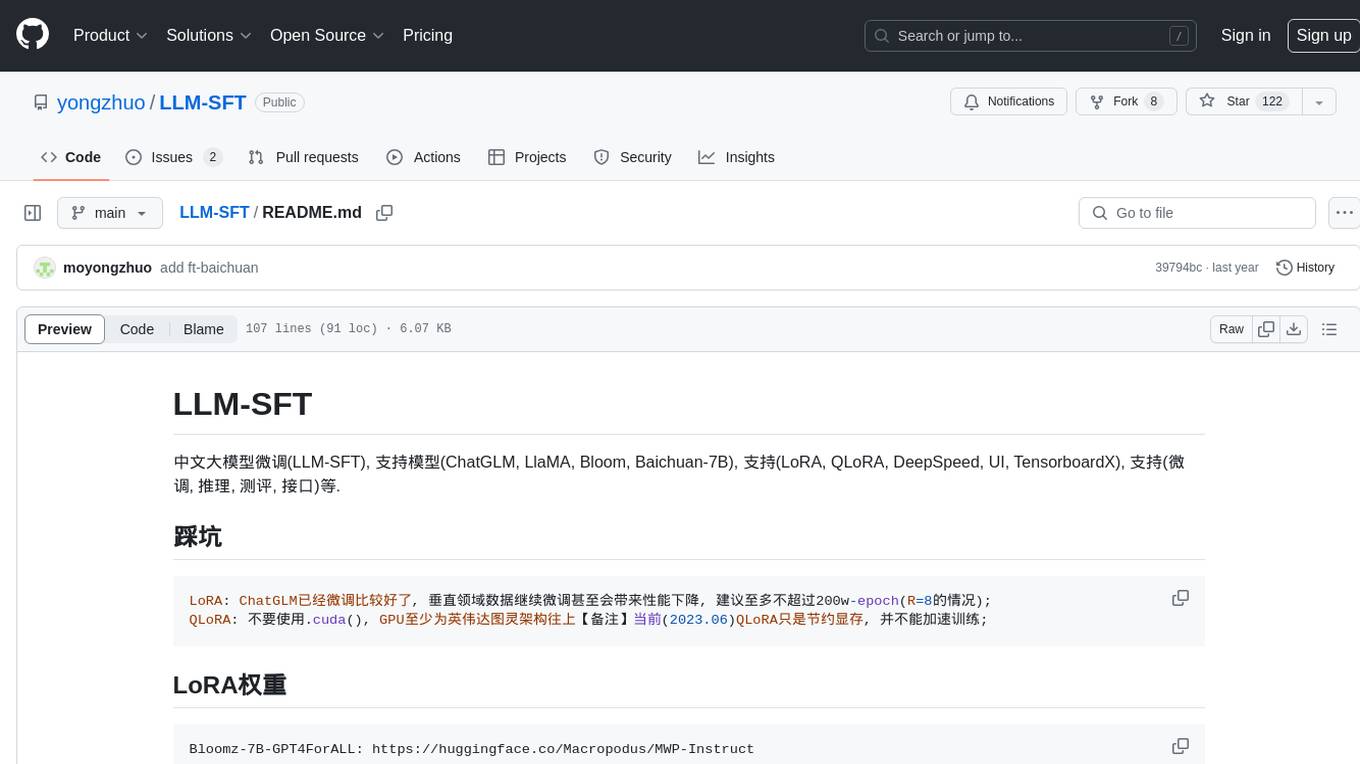
LLM-SFT is a Chinese large model fine-tuning tool that supports models such as ChatGLM, LlaMA, Bloom, Baichuan-7B, and frameworks like LoRA, QLoRA, DeepSpeed, UI, and TensorboardX. It facilitates tasks like fine-tuning, inference, evaluation, and API integration. The tool provides pre-trained weights for various models and datasets for Chinese language processing. It requires specific versions of libraries like transformers and torch for different functionalities.
For similar jobs

weave
Weave is a toolkit for developing Generative AI applications, built by Weights & Biases. With Weave, you can log and debug language model inputs, outputs, and traces; build rigorous, apples-to-apples evaluations for language model use cases; and organize all the information generated across the LLM workflow, from experimentation to evaluations to production. Weave aims to bring rigor, best-practices, and composability to the inherently experimental process of developing Generative AI software, without introducing cognitive overhead.

LLMStack
LLMStack is a no-code platform for building generative AI agents, workflows, and chatbots. It allows users to connect their own data, internal tools, and GPT-powered models without any coding experience. LLMStack can be deployed to the cloud or on-premise and can be accessed via HTTP API or triggered from Slack or Discord.

VisionCraft
The VisionCraft API is a free API for using over 100 different AI models. From images to sound.

kaito
Kaito is an operator that automates the AI/ML inference model deployment in a Kubernetes cluster. It manages large model files using container images, avoids tuning deployment parameters to fit GPU hardware by providing preset configurations, auto-provisions GPU nodes based on model requirements, and hosts large model images in the public Microsoft Container Registry (MCR) if the license allows. Using Kaito, the workflow of onboarding large AI inference models in Kubernetes is largely simplified.

PyRIT
PyRIT is an open access automation framework designed to empower security professionals and ML engineers to red team foundation models and their applications. It automates AI Red Teaming tasks to allow operators to focus on more complicated and time-consuming tasks and can also identify security harms such as misuse (e.g., malware generation, jailbreaking), and privacy harms (e.g., identity theft). The goal is to allow researchers to have a baseline of how well their model and entire inference pipeline is doing against different harm categories and to be able to compare that baseline to future iterations of their model. This allows them to have empirical data on how well their model is doing today, and detect any degradation of performance based on future improvements.

tabby
Tabby is a self-hosted AI coding assistant, offering an open-source and on-premises alternative to GitHub Copilot. It boasts several key features: * Self-contained, with no need for a DBMS or cloud service. * OpenAPI interface, easy to integrate with existing infrastructure (e.g Cloud IDE). * Supports consumer-grade GPUs.

spear
SPEAR (Simulator for Photorealistic Embodied AI Research) is a powerful tool for training embodied agents. It features 300 unique virtual indoor environments with 2,566 unique rooms and 17,234 unique objects that can be manipulated individually. Each environment is designed by a professional artist and features detailed geometry, photorealistic materials, and a unique floor plan and object layout. SPEAR is implemented as Unreal Engine assets and provides an OpenAI Gym interface for interacting with the environments via Python.

Magick
Magick is a groundbreaking visual AIDE (Artificial Intelligence Development Environment) for no-code data pipelines and multimodal agents. Magick can connect to other services and comes with nodes and templates well-suited for intelligent agents, chatbots, complex reasoning systems and realistic characters.