


local-cocoa
A local AI assistant running on your device. It turns your files into actionable memory.
Stars: 53
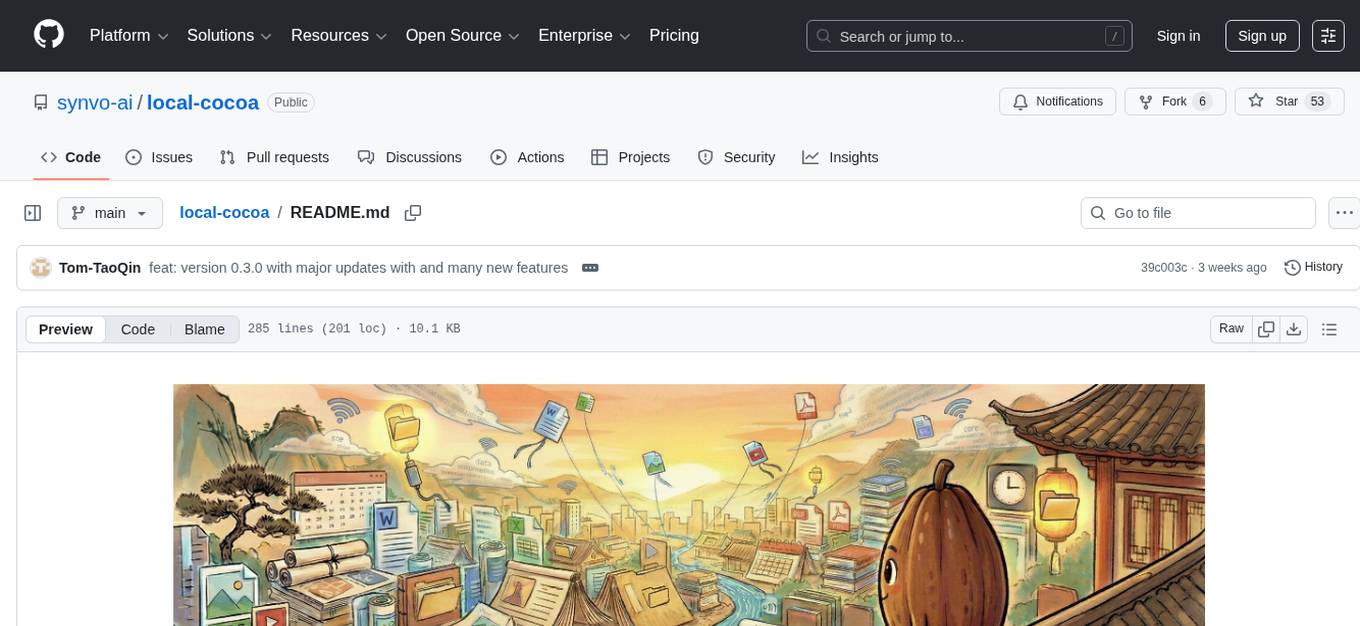
Local Cocoa is a privacy-focused tool that runs entirely on your device, turning files into memory to spark insights and power actions. It offers features like fully local privacy, multimodal memory, vector-powered retrieval, intelligent indexing, vision understanding, hardware acceleration, focused user experience, integrated notes, and auto-sync. The tool combines file ingestion, intelligent chunking, and local retrieval to build a private on-device knowledge system. The ultimate goal includes more connectors like Google Drive integration, voice mode for local speech-to-text interaction, and a plugin ecosystem for community tools and agents. Local Cocoa is built using Electron, React, TypeScript, FastAPI, llama.cpp, and Qdrant.
README:




💻 Local Cocoa runs entirely on your device, not inside the cloud.
🧠 Each file turns into memory. Memories form context. Context sparks insight. Insight powers action.
🔒 No externals eyes. No data leaving. Just your computer learning you better, helping you smarter.
| 🔍 File Retrieval | 📊 Year-End Report | ⌨️ Global Shortcuts |
|---|---|---|
 |
 |
 |
| Instantly chat with your local files | Scan 2025 files for insights | Access Synvo anywhere |
-
🔐 Fully Local Privacy: All inference, indexing, and retrieval run entirely on your device with zero data leaving.
- *💡 Pro Tip: If you verify network activity using tools like Little Snitch (macOS) or GlassWire (Windows), you'll confirm that no personal data leaves your device.
- 🧠 Multimodal Memory: Turns documents, images, audio, and video into a persistent semantic memory space.
- 🔍 Vector-Powered Retrieval: Local Qdrant search with semantic reranking for precise, high-recall answers.
- 📁 Intelligent Indexing: Smartly monitors folders to incrementally index, chunk, and embed efficient vectors.
- 🖼 Vision Understanding: Integrated OCR and VLM to extract text and meaning from screenshots and PDFs.
-
⚡ Hardware Accelerated: Optimized
llama.cppengine designed for Apple Silicon and consumer GPUs. - 🍫 Focused UX: A calm, responsive interface designed for clarity and seamless interaction.
- ✍ Integrated Notes: Write notes that become part of your semantic memory for future recall.
- 🔁 Auto-Sync: Automatically detects file changes and keeps your knowledge base fresh.
Local Cocoa runs entirely on your device. It combines file ingestion, intelligent chunking, and local retrieval to build a private on-device knowledge system.

Frontend: Electron • React • TypeScript • TailwindCSS
Backend: FastAPI • llama.cpp • Qdrant

- [ ] 👑 More Connectors: Google Drive, Notion, Slack integration
- [ ] 🎤 Voice Mode: Local speech-to-text for voice interaction
- [ ] 🔌 Plugin Ecosystem: Open API for community tools and agents
 EricFan2002 |
 Jingkang50 |
 Tom‑TaoQin |
 choiszt |
 KairuiHu |
Local Cocoa uses a modern Electron + React + Python FastAPI hybrid architecture.
Ensure the following are installed on your system:
- Node.js v18.17 or higher
- Python v3.10 or higher
-
CMake (for building the
llama.cppserver)
git clone https://github.com/synvo-ai/local-cocoa.git
cd local-cocoa# Frontend / Electron
npm install
# Backend / RAG Agent (macOS/Linux)
python3 -m venv .venv
source .venv/bin/activate
pip install -r services/app/requirements.txt
# Backend / RAG Agent (Windows PowerShell)
python -m venv .venv
.venv\Scripts\Activate.ps1
pip install -r services/app/requirements.txtWe provide a script to automatically download embedding, reranker, and vision models:
npm run models:downloadProxy Support (Clash / Shadowsocks / Corporate)
Model downloads support:
- System proxy (recommended): If Clash/Shadowsocks is set as your OS proxy, downloads will use it automatically.
-
Environment variables: Set one of these (case-insensitive):
-
HTTPS_PROXY/HTTP_PROXY(e.g.,http://127.0.0.1:7890) -
ALL_PROXY(supportssocks5://...) -
NO_PROXY(comma-separated bypass list, e.g.,localhost,127.0.0.1)
-
Windows PowerShell example:
$env:HTTPS_PROXY = "http://127.0.0.1:7890"
$env:NO_PROXY = "localhost,127.0.0.1"
npm run models:downloadWindows Users: If you have pre-compiled binaries, place
llama-server.exeinruntime/llama-cpp/bin/.
Build llama-server using CMake:
mkdir -p runtime && cd runtime
git clone https://github.com/ggerganov/llama.cpp.git llama-cpp
cd llama-cpp
mkdir -p build && cd build
cmake .. -DLLAMA_BUILD_SERVER=ON
cmake --build . --target llama-server --config Release
cd ..

# Organize binaries (macOS/Linux)
mkdir -p bin
cp build/bin/llama-server bin/llama-server

# Windows: cp build/bin/Release/llama-server.exe bin/llama-server.exe

cd ../..To enable transcriptions:
# In runtime folder
cd runtime
git clone https://github.com/ggml-org/whisper.cpp.git whisper-cpp
cd whisper-cpp
cmake -B build
cmake --build build -j --config Release
mv build/bin ./
# The app expects the binary at runtime/whisper-cpp/bin/whisper-server
# For Windows, check build/bin/Release/whisper-server.exe
cd ../..Ensure your Python virtual environment is active, then run:
# macOS/Linux
source .venv/bin/activate
npm run dev

# Windows PowerShell
.venv\Scripts\Activate.ps1
npm run dev
This launches the React Dev Server, Electron client, and FastAPI backend simultaneously.
We welcome contributions of all kinds—bug fixes, features, or documentation improvements.
Please read our Contribution Guidelines before submitting a Pull Request or Issue.
- Fork the repository
- Create your feature branch (
git checkout -b feature/amazing-feature) - Make your changes
- Commit your changes (
git commit -m 'feat: add amazing feature')- 🔍 Pre-commit hooks will automatically check your code for errors
- Run
npm run lint:fixto auto-fix common issues
- Push to the branch (
git push origin feature/amazing-feature) - Open a Pull Request
This project enforces code quality through automated pre-commit hooks:
- ✅ ESLint checks for unused imports/variables and coding standards
- ✅ TypeScript ensures type safety
- ✅ Commits are blocked if errors are found
See CONTRIBUTING.md for details.
Thank you to everyone who has contributed to Local Cocoa! 🙏
This project is licensed under the MIT License. See the LICENSE file for details.
For Tasks:
Click tags to check more tools for each tasksFor Jobs:
Alternative AI tools for local-cocoa
Similar Open Source Tools
local-cocoa
Local Cocoa is a privacy-focused tool that runs entirely on your device, turning files into memory to spark insights and power actions. It offers features like fully local privacy, multimodal memory, vector-powered retrieval, intelligent indexing, vision understanding, hardware acceleration, focused user experience, integrated notes, and auto-sync. The tool combines file ingestion, intelligent chunking, and local retrieval to build a private on-device knowledge system. The ultimate goal includes more connectors like Google Drive integration, voice mode for local speech-to-text interaction, and a plugin ecosystem for community tools and agents. Local Cocoa is built using Electron, React, TypeScript, FastAPI, llama.cpp, and Qdrant.
Lumina-Note
Lumina Note is a local-first AI note-taking app designed to help users write, connect, and evolve knowledge with AI capabilities while ensuring data ownership. It offers a knowledge-centered workflow with features like Markdown editor, WikiLinks, and graph view. The app includes AI workspace modes such as Chat, Agent, Deep Research, and Codex, along with support for multiple model providers. Users can benefit from bidirectional links, LaTeX support, graph visualization, PDF reader with annotations, real-time voice input, and plugin ecosystem for extended functionalities. Lumina Note is built on Tauri v2 framework with a tech stack including React 18, TypeScript, Tailwind CSS, and SQLite for vector storage.
local-deep-research
Local Deep Research is a powerful AI-powered research assistant that performs deep, iterative analysis using multiple LLMs and web searches. It can be run locally for privacy or configured to use cloud-based LLMs for enhanced capabilities. The tool offers advanced research capabilities, flexible LLM support, rich output options, privacy-focused operation, enhanced search integration, and academic & scientific integration. It also provides a web interface, command line interface, and supports multiple LLM providers and search engines. Users can configure AI models, search engines, and research parameters for customized research experiences.
jan
Jan is an open-source ChatGPT alternative that runs 100% offline on your computer. It supports universal architectures, including Nvidia GPUs, Apple M-series, Apple Intel, Linux Debian, and Windows x64. Jan is currently in development, so expect breaking changes and bugs. It is lightweight and embeddable, and can be used on its own within your own projects.

ClaudeBar
ClaudeBar is a macOS menu bar application that monitors AI coding assistant usage quotas. It allows users to keep track of their usage of Claude, Codex, Gemini, GitHub Copilot, Antigravity, and Z.ai at a glance. The application offers multi-provider support, real-time quota tracking, multiple themes, visual status indicators, system notifications, auto-refresh feature, and keyboard shortcuts for quick access. Users can customize monitoring by toggling individual providers on/off and receive alerts when quota status changes. The tool requires macOS 15+, Swift 6.2+, and CLI tools installed for the providers to be monitored.
mistral.rs
Mistral.rs is a fast LLM inference platform written in Rust. We support inference on a variety of devices, quantization, and easy-to-use application with an Open-AI API compatible HTTP server and Python bindings.
openwhispr
OpenWhispr is an open source desktop dictation application that converts speech to text using OpenAI Whisper. It features both local and cloud processing options for maximum flexibility and privacy. The application supports multiple AI providers, customizable hotkeys, agent naming, and various AI processing models. It offers a modern UI built with React 19, TypeScript, and Tailwind CSS v4, and is optimized for speed using Vite and modern tooling. Users can manage settings, view history, configure API keys, and download/manage local Whisper models. The application is cross-platform, supporting macOS, Windows, and Linux, and offers features like automatic pasting, draggable interface, global hotkeys, and compound hotkeys.
asktube
AskTube is an AI-powered YouTube video summarizer and QA assistant that utilizes Retrieval Augmented Generation (RAG) technology. It offers a comprehensive solution with Q&A functionality and aims to provide a user-friendly experience for local machine usage. The project integrates various technologies including Python, JS, Sanic, Peewee, Pytubefix, Sentence Transformers, Sqlite, Chroma, and NuxtJs/DaisyUI. AskTube supports multiple providers for analysis, AI services, and speech-to-text conversion. The tool is designed to extract data from YouTube URLs, store embedding chapter subtitles, and facilitate interactive Q&A sessions with enriched questions. It is not intended for production use but rather for end-users on their local machines.
llama-assistant
Llama Assistant is an AI-powered assistant that helps with daily tasks, such as voice recognition, natural language processing, summarizing text, rephrasing sentences, answering questions, and more. It runs offline on your local machine, ensuring privacy by not sending data to external servers. The project is a work in progress with regular feature additions.
agor
Agor is a multiplayer spatial canvas where you coordinate multiple AI coding assistants on parallel tasks, with GitHub-linked worktrees, automated workflow zones, and isolated test environments—all running simultaneously. It allows users to run multiple AI coding sessions, manage git worktrees, track AI conversations, and visualize team's work in real-time. Agor provides features like Agent Swarm Control, Multiplayer Spatial Canvas, Session Trees, Zone Triggers, Isolated Development Environments, Real-Time Strategy for AI Teams, and Mobile-Friendly Prompting. It is designed to streamline parallel PR workflows and enhance collaboration among AI teams.
llama-assistant
Llama Assistant is a local AI assistant that respects your privacy. It is an AI-powered assistant that can recognize your voice, process natural language, and perform various actions based on your commands. It can help with tasks like summarizing text, rephrasing sentences, answering questions, writing emails, and more. The assistant runs offline on your local machine, ensuring privacy by not sending data to external servers. It supports voice recognition, natural language processing, and customizable UI with adjustable transparency. The project is a work in progress with new features being added regularly.
handit.ai
Handit.ai is an autonomous engineer tool designed to fix AI failures 24/7. It catches failures, writes fixes, tests them, and ships PRs automatically. It monitors AI applications, detects issues, generates fixes, tests them against real data, and ships them as pull requests—all automatically. Users can write JavaScript, TypeScript, Python, and more, and the tool automates what used to require manual debugging and firefighting.
conduit
Conduit is an open-source, cross-platform mobile application for Open-WebUI, providing a native mobile experience for interacting with your self-hosted AI infrastructure. It supports real-time chat, model selection, conversation management, markdown rendering, theme support, voice input, file uploads, multi-modal support, secure storage, folder management, and tools invocation. Conduit offers multiple authentication flows and follows a clean architecture pattern with Riverpod for state management, Dio for HTTP networking, WebSocket for real-time streaming, and Flutter Secure Storage for credential management.
transformerlab-app
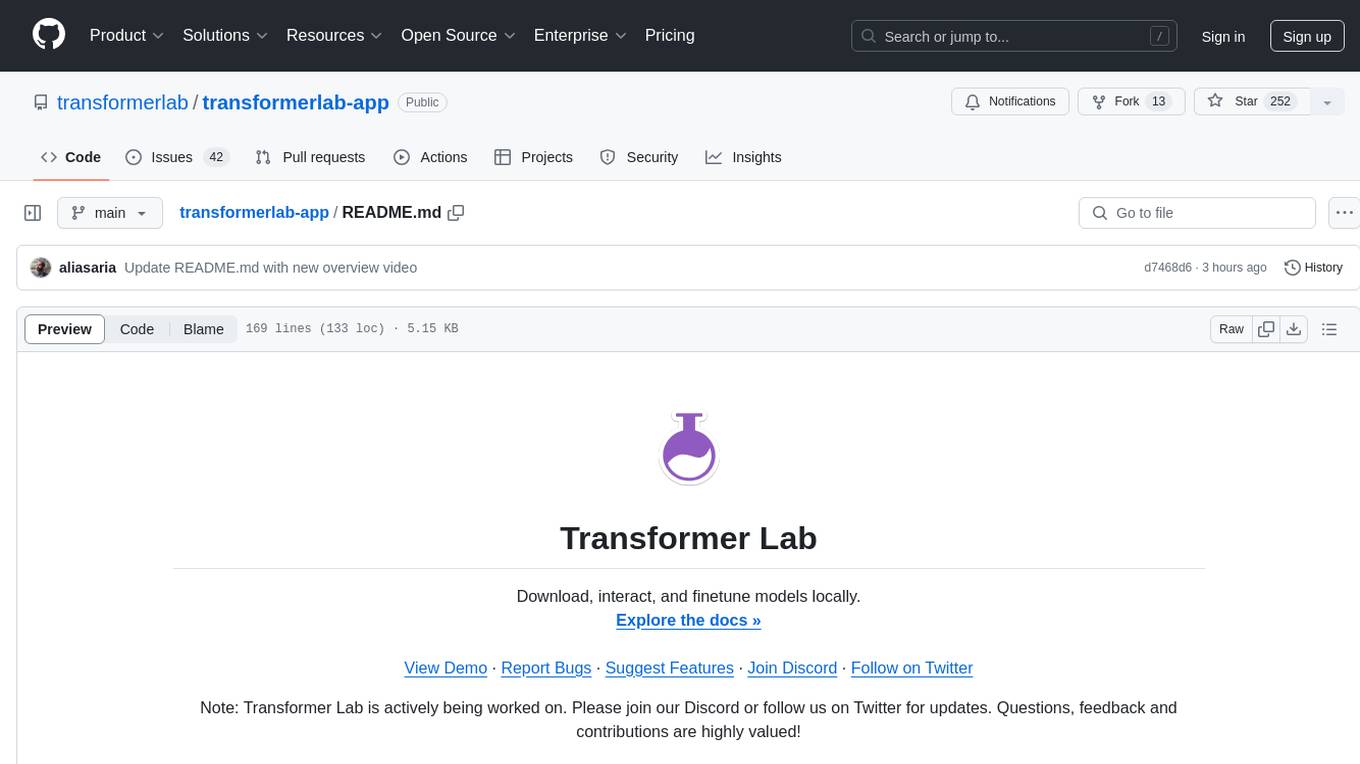
Transformer Lab is an app that allows users to experiment with Large Language Models by providing features such as one-click download of popular models, finetuning across different hardware, RLHF and Preference Optimization, working with LLMs across different operating systems, chatting with models, using different inference engines, evaluating models, building datasets for training, calculating embeddings, providing a full REST API, running in the cloud, converting models across platforms, supporting plugins, embedded Monaco code editor, prompt editing, inference logs, all through a simple cross-platform GUI.
CrewAI-GUI
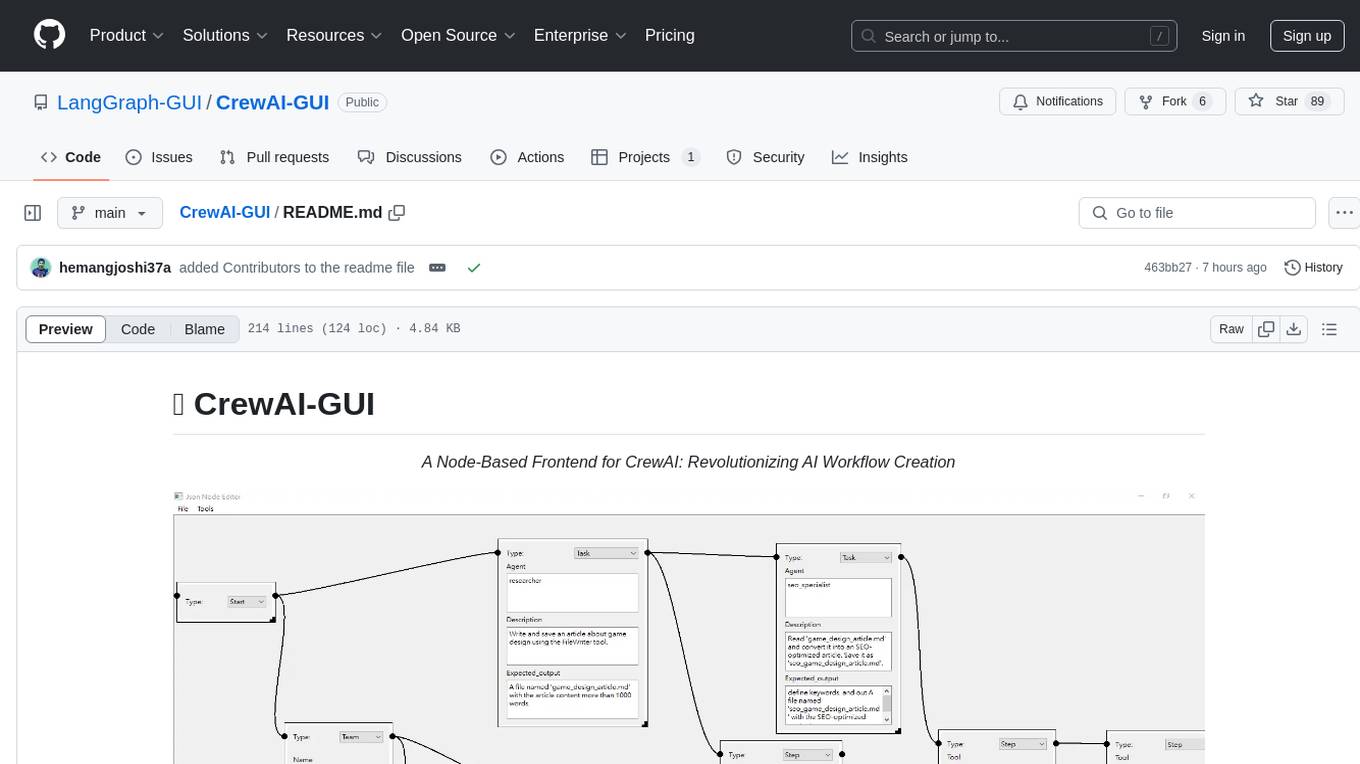
CrewAI-GUI is a Node-Based Frontend tool designed to revolutionize AI workflow creation. It empowers users to design complex AI agent interactions through an intuitive drag-and-drop interface, export designs to JSON for modularity and reusability, and supports both GPT-4 API and Ollama for flexible AI backend. The tool ensures cross-platform compatibility, allowing users to create AI workflows on Windows, Linux, or macOS efficiently.
ailoy
Ailoy is a lightweight library for building AI applications such as agent systems or RAG pipelines with ease. It enables AI features effortlessly, supporting AI models locally or via cloud APIs, multi-turn conversation, system message customization, reasoning-based workflows, tool calling capabilities, and built-in vector store support. It also supports running native-equivalent functionality in web browsers using WASM. The library is in early development stages and provides examples in the `examples` directory for inspiration on building applications with Agents.
For similar tasks
swe-books-collection
This repository, named swe-books-collection, was previously used to store a collection of software engineering books. However, due to limitations with LFS, the books have been moved to a Notion page. The repository now serves as a place to provide information and updates related to the software engineering books collection. Users can access the Notion page for the full collection. The repository aims to provide convenience in finding desired software engineering books.
local-cocoa
Local Cocoa is a privacy-focused tool that runs entirely on your device, turning files into memory to spark insights and power actions. It offers features like fully local privacy, multimodal memory, vector-powered retrieval, intelligent indexing, vision understanding, hardware acceleration, focused user experience, integrated notes, and auto-sync. The tool combines file ingestion, intelligent chunking, and local retrieval to build a private on-device knowledge system. The ultimate goal includes more connectors like Google Drive integration, voice mode for local speech-to-text interaction, and a plugin ecosystem for community tools and agents. Local Cocoa is built using Electron, React, TypeScript, FastAPI, llama.cpp, and Qdrant.
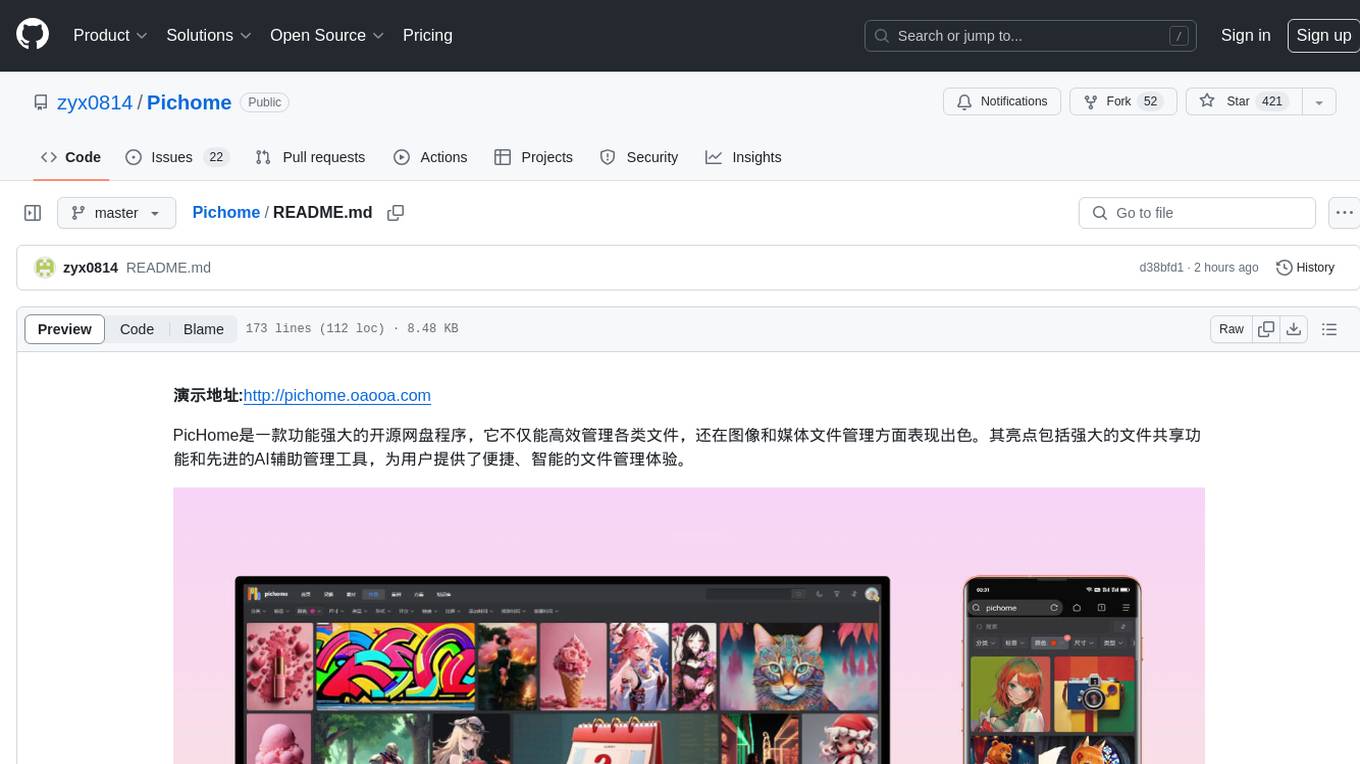
Pichome
PicHome is a powerful open-source cloud storage program that efficiently manages various types of files and excels in image and media file management. Its highlights include robust file sharing features and advanced AI-assisted management tools, providing users with a convenient and intelligent file management experience. The program offers diverse list modes, customizable file information display, enhanced quick file preview, advanced tagging, custom cover and preview images, multiple preview images, and multi-library management. Additionally, PicHome features strong file sharing capabilities, allowing users to share entire libraries, create personalized showcase web pages, and build complete data sharing websites. The AI-assisted management aspect includes AI file renaming, tagging, description writing, batch annotation, and file Q&A services, all aimed at improving file management efficiency. PicHome supports a wide range of file formats and can be applied in various scenarios such as e-commerce, gaming, design, development, enterprises, schools, labs, media, and entertainment institutions.
lassxToolkit
lassxToolkit is a versatile tool designed for file processing tasks. It allows users to manipulate files and folders based on specified configurations in a strict .json format. The tool supports various AI models for tasks such as image upscaling and denoising. Users can customize settings like input/output paths, error handling, file selection, and plugin integration. lassxToolkit provides detailed instructions on configuration options, default values, and model selection. It also offers features like tree restoration, recursive processing, and regex-based file filtering. The tool is suitable for users looking to automate file processing tasks with AI capabilities.
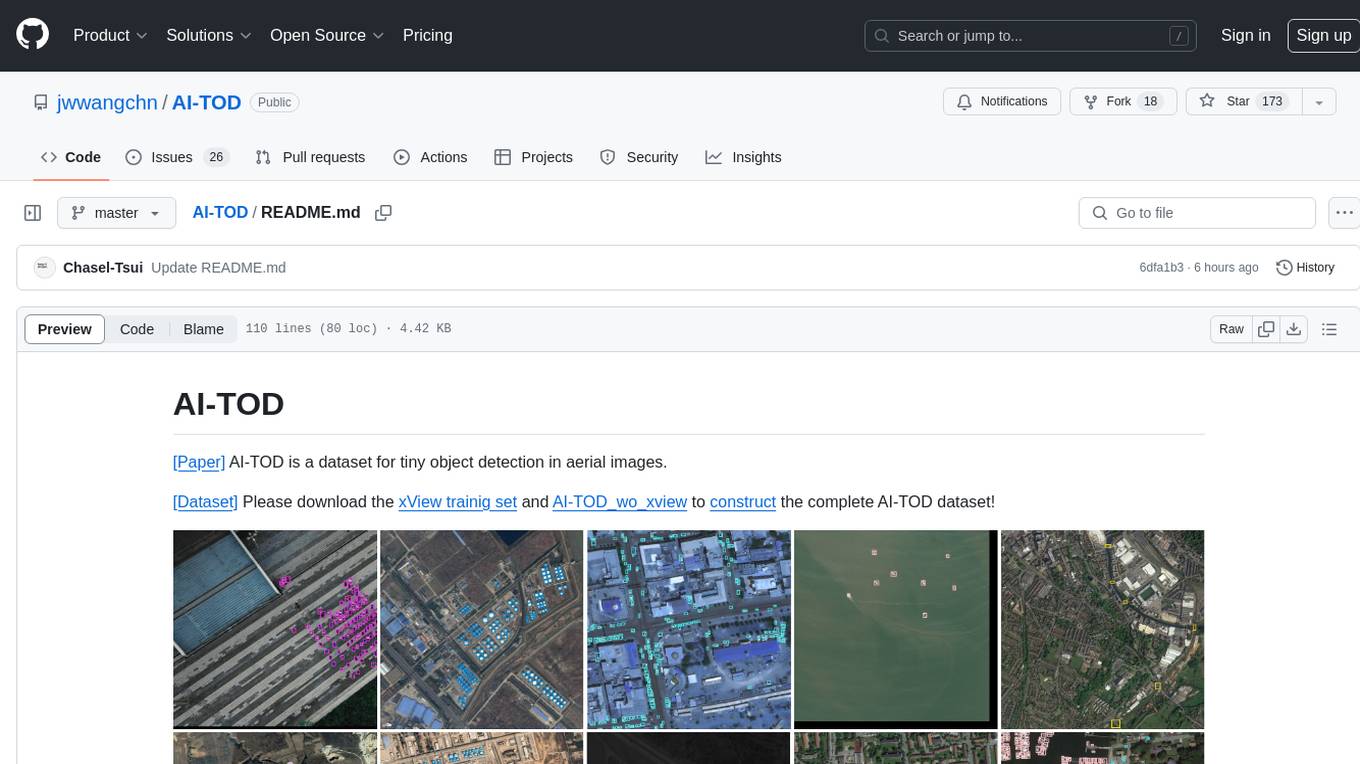
AI-TOD
AI-TOD is a dataset for tiny object detection in aerial images, containing 700,621 object instances across 28,036 images. Objects in AI-TOD are smaller with a mean size of 12.8 pixels compared to other aerial image datasets. To use AI-TOD, download xView training set and AI-TOD_wo_xview, then generate the complete dataset using the provided synthesis tool. The dataset is publicly available for academic and research purposes under CC BY-NC-SA 4.0 license.
file-organizer-2000
AI File Organizer 2000 is an Obsidian Plugin that uses AI to transcribe audio, annotate images, and automatically organize files by moving them to the most likely folders. It supports text, audio, and images, with upcoming local-first LLM support. Users can simply place unorganized files into the 'Inbox' folder for automatic organization. The tool renames and moves files quickly, providing a seamless file organization experience. Self-hosting is also possible by running the server and enabling the 'Self-hosted' option in the plugin settings. Join the community Discord server for more information and use the provided iOS shortcut for easy access on mobile devices.
dir-assistant
Dir-assistant is a tool that allows users to interact with their current directory's files using local or API Language Models (LLMs). It supports various platforms and provides API support for major LLM APIs. Users can configure and customize their local LLMs and API LLMs using the tool. Dir-assistant also supports model downloads and configurations for efficient usage. It is designed to enhance file interaction and retrieval using advanced language models.
Scriberr
Scriberr is a self-hostable AI audio transcription app that utilizes open-source Whisper models from OpenAI for transcribing audio files locally on user's hardware. It offers fast transcription with customizable compute settings, local transcription on device, API endpoints for automation, and integration with other tools. Users can optionally summarize transcripts using ChatGPT or Ollama, with support for custom prompts. The app is mobile-ready, simple, and easy to use, with planned features including speaker diarization, audio recording, file actions, full text fuzzy search, tag-based organization, follow-along text with playback, edit summaries, export options, and support for other languages. Despite being in beta, Scriberr is functional and usable, albeit with some rough edges and minor bugs.
For similar jobs
book
Podwise is an AI knowledge management app designed specifically for podcast listeners. With the Podwise platform, you only need to follow your favorite podcasts, such as "Hardcore Hackers". When a program is released, Podwise will use AI to transcribe, extract, summarize, and analyze the podcast content, helping you to break down the hard-core podcast knowledge. At the same time, it is connected to platforms such as Notion, Obsidian, Logseq, and Readwise, embedded in your knowledge management workflow, and integrated with content from other channels including news, newsletters, and blogs, helping you to improve your second brain 🧠.
extractor
Extractor is an AI-powered data extraction library for Laravel that leverages OpenAI's capabilities to effortlessly extract structured data from various sources, including images, PDFs, and emails. It features a convenient wrapper around OpenAI Chat and Completion endpoints, supports multiple input formats, includes a flexible Field Extractor for arbitrary data extraction, and integrates with Textract for OCR functionality. Extractor utilizes JSON Mode from the latest GPT-3.5 and GPT-4 models, providing accurate and efficient data extraction.
Scrapegraph-ai
ScrapeGraphAI is a Python library that uses Large Language Models (LLMs) and direct graph logic to create web scraping pipelines for websites, documents, and XML files. It allows users to extract specific information from web pages by providing a prompt describing the desired data. ScrapeGraphAI supports various LLMs, including Ollama, OpenAI, Gemini, and Docker, enabling users to choose the most suitable model for their needs. The library provides a user-friendly interface through its `SmartScraper` class, which simplifies the process of building and executing scraping pipelines. ScrapeGraphAI is open-source and available on GitHub, with extensive documentation and examples to guide users. It is particularly useful for researchers and data scientists who need to extract structured data from web pages for analysis and exploration.
databerry
Chaindesk is a no-code platform that allows users to easily set up a semantic search system for personal data without technical knowledge. It supports loading data from various sources such as raw text, web pages, files (Word, Excel, PowerPoint, PDF, Markdown, Plain Text), and upcoming support for web sites, Notion, and Airtable. The platform offers a user-friendly interface for managing datastores, querying data via a secure API endpoint, and auto-generating ChatGPT Plugins for each datastore. Chaindesk utilizes a Vector Database (Qdrant), Openai's text-embedding-ada-002 for embeddings, and has a chunk size of 1024 tokens. The technology stack includes Next.js, Joy UI, LangchainJS, PostgreSQL, Prisma, and Qdrant, inspired by the ChatGPT Retrieval Plugin.

auto-news
Auto-News is an automatic news aggregator tool that utilizes Large Language Models (LLM) to pull information from various sources such as Tweets, RSS feeds, YouTube videos, web articles, Reddit, and journal notes. The tool aims to help users efficiently read and filter content based on personal interests, providing a unified reading experience and organizing information effectively. It features feed aggregation with summarization, transcript generation for videos and articles, noise reduction, task organization, and deep dive topic exploration. The tool supports multiple LLM backends, offers weekly top-k aggregations, and can be deployed on Linux/MacOS using docker-compose or Kubernetes.
SemanticFinder
SemanticFinder is a frontend-only live semantic search tool that calculates embeddings and cosine similarity client-side using transformers.js and SOTA embedding models from Huggingface. It allows users to search through large texts like books with pre-indexed examples, customize search parameters, and offers data privacy by keeping input text in the browser. The tool can be used for basic search tasks, analyzing texts for recurring themes, and has potential integrations with various applications like wikis, chat apps, and personal history search. It also provides options for building browser extensions and future ideas for further enhancements and integrations.
1filellm
1filellm is a command-line data aggregation tool designed for LLM ingestion. It aggregates and preprocesses data from various sources into a single text file, facilitating the creation of information-dense prompts for large language models. The tool supports automatic source type detection, handling of multiple file formats, web crawling functionality, integration with Sci-Hub for research paper downloads, text preprocessing, and token count reporting. Users can input local files, directories, GitHub repositories, pull requests, issues, ArXiv papers, YouTube transcripts, web pages, Sci-Hub papers via DOI or PMID. The tool provides uncompressed and compressed text outputs, with the uncompressed text automatically copied to the clipboard for easy pasting into LLMs.
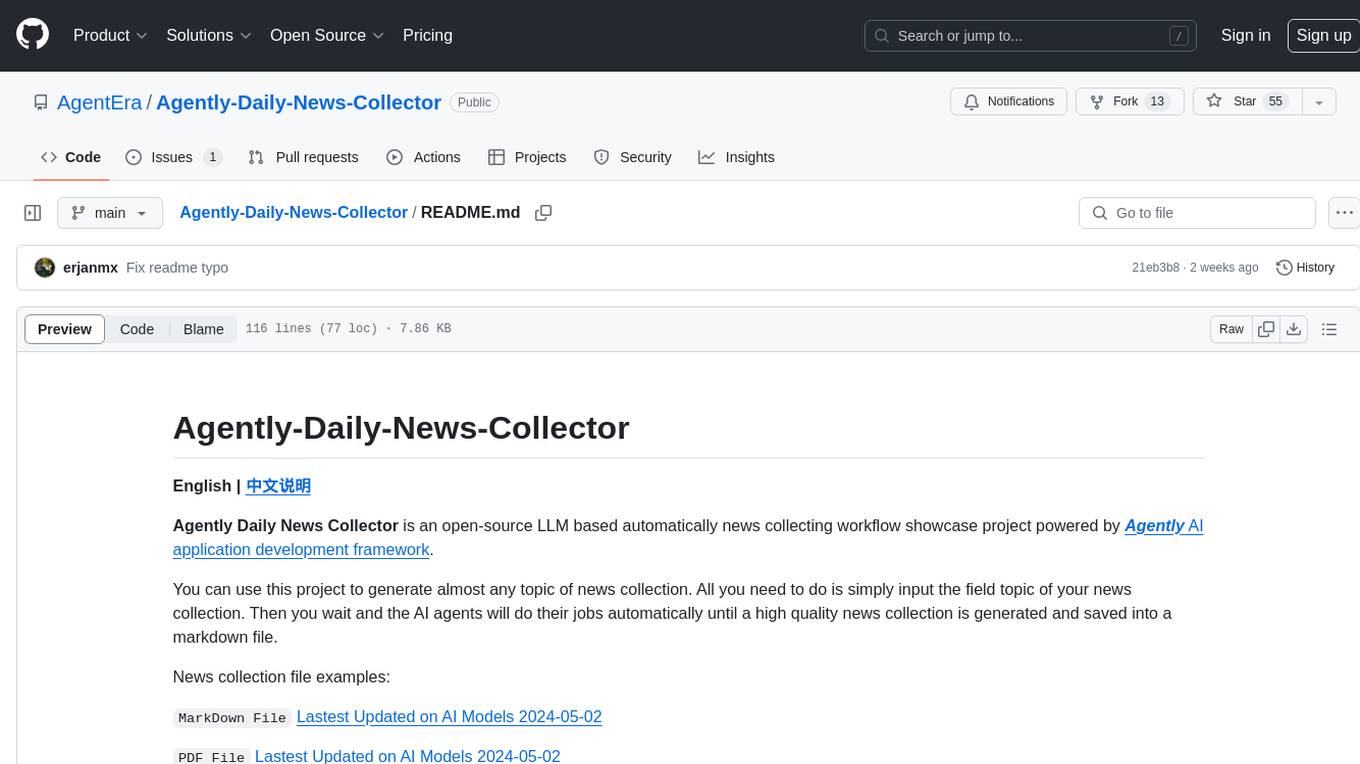
Agently-Daily-News-Collector
Agently Daily News Collector is an open-source project showcasing a workflow powered by the Agent ly AI application development framework. It allows users to generate news collections on various topics by inputting the field topic. The AI agents automatically perform the necessary tasks to generate a high-quality news collection saved in a markdown file. Users can edit settings in the YAML file, install Python and required packages, input their topic idea, and wait for the news collection to be generated. The process involves tasks like outlining, searching, summarizing, and preparing column data. The project dependencies include Agently AI Development Framework, duckduckgo-search, BeautifulSoup4, and PyYAM.