


ClaudeBar
A macOS menu bar application that monitors AI coding assistant usage quotas. Keep track of your Claude, Codex, Antigravity ,and Gemini usage at a glance.
Stars: 565

ClaudeBar is a macOS menu bar application that monitors AI coding assistant usage quotas. It allows users to keep track of their usage of Claude, Codex, Gemini, GitHub Copilot, Antigravity, and Z.ai at a glance. The application offers multi-provider support, real-time quota tracking, multiple themes, visual status indicators, system notifications, auto-refresh feature, and keyboard shortcuts for quick access. Users can customize monitoring by toggling individual providers on/off and receive alerts when quota status changes. The tool requires macOS 15+, Swift 6.2+, and CLI tools installed for the providers to be monitored.
README:






A macOS menu bar application that monitors AI coding assistant usage quotas. Keep track of your Claude, Codex, Gemini, GitHub Copilot, Antigravity, and Z.ai usage at a glance.


Dark Mode Light Mode

Minimalistic monochrome terminal aesthetic with classic green accents

Festive holiday theme with snowfall animation - automatically enabled during the Christmas season!
- Multi-Provider Support - Monitor Claude, Codex, Gemini, GitHub Copilot, Antigravity, and Z.ai quotas in one place
- Provider Enable/Disable - Toggle individual providers on/off from Settings to customize your monitoring
- Real-Time Quota Tracking - View Session, Weekly, and Model-specific usage percentages
- Multiple Themes - Light, Dark, CLI (terminal-style), and festive Christmas themes
- Automatic Adaptation - System theme follows your macOS appearance; Christmas auto-enables during the holiday season
- Visual Status Indicators - Color-coded progress bars (green/yellow/red) show quota health
- System Notifications - Get alerted when quota status changes to warning or critical
- Auto-Refresh - Automatically updates quotas at configurable intervals
-
Keyboard Shortcuts - Quick access with
⌘D(Dashboard) and⌘R(Refresh)
| Remaining | Status | Color |
|---|---|---|
| > 50% | Healthy | Green |
| 20-50% | Warning | Yellow |
| < 20% | Critical | Red |
| 0% | Depleted | Gray |
- macOS 15+
- Swift 6.2+
- CLI tools installed for providers you want to monitor:
-
Claude CLI (
claude) -
Codex CLI (
codex) -
Gemini CLI (
gemini) - GitHub Copilot - Configure credentials in Settings
- Antigravity - Auto-detected when running locally
- Z.ai - Configure Claude Code with GLM Coding Plan endpoint
-
Claude CLI (
Install via Homebrew.
brew install claudebarDownload the latest release from GitHub Releases:
- DMG: Open and drag ClaudeBar.app to Applications
- ZIP: Unzip and move ClaudeBar.app to Applications
Both are code-signed and notarized for Gatekeeper.
git clone https://github.com/tddworks/ClaudeBar.git
cd ClaudeBar

# Install Tuist (if not installed)
brew install tuist

# Install dependencies and build
tuist install
tuist build -- -configuration ReleaseAfter building, open the generated Xcode workspace and run the app:
tuist generate
open ClaudeBar.xcworkspace
Then press Cmd+R in Xcode to run. The app will appear in your menu bar. Click to view quota details for each provider.
The project uses Tuist for dependency management and Xcode project generation.
# Install Tuist (if not installed)
brew install tuist

# Install dependencies
tuist install

# Generate Xcode project and open
tuist generate
open ClaudeBar.xcworkspace# Build the project
tuist build
# Run all tests
tuist test
# Run tests with coverage
tuist test --result-bundle-path TestResults.xcresult -- -enableCodeCoverage YES
# Build release configuration
tuist build -- -configuration ReleaseAfter opening in Xcode, SwiftUI previews will work with Cmd+Option+Return. The project is configured with ENABLE_DEBUG_DYLIB for preview support.
Full documentation: docs/ARCHITECTURE.md
ClaudeBar uses a layered architecture with QuotaMonitor as the single source of truth:
| Layer | Purpose |
|---|---|
| App | SwiftUI views consuming domain directly (no ViewModel) |
| Domain | Rich models, QuotaMonitor, repository protocols |
| Infrastructure | Probes, storage implementations, adapters |
-
Single Source of Truth -
QuotaMonitorowns all provider state - Repository Pattern - Settings and credentials abstracted behind injectable protocols
-
Protocol-Based DI -
@Mockableprotocols enable testability - Chicago School TDD - Tests verify state changes, not method calls
- No ViewModel/AppState - Views consume domain directly
Use the add-provider skill to guide you through adding new providers with TDD:
Tell Claude Code: "I want to add a new provider for [ProviderName]"
The skill guides you through: Parsing Tests → Probe Tests → Implementation → Registration.
See .claude/skills/add-provider/SKILL.md for details and AntigravityUsageProbe as a reference implementation.
- Sparkle - Auto-update framework
- Mockable - Protocol mocking for tests
- Tuist - Xcode project generation (for SwiftUI previews)
Releases are automated via GitHub Actions. Push a version tag to create a new release.
For detailed setup instructions, see docs/release/RELEASE_SETUP.md.
The workflow uses Tuist to generate the Xcode project:
Tag v1.0.0 → Update Info.plist → tuist generate → xcodebuild → Sign & Notarize → GitHub Release
Version is set in Sources/App/Info.plist and flows through to Sparkle auto-updates.
-
Configure GitHub Secrets (see full guide):
Secret Description APPLE_CERTIFICATE_P12Developer ID certificate (base64) APPLE_CERTIFICATE_PASSWORDPassword for .p12 APP_STORE_CONNECT_API_KEY_P8API key (base64) APP_STORE_CONNECT_KEY_IDKey ID APP_STORE_CONNECT_ISSUER_IDIssuer ID -
Verify your certificate:
./scripts/verify-p12.sh /path/to/certificate.p12
-
Create a release:
git tag v1.0.0
git push origin v1.0.0
The workflow will automatically build, sign, notarize, and publish to GitHub Releases.
MIT
For Tasks:
Click tags to check more tools for each tasksFor Jobs:
Alternative AI tools for ClaudeBar
Similar Open Source Tools
ClaudeBar
ClaudeBar is a macOS menu bar application that monitors AI coding assistant usage quotas. It allows users to keep track of their usage of Claude, Codex, Gemini, GitHub Copilot, Antigravity, and Z.ai at a glance. The application offers multi-provider support, real-time quota tracking, multiple themes, visual status indicators, system notifications, auto-refresh feature, and keyboard shortcuts for quick access. Users can customize monitoring by toggling individual providers on/off and receive alerts when quota status changes. The tool requires macOS 15+, Swift 6.2+, and CLI tools installed for the providers to be monitored.
airunner
AI Runner is a multi-modal AI interface that allows users to run open-source large language models and AI image generators on their own hardware. The tool provides features such as voice-based chatbot conversations, text-to-speech, speech-to-text, vision-to-text, text generation with large language models, image generation capabilities, image manipulation tools, utility functions, and more. It aims to provide a stable and user-friendly experience with security updates, a new UI, and a streamlined installation process. The application is designed to run offline on users' hardware without relying on a web server, offering a smooth and responsive user experience.
conduit
Conduit is an open-source, cross-platform mobile application for Open-WebUI, providing a native mobile experience for interacting with your self-hosted AI infrastructure. It supports real-time chat, model selection, conversation management, markdown rendering, theme support, voice input, file uploads, multi-modal support, secure storage, folder management, and tools invocation. Conduit offers multiple authentication flows and follows a clean architecture pattern with Riverpod for state management, Dio for HTTP networking, WebSocket for real-time streaming, and Flutter Secure Storage for credential management.
figma-console-mcp
Figma Console MCP is a Model Context Protocol server that bridges design and development, giving AI assistants complete access to Figma for extraction, creation, and debugging. It connects AI assistants like Claude to Figma, enabling plugin debugging, visual debugging, design system extraction, design creation, variable management, real-time monitoring, and three installation methods. The server offers 53+ tools for NPX and Local Git setups, while Remote SSE provides read-only access with 16 tools. Users can create and modify designs with AI, contribute to projects, or explore design data. The server supports authentication via personal access tokens and OAuth, and offers tools for navigation, console debugging, visual debugging, design system extraction, design creation, design-code parity, variable management, and AI-assisted design creation.
tingly-box
Tingly Box is a tool that helps in deciding which model to call, compressing context, and routing requests efficiently. It offers secure, reliable, and customizable functional extensions. With features like unified API, smart routing, context compression, auto API translation, blazing fast performance, flexible authentication, visual control panel, and client-side usage stats, Tingly Box provides a comprehensive solution for managing AI models and tokens. It supports integration with various IDEs, CLI tools, SDKs, and AI applications, making it versatile and easy to use. The tool also allows seamless integration with OAuth providers like Claude Code, enabling users to utilize existing quotas in OpenAI-compatible tools. Tingly Box aims to simplify AI model management and usage by providing a single endpoint for multiple providers with minimal configuration, promoting seamless integration with SDKs and CLI tools.
handit.ai
Handit.ai is an autonomous engineer tool designed to fix AI failures 24/7. It catches failures, writes fixes, tests them, and ships PRs automatically. It monitors AI applications, detects issues, generates fixes, tests them against real data, and ships them as pull requests—all automatically. Users can write JavaScript, TypeScript, Python, and more, and the tool automates what used to require manual debugging and firefighting.
MassGen
MassGen is a cutting-edge multi-agent system that leverages the power of collaborative AI to solve complex tasks. It assigns a task to multiple AI agents who work in parallel, observe each other's progress, and refine their approaches to converge on the best solution to deliver a comprehensive and high-quality result. The system operates through an architecture designed for seamless multi-agent collaboration, with key features including cross-model/agent synergy, parallel processing, intelligence sharing, consensus building, and live visualization. Users can install the system, configure API settings, and run MassGen for various tasks such as question answering, creative writing, research, development & coding tasks, and web automation & browser tasks. The roadmap includes plans for advanced agent collaboration, expanded model, tool & agent integration, improved performance & scalability, enhanced developer experience, and a web interface.
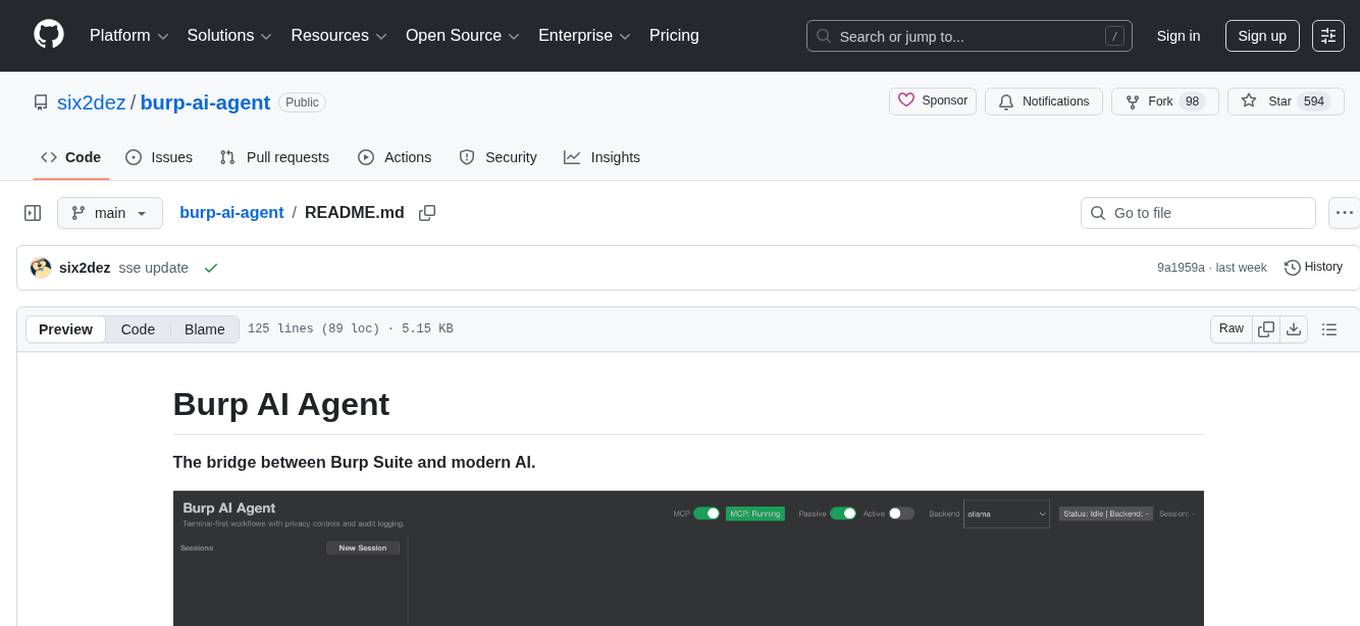
burp-ai-agent
Burp AI Agent is an extension for Burp Suite that integrates AI into your security workflow. It provides 7 AI backends, 53+ MCP tools, and 62 vulnerability classes. Users can configure privacy modes, perform audit logging, and connect external AI agents via MCP. The tool allows passive and active AI scanners to find vulnerabilities while users focus on manual testing. It requires Burp Suite, Java 21, and at least one AI backend configured.
OSA
OSA (Open-Source-Advisor) is a tool designed to improve the quality of scientific open source projects by automating the generation of README files, documentation, CI/CD scripts, and providing advice and recommendations for repositories. It supports various LLMs accessible via API, local servers, or osa_bot hosted on ITMO servers. OSA is currently under development with features like README file generation, documentation generation, automatic implementation of changes, LLM integration, and GitHub Action Workflow generation. It requires Python 3.10 or higher and tokens for GitHub/GitLab/Gitverse and LLM API key. Users can install OSA using PyPi or build from source, and run it using CLI commands or Docker containers.
pyspur
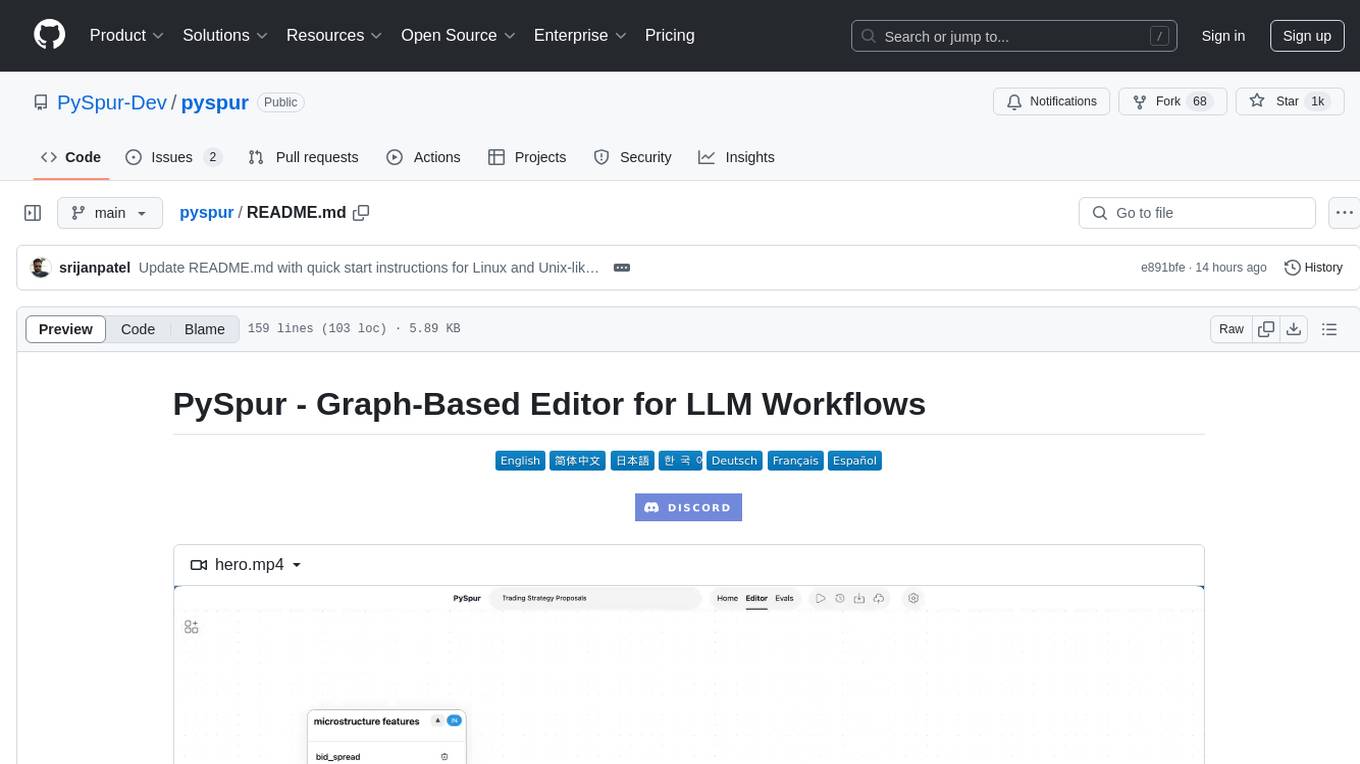
PySpur is a graph-based editor designed for LLM (Large Language Models) workflows. It offers modular building blocks, node-level debugging, and performance evaluation. The tool is easy to hack, supports JSON configs for workflow graphs, and is lightweight with minimal dependencies. Users can quickly set up PySpur by cloning the repository, creating a .env file, starting docker services, and accessing the portal. PySpur can also work with local models served using Ollama, with steps provided for configuration. The roadmap includes features like canvas, async/batch execution, support for Ollama, new nodes, pipeline optimization, templates, code compilation, multimodal support, and more.
terminator
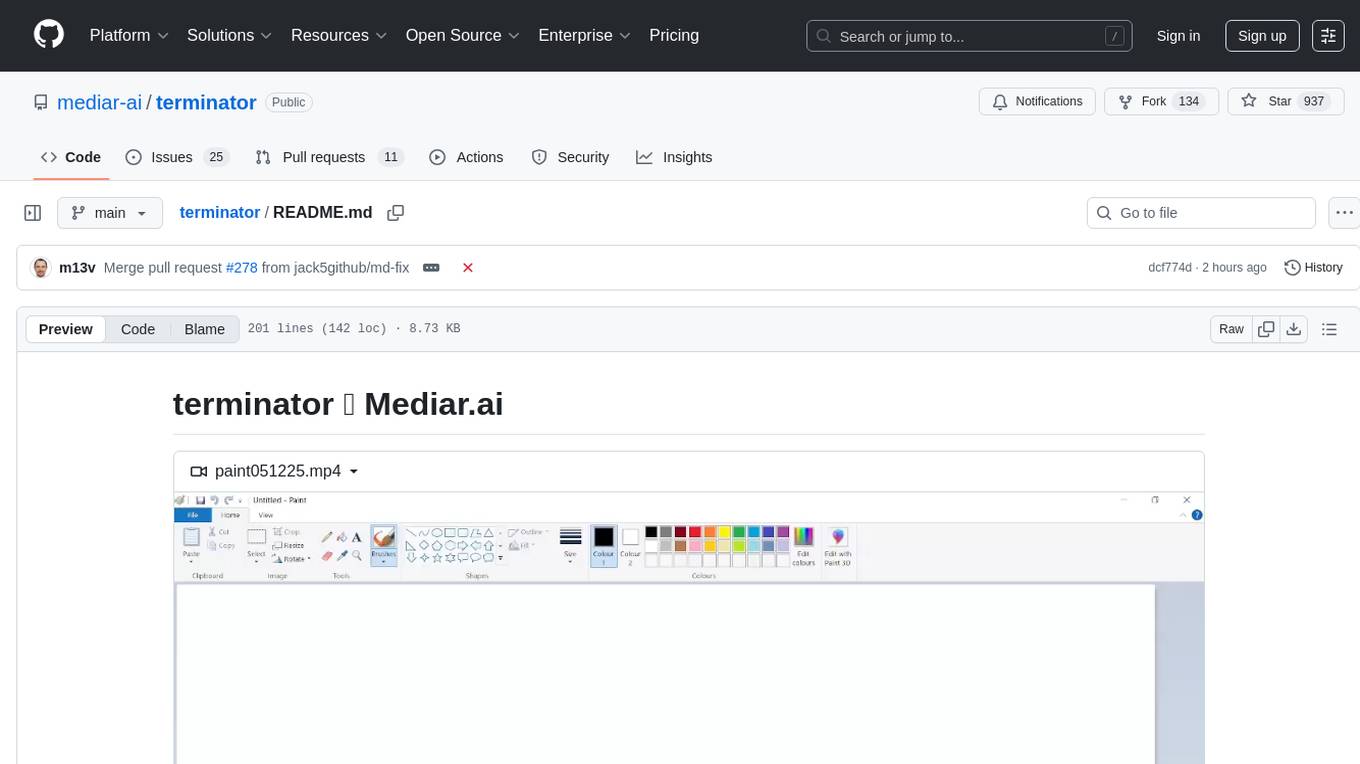
Terminator is an AI-powered desktop automation tool that is open source, MIT-licensed, and cross-platform. It works across all apps and browsers, inspired by GitHub Actions & Playwright. It is 100x faster than generic AI agents, with over 95% success rate and no vendor lock-in. Users can create automations that work across any desktop app or browser, achieve high success rates without costly consultant armies, and pre-train workflows as deterministic code.
mcp-rubber-duck
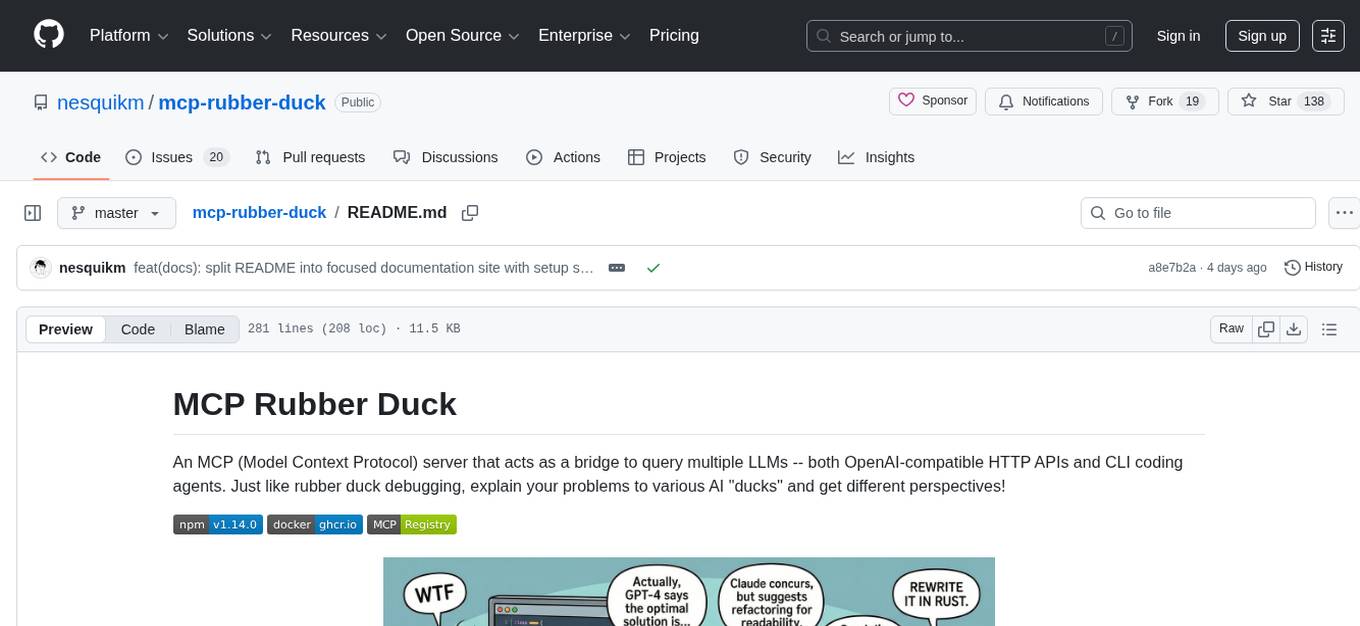
MCP Rubber Duck is a Model Context Protocol server that acts as a bridge to query multiple LLMs, including OpenAI-compatible HTTP APIs and CLI coding agents. Users can explain their problems to various AI 'ducks' to get different perspectives. The tool offers features like universal OpenAI compatibility, CLI agent support, conversation management, multi-duck querying, consensus voting, LLM-as-Judge evaluation, structured debates, health monitoring, usage tracking, and more. It supports various HTTP providers like OpenAI, Google Gemini, Anthropic, Groq, Together AI, Perplexity, and CLI providers like Claude Code, Codex, Gemini CLI, Grok, Aider, and custom agents. Users can install the tool globally, configure it using environment variables, and access interactive UIs for comparing ducks, voting, debating, and usage statistics. The tool provides multiple tools for asking questions, chatting, clearing conversations, listing ducks, comparing responses, voting, judging, iterating, debating, and more. It also offers prompt templates for different analysis purposes and extensive documentation for setup, configuration, tools, prompts, CLI providers, MCP Bridge, guardrails, Docker deployment, troubleshooting, contributing, license, acknowledgments, changelog, registry & directory, and support.
local-deep-research
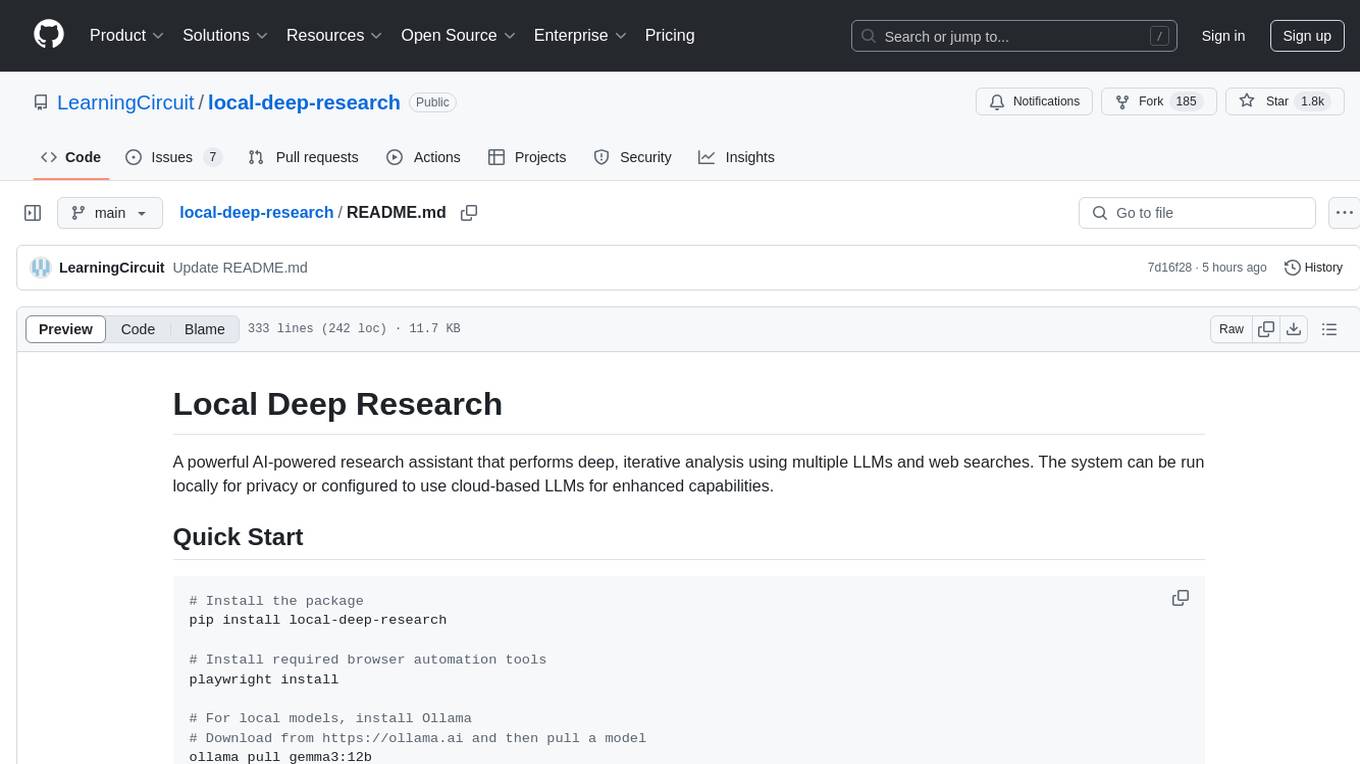
Local Deep Research is a powerful AI-powered research assistant that performs deep, iterative analysis using multiple LLMs and web searches. It can be run locally for privacy or configured to use cloud-based LLMs for enhanced capabilities. The tool offers advanced research capabilities, flexible LLM support, rich output options, privacy-focused operation, enhanced search integration, and academic & scientific integration. It also provides a web interface, command line interface, and supports multiple LLM providers and search engines. Users can configure AI models, search engines, and research parameters for customized research experiences.
openchamber
OpenChamber is a web and desktop interface for the OpenCode AI coding agent, designed to work alongside the OpenCode TUI. The project was built entirely with AI coding agents under supervision, serving as a proof of concept that AI agents can create usable software. It offers features like integrated terminal, Git operations with AI commit message generation, smart tool visualization, permission management, multi-agent runs, task tracker UI, model selection UX, UI scaling controls, session auto-cleanup, and memory optimizations. OpenChamber provides cross-device continuity, remote access, and a visual alternative for developers preferring GUI workflows.
aigne-doc-smith
AIGNE DocSmith is a powerful AI-driven documentation generation tool that automates the creation of detailed, structured, and multi-language documentation directly from source code. It intelligently analyzes codebase to generate a comprehensive document structure, populates content with high-quality AI-powered generation, supports seamless translation into 12+ languages, integrates with AIGNE Hub for large language models, offers Discuss Kit publishing, automatically updates documentation with source code changes, and allows for individual document optimization.
explain-openclaw
Explain OpenClaw is a comprehensive documentation repository for the OpenClaw framework, a self-hosted AI assistant platform. It covers various aspects such as plain English explanations, technical architecture, deployment scenarios, privacy and safety measures, security audits, worst-case security scenarios, optimizations, and AI model comparisons. The repository serves as a living knowledge base with beginner-friendly explanations and detailed technical insights for contributors.
For similar tasks
ClaudeBar
ClaudeBar is a macOS menu bar application that monitors AI coding assistant usage quotas. It allows users to keep track of their usage of Claude, Codex, Gemini, GitHub Copilot, Antigravity, and Z.ai at a glance. The application offers multi-provider support, real-time quota tracking, multiple themes, visual status indicators, system notifications, auto-refresh feature, and keyboard shortcuts for quick access. Users can customize monitoring by toggling individual providers on/off and receive alerts when quota status changes. The tool requires macOS 15+, Swift 6.2+, and CLI tools installed for the providers to be monitored.
lunary
Lunary is an open-source observability and prompt platform for Large Language Models (LLMs). It provides a suite of features to help AI developers take their applications into production, including analytics, monitoring, prompt templates, fine-tuning dataset creation, chat and feedback tracking, and evaluations. Lunary is designed to be usable with any model, not just OpenAI, and is easy to integrate and self-host.
For similar jobs

sweep
Sweep is an AI junior developer that turns bugs and feature requests into code changes. It automatically handles developer experience improvements like adding type hints and improving test coverage.

teams-ai
The Teams AI Library is a software development kit (SDK) that helps developers create bots that can interact with Teams and Microsoft 365 applications. It is built on top of the Bot Framework SDK and simplifies the process of developing bots that interact with Teams' artificial intelligence capabilities. The SDK is available for JavaScript/TypeScript, .NET, and Python.

ai-guide
This guide is dedicated to Large Language Models (LLMs) that you can run on your home computer. It assumes your PC is a lower-end, non-gaming setup.

classifai
Supercharge WordPress Content Workflows and Engagement with Artificial Intelligence. Tap into leading cloud-based services like OpenAI, Microsoft Azure AI, Google Gemini and IBM Watson to augment your WordPress-powered websites. Publish content faster while improving SEO performance and increasing audience engagement. ClassifAI integrates Artificial Intelligence and Machine Learning technologies to lighten your workload and eliminate tedious tasks, giving you more time to create original content that matters.

chatbot-ui
Chatbot UI is an open-source AI chat app that allows users to create and deploy their own AI chatbots. It is easy to use and can be customized to fit any need. Chatbot UI is perfect for businesses, developers, and anyone who wants to create a chatbot.

BricksLLM
BricksLLM is a cloud native AI gateway written in Go. Currently, it provides native support for OpenAI, Anthropic, Azure OpenAI and vLLM. BricksLLM aims to provide enterprise level infrastructure that can power any LLM production use cases. Here are some use cases for BricksLLM: * Set LLM usage limits for users on different pricing tiers * Track LLM usage on a per user and per organization basis * Block or redact requests containing PIIs * Improve LLM reliability with failovers, retries and caching * Distribute API keys with rate limits and cost limits for internal development/production use cases * Distribute API keys with rate limits and cost limits for students

uAgents
uAgents is a Python library developed by Fetch.ai that allows for the creation of autonomous AI agents. These agents can perform various tasks on a schedule or take action on various events. uAgents are easy to create and manage, and they are connected to a fast-growing network of other uAgents. They are also secure, with cryptographically secured messages and wallets.

griptape
Griptape is a modular Python framework for building AI-powered applications that securely connect to your enterprise data and APIs. It offers developers the ability to maintain control and flexibility at every step. Griptape's core components include Structures (Agents, Pipelines, and Workflows), Tasks, Tools, Memory (Conversation Memory, Task Memory, and Meta Memory), Drivers (Prompt and Embedding Drivers, Vector Store Drivers, Image Generation Drivers, Image Query Drivers, SQL Drivers, Web Scraper Drivers, and Conversation Memory Drivers), Engines (Query Engines, Extraction Engines, Summary Engines, Image Generation Engines, and Image Query Engines), and additional components (Rulesets, Loaders, Artifacts, Chunkers, and Tokenizers). Griptape enables developers to create AI-powered applications with ease and efficiency.