

Best AI tools for< Toggle Providers >
2 - AI tool Sites
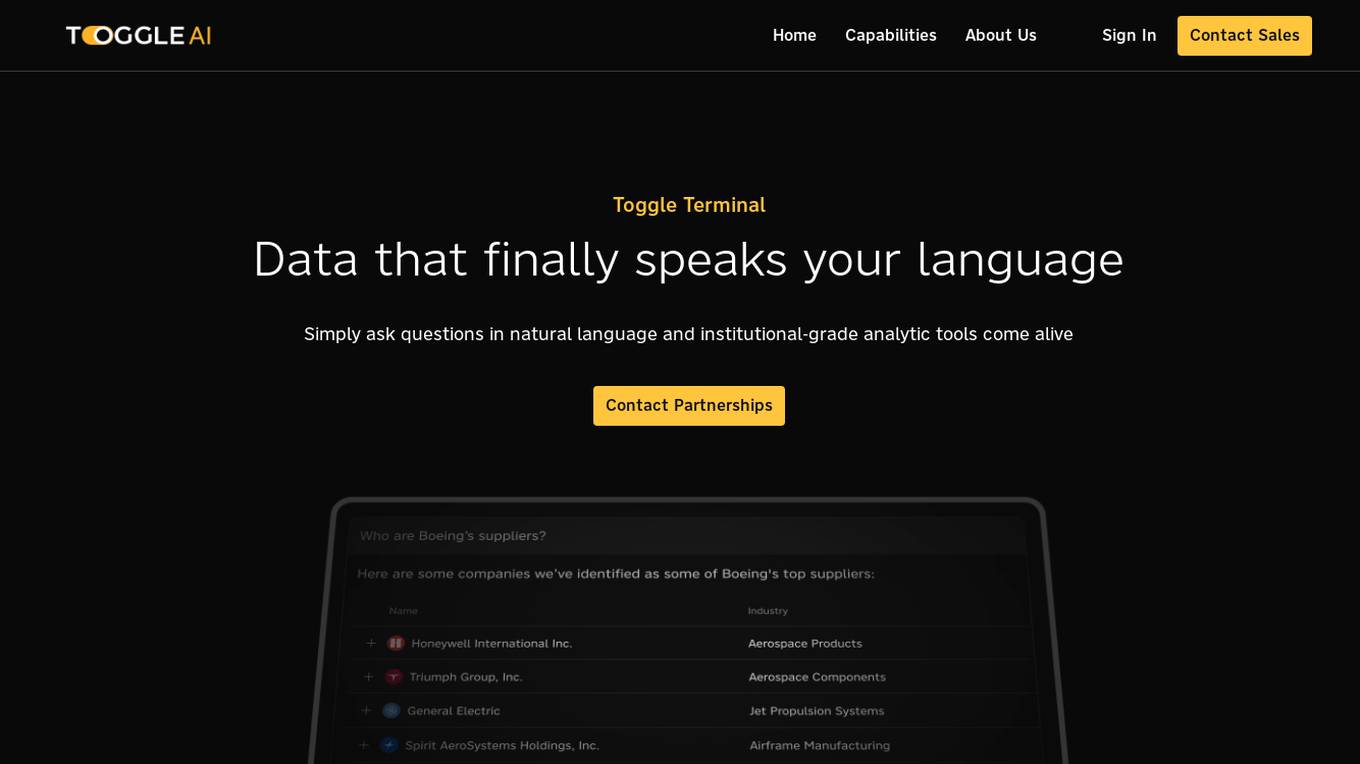
Toggle Terminal
Toggle Terminal is an AI-powered platform that brings data to life with natural language. It offers a suite of award-winning analytic tools wrapped in an accessible, natural language-based user experience. Users can ask questions in plain language and receive immediate, data-backed answers without the need for coding or spreadsheet manipulation. Toggle Terminal provides institutional-grade analytical tools for scenario testing, asset intelligence, chart exploration, and idea discovery. It helps users connect data, test market hypotheses, screen securities, and explore hidden relationships between organizations. Additionally, Toggle AI offers customized AI solutions and integrations for institutional investors in asset management and capital markets.
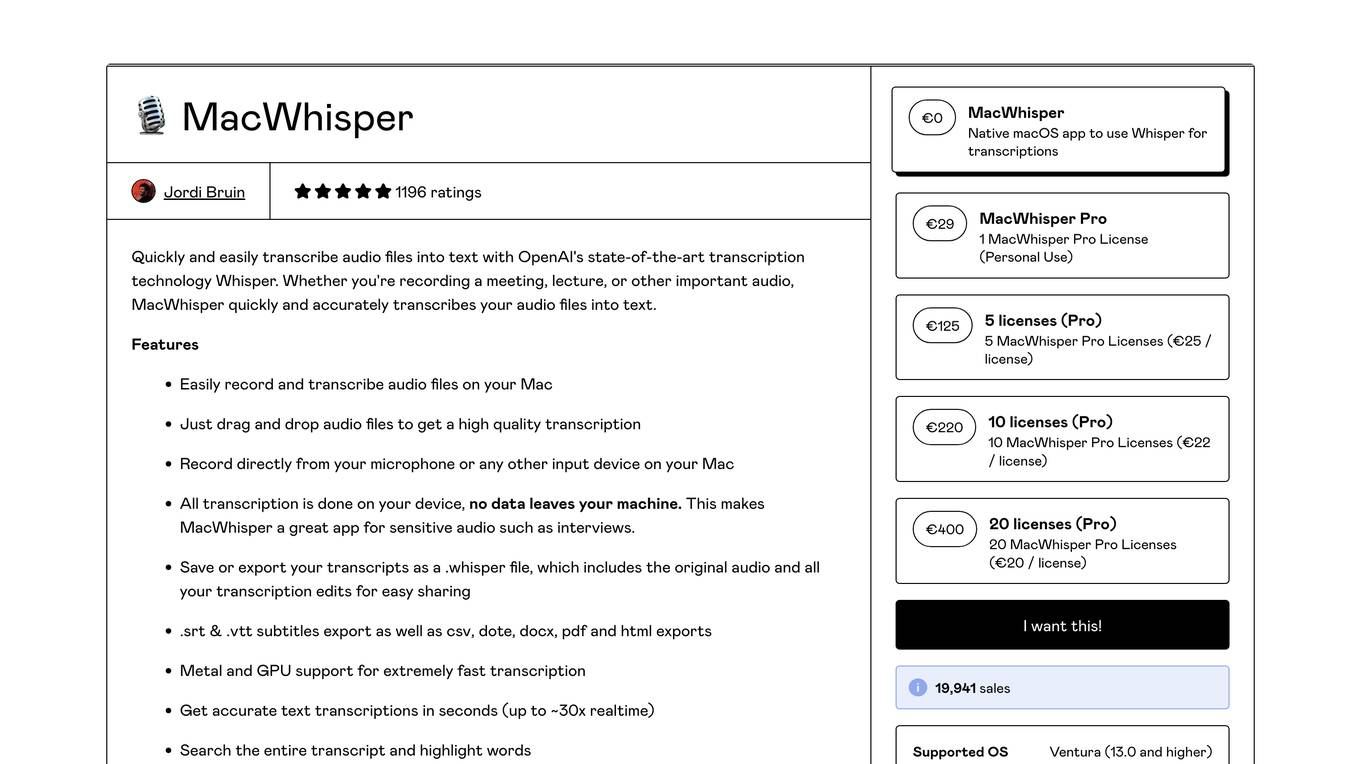
MacWhisper
MacWhisper is a native macOS application that utilizes OpenAI's Whisper technology for transcribing audio files into text. It offers a user-friendly interface for recording, transcribing, and editing audio, making it suitable for various use cases such as transcribing meetings, lectures, interviews, and podcasts. The application is designed to protect user privacy by performing all transcriptions locally on the device, ensuring that no data leaves the user's machine.
1 - Open Source AI Tools

ClaudeBar
ClaudeBar is a macOS menu bar application that monitors AI coding assistant usage quotas. It allows users to keep track of their usage of Claude, Codex, Gemini, GitHub Copilot, Antigravity, and Z.ai at a glance. The application offers multi-provider support, real-time quota tracking, multiple themes, visual status indicators, system notifications, auto-refresh feature, and keyboard shortcuts for quick access. Users can customize monitoring by toggling individual providers on/off and receive alerts when quota status changes. The tool requires macOS 15+, Swift 6.2+, and CLI tools installed for the providers to be monitored.
1 - OpenAI Gpts
Time Tracker Visualizer (See Stats from Toggl)
I turn Toggl data into insightful visuals. Get your data from Settings (in Toggl Track) -> Data Export -> Export Time Entries. Ask for bonus analyses and plots :)