


mcp-rubber-duck
An MCP server that acts as a bridge to query multiple OpenAI-compatible LLMs with MCP tool access. Just like rubber duck debugging, explain your problems to various AI "ducks" who can actually research and get different perspectives!
Stars: 135
MCP Rubber Duck is a Model Context Protocol server that acts as a bridge to query multiple LLMs, including OpenAI-compatible HTTP APIs and CLI coding agents. Users can explain their problems to various AI 'ducks' to get different perspectives. The tool offers features like universal OpenAI compatibility, CLI agent support, conversation management, multi-duck querying, consensus voting, LLM-as-Judge evaluation, structured debates, health monitoring, usage tracking, and more. It supports various HTTP providers like OpenAI, Google Gemini, Anthropic, Groq, Together AI, Perplexity, and CLI providers like Claude Code, Codex, Gemini CLI, Grok, Aider, and custom agents. Users can install the tool globally, configure it using environment variables, and access interactive UIs for comparing ducks, voting, debating, and usage statistics. The tool provides multiple tools for asking questions, chatting, clearing conversations, listing ducks, comparing responses, voting, judging, iterating, debating, and more. It also offers prompt templates for different analysis purposes and extensive documentation for setup, configuration, tools, prompts, CLI providers, MCP Bridge, guardrails, Docker deployment, troubleshooting, contributing, license, acknowledgments, changelog, registry & directory, and support.
README:
An MCP (Model Context Protocol) server that acts as a bridge to query multiple LLMs -- both OpenAI-compatible HTTP APIs and CLI coding agents. Just like rubber duck debugging, explain your problems to various AI "ducks" and get different perspectives!


- Universal OpenAI Compatibility -- Works with any OpenAI-compatible API endpoint
- CLI Agent Support -- Use CLI coding agents (Claude Code, Codex, Gemini CLI, Grok, Aider) as ducks
- Multiple Ducks -- Configure and query multiple LLM providers simultaneously
- Conversation Management -- Maintain context across multiple messages
- Duck Council -- Get responses from all your configured LLMs at once
- Consensus Voting -- Multi-duck voting with reasoning and confidence scores
- LLM-as-Judge -- Have ducks evaluate and rank each other's responses
- Iterative Refinement -- Two ducks collaboratively improve responses
- Structured Debates -- Oxford, Socratic, and adversarial debate formats
- MCP Prompts -- 8 reusable prompt templates for multi-LLM workflows
- Automatic Failover -- Falls back to other providers if primary fails
- Health Monitoring -- Real-time health checks for all providers
- Usage Tracking -- Track requests, tokens, and estimated costs per provider
- MCP Bridge -- Connect ducks to other MCP servers for extended functionality (docs)
- Guardrails -- Pluggable safety layer with rate limiting, token limits, pattern blocking, and PII redaction (docs)
- Granular Security -- Per-server approval controls with session-based approvals
- Interactive UIs -- Rich HTML panels for compare, vote, debate, and usage tools (via MCP Apps)
- Tool Annotations -- MCP-compliant hints for tool behavior (read-only, destructive, etc.)
Any provider with an OpenAI-compatible API endpoint, including:
- OpenAI (GPT-5.1, o3, o4-mini)
- Google Gemini (Gemini 3, Gemini 2.5 Pro/Flash)
- Anthropic (via OpenAI-compatible endpoints)
- Groq (Llama 4, Llama 3.3)
- Together AI (Llama 4, Qwen, and more)
- Perplexity (Online models with web search)
- Anyscale, Azure OpenAI, Ollama, LM Studio, Custom
Command-line coding agents that run as local processes:
-
Claude Code (
claude) -- Codex (codex) -- Gemini CLI (gemini) -- Grok CLI (grok) -- Aider (aider) -- Custom
See CLI Providers for full setup and configuration.
# Install globally
npm install -g mcp-rubber-duck

# Or use npx directly in Claude Desktop config
npx mcp-rubber-duck
Using Claude Desktop? Jump to Claude Desktop Configuration. Using Cursor, VS Code, Windsurf, or another tool? See the Setup Guide.
- Node.js 20 or higher
- npm or yarn
- At least one API key for an HTTP provider, or a CLI coding agent installed locally
npm install -g mcp-rubber-duckgit clone https://github.com/nesquikm/mcp-rubber-duck.git
cd mcp-rubber-duck
npm install
npm run build
npm startCreate a .env file or config/config.json. Key environment variables:
| Variable | Description |
|---|---|
OPENAI_API_KEY |
OpenAI API key |
GEMINI_API_KEY |
Google Gemini API key |
GROQ_API_KEY |
Groq API key |
DEFAULT_PROVIDER |
Default provider (e.g., openai) |
DEFAULT_TEMPERATURE |
Default temperature (e.g., 0.7) |
LOG_LEVEL |
debug, info, warn, error
|
MCP_SERVER |
Set to true for MCP server mode |
MCP_BRIDGE_ENABLED |
Enable MCP Bridge (ducks access external MCP servers) |
CUSTOM_{NAME}_* |
Custom HTTP providers |
CLI_{AGENT}_ENABLED |
Enable CLI agents (CLAUDE, CODEX, GEMINI, GROK, AIDER) |
Full reference: Configuration docs
Four tools -- compare_ducks, duck_vote, duck_debate, and get_usage_stats -- can render rich interactive HTML panels inside supported MCP clients via MCP Apps. Once this MCP server is configured in a supporting client, the UIs appear automatically -- no additional setup is required. Clients without MCP Apps support still receive the same plain text output (no functionality is lost). See the MCP Apps repo for an up-to-date list of supported clients.
Compare multiple model responses side-by-side, with latency indicators, token counts, model badges, and error states.

Have multiple ducks vote on options, displayed as a visual vote tally with bar charts, consensus badge, winner card, confidence bars, and collapsible reasoning.

Structured multi-round debate between ducks, shown as a round-by-round view with format badge, participant list, collapsible rounds, and synthesis section.

Usage analytics with summary cards, provider breakdown with expandable rows, token distribution bars, and estimated costs.

| Tool | Description |
|---|---|
ask_duck |
Ask a single question to a specific LLM provider |
chat_with_duck |
Conversation with context maintained across messages |
clear_conversations |
Clear all conversation history |
list_ducks |
List configured providers and health status |
list_models |
List available models for providers |
compare_ducks |
Ask the same question to multiple providers simultaneously |
duck_council |
Get responses from all configured ducks |
get_usage_stats |
Usage statistics and estimated costs |
duck_vote |
Multi-duck voting with reasoning and confidence |
duck_judge |
Have one duck evaluate and rank others' responses |
duck_iterate |
Iteratively refine a response between two ducks |
duck_debate |
Structured multi-round debate between ducks |
mcp_status |
MCP Bridge status and connected servers |
get_pending_approvals |
Pending MCP tool approval requests |
approve_mcp_request |
Approve or deny a duck's MCP tool request |
Full reference with input schemas: Tools docs
| Prompt | Purpose | Required Arguments |
|---|---|---|
perspectives |
Multi-angle analysis with assigned lenses |
problem, perspectives
|
assumptions |
Surface hidden assumptions in plans | plan |
blindspots |
Hunt for overlooked risks and gaps | proposal |
tradeoffs |
Structured option comparison |
options, criteria
|
red_team |
Security/risk analysis from multiple angles | target |
reframe |
Problem reframing at different levels | problem |
architecture |
Design review across concerns |
design, workloads, priorities
|
diverge_converge |
Divergent exploration then convergence | challenge |
Full reference with examples: Prompts docs
npm run dev        # Development with watch mode
npm test           # Run all tests
npm run lint       # ESLint
npm run typecheck # Type check without emit| Topic | Link |
|---|---|
| Setup guide (all tools) | docs/setup.md |
| Full configuration reference | docs/configuration.md |
| Claude Desktop setup | docs/claude-desktop.md |
| All tools with schemas | docs/tools.md |
| Prompt templates | docs/prompts.md |
| CLI coding agents | docs/cli-providers.md |
| MCP Bridge | docs/mcp-bridge.md |
| Guardrails | docs/guardrails.md |
| Docker deployment | docs/docker.md |
| Provider-specific setup | docs/provider-setup.md |
| Usage examples | docs/usage-examples.md |
| Architecture | docs/architecture.md |
| Roadmap | docs/roadmap.md |
- Check API key is correctly set
- Verify endpoint URL is correct
- Run health check:
list_ducks({ check_health: true }) - Check logs for detailed error messages
- For local providers (Ollama, LM Studio), ensure they're running
- Check firewall settings for local endpoints
- Verify network connectivity to cloud providers
- Configure failover to alternate providers
- Adjust
max_retriesandtimeoutsettings - See Guardrails for rate limiting configuration
     __
   <(o )___
    ( ._> /
     `---'  Quack! Ready to debug!
We love contributions! Whether you're fixing bugs, adding features, or teaching our ducks new tricks, we'd love to have you join the flock.
Check out our Contributing Guide to get started.
Quick start for contributors:
- Fork the repository
- Create a feature branch
- Follow our conventional commit guidelines
- Add tests for new functionality
- Submit a pull request
MIT License - see LICENSE file for details
- Inspired by the rubber duck debugging method
- Built on the Model Context Protocol (MCP)
- Uses OpenAI SDK for HTTP provider compatibility
- Supports CLI coding agents (Claude Code, Codex, Gemini CLI, Grok, Aider)
See CHANGELOG.md for a detailed history of changes and releases.
- NPM Package: npmjs.com/package/mcp-rubber-duck
- Docker Images: ghcr.io/nesquikm/mcp-rubber-duck
-
MCP Registry: Official MCP server
io.github.nesquikm/rubber-duck - Glama Directory: glama.ai/mcp/servers/@nesquikm/mcp-rubber-duck
- Awesome MCP Servers: Listed in the community directory
- Report issues: https://github.com/nesquikm/mcp-rubber-duck/issues
- Documentation: https://github.com/nesquikm/mcp-rubber-duck/wiki
- Discussions: https://github.com/nesquikm/mcp-rubber-duck/discussions
Happy Debugging with your AI Duck Panel!
For Tasks:
Click tags to check more tools for each tasksFor Jobs:
Alternative AI tools for mcp-rubber-duck
Similar Open Source Tools
For similar tasks
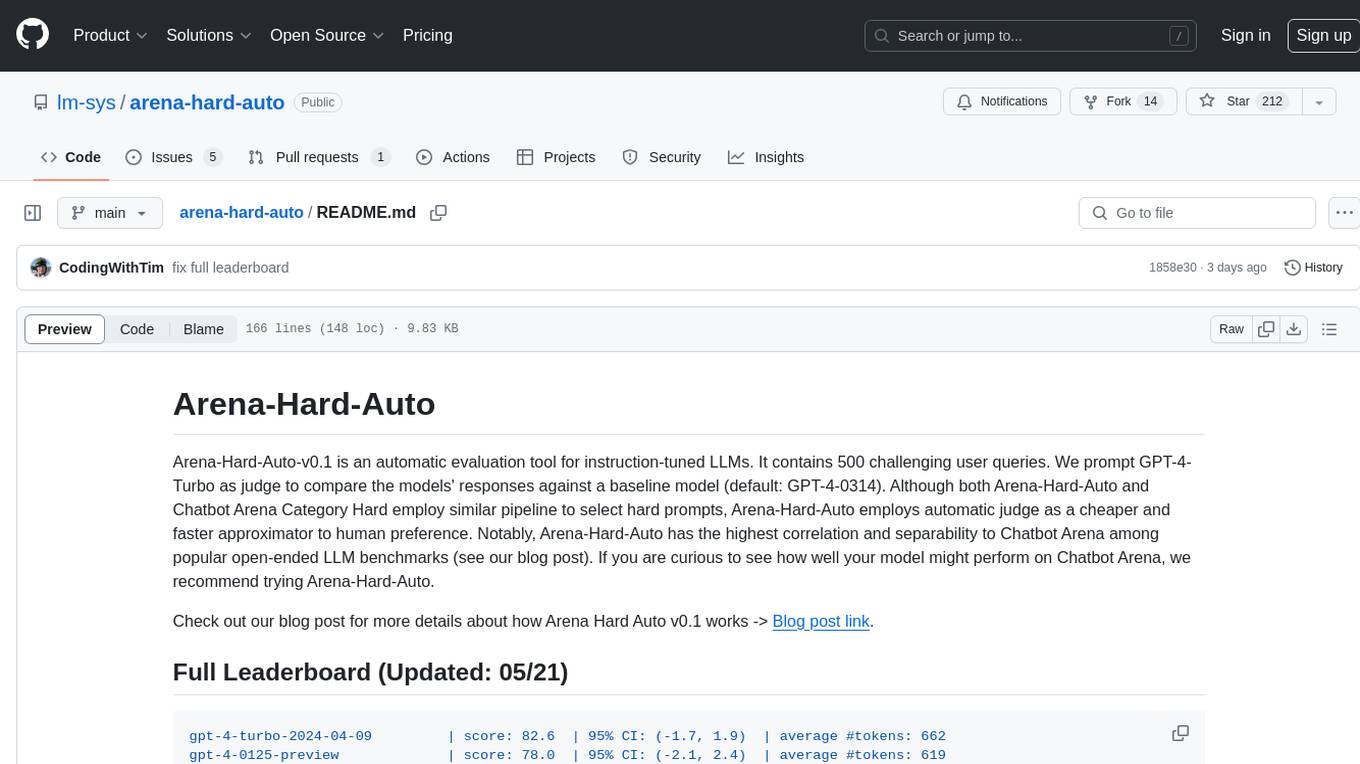
arena-hard-auto
Arena-Hard-Auto-v0.1 is an automatic evaluation tool for instruction-tuned LLMs. It contains 500 challenging user queries. The tool prompts GPT-4-Turbo as a judge to compare models' responses against a baseline model (default: GPT-4-0314). Arena-Hard-Auto employs an automatic judge as a cheaper and faster approximator to human preference. It has the highest correlation and separability to Chatbot Arena among popular open-ended LLM benchmarks. Users can evaluate their models' performance on Chatbot Arena by using Arena-Hard-Auto.
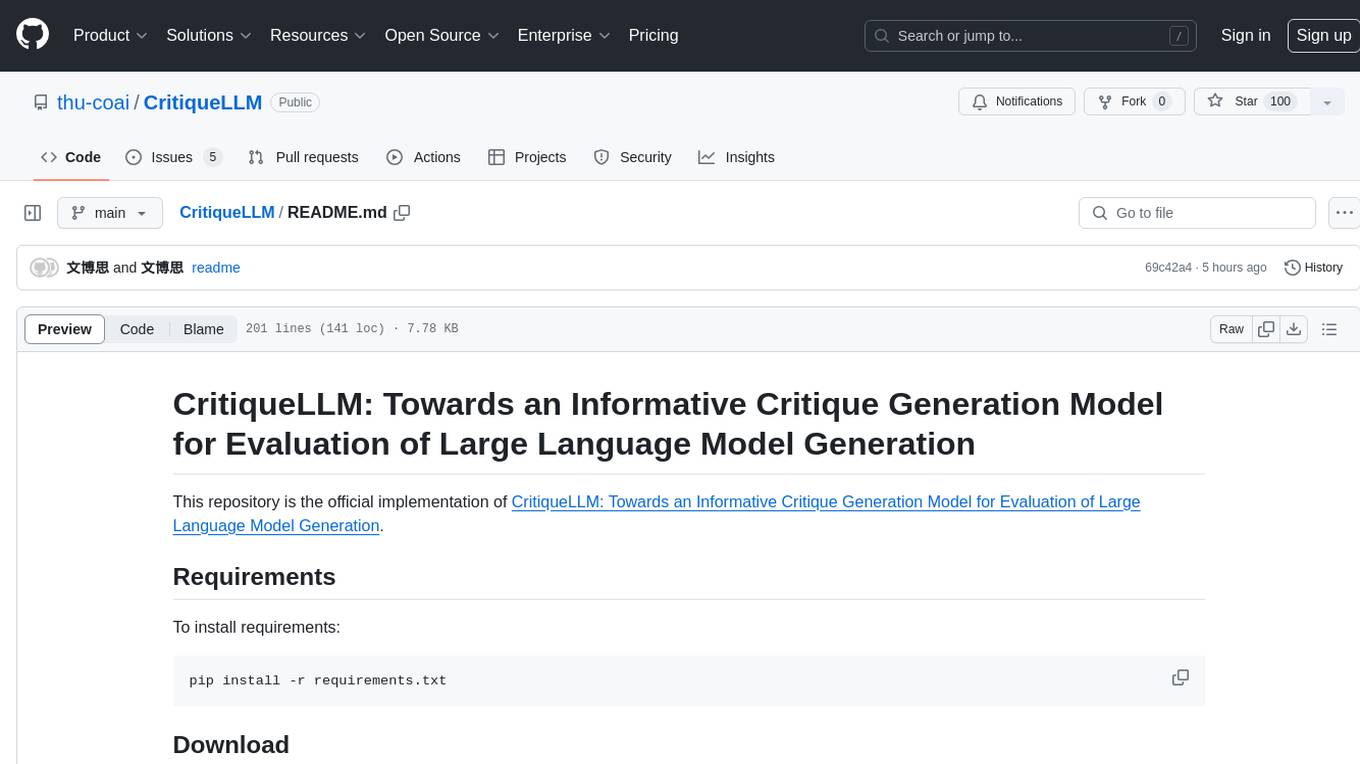
CritiqueLLM
CritiqueLLM is an official implementation of a model designed for generating informative critiques to evaluate large language model generation. It includes functionalities for data collection, referenced pointwise grading, referenced pairwise comparison, reference-free pairwise comparison, reference-free pointwise grading, inference for pointwise grading and pairwise comparison, and evaluation of the generated results. The model aims to provide a comprehensive framework for evaluating the performance of large language models based on human ratings and comparisons.
mcp-rubber-duck
MCP Rubber Duck is a Model Context Protocol server that acts as a bridge to query multiple LLMs, including OpenAI-compatible HTTP APIs and CLI coding agents. Users can explain their problems to various AI 'ducks' to get different perspectives. The tool offers features like universal OpenAI compatibility, CLI agent support, conversation management, multi-duck querying, consensus voting, LLM-as-Judge evaluation, structured debates, health monitoring, usage tracking, and more. It supports various HTTP providers like OpenAI, Google Gemini, Anthropic, Groq, Together AI, Perplexity, and CLI providers like Claude Code, Codex, Gemini CLI, Grok, Aider, and custom agents. Users can install the tool globally, configure it using environment variables, and access interactive UIs for comparing ducks, voting, debating, and usage statistics. The tool provides multiple tools for asking questions, chatting, clearing conversations, listing ducks, comparing responses, voting, judging, iterating, debating, and more. It also offers prompt templates for different analysis purposes and extensive documentation for setup, configuration, tools, prompts, CLI providers, MCP Bridge, guardrails, Docker deployment, troubleshooting, contributing, license, acknowledgments, changelog, registry & directory, and support.
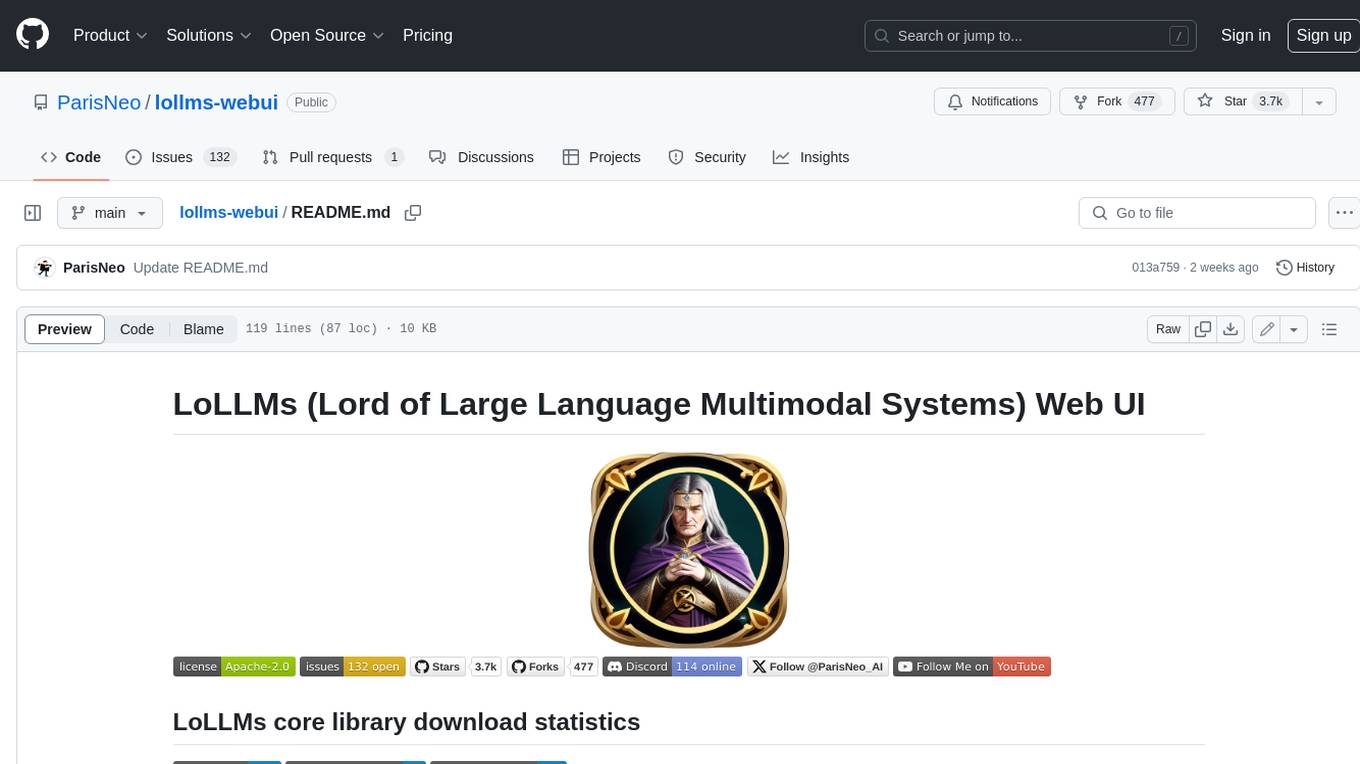
lollms-webui
LoLLMs WebUI (Lord of Large Language Multimodal Systems: One tool to rule them all) is a user-friendly interface to access and utilize various LLM (Large Language Models) and other AI models for a wide range of tasks. With over 500 AI expert conditionings across diverse domains and more than 2500 fine tuned models over multiple domains, LoLLMs WebUI provides an immediate resource for any problem, from car repair to coding assistance, legal matters, medical diagnosis, entertainment, and more. The easy-to-use UI with light and dark mode options, integration with GitHub repository, support for different personalities, and features like thumb up/down rating, copy, edit, and remove messages, local database storage, search, export, and delete multiple discussions, make LoLLMs WebUI a powerful and versatile tool.
continue
Continue is an open-source autopilot for VS Code and JetBrains that allows you to code with any LLM. With Continue, you can ask coding questions, edit code in natural language, generate files from scratch, and more. Continue is easy to use and can help you save time and improve your coding skills.
anterion
Anterion is an open-source AI software engineer that extends the capabilities of `SWE-agent` to plan and execute open-ended engineering tasks, with a frontend inspired by `OpenDevin`. It is designed to help users fix bugs and prototype ideas with ease. Anterion is equipped with easy deployment and a user-friendly interface, making it accessible to users of all skill levels.
sglang
SGLang is a structured generation language designed for large language models (LLMs). It makes your interaction with LLMs faster and more controllable by co-designing the frontend language and the runtime system. The core features of SGLang include: - **A Flexible Front-End Language**: This allows for easy programming of LLM applications with multiple chained generation calls, advanced prompting techniques, control flow, multiple modalities, parallelism, and external interaction. - **A High-Performance Runtime with RadixAttention**: This feature significantly accelerates the execution of complex LLM programs by automatic KV cache reuse across multiple calls. It also supports other common techniques like continuous batching and tensor parallelism.
For similar jobs

weave
Weave is a toolkit for developing Generative AI applications, built by Weights & Biases. With Weave, you can log and debug language model inputs, outputs, and traces; build rigorous, apples-to-apples evaluations for language model use cases; and organize all the information generated across the LLM workflow, from experimentation to evaluations to production. Weave aims to bring rigor, best-practices, and composability to the inherently experimental process of developing Generative AI software, without introducing cognitive overhead.

LLMStack
LLMStack is a no-code platform for building generative AI agents, workflows, and chatbots. It allows users to connect their own data, internal tools, and GPT-powered models without any coding experience. LLMStack can be deployed to the cloud or on-premise and can be accessed via HTTP API or triggered from Slack or Discord.

VisionCraft
The VisionCraft API is a free API for using over 100 different AI models. From images to sound.

kaito
Kaito is an operator that automates the AI/ML inference model deployment in a Kubernetes cluster. It manages large model files using container images, avoids tuning deployment parameters to fit GPU hardware by providing preset configurations, auto-provisions GPU nodes based on model requirements, and hosts large model images in the public Microsoft Container Registry (MCR) if the license allows. Using Kaito, the workflow of onboarding large AI inference models in Kubernetes is largely simplified.

PyRIT
PyRIT is an open access automation framework designed to empower security professionals and ML engineers to red team foundation models and their applications. It automates AI Red Teaming tasks to allow operators to focus on more complicated and time-consuming tasks and can also identify security harms such as misuse (e.g., malware generation, jailbreaking), and privacy harms (e.g., identity theft). The goal is to allow researchers to have a baseline of how well their model and entire inference pipeline is doing against different harm categories and to be able to compare that baseline to future iterations of their model. This allows them to have empirical data on how well their model is doing today, and detect any degradation of performance based on future improvements.

tabby
Tabby is a self-hosted AI coding assistant, offering an open-source and on-premises alternative to GitHub Copilot. It boasts several key features: * Self-contained, with no need for a DBMS or cloud service. * OpenAPI interface, easy to integrate with existing infrastructure (e.g Cloud IDE). * Supports consumer-grade GPUs.

spear
SPEAR (Simulator for Photorealistic Embodied AI Research) is a powerful tool for training embodied agents. It features 300 unique virtual indoor environments with 2,566 unique rooms and 17,234 unique objects that can be manipulated individually. Each environment is designed by a professional artist and features detailed geometry, photorealistic materials, and a unique floor plan and object layout. SPEAR is implemented as Unreal Engine assets and provides an OpenAI Gym interface for interacting with the environments via Python.

Magick
Magick is a groundbreaking visual AIDE (Artificial Intelligence Development Environment) for no-code data pipelines and multimodal agents. Magick can connect to other services and comes with nodes and templates well-suited for intelligent agents, chatbots, complex reasoning systems and realistic characters.