


continue
⏩ Source-controlled AI checks, enforceable in CI. Powered by the open-source Continue CLI
Stars: 31473
Continue is an open-source autopilot for VS Code and JetBrains that allows you to code with any LLM. With Continue, you can ask coding questions, edit code in natural language, generate files from scratch, and more. Continue is easy to use and can help you save time and improve your coding skills.
README:



Source-controlled AI checks, enforceable in CI

Paste this into your coding agent of choice:
Help me write checks for this codebase: https://continue.dev/walkthrough
Continue runs agents on every pull request as GitHub status checks. Each agent is a markdown file in your repo at .continue/checks/. Green if the code looks good, red with a suggested diff if not. Here is an example that performs a security review:
---
name: Security Review
description: Review PR for basic security vulnerabilities
---
Review this PR and check that:
  - No secrets or API keys are hardcoded
  - All new API endpoints have input validation
- Error responses use the standard error formatAI checks are powered by the open-source Continue CLI (cn).
macOS / Linux:
curl -fsSL https://raw.githubusercontent.com/continuedev/continue/main/extensions/cli/scripts/install.sh | bashWindows (PowerShell):
irm https://raw.githubusercontent.com/continuedev/continue/main/extensions/cli/scripts/install.ps1 | iexOr with npm (requires Node.js 20+):
npm i -g @continuedev/cliThen run:
cnLooking for the VS Code extension? See here.
Read the contributing guide, and join the GitHub Discussions.
For Tasks:
Click tags to check more tools for each tasksFor Jobs:
Alternative AI tools for continue
Similar Open Source Tools
continue
Continue is an open-source autopilot for VS Code and JetBrains that allows you to code with any LLM. With Continue, you can ask coding questions, edit code in natural language, generate files from scratch, and more. Continue is easy to use and can help you save time and improve your coding skills.
gitingest
GitIngest is a tool that allows users to turn any Git repository into a prompt-friendly text ingest for LLMs. It provides easy code context by generating a text digest from a git repository URL or directory. The tool offers smart formatting for optimized output format for LLM prompts and provides statistics about file and directory structure, size of the extract, and token count. GitIngest can be used as a CLI tool on Linux and as a Python package for code integration. The tool is built using Tailwind CSS for frontend, FastAPI for backend framework, tiktoken for token estimation, and apianalytics.dev for simple analytics. Users can self-host GitIngest by building the Docker image and running the container. Contributions to the project are welcome, and the tool aims to be beginner-friendly for first-time contributors with a simple Python and HTML codebase.
vim-ollama
The 'vim-ollama' plugin for Vim adds Copilot-like code completion support using Ollama as a backend, enabling intelligent AI-based code completion and integrated chat support for code reviews. It does not rely on cloud services, preserving user privacy. The plugin communicates with Ollama via Python scripts for code completion and interactive chat, supporting Vim only. Users can configure LLM models for code completion tasks and interactive conversations, with detailed installation and usage instructions provided in the README.
ChatGPT
The ChatGPT API Free Reverse Proxy provides free self-hosted API access to ChatGPT (`gpt-3.5-turbo`) with OpenAI's familiar structure, eliminating the need for code changes. It offers streaming response, API endpoint compatibility, and complimentary access without an API key. Installation options include Docker, PC/Server, and Termux on Android devices. The API can be accessed through a self-hosted local server or a pre-hosted API with an API key obtained from the Discord server. Usage examples are provided for Python and Node.js, and the project is licensed under AGPL-3.0.
codebox-api
CodeBox is a cloud infrastructure tool designed for running Python code in an isolated environment. It also offers simple file input/output capabilities and will soon support vector database operations. Users can install CodeBox using pip and utilize it by setting up an API key. The tool allows users to execute Python code snippets and interact with the isolated environment. CodeBox is currently in early development stages and requires manual handling for certain operations like refunds and cancellations. The tool is open for contributions through issue reporting and pull requests. It is licensed under MIT and can be contacted via email at [email protected].
openmeter
OpenMeter is a real-time and scalable usage metering tool for AI, usage-based billing, infrastructure, and IoT use cases. It provides a REST API for integrations and offers client SDKs in Node.js, Python, Go, and Web. OpenMeter is licensed under the Apache 2.0 License.
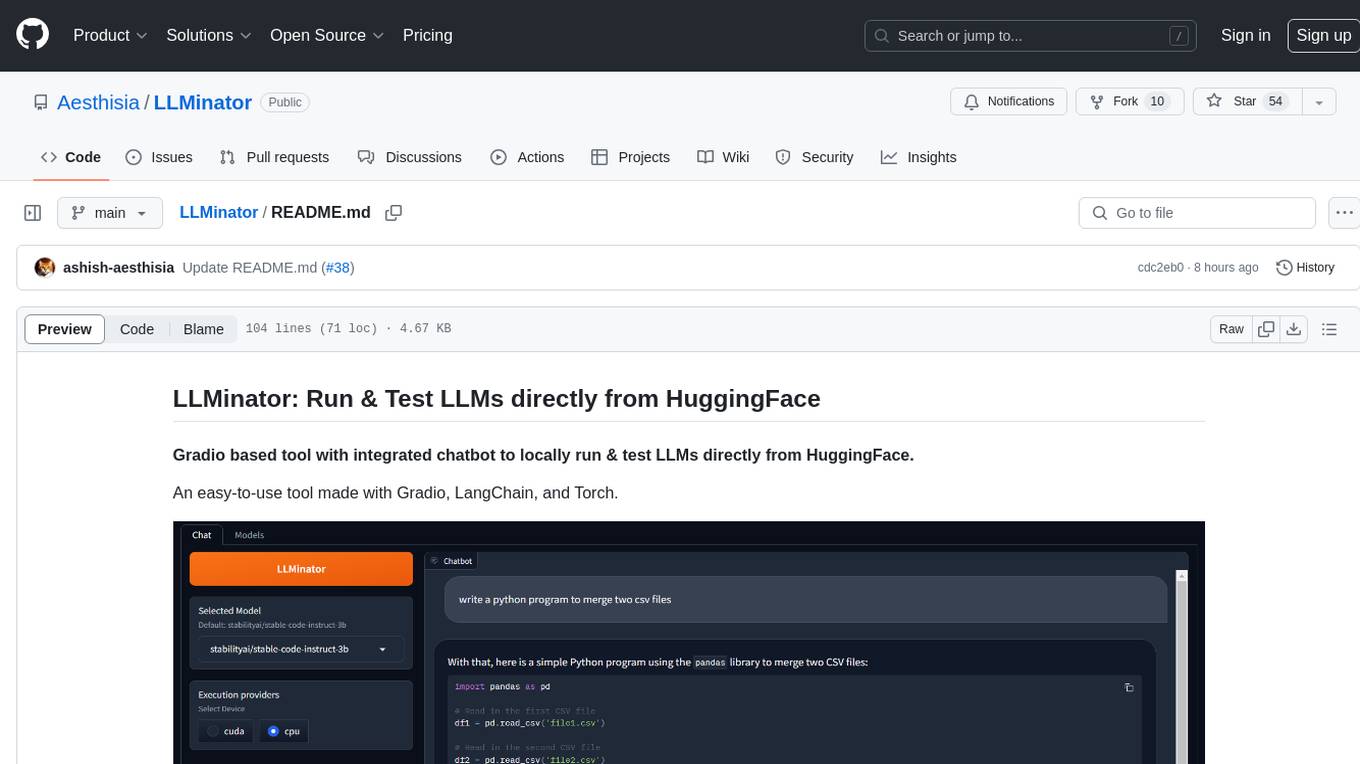
LLMinator
LLMinator is a Gradio-based tool with an integrated chatbot designed to locally run and test Language Model Models (LLMs) directly from HuggingFace. It provides an easy-to-use interface made with Gradio, LangChain, and Torch, offering features such as context-aware streaming chatbot, inbuilt code syntax highlighting, loading any LLM repo from HuggingFace, support for both CPU and CUDA modes, enabling LLM inference with llama.cpp, and model conversion capabilities.
srcbook
Srcbook is an open-source interactive programming environment for TypeScript that allows users to create, run, and share reproducible programs and ideas. It features AI capabilities for exploring and iterating on ideas, supports exporting to valid markdown format, and enables diagraming with mermaid for rich annotations. Users can locally execute programs through a web interface, powered by Node.js under the Apache2 license.
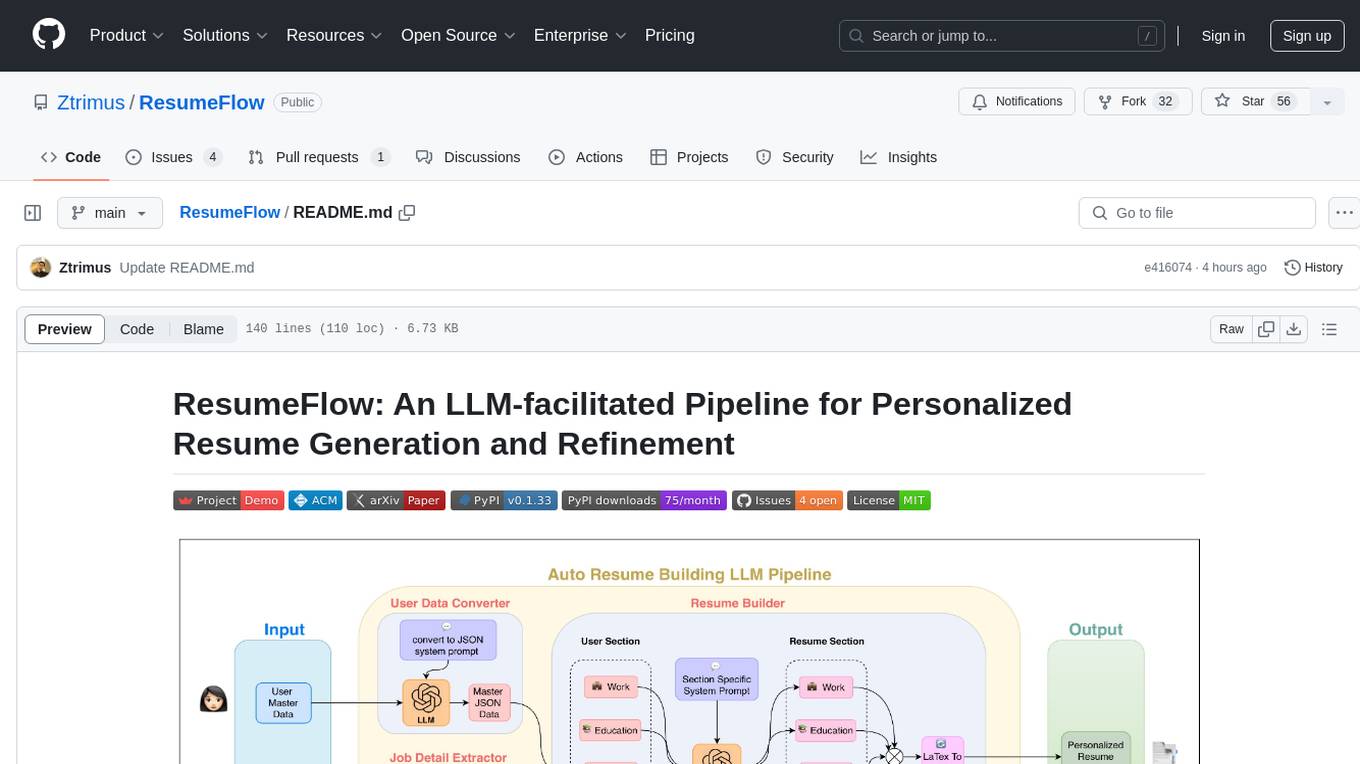
ResumeFlow
ResumeFlow is an automated system that leverages Large Language Models (LLMs) to streamline the job application process. By integrating LLM technology, the tool aims to automate various stages of job hunting, making it easier for users to apply for jobs. Users can access ResumeFlow as a web tool, install it as a Python package, or download the source code from GitHub. The tool requires Python 3.11.6 or above and an LLM API key from OpenAI or Gemini Pro for usage. ResumeFlow offers functionalities such as generating curated resumes and cover letters based on job URLs and user's master resume data.
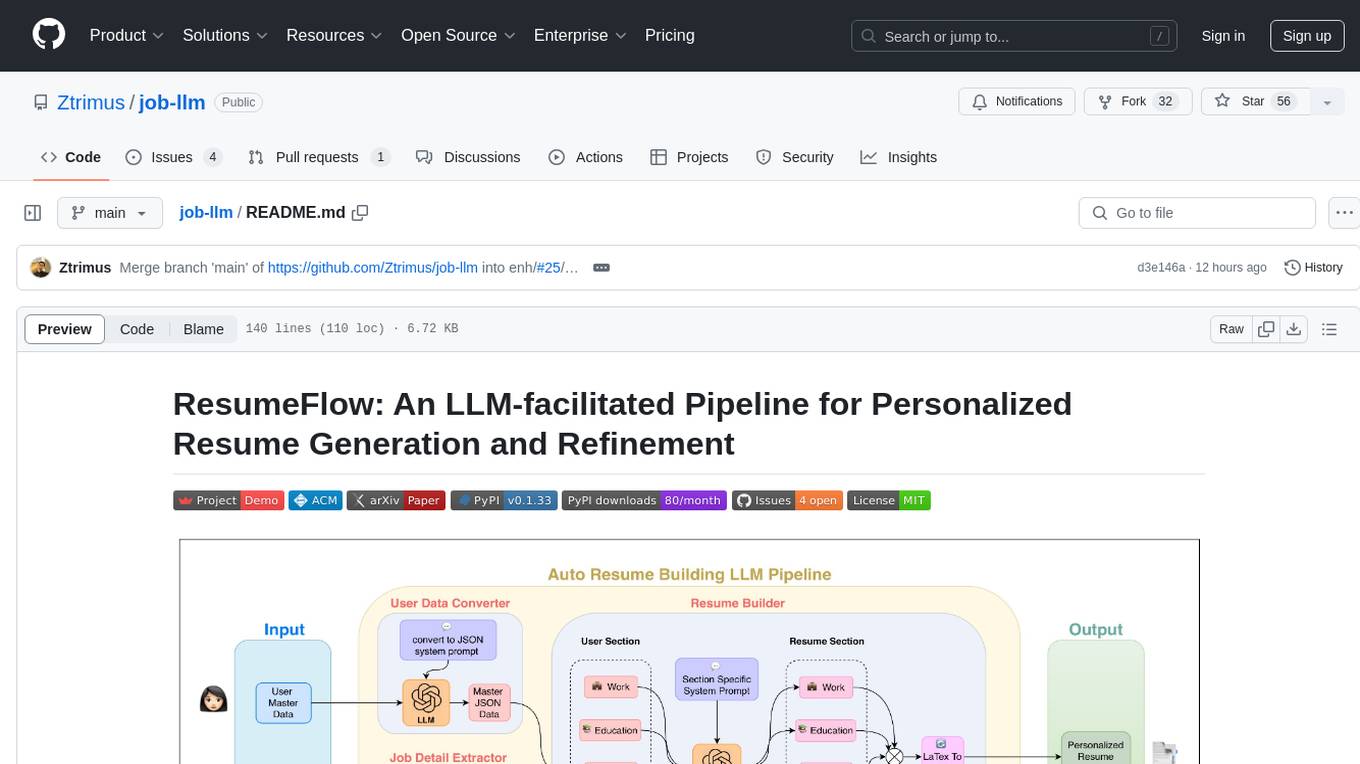
job-llm
ResumeFlow is an automated system utilizing Large Language Models (LLMs) to streamline the job application process. It aims to reduce human effort in various steps of job hunting by integrating LLM technology. Users can access ResumeFlow as a web tool, install it as a Python package, or download the source code. The project focuses on leveraging LLMs to automate tasks such as resume generation and refinement, making job applications smoother and more efficient.

opencode
Opencode is an AI coding agent designed for the terminal. It is a tool that allows users to interact with AI models for coding tasks in a terminal-based environment. Opencode is open source, provider-agnostic, and focuses on a terminal user interface (TUI) for coding. It offers features such as client/server architecture, support for various AI models, and a strong emphasis on community contributions and feedback.
MetaGPT
MetaGPT is a multi-agent framework that enables GPT to work in a software company, collaborating to tackle more complex tasks. It assigns different roles to GPTs to form a collaborative entity for complex tasks. MetaGPT takes a one-line requirement as input and outputs user stories, competitive analysis, requirements, data structures, APIs, documents, etc. Internally, MetaGPT includes product managers, architects, project managers, and engineers. It provides the entire process of a software company along with carefully orchestrated SOPs. MetaGPT's core philosophy is "Code = SOP(Team)", materializing SOP and applying it to teams composed of LLMs.
mdserve
Markdown preview server for AI coding agents. mdserve is a tool that allows AI agents to write markdown and see it rendered live in the browser. It features zero configuration, single binary installation, instant live reload via WebSocket, ephemeral sessions, and agent-friendly content support. It is not a documentation site generator, static site server, or general-purpose markdown authoring tool. mdserve is designed for AI coding agents to produce content like tables, diagrams, and code blocks.
tgpt
tgpt is a cross-platform command-line interface (CLI) tool that allows users to interact with AI chatbots in the Terminal without needing API keys. It supports various AI providers such as KoboldAI, Phind, Llama2, Blackbox AI, and OpenAI. Users can generate text, code, and images using different flags and options. The tool can be installed on GNU/Linux, MacOS, FreeBSD, and Windows systems. It also supports proxy configurations and provides options for updating and uninstalling the tool.
chainlit
Chainlit is an open-source async Python framework which allows developers to build scalable Conversational AI or agentic applications. It enables users to create ChatGPT-like applications, embedded chatbots, custom frontends, and API endpoints. The framework provides features such as multi-modal chats, chain of thought visualization, data persistence, human feedback, and an in-context prompt playground. Chainlit is compatible with various Python programs and libraries, including LangChain, Llama Index, Autogen, OpenAI Assistant, and Haystack. It offers a range of examples and a cookbook to showcase its capabilities and inspire users. Chainlit welcomes contributions and is licensed under the Apache 2.0 license.
copywriterproai-backend
CopywriterProAI is the world's first open-source AI writing platform for SEO and Ad Copy. The backend repository powers the AI capabilities and manages content processing for smooth operation. It provides an AI writing assistant that works behind the scenes to assist users in content creation.
For similar tasks
continue
Continue is an open-source autopilot for VS Code and JetBrains that allows you to code with any LLM. With Continue, you can ask coding questions, edit code in natural language, generate files from scratch, and more. Continue is easy to use and can help you save time and improve your coding skills.
AutoDocs
AutoDocs by Sita is a tool designed to automate documentation for any repository. It parses the repository using tree-sitter and SCIP, constructs a code dependency graph, and generates repository-wide, dependency-aware documentation and summaries. It provides a FastAPI backend for ingestion/search and a Next.js web UI for chat and exploration. Additionally, it includes an MCP server for deep search capabilities. The tool aims to simplify the process of generating accurate and high-signal documentation for codebases.
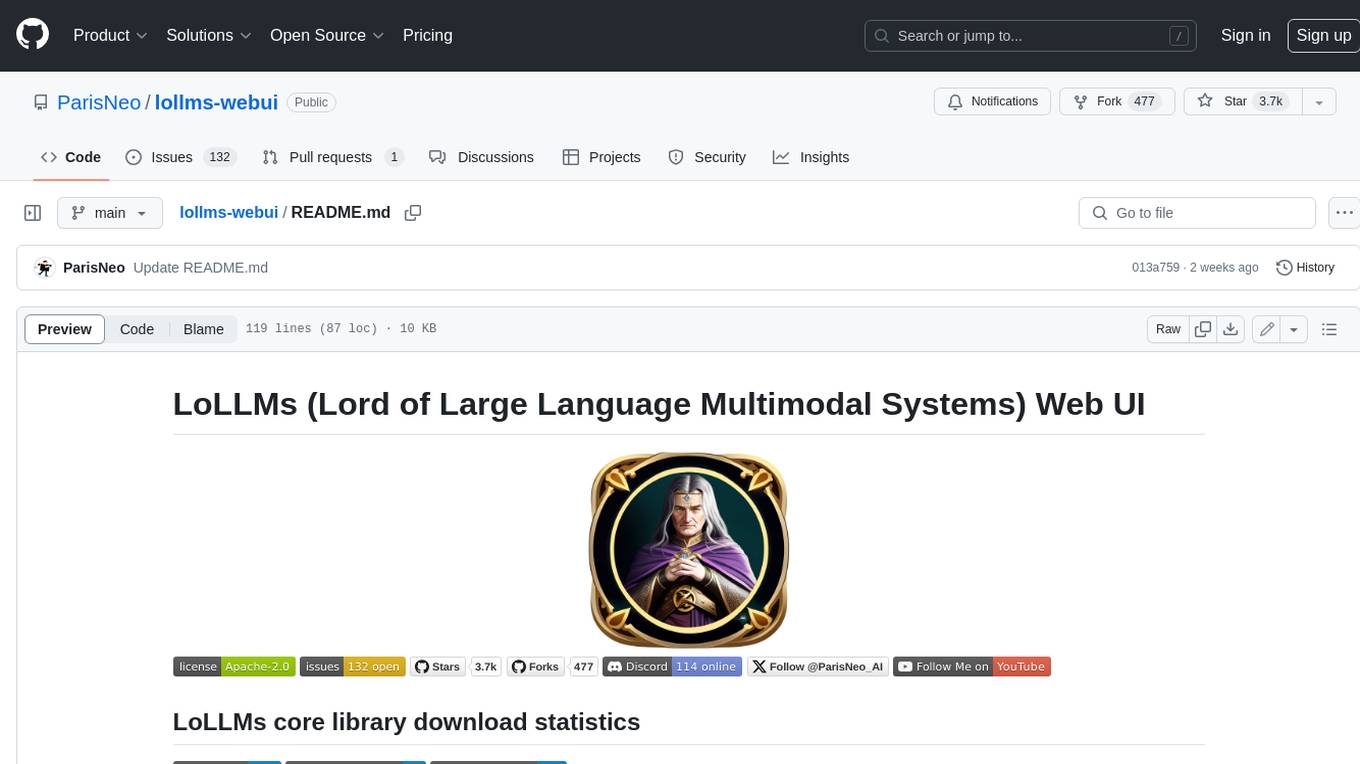
lollms-webui
LoLLMs WebUI (Lord of Large Language Multimodal Systems: One tool to rule them all) is a user-friendly interface to access and utilize various LLM (Large Language Models) and other AI models for a wide range of tasks. With over 500 AI expert conditionings across diverse domains and more than 2500 fine tuned models over multiple domains, LoLLMs WebUI provides an immediate resource for any problem, from car repair to coding assistance, legal matters, medical diagnosis, entertainment, and more. The easy-to-use UI with light and dark mode options, integration with GitHub repository, support for different personalities, and features like thumb up/down rating, copy, edit, and remove messages, local database storage, search, export, and delete multiple discussions, make LoLLMs WebUI a powerful and versatile tool.
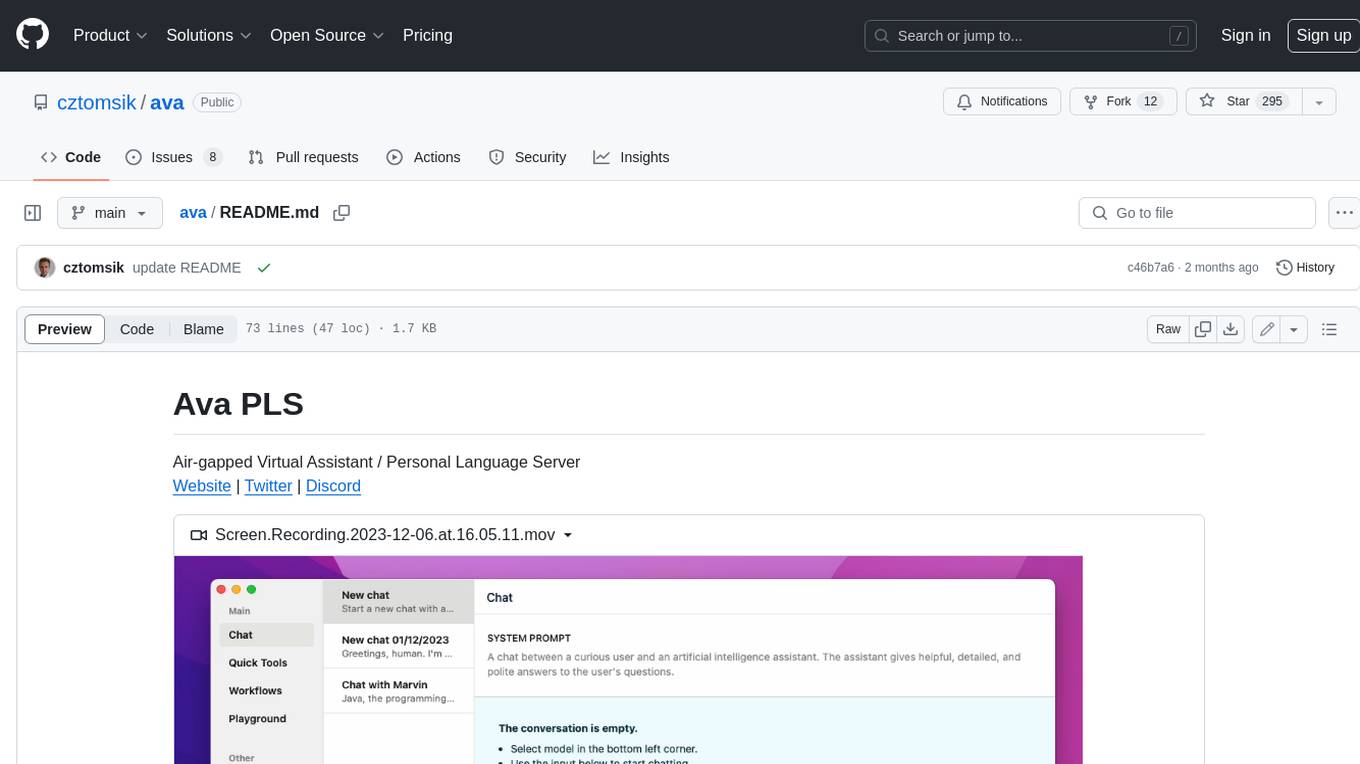
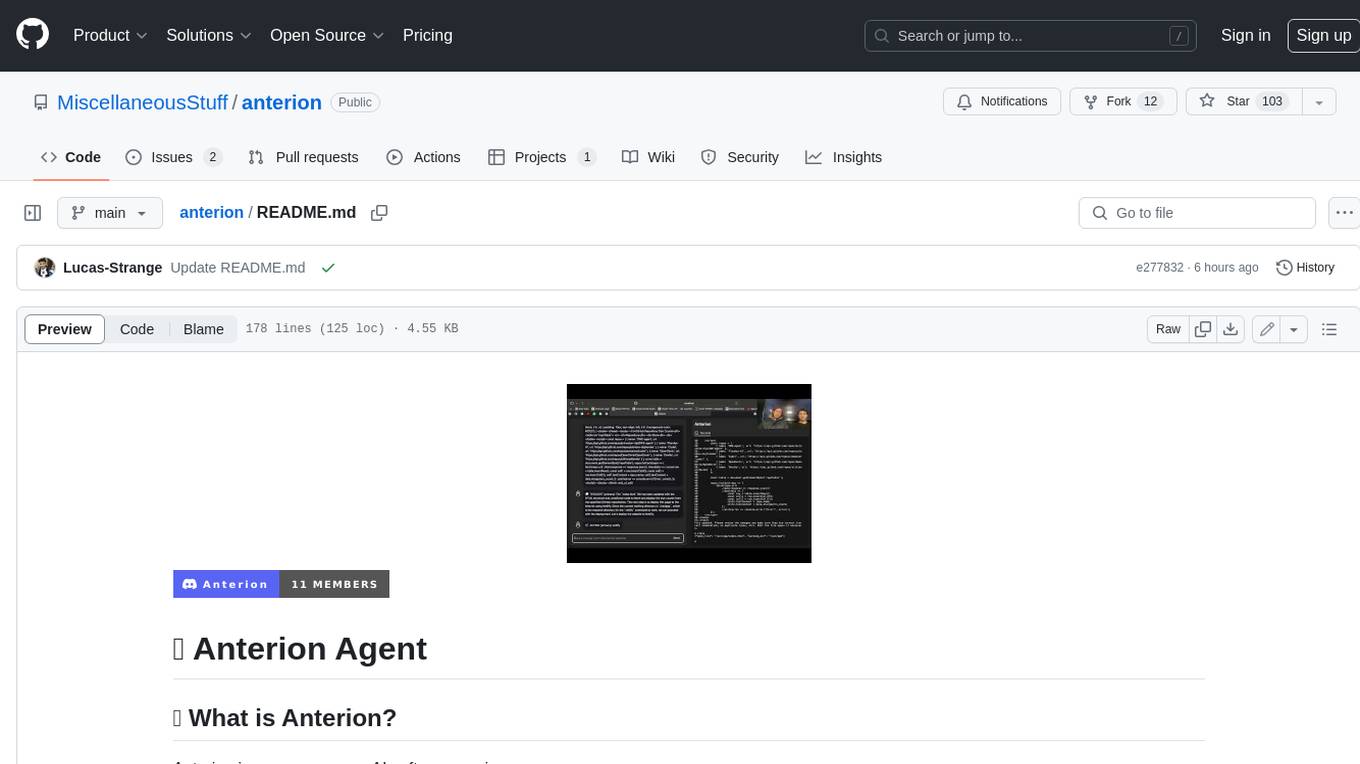
anterion
Anterion is an open-source AI software engineer that extends the capabilities of `SWE-agent` to plan and execute open-ended engineering tasks, with a frontend inspired by `OpenDevin`. It is designed to help users fix bugs and prototype ideas with ease. Anterion is equipped with easy deployment and a user-friendly interface, making it accessible to users of all skill levels.
sglang
SGLang is a structured generation language designed for large language models (LLMs). It makes your interaction with LLMs faster and more controllable by co-designing the frontend language and the runtime system. The core features of SGLang include: - **A Flexible Front-End Language**: This allows for easy programming of LLM applications with multiple chained generation calls, advanced prompting techniques, control flow, multiple modalities, parallelism, and external interaction. - **A High-Performance Runtime with RadixAttention**: This feature significantly accelerates the execution of complex LLM programs by automatic KV cache reuse across multiple calls. It also supports other common techniques like continuous batching and tensor parallelism.
ChatDBG
ChatDBG is an AI-based debugging assistant for C/C++/Python/Rust code that integrates large language models into a standard debugger (`pdb`, `lldb`, `gdb`, and `windbg`) to help debug your code. With ChatDBG, you can engage in a dialog with your debugger, asking open-ended questions about your program, like `why is x null?`. ChatDBG will _take the wheel_ and steer the debugger to answer your queries. ChatDBG can provide error diagnoses and suggest fixes. As far as we are aware, ChatDBG is the _first_ debugger to automatically perform root cause analysis and to provide suggested fixes.
aider
Aider is a command-line tool that lets you pair program with GPT-3.5/GPT-4 to edit code stored in your local git repository. Aider will directly edit the code in your local source files and git commit the changes with sensible commit messages. You can start a new project or work with an existing git repo. Aider is unique in that it lets you ask for changes to pre-existing, larger codebases.
For similar jobs

weave
Weave is a toolkit for developing Generative AI applications, built by Weights & Biases. With Weave, you can log and debug language model inputs, outputs, and traces; build rigorous, apples-to-apples evaluations for language model use cases; and organize all the information generated across the LLM workflow, from experimentation to evaluations to production. Weave aims to bring rigor, best-practices, and composability to the inherently experimental process of developing Generative AI software, without introducing cognitive overhead.

agentcloud
AgentCloud is an open-source platform that enables companies to build and deploy private LLM chat apps, empowering teams to securely interact with their data. It comprises three main components: Agent Backend, Webapp, and Vector Proxy. To run this project locally, clone the repository, install Docker, and start the services. The project is licensed under the GNU Affero General Public License, version 3 only. Contributions and feedback are welcome from the community.
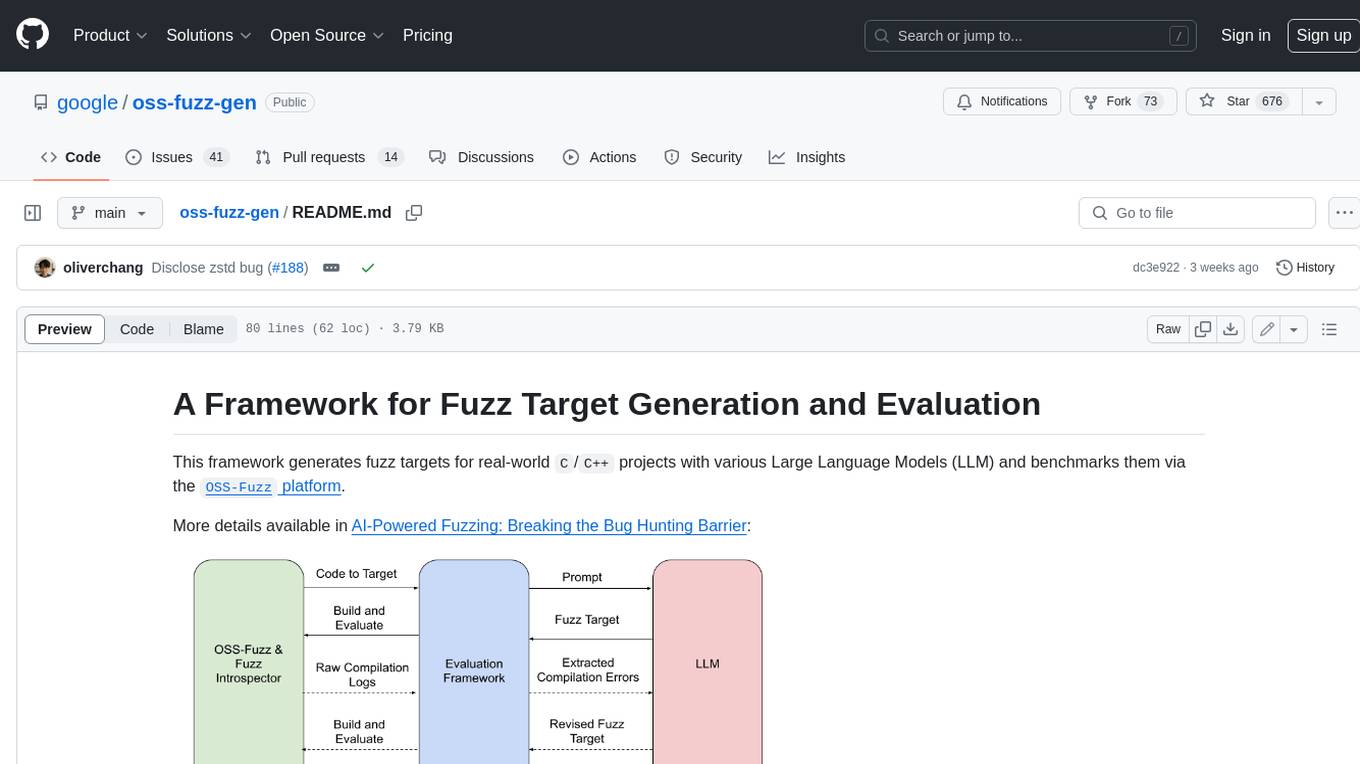
oss-fuzz-gen
This framework generates fuzz targets for real-world `C`/`C++` projects with various Large Language Models (LLM) and benchmarks them via the `OSS-Fuzz` platform. It manages to successfully leverage LLMs to generate valid fuzz targets (which generate non-zero coverage increase) for 160 C/C++ projects. The maximum line coverage increase is 29% from the existing human-written targets.

LLMStack
LLMStack is a no-code platform for building generative AI agents, workflows, and chatbots. It allows users to connect their own data, internal tools, and GPT-powered models without any coding experience. LLMStack can be deployed to the cloud or on-premise and can be accessed via HTTP API or triggered from Slack or Discord.

VisionCraft
The VisionCraft API is a free API for using over 100 different AI models. From images to sound.

kaito
Kaito is an operator that automates the AI/ML inference model deployment in a Kubernetes cluster. It manages large model files using container images, avoids tuning deployment parameters to fit GPU hardware by providing preset configurations, auto-provisions GPU nodes based on model requirements, and hosts large model images in the public Microsoft Container Registry (MCR) if the license allows. Using Kaito, the workflow of onboarding large AI inference models in Kubernetes is largely simplified.

PyRIT
PyRIT is an open access automation framework designed to empower security professionals and ML engineers to red team foundation models and their applications. It automates AI Red Teaming tasks to allow operators to focus on more complicated and time-consuming tasks and can also identify security harms such as misuse (e.g., malware generation, jailbreaking), and privacy harms (e.g., identity theft). The goal is to allow researchers to have a baseline of how well their model and entire inference pipeline is doing against different harm categories and to be able to compare that baseline to future iterations of their model. This allows them to have empirical data on how well their model is doing today, and detect any degradation of performance based on future improvements.

Azure-Analytics-and-AI-Engagement
The Azure-Analytics-and-AI-Engagement repository provides packaged Industry Scenario DREAM Demos with ARM templates (Containing a demo web application, Power BI reports, Synapse resources, AML Notebooks etc.) that can be deployed in a customer’s subscription using the CAPE tool within a matter of few hours. Partners can also deploy DREAM Demos in their own subscriptions using DPoC.