


openchamber
Desktop and web interface for OpenCode AI agent
Stars: 761
OpenChamber is a web and desktop interface for the OpenCode AI coding agent, designed to work alongside the OpenCode TUI. The project was built entirely with AI coding agents under supervision, serving as a proof of concept that AI agents can create usable software. It offers features like integrated terminal, Git operations with AI commit message generation, smart tool visualization, permission management, multi-agent runs, task tracker UI, model selection UX, UI scaling controls, session auto-cleanup, and memory optimizations. OpenChamber provides cross-device continuity, remote access, and a visual alternative for developers preferring GUI workflows.
README:






Web and desktop interface for the OpenCode AI coding agent. Works alongside the OpenCode TUI.
The OpenCode team is actively working on their own desktop app. I still decided to release this project as a fan-made alternative.
It was entirely built with OpenCode tool - first with the TUI version, then with the first usable version of OpenChamber, which I then used to build the rest.
The whole project was built entirely with AI coding agents under my supervision. It started as a hobby project and proof of concept that AI agents can create genuinely usable software.

More screenshots


- Cross-device continuity: Start in TUI, continue on tablet/phone, return to terminal - same session
- Remote access: Use OpenCode from anywhere via browser
- Familiarity: A visual alternative for developers who prefer GUI workflows
- Integrated terminal
- Git operations with identity management and AI commit message generation
- Smart tool visualization (inline diffs, file trees, results highlighting)
- Rich permission cards with syntax-highlighted operation previews
- Per-agent permission modes (ask/allow/full) per session
- Multi-agent runs from a single prompt (isolated worktrees; Web/PWA + Desktop)
- Branchable conversations: start a new session from any assistant response
- Task tracker UI with live progress and tool summaries
- Model selection UX: favorites, recents, and configurable tool output density
- UI scaling controls (font size and spacing)
- Session auto-cleanup with configurable retention
- Memory optimizations with LRU eviction
- Mobile-first UI with gestures and optimized terminal controls
- Self-serve web updates (no CLI required)
- Update and restart keeps previous server settings (port/password)
- Cloudflare Quick Tunnel support for easy remote access (
--try-cf-tunnel) - QR code generation for quick mobile access (
--tunnel-qr) - Auto-login URL with embedded password (
--tunnel-password-url)
- Native macOS menu bar integration with app actions
- First-launch directory picker to minimize permission prompts
- Editor-integrated file picker and click-to-open from tool output
- In-extension Settings access and theme mapping
Run OpenChamber remotely using GitHub Actions. No local computer required.
- Zero Setup: Runs on GitHub's infrastructure.
-
Persistence: Optional; enabled when
OPENCODE_SERVER_PASSWORDis set (encrypted). - Remote Access: Access via secure tunnel (Cloudflare/Ngrok).
Read the Guide: OpenChamber for Actions
Create your own color schemes by dropping JSON files into ~/.config/openchamber/themes/. Hot reload supported — no restart needed.
Install from VS Code Marketplace / Open VSX Registry or search "OpenChamber" in Extensions.
# Quick install (auto-detects your package manager)
curl -fsSL https://raw.githubusercontent.com/btriapitsyn/openchamber/main/scripts/install.sh | bash

# Or install manually
bun add -g @openchamber/web    # or npm, pnpm, yarn
openchamber # Start on port 3000
openchamber --port 8080 # Custom port
openchamber --daemon # Background mode
openchamber --ui-password secret # Password-protect UI
openchamber --try-cf-tunnel # Create a Cloudflare Quick Tunnel for remote access
openchamber --try-cf-tunnel --tunnel-qr # Show QR code for easy mobile access
openchamber --try-cf-tunnel --tunnel-password-url # Include password in URL for auto-login
OPENCODE_PORT=4096 OPENCODE_SKIP_START=true openchamber # Connect to external OpenCode server
openchamber stop # Stop server
openchamber update # Update to latest versionDownload from Releases.
- OpenCode CLI installed
- Node.js 20+ (for web version)
-
cloudflared (required for
--try-cf-tunnel)
See CONTRIBUTING.md for guidelines.









Independent project, not affiliated with OpenCode team.
Special thanks to:
- OpenCode - For the excellent API and extensible architecture.
- Flexoki - Beautiful color scheme by Steph Ango.
- Pierre - Fast, beautiful diff viewer with syntax highlighting.
- Tauri - Desktop application framework.
- Ghossty-web - for a great implementeation of a Ghostty web renderer.
- David Hill - who inspired me to release this without overthinking.
- My wife, who created a beautiful firework animation for the app while testing it for the first time.
MIT
For Tasks:
Click tags to check more tools for each tasksFor Jobs:
Alternative AI tools for openchamber
Similar Open Source Tools
openchamber
OpenChamber is a web and desktop interface for the OpenCode AI coding agent, designed to work alongside the OpenCode TUI. The project was built entirely with AI coding agents under supervision, serving as a proof of concept that AI agents can create usable software. It offers features like integrated terminal, Git operations with AI commit message generation, smart tool visualization, permission management, multi-agent runs, task tracker UI, model selection UX, UI scaling controls, session auto-cleanup, and memory optimizations. OpenChamber provides cross-device continuity, remote access, and a visual alternative for developers preferring GUI workflows.
pyspur
PySpur is a graph-based editor designed for LLM (Large Language Models) workflows. It offers modular building blocks, node-level debugging, and performance evaluation. The tool is easy to hack, supports JSON configs for workflow graphs, and is lightweight with minimal dependencies. Users can quickly set up PySpur by cloning the repository, creating a .env file, starting docker services, and accessing the portal. PySpur can also work with local models served using Ollama, with steps provided for configuration. The roadmap includes features like canvas, async/batch execution, support for Ollama, new nodes, pipeline optimization, templates, code compilation, multimodal support, and more.
Windows-Use
Windows-Use is a powerful automation agent that interacts directly with the Windows OS at the GUI layer. It bridges the gap between AI agents and Windows to perform tasks such as opening apps, clicking buttons, typing, executing shell commands, and capturing UI state without relying on traditional computer vision models. It enables any large language model (LLM) to perform computer automation instead of relying on specific models for it.
ChatGPT-Next-Web
ChatGPT Next Web is a well-designed cross-platform ChatGPT web UI tool that supports Claude, GPT4, and Gemini Pro models. It allows users to deploy their private ChatGPT applications with ease. The tool offers features like one-click deployment, compact client for Linux/Windows/MacOS, compatibility with self-deployed LLMs, privacy-first approach with local data storage, markdown support, responsive design, fast loading speed, prompt templates, awesome prompts, chat history compression, multilingual support, and more.
browser-use
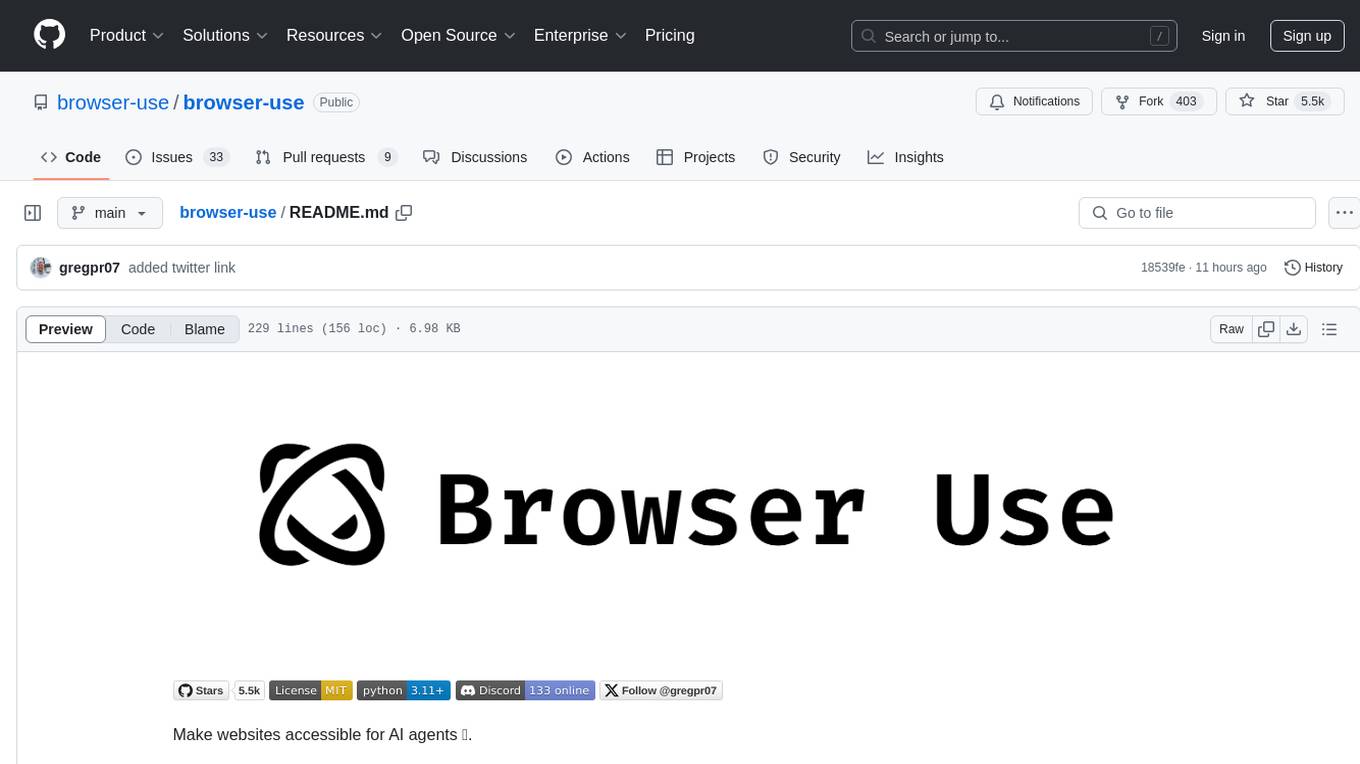
Browser Use is a tool designed to make websites accessible for AI agents. It provides an easy way to connect AI agents with the browser, enabling users to perform tasks such as extracting vision and HTML elements, managing multiple tabs, and executing custom actions. The tool supports various language models and allows users to parallelize multiple agents for efficient processing. With features like self-correction and the ability to register custom actions, Browser Use offers a versatile solution for interacting with web content using AI technology.
codexia
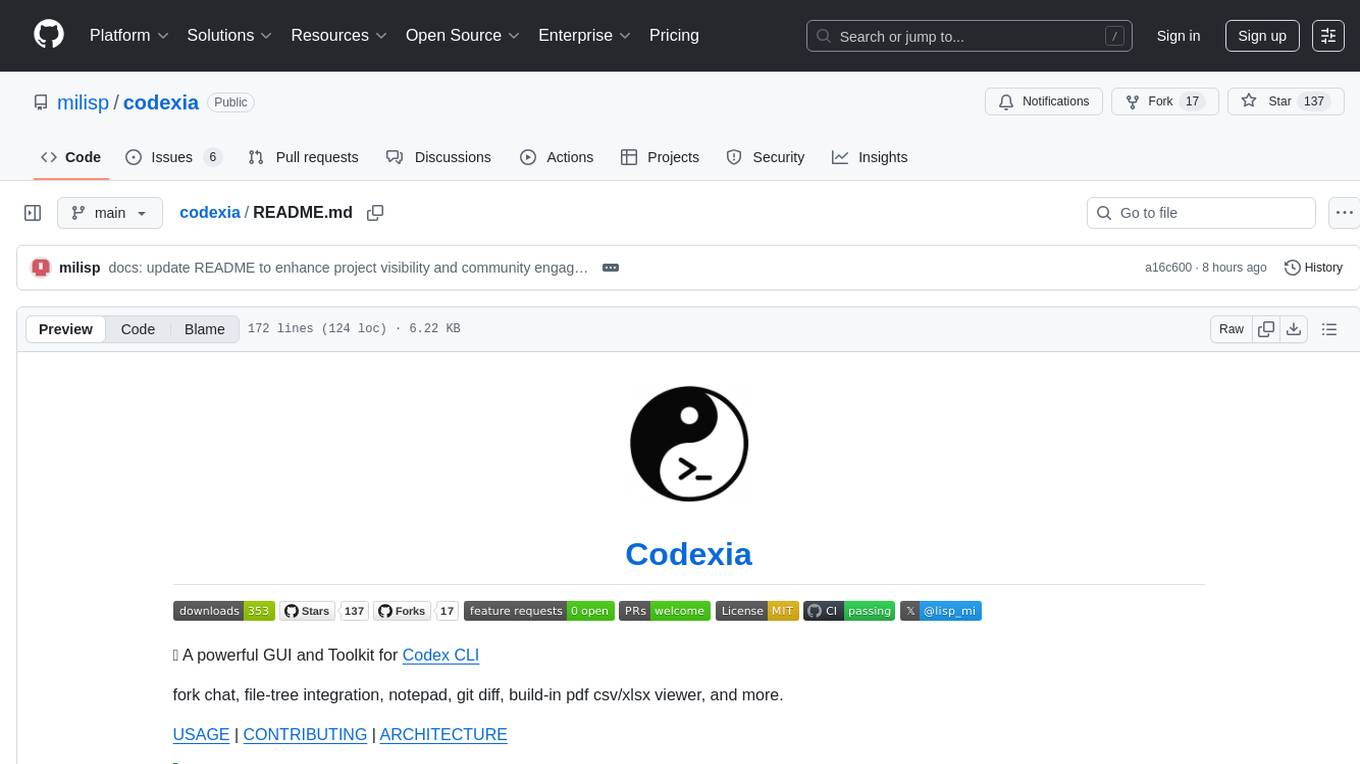
Codexia is a powerful GUI and Toolkit for Codex CLI, offering features like fork chat, file-tree integration, notepad, git diff, built-in pdf/csv/xlsx viewer, and more. It provides multi-file format support, flexible configuration with multiple AI providers, professional UX with responsive UI, security features like sandbox execution modes, and prioritizes privacy. The tool supports interactive chat, code generation/editing, file operations with sandbox, command execution with approval, multiple AI providers, project-aware assistance, streaming responses, and built-in web search. The roadmap includes plans for MCP tool call, more file format support, better UI customization, plugin system, real-time collaboration, performance optimizations, and token count.
llama-assistant
Llama Assistant is an AI-powered assistant that helps with daily tasks, such as voice recognition, natural language processing, summarizing text, rephrasing sentences, answering questions, and more. It runs offline on your local machine, ensuring privacy by not sending data to external servers. The project is a work in progress with regular feature additions.
biniou
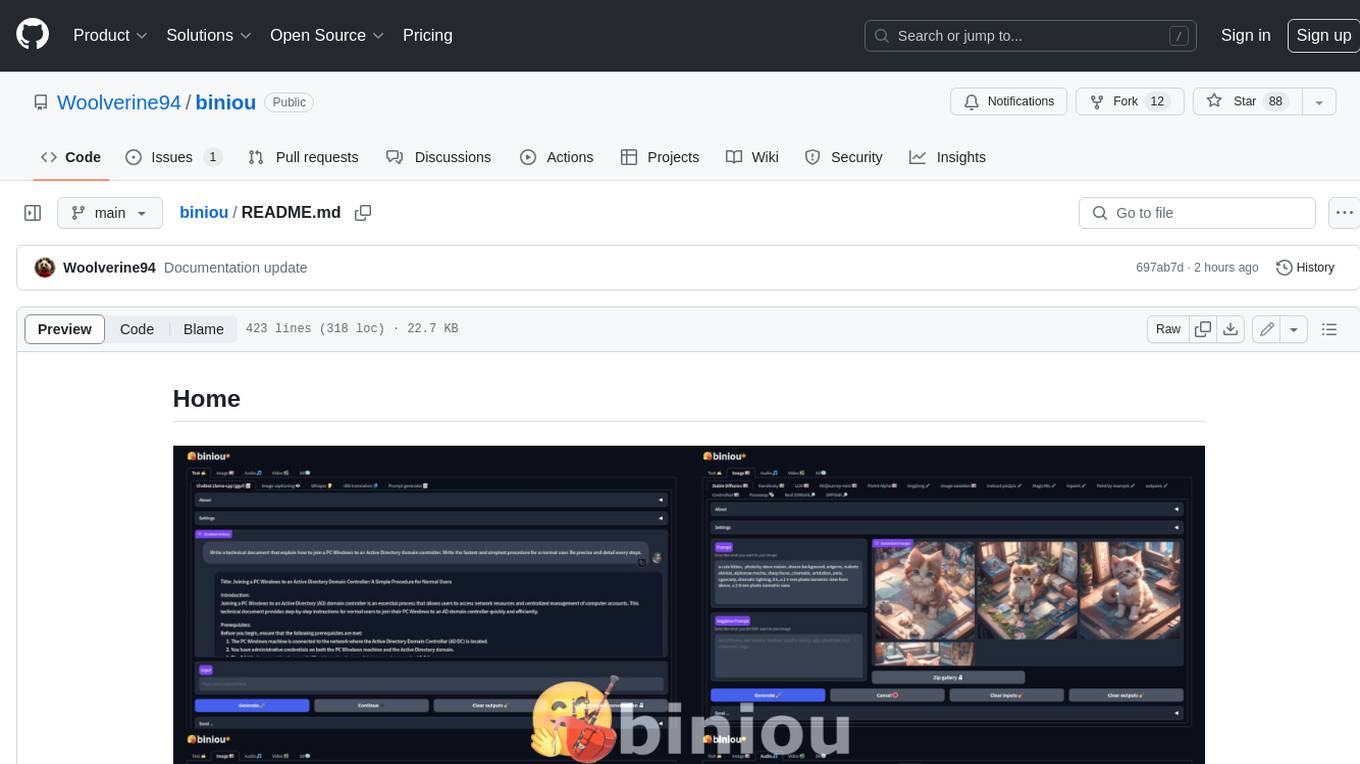
biniou is a self-hosted webui for various GenAI (generative artificial intelligence) tasks. It allows users to generate multimedia content using AI models and chatbots on their own computer, even without a dedicated GPU. The tool can work offline once deployed and required models are downloaded. It offers a wide range of features for text, image, audio, video, and 3D object generation and modification. Users can easily manage the tool through a control panel within the webui, with support for various operating systems and CUDA optimization. biniou is powered by Huggingface and Gradio, providing a cross-platform solution for AI content generation.
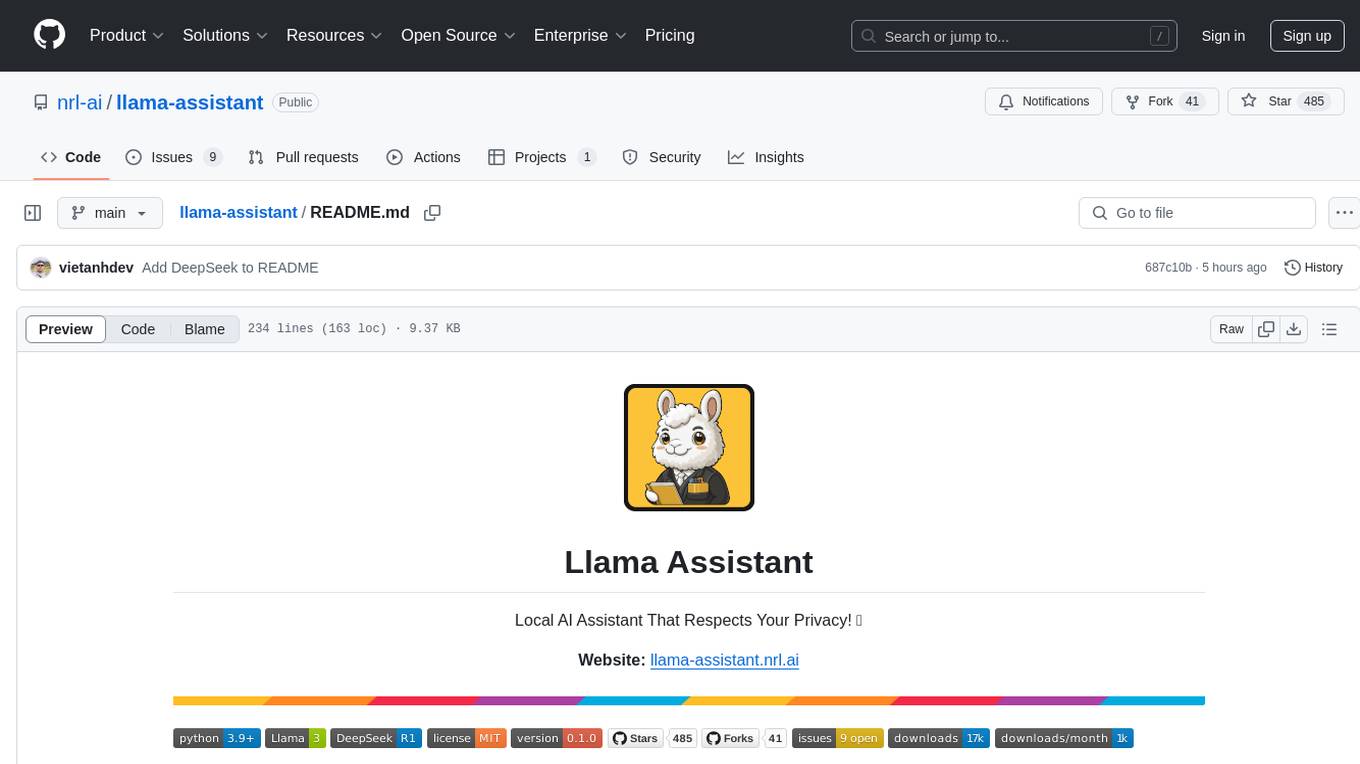
llama-assistant
Llama Assistant is a local AI assistant that respects your privacy. It is an AI-powered assistant that can recognize your voice, process natural language, and perform various actions based on your commands. It can help with tasks like summarizing text, rephrasing sentences, answering questions, writing emails, and more. The assistant runs offline on your local machine, ensuring privacy by not sending data to external servers. It supports voice recognition, natural language processing, and customizable UI with adjustable transparency. The project is a work in progress with new features being added regularly.
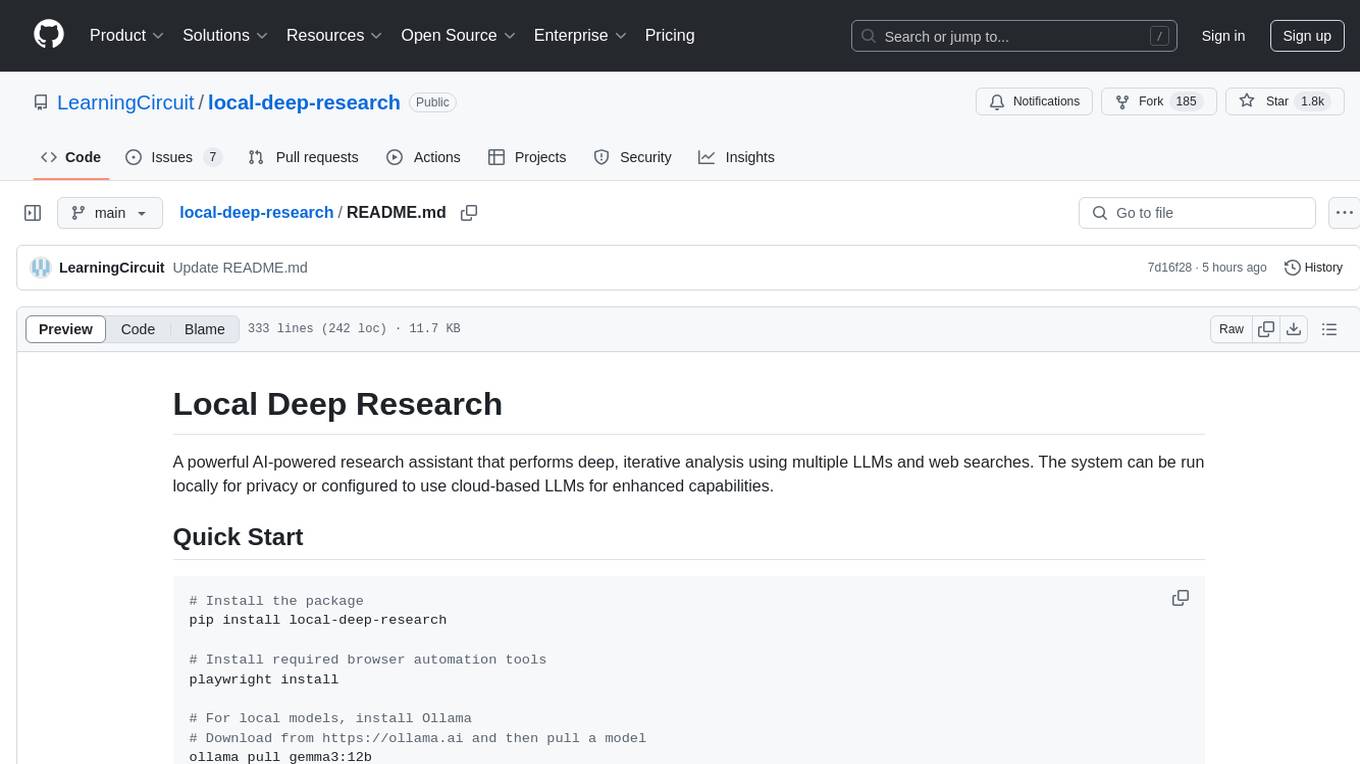
local-deep-research
Local Deep Research is a powerful AI-powered research assistant that performs deep, iterative analysis using multiple LLMs and web searches. It can be run locally for privacy or configured to use cloud-based LLMs for enhanced capabilities. The tool offers advanced research capabilities, flexible LLM support, rich output options, privacy-focused operation, enhanced search integration, and academic & scientific integration. It also provides a web interface, command line interface, and supports multiple LLM providers and search engines. Users can configure AI models, search engines, and research parameters for customized research experiences.
flowgram.ai
FlowGram.AI is a node-based flow building engine that helps developers create workflows in fixed or free connection layout modes. It provides interaction best practices and is suitable for visual workflows with clear inputs and outputs. The tool focuses on empowering workflows with AI capabilities.
nexa-sdk
Nexa SDK is a comprehensive toolkit supporting ONNX and GGML models for text generation, image generation, vision-language models (VLM), and text-to-speech (TTS) capabilities. It offers an OpenAI-compatible API server with JSON schema mode and streaming support, along with a user-friendly Streamlit UI. Users can run Nexa SDK on any device with Python environment, with GPU acceleration supported. The toolkit provides model support, conversion engine, inference engine for various tasks, and differentiating features from other tools.
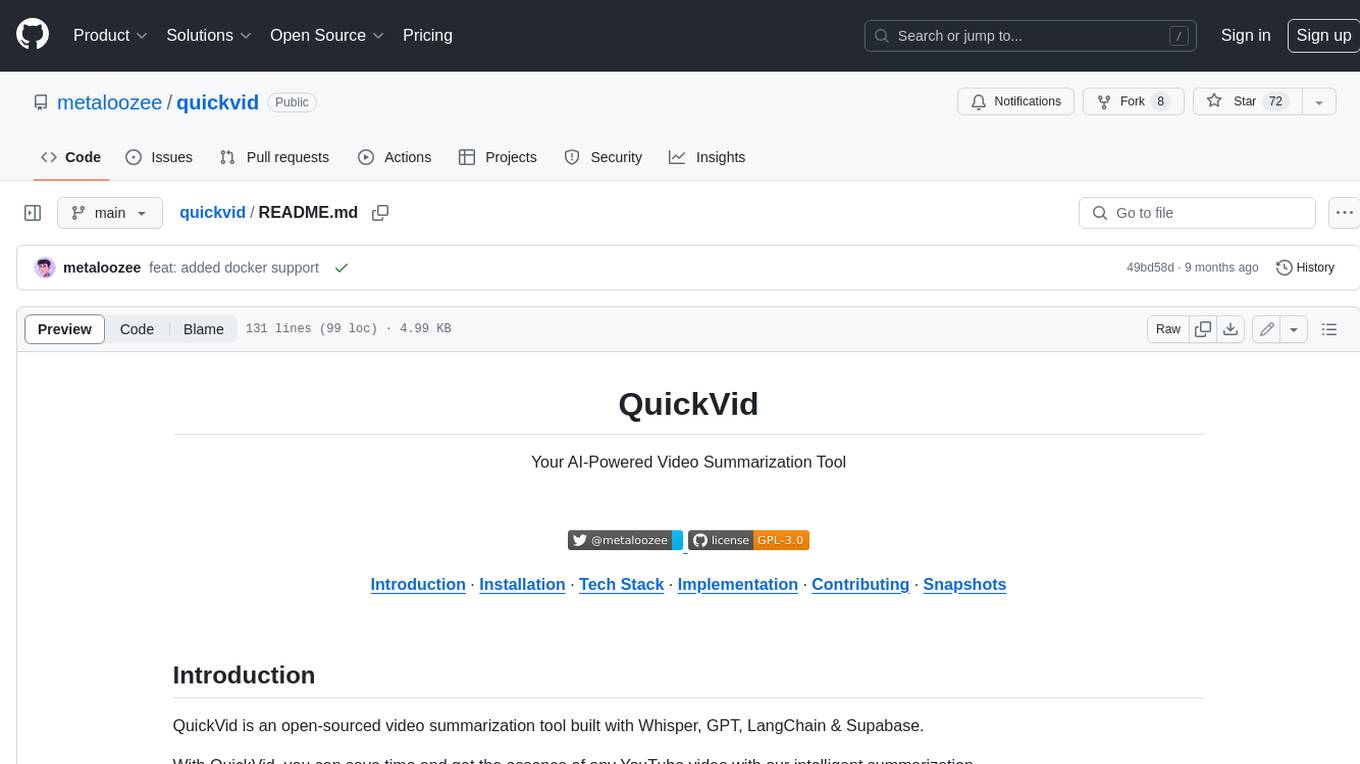
quickvid
QuickVid is an open-source video summarization tool that uses AI to generate summaries of YouTube videos. It is built with Whisper, GPT, LangChain, and Supabase. QuickVid can be used to save time and get the essence of any YouTube video with intelligent summarization.
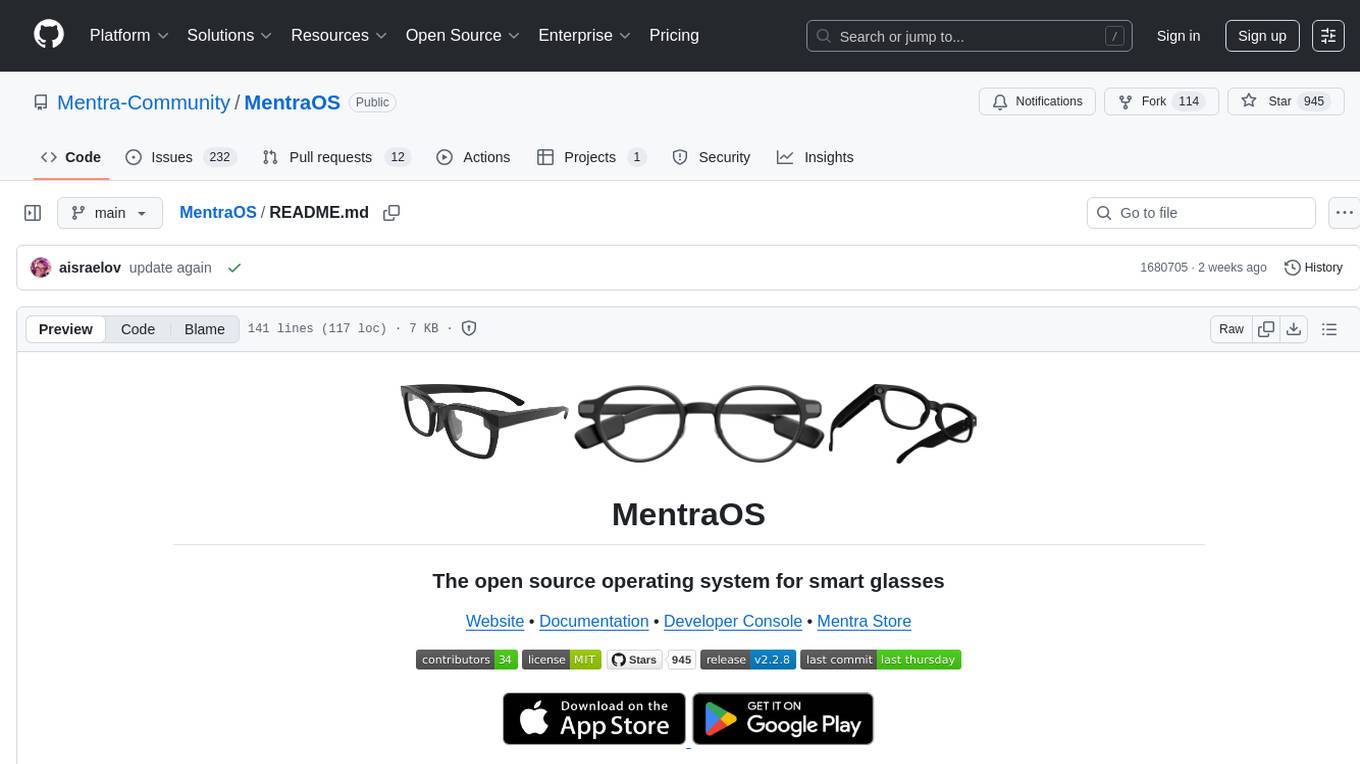
MentraOS
MentraOS is an open source operating system designed for smart glasses. It simplifies the development of smart glasses apps by handling pairing, connection, data streaming, and cross-compatibility. Developers can create apps using the TypeScript SDK quickly and easily, with access to smart glasses I/O components like displays, microphones, cameras, and speakers. The platform emphasizes cross-compatibility, speed of app development, control over device features, and easy distribution to users. The MentraOS Community is dedicated to promoting open, cross-compatible, and user-controlled personal computing through the development and support of MentraOS.
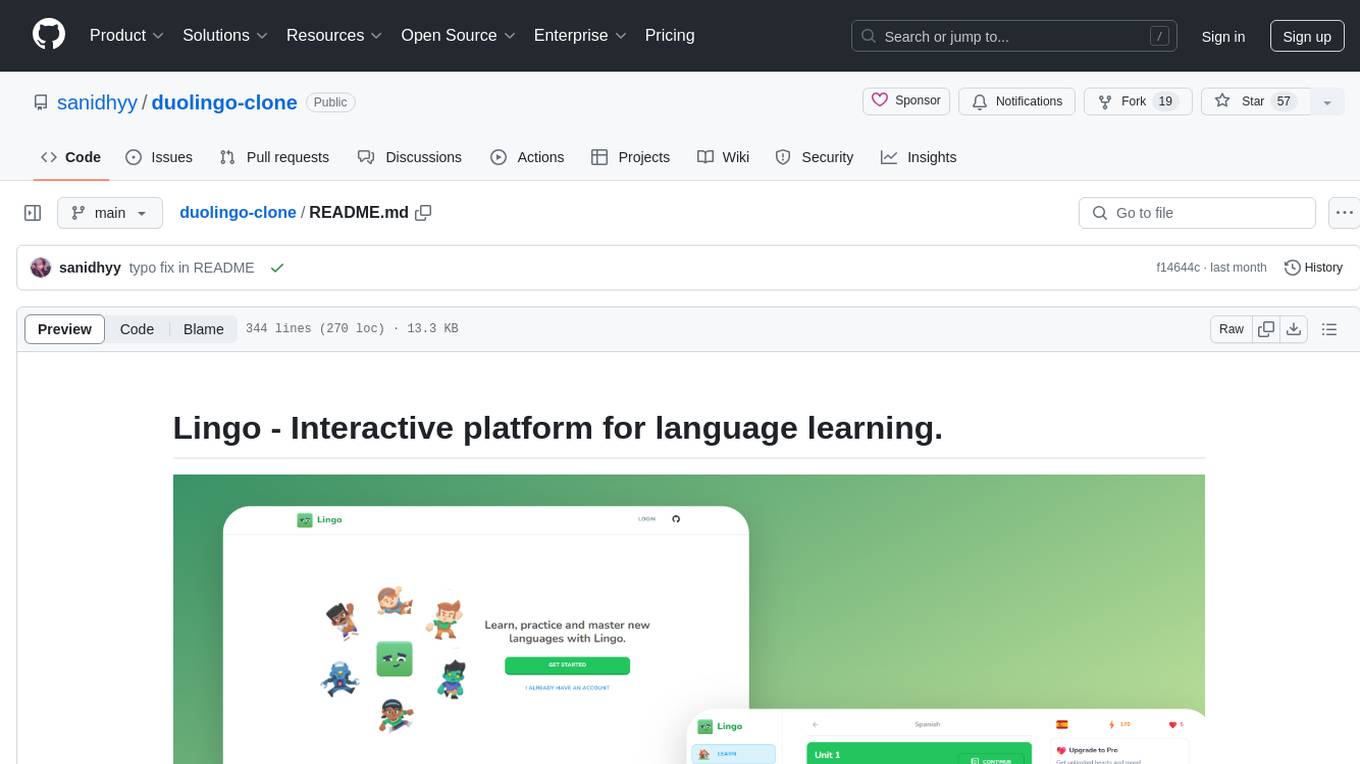
duolingo-clone
Lingo is an interactive platform for language learning that provides a modern UI/UX experience. It offers features like courses, quests, and a shop for users to engage with. The tech stack includes React JS, Next JS, Typescript, Tailwind CSS, Vercel, and Postgresql. Users can contribute to the project by submitting changes via pull requests. The platform utilizes resources from CodeWithAntonio, Kenney Assets, Freesound, Elevenlabs AI, and Flagpack. Key dependencies include @clerk/nextjs, @neondatabase/serverless, @radix-ui/react-avatar, and more. Users can follow the project creator on GitHub and Twitter, as well as subscribe to their YouTube channel for updates. To learn more about Next.js, users can refer to the Next.js documentation and interactive tutorial.
WilliamButcherBot
WilliamButcherBot is a Telegram Group Manager Bot and Userbot written in Python using Pyrogram. It provides features for managing Telegram groups and users, with ready-to-use methods available. The bot requires Python 3.9, Telegram API Key, Telegram Bot Token, and MongoDB URI. Users can install it locally or on a VPS, run it directly, generate Pyrogram session for Heroku, or use Docker for deployment. Additionally, users can write new modules to extend the bot's functionality by adding them to the wbb/modules/ directory.
For similar tasks
openchamber
OpenChamber is a web and desktop interface for the OpenCode AI coding agent, designed to work alongside the OpenCode TUI. The project was built entirely with AI coding agents under supervision, serving as a proof of concept that AI agents can create usable software. It offers features like integrated terminal, Git operations with AI commit message generation, smart tool visualization, permission management, multi-agent runs, task tracker UI, model selection UX, UI scaling controls, session auto-cleanup, and memory optimizations. OpenChamber provides cross-device continuity, remote access, and a visual alternative for developers preferring GUI workflows.
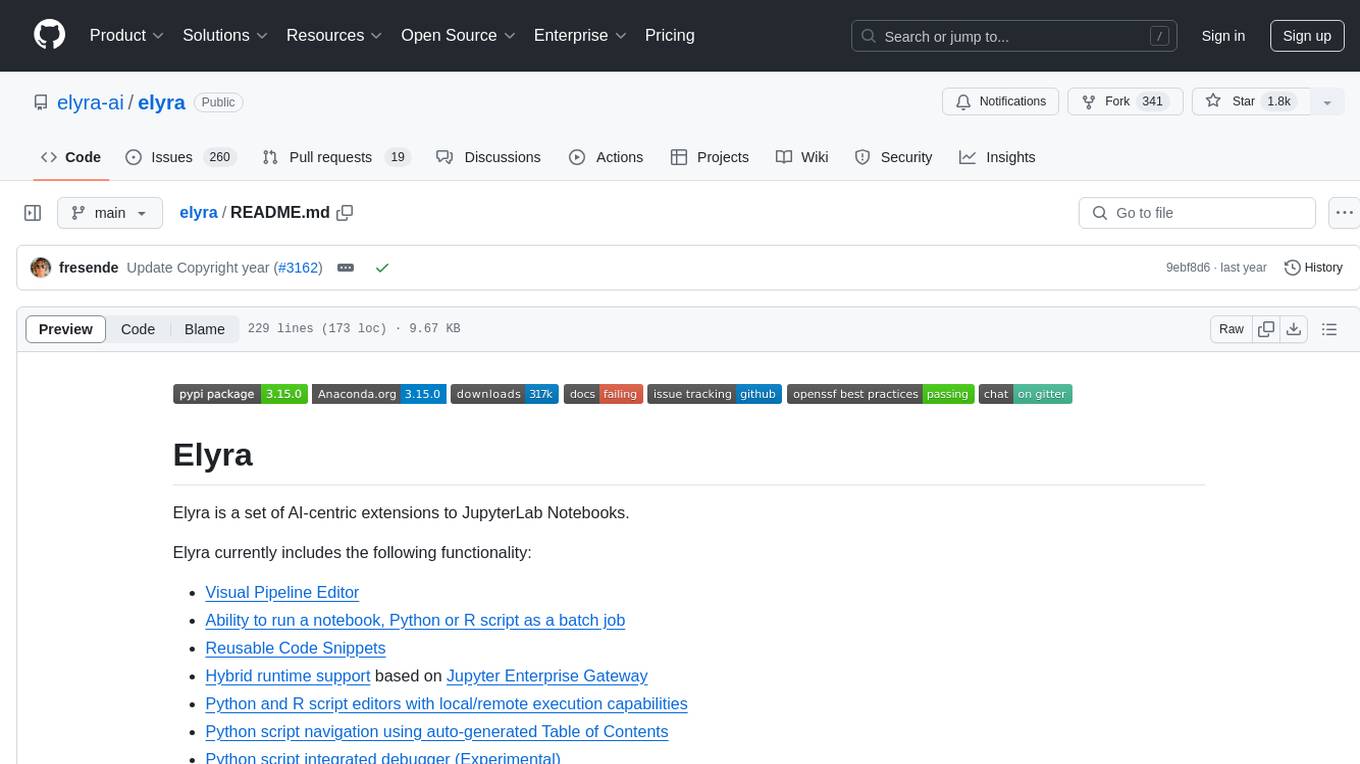
elyra
Elyra is a set of AI-centric extensions to JupyterLab Notebooks that includes features like Visual Pipeline Editor, running notebooks/scripts as batch jobs, reusable code snippets, hybrid runtime support, script editors with execution capabilities, debugger, version control using Git, and more. It provides a comprehensive environment for data scientists and AI practitioners to develop, test, and deploy machine learning models and workflows efficiently.
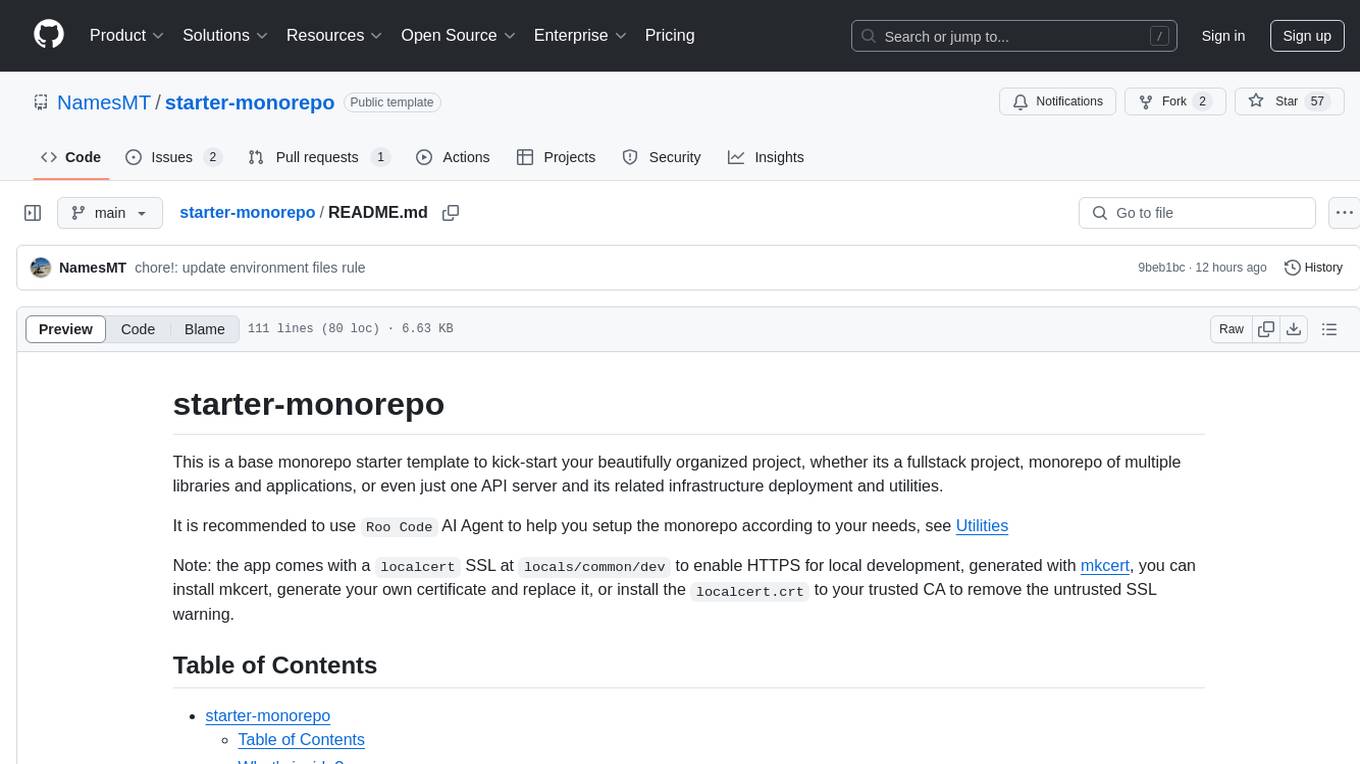
starter-monorepo
Starter Monorepo is a template repository for setting up a monorepo structure in your project. It provides a basic setup with configurations for managing multiple packages within a single repository. This template includes tools for package management, versioning, testing, and deployment. By using this template, you can streamline your development process, improve code sharing, and simplify dependency management across your project. Whether you are working on a small project or a large-scale application, Starter Monorepo can help you organize your codebase efficiently and enhance collaboration among team members.

opencode
Opencode is an AI coding agent designed for the terminal. It is a tool that allows users to interact with AI models for coding tasks in a terminal-based environment. Opencode is open source, provider-agnostic, and focuses on a terminal user interface (TUI) for coding. It offers features such as client/server architecture, support for various AI models, and a strong emphasis on community contributions and feedback.
For similar jobs

sweep
Sweep is an AI junior developer that turns bugs and feature requests into code changes. It automatically handles developer experience improvements like adding type hints and improving test coverage.

teams-ai
The Teams AI Library is a software development kit (SDK) that helps developers create bots that can interact with Teams and Microsoft 365 applications. It is built on top of the Bot Framework SDK and simplifies the process of developing bots that interact with Teams' artificial intelligence capabilities. The SDK is available for JavaScript/TypeScript, .NET, and Python.

ai-guide
This guide is dedicated to Large Language Models (LLMs) that you can run on your home computer. It assumes your PC is a lower-end, non-gaming setup.

classifai
Supercharge WordPress Content Workflows and Engagement with Artificial Intelligence. Tap into leading cloud-based services like OpenAI, Microsoft Azure AI, Google Gemini and IBM Watson to augment your WordPress-powered websites. Publish content faster while improving SEO performance and increasing audience engagement. ClassifAI integrates Artificial Intelligence and Machine Learning technologies to lighten your workload and eliminate tedious tasks, giving you more time to create original content that matters.

chatbot-ui
Chatbot UI is an open-source AI chat app that allows users to create and deploy their own AI chatbots. It is easy to use and can be customized to fit any need. Chatbot UI is perfect for businesses, developers, and anyone who wants to create a chatbot.

BricksLLM
BricksLLM is a cloud native AI gateway written in Go. Currently, it provides native support for OpenAI, Anthropic, Azure OpenAI and vLLM. BricksLLM aims to provide enterprise level infrastructure that can power any LLM production use cases. Here are some use cases for BricksLLM: * Set LLM usage limits for users on different pricing tiers * Track LLM usage on a per user and per organization basis * Block or redact requests containing PIIs * Improve LLM reliability with failovers, retries and caching * Distribute API keys with rate limits and cost limits for internal development/production use cases * Distribute API keys with rate limits and cost limits for students

uAgents
uAgents is a Python library developed by Fetch.ai that allows for the creation of autonomous AI agents. These agents can perform various tasks on a schedule or take action on various events. uAgents are easy to create and manage, and they are connected to a fast-growing network of other uAgents. They are also secure, with cryptographically secured messages and wallets.

griptape
Griptape is a modular Python framework for building AI-powered applications that securely connect to your enterprise data and APIs. It offers developers the ability to maintain control and flexibility at every step. Griptape's core components include Structures (Agents, Pipelines, and Workflows), Tasks, Tools, Memory (Conversation Memory, Task Memory, and Meta Memory), Drivers (Prompt and Embedding Drivers, Vector Store Drivers, Image Generation Drivers, Image Query Drivers, SQL Drivers, Web Scraper Drivers, and Conversation Memory Drivers), Engines (Query Engines, Extraction Engines, Summary Engines, Image Generation Engines, and Image Query Engines), and additional components (Rulesets, Loaders, Artifacts, Chunkers, and Tokenizers). Griptape enables developers to create AI-powered applications with ease and efficiency.